
Photos
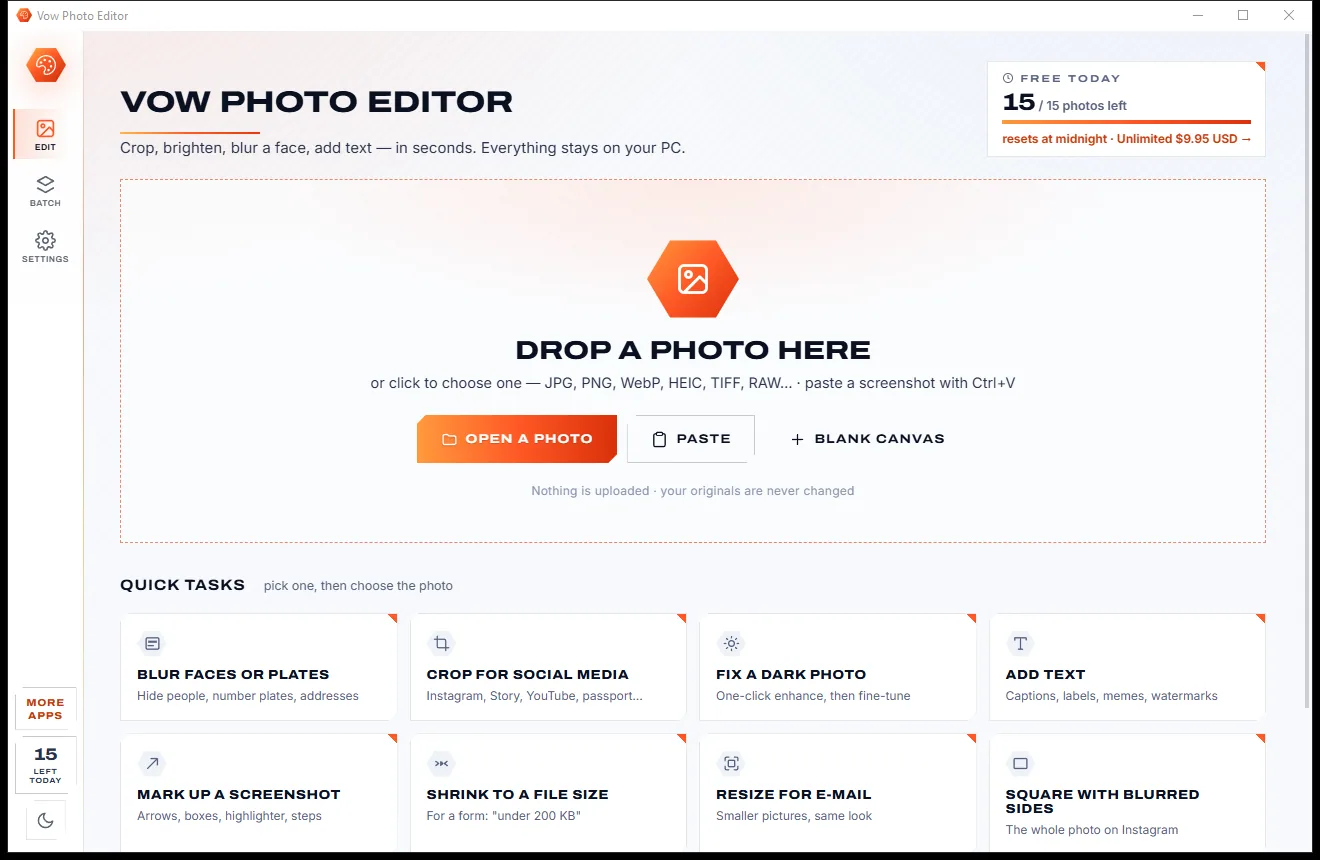
Vow Photo Editor
Crop, brighten, blur a face, add text, and save to an exact file size
- Free: Every basic edit, 15 saved photos a day, no watermarks
- $9.95 once: No daily limit, one-click face blur, layers, batch edits and presets

3D model viewer & converter for Windows
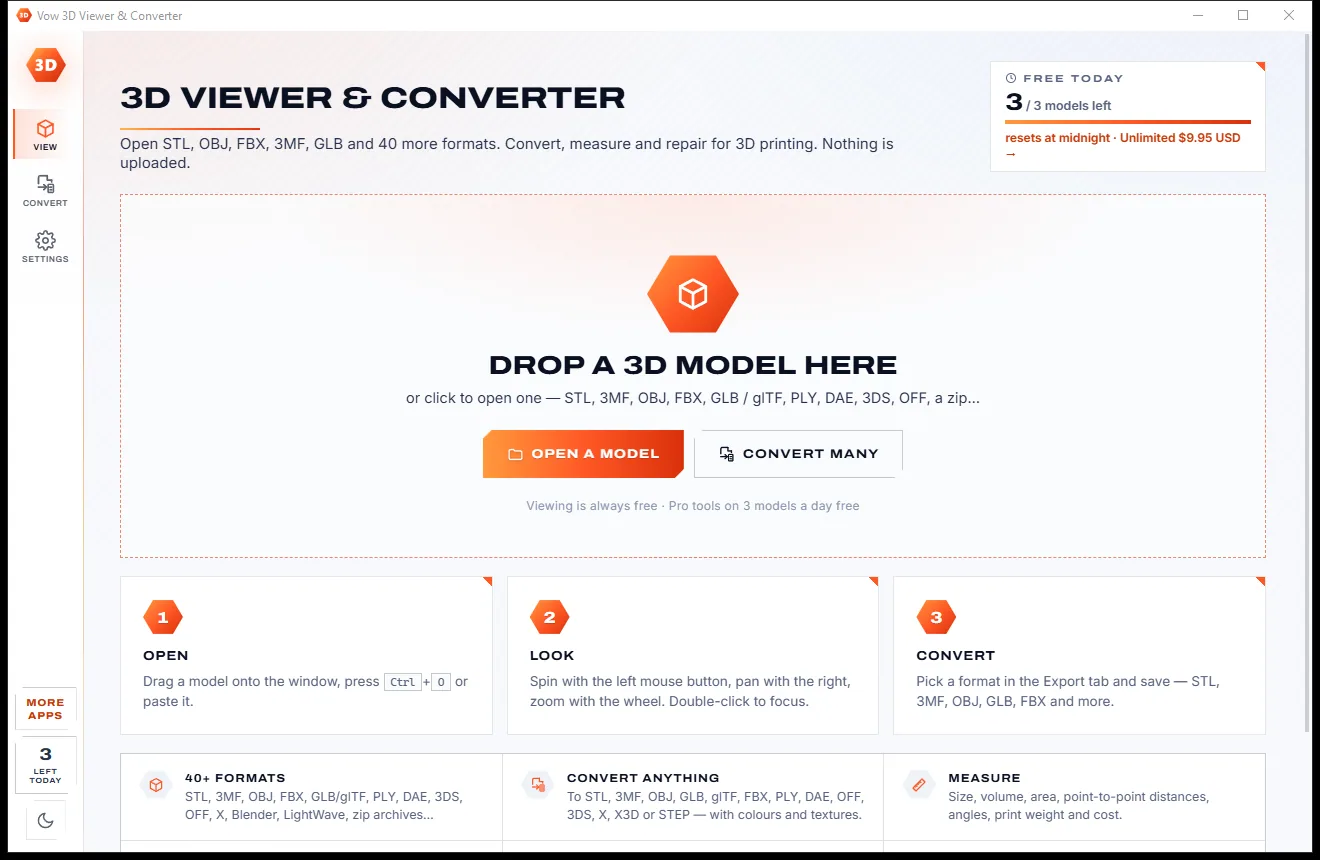
Drop in a model to spin it, cut it open and check its size. Convert it to the format you need, with the right units and the right way up, fix it for printing in one click, and measure it. One window instead of four tools, and nothing is uploaded.
The problem
Microsoft has retired Paint 3D, 3D Builder and 3D Viewer. What's left is uploading your models to websites or learning a full 3D suite.
Paint 3D, 3D Builder and 3D Viewer are gone, and 3D Viewer stopped opening FBX files back in 2024.
Online converters want your model on their servers first, then make you wait and download it again.
Free converter sites cap file sizes, bury the download button under ads and handle one file at a time.
Professional 3D software can do it all, after you've spent an evening learning where everything is.
Conversions that come out a thousand times too big, or lying on their back, because units and up-axes differ.
Holes, flipped faces and broken triangles you can't see until the slicer refuses the file or the print goes wrong.
Vow 3D Viewer & Converter fixes all of it.
How it works
See the model, its true size and its print problems the moment it opens, then save it in the format you need.
Drag it onto the window, press Ctrl+O or use Open with in Explorer. Zip files holding an OBJ with its materials and textures open directly.
Spin, pan and zoom, switch to clay, wireframe or X-ray, cut it open with the section tool, and see its size and print check at a glance.
Pick STL, 3MF, OBJ, GLB, FBX, PLY or one of the other formats and press Save. Units and the up-axis are handled for you.
Features
For 3D printing hobbyists, makers, game and web creators, and anyone who just needs to open a model.
STL, 3MF, OBJ, FBX, GLB and glTF, PLY, Collada, 3DS, OFF, Blender, LightWave and more, plus zip files with textures inside.
STL, 3MF, OBJ, GLB, FBX and PLY, plus glTF, Collada, OFF, 3DS, DirectX, X3D and STEP mesh, in binary or ASCII.
Models are scaled to the unit each format expects and kept upright between graphics and print formats. The saved size is shown first.
The print check finds holes, open edges, flipped faces and inside-out shells, shows them in the view, and fixes them in one click.
Distance and angle tools that snap to corners, plus print weight, filament length and cost for 11 materials.
Solid, clay, edges, wireframe, X-ray and normals, eight view presets, an orthographic view and a section that cuts the model open.
Show, hide and pick parts, scale by percent or to an exact size, convert inches to mm, turn, mirror and merge, with undo.
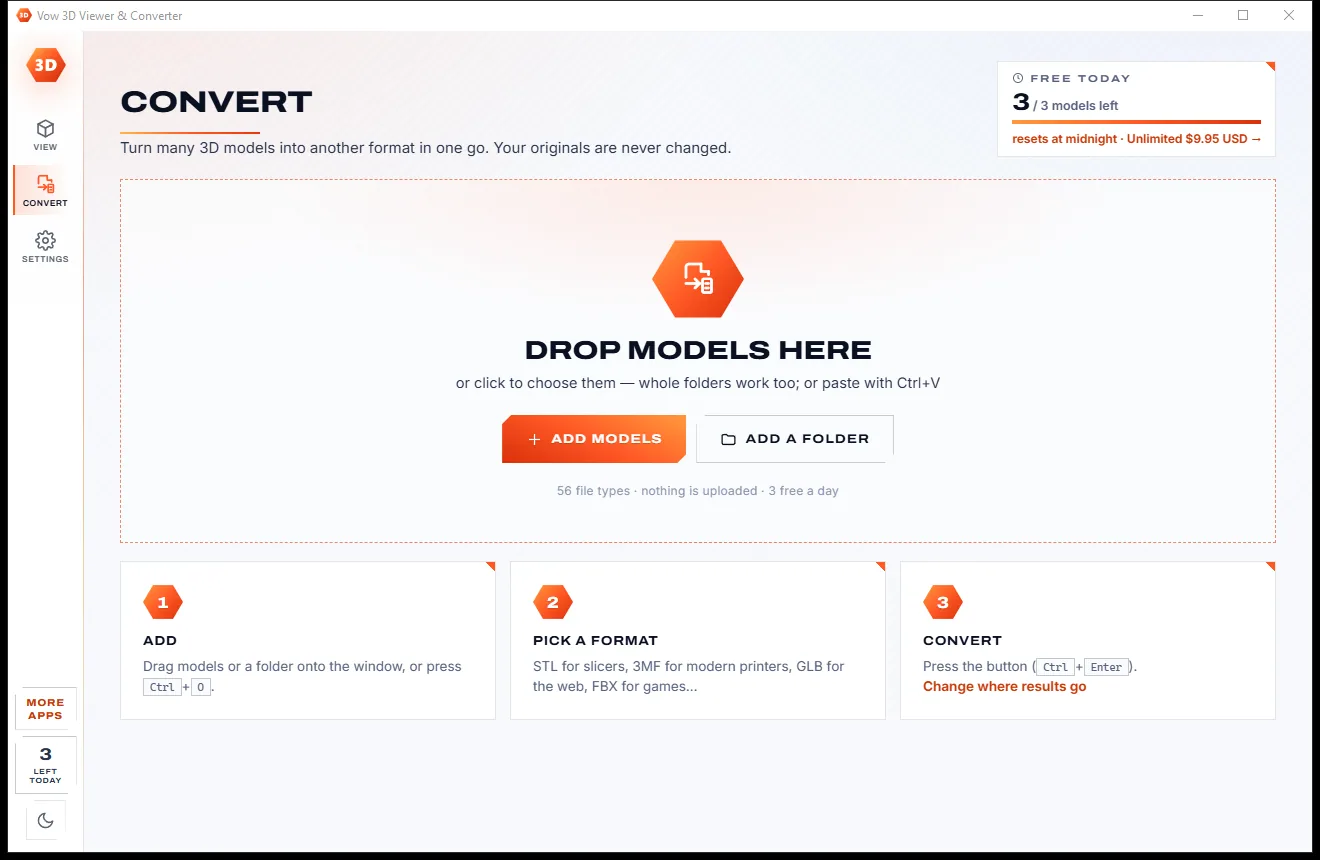
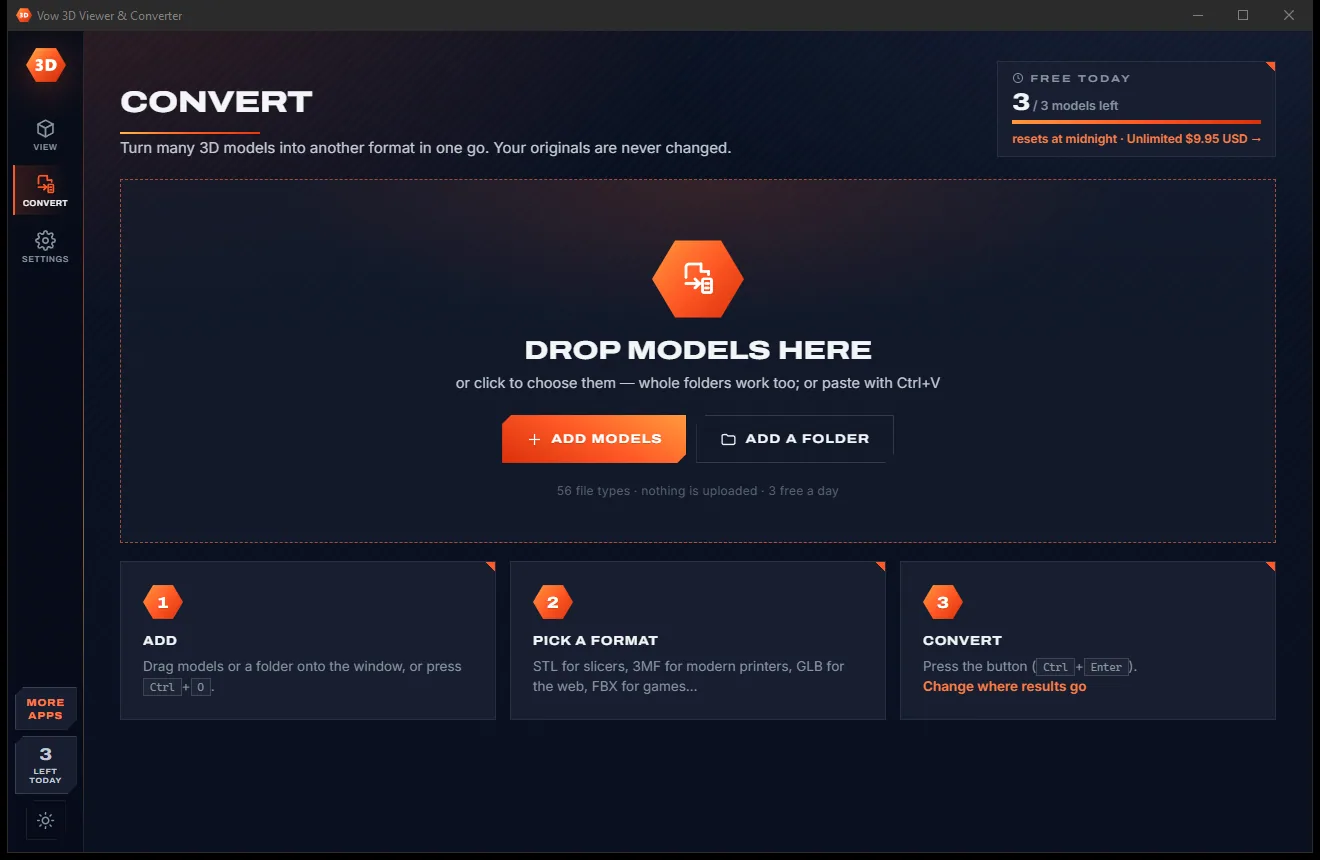
Drop a folder of models and convert them all. Originals are never changed and existing files are never overwritten.
Typical models open in a fraction of a second, and Simplify reduces heavy meshes to a percentage of their triangles.
Everything runs on your PC. Your models are never uploaded, there are no file size limits, and it works with no internet.
Light & dark theme
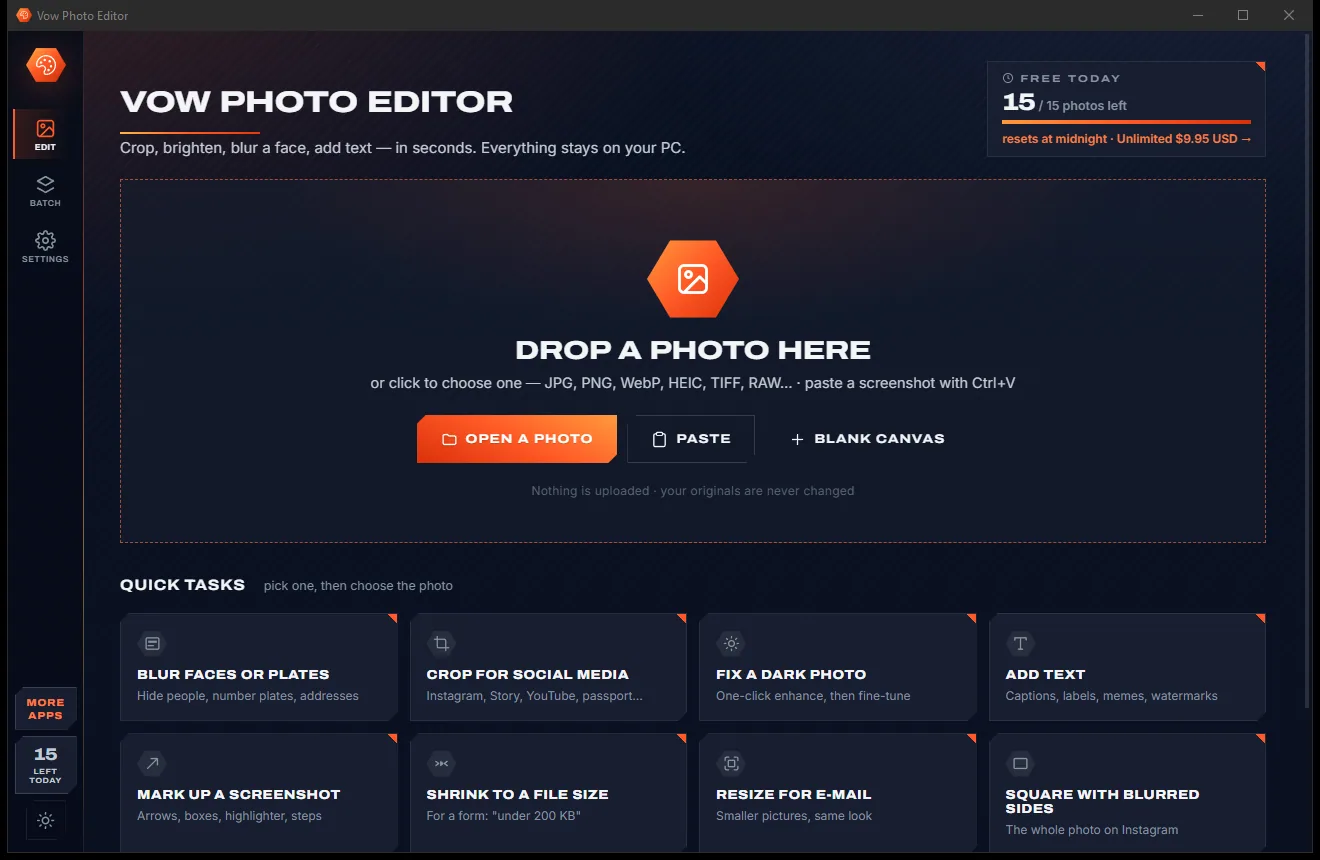
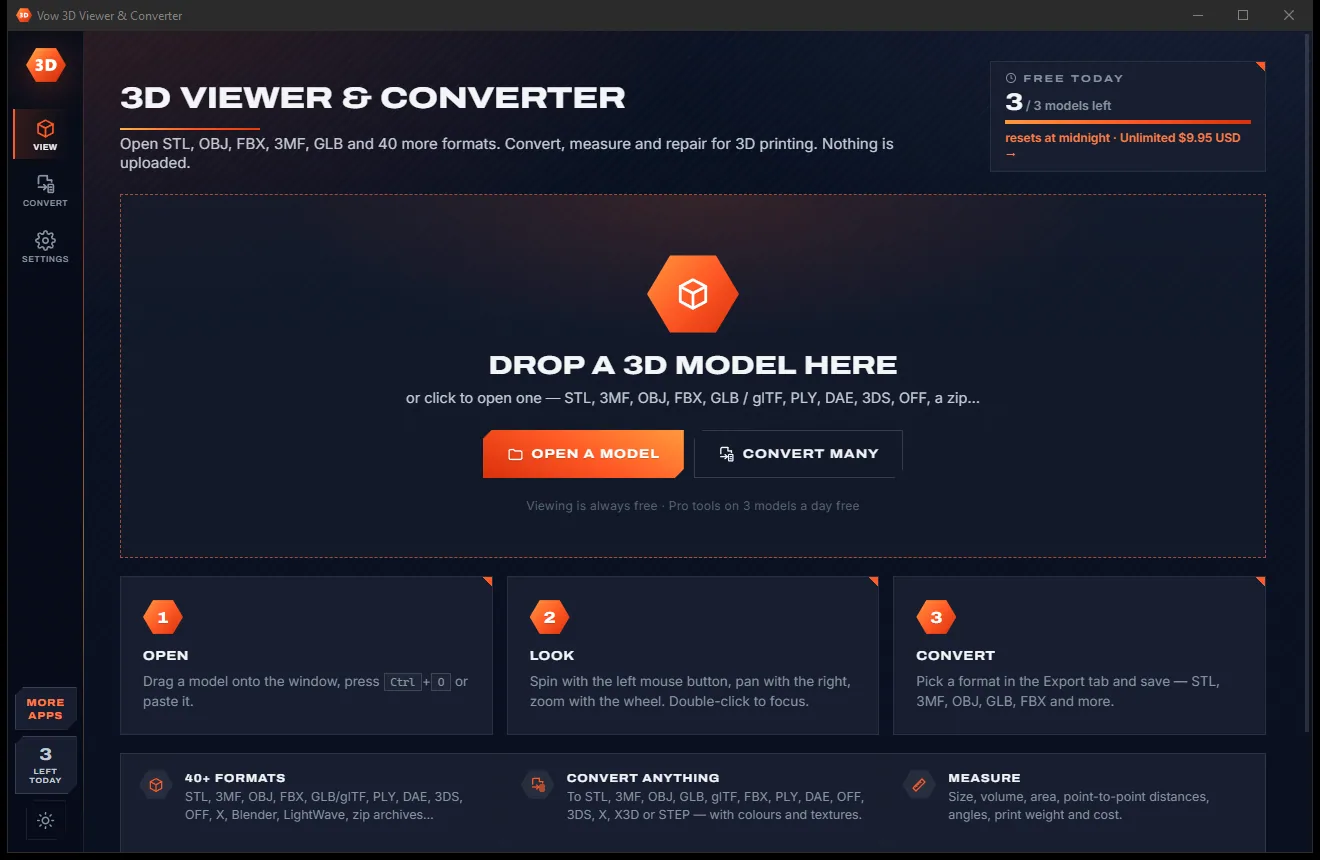
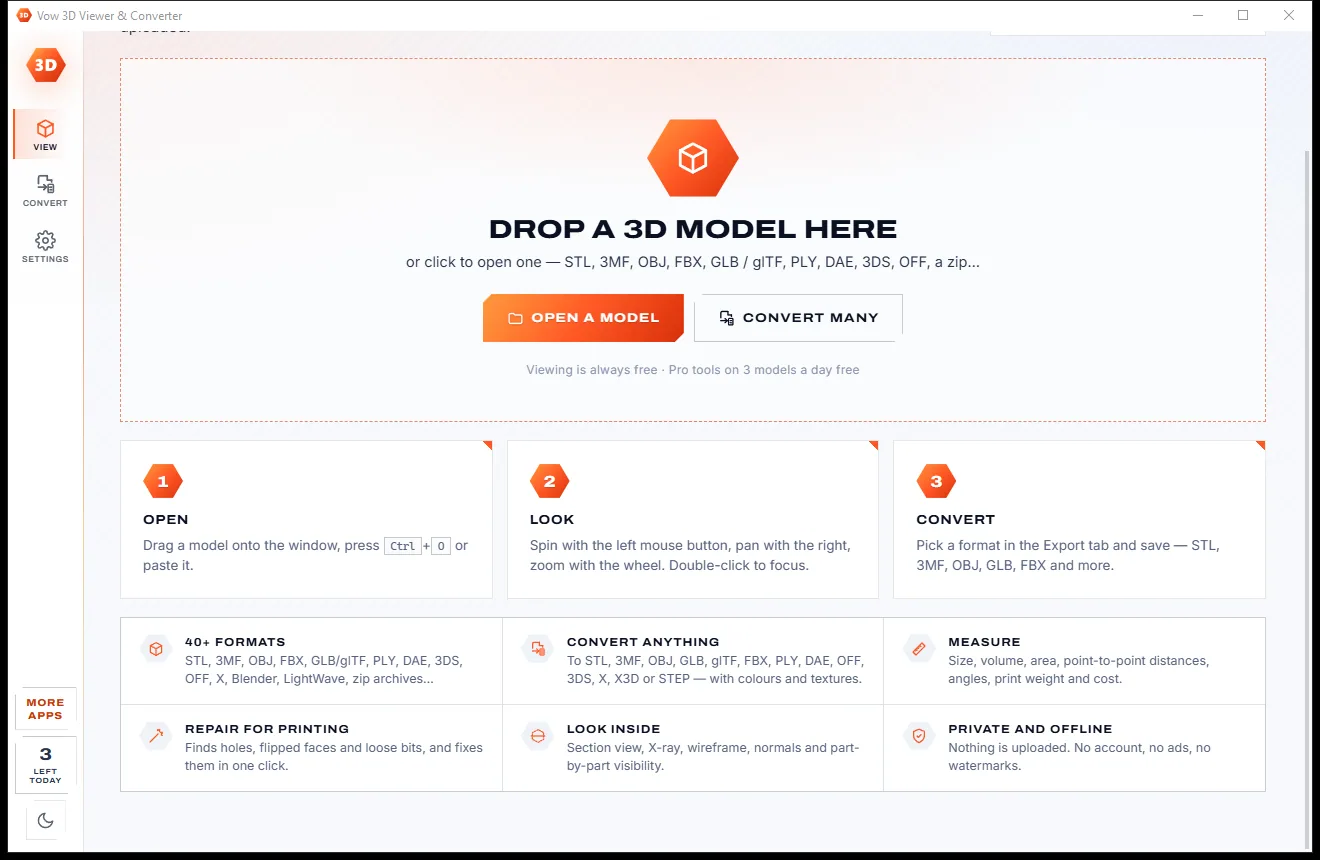
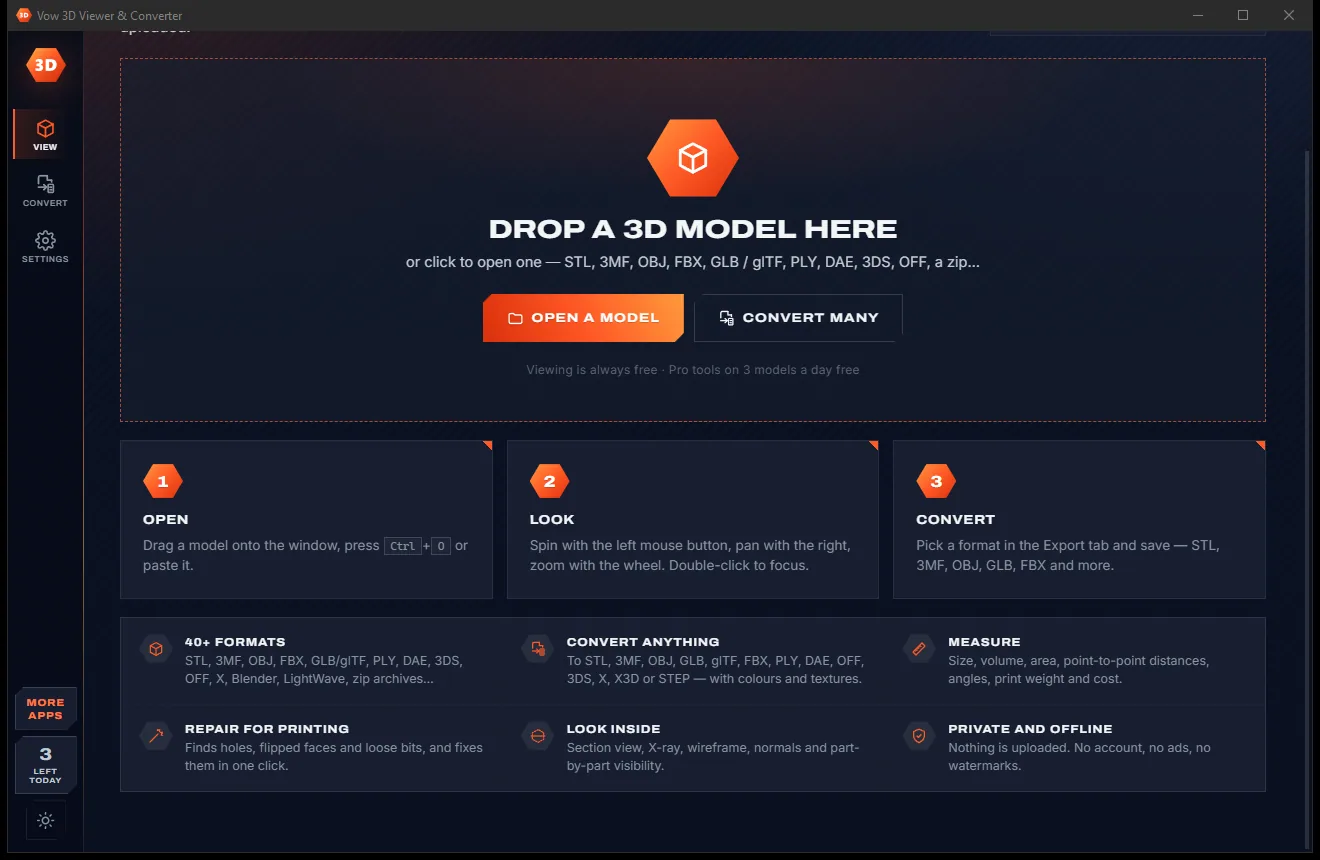
3D Viewer & Converter comes with a crisp light theme and a calm dark theme. Switch with one click, or let it follow your Windows setting by itself. It remembers your choice.
Screenshots
Real screenshots of the real app, in both of its themes: 5 light, 5 dark. Click any picture to see it full size.
Light theme
Dark theme
Who it's for
Check and repair an STL or 3MF before slicing, and estimate its weight and filament cost.
Turn FBX, OBJ and Collada models into GLB or FBX for Unity, Unreal or the web.
Measure parts, convert inches to millimetres and scale a model to an exact size.
Save models as GLB, the compact glTF format used for the web, AR and games.
Open any model a class hands out, without installing a full 3D suite.
Get back an easy way to open 3D files on Windows, and then some.
Compare
What you get from online converters and typical 3D tools, side by side.
| Feature | Vow 3D Viewer & Converter | Online converters & typical 3D tools |
|---|---|---|
| Price | Free to view, or $9.95 once | Ads, credits or subscriptions |
| Your models are uploaded | Never: 100% on your PC | Online converters: always |
| File size limits | None | Common on online converters |
| FBX in and out | Yes | Missing from some viewers |
| Units and up-axis on conversion | Handled, size shown before saving | Often wrong scale or orientation |
| Print check with problems shown | Yes, with one-click repair | Usually a separate tool |
| Print weight and cost estimate | Yes, 11 materials | Rare in viewers |
| Batch conversion | Whole folders | Often one file at a time |
| Easy to learn | Viewer, converter and repair in one window | Pro tools take time to learn |
"Typical" describes what we found across the most-downloaded alternatives when we built 3D Viewer & Converter. Your mileage with any one of them may vary; ours won't.
Pricing
That is not a typo. Software this powerful usually means a monthly subscription; 3D Viewer & Converter is $9.95, once, for life: it's almost a giveaway. Use it free for as long as you like, and unlock Unlimited only if you need more.
View every format free; Pro tools on 3 models a day.
Almost a giveaway. Less than a takeaway lunch for software this powerful: no subscription, no renewals, yours for life on 2 PCs.
Convert, measure, repair and edit any number of models.
Payments by Stripe: we never see or store your card. Questions? Ask a real person.
Clean software
Most "free" Windows downloads pay for themselves with ads, bundled extras or your data. Vow 3D Viewer & Converter doesn't need to: it's paid for honestly, once, by the people who find it useful.
Download 3D Viewer & Converter freeStep-by-step guide
From an unknown file to a print-ready STL or 3MF, or a GLB for the web, in a couple of minutes.
Step 1: get it freeGet Vow 3D Viewer & Converter from this page and run the installer. It needs no administrator rights and no account, and can optionally add itself to Explorer's Open with list for 3D files.
Drag the file onto the window or press Ctrl+O. It opens with its size in the file's unit, millimetres and inches, its triangle count and a print check.
Spin it with the left mouse button and zoom with the wheel. If the size looks wrong, change the unit in the Info tab; the Repair tab lists anything a slicer would object to.
Open the Export tab and click STL or 3MF for printing, GLB for the web, FBX for game engines, or choose another format from the list.
Press Save or Ctrl+S. The model is saved to Documents\Vow 3D Viewer & Converter, or next to the original, scaled and turned the way the new format expects.
Technical details
FAQ
Yes. Opening and viewing every format, the section view, model info, the print check and screenshots are free forever. The Pro tools (convert and export, measure, repair, simplify and edit) work on 3 models a day for free, and every Pro tool works on the same model all day. Unlimited, a one-time $9.95 USD payment, removes the limit and adds batch conversion of whole folders.
Yes. It opens the same files and more, including FBX, which Microsoft's 3D Viewer stopped opening in 2024, and adds conversion, measuring and repair for 3D printing in the same window.
It opens 40+ formats, including STL, 3MF, OBJ, FBX, GLB and glTF, PLY, Collada, 3DS, OFF, Blender and zip files containing a model. It saves STL, 3MF, OBJ, GLB, glTF, FBX, PLY, Collada, OFF, 3DS, DirectX, X3D and STEP mesh.
No. Everything runs on your own PC, so there are no upload queues and no file size limits, and it works with no internet connection.
Yes. Each format's unit is taken into account (millimetres for STL, OBJ and PLY, metres for glTF, centimetres for FBX, and 3MF stores its own), models stay upright between graphics and printing formats, and the Export tab shows the saved size before you save. Both can be switched off under Advanced.
Usually, yes. The print check finds holes, open and over-shared edges, flipped faces, inside-out shells, broken and duplicate triangles, and Repair for printing fixes them in one click. Repair keeps colours but drops texture coordinates, since it is made for printing.
Animations are not played or exported (the model is shown in its rest pose), STEP and IGES CAD files can't be opened, and Draco-compressed glTF and very old ASCII FBX files are not supported.
Yes. It is made and published by XTO Pty Ltd, an Australian company. There are no ads and no bundled software, it needs no administrator rights, it never changes your default apps, and it uninstalls cleanly from Windows Settings.
The Vow collection
Same design, same promises, a tiny one-time price. Learn one and you already know them all.
Crop, brighten, blur a face, add text, and save to an exact file size

Passport, visa and ID photos at home, sized to each country's rules

Turn WebP, AVIF, HEIC and 40+ formats into pictures that open everywhere
Open, convert, measure and repair 3D models: STL, 3MF, OBJ, FBX, GLB and 40 more. Free to use every day, $9.95 once if you ever want Unlimited.