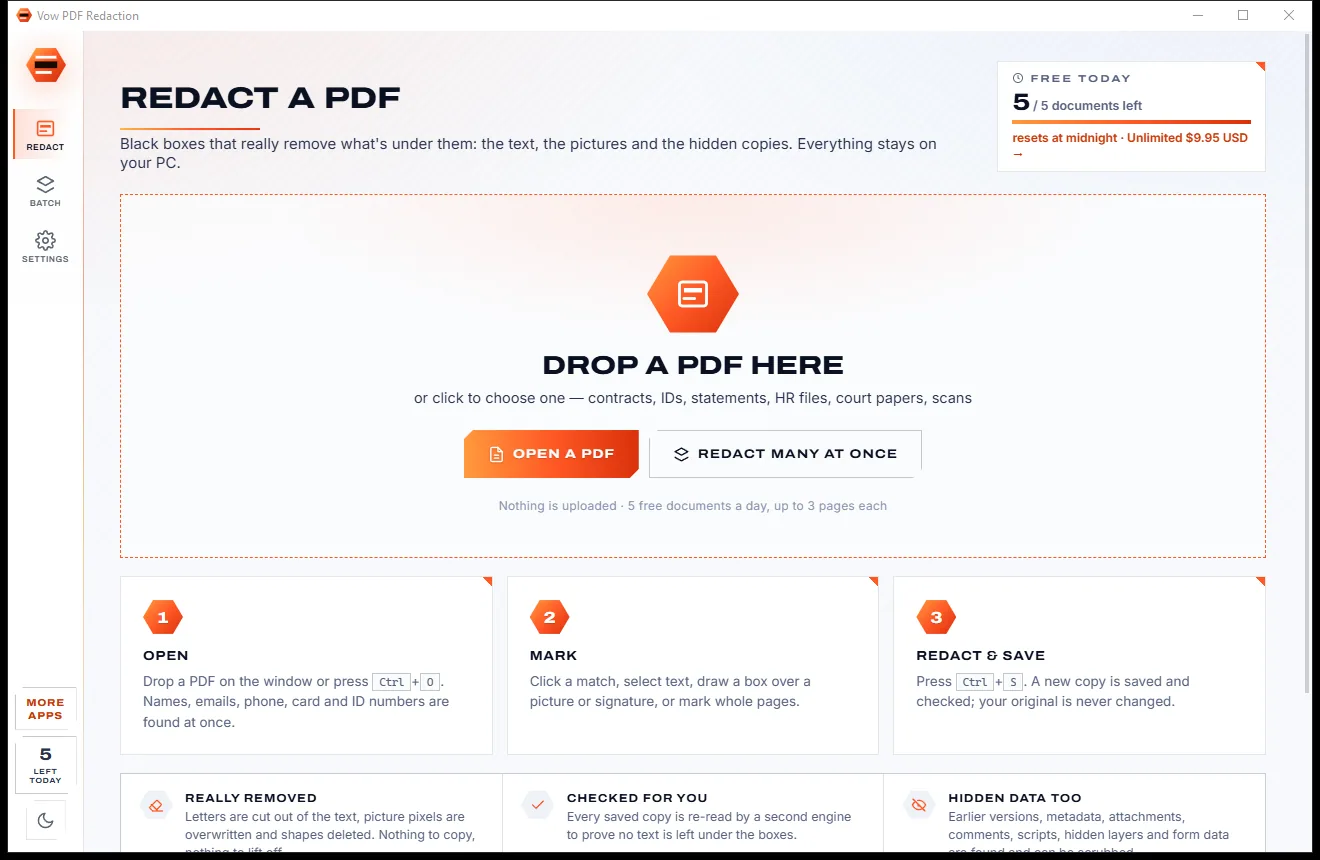

Redact PDFs for real: nothing left under the black boxes
- Free: 5 documents a day, up to 3 redacted pages each, true redaction
- $4.95 once: Any length, one-click redact-all, batch folders, scrub hidden data

Document scanner app for Windows
Drop the photos you took of a contract, receipt or form. Vow Document Scanner finds each page, flattens it to its true A4 or Letter shape, turns it upright, removes shadows and saves one tidy PDF. No account, no watermark, nothing uploaded.
The problem
Snap a document on your desk and you get a skewed, shadowy picture with the table showing in the corners. The usual fixes come with strings attached.
Photos of a page come out tilted and trapezoid-shaped, with the table, shadows and clutter around the edges.
Many scanner apps sync every page to an online account, IDs and payslips included.
Free versions stamp their name on your document or cap the pages until you subscribe.
Monthly plans for something most people do a handful of times a month.
Phone apps make you nudge corners with a fingertip, then email the file to your own PC.
A PDF made of full-size photos is often far bigger than the portal you need to send it to will accept.
Vow Document Scanner fixes all of it.
How it works
Every page is found and cleaned the moment it lands, and your documents never leave your PC.
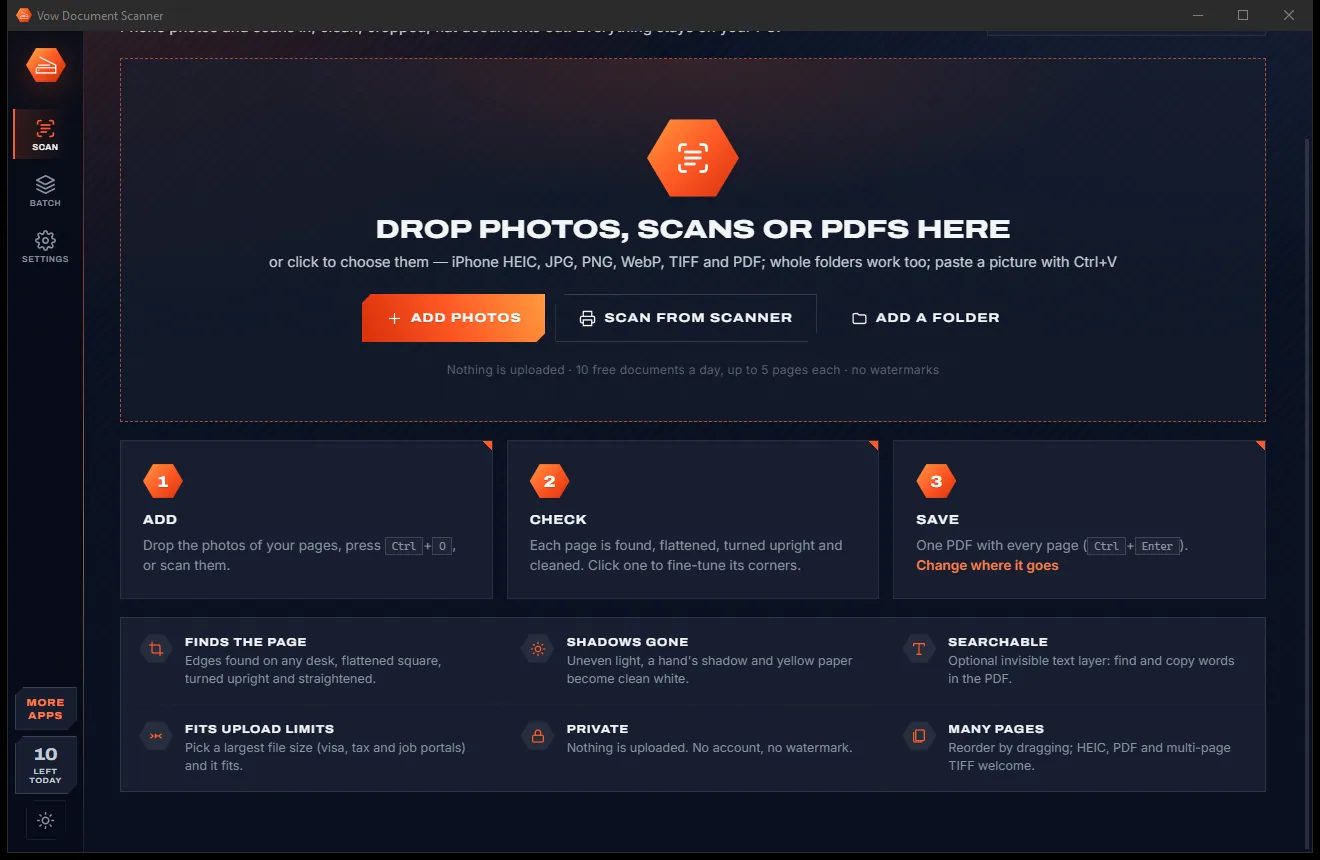
Drop phone photos, scans or PDFs on the window, paste with Ctrl+V, or scan straight from any Windows scanner.
Each page is found, flattened, turned upright, straightened and cleaned. Drag the corners in the editor to fine-tune any page.
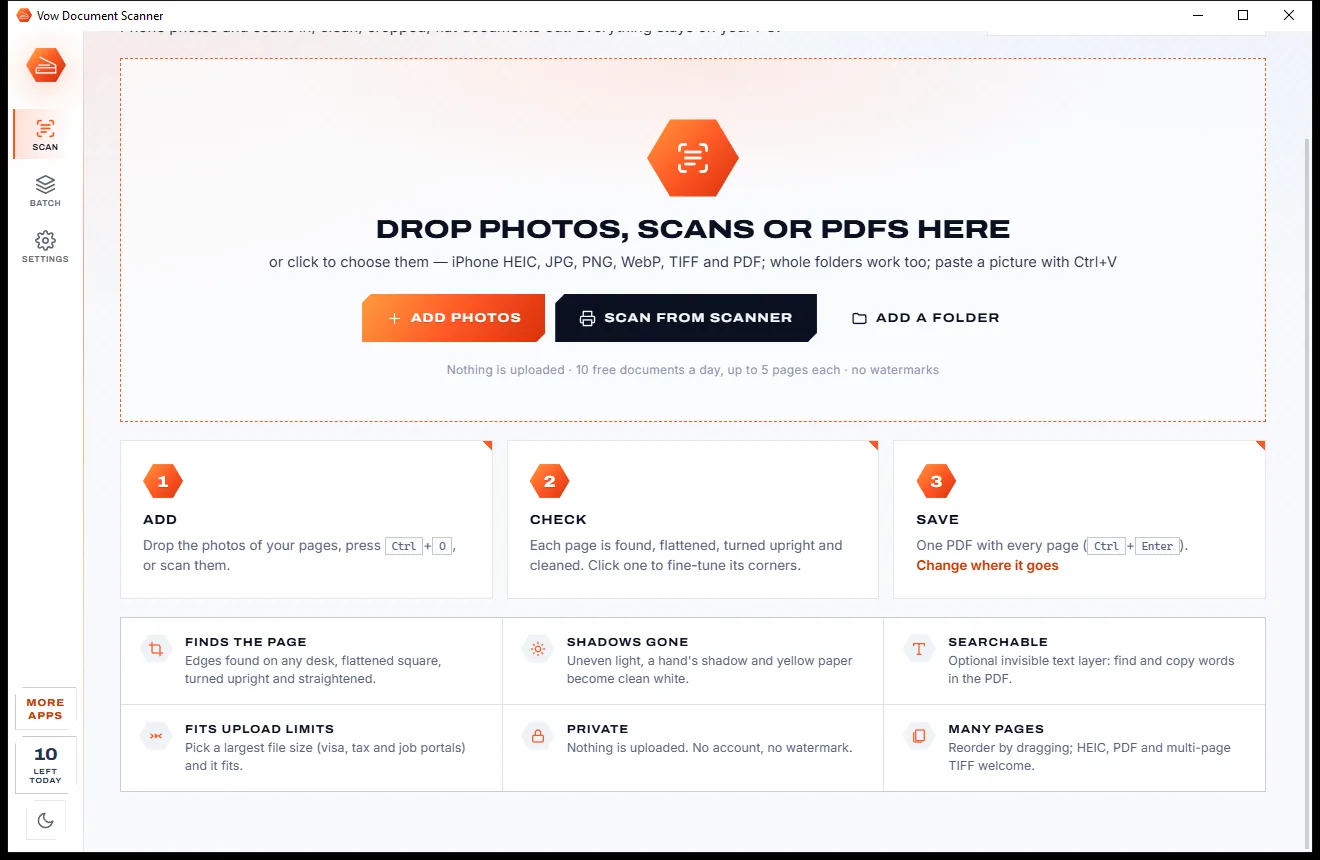
Pick a look and quality, see the estimated size, and press Save PDF. Drag the file straight into an email or upload box.
Features
For receipts, contracts, forms, school notes and anything you need to email, upload or keep.
Several independent edge finders locate the sheet on dark, wooden, carpeted or light surfaces, even in uneven light.
Perspective correction recovers the paper's real proportions from the camera angle and snaps to A4, Letter or Legal.
Sideways and upside-down pages are turned using their text lines, then any remaining tilt up to 15 degrees is removed.
Six looks: Auto, Colour, Gray, Black & white, Whiteboard and Photo, with shadow and paper-colour removal.
Drag corners and edges, adjust brightness, contrast and ink, and watch the cleaned result update live.
Multi-page PDFs in A4, Letter, Legal or A5 with margins, or images, including compact CCITT G4 TIFF for black and white.
A live size estimate as you choose, and a largest-file-size setting from 200 KB to 10 MB for upload forms.
An invisible text layer from Windows' own text recognition, so you can search and copy words (Unlimited).
Scan from any WIA scanner through Windows' scan dialog, or open existing PDFs and multi-page TIFFs.
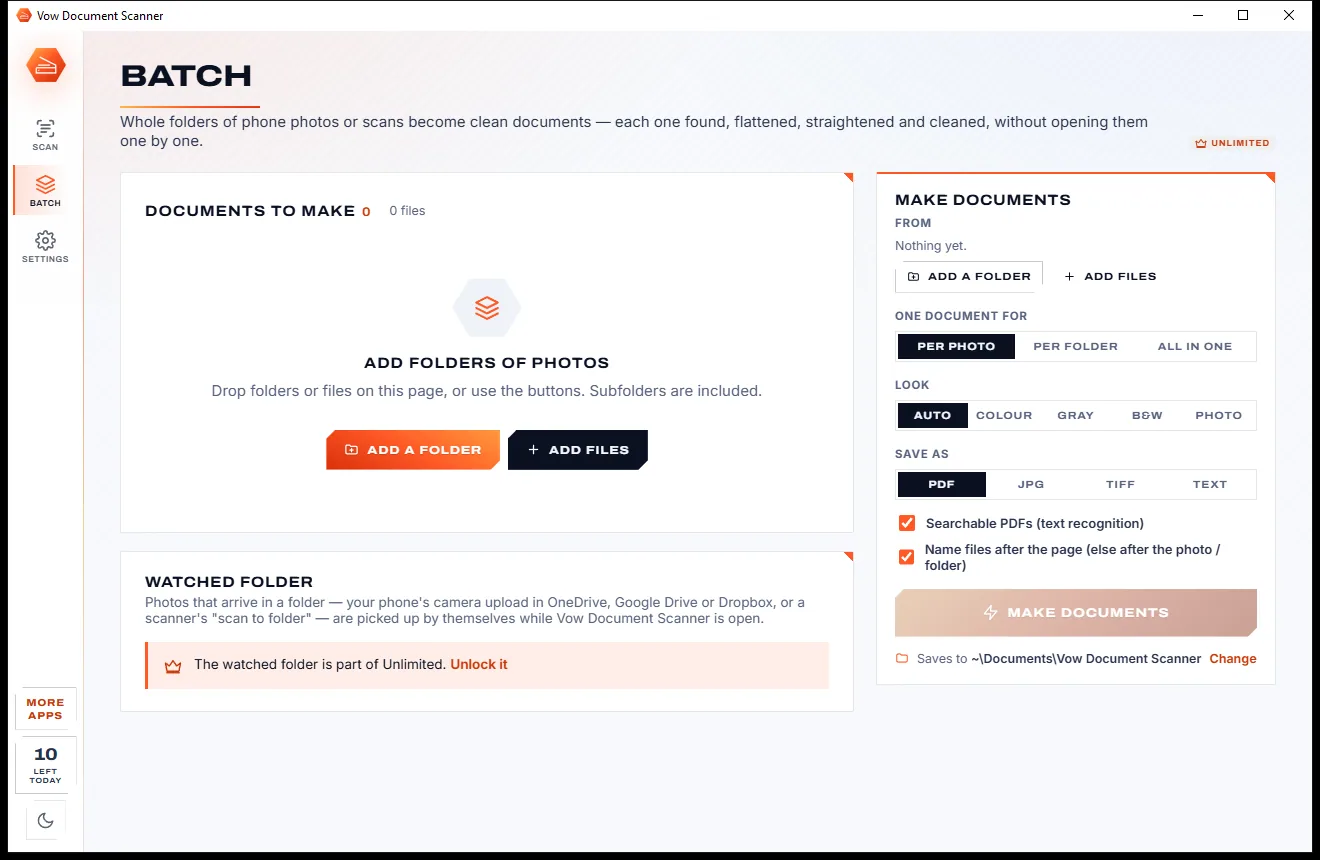
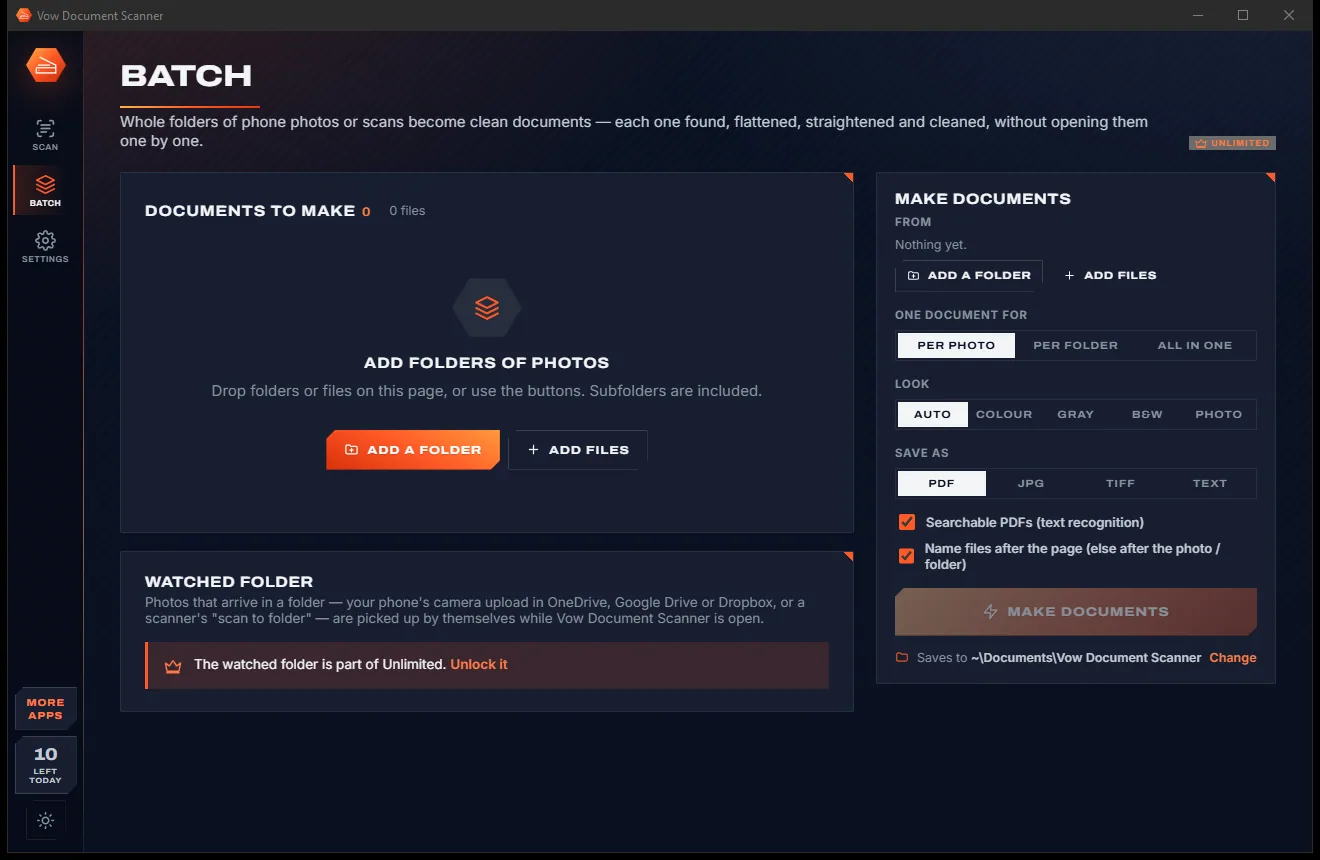
Turn whole folders of photos into documents, or pick up your phone's camera uploads automatically (Unlimited).
Light & dark theme
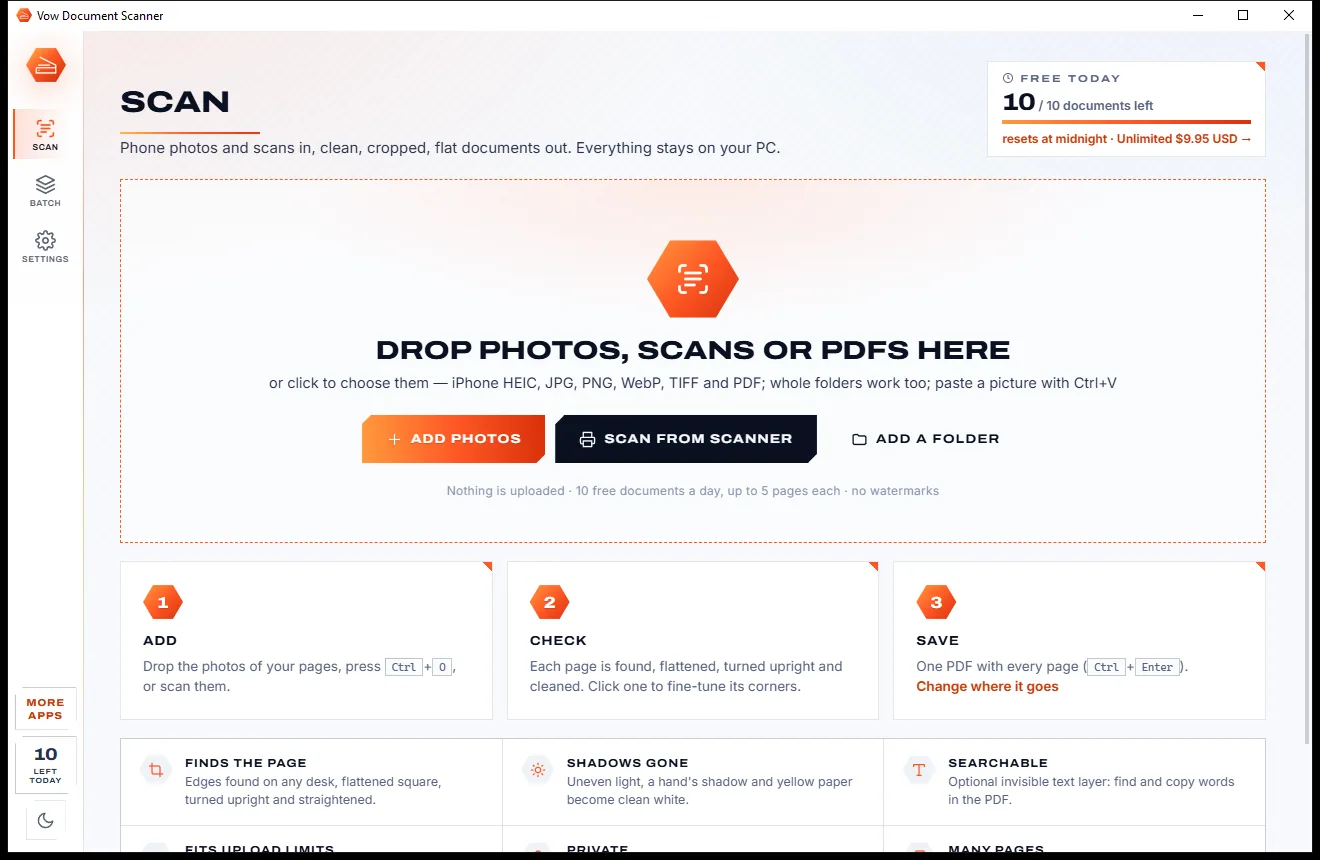
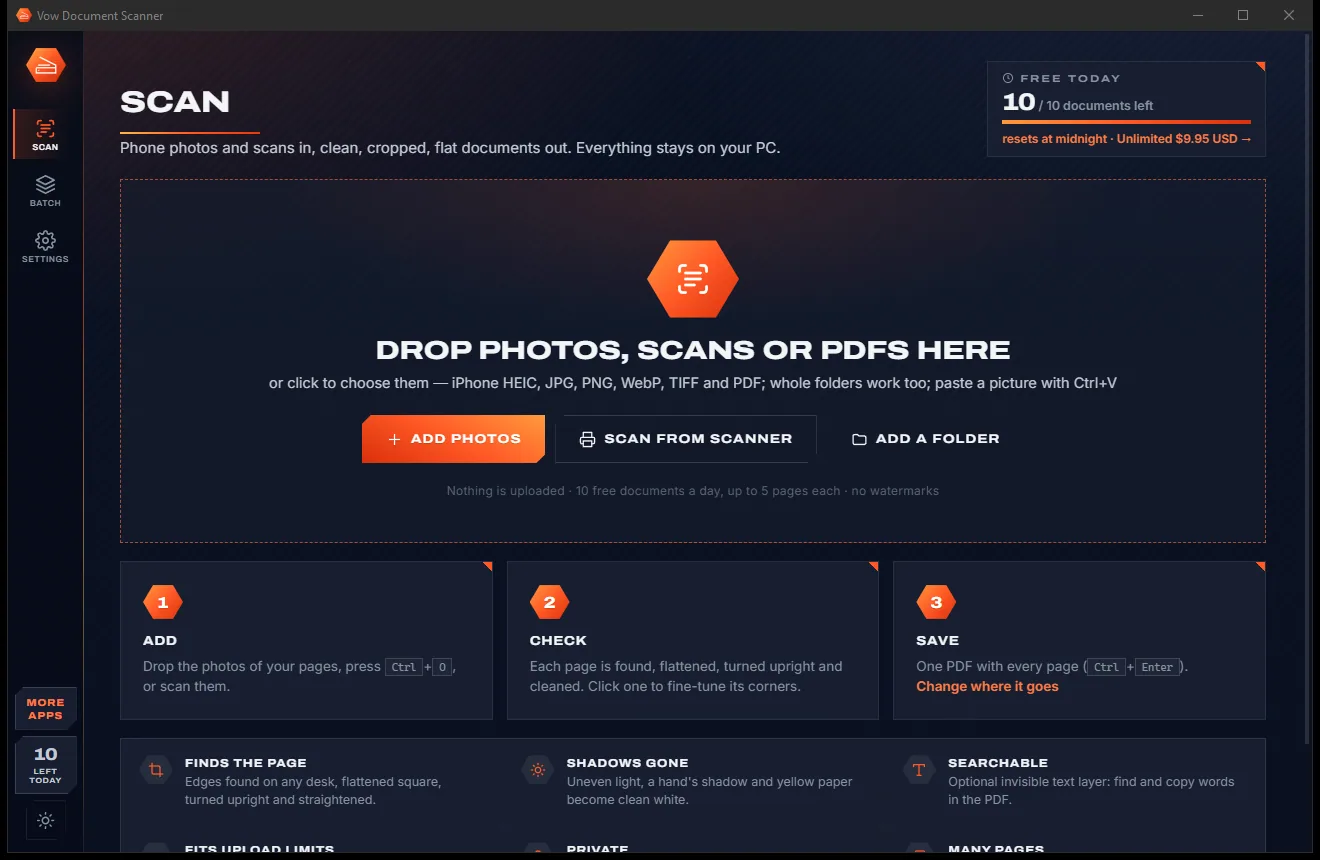
Document Scanner comes with a crisp light theme and a calm dark theme. Switch with one click, or let it follow your Windows setting by itself. It remembers your choice.
Screenshots
Real screenshots of the real app, in both of its themes: 5 light, 5 dark. Click any picture to see it full size.
Light theme
Dark theme
Who it's for
Turn a pile of receipt photos into one PDF for an expense claim or your tax return.
Photograph the signed pages and send back a clean, flat PDF instead of a crooked photo.
Capture handouts, whiteboards and notes as clear, readable PDFs.
Scan invoices and letters with a phone or the office scanner and file them with names read from the page.
Keep bills, warranties and school letters as tidy files you can actually find.
Send ID, certificates and proof of address at the size the upload form wants.
Compare
What typical phone scanner apps and free converters give you, side by side.
| Feature | Vow Document Scanner | Typical scanner apps & online converters |
|---|---|---|
| Price | Free every day, or $9.95 once | Monthly subscriptions |
| Your pages are uploaded | Never: 100% on your PC | Often synced to an online account |
| Watermarks on free scans | None | Common |
| Auto crop and perspective fix | Yes, with the true paper shape | Yes, on most apps |
| Big screen, mouse and keyboard | Yes, a Windows app | Mostly phone-only |
| Fits a file-size limit | Yes, 200 KB to 10 MB | Rarely |
| PDF password | Included free | Often a paid feature |
| Works with a desktop scanner | Yes, any WIA scanner | Usually camera only |
| Account required | No | Often |
"Typical" describes what we found across the most-downloaded alternatives when we built Document Scanner. Your mileage with any one of them may vary; ours won't.
Pricing
That is not a typo. Software this powerful usually means a monthly subscription; Document Scanner is $9.95, once, for life: it's almost a giveaway. Use it free for as long as you like, and unlock Unlimited only if you need more.
10 documents a day, up to 5 pages each, every clean-up look.
Almost a giveaway. Less than a takeaway lunch for software this powerful: no subscription, no renewals, yours for life on 2 PCs.
Any page count, searchable PDFs, batch folders, smart file names.
Payments by Stripe: we never see or store your card. Questions? Ask a real person.
Clean software
Most "free" Windows downloads pay for themselves with ads, bundled extras or your data. Vow Document Scanner doesn't need to: it's paid for honestly, once, by the people who find it useful.
Download Document Scanner freeStep-by-step guide
From a handful of photos to one clean, multi-page PDF in about a minute.
Step 1: get it freeDownload it from this page and run the installer. It needs no administrator rights and no account, and everything it needs is inside.
Copy the photos to your PC and drop them on the window, or press Ctrl+O. JPG, PNG, WebP, TIFF, PDF and iPhone HEIC all work (HEIC needs Microsoft's free HEIF Image Extensions), and so do whole folders.
Every page is found, flattened, turned upright and cleaned in the background. Drag pages to reorder them, or click one to adjust its corners or look.
Auto suits most documents; Black & white is best for plain text and Photo for pictures. Pick the quality and check the size estimate on the Save card.
Press Save PDF or Ctrl+Enter. The file lands in Documents\Vow Document Scanner, ready to open, copy, or drag into an email or browser upload box.
Technical details
FAQ
Yes. You can save 10 documents a day of up to 5 pages each, with auto crop, every clean-up look, PDF, JPG, PNG and TIFF, passwords and size targets, and no watermarks. Every page is analysed and previewed for free; the limit only applies when saving. Unlimited, a one-time $9.95 USD payment, adds any page count, searchable PDFs and text export, batch folders, a watched folder and smart file names.
No. Finding the page, flattening, cleaning and text recognition all run on your own PC, and text recognition uses the OCR built into Windows. There is no account and no cloud, and it works with no internet connection.
No. Photos from any phone are enough: the app finds the page and makes it look scanned. If you do have a scanner, Scan from scanner uses Windows' own scan dialog with any WIA scanner.
Every page is still analysed and previewed. The free version saves the first 5 pages, and you can save the rest as a second document, which counts as another of your 10 a day. Unlimited saves any number of pages in one PDF.
Yes, with Unlimited: an invisible text layer is added so you can search and copy the words, using the text recognition languages installed in Windows. In the free version you can read the text of any page in the editor and copy it.
Yes, for free. The Save card shows an estimated file size as you change the quality, and in Advanced you can set a largest file size from 200 KB to 10 MB for upload forms.
With Unlimited, a watched folder picks up photos as they arrive in your phone's camera upload folder in OneDrive, Google Drive or Dropbox, or a scanner's scan-to-folder, while the app is open, and adds them to the scan or saves each one.
Yes. It is made and published by XTO Pty Ltd, an Australian company. There are no ads, no bundled software and no account, it needs no administrator rights, and it uninstalls cleanly from Windows Settings.
The Vow collection
Same design, same promises, a tiny one-time price. Learn one and you already know them all.
Redact PDFs for real: nothing left under the black boxes
Merge, split and reorder PDFs on your own PC
Shrink any PDF to the exact size an upload form asks for
Turn phone photos of paper into clean, flat PDFs. Free to use every day, $9.95 once if you ever want Unlimited.