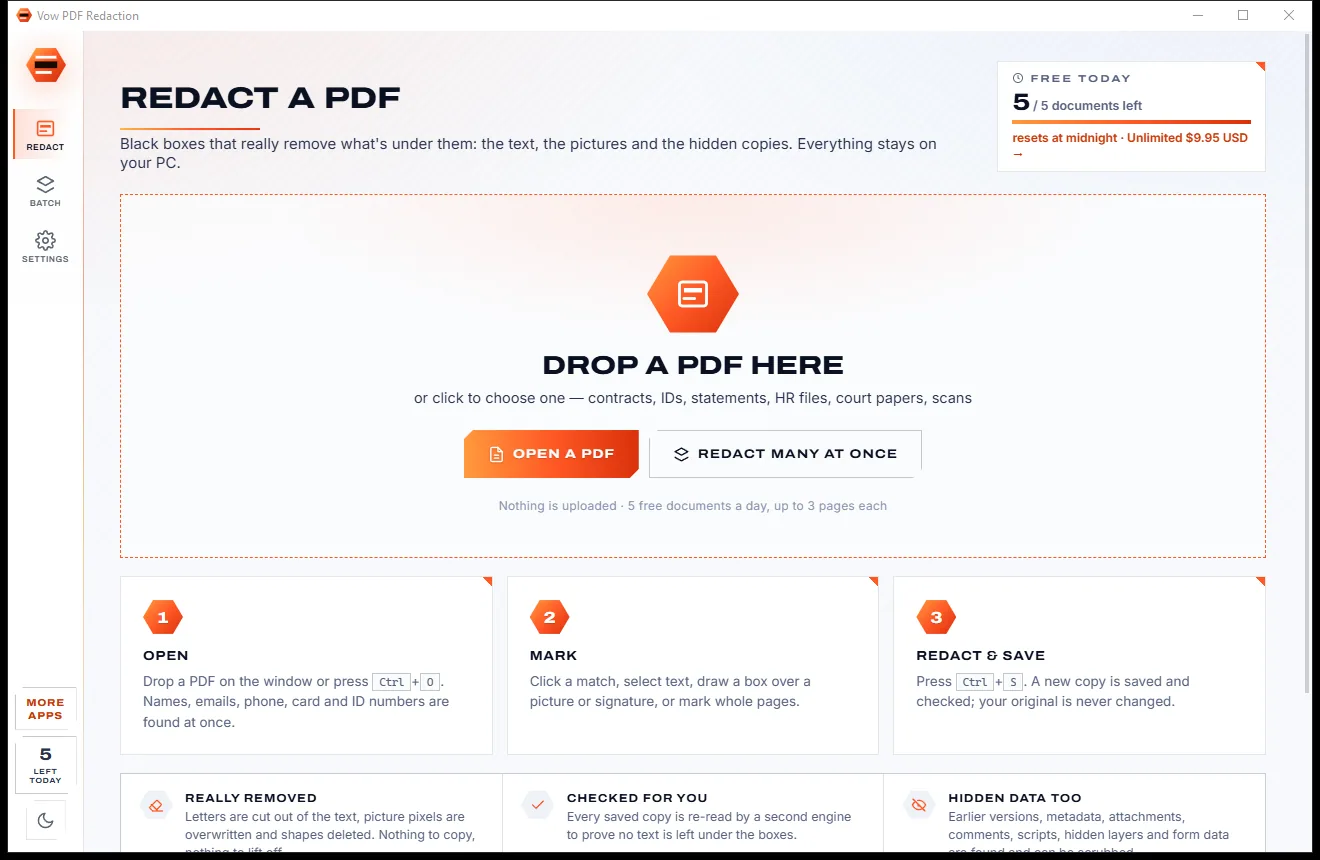

Redact PDFs for real: nothing left under the black boxes
- Free: 5 documents a day, up to 3 redacted pages each, true redaction
- $4.95 once: Any length, one-click redact-all, batch folders, scrub hidden data

Universal file viewer for Windows
Pages, Numbers and Keynote without a Mac, Outlook emails without Outlook, Photoshop, AutoCAD, EPS, iPhone HEIC photos, e-books, archives and videos. Drop a file to see what's inside, then save it as PDF, Word, Excel or JPEG. No uploads, no sign-up.
The problem
Someone sends a .pages, a .dwg or an iPhone photo, and Windows shrugs. The search for an app that can open it is where the trouble starts.
Windows points you to the Store and a list of apps that can't read it. Pages, Numbers, Keynote, DWG and EPS have no app built in.
Online converters want your contract, drawing or family photo on their servers, then make you wait for a download link.
File viewer suites often stop working when the trial runs out, right when the next odd file lands in your inbox.
Many viewers show only the preview picture of a Pages document or Keynote deck, not the text, tables and slides inside.
"Free file opener" downloads stuffed with ads, toolbars and installers that quietly change your browser.
A .dat that is really a photo, or a file with no ending at all, and nothing on the PC knows what to do with it.
Vow File Opener fixes all of it.
How it works
The file opens as what it really is, with everything inside it, and leaves in the format you need.
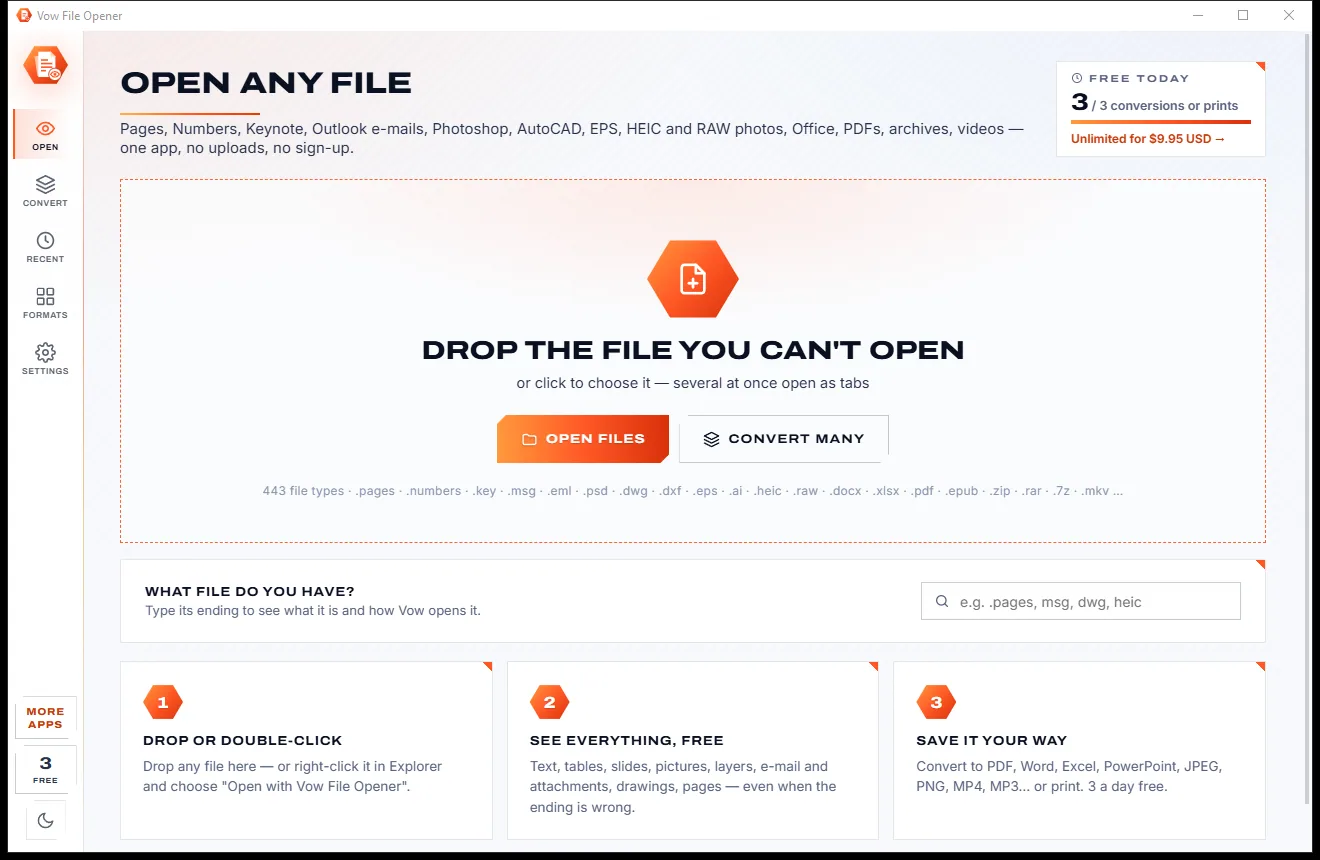
Drag any file onto the window, or right-click it in Explorer and choose Open with Vow File Opener. Several files open side by side as tabs.
The header says what the file is, its views sit in a row of buttons, and the details panel lists author, pages, camera, layers and more.
Press Save as to turn it into PDF, Word, Excel, PowerPoint, JPEG, PNG or MP4, best choices first, or print it with full printer options.
Features
From Apple documents and CAD drawings to camera RAW, mailboxes and mystery files with no ending at all.
Apple iWork files from 2013 on and from '09: text and tables, every Numbers sheet, and Keynote slides with speaker notes. No Mac needed.
MSG files (also appointments, contacts and tasks), EML and MBOX with attachments, and tracking pictures blocked until you allow them.
HEIC, AVIF, WebP, camera RAW, Photoshop PSD with every layer, GIMP, TIFF and icons, with camera details and a GPS map link.
Drawings shown as crisp vector graphics with layers on and off, text and dimensions. Save them as PDF, SVG or PNG.
EPS previews, Vow's own PostScript drawer for EPS files without a preview, and modern .ai files through their PDF part.
ZIP, RAR, 7-Zip, TAR, CAB, ISO and MSI: open any file inside in a new tab, or extract everything safely.
MP4, MKV, AVI, WMV, FLV, MP3, FLAC and more play in the app; formats the player can't handle are converted for playback.
A file with a wrong or missing ending opens as what it really is. Anything unknown opens as raw bytes with the text inside.
Pages to Word, Numbers to Excel, Keynote to PowerPoint, HEIC to JPEG, DWG to PDF, AVI to MP4, with quality and size options.
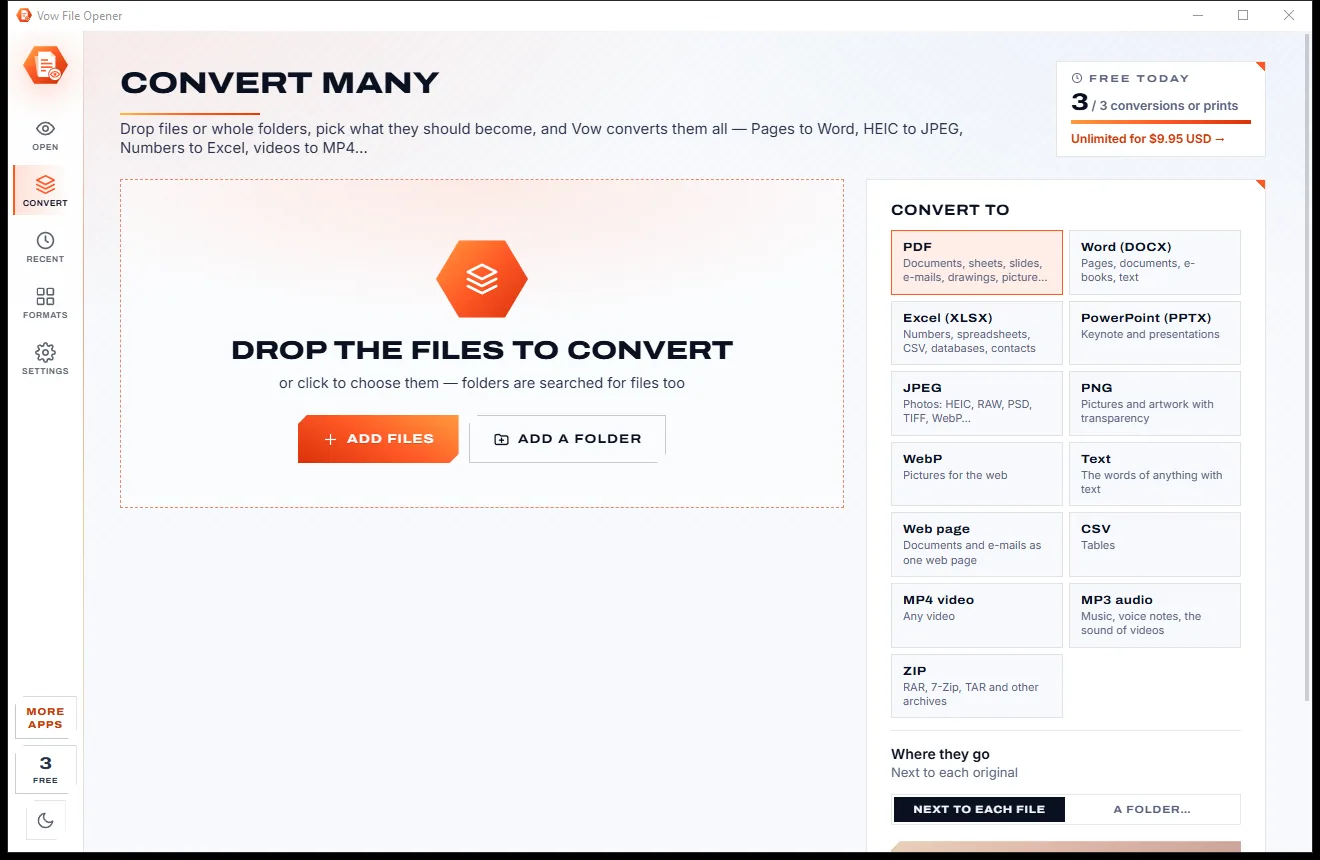
Drop a folder, pick PDF, Word, Excel, JPEG, MP3 or another target, and every file that can become it is converted.
Light & dark theme
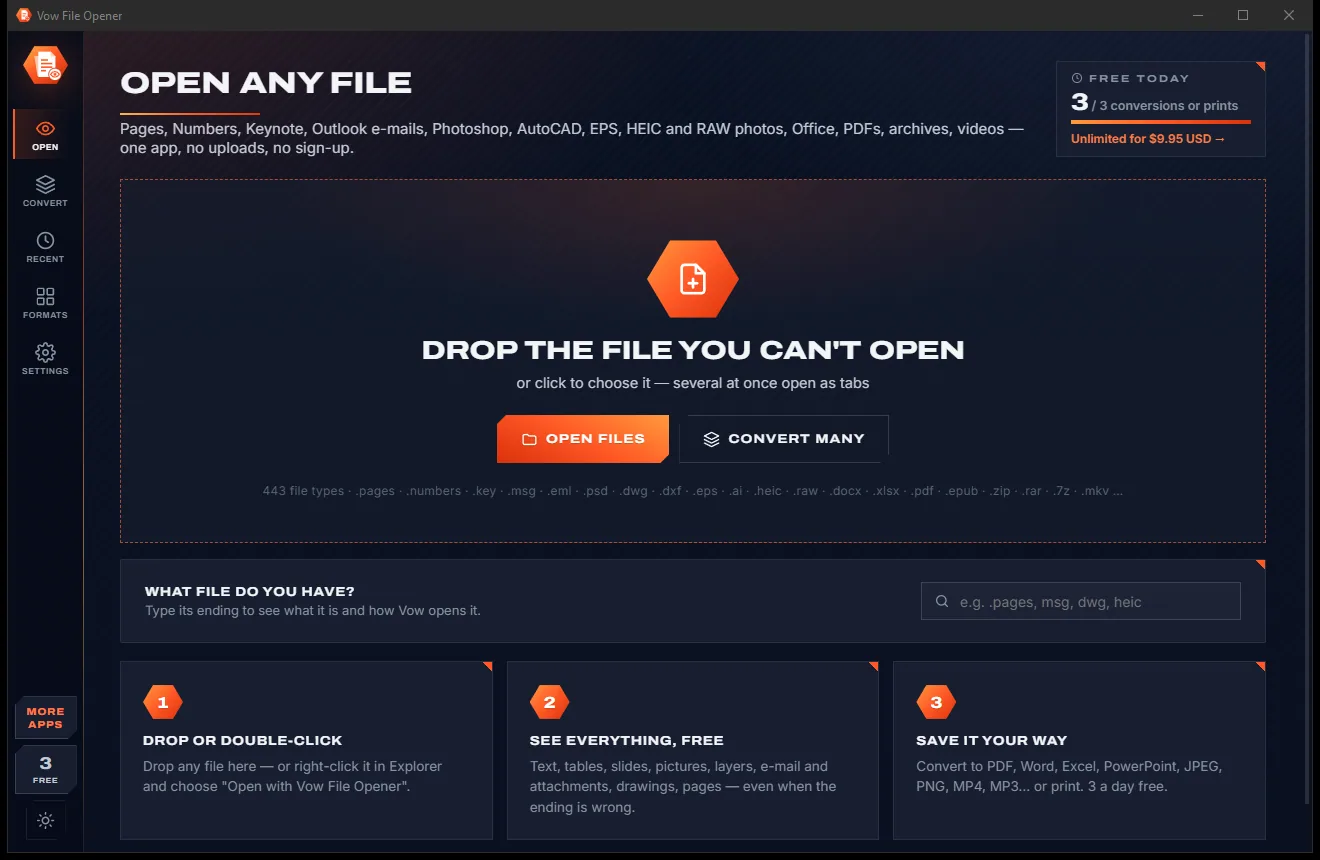
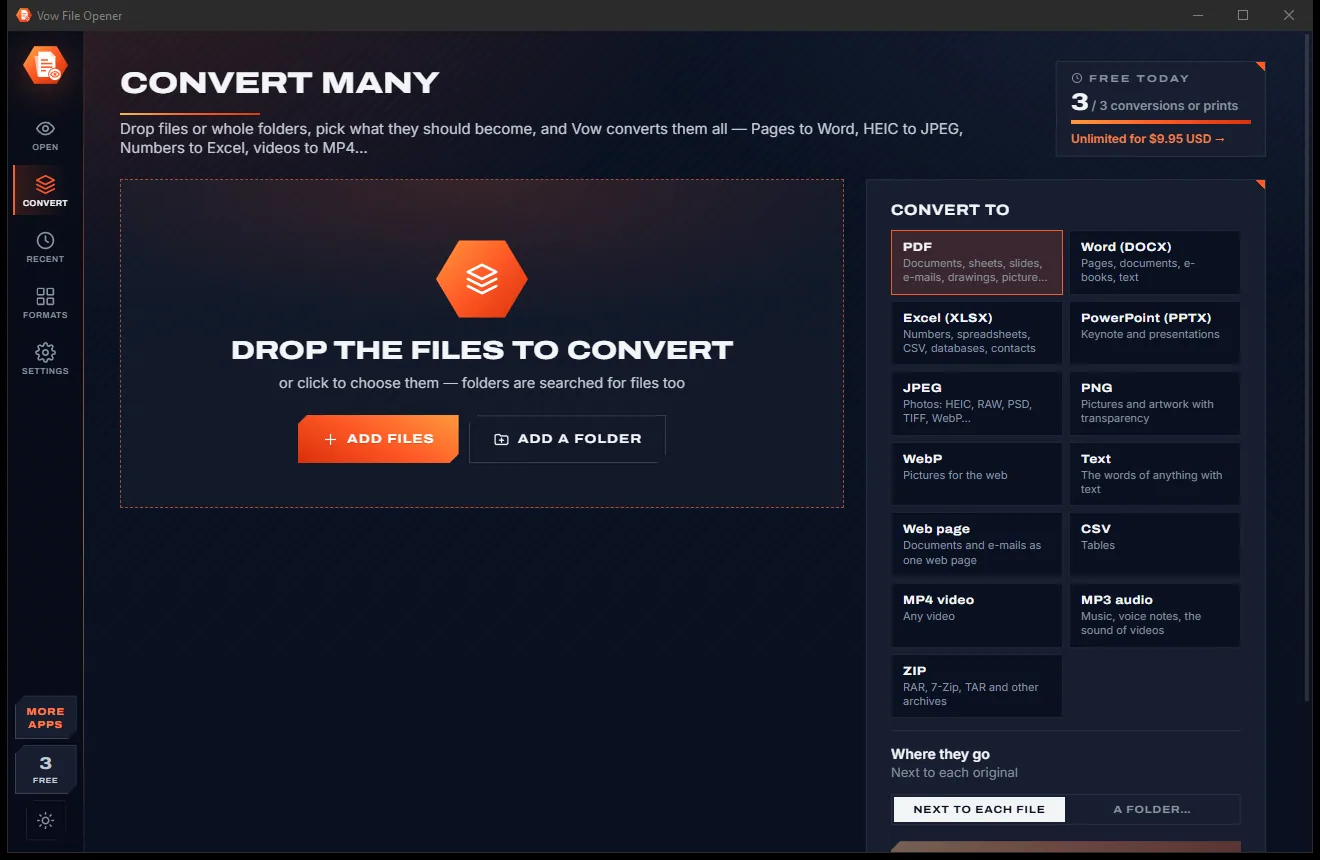
File Opener comes with a crisp light theme and a calm dark theme. Switch with one click, or let it follow your Windows setting by itself. It remembers your choice.
Screenshots
Real screenshots of the real app, in both of its themes: 8 light, 8 dark. Click any picture to see it full size.
Light theme
Dark theme
Who it's for
Open the Pages, Numbers or Keynote file a Mac user sent, then save it as Word, Excel or PowerPoint.
View HEIC photos with their camera details and save them as JPEG for anyone who can't open them.
Check an AutoCAD drawing from an architect or engineer without buying CAD software.
Look inside a PSD, EPS or AI file from your designer before you sign it off.
Outlook emails, old Word and Works documents, OpenDocument files and PDFs, all as tabs in one window.
Find out what a file with a strange or missing ending really is, and read the text inside it.
Compare
Why opening a file shouldn't mean a trial timer, an upload or just a thumbnail.
| Feature | Vow File Opener | Typical file viewers & online converters |
|---|---|---|
| Price | Viewing free for good, or $9.95 once | A paid licence, often after a trial |
| Pages, Numbers and Keynote content | Text, tables, every sheet and slide | Often just a preview picture |
| Converts to Word, Excel and PowerPoint | Yes | Often only PDF and pictures |
| AutoCAD DWG with layers | Yes, as vector graphics | Rarely |
| Email tracking pictures | Blocked until you allow them | Often loaded straight away |
| Wrong or missing file endings | Recognised by content | Often refused |
| Your file is uploaded | Never | Yes, for online converters |
| Ads and bundled extras | None, ever | Common on free download sites |
"Typical" describes what we found across the most-downloaded alternatives when we built File Opener. Your mileage with any one of them may vary; ours won't.
Pricing
That is not a typo. Software this powerful usually means a monthly subscription; File Opener is $9.95, once, for life: it's almost a giveaway. Use it free for as long as you like, and unlock Unlimited only if you need more.
View every format free, plus 3 conversions or prints a day.
Almost a giveaway. Less than a takeaway lunch for software this powerful: no subscription, no renewals, yours for life on 2 PCs.
Unlimited conversions and prints, plus whole-folder batches.
Payments by Stripe: we never see or store your card. Questions? Ask a real person.
Clean software
Most "free" Windows downloads pay for themselves with ads, bundled extras or your data. Vow File Opener doesn't need to: it's paid for honestly, once, by the people who find it useful.
Download File Opener freeStep-by-step guide
From "How do you want to open this file?" to reading it, and saving it as something useful, in a minute.
Step 1: get it freeGet Vow File Opener from this page and run the installer. It needs no administrator rights and no account, and adds itself to Explorer's Open with list without changing your default apps.
Drop the file on the window or click Open files, or right-click it in Explorer and choose Open with Vow File Opener. Not sure what a file is? Type its ending on the start page.
Use the buttons under the file name, such as Document, Sheets, Slides, Message, Attachments or Raw bytes. The details panel lists everything known about the file.
Press Save as (Ctrl+S). The best formats for that file come first, such as Word or PDF for a Pages document and JPEG for a HEIC photo, with quality and size under Advanced.
Open Convert, drop a folder, pick the target format and choose where the files go. Every file that can become that format is converted; free batches use what is left of the day's 3 conversions.
Technical details
FAQ
Yes. Opening and viewing every supported format is free with no time limit, along with copying text, saving email attachments, extracting archives and checksums. 3 conversions or prints a day are free too (resets at midnight). Unlimited, a one-time $9.95 USD payment, removes the limit and converts whole folders at once.
443 file endings in 89 kinds of file, including Apple Pages, Numbers and Keynote, Outlook MSG and EML, Photoshop PSD, AutoCAD DWG and DXF, EPS and AI, HEIC and camera RAW, Word, Excel, PowerPoint, OpenDocument, PDF, e-books, archives, fonts, video, audio, SQLite databases, 3D models and source code.
Yes, without a Mac. Vow reads Apple's own file format, so you see the text and tables of a Pages document, every sheet of a Numbers file and every Keynote slide with its notes, and can save them as Word, Excel, PowerPoint or PDF.
Vow checks the content first, so a .dat that is really a PNG, or a .zip that is really a Numbers file, opens as what it is. Anything it doesn't know opens as raw bytes, with the readable text inside.
No. Everything is opened and converted on your own PC. Programs inside files are never run, scripts in emails and web pages are blocked, and pictures from the internet stay off until you allow them.
Viewing is free with no time limit, rather than a 14-day trial like File Viewer Plus. Where those viewers stumble on Pages, Numbers and Keynote tables and slides, Outlook items other than mail, DWG layers and EPS files without a preview, Vow shows the content, converts to editable Word, Excel and PowerPoint, and costs $9.95 once.
No. The installer adds Vow to Explorer's Open with list and, if you want, an Open with Vow File Opener item on the right-click menu. Your default apps stay as they are, and uninstalling removes those entries.
Yes. It is made and published by XTO Pty Ltd, an Australian company. There are no ads, no bundled software and no account, it needs no administrator rights, and it uninstalls cleanly from Windows Settings.
The Vow collection
Same design, same promises, a tiny one-time price. Learn one and you already know them all.
Redact PDFs for real: nothing left under the black boxes
Merge, split and reorder PDFs on your own PC
Shrink any PDF to the exact size an upload form asks for
Open the files Windows can't, all in one app. Free to use every day, $9.95 once if you ever want Unlimited.