
Video
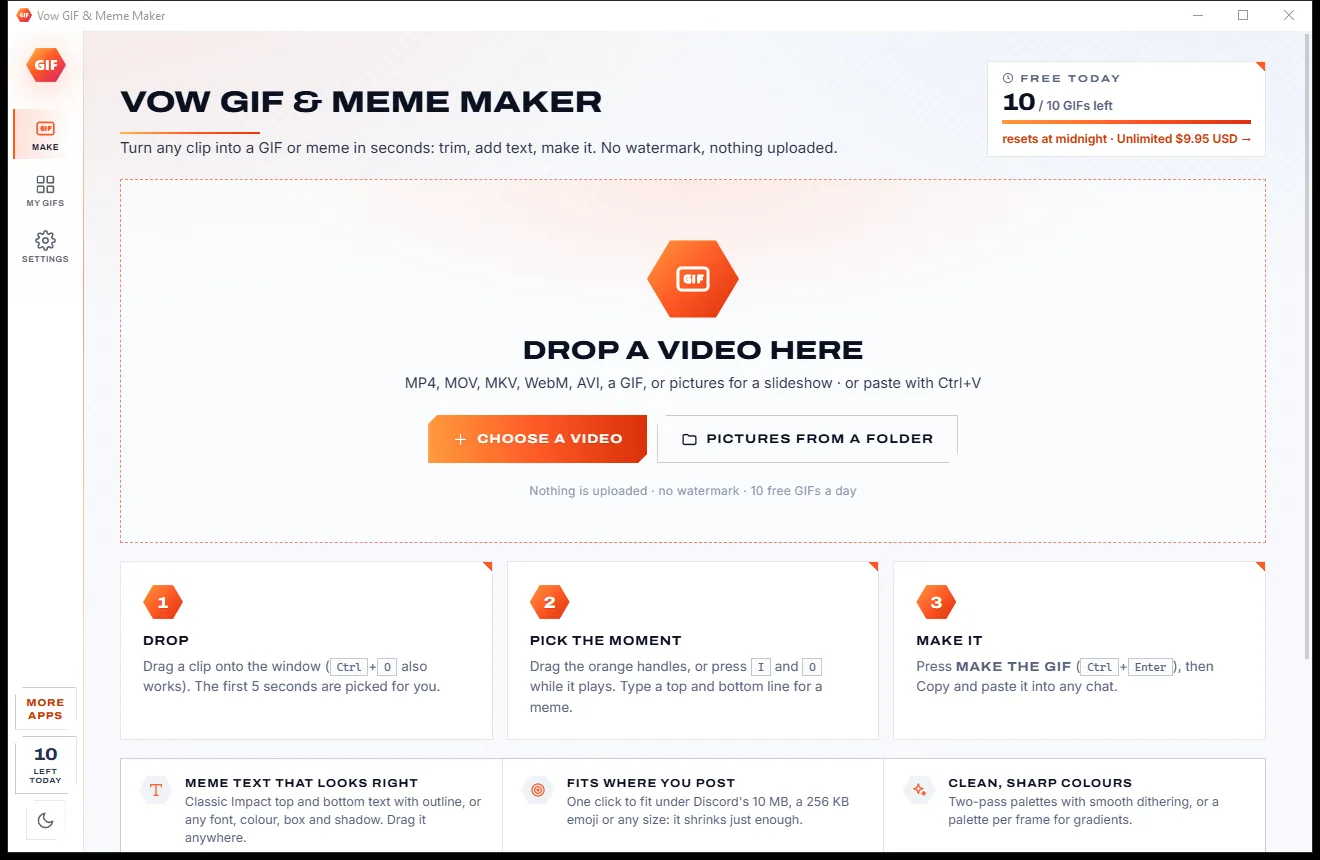
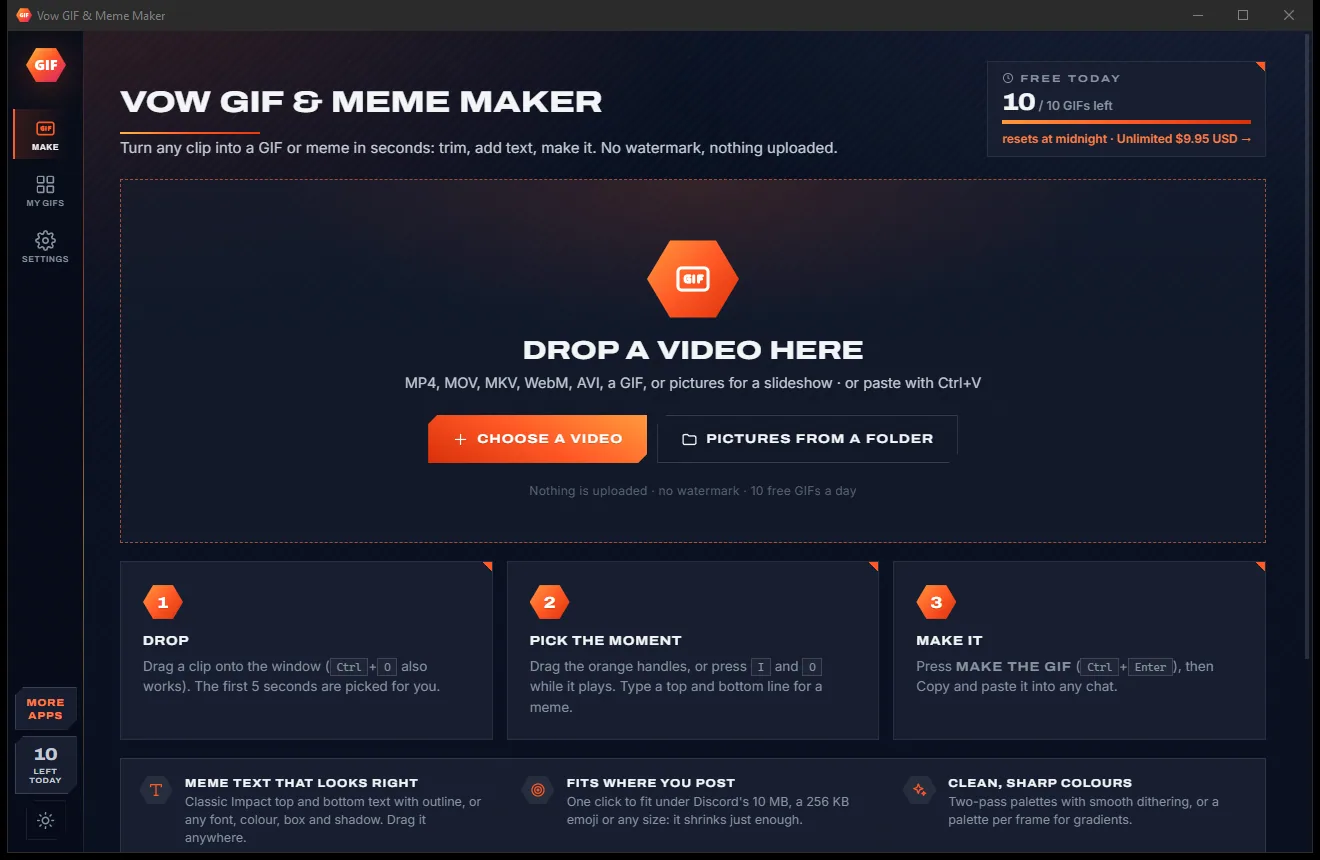
Vow GIF & Meme Maker
Turn any video clip into a GIF or meme, with no watermark
- Free: 10 GIFs a day, up to 10 seconds at 480p, with meme text
- $4.95 once: Any length, HD up to the original size, MP4, WebP and APNG

YouTube downloader for Windows
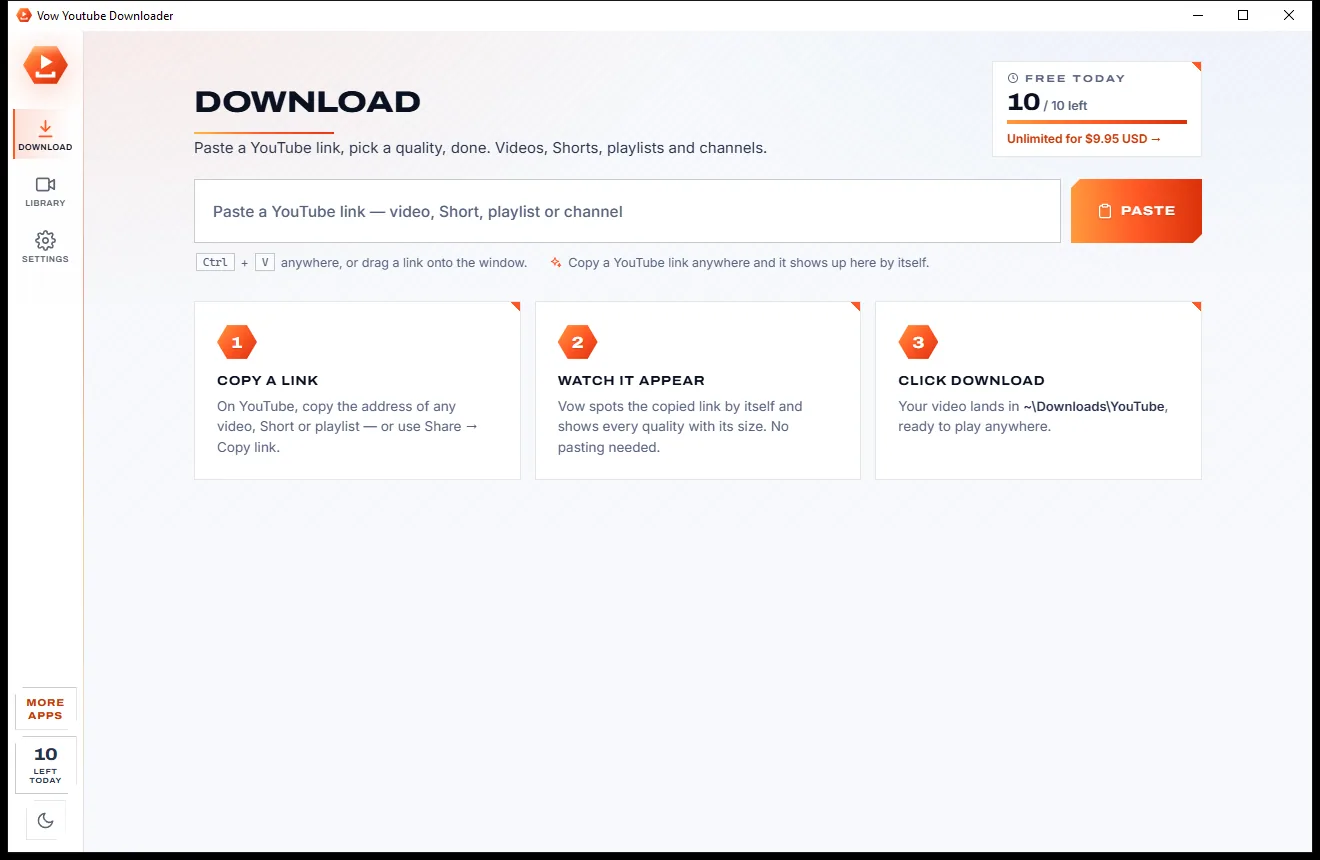
Copy a YouTube link and Vow shows the video with a tile for every quality, from 4K at 60 FPS down to 144p and MP3, each with its size. One click and it saves. Playlists and channels too. No ads, no fake buttons, no subscription.
The problem
Search for a way to save a YouTube video and you land on converter sites full of redirects, or apps that want a subscription for 1080p.
Redirects, pop-unders and three Download buttons, only one of which is real.
Many free tools quietly stop at 720p, or ask you to pay for anything sharper.
Saving a playlist means pasting every link by hand, then renaming every file to keep the order.
You only find out a download is 2 GB after your disk or data plan does.
Free downloader installers with toolbars, "PC cleaners" and browser changes riding along.
Yearly plans to unlock playlists or 4K, for something most people do now and then.
Vow Youtube Downloader fixes all of it.
How it works
The link is picked up by itself, every quality is laid out with its size, and the download starts in one click.
Copy the address of any video, Short, playlist or channel, or use Share and Copy link. Vow picks it up by itself, or paste with Ctrl+V or drag it in.
A tile for every quality the video has, 4K, 1440p, 1080p down to 144p, plus MP3, each with its size. Your last choice is remembered.
Progress, speed and time left show in the list and on the taskbar. When it's done it waits in your Library, ready to play.
Features
For learners, travellers, teachers and creators: one video in seconds, a long playlist without babysitting.
Every quality the video has, from 4K and 1440p down to 144p, each tile showing the download size first.
Pick the MP3 tile to save just the sound, with the video's cover and details embedded.
Every video listed with a checkbox, so you take all of them or only some, saved in a numbered folder per playlist.
Copy a YouTube link anywhere and it is waiting when you switch to Vow. Shorts work too.
Pause or cancel any download, and unfinished ones continue the next time you open the app.
MP4 plays everywhere with H.264 and AAC. Best quality keeps VP9 or AV1 and HDR in MKV.
Embed the video's own subtitles in the languages you pick, plus chapters, the cover and its details.
Optional SponsorBlock cuts remove sponsor messages marked by the community, if you turn it on.
Search by title or channel, filter videos and MP3s, play, show in folder or download again.
Switch between light and dark with one click from the sidebar, whatever the time of day.
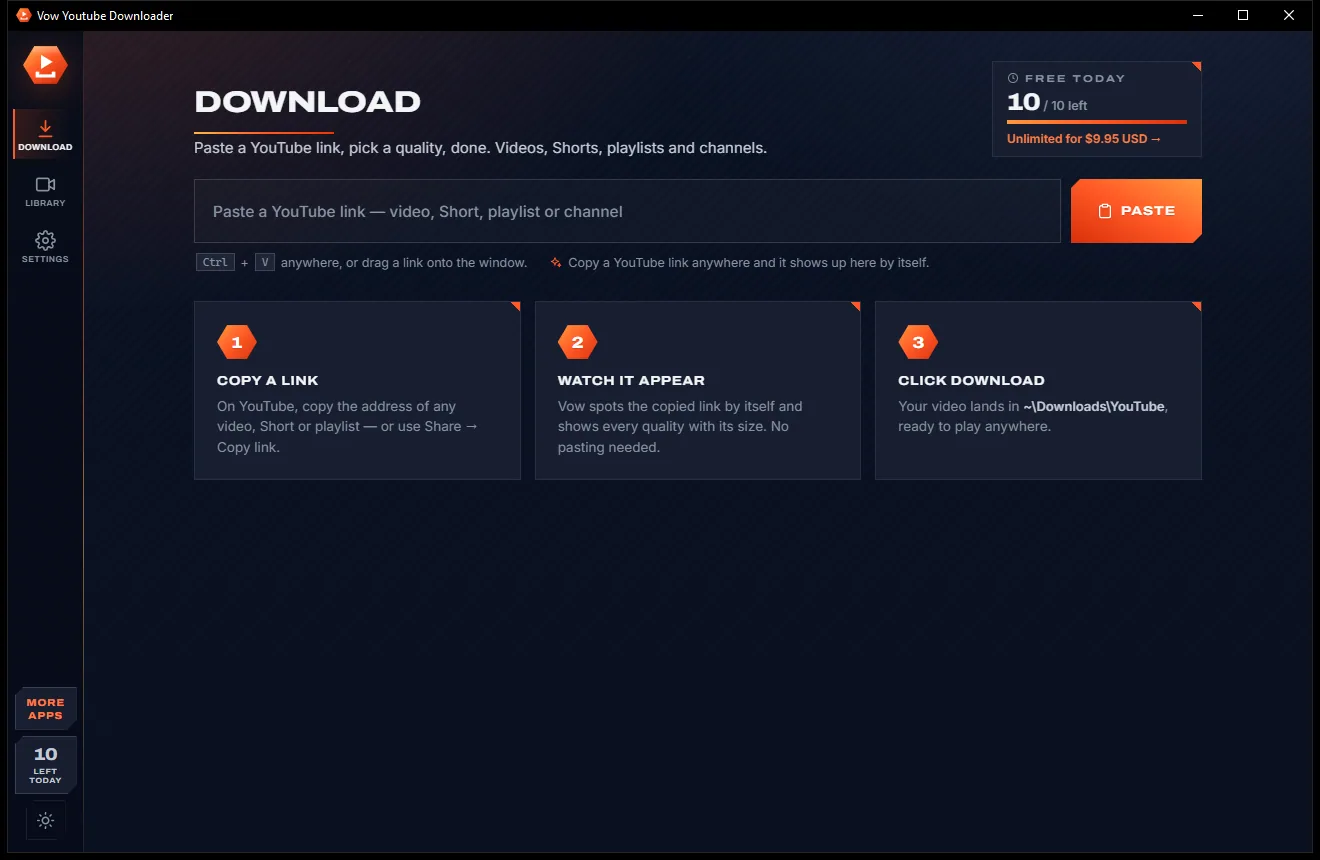
Light & dark theme
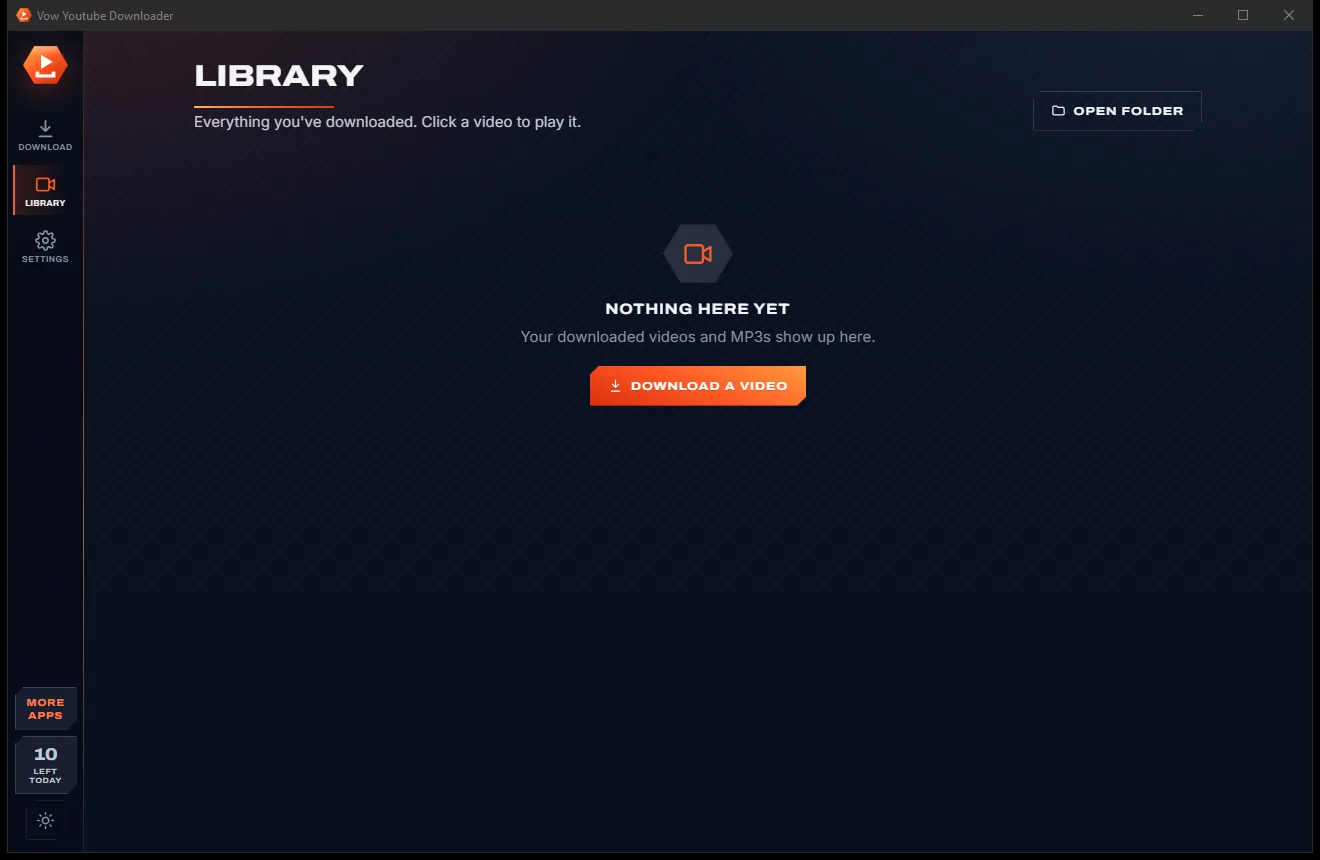
Youtube Downloader comes with a crisp light theme and a calm dark theme. Switch with one click, or let it follow your Windows setting by itself. It remembers your choice.
Screenshots
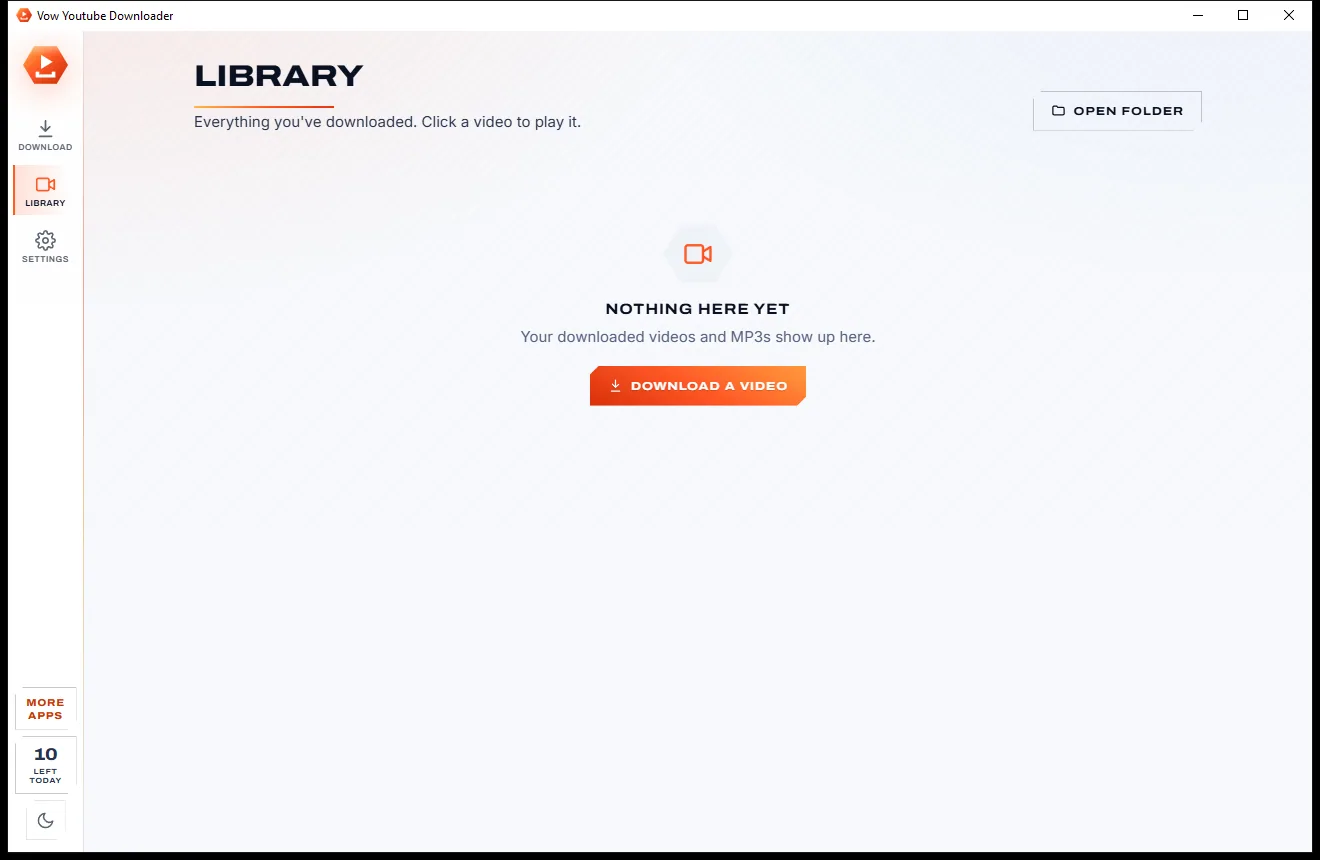
Real screenshots of the real app, in both of its themes: 4 light, 4 dark. Click any picture to see it full size.
Light theme
Dark theme
Who it's for
Take the videos you are allowed to keep with you, without buffering or eating your mobile data.
Save a whole lecture playlist in order, numbered, to study offline.
Play openly licensed or permitted videos in class with no ads and no dropped connection.
Keep full-quality copies of your own uploads and back up your whole channel.
Turn talks and podcasts you have the right to save into MP3s for walks and the car.
Download overnight at full quality and watch the next day without a single pause.
Compare
What you usually get when you search for a YouTube downloader, side by side.
| Feature | Vow Youtube Downloader | Typical YouTube converter sites & apps |
|---|---|---|
| Price | 10 free a day, or $4.95 once | Ad-funded, or yearly plans |
| Ads, redirects, fake buttons | None, ever | Common on converter sites |
| 4K and 60 FPS | Yes, on every plan | Often capped or paid |
| Size shown before you download | On every quality tile | Rarely |
| Whole playlists and channels | Yes, with checkboxes | Often paid or missing |
| Pause, resume, continue after restart | Yes | Rarely on sites |
| Bundled toolbars and extras | None | Common in free apps |
| Keeps working when YouTube changes | Engine updates itself daily | Varies |
"Typical" describes what we found across the most-downloaded alternatives when we built Youtube Downloader. Your mileage with any one of them may vary; ours won't.
Pricing
That is not a typo. Software this powerful usually means a monthly subscription; Youtube Downloader is $4.95, once, for life: it's almost a giveaway. Use it free for as long as you like, and unlock Unlimited only if you need more.
10 downloads a day, every quality up to 4K, MP3, playlists.
Almost a giveaway. Less than a coffee for software this powerful: no subscription, no renewals, yours for life on 2 PCs.
Unlimited downloads, whole playlists and channels in one go.
Payments by Stripe: we never see or store your card. Questions? Ask a real person.
Clean software
Most "free" Windows downloads pay for themselves with ads, bundled extras or your data. Vow Youtube Downloader doesn't need to: it's paid for honestly, once, by the people who find it useful.
Download Youtube Downloader freeStep-by-step guide
Save a YouTube video, playlist or MP3 to your PC in about a minute.
Step 1: get it freeGet Vow Youtube Downloader from this page and run the setup. It installs for your user only with no administrator rights, adds a Start menu entry, and needs no account.
On YouTube, copy the address from the browser, or press Share and Copy link. Videos, Shorts, playlists and channels all work.
The copied link is picked up by itself and the video appears with its thumbnail and a tile for every quality. You can also paste with Ctrl+V anywhere in the window, or drag the link in.
Choose 1080p for most screens, 4K for a big TV, or MP3 for just the sound. Leave MP4 selected so it plays on every phone, TV and player.
It saves to Downloads\YouTube. Watch progress, speed and time left in the list or on the taskbar icon, then play it from the Library.
Technical details
FAQ
Yes. You can download 10 videos or MP3s every day for free, in every quality up to 4K, including playlists, channels and Shorts. Extra downloads wait and start by themselves after midnight. Unlimited, a one-time $4.95 USD payment, removes the daily limit for life on up to 2 PCs.
Use it for videos you own, videos under licences that allow it, such as Creative Commons, and videos the owner lets you save. Respect YouTube's terms and the creator's rights. It does not get around DRM or copy protection.
Yes. Every quality the video has gets its own tile, up to 4K at 60 FPS where YouTube offers it, each showing the file size before you download.
Yes. Paste the playlist or channel link and every video is listed with a checkbox. Take all of them or only some; each playlist goes into its own folder with the files numbered in order.
Yes. Pick the MP3 tile and only the sound is saved, with the video's cover and details embedded so it looks right in your music player.
Leave MP4 selected and it prefers H.264 video with AAC sound, which plays on practically everything. Choose Best quality to keep VP9 or AV1 and HDR, saved as MKV.
Vow uses yt-dlp, a widely used open-source engine, and updates it once a day, so it keeps up with changes on YouTube's side without you doing anything.
Yes. It is made and published by XTO Pty Ltd, an Australian company. The installer contains no ads, no toolbars and no bundled software, needs no administrator rights, and uninstalls cleanly. Uninstalling never touches the videos you downloaded.
The Vow collection
Same design, same promises, a tiny one-time price. Learn one and you already know them all.
Turn any video clip into a GIF or meme, with no watermark

Steady any shaky video in one click, right on your PC

Turn home DVDs, camcorder clips and tapes into MP4s that play anywhere
Save YouTube videos, playlists and MP3s in up to 4K. Free to use every day, $4.95 once if you ever want Unlimited.