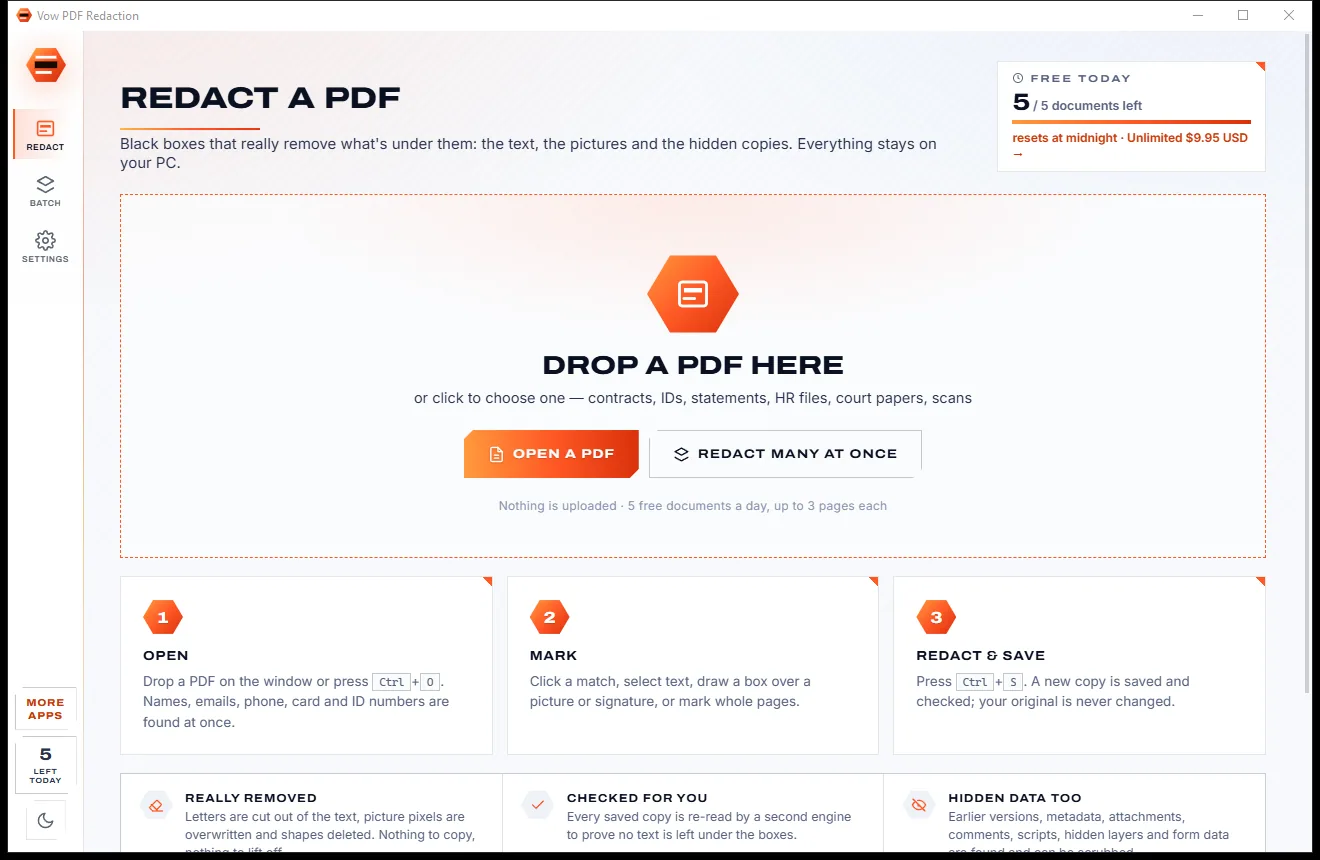
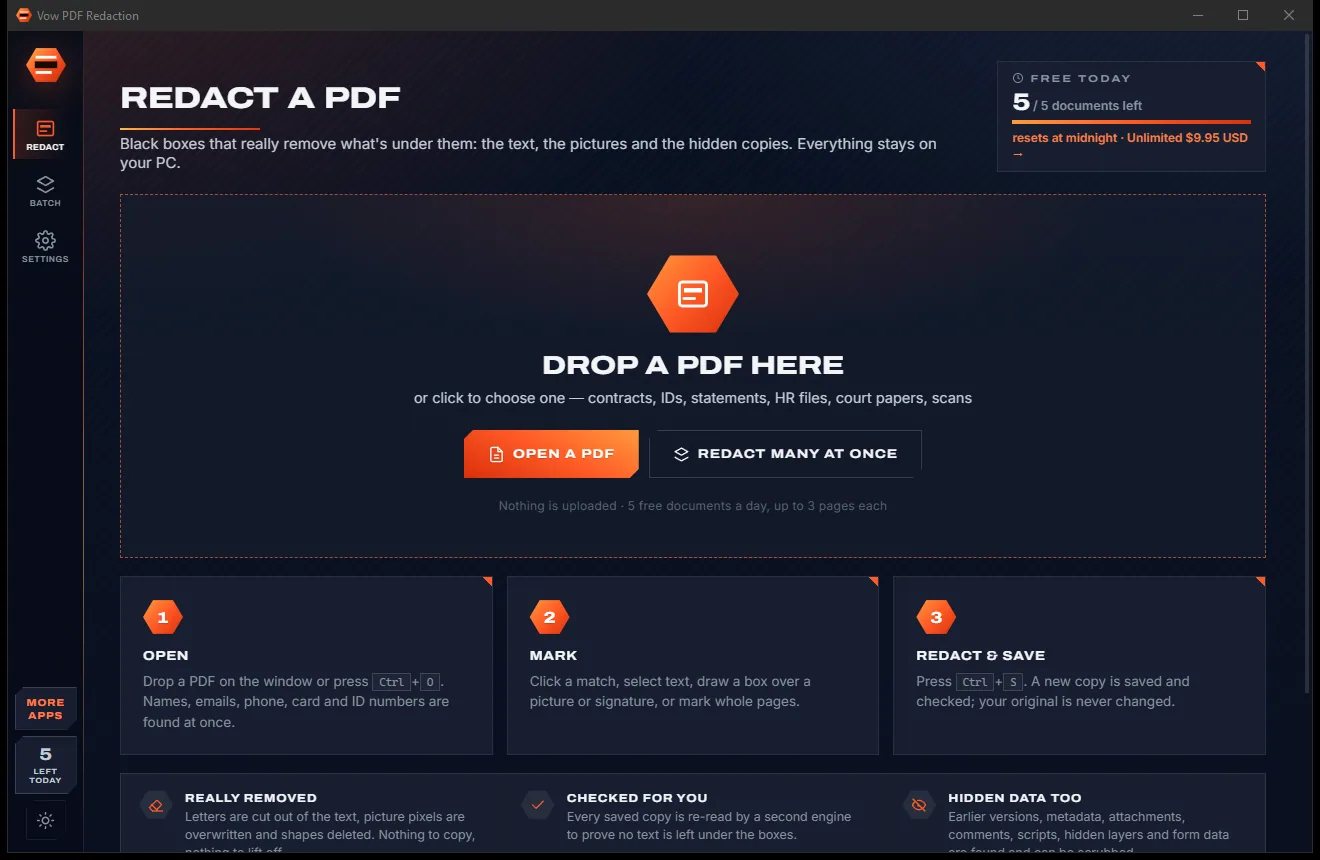

Redact PDFs for real: nothing left under the black boxes
- Free: 5 documents a day, up to 3 redacted pages each, true redaction
- $4.95 once: Any length, one-click redact-all, batch folders, scrub hidden data

eBook converter for Windows
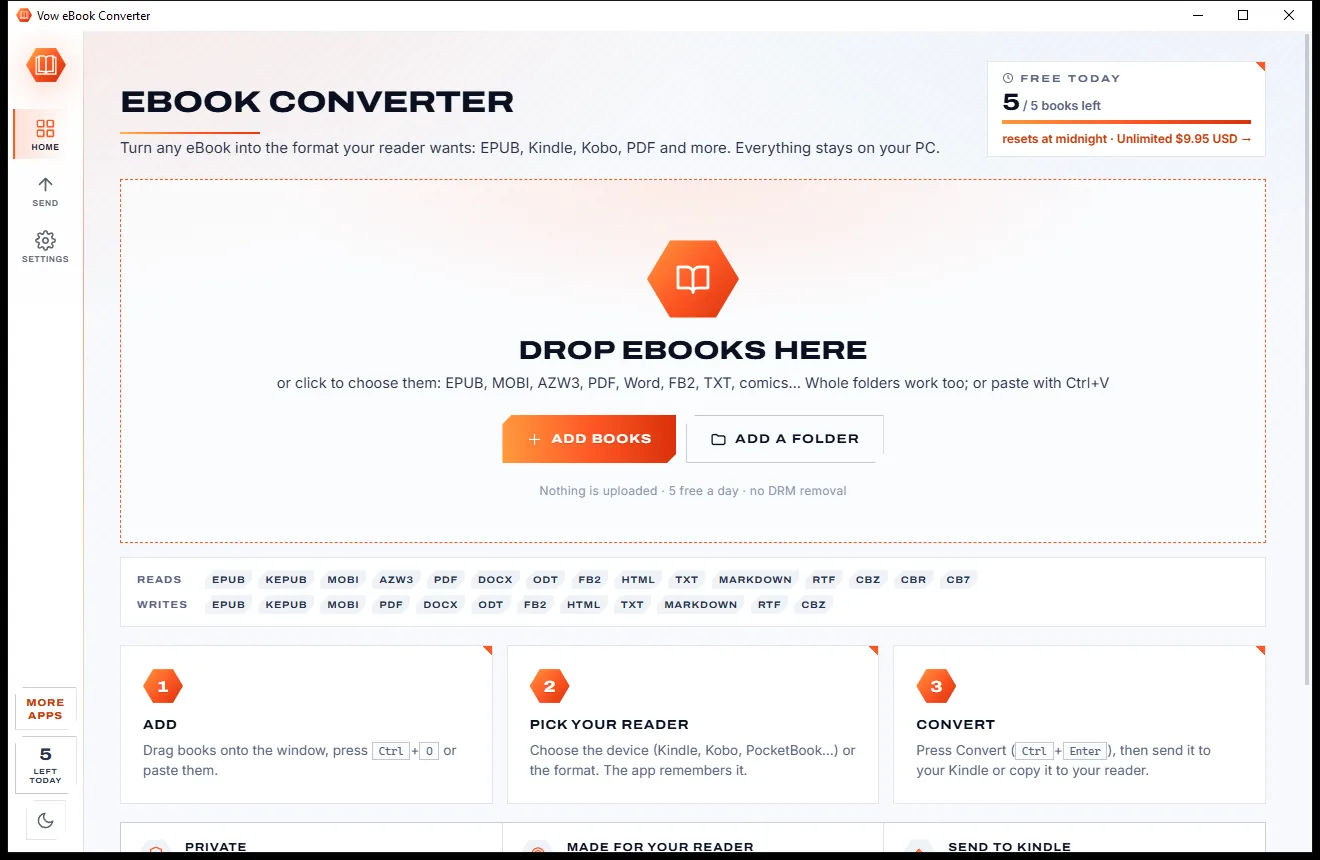
Drop in EPUB, MOBI, AZW3, PDF, Word or comic files, pick your Kindle, Kobo, PocketBook or tablet, and press Convert. The right format, picture size and layout are chosen for you, then send it to your Kindle or copy it over USB. No ads, no account.
The problem
An EPUB your Kindle won't take, a PDF that's unreadable on a 6-inch screen, a comic in a format nothing opens. The usual fixes come with catches.
Online converters want every book on their servers, one file at a time, with size limits and a queue.
Free converter sites wrap the result in pop-ups and look-alike download buttons.
The powerful desktop tools expect you to know which output profile and options suit your reader.
Converted PDFs keep running headers, page numbers and lines broken in the middle of sentences.
Send to Kindle rejects a book with a bare error code and no idea what to fix.
Free "eBook converters" that come bundled with toolbars, adware and installers that change your browser.
Vow eBook Converter fixes all of it.
How it works
Choose the device you read on, and the right format, picture size and layout follow.
Drag in EPUB, MOBI, AZW3, PDF, Word, FB2, TXT or comic files, or whole folders. Each shows its cover, word count and chapters.
Choose your Kindle, Kobo, PocketBook, reMarkable or iPad under My reader, and the best format and picture size are set for you.
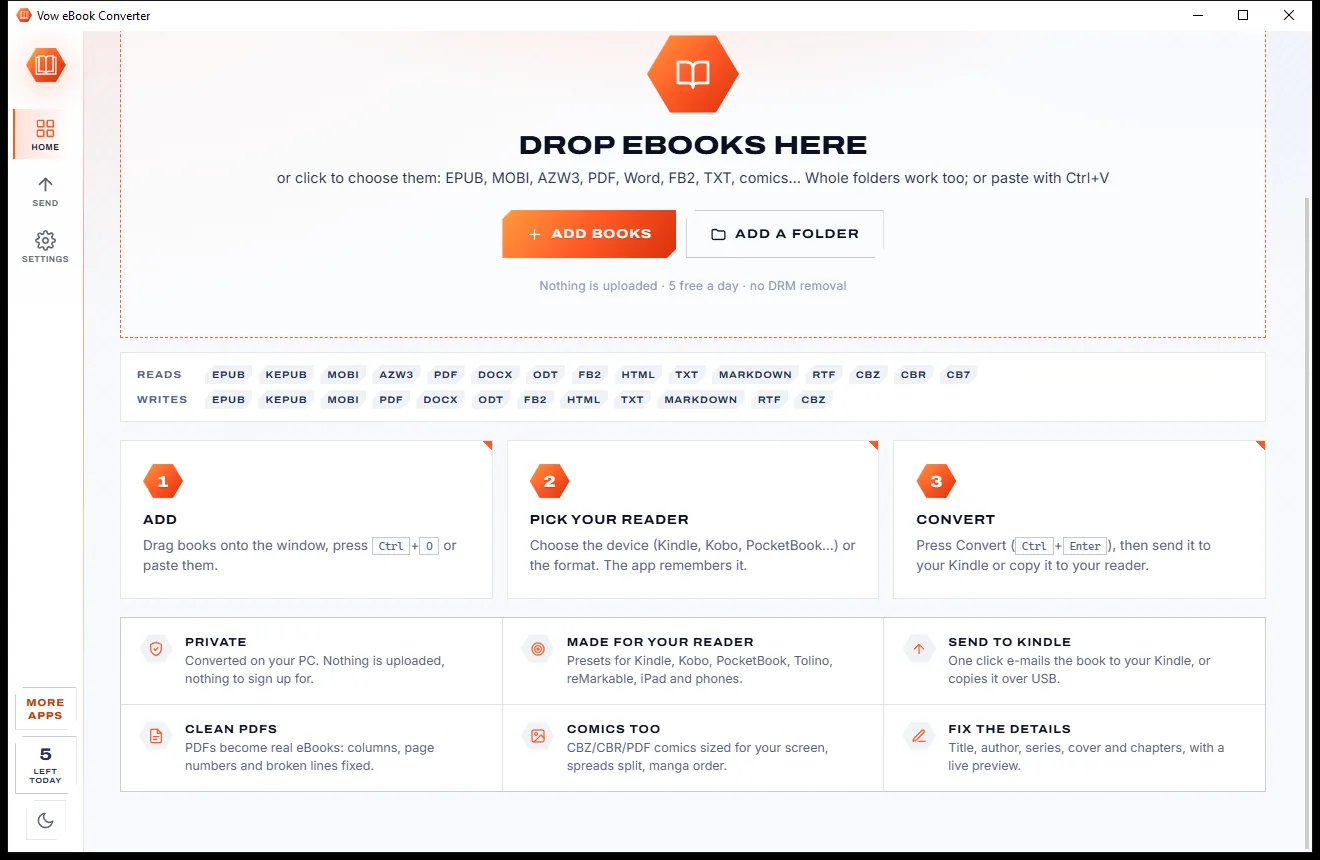
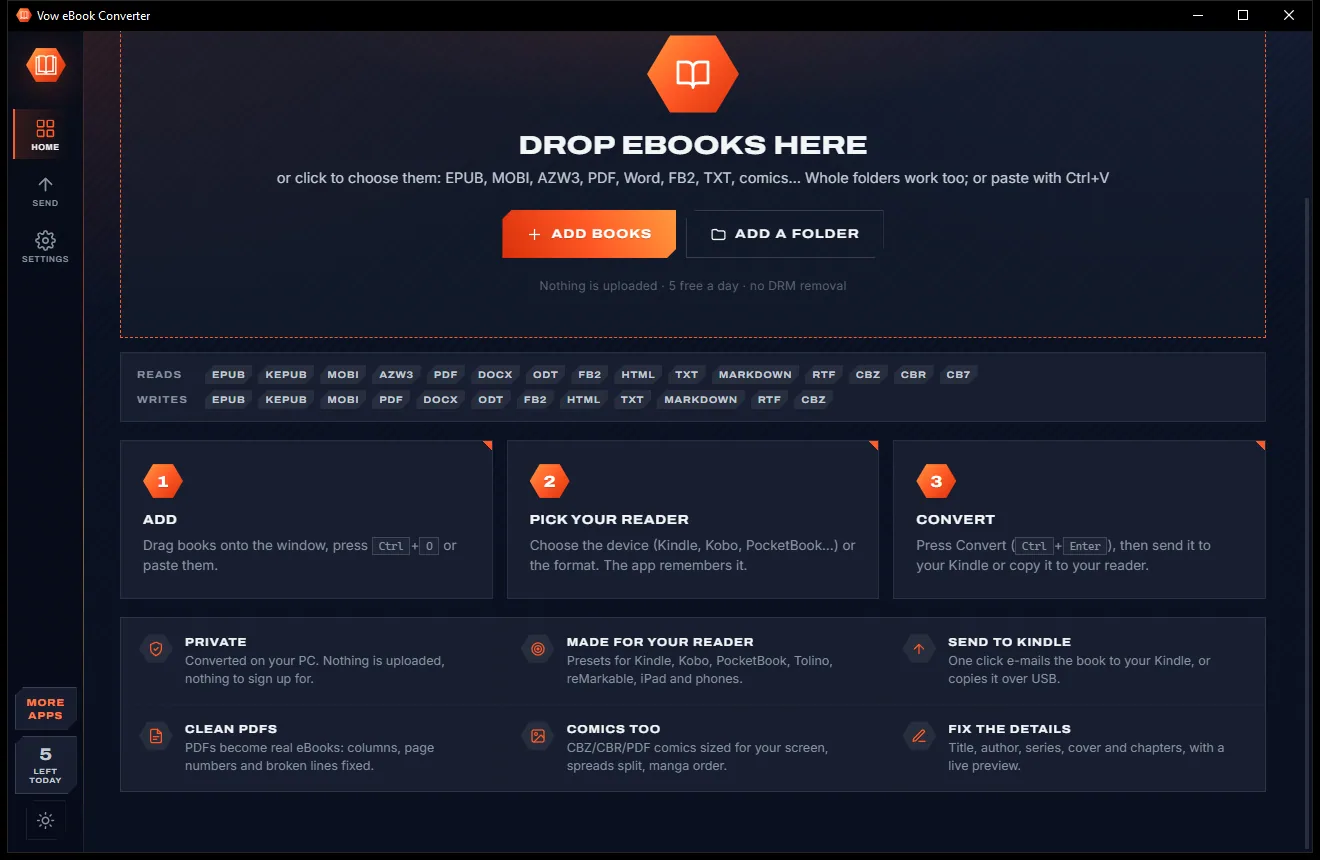
Press Convert. Open the book or drag it out, or with Unlimited e-mail it to your Kindle or copy it to the reader on USB.
Features
For Kindle, Kobo and PocketBook owners, comic fans, students and anyone with a library to tidy.
Reads EPUB, KEPUB, MOBI, AZW3, PDF, DOCX, ODT, FB2, HTML, TXT, Markdown, RTF and CBZ, CBR or CB7 comics.
Kindle, Kobo, PocketBook, Tolino, Nook, Boox, reMarkable, iPad, Android and print, each with the right format and picture size.
Columns and reading order worked out, headers and page numbers removed, split lines and hyphenated words joined.
Contents, internal links and footnotes are carried over in every format, or built from the headings.
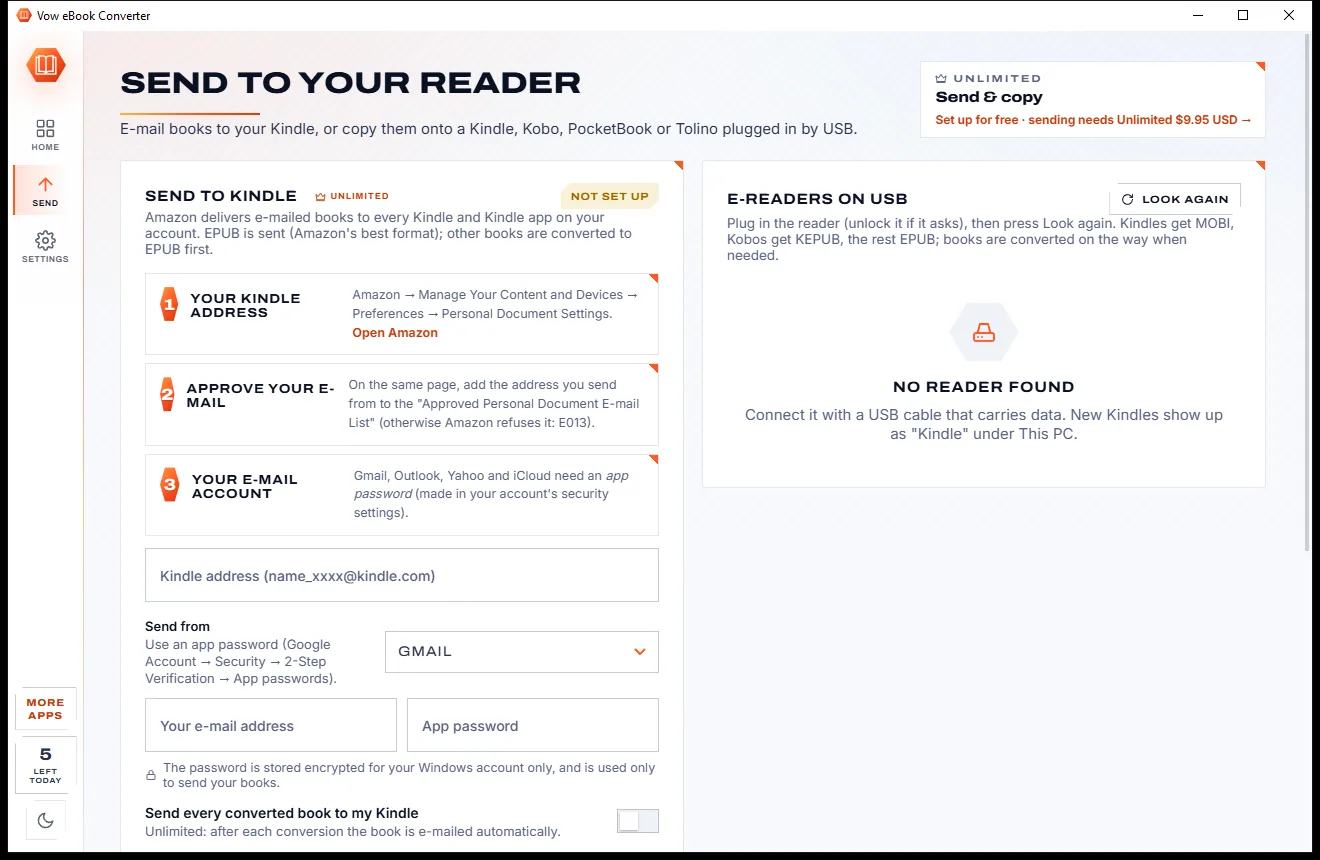
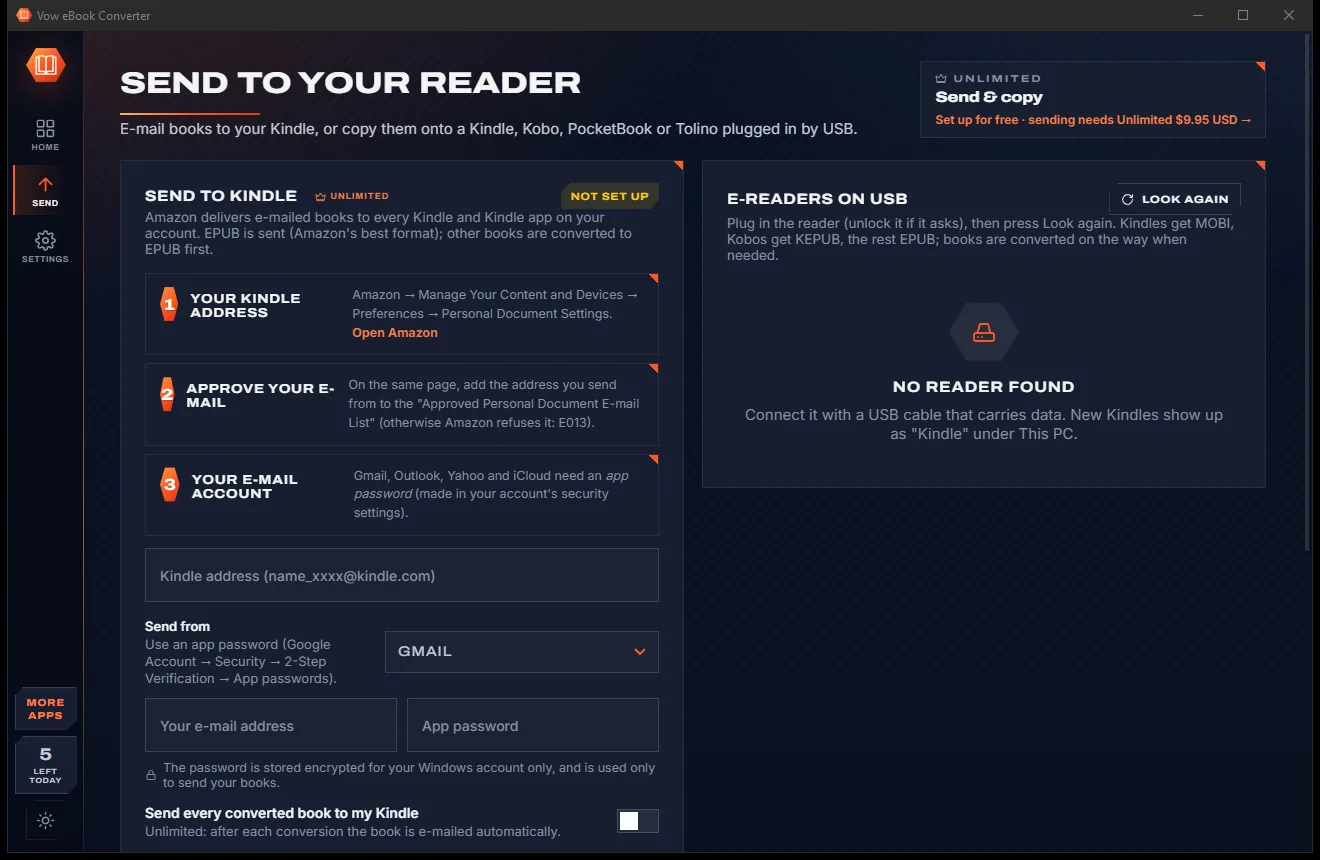
E-mail books to your Kindle as EPUB, with Amazon's 50 MB and 25-attachment limits handled for you (Unlimited).
Kindle (including 2024+ models with no drive letter), Kobo, PocketBook, Tolino and Nook, each in its own format (Unlimited).
See a chapter in an e-reader, phone or tablet frame, with a night page, and try fonts and spacing before converting.
Edit title, authors, series and tags, fill them in from Open Library, or make a cover from the title in 6 styles.
Double-page spreads split, right-to-left order for manga, and pictures sized and greyed for e-ink screens.
Every EPUB written is checked for the usual causes of Amazon's E999 error, with plain-language help for Amazon's codes.
Light & dark theme
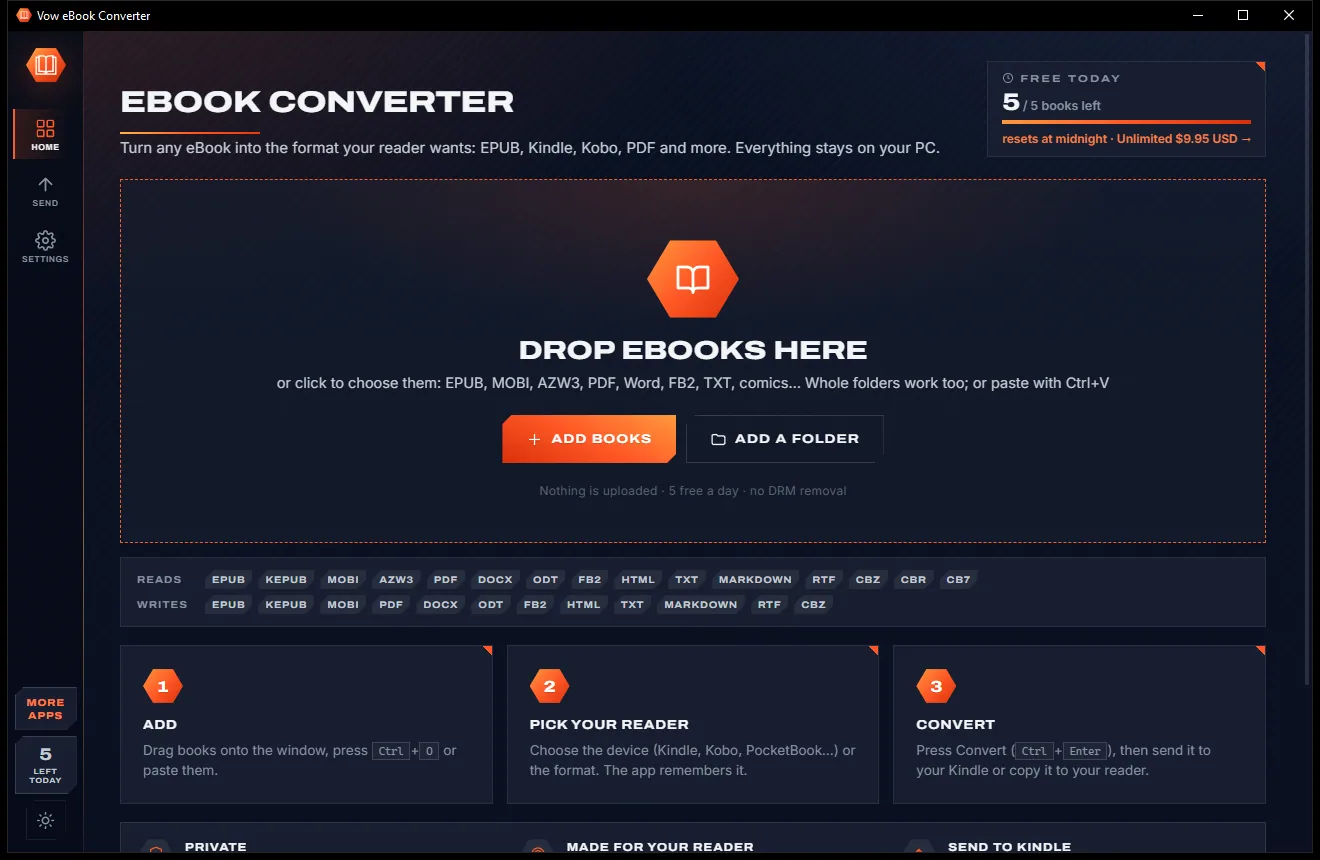
eBook Converter comes with a crisp light theme and a calm dark theme. Switch with one click, or let it follow your Windows setting by itself. It remembers your choice.
Screenshots
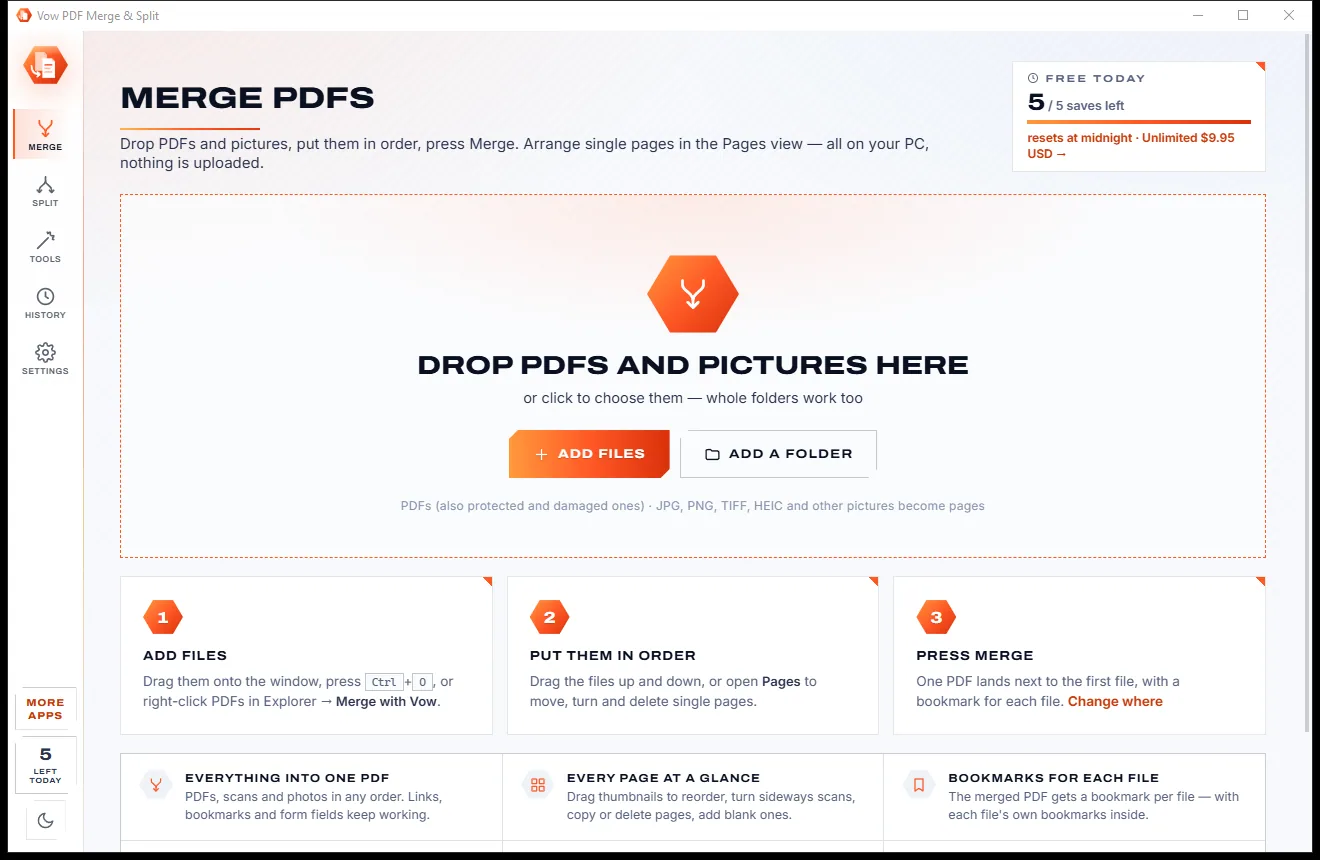
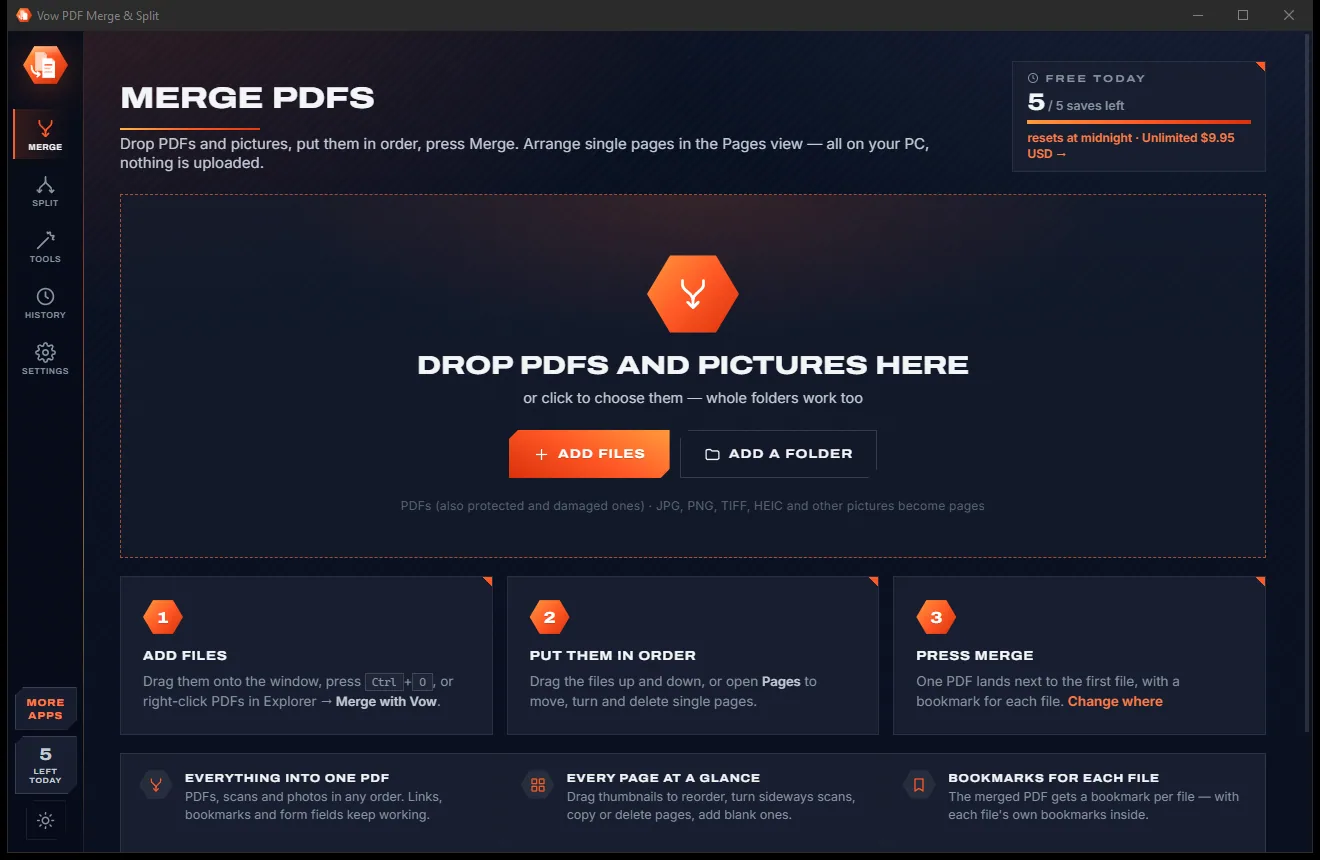
Real screenshots of the real app, in both of its themes: 6 light, 6 dark. Click any picture to see it full size.
Light theme
Dark theme
Who it's for
Put DRM-free EPUBs from indie authors and public-domain libraries on your Kindle.
KEPUB for Kobo, and EPUB sized to the screen for everything else.
Turn PDFs and papers into reflowable books you can read comfortably on an e-reader.
Turn a Word or Markdown manuscript into EPUB, MOBI or PDF for beta readers.
Convert CBR and CB7 to CBZ or EPUB with spreads split and right-to-left order.
Fix titles, authors, series and covers so your library sorts the way it should.
Compare
What typical online converters and free eBook tools give you, side by side.
| Feature | Vow eBook Converter | Online converters & free eBook tools |
|---|---|---|
| Price | Free every day, or $4.95 once | Free with ads, or paid plans for more |
| Your books are uploaded | Never: converted on your PC | Yes, for online converters |
| Ads and pop-ups | None, ever | Common on free converter sites |
| Presets for your exact e-reader | 20 devices, one click | Rarely, or buried in settings |
| PDF reflow (columns, headers, hyphens) | Yes | Often basic |
| Send to Kindle and USB copy | Built in | Some desktop tools only |
| Live preview in a device frame | Yes | Rarely |
| Works without internet | Yes, for converting | No, for online tools |
"Typical" describes what we found across the most-downloaded alternatives when we built eBook Converter. Your mileage with any one of them may vary; ours won't.
Pricing
That is not a typo. Software this powerful usually means a monthly subscription; eBook Converter is $4.95, once, for life: it's almost a giveaway. Use it free for as long as you like, and unlock Unlimited only if you need more.
5 books a day, one at a time, every format and device preset.
Almost a giveaway. Less than a coffee for software this powerful: no subscription, no renewals, yours for life on 2 PCs.
Any number of books, batch folders, Send to Kindle, covers and layout.
Payments by Stripe: we never see or store your card. Questions? Ask a real person.
Clean software
Most "free" Windows downloads pay for themselves with ads, bundled extras or your data. Vow eBook Converter doesn't need to: it's paid for honestly, once, by the people who find it useful.
Download eBook Converter freeStep-by-step guide
Get a DRM-free book onto your Kindle in a couple of minutes.
Step 1: get it freeGet Vow eBook Converter from this page and run the installer. It needs no administrator rights and no account, and adds itself to Open with for eBook files without taking over any default app.
Drag the book onto the app, press Ctrl+O, or paste it with Ctrl+V. The format is recognised from the file's content, not just its extension.
Pick your model, for example Kindle Paperwhite. MOBI is chosen for copying over USB, pictures are sized for its screen, and the choice is remembered.
Press Convert or Ctrl+Enter. The book is saved to Documents\Vow eBook Converter as "Author - Title", and existing files are never overwritten.
Drag the converted file onto your Kindle in File Explorer. With Unlimited, copy it from the Send page in one click, or use Send to Kindle, which e-mails an EPUB to your Kindle address.
Technical details
FAQ
Yes. You can convert 5 books a day for free, one at a time, in every format, with the device presets, metadata editing and live preview, and converting the same book again that day is free. There are no ads and no watermarks. Unlimited, a one-time $4.95 USD payment, adds any number of books, batch conversion of lists and folders, Send to Kindle and USB copies, and cover and layout editing.
No. Books locked with Adobe, Apple, Kindle or other DRM are recognised and the app explains why they can't be converted, but DRM is never removed. It converts DRM-free books, such as public-domain classics, indie purchases and your own writing.
No. Converting happens entirely on your own PC. The app only goes online when you press Find details online (the title and author are looked up on Open Library) or when you send a book to your Kindle by e-mail.
It reads EPUB, KEPUB, MOBI, AZW3, PDF, DOCX, ODT, FB2, HTML, TXT, Markdown, RTF and CBZ, CBR and CB7 comics. It writes EPUB 3 and 2, KEPUB, MOBI for every Kindle, PDF, DOCX, ODT, FB2, HTML, TXT, Markdown, RTF and CBZ. AZW3 is read but not written, and Amazon's KFX format isn't read.
Pick your Kindle under My reader and press Convert, then drag the file onto the Kindle in File Explorer. With Unlimited you can copy it from the Send page, or set up Send to Kindle once: the app walks you through Amazon's approved-sender step and e-mails books as EPUB, Amazon's preferred format.
It does far more than copy the text out: columns and reading order are worked out, paragraphs are rebuilt across page breaks, running headers and page numbers are removed, and PDF bookmarks become chapters. Results still depend on the PDF; complex tables and maths come out as plain paragraphs, and scanned PDFs keep their page pictures.
Yes. CBZ, CBR and CB7 comics and comic PDFs are converted with pictures sized for your screen and greyed for e-ink. Double-page spreads can be split, and right-to-left manga order is supported, switched on automatically when the comic says so.
Yes. It is made and published by XTO Pty Ltd, an Australian company. There are no ads, no bundled software and no account, it needs no administrator rights, it never changes your default apps, and it uninstalls cleanly from Windows Settings.
The Vow collection
Same design, same promises, a tiny one-time price. Learn one and you already know them all.
Redact PDFs for real: nothing left under the black boxes
Merge, split and reorder PDFs on your own PC
Shrink any PDF to the exact size an upload form asks for
Convert any eBook for your Kindle, Kobo or tablet. Free to use every day, $4.95 once if you ever want Unlimited.