
Photos
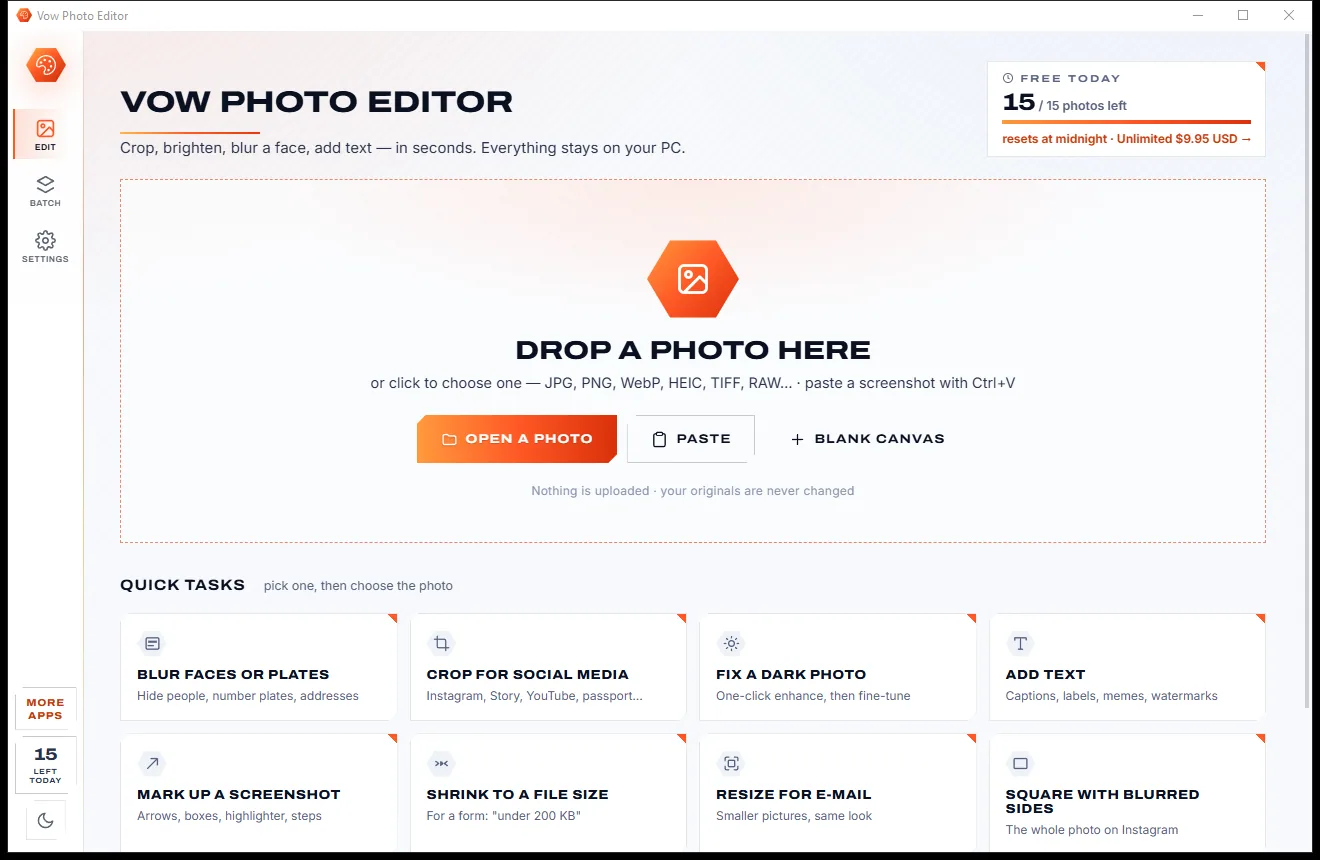
Vow Photo Editor
Crop, brighten, blur a face, add text, and save to an exact file size
- Free: Every basic edit, 15 saved photos a day, no watermarks
- $9.95 once: No daily limit, one-click face blur, layers, batch edits and presets

HEIC to JPG converter for Windows
Windows won't show HEIC photos until you buy the HEVC extension, and plenty of websites and printers won't take them at all. Drop them on Vow and get JPGs that are upright, in true colours and dated when they were taken. Your photos never leave your PC.
The problem
Your iPhone saves HEIC, Windows wants a paid extension before it will show one, and half the upload forms you need refuse the format outright.
Double-click a HEIC photo and Windows sends you to the Store to buy the HEVC extension before it will show it.
Websites, upload forms, older programs and photo printers that simply won't accept a HEIC.
Online HEIC converters need your photos, GPS location and all, sent to their servers before they convert a single one.
Careless converters lose the rotation or the iPhone's wide colours, so photos come back on their side or dull.
Converted files dated today instead of the day they were taken, so your folders and albums end up out of order.
The moving part of a Live Photo is a separate movie that most converters ignore, so the moment is lost.
Vow HEIC to JPG Converter fixes all of it.
How it works
A whole camera roll in one click, upright and true to colour, and your photos stay on your PC.
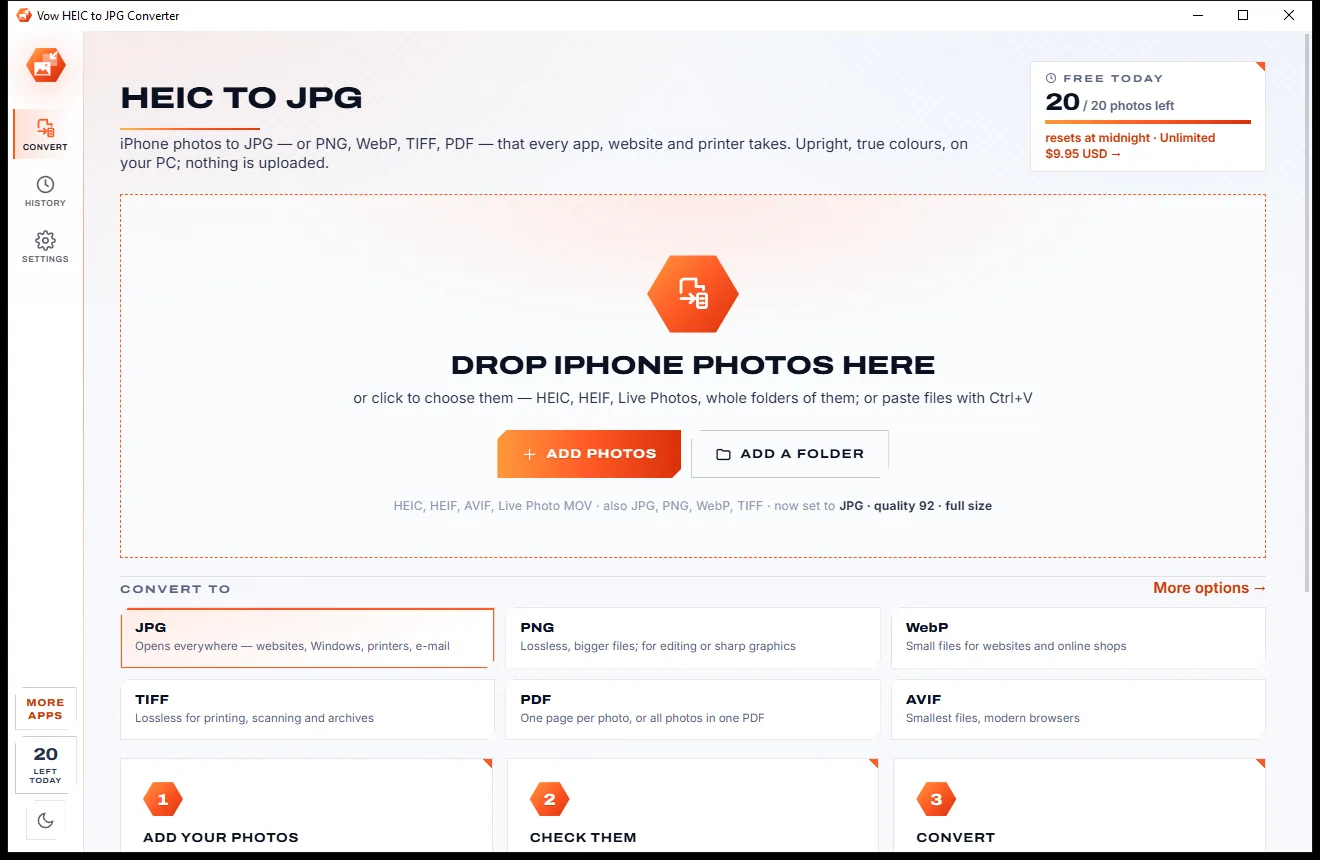
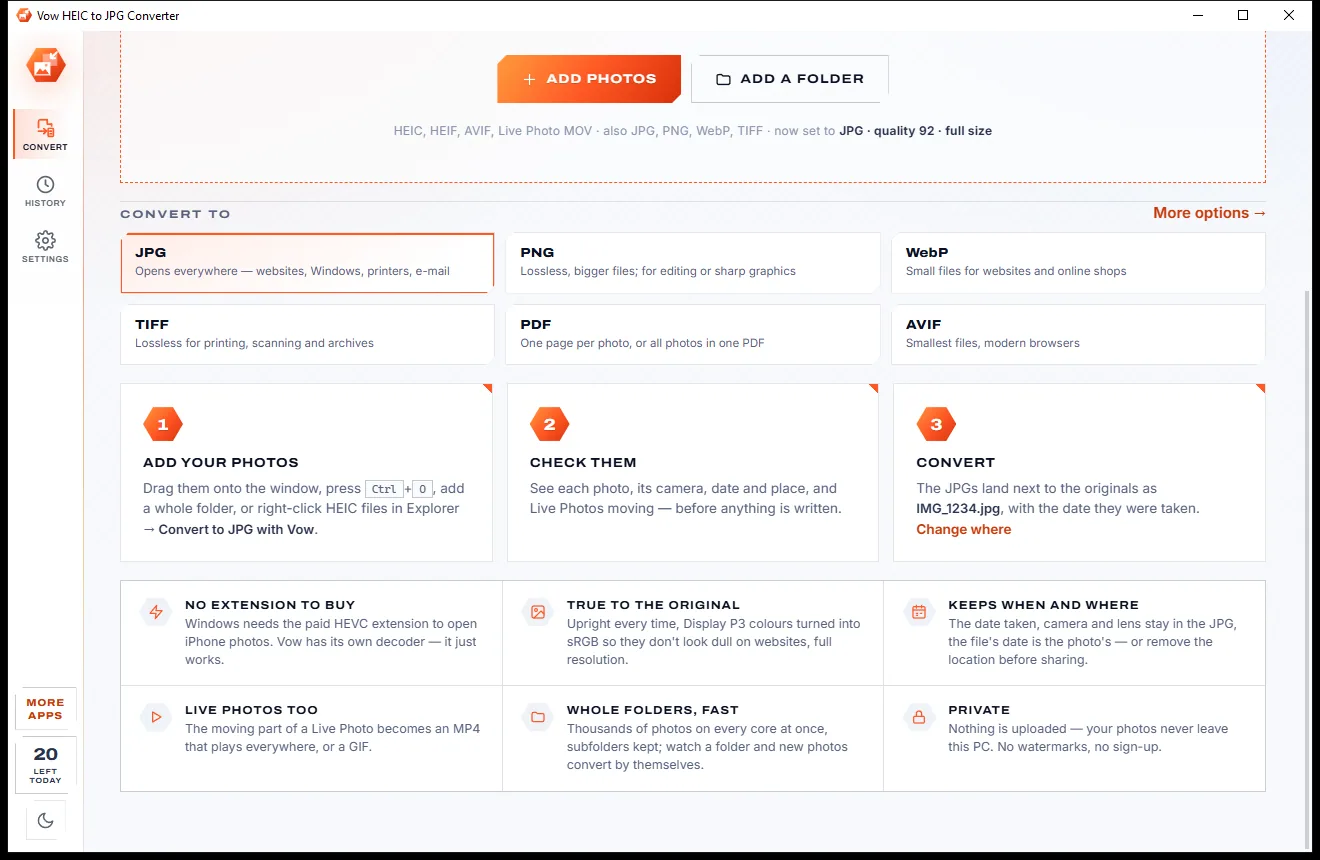
Drag photos or a whole folder onto the window, paste them with Ctrl+V, or right-click HEIC files in Explorer. Every photo is listed with its camera and date.
Click a photo to see it large, zoom to full size, watch its Live Photo move, or read every detail: camera, lens, exposure and where it was taken.
Click Convert. JPGs land next to the originals, named like them and dated when the photos were taken. A 12-megapixel photo takes about a quarter of a second.
Features
For iPhone owners, families swapping photos, and anyone whose printer or website says "unsupported file".
Its own HEIC decoder is built in, so photos open and convert on any Windows 10 or 11 PC without buying anything.
Each photo's rotation is applied and the orientation tag reset, so nothing turns twice in another app.
iPhone Display P3 colours are converted to sRGB so photos look right on every screen, or keep the original profile.
File dates are set to the moment each photo was taken, so Explorer, Google Photos and OneDrive sort them correctly.
JPG, PNG, WebP (lossy or lossless), TIFF, PDF (a page per photo or all in one) and AVIF.
Quality presets, 4K, 2048 or 1080 sizes, and a file-size limit that finds the best quality under "500 KB".
The moving part of each Live Photo becomes an MP4 with sound that plays everywhere, or a looping GIF (Unlimited).
Date, camera, lens, exposure, GPS and colour profile carried into the JPG, or everything but the location (Unlimited).
Convert to JPG with Vow from the menu on any HEIC file; with Unlimited it converts on the spot.
Point it at your iCloud Photos or OneDrive camera upload folder and new HEIC photos convert by themselves (Unlimited).
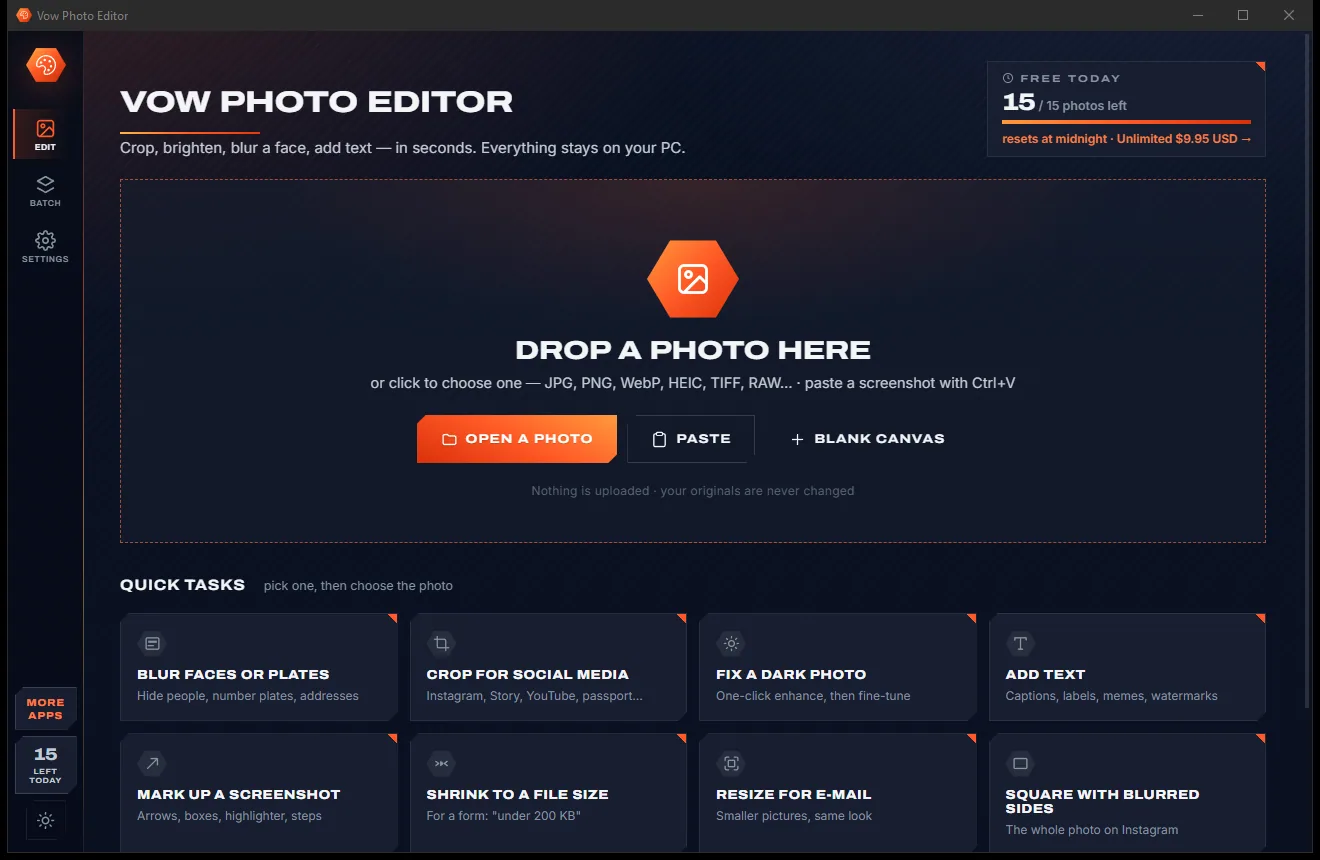
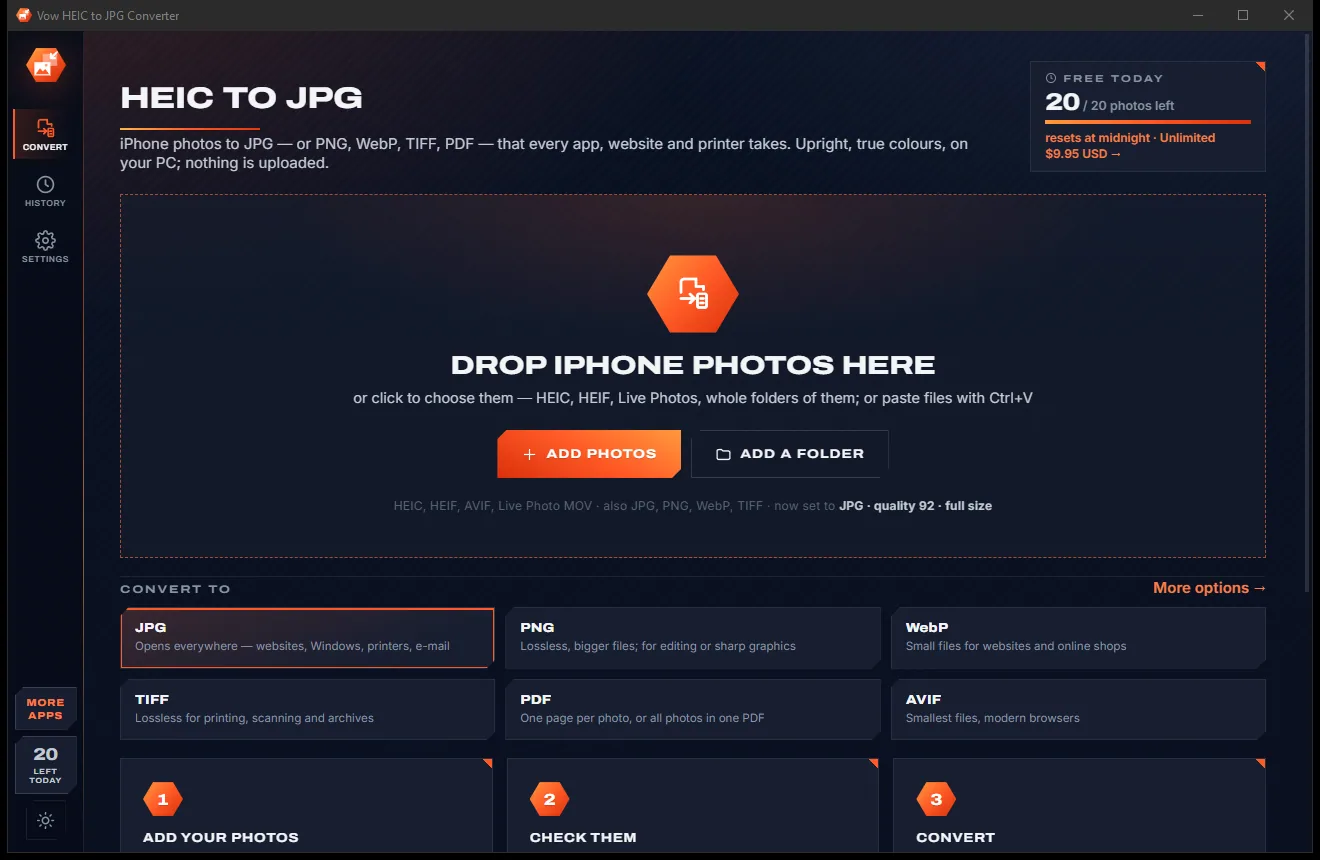
Light & dark theme
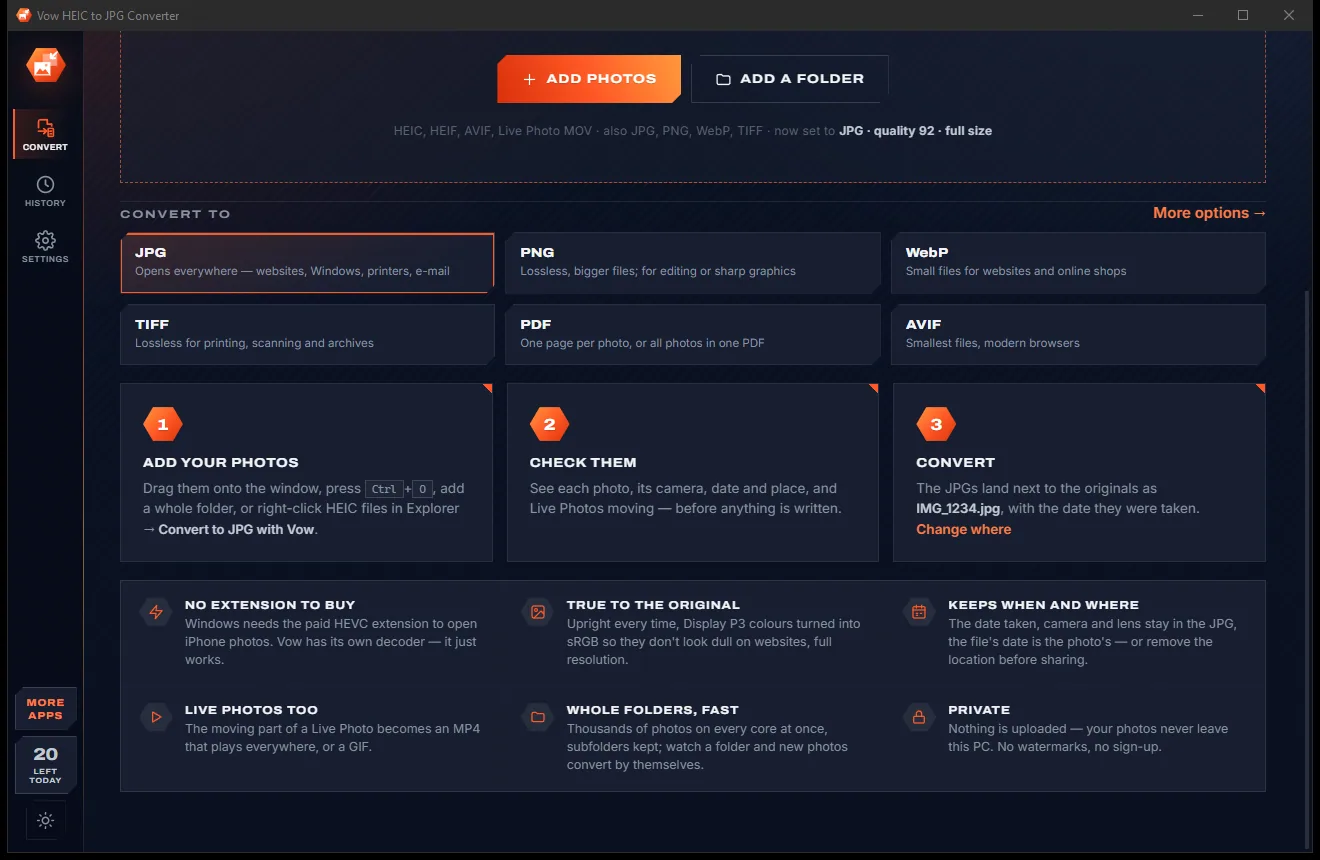
HEIC to JPG comes with a crisp light theme and a calm dark theme. Switch with one click, or let it follow your Windows setting by itself. It remembers your choice.
Screenshots
Real screenshots of the real app, in both of its themes: 5 light, 5 dark. Click any picture to see it full size.
Light theme
Dark theme
Who it's for
Turn every HEIC on your PC into JPGs that any program, old or new, opens.
Send JPGs or a print-ready PDF to a photo kiosk or a home printer that won't take HEIC.
Hand websites, job portals and online shops a JPG they accept, under their size limit if needed.
Pass photos to relatives whose PCs, phones and TVs can't show HEIC.
Keep a JPG copy of every new photo that syncs down from your phone, automatically.
Drop phone photos into reports, slides and documents without format errors.
Compare
What typical HEIC converter sites and apps give you, compared honestly.
| Feature | Vow HEIC to JPG Converter | Typical HEIC converter sites & apps |
|---|---|---|
| Price | Free every day, or $4.95 once | Free with limits, or a paid upgrade |
| Your photos are uploaded | Never | Yes, for online converters |
| Needs the paid HEVC extension | No: decoder built in | Windows Photos does |
| Upright, Display P3 to sRGB | Always | Not always |
| File dates set to when taken | Yes | Rarely |
| Live Photos to MP4 or GIF | Yes | Rarely |
| PDF, TIFF and AVIF output | Yes | Usually JPG or PNG only |
| Ads and watermarks | None | Common on free sites |
"Typical" describes what we found across the most-downloaded alternatives when we built HEIC to JPG. Your mileage with any one of them may vary; ours won't.
Pricing
That is not a typo. Software this powerful usually means a monthly subscription; HEIC to JPG is $4.95, once, for life: it's almost a giveaway. Use it free for as long as you like, and unlock Unlimited only if you need more.
20 photos a day, any format, quality and size.
Almost a giveaway. Less than a coffee for software this powerful: no subscription, no renewals, yours for life on 2 PCs.
Any number, metadata kept, Live Photos to MP4, right-click convert.
Payments by Stripe: we never see or store your card. Questions? Ask a real person.
Clean software
Most "free" Windows downloads pay for themselves with ads, bundled extras or your data. Vow HEIC to JPG Converter doesn't need to: it's paid for honestly, once, by the people who find it useful.
Download HEIC to JPG freeStep-by-step guide
From iPhone photos to ordinary JPGs in a minute, without installing codecs or uploading anything.
Step 1: get it freeDownload Vow HEIC to JPG Converter from this page and run the installer. No administrator rights, no account and no HEVC extension: the decoder is built in.
Drop HEIC photos or a folder, such as an iCloud Photos folder or a camera roll copied from the phone, onto the window, or press Ctrl+O.
JPG at quality 92 and full size is already set. Choose PNG, WebP, TIFF, PDF or AVIF instead, or a smaller size such as 2048 or 1080.
Next to the originals, in a subfolder, or in one folder that keeps the subfolders. Names follow the originals unless you set a pattern.
The JPGs appear in seconds, upright and dated when taken. Open the folder from the message that appears, or press Ctrl+C on a photo to copy it as a JPG.
Technical details
FAQ
Yes. You can convert 20 photos a day for free to any format, quality and size, upright, in true colours and dated when taken, with no watermarks. Unlimited, a one-time $4.95 USD payment, removes the daily limit and adds kept metadata, Live Photos to MP4 or GIF, right-click convert, watched folders, depth maps and burst pictures.
No. Vow has its own HEIC decoder built in, so it opens and converts iPhone photos on any 64-bit Windows 10 or 11 PC without any paid extension.
No. Everything happens on your own PC and nothing is downloaded while it runs. Your photos, and the locations stored inside them, never leave your computer.
Every converted file gets the date the photo was taken as its file date, free. Keeping the full metadata inside the file (date, camera, lens, exposure, GPS and colour profile), or all of it except the location, is part of Unlimited.
You can watch them move in the app for free. With Unlimited the moving part is saved as an MP4 (H.264 with sound) that plays on every PC, phone and TV, or as a GIF.
A 12-megapixel iPhone photo converts in about a quarter of a second, and several photos are converted at the same time.
Besides HEIC to JPG, Vow turns Live Photos into videos, converts colours to sRGB, dates files when taken, meets file-size limits, watches folders, saves depth maps, writes PDF, TIFF and AVIF, and shows every photo and its details before you convert. It never uploads anything.
Yes. It is made and published by XTO Pty Ltd, an Australian company. The installer contains no ads, no toolbars and no bundled software, needs no administrator rights, and uninstalls cleanly from Windows Settings without touching your photos.
The Vow collection
Same design, same promises, a tiny one-time price. Learn one and you already know them all.
Crop, brighten, blur a face, add text, and save to an exact file size

Passport, visa and ID photos at home, sized to each country's rules

Turn WebP, AVIF, HEIC and 40+ formats into pictures that open everywhere
Open and convert iPhone HEIC photos on any Windows PC. Free to use every day, $4.95 once if you ever want Unlimited.