

Video
Vow GIF & Meme Maker
Turn any video clip into a GIF or meme, with no watermark
- Free: 10 GIFs a day, up to 10 seconds at 480p, with meme text
- $4.95 once: Any length, HD up to the original size, MP4, WebP and APNG

AI video upscaler & enhancer for Windows
Drop in camcorder tapes, DVDs and old phone clips and get them back at 2x, 1080p or 4K, cleaned up and smooth. The AI runs on your own graphics card, you see before and after for free, and there are no cloud credits, watermarks or subscriptions.
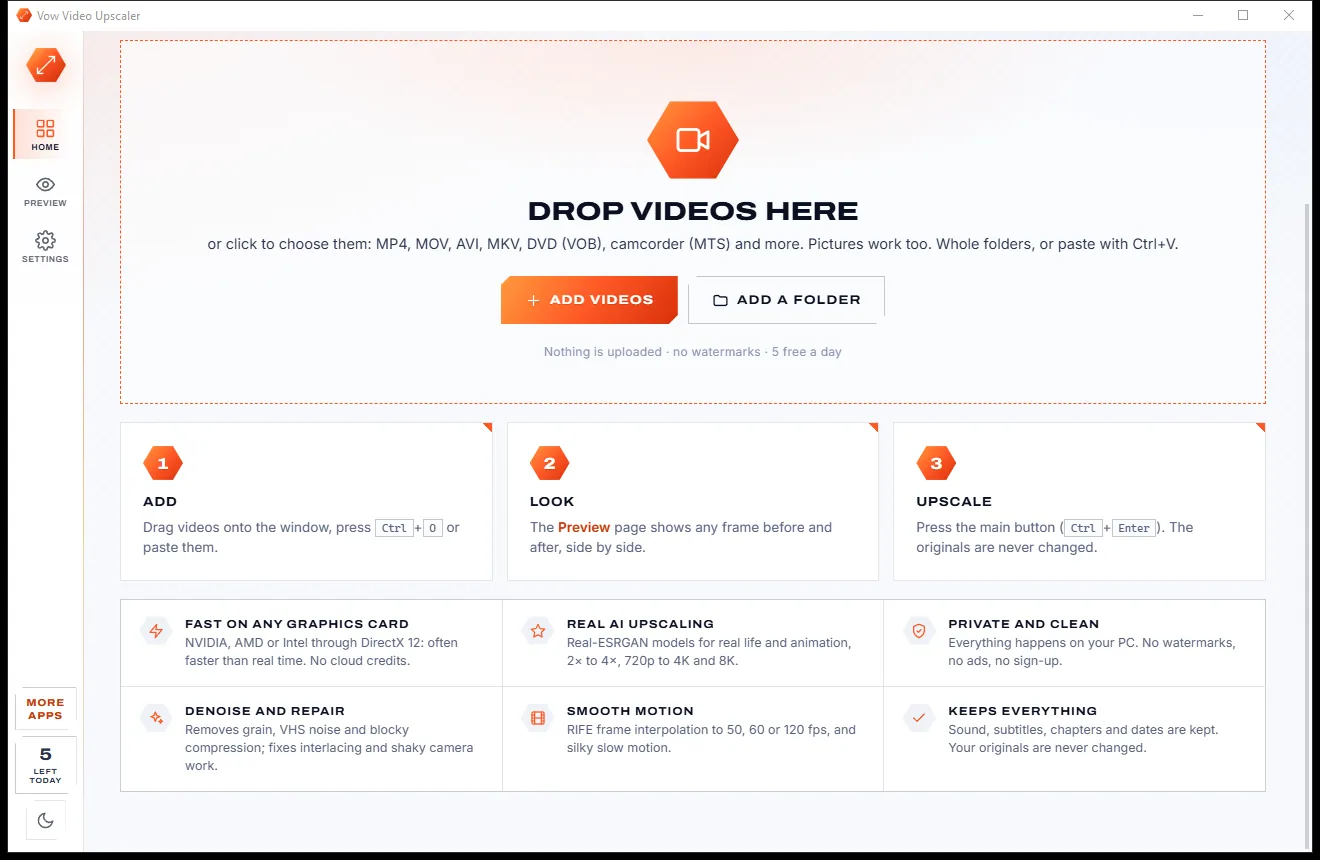
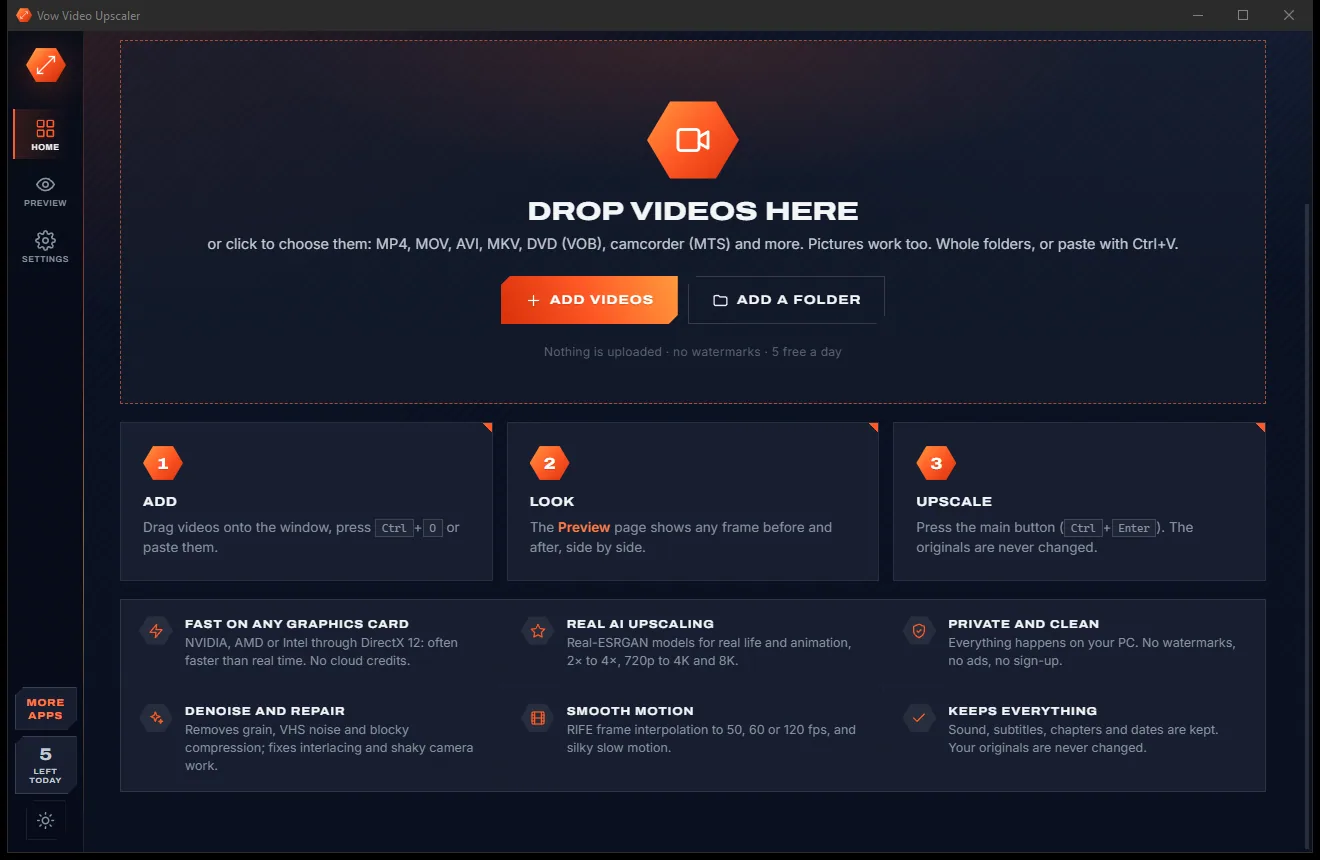
The problem
The well-known upscalers want an upload, a credit pack or a yearly licence, and the free trials stamp a watermark on the result.
Cloud enhancers want your private home movies on their servers, then make you wait in their queue.
Pay-per-minute pricing turns a box of old tapes into a very big bill.
Free trials of desktop upscalers often stamp a watermark on every export until you buy.
The best-known tools often come as yearly licences, renewing whether you have videos to fix or not.
Free open-source upscalers work, once you've picked models, frame formats and command-line options.
Start a job, wait hours, then find the result looks wrong: no preview first and no estimate of the time.
Vow Video Upscaler fixes all of it.
How it works
See the result before you start, then let your own graphics card do the work.
Drop videos or whole folders on the window, press Ctrl+O or paste them. MP4, MOV, AVI, MKV, DVD (VOB), camcorder (MTS) and more, even pictures.
The Preview page upscales any moment with your settings and shows it before and after, with the AI's speed on your PC and how long the whole video will take.
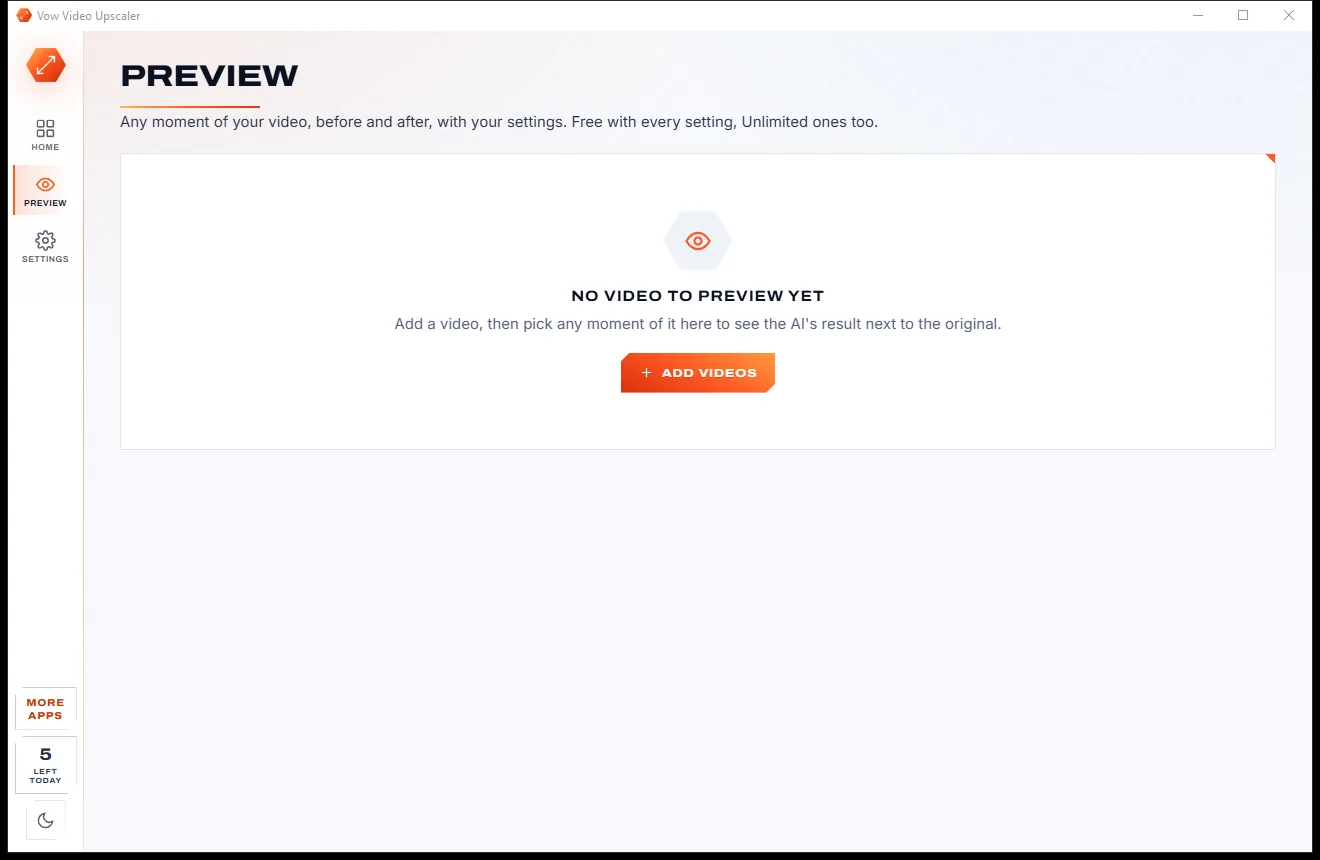
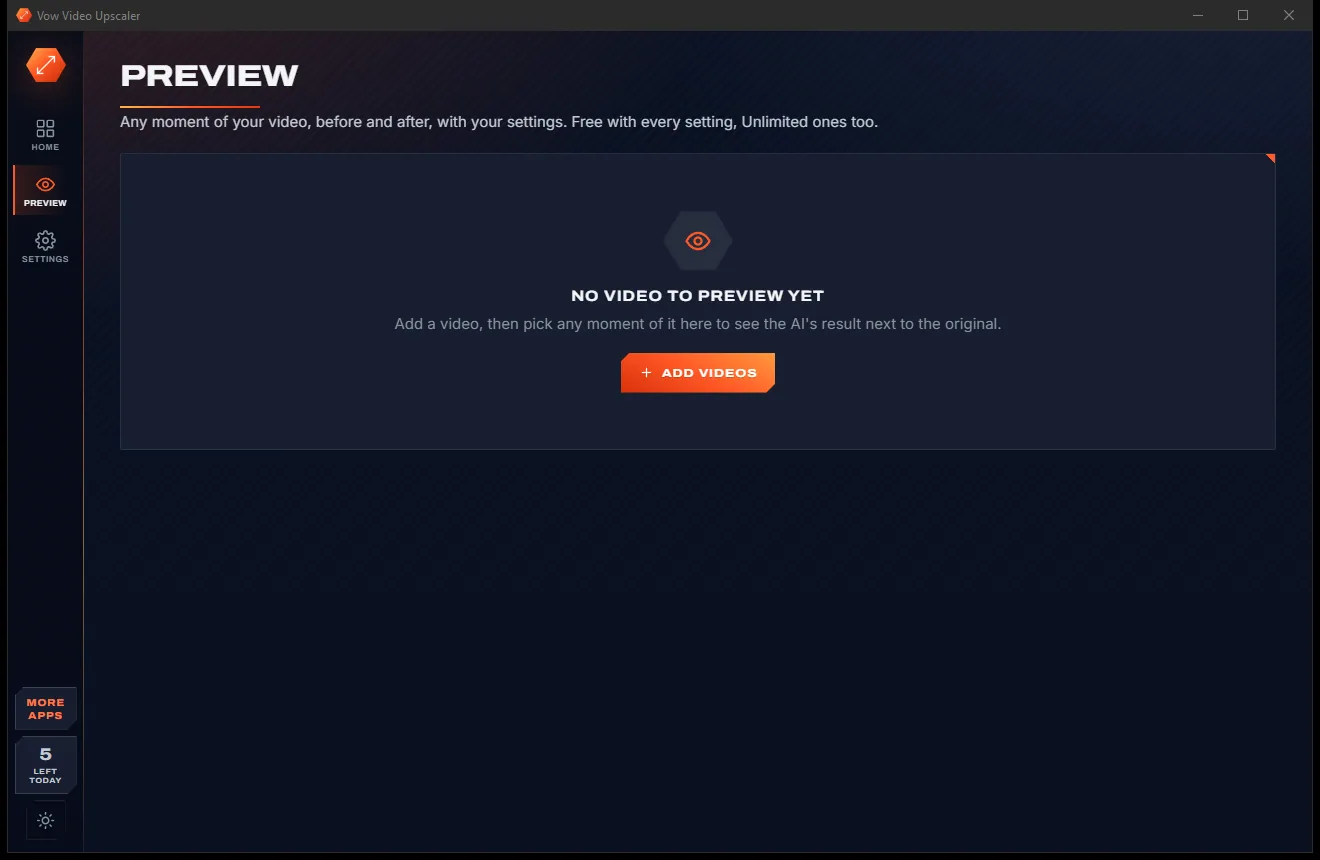
Pick Real life, Animation or Max detail and a size, then press Upscale. Sound, subtitles and chapters are kept, and nothing is ever overwritten.
Features
For home movie keepers, DVD collectors, video editors and anime fans: smart defaults up front, every control in Advanced.
Three models for real life, animation and maximum detail, from 2x and 4x to 720p, 1080p, 1440p, 4K and up to 8K.
Any frame with any setting, Unlimited ones too: a split view with a draggable divider or side by side, fitted or at 100%.
Runs on any DirectX 12 card from NVIDIA, AMD or Intel, with the processor as a fallback, and encodes with NVENC, Quick Sync or AMF.
From Keep grain to Max, plus an extra temporal denoise for VHS and low light, and deblocking for DVD and web video.
RIFE frame interpolation to 50, 60 or 120 fps, or half and quarter speed slow motion, with scene-cut detection.
Automatic deinterlacing, one frame per field, anamorphic DVDs to square pixels, rotated phone video upright and HDR mapped to SDR.
Stabilise shaky footage, remove black bars, sharpen and adjust brightness, contrast and colour, with film grain if you like it.
Progress, frames per second and time left for every video; pause, skip or stop, keep the PC awake, then close, sleep or shut down.
Sound, subtitles, chapters and dates are kept and nothing is overwritten. H.264, H.265, AV1 or ProRes in MP4, MKV or MOV.
A bright light theme for daytime and a dark one for evenings, swapped with a single click on the side bar.
Light & dark theme
Video Upscaler comes with a crisp light theme and a calm dark theme. Switch with one click, or let it follow your Windows setting by itself. It remembers your choice.
Screenshots
Real screenshots of the real app, in both of its themes: 5 light, 5 dark. Click any picture to see it full size.
Light theme
Dark theme
Who it's for
Bring camcorder tapes and early digital camera clips up to a size that looks good on today's TVs.
Upscale DVD video with automatic deinterlacing and anamorphic correction.
Sharpen low-resolution clips from early smartphones and messaging apps.
A dedicated Animation model keeps lines clean and colours flat.
Bring low-res archive footage up to match an HD or 4K timeline, with ProRes output.
Pictures work too: upscale old photos 2x to 4x with the same AI.
Compare
What you actually get when you look for a way to enhance an old video, side by side.
| Feature | Vow Video Upscaler | Typical AI upscaling apps & cloud services |
|---|---|---|
| Price | Free every day, or $9.95 once | Yearly licences or per-minute credits |
| Your video is uploaded | Never: 100% on your PC | Yes, for cloud enhancers |
| Watermark on the result | Never | Common on free trials |
| Free before and after preview | Every setting, Unlimited ones too | Limited, or only after paying |
| Time estimate for your PC | Yes, measured on your card | Rarely |
| Graphics cards | Any DirectX 12 card, or the CPU | Often one brand first, or the cloud |
| Frame interpolation to 60 fps | Yes (Unlimited) | Some tools, often extra |
| Sound, subtitles and chapters kept | Yes | Often just the sound |
| Works without internet | Yes | No, for cloud services |
"Typical" describes what we found across the most-downloaded alternatives when we built Video Upscaler. Your mileage with any one of them may vary; ours won't.
Pricing
That is not a typo. Software this powerful usually means a monthly subscription; Video Upscaler is $9.95, once, for life: it's almost a giveaway. Use it free for as long as you like, and unlock Unlimited only if you need more.
5 videos a day, 2x AI upscaling, up to 1 minute each.
Almost a giveaway. Less than a takeaway lunch for software this powerful: no subscription, no renewals, yours for life on 2 PCs.
Full length, up to 4K and 8K, AI denoise and 60 fps.
Payments by Stripe: we never see or store your card. Questions? Ask a real person.
Clean software
Most "free" Windows downloads pay for themselves with ads, bundled extras or your data. Vow Video Upscaler doesn't need to: it's paid for honestly, once, by the people who find it useful.
Download Video Upscaler freeStep-by-step guide
Turn an old, blurry clip into a sharp HD video in a few minutes, without uploading it.
Step 1: get it freeGet Vow Video Upscaler from this page and run the installer. It needs no administrator rights and no account, and the AI models and engines are already inside, so nothing downloads on first start.
Drag them onto the window or press Ctrl+O. Each video shows its size, frame rate and length, and the size it will be once upscaled.
Real life for camcorder, phone and TV video, Animation for cartoons, Max detail for short clips. Leave the size on 2x, or pick 4x, 1080p or 4K with Unlimited.
Open Preview and drag the divider across the picture to compare before and after. It also shows how long the whole video will take on your graphics card.
Press Upscale or Ctrl+Enter. Each row shows progress, frames per second and time left, and the result is saved as name (upscaled 2x).mp4 without touching the original.
Technical details
FAQ
Yes. You can upscale 5 videos every day for free: 2x with all three AI models, up to the first minute of each video, with deinterlacing, stabilising, sharpening, colour and every output format. Before and after previews are free with every setting. Unlimited, a one-time $9.95 USD payment, adds full length, 3x, 4x, 4K and 8K, the AI denoise levels and smooth motion up to 120 fps.
No. The AI runs on your own PC, on your graphics card through DirectML or on the processor, and FFmpeg and the models are inside the installer. Your videos never leave your computer and it works with no internet connection at all.
Any DirectX 12 graphics card from NVIDIA, AMD or Intel, with the processor as a fallback. On an RTX 5090 a 640x480 clip upscales 2x at about 94 frames per second, and mid-range cards are still faster than real time for SD video. The Preview page measures the speed on your own card.
It covers the same core in one window: AI upscaling to 4K and 8K, denoise, deinterlacing, frame interpolation, stabilising, batches and hardware encoding. It adds a free before and after preview of every setting, a time estimate measured on your own card, a trim per video and sound, subtitles and chapters kept. And there's no subscription, no watermarked trial and no cloud: Unlimited is $9.95 once.
Yes. Deinterlacing is automatic when the file says it is interlaced, with an option for one frame per field for smooth 50 or 60 fps. Anamorphic DVDs come out with square pixels, and with Unlimited the extra temporal denoise and deblocking help with VHS and DVD noise.
Yes, with Unlimited: RIFE frame interpolation doubles the frames or converts to 50, 60 or 120 fps, or makes half and quarter speed slow motion, with scene-cut detection. You can try it on the Preview page for free first.
Never. Results are saved with a new name such as name (upscaled 4K 60fps).mp4, in Videos\Vow Video Upscaler or next to the original if you prefer. A stopped job leaves no half-written file behind.
Yes. It is made and published by XTO Pty Ltd, an Australian company. The installer contains no ads, no toolbars and no bundled software, needs no administrator rights, and uninstalls cleanly from Windows Settings.
The Vow collection
Same design, same promises, a tiny one-time price. Learn one and you already know them all.
Turn any video clip into a GIF or meme, with no watermark

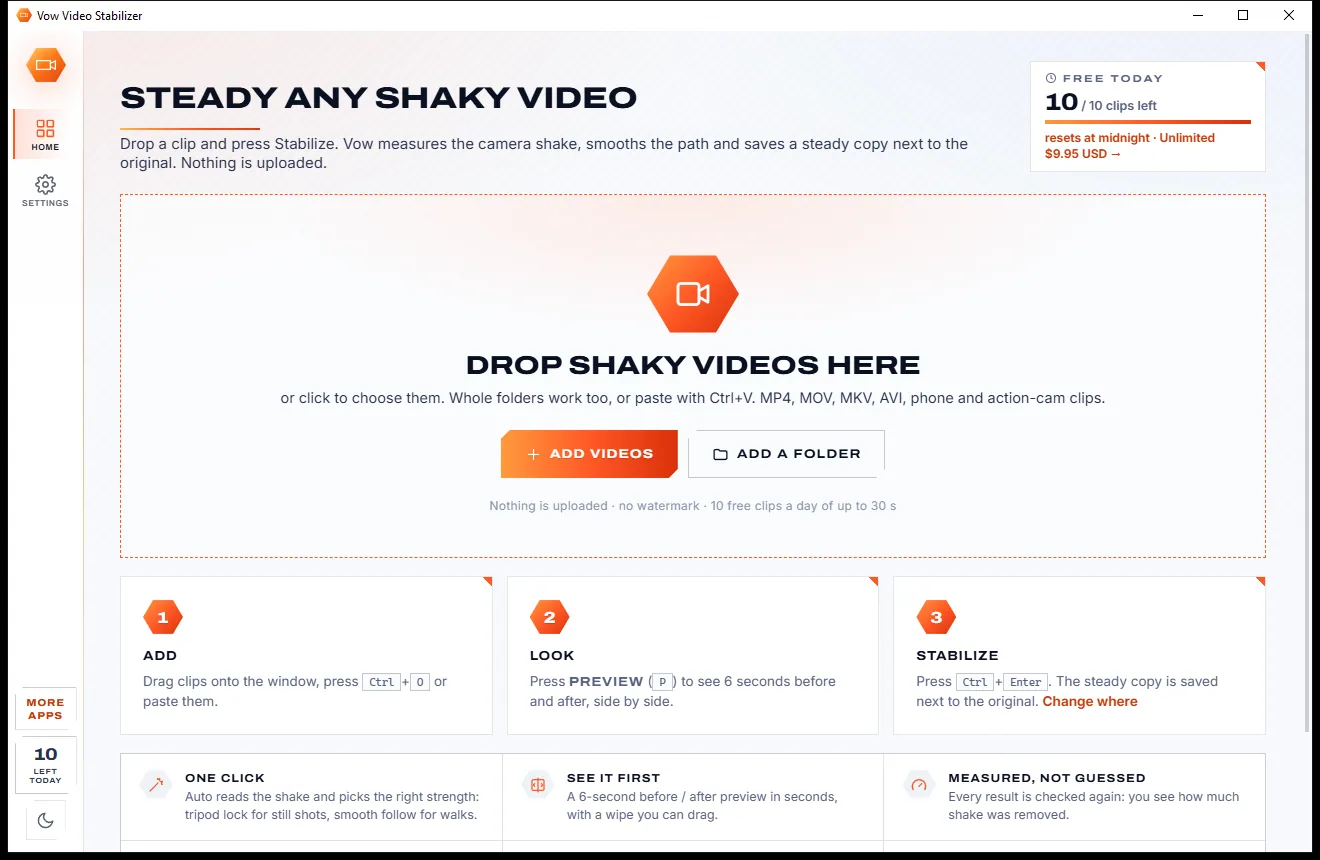
Steady any shaky video in one click, right on your PC

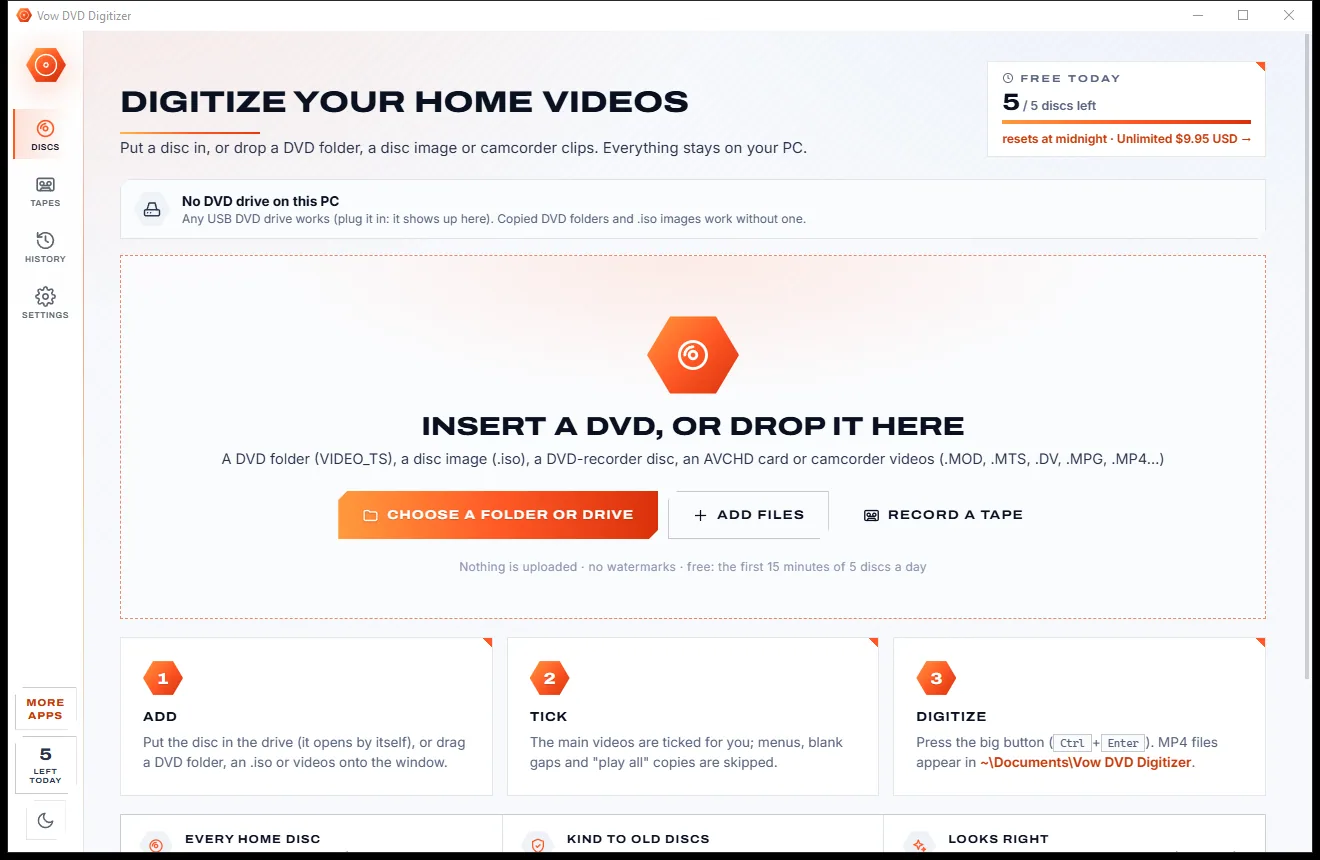
Turn home DVDs, camcorder clips and tapes into MP4s that play anywhere
Make old and low-res videos sharp with AI, on your own PC. Free to use every day, $9.95 once if you ever want Unlimited.