
PC Fixes
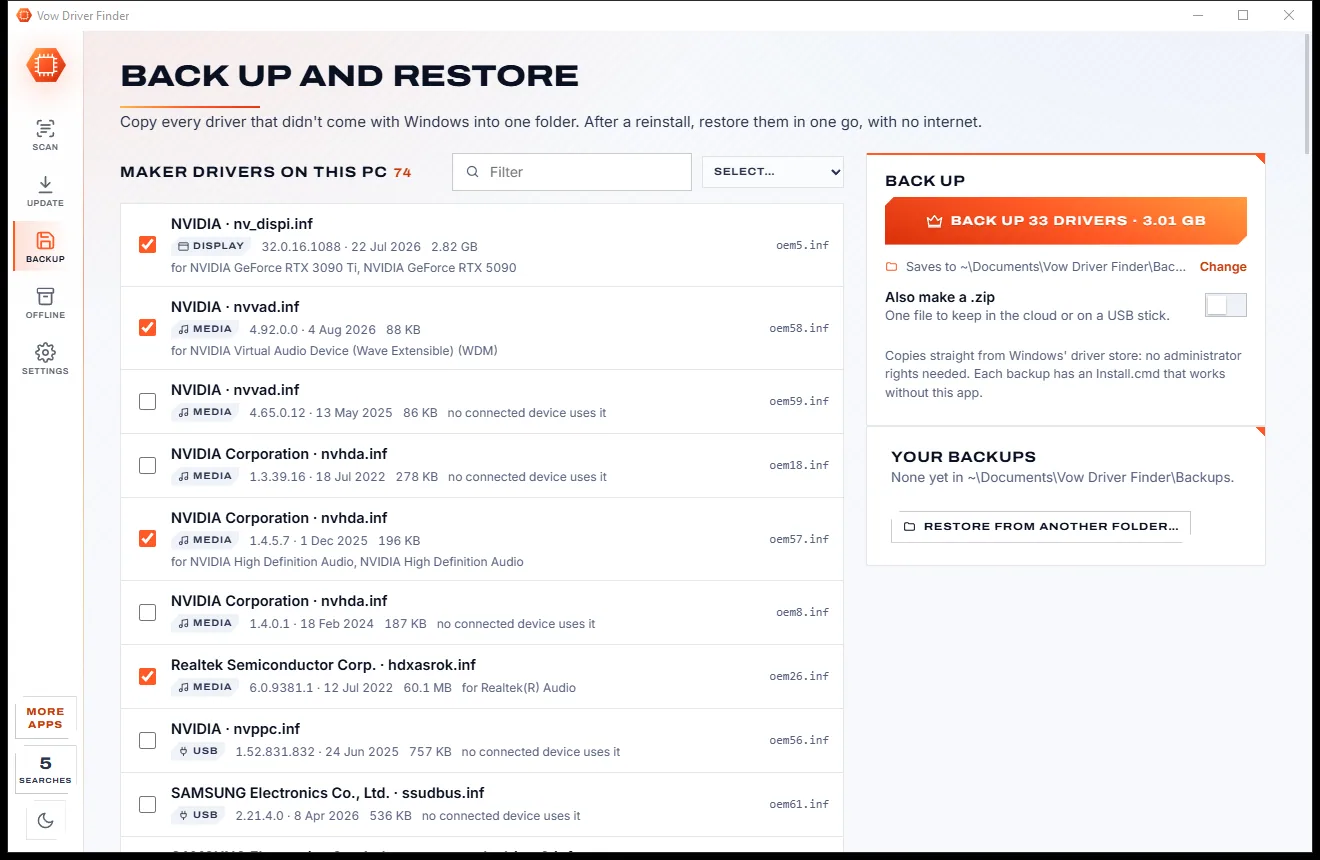
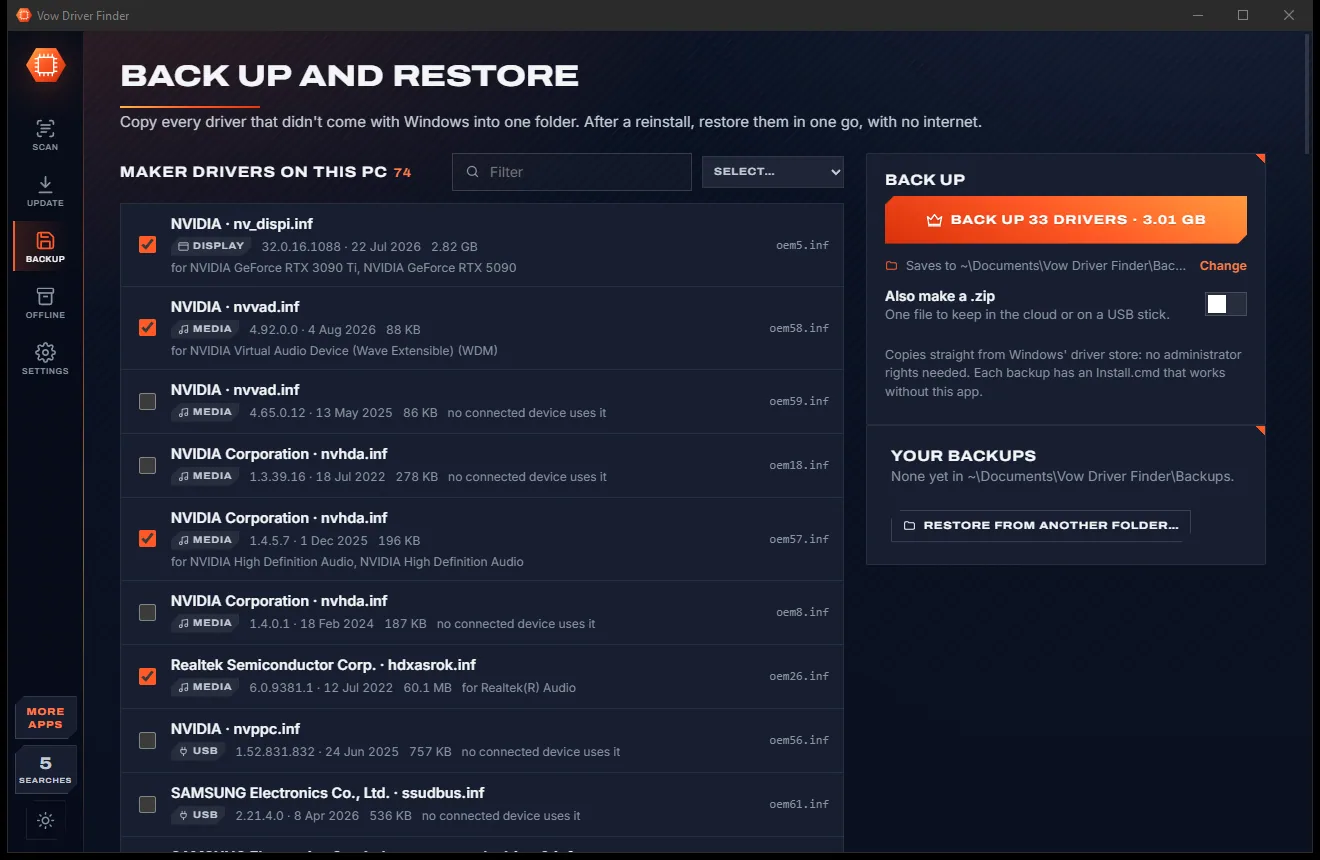
Vow Driver Finder
Find the drivers your PC is really missing, from official sources only
- Free: Unlimited scans, official links, 5 in-app searches a day
- $4.95 once: One-click install, backup and restore, offline driver packs

The printer troubleshooter that actually fixes it
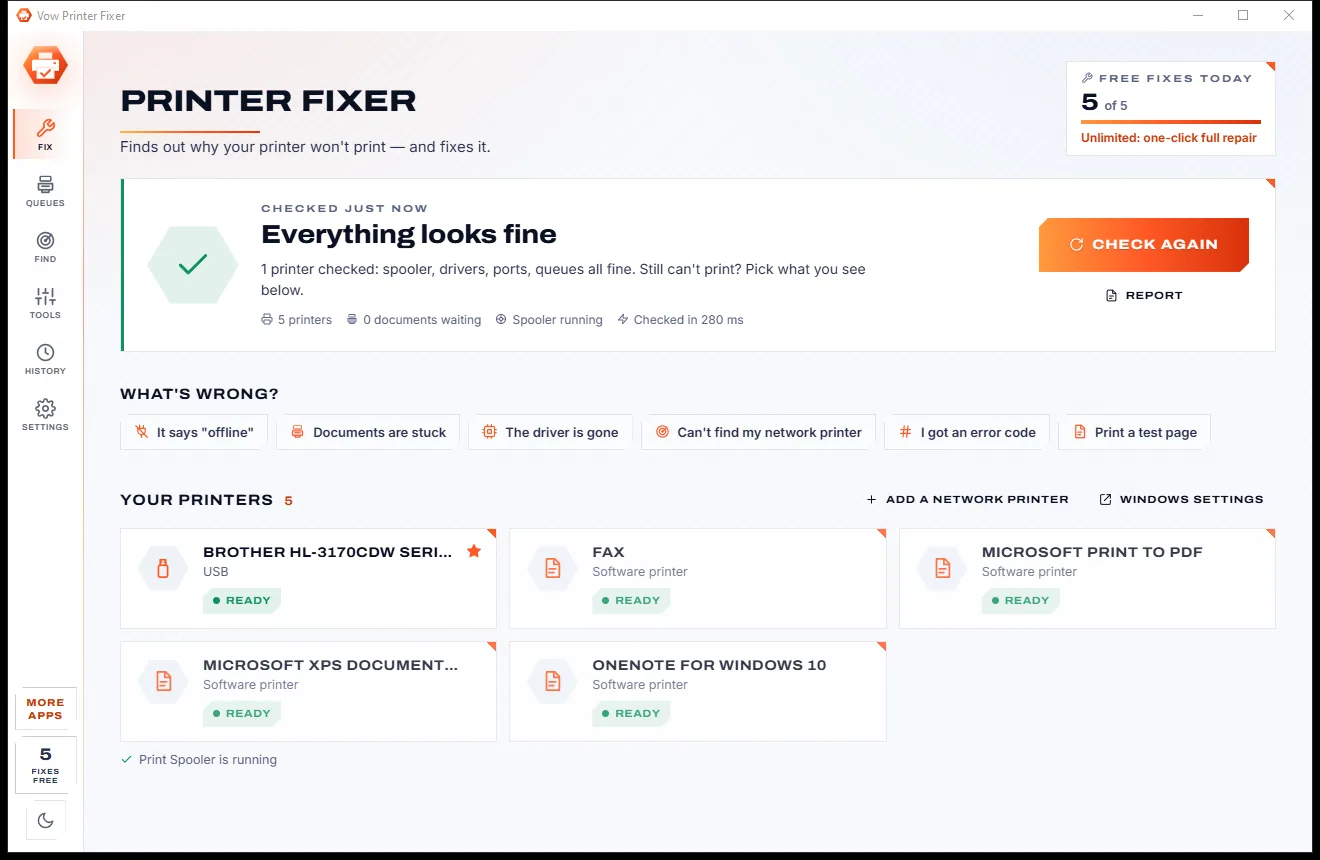
Vow Printer Fixer checks the whole printing chain the moment it opens, from the Print Spooler to the printer's own status, and tells you what's wrong in plain words. One Fix button per problem, the plan shown first, undo for every change. Any brand, no ads.
The problem
You need one page, right now. Windows says "offline", the queue won't budge, and the built-in troubleshooter finds nothing wrong.
The printer is on and on the network, yet Windows insists it's offline and holds every document.
One failed document blocks everything behind it, and Cancel just leaves it sitting on "Deleting".
After a Windows update the printer says "Driver is unavailable" and nothing prints at all.
The router gave the printer a new address, and Windows keeps sending pages to the old one.
0x00000709, 0x0000011b and friends, with forum threads full of registry hacks from strangers.
Random printer utilities full of ads, bundled extras and a subscription before they change a thing.
Vow Printer Fixer fixes all of it.
How it works
Every printer and the whole print system checked in a second or two, with the fix one click away.
In a second or two Vow checks the Print Spooler, every printer, driver, port and queue, then lists what's wrong in plain words, each with a Fix button.
Vow shows exactly what it will change before it starts. Steps that need Windows' permission carry a shield, and Windows asks only once.
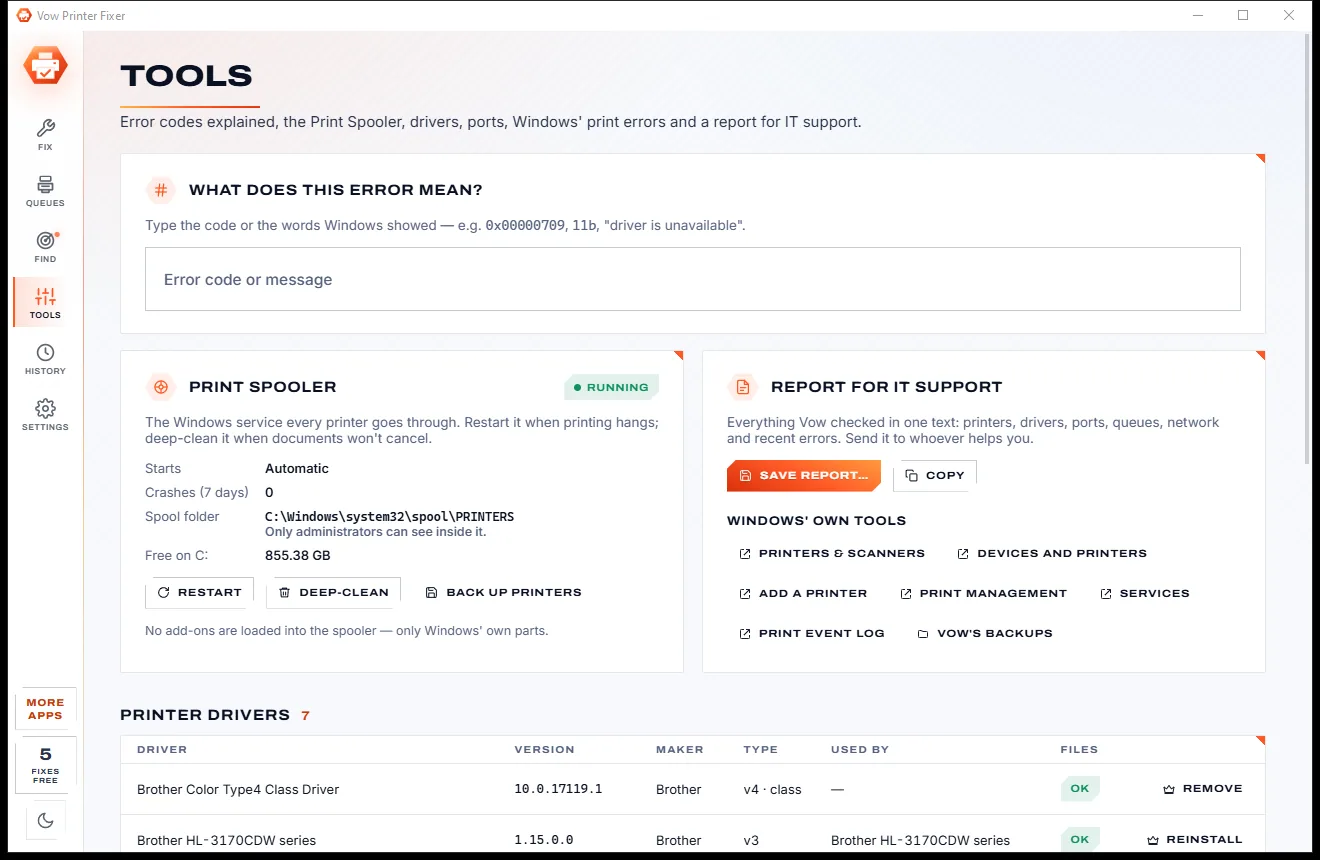
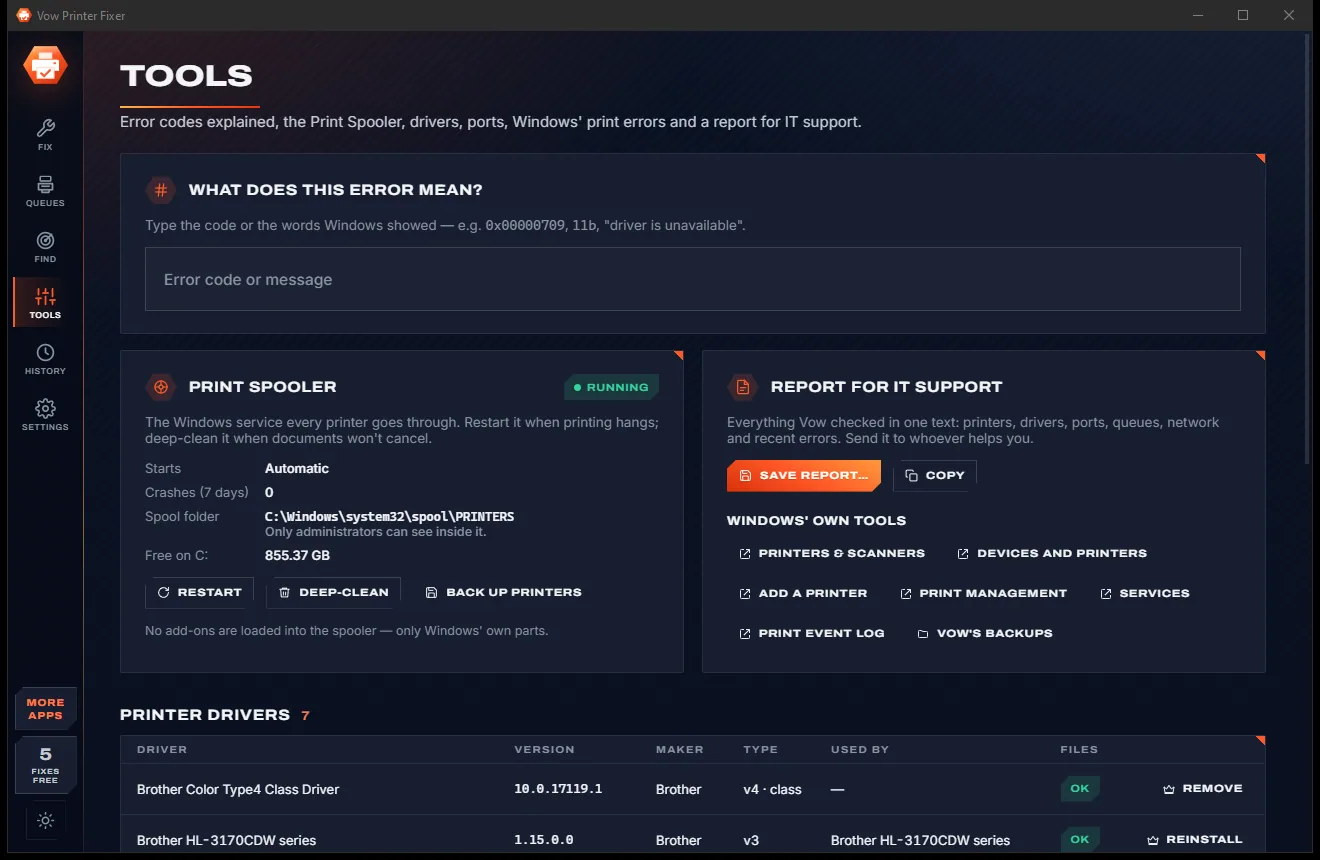
When the fix is done Vow checks again and confirms the problem is gone, or tells you what needs a hand at the printer. Every change can be undone.
Features
From the Print Spooler to the toner, for home offices, small businesses and the family's one shared printer.
40+ checks across the Print Spooler, drivers and their files, ports, queues, network settings and the default printer.
Spots the printer that prints fine but ignores Windows' SNMP status questions, the classic cause of a fake offline.
Failed documents, ones waiting too long and ones stuck on "Deleting", cleared safely; spool files are moved, never deleted.
Every driver file is checked. Unlimited reinstalls a damaged driver or brings back one that vanished, from Windows' own driver store.
Bonjour/AirPrint, WSD, SNMP and a printer-port sweep find every printer, and recognise one that moved to a new address by its model.
Ink and toner levels, paper jams, empty trays and open covers, read from the printer itself over IPP and SNMP.
0x00000709, 0x0000011b, 0x0000007c and many more, plus "Driver is unavailable", in plain words with the fix next to it.
Every fix shows its steps before it runs, a restore point and backup come before a full repair, and History has an Undo.
Vow's own test page with colour patches and fine lines, Windows' test page, and a report to save or copy for IT.
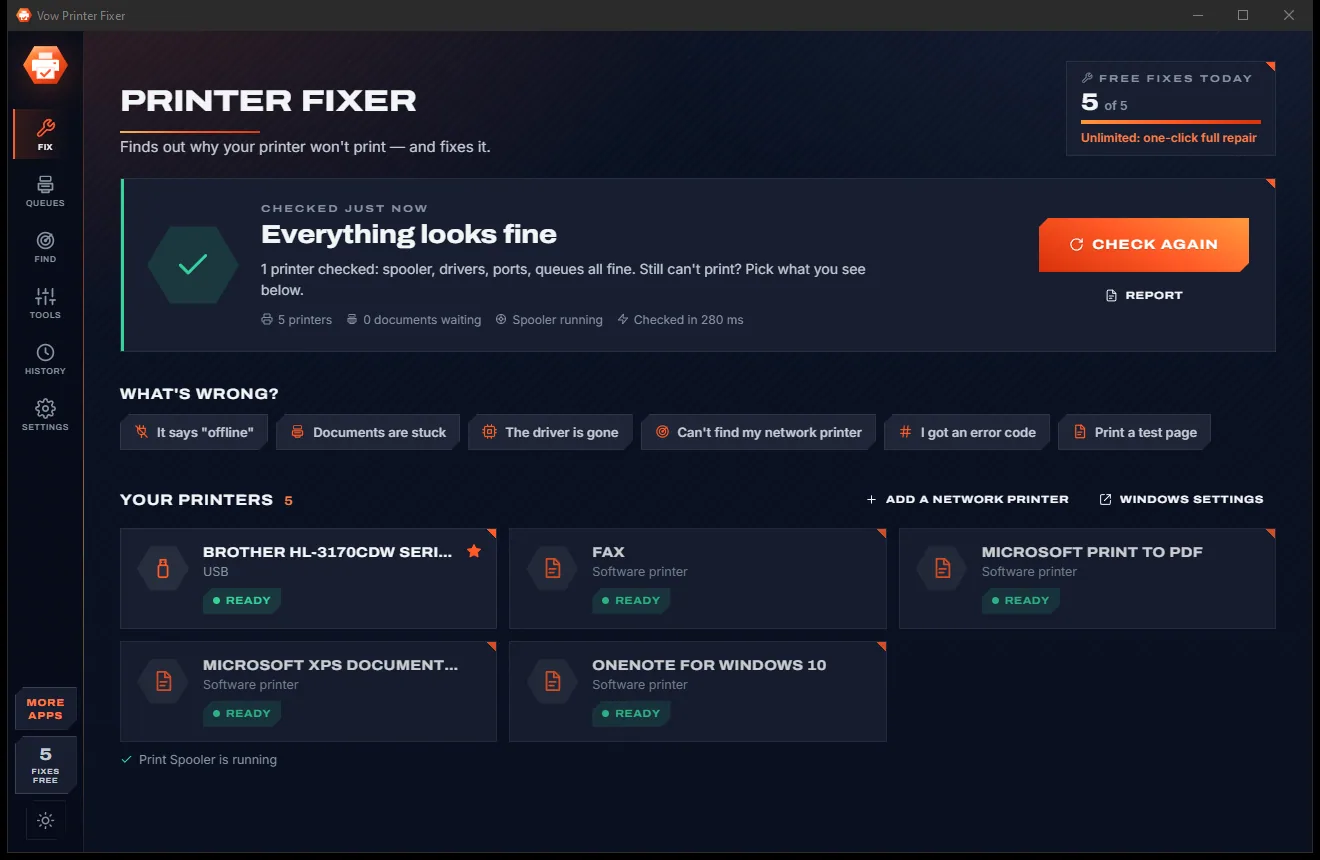
Switch between light and dark with one click from the button at the bottom of the side rail, or follow Windows.
Light & dark theme
Printer Fixer comes with a crisp light theme and a calm dark theme. Switch with one click, or let it follow your Windows setting by itself. It remembers your choice.
Screenshots
Real screenshots of the real app, in both of its themes: 8 light, 8 dark. Click any picture to see it full size.
Light theme
Dark theme
Who it's for
Get the invoice, contract or form printed now instead of restarting everything and hoping.
Clear the failed job at the front of the queue and print the page you actually need.
Bring back a driver that disappeared, or fix the 0x0000011b and 0x00000709 errors on shared printers.
Find the printer at its new address and point Windows at it, without reinstalling anything.
Every brand on every desk diagnosed the same way, with a report your IT person can read.
Fix it yourself in a few clicks instead of waiting for the one person who knows how.
Compare
Why guessing, restarting and maker-only tools often leave you where you started.
| Feature | Vow Printer Fixer | Built-in troubleshooter & maker tools |
|---|---|---|
| Price | Free diagnosis, or $4.95 once | Free, or a maker's own tool |
| Works with every printer brand | Yes | Maker tools cover their own brand |
| Explains the problem in plain words | Every problem, with why it matters | Sometimes |
| Detects the SNMP false "offline" | Yes | Rarely |
| Finds a printer that changed address | Yes, matched by model | Rarely |
| Shows every change before it's made | Always, with undo | Rarely |
| Error-code explainer | 0x00000709, 0x0000011b and more | Seldom |
| Report for IT | Save or copy in one click | Seldom |
"Typical" describes what we found across the most-downloaded alternatives when we built Printer Fixer. Your mileage with any one of them may vary; ours won't.
Pricing
That is not a typo. Software this powerful usually means a monthly subscription; Printer Fixer is $4.95, once, for life: it's almost a giveaway. Use it free for as long as you like, and unlock Unlimited only if you need more.
Diagnose every printer, live queues, test pages, 5 fixes a day.
Almost a giveaway. Less than a coffee for software this powerful: no subscription, no renewals, yours for life on 2 PCs.
One-click full repair, driver reinstall, re-find network printers.
Payments by Stripe: we never see or store your card. Questions? Ask a real person.
Clean software
Most "free" Windows downloads pay for themselves with ads, bundled extras or your data. Vow Printer Fixer doesn't need to: it's paid for honestly, once, by the people who find it useful.
Download Printer Fixer freeStep-by-step guide
From "offline" or a stuck queue to a printed page, step by step, with nothing changed that you didn't see first.
Step 1: get it freeInstall it free for your account, or use the portable version. The check starts by itself and needs no administrator rights.
Problems are listed in plain words, such as "Windows wrongly thinks it is offline" or "1 document failed in the queue", each with why it matters.
Pick It says offline, Documents are stuck, The driver is gone, Can't find my network printer, I got an error code or Print a test page.
Vow lists the steps it will take. Windows asks for permission once if a step needs it, then the fix runs.
Vow checks again and confirms the problem is gone. Print Vow's test page to be sure, and use Undo in History if you ever need to.
Technical details
FAQ
Yes. Diagnosing every printer, live queues, test pages, ink levels, finding network printers, error-code help and reports are free without limits, plus 5 fixes a day (clearing a stuck queue is one). Unlimited, a one-time $4.95 USD payment, adds the one-click full repair, driver reinstall, re-finding network printers and unlimited fixes.
Often the printer is fine: Windows asks it for its status over SNMP, gets no answer and marks it offline. Other causes are "Use Printer Offline" being ticked, a printer that moved to a new network address, or a USB cable that was unplugged. Vow checks for each of them and says which it is.
Open the Queues page and press Clear stuck queues, or Clear this queue for one printer. Documents stuck on "Deleting" need the spooler deep-cleaned, which Vow does by moving the spool files to a backup folder rather than deleting them.
No. The diagnosis is read-only. Every fix shows the steps it will take first, uses documented Microsoft APIs, and a full repair makes a restore point and a printer-setup backup before it starts. Reversible changes can be undone from History.
Yes. It works through Windows' own printing system, so HP, Brother, Canon, Epson and every other brand are checked the same way, whether connected by USB, the network, WSD or a shared printer.
It covers their core fixes, such as restarting the spooler, clearing queues, offline and port fixes and driver reinstalls, for every brand, and adds SNMP false-offline detection, finding a moved printer by model, driver-file checks, an error-code explainer, an IT report and undo.
Not to check anything. Some fixes, such as restarting the Print Spooler, need Windows' permission: they carry a shield, and Windows asks once when you run them.
Yes. It is made and published by XTO Pty Ltd, an Australian company. There are no ads, no bundled software and nothing is uploaded, and it uninstalls cleanly from Windows Settings without touching your printers.
The Vow collection
Same design, same promises, a tiny one-time price. Learn one and you already know them all.
Find the drivers your PC is really missing, from official sources only

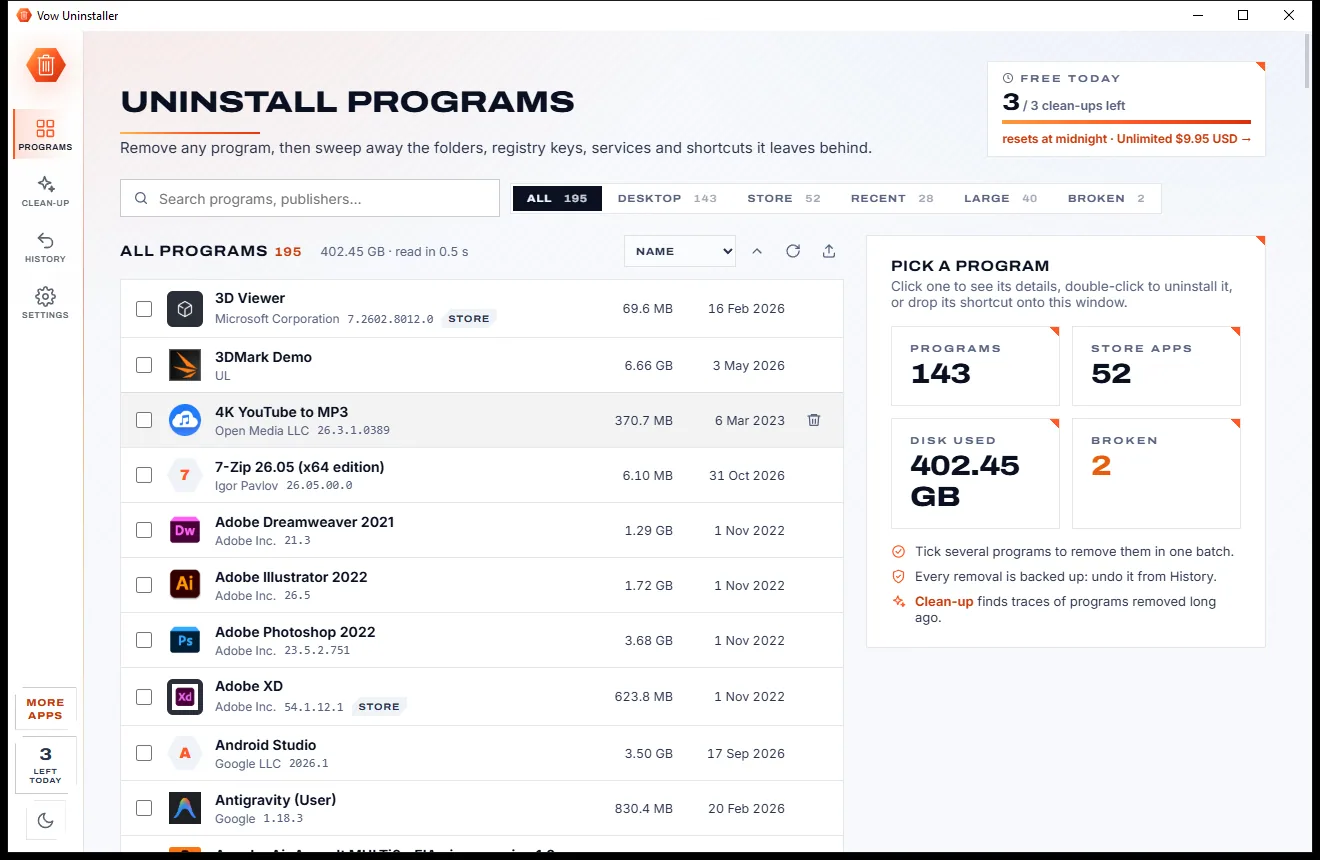
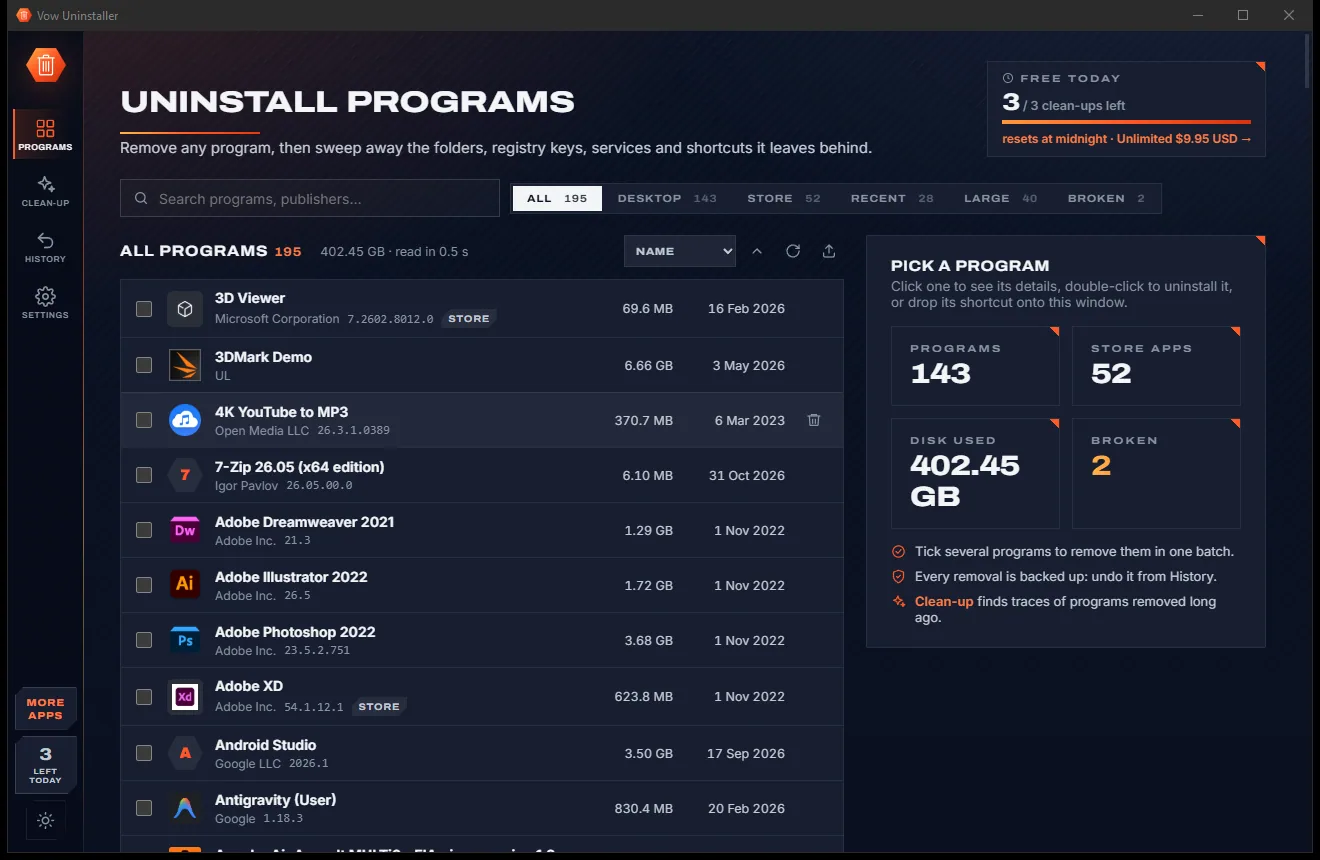
Uninstall programs completely, and undo it if you change your mind

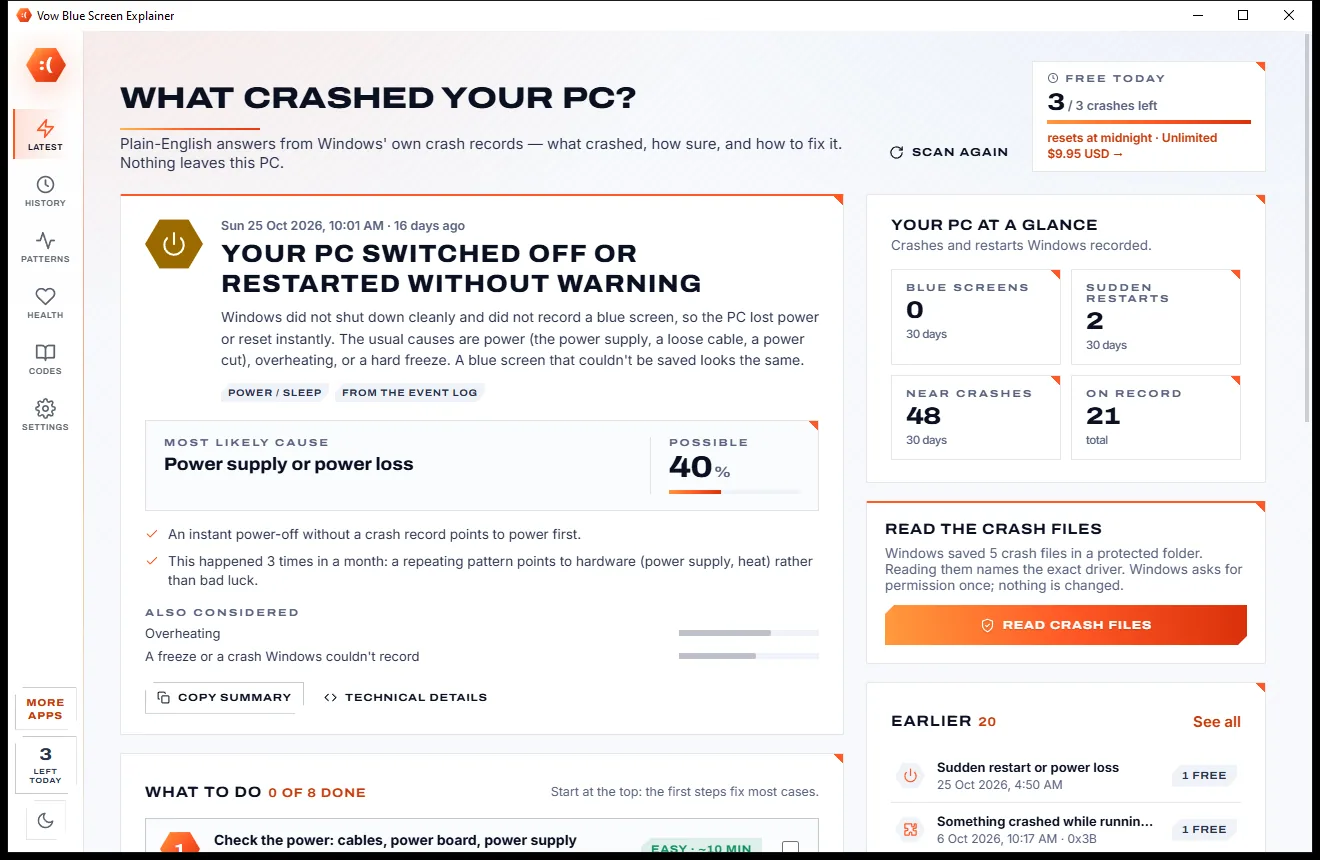
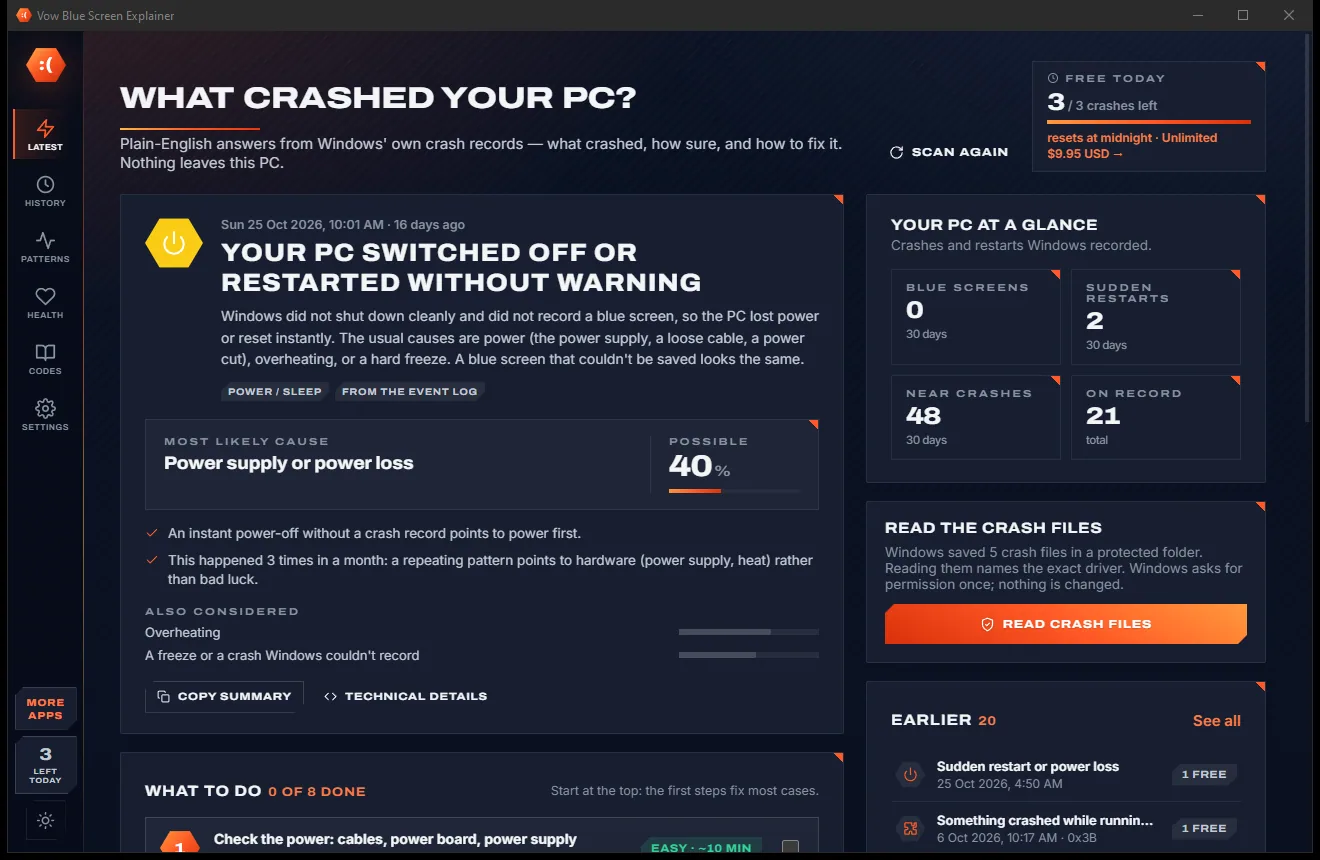
Find out what crashed your PC, in plain English, with the fix
Find out why Windows won't print, and fix it in a click. Free to use every day, $4.95 once if you ever want Unlimited.