
Files
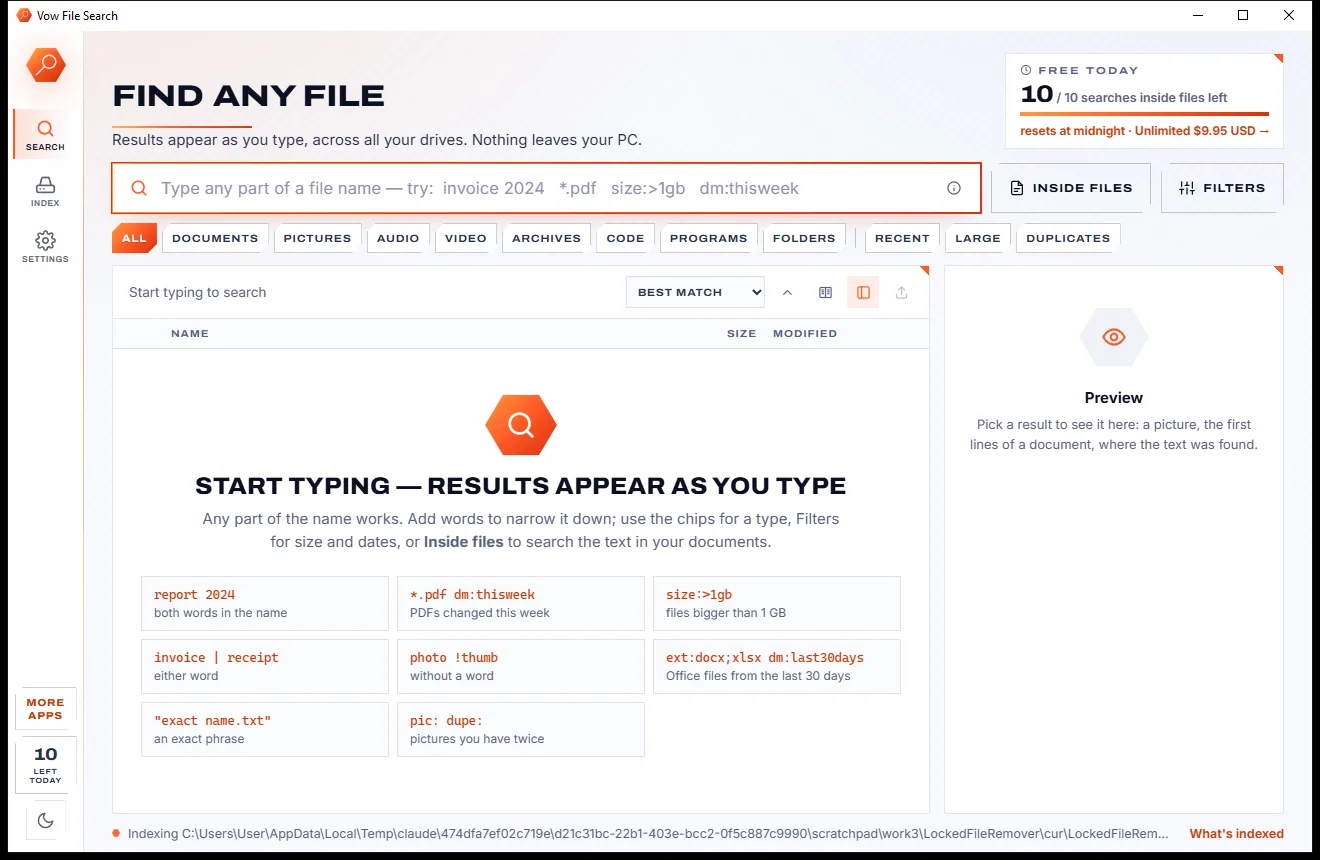
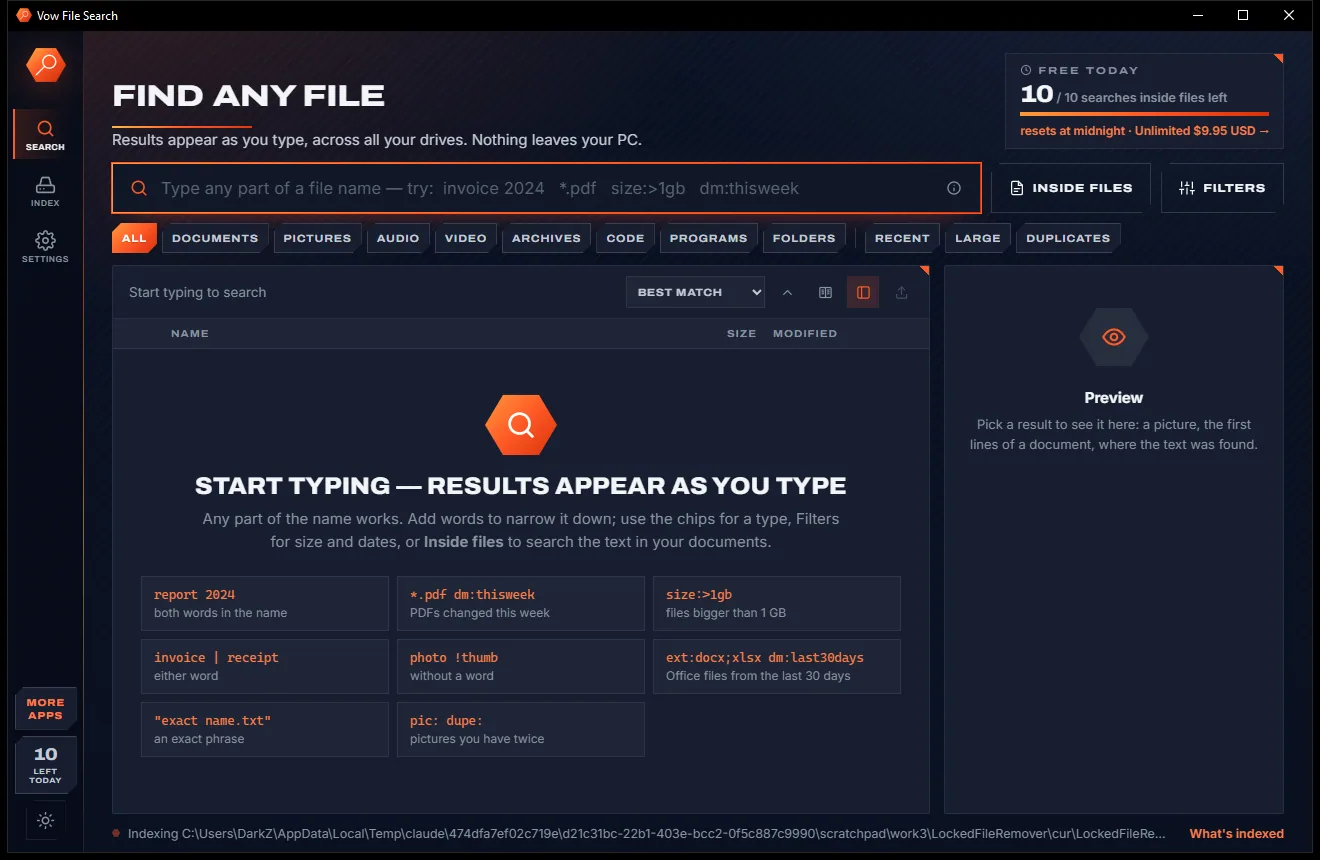
Vow File Search
Find any file as you type, across every drive
- Free: Unlimited file name search on every drive, 10 searches inside files a day
- $4.95 once: Unlimited searches inside files, network drives and NAS shares

Multi-cloud file manager for Windows
Put Google Drive, OneDrive, Dropbox, Nextcloud and your synced folders side by side. Drag files from one cloud to another, search every account at once and find the same file kept twice. Files go straight between your clouds and your PC, never through ours.
The problem
Photos in Google Drive, work in OneDrive, old stuff in Dropbox, and no easy way to move, search or tidy them together.
Each cloud has its own website and app, so finding one file means searching every one of them in turn.
Moving a folder between clouds usually means downloading all of it to your PC and uploading it again by hand.
Web transfer services cap free accounts at a few gigabytes a month, then ask you to pick a plan.
Free multi-cloud apps often show ads or allow only one account per service until you pay.
Web-based tools route your documents and photos through their own servers to copy them between clouds.
The same photos and documents end up in two or three clouds, eating storage you pay for every month.
Vow Cloud Drives fixes all of it.
How it works
Every account side by side in one window, with every copy checked at the other end.
Sync folders of OneDrive, Google Drive, Dropbox, iCloud and more are found on your PC and connect in one click. Add WebDAV servers like Nextcloud, or sign in through your browser.
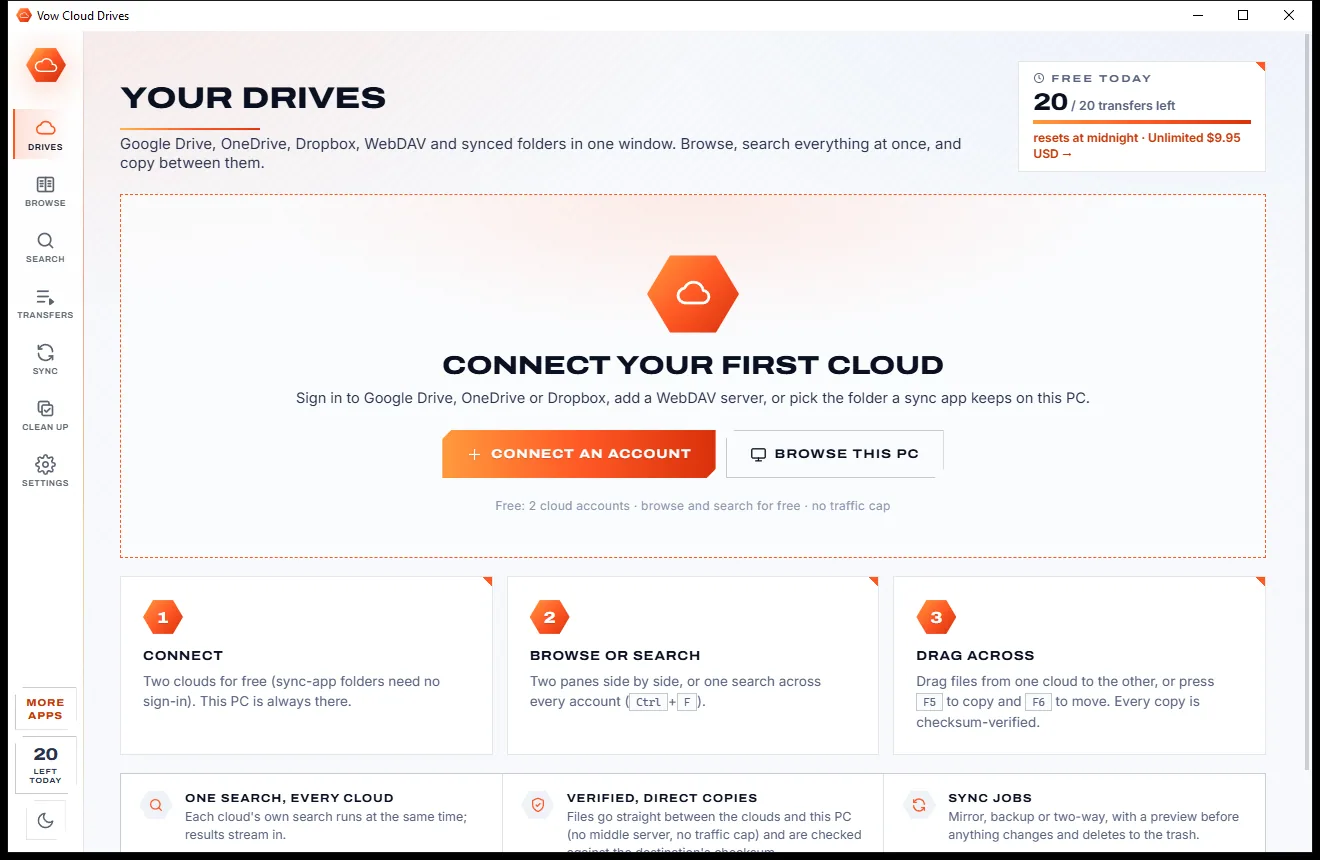
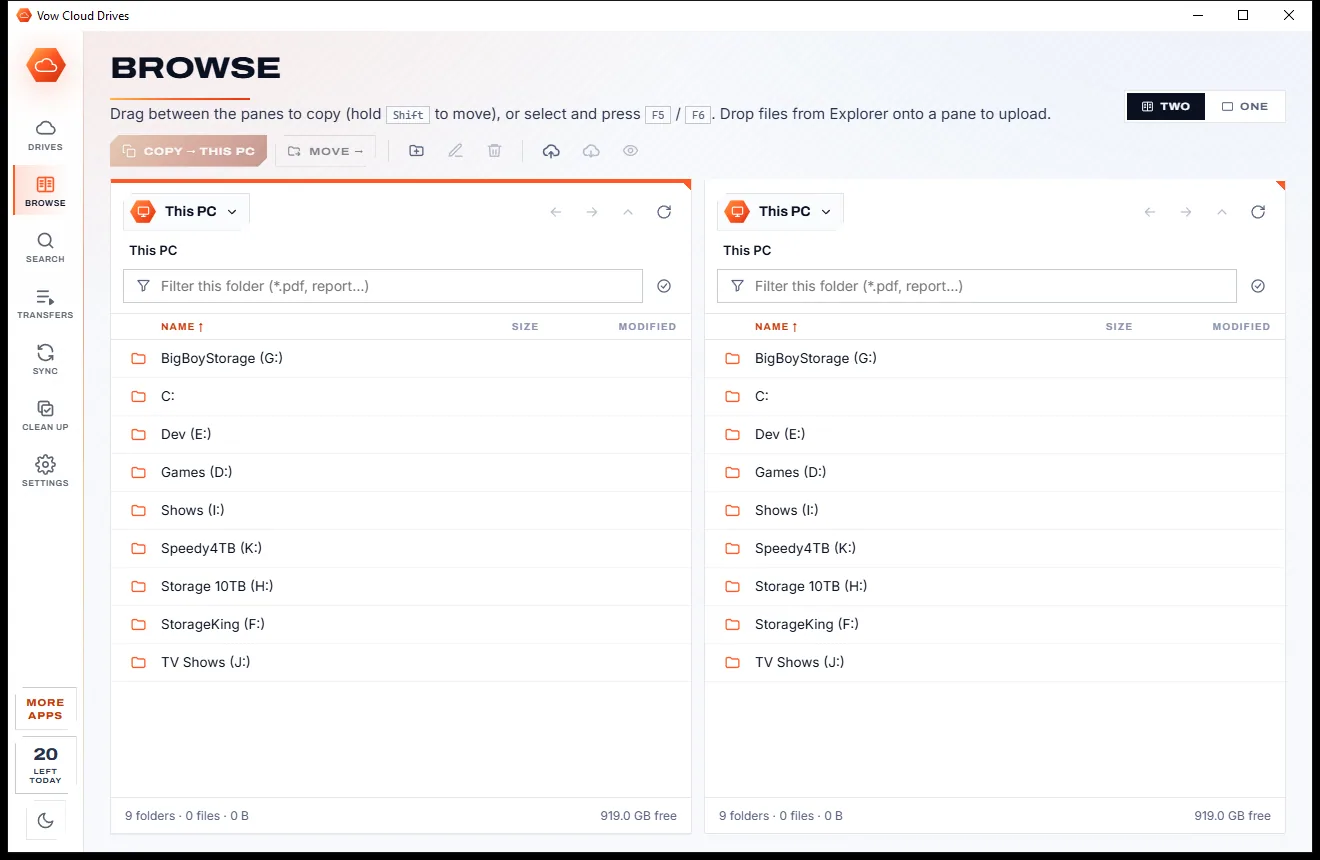
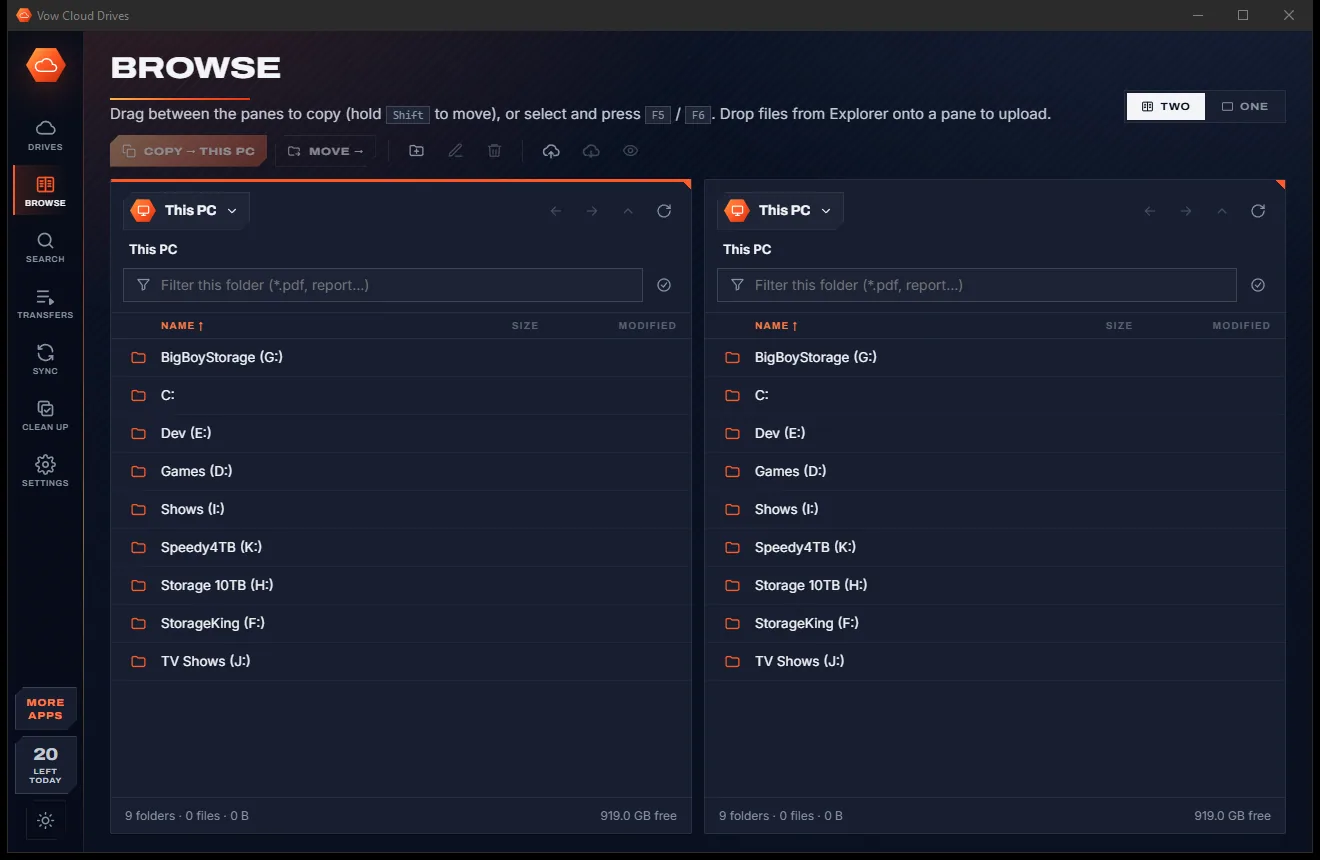
Two panes, any account in each. Drag files across to copy (hold Shift to move), drop files from Explorer to upload, or use F5 and F6.
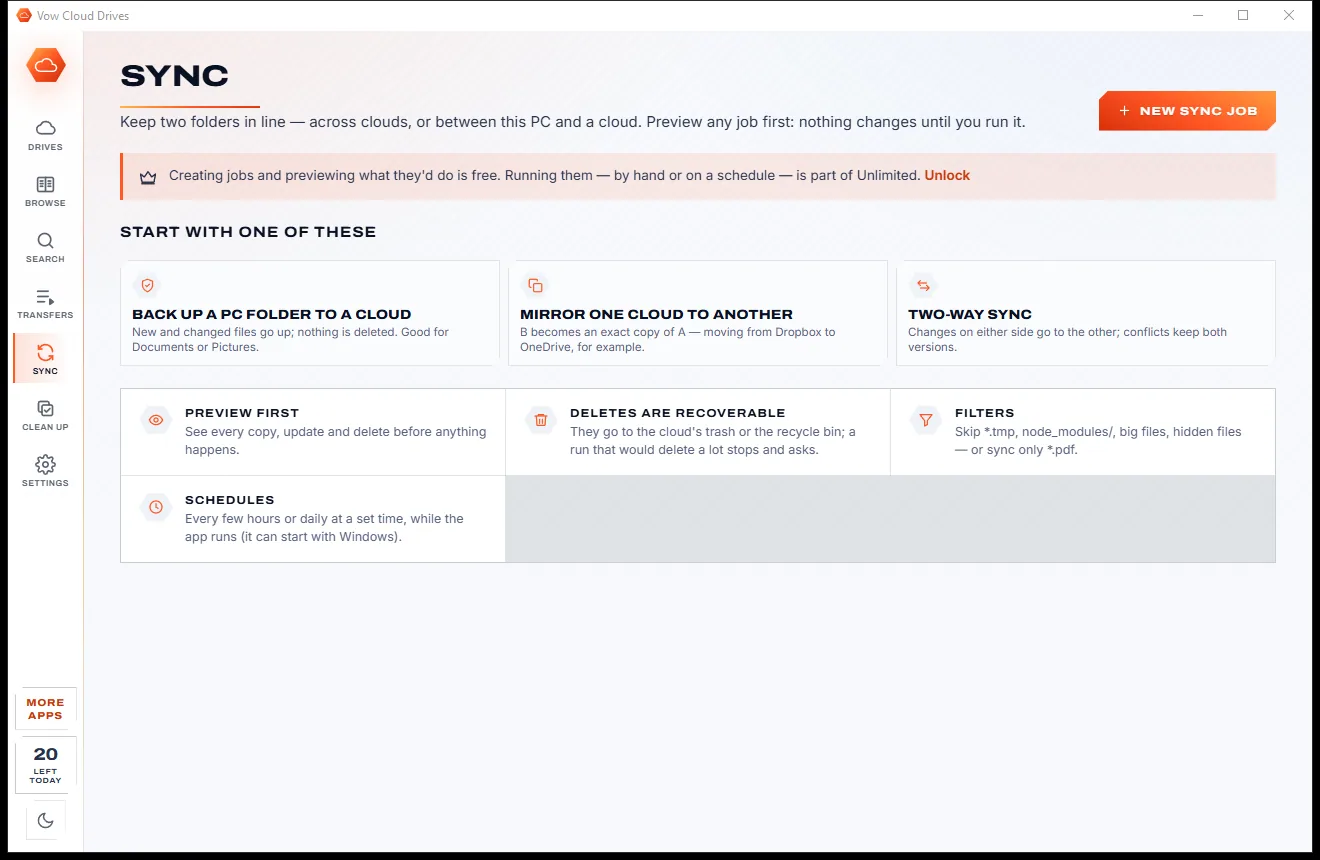
Preview a mirror, backup or two-way sync between any two folders, and find the same file kept in two clouds, proven by checksum.
Features
For anyone juggling personal, family and work accounts across more than one storage service.
Any account in either pane, with breadcrumbs, filter, sort, multi-select, drag and drop and commander keys.
One query runs across all your accounts in parallel, with patterns like *.pdf and filters for kind, size and date.
Every transfer is verified with the destination's own checksum: MD5, SHA-1, QuickXorHash or Dropbox's content hash.
Mirror, backup or two-way jobs between any two folders, with a free preview first and schedules with Unlimited.
Find the same file kept in two places, proven by checksum, and send the extra copies to the trash. One copy always stays.
Folders of the OneDrive, Google Drive, Dropbox, iCloud Drive, Box, MEGA, pCloud and Nextcloud apps are detected for you.
Nextcloud, ownCloud, pCloud, Koofr, Yandex, Synology, QNAP, network shares and local folders, with test-before-connect.
Files travel straight between the clouds and your PC, so there is no monthly transfer allowance to run out of.
The biggest files and the space taken by each kind of file, for every account, so you know what to clear first.
Browser sign-in means the app never sees your password, and saved tokens are encrypted for your Windows user.
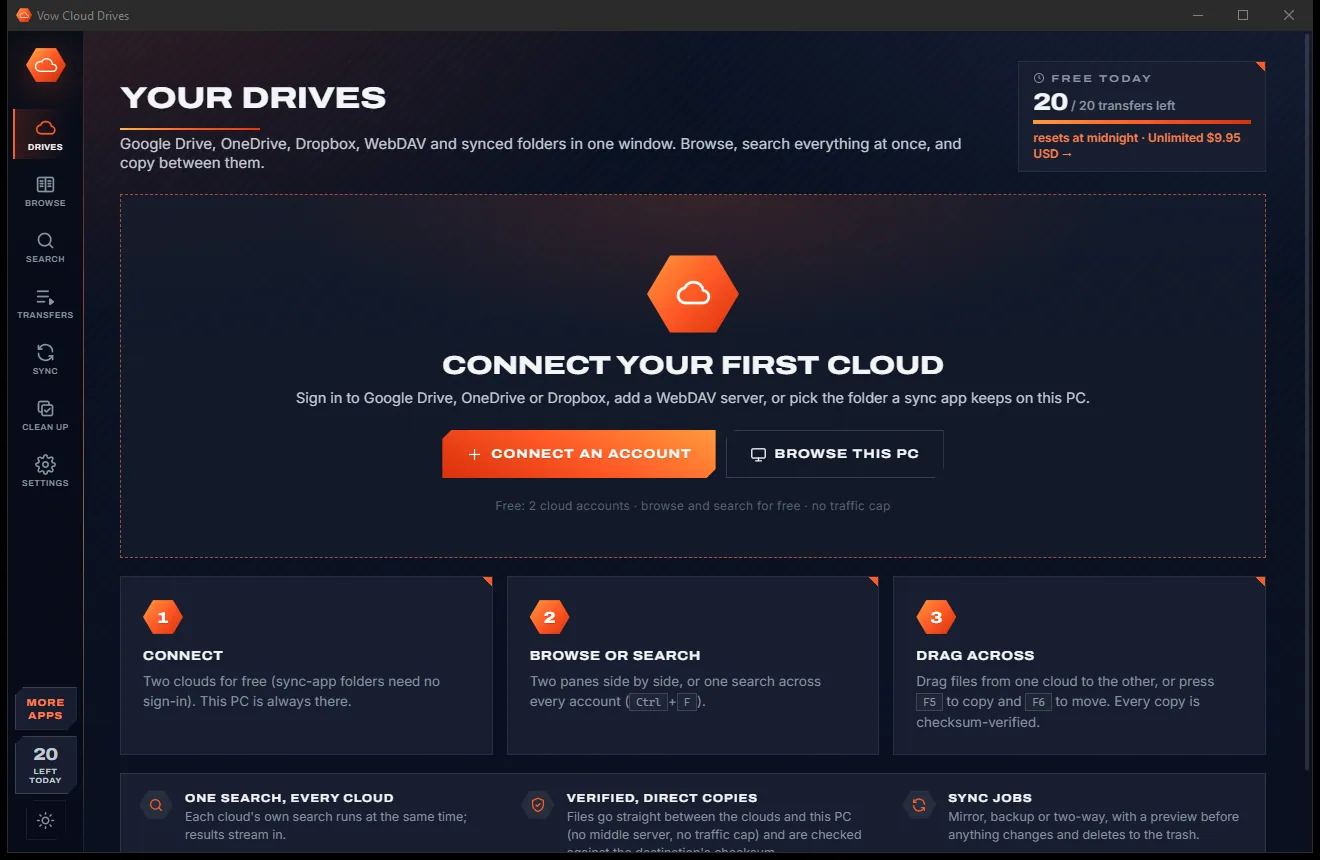
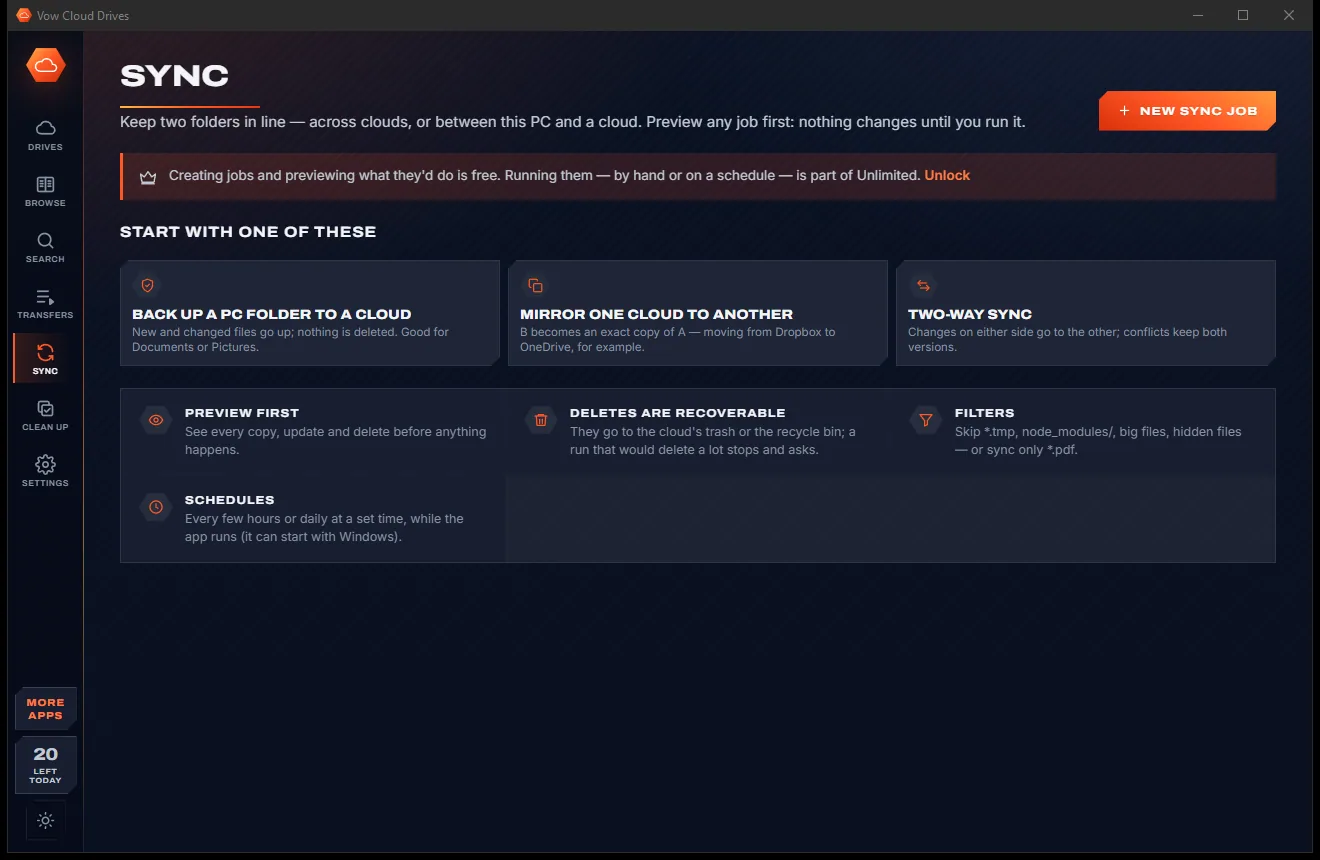
Light & dark theme
Cloud Drives comes with a crisp light theme and a calm dark theme. Switch with one click, or let it follow your Windows setting by itself. It remembers your choice.
Screenshots
Real screenshots of the real app, in both of its themes: 8 light, 8 dark. Click any picture to see it full size.
Light theme
Dark theme
Who it's for
Gather photos from everyone's Google Drive and OneDrive in one place, and spot the copies.
Keep a work OneDrive and a personal Dropbox open together and move files between them.
Leaving Dropbox for Google Drive, or the other way? Copy whole folders across, verified.
Copy between your own WebDAV server or NAS and the big clouds in one window.
Find duplicates and the biggest files across every account before paying for a bigger plan.
Search every cloud for *.jpg or IMG_20??* at once and bring your camera uploads together.
Compare
Web-based transfer services and free multi-cloud apps, compared honestly.
| Feature | Vow Cloud Drives | Typical multi-cloud services & apps |
|---|---|---|
| Price | Free every day, or $9.95 once | Monthly or yearly plans |
| Monthly transfer cap | None | Common on free web plans |
| Files pass through a third party | Never: cloud to your PC to cloud | Yes, for web-based services |
| Checksum check after every copy | Yes, in each cloud's own algorithm | Rarely |
| Search every account at once | Yes, in parallel | Sometimes |
| Duplicates across clouds | Checksum-proven | Rare |
| Sync with a dry-run preview | Yes, free | Not always |
| Ads | None | Common in free apps |
"Typical" describes what we found across the most-downloaded alternatives when we built Cloud Drives. Your mileage with any one of them may vary; ours won't.
Pricing
That is not a typo. Software this powerful usually means a monthly subscription; Cloud Drives is $9.95, once, for life: it's almost a giveaway. Use it free for as long as you like, and unlock Unlimited only if you need more.
2 cloud accounts, browse and search, 20 cross-cloud transfers a day.
Almost a giveaway. Less than a takeaway lunch for software this powerful: no subscription, no renewals, yours for life on 2 PCs.
Any number of accounts, unlimited copy and move, sync jobs.
Payments by Stripe: we never see or store your card. Questions? Ask a real person.
Clean software
Most "free" Windows downloads pay for themselves with ads, bundled extras or your data. Vow Cloud Drives doesn't need to: it's paid for honestly, once, by the people who find it useful.
Download Cloud Drives freeStep-by-step guide
Copy a folder from one cloud to another in a few minutes, without downloading and re-uploading it by hand.
Step 1: get it freeDownload it from this page and run the installer. It needs no administrator rights and no account with us, and your files never pass through XTO's servers.
On the Drives page click Add an account. Cloud folders already synced to this PC connect in one click, WebDAV servers connect with their address and password, and Google Drive, OneDrive and Dropbox can be added through browser sign-in, with the Connect window guiding you.
Pick the source account in the left pane and the destination in the right, then open the folders you want to work with.
Select files or folders and drag them to the other pane, or press F5 to copy and F6 to move. Each file is checked against the destination's checksum, and a move deletes the original only after a verified copy.
To repeat the job, create a sync job on the Sync page and press Preview to see every copy and delete. Run it by hand or on a schedule with Unlimited.
Technical details
FAQ
Yes. You can connect 2 cloud accounts, browse, preview and search them, upload and download with your PC without limit, find duplicates, and copy or move 20 files a day between clouds, free, every day. Unlimited, a one-time $9.95 USD payment, adds any number of accounts, unlimited cross-cloud transfers and running sync jobs.
No. Files travel directly between your clouds and your PC. Nothing passes through XTO's servers; the licence server only ever sees purchases and activations.
Google Drive, OneDrive (personal, work or school), Dropbox, and WebDAV servers such as Nextcloud, ownCloud, pCloud, Koofr, Yandex and Synology or QNAP NAS. It also connects the synced folders of iCloud Drive, Box, MEGA and other cloud apps, and any folder or network share.
Not for synced folders: if OneDrive, Google Drive for desktop, Dropbox or another cloud app already syncs to your PC, its folder is found and connects in one click. Direct sign-in to Google Drive, OneDrive and Dropbox happens in your browser, so the app never sees your password.
Every transfer is checked against the destination cloud's own checksum (MD5, SHA-1, OneDrive's QuickXorHash or Dropbox's content hash) and its size. A failed check is retried, and a move deletes the original only after the copy is verified.
MultCloud is a web service that copies through its own servers with a monthly traffic allowance on the free plan; Vow runs on your PC, sends files straight between your clouds and your PC, and has no traffic cap. Air Explorer's free version allows one account per cloud and shows ads; Vow has no ads, verifies every copy by checksum and is $9.95 once.
Only the copies you tick, and only to the recycle bin or the cloud's own trash. At least one copy of every file always stays, and online-only files are never downloaded just to scan them.
Yes. It is made and published by XTO Pty Ltd, an Australian company. There are no ads and no bundled software, it needs no administrator rights, sign-in tokens are encrypted for your Windows user, and it uninstalls cleanly from Windows Settings.
The Vow collection
Same design, same promises, a tiny one-time price. Learn one and you already know them all.
Find any file as you type, across every drive
Open every archive, and fix the ones that won't open
See what's filling your drive, then win the space back safely
Google Drive, OneDrive, Dropbox and more in one Windows window. Free to use every day, $9.95 once if you ever want Unlimited.