
PC Fixes
Vow Driver Finder
Find the drivers your PC is really missing, from official sources only
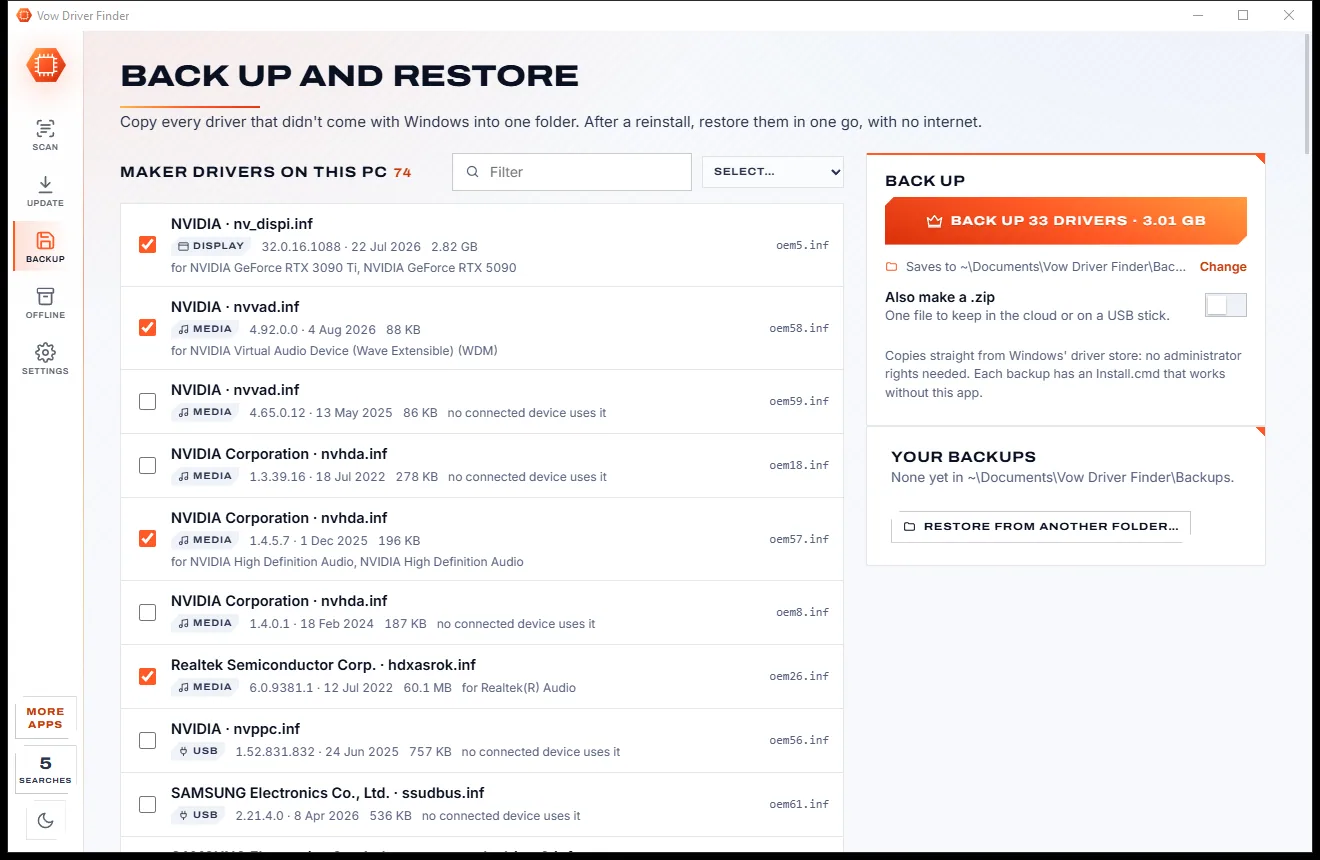
- Free: Unlimited scans, official links, 5 in-app searches a day
- $4.95 once: One-click install, backup and restore, offline driver packs

Windows 11 check & upgrade guide for Windows 10 PCs
Vow Windows 10 Lifeline checks every Windows 11 requirement in under a second on most PCs, explains each blocker in plain words and walks you through the fixes that are only settings: TPM, Secure Boot, Legacy BIOS to UEFI and more. No bypass hacks, no account, nothing uploaded.
The problem
Windows 10 is out of support and you are told your PC can't upgrade. Often the real blocker is one setting nobody explained.
A red cross and a link to a long requirements page. Which part is missing, and can a setting fix it? You're left guessing.
The usual blockers live in firmware menus with different names on every PC maker's board. One wrong click is a scary thought.
PCs that start the old Legacy BIOS way need their system disk converted first, a job normally done by hand in a command prompt.
Modified installers and registry hacks from random sites promise Windows 11 on anything, with no idea what else they change.
Without security updates a Windows 10 PC gets more exposed every month, and most people don't know what still protects them.
Often the advice, even when a ten-minute setting would have done. And if you do need one, moving everything over is a job of its own.
Vow Windows 10 Lifeline fixes all of it.
How it works
A clear verdict for this exact PC, the steps written for its maker, and Microsoft's own upgrade at the end.
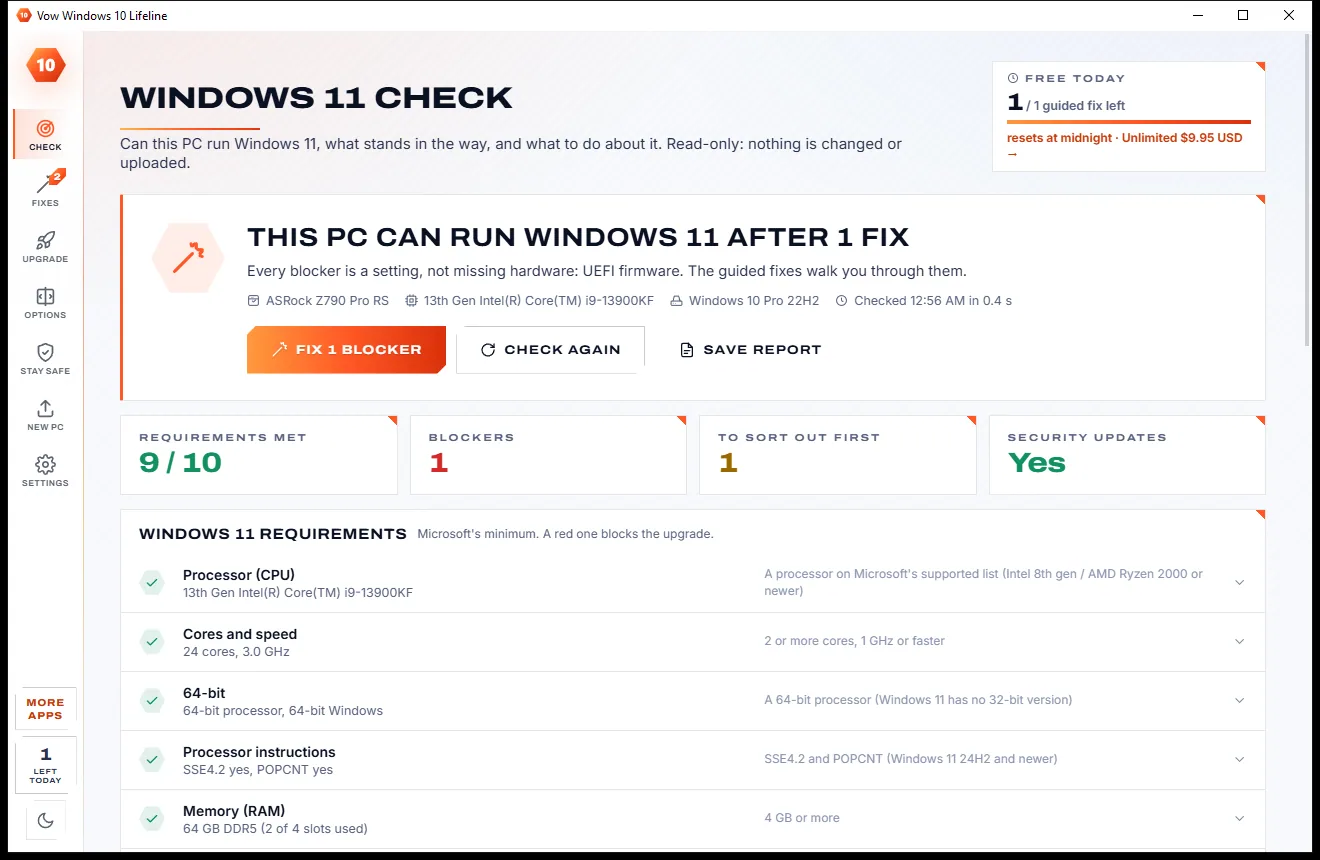
In under a second on most PCs you get one verdict: ready, ready after a number of fixes, needs a part, processor not supported or already Windows 11.
Every red line has a Fix button. The guided fix is written for this PC: its maker's firmware menus, its system disk, whether BitLocker is on.
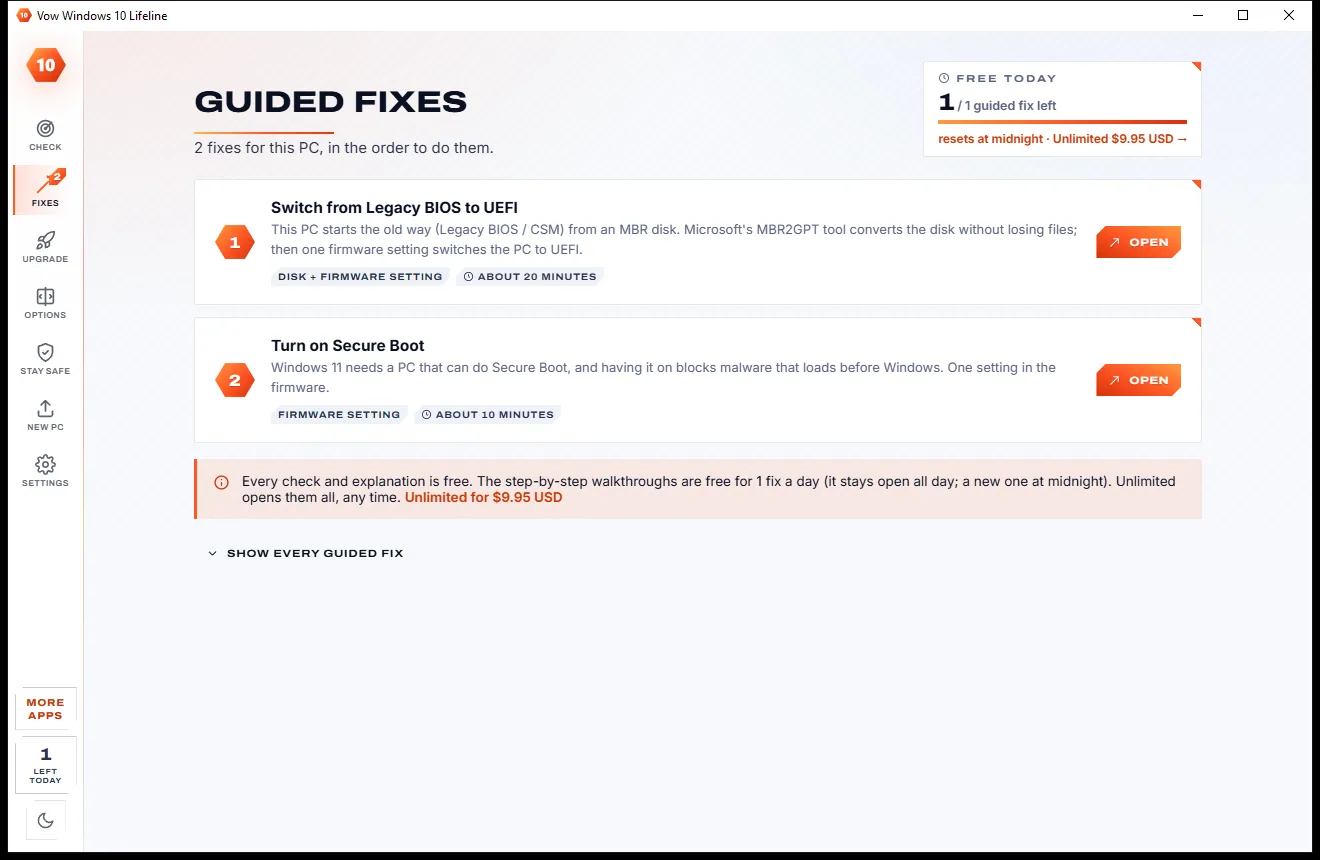
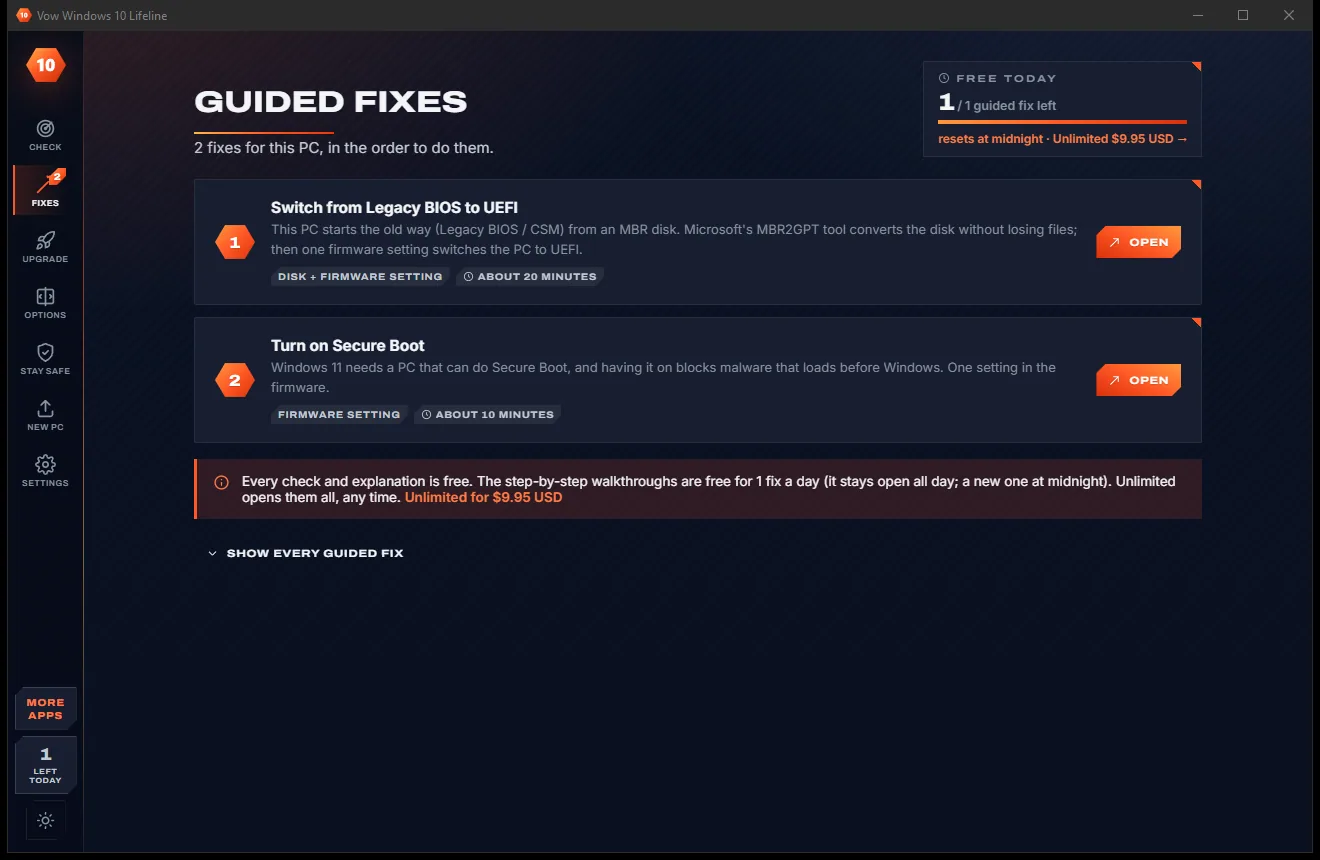
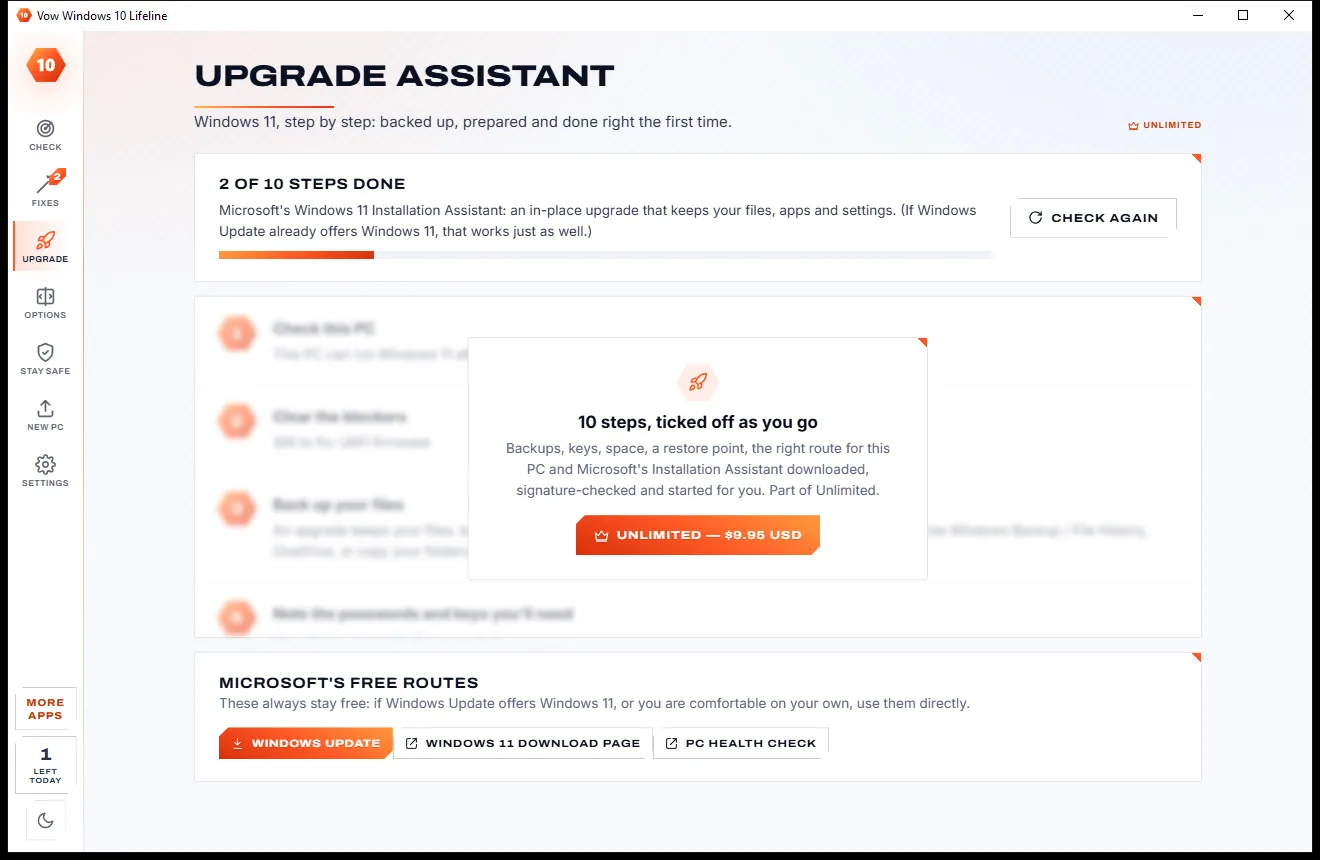
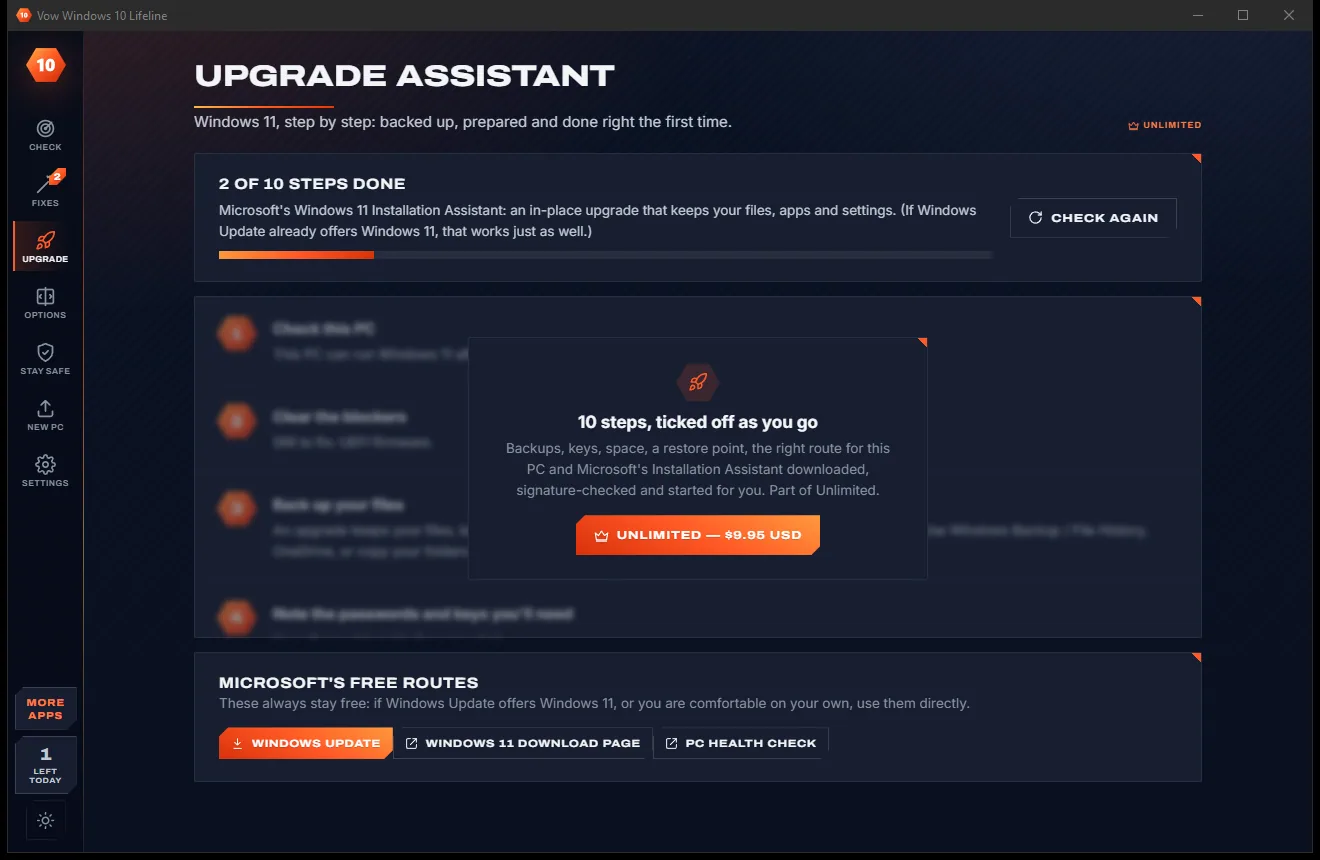
The upgrade assistant ticks off backups, keys and space, then starts Microsoft's own Installation Assistant. Not possible? Options ranks the alternatives.
Features
Whether it can upgrade today, after a fix, or not at all, you get the honest next step.
Processor against Microsoft's supported lists, cores, memory, storage, UEFI, TPM 2.0, Secure Boot, DirectX 12 and display, plus readiness items.
What it is, what was found, what Windows 11 needs and what to do, in plain words instead of error codes.
Firmware steps for Dell, HP, Lenovo, ASUS, Acer, MSI, Gigabyte, ASRock, Surface and more, with buttons that restart straight into the firmware.
Microsoft's MBR2GPT checks your disk first, then converts it in place, with backup and BitLocker steps before it and exit codes in plain words.
Backup, keys, space and waiting updates ticked off from the check, then Microsoft's Installation Assistant downloaded and signature-checked.
Every route ranked for this PC: Extended Security Updates, Microsoft's route for unsupported PCs, a safer Windows 10 or a new PC.
Updates and ESU, antivirus definitions, firewall, SmartScreen, UAC, Secure Boot, encryption, backups and System Restore, checked for free.
List your apps, folders, browsers, Wi-Fi networks and printers, copy your files to a drive and save a move kit for the new PC.
Anything that changes the system is a labelled button that shows its exact command, asks first and asks Windows only when it needs to.
Save the check as HTML, text or JSON, or run it from the command line with exit codes for scripts and fleets.
Light & dark theme
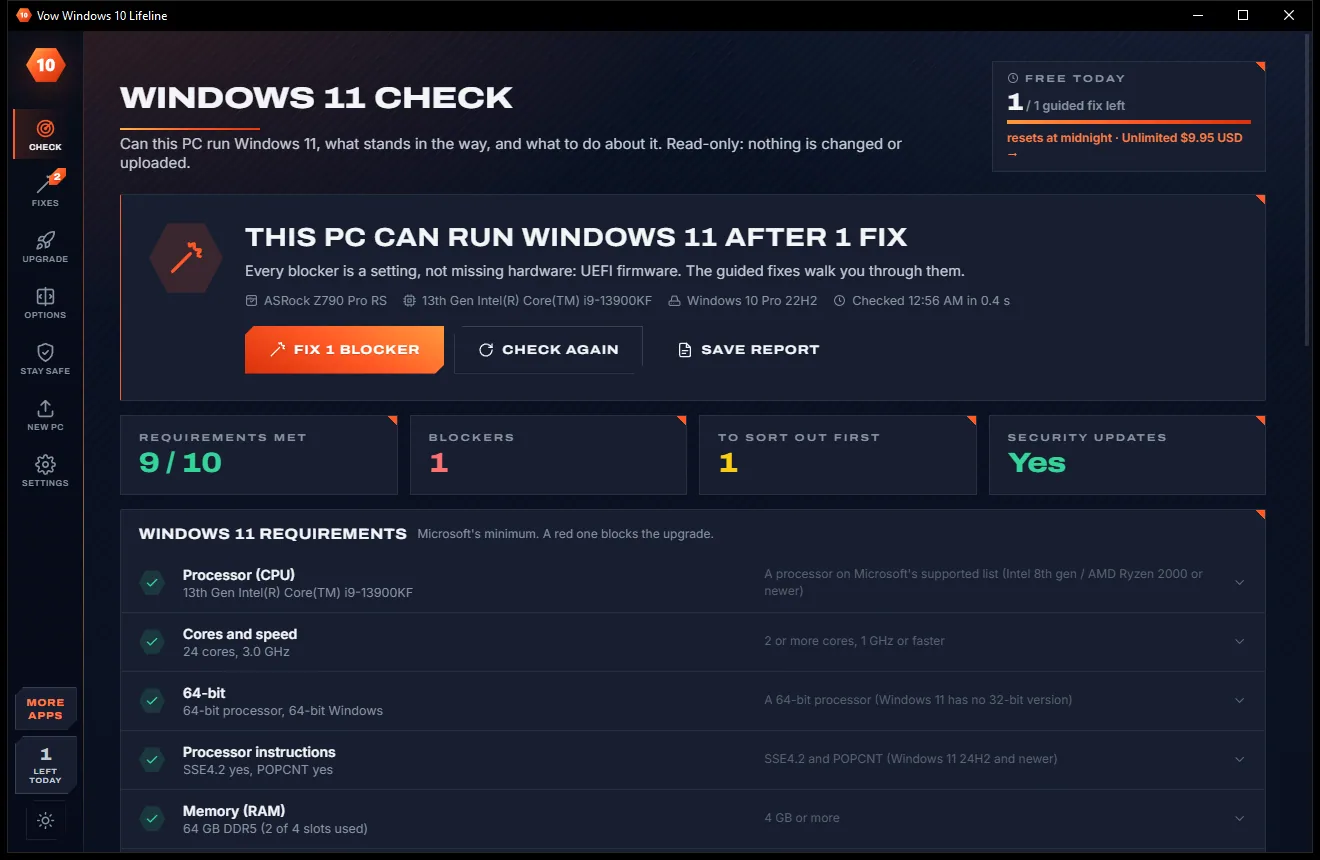
Windows 10 Lifeline comes with a crisp light theme and a calm dark theme. Switch with one click, or let it follow your Windows setting by itself. It remembers your choice.
Screenshots
Real screenshots of the real app, in both of its themes: 12 light, 12 dark. Click any picture to see it full size.
Light theme
Dark theme
Who it's for
Find out whether it's really the hardware, or a setting that takes ten minutes to change.
Get a clear answer and steps you can follow together, without risky downloads.
A board left in Legacy mode with its firmware TPM switched off can be one guided fix away from Windows 11.
Command-line reports with exit codes show which PCs are ready, which need a fix and which need replacing.
The Stay safe checklist shows what still protects the PC and what to switch on.
Copy your files to a drive and keep a checklist of every app, browser, Wi-Fi network and printer to set up again.
Compare
Why a bare yes or no, a forum thread or a bypass script from an unknown site falls short.
| Feature | Vow Windows 10 Lifeline | Basic checkers, forums & bypass tools |
|---|---|---|
| Explains each blocker | In plain words, with what to do | Often just "doesn't meet requirements" |
| Fix steps for your PC's maker | Firmware menus for this PC | Generic how-to articles |
| Legacy BIOS to UEFI | MBR2GPT checked, then guided | By hand in a command prompt |
| Shows the command before changing anything | Always, and asks first | Rarely |
| Where the upgrade comes from | Microsoft only, signature checked | Sometimes modified installers |
| Alternatives when it can't upgrade | ESU, Microsoft's route, new PC, ranked | "Buy a new PC" |
| Staying safe on Windows 10 | Free protection checklist | Rarely covered |
| Price | Free check, or $9.95 once | Free but bare, or a paid repair visit |
"Typical" describes what we found across the most-downloaded alternatives when we built Windows 10 Lifeline. Your mileage with any one of them may vary; ours won't.
Pricing
That is not a typo. Software this powerful usually means a monthly subscription; Windows 10 Lifeline is $9.95, once, for life: it's almost a giveaway. Use it free for as long as you like, and unlock Unlimited only if you need more.
The full Windows 11 check, options, Stay safe checklist, 1 guided fix a day.
Almost a giveaway. Less than a takeaway lunch for software this powerful: no subscription, no renewals, yours for life on 2 PCs.
Every guided fix, the upgrade assistant and the move-to-a-new-PC kit.
Payments by Stripe: we never see or store your card. Questions? Ask a real person.
Clean software
Most "free" Windows downloads pay for themselves with ads, bundled extras or your data. Vow Windows 10 Lifeline doesn't need to: it's paid for honestly, once, by the people who find it useful.
Download Windows 10 Lifeline freeStep-by-step guide
From "not supported" to Windows 11, or to the best alternative, step by step.
Step 1: get it freeDownload it from this page and run the installer. It installs for your user only, with no administrator rights, no account and nothing downloaded on first run.
The check runs by itself and reads only. You see one verdict and every Windows 11 requirement with what was found, plus a button for what matters next.
Press Fix next to a blocker. The walkthrough is written for this PC's maker and disk, and every button shows its exact command before it runs.
Tick off backup, keys, space and waiting updates, make a restore point, then let it download Microsoft's Installation Assistant, check the signature and start it.
If the processor isn't supported, open Options to compare the routes for this PC, use Stay safe to protect Windows 10, or New PC to copy your files.
Technical details
FAQ
Yes. The full Windows 11 check with every blocker explained, the ranked options, the Stay safe checklist, the PC inventory and reports are free without limits, plus 1 guided fix a day. Unlimited, a one-time $9.95 USD payment, opens every fix any time, the upgrade assistant and the move-to-a-new-PC tools.
Every Windows 11 requirement: the processor against Microsoft's supported lists, cores and speed, 64-bit, the instructions newer releases need, memory, storage, UEFI, TPM 2.0, DirectX 12 and the display. It also checks readiness: Secure Boot, Windows version and edition, S mode, activation, free space, BitLocker, disk health and security updates.
Microsoft's MBR2GPT tool converts the system disk in place without deleting files. The guided fix runs its read-only check first, puts backup and BitLocker steps before the conversion, and translates MBR2GPT's results into plain words. A backup first is still the safest habit.
Options ranks the routes for your PC: Extended Security Updates, Microsoft's own route for unsupported PCs, staying on a safer Windows 10 for now, or a new PC with your files copied over and a move kit. A processor can't be changed by a setting, so the app tells you so plainly.
No. The check only reads. Anything that changes the system is a clearly labelled button that shows its exact command, asks you first and asks Windows for permission only when it needs administrator rights.
From Microsoft only. The assistant downloads Microsoft's Windows 11 Installation Assistant from Microsoft's own address and starts it only if Windows confirms it is signed by Microsoft Corporation. No modified installers, no bypass scripts.
Yes. Run it from the command line to write an HTML, text or JSON report without opening a window. The exit code tells a script whether the PC is ready, ready after fixes, needs hardware, isn't supported or already runs Windows 11.
Yes. It is made and published by XTO Pty Ltd, an Australian company. There are no ads, no bundled software and no account, nothing is uploaded, it needs no administrator rights to install, and it uninstalls cleanly from Windows Settings.
The Vow collection
Same design, same promises, a tiny one-time price. Learn one and you already know them all.
Find the drivers your PC is really missing, from official sources only

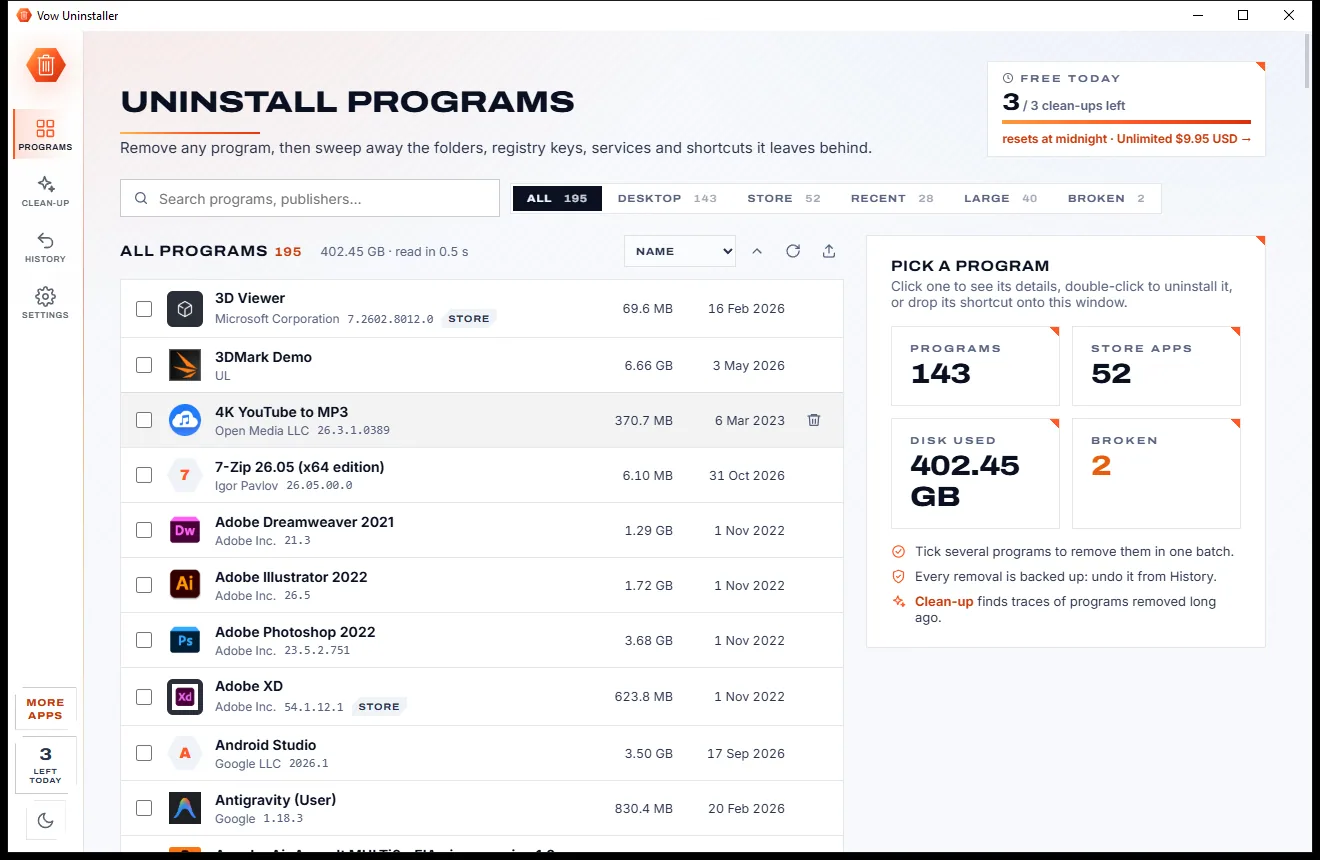
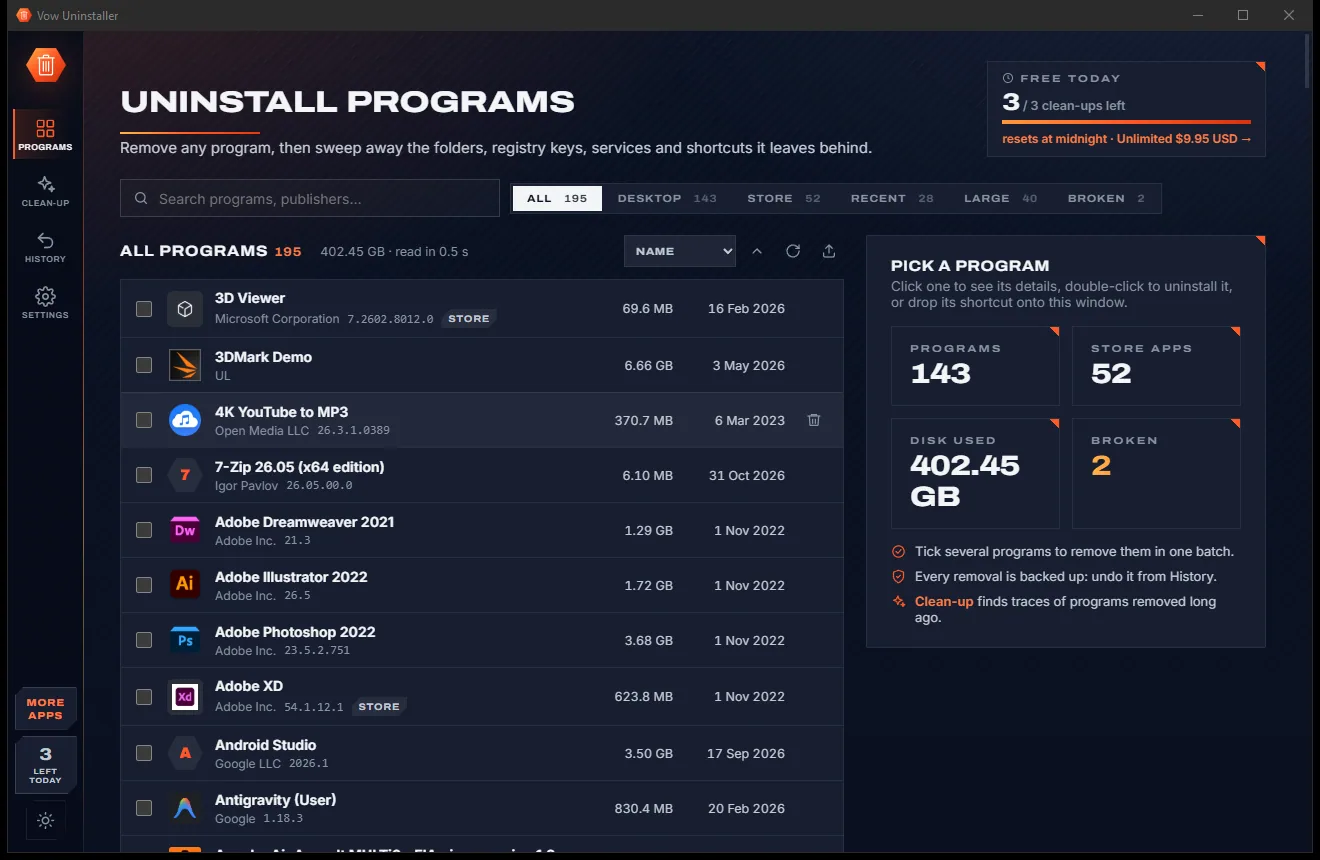
Uninstall programs completely, and undo it if you change your mind

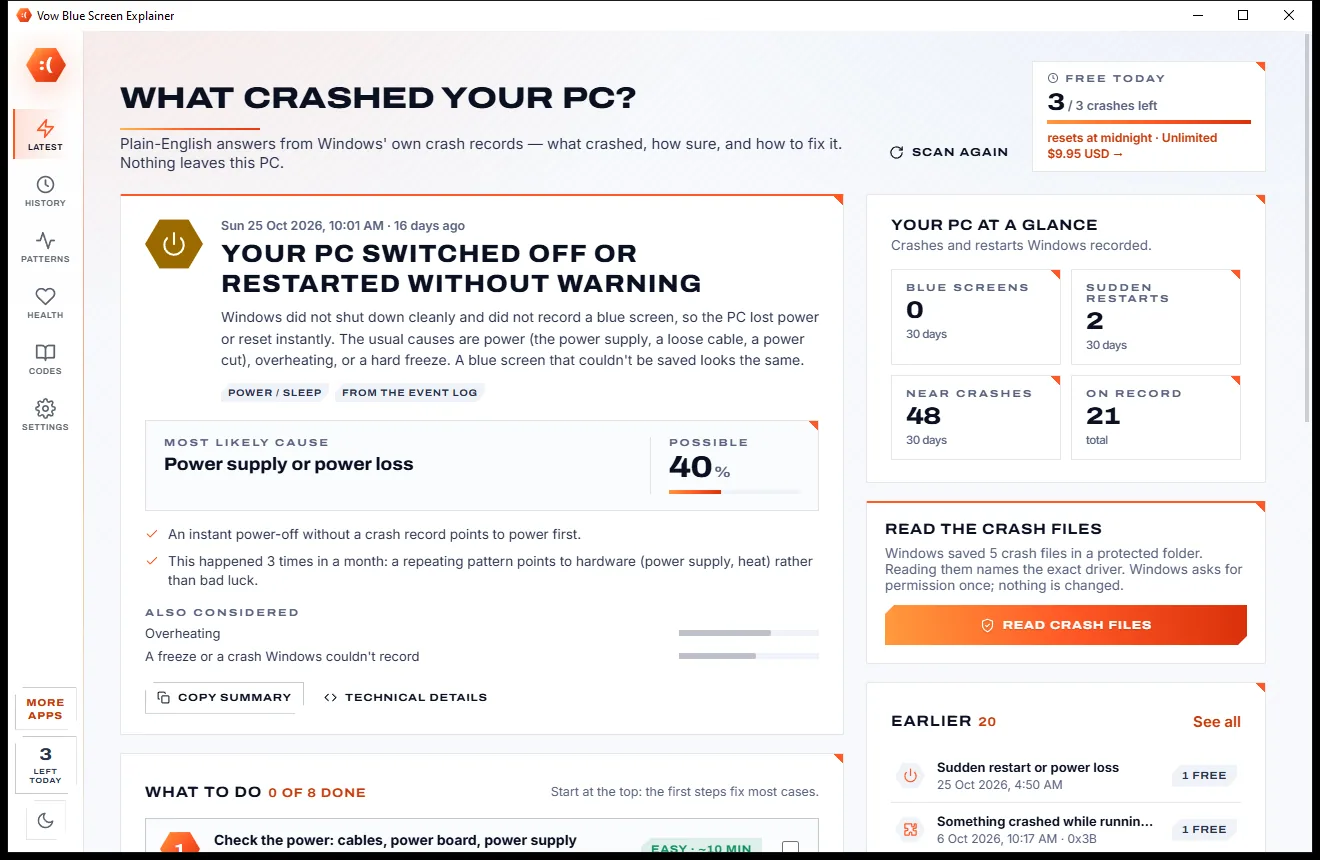
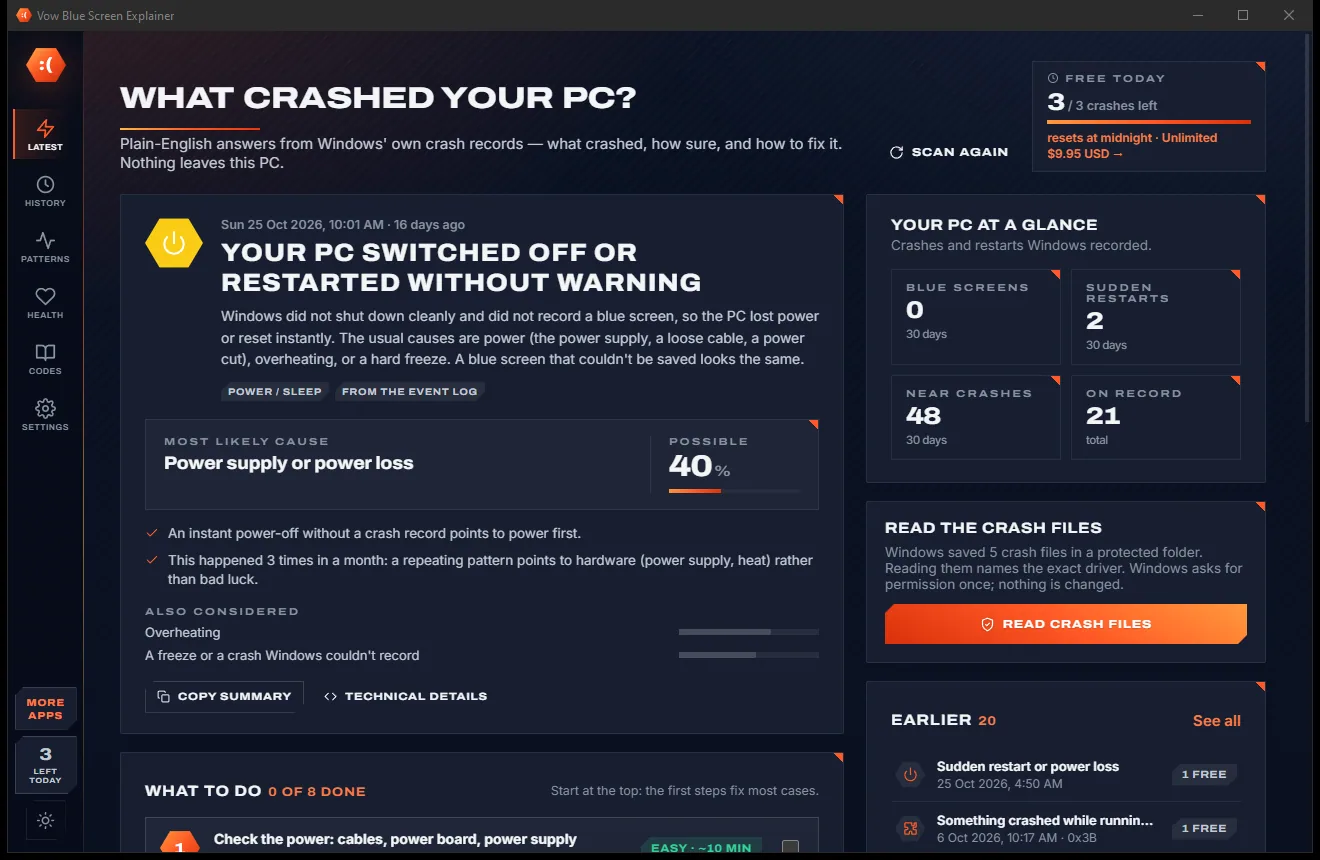
Find out what crashed your PC, in plain English, with the fix
Windows 10 support has ended. Find out what this PC can do next. Free to use every day, $9.95 once if you ever want Unlimited.