
Photos
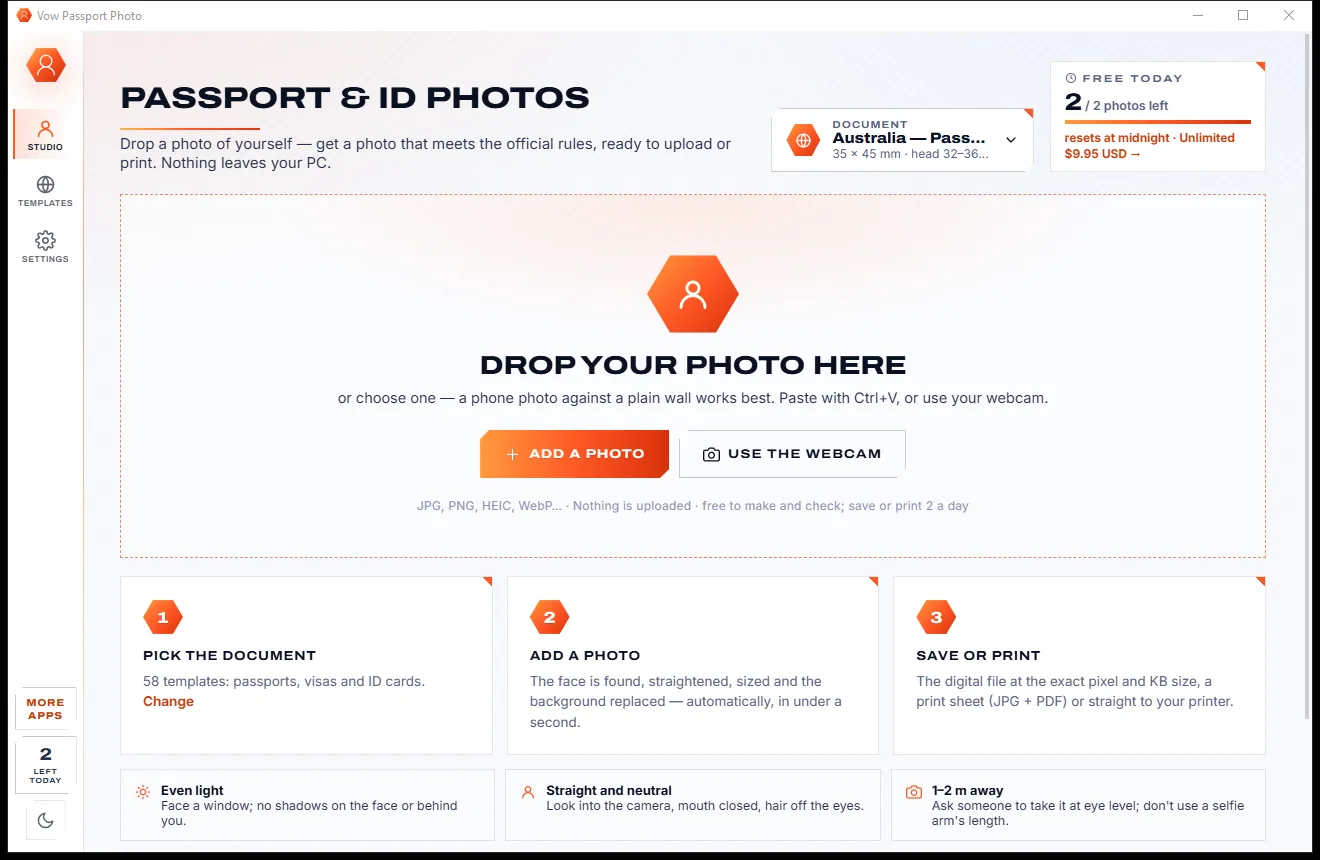
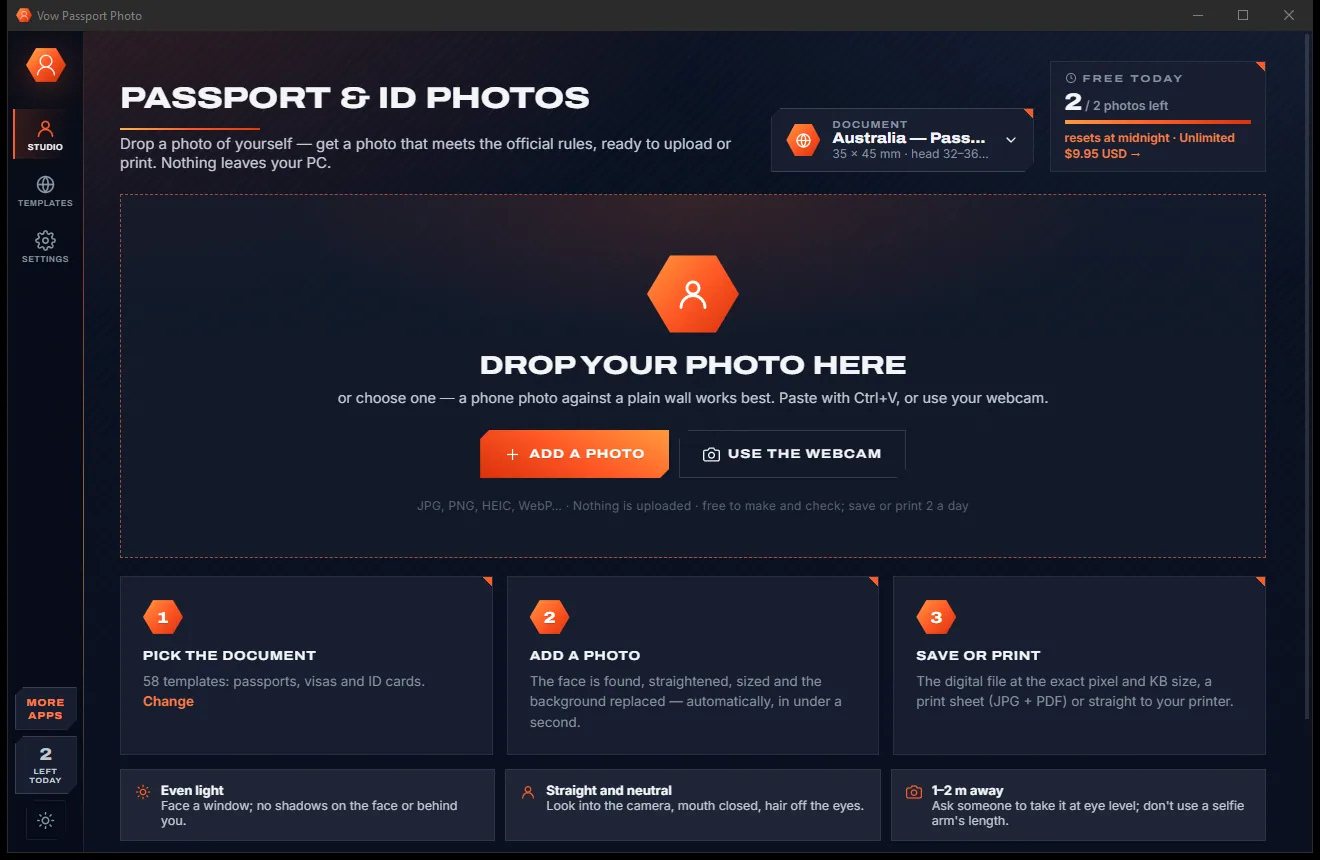
Vow Passport Photo
Passport, visa and ID photos at home, sized to each country's rules
- Free: Make and check unlimited photos, save or print 2 a day
- $4.95 once: Save and print any number of photos, Save all for a whole family

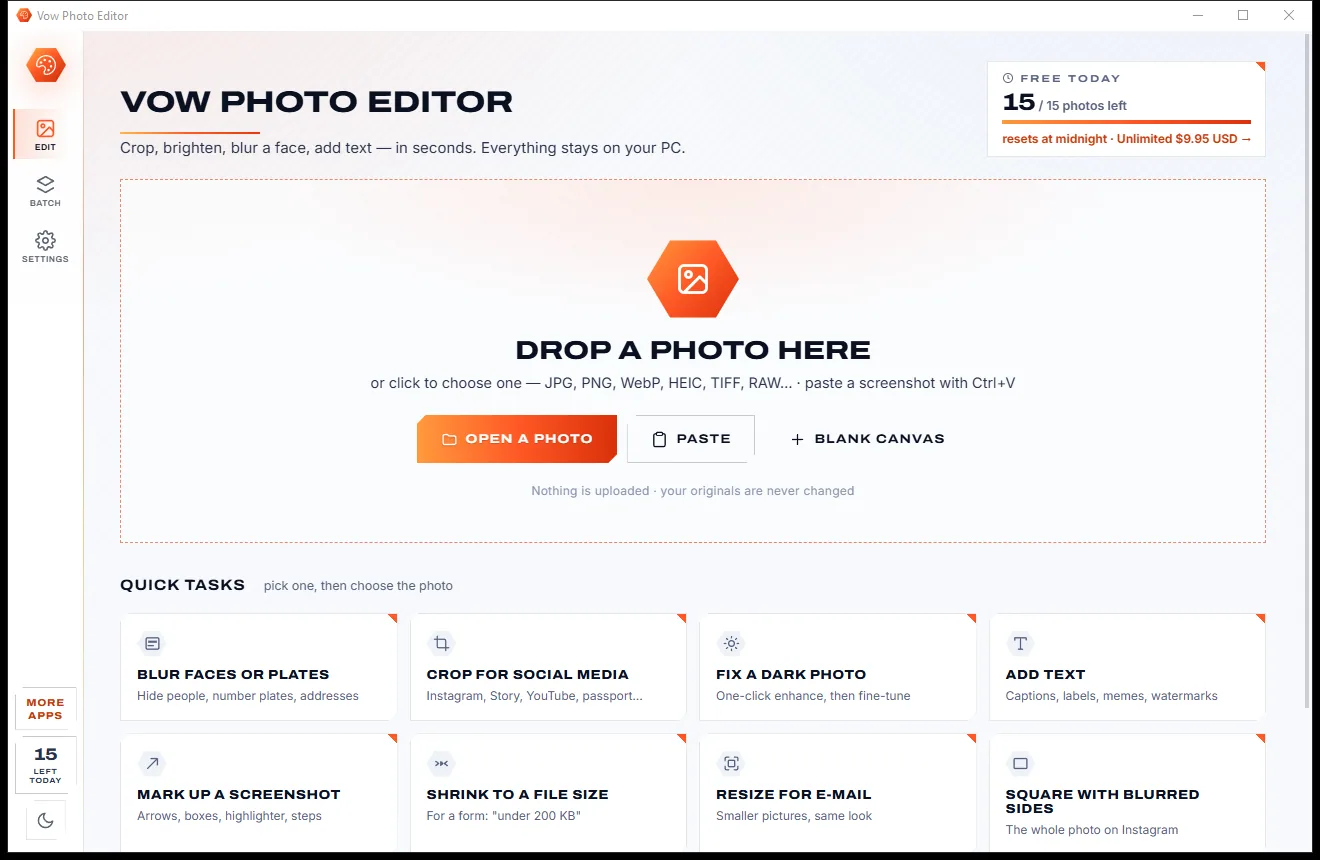
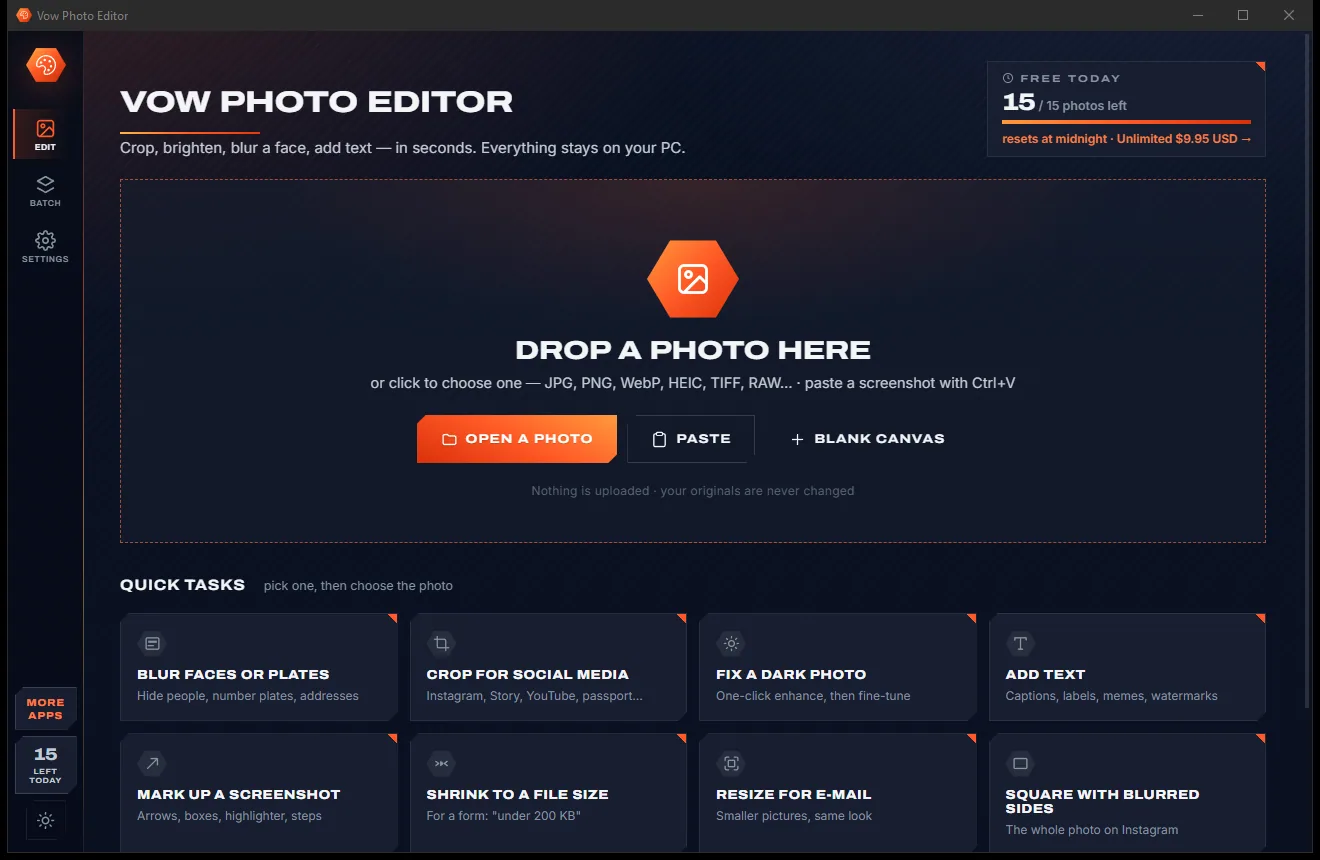
Simple, fast photo editor for Windows
Crop, brighten, blur a face, add text and save under "200 KB" in one or two clicks, with curves, layers and batch edits a click away. Everything runs on your PC: nothing is uploaded, nothing is watermarked, and there is no account.
The problem
You only wanted to crop a photo or blur a face. Instead you get watermarks, sign-up walls, upload queues, or a professional tool that takes a weekend to learn.
Free editors that stamp their logo across your picture, or hold the clean download back until you pay.
Online editors want your family photos, ID scans and screenshots on their servers before they will crop anything.
Monthly plans for jobs most people do a few times a week, renewing whether you edit anything or not.
Free apps and sites wrapped in pop-ups, banners and big green "Download" buttons that aren't.
Pro editors bury a simple crop or blur under panels, masks and menus that take a weekend to learn.
Forms and email want a file size, and most editors leave you guessing with a quality slider, saving again and again.
Vow Photo Editor fixes all of it.
How it works
The everyday photo jobs in one or two clicks, and your pictures never leave your PC.
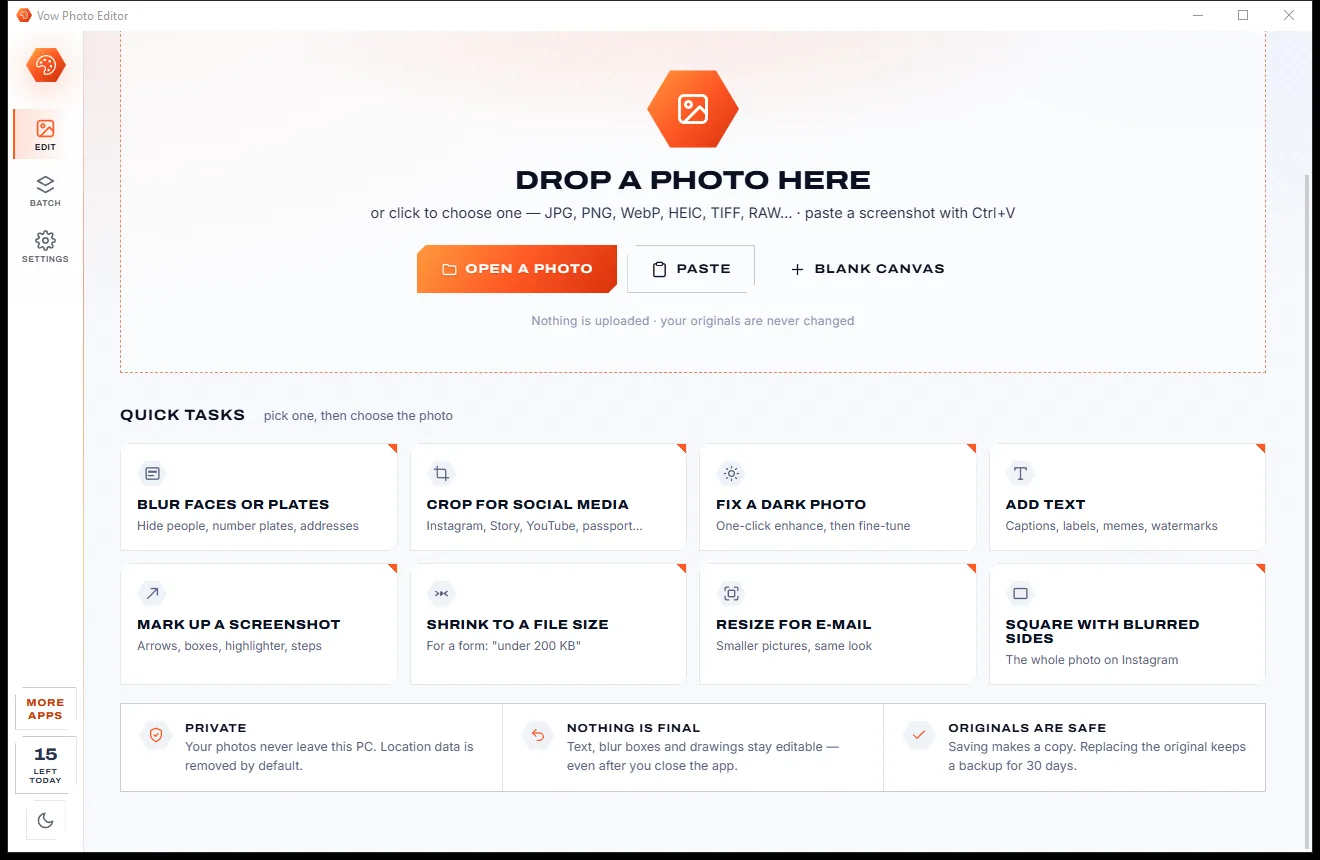
Drag in a JPG, PNG, WebP, HEIC, TIFF or RAW photo, paste a screenshot with Ctrl+V, or start with a quick task like Blur faces or Shrink to a file size.
Auto enhance the light and colour, crop to an exact Instagram or YouTube size, blur faces and plates, add text and arrows. Everything stays editable until you save.
Pick the format and an optional file-size limit ("under 200 KB") and see the finished size before you save. Your original is never changed.
Features
Simple enough for a quick crop, deep enough for curves, layers and whole folders.
Levels, white balance, brightness and vibrance fixed together, every slider still there to fine-tune, with a histogram and clipping warnings.
Instagram post, portrait and Story, Facebook cover, YouTube thumbnail, X, LinkedIn, profile picture and passport 35 x 45, at exact pixels.
The face finder outlines every face, on your PC. Hide faces, plates, addresses and screens with blur, pixelate or a black box.
Set a limit like "under 200 KB" and get the best quality that fits, with the finished size worked out live before you save.
Vivid, Golden hour, Teal & orange, Film, Noir, Sepia and more, previewed on your own photo, with a strength slider.
Any installed font with outline, shadow and a background label, plus ready styles: Caption, Meme, Label, Watermark, Headline and more.
Mark up screenshots with arrows, lines, boxes, circles, a pen, a highlighter and numbered steps 1-2-3.
Put a logo or a second photo on top with 11 blend modes, run the same edit on a whole folder, and save your favourite edits as presets.
Every edit, including the face finder, runs on your PC. Nothing is uploaded, and location data is removed from saved copies by default.
A clickable history, before/after on one key, and each photo's edits kept for 90 days, so text and blur boxes stay editable.
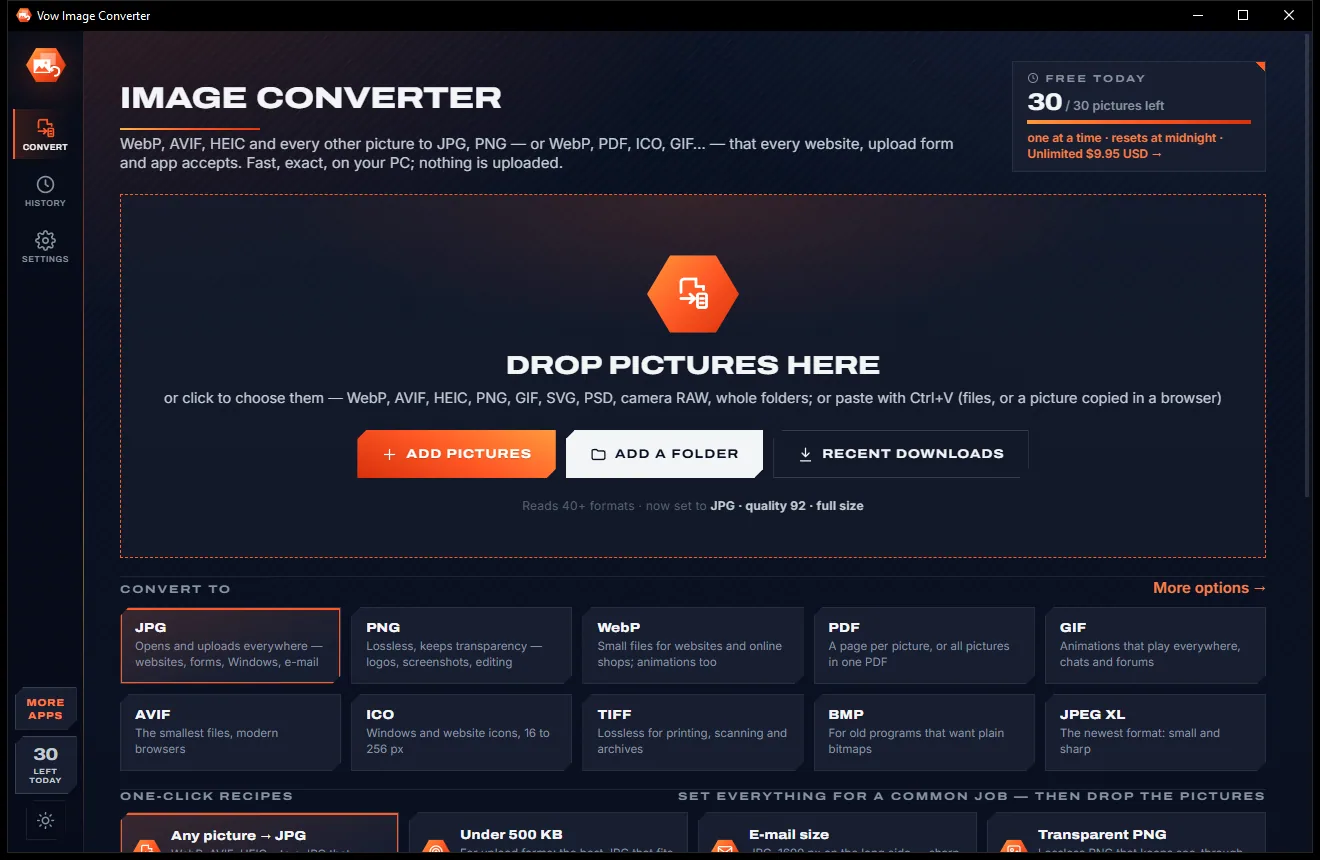
Light & dark theme
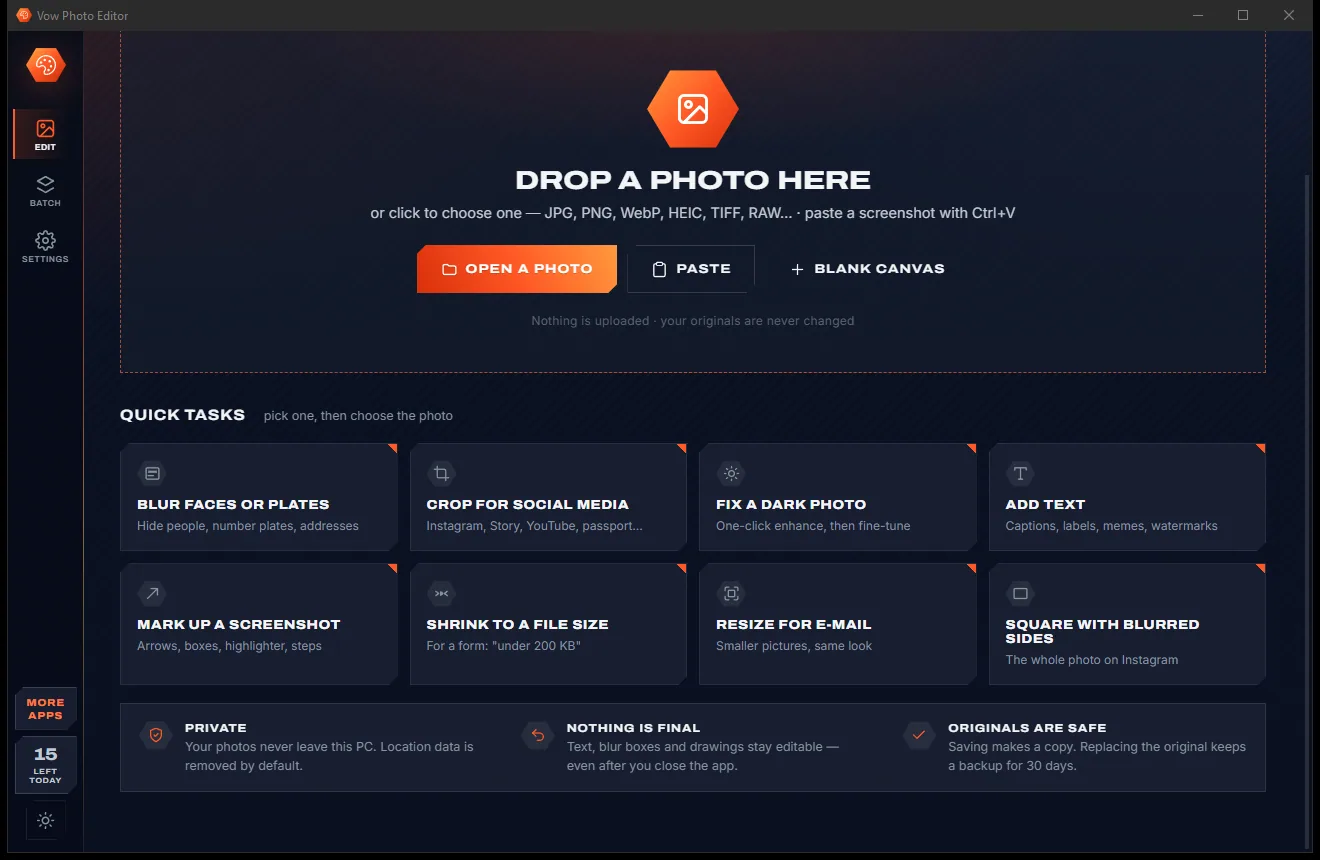
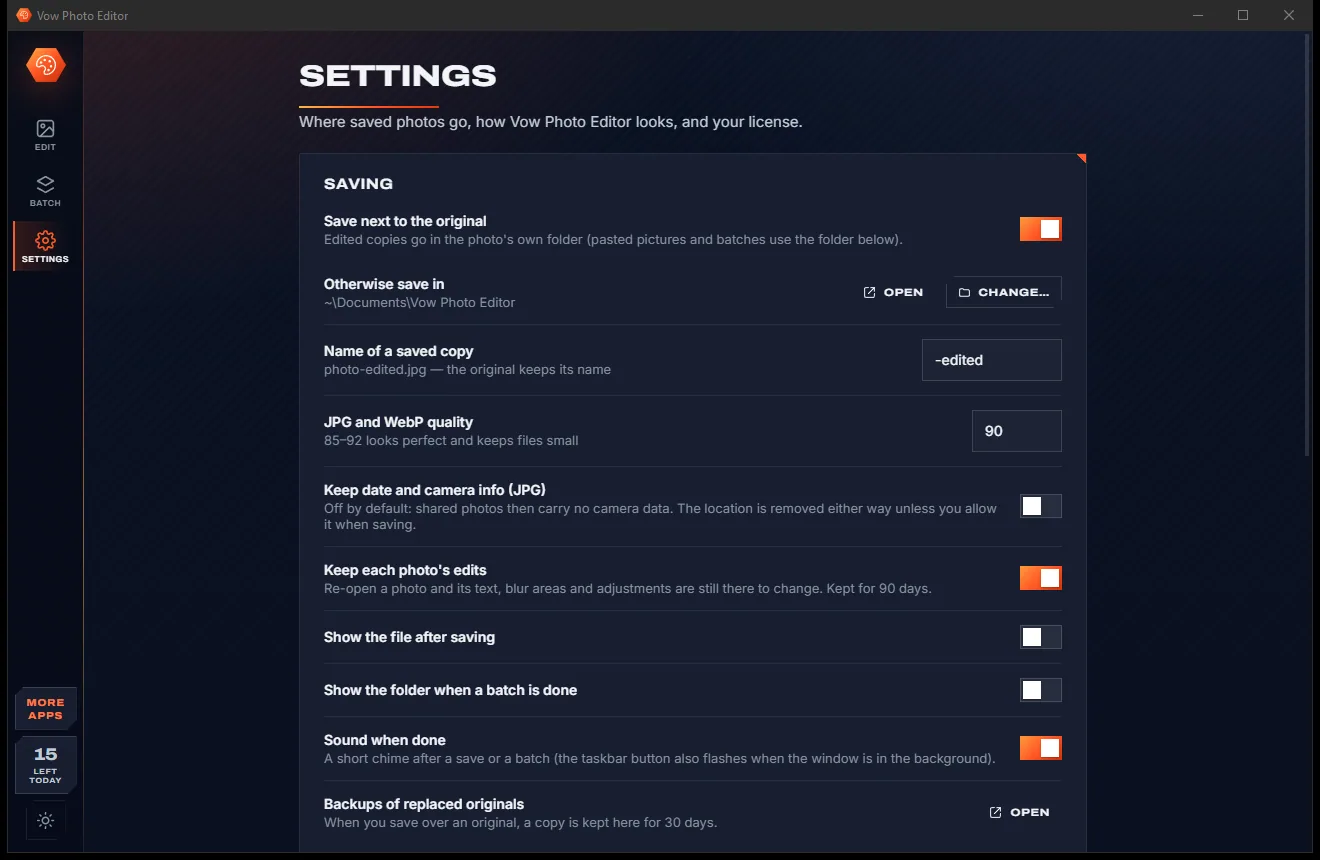
Photo Editor comes with a crisp light theme and a calm dark theme. Switch with one click, or let it follow your Windows setting by itself. It remembers your choice.
Screenshots
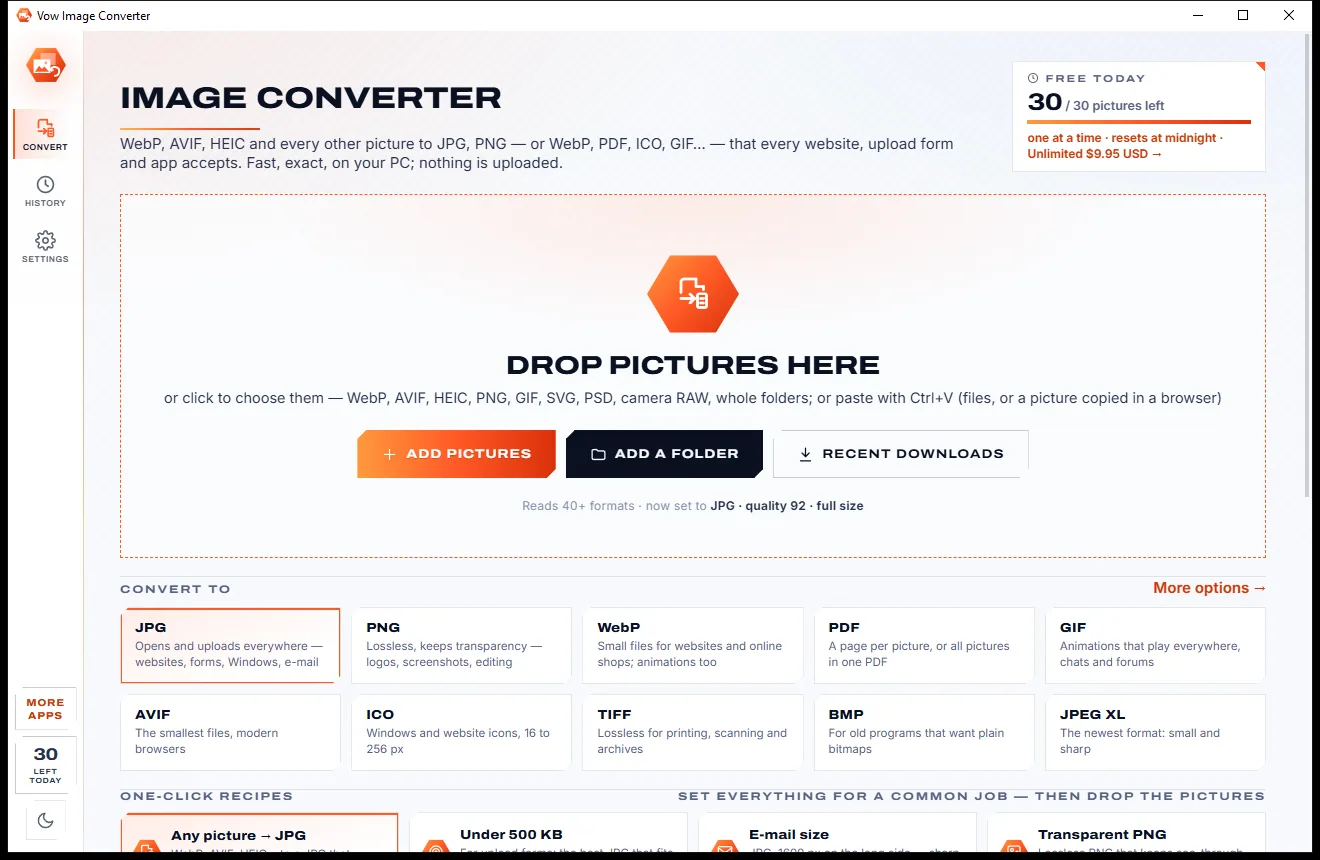
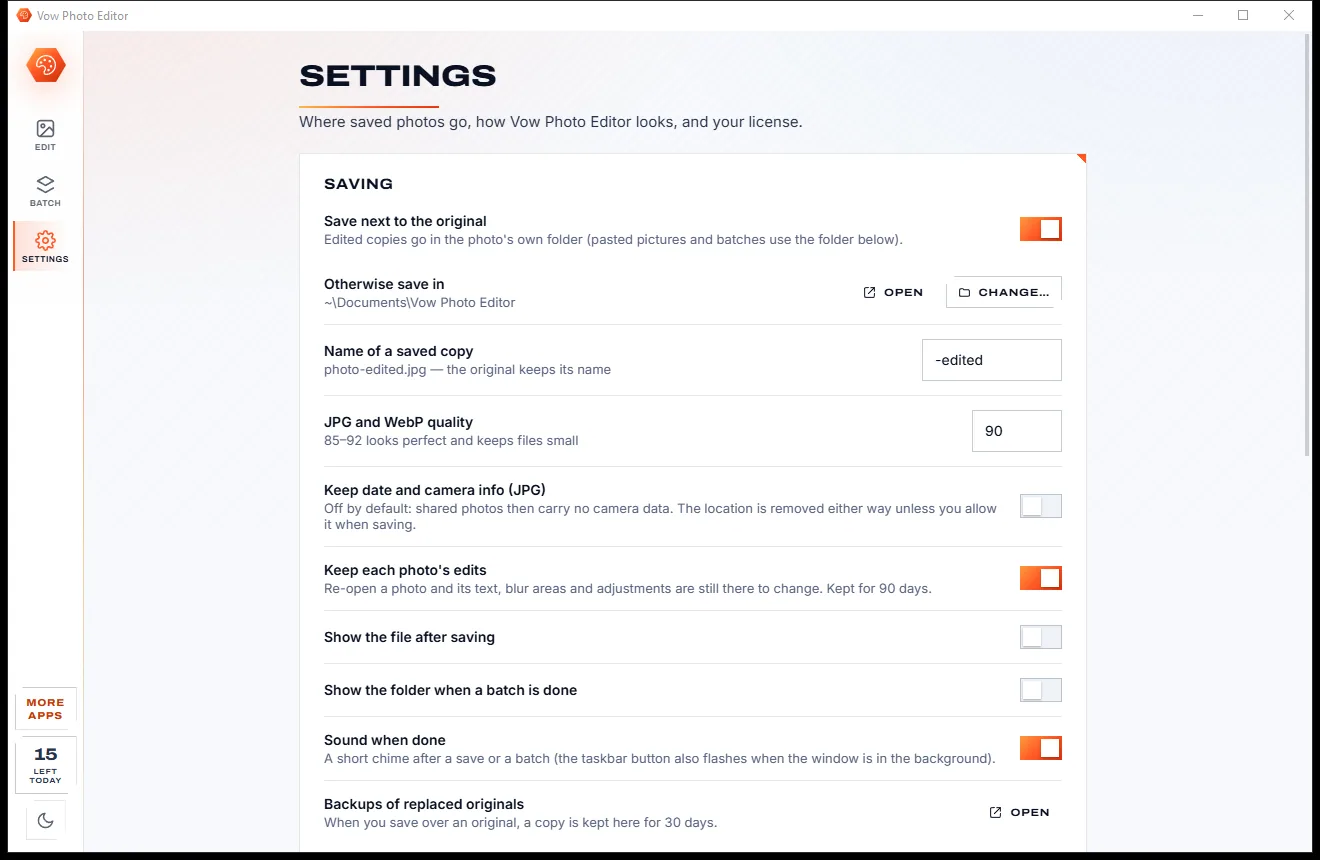
Real screenshots of the real app, in both of its themes: 5 light, 5 dark. Click any picture to see it full size.
Light theme
Dark theme
Who it's for
Crop to the exact Instagram, Story, YouTube or LinkedIn size, add a look and a caption, done.
Blur the faces of children and strangers, number plates and addresses before a photo goes online.
Shrink a photo or a scan under the file-size limit an online form demands, first time.
Arrows, boxes, a highlighter and numbered steps for guides, support tickets and training notes.
Brighten, resize and watermark product photos, a whole folder at a time with Unlimited.
Fix dark, dull or crooked photos and resize them for email in a click or two.
Compare
What you actually get when you search for a free photo editor, side by side.
| Feature | Vow Photo Editor | Typical online & free photo editors |
|---|---|---|
| Price | Free every day, or $9.95 once | Monthly plans or premium tiers |
| Watermarks on saved photos | Never | Common on free tiers |
| Your photos are uploaded | Never: 100% on your PC | Yes, for online editors |
| Ads, pop-ups, bundled extras | None, ever | Common on free sites and downloads |
| Account or sign-up | Not needed | Often required to save |
| Save under an exact file size | Yes, the best quality that fits | Rarely; guess with a quality slider |
| Finds faces to blur | Built-in face finder | Manual, or a paid tier |
| Text and blur stay editable | Yes, kept for 90 days | Often flattened on save |
| Location removed from saved photos | By default | Not always |
"Typical" describes what we found across the most-downloaded alternatives when we built Photo Editor. Your mileage with any one of them may vary; ours won't.
Pricing
That is not a typo. Software this powerful usually means a monthly subscription; Photo Editor is $9.95, once, for life: it's almost a giveaway. Use it free for as long as you like, and unlock Unlimited only if you need more.
Every basic edit, 15 saved photos a day, no watermarks.
Almost a giveaway. Less than a takeaway lunch for software this powerful: no subscription, no renewals, yours for life on 2 PCs.
No daily limit, one-click face blur, layers, batch edits and presets.
Payments by Stripe: we never see or store your card. Questions? Ask a real person.
Clean software
Most "free" Windows downloads pay for themselves with ads, bundled extras or your data. Vow Photo Editor doesn't need to: it's paid for honestly, once, by the people who find it useful.
Download Photo Editor freeStep-by-step guide
From a phone photo to a form-ready file under 200 KB in a couple of minutes.
Step 1: get it freeGet Vow Photo Editor from this page and run the installer. It needs no administrator rights and no account, and everything it needs, including the face finder, is inside.
Drop it on the window, press Ctrl+O or paste a screenshot with Ctrl+V. Or pick a quick task such as Shrink to a file size, then choose the photo.
In Crop, pick a shape or a ready size such as Instagram post. In Adjust, press Auto enhance, then fine-tune any slider you like.
Open Blur & fix and the face finder outlines every face: drag over each one to hide it. Add captions, arrows and boxes from Text and Draw.
Press Save, choose JPG and set a file-size limit, for example 200 KB. The finished size is shown before you save, and your original stays exactly as it was.
Technical details
FAQ
Yes. Every basic edit is free, and you can save or copy 15 photos every day for as long as you like, with no watermarks and no ads. Saving the same photo again that day doesn't count. Unlimited, a one-time $9.95 USD payment, removes the daily limit and adds one-click face blur, layers, batch edits and presets.
No. Every edit happens on your own PC, including the face finder. There is no account and no cloud, and location data is removed from saved copies by default.
Yes. Set the file-size limit in the Save window. The editor finds the best quality that fits, and makes the picture smaller only if it has to. The finished file size is shown live before you save.
Open Blur & fix. The face finder outlines every face it finds, on your PC. Drag over each one to hide it with blur, pixelate or a black box, free. With Unlimited, Hide all hides every face in one click, and each one stays editable.
It opens JPG, PNG, WebP, BMP, GIF, TIFF, ICO and JPEG XR, plus HEIC, AVIF and camera RAW through Windows' own free codecs. It saves JPG, PNG, WebP, TIFF, BMP and GIF.
No. It saves a copy ("photo-edited.jpg") next to the original by default. Saving over the original needs your confirmation, and even then a backup is kept for 30 days.
Paint has no face finder, no auto enhance and no file-size limit; Vow Photo Editor does all three in a click or two. Photoshop is a professional tool with far more than most everyday jobs need. This app puts those jobs on one screen, keeps curves and layers a click away, and is free every day or $9.95 once, with no subscription.
Yes. It is made and published by XTO Pty Ltd, an Australian company. The installer contains no ads, no toolbars and no bundled software, needs no administrator rights, and uninstalls cleanly from Windows Settings.
The Vow collection
Same design, same promises, a tiny one-time price. Learn one and you already know them all.
Passport, visa and ID photos at home, sized to each country's rules

Turn WebP, AVIF, HEIC and 40+ formats into pictures that open everywhere
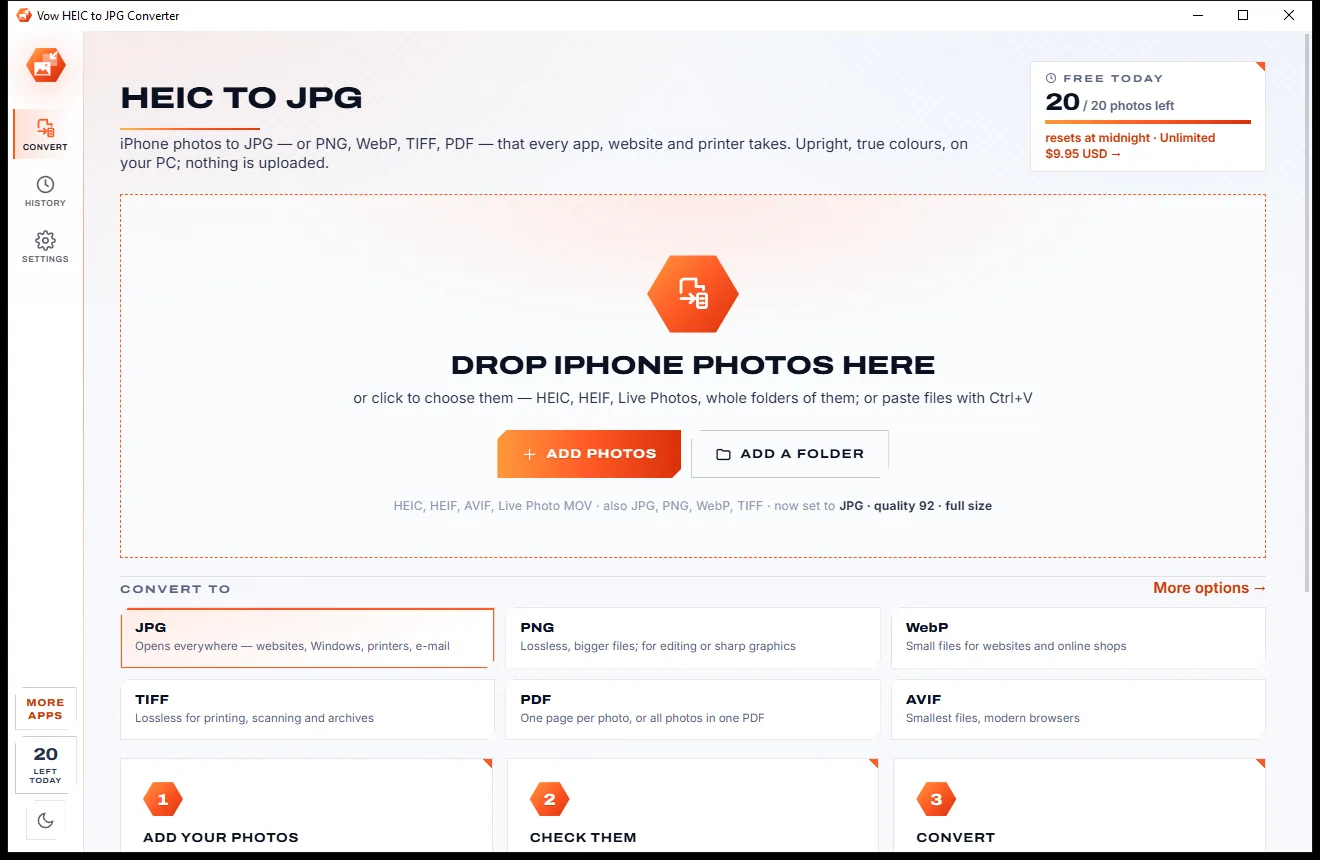
Open and convert iPhone HEIC photos on any Windows PC
Crop, brighten, blur a face, add text, and save to an exact file size. Free to use every day, $9.95 once if you ever want Unlimited.