
PC Fixes
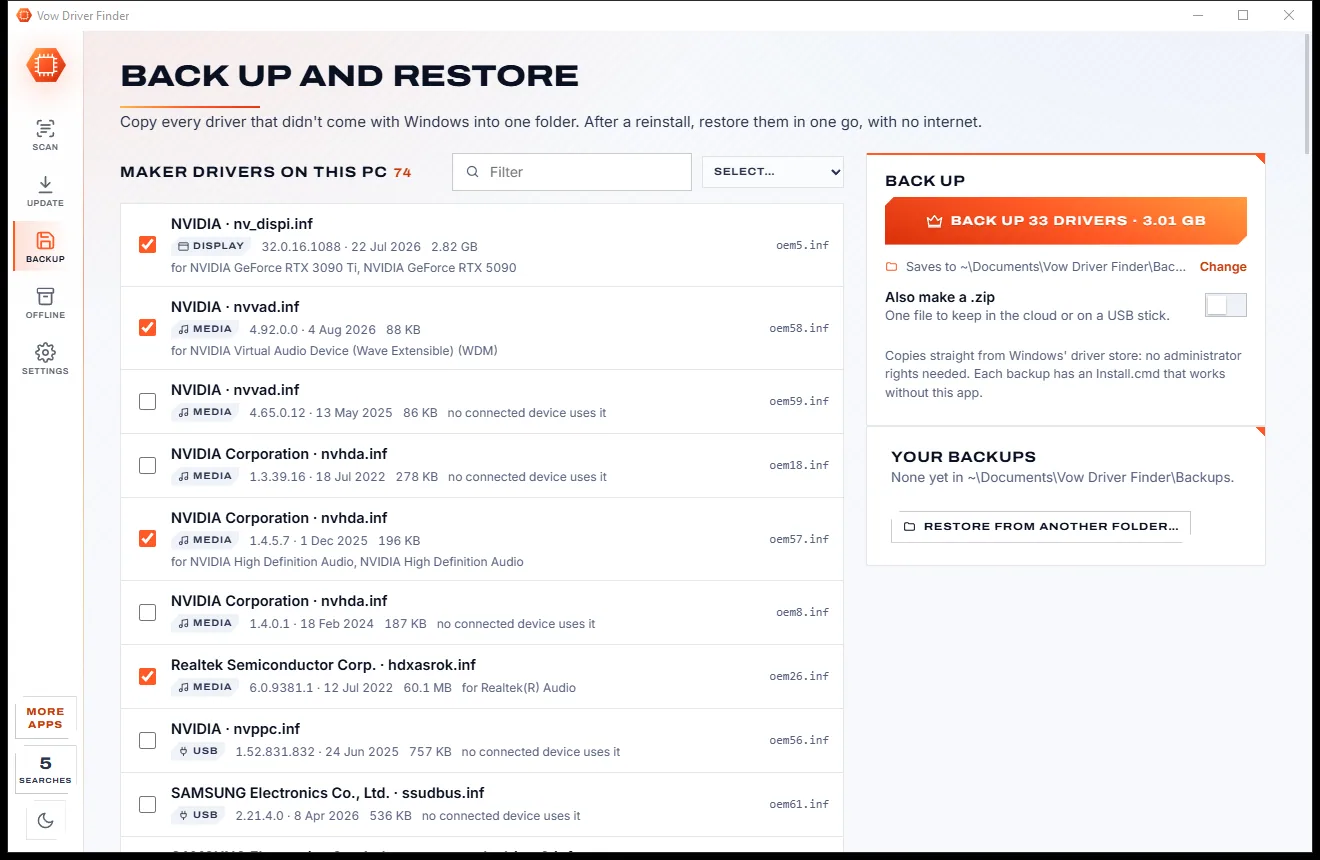
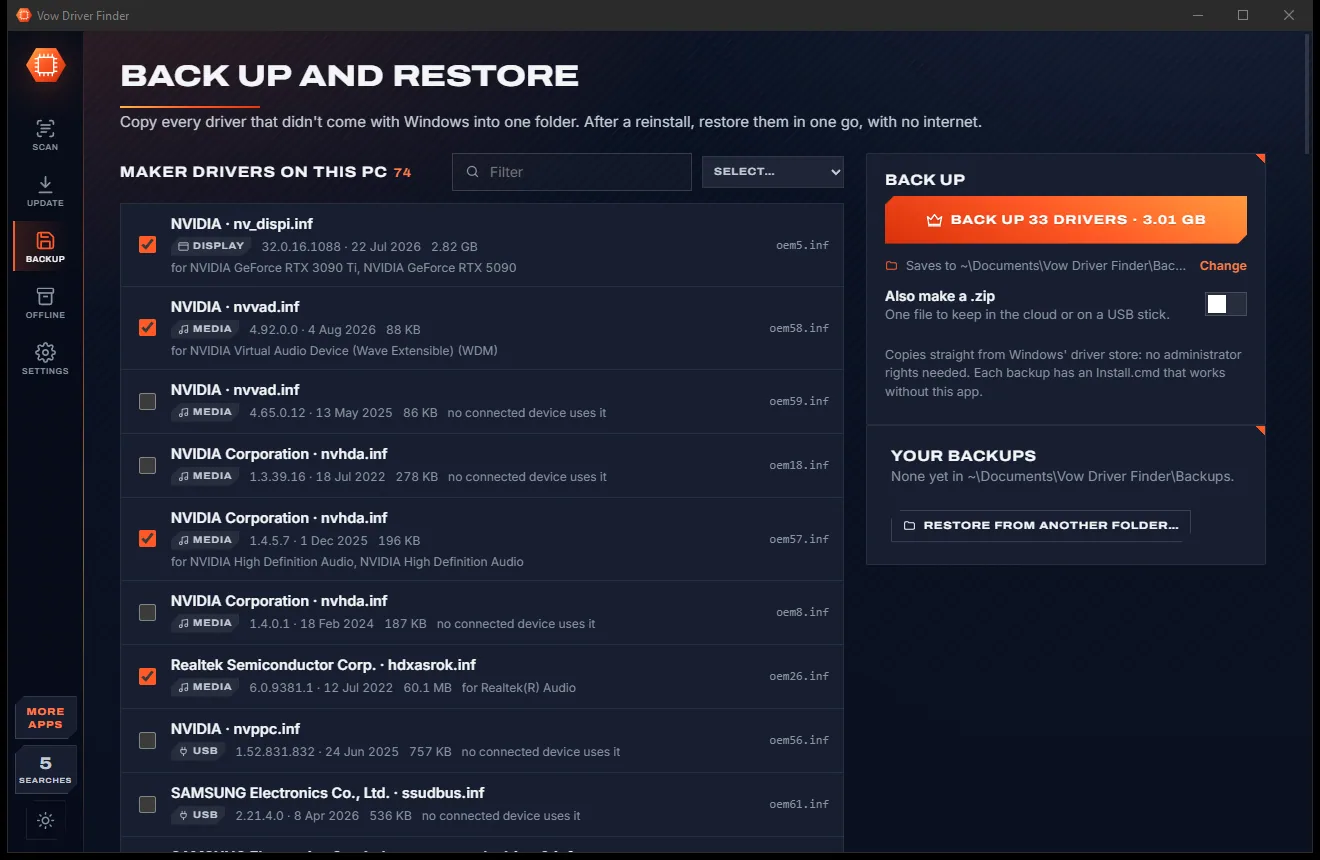
Vow Driver Finder
Find the drivers your PC is really missing, from official sources only
- Free: Unlimited scans, official links, 5 in-app searches a day
- $4.95 once: One-click install, backup and restore, offline driver packs

Default apps manager for Windows 10 and 11
Vow Default App Fixer shows what opens your web links, PDFs, photos, videos, music and documents on one screen, and changes every type an app handles in one click. It finds the choices Windows is about to reset, fixes them for free, and with Unlimited puts your defaults back the moment anything changes them. No hacks, no ads, no account.
The problem
You picked Chrome, VLC and your favourite PDF reader. Then an update arrived, a notification said "An app default was reset", and everything opened in Edge again.
Windows quietly ignores some choices and puts its own app back, usually after an update, with nothing but a brief notification.
Settings makes you change .mp4, .mkv, .avi and a dozen more one by one, then hunt through a list of hundreds.
Links from Windows Search, Widgets and News open in Edge even when another browser is your default.
Uninstall an app and its file types can be left pointing at nothing, so Windows asks every single time.
Quick fixes from forums switch off Windows' protection or hook into Edge, and can stop working after the next update.
Change the wrong thing and there is no list of what you set before, and no way back except doing it all again.
Vow Default App Fixer fixes all of it.
How it works
Every file and link type on one screen, set the way Windows itself does it, so the choice sticks.
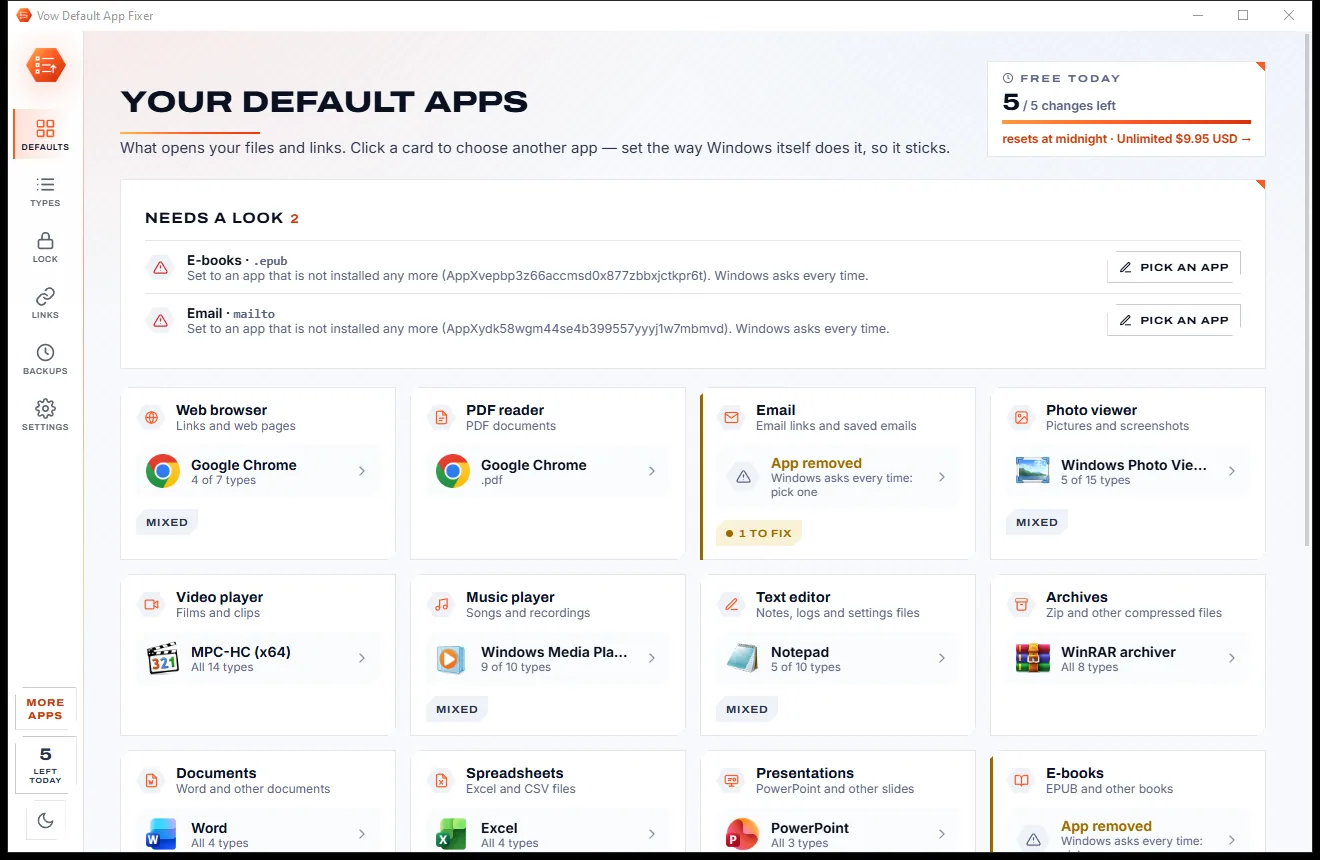
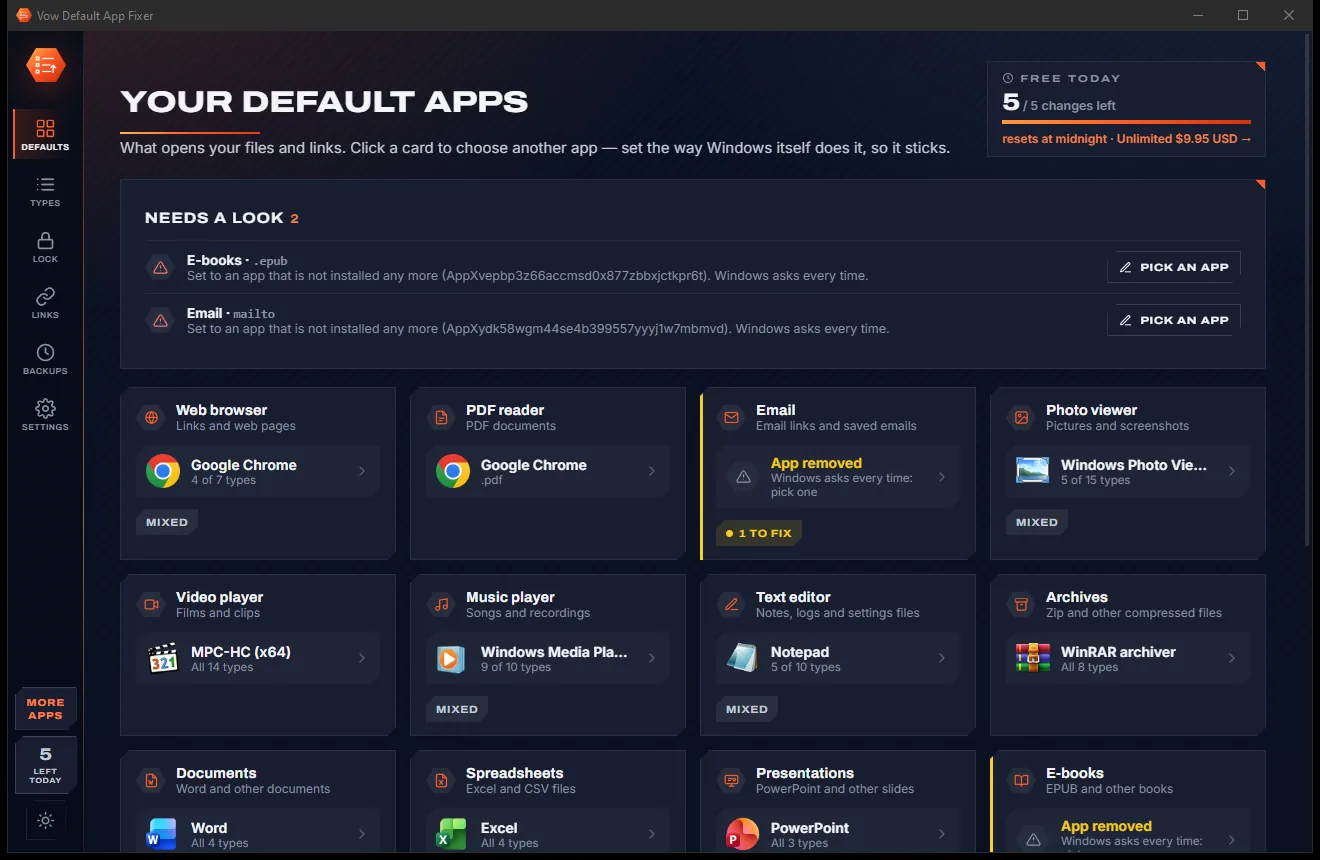
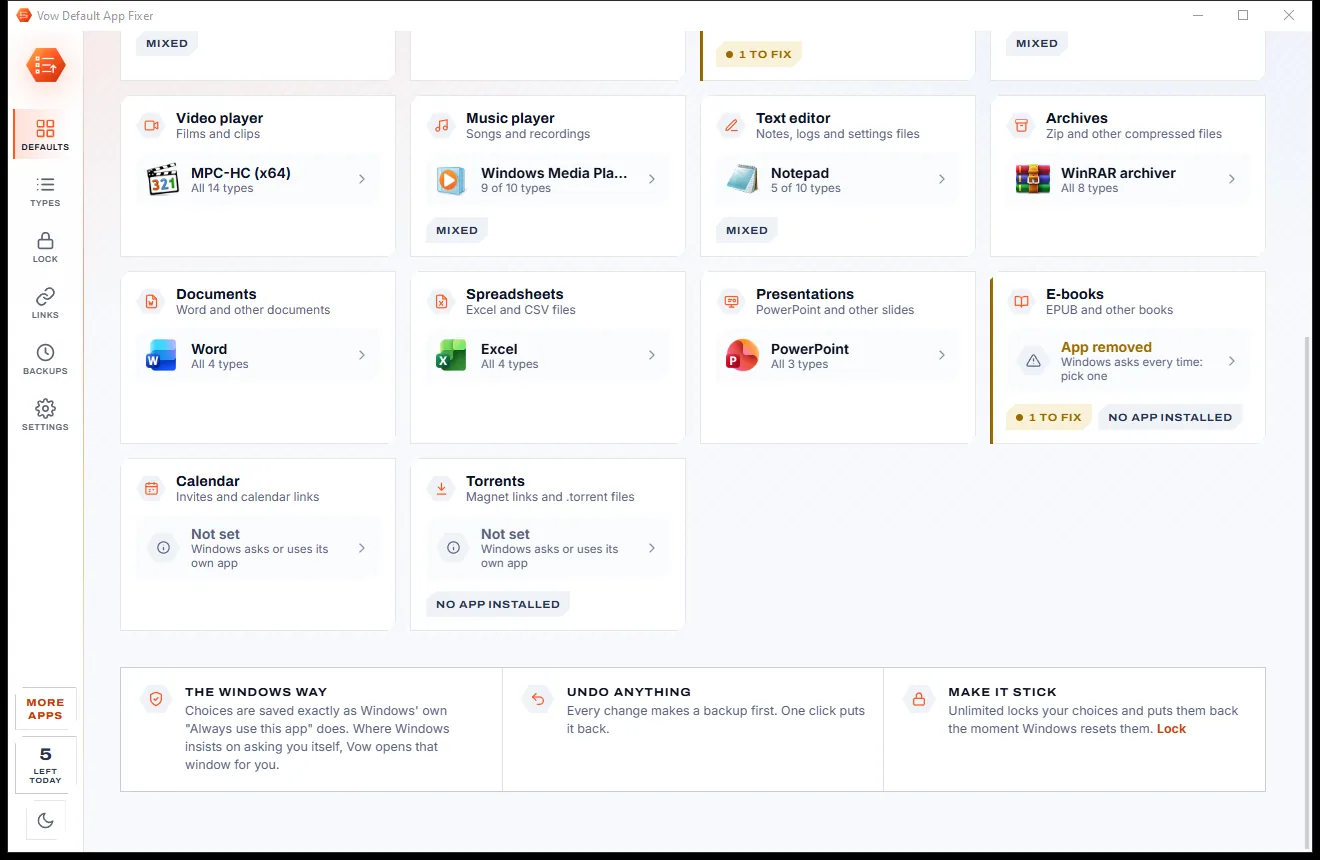
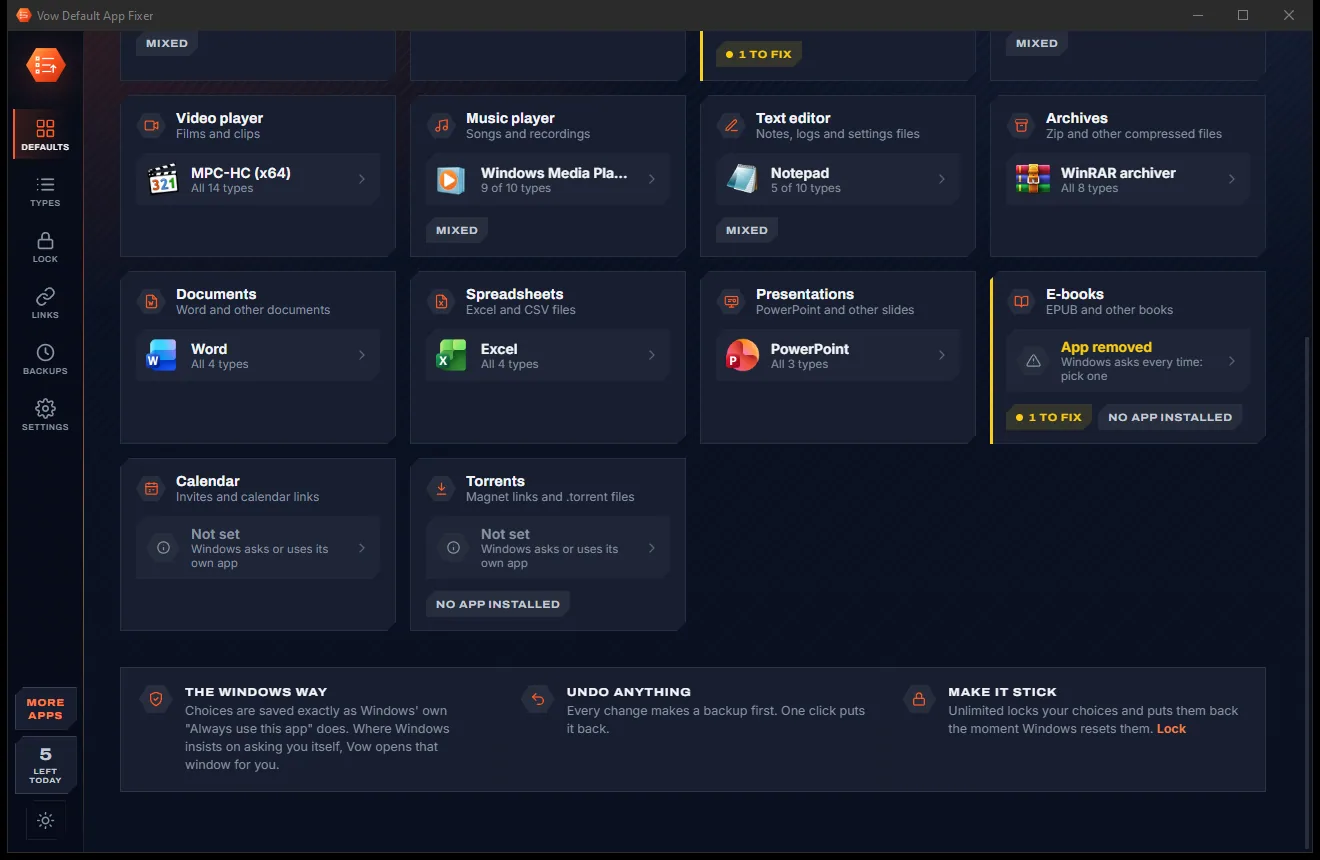
14 kinds of files and links on one screen, each with the app that opens it, plus a Needs a look list of choices Windows is about to reset.
Installed apps that open that kind are listed with the dedicated ones first. Every type the app handles is set at once, with a backup taken first.
Browsers, PDFs and Office files can only be set in Windows' own window. Vow opens it for you and ticks each type off once Windows has it.
Features
For anyone tired of the Settings maze, and anyone whose choices keep being taken back.
Web browser, PDF, email, photos, video, music, text, archives, documents, spreadsheets, presentations, e-books, calendar and torrents.
Choose VLC and all 14 video types switch together. Kinds split across several apps are marked Mixed.
Finds choices Windows ignores and will soon reset, defaults pointing to removed apps, and kinds Edge has taken over.
Fix the choices behind "An app default was reset" in one click, at no cost and with no daily limit.
A tiny helper puts a changed default back within seconds, with a safety stop so it never fights Windows. Unlimited.
Send the links Windows forces into Edge (Search, Widgets, News, Help) to your own browser, and Bing searches to your search engine. Unlimited.
Open work sites in one browser and everything else in another, with optional switches such as a browser profile. Unlimited.
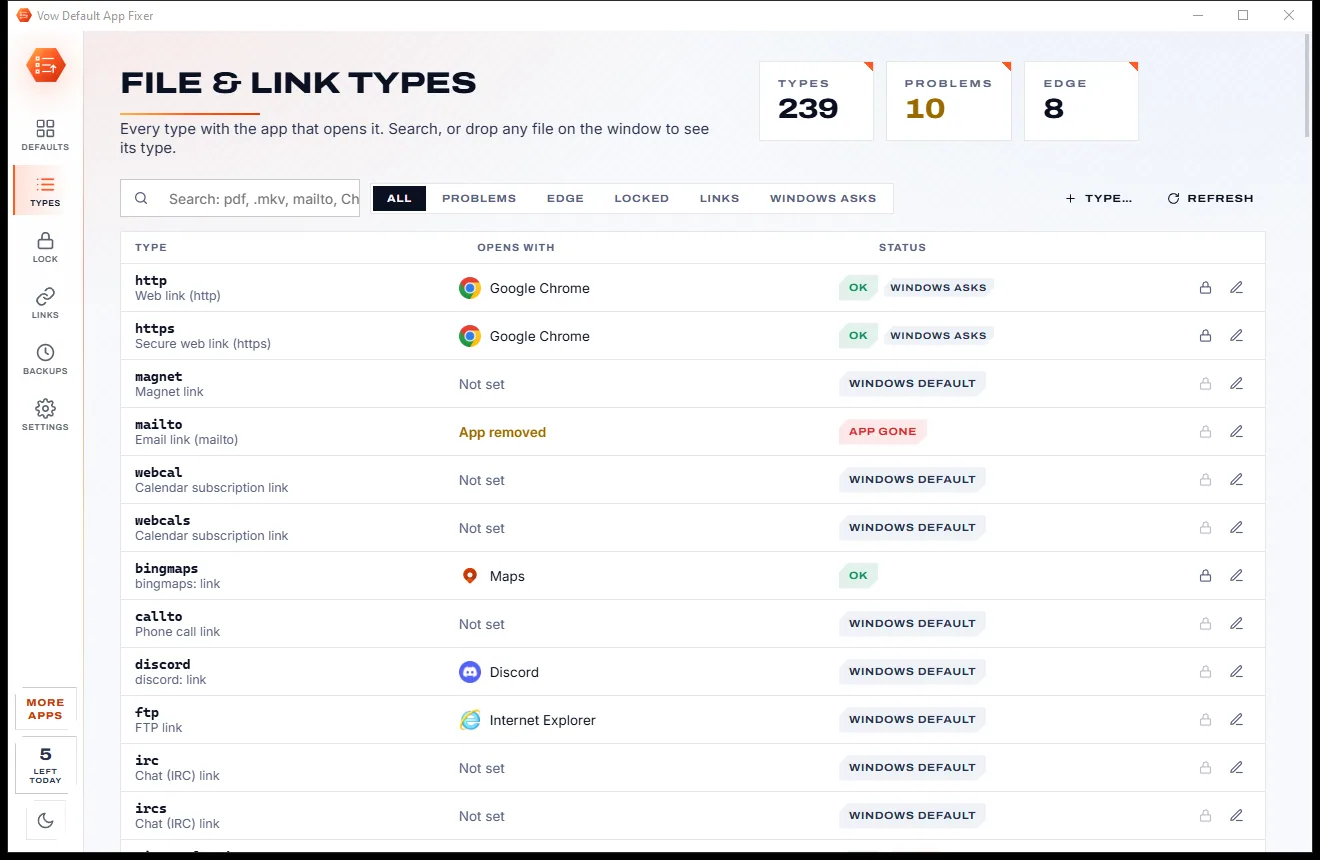
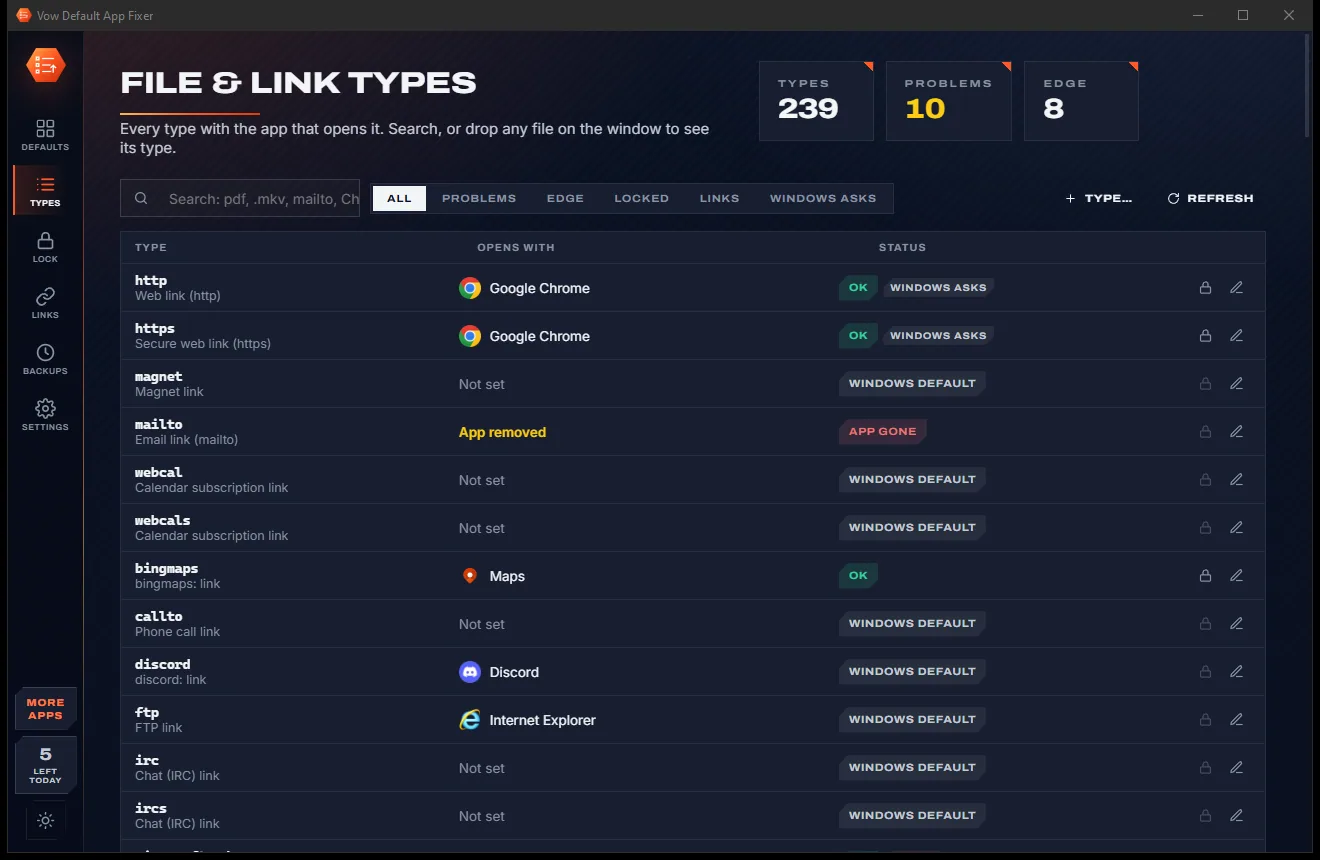
Around 240 file and link types with their app and status, searchable, with Windows' own Open with window one click away.
A backup before every change, named backups of your own, restore any time, and a history of what you set and what Windows reset.
Export as Vow JSON or Windows XML in the DISM format, and import either, including a file from your IT department.
Light & dark theme
Default App Fixer comes with a crisp light theme and a calm dark theme. Switch with one click, or let it follow your Windows setting by itself. It remembers your choice.
Screenshots
Real screenshots of the real app, in both of its themes: 12 light, 12 dark. Click any picture to see it full size.
Light theme
Dark theme
Who it's for
Make your browser the default for every web link, and keep Search and Widgets links out of Edge.
Set your PDF app once and stop the browser grabbing every PDF you open.
Point every video and music type at VLC, MPC-HC or your favourite player in one go.
See what the update changed in one glance, then put it back with a click.
Set up all your defaults on one screen, or import the set you exported from your old PC.
Read and write DISM default-association files, and apply a Windows-enforced lock on Pro and Enterprise PCs.
Compare
What happens when you try to set your defaults with Windows Settings or a quick fix from the web.
| Feature | Vow Default App Fixer | Windows Settings & typical quick fixes |
|---|---|---|
| Price | Free every day, or $4.95 once | Free but fiddly, or paid admin tools |
| Every default on one screen | 14 kinds, about 240 types | Spread across Settings pages |
| Change every type an app opens | One click (all 14 video types) | Usually one type at a time |
| Finds defaults about to be reset | Health check, free Repair | You find out when it happens |
| Puts reset defaults back | The lock, within seconds | Set them again by hand |
| Edge-only links in your browser | Search, Widgets, News, Help | Edge, or tools that hook into Edge |
| Works with Windows' protection | Never switches it off | Some fixes disable it |
| Backups, undo and history | Every change, free | Rarely |
"Typical" describes what we found across the most-downloaded alternatives when we built Default App Fixer. Your mileage with any one of them may vary; ours won't.
Pricing
That is not a typo. Software this powerful usually means a monthly subscription; Default App Fixer is $4.95, once, for life: it's almost a giveaway. Use it free for as long as you like, and unlock Unlimited only if you need more.
5 changes a day, health check, free repairs, backups and undo.
Almost a giveaway. Less than a coffee for software this powerful: no subscription, no renewals, yours for life on 2 PCs.
Unlimited changes, the lock, Edge-only links in your browser.
Payments by Stripe: we never see or store your card. Questions? Ask a real person.
Clean software
Most "free" Windows downloads pay for themselves with ads, bundled extras or your data. Vow Default App Fixer doesn't need to: it's paid for honestly, once, by the people who find it useful.
Download Default App Fixer freeStep-by-step guide
Set the app for every kind of file and link, and make the choice stick, in a few minutes.
Step 1: get it freeDownload it from this page and run the installer. It installs for your account with no administrator rights, because every default it changes belongs to your account.
Open the app and look at the top of the Defaults screen: choices Windows ignores, apps that were removed and kinds Edge took over are listed with a one-click fix.
Click Video player, PDF reader or any other card, choose an app and press Use. A backup is taken first, and the toast has an Undo button.
For browsers, PDFs and Office files, Vow opens Windows' own "How do you want to open" window. Pick your app with Always on and Vow ticks it off.
With Unlimited, tick Lock it in the chooser or turn on the lock page, and your defaults are put back whenever Windows or another app changes them.
Technical details
FAQ
Yes. You can make 5 default-app changes a day for free (the same change again that day costs nothing), and the health check, Repair, backups, undo, export and history are always free. Unlimited, a one-time $4.95 USD payment, adds any number of changes, the lock, Edge-only links in your browser, the link router and the Outlook & Teams link setting.
Windows ignores a choice it can't verify and puts its own app back, which is when you see "An app default was reset". Updates and some apps also change defaults. The health check lists choices Windows is about to reset, and Repair fixes them for free.
Since 2024 Windows protects web links, .htm and .html, .pdf and the Office types so only its own window can set them. Vow opens that window for you and watches until Windows has your choice. On some newer Windows 11 PCs every change goes through that window, and Vow detects this.
Yes, with Unlimited. When Windows starts Edge just for one of those links, Vow closes that start and opens the link in your default browser instead, with no administrator rights. If Edge is already open, the page may still appear there too.
No. It never turns off Windows' User Choice Protection, never patches Edge or hooks into it, and never writes protected settings behind Windows' back. Where Windows wants to ask you itself, Vow opens Windows' window.
A small helper watches your defaults and puts a changed one back within seconds, with a notification and a safety stop. Protected types get a one-click fix, or on Pro, Enterprise and Education PCs the Windows-enforced lock re-applies them at every sign-in.
Yes. Back up all your defaults under a name, export them as a Vow file or as Windows XML in the DISM format, and import either on the other PC. Automatic backups are made before every change.
Yes. It is made and published by XTO Pty Ltd, an Australian company. There are no ads, no bundled software and no account, it needs no administrator rights, and it uninstalls cleanly from Windows Settings, leaving your default apps as they are.
The Vow collection
Same design, same promises, a tiny one-time price. Learn one and you already know them all.
Find the drivers your PC is really missing, from official sources only

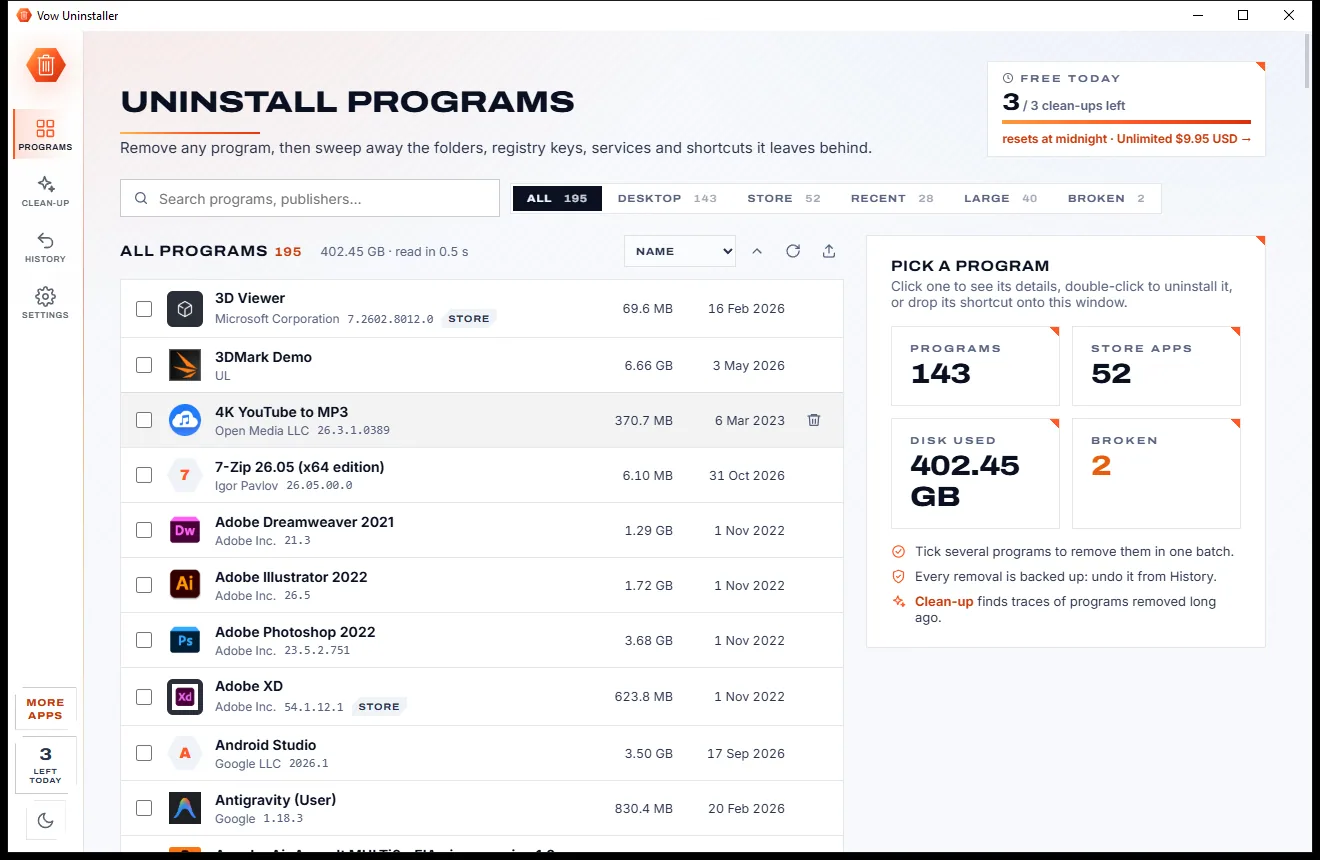
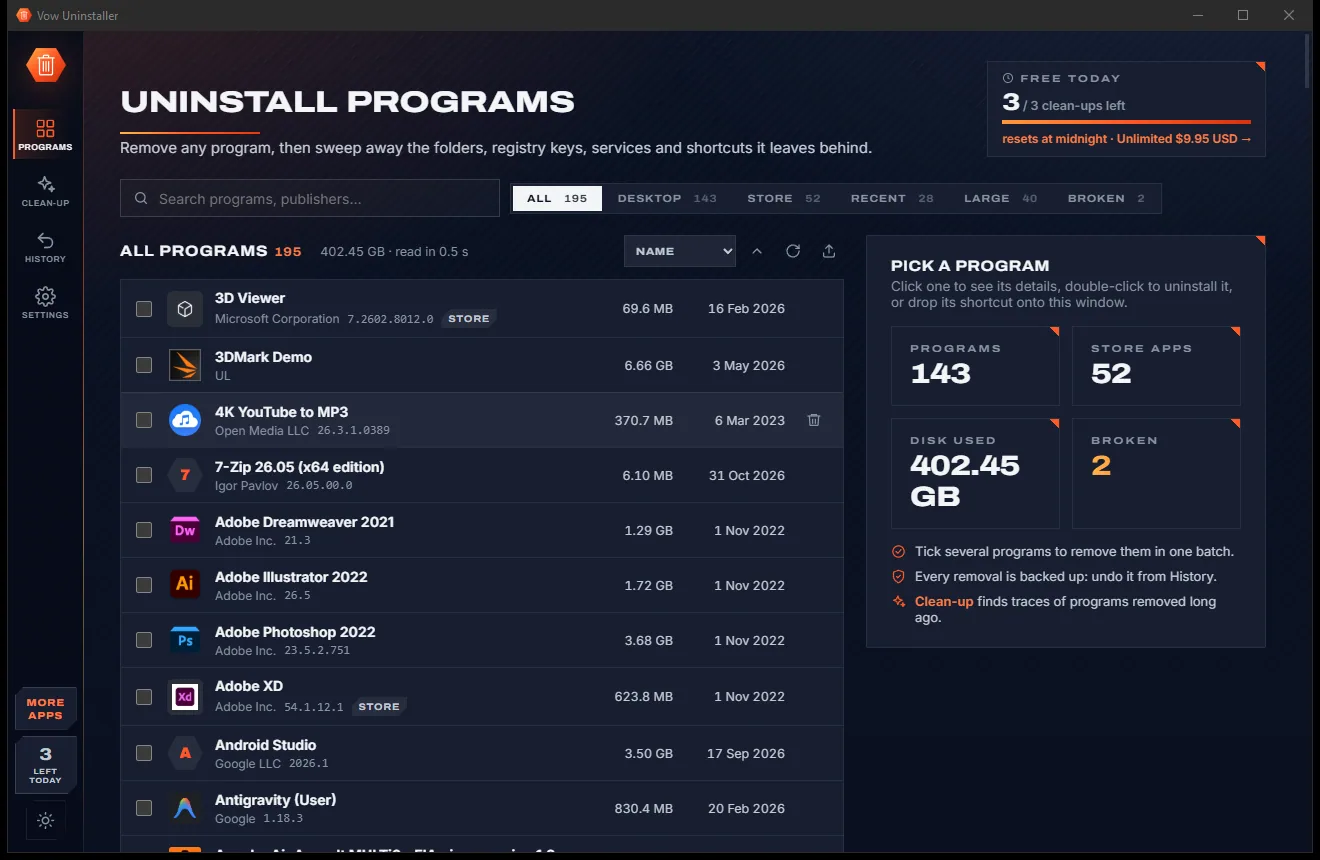
Uninstall programs completely, and undo it if you change your mind

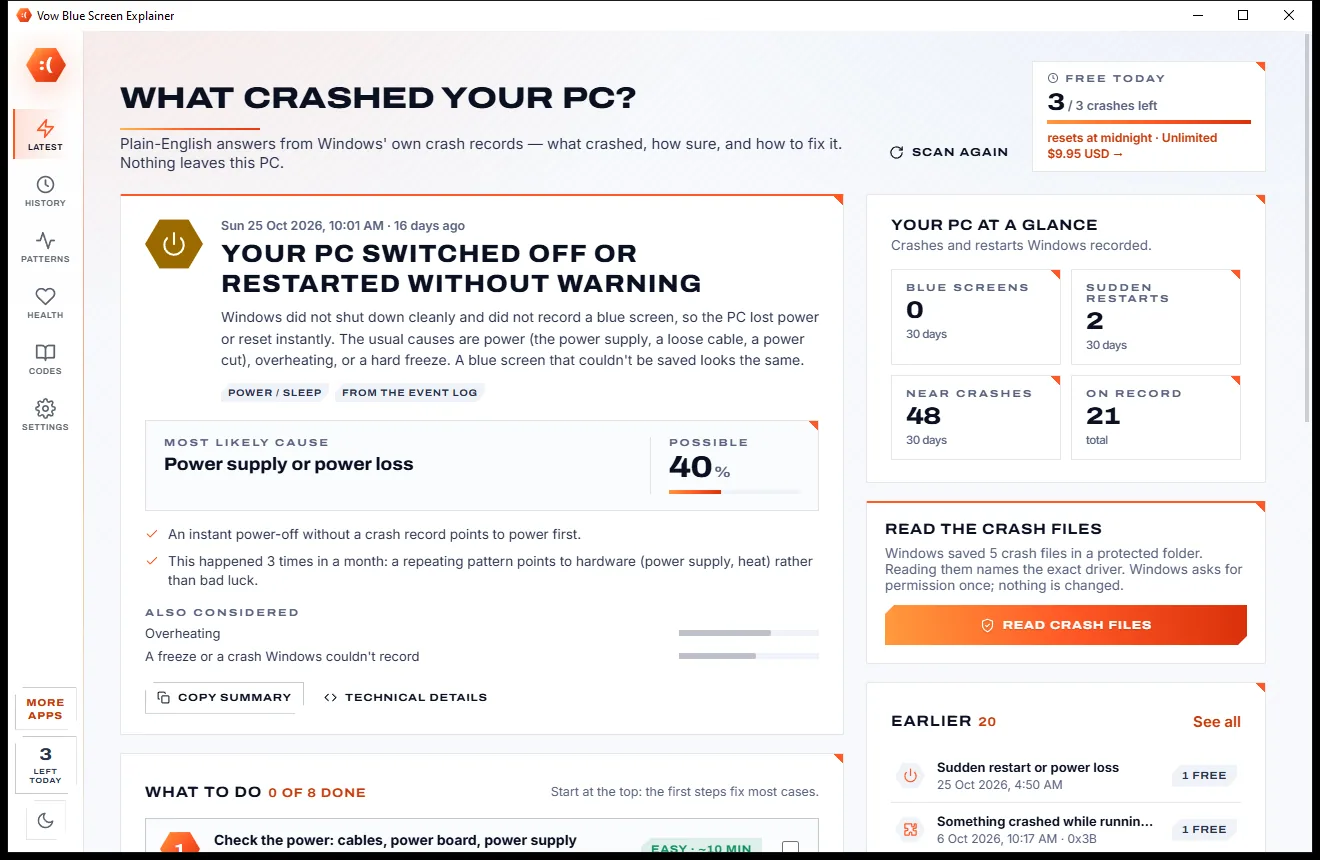
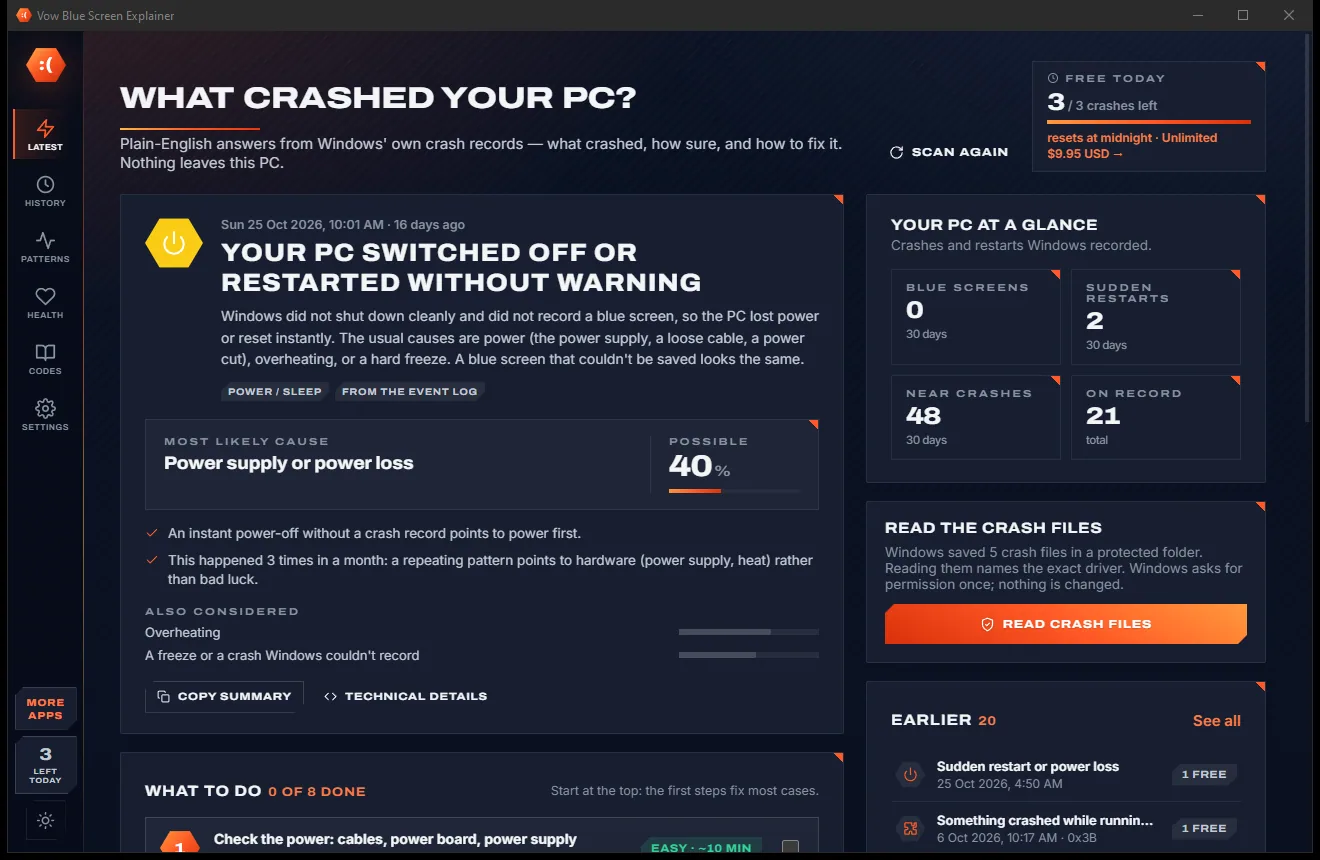
Find out what crashed your PC, in plain English, with the fix
Set your default apps in one screen, and stop Windows resetting them to Edge. Free to use every day, $4.95 once if you ever want Unlimited.