
Video
Vow Video Stabilizer
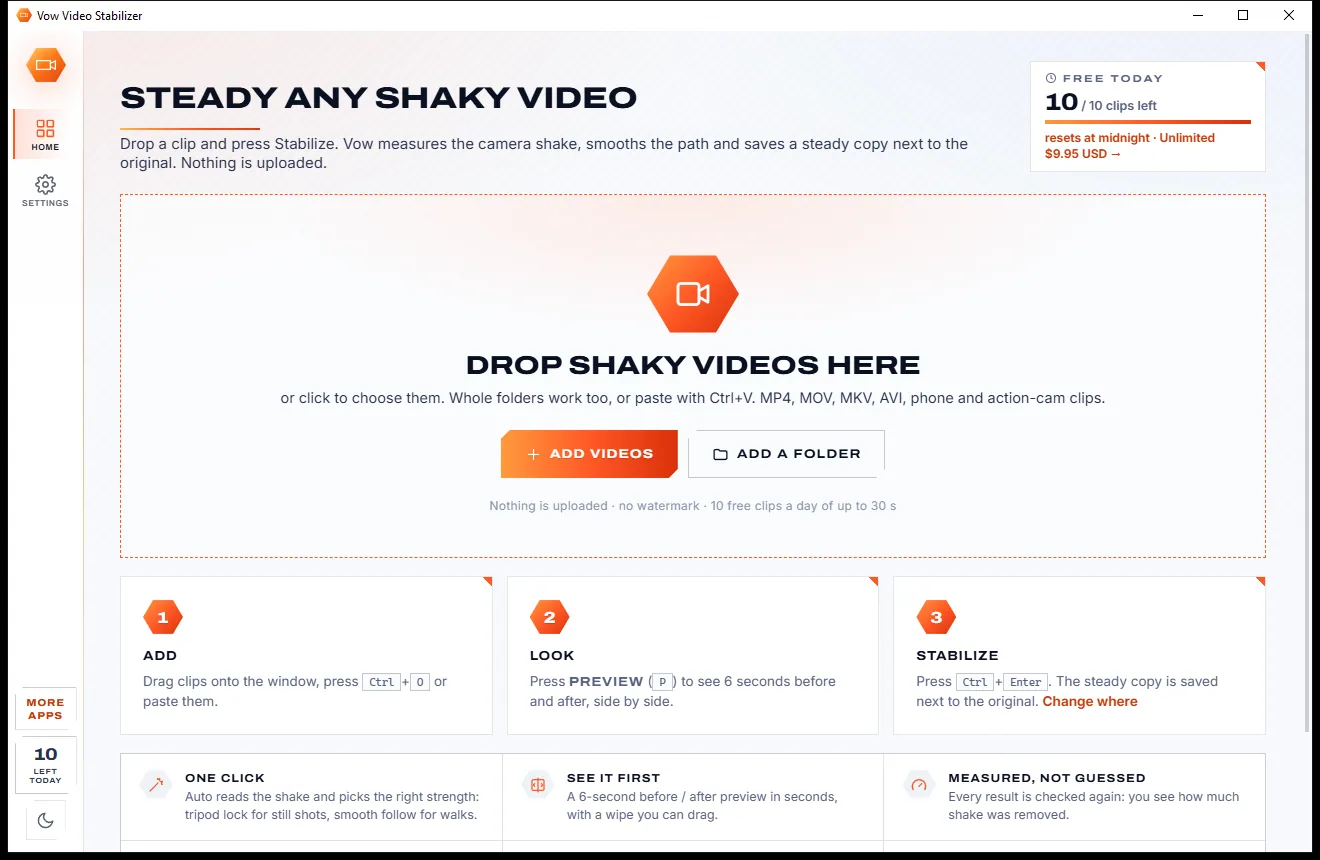
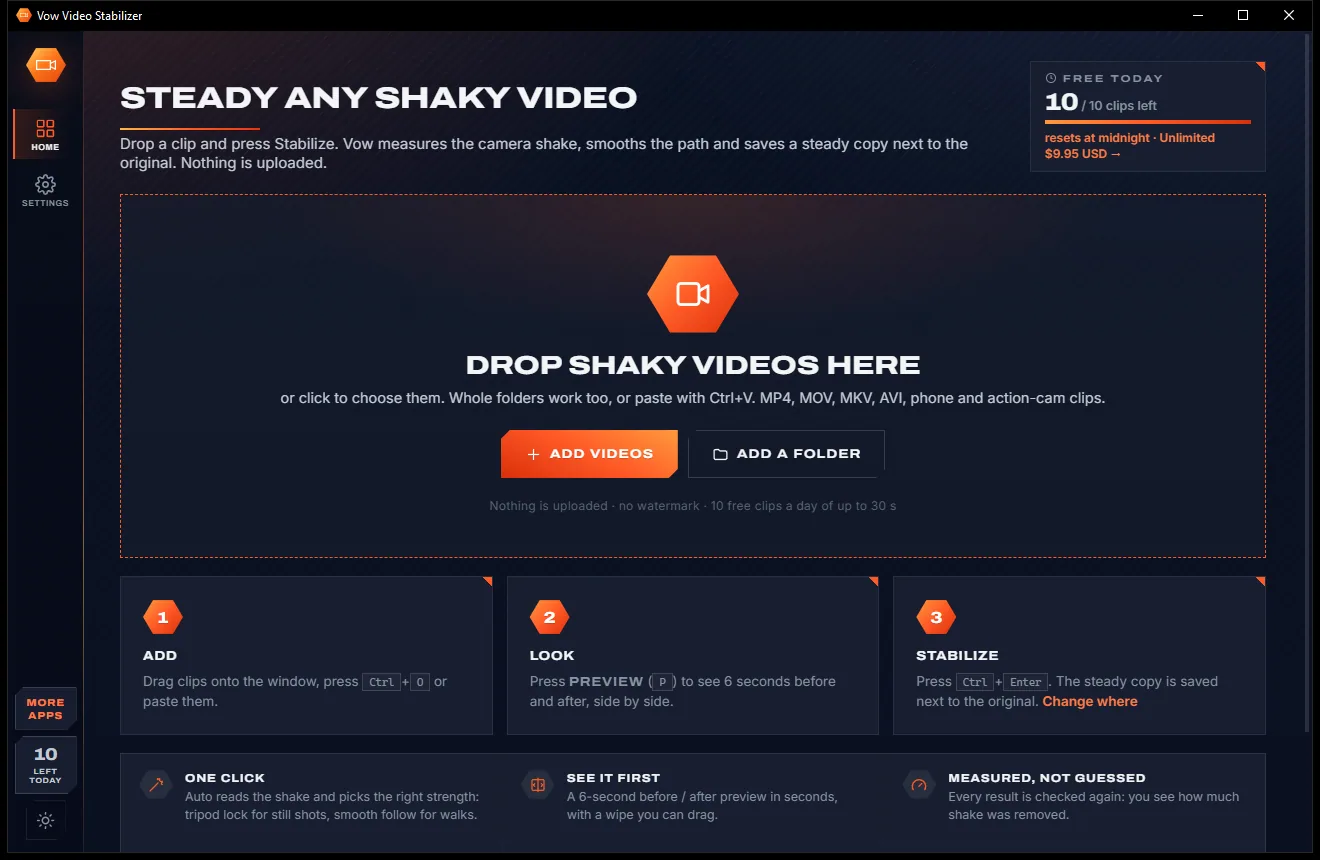
Steady any shaky video in one click, right on your PC
- Free: 10 clips a day up to 30 seconds, every strength, full quality
- $4.95 once: Clips of any length, batch whole folders, crop and zoom control
Video to GIF & meme maker for Windows
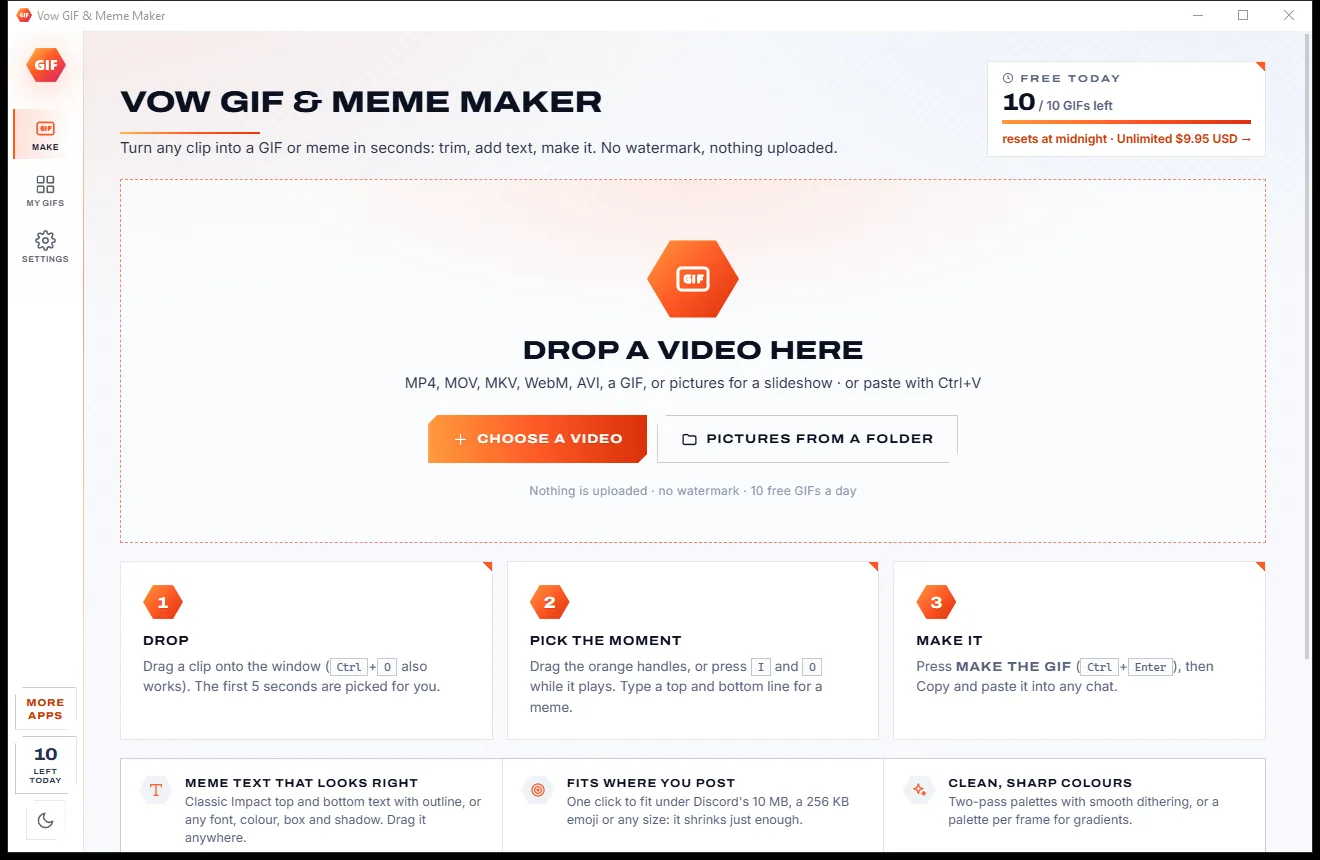
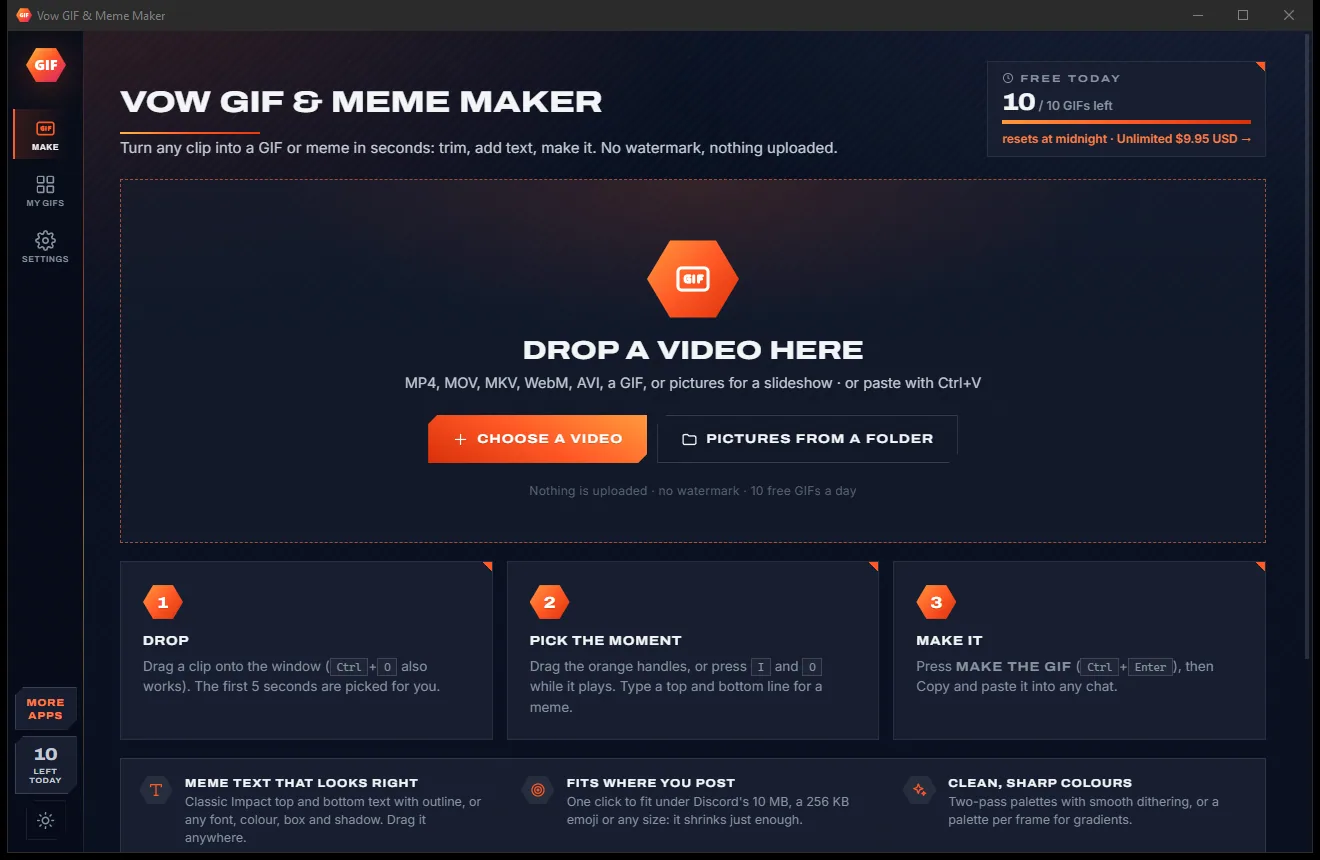
Drop a video, pick the moment, type a top and bottom line and press Make the GIF, then paste it into any chat. Everything runs on your own PC: no watermark, no account, no upload queue and no subscription.
The problem
Search for a GIF maker and you get upload queues, length caps, someone else's logo on your meme and a monthly plan for a two-second loop.
Online GIF makers want your clip on their servers first, then make you sit through the upload, the queue and the download.
Free tiers often stamp a watermark on the result, right where everyone in the chat will see it.
HD, longer clips and the good settings locked behind a monthly plan, renewing whether you make a GIF that month or not.
Pop-up ads on every page, and free "GIF makers" whose installers bring along extras you never asked for.
Make it, it's over Discord's limit, shrink it, make it again, still too big. Trial and error until you give up.
Skies, skin and gradients turn into stripes and speckles when a GIF is made with a careless colour palette.
Vow GIF & Meme Maker fixes all of it.
How it works
From video to a ready-to-paste GIF in seconds, and your clip never leaves your PC.
Drag in an MP4, MOV, MKV, WebM or AVI, or even a GIF, or paste it with Ctrl+V. Pictures become a slideshow. The first 5 seconds are picked for you.
Drag the orange handles or press I and O while it plays. Type a top and bottom line for a classic meme, then drag the text anywhere on the picture.
Press Make the GIF. The result plays straight away, ready to copy into Discord, WhatsApp or Slack, drag out of the window or find later in My GIFs.
Features
For meme makers, gamers, streamers and anyone who answers in GIFs: simple for the basics, deep when you want it.
Classic Impact top and bottom text with an outline, or any installed font, colour, box and shadow, plus emoji stickers you drag anywhere.
One click to fit under Discord's 10 MB, a 256 KB emoji, a 512 KB sticker, X's 15 MB or 1 to 25 MB. It shrinks just enough.
Two-pass palettes with smooth dithering, or a palette per frame for gradients, with 8 to 256 colours and 5 dithering methods.
Drag the handles, type exact times or step one frame at a time. Scroll to zoom the time line while the player loops your selection.
Anything from 0.25x to 4x, played backwards or back and forth as a boomerang, with a fade in and out if you like.
8 shapes including square, 4:5 and 9:16, a free crop box, one-click black bar removal, rotate, mirror and upside down.
Vivid, Black & white, Sepia, Vintage, Warm, Cool, Faded, Noir, Deep fried and Invert, plus brightness, contrast, colour and sharpen.
A GIF that plays everywhere or a still PNG or JPEG meme. Unlimited adds MP4 with sound, animated WebP and APNG.
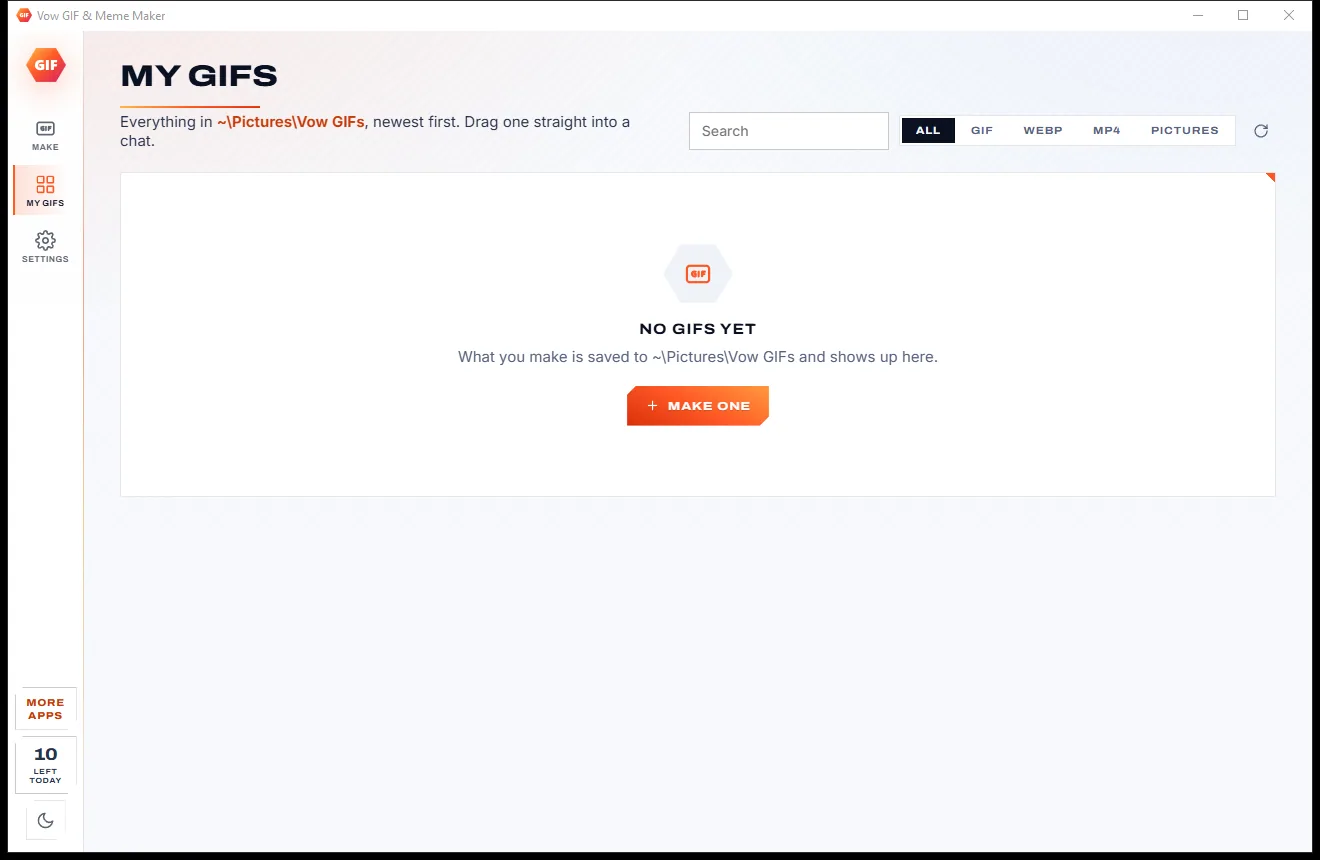
Copy a result into any chat or drag it out of the window. Every file you make waits in My GIFs, ready to copy or edit again.
Everything runs on your PC with FFmpeg, which is included. Your clips are never uploaded and there is no account to make.
Light & dark theme
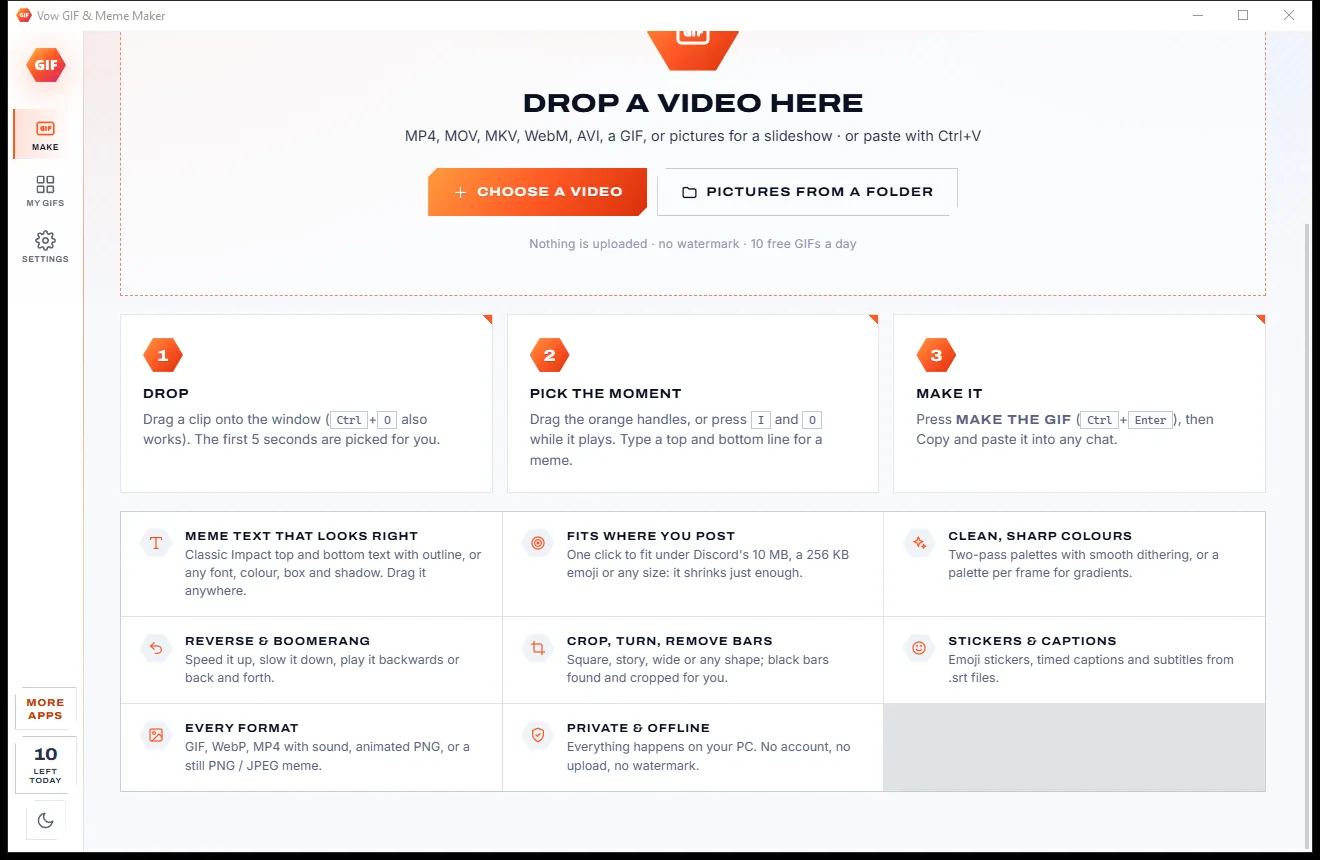
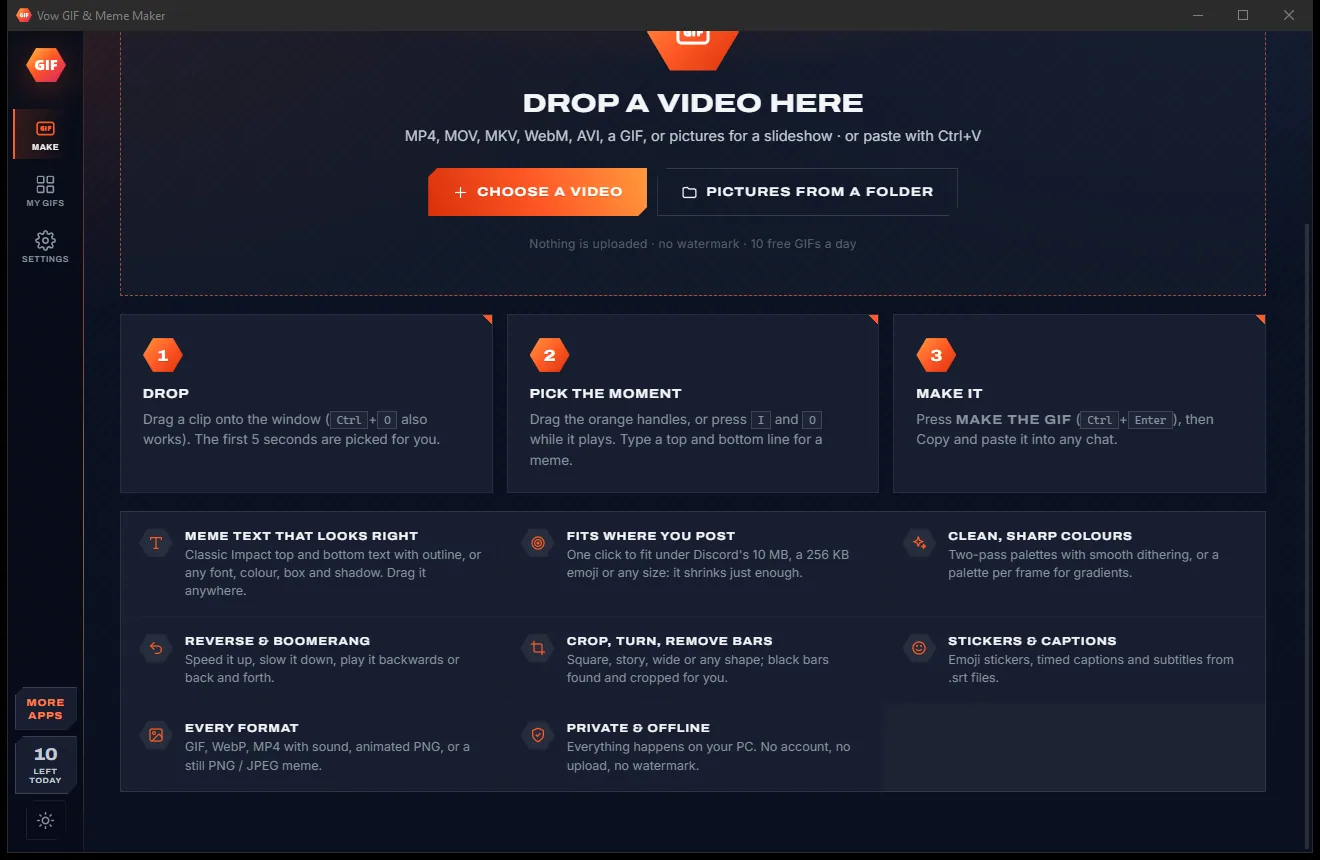
GIF & Meme Maker comes with a crisp light theme and a calm dark theme. Switch with one click, or let it follow your Windows setting by itself. It remembers your choice.
Screenshots
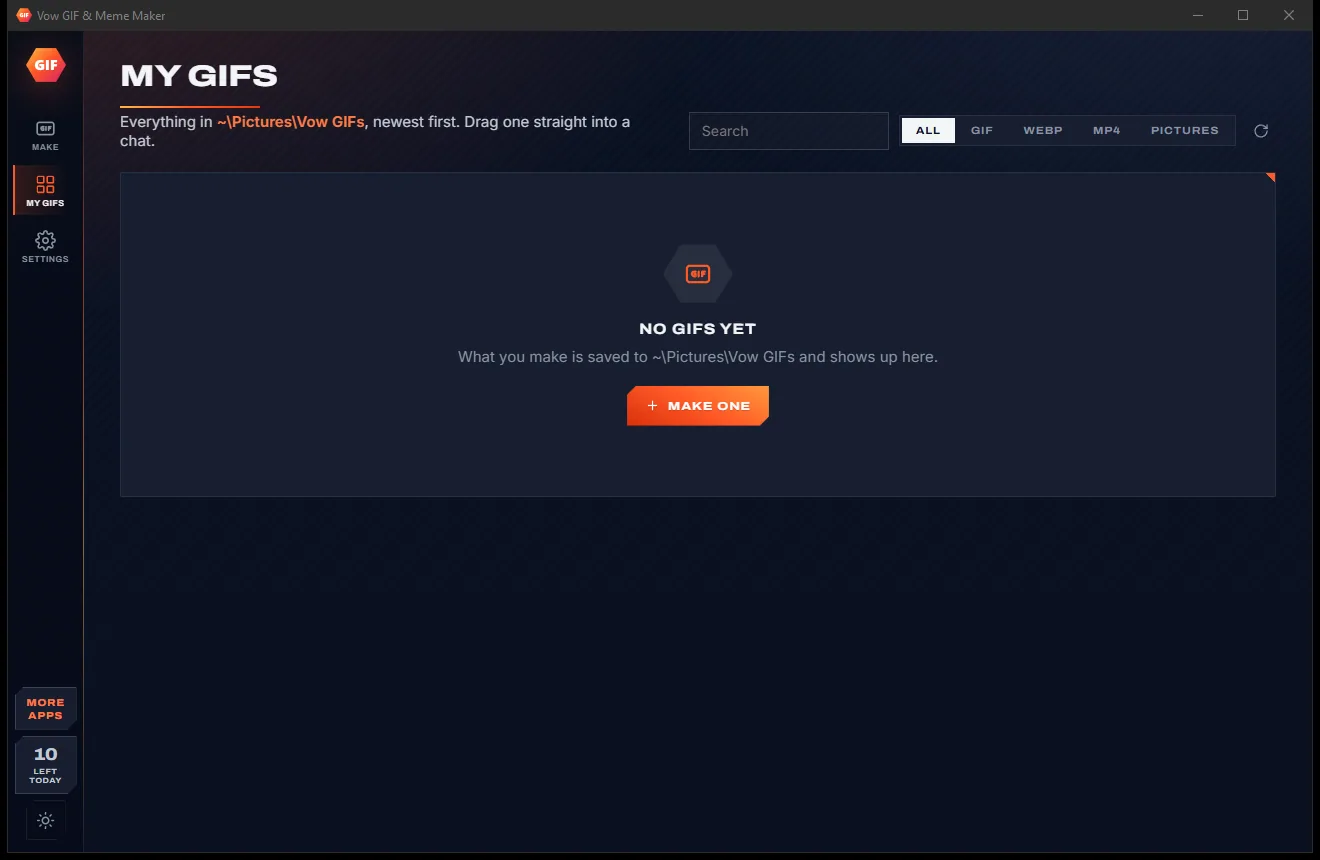
Real screenshots of the real app, in both of its themes: 5 light, 5 dark. Click any picture to see it full size.
Light theme
Dark theme
Who it's for
Turn the funniest moment of any clip into a captioned meme, as a GIF or a still picture.
Cut highlights and clutch plays into GIFs or short MP4s to share with your squad.
Reaction GIFs, emoji and stickers that fit under Discord's limits the first time.
Product demos and teasers as light, looping GIFs or MP4s for posts, emails and slides.
Show one step of a process on a loop, so nobody has to scrub through a whole video.
Show the bug or the new feature in a short looping clip for a ticket, readme or wiki page.
Compare
What you actually get when you search for a GIF maker, side by side.
| Feature | Vow GIF & Meme Maker | Typical online GIF makers & apps |
|---|---|---|
| Price | Free every day, or $4.95 once | Monthly plans for HD and longer clips |
| Watermark on your GIF | Never | Common on free tiers |
| Your video is uploaded | Never: 100% on your PC | Yes, for online makers |
| Ads, pop-ups, bundled extras | None, ever | Common on free sites and downloads |
| Meme text and stickers | Built in, drag them anywhere | Often a separate tool |
| Fit under a file size | One click, automatic | Trial and error, or manual settings |
| Reverse and boomerang | Yes | Some tools |
| GIF, WebP, MP4 and APNG output | All of them | Often one or two |
| Works without internet | Yes | No, for online tools |
"Typical" describes what we found across the most-downloaded alternatives when we built GIF & Meme Maker. Your mileage with any one of them may vary; ours won't.
Pricing
That is not a typo. Software this powerful usually means a monthly subscription; GIF & Meme Maker is $4.95, once, for life: it's almost a giveaway. Use it free for as long as you like, and unlock Unlimited only if you need more.
10 GIFs a day, up to 10 seconds at 480p, with meme text.
Almost a giveaway. Less than a coffee for software this powerful: no subscription, no renewals, yours for life on 2 PCs.
Any length, HD up to the original size, MP4, WebP and APNG.
Payments by Stripe: we never see or store your card. Questions? Ask a real person.
Clean software
Most "free" Windows downloads pay for themselves with ads, bundled extras or your data. Vow GIF & Meme Maker doesn't need to: it's paid for honestly, once, by the people who find it useful.
Download GIF & Meme Maker freeStep-by-step guide
Turn a video clip into a GIF with meme text in about a minute, without uploading it anywhere.
Step 1: get it freeGet Vow GIF & Meme Maker from this page and run the installer. It needs no administrator rights and no account, and FFmpeg is already inside, so there is nothing else to download.
Drag the clip onto the app, press Ctrl+O, or copy it in Explorer and press Ctrl+V. MP4, MOV, MKV, WebM, AVI, WMV and many more open directly.
Drag the orange handles on the time line, or play the clip and press I at the start and O at the end. The arrow keys move one frame at a time.
Open Text & stickers and type a top and a bottom line. Drag the text where you want it, or change the font, colour and outline.
Choose a size, set Fit under to Discord 10 MB if you are sharing it there, and press Make the GIF or Ctrl+Enter. Press Copy and paste it straight into your chat.
Technical details
FAQ
Yes. You can make 10 GIFs every day for free, each up to 10 seconds at 480p, with meme text, stickers, crop, speed, looks and fit-under-size. Still PNG and JPEG memes are free and unlimited, and nothing is ever watermarked. Unlimited, a one-time $4.95 USD payment, removes the daily limit and adds any length, HD up to the original size, MP4, WebP and APNG output and timed captions.
No. Everything runs on your own PC with FFmpeg, which comes inside the installer. Your clips never leave your computer, there is no account, and making GIFs needs no internet connection.
Never, on the free version or on Unlimited. Your GIFs and memes come out exactly as you made them, with nothing added.
Yes. Choose Fit under and pick Discord 10 MB, a 256 KB emoji, a 512 KB sticker, X's 15 MB or a size from 1 to 25 MB. If the result is too big, it lowers the frame rate, size and colours just enough and tries again, up to 7 times, keeping the best file under the target.
MP4, MOV, M4V, WebM, MKV, AVI, WMV, FLV, MPG, TS and MTS, 3GP, OGV and VOB videos, plus existing GIFs and APNGs. Drop pictures (JPG, PNG, WebP, BMP or TIFF) and they become a slideshow you can turn into a GIF.
It runs on your PC, so there is no upload and no upload limit, and it never adds a watermark. It puts meme text like Kapwing's, quality controls and fit-to-size like EZGIF's, and reverse and boomerang like GIPHY's into one window, with a frame-exact trim. And there is no subscription: Unlimited is $4.95 once.
Yes, with Unlimited: MP4 (H.264, with sound) for the smallest files, animated WebP and APNG. The free version makes GIFs and still PNG or JPEG pictures. If your settings go past the free limits, the app tells you before you make anything and offers to make the free version instead.
Yes. It is made and published by XTO Pty Ltd, an Australian company. The installer contains no ads, no toolbars and no bundled software, needs no administrator rights, and uninstalls cleanly from Windows Settings.
The Vow collection
Same design, same promises, a tiny one-time price. Learn one and you already know them all.
Steady any shaky video in one click, right on your PC

Turn home DVDs, camcorder clips and tapes into MP4s that play anywhere

Fix videos that won't play, and see the repair before you pay
Turn any video clip into a GIF or meme, with no watermark. Free to use every day, $4.95 once if you ever want Unlimited.