
Productivity
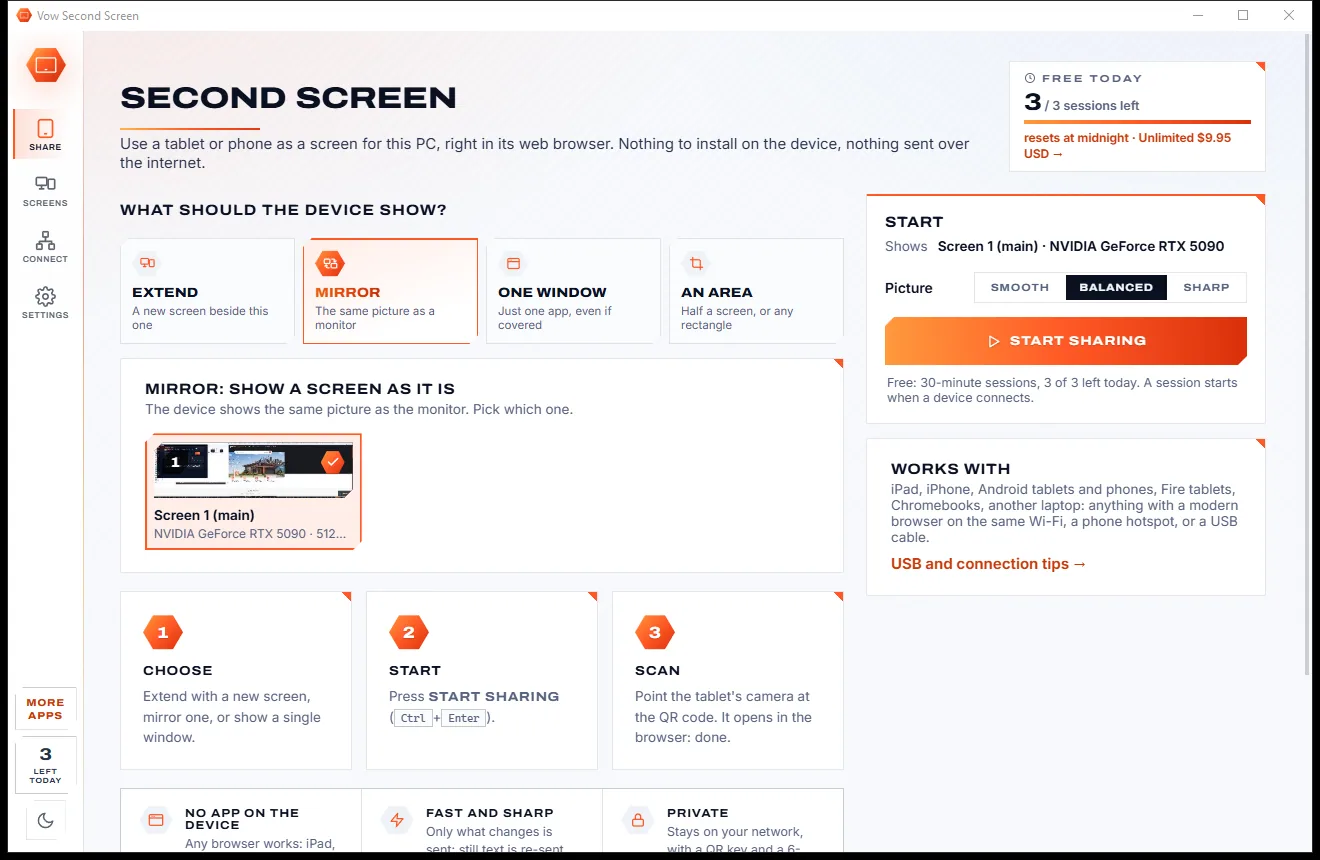
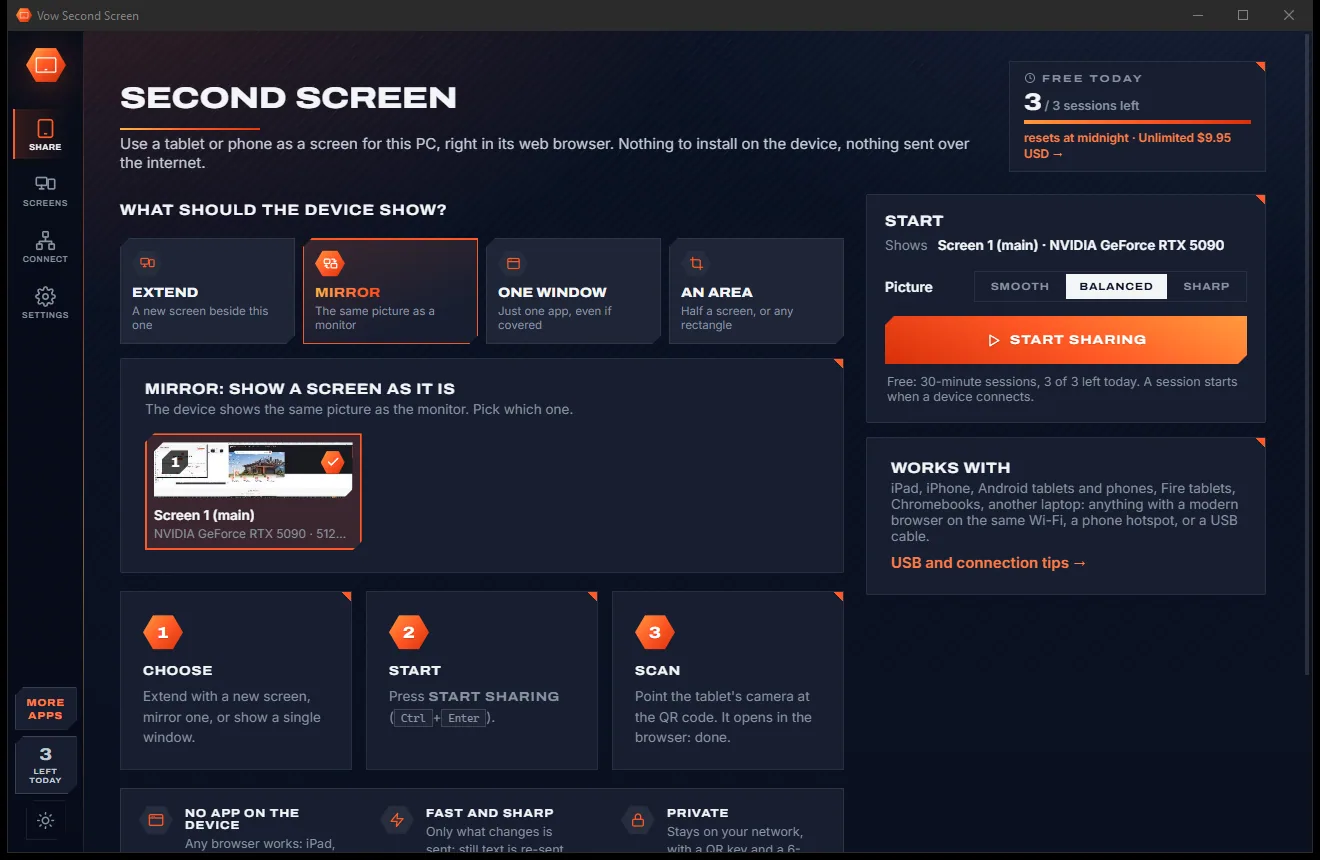
Vow Second Screen
Turn a tablet or phone into a second screen for your PC, in its browser
- Free: 3 sessions a day of 30 minutes, HD picture, view only, one device
- $4.95 once: Any length, up to 4K, touch, pen and keyboard, up to 6 devices

Font manager & font identifier for Windows
See every font on your PC in your own words, compare them side by side, clean out duplicates and keep project fonts in sets you switch on only when needed. Snip a screenshot and it tells you which of your fonts it is, letter by letter, offline.
The problem
The Fonts folder is a wall of names. Finding the right one means opening files one at a time, and that screenshot font stays a mystery.
Windows' own font viewer opens fonts one by one. Comparing three candidates for a logo becomes a pile of windows.
Online "what font is this" sites want your screenshot on their servers, wrapped in ads and links to buy fonts.
The same font installed twice in different versions, and nothing to tell you which copy Windows is actually using.
Windows loads every installed font when you sign in. Hundreds of rarely used fonts mean longer font menus and slower start-up.
Damaged files and registry entries pointing at fonts that no longer exist cause odd errors in apps.
Serious font management is often a subscription, for something many people need a few times a month.
Vow Font Manager fixes all of it.
How it works
Every font previewed in your text the moment the app opens, and the font in any screenshot named in seconds.
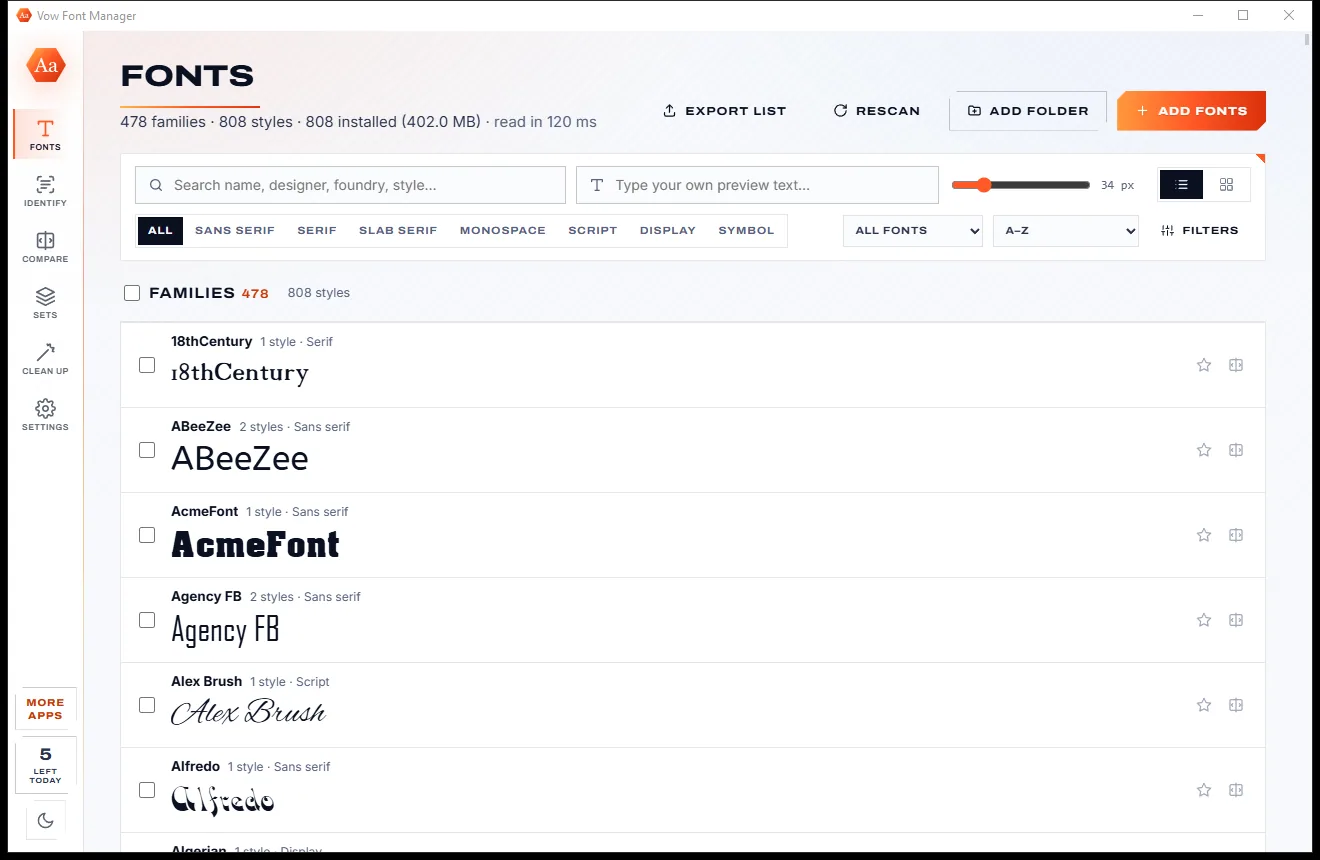
Open the app and every installed font and library font is listed, each previewed in itself. Type your own text, set the size, filter by style.
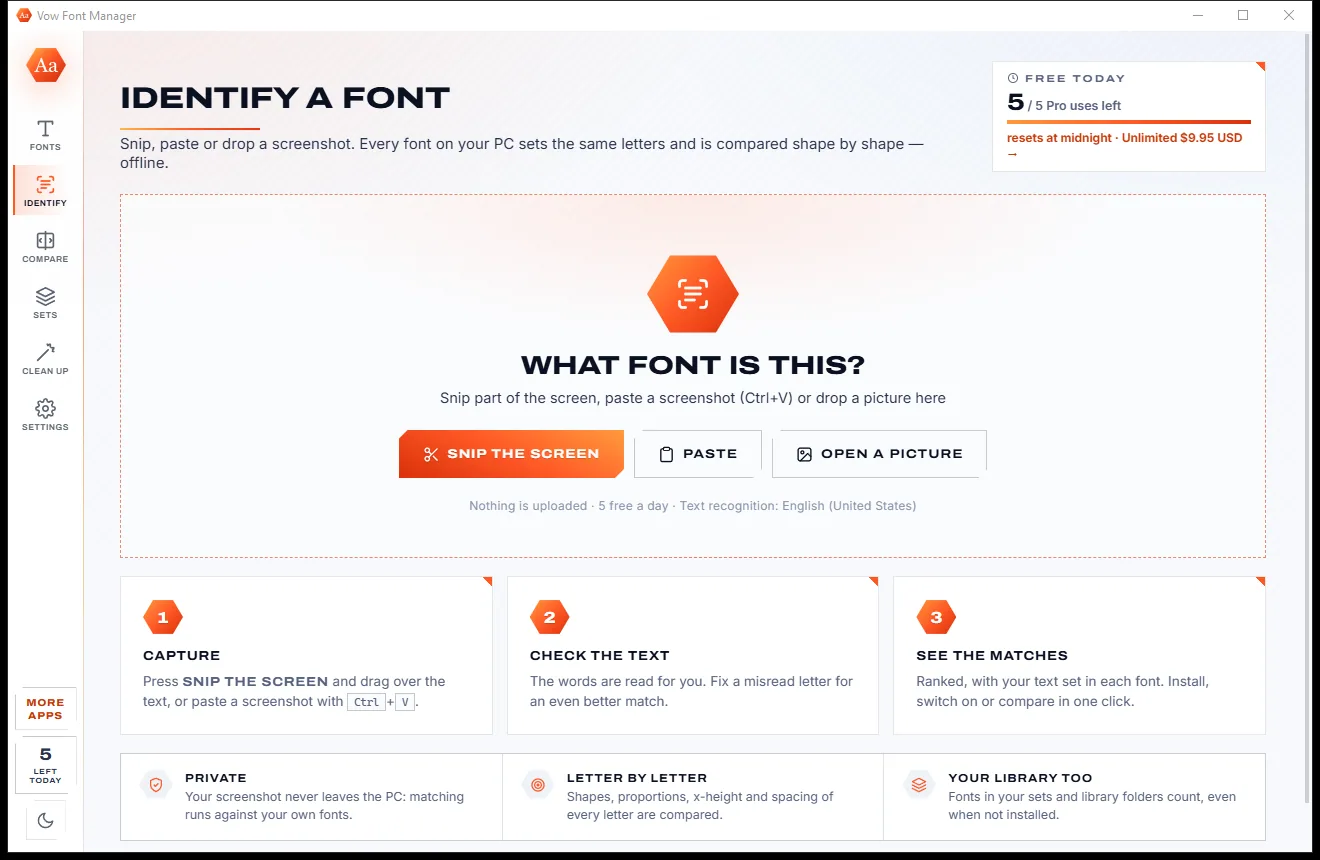
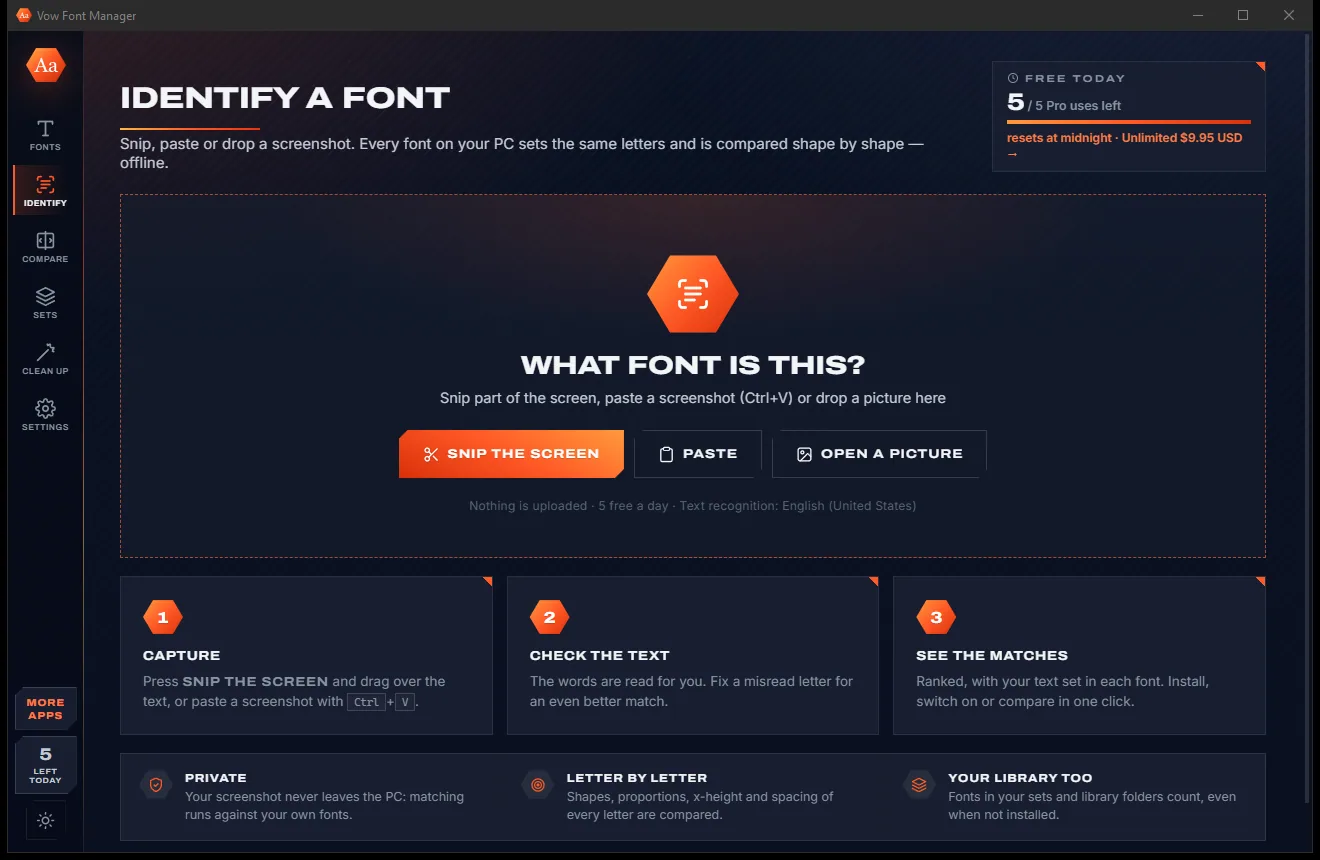
Snip the screen, paste a screenshot or drop a picture. Windows OCR reads the words and every font on your PC is compared letter by letter.
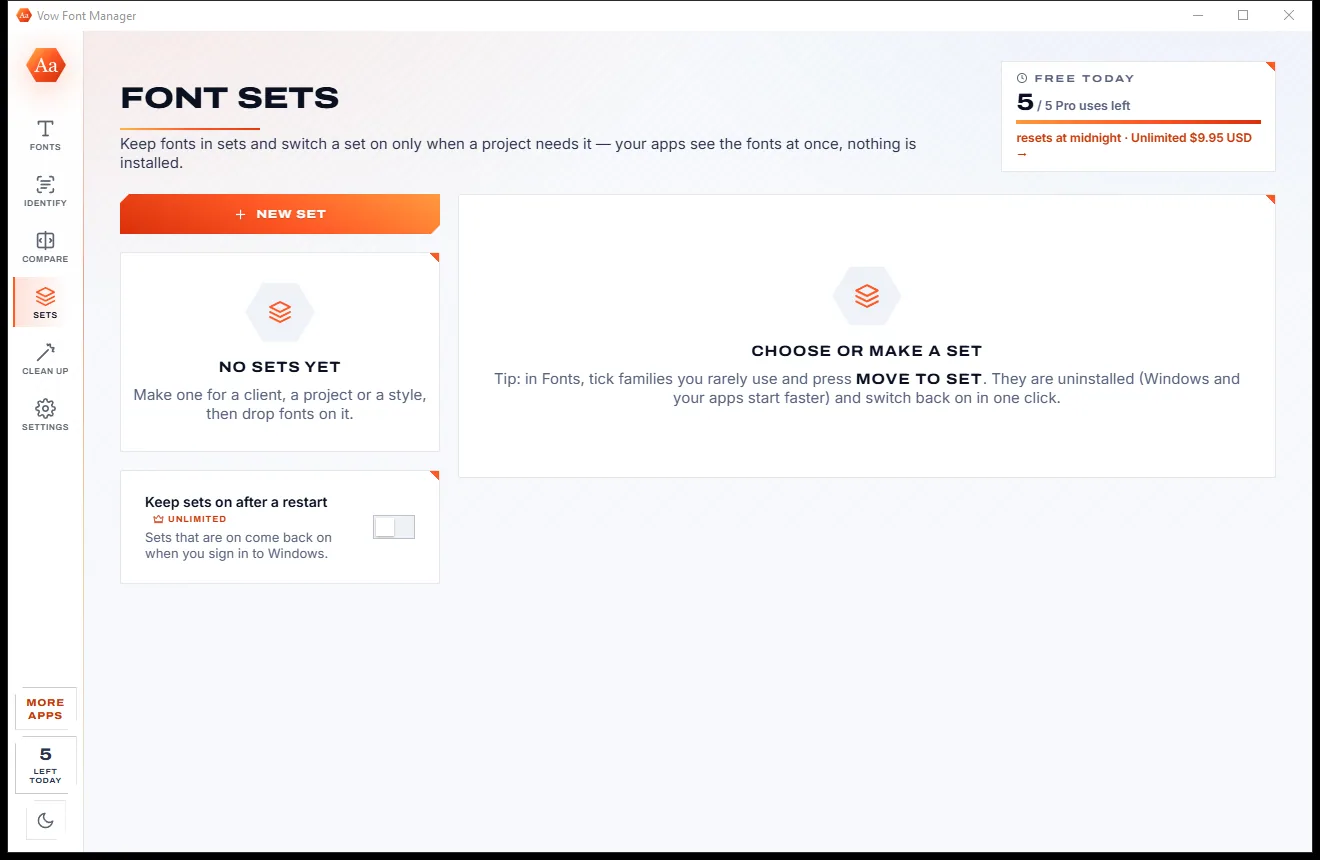
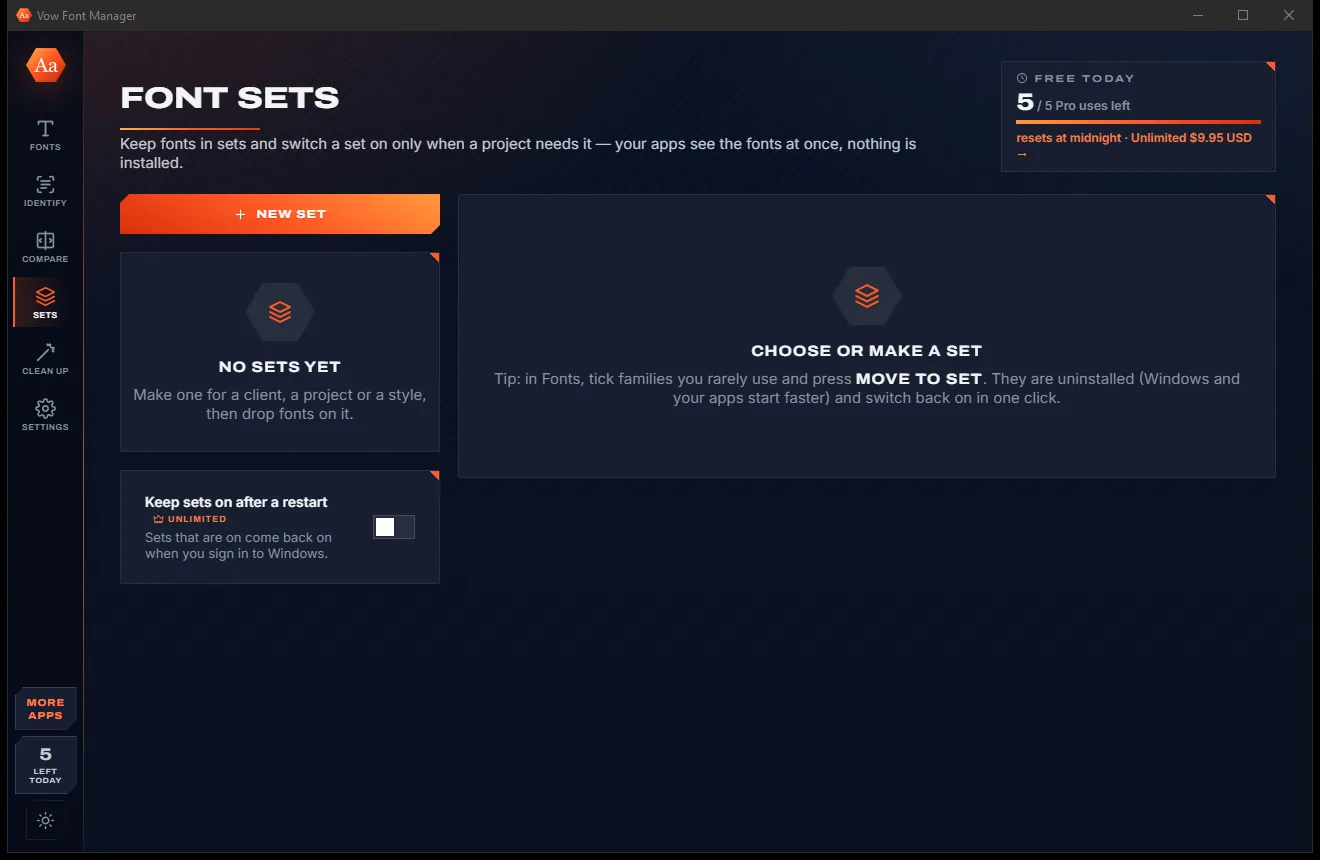
Keep fonts in a set per client or project and switch it on only when you need it. Every app sees them at once, nothing installed.
Features
For designers, sign-writers, students and anyone with a folder full of downloaded fonts.
Every family shown in itself with your words, your size, list or grid, sorted A-Z, by class, newest or largest.
By name, designer or foundry, style class, writing system, weight range, variable or monospaced, or characters it must have.
Matches are ranked with your text shown in each candidate, including fonts in your library that aren't installed.
Rows, a grid, or an overlay of two fonts aligned on the baseline so you can see exactly where they differ.
Switch a set on and every app can use its fonts until you switch it off or sign out, without installing anything.
Find duplicates and keep the newest in one click, spot broken fonts and missing files, and slim down what's installed.
Every font the app removes is kept as a copy you can restore, and Windows' own fonts are never removed.
Try ligatures, small caps, figures and stylistic sets, drag variable-font axes, then copy the CSS.
A character map by Unicode block, sizes from 10 to 96 px, plus designer, licence, embedding rights and more.
Print a specimen PDF of the fonts you pick, or export your whole collection as a CSV list.
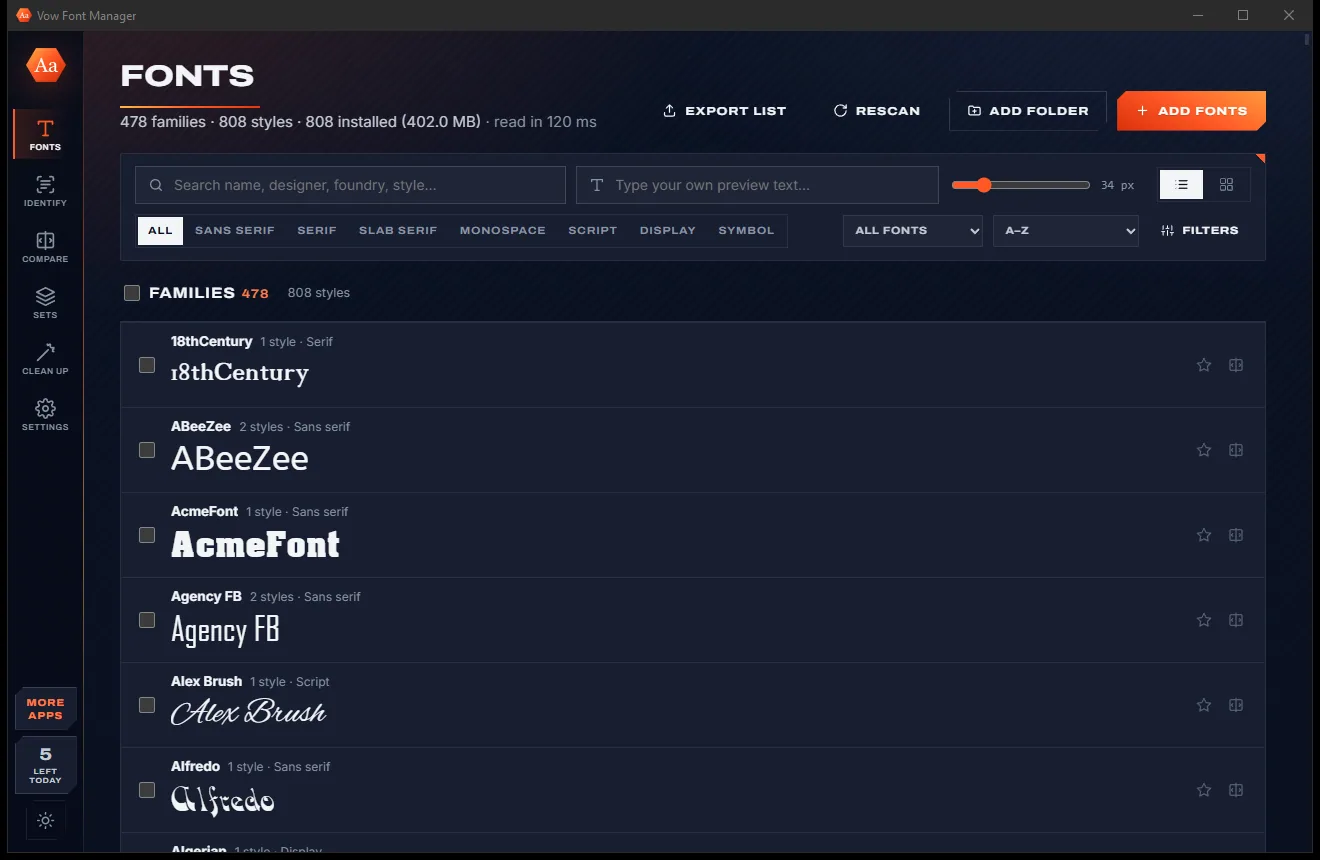
Light & dark theme
Font Manager comes with a crisp light theme and a calm dark theme. Switch with one click, or let it follow your Windows setting by itself. It remembers your choice.
Screenshots
Real screenshots of the real app, in both of its themes: 9 light, 9 dark. Click any picture to see it full size.
Light theme
Dark theme
Who it's for
Find the font a client's old logo or flyer used, and keep each client's fonts in its own set.
Match the lettering on a photo of a sign to a font on your PC before you quote the job.
Switch on a title-font set for one project without cluttering every app's font menu.
Compare fonts side by side for an assignment and print specimens to hand in.
Filter to monospaced fonts, try ligatures and copy the CSS for your site or editor.
Tame years of downloaded fonts: find duplicates, broken files and fonts you never use.
Compare
How managing and identifying fonts usually goes on Windows, side by side.
| Feature | Vow Font Manager | Typical font viewers & online identifiers |
|---|---|---|
| Preview every font at once | Yes, in your own text | Often one file at a time |
| Identify a font from a picture | Built in, offline | Online sites, upload needed |
| Your screenshot is uploaded | Never | Yes, for online identifiers |
| Font sets switched on per project | Yes, nothing installed | Rare in free tools |
| Duplicates, broken and missing fonts | Found automatically | Rarely |
| Restore fonts you removed | Always, a copy is kept | Rarely |
| Ads | None, ever | Common on identifier sites |
| Price | Free every day, or $4.95 once | Subscriptions for pro managers |
"Typical" describes what we found across the most-downloaded alternatives when we built Font Manager. Your mileage with any one of them may vary; ours won't.
Pricing
That is not a typo. Software this powerful usually means a monthly subscription; Font Manager is $4.95, once, for life: it's almost a giveaway. Use it free for as long as you like, and unlock Unlimited only if you need more.
Full font management, plus 5 Pro uses a day (identify or switch a set on).
Almost a giveaway. Less than a coffee for software this powerful: no subscription, no renewals, yours for life on 2 PCs.
Identify fonts and switch sets on without limits, sets kept after restart.
Payments by Stripe: we never see or store your card. Questions? Ask a real person.
Clean software
Most "free" Windows downloads pay for themselves with ads, bundled extras or your data. Vow Font Manager doesn't need to: it's paid for honestly, once, by the people who find it useful.
Download Font Manager freeStep-by-step guide
From an overloaded font list to an organised library, and the name of that screenshot font, in a few minutes.
Step 1: get it freeDownload it from this page and run the installer. It needs no administrator rights and no account, and it reads your installed fonts the moment it opens.
Press Add folder for the places you keep downloaded fonts. They appear in the list too, previewed and searchable, without being installed.
Type your own preview text, set the size and filter by style, writing system or weight. Click a family for its styles, glyphs, tester and info.
On Identify, press Snip the screen or paste a picture with Ctrl+V. Check the words it read, leave out a logo by clicking its box, and the ranked matches appear.
Open Clean up to remove duplicate copies and see broken fonts. Move rarely used families into a set: they are uninstalled, kept safely, and come back with one click.
Technical details
FAQ
Yes. Browsing, previewing, comparing, installing, uninstalling, cleaning up and making sets are free without limits. You also get 5 Pro uses a day to identify a font in a picture or switch a set on. Unlimited, a one-time $4.95 USD payment, removes that daily limit and keeps sets on after a restart.
Windows' own OCR reads the words in your picture, then every candidate font on your PC sets the same words and is compared shape by shape, letter by letter. The best matches are ranked with your text shown in each one. It takes about a second or two.
No. It compares against the fonts on your PC, installed or in your library folders. If the best match is weak it says so. Near-identical fonts, like Arial and Microsoft Sans Serif, are shown together and labelled as such.
No. Everything runs on your PC, including font identification. There is no account and no cloud.
The fonts in the set become available to every app until you switch the set off or sign out of Windows, without installing or copying them. Apps that were already open may need a restart to see them.
Yes. A copy of every font it uninstalls is kept, so you can restore it from Clean up. Windows' own fonts are never removed. Installing or removing fonts for every user asks for permission once per batch.
TrueType, OpenType and CFF fonts, collections (.ttc, .otc), and WOFF and WOFF2 for previewing. Bitmap and Type 1 fonts are listed by name only.
Yes. It is made and published by XTO Pty Ltd, an Australian company. The installer contains no ads, no toolbars and no bundled software, needs no administrator rights, and uninstalls cleanly from Windows Settings.
The Vow collection
Same design, same promises, a tiny one-time price. Learn one and you already know them all.
Turn a tablet or phone into a second screen for your PC, in its browser

Professional invoices and quotes on Windows, without a subscription

Screenshots and whole scrolling pages, marked up in seconds
Preview, organise and identify every font on your PC, offline. Free to use every day, $4.95 once if you ever want Unlimited.