
PC Fixes
Vow Driver Finder
Find the drivers your PC is really missing, from official sources only
- Free: Unlimited scans, official links, 5 in-app searches a day
- $4.95 once: One-click install, backup and restore, offline driver packs

Run old programs on Windows 10 and 11
Drop the program, its shortcut or its install CD on the window. Vow Old Software Runner reads the program itself, finds missing runtimes, 16-bit code, copy protection and DPI problems, then saves the right settings and starts it. Every change can be undone.
The problem
A blank window, a missing DLL, or nothing at all. Then hours of guessing in the Compatibility tab and forum threads from 2012.
Double-click, a flash of a window, then nothing. No error, no reason, just a program that used to work.
Missing runtime errors send you searching, and the top results are DLL download sites you'd never trust with your PC.
Windows XP mode? Windows 98? Reduced colours? Ticking boxes at random until something works, if it ever does.
Microsoft retired the program compatibility troubleshooter, so even the built-in way of trying settings has disappeared.
64-bit Windows can't run 16-bit code at all, so plenty of old setups and games simply refuse to start.
On a modern high-DPI screen, old programs can be a blurry postage stamp, and old games often show only a black screen.
Vow Old Software Runner fixes all of it.
How it works
The app reads the program itself, so it knows what it needs before you click anything.
Drag in its .exe, shortcut, folder or install CD, or let it find the old programs behind your Start menu and desktop shortcuts.
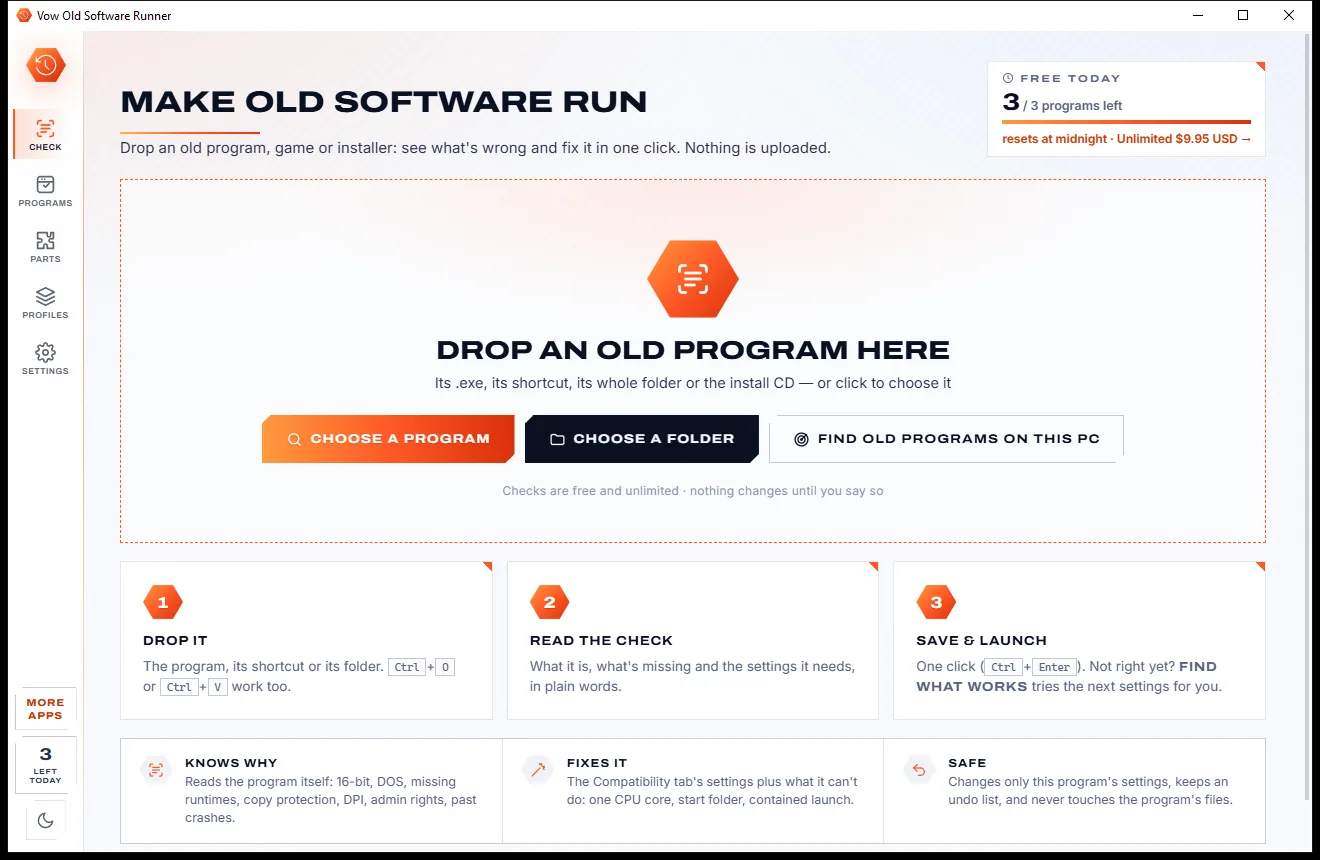
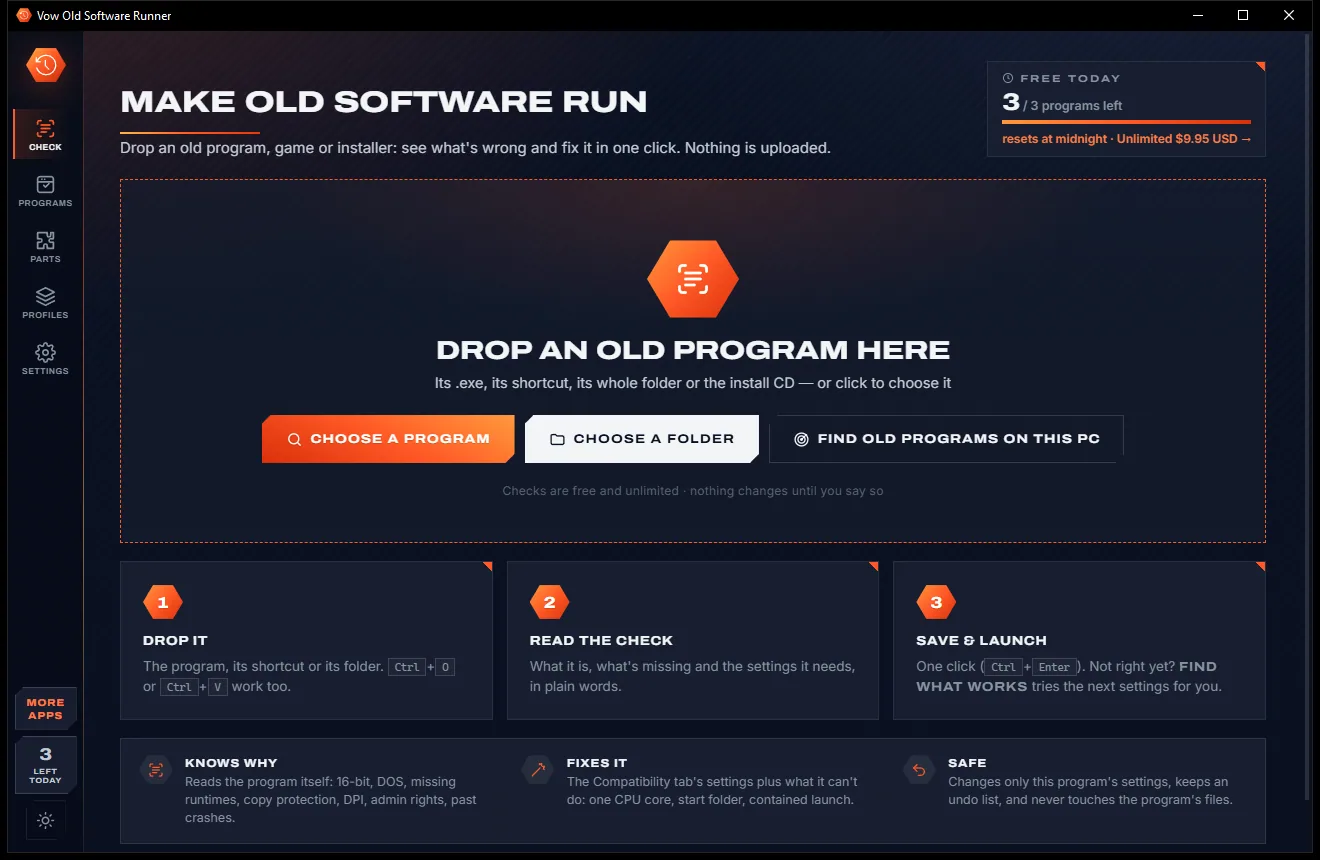
A verdict in plain words, every problem found with a fix button, and the suggested settings with the reason for each.
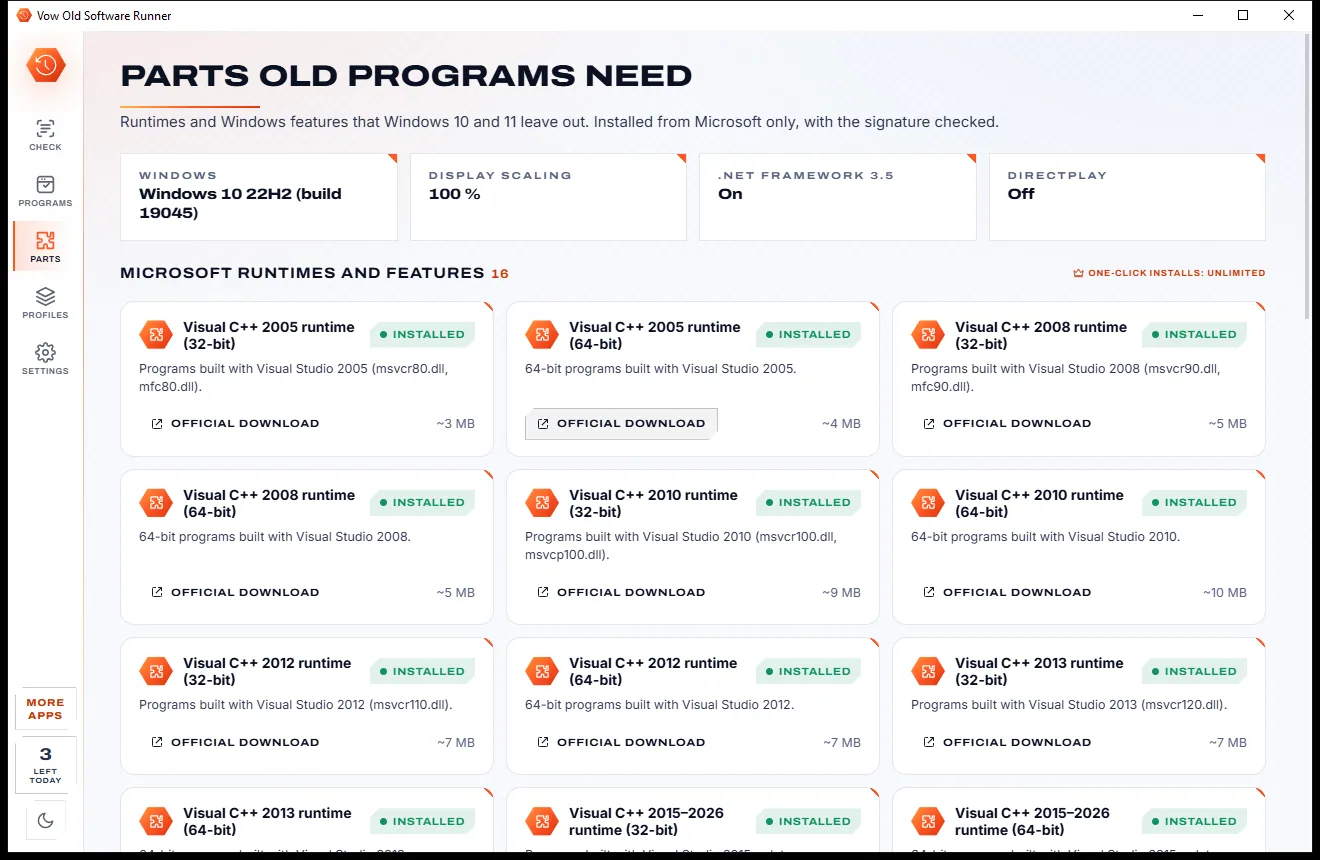
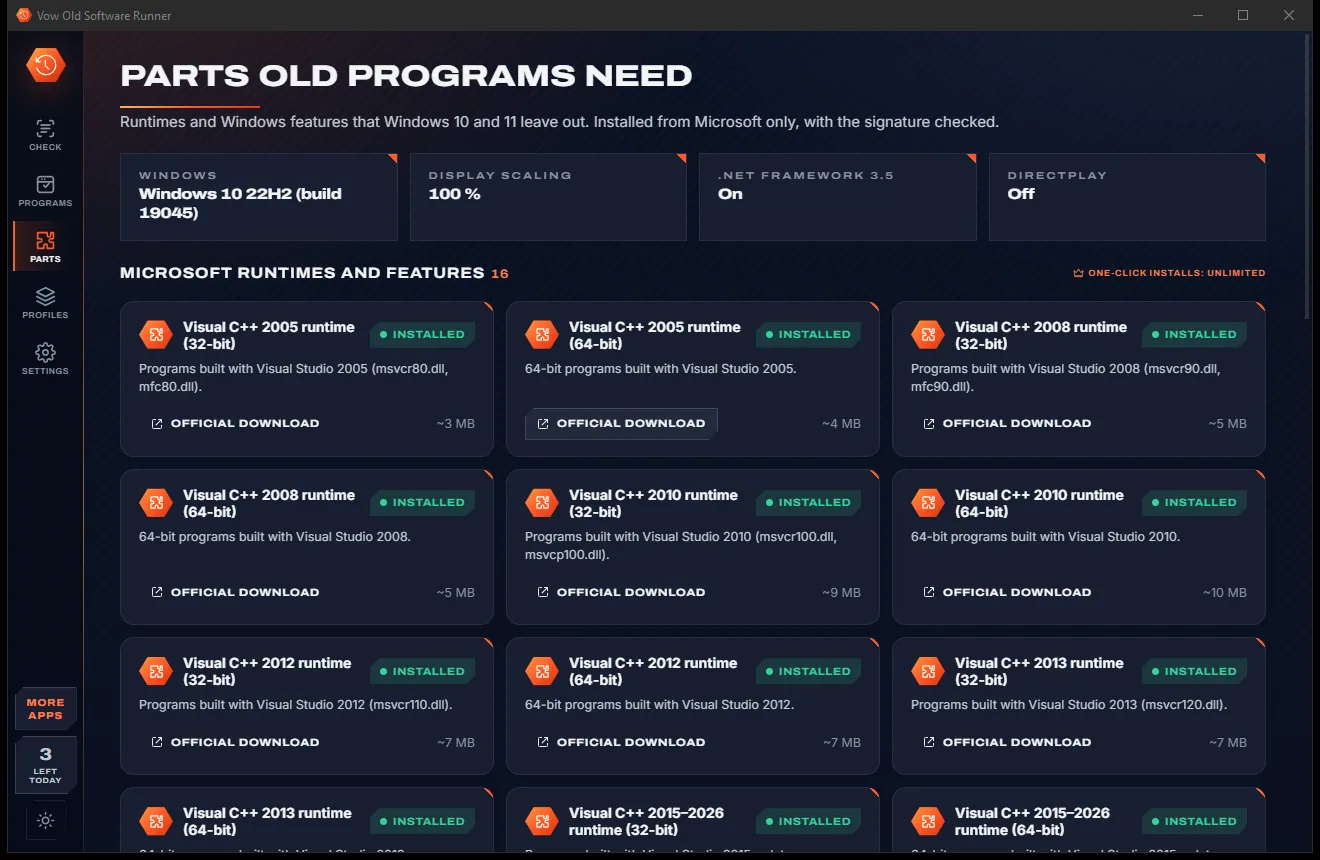
The settings are saved exactly as Windows' Compatibility tab would, and the program starts. If it exits early, the app explains why.
Features
For the game you loved, the accounting package your business still runs on, and the CD in the drawer.
Detects 16-bit, DOS and OS/2 code, imports and bundled DLLs, the manifest, DPI awareness, admin needs and past crashes.
Visual C++ 2005 to 2026, DirectX 9, .NET, DirectPlay, VB5 and VB6 controls, MSXML4, BDE, Crystal Reports, QuickTime and more.
Suggested modes and options based on the program's era, graphics API and DPI, each with a plain-words reason.
Windows 95 to 8 modes, 16-bit or 256 colours, 640 x 480, fullscreen optimisations, DPI override and run as administrator.
Tries one set of settings after another for that launch only, asks after each try, and saves nothing until something works.
Watches the first seconds after launch and explains an early exit with its exit code and the crash Windows recorded.
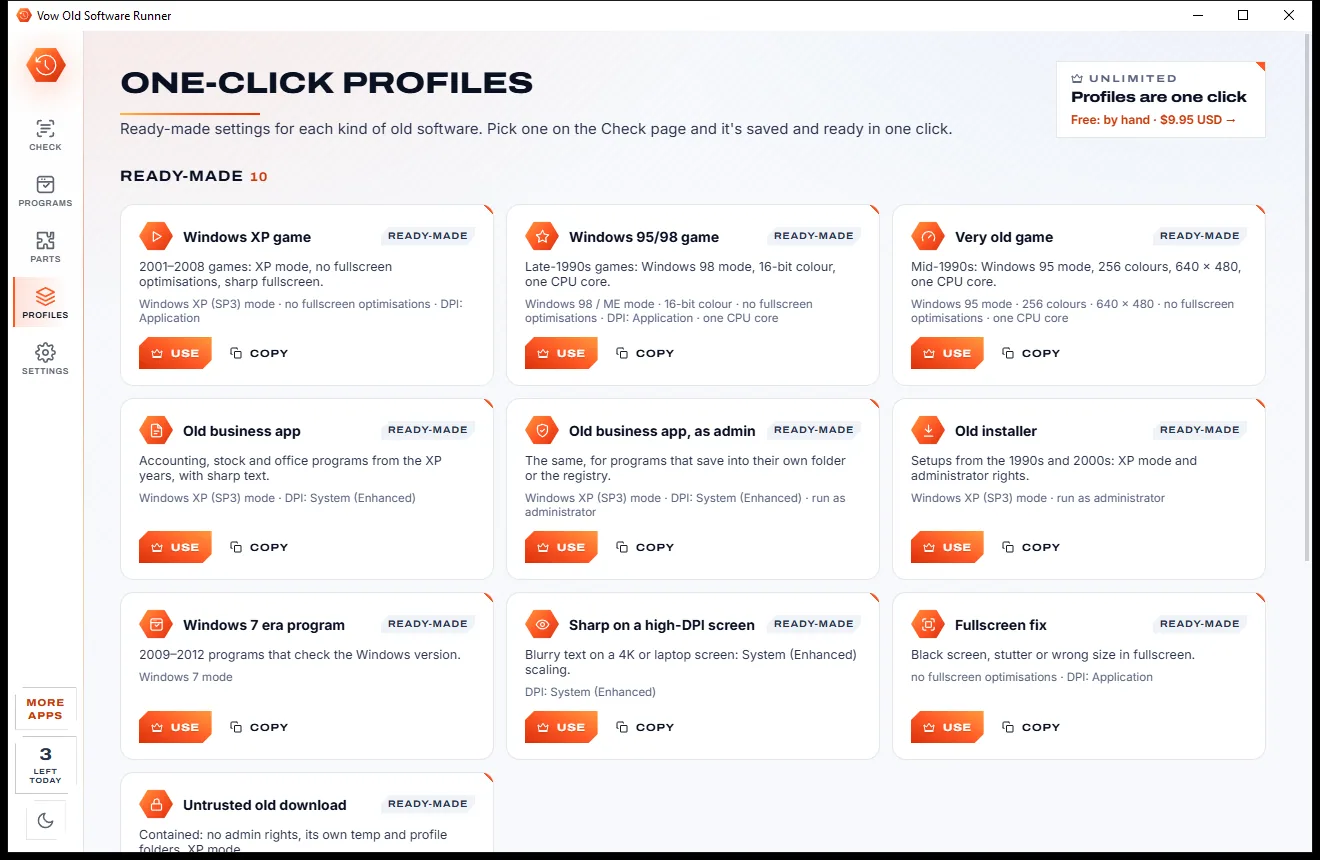
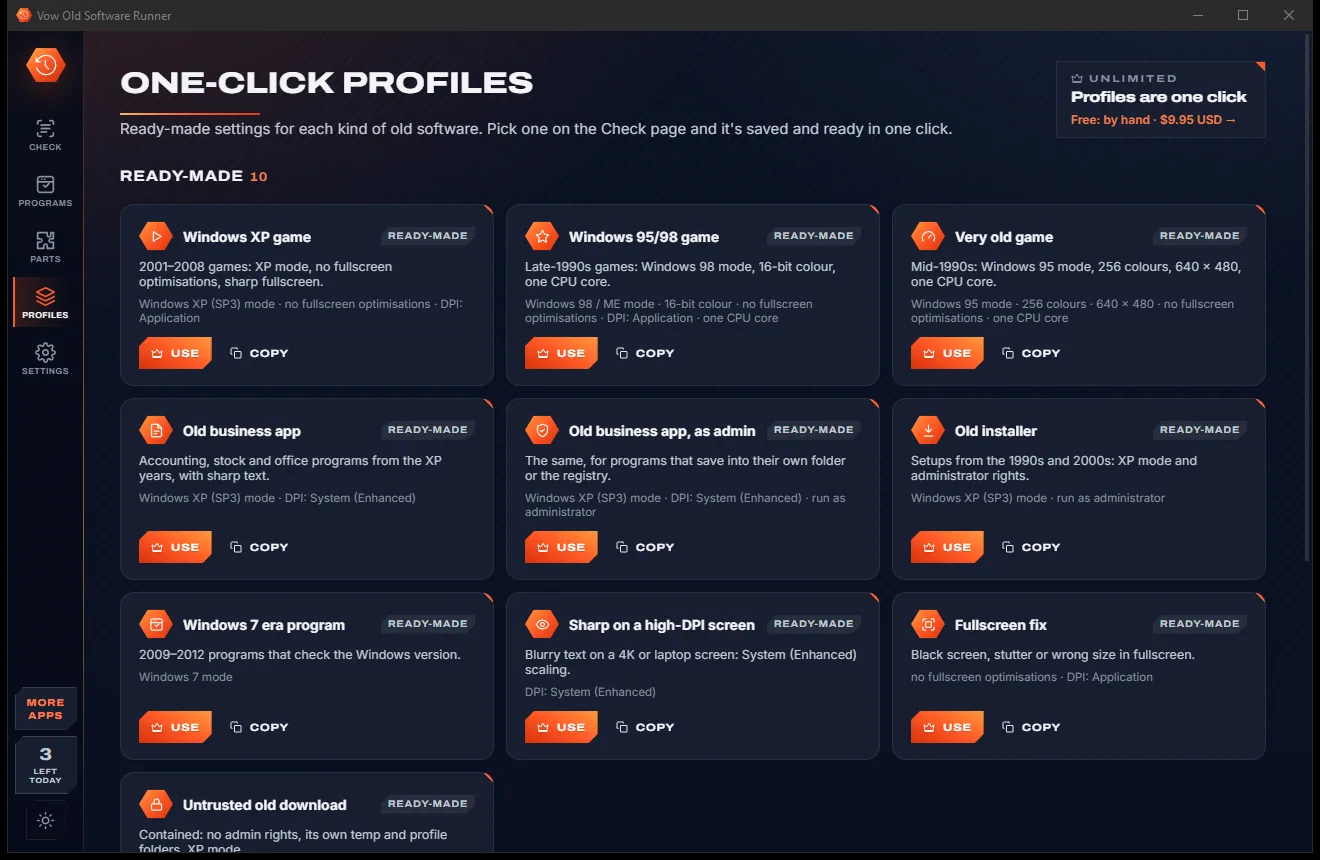
Ten ready-made profiles, from Windows XP game to Old business app, plus your own, with export and import.
Missing components come only from Microsoft's own servers, with the signature checked before anything installs.
Run untrusted old software with a standard-user token and a memory cap, or in a throw-away Windows Sandbox.
Every change is listed under Programs, and putting it back costs nothing, any time.
Light & dark theme
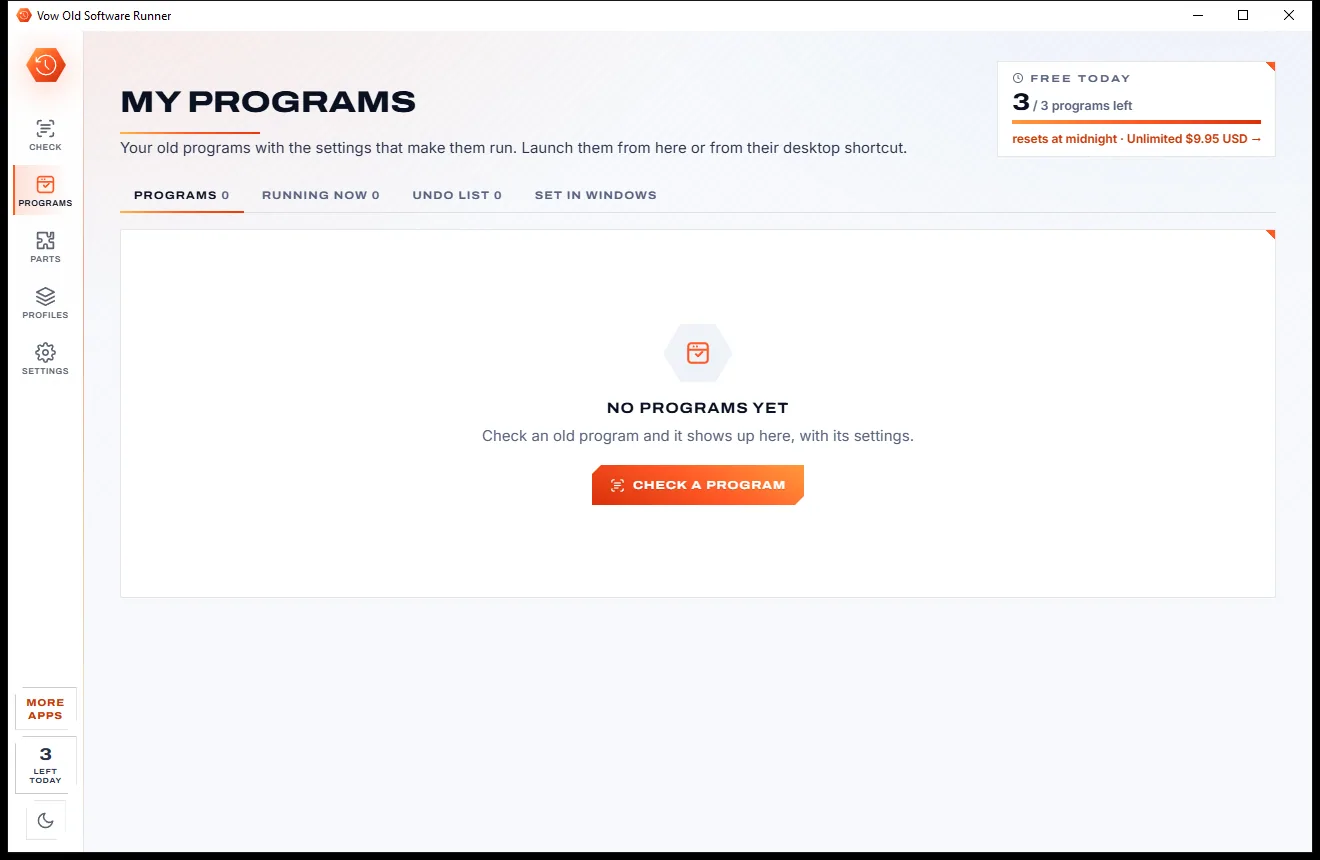
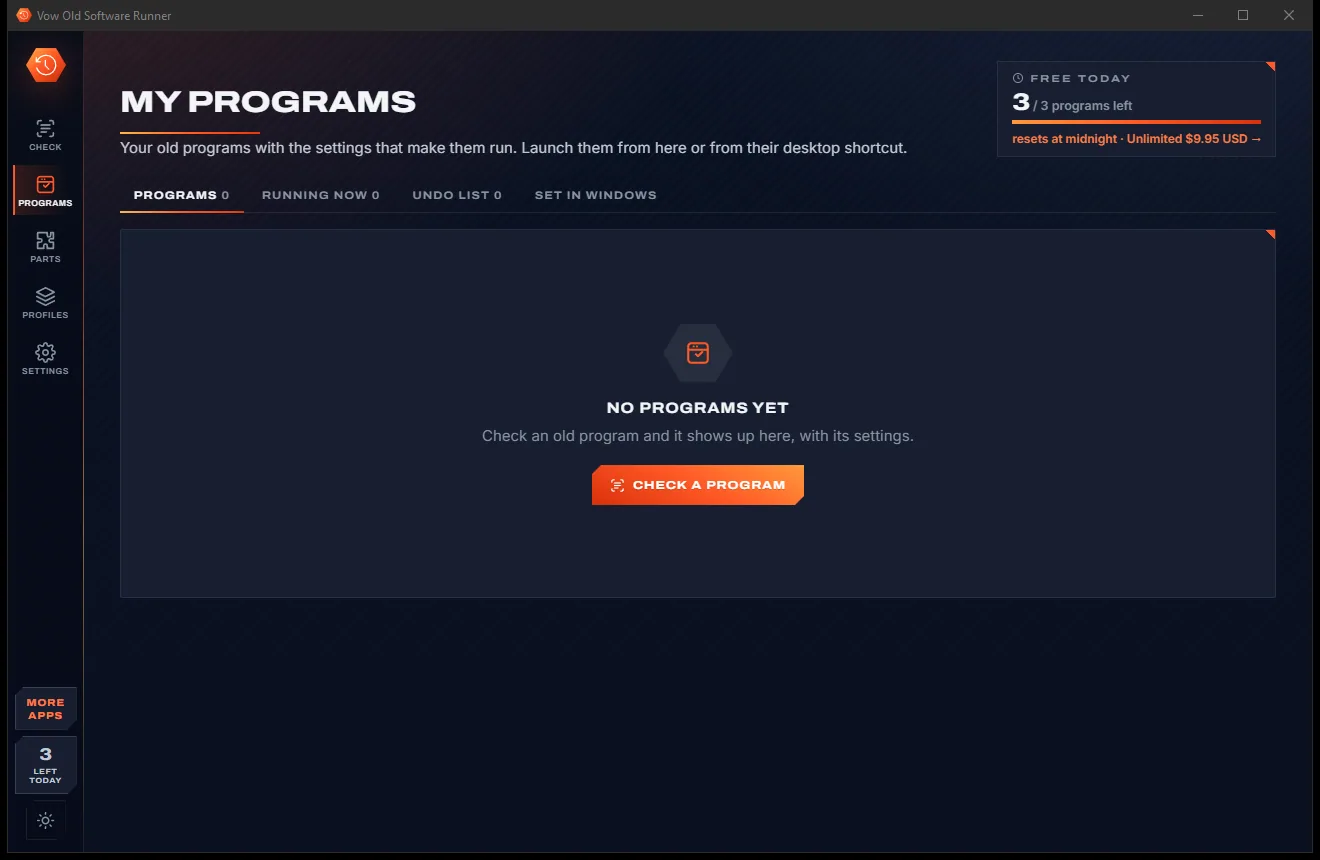
Old Software Runner comes with a crisp light theme and a calm dark theme. Switch with one click, or let it follow your Windows setting by itself. It remembers your choice.
Screenshots
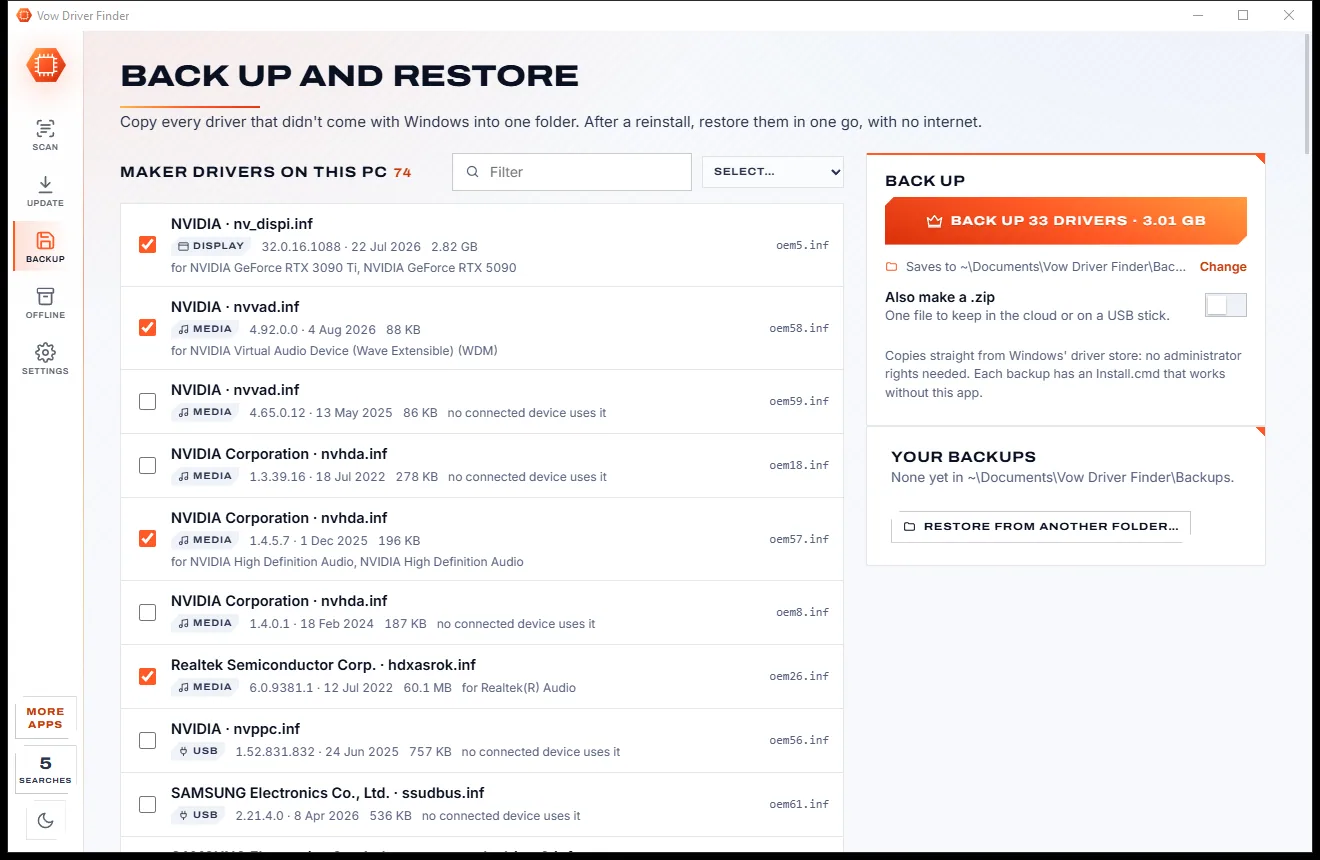
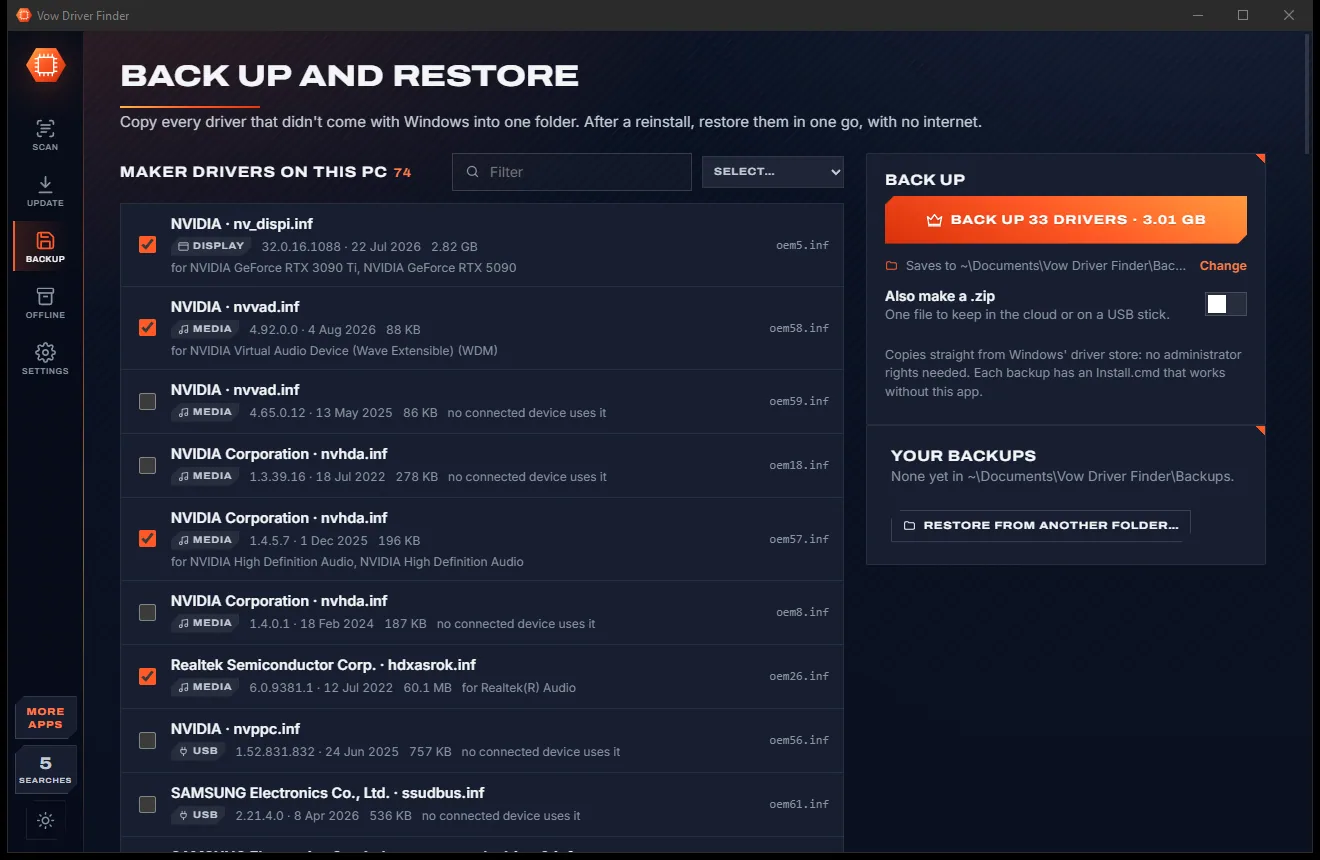
Real screenshots of the real app, in both of its themes: 8 light, 8 dark. Click any picture to see it full size.
Light theme
Dark theme
Who it's for
Games from the XP years that stutter, show a black screen or refuse to start on a modern PC.
Bookkeeping and stock programs built with Visual Basic or the Borland Database Engine that the business still relies on.
16-bit setups are recognised, and a 32-bit installer sitting next to one on the disc is pointed out.
Move to a new Windows 11 PC without losing the one program nobody can replace.
DOS and 16-bit programs are detected and handed to DOSBox or otvdm when you have them installed.
Diagnose a client's legacy app in seconds, apply the fix and leave a desktop shortcut that just works.
Compare
Why ticking boxes at random and downloading DLLs from strangers isn't the answer.
| Feature | Vow Old Software Runner | Compatibility tab & DIY fixes |
|---|---|---|
| Says why a program fails | Automatically, in plain words | No: trial and error |
| Missing runtimes | Found, installed from Microsoft | Hunted down by hand |
| Where missing DLLs come from | Microsoft only, signature checked | Often DLL download sites |
| Copy protection recognised | SafeDisc, SecuROM, StarForce | No |
| Settings suggested | From the program's era, graphics and DPI | Guesses at best |
| Try until it works | Find what works, this launch only | Microsoft's troubleshooter was retired |
| One CPU core, priority, start folder | Built in | Partly, in separate tools |
| DOS and 16-bit programs | Detected, handed to DOSBox or otvdm | Separate tools to learn |
| Undo list | Every change, always free | None |
"Typical" describes what we found across the most-downloaded alternatives when we built Old Software Runner. Your mileage with any one of them may vary; ours won't.
Pricing
That is not a typo. Software this powerful usually means a monthly subscription; Old Software Runner is $9.95, once, for life: it's almost a giveaway. Use it free for as long as you like, and unlock Unlimited only if you need more.
Unlimited checks, suggested settings, fix or launch 3 programs a day.
Almost a giveaway. Less than a takeaway lunch for software this powerful: no subscription, no renewals, yours for life on 2 PCs.
Any number of programs, profiles, runtime installs, sandboxed launches.
Payments by Stripe: we never see or store your card. Questions? Ask a real person.
Clean software
Most "free" Windows downloads pay for themselves with ads, bundled extras or your data. Vow Old Software Runner doesn't need to: it's paid for honestly, once, by the people who find it useful.
Download Old Software Runner freeStep-by-step guide
From "this app can't run on your PC" to working, without breaking anything else.
Step 1: get it freeDownload it from this page and run the installer. It installs for your user only and needs no administrator rights, and checks are free without limits.
Drag its .exe, shortcut, folder or install CD onto the window, press Ctrl+O, or use Find old programs on this PC to list them for you.
See the verdict, every finding with a fix button, and Why these settings. Install any missing runtime from Microsoft's own link first.
Press Ctrl+Enter. The settings are saved in Windows, so the program also runs fixed from its own shortcut, and it starts straight away.
Let the app try one set of settings after another, for that launch only. Nothing is written until something works, and every change sits in the Undo list.
Technical details
FAQ
Yes. Compatibility checks are free without limits, with suggested settings, Find what works, crash explanations, the Undo list and official download links. Saving settings or launching is free for 3 programs a day, and the same program again that day doesn't count. Unlimited, a one-time $9.95 USD payment, removes the limit and adds profiles, one-click runtime installs and sandboxed launches.
Usually it's one of a few things: a missing runtime such as Visual C++ or DirectX 9, 16-bit or DOS code that 64-bit Windows can't run, a setting the program expects from an older Windows, admin rights, high-DPI screens or disc copy protection. The check reads the program and tells you which.
Only the program you choose, and only with the settings Windows' own Compatibility tab writes. You can also launch with settings for that launch only, with no change at all. Every change is in the Undo list, and undo is always free.
64-bit Windows can't run 16-bit code. The app detects it and hands the program to DOSBox or otvdm, free helpers you install yourself. If a 16-bit setup has a 32-bit installer next to it on the disc, it points you to that one instead.
Only from Microsoft. The free version gives you the official download links. Unlimited installs Visual C++, DirectX 9, .NET Framework 3.5 and DirectPlay in one click, downloaded from a Microsoft address and checked as signed by Microsoft Corporation.
It recognises SafeDisc, SecuROM, StarForce and LaserLock and tells you plainly, but it can't make them run: Windows blocks those old protection drivers for security reasons, and it won't try to get around that.
The Compatibility tab makes you guess. DxWnd and DOSBox each solve one kind of problem. This app reads the program, says why it fails, finds missing runtimes and copy protection, suggests settings with reasons, tries settings until one works, and keeps an undo list.
Yes. It is made and published by XTO Pty Ltd, an Australian company. There are no ads, no bundled software and no account, nothing is uploaded, it needs no administrator rights to install, and it uninstalls cleanly from Windows Settings.
The Vow collection
Same design, same promises, a tiny one-time price. Learn one and you already know them all.
Find the drivers your PC is really missing, from official sources only

Uninstall programs completely, and undo it if you change your mind

Find out what crashed your PC, in plain English, with the fix
Make old games and business programs run on Windows 10 and 11. Free to use every day, $9.95 once if you ever want Unlimited.