
PC Fixes
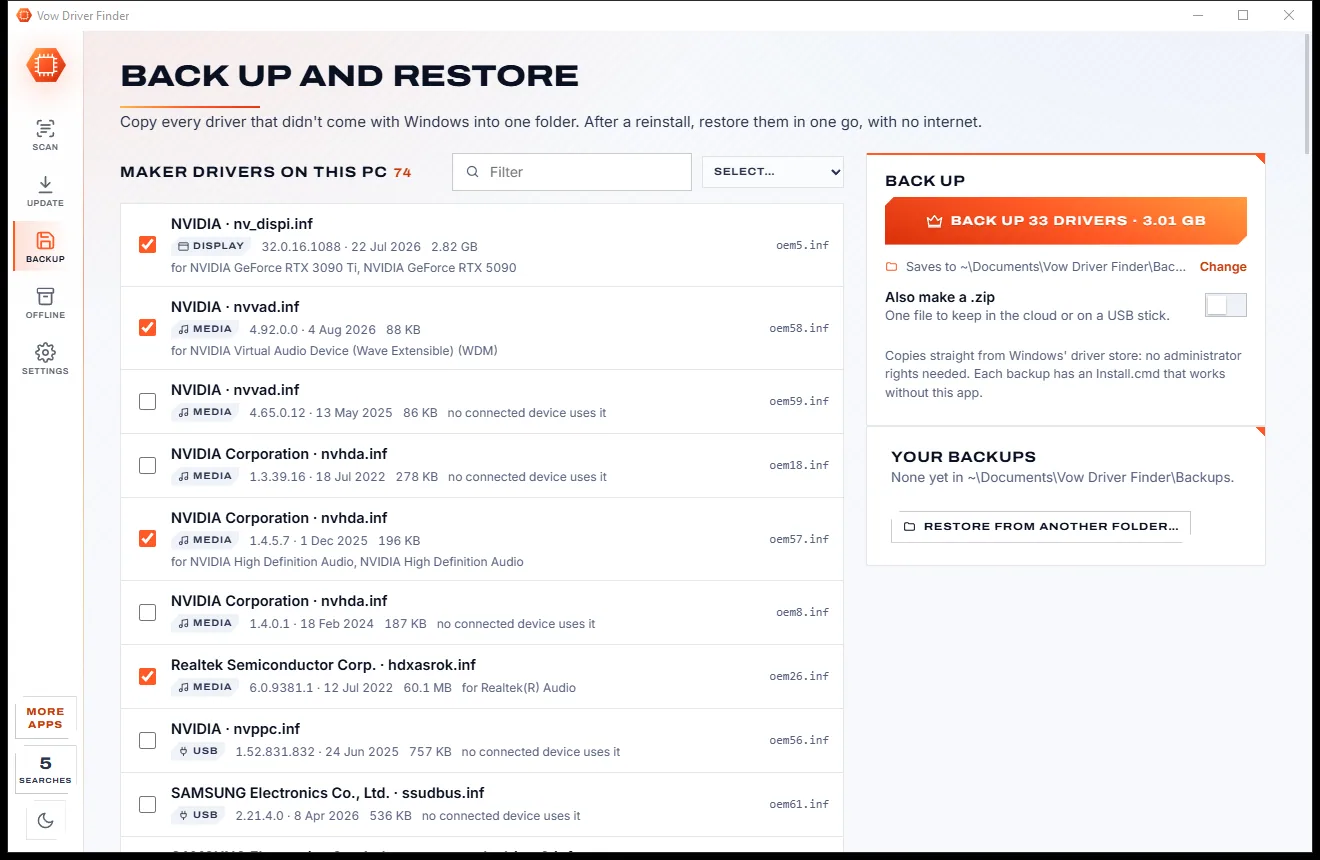
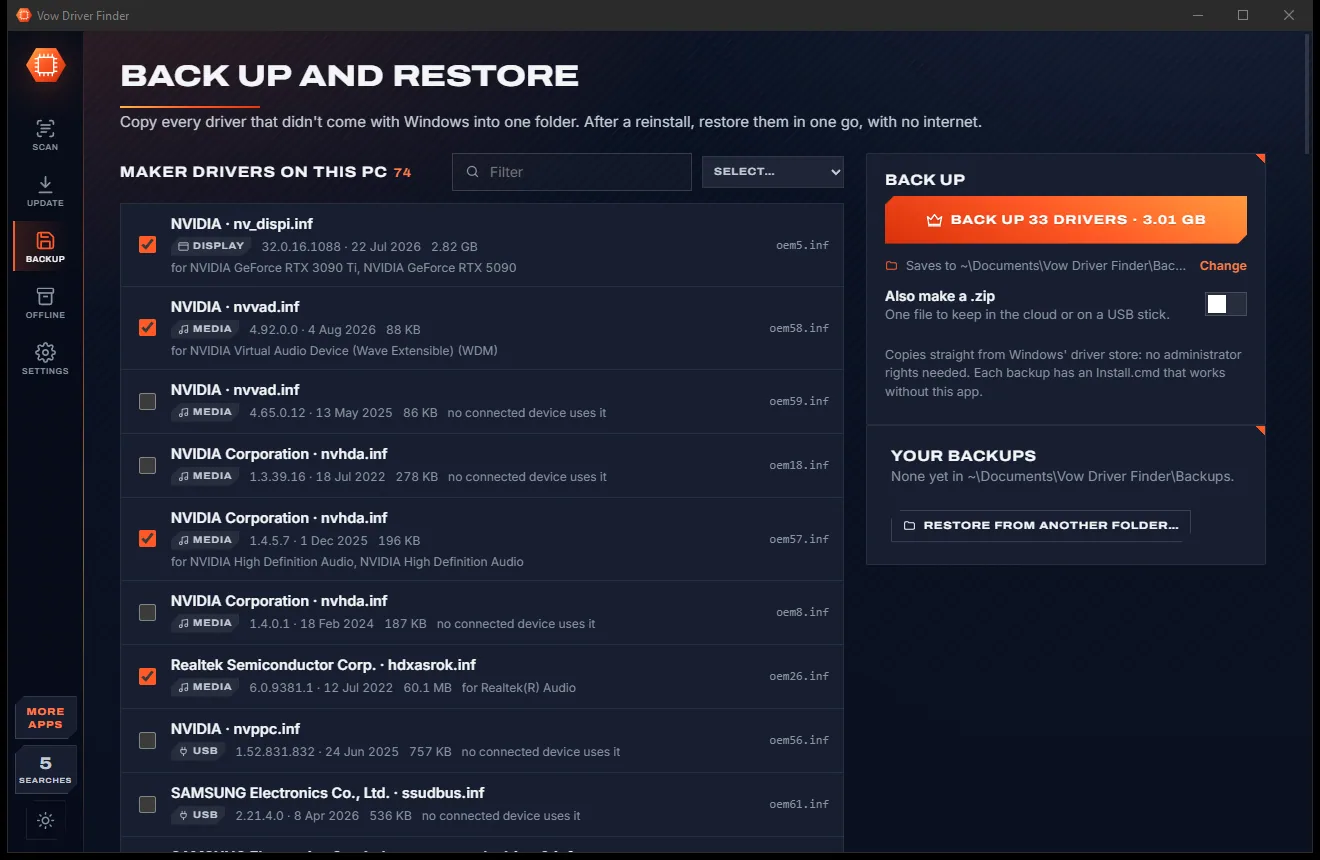
Vow Driver Finder
Find the drivers your PC is really missing, from official sources only
- Free: Unlimited scans, official links, 5 in-app searches a day
- $4.95 once: One-click install, backup and restore, offline driver packs

BitLocker recovery key and PIN help for Windows
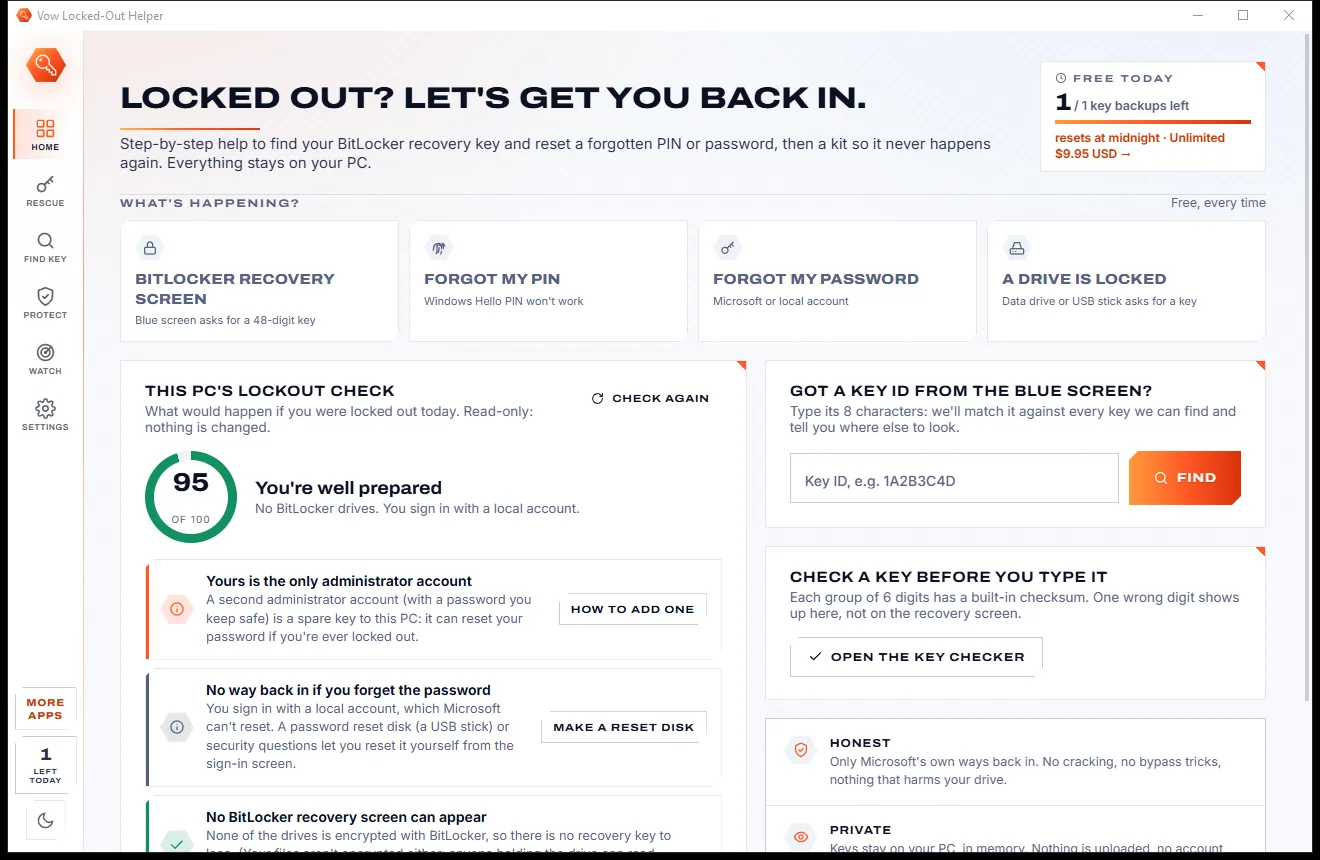
A blue screen asking for a 48-digit key, a PIN that won't work, a password you forgot. Vow Locked-Out Helper walks you through Microsoft's own ways back in, finds and checks your recovery key, then helps you back up every key so it never happens again.
The problem
Search for help with a BitLocker recovery screen and you find scary forums, paid "unlock services" and tools that promise what no software can do.
No software can guess a BitLocker recovery key. Tools and services that claim to are selling hope, or something worse.
The recovery screen appears after a BIOS update or a new dock, and nothing on it says where your key might be.
Type 48 digits from a photo or printout, miss one, and the screen just says no, without telling you which group was wrong.
The key may be in an old Hotmail, a work account or whoever set the PC up, and nobody tells you to look there.
"Just reinstall Windows" gets you a working PC and loses every file that BitLocker was protecting.
Nobody backs up a recovery key until they need it, and by then the PC that holds it is the one that's locked.
Vow Locked-Out Helper fixes all of it.
How it works
Microsoft's own ways back in, one calm step at a time, then a kit so the next recovery screen is a non-event.
BitLocker recovery screen, forgotten PIN, forgotten password or a locked drive: each guide adapts to how you sign in, with QR codes for your phone.
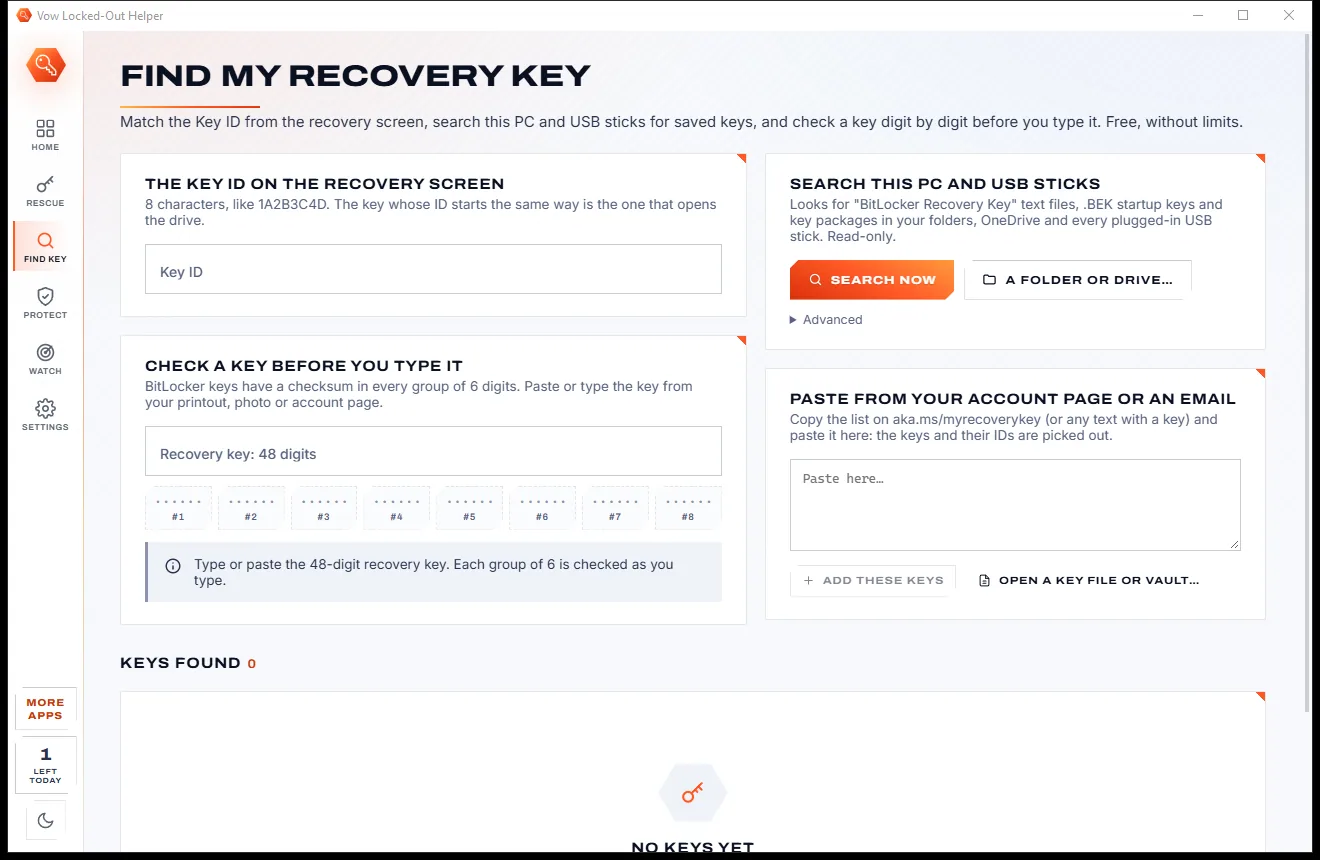
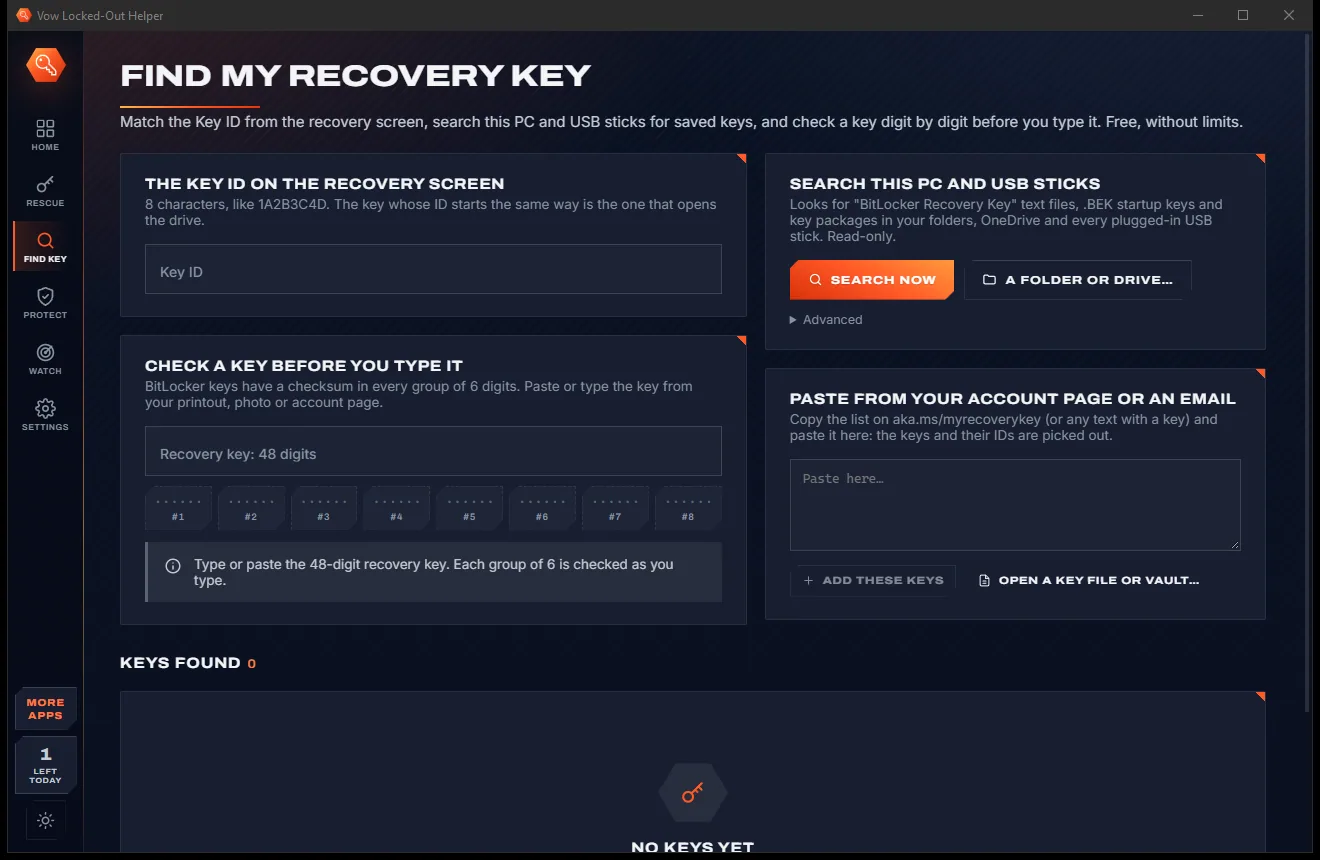
Type the Key ID from the blue screen and it is matched against every key found. The checker tests each group of 6 digits as you type.
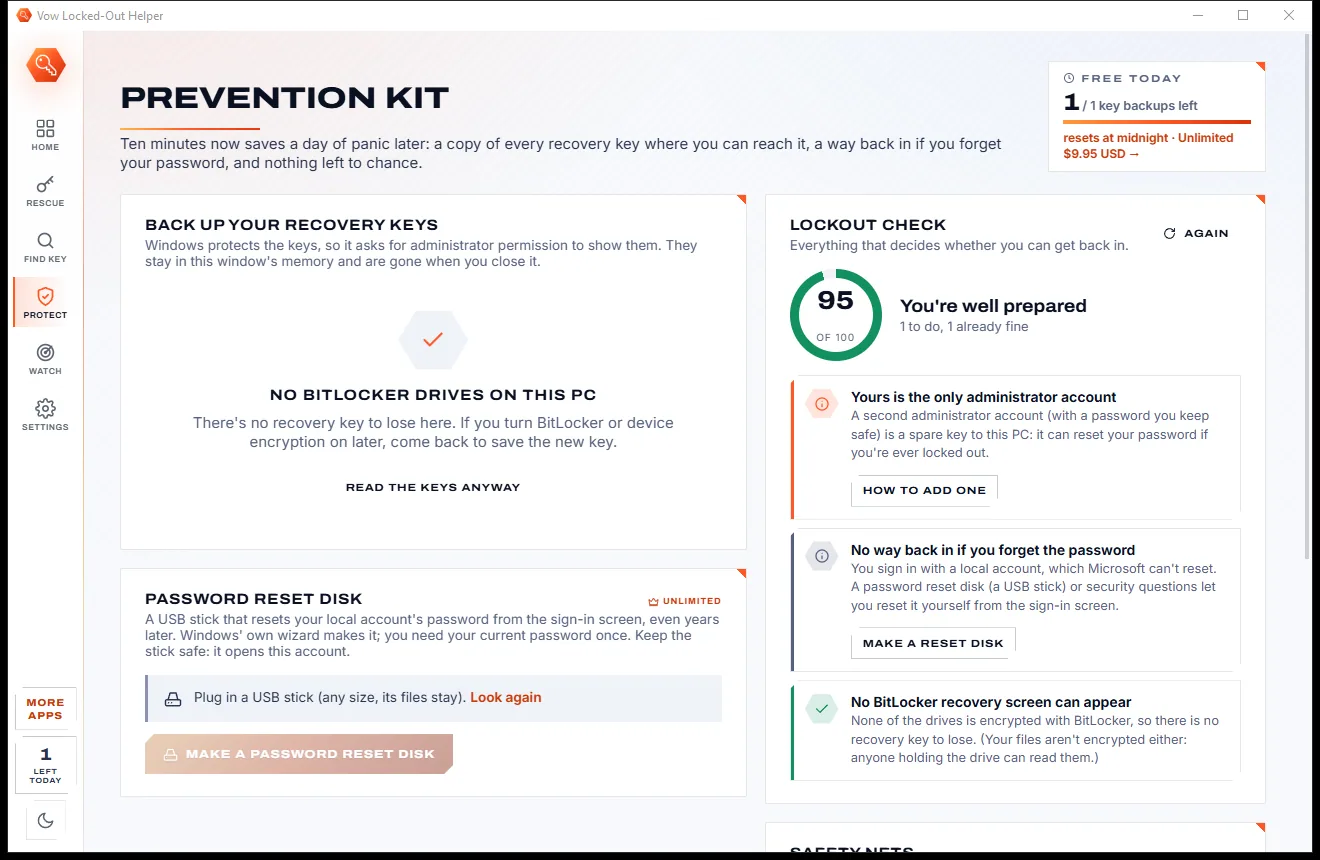
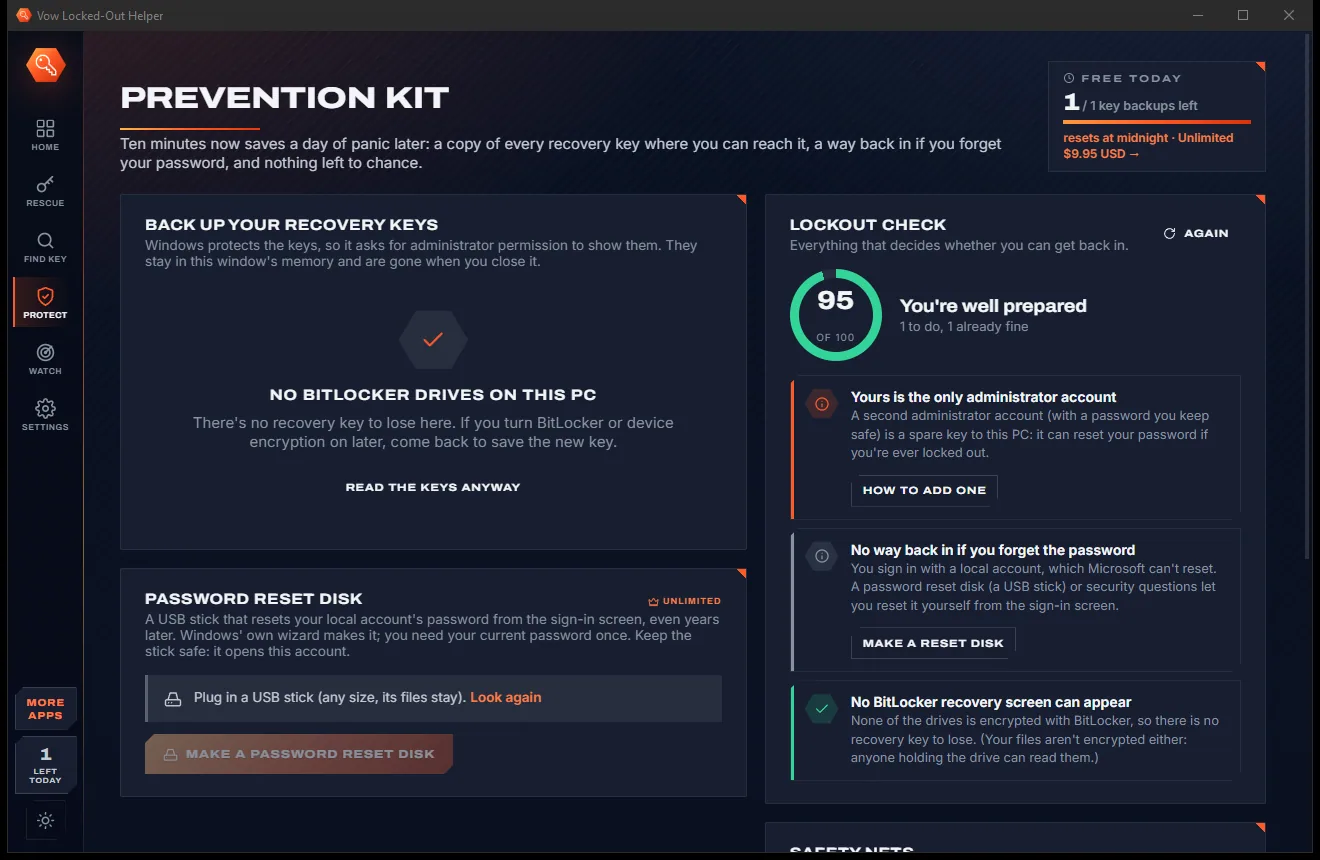
Back up each drive's recovery key to a file or USB stick, and see a lockout check of this PC with one fix per finding.
Features
For the BitLocker blue screen, the forgotten PIN and the drive that suddenly asks for a key.
Recovery screen, forgotten PIN, forgotten password, a locked drive and no key anywhere, adapted to your account type.
The locked PC can't browse, your phone can: open Microsoft's recovery-key and account pages with one scan.
Type the 8-character Key ID from the screen and see which key opens the drive, from files, pasted text, vaults and this PC.
Each group of 6 digits is checked as you type. The wrong group is named, with the most likely corrections.
Searches your folders, OneDrive and plugged-in USB sticks for BitLocker key files, .BEK startup keys and key packages.
A read-only check of BitLocker, sign-in, TPM, Secure Boot and BIOS updaters, scored out of 100 with one fix each.
One password-protected file that opens in any browser, even on a phone, and a printable sheet with QR codes.
Warnings after a BIOS update or a TPM or Secure Boot change, while you can still sign in and save the key.
Only Microsoft's own ways back in. Nothing is uploaded, no account is needed, and keys stay in the window's memory.
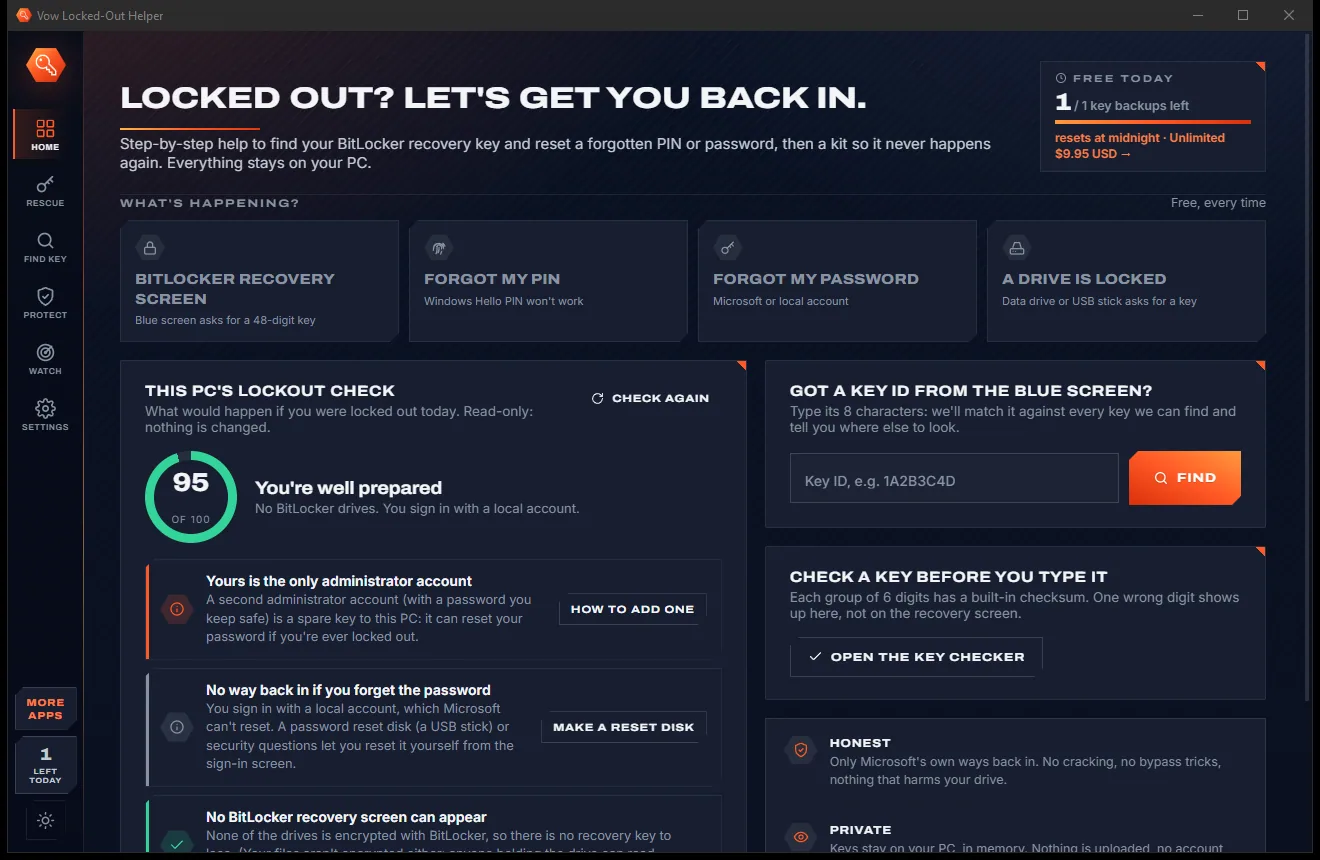
Switch between the paper-light and carbon-dark look with one click at the bottom of the side rail.
Light & dark theme
Locked-Out Helper comes with a crisp light theme and a calm dark theme. Switch with one click, or let it follow your Windows setting by itself. It remembers your choice.
Screenshots
Real screenshots of the real app, in both of its themes: 11 light, 11 dark. Click any picture to see it full size.
Light theme
Dark theme
Who it's for
Find the key for the drive, then suspend BitLocker before the next firmware update.
Step-by-step PIN reset for Microsoft, local, work and school accounts.
The right reset for your kind of account, from the sign-in screen or another device.
Unlock a BitLocker data drive or USB stick with its recovery key.
Find out who might hold the key, from an old personal account to the IT desk.
Back up every key, print a rescue sheet and let Lockout Watch warn you ahead of trouble.
Compare
What you are offered when you search in a panic, next to what actually gets you back in.
| Feature | Vow Locked-Out Helper | Unlock services & random tools |
|---|---|---|
| Price | Free to get back in, $4.95 once for the kit | Paid unlock services, per incident |
| Claims to crack or bypass BitLocker | Never: Microsoft's own ways only | Often promised |
| Finds where your key really is | Accounts, files, USB sticks, this PC | Generic advice |
| Checks the key before you type it | Every group, with likely corrections | Rarely |
| Your keys uploaded anywhere | Never | Unclear with online services |
| Helps prevent the next lockout | Backups, vault, rescue sheet, Watch | Rarely |
| Account or sign-up needed | None | Often |
| Ads, bundled extras | None, ever | Common with free downloads |
"Typical" describes what we found across the most-downloaded alternatives when we built Locked-Out Helper. Your mileage with any one of them may vary; ours won't.
Pricing
That is not a typo. Software this powerful usually means a monthly subscription; Locked-Out Helper is $4.95, once, for life: it's almost a giveaway. Use it free for as long as you like, and unlock Unlimited only if you need more.
Every rescue guide, key finder and checker, 1 key backup a day.
Almost a giveaway. Less than a coffee for software this powerful: no subscription, no renewals, yours for life on 2 PCs.
The whole prevention kit: every key, vault, rescue sheet, Watch.
Payments by Stripe: we never see or store your card. Questions? Ask a real person.
Clean software
Most "free" Windows downloads pay for themselves with ads, bundled extras or your data. Vow Locked-Out Helper doesn't need to: it's paid for honestly, once, by the people who find it useful.
Download Locked-Out Helper freeStep-by-step guide
From the blue recovery screen to your desktop, using the key that is already yours.
Step 1: get it freeThe blue screen shows a Key ID of 8 letters and digits. It tells you which recovery key fits, so write it down.
Choose BitLocker recovery screen. Type the Key ID and it is matched against every key found in files, USB sticks, pasted text and vaults.
Scan the QR code to open aka.ms/myrecoverykey on your phone and sign in with the account used on the locked PC. Try every account you have used.
Open aka.ms/aadrecoverykey or call your IT help desk: they can read the key from Microsoft Entra ID or Active Directory.
Paste or type the 48 digits into the key checker. Each group of 6 is checked, so a wrong digit shows up here, not on the recovery screen.
Technical details
FAQ
Getting back in is always free: every rescue guide, the Key ID matcher, the key checker, the key file finder, the lockout risk check and 1 key backup a day. Unlimited, a one-time $4.95 USD payment, adds the whole prevention kit: every key at once, the key vault, rescue sheets, the reset disk helper and Lockout Watch.
No, and nothing honest can. A BitLocker recovery key can't be guessed. Vow only uses Microsoft's own ways back in and helps you find the key that is already yours, in your accounts, files and USB sticks.
Usually in the Microsoft account used on the PC (aka.ms/myrecoverykey), with your work or school IT (aka.ms/aadrecoverykey), or in a saved file or printout. The Key ID on the screen tells you which key fits.
Windows noticed a change at start-up, such as a BIOS update, a new dock or a TPM or Secure Boot change, and wants to be sure it is really you. Your files are safe; you need the drive's 48-digit recovery key.
Every group of 6 digits in a real recovery key divides by 11 and is below 720,896. The checker tests each group as you type, names the wrong one and suggests the likely correction, starting with swapped digits.
Yes. The guides walk you through Microsoft's reset for your kind of account, Microsoft, local, work or school, with QR codes to open the right pages on your phone.
No. Nothing is uploaded and no account is needed. Recovery keys read from this PC stay in the window's memory and are written only when you choose to save a backup.
Yes. It is made and published by XTO Pty Ltd, an Australian company. The installer contains no ads, no toolbars and no bundled software, needs no administrator rights, and uninstalls cleanly from Windows Settings.
The Vow collection
Same design, same promises, a tiny one-time price. Learn one and you already know them all.
Find the drivers your PC is really missing, from official sources only

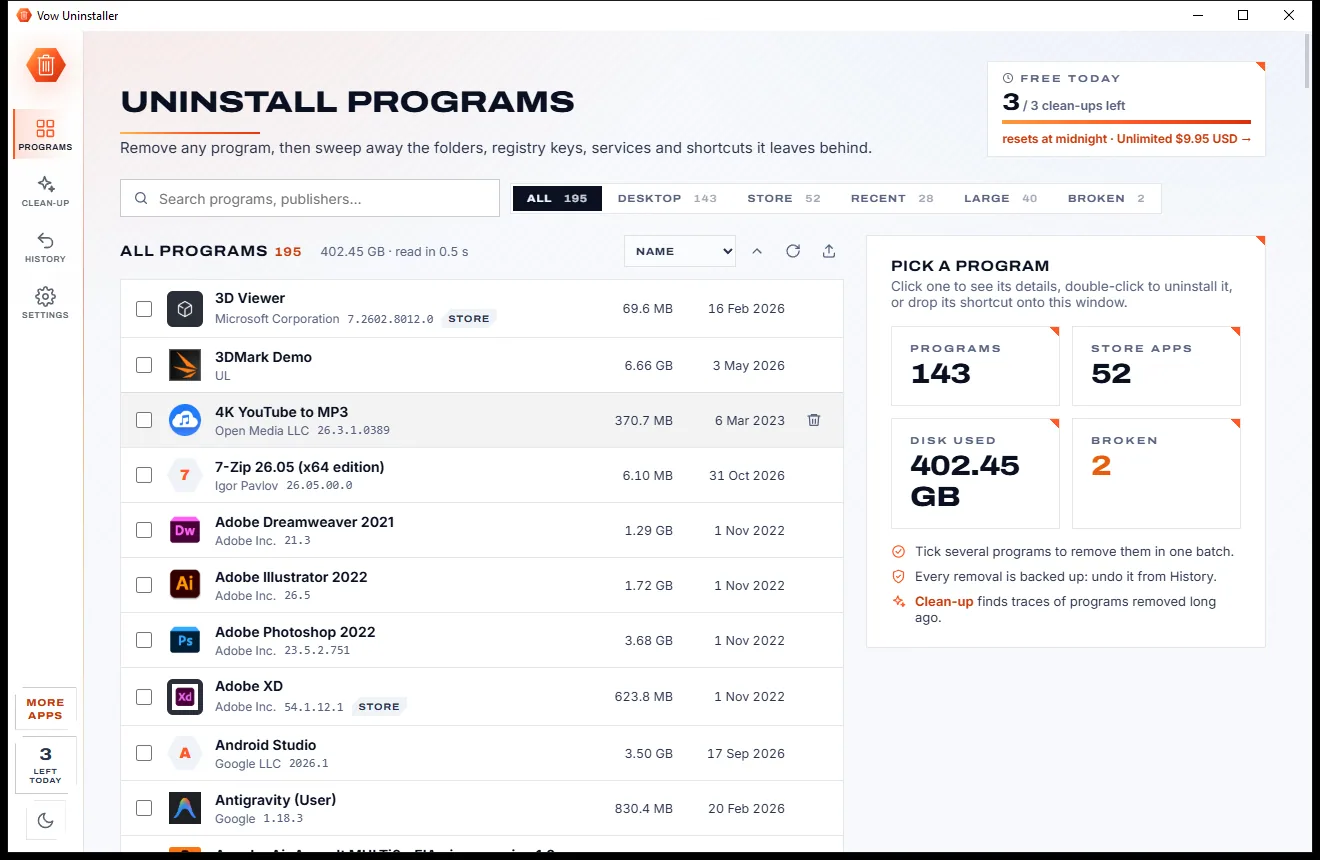
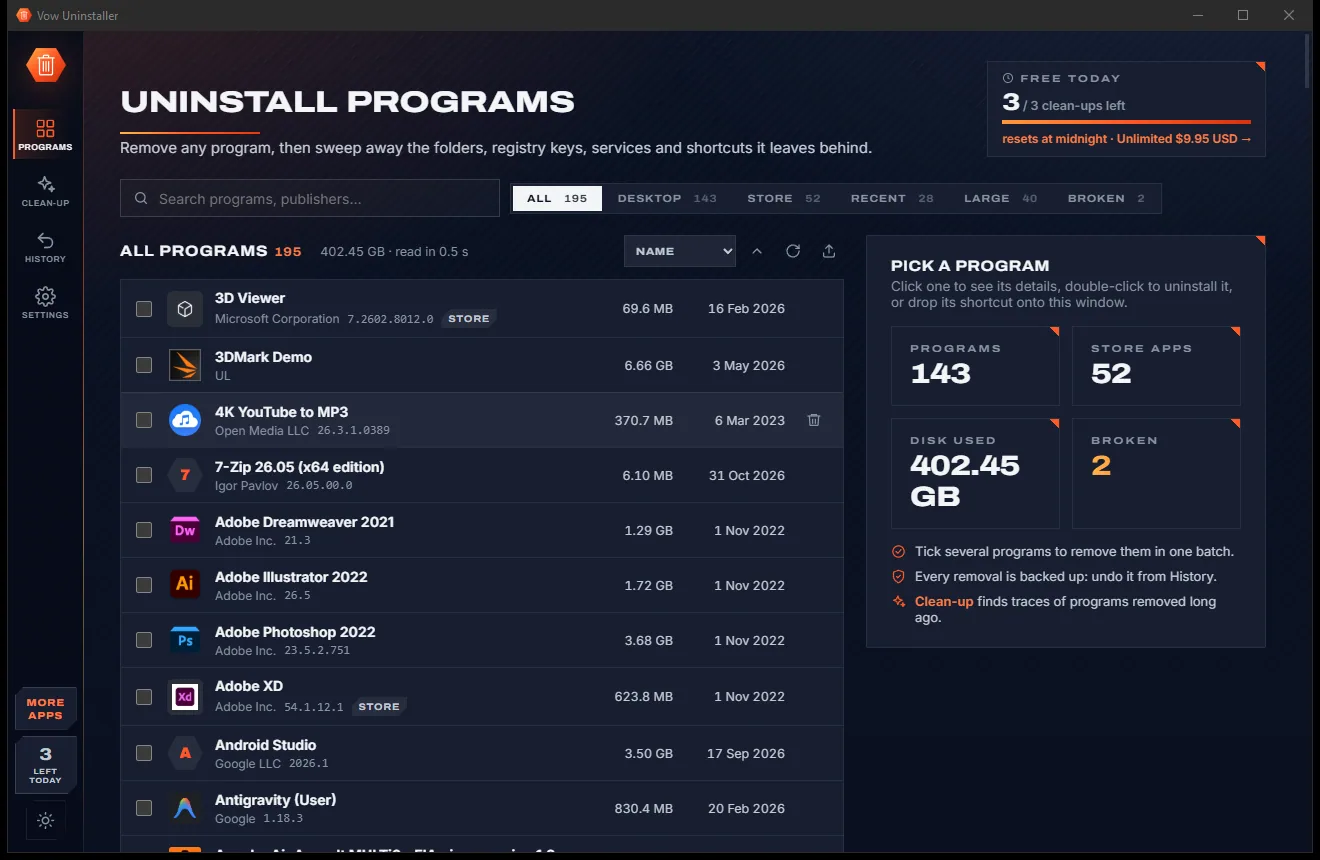
Uninstall programs completely, and undo it if you change your mind

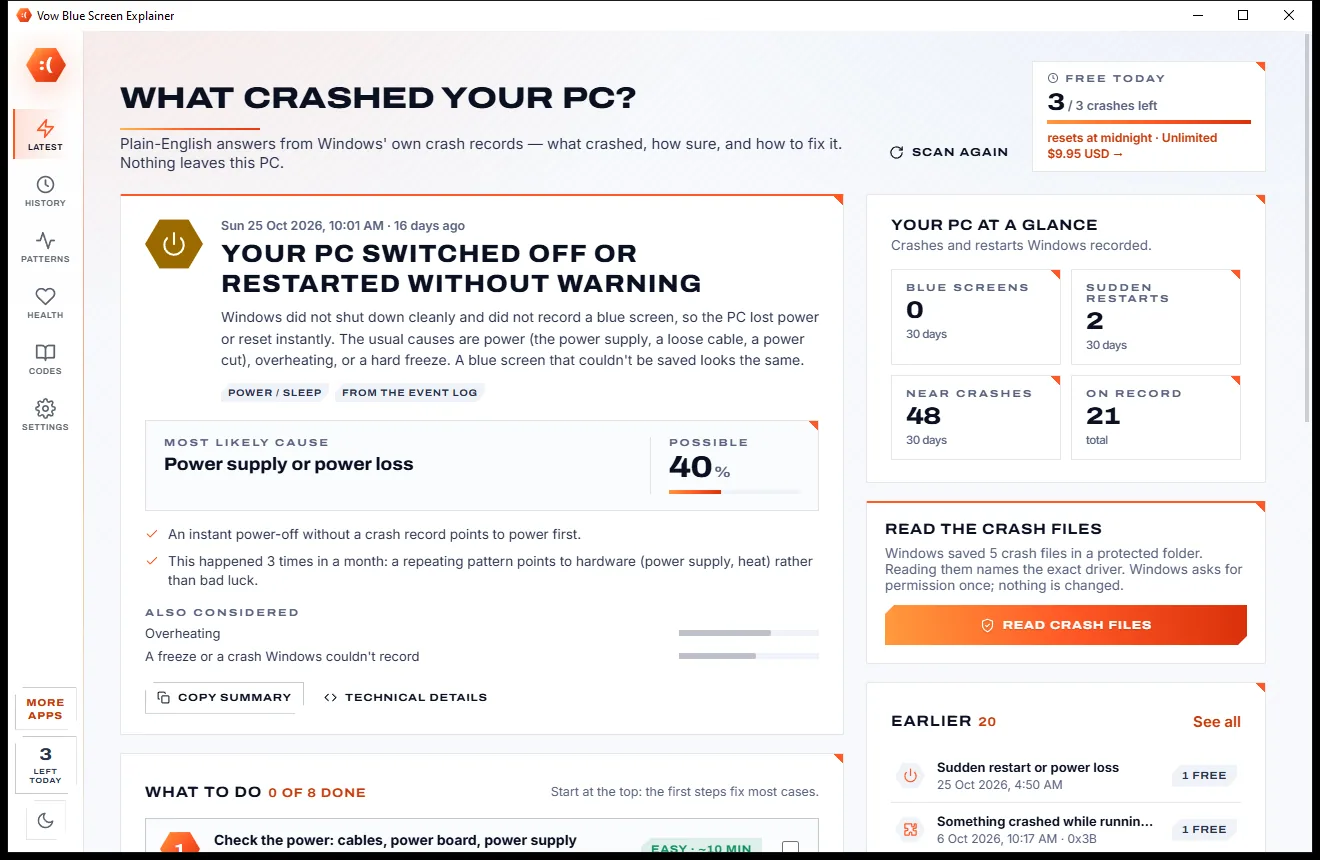
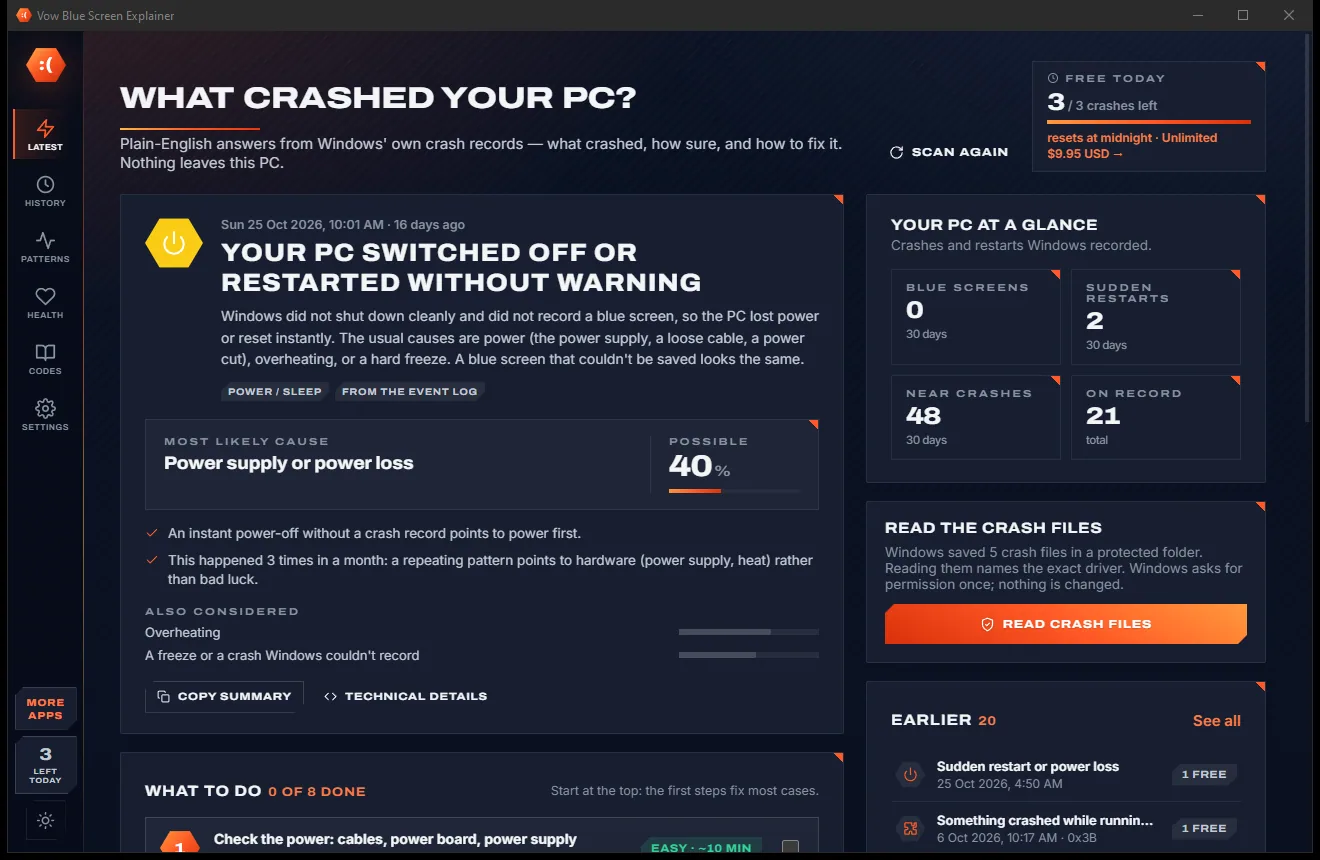
Find out what crashed your PC, in plain English, with the fix
Back into your own PC, the Microsoft way, with no tricks and no panic. Free to use every day, $4.95 once if you ever want Unlimited.