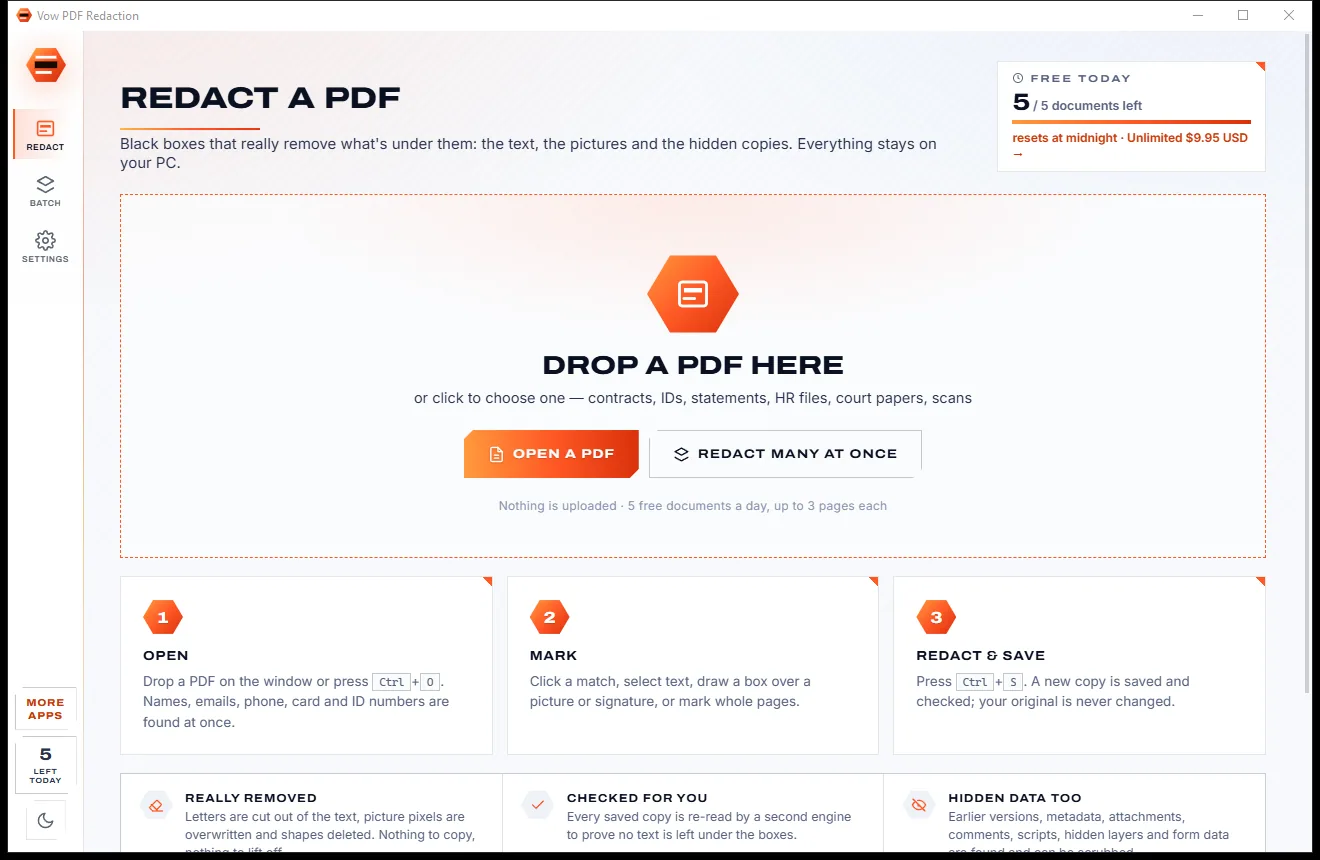

Redact PDFs for real: nothing left under the black boxes
- Free: 5 documents a day, up to 3 redacted pages each, true redaction
- $4.95 once: Any length, one-click redact-all, batch folders, scrub hidden data

Word, Excel & PowerPoint repair for Windows
Drop the document Office calls corrupt. In about a second you know what's wrong and how much comes back, with the text, sheets and slides in a full preview. One click saves a repaired copy that is checked to open cleanly. Your original is never changed.
The problem
When Office says your file can't be opened, the repair programs you find are costly, cover one format each, and show a teaser before they ask for money.
A Word repair tool, an Excel repair tool, and PowerPoint costs extra again, each sold separately.
Most repair programs show only part of what they recovered, so you pay before you know it worked.
Some repair suites want a monthly plan for something you hope only happens once.
A file with the wrong ending or a password gets called corrupt, and you're sold a fix you don't need.
Office often keeps a recent copy of your work, hidden in folders nobody knows to look in.
Free "file recovery" tools that arrive with ads, toolbars and installers you didn't ask for.
Vow Office File Repair fixes all of it.
How it works
Know exactly what comes back before you spend a cent, and keep your original untouched.
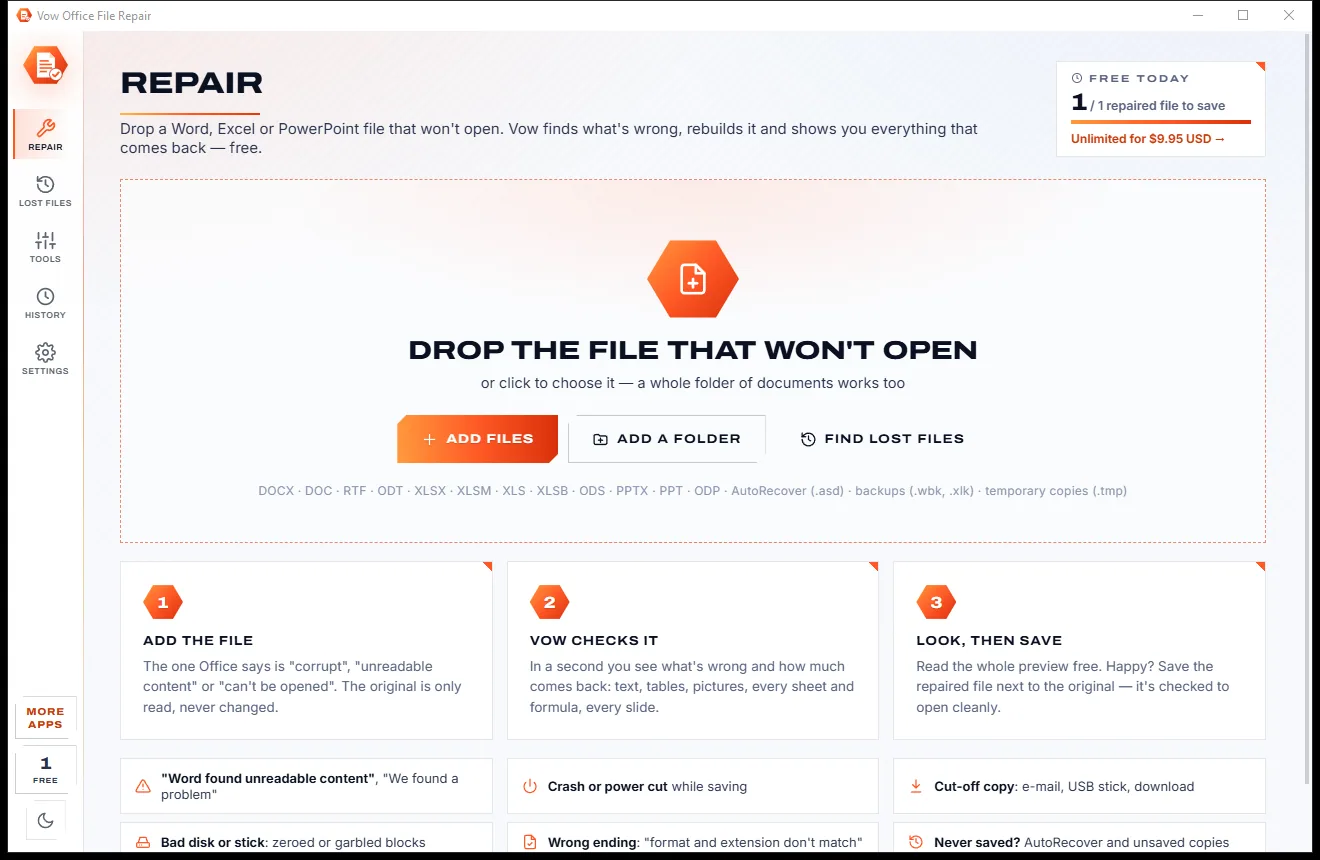
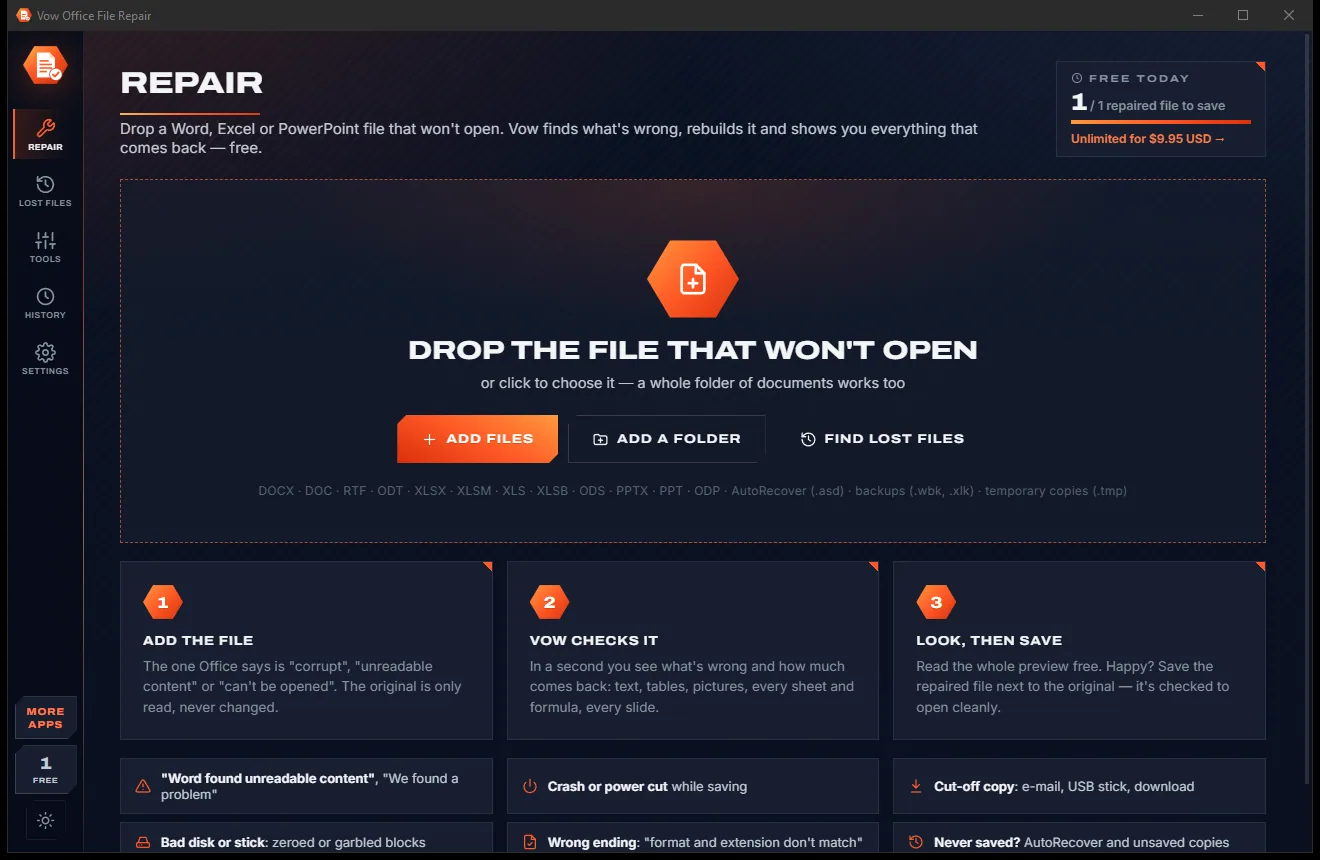
Drag the document that won't open onto the window, or right-click it in Explorer and choose Repair with Vow.
In about a second you get a verdict, a health map and a full preview of the text, tables, sheets, formulas and slides.
One click writes name_repaired next to the original, then re-reads it to confirm it opens cleanly.
Features
For students, office workers, accountants and anyone whose work lives in Word, Excel or PowerPoint.
New, old and OpenDocument formats in one app: DOCX, DOC, RTF, ODT, XLSX, XLS, XLSB, ODS, PPTX, PPT, ODP and more.
The document as a page, sheets as a grid with formulas and number formats, slides as slides, plus pictures and plain text.
Files cut short by a crash, power cut, full disk or interrupted copy are read up to the damage and closed properly.
Rows, merges and shared formulas are fixed, and a cell whose value was cut off is dropped, never guessed.
The repaired copy is read back after saving to confirm it opens cleanly, before you rely on it.
Finds the AutoRecover, unsaved and backup copies Office keeps, and checks them like any other file.
Not damaged, Repairable, Partly repairable, Text only, Wrong ending, Password-protected or Nothing left, in plain English.
See which bytes are sound and which are damaged, and every part of the file with its state.
The damaged file is only ever read. The repair is saved as a new copy beside it, never over it.
Check a folder of documents free, and with Unlimited save every repairable file in one go.
Light & dark theme
Office File Repair comes with a crisp light theme and a calm dark theme. Switch with one click, or let it follow your Windows setting by itself. It remembers your choice.
Screenshots
Real screenshots of the real app, in both of its themes: 7 light, 7 dark. Click any picture to see it full size.
Light theme
Dark theme
Who it's for
Get the essay or thesis back after Word says it found unreadable content.
Recover workbooks with their sheets, cells and formulas, without guessed values.
Rescue the slide deck the night before the meeting.
Bring back a file that was being saved when the PC went down.
Fix copies that were cut off on the way or garbled by a bad stick.
Turn old .doc, .xls and .ppt files into clean new .docx, .xlsx and .pptx.
Compare
What typical Office repair programs give you, side by side.
| Feature | Vow Office File Repair | Typical Office repair programs |
|---|---|---|
| Price | Free every day, or $9.95 once | Per program, or a monthly subscription |
| Word, Excel and PowerPoint in one | Yes: old, new and OpenDocument | Usually one or a few formats each |
| Full preview before you pay | Complete, free | Usually partial |
| Finds AutoRecover and backup copies | Yes, free | Not always |
| Tells healthy and misnamed files apart | Yes, and fixes the ending free | Rarely |
| Checks the saved file opens | Every time | Not always |
| Your file is uploaded | Never: 100% on your PC | Yes, for online repair sites |
| Ads or bundled extras | None, ever | Common on free tools |
"Typical" describes what we found across the most-downloaded alternatives when we built Office File Repair. Your mileage with any one of them may vary; ours won't.
Pricing
That is not a typo. Software this powerful usually means a monthly subscription; Office File Repair is $9.95, once, for life: it's almost a giveaway. Use it free for as long as you like, and unlock Unlimited only if you need more.
Check and preview any number of files, save 1 repaired file a day.
Almost a giveaway. Less than a takeaway lunch for software this powerful: no subscription, no renewals, yours for life on 2 PCs.
Save every repaired file, every day, and batch-repair whole folders.
Payments by Stripe: we never see or store your card. Questions? Ask a real person.
Clean software
Most "free" Windows downloads pay for themselves with ads, bundled extras or your data. Vow Office File Repair doesn't need to: it's paid for honestly, once, by the people who find it useful.
Download Office File Repair freeStep-by-step guide
From "cannot be opened" to a working copy in a couple of minutes.
Step 1: get it freeDownload it from this page and run the installer. It needs no administrator rights, no account and no Office installation, and can add Repair with Vow to Explorer's right-click menu.
Drag the .docx, .xlsx or .pptx (or an old .doc, .xls or .ppt) onto the window, or press Ctrl+O. A whole folder of documents works too.
Vow says in plain English what is wrong and how much comes back, with counts of words, tables and pictures, or sheets, cells and formulas, or slides.
Scroll through the document, sheets or slides to make sure what you need is there. The preview is complete, and it is free.
Press Save or Ctrl+S. A copy named name_repaired is written next to the original and checked to open cleanly. If something is missing, open Lost files to look for an AutoRecover copy.
Technical details
FAQ
Yes. Checking any number of files, the complete preview of everything that comes back, Lost files, Look inside, folder checks and wrong-ending fixes are all free, and you can save 1 repaired file a day for free (reset at midnight). There are no watermarks. Unlimited, a one-time $9.95 USD payment, saves every repaired file and repairs whole folders at once.
Never. The damaged file is only ever read. The repair is saved as a new file beside it, such as "report_repaired.docx", and then read back to confirm it opens cleanly.
Word DOCX, DOCM, DOTX, DOC, RTF, ODT and Word 2003 XML; Excel XLSX, XLSM, XLSB, XLS and ODS; PowerPoint PPTX, PPTM, PPSX, PPT, PPS and ODP; plus AutoRecover (.asd), Word and Excel backups (.wbk, .xlk) and Office temporary copies.
Usually, yes. "Word found unreadable content", "We found a problem with some content" and "The file is corrupt and cannot be opened" typically mean a file cut off by a crash, power cut, full disk or interrupted copy, or garbled by a bad disk. Drop it in and the free preview shows exactly how much comes back before you save.
Content that is physically missing from a file can't come back from that file, and Vow tells you so honestly. It then offers Lost files: the AutoRecover, unsaved and backup copies Office keeps, which often hold what the damaged file lost.
No to both. The repair engine is built in, so no Office installation is needed, and everything runs on your own PC with no account and no internet connection.
Those tools each repair one or a few formats and are usually priced per program, and most show only a partial preview before you pay. Vow Office File Repair covers Word, Excel and PowerPoint in old, new and OpenDocument formats in one app, shows the complete preview free, finds AutoRecover copies, tells healthy and misnamed files apart, and costs $9.95 once.
Yes. It is made and published by XTO Pty Ltd, an Australian company. There are no ads, no bundled software and no account, it needs no administrator rights, it never becomes your default app for Office files, and it uninstalls cleanly from Windows Settings.
The Vow collection
Same design, same promises, a tiny one-time price. Learn one and you already know them all.
Redact PDFs for real: nothing left under the black boxes
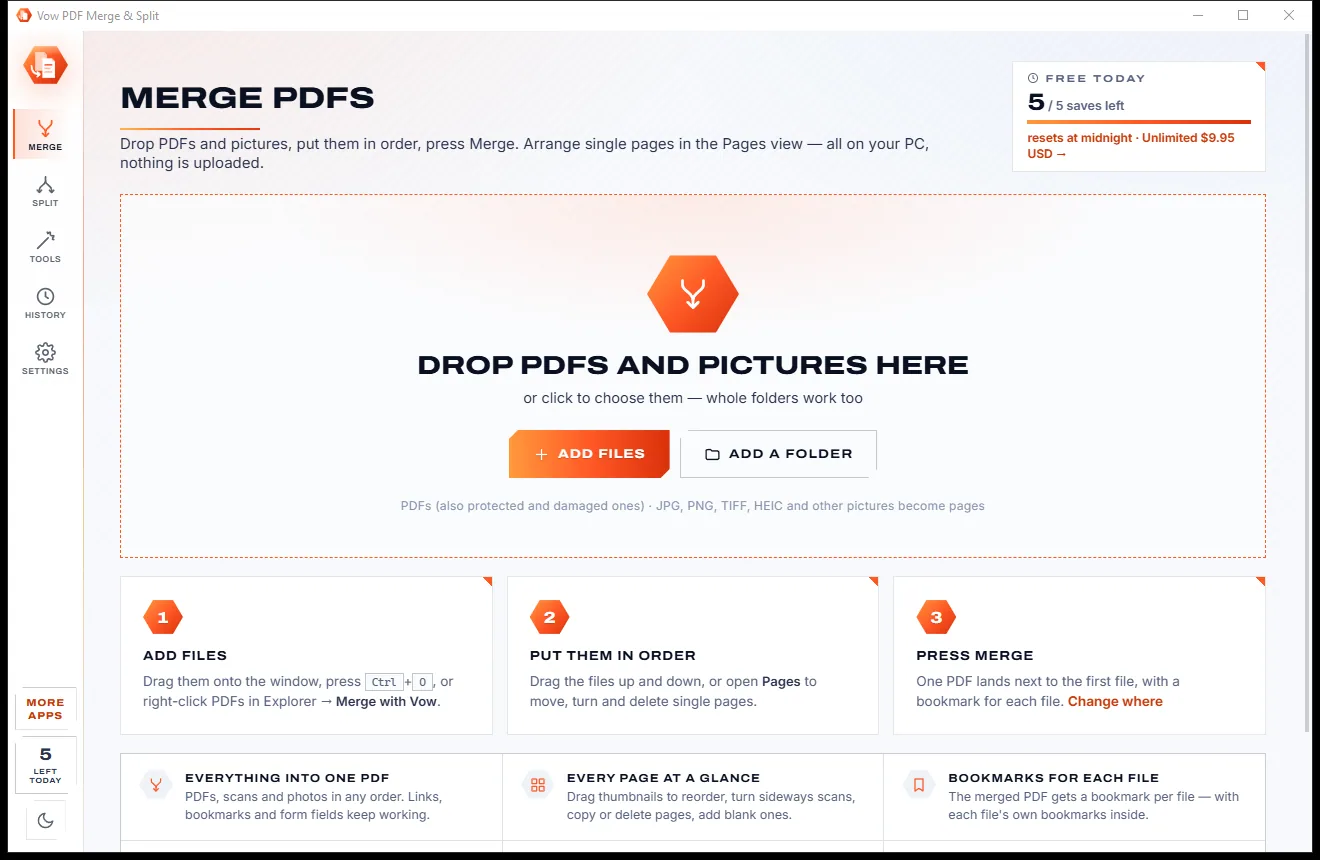
Merge, split and reorder PDFs on your own PC
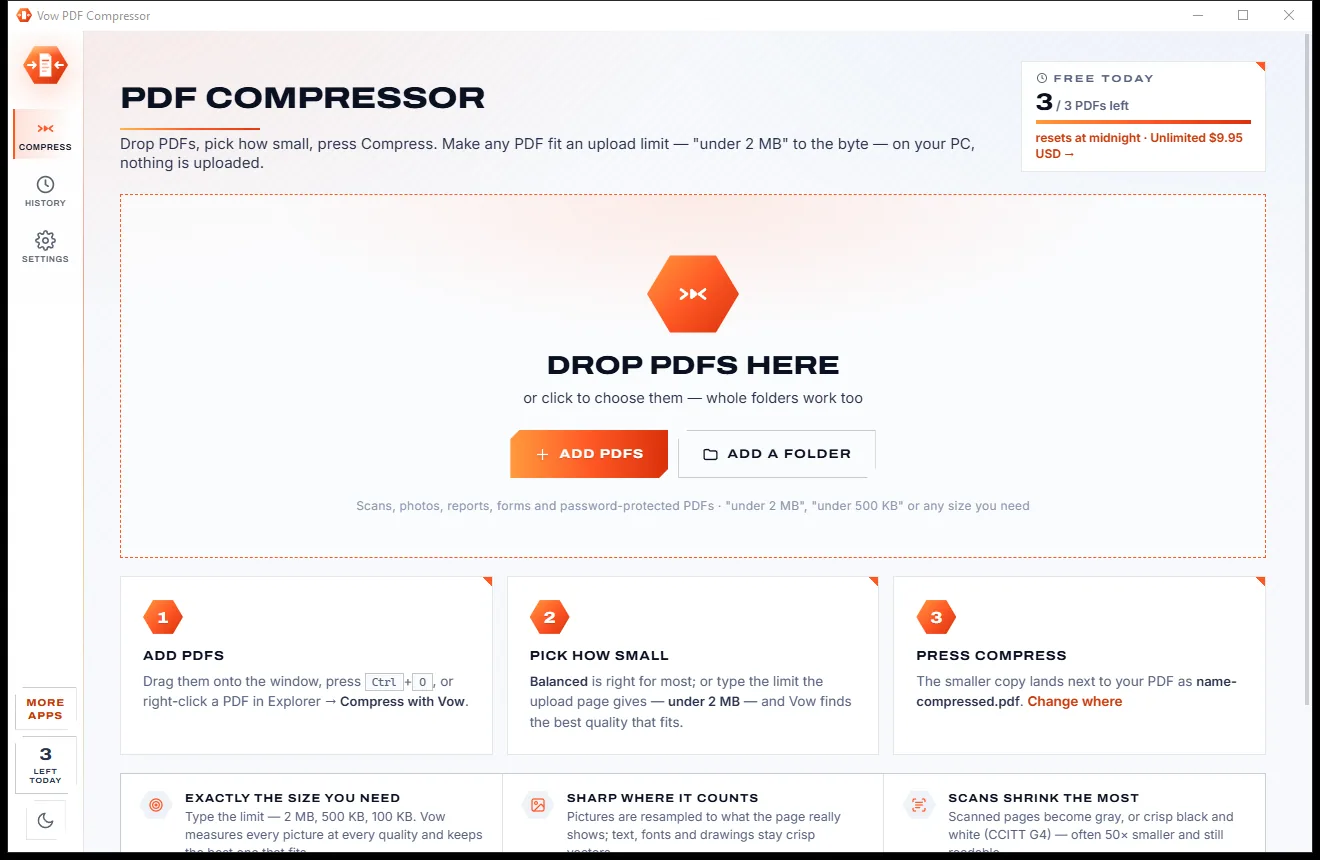
Shrink any PDF to the exact size an upload form asks for
Fix the Word, Excel or PowerPoint file that won't open. Free to use every day, $9.95 once if you ever want Unlimited.