
Network
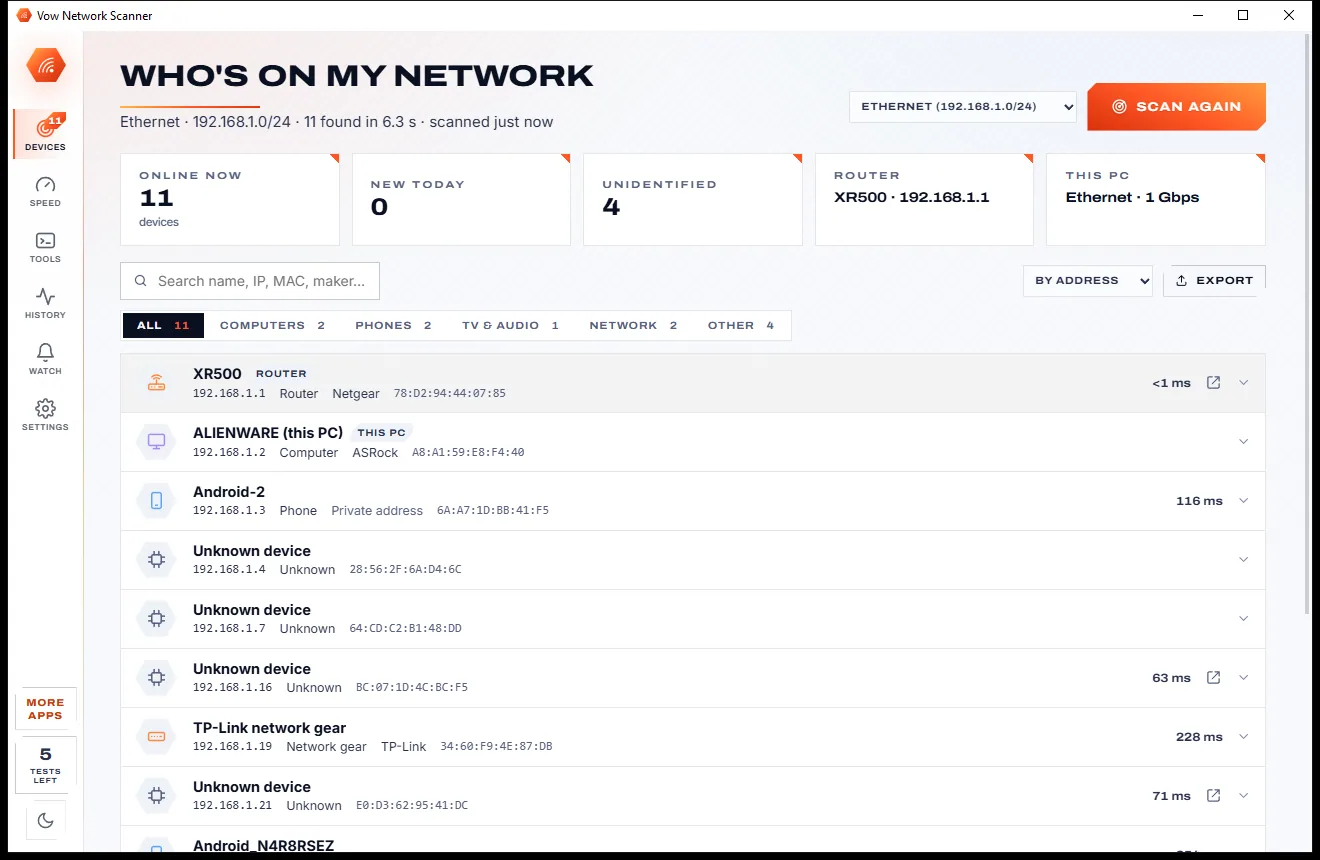
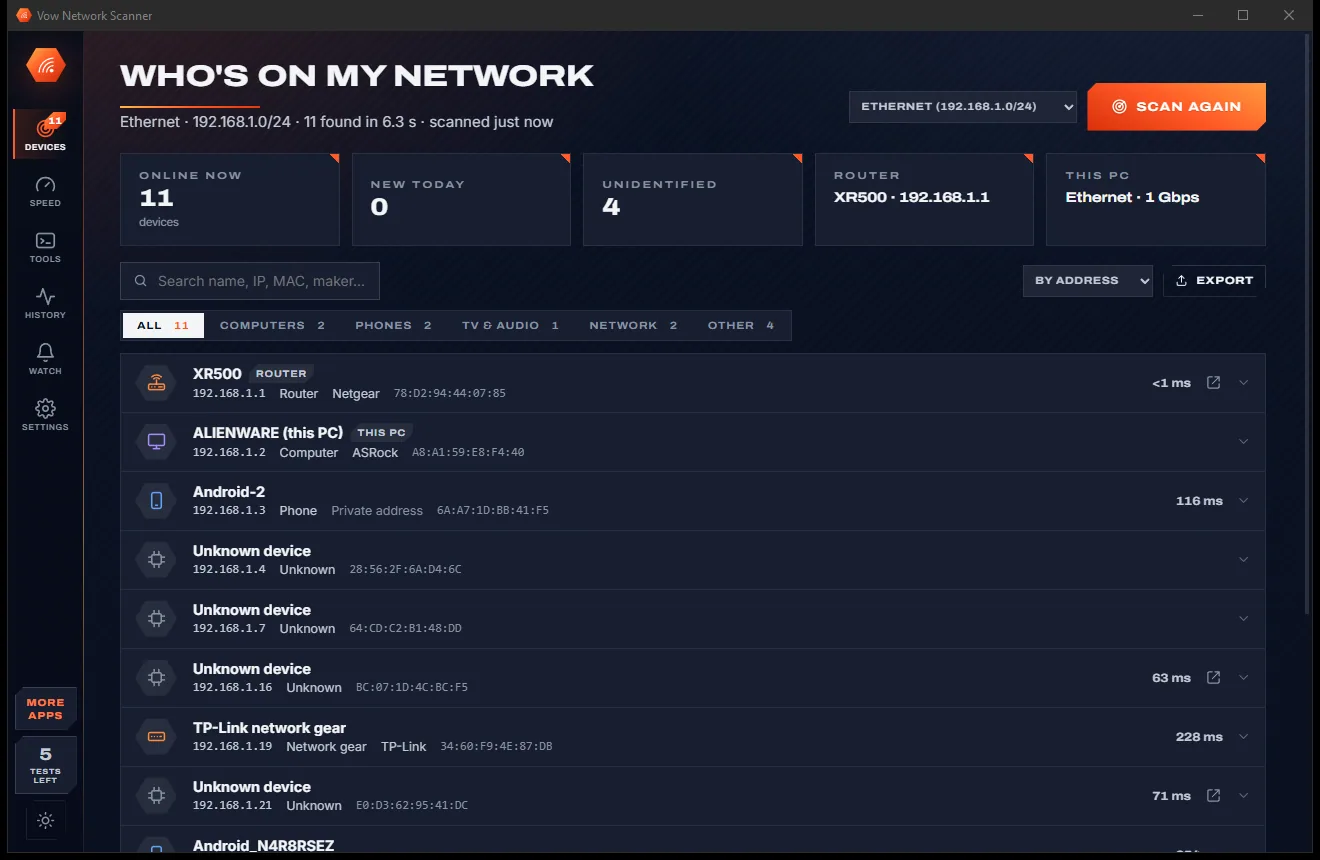
Vow Network Scanner
Who's on my Wi-Fi, and why is it slow? Answered in seconds
- Free: Unlimited scans and network tools, 5 speed tests a day
- $4.95 once: New-device alerts, device names and history, schedules, unlimited speed tests

Phone to PC file transfer over Wi-Fi
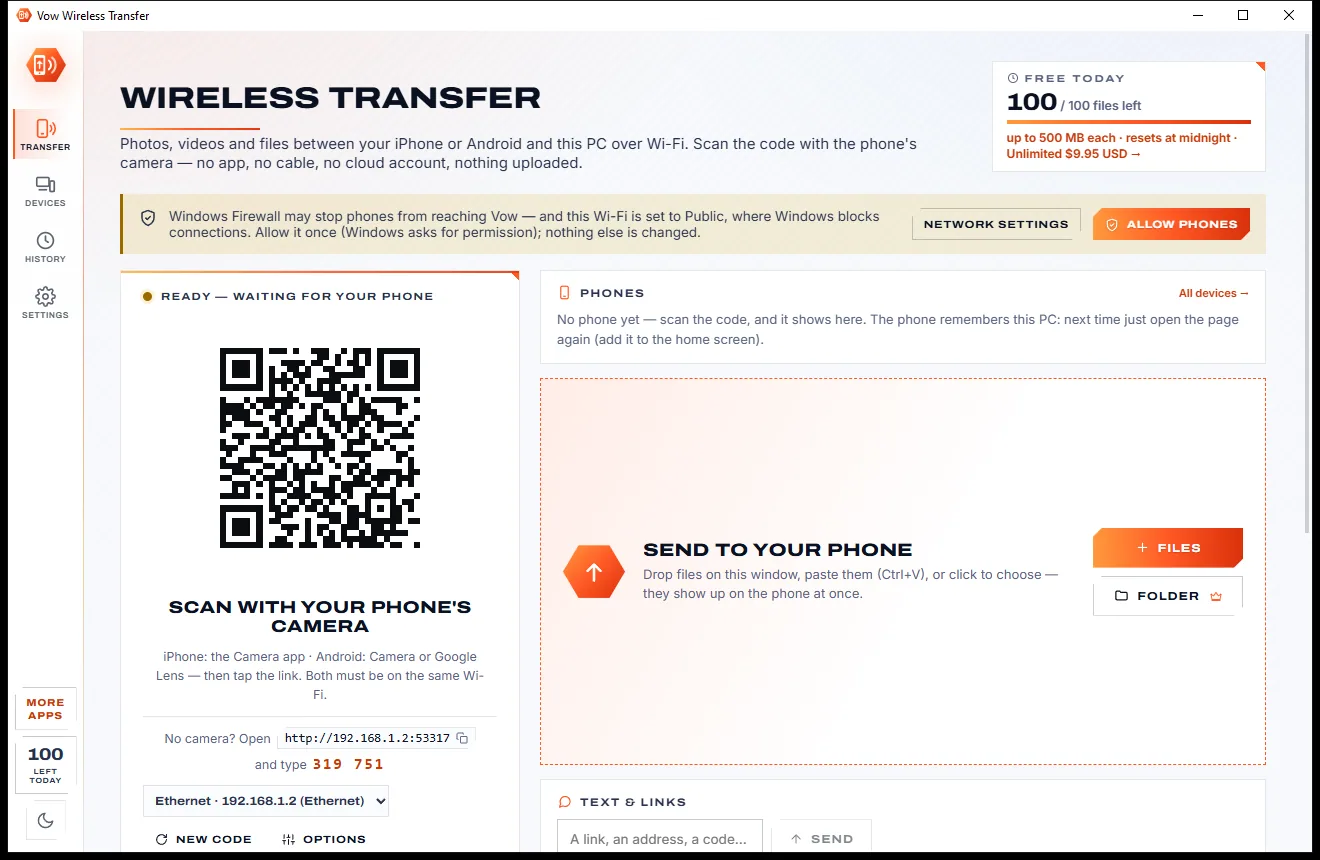
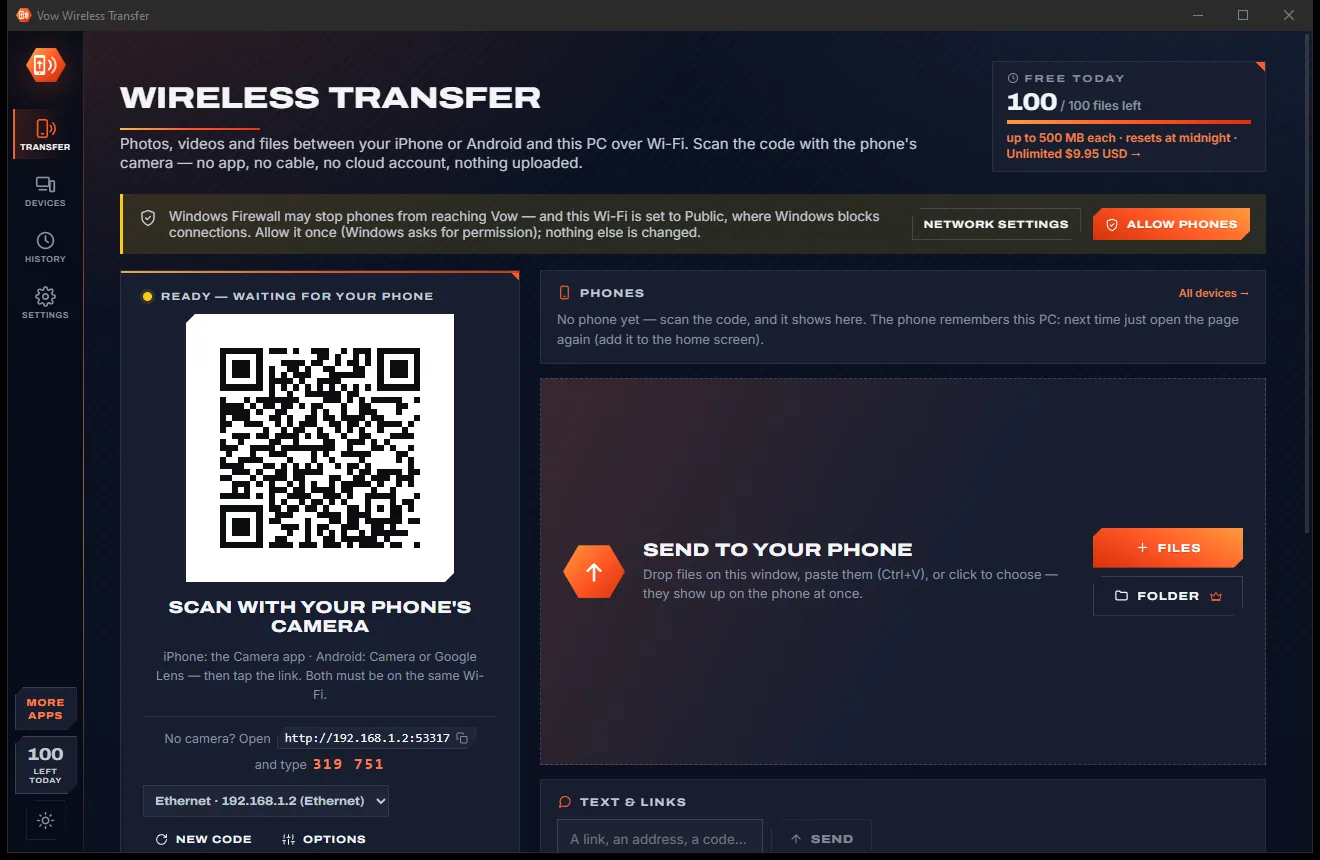
Scan the QR code on your PC with your iPhone or Android camera and the phone's browser opens Vow's page. Send photos, videos and files either way over your own Wi-Fi, with the date each photo was taken kept. Nothing to install on the phone, nothing uploaded.
The problem
Hunting for a cable, e-mailing files to yourself, or installing an app with an account on both devices just to move a few holiday photos.
The right cable is never in the drawer, and iPhones still ask whether to trust this computer every time.
Attachments get squashed or bounced for size, and your inbox fills with copies of your own photos.
Most transfer tools need their app on the phone and on the PC, often with an account to sign in to.
Free transfer apps fill the screen with ads and cap how much you can send each month before asking you to pay.
Many services route your personal photos through their servers or need internet just to connect two devices in one room.
Photos arrive dated today, not the day they were taken, so years of pictures end up jumbled in your folders.
Vow Wireless Transfer fixes all of it.
How it works
Point the phone's camera at your PC, choose your photos, and they land in your Pictures folder over your own Wi-Fi.
Open the app and point your phone's camera at the QR code. The phone's browser opens Vow's page. The phone remembers the PC for next time.
Tap Photos & videos or Files and choose as many as you like. Three travel at once, with progress and time left on both screens.
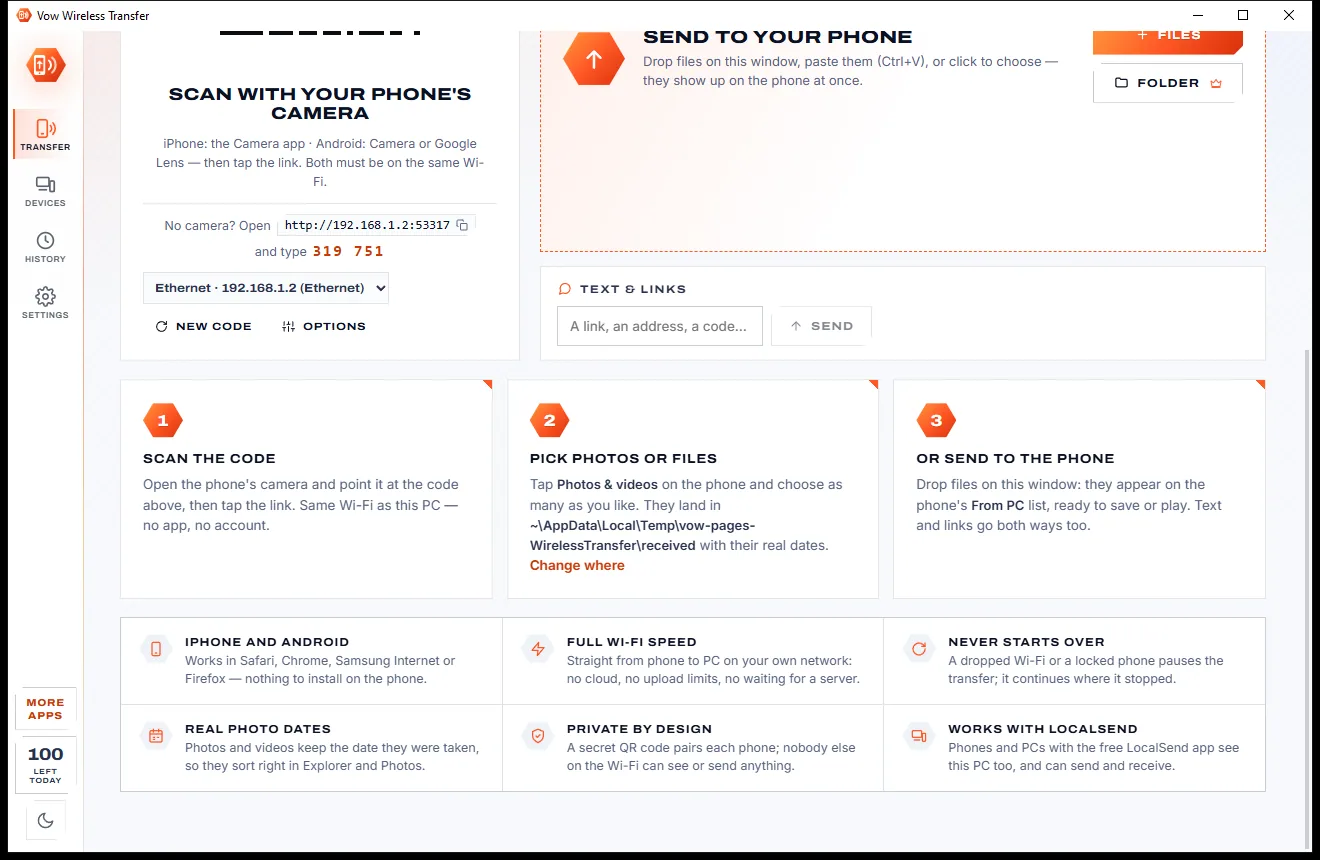
Files go to Pictures\From my phone, keeping their original names and the date each photo or video was taken.
Features
For iPhone and Android alike, with the details right: real photo dates, resumed transfers and original names.
Works in Safari, Chrome, Samsung Internet or Firefox. Scan the QR code, or type the address and a 6-digit code.
Phone to PC, and PC to phone: drop files on the window or use Send to in Explorer and they appear on the phone at once.
Photos and videos keep the date they were taken, read from JPEG, HEIC, PNG, RAW, MP4 and MOV files.
A dropped Wi-Fi, a locked phone or a restarted PC: transfers continue where they left off instead of starting again.
Type or paste a link, an address or a code on either side and copy it on the other with one tap.
Files shared from the PC show thumbnails, open photos, stream videos and download one by one or all as a ZIP.
With Unlimited, pick your whole camera roll and only new photos travel, or keep a PC folder on the phone.
With Unlimited, copy on the PC and it's on the phone, or send phone text straight onto the PC clipboard.
Phones and PCs that already use the free LocalSend app see this PC too, and you can send to them.
Connections from outside your local network are refused, phones are paired with a secret key, and nothing goes to the internet.
Light & dark theme
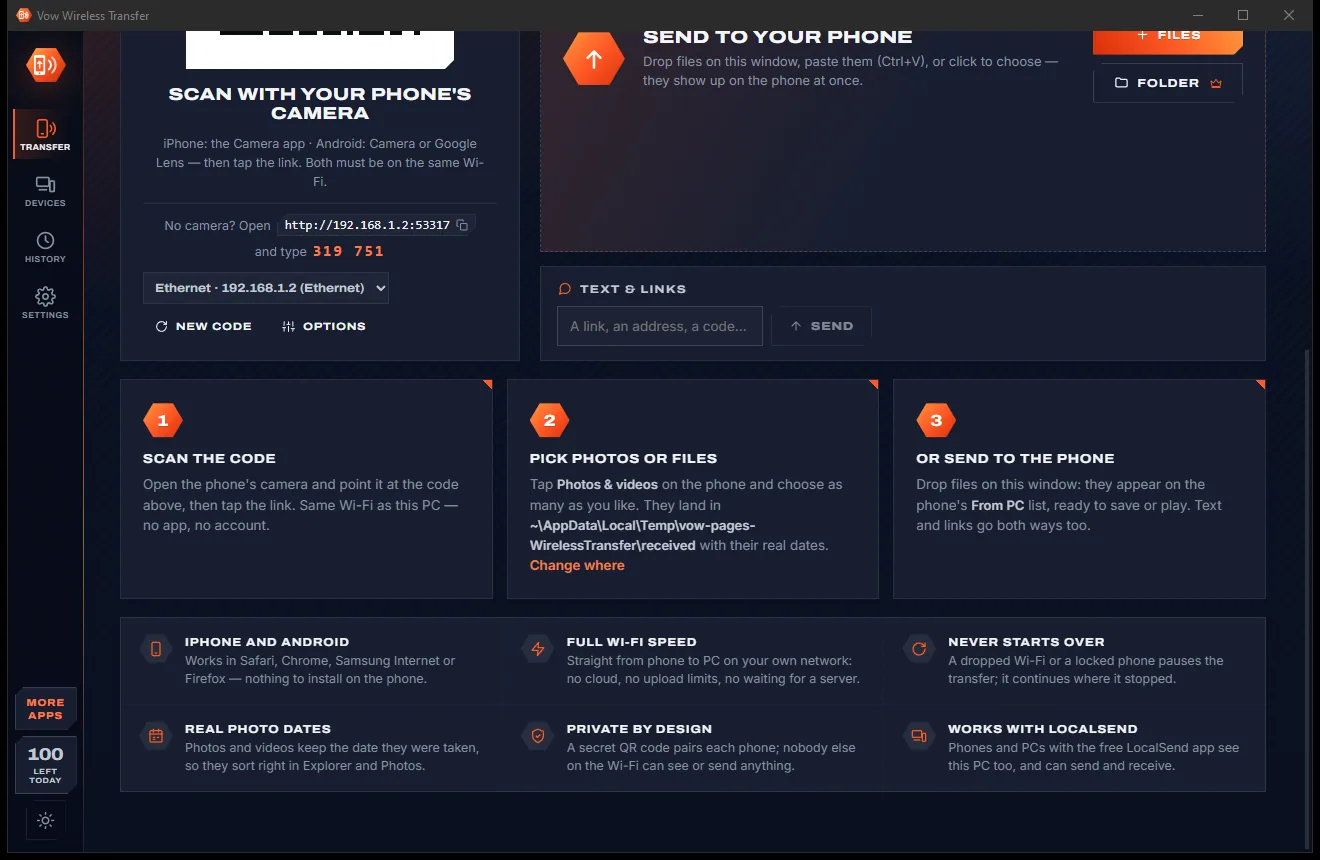
Wireless Transfer comes with a crisp light theme and a calm dark theme. Switch with one click, or let it follow your Windows setting by itself. It remembers your choice.
Screenshots
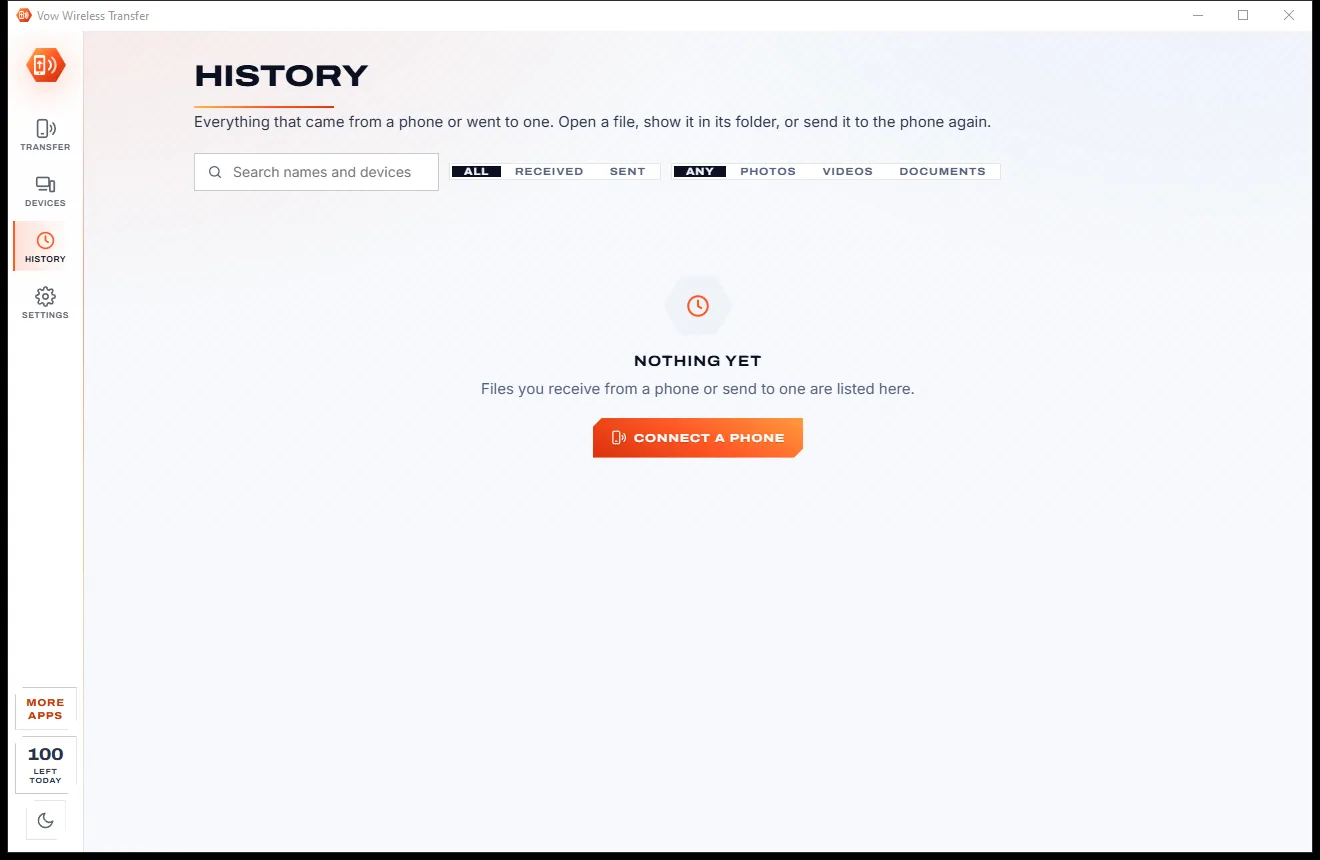
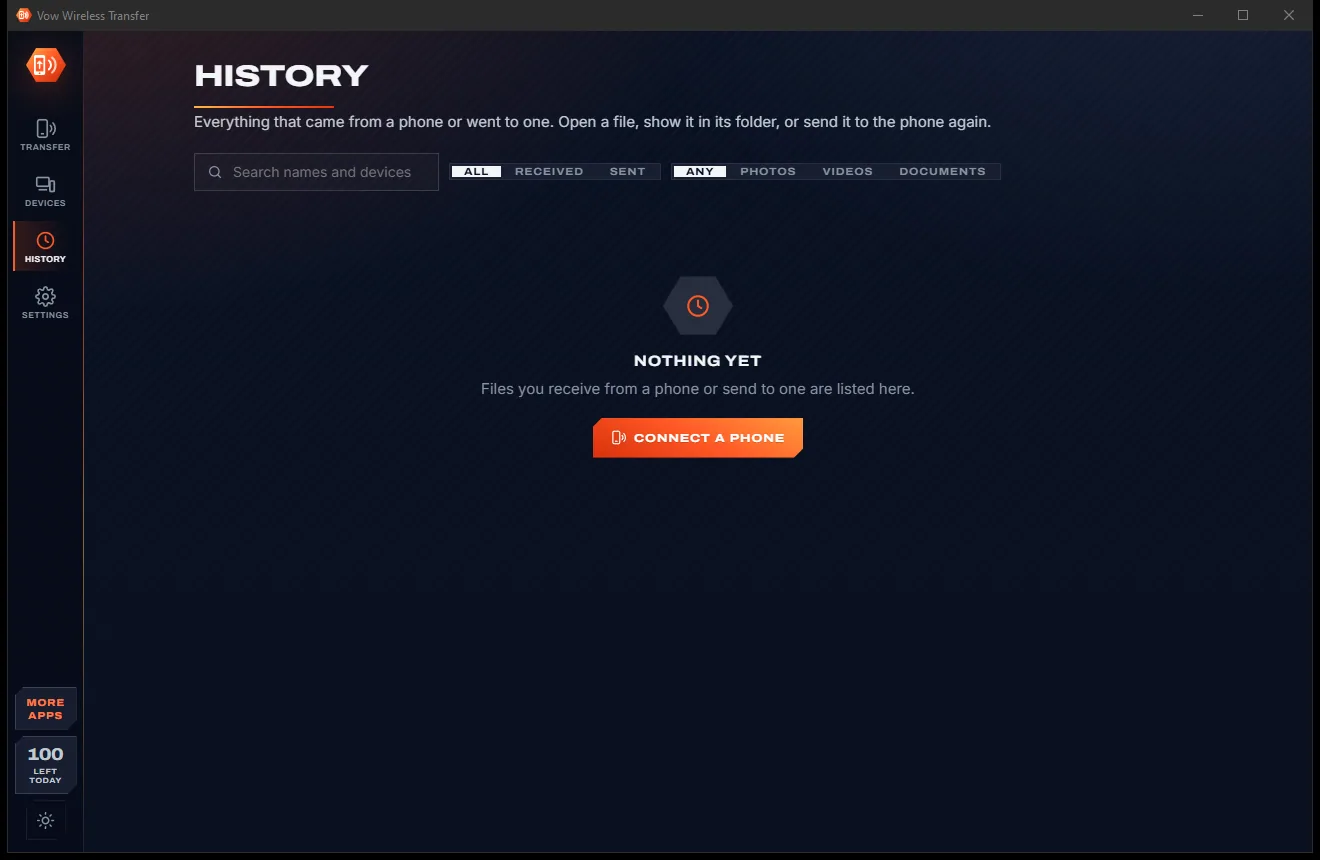
Real screenshots of the real app, in both of its themes: 6 light, 6 dark. Click any picture to see it full size.
Light theme
Dark theme
Who it's for
Move holiday photos and videos to the PC with their real dates, sorted by month or day if you like.
Get HEIC photos and MOV videos onto a Windows PC without iTunes, a cable or an Apple account.
Put a PDF, ticket or boarding pass on your phone before you leave the house.
Pull clips off the phone for editing and send finished videos back to post.
Anyone at home can scan the code, with an option to ask before a new phone connects.
Send a scan, a screenshot or a link between phone and PC in a couple of taps.
Compare
What it usually takes to move files between a phone and a PC, side by side.
| Feature | Vow Wireless Transfer | Typical phone transfer apps & services |
|---|---|---|
| App needed on the phone | No: the phone's browser | Usually, on both devices |
| Account or sign-in | None | Often required |
| Needs the internet | No: your own Wi-Fi only | Some use a cloud relay |
| iPhone and Android | Both, the same way | Some are Android only |
| Continues after a dropped Wi-Fi | Yes | Rarely |
| Keeps the date photos were taken | Yes, read from the file | Not always |
| Ads | None, ever | Common in free apps |
| Price | Free every day, or $4.95 once | Monthly plans for bigger transfers |
"Typical" describes what we found across the most-downloaded alternatives when we built Wireless Transfer. Your mileage with any one of them may vary; ours won't.
Pricing
That is not a typo. Software this powerful usually means a monthly subscription; Wireless Transfer is $4.95, once, for life: it's almost a giveaway. Use it free for as long as you like, and unlock Unlimited only if you need more.
100 files a day both ways, up to 500 MB each, text and LocalSend.
Almost a giveaway. Less than a coffee for software this powerful: no subscription, no renewals, yours for life on 2 PCs.
Any size, any number, whole folders, auto-sync, shared clipboard.
Payments by Stripe: we never see or store your card. Questions? Ask a real person.
Clean software
Most "free" Windows downloads pay for themselves with ads, bundled extras or your data. Vow Wireless Transfer doesn't need to: it's paid for honestly, once, by the people who find it useful.
Download Wireless Transfer freeStep-by-step guide
Works the same for iPhone and Android, and takes under a minute the first time.
Step 1: get it freeDownload it from this page and run the installer. It needs no administrator rights and no account. If Windows asks about the firewall, allow private networks, or use the app's Allow phones button.
The phone and PC must share a network. No Wi-Fi? Turn on Windows Mobile hotspot and join it from the phone.
On iPhone open the Camera app, on Android the Camera or Google Lens, point it at the code and tap the link. No camera? Type the address shown and the 6-digit code.
Choose as many photos, videos or files as you like. They arrive in Pictures\From my phone with their original names and the date they were taken.
Drop files on the Vow window, press Ctrl+V, or right-click a file in Explorer and choose Send to, Phone (Vow). They appear on the phone's From PC list straight away.
Technical details
FAQ
Yes. You can move 100 files a day between phone and PC, in both directions, each up to 500 MB, with text and links, previews on the phone and LocalSend included. There are no ads and no watermarks. Unlimited, a one-time $4.95 USD payment, removes the limits and adds whole folders, auto-sync and a shared clipboard.
No. Scan the QR code with the phone's camera and the page opens in its browser: Safari, Chrome, Samsung Internet or Firefox. You can add it to the home screen, and the phone remembers the PC for next time.
Yes, iPhone and Android work the same way. HEIC photos and MOV videos keep the date they were taken. On iPhone, keep the page open while it sends; if it is interrupted, the transfer continues when you open the page again.
No. Files go straight from the phone to your PC over your own Wi-Fi. No internet connection is needed, there is no cloud and no account, and connections from outside your local network are refused.
Both devices must be on the same network, and guest Wi-Fi that isolates devices blocks this. If your Wi-Fi is set to Public, Windows Firewall blocks phones until you click Allow phones in the app or switch the network to Private. The app detects this and tells you.
Unlike AirDroid there is no app or account on the phone and no ads. Microsoft Phone Link and Quick Share work only with Android, while this works with iPhone too. LocalSend needs its app on every device; Vow needs only the phone's browser, and still talks to LocalSend users.
They wait on the phone with the reason shown. If you unlock Unlimited on the PC, the phone sends them by itself straight away.
Yes. It is made and published by XTO Pty Ltd, an Australian company. The installer contains no ads, no toolbars and no bundled software, needs no administrator rights, and uninstalls cleanly from Windows Settings.
The Vow collection
Same design, same promises, a tiny one-time price. Learn one and you already know them all.
Who's on my Wi-Fi, and why is it slow? Answered in seconds

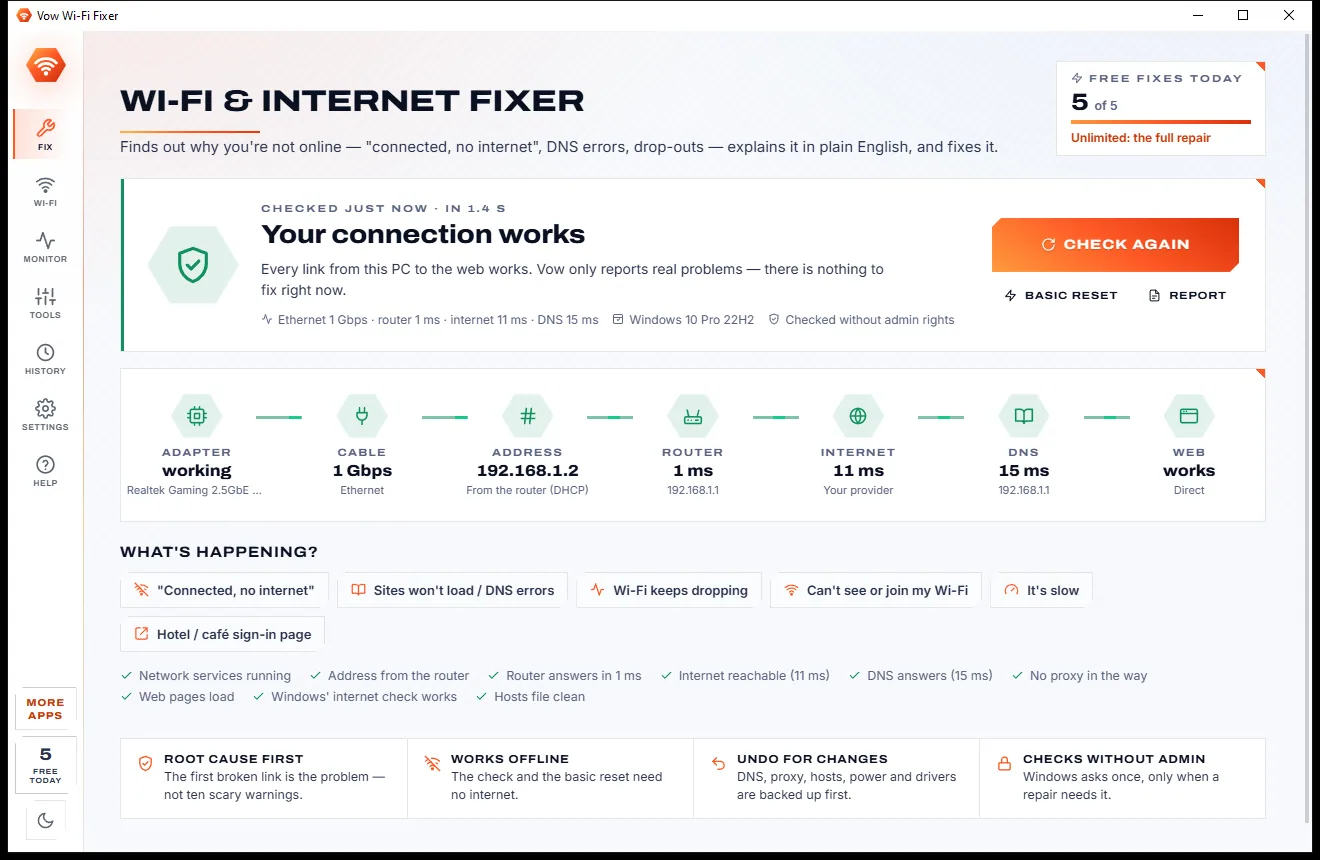
Fix "connected, no internet", DNS errors and Wi-Fi drop-outs, root cause first

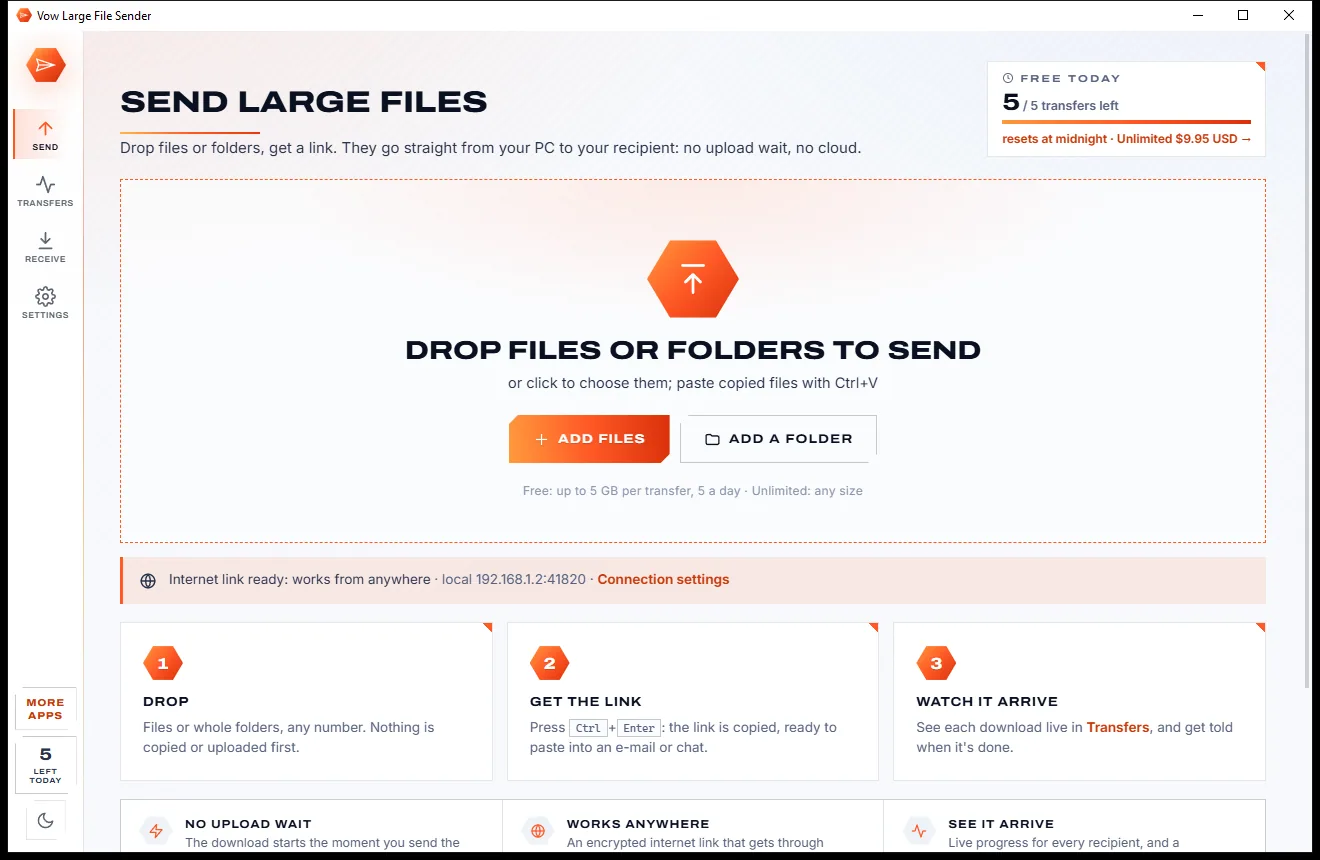
Send huge files with one link, straight from your PC
Phone to PC and back over your own Wi-Fi, with no app on the phone. Free to use every day, $4.95 once if you ever want Unlimited.