
Audio
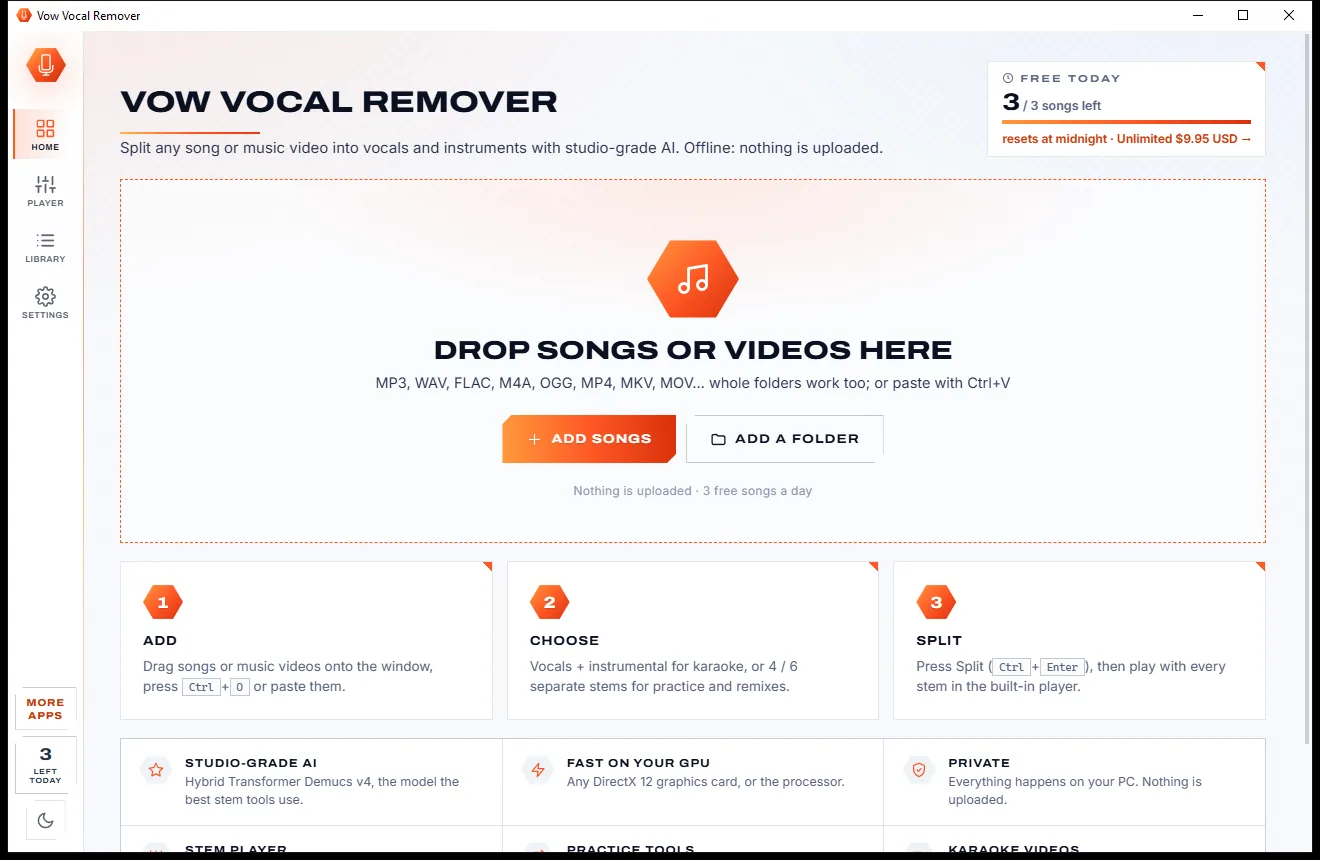
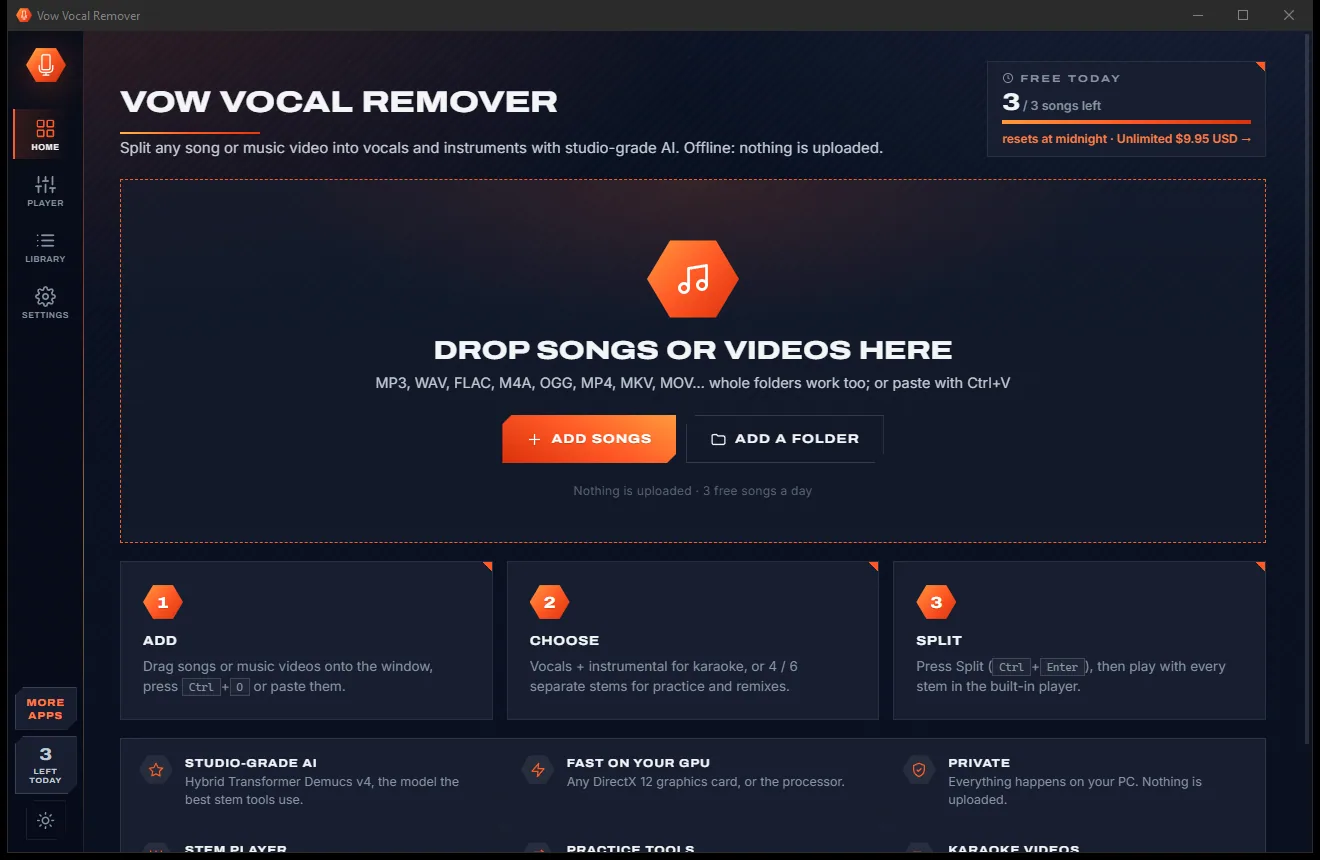
Vow Vocal Remover
Remove vocals from any song, offline, in two clicks
- Free: 3 songs a day, vocals + instrumental, the full stem player
- $9.95 once: Unlimited songs, 4 and 6 stems, lossless WAV and FLAC

Batch loudness normalizer for Windows
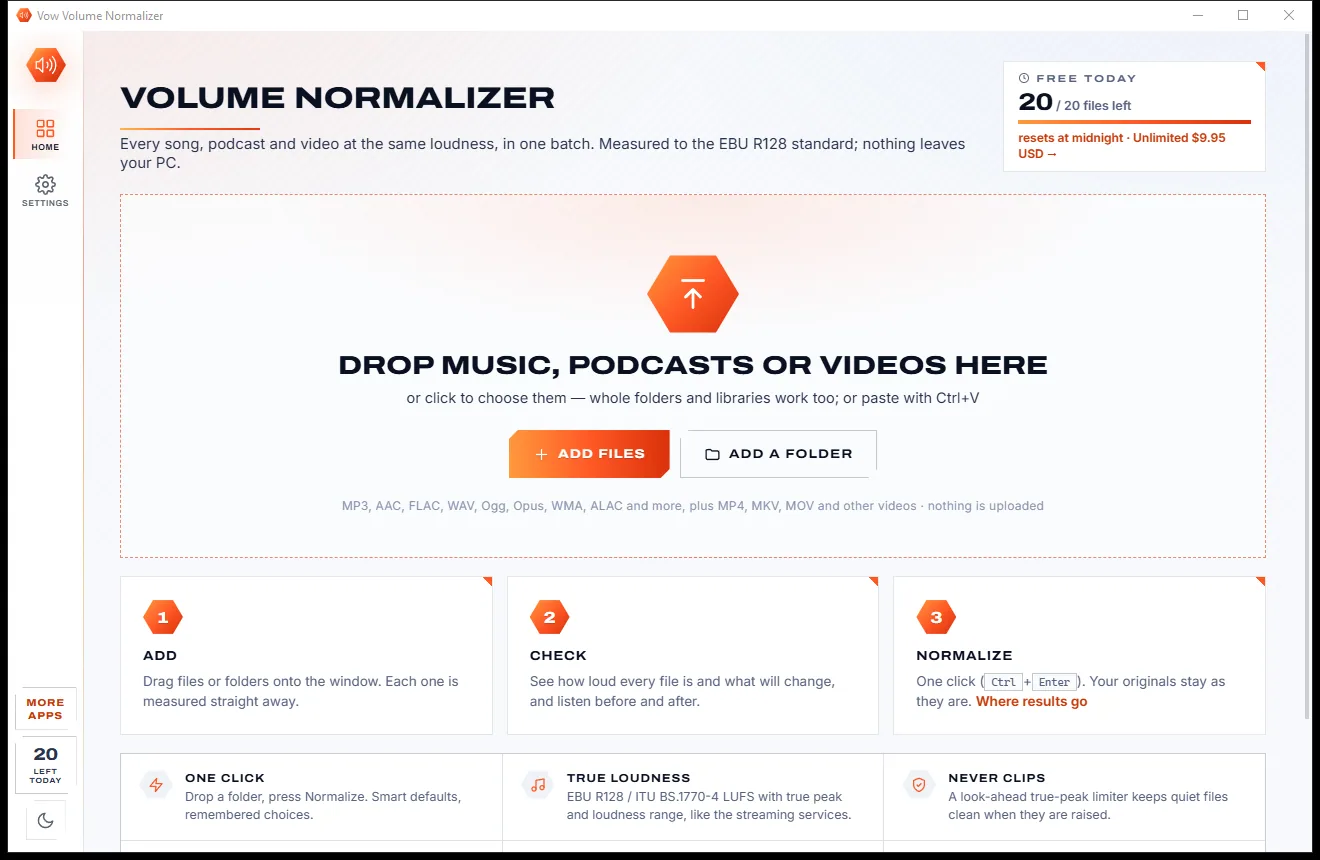
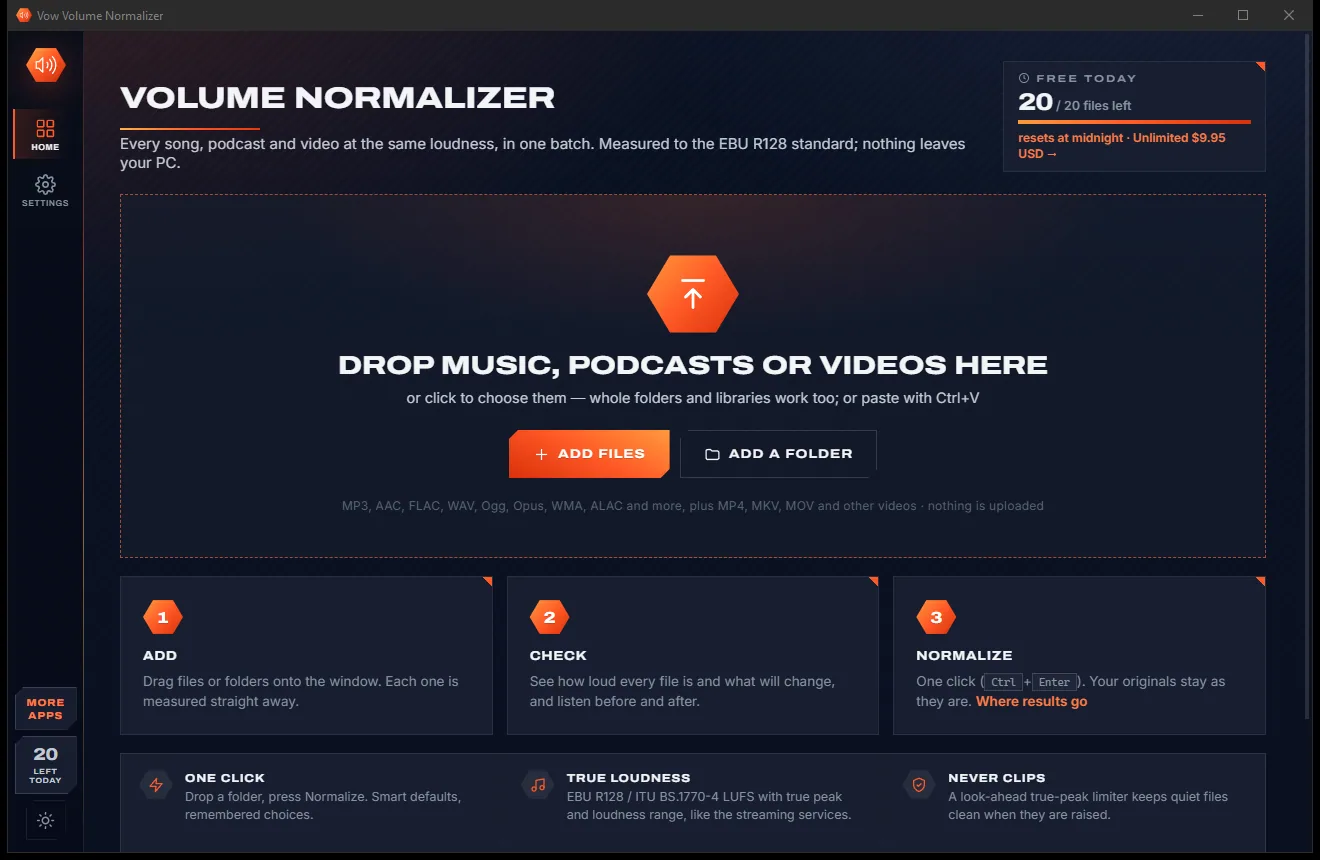
Drop a folder of songs, podcasts or videos and see how loud each one really is, in LUFS, with the planned change on a meter. Listen before and after, then press Normalize: every file lands on the same loudness and a true-peak limiter makes sure nothing clips. All on your PC, nothing uploaded.
The problem
One track whispers, the next one blasts. Fixing it usually means a tool that only knows MP3, a website that wants your library, or a meter you need a degree to read.
Old rips, new masters, podcasts and videos all play at different levels, so your hand never leaves the volume knob.
Simple volume boosters raise quiet files until the peaks clip and distort.
Classic levelling tools handle one format, use old peak-based maths and haven't been updated in years.
Online normalizers want every file on their servers, one at a time, often with credits to buy.
The accurate tools run in a black window and expect you to know what LUFS, LRA and dBTP mean.
Free volume tools from unknown developers, wrapped in ads or installers that bring along software you didn't ask for.
Vow Volume Normalizer fixes all of it.
How it works
See exactly how loud every file is and what will change, hear it, then level the lot in one click.
Drop files or whole folders. Every song, podcast and video is measured straight away, several at a time, with its loudness and planned change on a meter.
Open any file for a loudness-over-time graph, every measurement and a before/after preview made with exactly the settings the job will use.
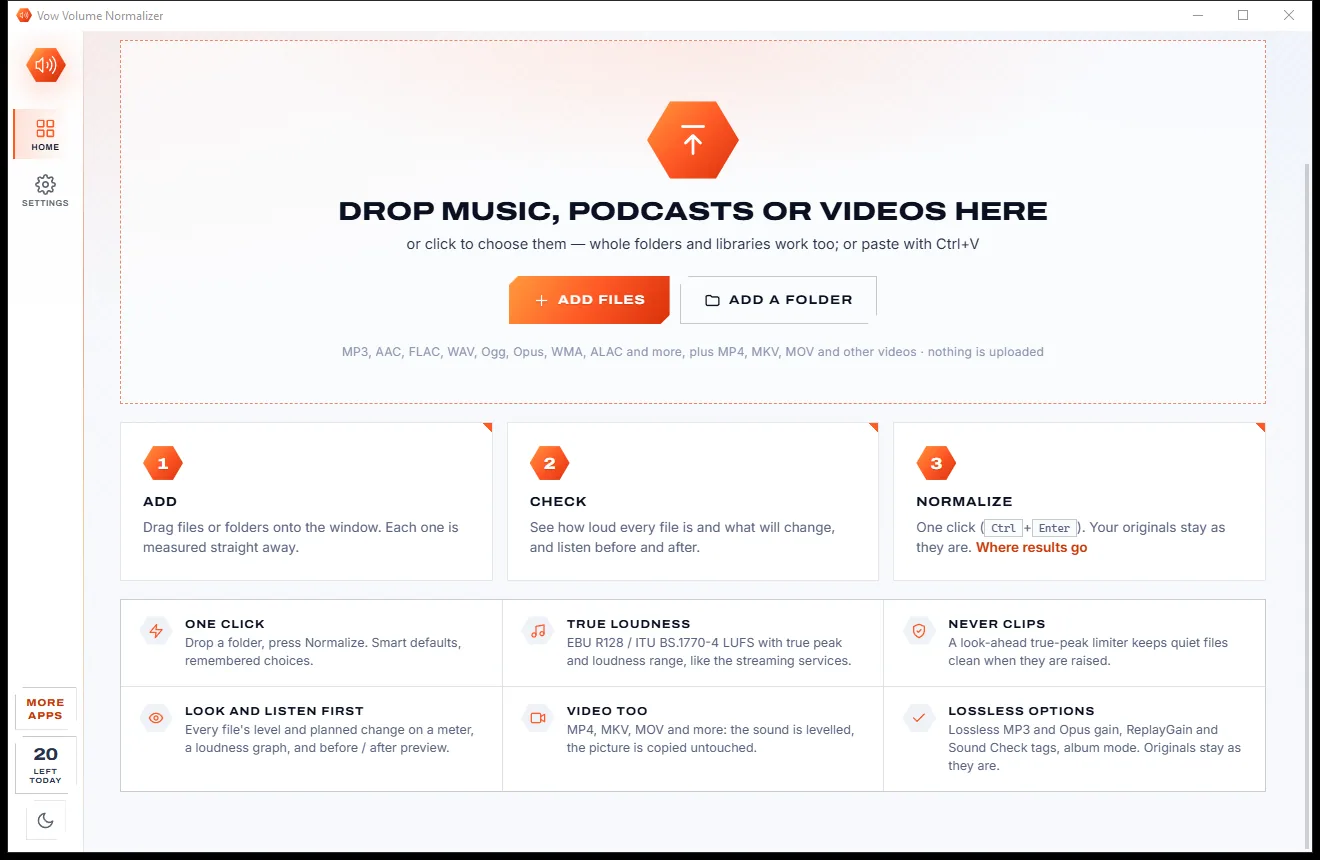
Press Normalize. Each result is decoded and measured again, and the row shows its real loudness and peak, within 0.2 LU of the target.
Features
For music lovers, DJs, podcasters and video makers who want everything at one level without guesswork.
ITU-R BS.1770-4 / EBU R128 integrated loudness, loudness range and true peak, checked against FFmpeg's meter to within 0.1 LU.
A look-ahead true-peak limiter catches the peaks when quiet files are raised, so nothing distorts.
Every result is decoded and measured again; if an encoder moved the level, it is corrected, within ±0.2 LU.
A 12-second before/after preview around the loudest part, rendered with the same gain and limiter the job will use.
A graph of each file now, after and against the target, with sample peak, RMS and every other measurement.
One gain per album, so quiet ballads stay quieter than the loud tracks, just as the artist intended.
MP3, AAC, FLAC, WAV, Ogg, Opus, WMA, ALAC and more, plus MP4, MKV and MOV with the picture copied untouched.
Write ReplayGain 2.0, Apple Sound Check and Opus R128 tags without touching the audio, free and unlimited.
Change MP3 and Opus loudness without re-encoding, with an undo that MP3Gain can read too.
Streaming -14, Apple and podcasts -16, ReplayGain -18, EBU -23, ATSC -24, film -27, audiobook, peak or your own.
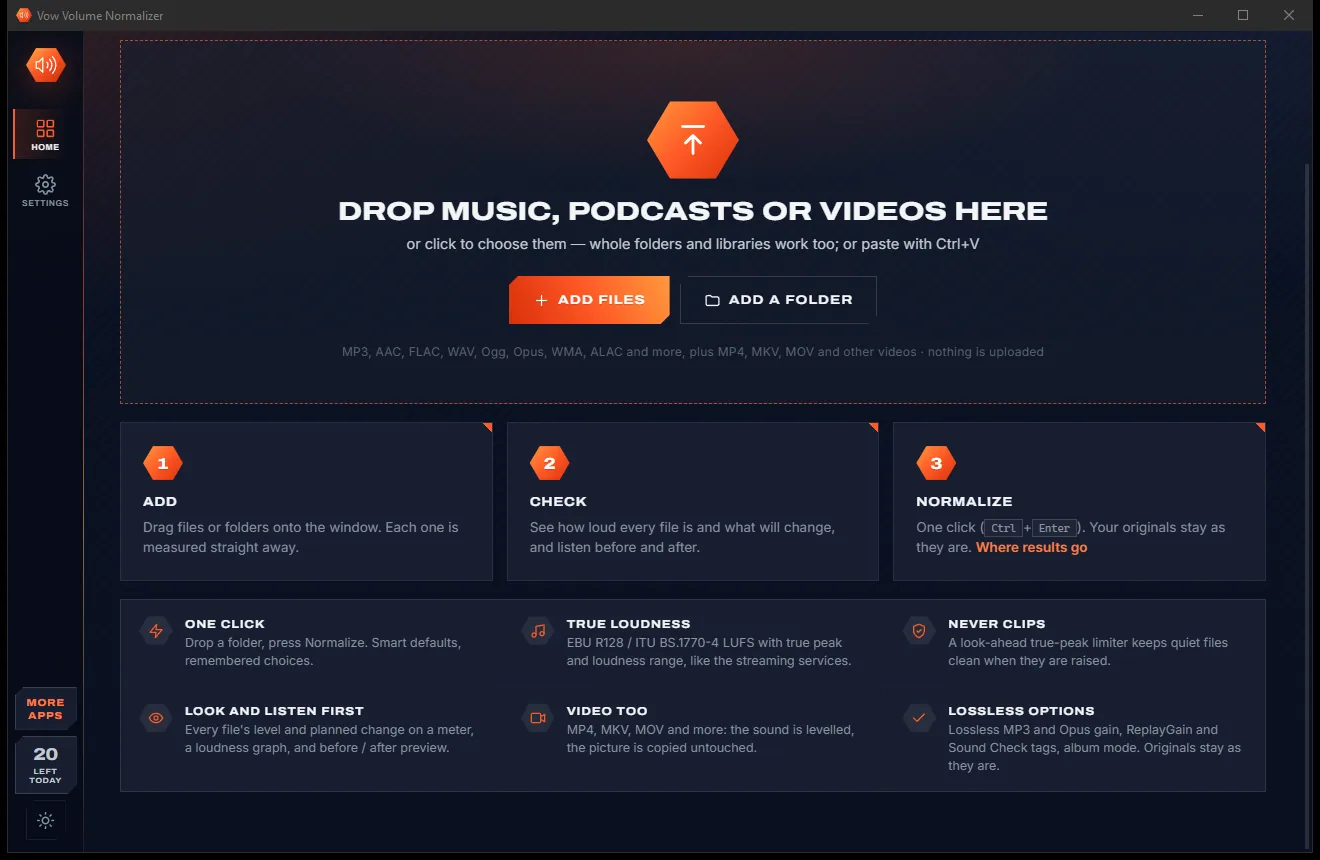
Light & dark theme
Volume Normalizer comes with a crisp light theme and a calm dark theme. Switch with one click, or let it follow your Windows setting by itself. It remembers your choice.
Screenshots
Real screenshots of the real app, in both of its themes: 4 light, 4 dark. Click any picture to see it full size.
Light theme
Dark theme
Who it's for
Level a USB stick full of songs from different decades so nothing makes you jump.
Keep every track at one loudness, with true peaks under control.
Hit -16 LUFS for Apple Podcasts and most hosts, episode after episode.
Level the sound of clips for YouTube at -14 LUFS, with the picture copied untouched.
Meet the ACX audiobook target (RMS -20, peak -3) across every chapter.
Bring quiet cassette and vinyl transfers up to modern levels without clipping.
Compare
What a typical volume booster, old MP3 leveller or online normalizer gives you, side by side.
| Feature | Vow Volume Normalizer | Typical normalizers & online tools |
|---|---|---|
| Price | Free every day, or $4.95 once | Subscriptions, credits or a paid pro tier |
| Your files are uploaded | Never: measured on your PC | Yes, for online normalizers |
| Loudness standard | EBU R128 / BS.1770-4 LUFS | Often peak or old ReplayGain 1 |
| True-peak limiter | Yes, look-ahead | Rarely; boosts can clip |
| Formats | Any audio, plus video | Often MP3 only |
| Before/after preview | Yes, with the job's own settings | Rarely |
| Result measured again | Every file, within ±0.2 LU | Not shown |
| Lossless MP3 gain | Yes, undoable | Only in dedicated MP3 tools |
| Ads and bundled extras | None | Common on free tools |
"Typical" describes what we found across the most-downloaded alternatives when we built Volume Normalizer. Your mileage with any one of them may vary; ours won't.
Pricing
That is not a typo. Software this powerful usually means a monthly subscription; Volume Normalizer is $4.95, once, for life: it's almost a giveaway. Use it free for as long as you like, and unlock Unlimited only if you need more.
20 files a day at -14 LUFS, unlimited analysis and ReplayGain tags.
Almost a giveaway. Less than a coffee for software this powerful: no subscription, no renewals, yours for life on 2 PCs.
Any number of files, every target, lossless MP3 and Opus gain.
Payments by Stripe: we never see or store your card. Questions? Ask a real person.
Clean software
Most "free" Windows downloads pay for themselves with ads, bundled extras or your data. Vow Volume Normalizer doesn't need to: it's paid for honestly, once, by the people who find it useful.
Download Volume Normalizer freeStep-by-step guide
Make a whole folder of songs or episodes play at the same loudness in a couple of minutes.
Step 1: get it freeDownload it from this page and run the installer. It needs no administrator rights and no account, and FFmpeg is included, so there is nothing else to set up.
Drag songs, podcasts, videos or a whole music folder onto the window, or press Ctrl+O. Each file is measured at once and shows its loudness, true peak and planned change.
Streaming (-14 LUFS) suits Spotify, YouTube, Tidal and Amazon Music and is already selected. With Unlimited you can choose Apple and podcasts -16, ReplayGain -18, EBU -23 and more.
Click any file to see its loudness graph and press Prepare before / after to hear 12 seconds around the loudest part, exactly as it will sound.
Press Normalize N files or Ctrl+Enter. Results go to Documents\Vow Volume Normalizer by default, keeping your folders, and each row shows the real loudness it reached. Your originals stay as they are.
Technical details
FAQ
Yes. You can normalize 20 files a day to the Streaming standard (-14 LUFS) for free, with unlimited analysis, previews, ReplayGain tags and CSV reports. Files already at the target cost nothing. There are no ads and no watermarks. Unlimited, a one-time $4.95 USD payment, removes the daily limit and adds every target and lossless MP3 and Opus gain.
No. Every measurement and every change happens on your own PC. Your files never leave your computer and the app works with no internet connection.
LUFS measures loudness the way people hear it, as the streaming services and broadcasters do. Streaming -14 LUFS suits Spotify, YouTube, Tidal and Amazon Music and is the default. Apple Music and most podcast hosts use -16, ReplayGain 2.0 uses -18 and EBU R128 broadcast uses -23.
No. A look-ahead true-peak limiter catches the peaks before they go over the ceiling (-1 dBTP by default). If you prefer, choose Less gain to avoid limiting entirely, and a boost cap stops near-silent recordings from turning into hiss.
Re-encoding keeps the original codec, sample rate, bit depth and bit rate, and lossless files stay lossless. To avoid re-encoding altogether, use ReplayGain tags (free) or lossless MP3 and Opus gain (Unlimited), which change the level without touching the audio data.
Yes. MP4, MKV, MOV, WebM, AVI and other videos are levelled with the picture, subtitles and other audio tracks copied untouched, bit for bit.
Not unless you choose to. By default the results are saved to Documents\Vow Volume Normalizer, keeping your folder structure. You can also save next to the originals, or replace them, with the originals moved to the Recycle Bin.
Yes. It is made and published by XTO Pty Ltd, an Australian company. The installer contains no ads, no toolbars and no bundled software, needs no administrator rights, and uninstalls cleanly from Windows Settings.
The Vow collection
Same design, same promises, a tiny one-time price. Learn one and you already know them all.
Remove vocals from any song, offline, in two clicks

Cut, fade and clean up any audio, and make ringtones, on your own PC

Convert any audio to MP3, FLAC and 9 more formats, tags and all
Every song, podcast and video at the same loudness, in one batch. Free to use every day, $4.95 once if you ever want Unlimited.