
Files
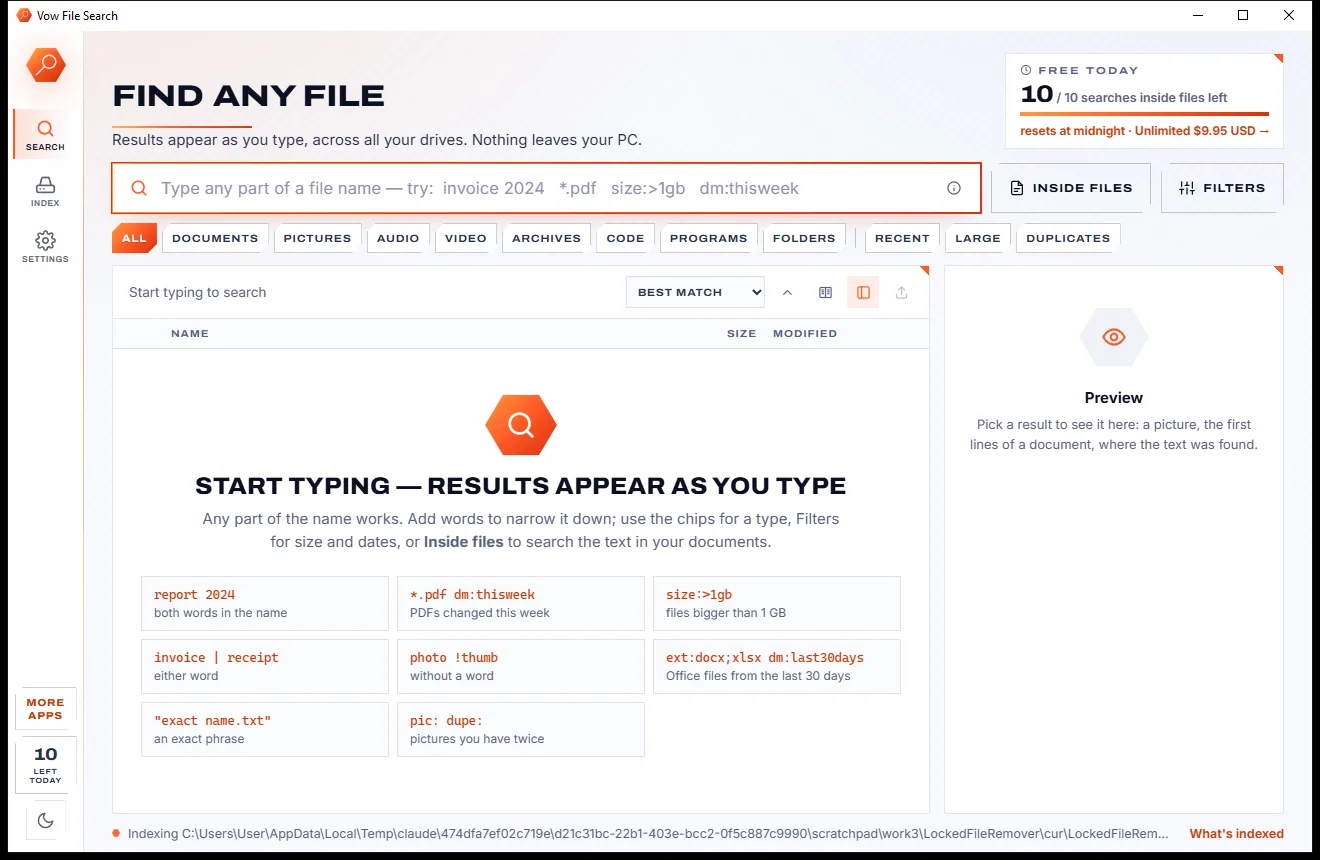
Vow File Search
Find any file as you type, across every drive
- Free: Unlimited file name search on every drive, 10 searches inside files a day
- $4.95 once: Unlimited searches inside files, network drives and NAS shares

Duplicate file finder for Windows
Years of backups, downloads and copied folders add up. Vow Duplicate File Finder compares files by their content, keeps the original of every group and sends the extra copies to the Recycle Bin, with Undo for every cleanup. No ads, no sign-up, nothing uploaded.
The problem
Deleting copies should be the easy part. Instead you get name-only matches, ticked system files and no way back if the guess was wrong.
Tools that match by name and size alone can flag two different files as copies, and you only find out after one is gone.
One wrong click and the file is deleted for good. Plenty of cleaners have no undo at all.
Pages of settings before the first scan, or a simple mode with defaults you can't trust.
Free versions find the duplicates, then leave you ticking thousands of boxes by hand unless you pay up.
Free downloads that slip extra offers into the installer and put an upgrade banner on every screen.
Scanning the same drive again reads every file again, even when nothing has changed.
Vow Duplicate File Finder fixes all of it.
How it works
The original is kept and the copies are marked before you even look, with the reason for every choice.
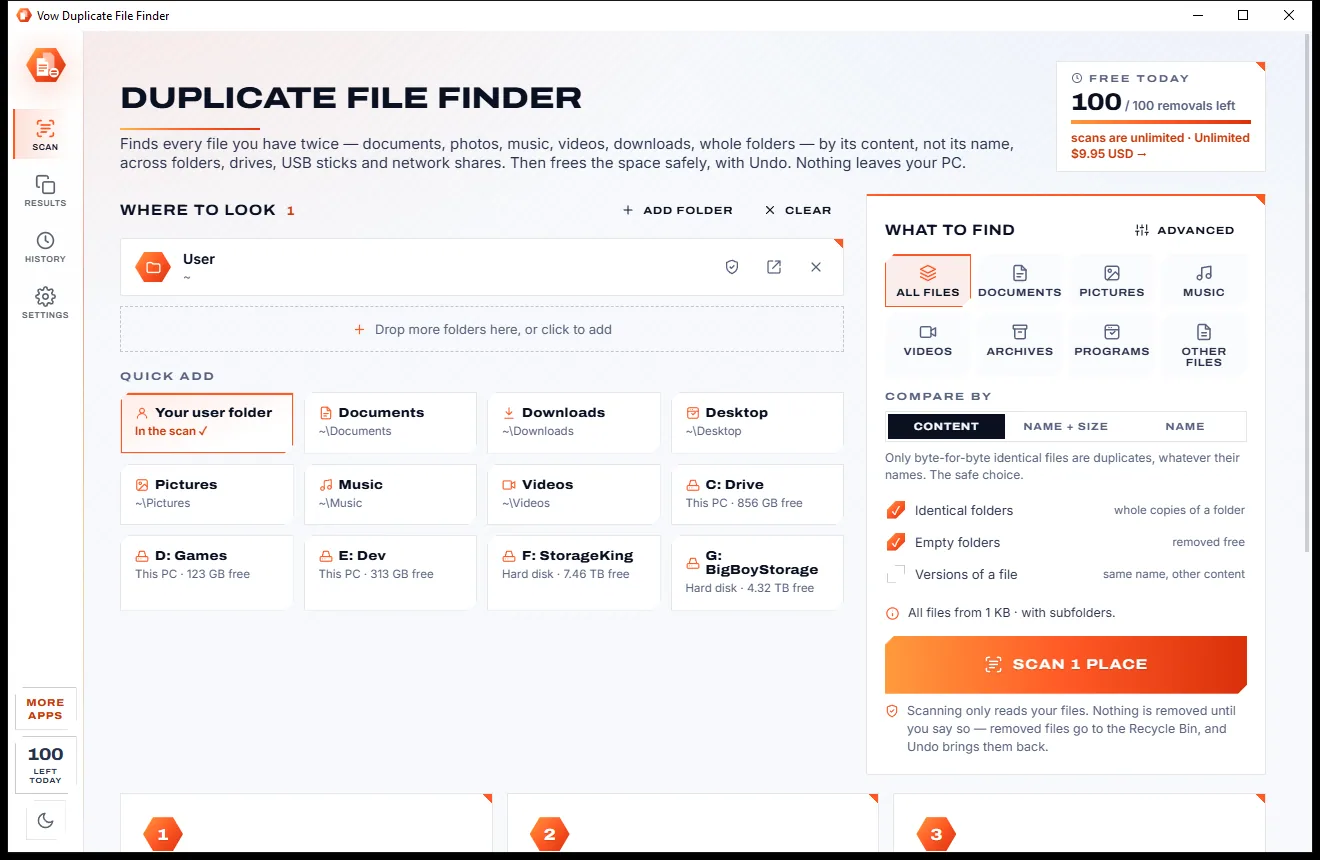
Your user folder is already in the list. Drop more folders or drives on the window, or click a quick place: Documents, Pictures, any drive, a USB stick or a network share.
Pick file types if you like and press Scan. Files are narrowed down by size, the first 4 KB, the last 64 KB and a full hash, so only real copies are grouped.
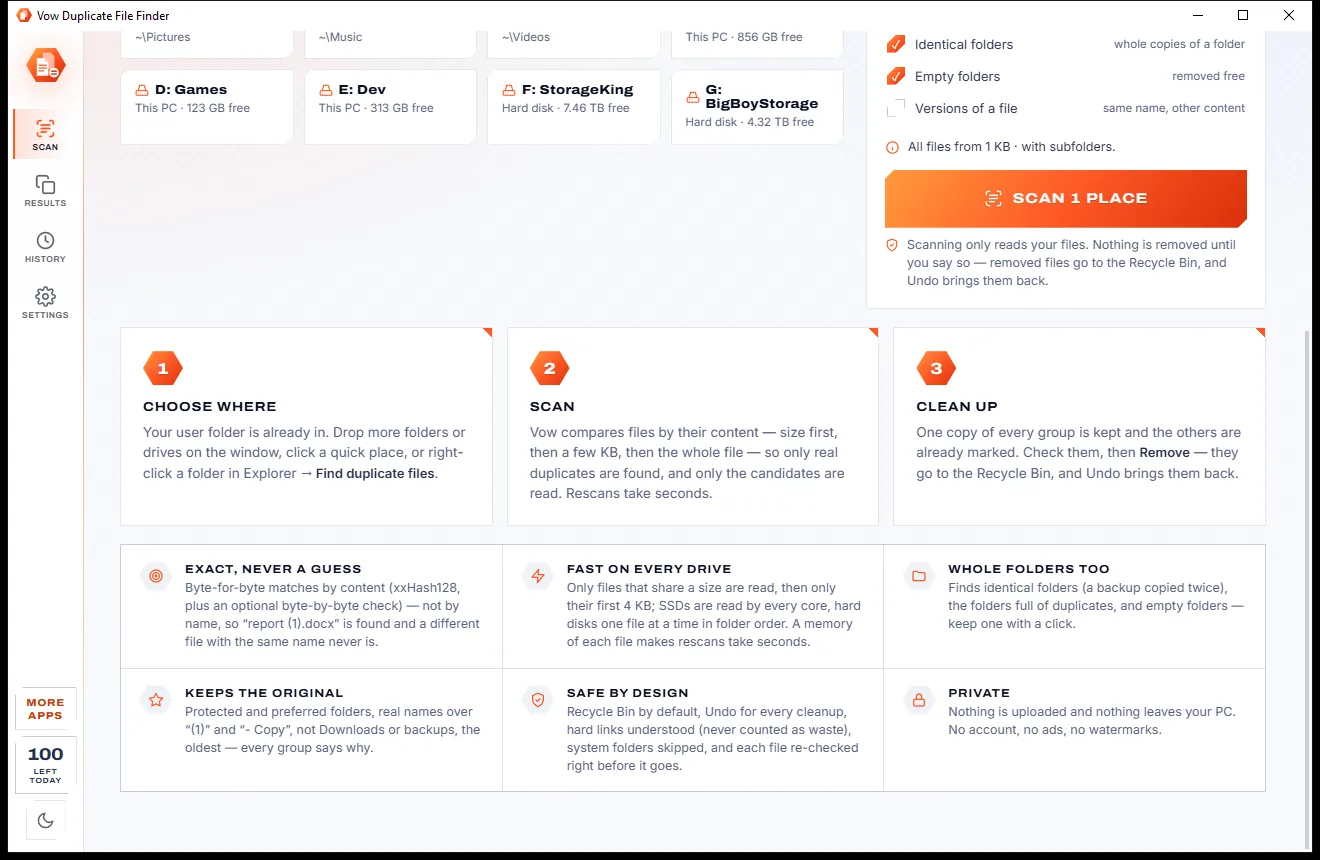
One copy of every group is kept and the rest are marked. Change any mark with a click, press Remove, and Undo puts everything back if you change your mind.
Features
For photo libraries, music collections, backup drives and the Downloads folder nobody has tidied in years.
Size, then the first 4 KB, then the last 64 KB, then an xxHash128 of the whole file, with an optional byte-by-byte check.
Every group shows which copy to keep and why: the original name, not in Downloads or a backup folder, the oldest, the shortest path.
Restore from the Recycle Bin, move files back, or turn links back into copies, from the toast or from History.
Whole folders holding the same files are found and verified, so you can keep one and mark the copies in the others.
Protect a folder with one click and nothing in it is ever removed; only its copies elsewhere are.
Two names of one file take no extra space, so they are folded together and never counted as savings.
SSDs are read on every core and hard disks in folder order, and a hash cache means a rescan reads under a tenth of the data.
Scan external and network drives with your own. Their duplicates are shown free; cleaning them up is part of Unlimited.
Folders with nothing inside are listed in the same scan, and removing them is always free.
Preview any file beside the list, export the results to CSV or HTML, or copy the paths.
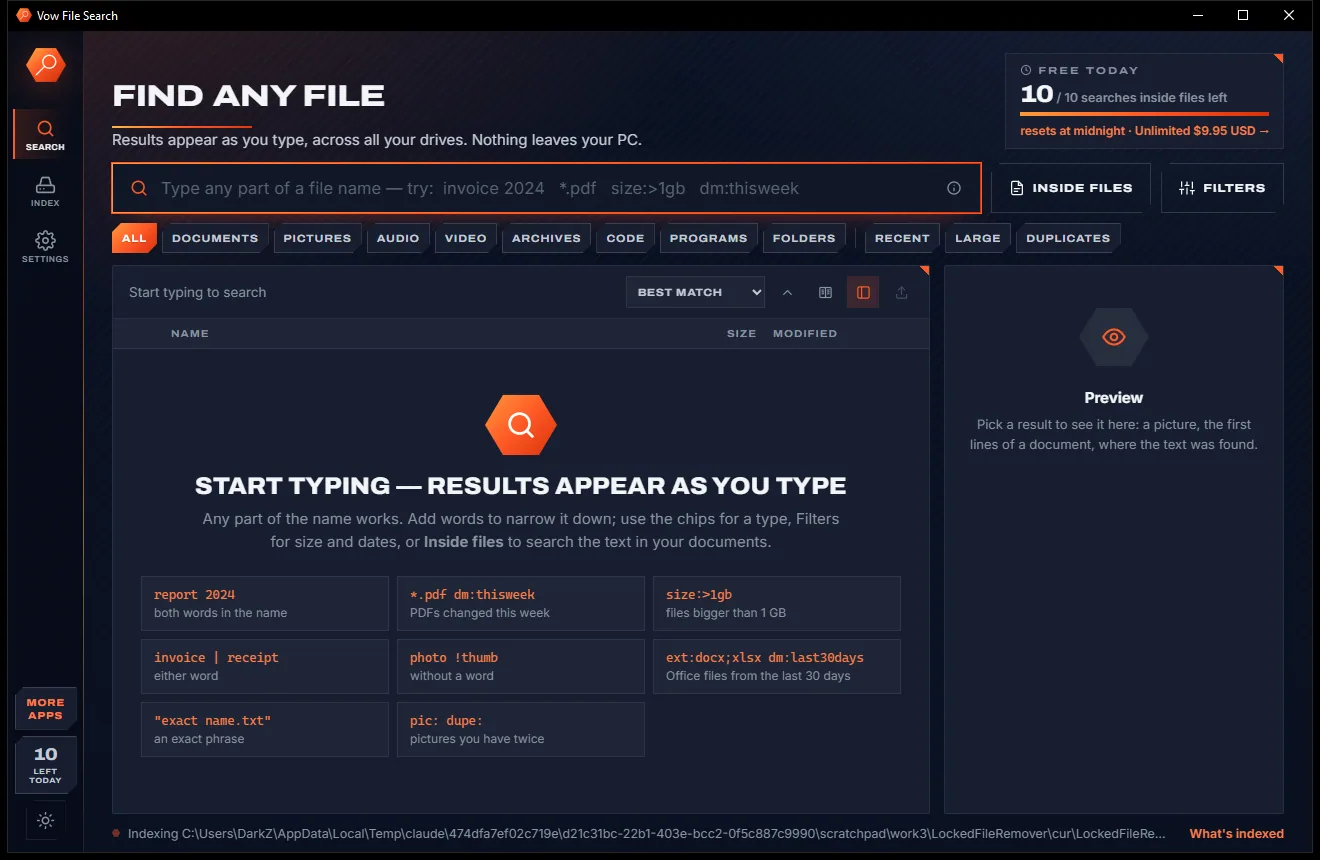
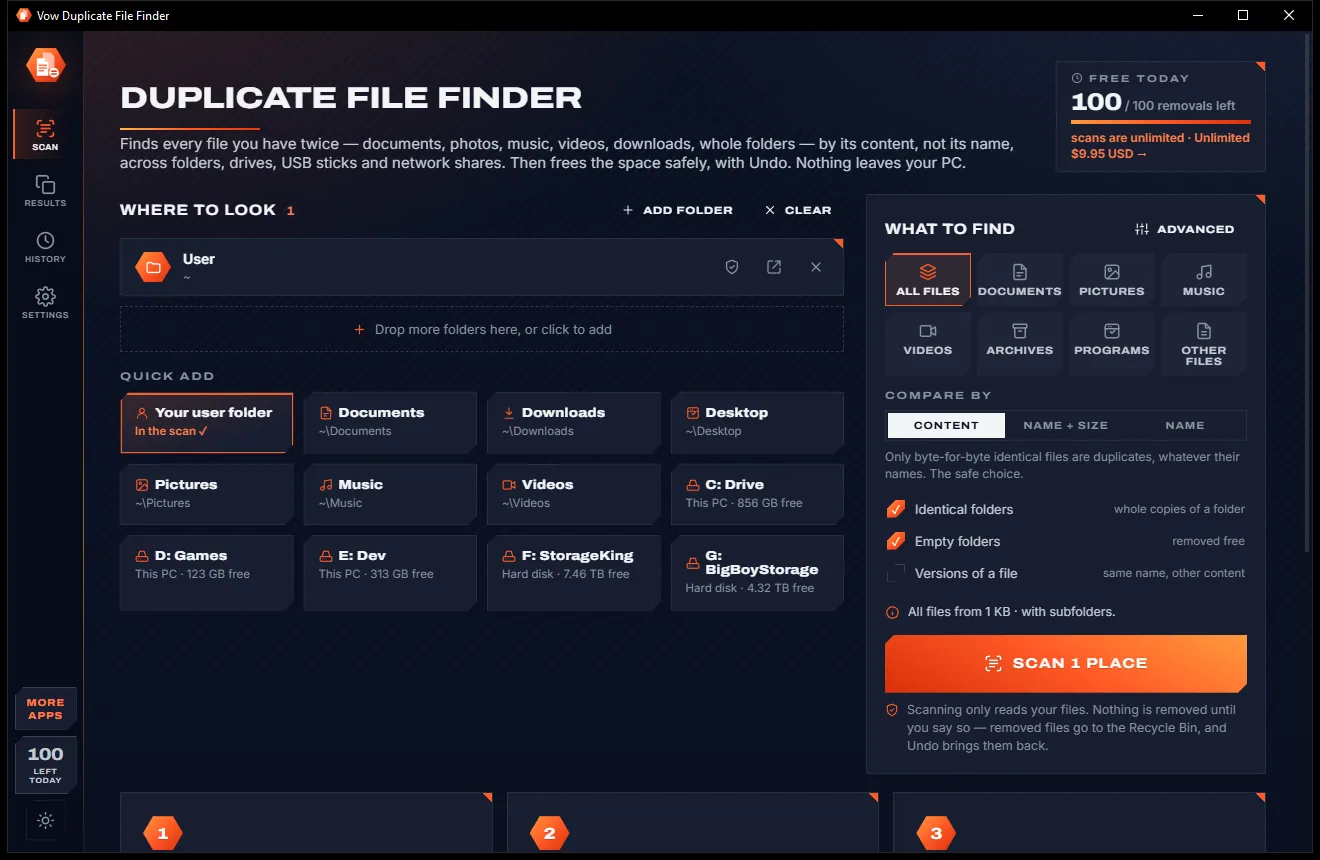
Light & dark theme
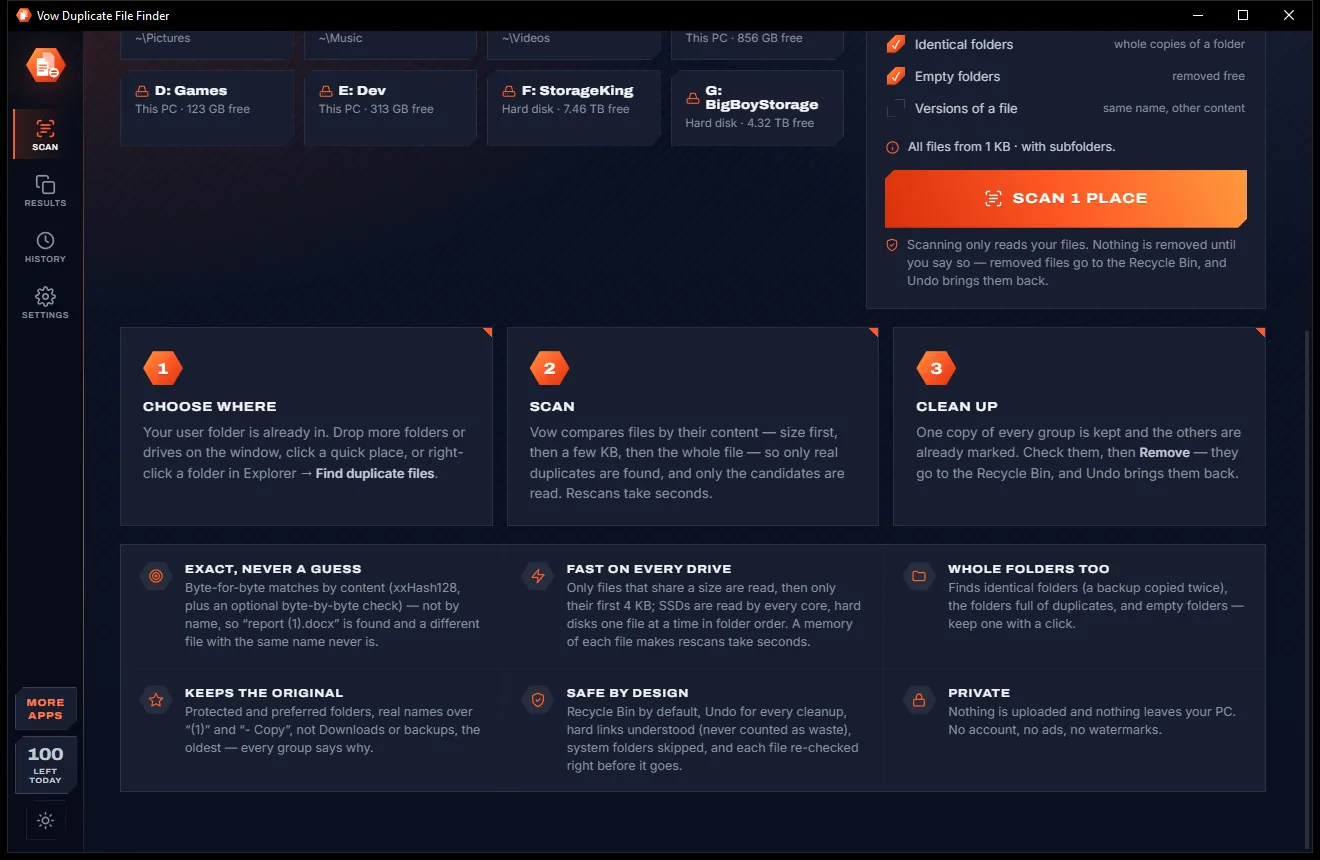
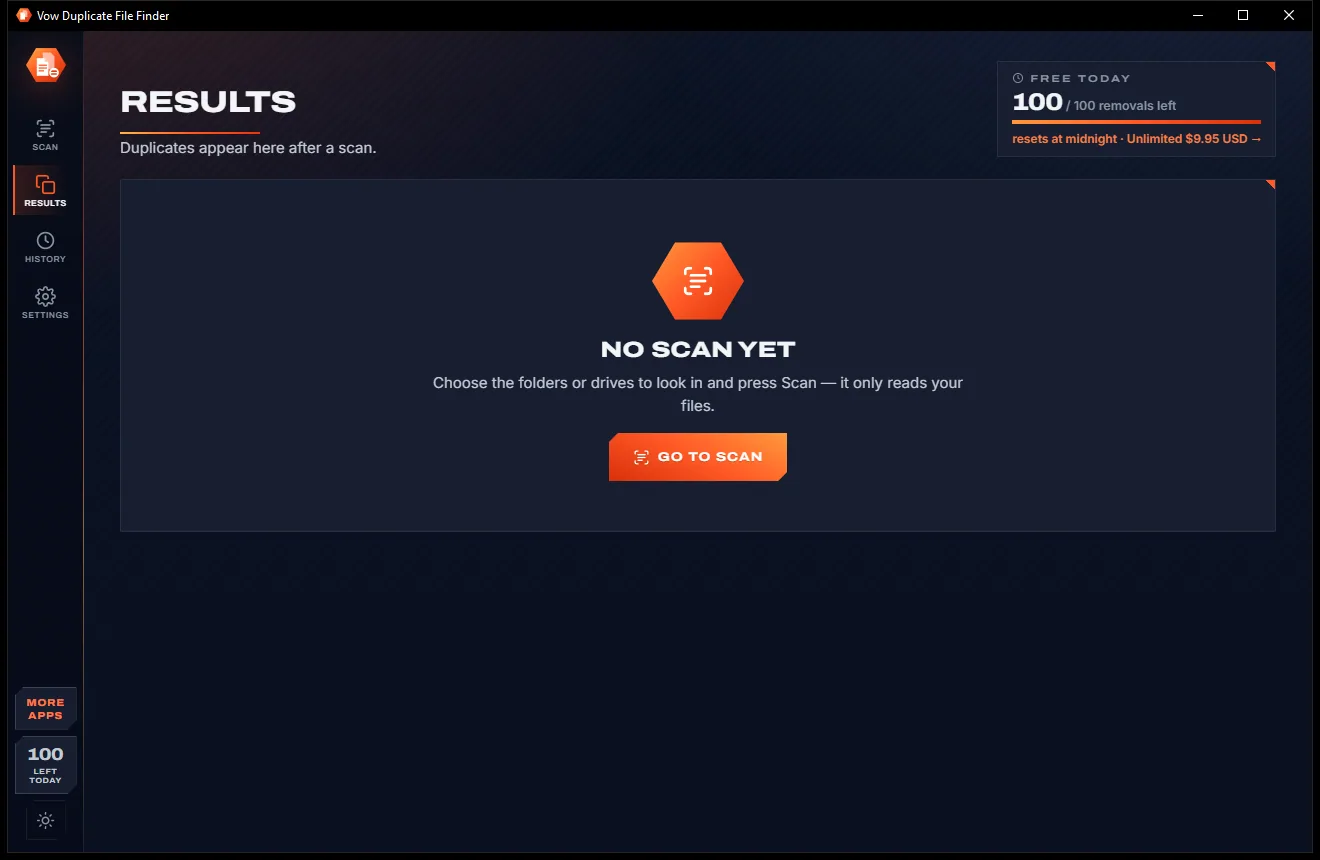
Duplicate File Finder comes with a crisp light theme and a calm dark theme. Switch with one click, or let it follow your Windows setting by itself. It remembers your choice.
Screenshots
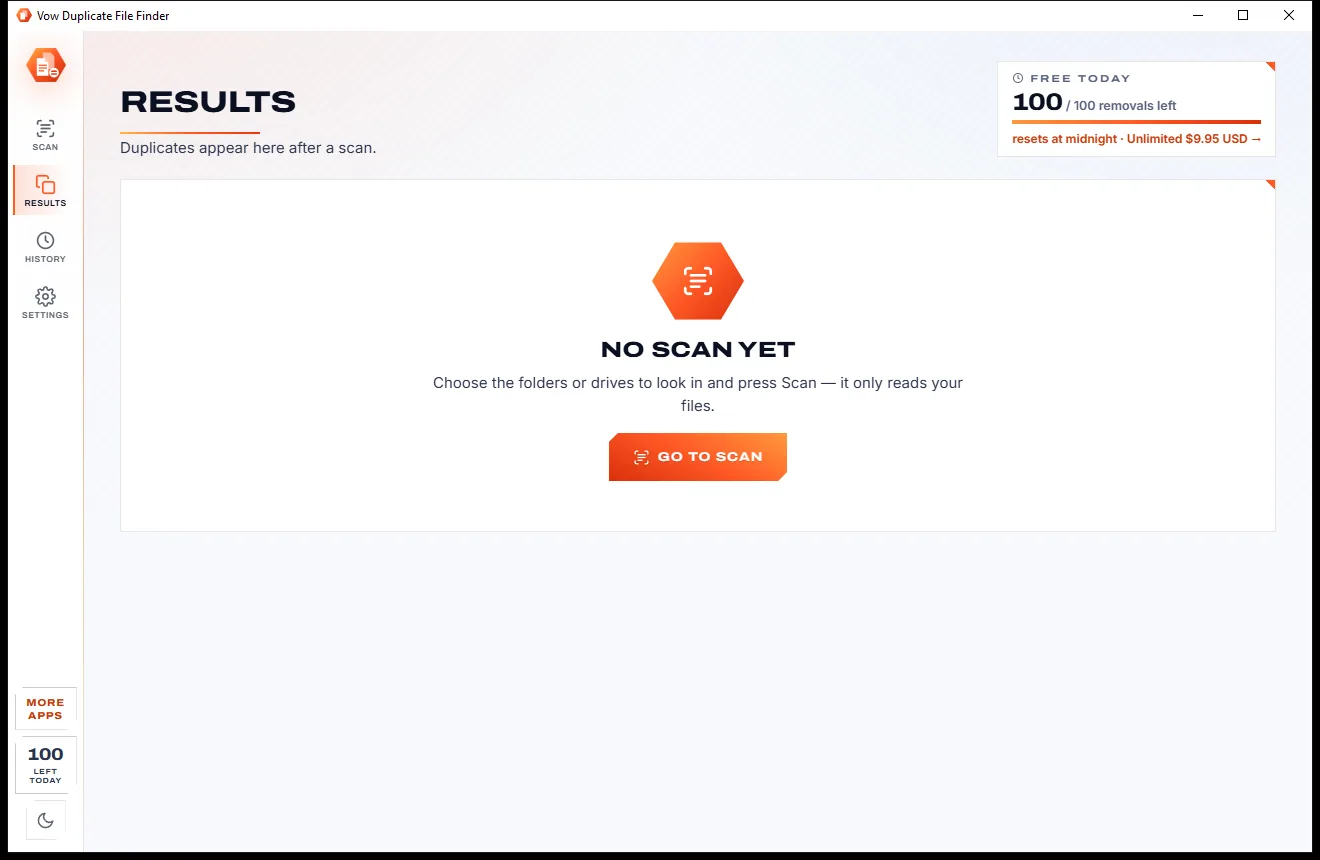
Real screenshots of the real app, in both of its themes: 6 light, 6 dark. Click any picture to see it full size.
Light theme
Dark theme
Who it's for
Find the same photos imported twice from your phone, camera and old backups.
Clear exact copies of songs spread across old folders and drives.
Remove the installers and PDFs you downloaded three times over.
See which files on a backup drive you already have on this PC, before you copy anything again.
Spot whole folders copied "just in case" and keep only one.
Scan shared folders and NAS drives for copies, and clean them up with Unlimited.
Compare
The usual complaints about duplicate finders, and how this one answers them.
| Feature | Vow Duplicate File Finder | Typical duplicate file cleaners |
|---|---|---|
| How copies are matched | By content, optional byte check | Often name and size only |
| Undo after removing | Every cleanup, from History | Often none |
| Removed files go to | The Recycle Bin by default | Often deleted for good |
| Keeps the original for you | Yes, with the reason shown | Often a paid feature |
| Identical and empty folders | Found in the same scan | Rarely, or a separate tool |
| Hard links | Folded, never counted as savings | Often counted as wasted space |
| Rescanning a drive | Hash cache: under a tenth of the reading | Often reads every file again |
| Price | Free every day, or $4.95 once | Subscriptions or yearly licences |
| Ads and bundled offers | None, ever | Common in free downloads |
"Typical" describes what we found across the most-downloaded alternatives when we built Duplicate File Finder. Your mileage with any one of them may vary; ours won't.
Pricing
That is not a typo. Software this powerful usually means a monthly subscription; Duplicate File Finder is $4.95, once, for life: it's almost a giveaway. Use it free for as long as you like, and unlock Unlimited only if you need more.
Full scans on every drive, every duplicate shown, 100 removals a day.
Almost a giveaway. Less than a coffee for software this powerful: no subscription, no renewals, yours for life on 2 PCs.
Unlimited removals, Smart selection for every group, USB and network cleanup.
Payments by Stripe: we never see or store your card. Questions? Ask a real person.
Clean software
Most "free" Windows downloads pay for themselves with ads, bundled extras or your data. Vow Duplicate File Finder doesn't need to: it's paid for honestly, once, by the people who find it useful.
Download Duplicate File Finder freeStep-by-step guide
Free up the space taken by extra copies in a few minutes, with every file recoverable.
Step 1: get it freeDownload it from this page and run the installer. There is no administrator prompt and no sign-up, and your user folder is ready to scan.
Drop folders or drives on the window, press Ctrl+O, or click a quick place. Click the shield on a folder to protect everything in it.
Leave Compare by on Content, the safe choice, and press Scan or Ctrl+Enter. You can pause or cancel at any time.
Each group shows KEEP and REMOVE badges and the reason for the Smart pick. Click a badge to change it, or use By folder to handle whole folders.
Press Remove. The copies go to the Recycle Bin, and Undo in the toast or in History puts them back exactly where they were.
Technical details
FAQ
Yes. Scans of any size on every drive are free and unlimited, every duplicate, identical folder and empty folder is shown with its Smart pick, and you can remove 100 duplicates a day from this PC's own drives. Unlimited, a one-time $4.95 USD payment, removes the daily limit, applies the Smart selection to every group at once and cleans up USB and network drives.
It compares their content, not their names. Files are grouped by size, then by a hash of the first 4 KB, then the last 64 KB for big files, then an xxHash128 of the whole file. A chance match is practically impossible, and the optional byte-by-byte check rules out even that.
Yes. Files go to the Recycle Bin by default, and Undo in History restores them, moves them back or turns links back into copies. Folders a cleanup left empty are made again too.
The Smart pick keeps the most likely original: a file in a protected or preferred folder, with the original name, outside Downloads, backup and temp folders, the oldest, with the shortest path. You can also keep the oldest, the newest, or the shortest or longest path.
It matches by content by default, keeps the original and shows why, and has Undo for every cleanup. Identical folders and empty folders come in the same scan, hard links are never counted as savings, rescans are quick thanks to a hash cache, and Unlimited is $4.95 once.
Yes. Scanning them is free and their duplicates are shown. Removing files there is part of Unlimited; as those drives have no Recycle Bin, files are moved to a folder instead, so they can still be undone.
No. Windows, Program Files, ProgramData, AppData, the Recycle Bin, caches and build folders are skipped by default, and every file is checked again right before removal: still there, unchanged, and its kept copy still in place.
Yes. It is made and published by XTO Pty Ltd, an Australian company. There are no ads, no bundled software and no account, it installs without administrator rights, and it uninstalls cleanly from Windows Settings without touching your files.
The Vow collection
Same design, same promises, a tiny one-time price. Learn one and you already know them all.
Find any file as you type, across every drive
Open every archive, and fix the ones that won't open
See what's filling your drive, then win the space back safely
Find every file you have twice, and free the space with Undo. Free to use every day, $4.95 once if you ever want Unlimited.