
Video
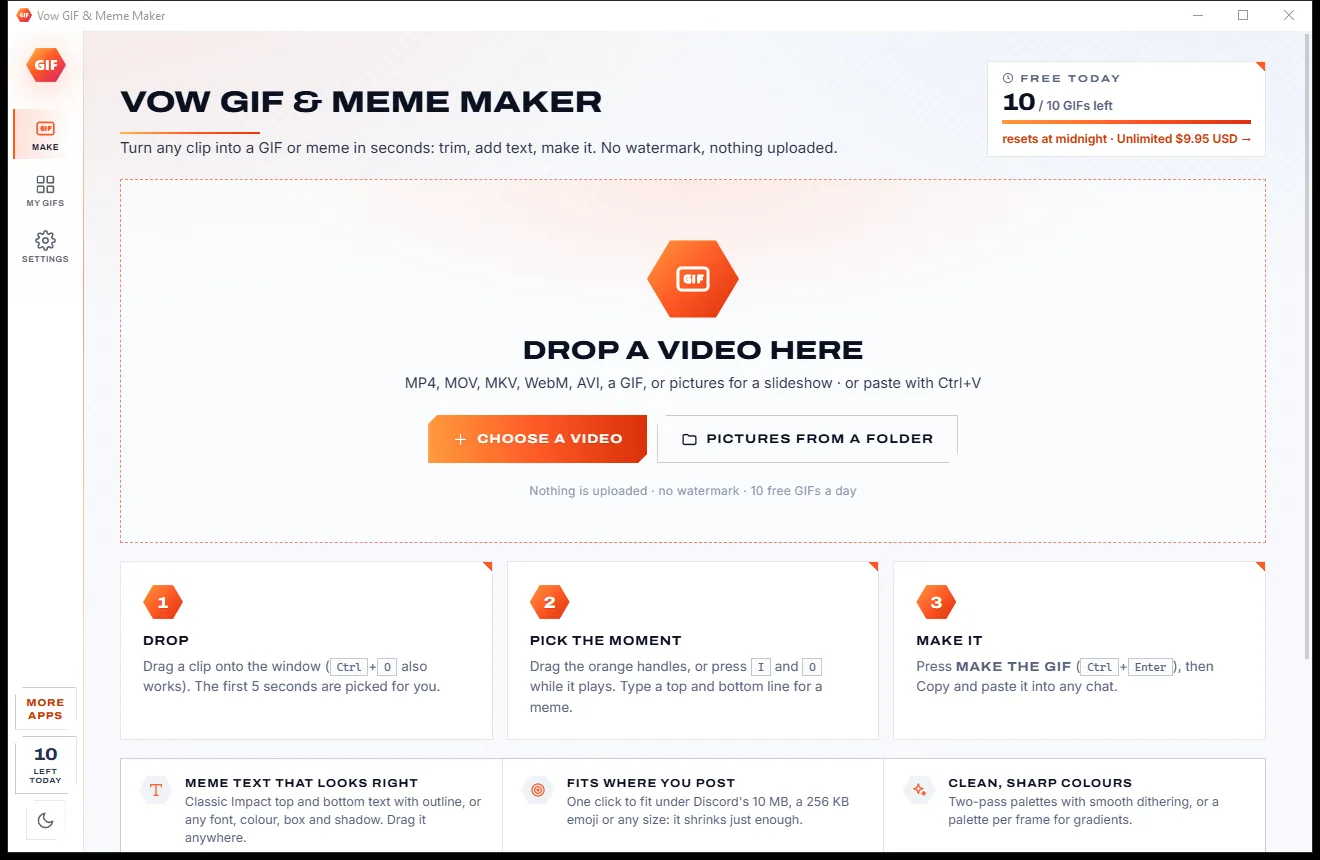
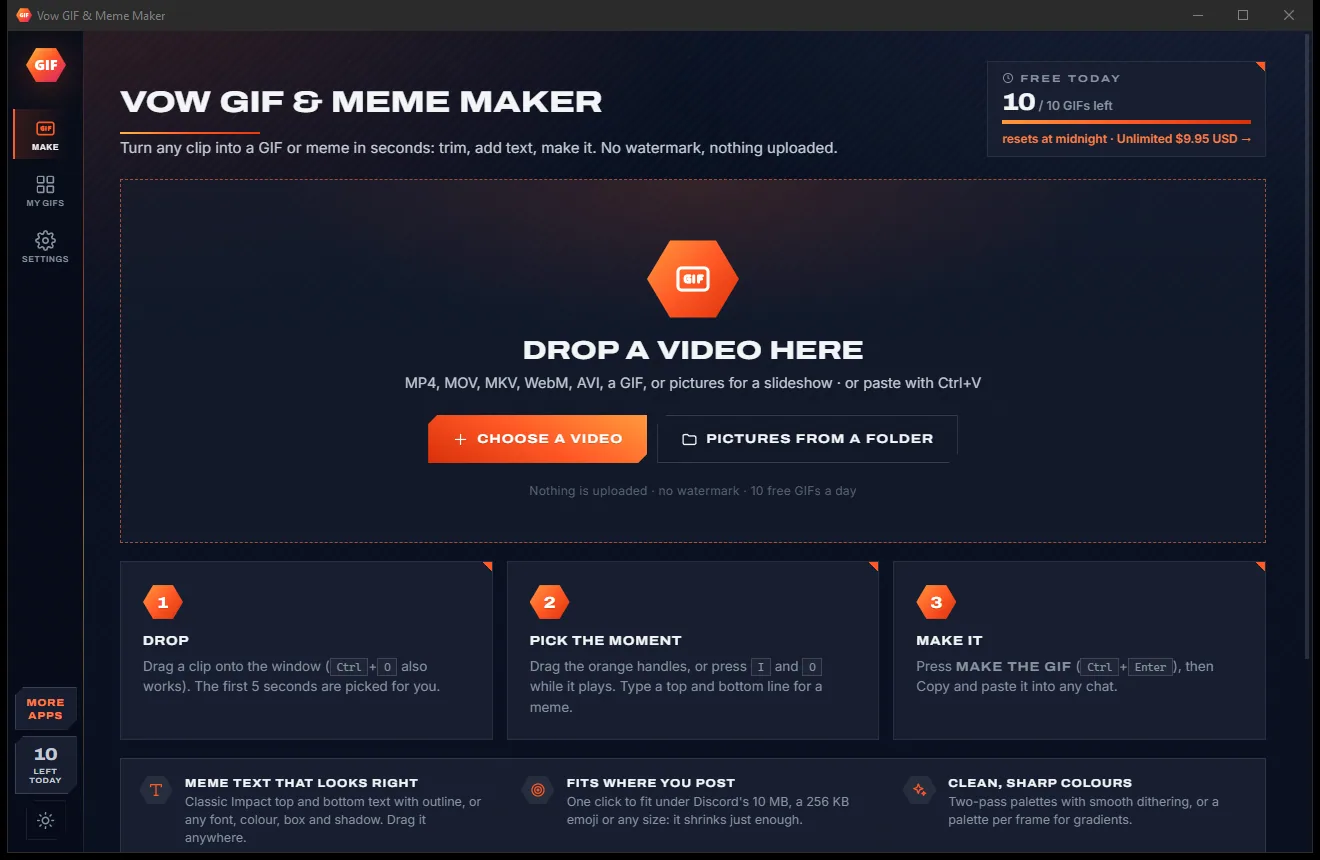
Vow GIF & Meme Maker
Turn any video clip into a GIF or meme, with no watermark
- Free: 10 GIFs a day, up to 10 seconds at 480p, with meme text
- $4.95 once: Any length, HD up to the original size, MP4, WebP and APNG

Screen recorder for Windows
Pick a display or drag out an area, press the big button, and the MP4 is ready the moment you press Stop. Sound, microphone, click rings and 60 FPS included, encoded live on your graphics card. No account, no ads and no subscription.
The problem
You only want to show someone what is on your screen. What you get is a logo across your video, a sign-up form or a progress bar that says "processing".
Free versions love to put their own watermark in the corner of every recording you make.
An account, an email address and a password, just to capture a two-minute clip of your own screen.
Press Stop, then wait while a temporary file is converted before you can even watch it back.
Monthly plans for something most people do now and then, renewing whether you record or not.
Free recorder downloads that arrive with toolbars, pop-ups and extra programs you never asked for.
Powerful streaming tools want scenes, sources and encoder settings before you record a single second.
Vow Screen Recorder fixes all of it.
How it works
Three choices and one big button, and the file is ready the second you stop.
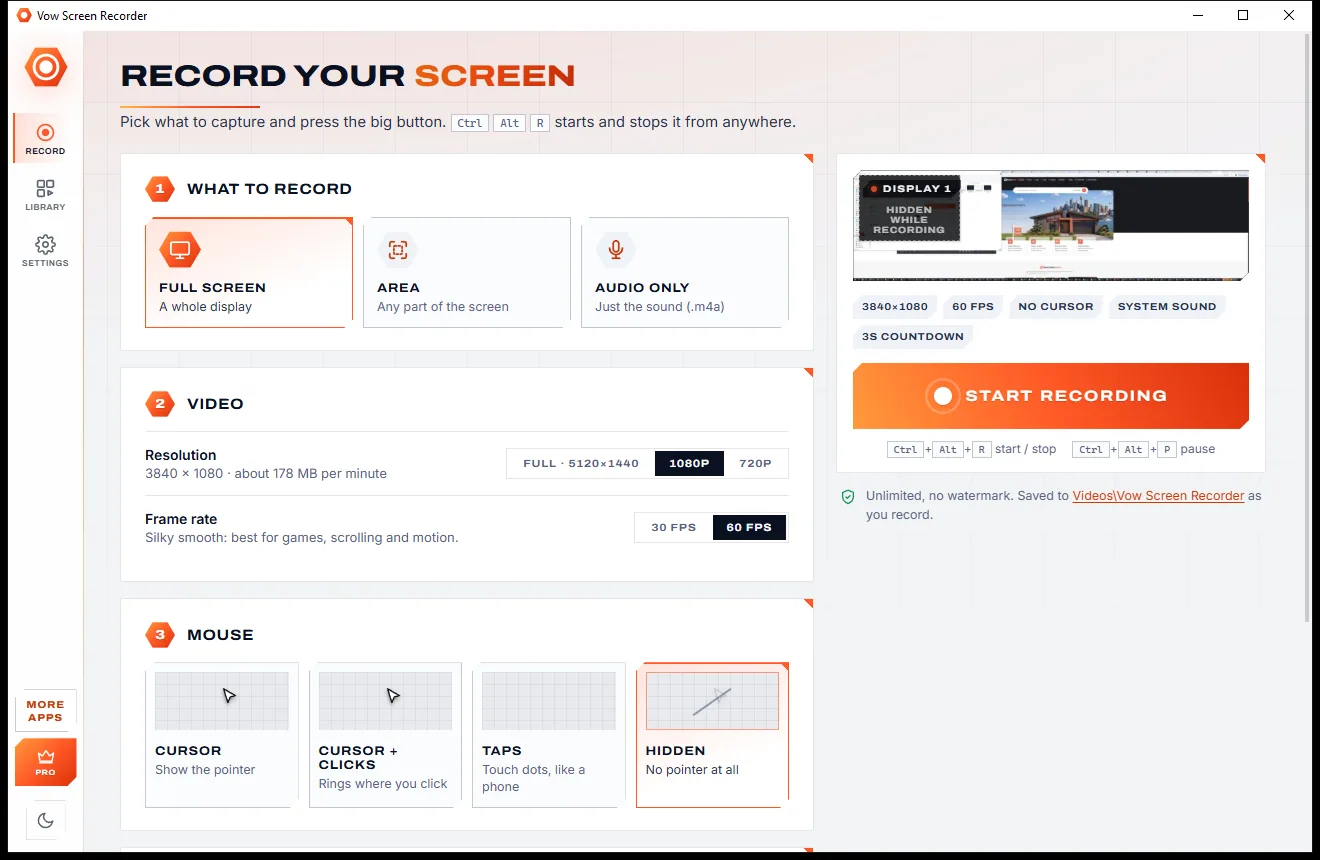
A whole display, an area you drag out (kept for next time) or only the sound. Choose the resolution, 30 or 60 FPS and how the mouse looks.
A short countdown, then the window steps aside and a small bar shows the time, sound levels, pause and stop. Ctrl+Alt+R works from anywhere.
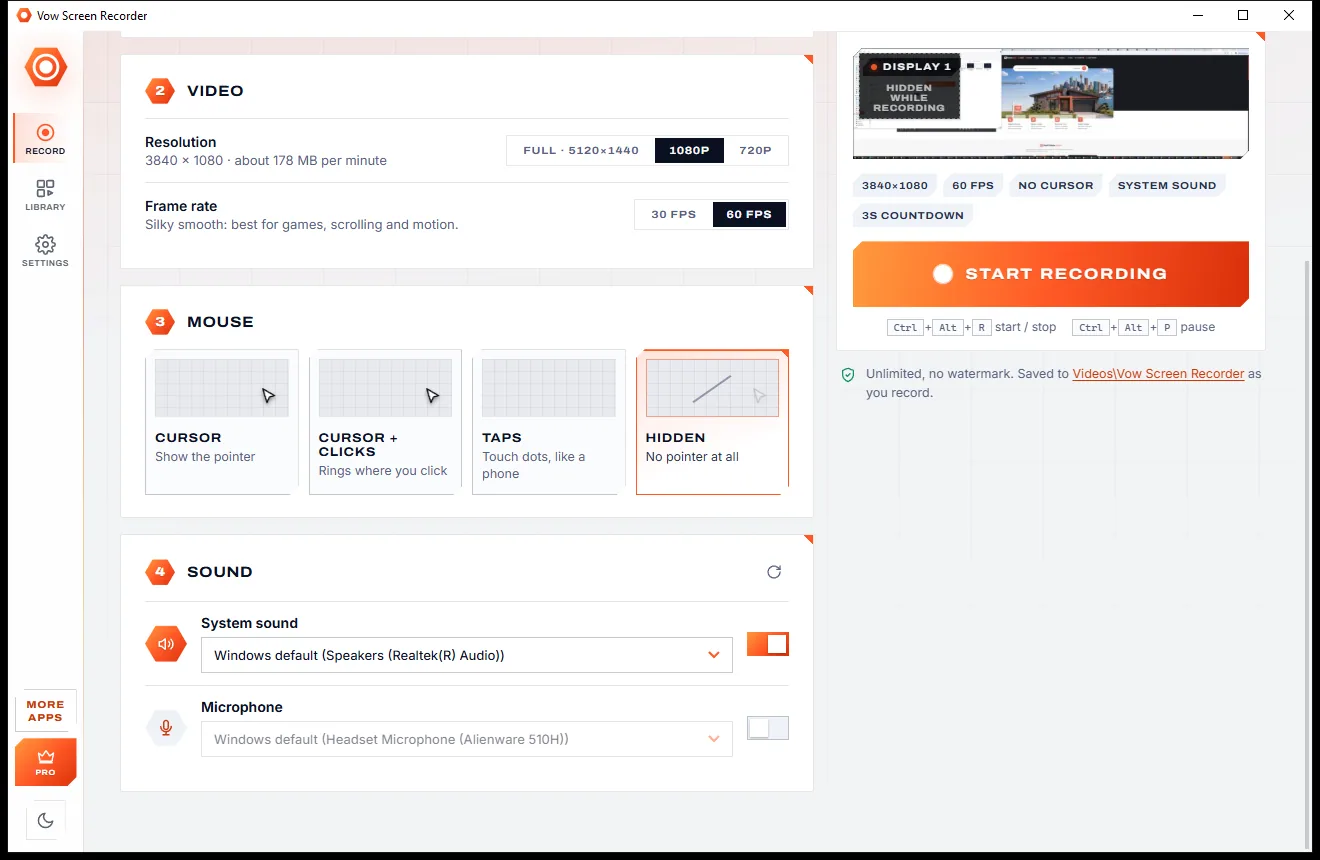
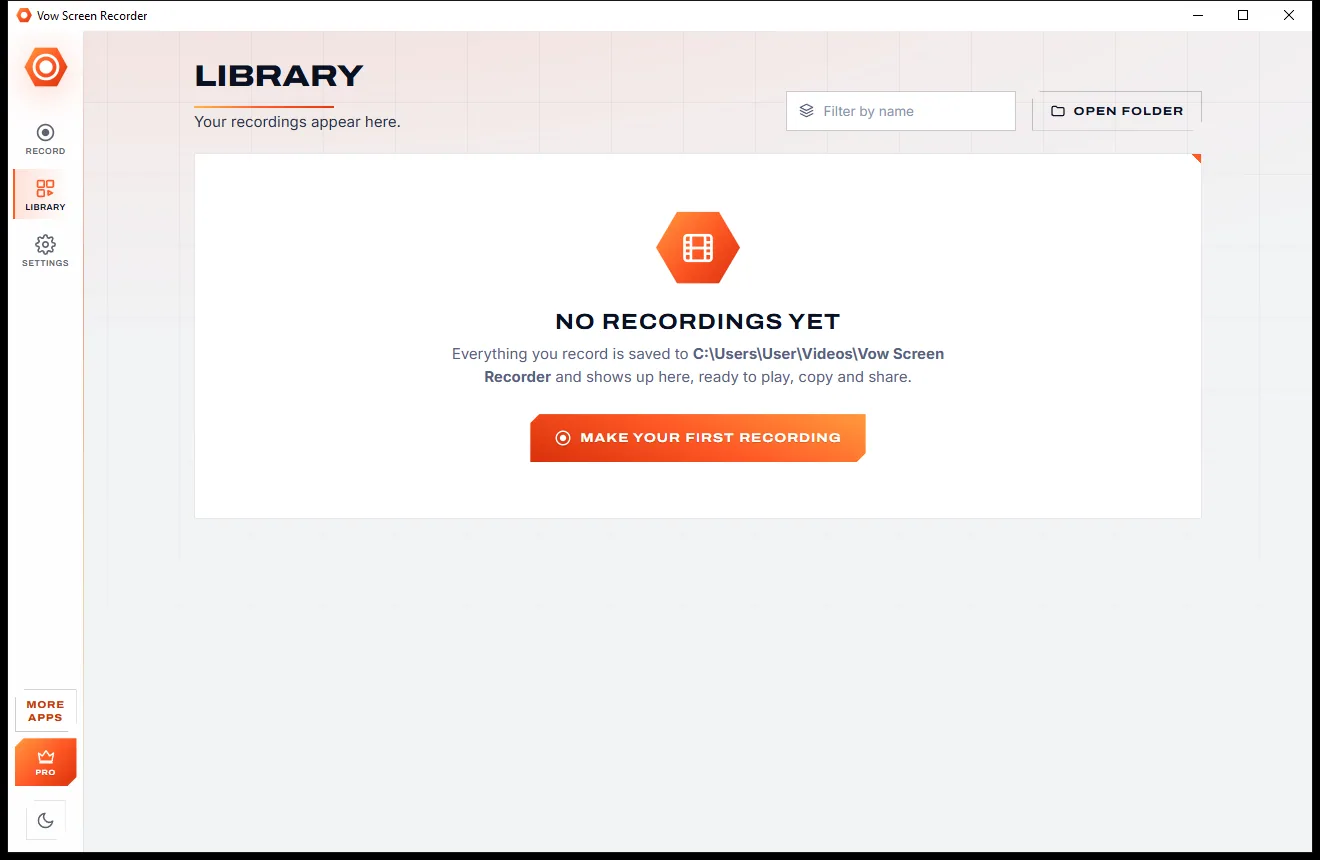
The MP4 is saved as you record, so it plays in the app straight away. Open it, show it in its folder, or copy it to paste into a chat or email.
Features
Made for tutorials, bug reports, meetings and game clips: quick for a one-off, capable when it matters.
Record any display, an area you drag out, move and resize, or just the sound as an .m4a file.
Full resolution up to 8K wide, or 1080p and 720p, at 30 or 60 FPS, saved as H.264 MP4 that plays everywhere.
Encoded live on your NVIDIA, AMD or Intel graphics card, with the processor as a fallback: no temporary files and no waiting.
Record what your PC plays, your voice, or both, each with its own device, volume and live level meter.
Show the cursor, add rings where you click, use phone-style taps that follow drags, or hide the pointer completely.
Ctrl+Alt+R starts and stops, Ctrl+Alt+P pauses, even while the window is out of the way.
A 3, 5 or 10 second countdown to get ready (click it to skip) and an optional automatic stop for long recordings.
Copy a finished recording and paste the file straight into a chat, an email or a folder.
Thumbnails, a filter, rename, play, and delete to the Recycle Bin, all in one place.
Switch between light and dark with one click from the sidebar, or let it follow your Windows setting.
Light & dark theme
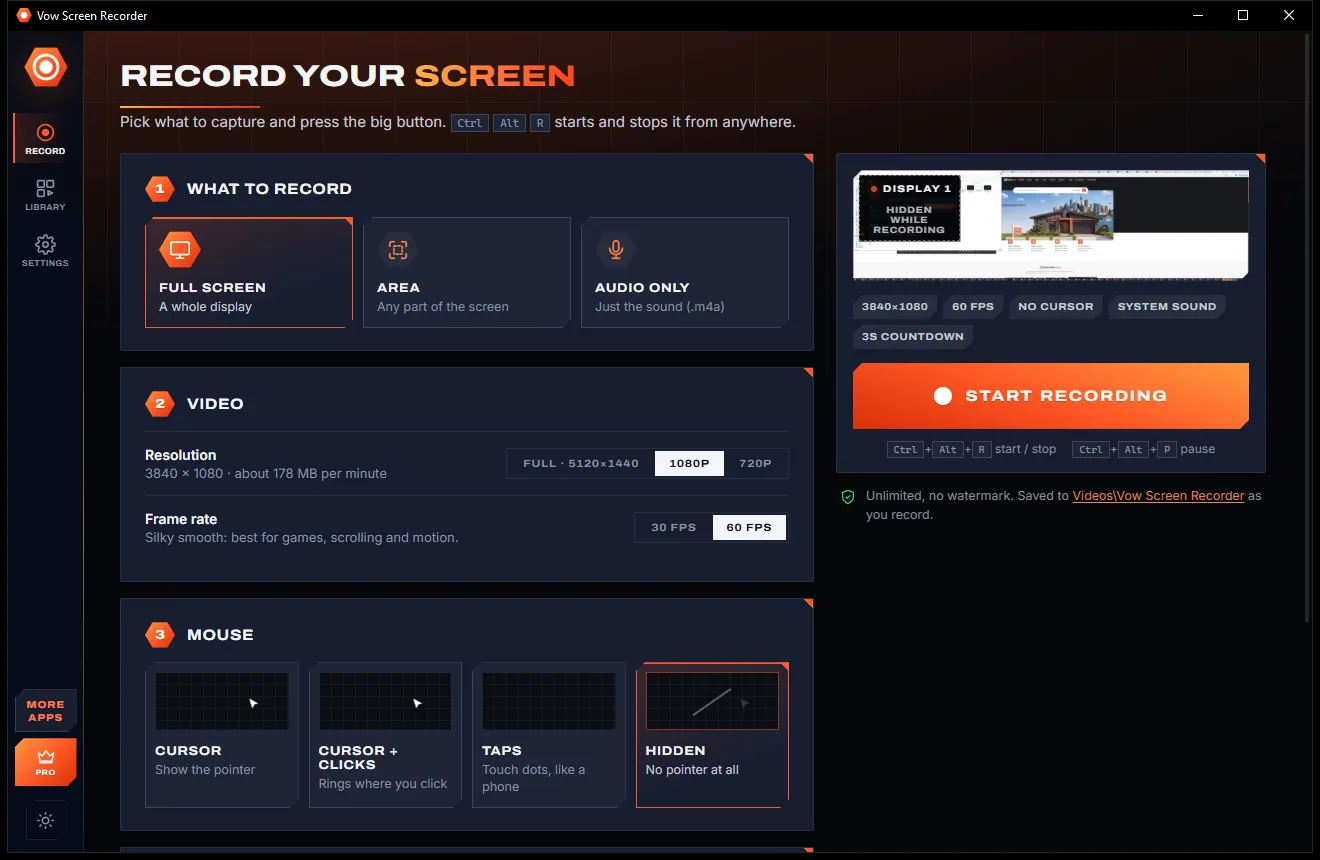
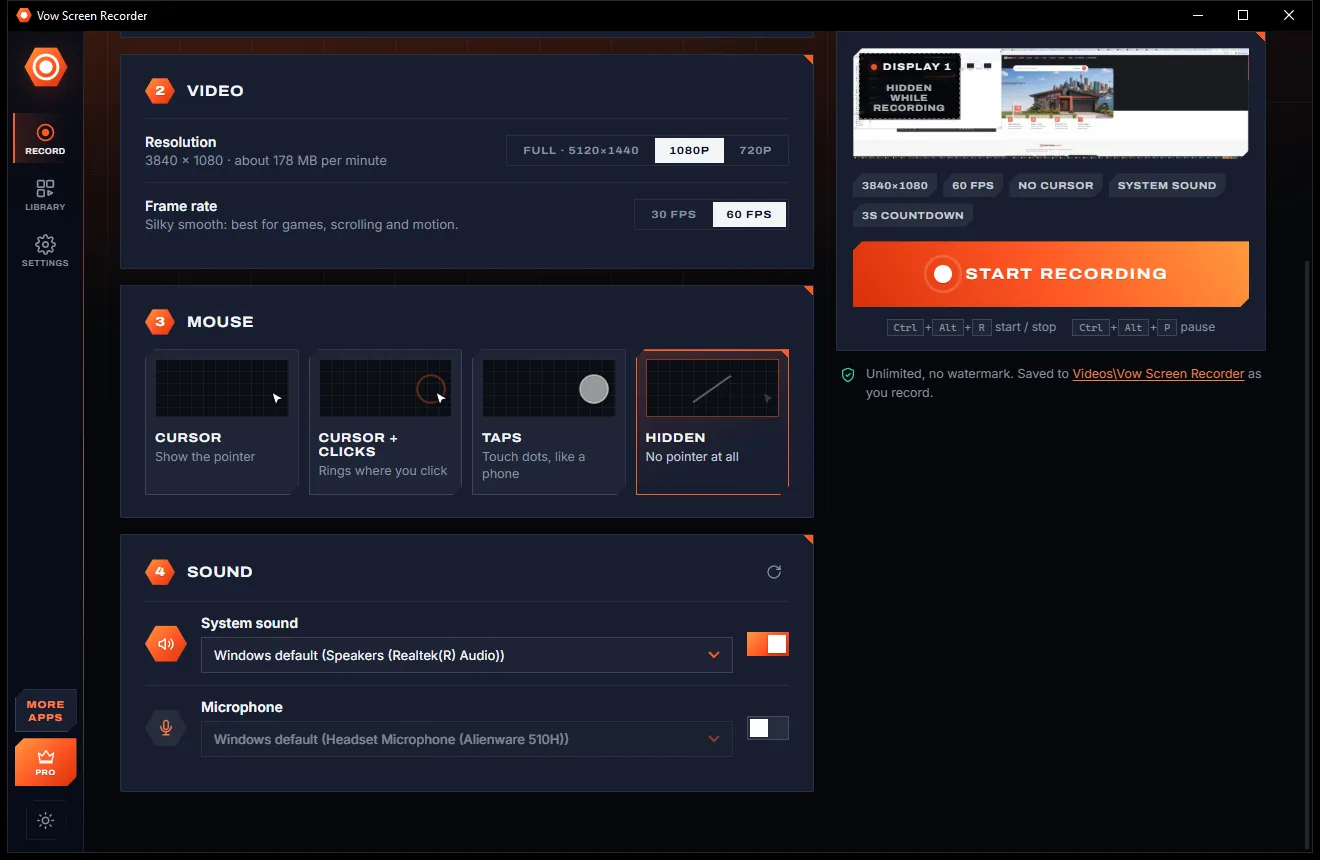
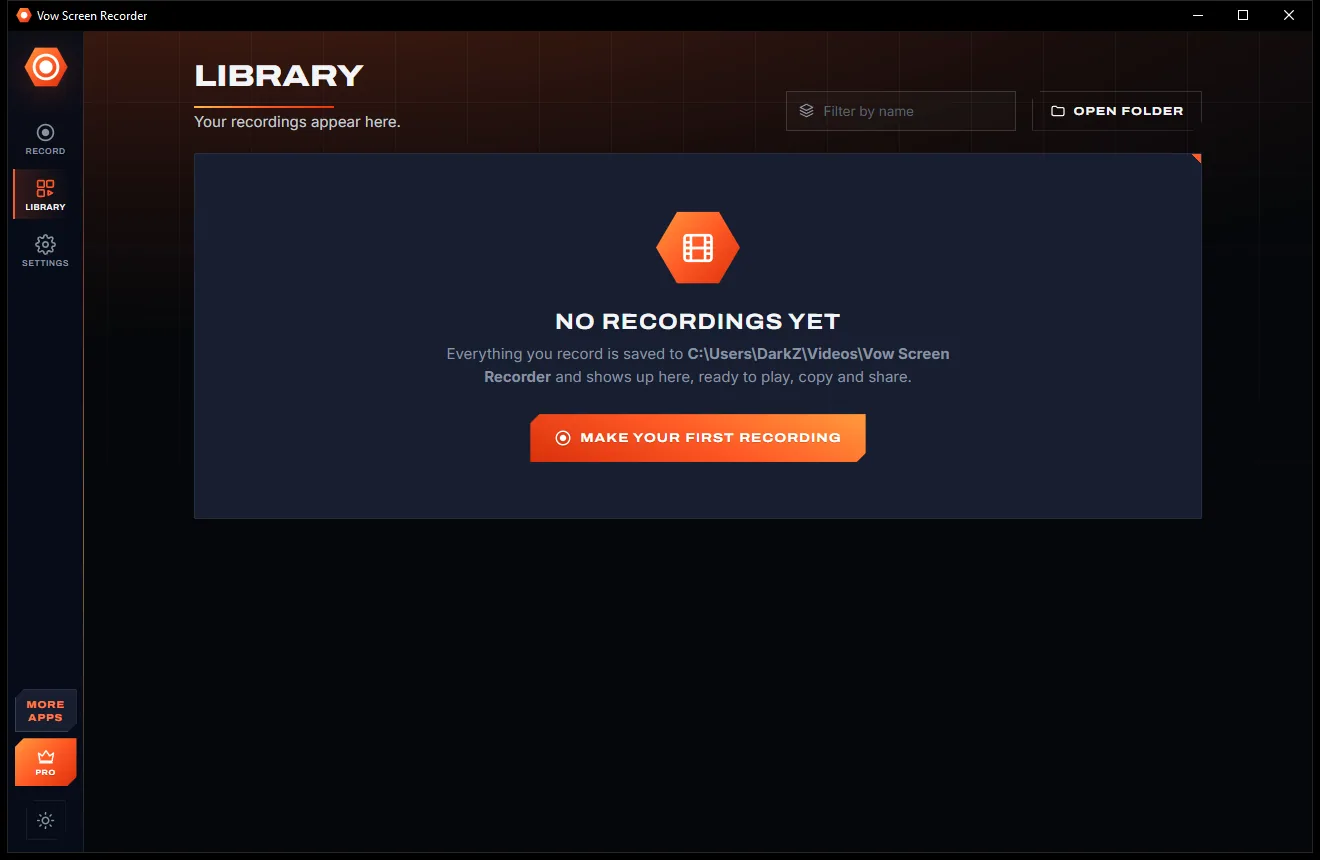
Screen Recorder comes with a crisp light theme and a calm dark theme. Switch with one click, or let it follow your Windows setting by itself. It remembers your choice.
Screenshots
Real screenshots of the real app, in both of its themes: 5 light, 5 dark. Click any picture to see it full size.
Light theme
Dark theme
Who it's for
Walk someone through a task with click rings that show exactly where you click.
Record the problem as it happens and paste the MP4 straight into the support chat or ticket.
Keep a copy of a call or presentation with both the system sound and your microphone.
Capture smooth 60 FPS gameplay with the encoding done on your graphics card.
Record lessons, slides and explanations for anyone who missed them, in any length with Unlimited.
Switch to audio only and record your microphone or your PC's sound as an .m4a file.
Compare
What you usually get when you search for a free screen recorder, side by side.
| Feature | Vow Screen Recorder | Typical free screen recorders |
|---|---|---|
| Price | 30 free minutes a day, or $9.95 once | Monthly plans or limited free tiers |
| Watermark on your video | Never | Common on free versions |
| Account or sign-in | None | Often required |
| Ads, pop-ups, bundled extras | None, ever | Common on free downloads |
| Ready when you press Stop | Yes: encoded live on the graphics card | Often a processing step first |
| System sound and microphone together | Yes, each with its own volume | Sometimes one or the other |
| Click rings and touch dots | Yes | Rarely |
| Copy the file to paste in a chat | One click | Rarely |
"Typical" describes what we found across the most-downloaded alternatives when we built Screen Recorder. Your mileage with any one of them may vary; ours won't.
Pricing
That is not a typo. Software this powerful usually means a monthly subscription; Screen Recorder is $9.95, once, for life: it's almost a giveaway. Use it free for as long as you like, and unlock Unlimited only if you need more.
30 minutes of recording a day, every feature, no watermark.
Almost a giveaway. Less than a takeaway lunch for software this powerful: no subscription, no renewals, yours for life on 2 PCs.
Unlimited recording time every day, for life on 2 PCs.
Payments by Stripe: we never see or store your card. Questions? Ask a real person.
Clean software
Most "free" Windows downloads pay for themselves with ads, bundled extras or your data. Vow Screen Recorder doesn't need to: it's paid for honestly, once, by the people who find it useful.
Download Screen Recorder freeStep-by-step guide
From opening the app to an MP4 you can share, in under a minute.
Step 1: get it freeDownload the zip from this page, unzip it anywhere and run VowScreenRecorder.exe. There is nothing to install and no account to make. It uses Microsoft Edge WebView2, which is already on Windows 11 and up-to-date Windows 10.
Pick Full screen for a whole display, Area to drag out part of the screen, or Audio only for just the sound. Choose 1080p and 60 FPS for a smooth, compact video.
System sound is on by default. Switch on the microphone if you want to talk over it, and set each volume with the live meters as a guide.
After the countdown the window steps aside. Use the small bar or Ctrl+Alt+P to pause, and Ctrl+Alt+R or Stop to finish.
The recording plays in the app straight away. Press Copy to paste the MP4 into a chat or email, or Folder to find it in Videos\Vow Screen Recorder.
Technical details
FAQ
Yes. You get every feature and 30 minutes of recording every day for free, with no watermark and no account. The time resets at midnight and paused time does not count. Unlimited, a one-time $9.95 USD payment, removes the daily limit for life on up to 2 PCs.
No. Free or Unlimited, your recordings are exactly what was on your screen, with no logo, no banner and no trial text.
If the time runs out during a recording, the recording stops and is saved, so you never lose a take, and the app explains why. Starting a new recording with no time left opens the Unlimited window instead.
Yes. It records the sound your PC plays, your microphone, or both, each with its own device and volume and a live level meter. Audio only mode saves just the sound as an .m4a file.
Yes. Choose Area and drag out the part you want. You can move and resize it, and it is kept for next time. A dashed outline shows what is being recorded.
The video is encoded live on your graphics card (NVIDIA, AMD or Intel), so the processor stays free for what you are recording. Without a supported graphics card the processor does the work instead.
Yes. It records at full resolution up to 8K wide, or scales to 1080p or 720p. Displays wider than 4096 pixels are saved in H.265, which H.264 cannot do, and the app links Microsoft's free HEVC Video Extensions for playback.
Yes. It is made and published by XTO Pty Ltd, an Australian company. It comes as a portable zip with no installer, no ads and no bundled software, needs no administrator rights, and removing it is as simple as deleting its folder.
The Vow collection
Same design, same promises, a tiny one-time price. Learn one and you already know them all.
Turn any video clip into a GIF or meme, with no watermark

Steady any shaky video in one click, right on your PC

Turn home DVDs, camcorder clips and tapes into MP4s that play anywhere
Record your screen in one click, with no watermark and no waiting. Free to use every day, $9.95 once if you ever want Unlimited.