
Audio
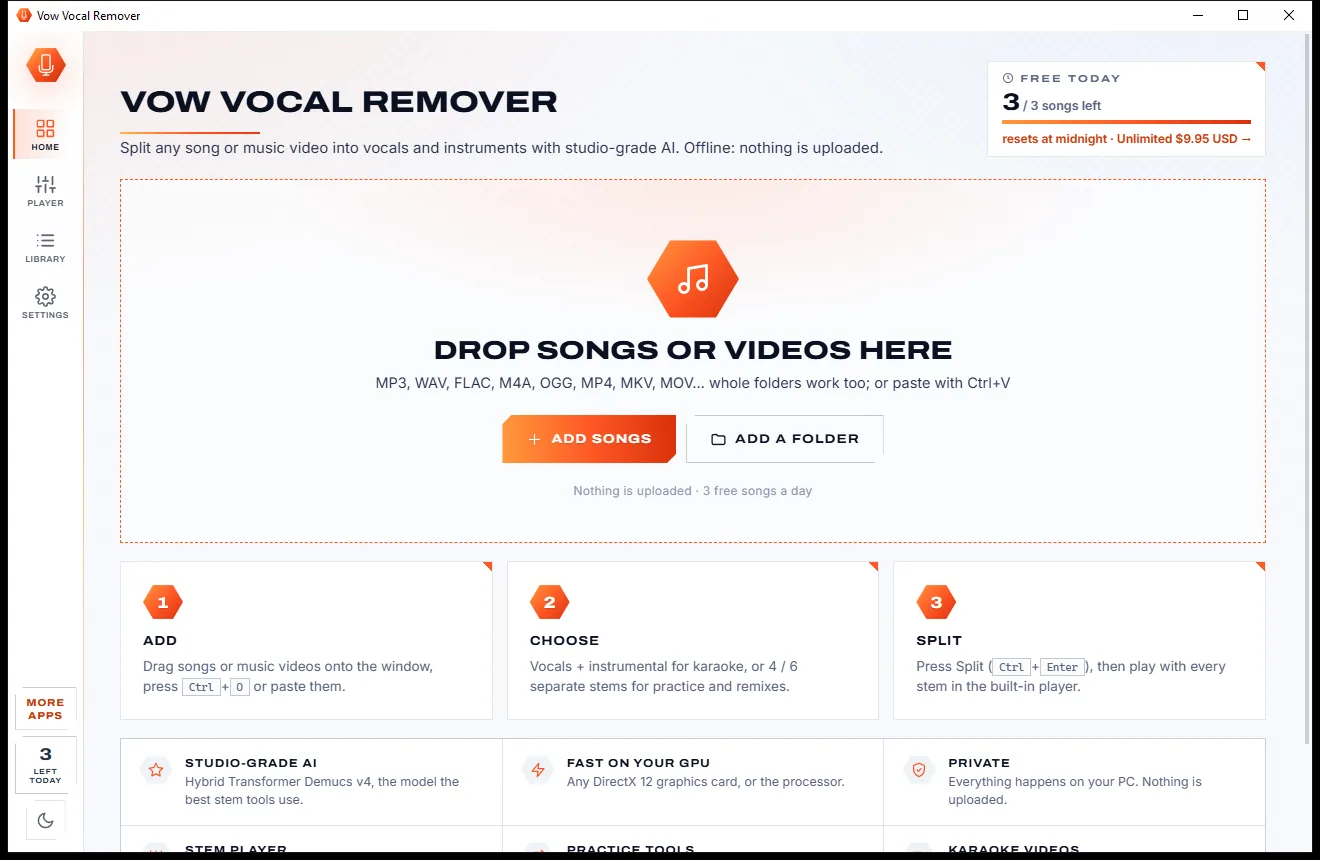
Vow Vocal Remover
Remove vocals from any song, offline, in two clicks
- Free: 3 songs a day, vocals + instrumental, the full stem player
- $9.95 once: Unlimited songs, 4 and 6 stems, lossless WAV and FLAC

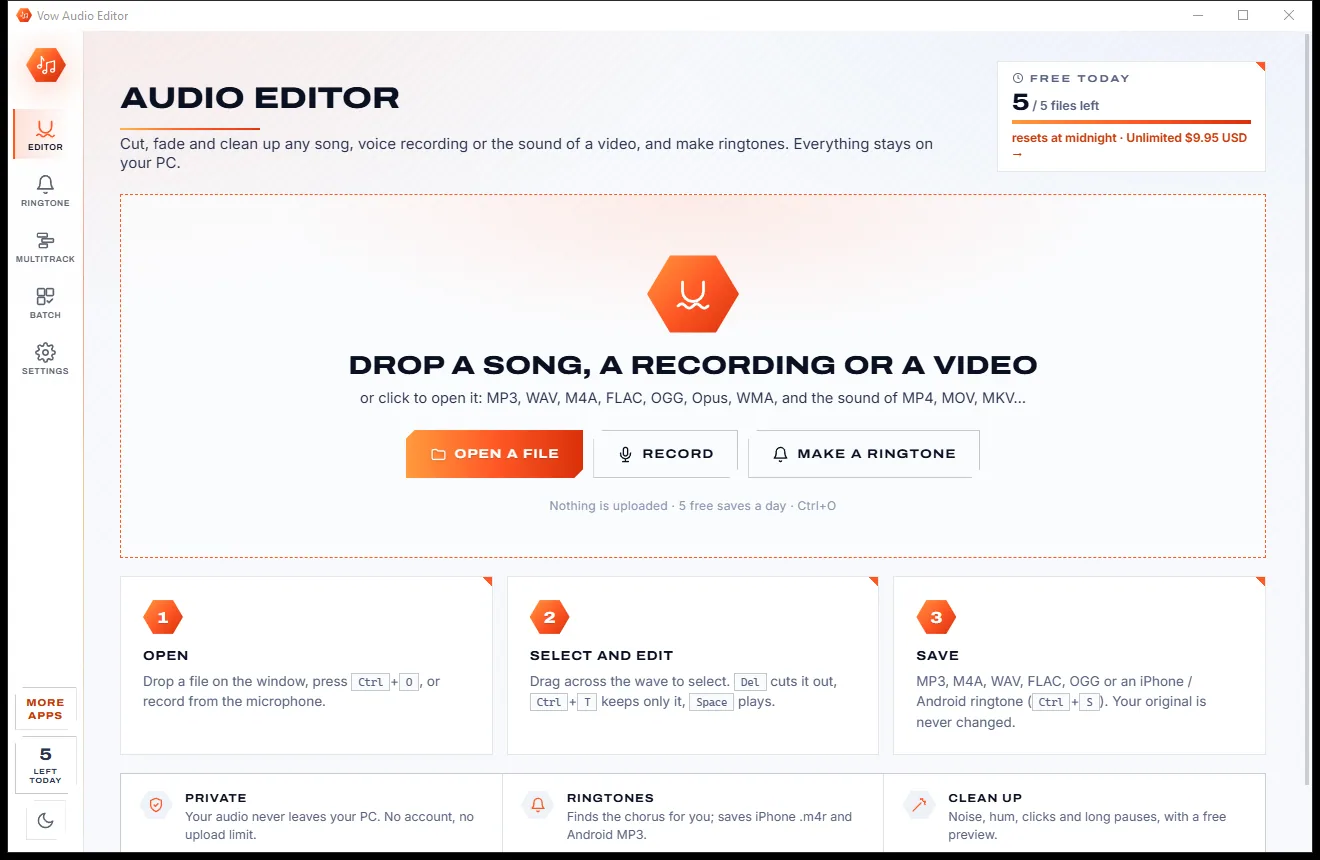
Simple audio editor & ringtone maker for Windows
Open a song, a voice recording or the sound of a video, drag across the wave and cut, fade or clean it up. Turn the chorus into an iPhone or Android ringtone in a few clicks. Everything happens on your PC: no uploads, no account, no subscription.
The problem
You just want to cut a song or tidy a recording. Instead you get uploads, nag screens, bundled extras or a studio's worth of menus.
Online MP3 cutters want your song or voice memo on their servers, with upload limits and a wait at both ends.
Free editors that keep pestering you to upgrade, or installers that bring along software you never asked for.
Big editors bury a simple trim under projects, tracks and exports. You finish the edit and still don't have a file.
Type values, apply, listen, undo, try again. Effects you can't hear until you've already changed the audio.
Finding the chorus, keeping an iPhone tone under 40 seconds, the right .m4r format, then getting it onto the phone.
Monthly plans for a job most people do now and then, renewing whether you use them or not.
Vow Audio Editor fixes all of it.
How it works
Drag across the wave, cut or fade, hear it, save it. Your audio never leaves your PC.
Drop a file on the window, press Ctrl+O or press Record. MP3, WAV, M4A, FLAC, OGG and more open directly, and videos open their sound.
Drag across the wave to select. Cut, keep only, fade, change the volume or normalise, press Preview to hear a tool first, and undo anything.
Press Ctrl+S and pick MP3, M4A, WAV, FLAC, OGG or Opus. Save everything, the selection, or each part between markers. Your original is never changed.
Features
For podcasters, musicians, teachers and anyone tidying a recording: simple for the basics, deep when you want it.
Cut, copy, paste, delete, keep only, silence and insert, with edges snapped to zero crossings and undo and redo with no fixed limit.
The chorus is found for you. Save an iPhone ringtone or text tone (.m4r, up to 40 s) or an Android ringtone, notification or alarm.
Noise reduction (learned or automatic), a hum remover that detects 50 or 60 Hz, click remover, rumble filter and shorter pauses.
Equaliser, bass, treble, speed, tempo, pitch, echo, reverb, compressor, limiter, loudness, vocal remover and more. Hear any tool before you apply it.
Integrated LUFS, true peak and loudness range measured to EBU R128, with plain-language targets and a clipping guard on save.
Open MP4, MOV, MKV, WebM or AVI files and edit their sound directly, with no converting first.
Record from a microphone, or the sound your PC is playing, straight into the editor.
Layer music under a voice or join songs: slide clips on a timeline, with volume, pan, mute, solo and fades on every track.
One recipe for many files: trim silence, normalise, fade, level loudness, clean up and convert a whole folder in one go.
Opens MP3, WAV, M4A, AAC, FLAC, OGG, Opus, WMA, AIFF, AMR, APE and WavPack. Saves MP3, M4A, WAV, FLAC, OGG and Opus with tags and album art.
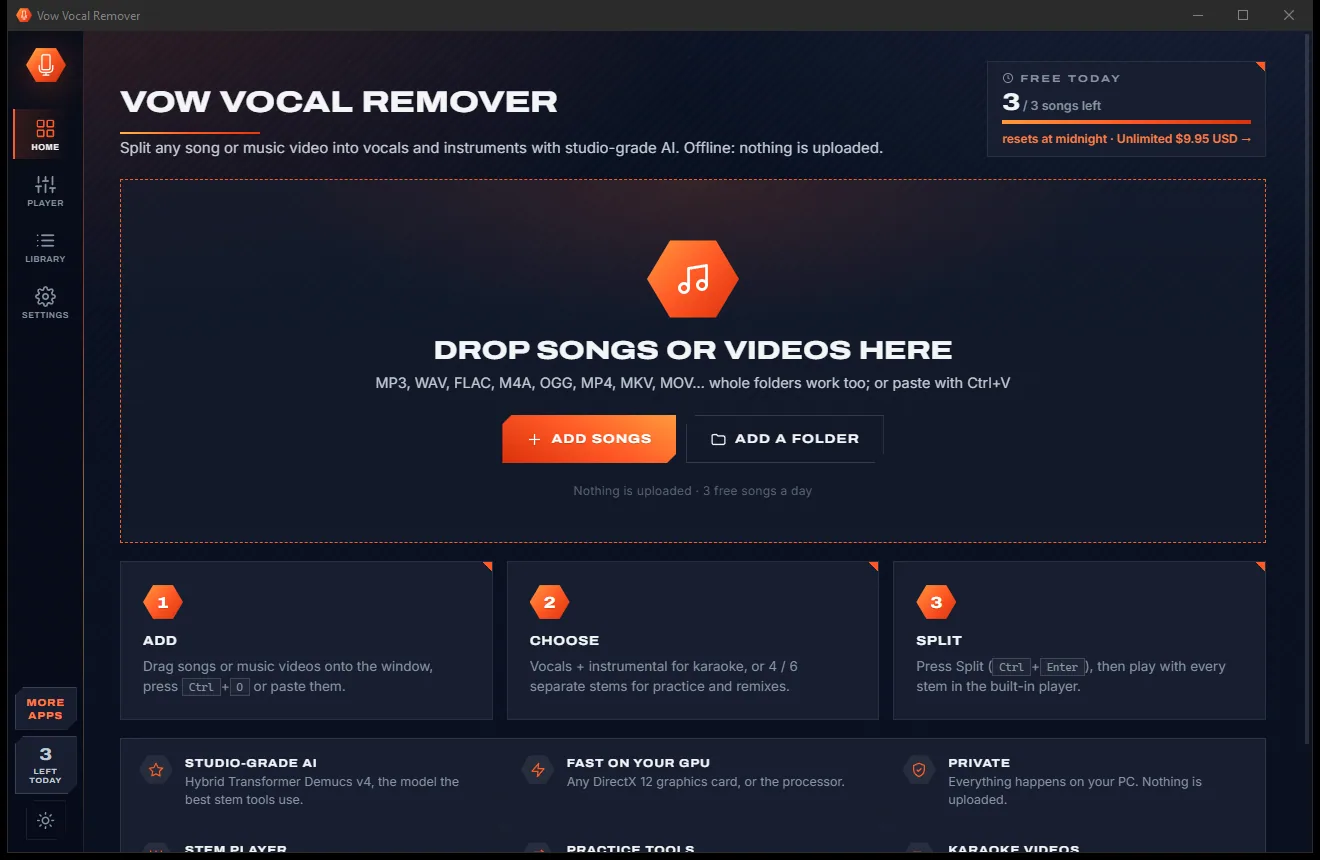
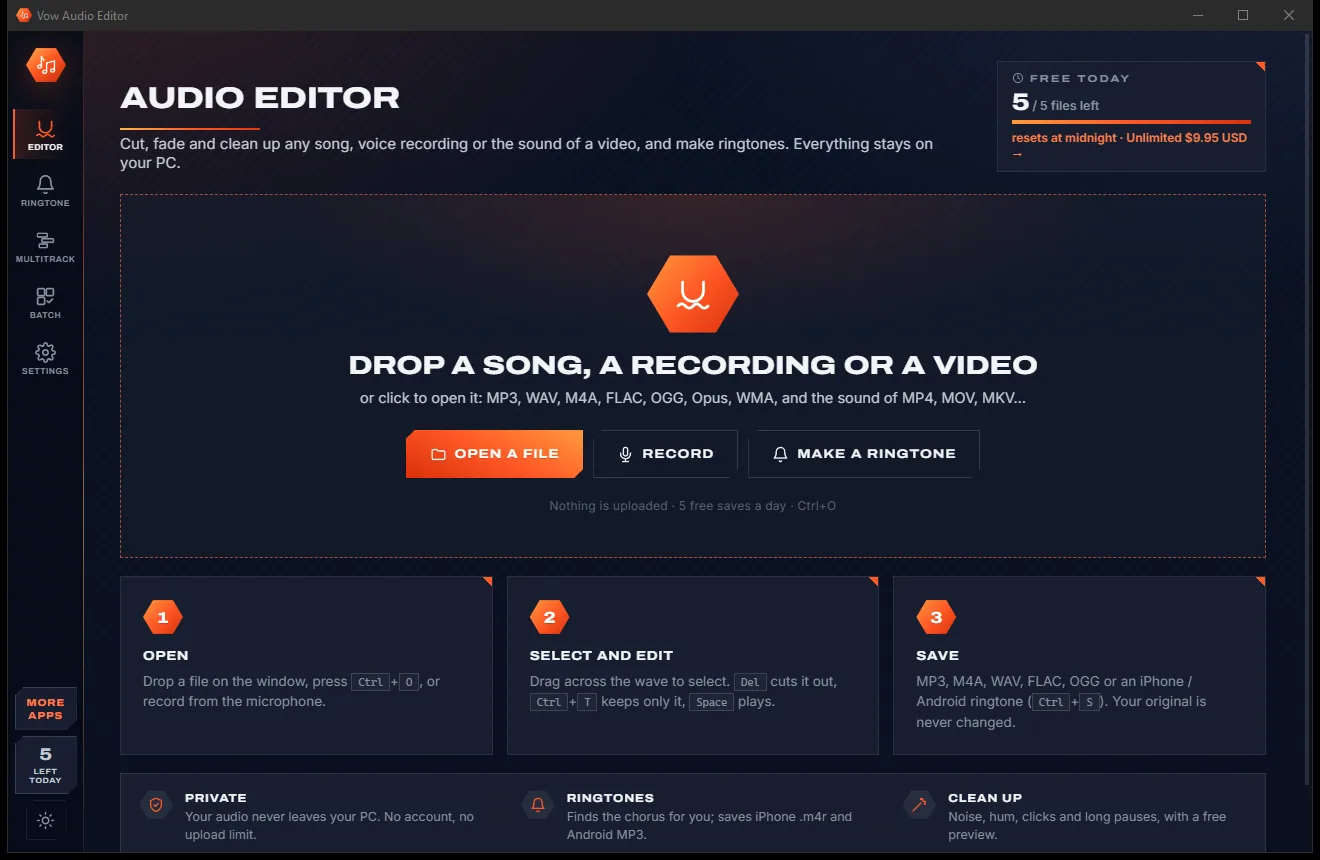
Light & dark theme
Audio Editor comes with a crisp light theme and a calm dark theme. Switch with one click, or let it follow your Windows setting by itself. It remembers your choice.
Screenshots
Real screenshots of the real app, in both of its themes: 6 light, 6 dark. Click any picture to see it full size.
Light theme
Dark theme
Who it's for
Cut the mistakes, shorten long pauses, remove hum and hiss, and level every episode to the same loudness.
Turn the best part of any song into a ringtone, text tone or alarm for iPhone or Android.
Trim recordings, clean up background noise and save just the part you need.
Cut practice takes, change tempo or pitch, and layer a backing track under your voice.
Take the sound from a video, trim it to the key moment and fade it in for a lesson or slideshow.
Too quiet, too long or starts too suddenly? Normalise, trim and fade it in a few clicks.
Compare
What you actually get when you search for an audio editor or MP3 cutter, side by side.
| Feature | Vow Audio Editor | Typical online cutters & free editors |
|---|---|---|
| Price | Free every day, or $9.95 once | Subscriptions, or nag screens to upgrade |
| Your audio is uploaded | Never: 100% on your PC | Yes, for online cutters |
| Ads, nags, bundled extras | None, ever | Common on free tools and downloads |
| Watermarks or quality caps | None | Common on free tiers |
| Hear an effect before applying it | Yes, one Preview button | Often only after applying |
| Ringtone maker with chorus finder | Built in, iPhone and Android | Usually a separate app |
| Noise, hum and click removal | One click, with automatic detection | Manual, or a paid plan |
| Opens the sound of videos | Yes | Not always |
| Works without internet | Yes | No, for online tools |
"Typical" describes what we found across the most-downloaded alternatives when we built Audio Editor. Your mileage with any one of them may vary; ours won't.
Pricing
That is not a typo. Software this powerful usually means a monthly subscription; Audio Editor is $9.95, once, for life: it's almost a giveaway. Use it free for as long as you like, and unlock Unlimited only if you need more.
Cut, fade, normalise, ringtones and every format, 5 saves a day.
Almost a giveaway. Less than a takeaway lunch for software this powerful: no subscription, no renewals, yours for life on 2 PCs.
Unlimited saves, effects, noise cleanup, multitrack and batch.
Payments by Stripe: we never see or store your card. Questions? Ask a real person.
Clean software
Most "free" Windows downloads pay for themselves with ads, bundled extras or your data. Vow Audio Editor doesn't need to: it's paid for honestly, once, by the people who find it useful.
Download Audio Editor freeStep-by-step guide
Trim a song, fade it out and save it in a minute or two, even if you have never edited audio before.
Step 1: get it freeGet Vow Audio Editor from this page and run the installer. It needs no administrator rights and no account, and everything it needs is inside.
Drop the song, recording or video on the window, or press Ctrl+O. The waveform appears and you can press Space to play.
Drag across the wave, drag the edges to adjust, or type exact Start and End times. Scroll to zoom in for a precise cut.
Press Ctrl+T to keep only the selection, or Del to cut it out. Pick a tool such as Fade out, press Preview to hear it, then press Apply.
Press Ctrl+S, choose MP3 or another format and a quality, and save. It goes to Documents\Vow Audio Editor as "song (edited).mp3" by default, and your original stays as it was.
Technical details
FAQ
Yes. Cutting, fading, volume, normalise, every format and the ringtone maker are free, with 5 saved files every day and no watermarks. You can try and hear every effect and cleanup tool for free too. Unlimited, a one-time $9.95 USD payment, removes the daily limit and lets you save with effects, noise cleanup, multitrack mixes and batch processing.
No. Everything happens on your own PC. There is no account and no upload, so it is safe for interviews, voice memos and unreleased music, and editing needs no internet connection.
Open the Ringtone page and drop a song. The best part, usually the chorus, is chosen for you. Drag the window to adjust it, choose iPhone ringtone (.m4r, up to 40 seconds), set the fades and press Save ringtone. The app then shows the steps to get it onto your phone, which Apple requires Finder, iTunes or the Apple Devices app for.
Yes. Noise reduction learns the noise from a pause, or finds it automatically. There is also a hum remover that detects 50 or 60 Hz, a click remover, a rumble filter and a tool that shortens long pauses. You can try them all for free; saving with them needs Unlimited.
No. Your edit is saved as a new file, "song (edited).mp3" by default. The original is only replaced if you choose to save over it on purpose.
Unlike online MP3 cutters, nothing is uploaded and there is no upload limit. Unlike big studio editors, saving is the main action, not exporting a project, every tool has one main control and a Preview button, and the ringtone maker finds the chorus for you. There is no subscription either: Unlimited is $9.95 once.
It opens MP3, WAV, M4A/AAC, FLAC, OGG, Opus, WMA, AIFF, AMR, APE, WavPack and more, plus the sound of MP4, MOV, MKV, WebM and AVI videos. It saves MP3, M4A, WAV, FLAC, OGG and Opus with tags and album art, and ringtones as .m4r or .mp3.
Yes. It is made and published by XTO Pty Ltd, an Australian company. The installer contains no ads, no toolbars and no bundled software, needs no administrator rights, and uninstalls cleanly from Windows Settings.
The Vow collection
Same design, same promises, a tiny one-time price. Learn one and you already know them all.
Remove vocals from any song, offline, in two clicks

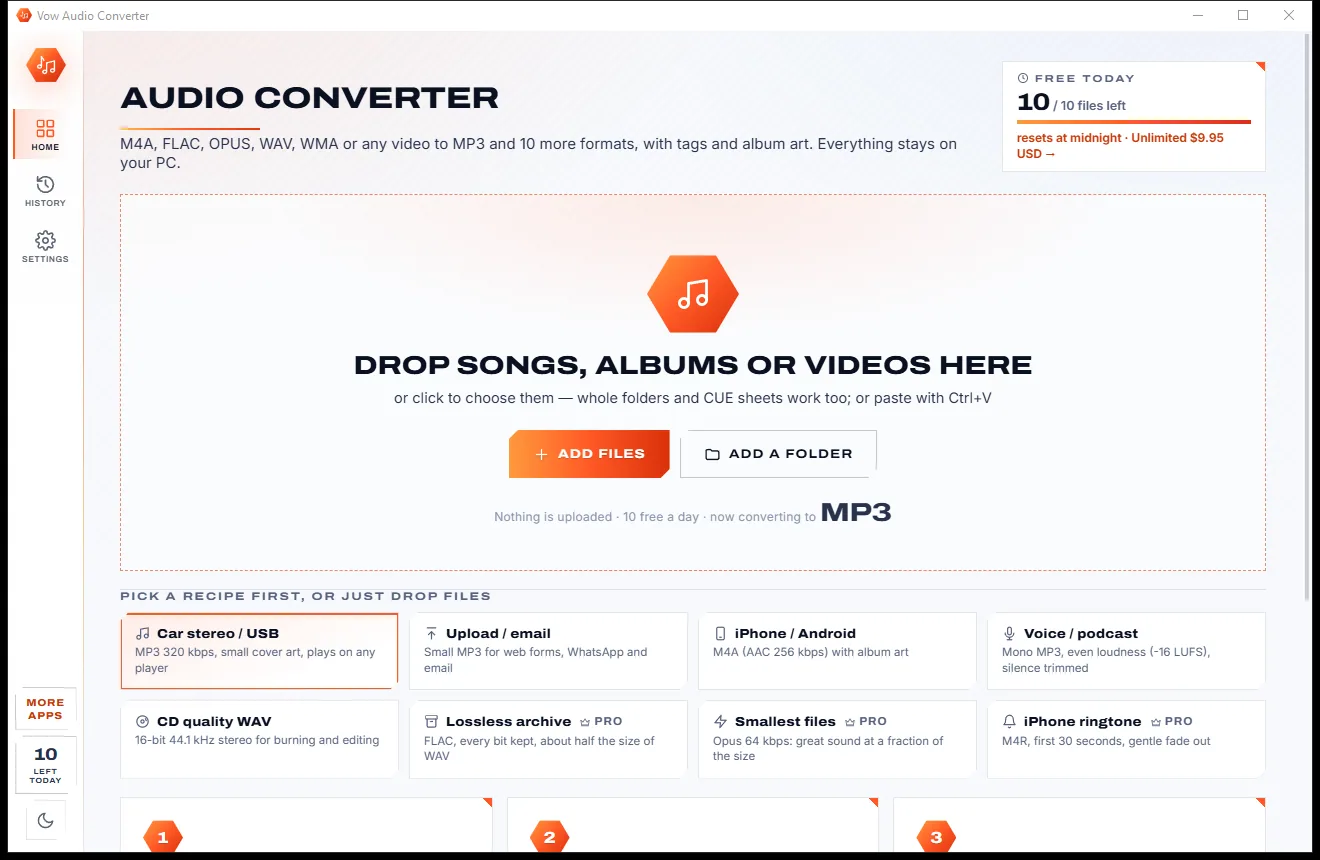
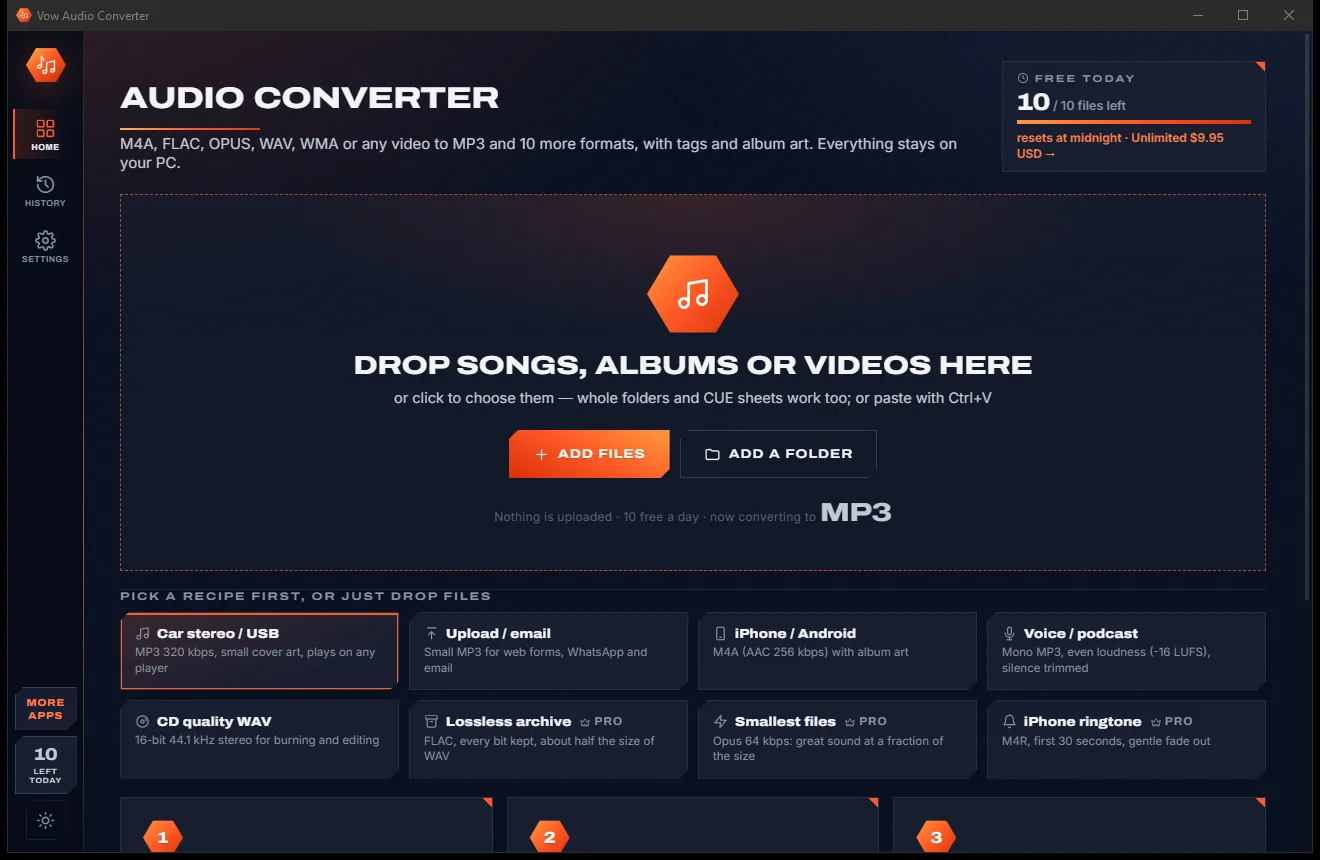
Convert any audio to MP3, FLAC and 9 more formats, tags and all

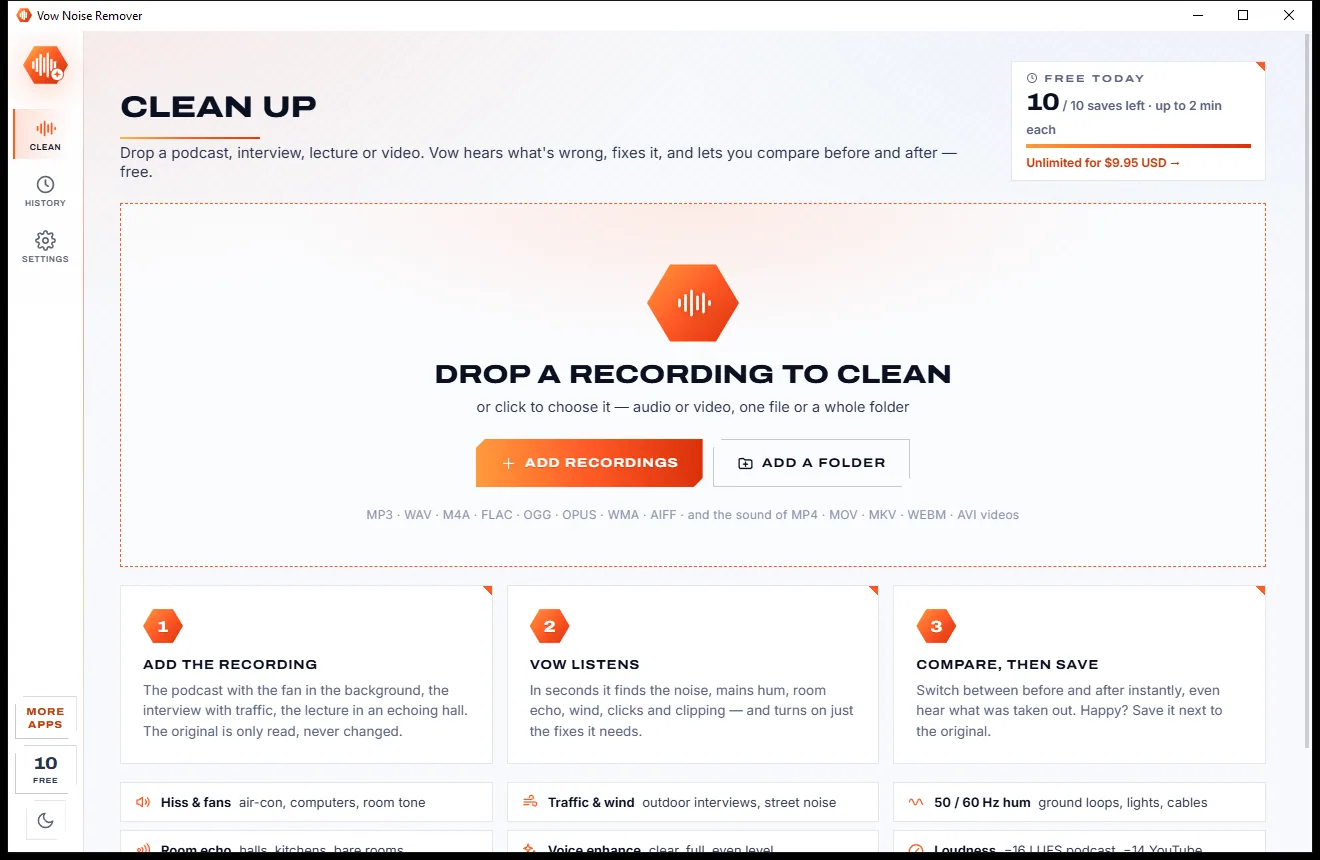
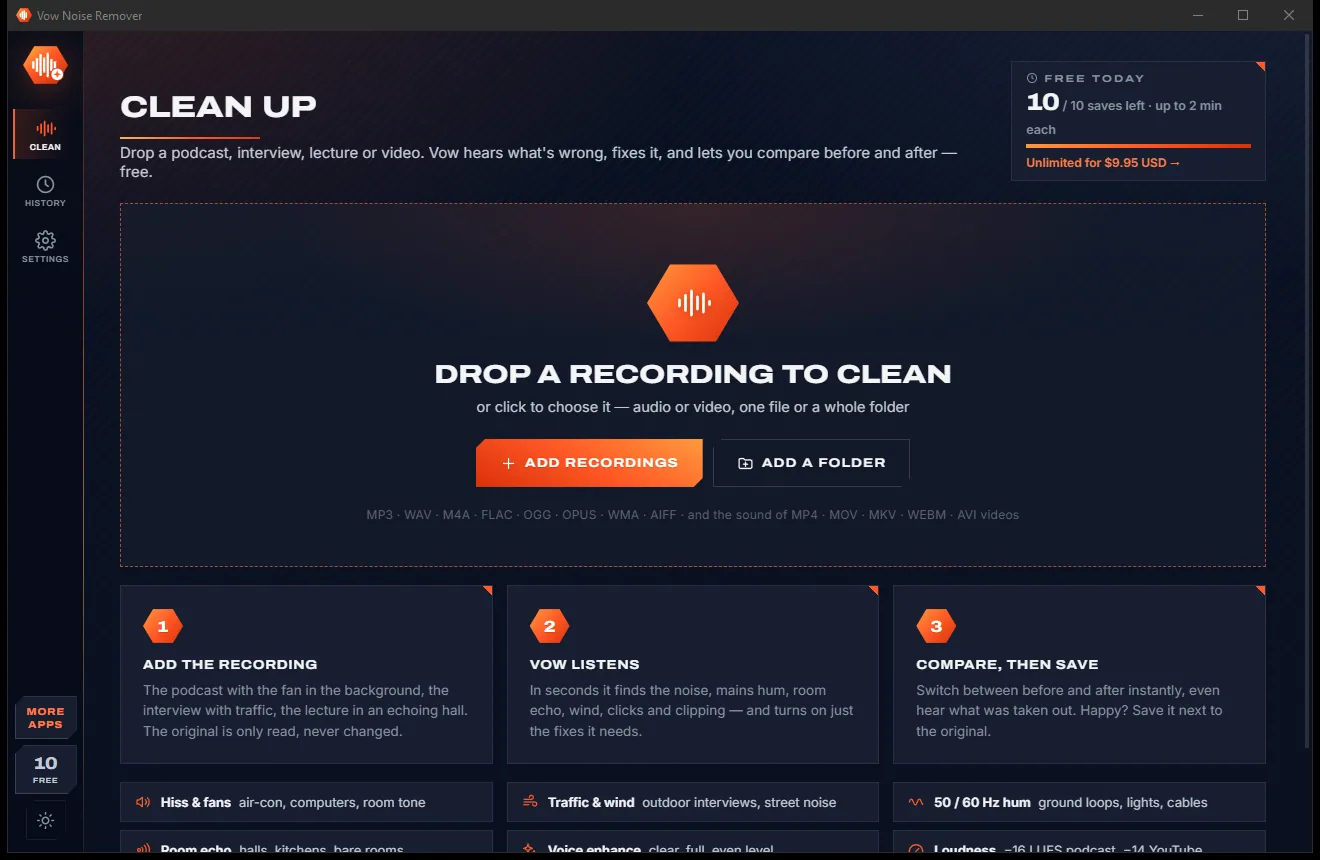
Remove background noise, hum and echo from any recording, offline
Cut, fade and clean up any audio, and make ringtones, on your own PC. Free to use every day, $9.95 once if you ever want Unlimited.