
Audio
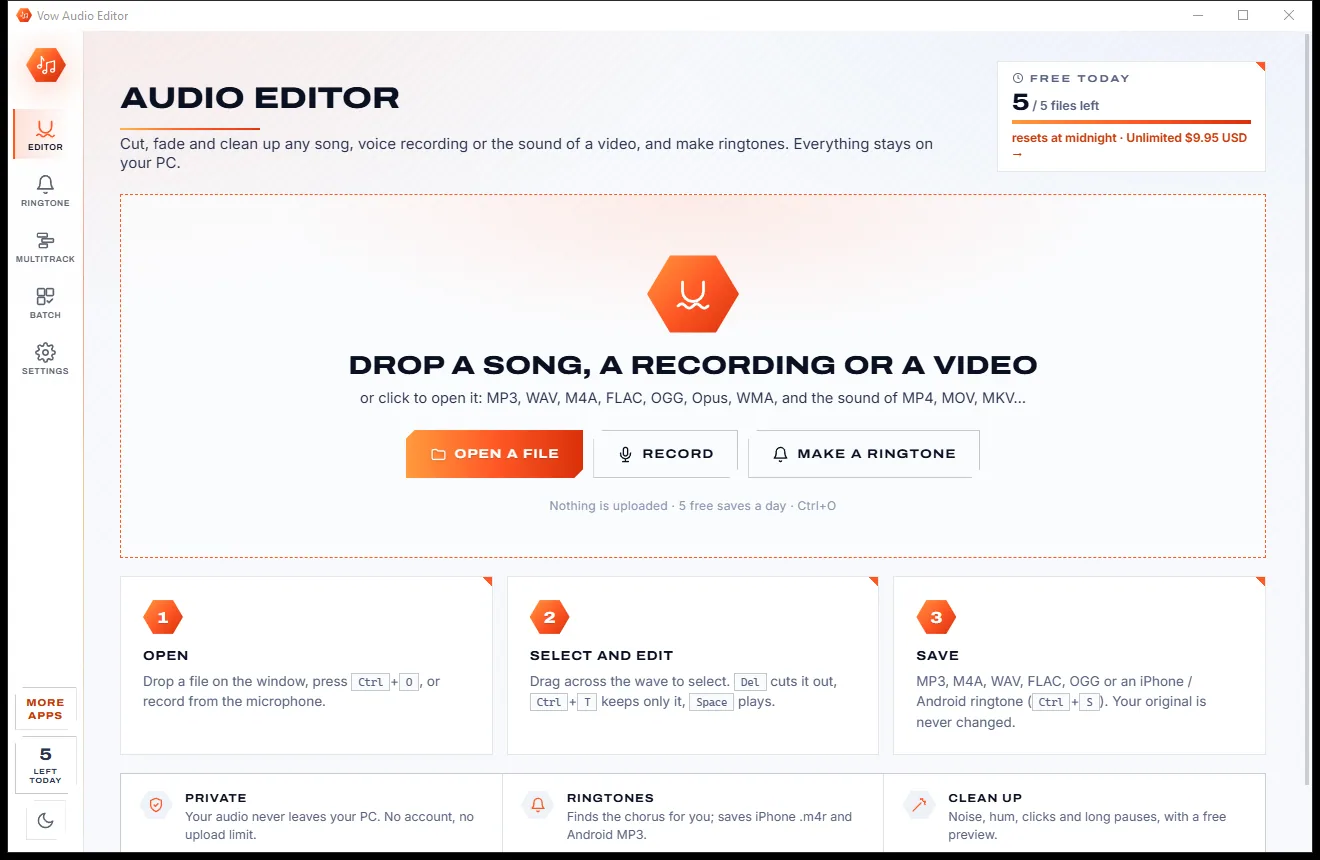
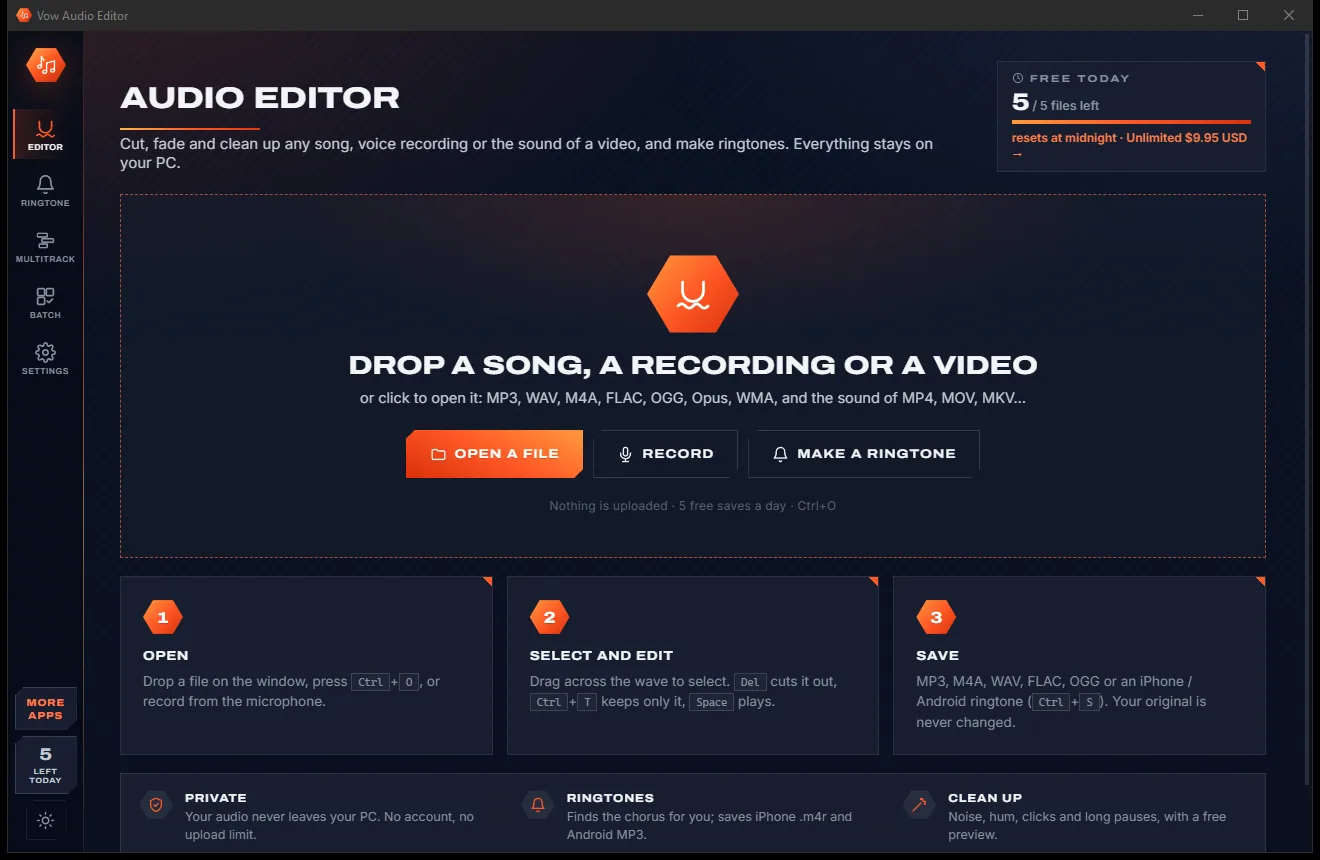
Vow Audio Editor
Cut, fade and clean up any audio, and make ringtones, on your own PC
- Free: Cut, fade, normalise, ringtones and every format, 5 saves a day
- $9.95 once: Unlimited saves, effects, noise cleanup, multitrack and batch

AI vocal remover & stem splitter for Windows
Drop in a song or music video and get a clean instrumental and a studio-grade a cappella, or split it into 4 or 6 stems. The same AI the professional tools use, running on your own PC. No uploads, no credits, no subscription.
The problem
Search for a vocal remover and you get a wall of websites and downloads that look free right up to the moment you need them.
Most online vocal removers make you upload your music to their servers, then wait in a queue behind everyone else.
Credits run out halfway through an album. Per-minute pricing turns one practice session into a bill.
Monthly plans for something most people do a few times a month, renewing whether you use it or not.
Free "karaoke makers" that come with toolbars, pop-up ads and installers that quietly change your browser.
The free open-source tools sound great, once you have picked a model, hunted for files and learned what an overlap is.
Old phase-cancellation tricks leave a whispering singer and a thin, tinny instrumental.
Vow Vocal Remover fixes all of it.
How it works
Studio-grade separation in two clicks, and your music never leaves your PC.
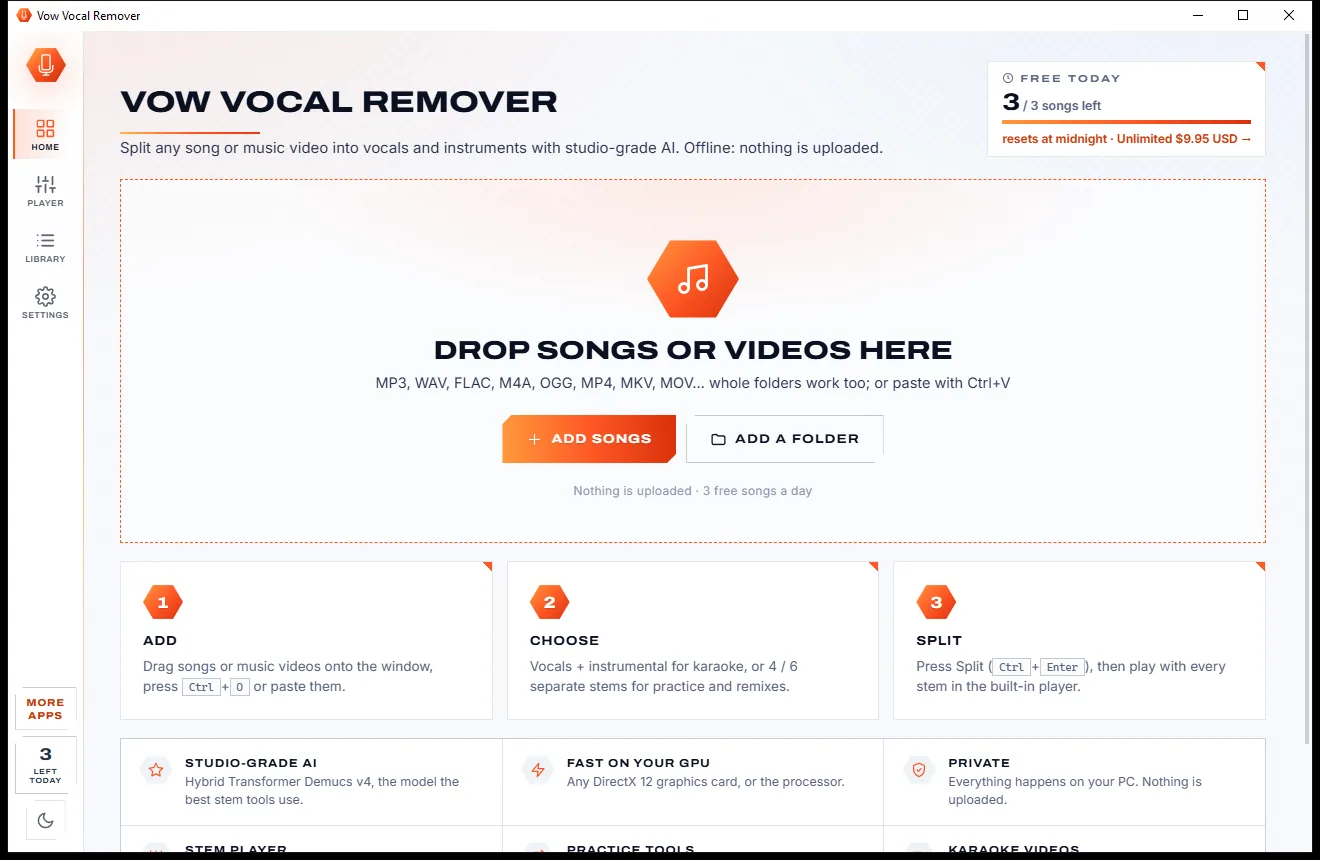
Drag in an MP3, WAV, FLAC or M4A, or even a music video (MP4, MKV, MOV). Whole folders work too, or paste with Ctrl+V.
Vocals + instrumental for karaoke and covers, or 4 or 6 stems: vocals, drums, bass, guitar, piano and the rest. Every choice is remembered.
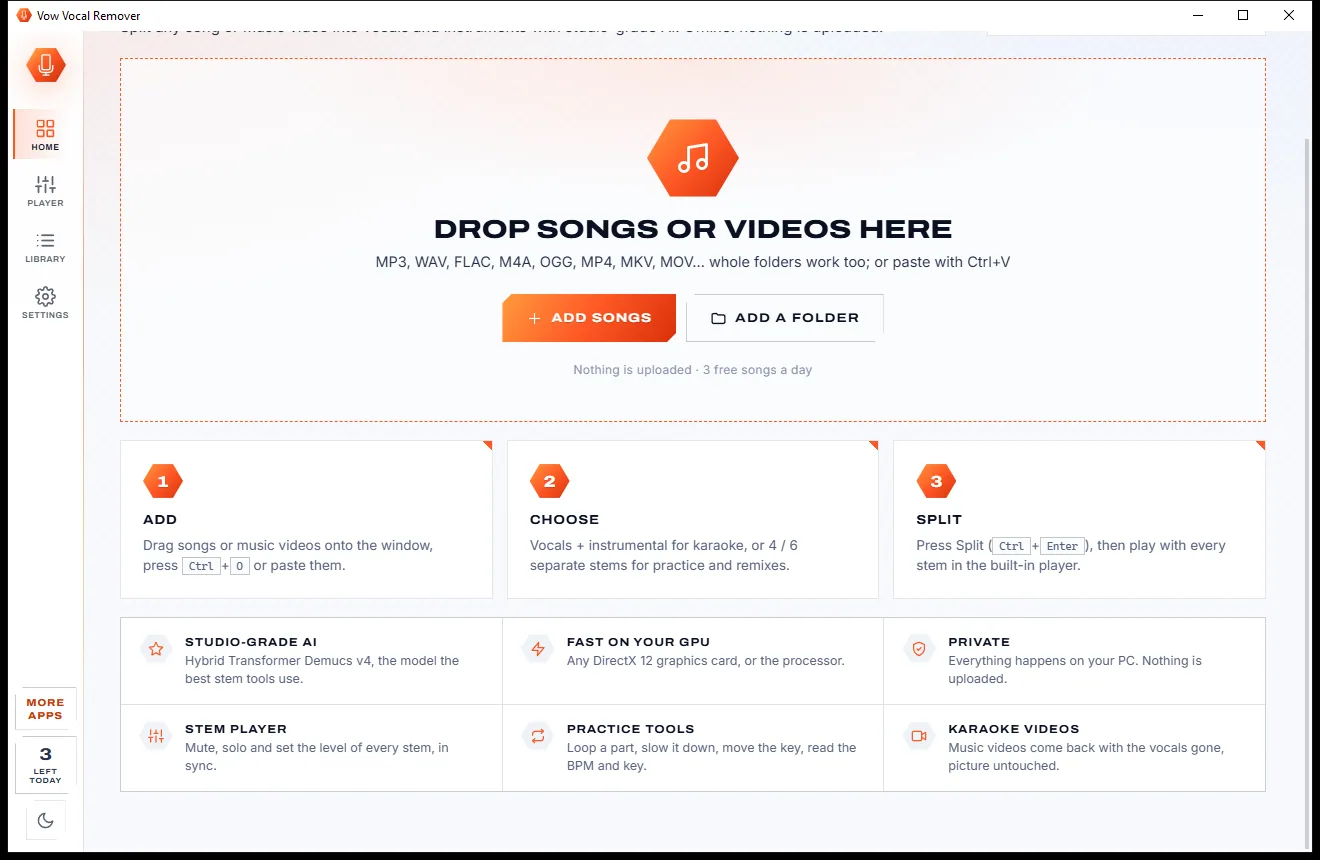
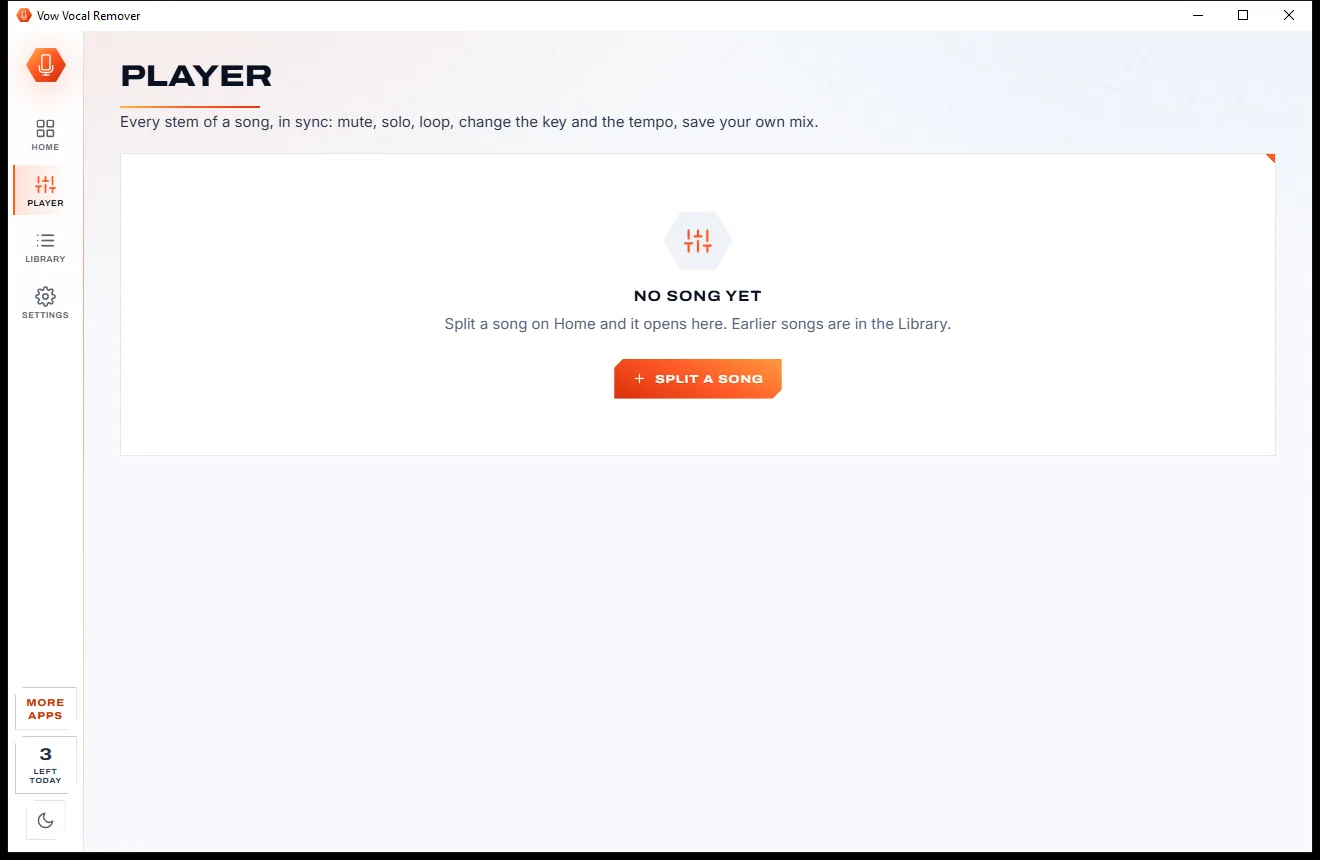
Press Split. Every stem opens in the built-in player: mute, solo, loop, slow down or change key, then save exactly what you hear.
Features
Built for karaoke fans, singers, musicians and DJs: simple for the basics, deep when you want it.
Meta's Hybrid Transformer Demucs v4, the model behind the best stem tools, plus fine-tuned specialist networks on Best quality.
Vocals and instrumental, or vocals, drums, bass, guitar, piano and other, each as its own file.
Lanes with waveforms, volume, mute and solo, plus quick mixes: Karaoke, A cappella, No drums, Bass only and more.
Slow a song to 50% to learn it or shift it ±12 semitones to suit your voice, without the chipmunk effect.
Every song gets its BPM and musical key with the Camelot code, for practice, mashups and DJ sets.
Drop a music video and get it back with the instrumental as its soundtrack. The picture is copied untouched.
Uses any DirectX 12 graphics card (NVIDIA, AMD or Intel) or the processor, chosen for you, with automatic fallback.
Everything runs on your PC. Your songs are never uploaded, and the app works with no internet at all.
Opens MP3, WAV, FLAC, M4A, AAC, OGG, Opus, WMA, AIFF and video files. Saves MP3, M4A, WAV or FLAC.
Search past songs by name, key or BPM, play them again or drag their stems straight into your music software.
Light & dark theme
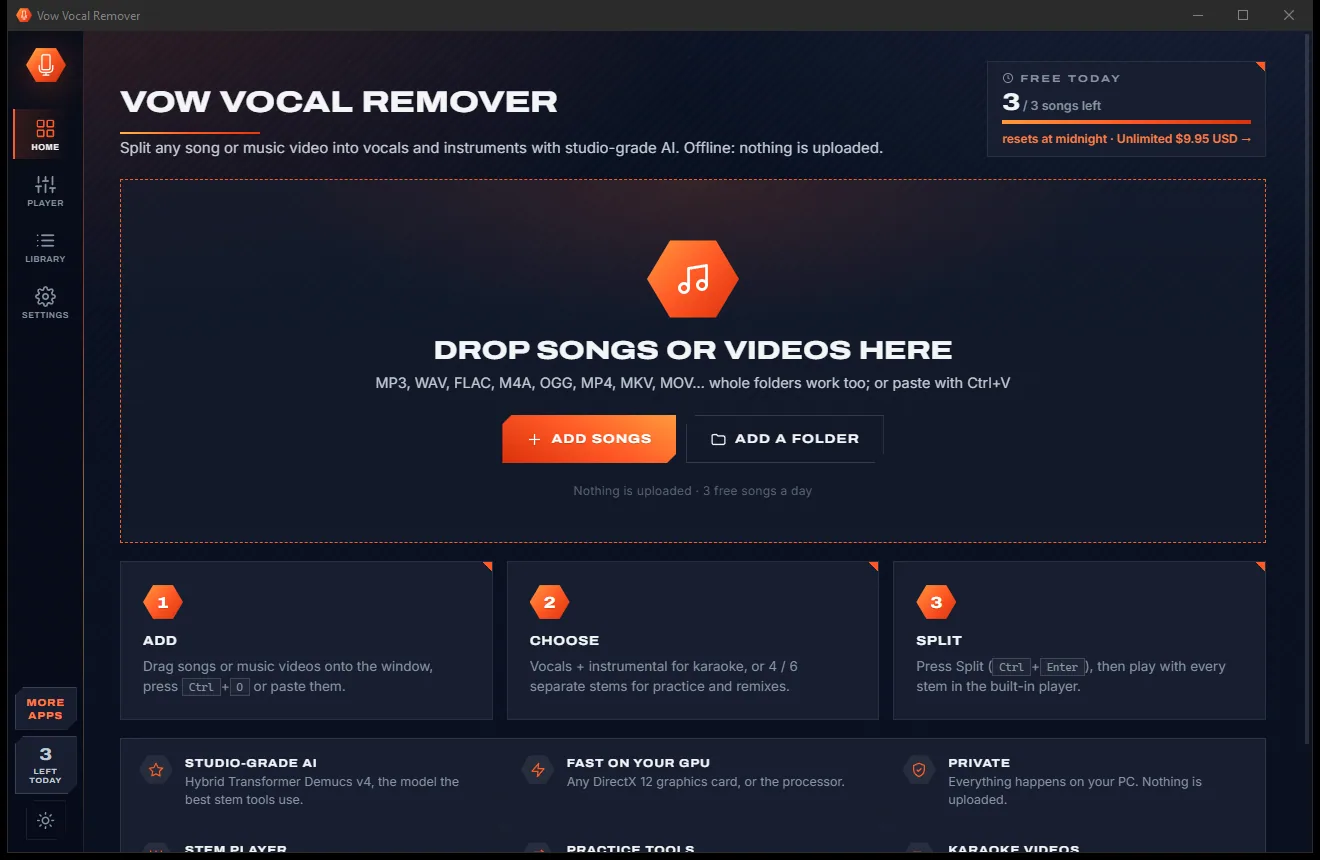
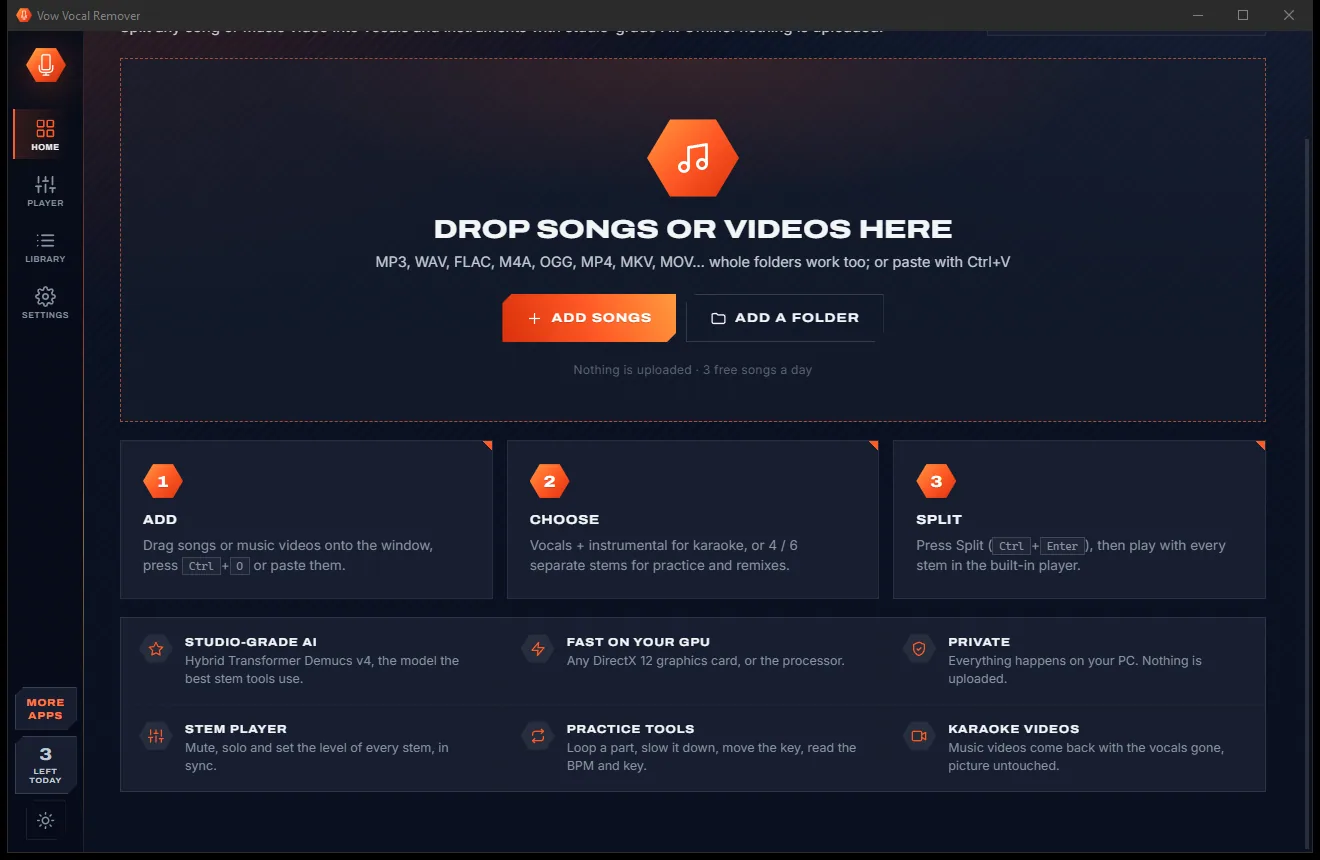
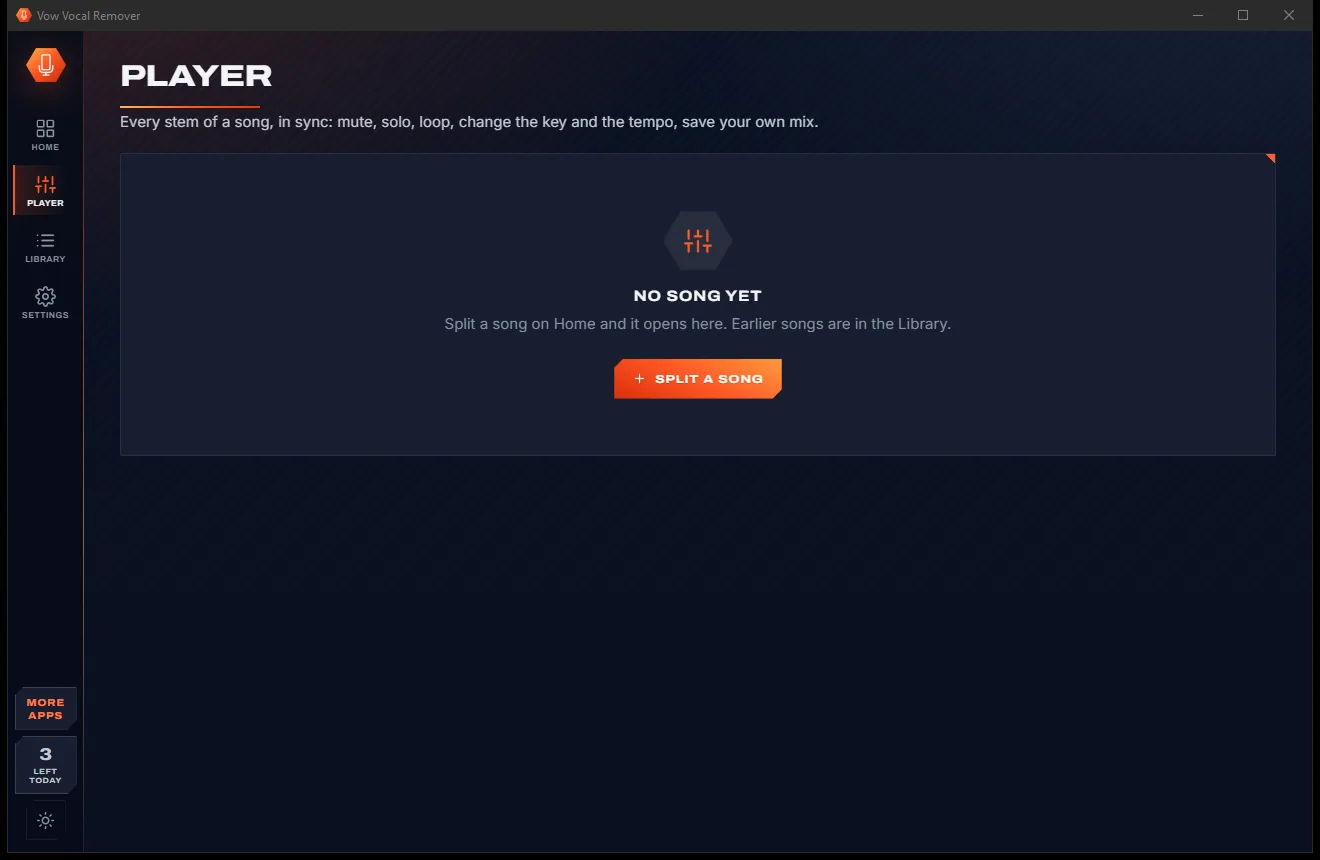
Vocal Remover comes with a crisp light theme and a calm dark theme. Switch with one click, or let it follow your Windows setting by itself. It remembers your choice.
Screenshots
Real screenshots of the real app, in both of its themes: 6 light, 6 dark. Click any picture to see it full size.
Light theme
Dark theme
Who it's for
Turn any song in your collection into a karaoke track, or a music video into a karaoke video.
Make backing tracks for covers and auditions, in your key, at your tempo.
Solo the bass line or drums and slow them down until every note is clear.
Pull clean a cappellas for remixes and mashups, with BPM and Camelot key ready to go.
Give students practice tracks with their own part louder, or without it.
Hear what is really going on in your favourite songs, one instrument at a time.
Compare
What you actually get when you search for a vocal remover, side by side.
| Feature | Vow Vocal Remover | Typical vocal remover sites & apps |
|---|---|---|
| Price | Free every day, or $9.95 once | Monthly plans or per-minute credits |
| Your music is uploaded | Never: 100% on your PC | Usually, to their servers |
| Ads, pop-ups, bundled extras | None, ever | Common on free sites and downloads |
| Watermarks or quality caps | None | Common on free tiers |
| Separation AI | HT-Demucs v4 + fine-tuned networks | Varies; older tools use phase cancellation |
| 6 stems incl. guitar and piano | Yes | Rare, or a higher plan |
| Built-in player with key and speed | Yes | Rarely |
| Karaoke video output | Yes | Rarely |
| Works without internet | Yes | No, for online tools |
"Typical" describes what we found across the most-downloaded alternatives when we built Vocal Remover. Your mileage with any one of them may vary; ours won't.
Pricing
That is not a typo. Software this powerful usually means a monthly subscription; Vocal Remover is $9.95, once, for life: it's almost a giveaway. Use it free for as long as you like, and unlock Unlimited only if you need more.
3 songs a day, vocals + instrumental, the full stem player.
Almost a giveaway. Less than a takeaway lunch for software this powerful: no subscription, no renewals, yours for life on 2 PCs.
Unlimited songs, 4 and 6 stems, lossless WAV and FLAC.
Payments by Stripe: we never see or store your card. Questions? Ask a real person.
Clean software
Most "free" Windows downloads pay for themselves with ads, bundled extras or your data. Vow Vocal Remover doesn't need to: it's paid for honestly, once, by the people who find it useful.
Download Vocal Remover freeStep-by-step guide
The whole job takes about a minute, even if you have never done it before.
Step 1: get it freeGet Vow Vocal Remover from this page and run the installer. It needs no administrator rights and no account, and everything it needs, including the AI models, is inside.
Drag the song or music video onto the app, or press Ctrl+O. You can add several songs, or a whole folder, at once.
Leave quality on Balanced and the format on MP3 for the quickest result. Choose Best for the cleanest possible vocals.
Press Split or Ctrl+Enter. A 3-minute song takes about 20 seconds on a fast graphics card and about a minute on a powerful processor.
The stem player opens by itself. Pick Karaoke to hear the instrumental, change key or speed if you like, and press Save this mix. The instrumental and vocals are already saved as separate files next to it.
Technical details
FAQ
Yes. You can split 3 songs every day into vocals and instrumental for free, for as long as you like, with the full AI quality, the stem player and MP3 or M4A export. There are no ads and no watermarks. Unlimited, a one-time $9.95 USD payment, removes the daily limit and adds 4 and 6 stems and lossless WAV and FLAC.
No. The separation runs entirely on your own PC, on your graphics card or processor. Your songs never leave your computer, and the app works with no internet connection at all.
It uses Hybrid Transformer Demucs v4, the same AI model behind the best-known stem separation tools, plus fine-tuned specialist networks on Best quality. On the standard MUSDB18 test songs it measures a median of 9.3 dB for vocals and 13.8 dB for the instrumental, the model's published figures.
Vocals and instrumental; 4 stems (vocals, drums, bass, other); or 6 stems (vocals, drums, bass, guitar, piano, other). The free version makes vocals + instrumental and lets you preview 30 seconds of 4 and 6 stems before you decide.
No. It runs on any 64-bit Windows 10 or 11 PC. With a DirectX 12 graphics card from NVIDIA, AMD or Intel a 3-minute song takes about 20 seconds; on the processor alone it takes longer, around a minute on a fast desktop and a few minutes on a small laptop.
There is no per-minute pricing like LALAL.AI and no subscription like Moises: Unlimited is $9.95 once. Like UVR5 it is local and private, but there is nothing to set up, no models to hunt for, and it includes a full stem player with key and tempo control.
Yes. Drop a music video in and you get the video back with the instrumental as its soundtrack, with the picture copied untouched.
Yes. It is made and published by XTO Pty Ltd, an Australian company. The installer contains no ads, no toolbars and no bundled software, needs no administrator rights, and uninstalls cleanly from Windows Settings.
The Vow collection
Same design, same promises, a tiny one-time price. Learn one and you already know them all.
Cut, fade and clean up any audio, and make ringtones, on your own PC

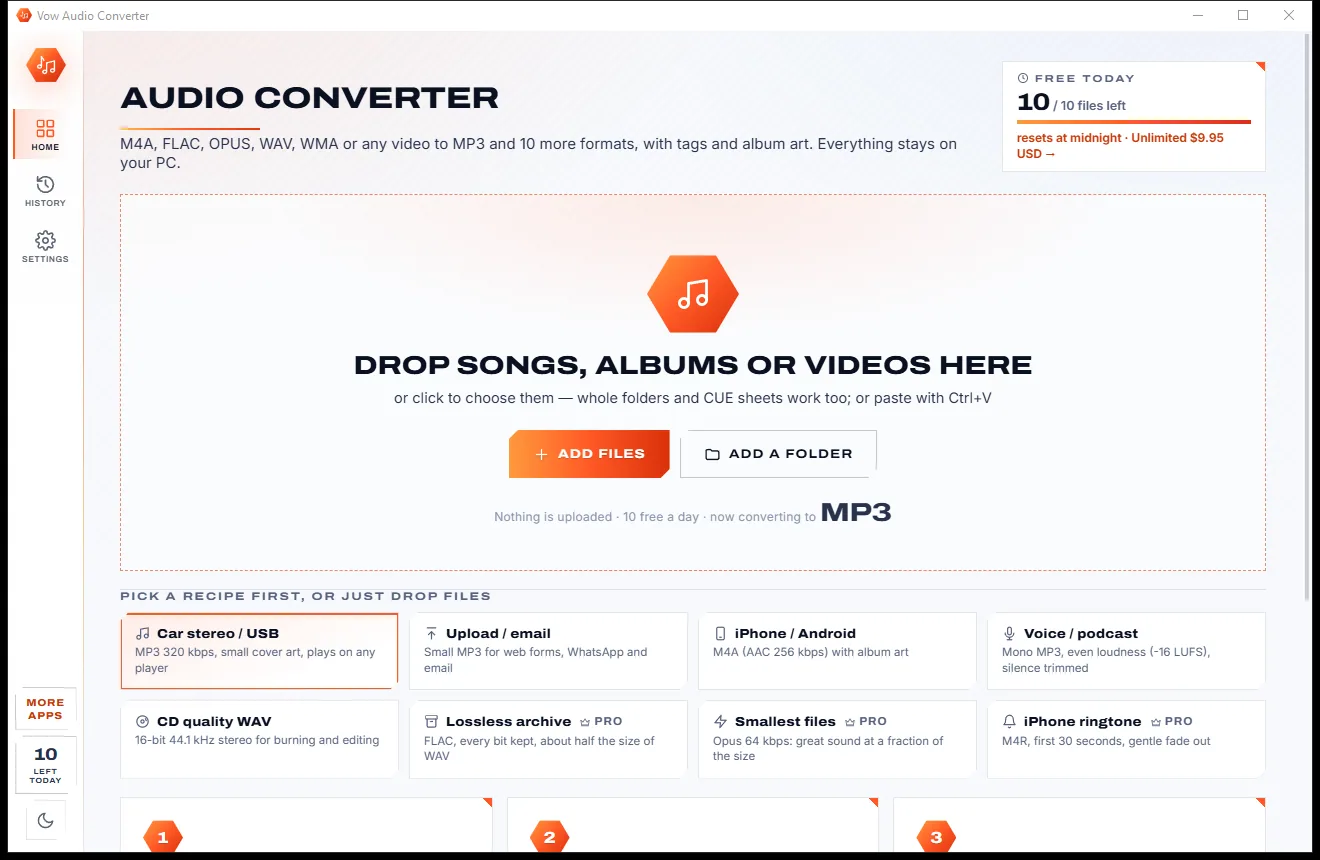
Convert any audio to MP3, FLAC and 9 more formats, tags and all

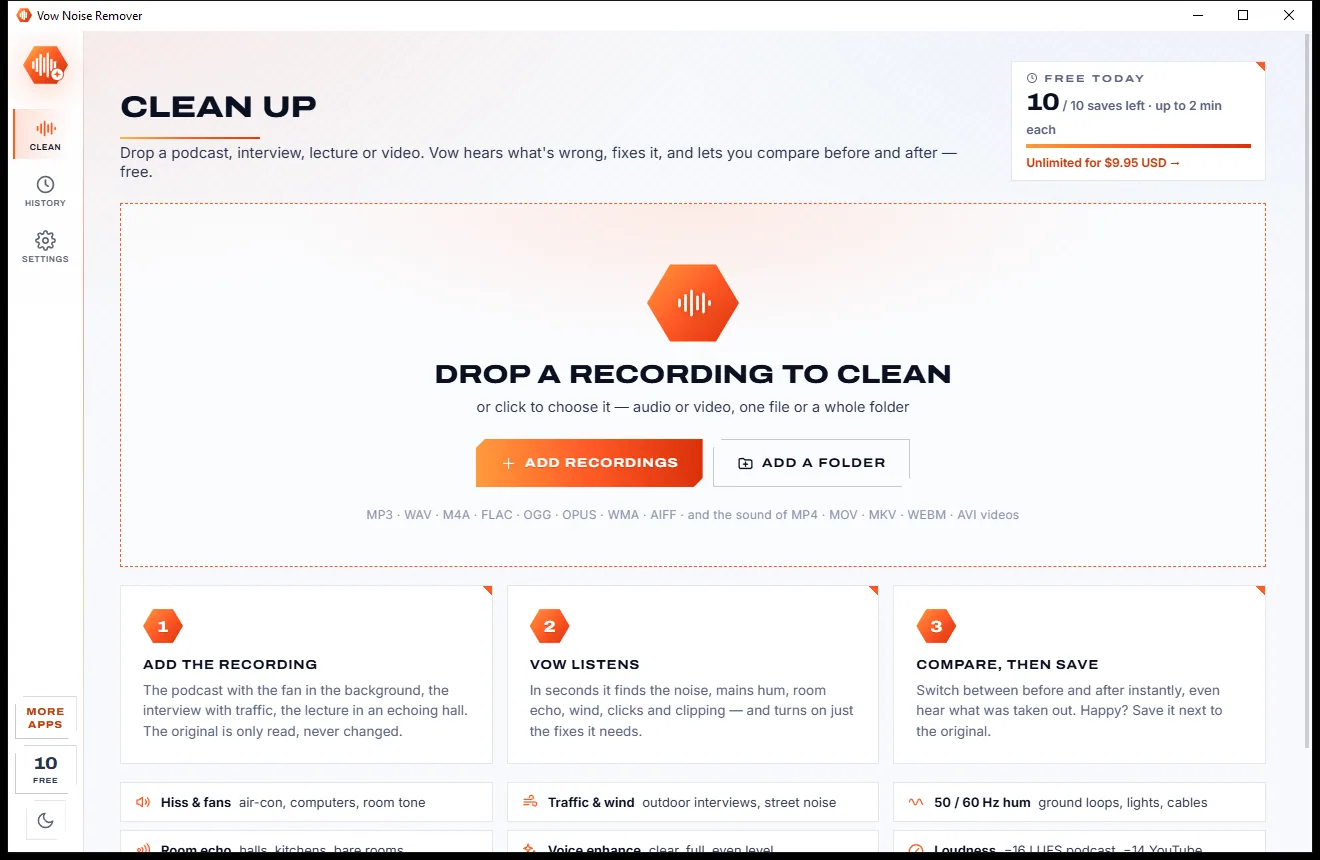
Remove background noise, hum and echo from any recording, offline
Remove vocals from any song, offline, in two clicks. Free to use every day, $9.95 once if you ever want Unlimited.