
Files
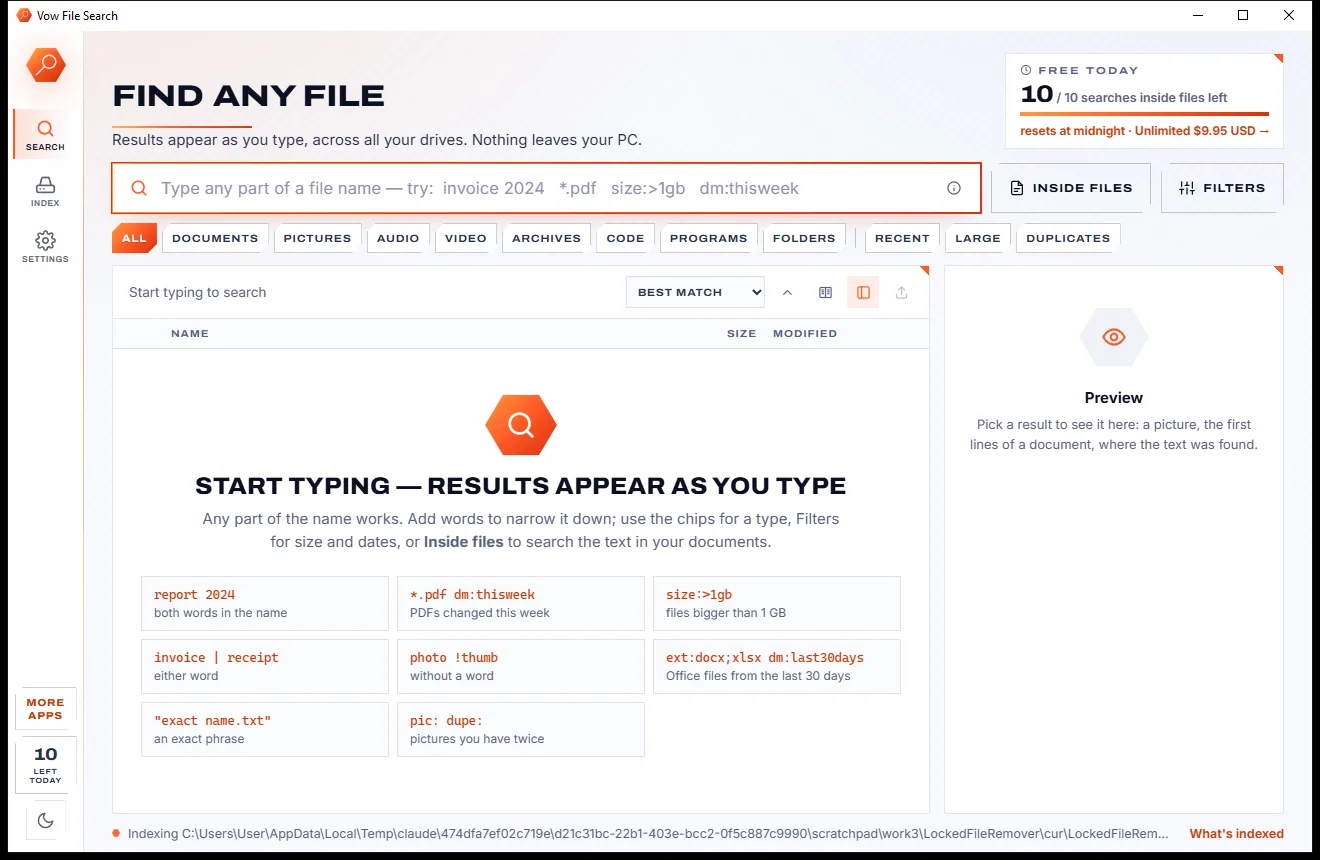
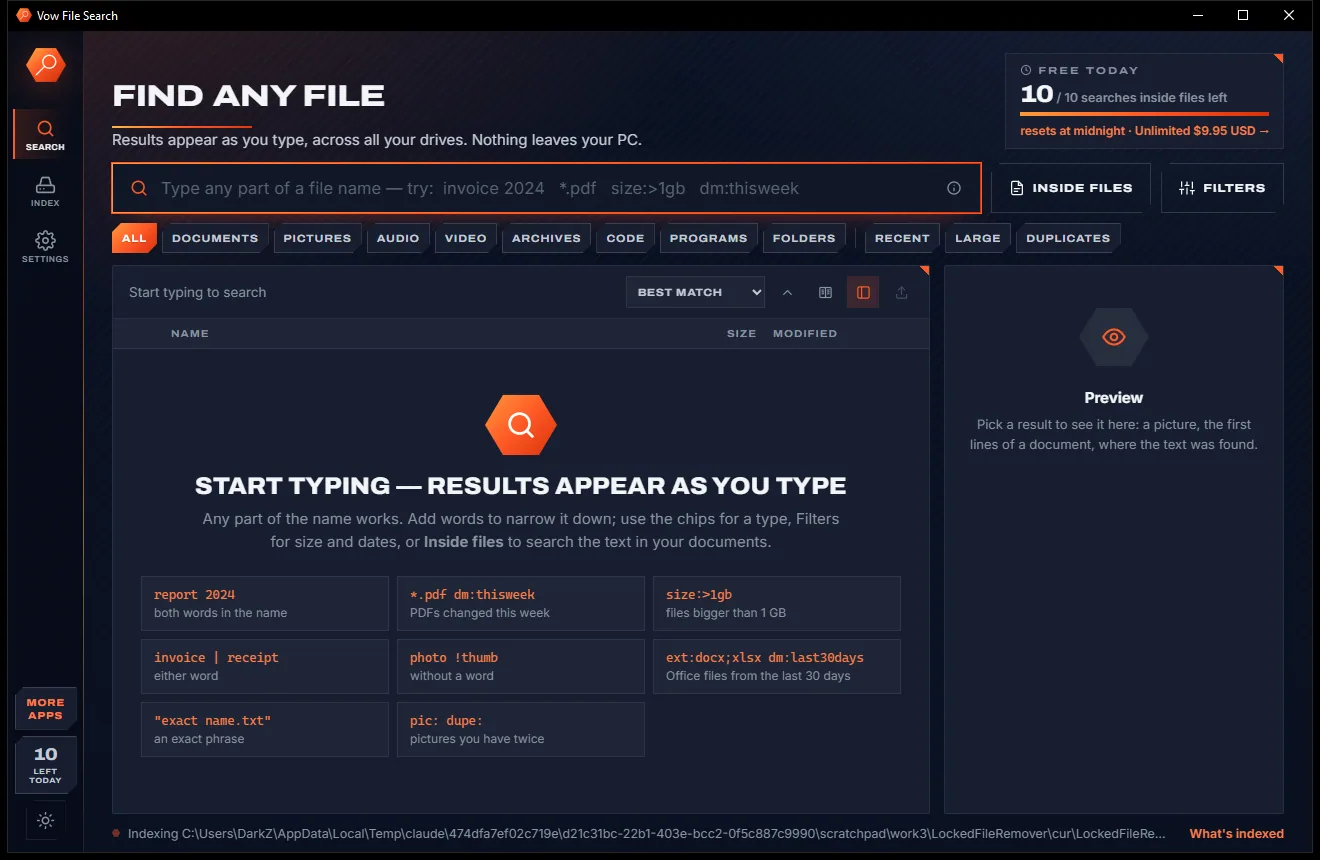
Vow File Search
Find any file as you type, across every drive
- Free: Unlimited file name search on every drive, 10 searches inside files a day
- $4.95 once: Unlimited searches inside files, network drives and NAS shares

WhatsApp, iMessage & SMS backup for Windows
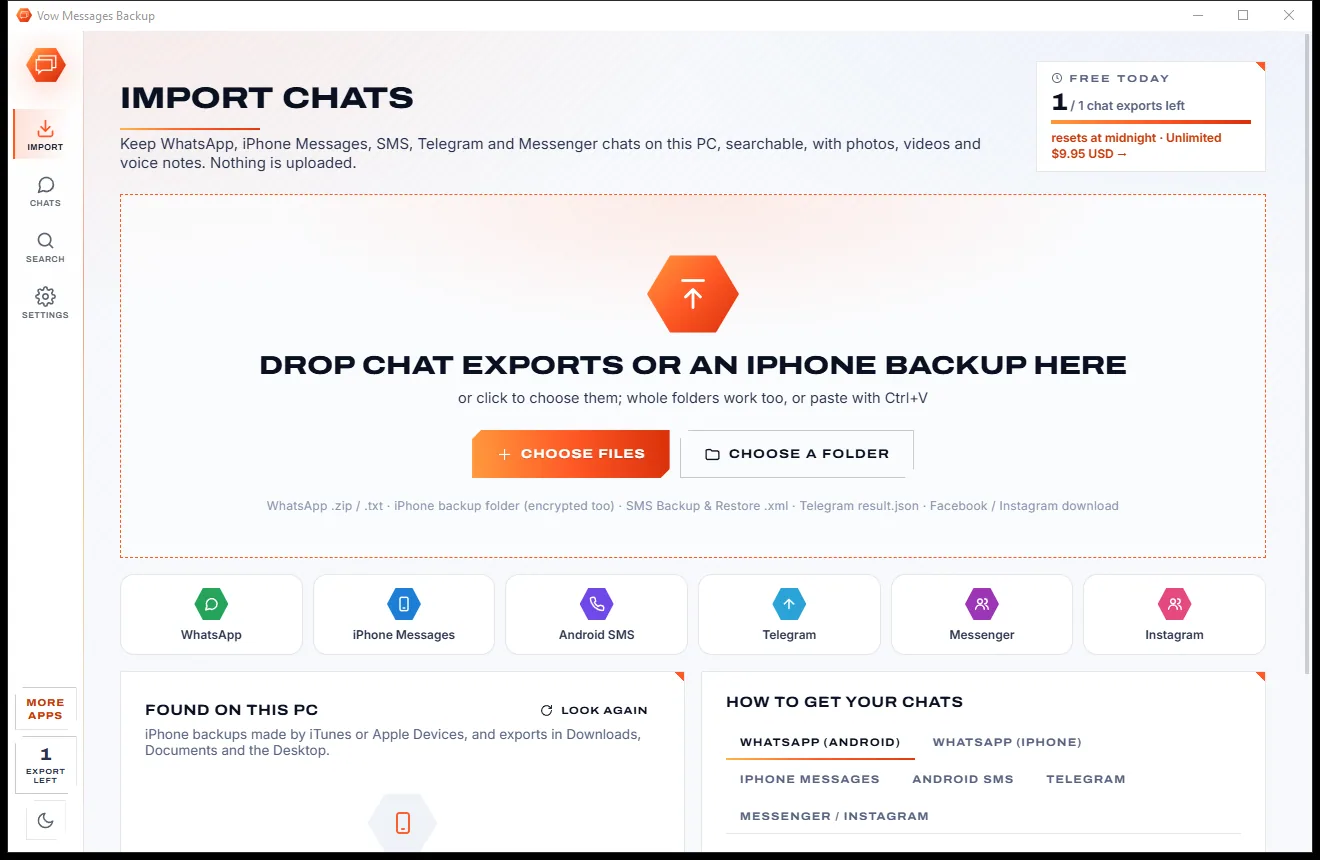
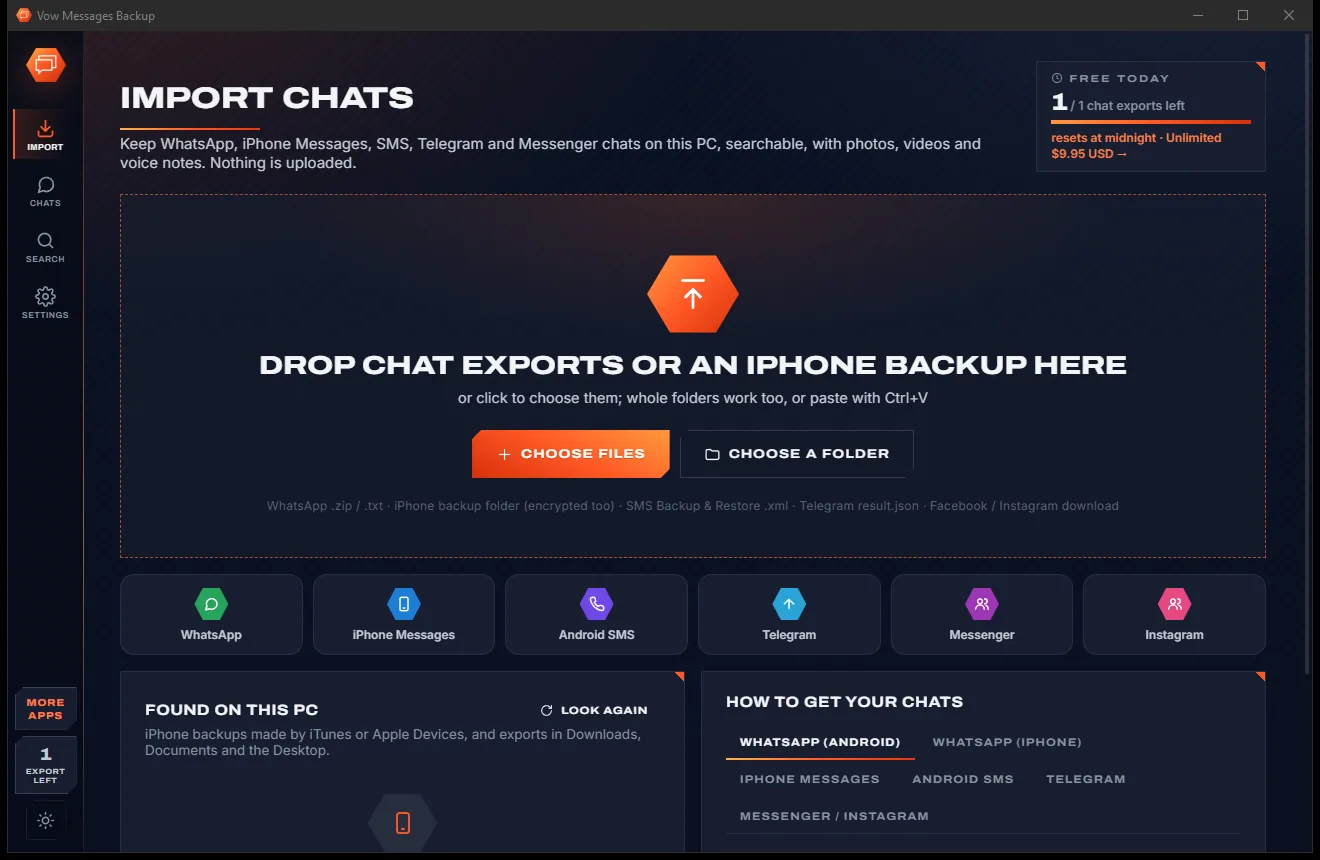
Import WhatsApp exports, iPhone backups (encrypted too), Android SMS, Telegram, Messenger and Instagram into one archive. Read them like on your phone, search every message at once and export any chat to HTML or PDF. Nothing is uploaded, and no phone has to stay plugged in.
The problem
Chats live on phones that break, get replaced or run out of space, and getting them onto a PC usually means sketchy tools or a subscription.
Phone backups go to the cloud in a form you can't open, read or search on a PC.
Online chat converters want your private conversations on their servers before they'll show you anything.
Phone manager software often wants a yearly licence just to export a handful of conversations.
A WhatsApp export is a bare text file with photos dumped beside it: no bubbles, no search, no pictures in place.
WhatsApp, iMessage, SMS, Telegram and Messenger each keep their own history, with no way to search them together.
Getting a clean, dated, printable copy of a conversation for a landlord, employer or lawyer is surprisingly hard.
Vow Messages Backup fixes all of it.
How it works
Every chat from every app in one archive on your PC, ready to search or export.
A WhatsApp export, an iPhone backup, an SMS Backup & Restore file, a Telegram export or a Facebook download. Backups and exports already on your PC are found for you.
Bubbles, photos, videos and voice notes, just like the phone. Search every message of every chat at once, or jump to any date.
Save a chat as a web page that looks like the conversation, a PDF ready to print, or plain text, CSV or JSON.
Features
For keeping memories, keeping records, and keeping the chats you can't afford to lose.
WhatsApp (Android and iPhone), WhatsApp Business, iPhone Messages, Android SMS and MMS, Telegram, Messenger and Instagram.
Reads iTunes and Apple Devices backups, decrypting them with your backup password, which is never stored.
Pictures inline with a full-window viewer, videos and voice notes that play in place, and files that open with Windows.
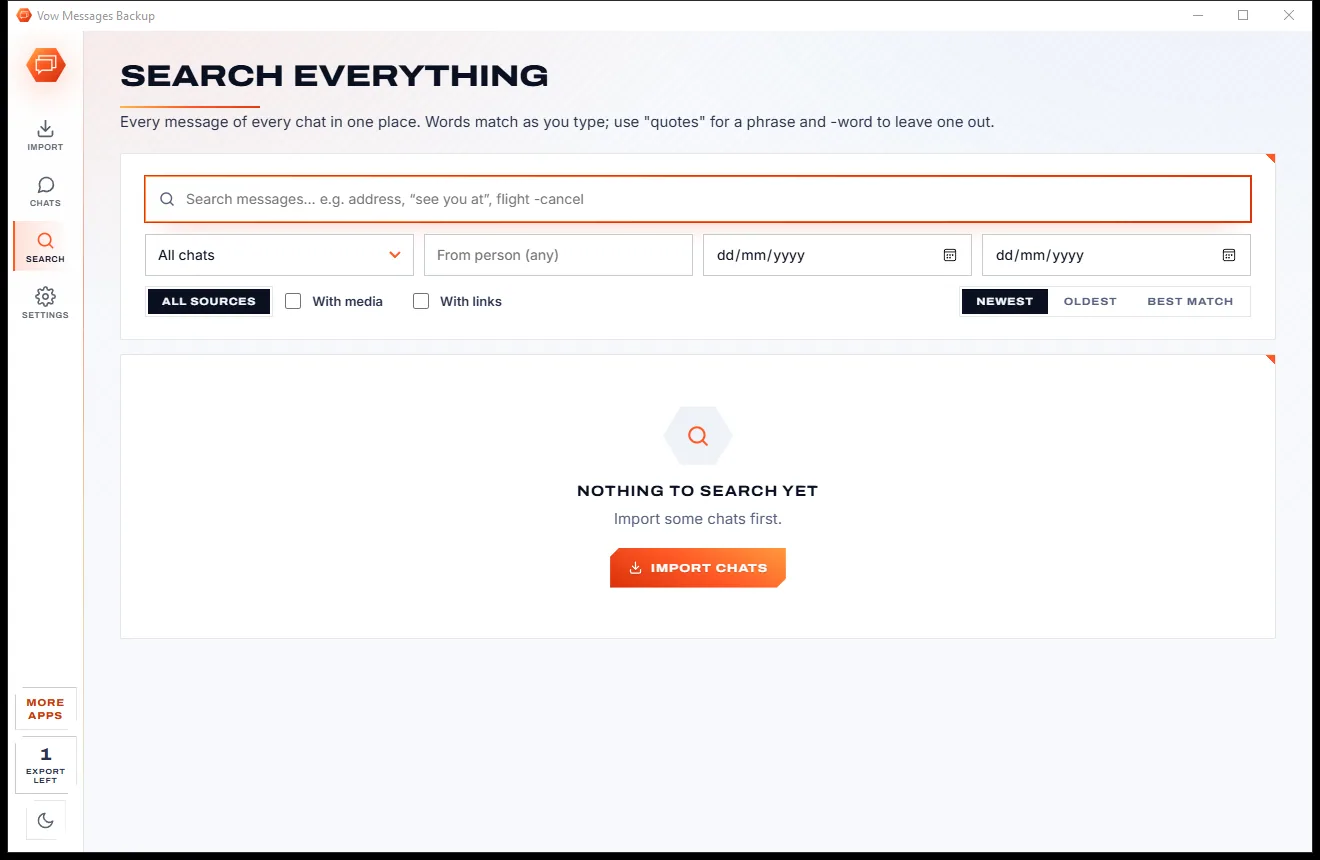
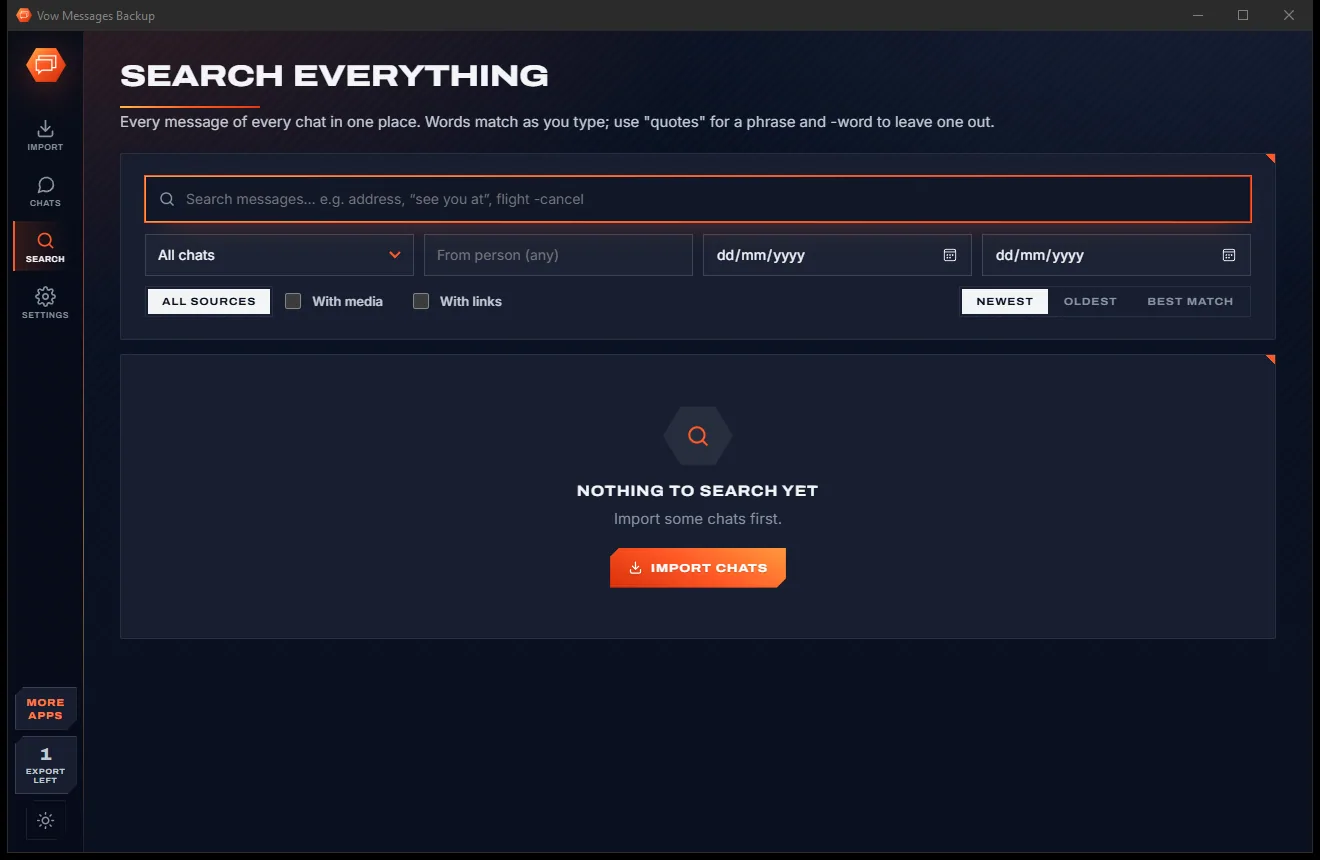
Search all chats as you type, with "exact phrases", excluded words and filters for person, date, source, media and links.
A self-contained HTML page that looks like the chat, with its own search box, or a PDF with photos in place (Unlimited).
Messages per person, month, hour and weekday, busiest day, longest streak, reply times, favourite emoji and words.
Import a newer export later and only the new messages are added, so your history outlives any one phone.
Jump to any day in a long chat, or find a word inside it with Ctrl+F and step through every match.
WhatsApp exports from any phone and region are read correctly, 12 or 24 hour clock, even when the dates are ambiguous.
Everything is kept in one archive on your own PC. Nothing is uploaded and no phone has to stay connected.
Light & dark theme
Messages Backup comes with a crisp light theme and a calm dark theme. Switch with one click, or let it follow your Windows setting by itself. It remembers your choice.
Screenshots
Real screenshots of the real app, in both of its themes: 6 light, 6 dark. Click any picture to see it full size.
Light theme
Dark theme
Who it's for
Keep years of family and friends' chats, photos and voice notes safe when a phone is replaced.
Export a dated PDF of a conversation for a tenancy dispute, an insurance claim or your lawyer.
Archive client and team conversations from WhatsApp or Telegram, searchable in seconds.
Moving from iPhone to Android, or back? Keep the whole history on your PC either way.
Keep the messages and voice notes of someone you've lost, somewhere they won't disappear.
Keep the media-heavy chats on your PC before clearing them off the phone.
Compare
What phone manager suites and online chat converters usually ask of you.
| Feature | Vow Messages Backup | Typical phone backup & chat export tools |
|---|---|---|
| Price | Free every day, or $9.95 once | Yearly licences or subscriptions |
| Your chats uploaded | Never: 100% on your PC | Yes, for online converters |
| Messengers in one app | WhatsApp, iMessage, SMS, Telegram, Messenger, Instagram | Usually one or two |
| Encrypted iPhone backups | Yes, password never stored | Varies |
| Search across every chat | Yes, as you type | Rarely |
| Re-import without duplicates | Yes, only new messages added | Rarely |
| HTML and PDF with photos in place | Yes | Limited on free tiers |
| Ads, watermarks, sign-up | None | Common on free tools |
"Typical" describes what we found across the most-downloaded alternatives when we built Messages Backup. Your mileage with any one of them may vary; ours won't.
Pricing
That is not a typo. Software this powerful usually means a monthly subscription; Messages Backup is $9.95, once, for life: it's almost a giveaway. Use it free for as long as you like, and unlock Unlimited only if you need more.
Import and read every chat, insights, 1 chat export a day.
Almost a giveaway. Less than a takeaway lunch for software this powerful: no subscription, no renewals, yours for life on 2 PCs.
Exports with media, PDF, all chats at once, full search.
Payments by Stripe: we never see or store your card. Questions? Ask a real person.
Clean software
Most "free" Windows downloads pay for themselves with ads, bundled extras or your data. Vow Messages Backup doesn't need to: it's paid for honestly, once, by the people who find it useful.
Download Messages Backup freeStep-by-step guide
From a chat on your phone to a searchable copy on Windows in a few minutes.
Step 1: get it freeDownload it from this page and run the installer. There is no account and no sign-up, and nothing is uploaded: your chats stay on this PC.
In WhatsApp on Android, open the chat, tap the three dots, then More and Export chat, and include media. On iPhone, open the chat, tap its name, choose Export Chat and Attach Media. Get the .zip onto your PC.
Drag the .zip onto Vow Messages Backup or press Ctrl+O. For iMessage and SMS, use an iPhone backup made with iTunes or the Apple Devices app; it is listed under Found on this PC.
Open the chat from the Chats page. Press Ctrl+F to find a word in it, Ctrl+Shift+F to search every chat, or open Insights to see who wrote what and when.
Press Ctrl+E, pick HTML, PDF, plain text, CSV or JSON, and export. Files are saved in Documents\Vow Messages Backup unless you choose another folder.
Technical details
FAQ
Yes. Importing and reading every chat with its photos, videos and voice notes is free, along with find in chat, insights and encrypted iPhone backups, and you can export 1 chat a day as HTML, TXT, CSV or JSON. Unlimited, a one-time $9.95 USD payment, adds unlimited exports with media, PDF, exporting all chats at once, full archive search and saving all media.
No. Everything is read and kept on your own PC. There is no account and no cloud, and the exports and backups it reads are never changed.
WhatsApp exports from Android and iPhone, WhatsApp and WhatsApp Business from iPhone backups, iPhone Messages (iMessage, SMS and MMS), Android SMS, MMS and call logs saved with SMS Backup & Restore, Telegram Desktop exports, and Facebook Messenger and Instagram downloads.
Yes. Type the backup password you chose in iTunes or the Apple Devices app. It is used only on your PC to read the backup and is never saved.
No. WhatsApp's encrypted Android backup needs a key that only the phone holds. Use WhatsApp's Export chat instead; the app's How to get your chats guide walks you through every source.
Yes. With Unlimited, any chat exports as a PDF with photos in place, dates and times on every message, ready to print or keep. The free HTML export looks like the chat and opens in any browser.
Only new messages are added. Each message gets a fingerprint, so nothing is duplicated and your history survives a phone being wiped or replaced.
Yes. It is made and published by XTO Pty Ltd, an Australian company. There are no ads and no bundled software, it needs no administrator rights, and if you uninstall it, it asks before deleting your chat archive (keeping it is the default).
The Vow collection
Same design, same promises, a tiny one-time price. Learn one and you already know them all.
Find any file as you type, across every drive
Open every archive, and fix the ones that won't open
See what's filling your drive, then win the space back safely
Save WhatsApp, iMessage and SMS chats on your PC, searchable. Free to use every day, $9.95 once if you ever want Unlimited.