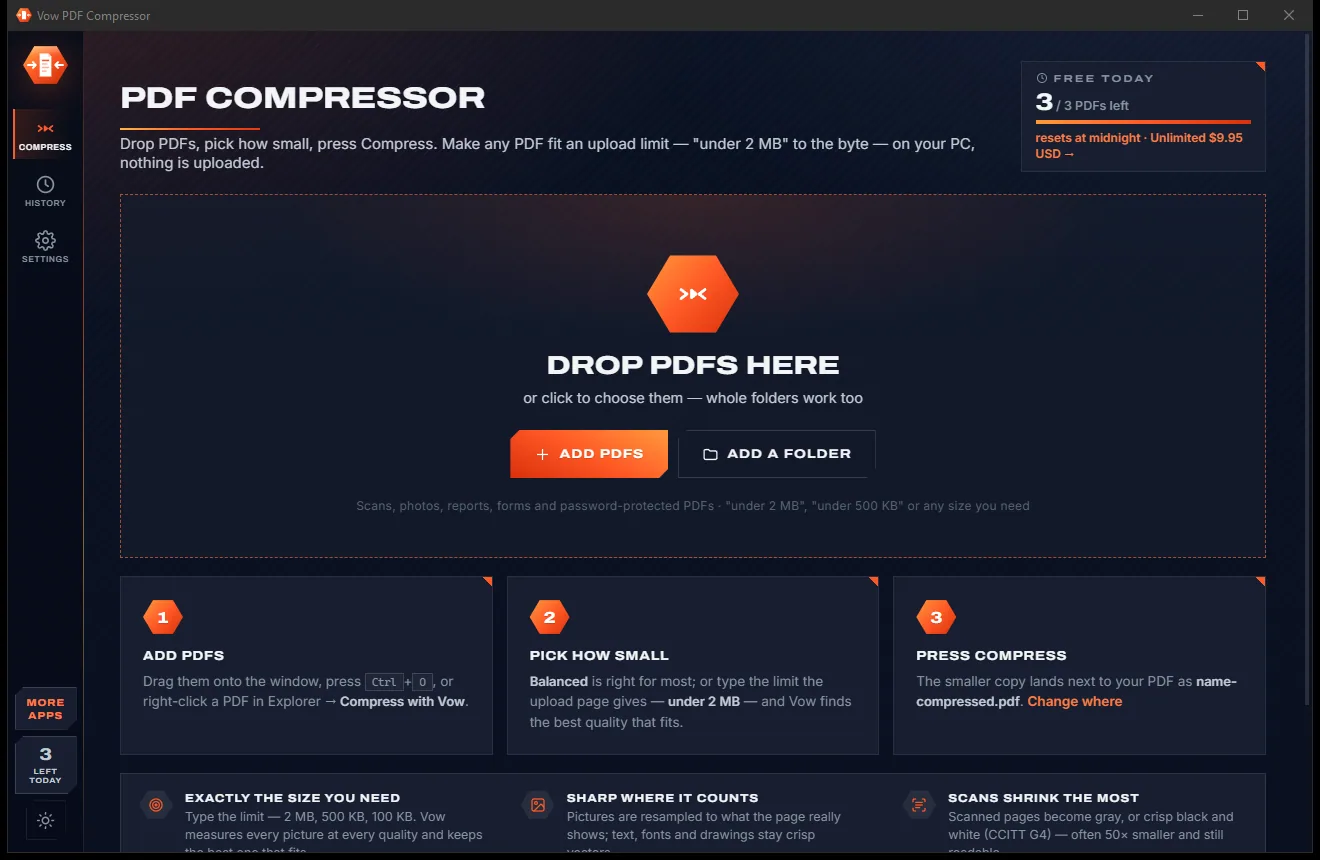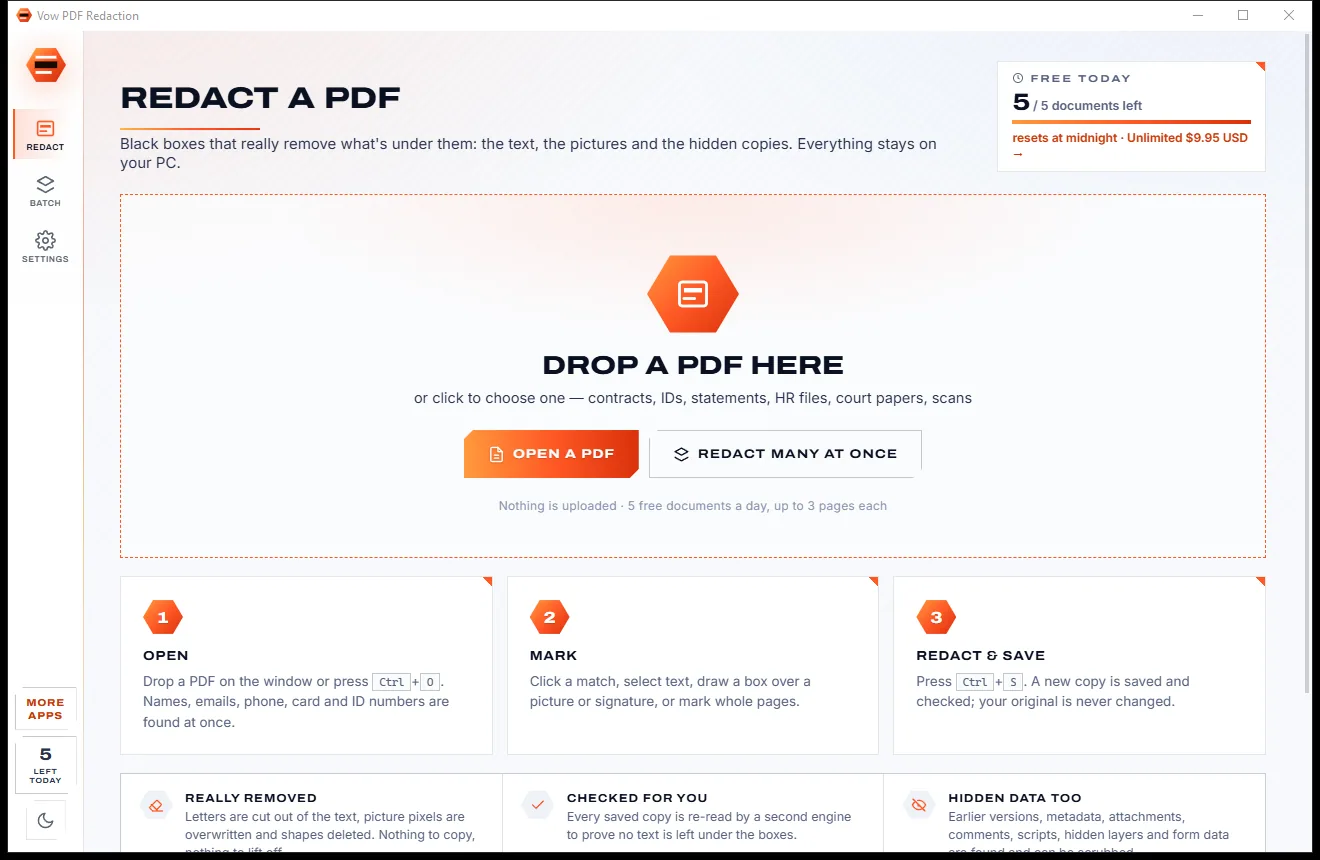
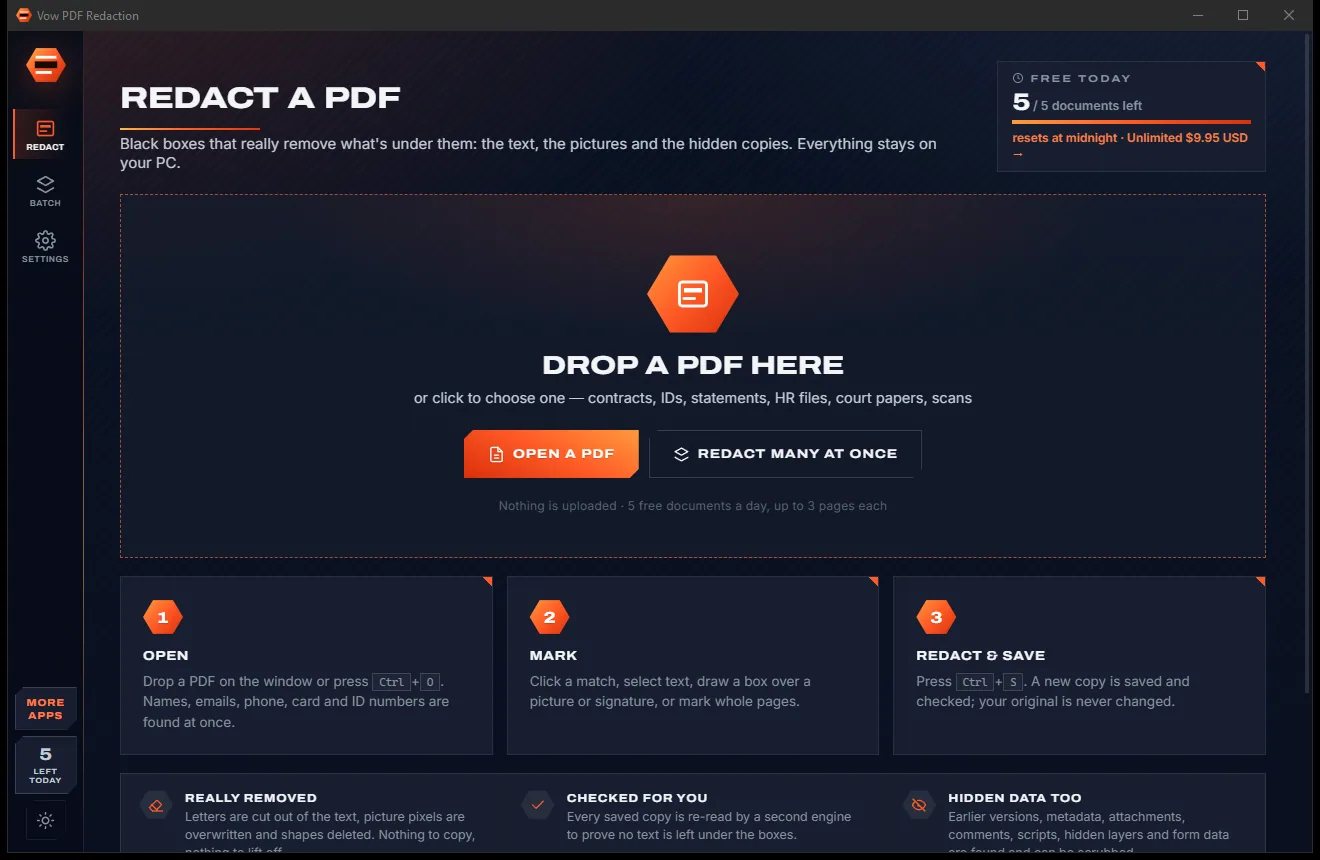

Redact PDFs for real: nothing left under the black boxes
- Free: 5 documents a day, up to 3 redacted pages each, true redaction
- $4.95 once: Any length, one-click redact-all, batch folders, scrub hidden data
PDF editor for Windows
Click a line and retype it: Vow PDF Editor keeps the PDF's own font, size and colour, and re-justifies the line. Highlight, sign, fill forms, reorder pages and save. No account, no upload, no monthly bill.
The problem
A wrong date on a contract or a typo in an invoice, and suddenly you are choosing between a monthly plan, an upload site and a watermark.
The best-known PDF editors are rented by the month, renewing whether you edit one file a year or fifty.
Online PDF sites want your agreement, payslip or tax form on their servers before they will change a word.
Plenty of free editors save your file with their logo across every page, or stop after a page or two.
Many tools paste a white box over the old words and type new ones on top, in a font that never matched.
"Free PDF editor" installers that bring toolbars, pop-up ads and changes to your browser along with them.
Make an account, verify your email, then find out you have two free tasks left today.
Vow PDF Editor fixes all of it.
How it works
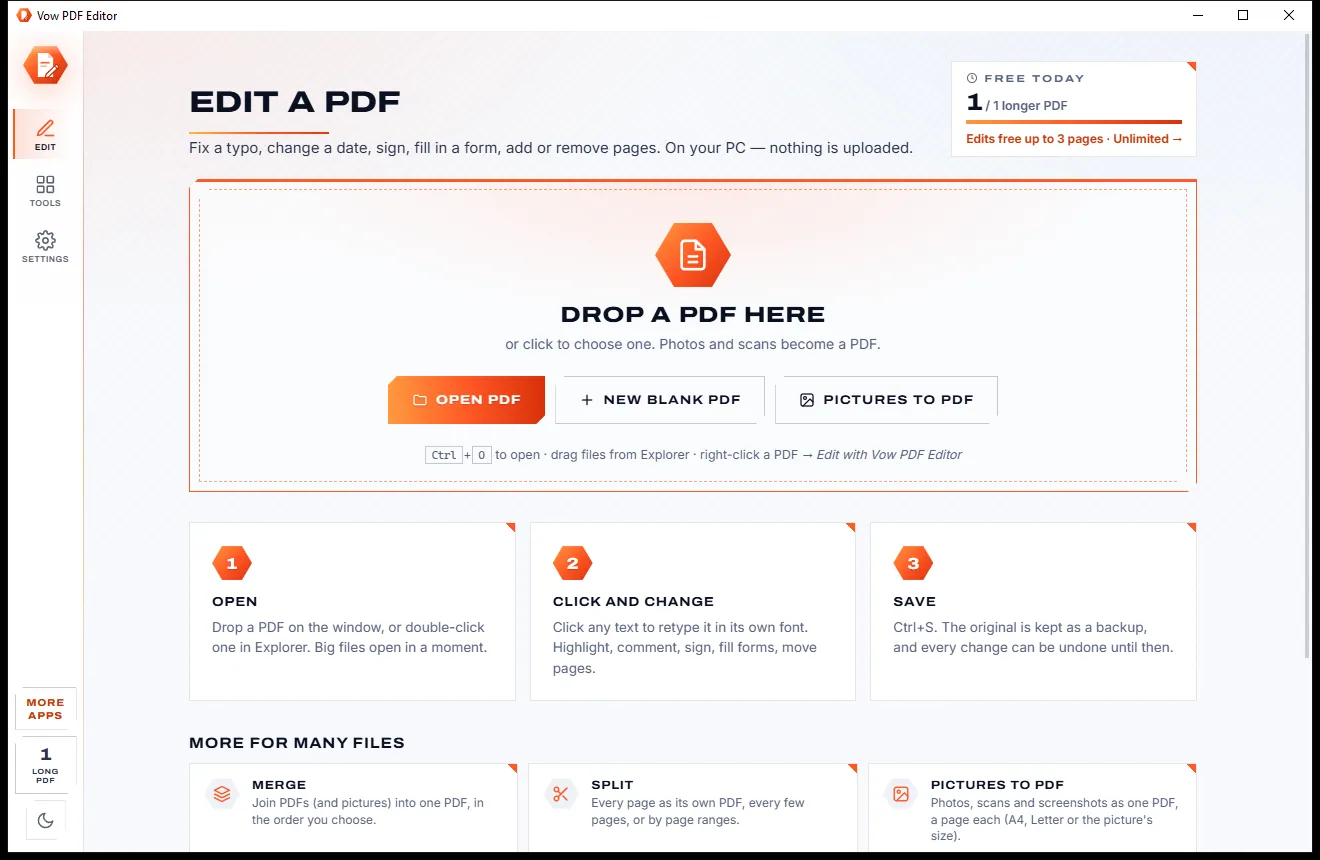
The edit tool is already on when a PDF opens. Click the words, change them, press Ctrl+S.
Drop it on the window, double-click it in Explorer or right-click it and choose Edit with Vow PDF Editor. Pictures dropped on the window become a PDF.
Click any line and retype it in the PDF's own font, size and colour. Highlight, comment, sign, fill forms or move pages from the same window.
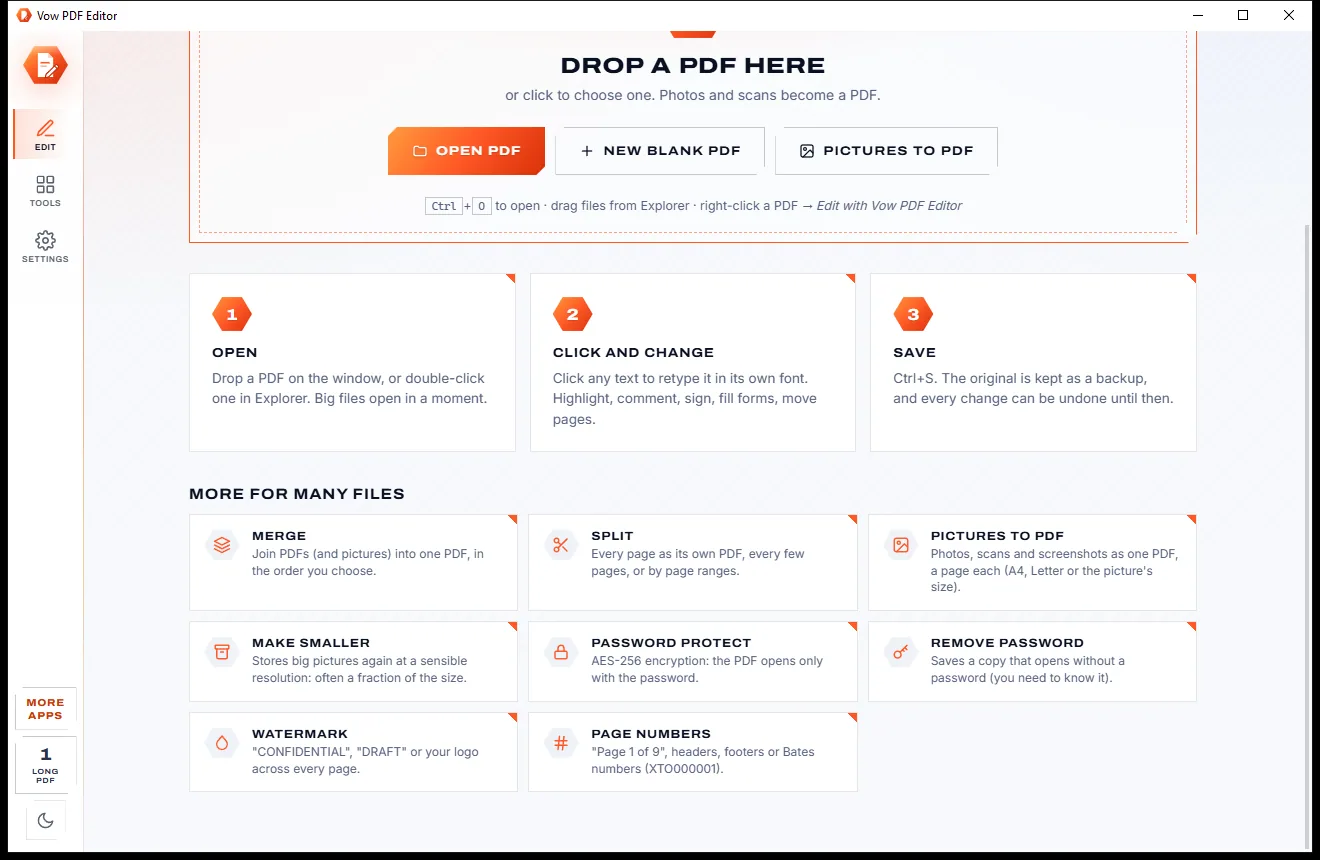
Press Ctrl+S. A backup of the original is kept first, and every change can be undone until you save.
Features
For offices, small businesses and anyone who gets sent a PDF that needs one small change.
Retyped lines keep the embedded font, size, colour and kerning. In a justified paragraph the line is re-justified so the margins stay put.
Move, resize, turn, replace or delete a picture, add logos and photos, or paste one with Ctrl+V. Deleted pictures really leave the file.
Highlights, underlines, sticky notes, shapes and 12 stamps, saved as standard PDF annotations that show in Acrobat, Edge and Chrome.
Fill PDF forms with Tab between fields, then sign by drawing, typing in a handwriting font or using a photo of your signature.
Drag pages into order, rotate, delete, insert other PDFs or pictures, extract, crop, watermark, and add page numbers or Bates numbers.
Black out words, emails, phone or card numbers: the letters and pixels under each box are taken out of the file, and the result is checked.
Recognise the text on a scan with the OCR built into Windows, then edit it like any other line.
Merge, split, make smaller, protect, watermark, number, OCR or flatten a stack of PDFs at once. Originals are never changed.
Protect a PDF with print, copy and edit permissions, remove a password, and strip hidden metadata before you share.
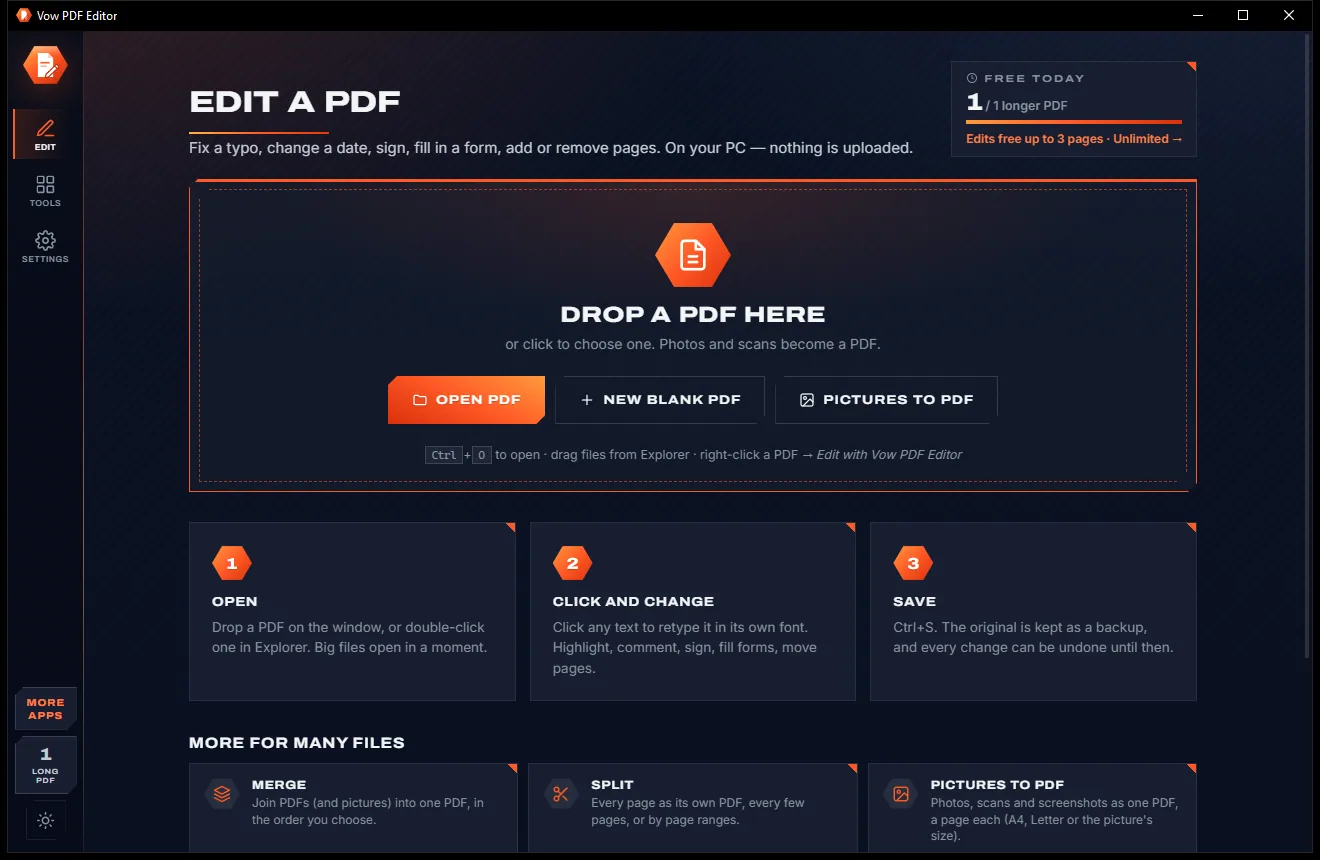
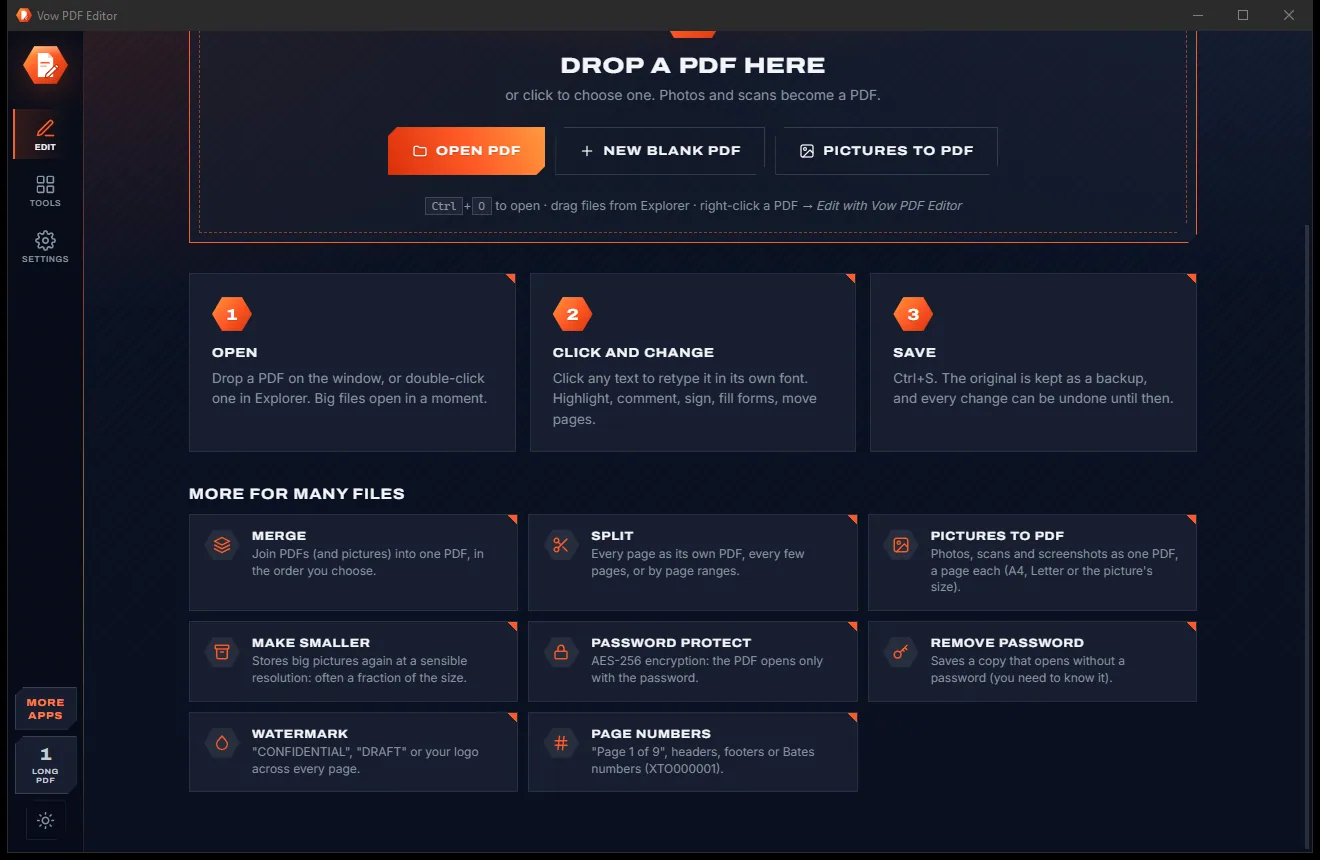
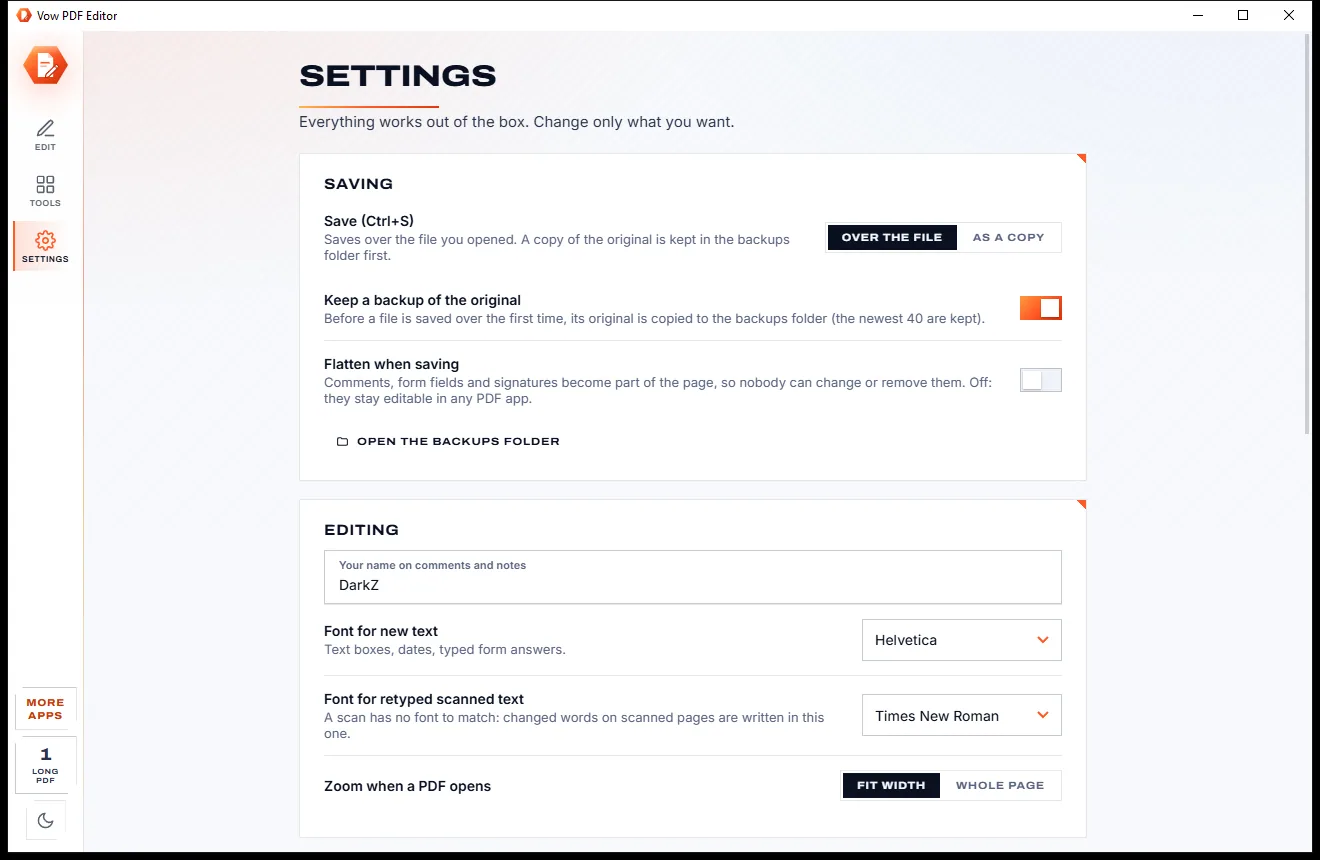
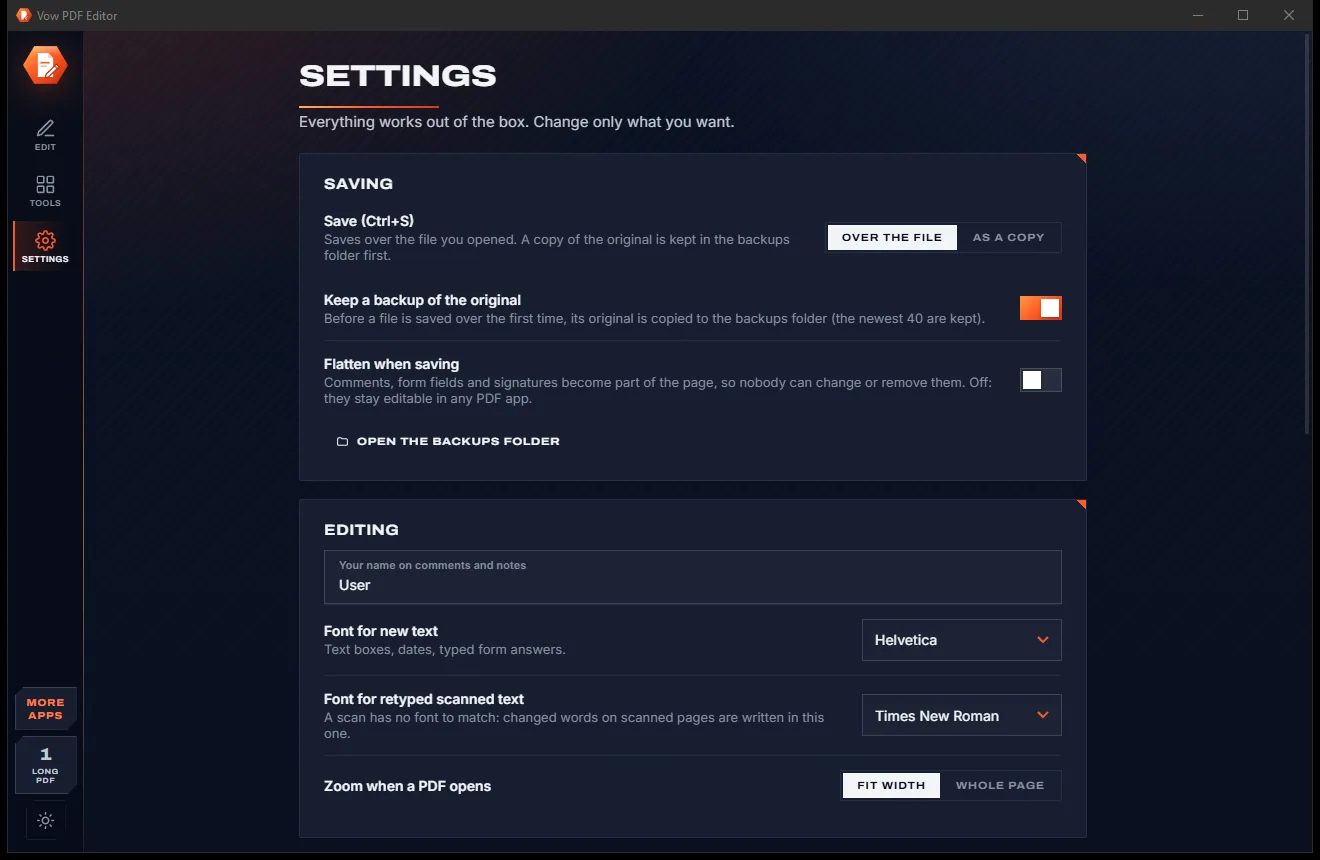
Switch between the light and dark look with one click on the Light / dark button, or let it follow your Windows setting.
Light & dark theme
PDF Editor comes with a crisp light theme and a calm dark theme. Switch with one click, or let it follow your Windows setting by itself. It remembers your choice.
Screenshots
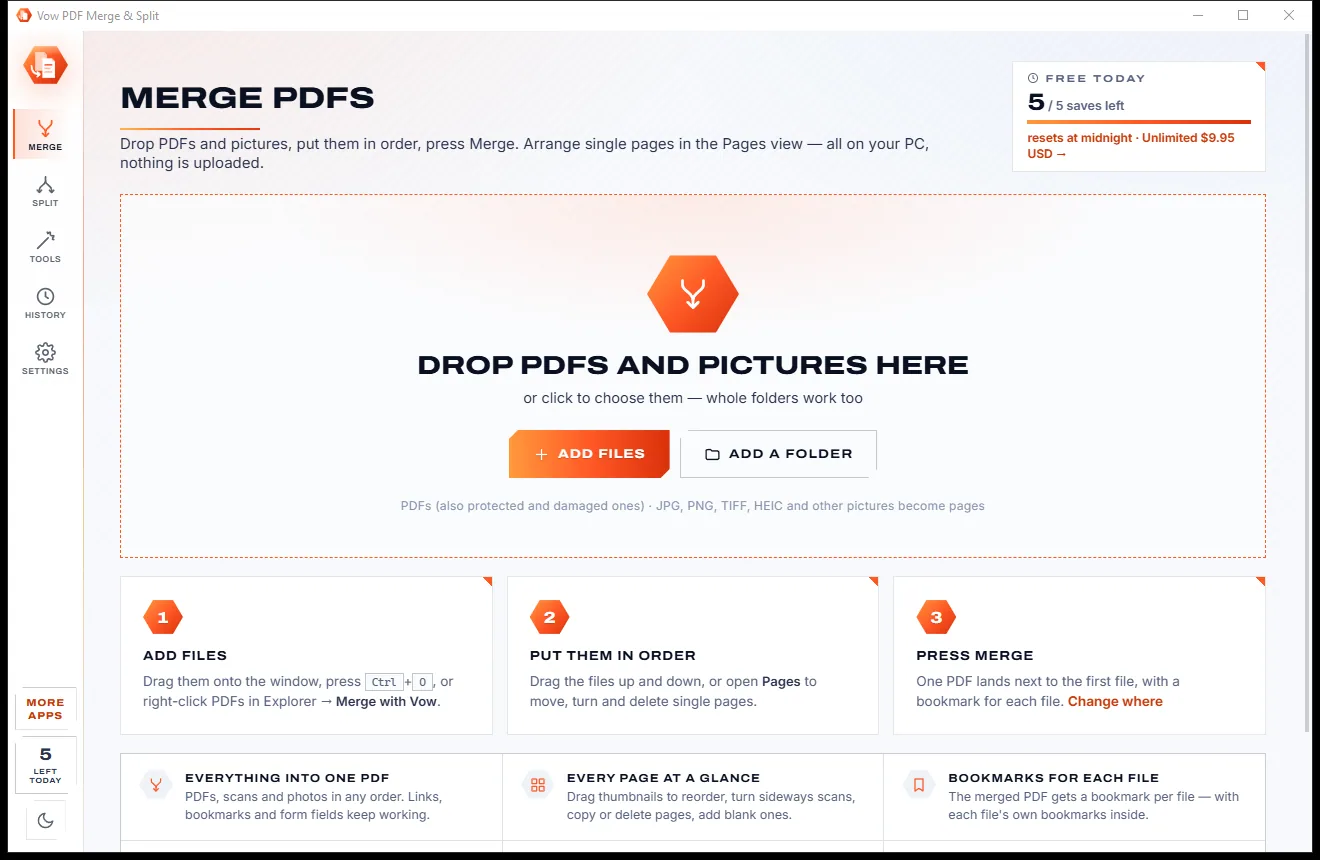
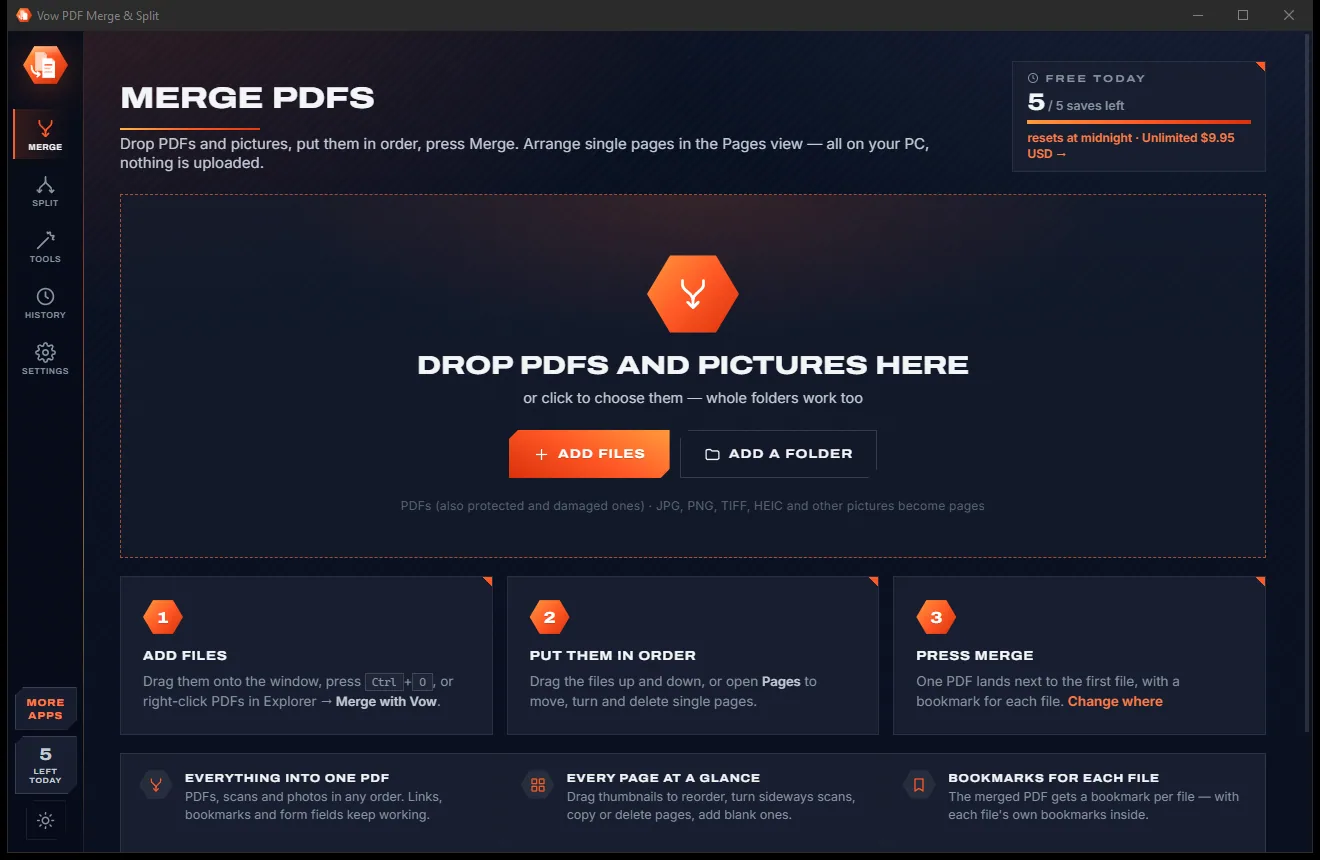
Real screenshots of the real app, in both of its themes: 5 light, 5 dark. Click any picture to see it full size.
Light theme
Dark theme
Who it's for
Fix a name, date or amount in a contract or letter without asking for the original Word file.
Correct invoices and quotes, add your logo, sign and send, without a software subscription.
Bates numbering, true redaction and password protection for documents that leave the office.
Fill in and sign rental, school and government forms, then print or email them.
Highlight readings, add notes and drawings, and merge handouts into one PDF.
Merge statements, split long reports, number pages and protect files with a password.
Compare
What you get from subscription editors, free downloads and online PDF sites, side by side.
| Feature | Vow PDF Editor | Typical PDF editors & online tools |
|---|---|---|
| Change existing text | Yes, in the PDF's own font | Often a white box with new text on top |
| Your PDF is uploaded | Never | Yes, for online editors |
| Price | Free every day, or $9.95 once | Monthly or yearly subscription |
| Watermarks on saved files | Never | Common on free versions |
| Account needed | No | Usually |
| Redaction that removes the text | Yes, and checked | Often a paid tier |
| Edit scanned pages | Built-in OCR, then edit | Paid tier or a separate app |
| Backup of the original | Kept automatically | Rarely |
| Ads and bundled extras | None | Common on free downloads |
"Typical" describes what we found across the most-downloaded alternatives when we built PDF Editor. Your mileage with any one of them may vary; ours won't.
Pricing
That is not a typo. Software this powerful usually means a monthly subscription; PDF Editor is $9.95, once, for life: it's almost a giveaway. Use it free for as long as you like, and unlock Unlimited only if you need more.
Comment, sign and fill any PDF; edit PDFs up to 3 pages, plus 1 longer a day.
Almost a giveaway. Less than a takeaway lunch for software this powerful: no subscription, no renewals, yours for life on 2 PCs.
Edit PDFs of any length, batch tools for any number of files.
Payments by Stripe: we never see or store your card. Questions? Ask a real person.
Clean software
Most "free" Windows downloads pay for themselves with ads, bundled extras or your data. Vow PDF Editor doesn't need to: it's paid for honestly, once, by the people who find it useful.
Download PDF Editor freeStep-by-step guide
Change words, sign and save a PDF in a couple of minutes, without uploading it anywhere.
Step 1: get it freeDownload it from this page and run the installer. It needs no administrator rights and no account, and it never changes your default PDF app.
Drop the PDF on the window, press Ctrl+O, or right-click it in Explorer and choose Edit with Vow PDF Editor. Password-protected PDFs ask for their password.
The Edit text tool is already on. Click a line, retype the words and press Enter. The font, size and colour are kept, and you can change them in the bar above the line.
Use Comment to highlight or stamp, Fill & sign to complete forms and sign, Pages to reorder or insert pages, and Protect to redact or add a password.
Vow saves over the file and keeps a backup of the original first, or you can save a copy instead. Everything can be undone until you save.
Technical details
FAQ
Yes. Reading, searching, printing, highlights, comments, drawings, signatures and form filling are free on any PDF. Text, picture and page edits are free on PDFs of up to 3 pages, plus one longer PDF a day, and the batch tools handle 3 files at a time. There are no watermarks. Unlimited, a one-time $9.95 USD payment, removes the limits.
Yes. Click a line and retype it. The change keeps the PDF's embedded font, size, colour and kerning, and a justified line is re-justified. If the PDF's font doesn't include a letter you type, that letter is written with the closest matching font installed on your PC.
No. Opening, editing and saving all happen on your own PC. There is no account and no cloud, and the app needs no internet connection to work.
No. When you save over a PDF, a backup of the original is kept first (the newest 40 are kept), and you can choose to save a copy instead. Every change can be undone, up to 80 steps, until you save.
Yes. Use Scanned text to recognise the words with the OCR built into Windows, in the languages installed on your PC, then edit them like any other line.
Yes. Highlights, notes, shapes and stamps are saved as standard PDF annotations, so they show and stay editable in Acrobat, Edge and Chrome, and come back editable when you reopen the file in Vow.
Acrobat's editing is a subscription; Vow is free within its limits or $9.95 once for Unlimited. Smallpdf and iLovePDF work online, so your PDF is uploaded; Vow does everything on your PC. It also re-justifies edited lines, edits scanned text after OCR and checks its redactions.
Yes. It is made and published by XTO Pty Ltd, an Australian company. There are no ads, no bundled software and no account, it needs no administrator rights, and it uninstalls cleanly from Windows Settings without touching your PDFs.
The Vow collection
Same design, same promises, a tiny one-time price. Learn one and you already know them all.
Redact PDFs for real: nothing left under the black boxes
Merge, split and reorder PDFs on your own PC
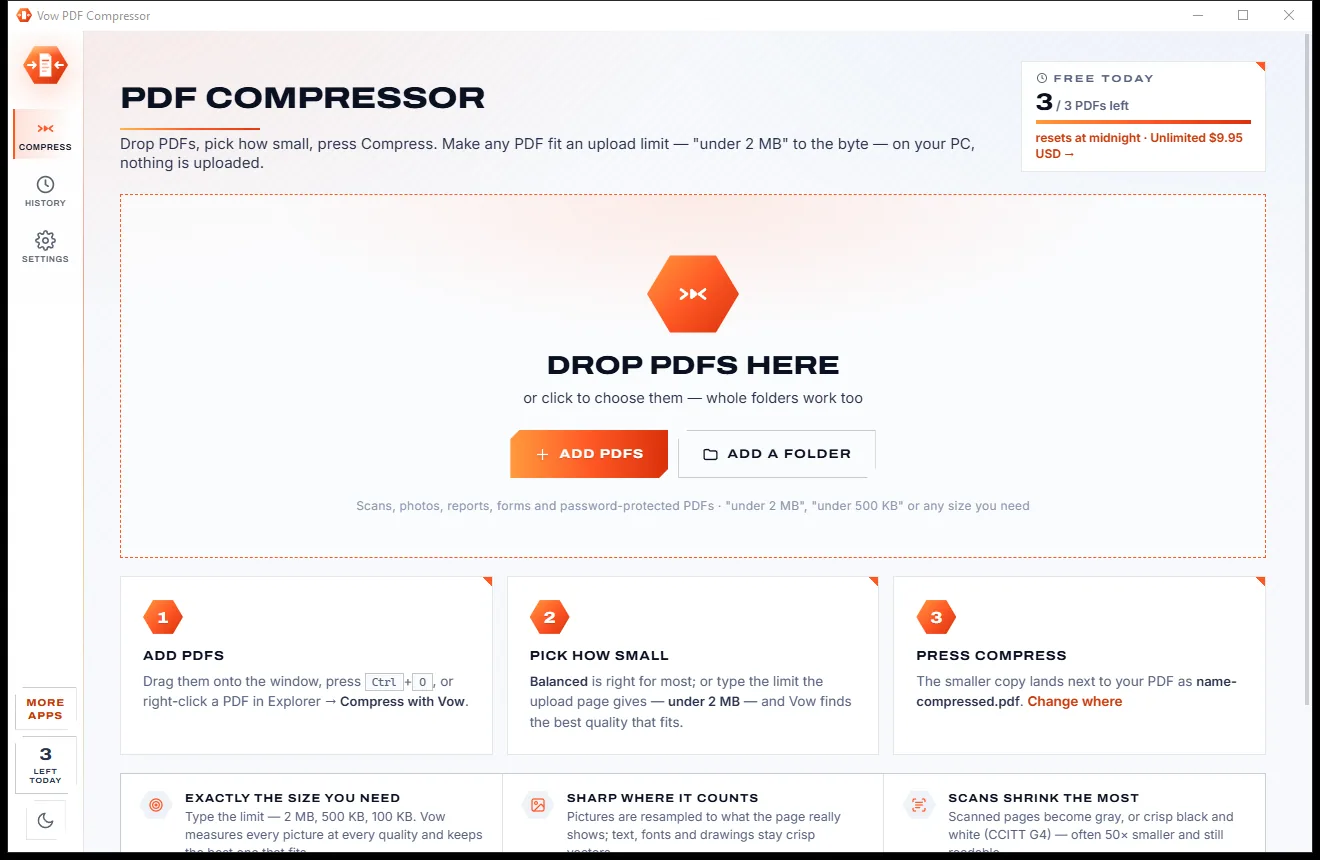
Shrink any PDF to the exact size an upload form asks for
Click any line in a PDF and retype it, in its own font. Free to use every day, $9.95 once if you ever want Unlimited.