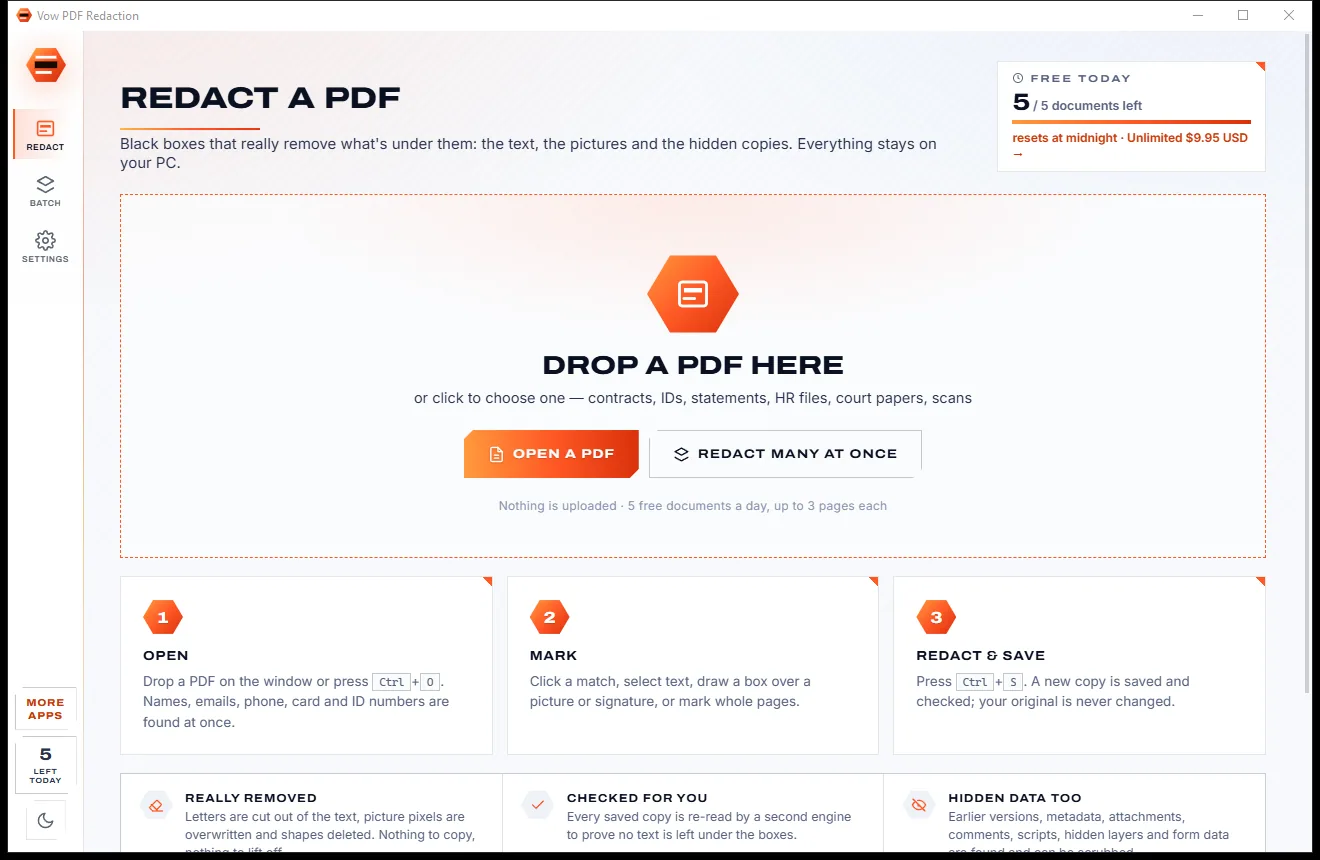
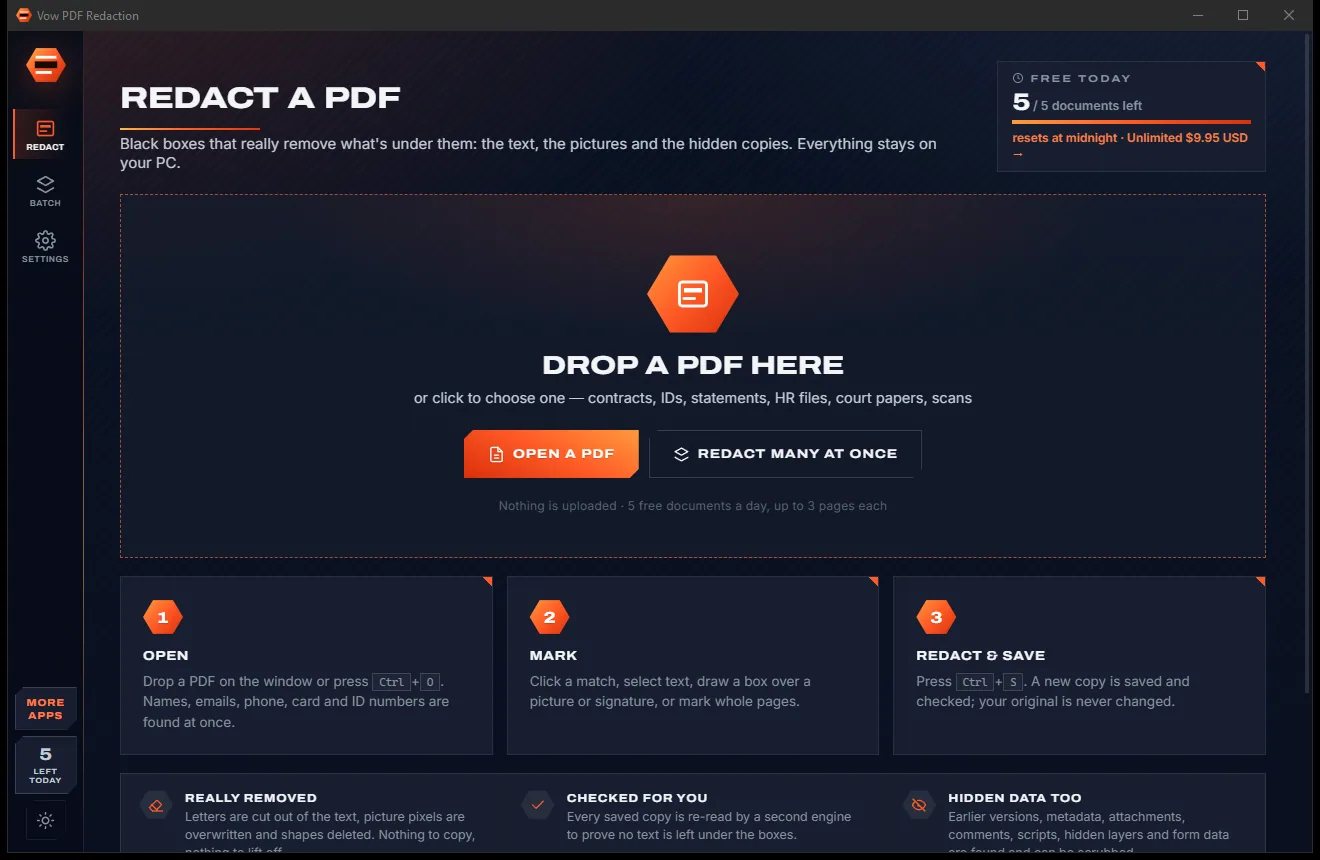

Redact PDFs for real: nothing left under the black boxes
- Free: 5 documents a day, up to 3 redacted pages each, true redaction
- $4.95 once: Any length, one-click redact-all, batch folders, scrub hidden data

PDF to Word, Excel & PowerPoint for Windows
Vow PDF to Word & Excel rebuilds a PDF as a real document: paragraphs that reflow, Word headings and lists, tables with merged cells, and Excel sheets with real numbers and dates. See what it found before you convert. Nothing is uploaded.
The problem
Text in floating boxes, tables flattened into tabs, numbers Excel won't add up, and that's after you uploaded the file to a stranger.
Online converters need your report, statement or contract on their servers before you get a file back.
Rows turn into lines of text with tabs, and tables without ruled lines are lost altogether.
Amounts arrive as text, negatives in brackets stay as text, and dates come out in the wrong order.
Text recognition for scanned PDFs is usually an upgrade, a separate app or a credit you have to buy.
The big-name PDF suites rent their PDF-to-Word export by the month, used or not.
Two free conversions, then a sign-up form, then a file size limit, then a watermark.
Vow PDF to Word & Excel fixes all of it.
How it works
Word is ready to go. Excel and PowerPoint are one click. The result lands next to your PDF.
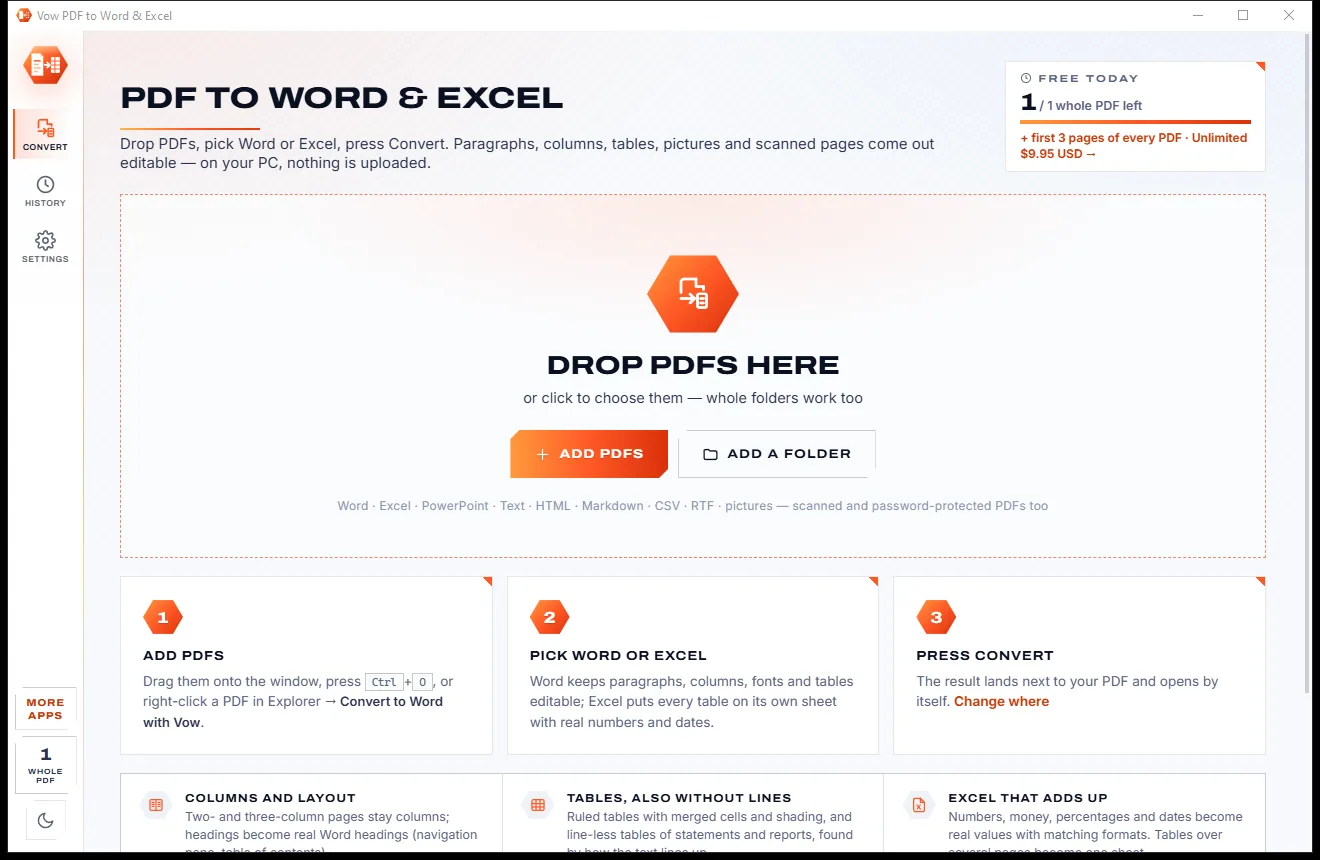
Drop files or whole folders on the window, press Ctrl+O, or right-click a PDF in Explorer and choose Convert to Word with Vow.
Word is selected for you. Excel, PowerPoint and Text are one click, with web page, Markdown, CSV, RTF and pictures below.
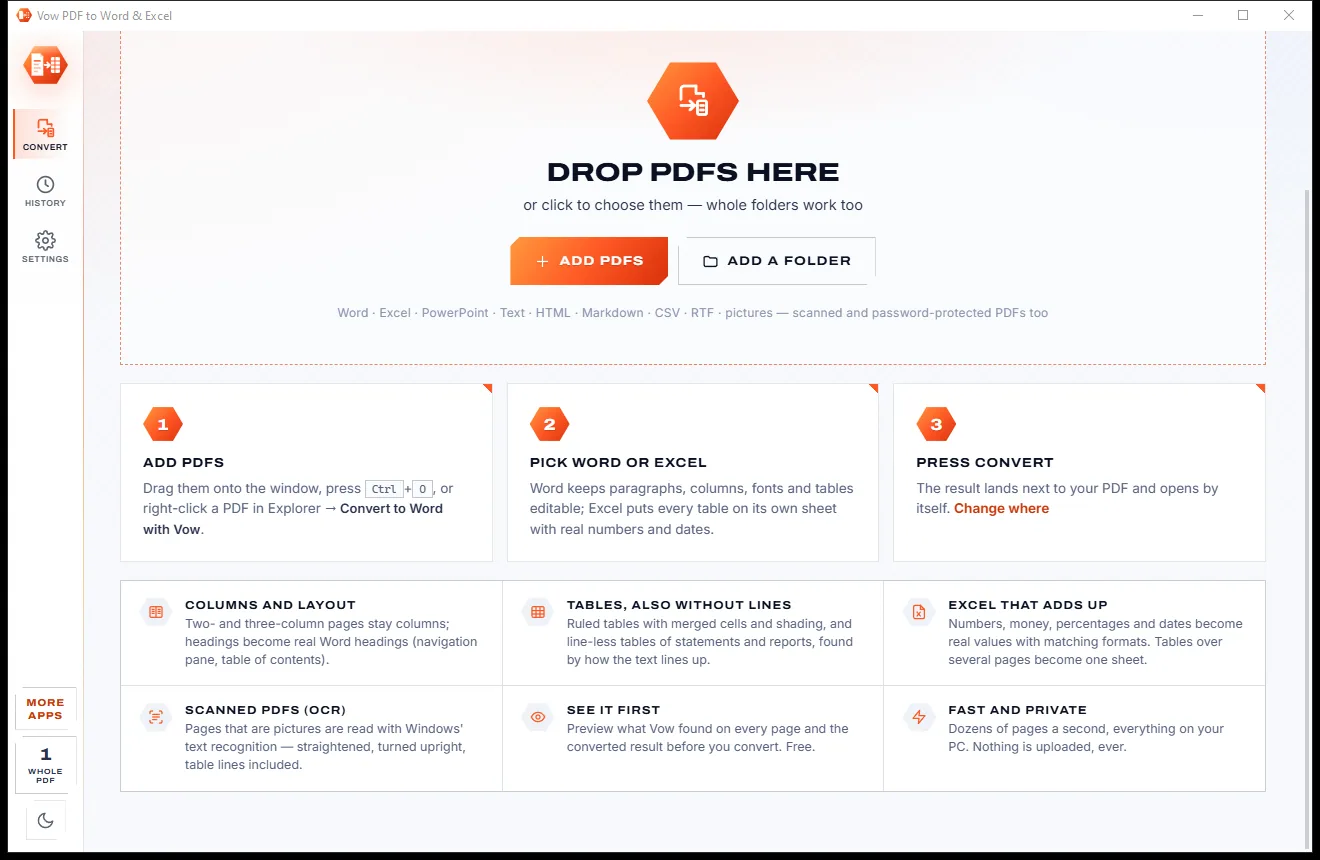
Press Convert or Ctrl+Enter. The new file lands next to the PDF, and you can open it or show its folder straight from the list.
Features
For anyone who needs to edit, reuse or analyse what's locked inside a PDF.
Paragraphs joined across lines, fonts, colours, columns, Word headings, lists, links, and headers and footers with live page numbers.
Ruled grids with merged cells, open tables and line-less statements and price lists are found by how the text lines up.
Numbers, money, percentages, negatives in brackets and dates become real values with matching formats. Codes with leading zeros stay text.
A free preview shows what was found on each page, text, headings, tables and pictures, next to the converted result.
Built-in OCR from Windows reads scanned pages, straightens skewed scans, turns pages upright and finds table lines on the picture.
Word, Excel, PowerPoint, text, web page, Markdown, CSV, RTF, page pictures, or just the pictures inside the PDF.
Choose Exact look and every block is placed where it sits on the page, so the Word file looks identical and stays editable.
Convert many files and folders with their subfolders, each using every processor core, with a page range for any file.
Convert to Word or Convert to Excel with Vow sits in Explorer's menu and converts straight away.
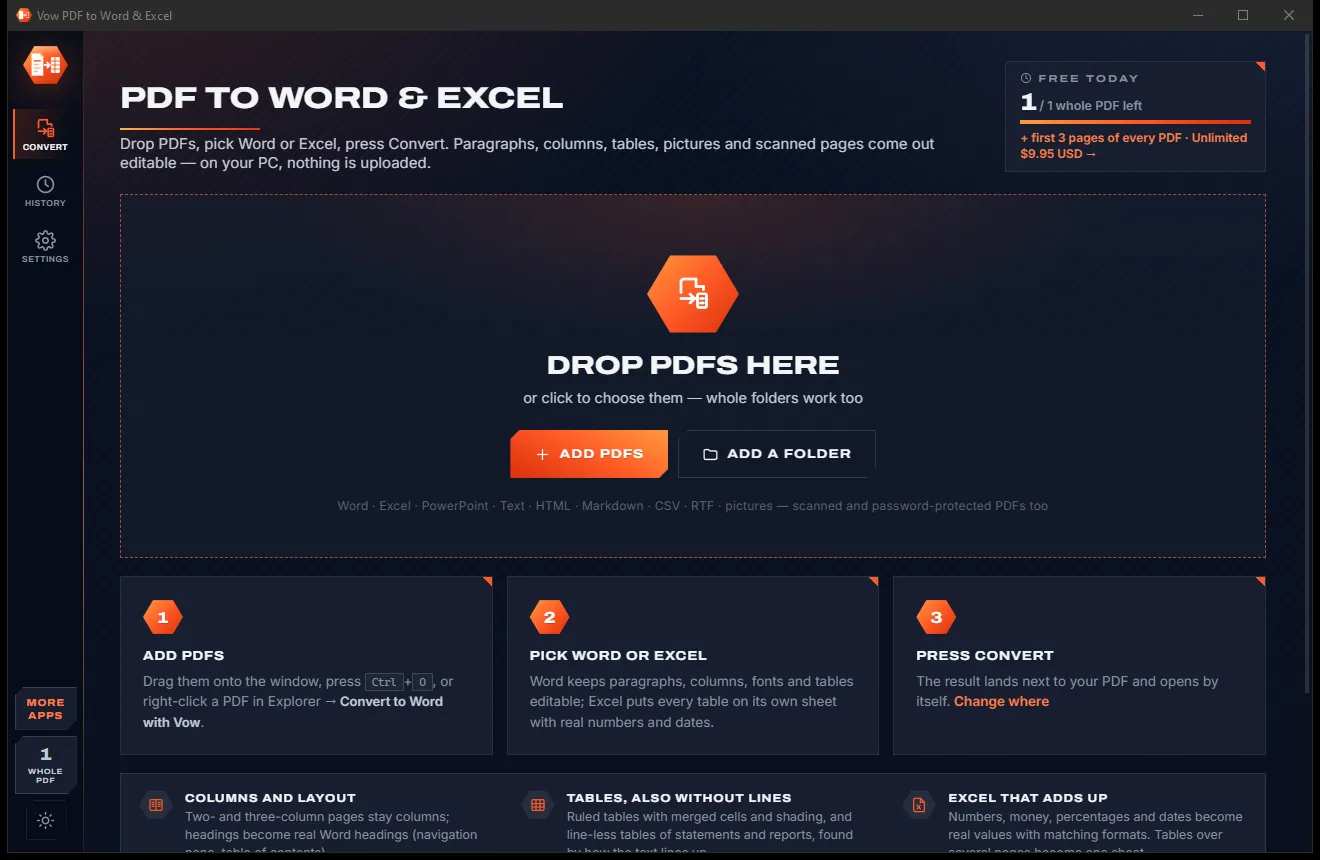
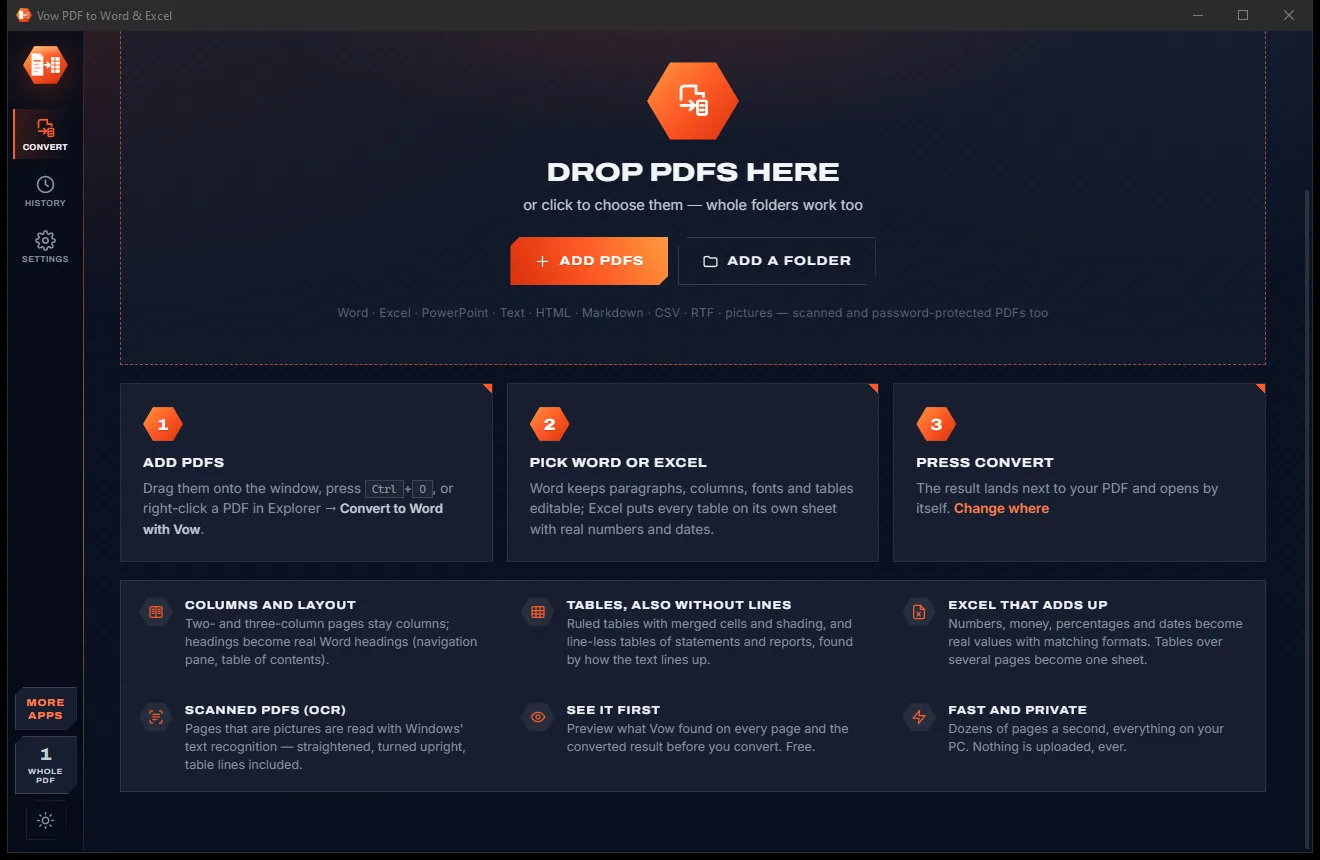
Switch between the light and dark look with one click on the Light / dark button, or let it follow your Windows setting.
Light & dark theme
PDF to Word & Excel comes with a crisp light theme and a calm dark theme. Switch with one click, or let it follow your Windows setting by itself. It remembers your choice.
Screenshots
Real screenshots of the real app, in both of its themes: 5 light, 5 dark. Click any picture to see it full size.
Light theme
Dark theme
Who it's for
Bank statements and reports into Excel, with amounts and dates ready to sum and filter.
Update last year's contract, policy or letter when only the PDF is left.
Pull the tables out of sales reports and price lists straight into a spreadsheet.
Quote and reuse papers and readings, or turn them into Markdown notes.
Edit agreements and filings without retyping, and keep them off upload sites.
Turn a PDF brochure into editable PowerPoint slides or a web page.
Compare
Online converter sites and subscription suites, compared with converting on your own PC.
| Feature | Vow PDF to Word & Excel | Typical online PDF converters |
|---|---|---|
| Your PDF is uploaded | Never: 100% on your PC | Yes, to their servers |
| Price | Free every day, or $9.95 once | Subscriptions or daily caps |
| Preview the result first | Free, page by page | Rarely |
| Tables without ruled lines | Found by how the text lines up | Often lost or flattened |
| Excel numbers and dates | Real values with formats | Often left as text |
| Scanned PDFs (OCR) | Built in, with deskew | Usually a paid tier |
| Whole folders at once | Yes, with subfolders | Rarely |
| Watermarks or sign-up | None | Common on free tiers |
"Typical" describes what we found across the most-downloaded alternatives when we built PDF to Word & Excel. Your mileage with any one of them may vary; ours won't.
Pricing
That is not a typo. Software this powerful usually means a monthly subscription; PDF to Word & Excel is $9.95, once, for life: it's almost a giveaway. Use it free for as long as you like, and unlock Unlimited only if you need more.
The first 3 pages of every PDF, plus 1 whole document a day.
Almost a giveaway. Less than a takeaway lunch for software this powerful: no subscription, no renewals, yours for life on 2 PCs.
Whole documents, multi-page Excel tables, full scans, batches.
Payments by Stripe: we never see or store your card. Questions? Ask a real person.
Clean software
Most "free" Windows downloads pay for themselves with ads, bundled extras or your data. Vow PDF to Word & Excel doesn't need to: it's paid for honestly, once, by the people who find it useful.
Download PDF to Word & Excel freeStep-by-step guide
Turn a PDF into an editable document in under a minute, without uploading it anywhere.
Step 1: get it freeDownload it from this page and run the installer. It needs no administrator rights and no account, and it never changes your default PDF app.
Drop the PDF or a whole folder on the window, or press Ctrl+O. Password-protected PDFs ask for their password in their row.
Press the eye button or Ctrl+P to see what Vow found on each page, text, headings, tables and pictures, next to the converted document.
Word is ready to go. For Excel, pick a sheet per table, a sheet per page or all tables on one sheet. Scanned pages are read automatically.
Press Convert or Ctrl+Enter. The .docx or .xlsx is saved next to the PDF with a free name, so nothing is ever overwritten unless you ask.
Technical details
FAQ
Yes. The first 3 pages of every PDF convert free in every format, scanned pages included, plus one whole document a day, 3 files at a time, with the preview free too. There are no watermarks. Unlimited, a one-time $9.95 USD payment, converts whole documents of any length, multi-page Excel tables and fully scanned PDFs, any number at once.
No. The conversion runs entirely on your own PC. There is no account and no cloud, and the app works with no internet connection.
Yes. By default you get flowing text: real paragraphs, headings, lists, columns and tables that reflow as you edit. If the look matters more, choose Exact look and every block is placed exactly where it is on the page, still editable.
Yes. Each table can become its own sheet, with tables that run over several pages joined into one. Numbers, money, percentages and dates become real values with matching formats, and codes with leading zeros stay as text.
Yes. Pages that are pictures are read with the OCR built into Windows, in any language installed on your PC. Skewed scans are straightened, sideways pages are turned upright, and table lines on the scan become real tables.
Word (.docx), Excel (.xlsx), PowerPoint (.pptx), text, a web page (HTML), Markdown, CSV, RTF, page pictures in PNG or JPG, or the pictures extracted from the PDF.
Acrobat's Export PDF is part of a subscription; Vow is free within its daily allowance or $9.95 once. Smallpdf and iLovePDF convert online, so your PDF is uploaded; Vow converts on your PC. It also shows a free page-by-page preview of what it found before you convert.
Yes. It is made and published by XTO Pty Ltd, an Australian company. There are no ads, no bundled software and no account, it needs no administrator rights, and it uninstalls cleanly from Windows Settings without touching your PDFs or converted files.
The Vow collection
Same design, same promises, a tiny one-time price. Learn one and you already know them all.
Redact PDFs for real: nothing left under the black boxes
Merge, split and reorder PDFs on your own PC
Shrink any PDF to the exact size an upload form asks for
Turn PDFs into Word and Excel files you can actually edit. Free to use every day, $9.95 once if you ever want Unlimited.