
PC Fixes
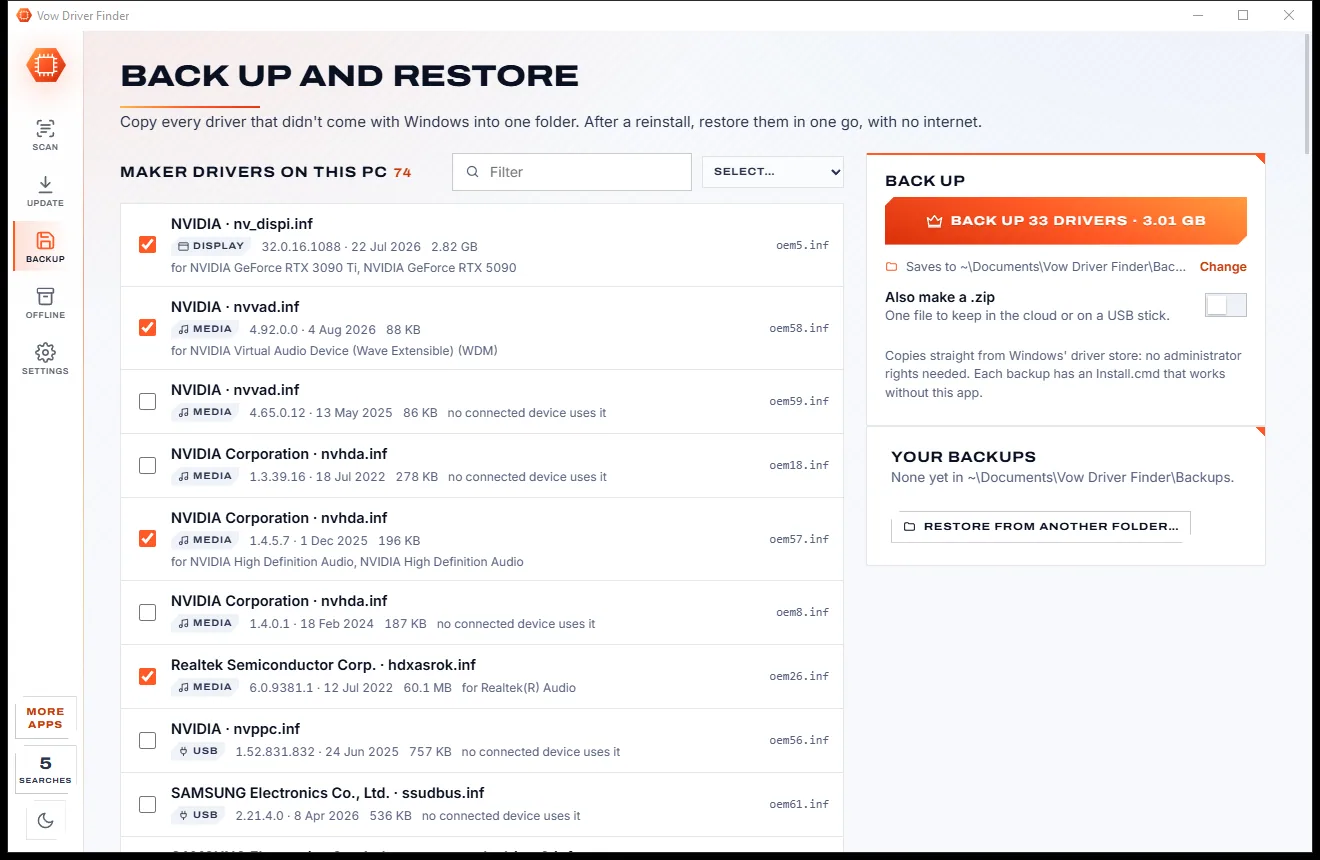
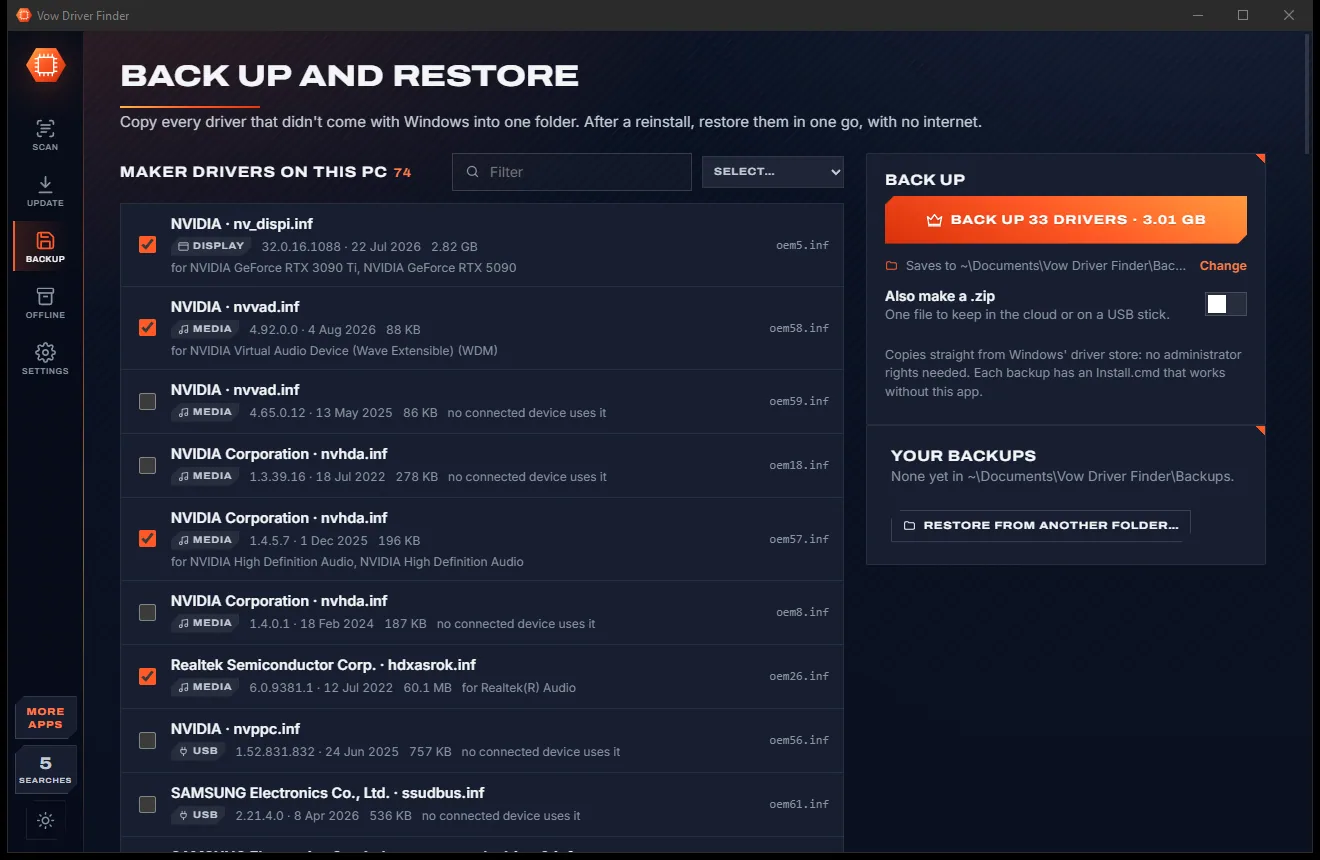
Vow Driver Finder
Find the drivers your PC is really missing, from official sources only
- Free: Unlimited scans, official links, 5 in-app searches a day
- $4.95 once: One-click install, backup and restore, offline driver packs

Honest Windows Update repair
Vow Windows Update Fixer reads Windows Update's services, policies, history, servicing log and connection, then tells you what is really wrong in plain English. Fix each problem with one button, using Microsoft's own tools, with backups and Undo. Failures that need no fixing are called harmless, not sold to you as problems.
The problem
An update fails with a hex code nobody explains. The troubleshooter says it fixed something. The forum says to run twenty commands as administrator.
0x800f0922, 0x80070643, 0x80070103: Windows shows the number and leaves you to search for what it means.
The download never starts, the progress bar never moves, and nothing tells you why.
Forum fixes stop services, delete folders and re-register DLLs, with no explanation and no way back.
An "update blocker", a debloat script or a ten-year pause set long ago, and Windows Update just says it can't check.
Some failures don't matter at all, yet repair tools treat every red line in the history as something to sell a fix for.
The PC installs, restarts, rolls the update back, and tries again tomorrow.
Vow Windows Update Fixer fixes all of it.
How it works
The real cause in plain English within seconds, and the fix Microsoft's own support would use.
In a second or two, read-only and without administrator rights, it checks services, policies, pauses, free space, the update history, the servicing log, the connection and the clock.
Each problem says what it is in plain words, why Vow thinks so, and what fixes it. Paste any error code into Explain for its meaning and the best fix.
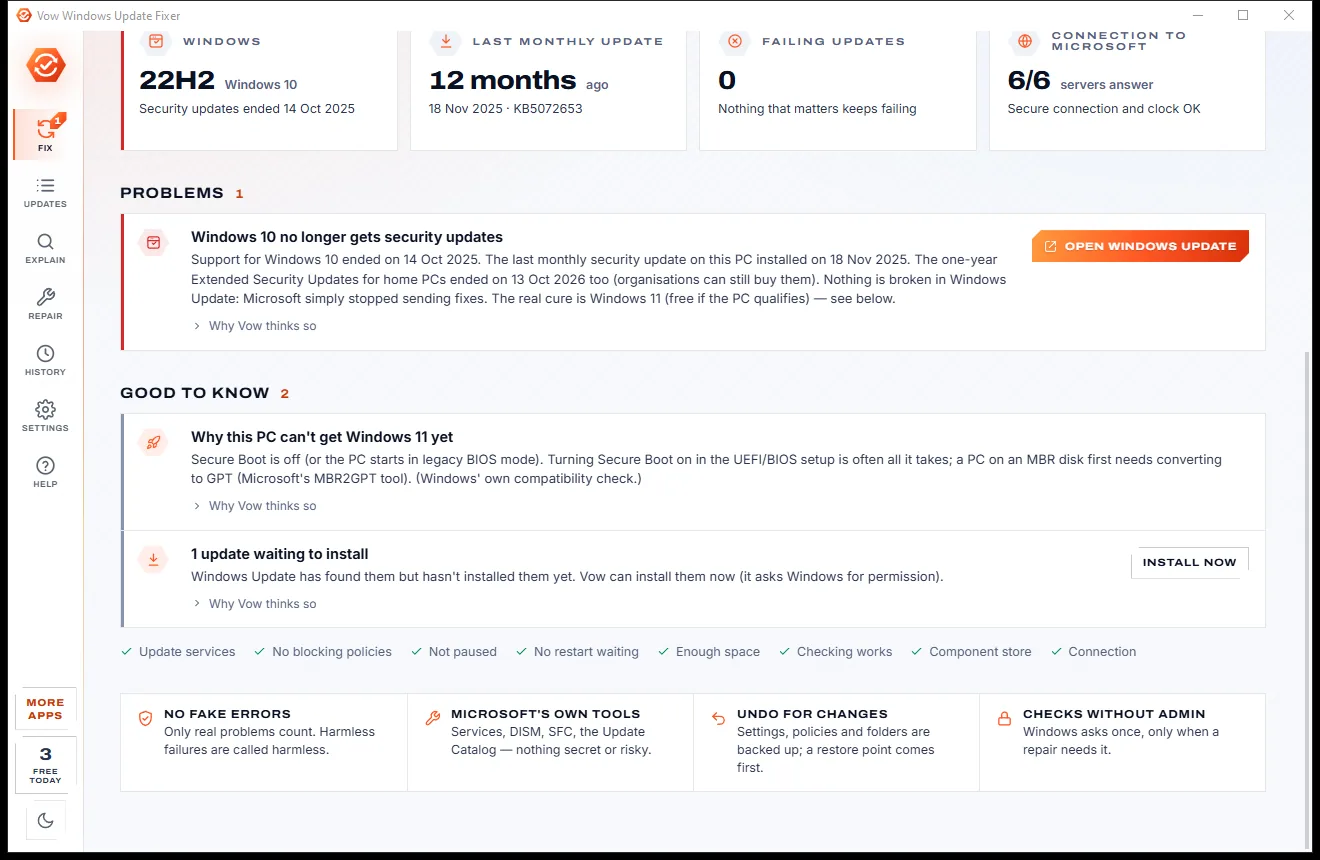
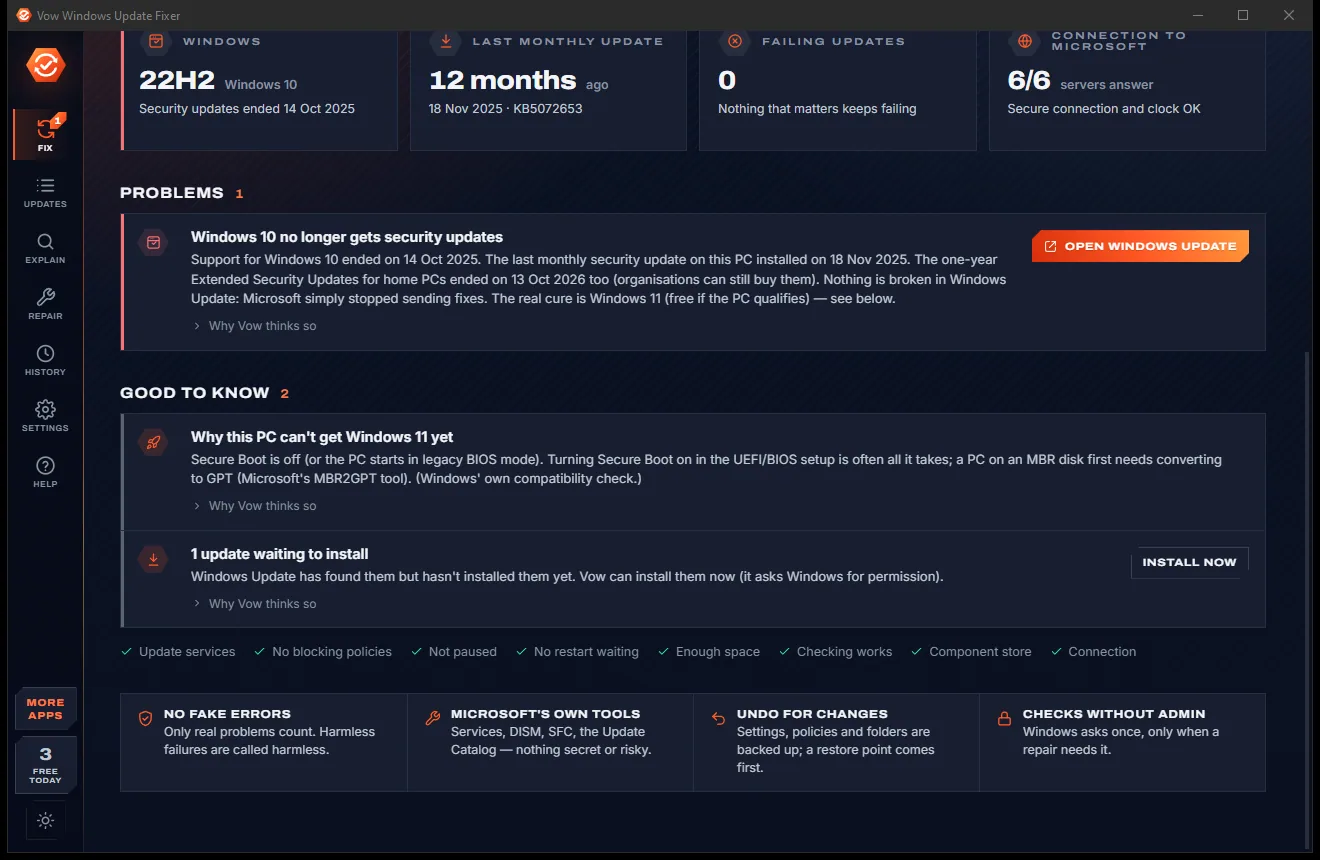
One button per problem. Bigger repairs show every step first, Windows asks for permission once, and every change is backed up in History.
Features
From a disabled service to a damaged component store, found, explained and repaired with Windows' own tools.
About 40 checks across services, policies, pauses, pending restarts, free space, the update history, CBS.log, the event log and the connection.
About 150 Windows Update, servicing, setup and Store codes explained, with fixes best first. Unknown codes are explained from their range.
A replaced Defender definition, a driver that's already installed or Microsoft's withdrawn KB5034441 are called harmless, not problems.
Disabled or missing services, blocking policies, a dead company update server, long pauses, the hosts file, a dead proxy and a wrong clock.
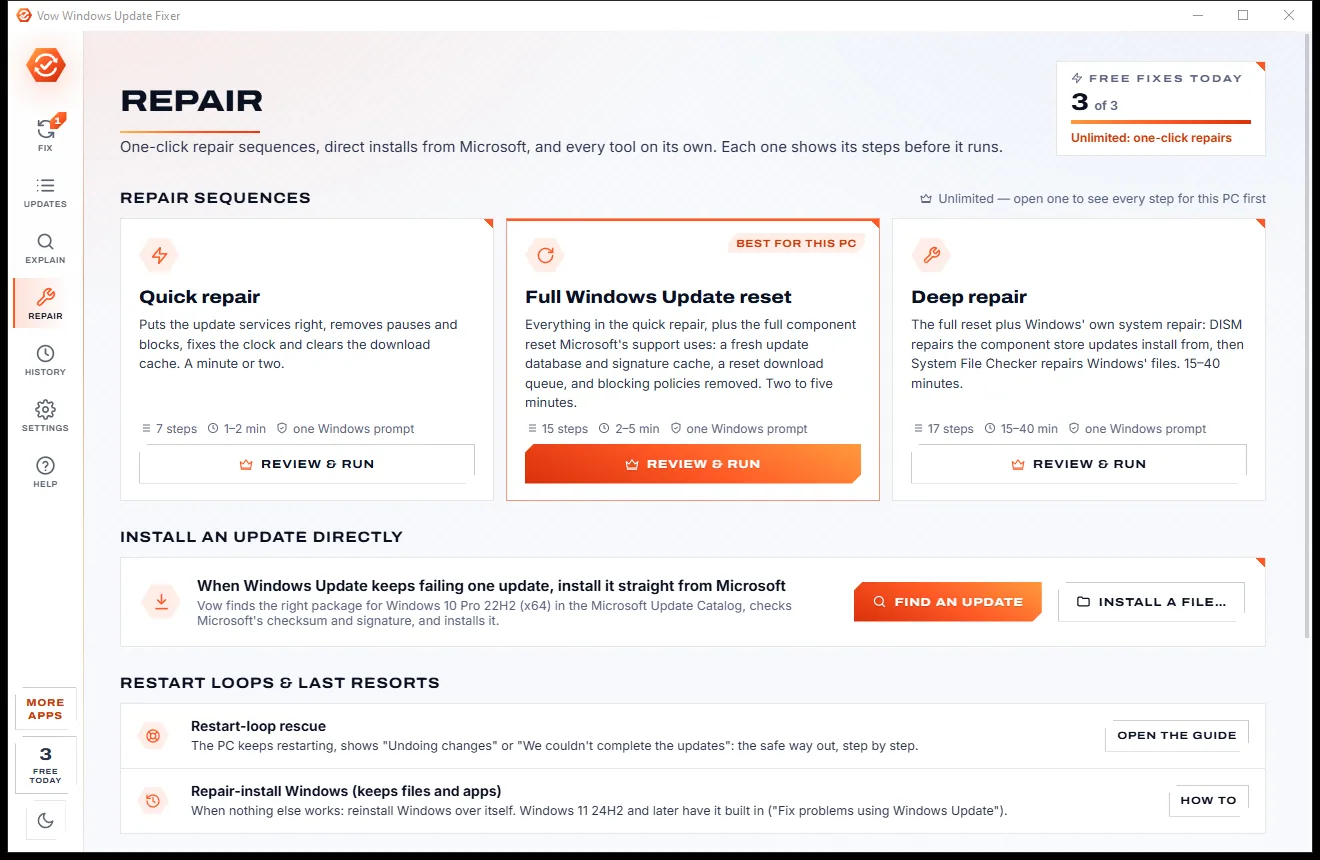
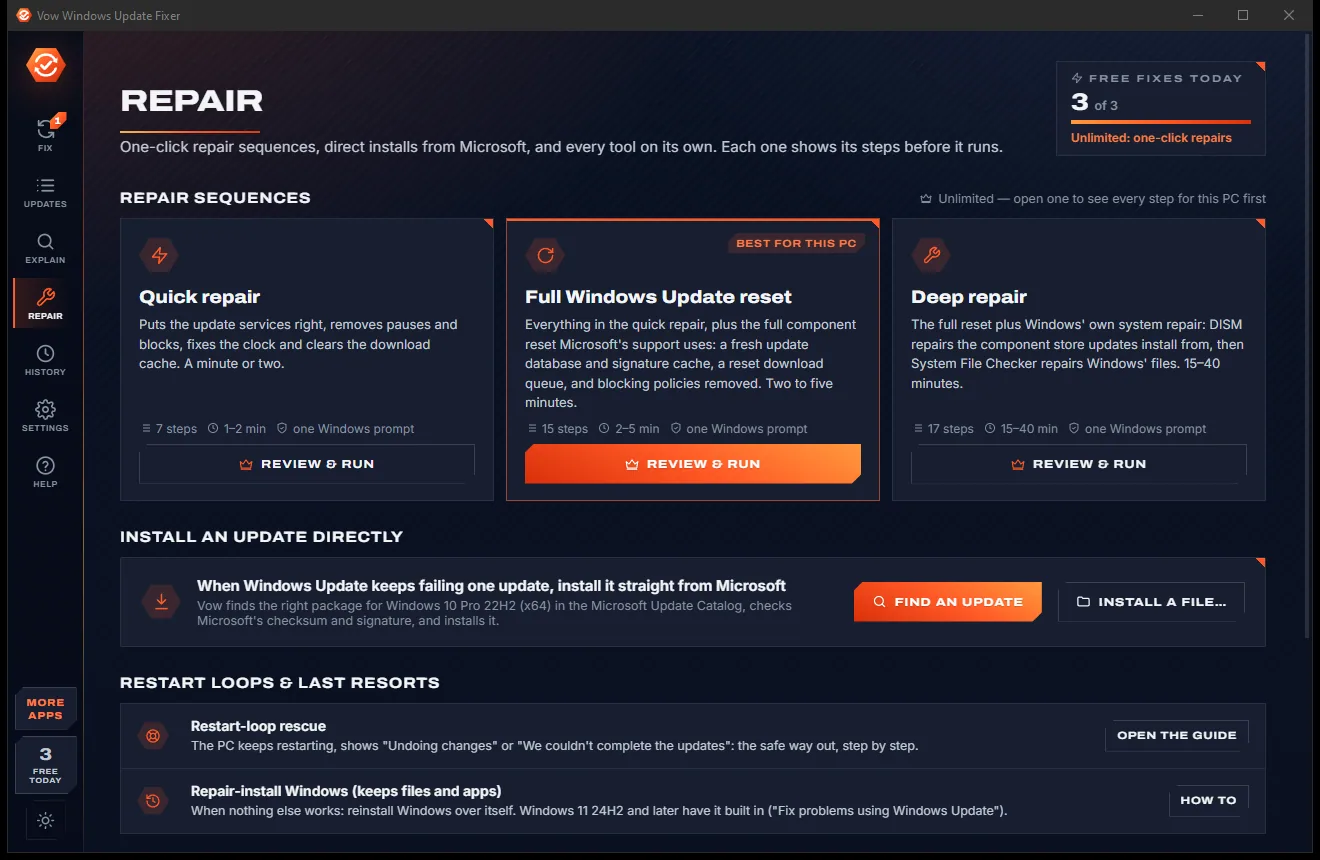
The component reset Microsoft's support uses: services, the download cache, catroot2 and the BITS queue, with the old folders kept for Undo.
DISM /RestoreHealth, optionally from a Windows ISO, then System File Checker, with progress. Unlimited.
When one update keeps failing, fetch it from the Microsoft Update Catalog, check Microsoft's checksum and signature, and install it. Unlimited.
End-of-support dates for your version and edition, Extended Security Updates, and Windows 11 readiness in plain words.
Folders are renamed, never deleted, settings are backed up for Undo, and a restore point comes first. Simulation shows every step without running it.
Copy or save a full report of what was found, for a technician, a forum post or your IT department.
Light & dark theme
Windows Update Fixer comes with a crisp light theme and a calm dark theme. Switch with one click, or let it follow your Windows setting by itself. It remembers your choice.
Screenshots
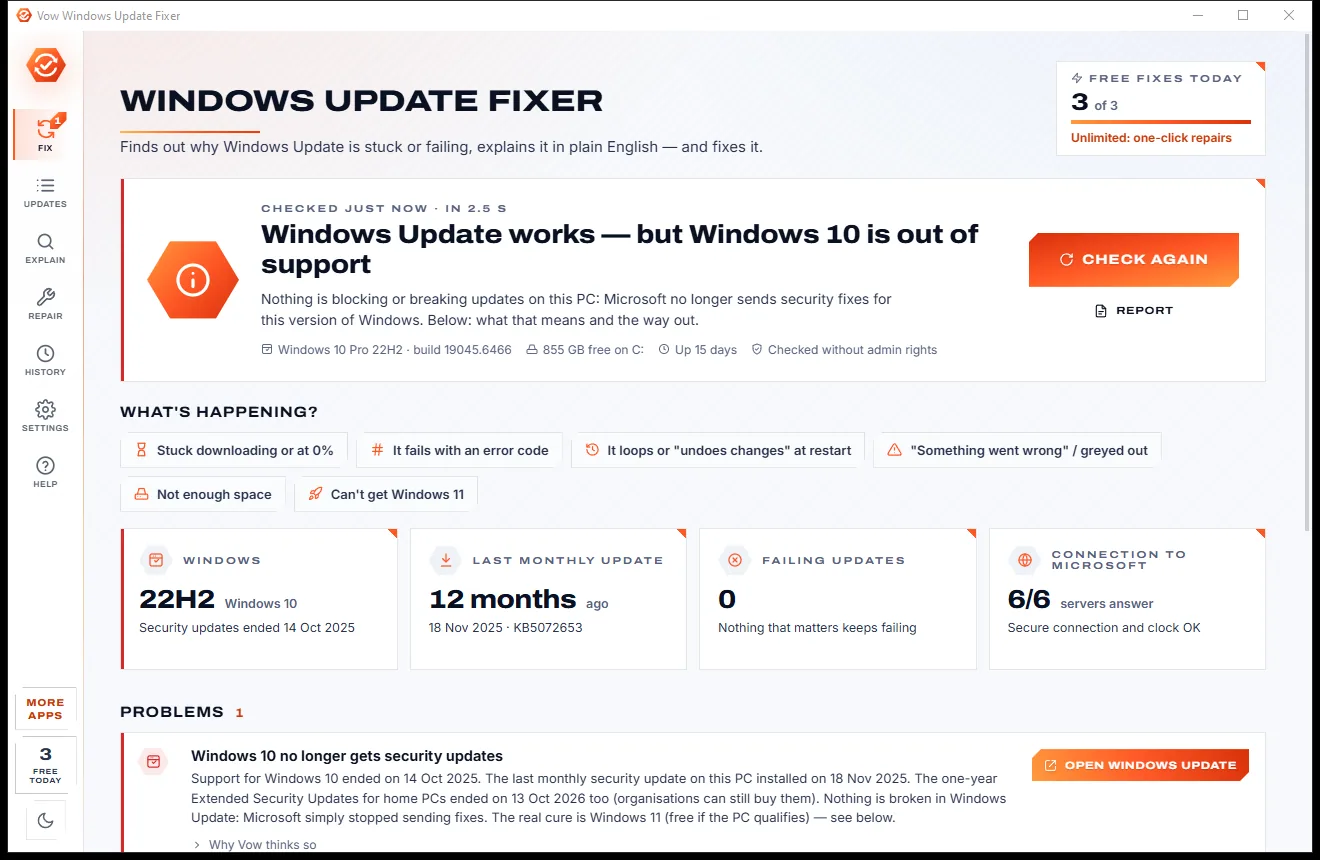
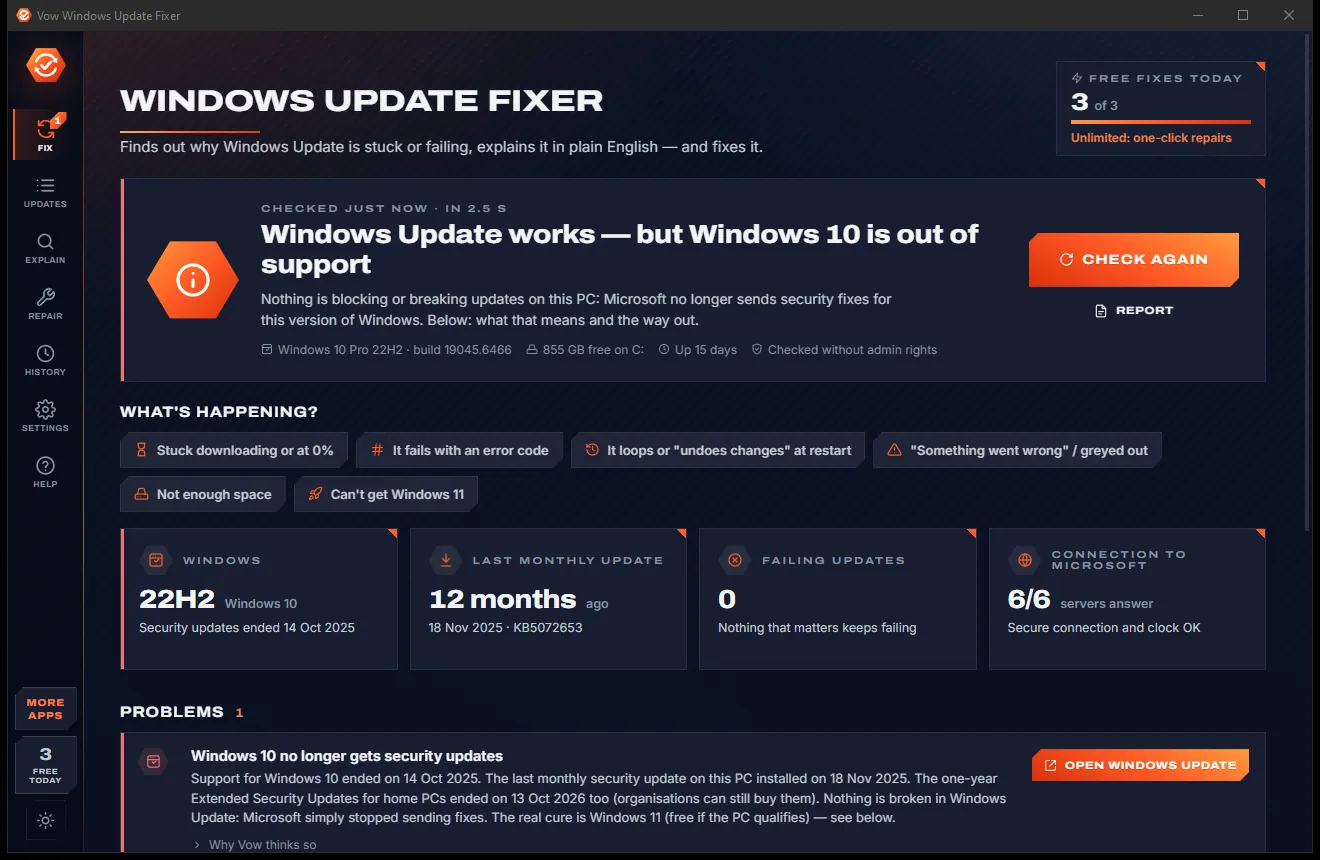
Real screenshots of the real app, in both of its themes: 13 light, 13 dark. Click any picture to see it full size.
Light theme
Dark theme
Who it's for
Find out whether it's a service, the cache, a policy or the connection, and fix that one thing.
Paste the code to see what it means, why it usually happens and where it appeared on your PC.
Follow the restart-loop rescue guide when the PC keeps "undoing changes".
Put back the services and remove the policies and pauses those tools left behind.
See when the last monthly update arrived, and why newer ones aren't installing.
A portable version, repair sequences with one prompt, direct installs and a report you can attach to a ticket.
Compare
What you get from the usual troubleshooter, reset scripts and repair suites, side by side.
| Feature | Vow Windows Update Fixer | Typical update fixers & reset scripts |
|---|---|---|
| Price | Free every day, or $4.95 once | Free scripts, or paid repair suites |
| Every error in plain English | About 150 codes, plus any code | Rarely |
| Reads history, CBS.log and event log | All three | Rarely more than the history |
| Harmless failures called harmless | Yes | Rarely |
| Finds policies, pauses, proxy and clock | Yes | Partly |
| Component reset | With backups and Undo | Usually, without a way back |
| DISM and SFC | With progress, ISO source optional | In most repair scripts |
| Verified install from the Update Catalog | Checksum and signature checked | Usually a separate tool |
| Diagnosis without admin rights | Yes | Scripts usually need admin |
"Typical" describes what we found across the most-downloaded alternatives when we built Windows Update Fixer. Your mileage with any one of them may vary; ours won't.
Pricing
That is not a typo. Software this powerful usually means a monthly subscription; Windows Update Fixer is $4.95, once, for life: it's almost a giveaway. Use it free for as long as you like, and unlock Unlimited only if you need more.
Full diagnosis, every error explained, 3 fixes a day.
Almost a giveaway. Less than a coffee for software this powerful: no subscription, no renewals, yours for life on 2 PCs.
One-click repairs, full reset, DISM + SFC, direct installs.
Payments by Stripe: we never see or store your card. Questions? Ask a real person.
Clean software
Most "free" Windows downloads pay for themselves with ads, bundled extras or your data. Vow Windows Update Fixer doesn't need to: it's paid for honestly, once, by the people who find it useful.
Download Windows Update Fixer freeStep-by-step guide
From "something went wrong" to installed, step by step, with every change undoable.
Step 1: get it freeDownload it from this page and run the installer. It installs for your account, needs no account or sign-up, and the check runs as soon as it opens.
Read the problems list, or press a What's happening? button: stuck at 0%, an error code, a restart loop, "Something went wrong", not enough space or can't get Windows 11.
Press Ctrl+F and paste the code in any form (0x800f0922, 800F0922, WU_E_...). You get its meaning, the usual causes and the fixes, best first.
Press the button next to a problem. Small fixes run at once; bigger repairs list every step first, make a restore point and ask Windows for permission once.
Press F5 to check again, then let Windows Update install. If one update still fails, Unlimited can install it straight from the Microsoft Update Catalog.
Technical details
FAQ
Yes. The full diagnosis, the plain-English error explainer, restarts, guides and the report are free with no limit, and 3 fixes a day are free, such as starting the update services, clearing the download cache, resuming updates, removing a block or fixing the clock. Unlimited, a one-time $4.95 USD payment, adds one-click repair sequences, the full reset, DISM and SFC, direct installs and unlimited fixes.
Common causes are a disabled update service, a pause or policy left by a tweak tool, a stale download cache, too little free space, work stuck at restart, a dead proxy, DNS filter or company update server, or a wrong clock. The check looks at all of these and names the one on your PC.
Yes, free and as often as you like. Paste the code in any form, such as 0x800f0922, 800F0922, -2146498270, WU_E_... or 1603. About 150 codes are explained with their usual causes and fixes, unknown codes are explained from their range, and it shows where the code appeared on your PC.
No. Failures that need no fixing are called harmless, such as Microsoft's withdrawn KB5034441 recovery update with 0x80070643, a driver that is already installed, or a Defender definition replaced an hour later. Domain-joined PCs are told to ask IT instead of being "fixed".
It uses Microsoft's own tools and steps. Folders are renamed, never deleted, settings are backed up for Undo, and a restore point comes first. The repair helper accepts only Windows Update's own services, folders and settings, and Simulation shows every step without running any of them.
Yes, with Unlimited. It finds the right package for your Windows version on the Microsoft Update Catalog, checks Microsoft's checksum and signature, and installs it without Windows Update. You can also install a .msu or .cab file you already have.
It reads the update history, the servicing log and the event log, explains every error in plain English, finds blockers such as policies, pauses, the hosts file, a proxy or a wrong clock, and backs up everything for Undo. It deliberately skips old tricks such as re-registering DLLs.
Yes. It is made and published by XTO Pty Ltd, an Australian company. There are no ads, no bundled software and no account, the diagnosis needs no administrator rights, and it uninstalls cleanly from Windows Settings.
The Vow collection
Same design, same promises, a tiny one-time price. Learn one and you already know them all.
Find the drivers your PC is really missing, from official sources only

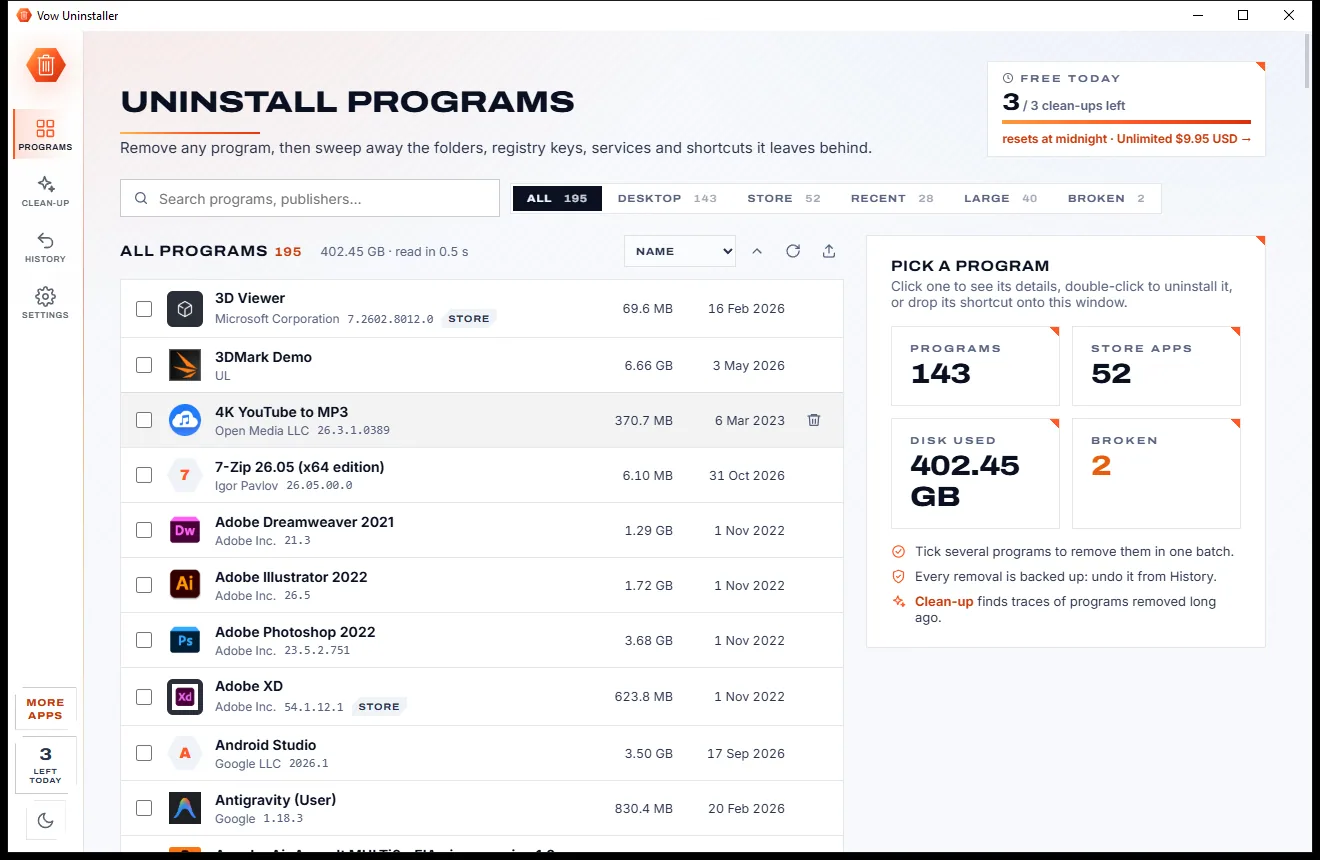
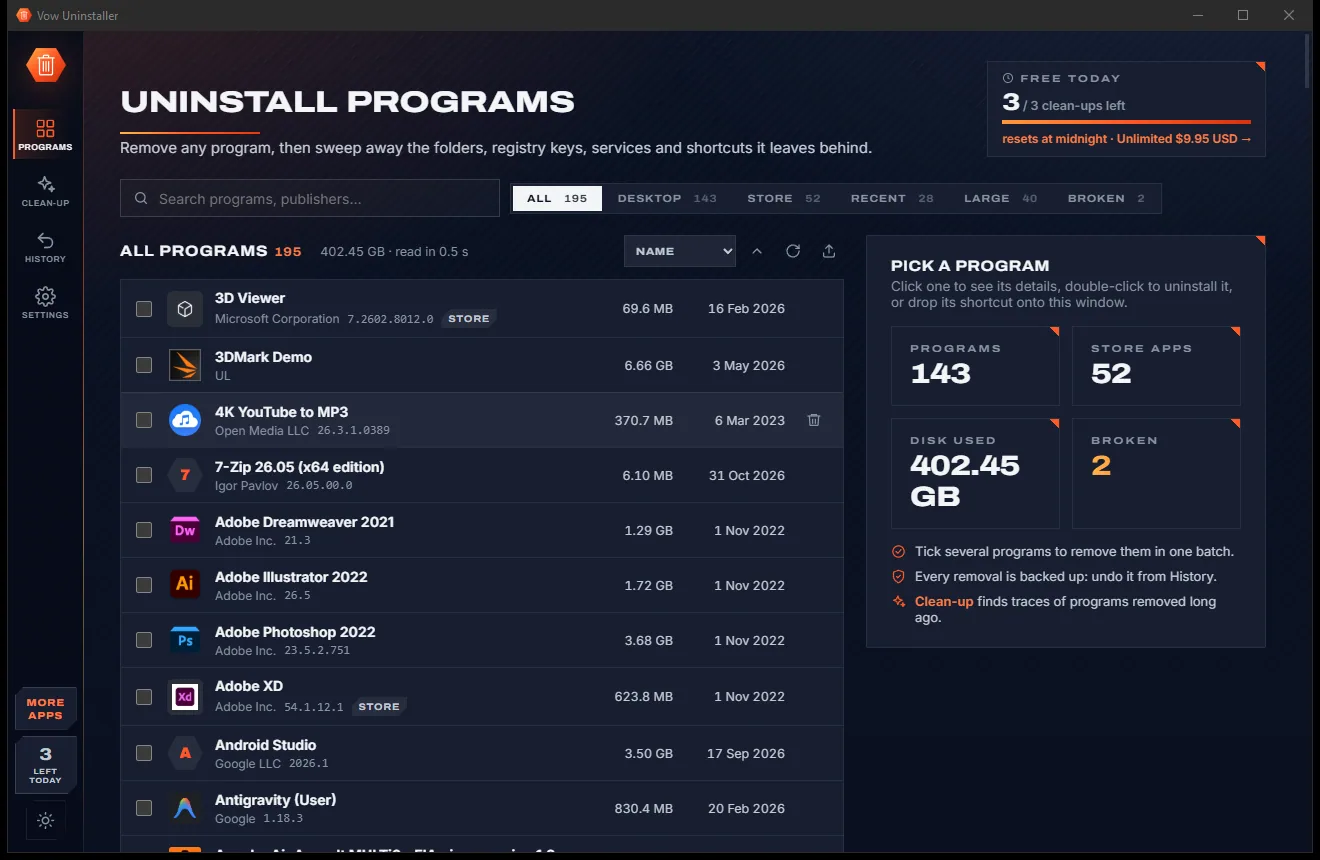
Uninstall programs completely, and undo it if you change your mind

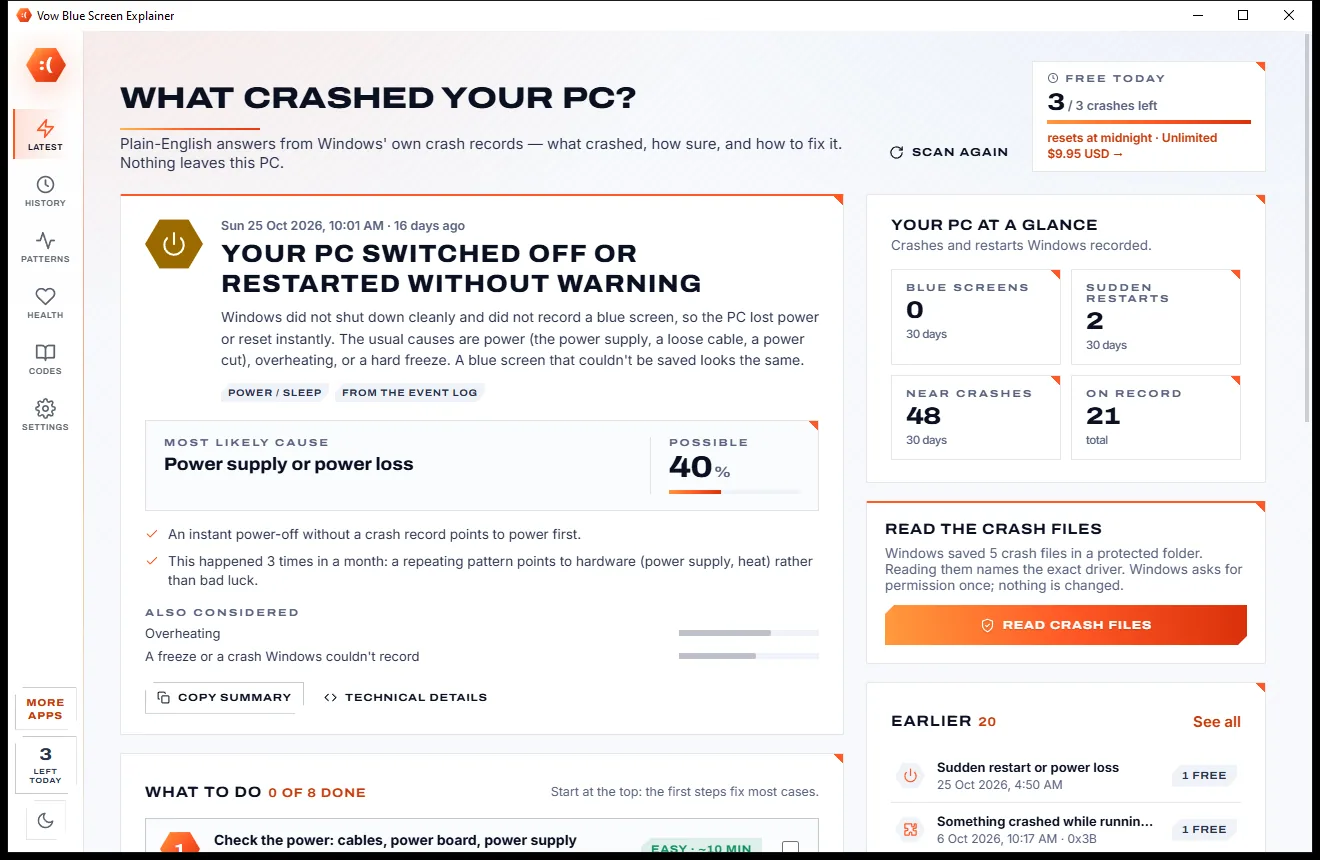
Find out what crashed your PC, in plain English, with the fix
Find out why Windows Update is stuck or failing, in plain English, and fix it. Free to use every day, $4.95 once if you ever want Unlimited.