
Security
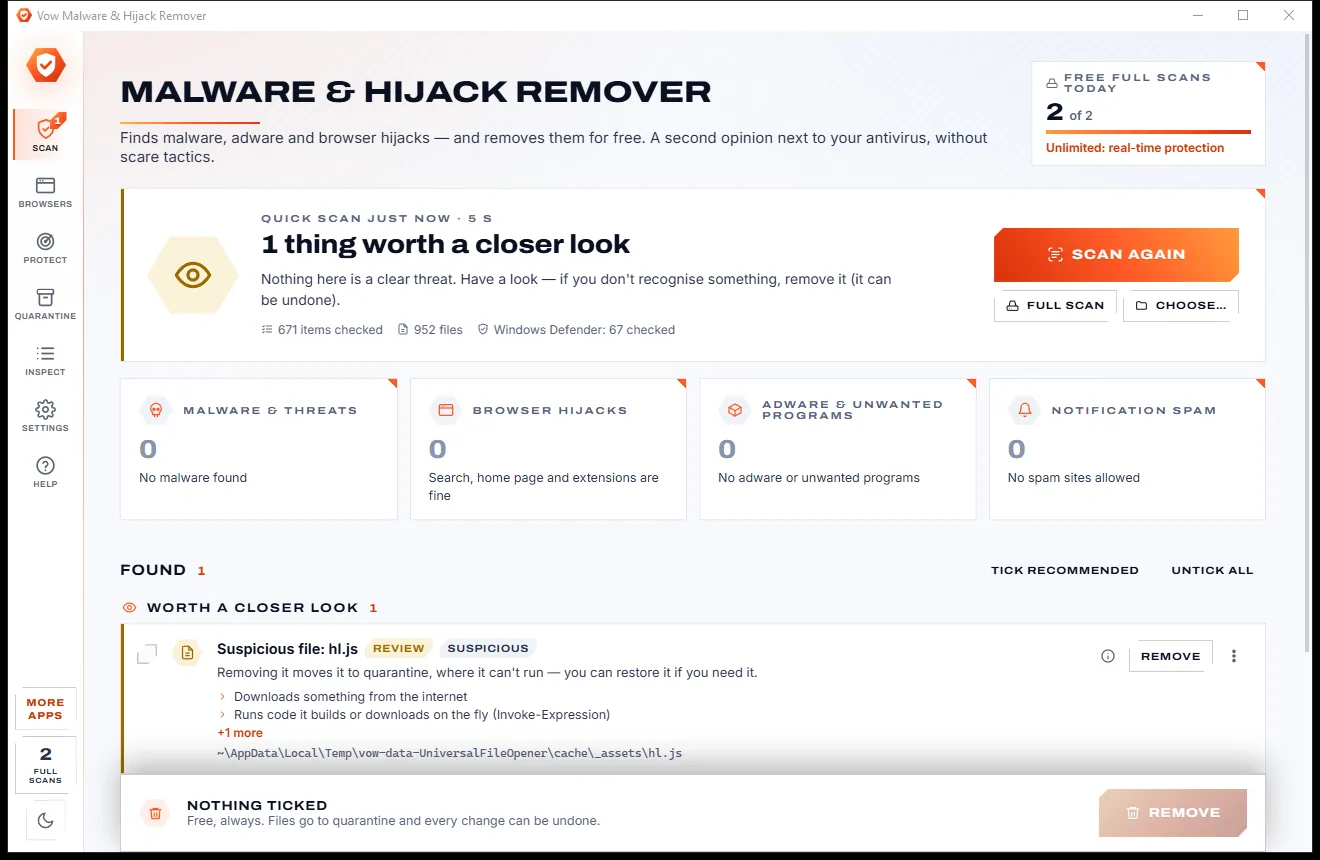
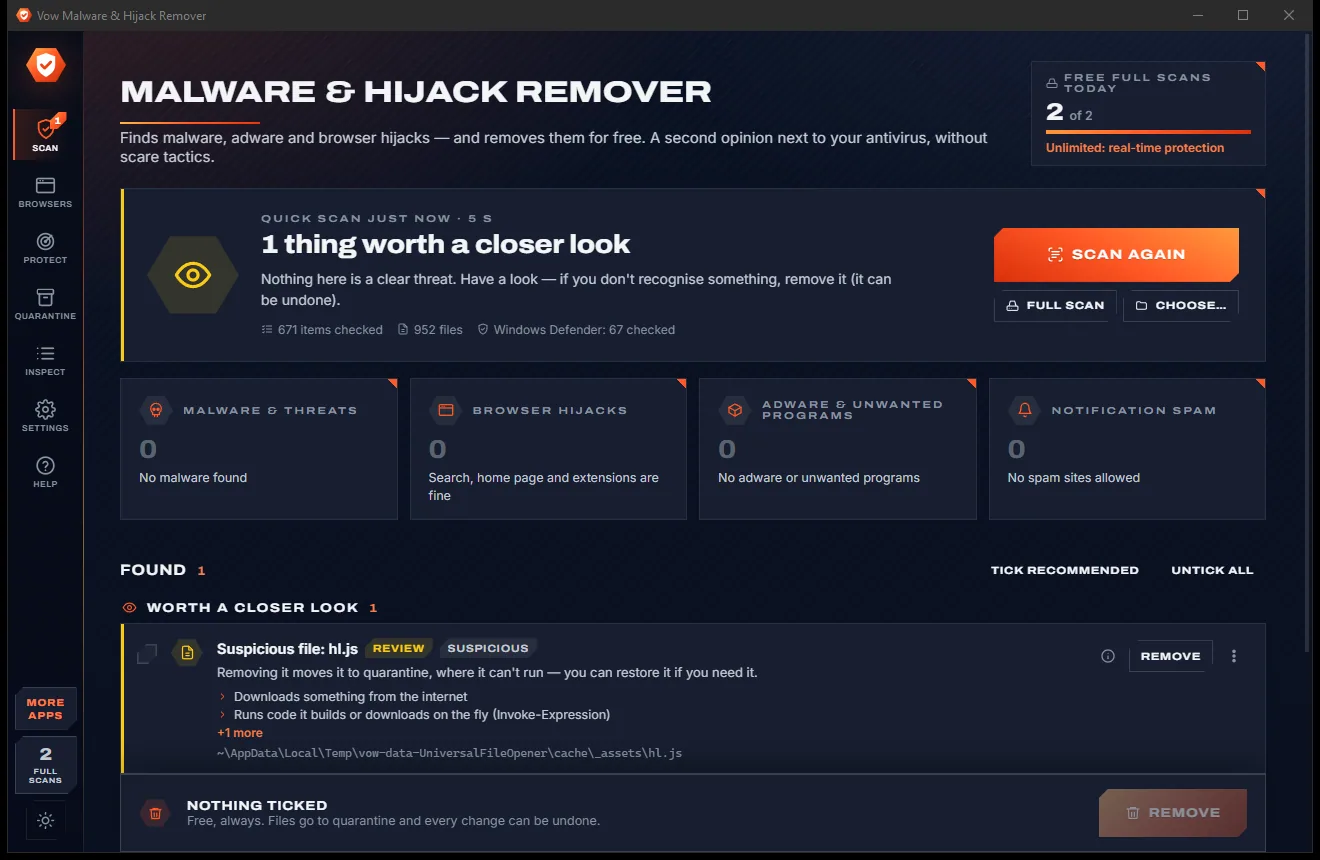
Vow Malware & Hijack Remover
Find adware, malware and browser hijacks, and remove them free
- Free: Unlimited quick scans and removals, 2 full scans a day
- $9.95 once: Real-time hijack protection, scheduled scans, one-click browser reset

Offline password manager for Windows
One master password opens one encrypted vault file that stays on your computer. Argon2id and AES-256-GCM protect it, a health report finds weak and breached passwords, and 2FA codes are built in. No account, no subscription, and your vault is never uploaded.
The problem
Most password managers want an account, a subscription and your vault on their servers. The free ones nobody has heard of want something else.
Most password managers keep your vault in their cloud, behind an online account. Your most sensitive data lives wherever they decide.
A monthly or yearly plan to keep using passwords you typed in yourself, renewing whether you need anything new or not.
Sign up, confirm an email, install an extension, all before you can save a single password.
Little-known "free" password apps with ads, bundled extras and no clear idea who made them. Not where your bank login belongs.
One password reused across every site, a notebook in the drawer or a spreadsheet called passwords. One leak opens everything.
Forget the master password of a typical offline vault and everything inside is gone for good.
Vow Password Vault fixes all of it.
How it works
Set up in a couple of minutes, and every password stays in one encrypted file that you control.
Pick one master password (the dice suggests a 5-word passphrase) and save the recovery key it shows once. The vault is a single encrypted file on your PC.
Drop a CSV or JSON export from your browser or old password manager on the window. You see a preview, with duplicates marked, before anything is imported.
One-click copy for user names, passwords and 2FA codes, cleared from the clipboard after 20 seconds. The Health page shows every weak spot with a Fix button.
Features
Strong where it matters and simple everywhere else, for anyone who would rather keep their passwords at home.
Argon2id turns your master password into a key, and AES-256-GCM encrypts and seals every byte of the vault file, so any change is detected.
The whole vault is one .tpv file. Keep it in Documents, on a USB stick or in OneDrive; copies edited on two PCs are merged per entry.
A 30-character recovery key also opens the vault if you ever forget the master password. You see it once, so keep it somewhere safe.
Open the vault with your face, fingerprint or PIN. It locks when Windows locks or the PC sleeps, and after the idle time you choose.
Breached, reused, weak, empty, old and insecure-http passwords, plus expired and duplicate items, each explained with a Fix button.
Have I Been Pwned checks send only the first 5 characters of a password's SHA-1 hash, with padding. The match is made on your PC.
Live two-factor codes next to each login, from otpauth links, Base32 secrets, Steam Guard or a QR code in a pasted screenshot.
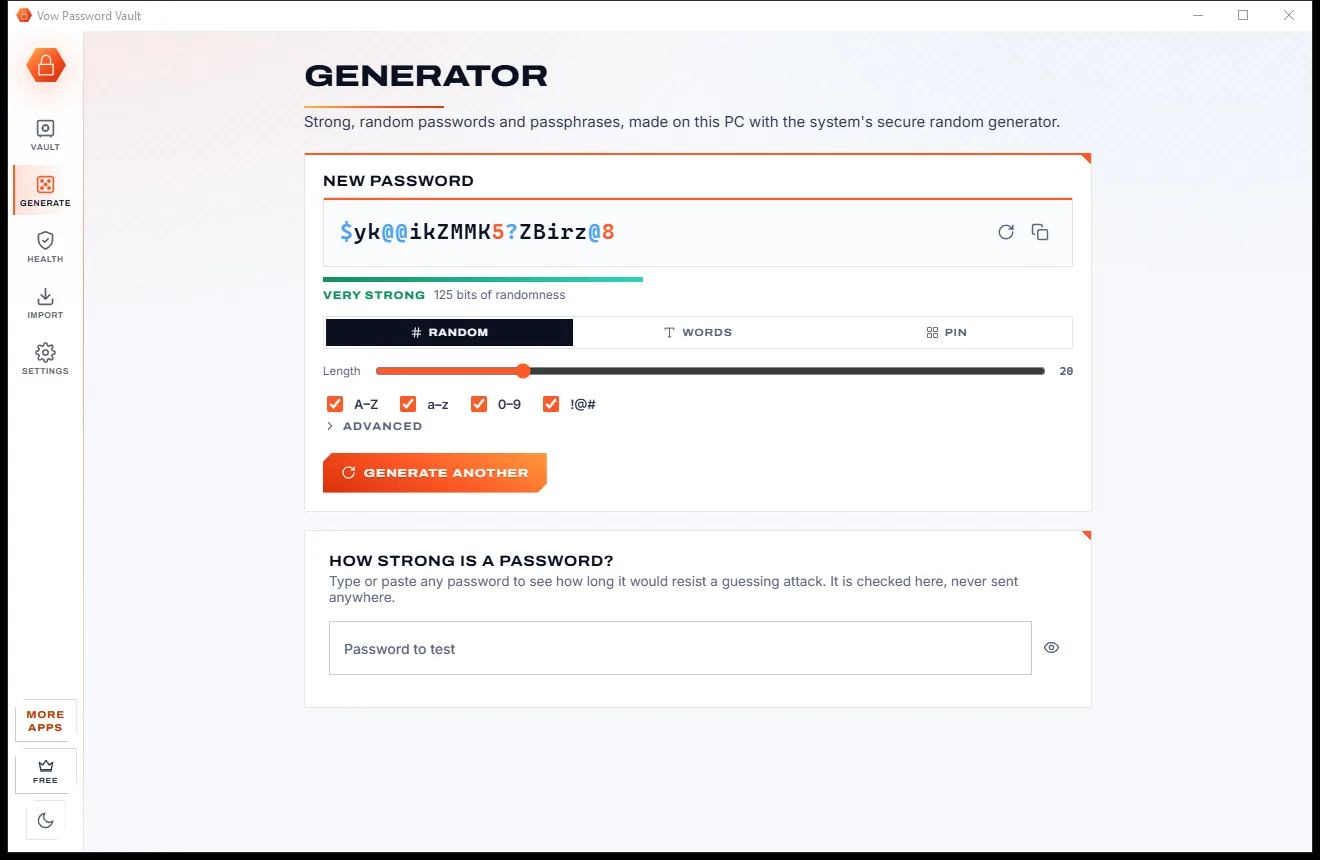
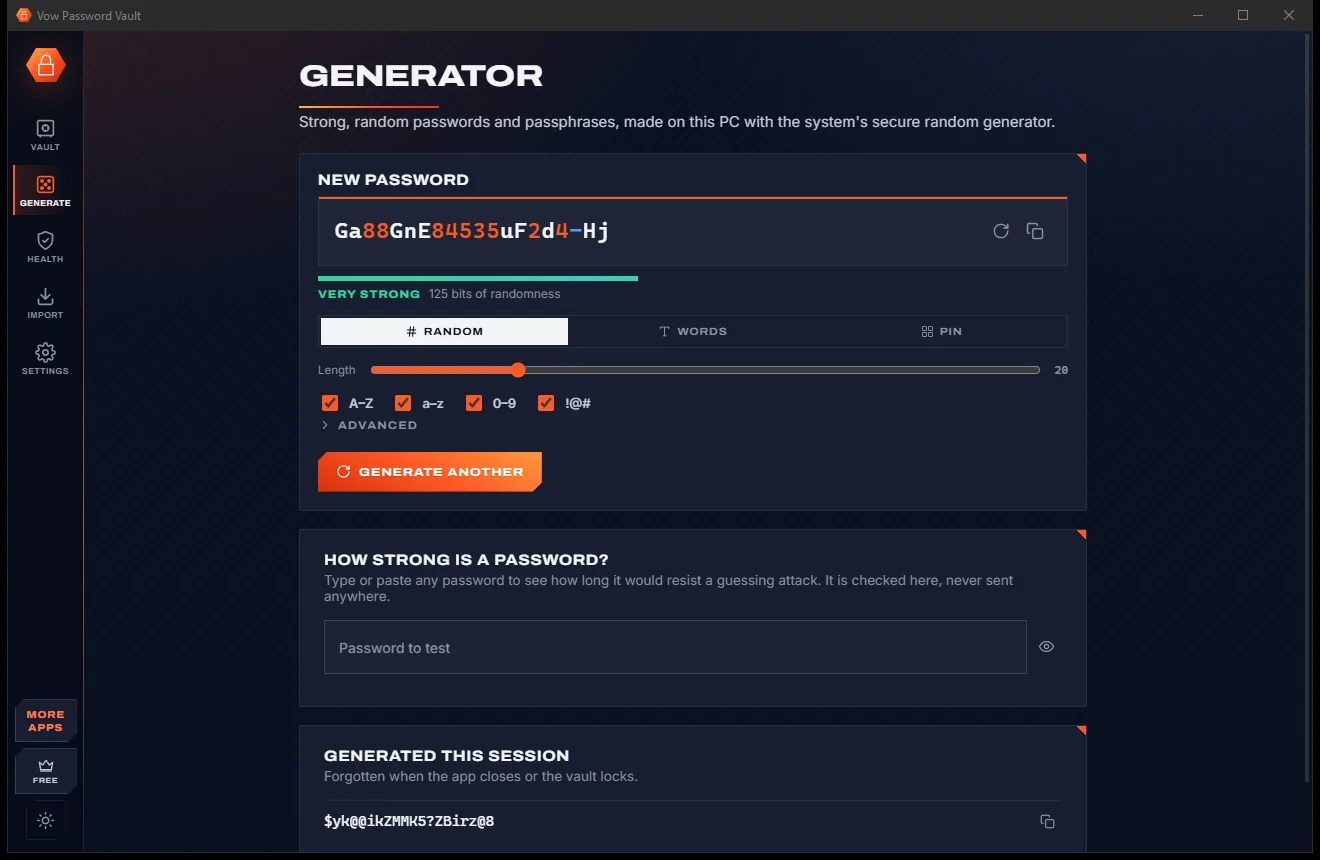
Random passwords, EFF word passphrases and PINs from Windows' secure random generator, plus a strength checker for any password.
With Unlimited, press Ctrl+Alt+A in a sign-in window and your user name and password are typed for you, in any browser or app. No extension.
Chrome, Edge, Firefox, Safari, Bitwarden, LastPass, 1Password, Dashlane, NordPass, Proton Pass, KeePass or any CSV. Your data is never locked in.
Light & dark theme
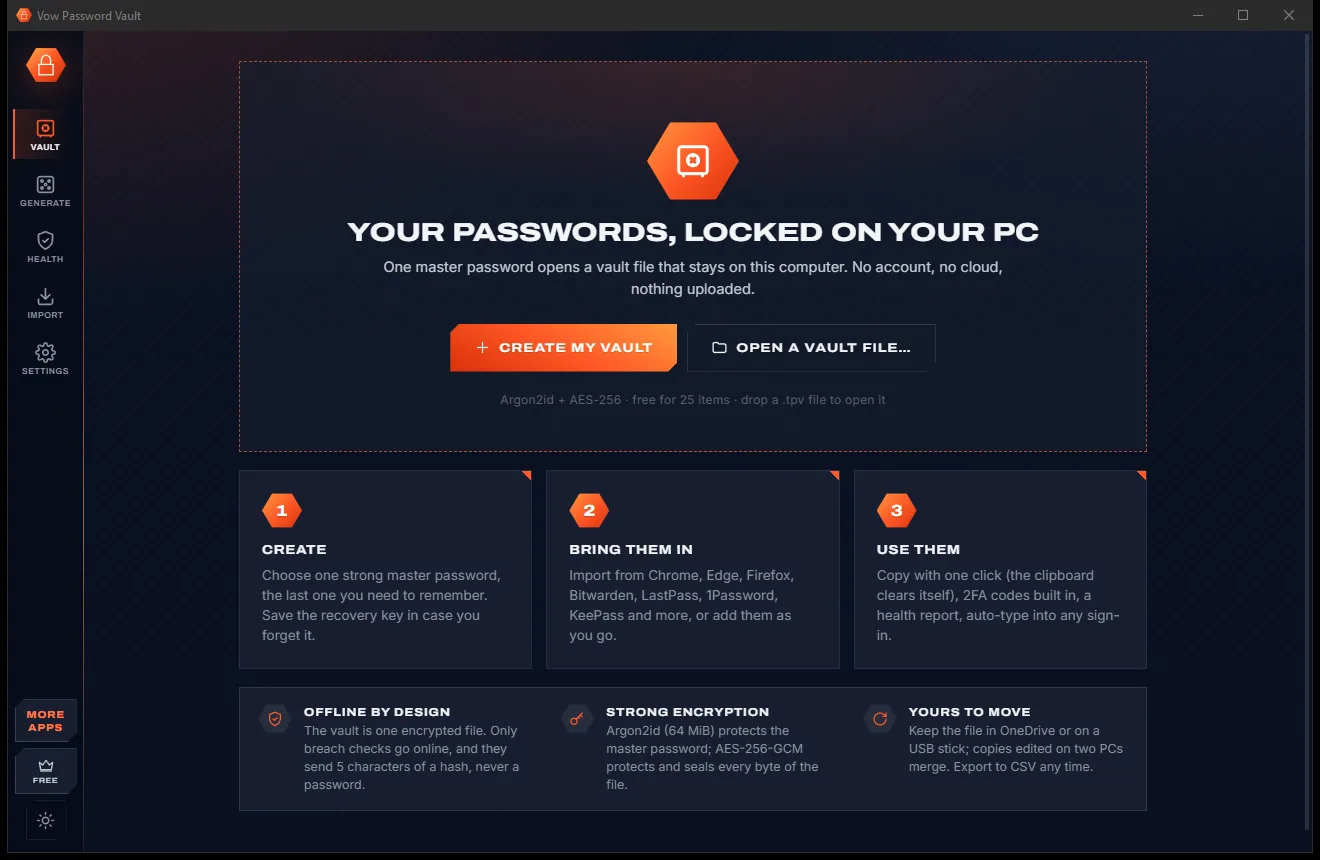
Password Vault comes with a crisp light theme and a calm dark theme. Switch with one click, or let it follow your Windows setting by itself. It remembers your choice.
Screenshots
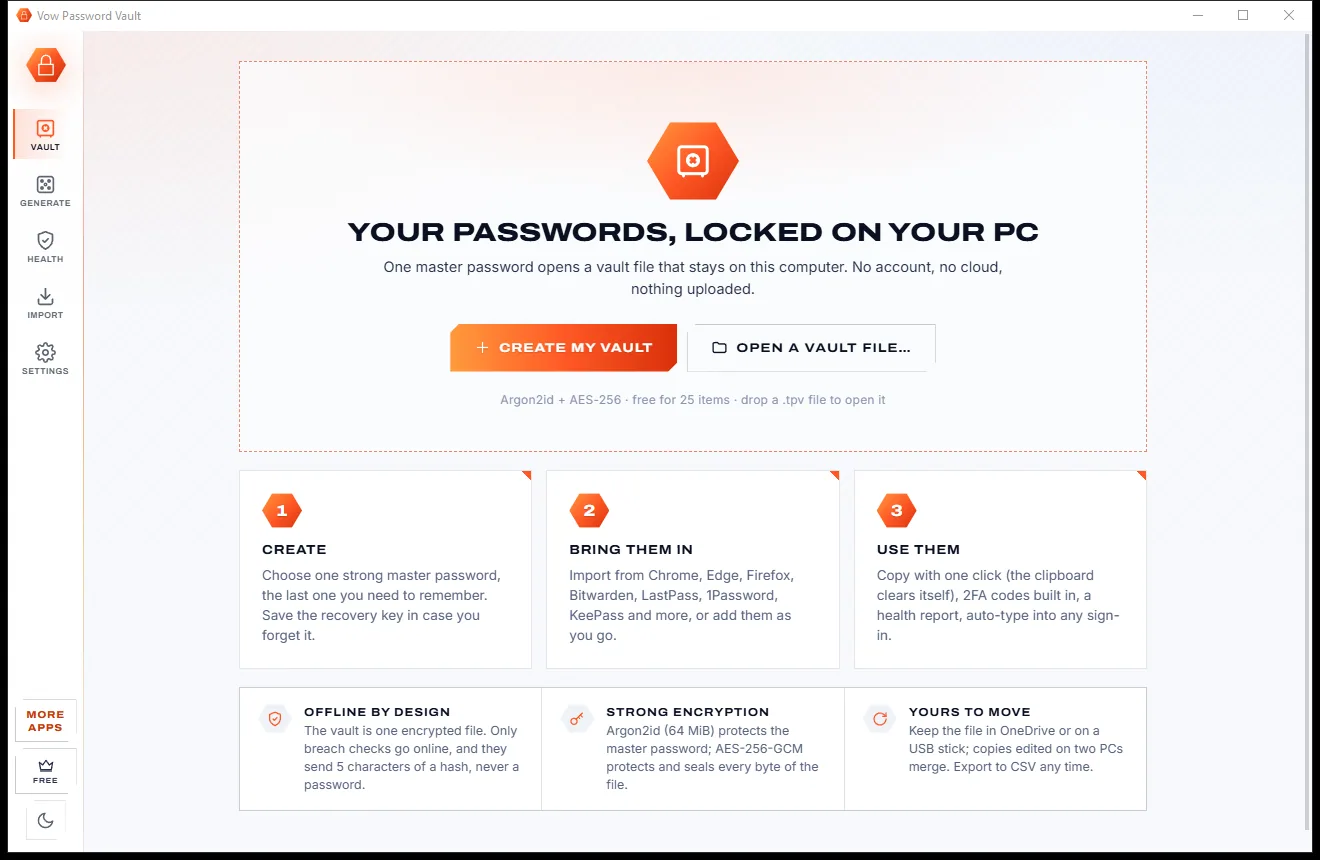
Real screenshots of the real app, in both of its themes: 6 light, 6 dark. Click any picture to see it full size.
Light theme
Dark theme
Who it's for
Every login, card and Wi-Fi password in one vault, with a Wi-Fi join QR code for guests.
Move passwords out of Chrome or Edge into an encrypted vault that works with every browser and app.
Import from LastPass, 1Password, Bitwarden, Dashlane, NordPass or Proton Pass and keep everything offline.
Client logins, 2FA codes and secure notes kept on your own PC, with no monthly bill.
Keep the vault file on a USB stick and take your passwords with you, encrypted, wherever you go.
Find every reused and breached password and replace it, one Fix button at a time.
Compare
Where your passwords live, what it costs and what you get, side by side.
| Feature | Vow Password Vault | Typical password manager apps & services |
|---|---|---|
| Price | Free for 25 items, or $9.95 once | Often a monthly or yearly subscription |
| Where your vault lives | One encrypted file on your PC | Usually on their cloud servers |
| Online account needed | None | Usually |
| Works without internet | Yes: only breach checks go online | Limited, for cloud services |
| Breach checks and health report | Free, hash prefix only, matched on your PC | Often on paid plans |
| Recovery if you forget the master password | Recovery key | Often none for offline vaults |
| Auto-type without a browser extension | Yes, in any app | Usually needs an extension |
| Import from other managers | 12 formats, with a preview | Varies |
| Ads and bundled extras | None, ever | Common on little-known free apps |
"Typical" describes what we found across the most-downloaded alternatives when we built Password Vault. Your mileage with any one of them may vary; ours won't.
Pricing
That is not a typo. Software this powerful usually means a monthly subscription; Password Vault is $9.95, once, for life: it's almost a giveaway. Use it free for as long as you like, and unlock Unlimited only if you need more.
Up to 25 items, every security feature, 10 breach checks a day.
Almost a giveaway. Less than a takeaway lunch for software this powerful: no subscription, no renewals, yours for life on 2 PCs.
Unlimited items, auto-type, automatic encrypted backups, unlimited breach checks.
Payments by Stripe: we never see or store your card. Questions? Ask a real person.
Clean software
Most "free" Windows downloads pay for themselves with ads, bundled extras or your data. Vow Password Vault doesn't need to: it's paid for honestly, once, by the people who find it useful.
Download Password Vault freeStep-by-step guide
From browser-saved passwords to an encrypted vault on your own PC in a few minutes.
Step 1: get it freeGet Vow Password Vault from this page and run the installer. It needs no administrator rights and no account, and nothing is downloaded on first run.
Press Create my vault and choose a master password (the dice suggests a 5-word passphrase). Save the recovery key it shows on paper or a USB stick, away from the PC.
In Chrome or Edge go to Settings, Passwords, Export. Other password managers have Export in their menu. You get a CSV or JSON file.
Check the preview (format detected, duplicates marked) and import. Then delete the export file and empty the Recycle Bin, because an export is plain text.
See breached, reused and weak passwords. Press Fix, generate a strong new password, save it, and change it on the website too.
Technical details
FAQ
Yes. A free vault holds up to 25 items with every security feature: the encryption, Windows Hello, the generator, 2FA codes, the security report, import and export, plus 10 breach checks a day. There are no ads and nothing expires. Unlimited, a one-time $9.95 USD payment, adds unlimited items, auto-type, automatic encrypted backups and unlimited breach checks.
In one encrypted vault file on your PC, by default Documents\Vow Password Vault\My vault.tpv. You can keep it anywhere you like, such as a USB stick or a OneDrive or Dropbox folder. There is no account and no cloud server, and your vault is never uploaded.
A random 256-bit key encrypts the vault with AES-256-GCM, which also authenticates the file's header, so any changed byte is detected. Argon2id (64 MiB of memory and 3 passes by default) turns your master password into the key that unwraps the vault key. Every save is read back and decrypted before it replaces the old file, and the previous version is kept.
No. To check a password against Have I Been Pwned, the app sends only the first 5 characters of the password's SHA-1 hash to api.pwnedpasswords.com, with padding, and compares the list that comes back on your PC. The password itself never leaves your computer, and no site icons are fetched. Apart from buying or activating Unlimited, breach checks are the only thing that goes online.
Use the recovery key. When you create the vault, the app shows a 30-character recovery key once, and it opens the vault on its own, so print it or keep it somewhere safe away from the PC. Without the master password or the recovery key, nobody can open the vault, including us.
1Password and Bitwarden are built around an online account and their cloud; Vow Password Vault keeps everything in one encrypted file on your PC with no account, and Unlimited is $9.95 once, never a subscription. Like KeePass it is offline, with a recovery key, live 2FA codes, a security report with private breach checks and import from 12 formats built in.
Yes. Keep the vault file in a OneDrive or Dropbox folder and edits made on both PCs are merged per entry, with the newest edit winning. Unlimited covers 2 PCs. There is no phone app, but any 2FA secret can be shown as a QR code to add to an authenticator app on your phone.
Yes. It is made and published by XTO Pty Ltd, an Australian company. The installer contains no ads and no bundled software, needs no administrator rights, and uninstalls cleanly from Windows Settings. Uninstalling never touches your vault files or backups.
The Vow collection
Same design, same promises, a tiny one-time price. Learn one and you already know them all.
Find adware, malware and browser hijacks, and remove them free

Shred files so no recovery tool can bring them back

Password-protect a folder in two clicks, with a recovery key
Your passwords in one encrypted file on your PC: no account, no cloud. Free to use every day, $9.95 once if you ever want Unlimited.