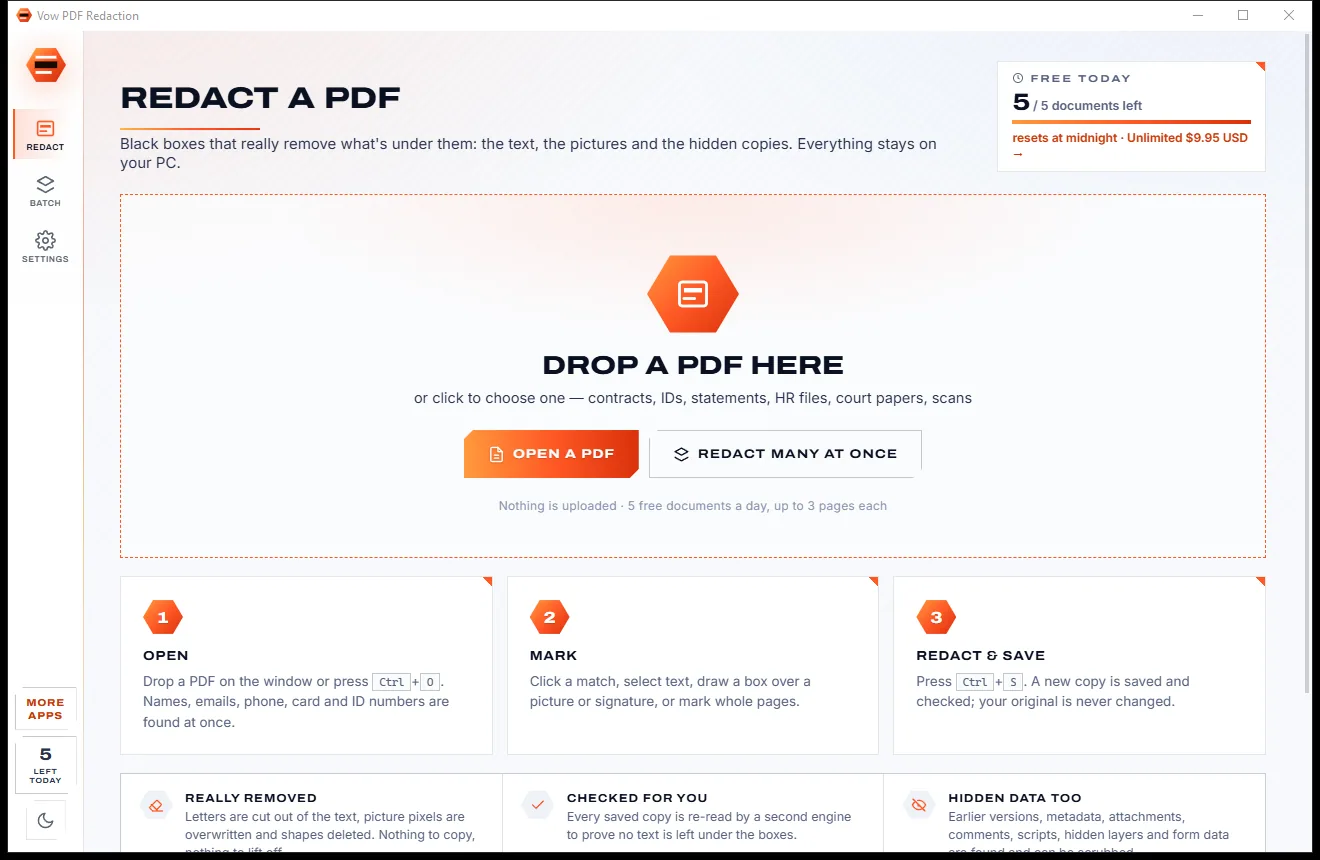
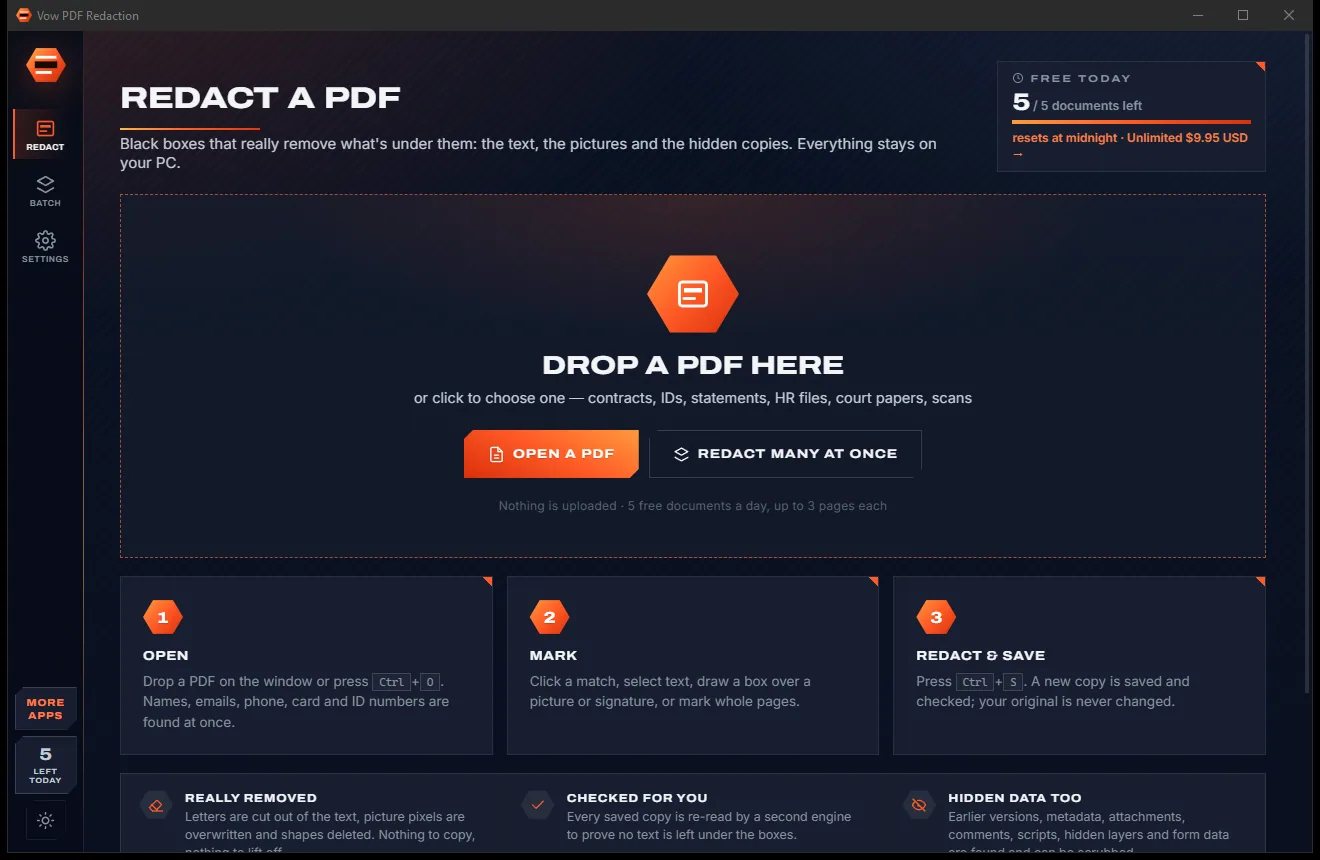

Redact PDFs for real: nothing left under the black boxes
- Free: 5 documents a day, up to 3 redacted pages each, true redaction
- $4.95 once: Any length, one-click redact-all, batch folders, scrub hidden data

PDF compressor for Windows
Job portal says 2 MB? Visa form says 500 KB? Pick the limit and Vow PDF Compressor finds the best quality that fits, keeps text and drawings crisp, and shows every page before and after. No uploads, no watermarks, no subscription.
The problem
When a form rejects your PDF, the usual fixes are websites that take a copy of it, or tools that turn your text into a blurry picture.
Online compressors want your passport scan, payslip or medical letter on their servers before they hand back a smaller copy.
Low, medium or high: none of them tell you whether the result will be under the 2 MB the form demands.
Squashing every page into a low-quality picture makes text fuzzy and small print impossible to read.
Free tiers stamp the pages, limit the file size or stop after a couple of files, then push an upgrade.
The proper PDF optimiser usually sits inside a monthly plan, for a job you need a few times a year.
Some tools quietly drop the password, flatten form fields or lose the bookmarks along the way.
Vow PDF Compressor fixes all of it.
How it works
Choose how small, or the exact limit you were given, and get a sharp PDF that fits.
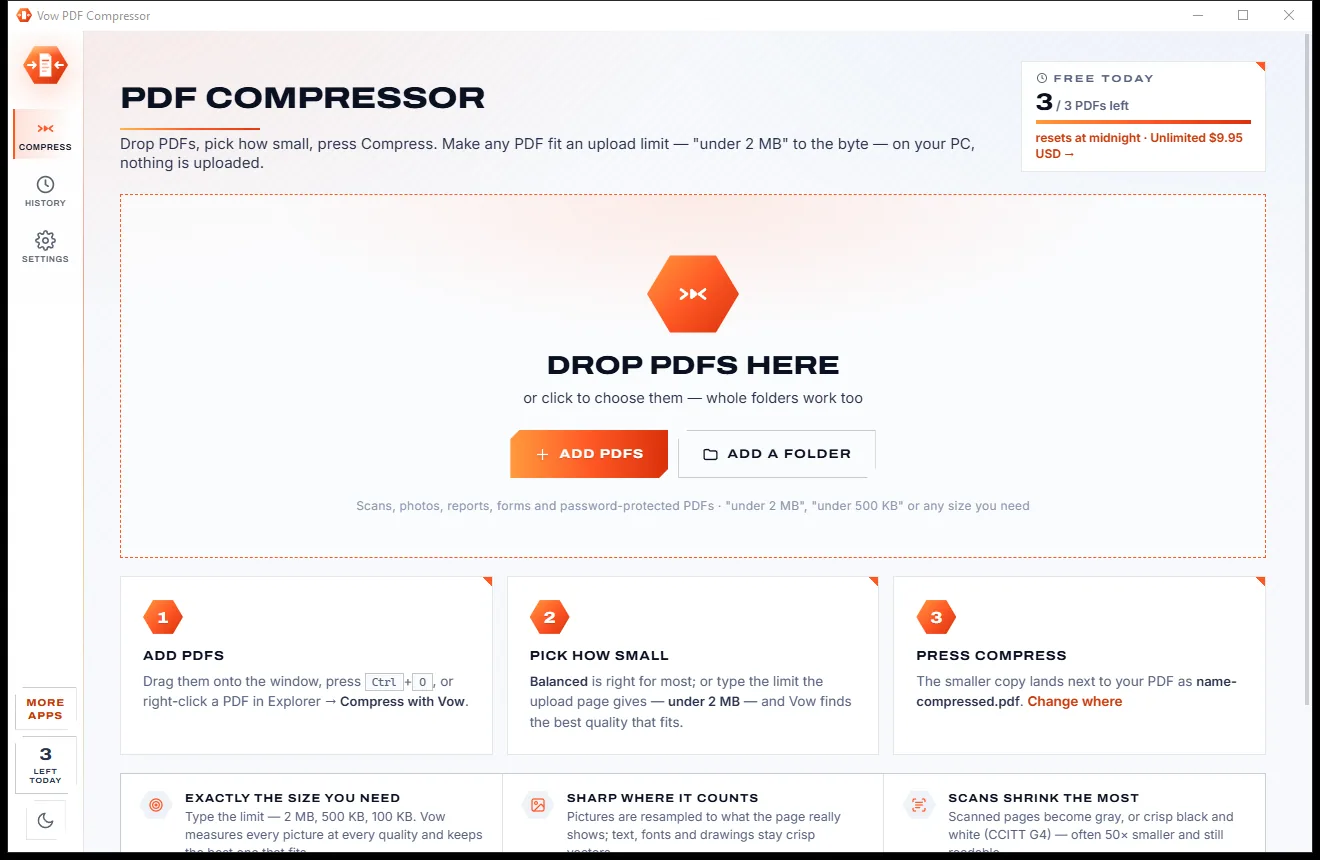
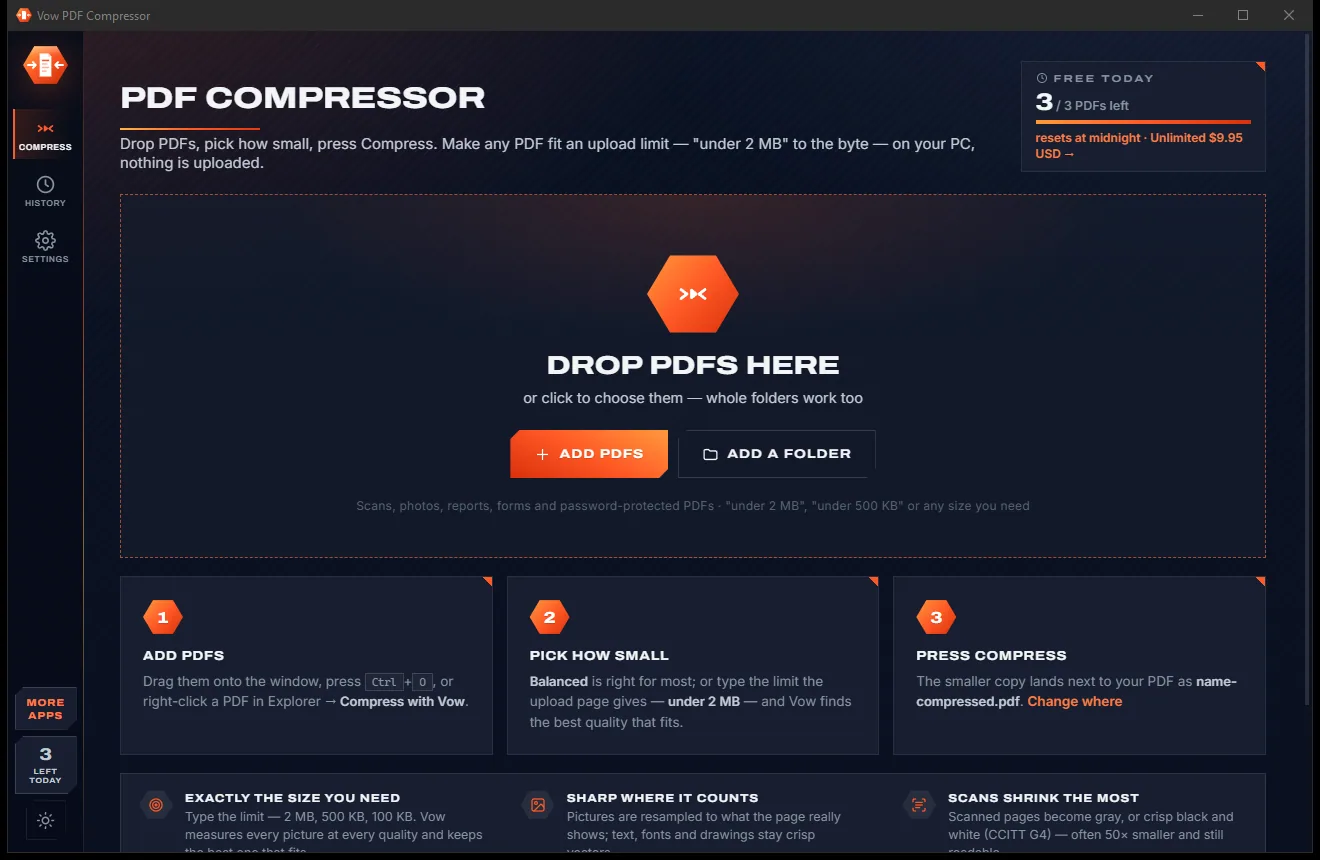
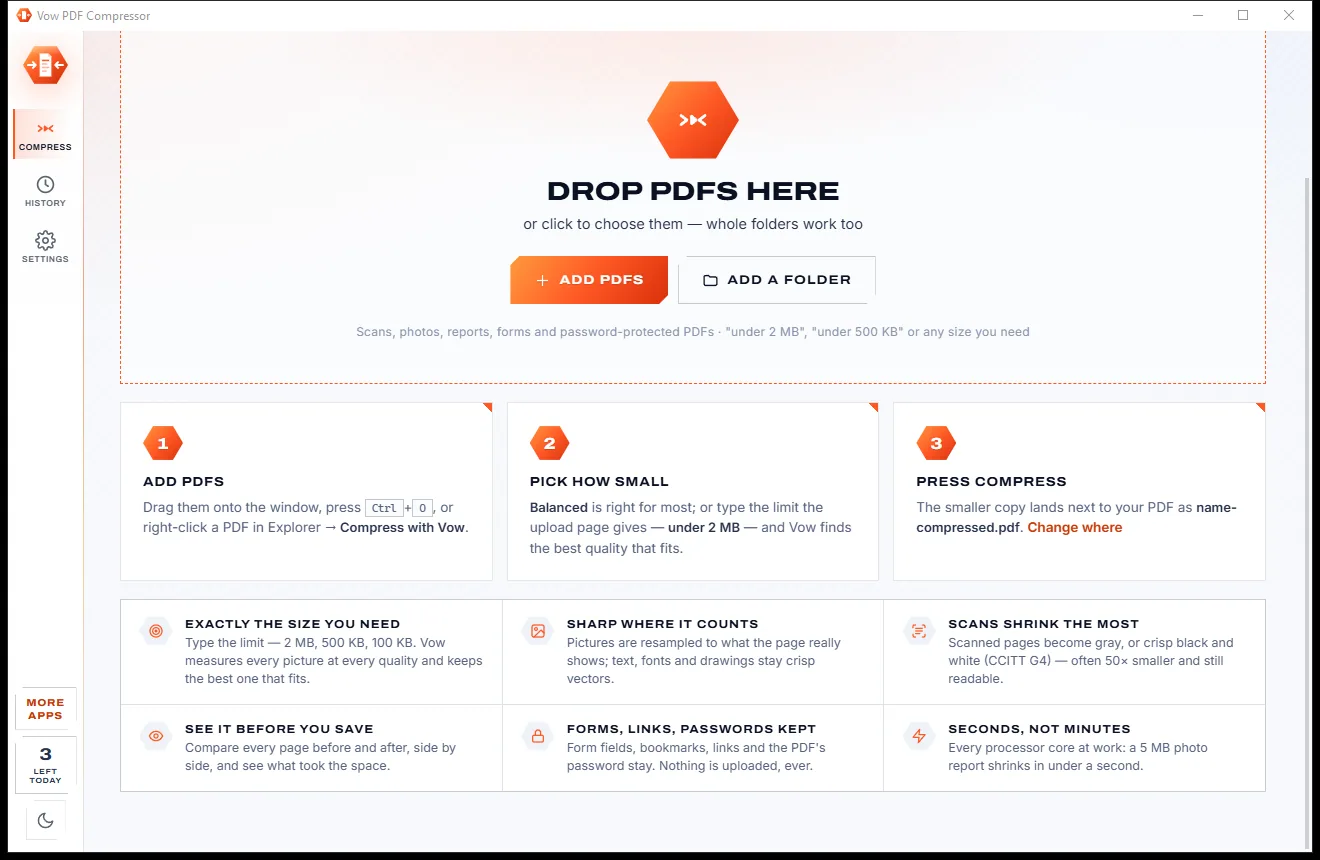
Drag PDFs or whole folders onto the window, or right-click a PDF in Explorer and choose Compress with Vow.
Balanced is ready to go. Or choose an exact size: 200 KB, 500 KB, 1 MB, 2 MB, 5 MB, 10 MB or any limit you type.
See every page before and after, side by side. The smaller copy is saved next to the original, which is never touched.
Features
For job applications, visa and university portals, tax paperwork and email attachments.
Type the limit and it finds the best picture quality that fits, then checks the written file against that limit.
Light (220 dpi), Balanced (150 dpi) and Strong (110 dpi), or your own resolution and JPEG quality.
Text, fonts and vector drawings are kept letter for letter. Only pictures shown sharper than needed are resampled.
Compare each page of the original and the compressed copy side by side, at fit, 100%, 200% or 300%.
Bytes by pictures, fonts, page content and metadata, before and after, plus a report on every picture.
Gray for every picture, or crisp black and white stored as CCITT G4: a 300 dpi page of text in 7 to 40 KB.
Duplicate fonts and pictures merged, unused objects dropped, streams recompressed and old saved revisions removed.
Protected PDFs open with their password, and the smaller copy is protected again with the same passwords and permissions.
If nothing can be gained, the original is kept and nothing is written. Damaged PDFs are repaired as they are read.
Compress many PDFs and folders with subfolders in one go, each using every processor core, with Unlimited.
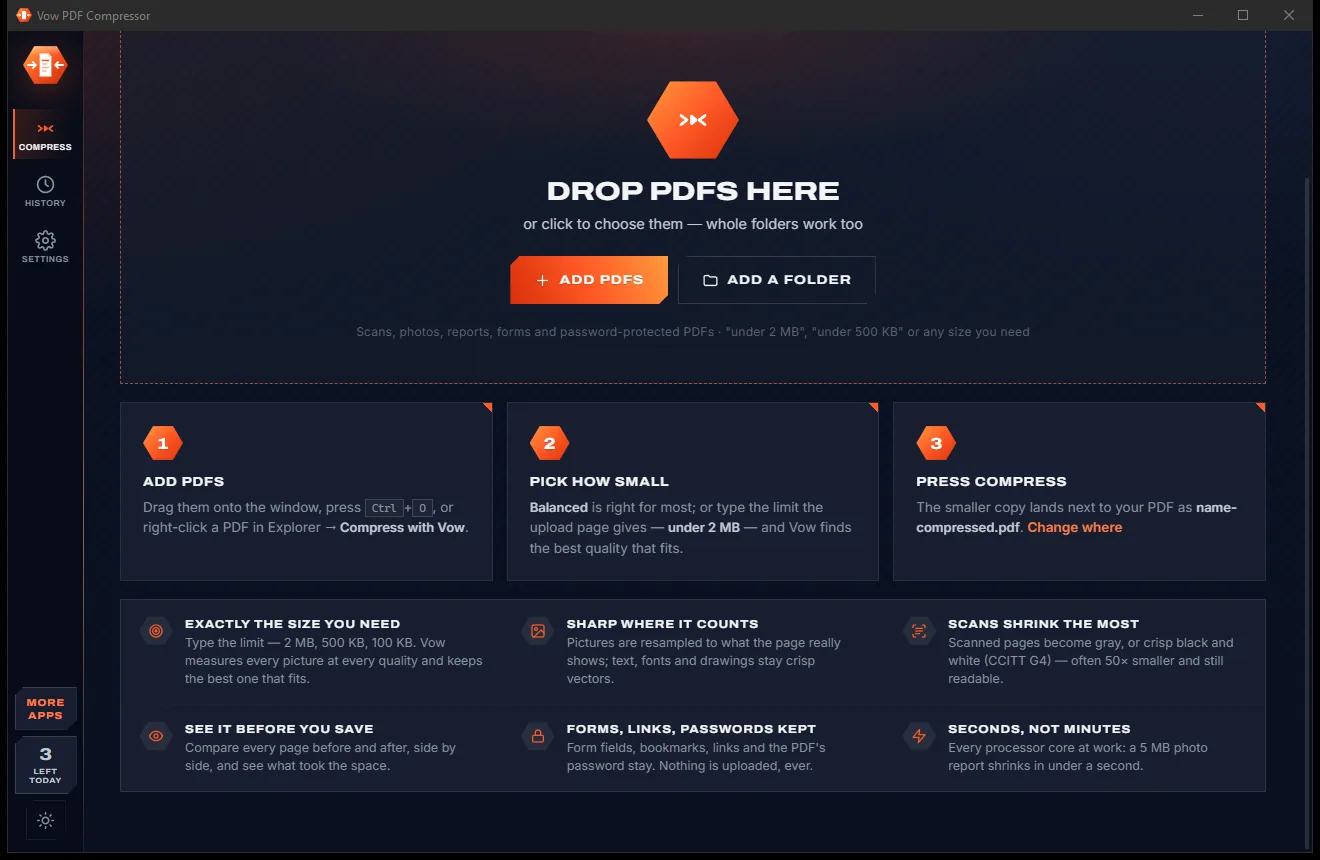
Light & dark theme
PDF Compressor comes with a crisp light theme and a calm dark theme. Switch with one click, or let it follow your Windows setting by itself. It remembers your choice.
Screenshots
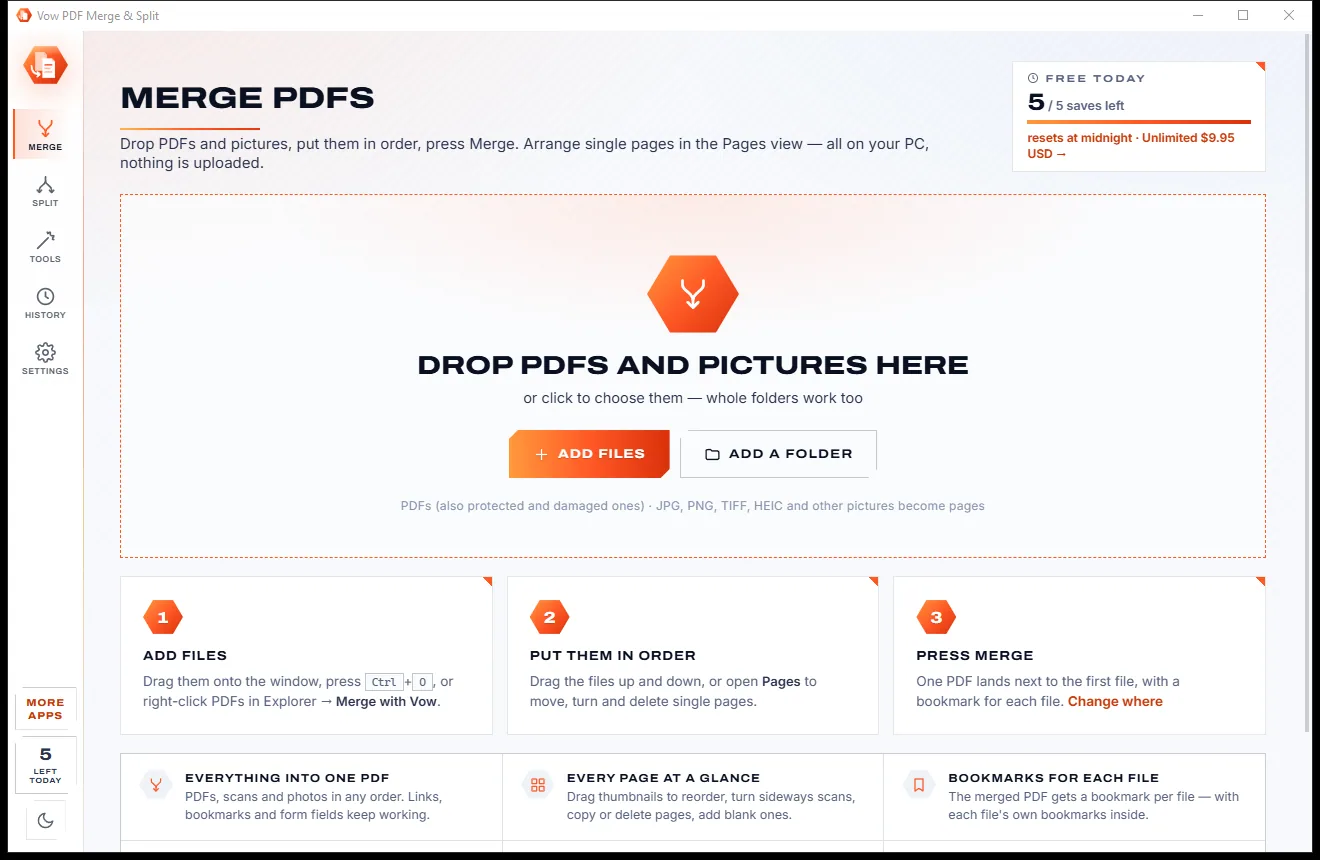
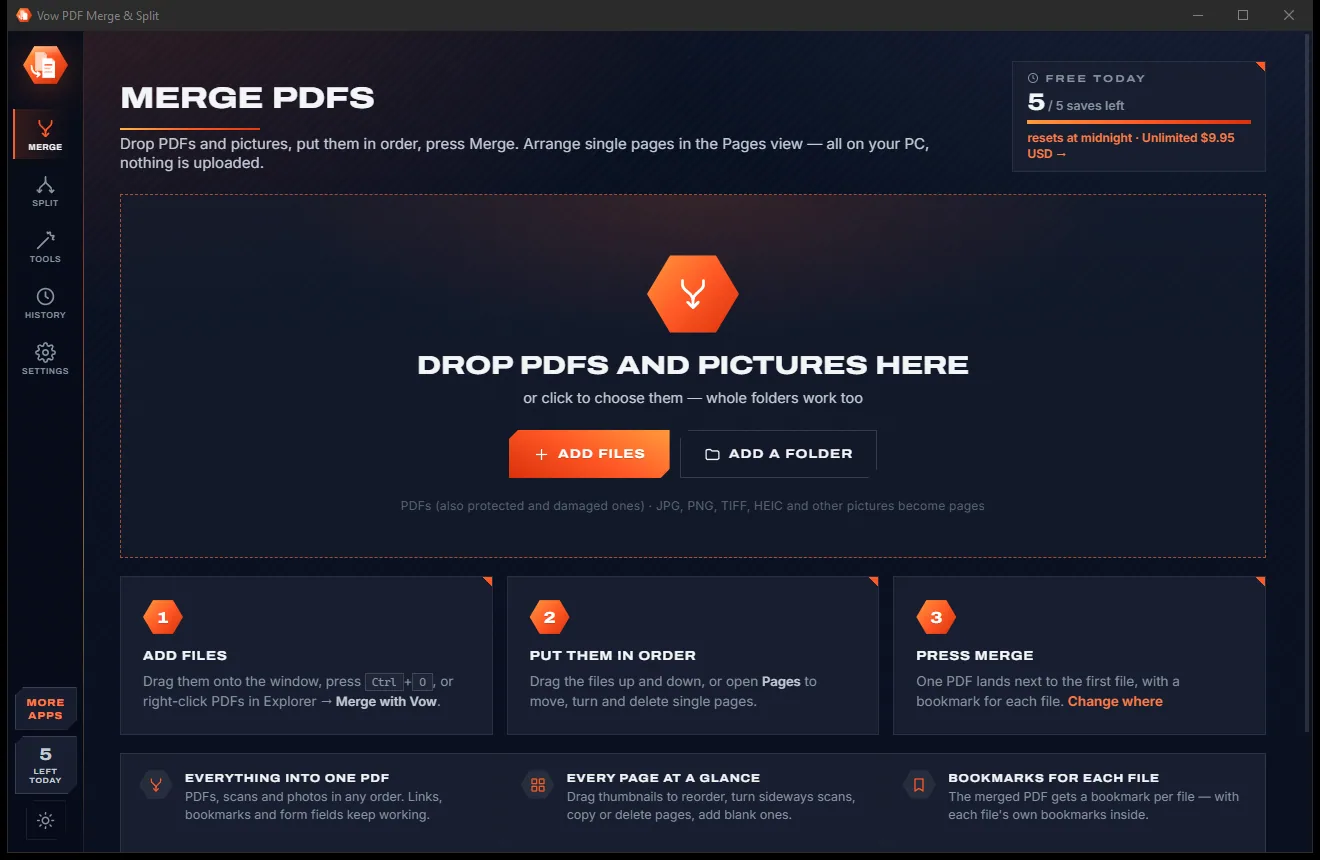
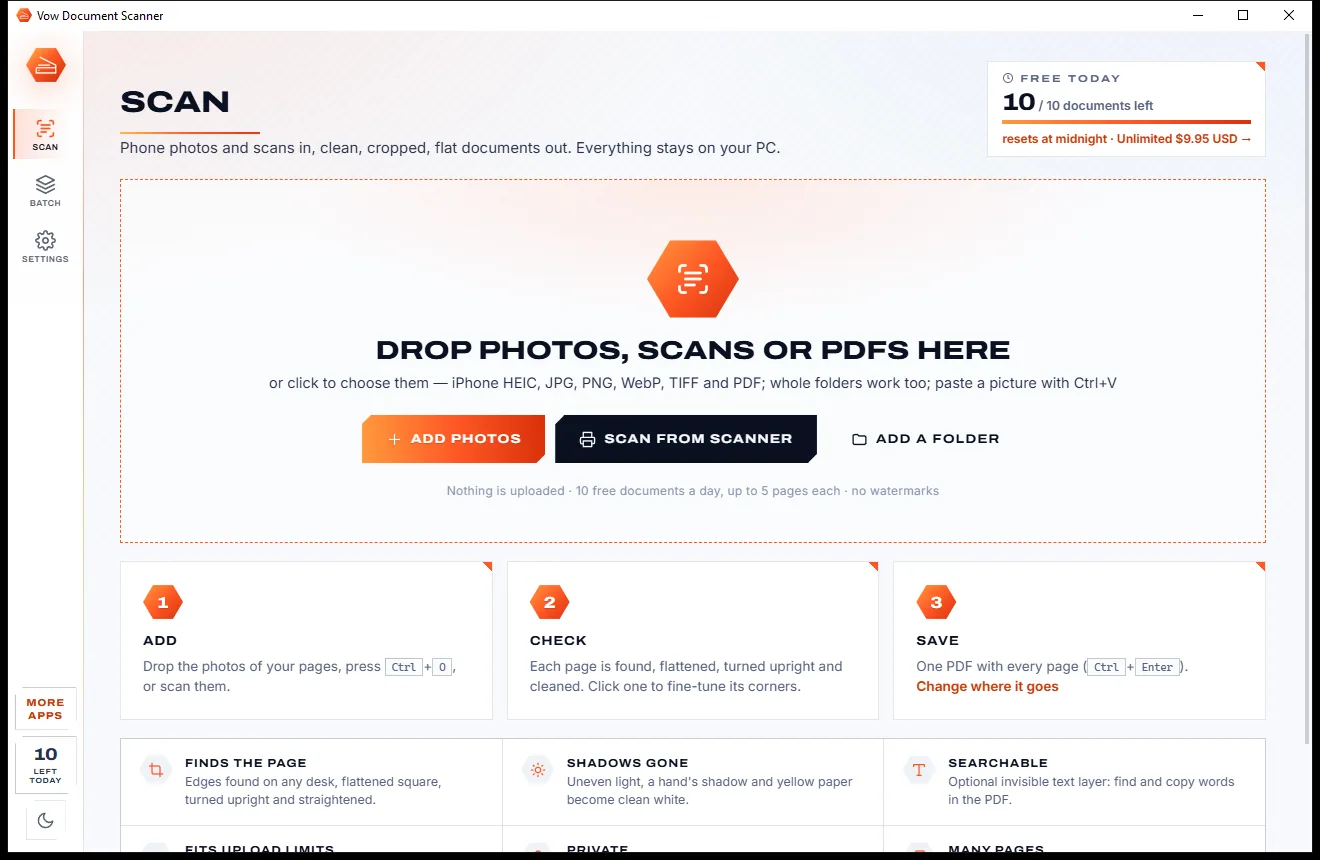
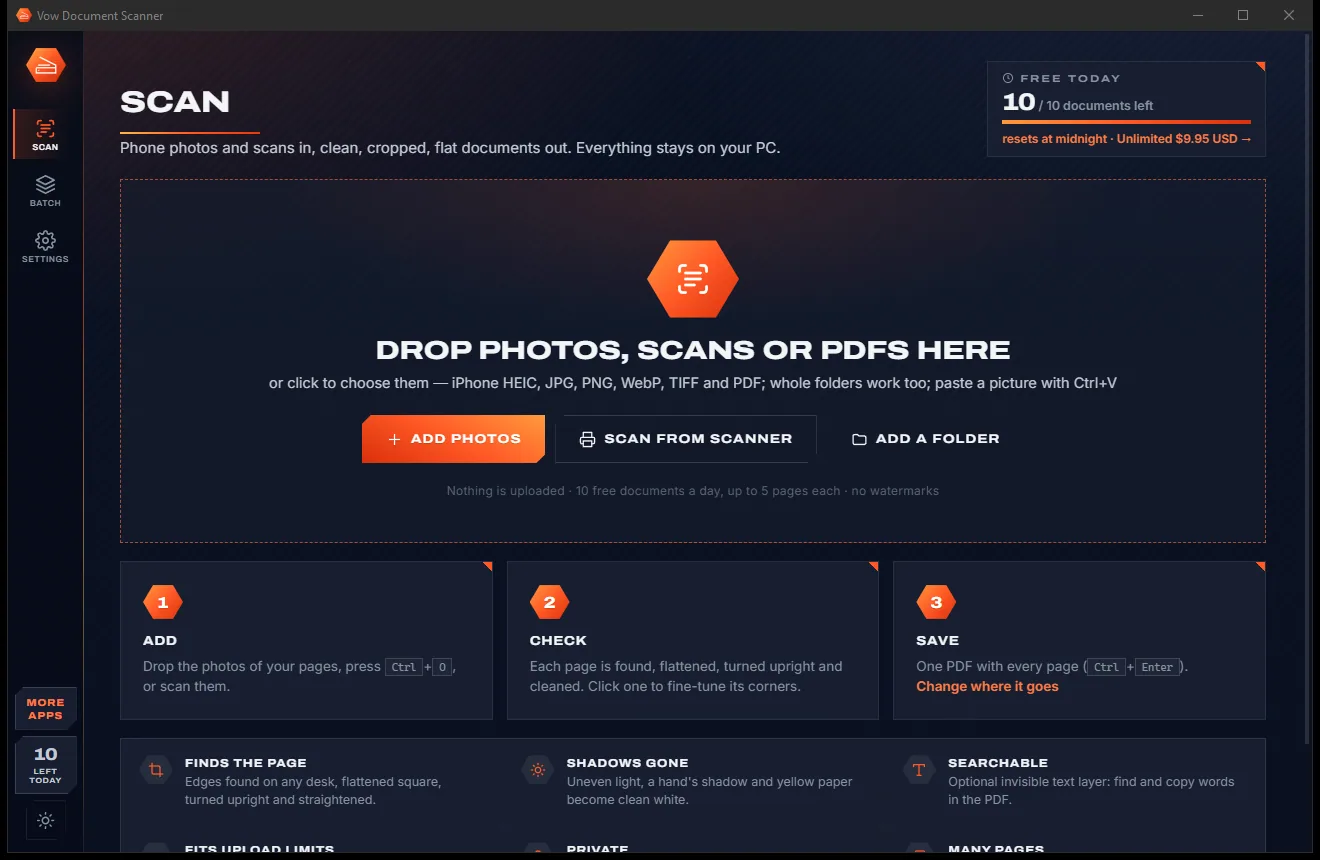
Real screenshots of the real app, in both of its themes: 5 light, 5 dark. Click any picture to see it full size.
Light theme
Dark theme
Who it's for
Get your CV, cover letter and certificates under a job portal's size limit.
Shrink passport and ID scans to the 200 KB or 500 KB a government form asks for.
Fit assignments, transcripts and portfolios under strict upload caps.
Send photo-heavy reports and brochures that would otherwise bounce.
Keep scanned receipts and statements small enough to archive and send.
Turn bulky 300 dpi scans into compact black-and-white files that still read clearly.
Compare
What typical online compressors and free PDF shrinkers give you, side by side.
| Feature | Vow PDF Compressor | Online compressors & free shrinkers |
|---|---|---|
| Price | Free every day, or $4.95 once | Monthly plans or per-file limits |
| Your PDF is uploaded | Never: 100% on your PC | Yes, for online compressors |
| Exact target size | Any size, to the byte | Rare: usually low, medium or high |
| Before / after of every page | Yes, free | Rarely |
| Text and drawings kept sharp | Yes, letter for letter | Not always |
| Passwords, forms and bookmarks kept | Yes | Not always |
| Watermarks or daily caps | No watermarks, ever | Common on free tiers |
| Works without internet | Yes | No, for online tools |
"Typical" describes what we found across the most-downloaded alternatives when we built PDF Compressor. Your mileage with any one of them may vary; ours won't.
Pricing
That is not a typo. Software this powerful usually means a monthly subscription; PDF Compressor is $4.95, once, for life: it's almost a giveaway. Use it free for as long as you like, and unlock Unlimited only if you need more.
3 PDFs a day with Light, Balanced and Strong; try every setting free.
Almost a giveaway. Less than a coffee for software this powerful: no subscription, no renewals, yours for life on 2 PCs.
Exact target sizes, any number of PDFs, folders, full quality control.
Payments by Stripe: we never see or store your card. Questions? Ask a real person.
Clean software
Most "free" Windows downloads pay for themselves with ads, bundled extras or your data. Vow PDF Compressor doesn't need to: it's paid for honestly, once, by the people who find it useful.
Download PDF Compressor freeStep-by-step guide
Make a PDF small enough for any upload form in about a minute, without sending it anywhere.
Step 1: get it freeDownload it from this page and run the installer. There is no account and no administrator prompt, and it can add Compress with Vow to Explorer's right-click menu for PDFs.
Drop it on the window, press Ctrl+O, or right-click it in Explorer. A password-protected PDF asks for its password right in its row.
Leave Balanced for everyday use. For an upload form, open Exact size and click the limit it gives, such as 2 MB, or type any size in KB or MB.
Press Compress or Ctrl+Enter. Each row shows before and after, the saving and a tick when it fits the limit. The eye button opens the page-by-page comparison.
It is saved next to the original as name-compressed.pdf, and your original is never touched. Open it, show it in its folder, or drag it straight into the upload page.
Technical details
FAQ
Yes. You can compress 3 PDFs a day for free with the Light, Balanced and Strong presets and every clean-up option, and the same PDF again that day counts once. Exact sizes, your own picture settings, gray and black and white can all be tried free: the result is shown before anything is asked. Unlimited, a one-time $4.95 USD payment, saves those too, with any number of PDFs and whole folders.
No. Compression runs entirely on your own PC, with no account and no cloud. Your passport scans, payslips and contracts never leave your computer, and it works with no internet connection.
Yes, with Unlimited. Type or click the limit and it keeps the best quality that fits, then checks the saved file. By default 1 MB means 1,000,000 bytes, the way upload pages count, so a file under 2 MB here is under it everywhere. If a PDF can't get that small, it shows the smallest possible size and offers pages as pictures.
No. Text, fonts and vector drawings are kept exactly; only pictures shown sharper than the chosen resolution are resampled, with an area-averaging method that avoids jagged edges. You can compare every page before and after at up to 300% before you keep it.
Scans shrink the most. Gray turns colour scans into shades of grey, and black and white stores text pages as CCITT G4 with an adaptive threshold, so uneven paper and shadows don't turn black: a 300 dpi page of text takes about 7 to 40 KB.
Yes. Links, bookmarks, form fields, annotations, layers and page labels are kept. A protected PDF is protected again with the same passwords and permissions, unless you choose otherwise. Removing attachments, comments, bookmarks or document properties is optional.
Acrobat's PDF Optimizer needs a subscription; here Unlimited is $4.95 once. Smallpdf and iLovePDF work online, so your PDF is uploaded, and they offer a few strength levels rather than an exact size. Vow PDF Compressor compresses to an exact size on your PC and shows a free before and after of every page.
Yes. It is made and published by XTO Pty Ltd, an Australian company. There are no ads, no bundled software and no account, it needs no administrator rights, it never changes your default PDF app, and it uninstalls cleanly from Windows Settings.
The Vow collection
Same design, same promises, a tiny one-time price. Learn one and you already know them all.
Redact PDFs for real: nothing left under the black boxes
Merge, split and reorder PDFs on your own PC
Turn phone photos of paper into clean, flat PDFs
Shrink any PDF to the exact size an upload form asks for. Free to use every day, $4.95 once if you ever want Unlimited.