
PC Fixes
Vow Driver Finder
Find the drivers your PC is really missing, from official sources only
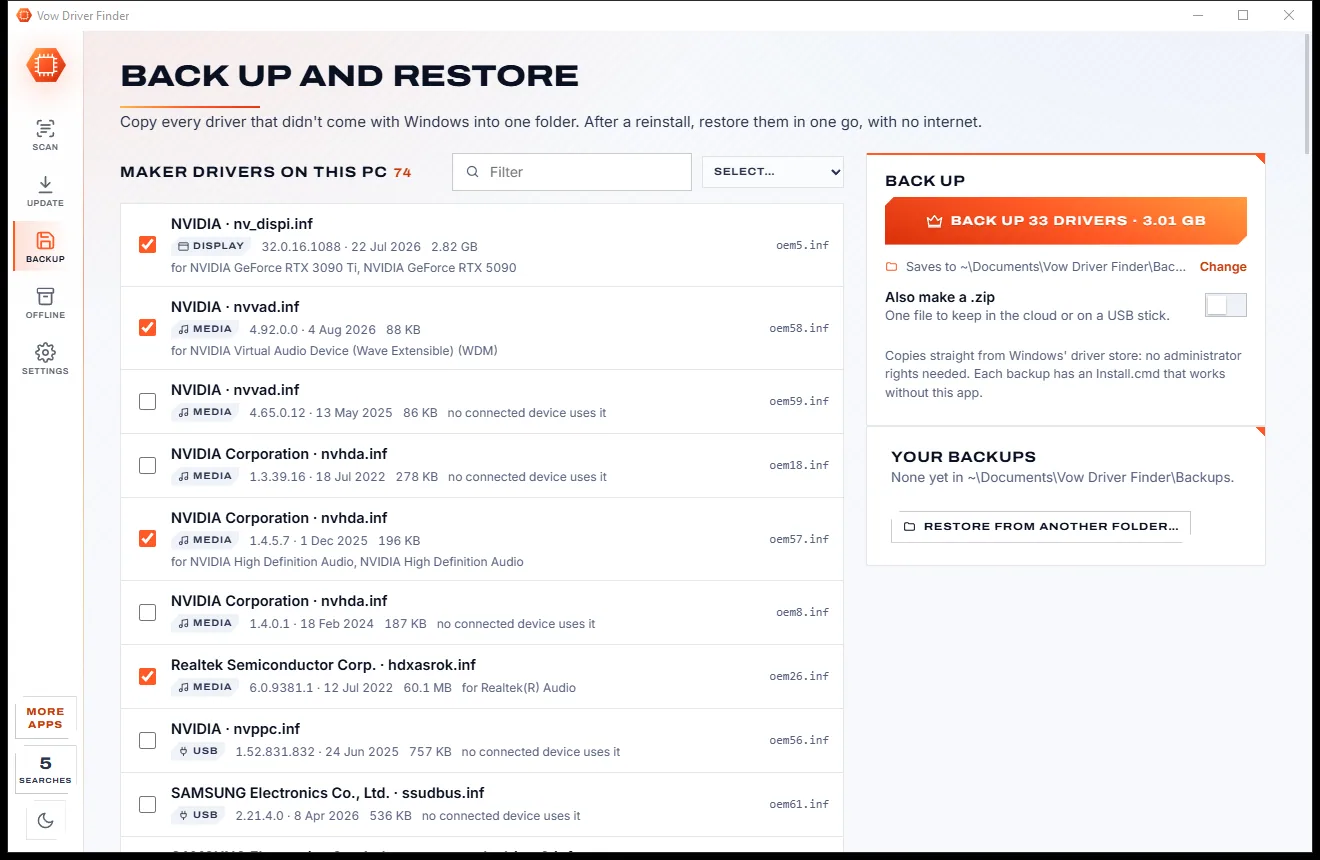
- Free: Unlimited scans, official links, 5 in-app searches a day
- $4.95 once: One-click install, backup and restore, offline driver packs

The honest complete uninstaller for Windows
Vow Uninstaller runs the program's own uninstaller, then finds the leftover folders, registry keys, services, scheduled tasks, startup entries and shortcuts. You see every item and why it was found before anything goes, and one click puts it all back. No ads, no upsell pop-ups, nothing bundled.
The problem
You wanted one program gone. You got a browser offer, an "optimiser" and a pop-up asking you to go Pro, and the leftovers are still there.
"Free" uninstallers whose installers bring a browser, a toolbar or a "PC optimiser" of their own. The irony writes itself.
Every scan ends in a nag to go Pro, and the free version keeps reminding you what it won't do.
Windows' own uninstall leaves folders, registry keys, services, scheduled tasks and startup entries behind, program after program.
Over-eager cleaners delete shared files and keys that other programs still need, with no way back.
Pro versions that renew every year, for a job you do a few times a month.
A missing or broken uninstaller leaves a program stuck in the list, and Windows just shows an error.
Vow Uninstaller fixes all of it.
How it works
The program's own uninstaller, then a careful sweep for everything it left behind, with every step undoable.
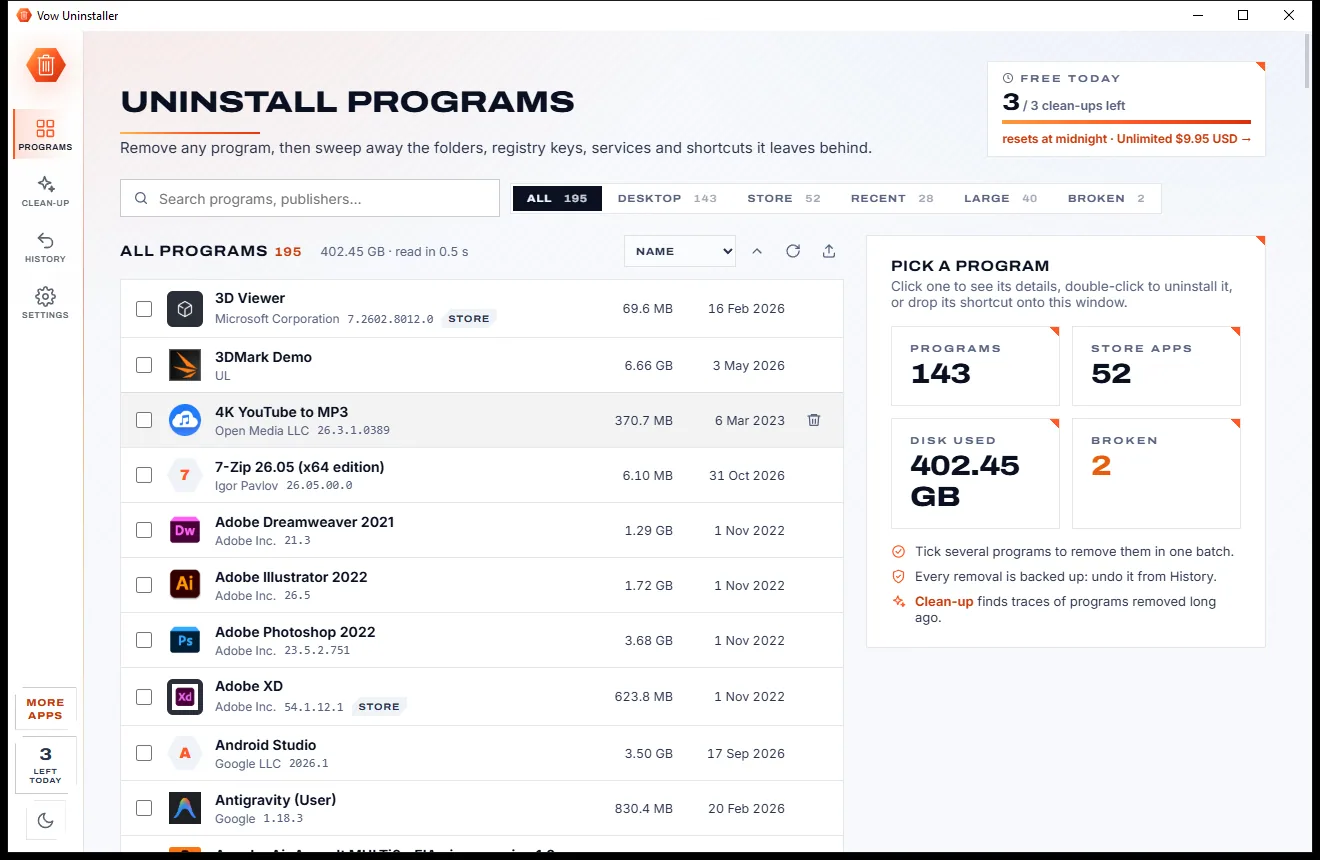
Every desktop program and Store app is listed in about a second, with icons, real sizes and install dates. Double-click one, or drop its shortcut onto the window.
Vow runs the program's own uninstaller, or a silent one if you prefer, and waits until it and every helper it starts have finished.
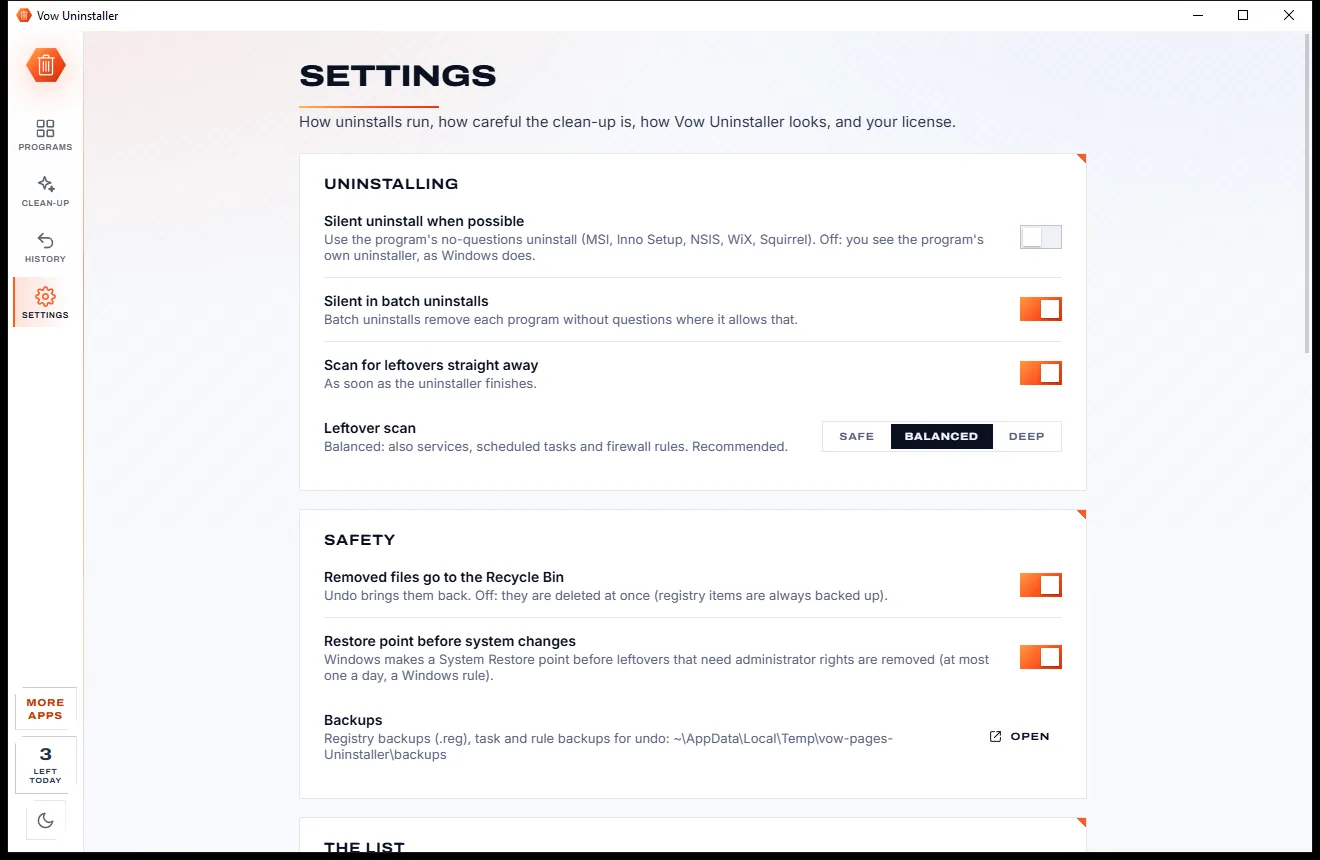
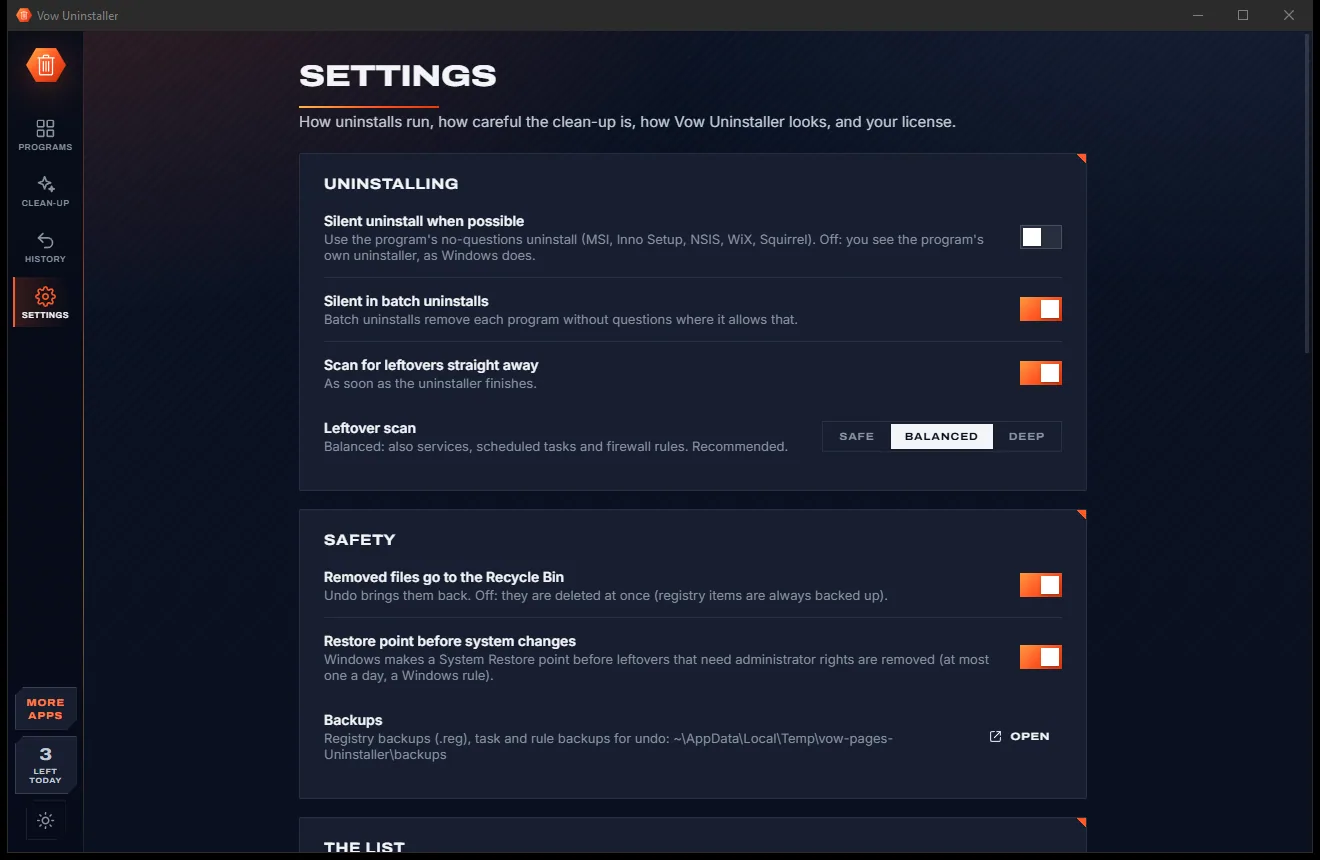
Each leftover shows why it was found and how sure the scan is; only the sure ones are ticked. Everything removed is backed up, with Undo one click away.
Features
For anyone who wants a program gone for good, without risking the programs they keep.
Folders, registry keys, services, scheduled tasks, startup entries, shortcuts and firewall rules, scanned automatically after every uninstall.
Each leftover says why it was found and how sure the scan is: Sure, Very likely, Maybe or Unsure. Only the sure ones are ticked.
Anything another installed program uses, shared publisher folders and Windows' own folders and keys are never offered, and are checked again before every deletion.
Registry items are saved to .reg files first and files go to the Recycle Bin, so Undo in History brings them all back.
A System Restore point is made before any leftovers that need administrator rights are removed.
Microsoft Store and Windows apps sit in the same list as desktop programs, and are removed for your account.
Skip the program's questions where its installer allows it: MSI, Inno Setup, NSIS, WiX and Squirrel.
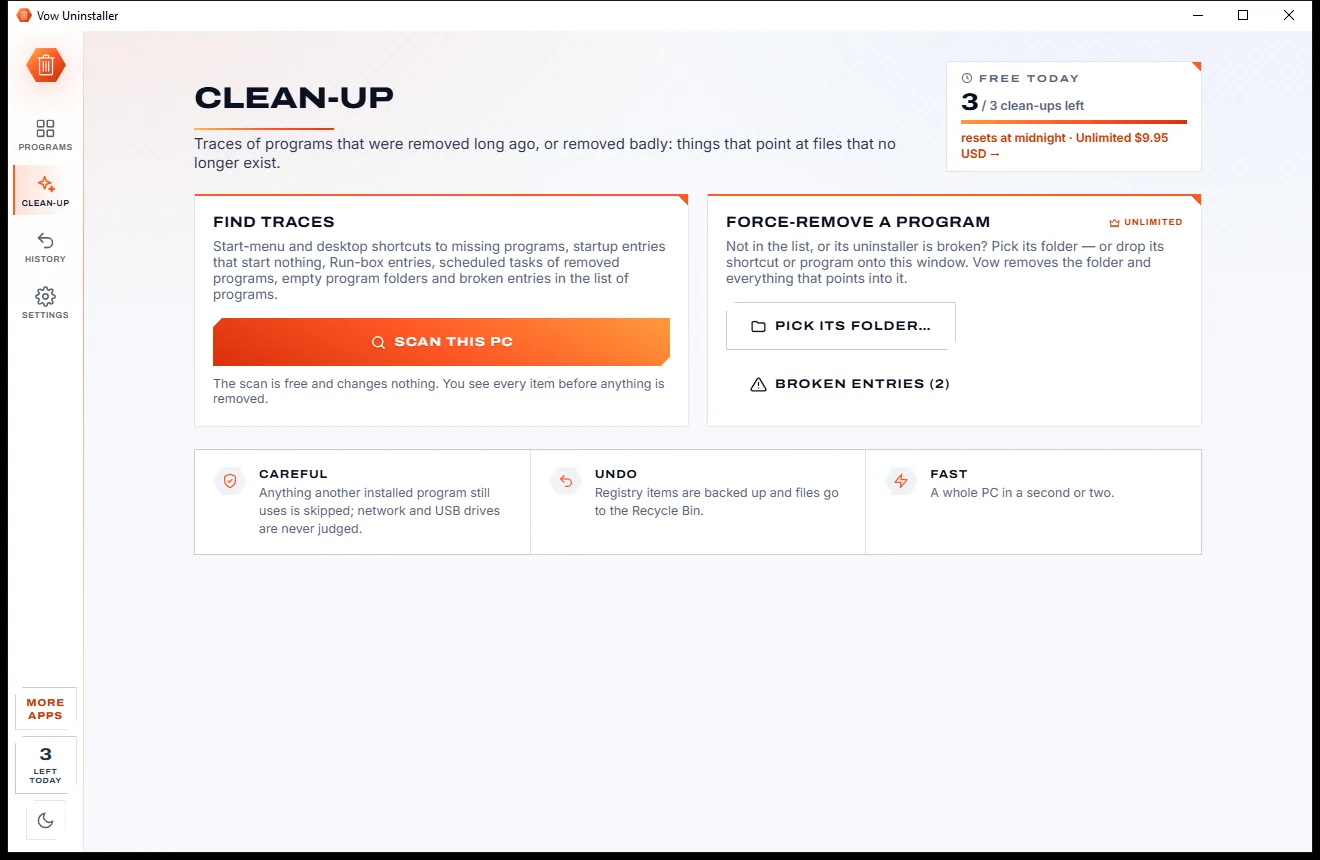
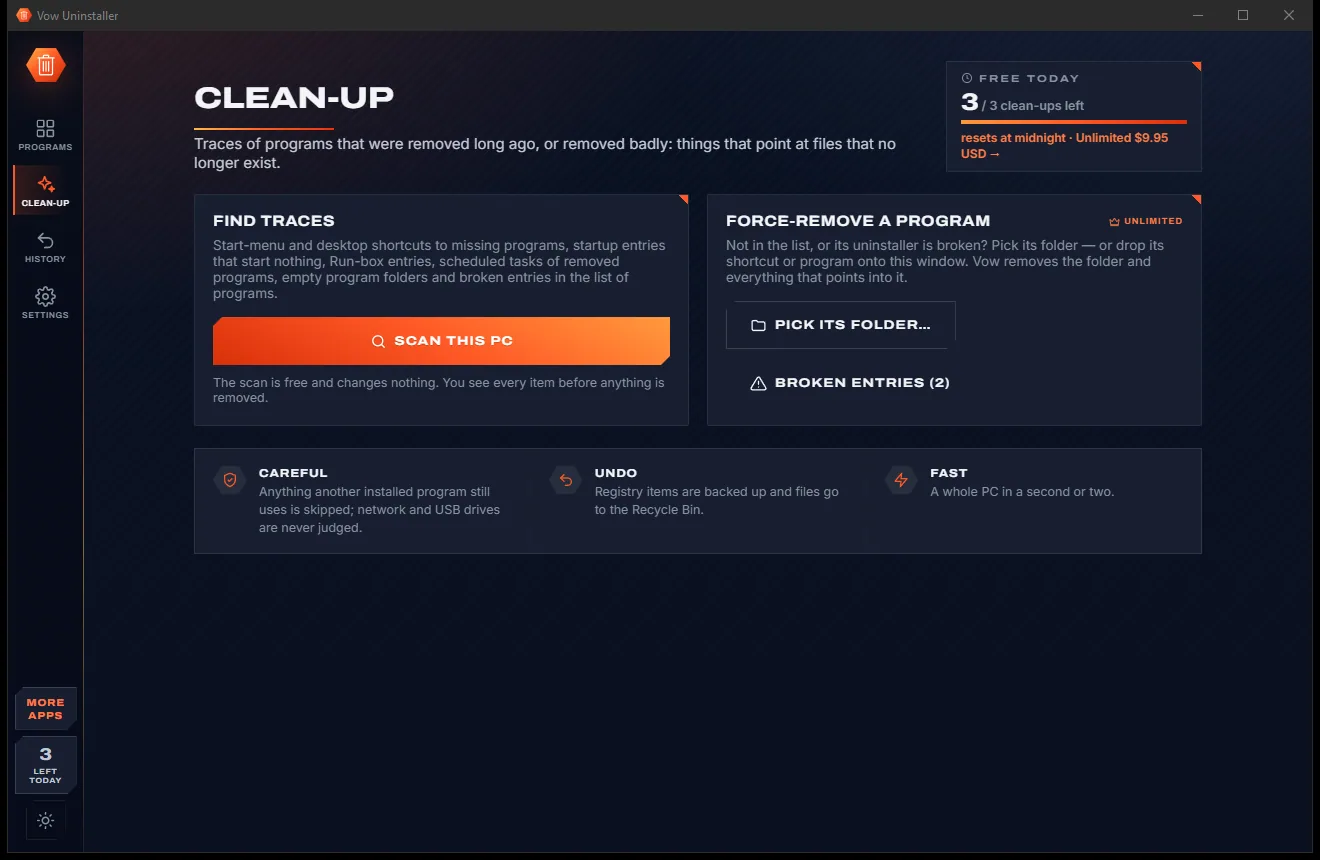
Find shortcuts, startup entries and scheduled tasks that point at programs long gone, plus empty folders and broken list entries.
Uninstaller missing or broken? Remove the program's folder, list entry, Windows Installer registration and everything pointing into it.
Tick several programs and remove them one after another, silently where possible, then clean up after all of them in one scan.
Light & dark theme
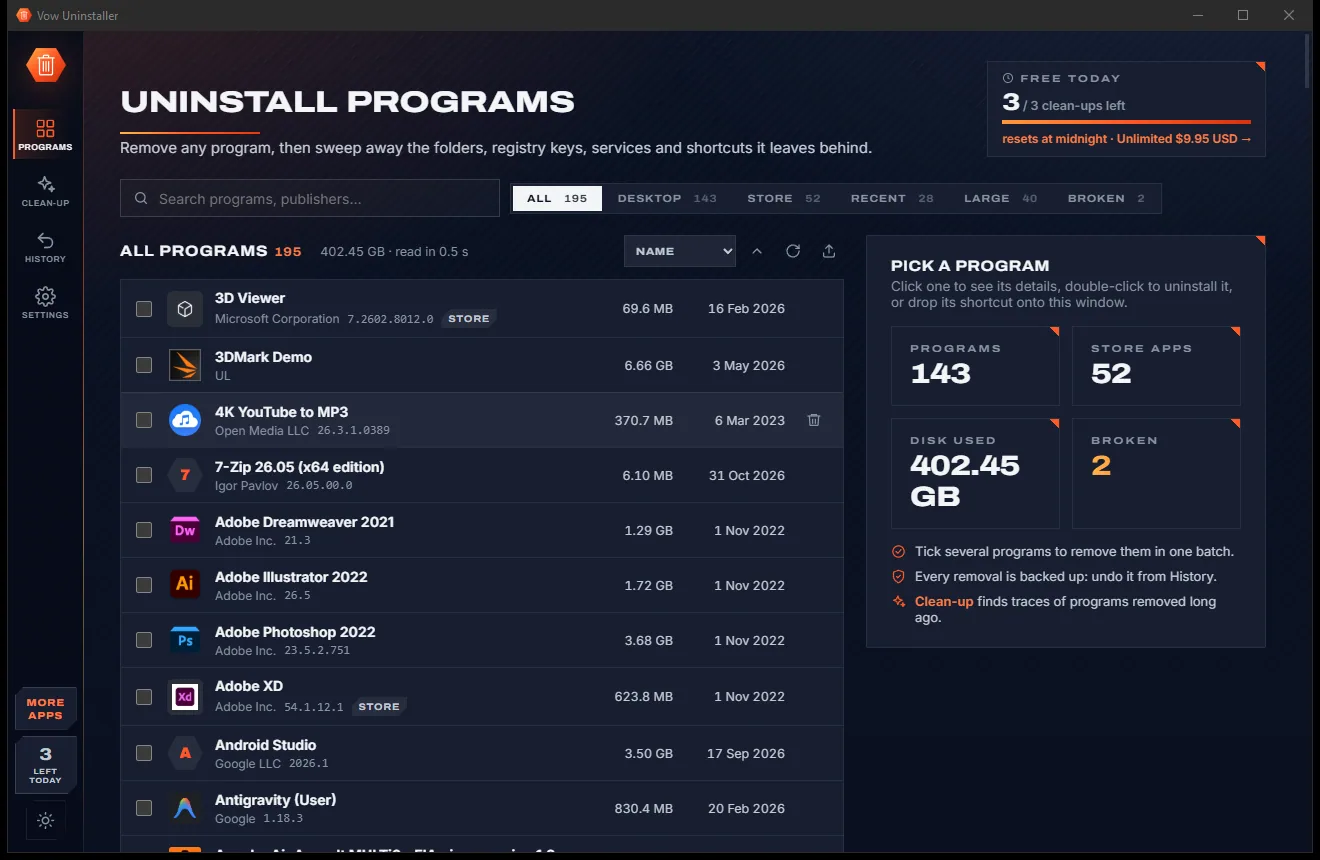
Uninstaller comes with a crisp light theme and a calm dark theme. Switch with one click, or let it follow your Windows setting by itself. It remembers your choice.
Screenshots
Real screenshots of the real app, in both of its themes: 6 light, 6 dark. Click any picture to see it full size.
Light theme
Dark theme
Who it's for
Clear out pre-installed trials and add-ons, and the leftovers they leave behind.
Sort by real folder size to see what's taking up room, then remove games and launchers completely.
Force-remove a program whose uninstaller is missing or refuses to run, cleanly.
Remove the startup entries and scheduled tasks left by programs you got rid of long ago.
Remove a misbehaving program and its old settings completely before you install it fresh.
Batch and silent uninstalls, a portable version, and program lists as CSV, HTML or JSON for the PCs you look after.
Compare
What you actually get when you download a "free" uninstaller, side by side.
| Feature | Vow Uninstaller | Typical uninstaller apps |
|---|---|---|
| Price | Free every day, or $4.95 once | Yearly Pro subscription |
| Bundled offers and upsell pop-ups | None, ever | Common |
| Leftover scan after uninstall | Yes, free and unlimited | Yes, in most free versions |
| Why each leftover was found | A reason and confidence on every item | Rarely shown |
| Protects files other programs share | Checked before every deletion | Aggressive scans can remove them |
| Backups with one-click undo | Free | Often a paid feature |
| Traces of programs removed earlier | Free scan | Often a paid feature |
| Silent uninstall | Free | Often paid, or missing |
| Microsoft Store apps | Yes | Usually |
"Typical" describes what we found across the most-downloaded alternatives when we built Uninstaller. Your mileage with any one of them may vary; ours won't.
Pricing
That is not a typo. Software this powerful usually means a monthly subscription; Uninstaller is $4.95, once, for life: it's almost a giveaway. Use it free for as long as you like, and unlock Unlimited only if you need more.
Unlimited uninstalls and leftover scans, 3 clean-ups a day.
Almost a giveaway. Less than a coffee for software this powerful: no subscription, no renewals, yours for life on 2 PCs.
Unlimited clean-up, forced uninstall and batch uninstall.
Payments by Stripe: we never see or store your card. Questions? Ask a real person.
Clean software
Most "free" Windows downloads pay for themselves with ads, bundled extras or your data. Vow Uninstaller doesn't need to: it's paid for honestly, once, by the people who find it useful.
Download Uninstaller freeStep-by-step guide
Remove a program and everything it left behind, step by step, with an undo at the end.
Step 1: get it freeInstall it free (no administrator rights needed), or use the portable version. Every program and Store app is listed within about a second.
Search with Ctrl+F, filter by Desktop, Store, Recent, Large or Broken, or sort by size to see what's taking up space. You can also drop a program's shortcut, .exe or folder onto the window.
Double-click the program, press Delete or click Uninstall. Its own uninstaller runs (answer its questions, or tick Silent), and Vow waits until it has completely finished.
The scan runs by itself. Leftovers are grouped into files and folders, shortcuts, registry, services, tasks and startup, and firewall rules, each with its reason and confidence. Only Sure and Very likely items are ticked.
Press Remove. Registry items are backed up to .reg files first, files go to the Recycle Bin, and files in use are deleted at the next restart. Changed your mind? Undo is right there, and in History.
Technical details
FAQ
Yes. Every standard uninstall and every leftover scan is free with no limit, and you can clean up the leftovers of 3 apps a day for free. There are no ads and no upsell pop-ups. Unlimited, a one-time $4.95 USD payment, adds unlimited clean-up, forced uninstall and batch uninstall.
It is built not to. Anything another installed program uses, shared publisher folders and keys, Windows' own folders and registry keys, and well-known folders like Program Files and Documents are never offered, and the same check runs again before every deletion. Only items it is sure about are ticked, and everything removed is backed up so you can undo it.
Registry items are exported to .reg files before they are deleted (no backup, no delete), files go to the Recycle Bin, and services, scheduled tasks and firewall rules are backed up too. One click in the summary or in History puts the leftovers back. The program itself needs its installer to come back.
Folders and files, shortcuts, registry keys, services, scheduled tasks, startup entries, Run-box entries and firewall rules. Choose Safe, Balanced (the default) or Deep; Deep also checks file-type handlers and COM classes that point into the program's folder.
If its uninstaller fails or is cancelled, the program keeps its folder and nothing is ticked, and you can run the uninstaller again. With Unlimited, Force uninstall removes a program whose uninstaller is missing or broken: its folder, list entry, Windows Installer registration and everything that points into the folder.
It does what their free versions do (uninstall, leftover scan, Store apps, export, drag-and-drop) and adds what most uninstallers only sell: backups with one-click undo, a traces scan, restore points, a reason and confidence for every leftover, and silent uninstall. There are no upsell pop-ups or bundled offers, and Unlimited is $4.95 once instead of a yearly subscription. It does not monitor new installs in real time.
No, it runs as a normal user. Uninstallers ask for permission themselves when they need it, and removing leftovers from protected places such as Program Files or system services takes one Windows prompt per clean-up. Items in your own profile are removed without a prompt.
Yes. It is made and published by XTO Pty Ltd, an Australian company. There are no ads, no bundled offers and no account, it needs no administrator rights, nothing is uploaded, and, fittingly, it uninstalls cleanly from Windows Settings.
The Vow collection
Same design, same promises, a tiny one-time price. Learn one and you already know them all.
Find the drivers your PC is really missing, from official sources only

Find out what crashed your PC, in plain English, with the fix

Fix Bluetooth headphones, speakers and mice that won't pair, stutter or play
Uninstall programs completely, and undo it if you change your mind. Free to use every day, $4.95 once if you ever want Unlimited.