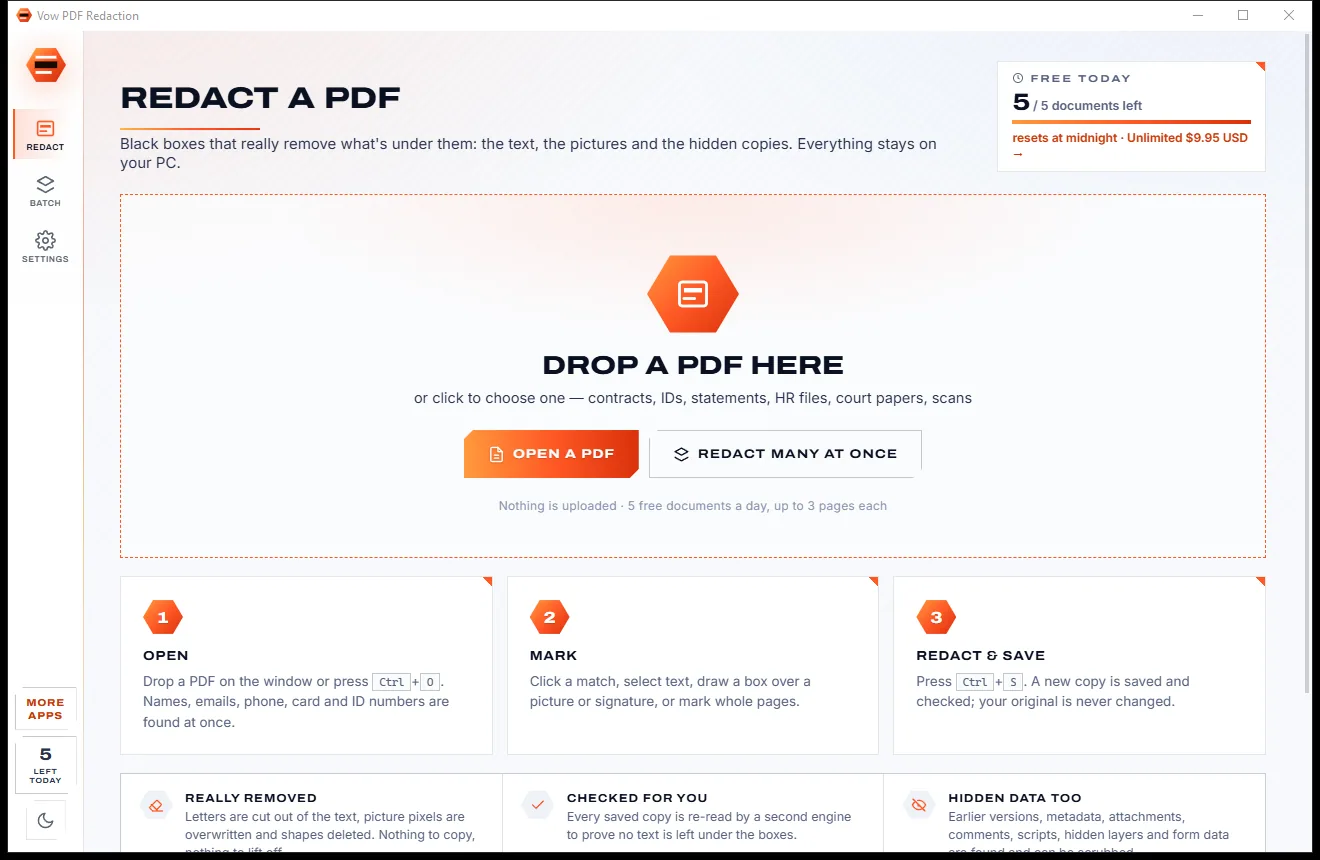
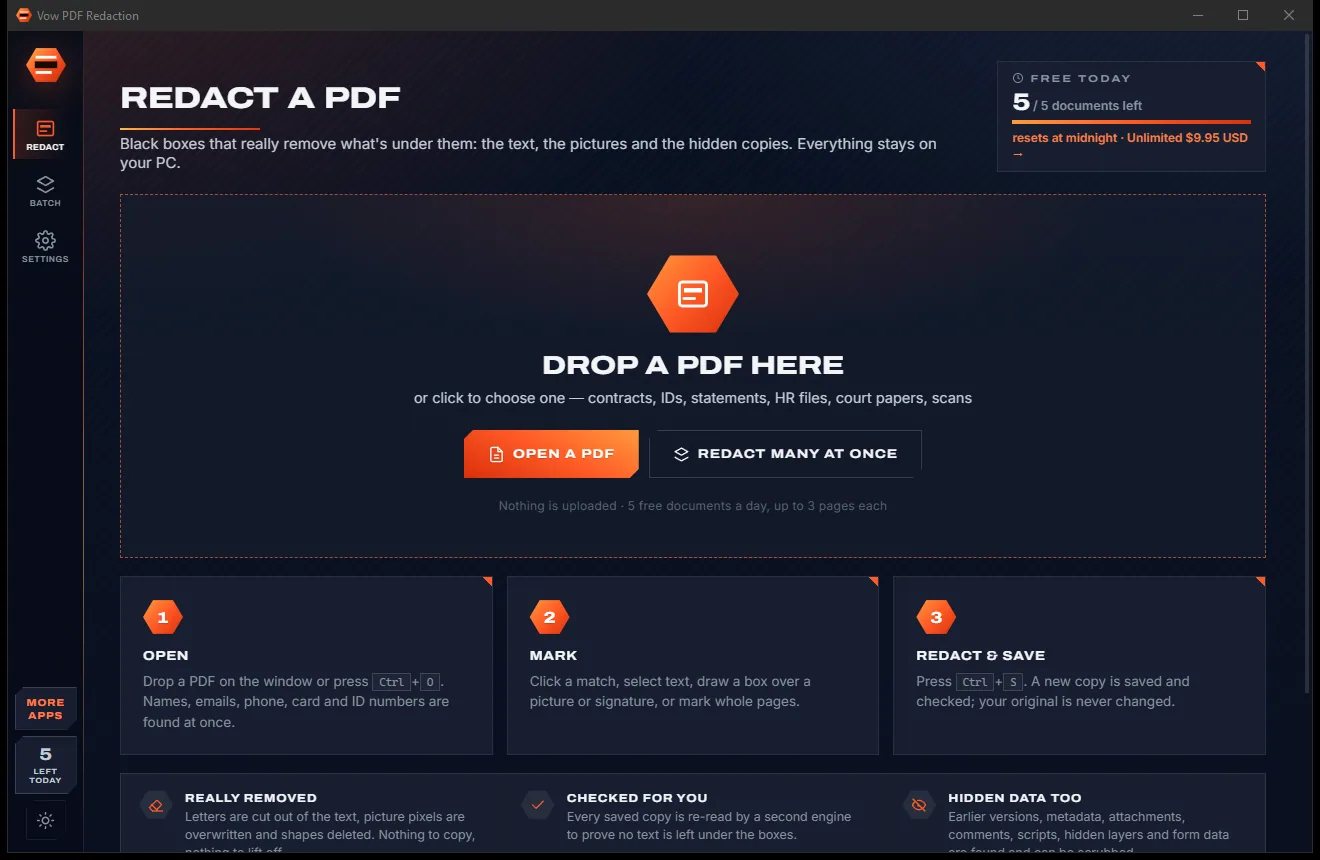

Redact PDFs for real: nothing left under the black boxes
- Free: 5 documents a day, up to 3 redacted pages each, true redaction
- $4.95 once: Any length, one-click redact-all, batch folders, scrub hidden data

OCR software for Windows
Drop a scan, a phone photo of a page or a scanned PDF and press Read text. Vow OCR straightens it, reads it in seconds and saves a searchable PDF, a Word document and plain text beside the original, with the words checked next to the page. Nothing is uploaded.
The problem
The usual choices are a website that wants your documents, or a professional suite with a professional subscription.
Free OCR websites want your contracts, payslips and medical letters on their servers before they give the text back.
Serious OCR usually lives inside a monthly PDF suite, for a job many people do a few times a month.
A phone photo at an angle or a page scanned the wrong way round comes back as gibberish from basic tools.
Two-column pages read straight across and tables turn into a jumble of numbers you have to rebuild by hand.
You get a text file and no way to see which words the engine guessed, until a wrong number causes trouble.
Free versions stamp the result, cap the file size or stop after a page, right when you need the whole document.
Vow OCR fixes all of it.
How it works
One click from launch to a searchable PDF, a Word file and text you can check against the page.
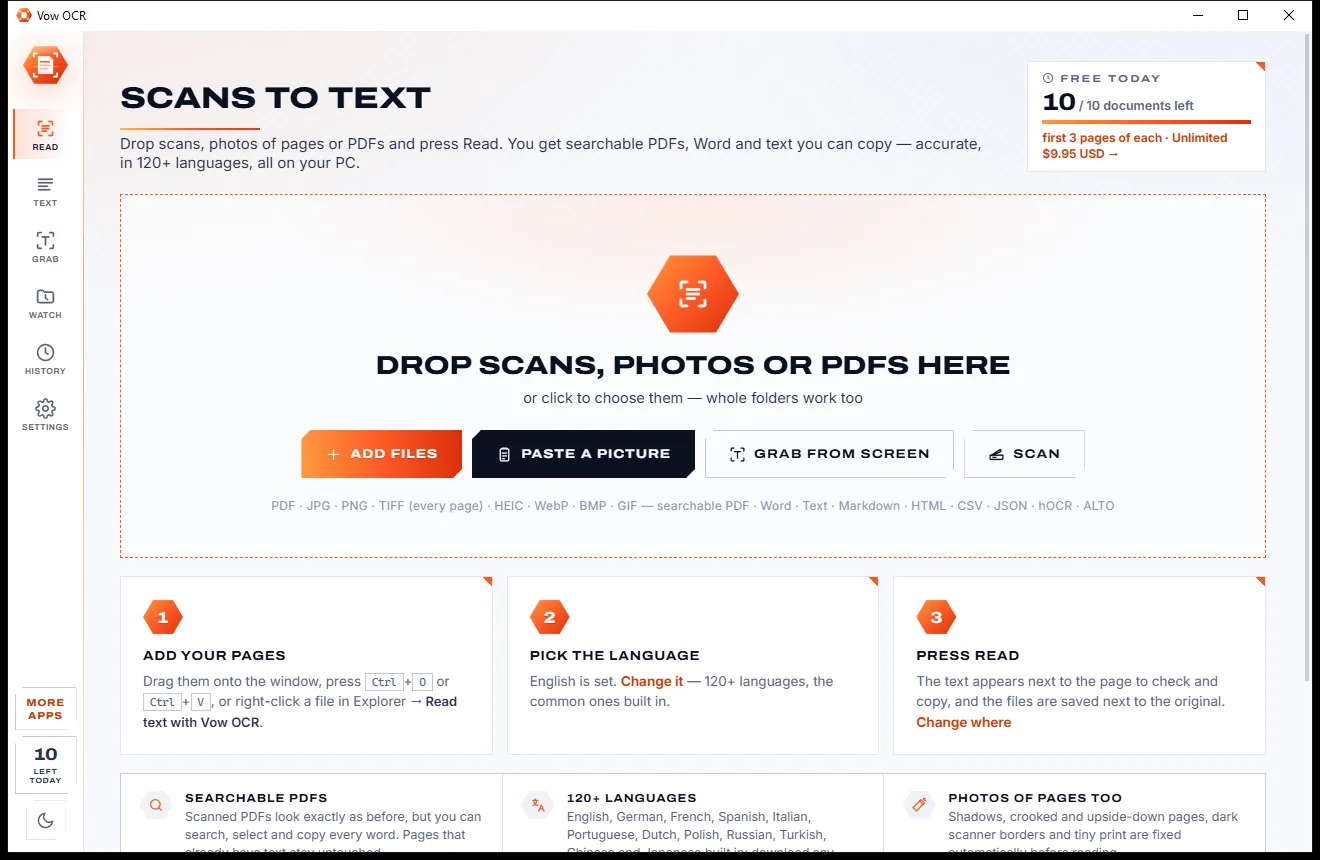
Drop scans, phone photos, screenshots or PDFs on the window, paste a picture with Ctrl+V, scan from your scanner, or right-click a file in Explorer.
Searchable PDF and Text are already selected and Word is one click away, with Markdown, web page, CSV, JSON, hOCR and ALTO below.
Press Read text. The files are saved next to the original and the page opens beside its words, with doubtful words marked for a quick check.
Features
For offices, archives, students and anyone with a drawer full of paper: one click for the everyday job, deep settings when you need them.
An invisible text layer placed exactly over every word. Scanned PDFs keep their original pages, bookmarks and links, and become searchable.
Paragraphs joined, hyphenated words mended, headings, lists, tables as real Word tables and columns in reading order.
Pages are turned upright and straightened, shadows on phone photos evened out, specks and dark scanner borders removed.
126 languages and scripts, 12 built in, including right-to-left and vertical Chinese and Japanese. The rest download when you need them.
The page and its text side by side, doubtful words highlighted, and a click on any word shows where it is on the page.
Automatic layout finds columns, blocks and tables, with modes for forms, receipts and single lines when you need them.
Press the shortcut, drag a box over any text on screen, in a video, a locked PDF or an app, and it is on your clipboard.
Read whole folders of scans in one go, or watch a scanner's folder so new scans are read by themselves.
Everything is read on your PC with the Tesseract 5 engine. No account, no upload, and your original files are never overwritten.
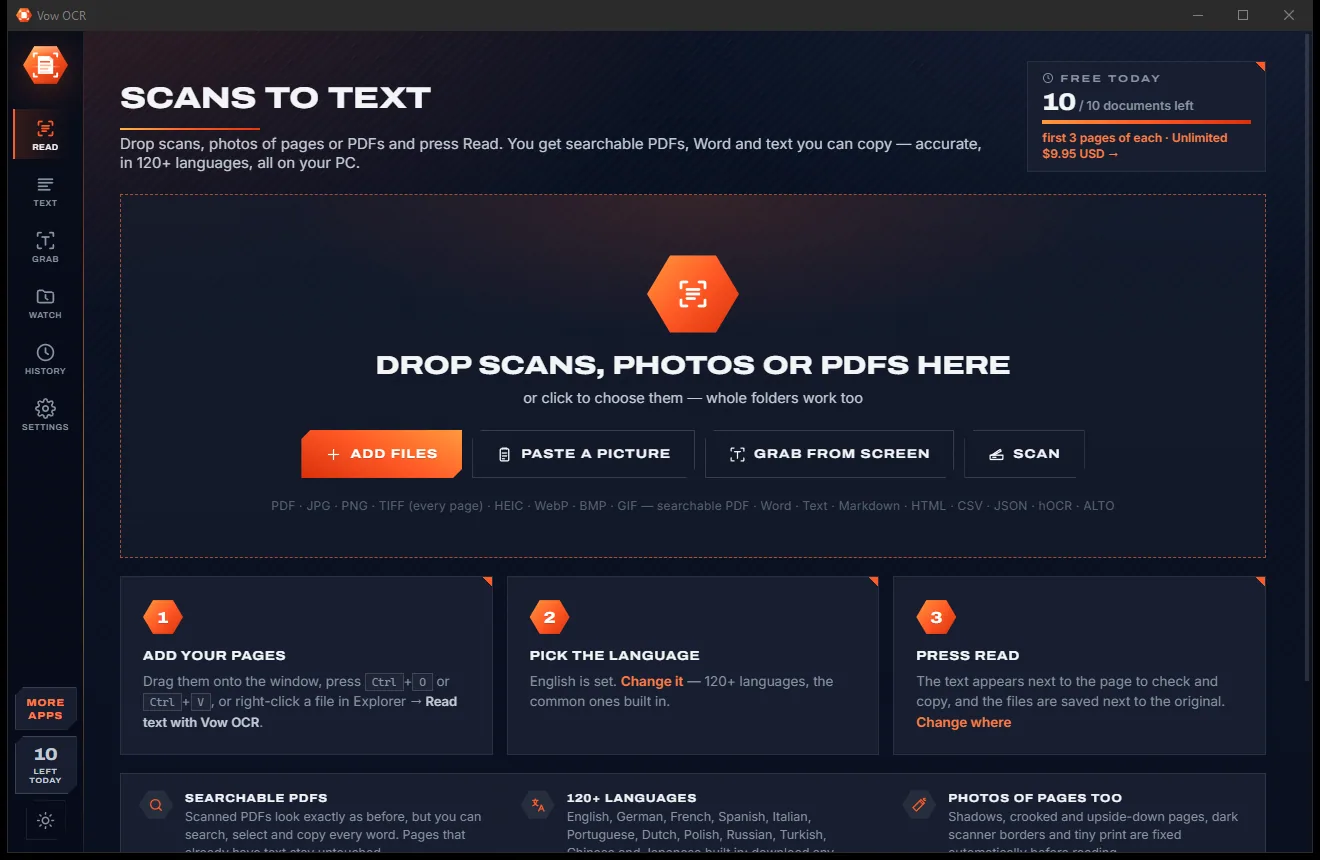
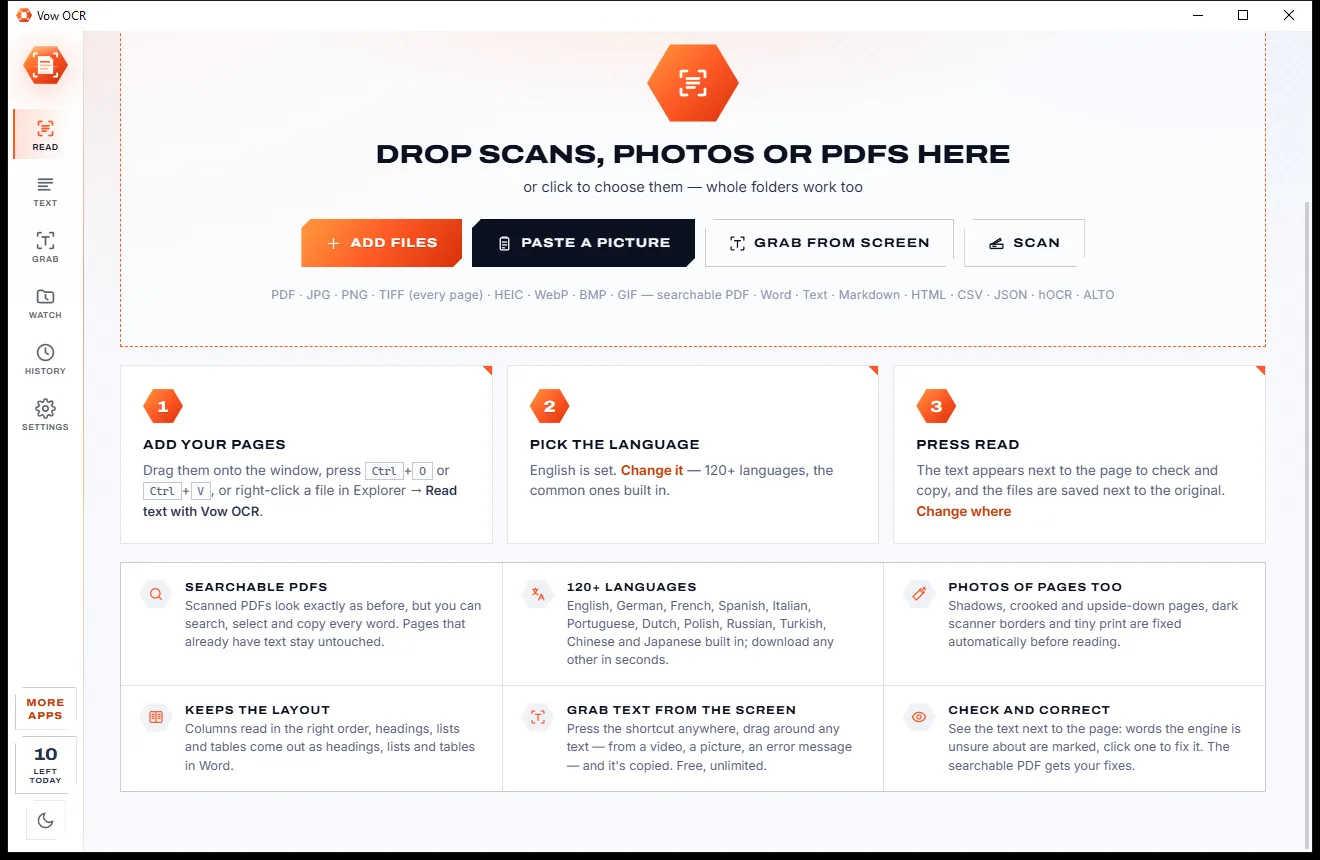
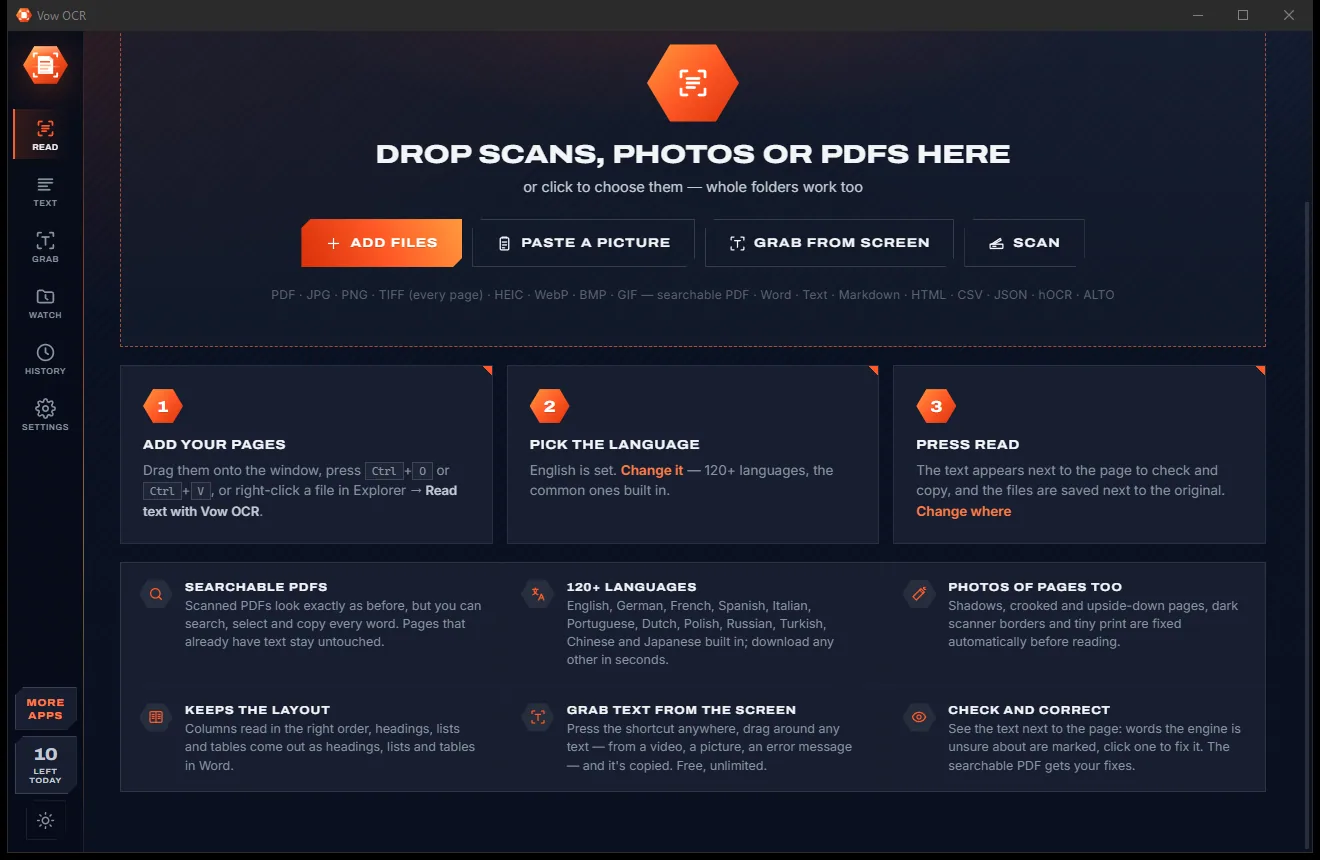
Switch between a bright paper look and a dark carbon look with one click in the sidebar, or let it follow Windows.
Light & dark theme
OCR comes with a crisp light theme and a calm dark theme. Switch with one click, or let it follow your Windows setting by itself. It remembers your choice.
Screenshots
Real screenshots of the real app, in both of its themes: 9 light, 9 dark. Click any picture to see it full size.
Light theme
Dark theme
Who it's for
Make scanned invoices, letters and contracts searchable and copy figures straight into your systems.
Turn boxes of paper into searchable PDFs, with hOCR and ALTO XML for digital archives.
Search scanned bundles, statements and receipts without sending them to an outside service.
Copy quotes from scanned books, articles and handouts into your notes and essays.
Read phone photos of receipts into text and CSV for expense claims and bookkeeping.
Make old letters, manuals and recipes searchable, and stop retyping what is already on paper.
Compare
What you actually get from typical online OCR sites and subscription PDF suites, side by side.
| Feature | Vow OCR | Online OCR sites & subscription PDF suites |
|---|---|---|
| Price | Free every day, or $9.95 once | Monthly or yearly subscription |
| Your documents are uploaded | Never: read on your PC | Yes, for online OCR sites |
| Searchable PDF keeps the original pages | Yes, invisible text layer | Varies |
| Crooked and upside-down pages fixed | Automatically | Often a manual step |
| Words checked beside the page | Yes, doubtful words marked | Rarely on simple tools |
| Screen grab hotkey | Included, without limit | Usually a separate tool |
| Output formats | 9, incl. hOCR and ALTO XML | Text or PDF on free tools |
| Watermarks or page caps | No watermarks; 3 free pages a document | Common on free tiers |
| Ads and bundled extras | None | Common on free downloads |
"Typical" describes what we found across the most-downloaded alternatives when we built OCR. Your mileage with any one of them may vary; ours won't.
Pricing
That is not a typo. Software this powerful usually means a monthly subscription; OCR is $9.95, once, for life: it's almost a giveaway. Use it free for as long as you like, and unlock Unlimited only if you need more.
First 3 pages of every document, 10 documents a day, every text format.
Almost a giveaway. Less than a takeaway lunch for software this powerful: no subscription, no renewals, yours for life on 2 PCs.
Every page, unlimited searchable PDFs, batches and watched folders.
Payments by Stripe: we never see or store your card. Questions? Ask a real person.
Clean software
Most "free" Windows downloads pay for themselves with ads, bundled extras or your data. Vow OCR doesn't need to: it's paid for honestly, once, by the people who find it useful.
Download OCR freeStep-by-step guide
From a scan or phone photo to a searchable PDF and a Word file in under a minute, without uploading it anywhere.
Step 1: get it freeDownload it from this page and run the installer. It needs no administrator rights and no account, and the OCR engine and 12 languages are already inside.
Drop the file on the window, press Ctrl+O, or paste a picture with Ctrl+V. PDFs, JPEG, PNG, TIFF, HEIC and more work, including multi-page TIFFs.
The language starts as the one Windows uses; change it if the page is in another. Keep Searchable PDF and Text, and tick Word if you want a .docx too.
Press Read text or Ctrl+Enter. Pages are turned upright, straightened and cleaned, then read. The results are saved next to the original, never over it.
The Text page shows the page beside its words. Jump through any doubtful words, fix them, then copy the page, copy everything, or save again.
Technical details
FAQ
Yes. The first 3 pages of every document are free, for 10 documents a day, in every text format including Word, plus one searchable PDF a day to try it. Screen grabs and pasted pictures are free without limit. There are no watermarks or ads. Unlimited, a one-time $9.95 USD payment, reads every page, makes unlimited searchable PDFs, and adds batches, watched folders and several languages at once.
No. Every page is read on your own PC. There is no account and no cloud. The only downloads are extra languages you choose, fetched from the official Tesseract repository and checked before use.
Yes. It adds an invisible text layer exactly over every word and keeps the original pages untouched, with their bookmarks and links, so the PDF looks the same but you can search, select and copy.
Yes. It turns pages upright, straightens them, evens out shadows and removes specks and dark borders before reading, so a photo taken at an angle on a desk reads cleanly.
126 languages and scripts. English, German, French, Spanish, Italian, Portuguese, Dutch, Polish, Russian, Turkish, Chinese (Simplified) and Japanese are built in; the others download on demand. Several languages at once is part of Unlimited.
Those are subscription PDF suites. Vow OCR is $9.95 once for Unlimited, or free within the daily allowance, does the everyday job in one click, and reads everything on your PC. It has fewer languages than ABBYY (126) and no PDF page editing; it is built for getting text out of scans.
Not well. The engine is made for printed and typed text, which it reads very accurately. Handwritten notes usually come out poorly.
Yes. It is made and published by XTO Pty Ltd, an Australian company. There are no ads, no bundled software and no account, it needs no administrator rights, and it uninstalls cleanly from Windows Settings.
The Vow collection
Same design, same promises, a tiny one-time price. Learn one and you already know them all.
Redact PDFs for real: nothing left under the black boxes
Merge, split and reorder PDFs on your own PC
Shrink any PDF to the exact size an upload form asks for
Turn scans and photos of pages into searchable PDFs, Word and text. Free to use every day, $9.95 once if you ever want Unlimited.