
PC Fixes
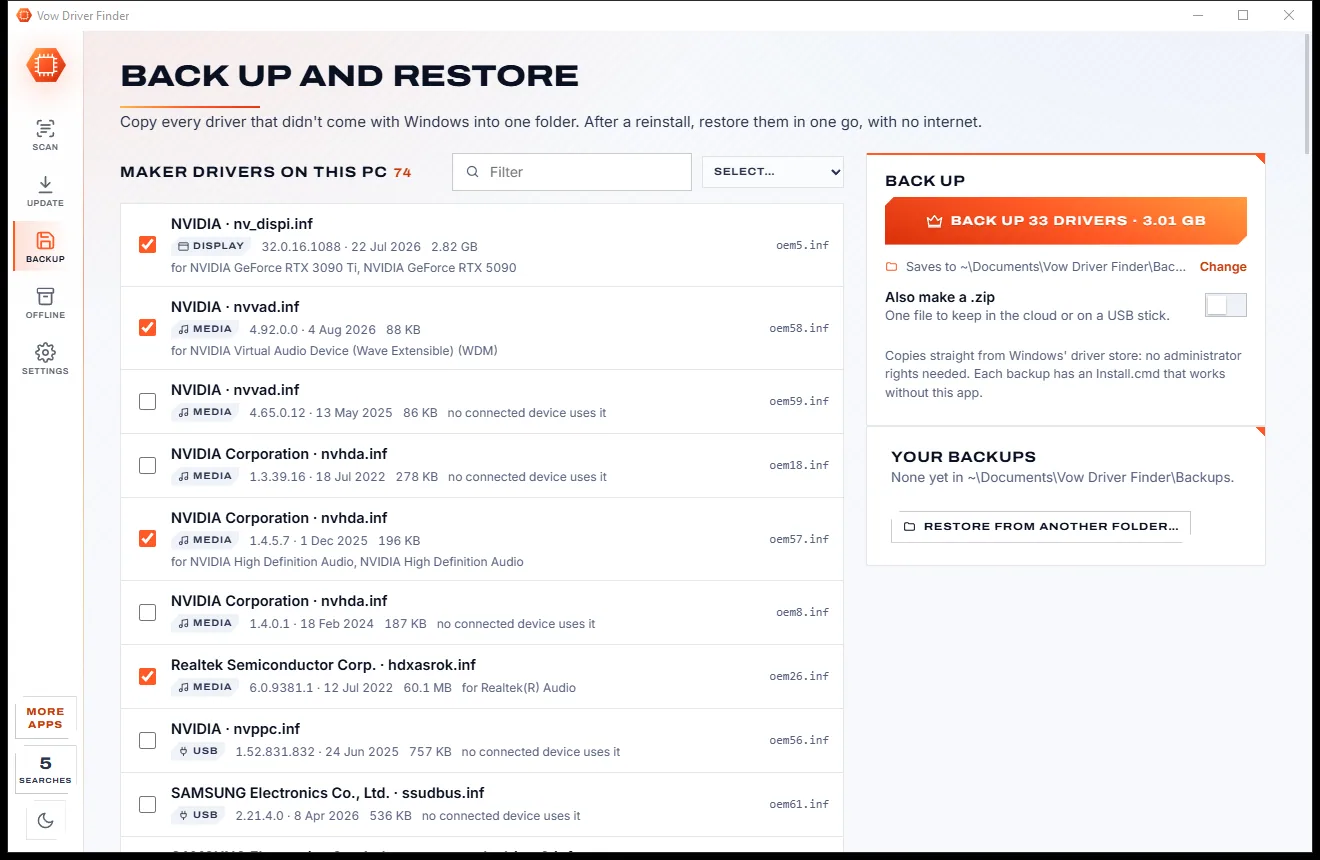
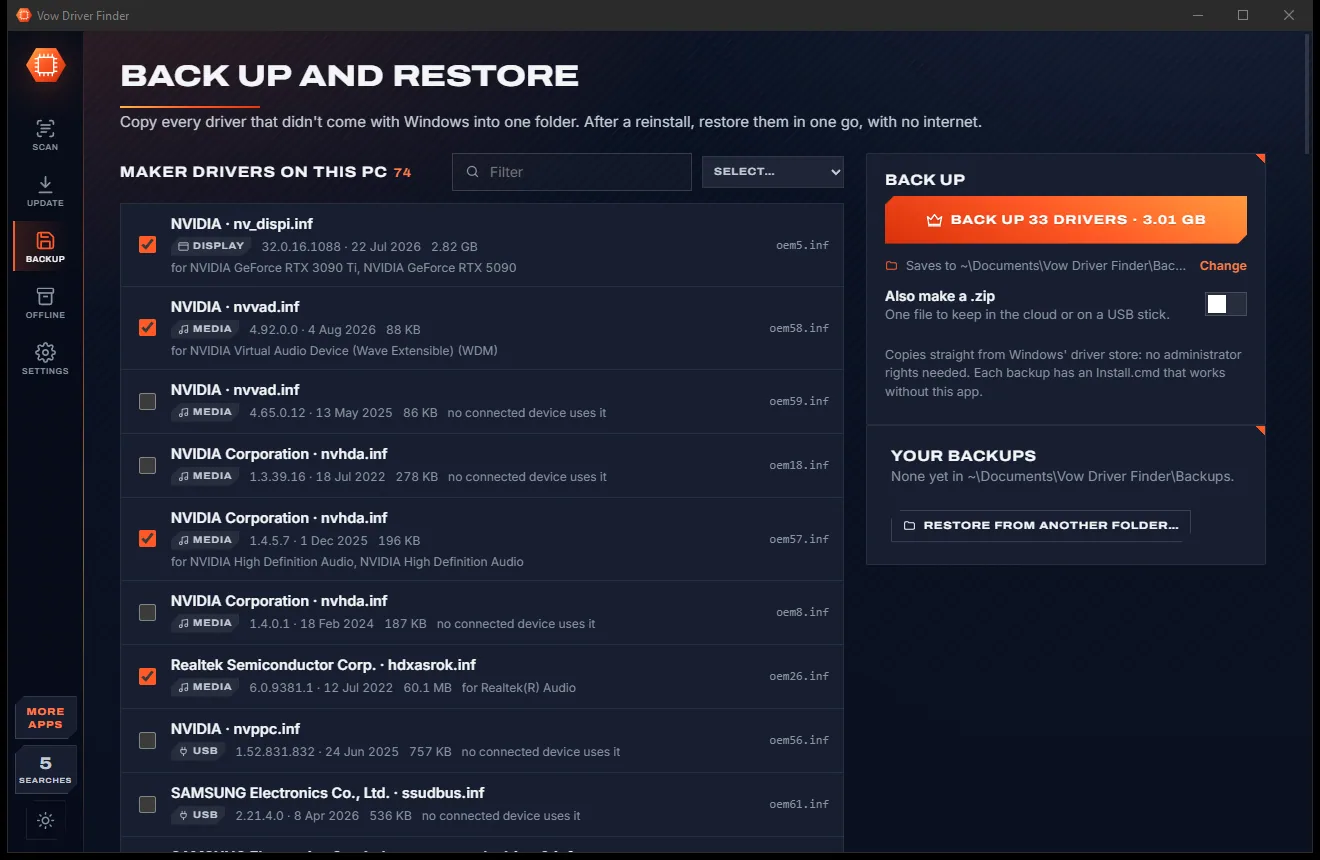
Vow Driver Finder
Find the drivers your PC is really missing, from official sources only
- Free: Unlimited scans, official links, 5 in-app searches a day
- $4.95 once: One-click install, backup and restore, offline driver packs

Blue screen (BSOD) explainer for Windows
Vow Blue Screen Explainer reads Windows' own crash records and names the likely culprit, whether it's a driver, RAM, the disk, heat or power. It shows how sure it is and the evidence, then gives you a numbered fix plan. No WinDbg, no symbols, no uploads.
The problem
A sad face, a code like 0x000000D1, and the PC restarts before you can read it. Then the hunt for answers begins.
IRQL_NOT_LESS_OR_EQUAL means nothing to most people, and the screen is gone before you can photograph it.
Debuggers want symbol servers, admin rights and commands typed in a console, then answer in hex addresses.
Free viewers dump every loaded driver on screen and leave you to guess which one is to blame.
Search for help and you are offered a "repair tool" that finds hundreds of problems and wants a subscription.
Upload your crash files to strangers, wait days for a reply, and hope the advice isn't "reinstall Windows".
When the PC simply switches off or restarts, most tools have nothing to show you.
Vow Blue Screen Explainer fixes all of it.
How it works
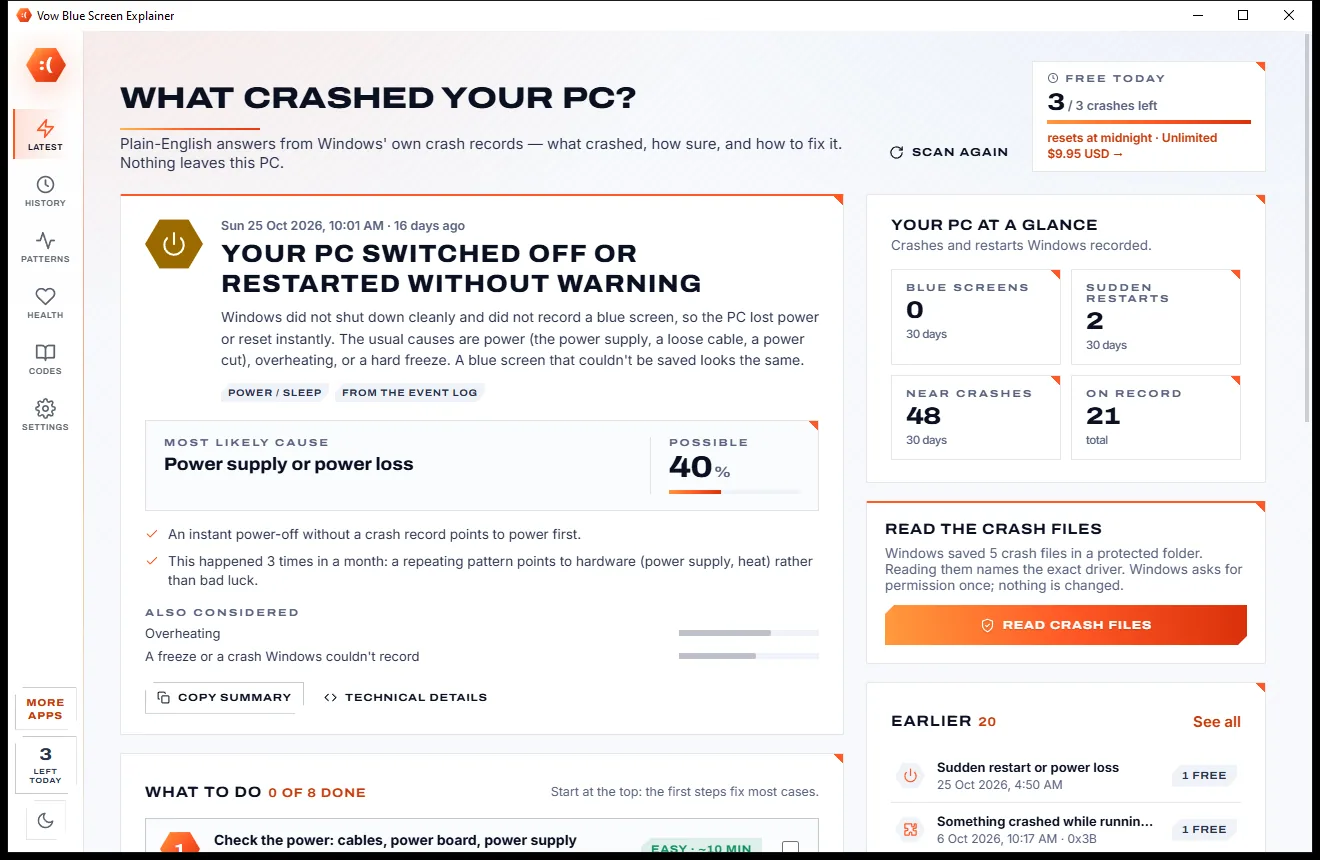
The newest crash is explained the moment the app opens, with the evidence and a plan you can follow.
The scan takes about a second. You get a headline verdict, the most likely cause with a confidence meter, the evidence behind it and the other suspects.
One click copies Windows' protected crash files after a single permission prompt, so the explanation can name the exact driver from the crash file.
Numbered steps, each saying why it helps, with buttons that open the right Windows tool or the driver maker's page. Ticked steps are remembered.
Features
Everything a technician would look at, read from your own PC and turned into clear answers.
"The NVIDIA graphics driver crashed your PC", not a wall of hex. Every crash gets a headline, a cause and a reason.
A 10 to 95% confidence meter, the evidence sentences behind it and the other suspects it considered.
Step-by-step fixes with the exact clicks and buttons for Windows Update, Device Manager, Memory Diagnostic and more.
Reads minidumps directly: the stop code, the 4 parameters in words, the drivers on the crashing stack and unloaded drivers.
Power loss, power-button freezes and restarts with no blue screen are recognised and explained, not ignored.
See which driver keeps coming back, a 12-month timeline, and the Windows updates and driver installs before it all began.
Crash file settings with undo, hardware (WHEA) errors, disk health, memory test results, throttling and near crashes.
389 stop codes and 300+ known drivers, searchable by code, name or the words on the blue screen.
Drop a .dmp from another PC, a USB stick or a forum post onto the window, or open it straight from Explorer.
Everything is read on your own PC. No symbol server, no internet, and nothing is ever uploaded.
Light & dark theme
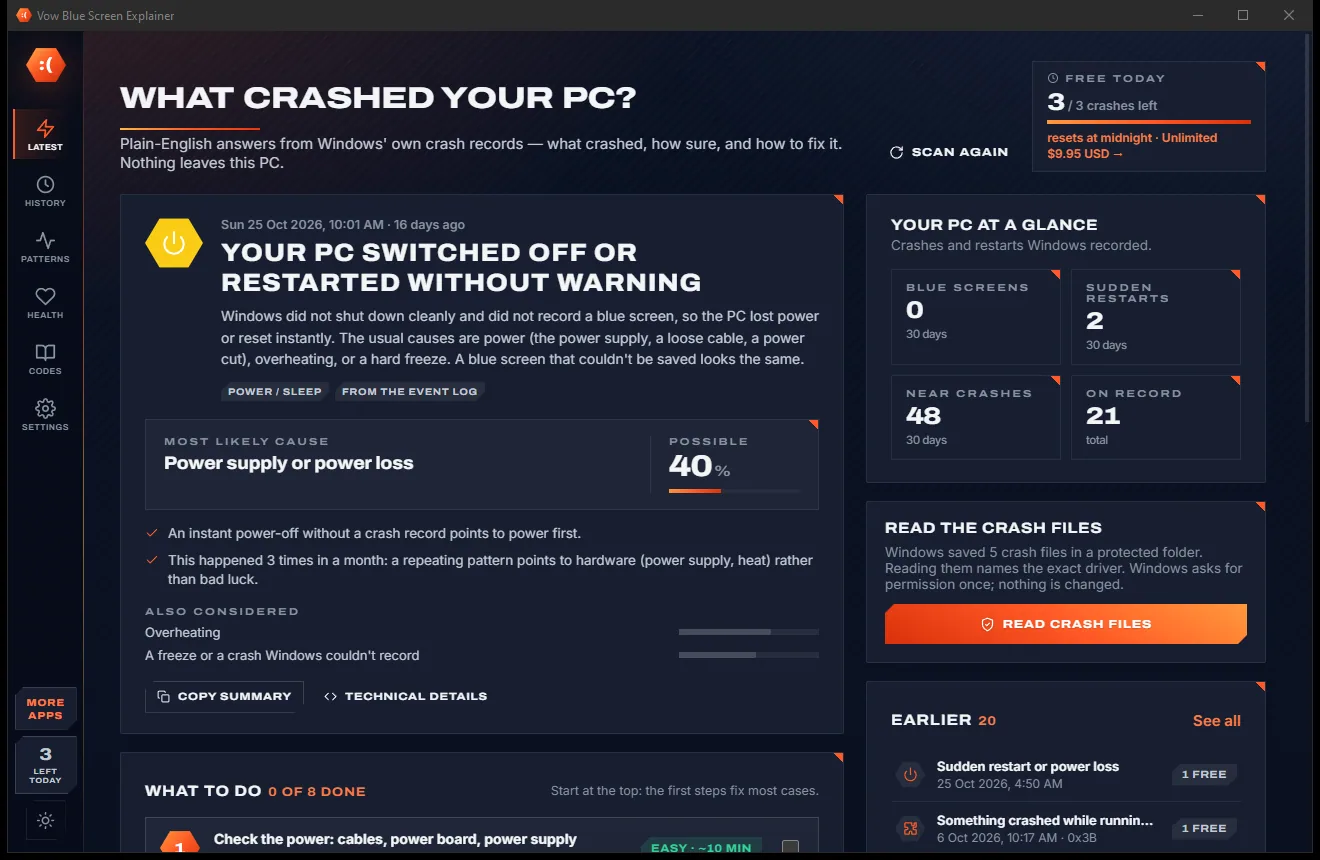
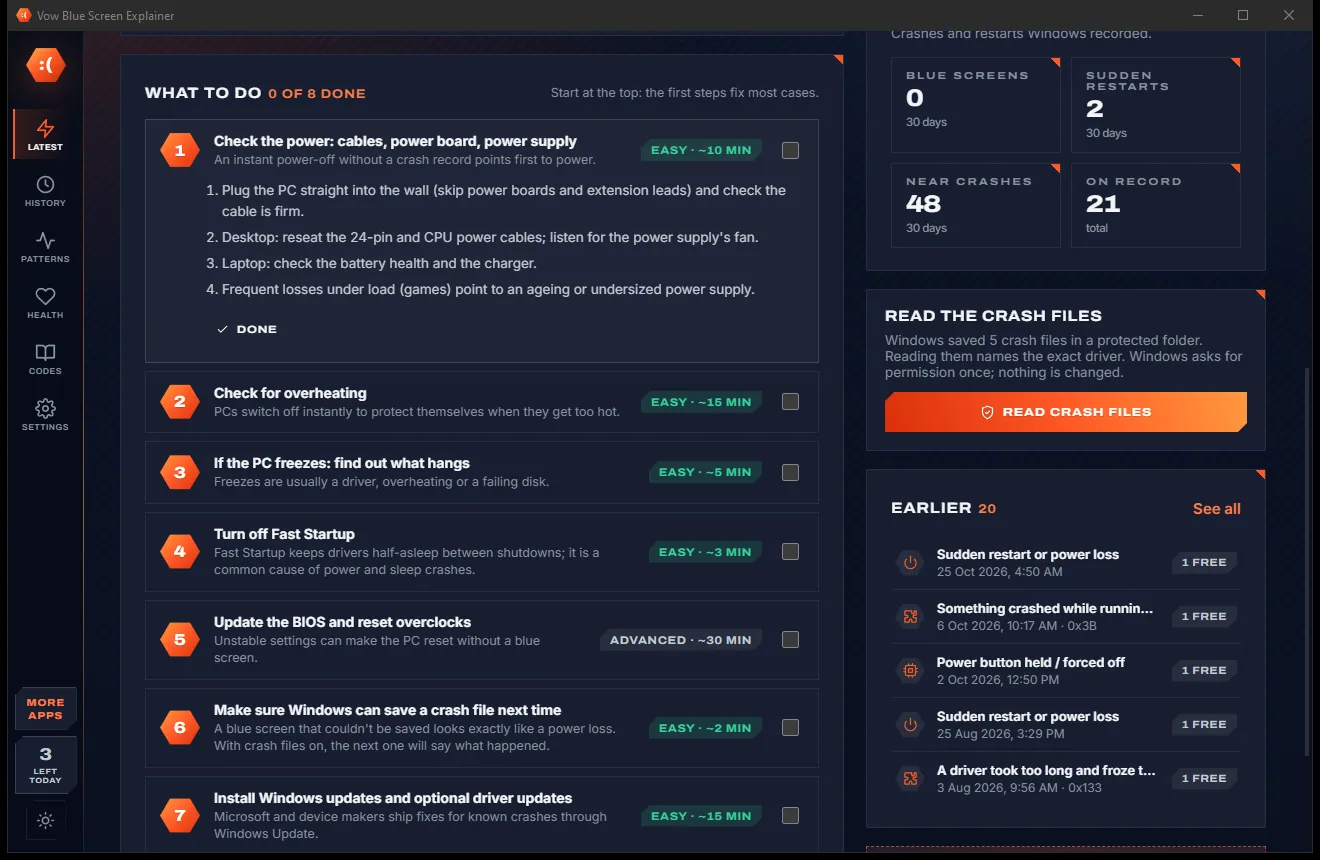
Blue Screen Explainer comes with a crisp light theme and a calm dark theme. Switch with one click, or let it follow your Windows setting by itself. It remembers your choice.
Screenshots
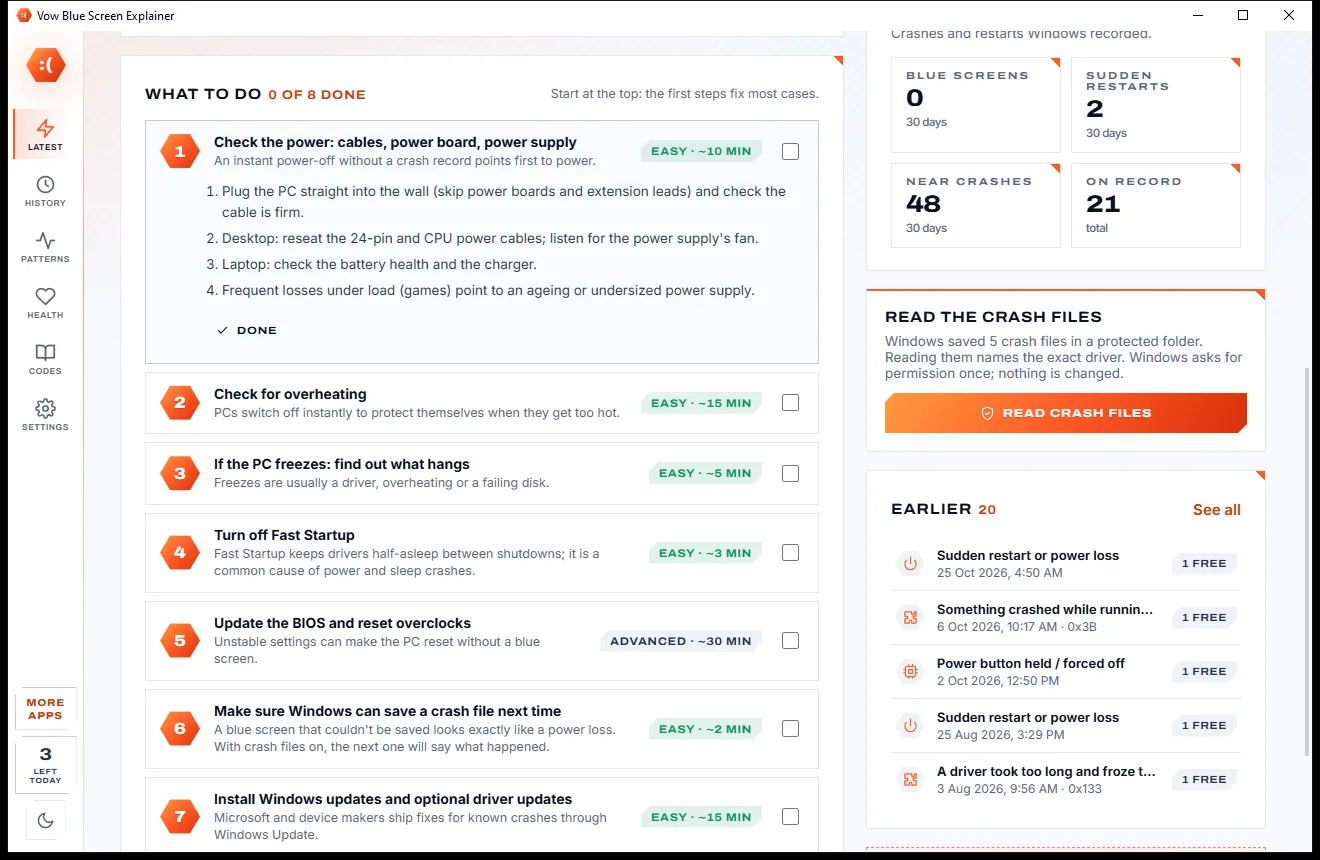
Real screenshots of the real app, in both of its themes: 11 light, 11 dark. Click any picture to see it full size.
Light theme
Dark theme
Who it's for
Find out whether it's the graphics driver, an overclock tool or anti-cheat software, and what to do first.
See what changed in the week before the crashes started, so you know which update or driver to roll back.
Tell power and heat problems apart from software crashes before you start buying parts.
Different stop codes with no common driver point at memory. The app spots that pattern for you.
Open crash files from a friend's or customer's PC and get a clear answer and a report to share.
Copy a tidy, forum-ready summary of the crash instead of attaching files for strangers to decode.
Compare
What you get when you search for "why did my PC blue screen", side by side.
| Feature | Vow Blue Screen Explainer | Typical crash tools & "PC fixer" apps |
|---|---|---|
| Price | Free every day, or $4.95 once | Free but expert-only, or a subscription |
| Plain-English verdict and fix plan | Yes, for every crash | Rarely: codes and raw driver lists |
| Names the likely driver | Yes, with confidence and evidence | Partly, or needs symbols and expertise |
| Works offline, nothing uploaded | Yes, 100% on your PC | Some need symbol servers or uploads |
| Admin rights to diagnose | Not needed | Often required |
| Sudden restarts and power loss explained | Yes | Rarely |
| Near crashes (graphics resets) | Yes | Rarely |
| Patterns and what changed before | Yes | Rarely |
| Ads, scareware, bundled extras | None, ever | Common on "PC fixer" apps |
"Typical" describes what we found across the most-downloaded alternatives when we built Blue Screen Explainer. Your mileage with any one of them may vary; ours won't.
Pricing
That is not a typo. Software this powerful usually means a monthly subscription; Blue Screen Explainer is $4.95, once, for life: it's almost a giveaway. Use it free for as long as you like, and unlock Unlimited only if you need more.
Latest crash always explained, plus 3 more a day.
Almost a giveaway. Less than a coffee for software this powerful: no subscription, no renewals, yours for life on 2 PCs.
Every crash, full patterns, reports and crash monitoring.
Payments by Stripe: we never see or store your card. Questions? Ask a real person.
Clean software
Most "free" Windows downloads pay for themselves with ads, bundled extras or your data. Vow Blue Screen Explainer doesn't need to: it's paid for honestly, once, by the people who find it useful.
Download Blue Screen Explainer freeStep-by-step guide
From "it crashed again" to a clear cause and a fix plan in a few minutes.
Step 1: get it freeGet Vow Blue Screen Explainer from this page and run the installer. It needs no administrator rights and no account, and it works with no internet connection.
The scan runs by itself in about a second. The newest blue screen or sudden restart is explained at the top: what crashed, how sure the app is and why.
Windows keeps its minidumps in a protected folder. Press Read crash files, allow the Windows prompt once, and the explanations can name the exact driver from each crash file.
Start at the top: the first steps fix most cases. Each step explains why it helps and has a button for the right Windows tool or the driver maker's download page.
If crashes keep coming back, History lists every blue screen and sudden restart, and Patterns shows which driver or part keeps turning up and what changed before.
Technical details
FAQ
Yes. Your latest crash is always fully explained for free, with the cause, the evidence and every fix step, plus 3 more explanations a day for older crashes or crash files from other PCs. Health checks and the stop code library are free too. Unlimited, a one-time $4.95 USD payment, explains every crash and adds full patterns, reports and crash monitoring.
No. It reads Windows' event log, crash reports and minidumps on your own PC with its own crash file reader. Nothing is uploaded, and no symbol server or internet connection is needed.
It weighs the evidence the way a technician would: the driver at the crash address, the driver Windows named, third-party drivers on the crashing stack, the stop code's meaning, and the history of other crashes, disk and hardware errors. It ranks the suspects and shows a confidence from 10 to 95%.
Yes. Sudden restarts, power loss and power-button freezes are recorded by Windows, and the app explains them too, pointing at power, heat or a hard freeze. It also lists near crashes such as graphics driver resets.
Not to diagnose. Windows asks for permission only when you choose to copy the protected crash files, change the crash file settings, or open an administrator console for a repair such as sfc or chkdsk.
BlueScreenView lists drivers but gives no explanation or fix plan. WhoCrashed needs administrator rights and symbols from the internet, and WinDbg is an expert debugger. Vow works offline without admin rights, names the likely driver with its confidence and evidence, explains sudden restarts and near crashes, and finds patterns across crashes.
Yes. Drag a .dmp file onto the window, open it with Ctrl+O or paste it with Ctrl+V. After install, Explorer also offers Open with Vow Blue Screen Explainer for .dmp files.
Yes. It is made and published by XTO Pty Ltd, an Australian company. Every diagnosis is read-only, there are no ads and no bundled software, it needs no administrator rights to install, and it uninstalls cleanly from Windows Settings.
The Vow collection
Same design, same promises, a tiny one-time price. Learn one and you already know them all.
Find the drivers your PC is really missing, from official sources only

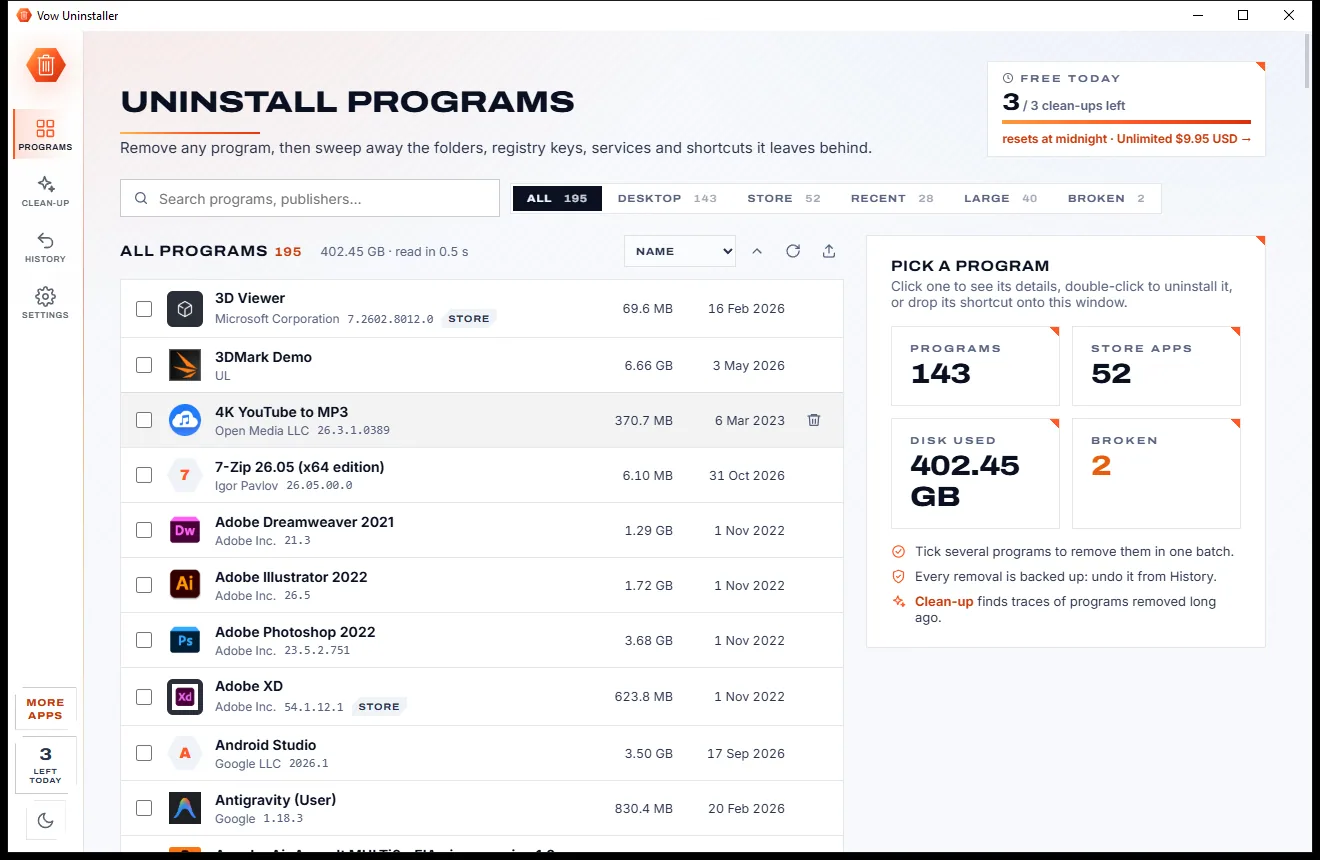
Uninstall programs completely, and undo it if you change your mind

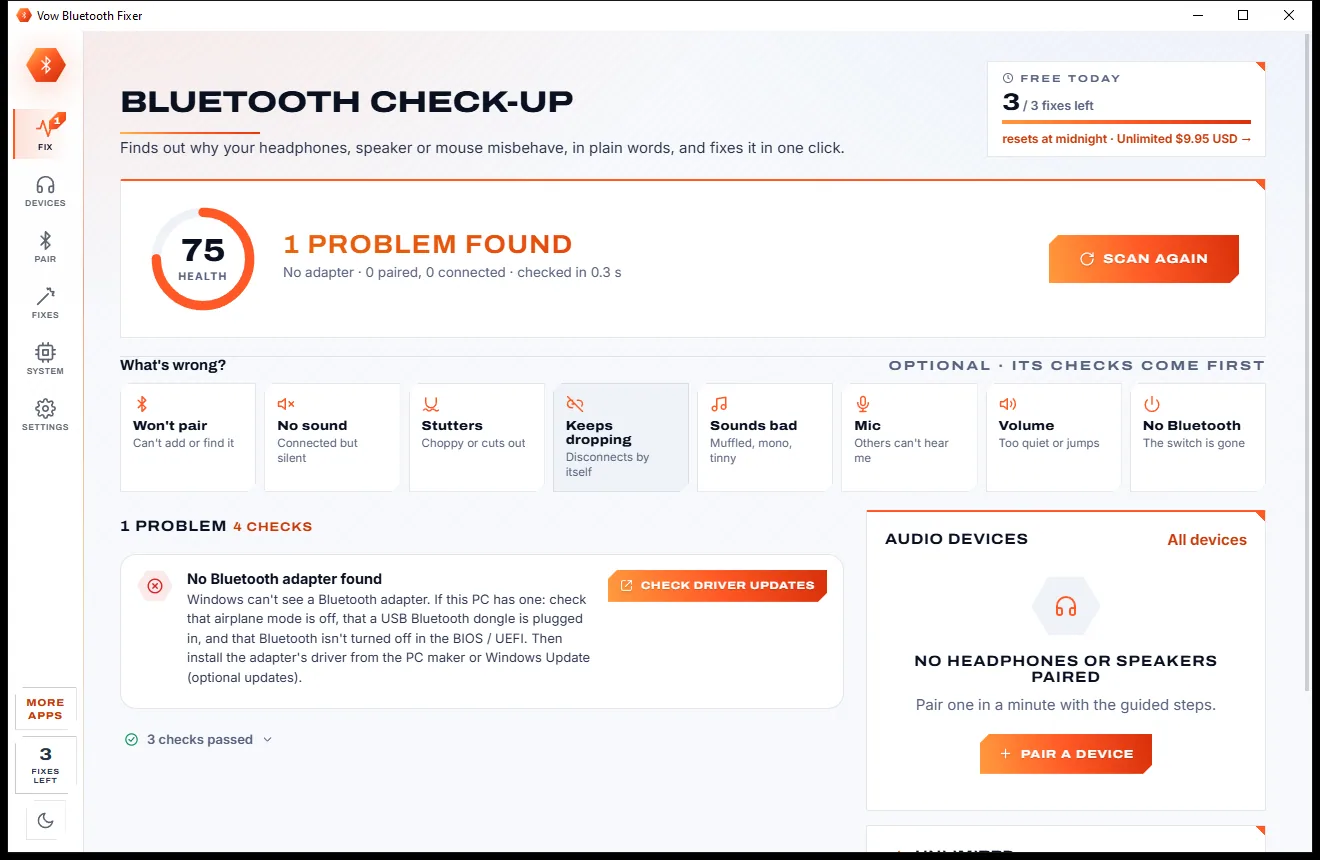
Fix Bluetooth headphones, speakers and mice that won't pair, stutter or play
Find out what crashed your PC, in plain English, with the fix. Free to use every day, $4.95 once if you ever want Unlimited.