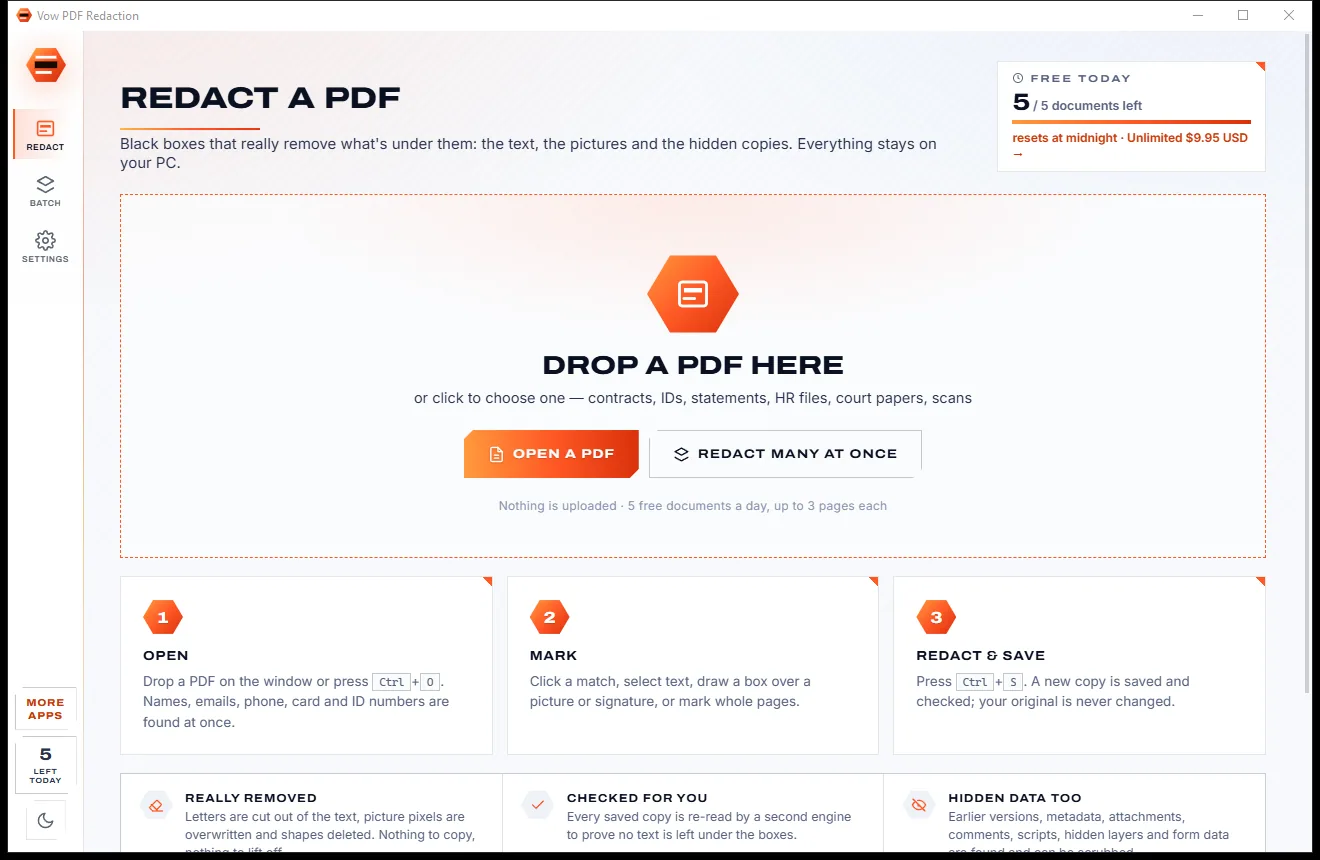

Redact PDFs for real: nothing left under the black boxes
- Free: 5 documents a day, up to 3 redacted pages each, true redaction
- $4.95 once: Any length, one-click redact-all, batch folders, scrub hidden data

PDF merger & splitter for Windows
Drop in PDFs and photos and get one tidy PDF with a bookmark for each file, or split a PDF by pages, bookmarks, size or blank sheets and see every new file marked in colour before you save. No uploads, no watermarks, no subscription.
The problem
The quickest answers to "merge PDF" are websites that want your documents, or downloads that want your money every month.
Online PDF mergers want your bank statements, contracts and scans on their servers before they will join two files.
Free joiners stamp their logo on the result, limit the file size, or stop after a couple of tasks a day.
Monthly PDF plans for something most people do a few times a month, renewing whether you use them or not.
Seeing and dragging page thumbnails is often a paid upgrade, so you guess which page is which.
Many merges drop the bookmarks, leave links pointing at the wrong page, or mix up the fields of two forms.
Free "PDF joiners" that arrive with toolbars, pop-ups and installers that quietly change your browser.
Vow PDF Merge & Split fixes all of it.
How it works
One click to merge, a couple of clicks to split, and your documents never leave your PC.
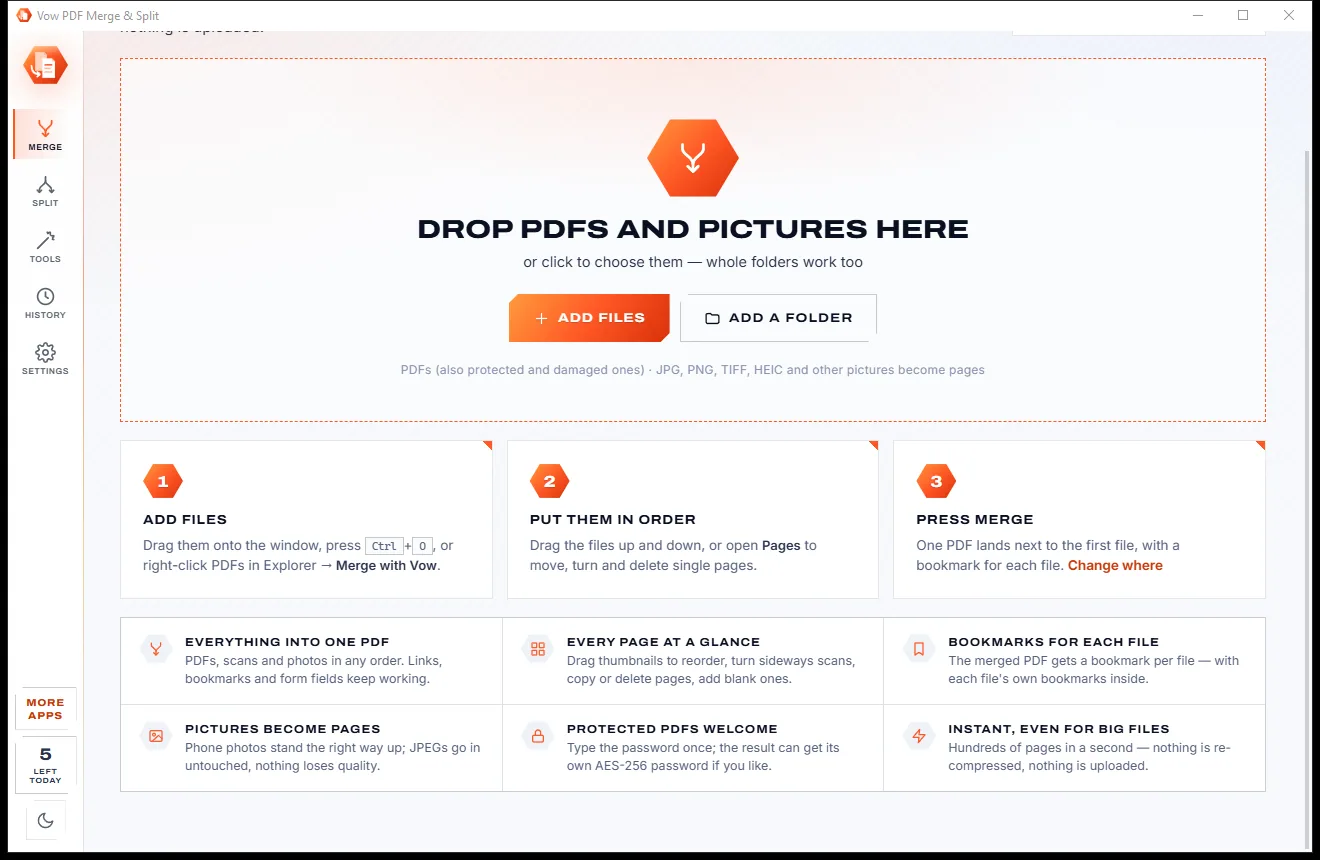
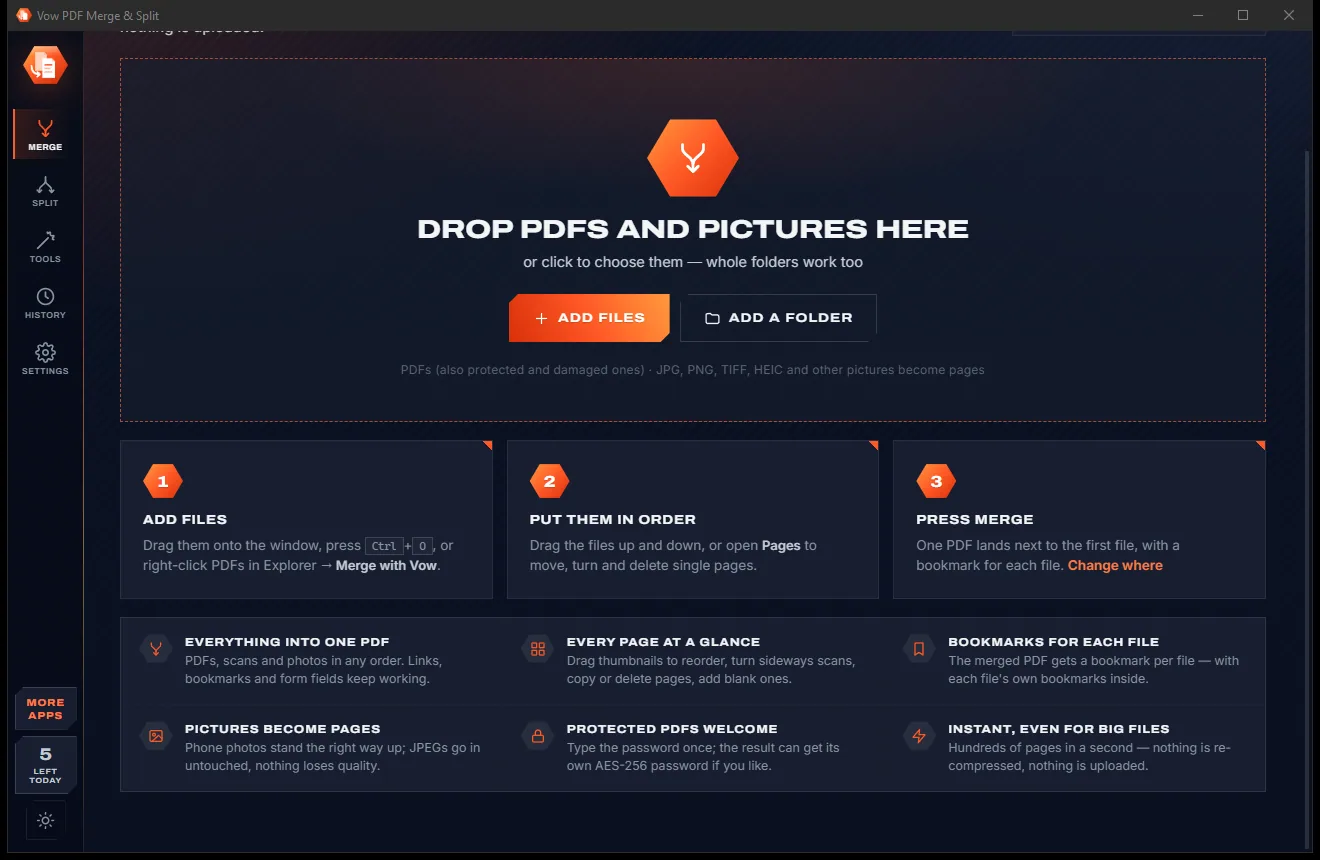
Drag PDFs, photos or whole folders onto the window, or select PDFs in Explorer and right-click Merge with Vow.
Type the pages to use from each file, or open Split and click the pages you need. Every resulting file is marked before you save.
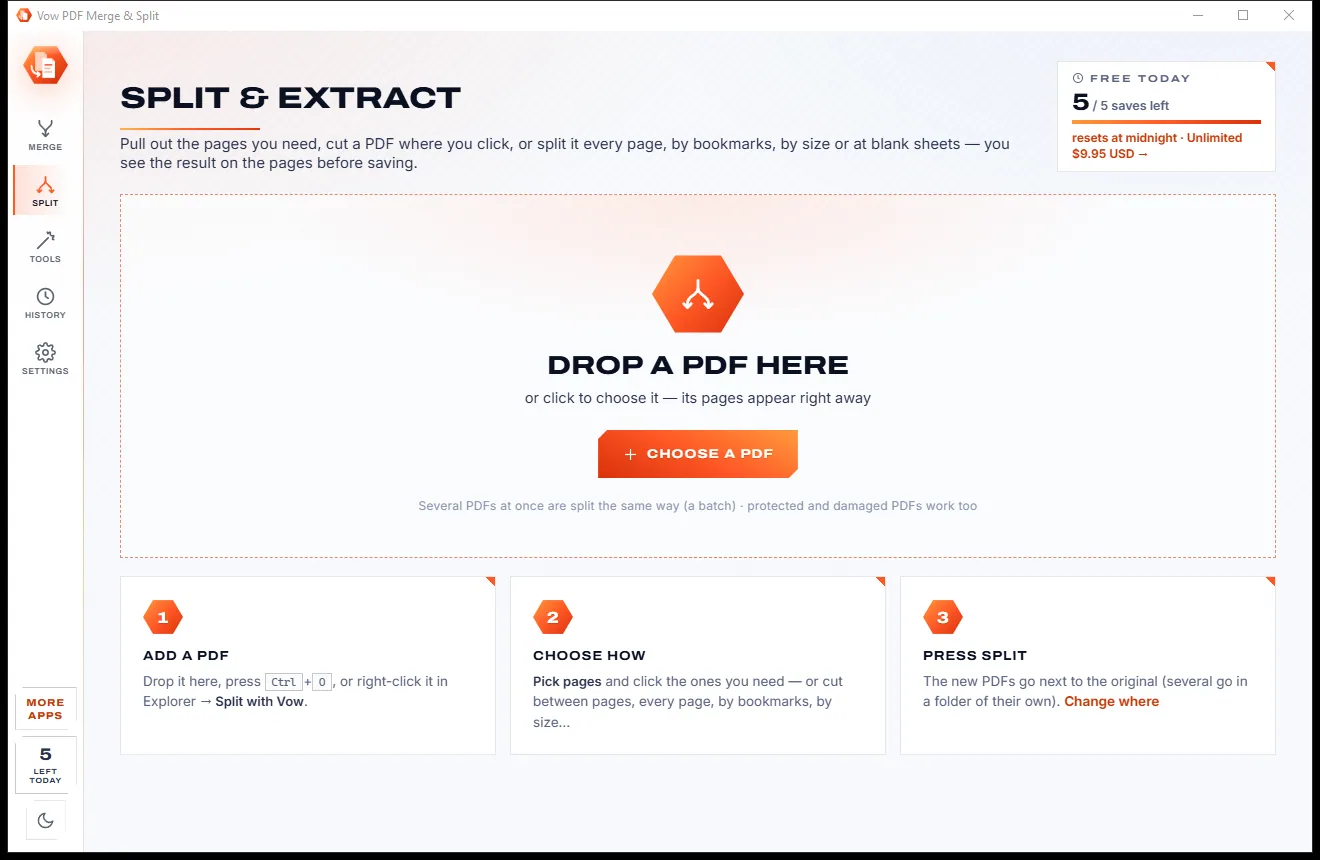
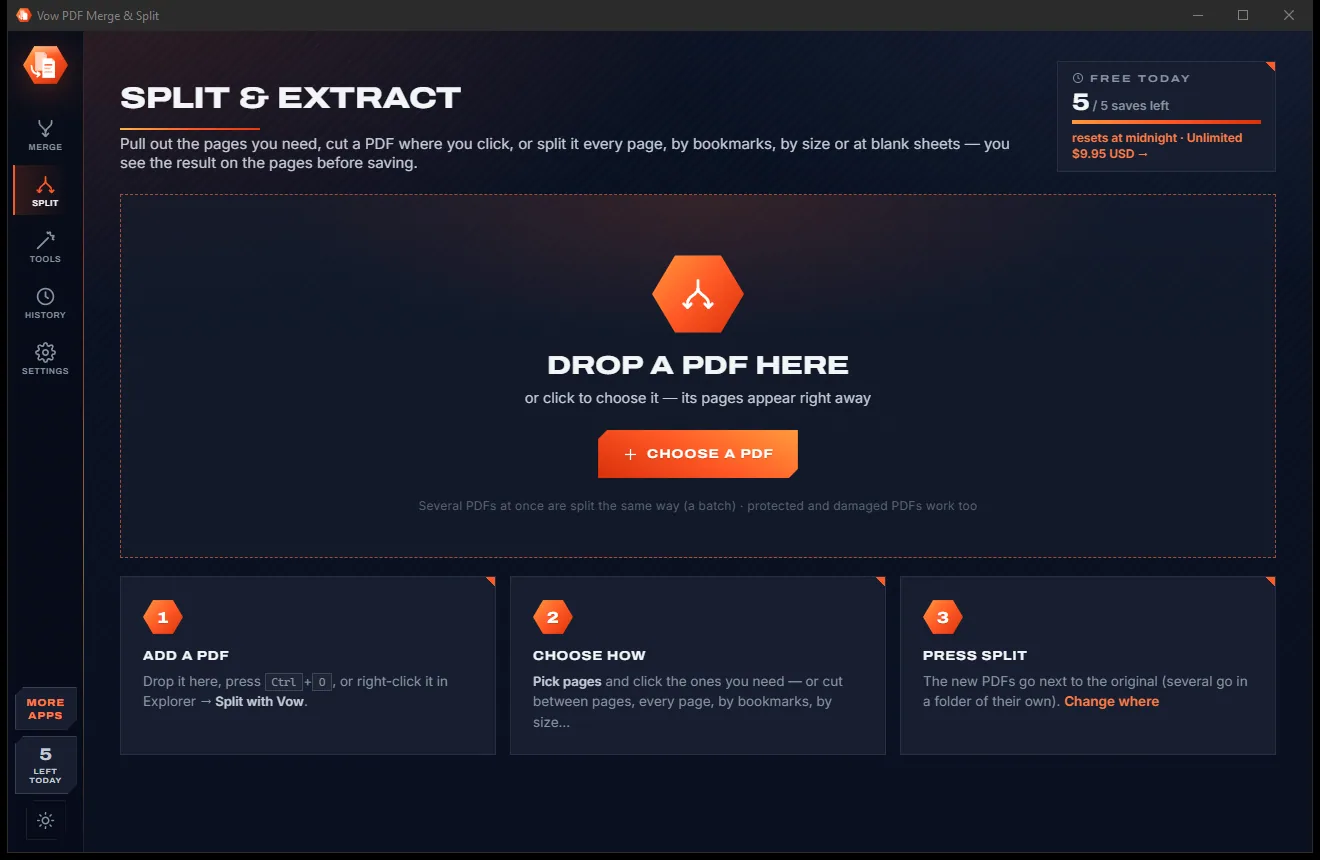
Press Merge for one PDF with a bookmark per file, or Split for a new folder of neatly named files. Your originals are never changed.
Features
For offices, students and anyone with a scanner: quick for a simple merge, deep enough for a whole document bundle.
PDFs, scans and phone photos in any order, with page ranges like 1-3, 5, 8-last for each file.
The Pages view shows every page as a thumbnail coloured by file: drag, turn, copy, delete, add blanks, undo.
Pick pages, cut where you click, every page, every N pages, ranges, bookmarks, size, blank sheets, odd/even or delete pages.
Each new file is marked in its own colour on the page thumbnails, so you know exactly what you will get.
A bookmark per file holding its own bookmarks. Internal links follow their page; links to left-out pages are removed.
Form fields keep working and same-named fields from different files are kept apart, or flatten them if you prefer.
All the fronts, then all the backs? The pages are put back in order 1, 2, 3, 4, with reversed backs handled.
Finds blank separator sheets in scanned stacks, despite scanner noise and grey paper, and removes them or splits there.
Protect the result and block printing, copying or editing. Password-protected and damaged PDFs open too.
Pages are copied exactly as they are, so quality never drops and a 152-page merge takes about a tenth of a second.
Light & dark theme
PDF Merge & Split comes with a crisp light theme and a calm dark theme. Switch with one click, or let it follow your Windows setting by itself. It remembers your choice.
Screenshots
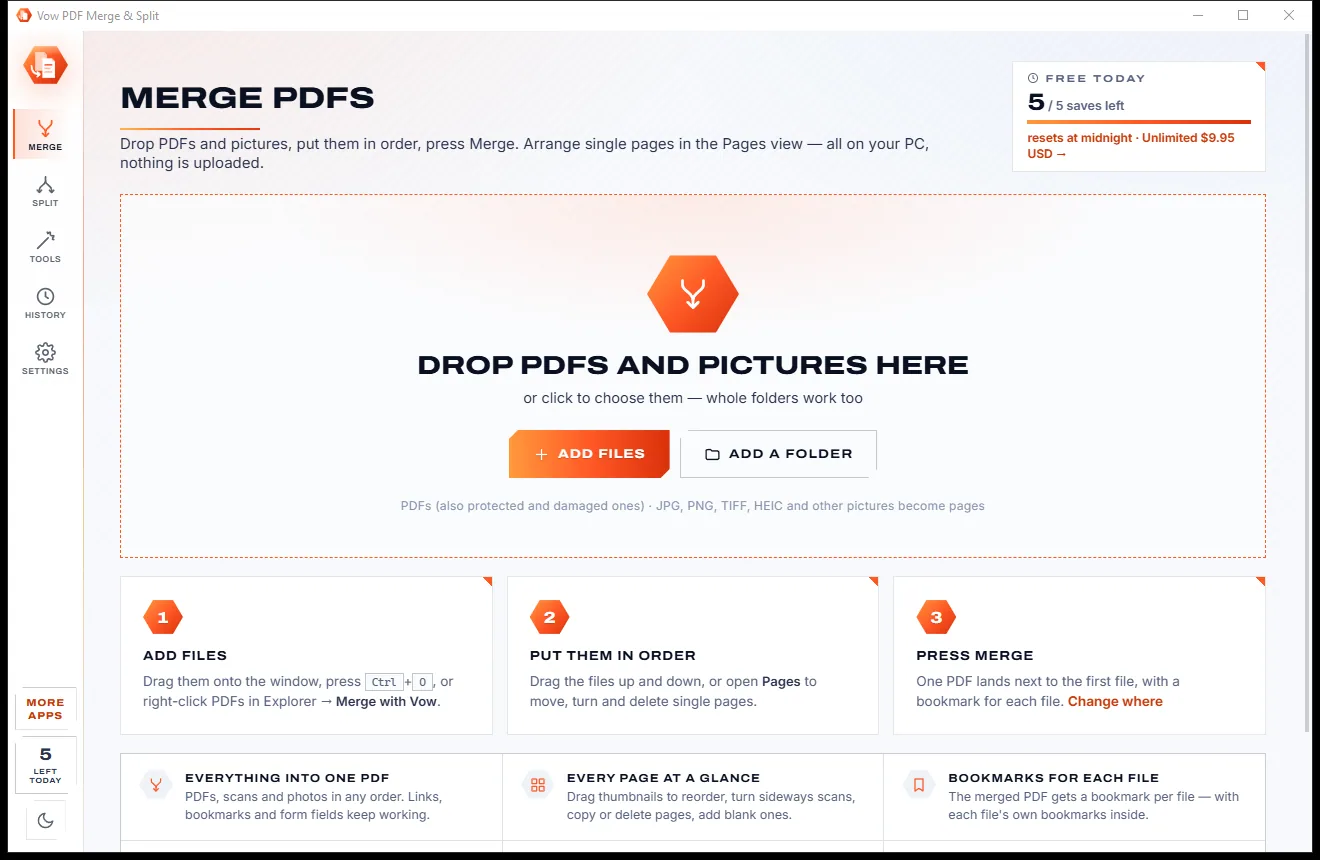
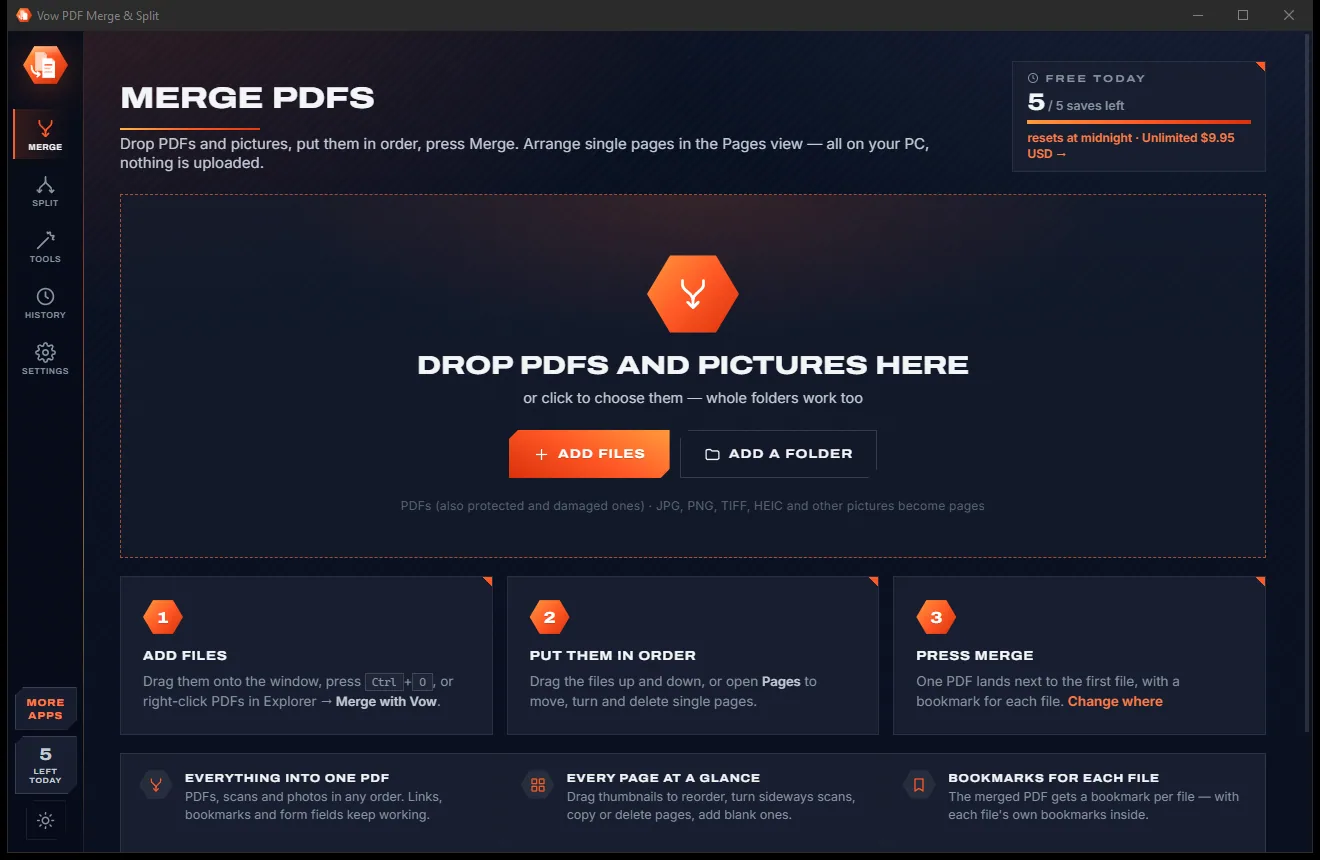
Real screenshots of the real app, in both of its themes: 7 light, 7 dark. Click any picture to see it full size.
Light theme
Dark theme
Who it's for
Combine invoices, quotes and receipts into one PDF for a client or the accountant.
Fix double-sided scans, drop blank sheets and split a batch scan into separate documents.
Merge lecture notes and assignments, or pull out just the chapters you need.
Assemble contracts and exhibits into one file, with a bookmark for each document.
Split a large PDF into parts under 2, 5, 10, 20 or 25 MB, measured exactly.
Put bills, statements and photos of receipts into one tidy file for tax time.
Compare
What you get from typical online mergers and free PDF joiners, side by side.
| Feature | Vow PDF Merge & Split | Online PDF mergers & free joiners |
|---|---|---|
| Price | Free every day, or $4.95 once | Monthly plans or paid editions |
| Your PDFs are uploaded | Never: 100% on your PC | Yes, for online mergers |
| Page thumbnails to arrange | Yes, drag and drop | Often a paid upgrade |
| See split results before saving | Yes, marked in colour | Rarely |
| Split by bookmarks, size or blank sheets | All three, plus 7 more ways | Some, often fewer |
| Links, bookmarks and forms kept | Yes, links retargeted | Not always |
| Double-sided scan repair | Built in, free | Rare |
| Ads, watermarks, bundled extras | None, ever | Common on free tools |
| Works without internet | Yes | No, for online tools |
"Typical" describes what we found across the most-downloaded alternatives when we built PDF Merge & Split. Your mileage with any one of them may vary; ours won't.
Pricing
That is not a typo. Software this powerful usually means a monthly subscription; PDF Merge & Split is $4.95, once, for life: it's almost a giveaway. Use it free for as long as you like, and unlock Unlimited only if you need more.
Merge 3 files at a time, split one PDF at a time, 5 saves a day.
Almost a giveaway. Less than a coffee for software this powerful: no subscription, no renewals, yours for life on 2 PCs.
Any number of files, drag-and-drop pages, rotate, batches.
Payments by Stripe: we never see or store your card. Questions? Ask a real person.
Clean software
Most "free" Windows downloads pay for themselves with ads, bundled extras or your data. Vow PDF Merge & Split doesn't need to: it's paid for honestly, once, by the people who find it useful.
Download PDF Merge & Split freeStep-by-step guide
Combine several PDFs into one file in under a minute, without uploading anything.
Step 1: get it freeGet Vow PDF Merge & Split from this page and run the installer. It needs no administrator rights and no account, and can add Merge with Vow and Split with Vow to Explorer's right-click menu.
Drop the PDFs or pictures on the Merge screen, or press Ctrl+O. Whole folders are added in natural order, so 2 comes before 10.
Drag the rows up or down, or Sort by name, date or size. To use only some pages of a file, type them in its Pages box, for example 1-3, 5, 8-last.
Press Merge or Ctrl+S. One PDF lands next to the first file, named after it, with a bookmark for each file. Save as... puts it anywhere you like.
Open Split, drop the PDF and choose how: pick pages, cut where you click, by bookmarks, by size and more. Press Split and the new files go into a "name (split)" folder beside the original.
Technical details
FAQ
Yes. You can merge up to 3 files at a time and split or extract one PDF at a time with every way of splitting, plus the double-sided scan, blank-page, reverse and remove-pages tools, for 5 saved results a day (saving the same job again that day counts once). There are no watermarks and no sign-up. Unlimited, a one-time $4.95 USD payment, adds any number of files, drag-to-reorder thumbnails, rotating, batches and no daily limit.
No. Merging, splitting and every tool run on your own PC. There is no account and no cloud, so it is safe for contracts, statements and medical records, and it works with no internet connection.
Yes. Internal links follow their page and links to pages you left out are removed. Each file gets a bookmark holding its own bookmarks, and form fields stay fillable, with same-named fields from different files kept apart. A merge can't carry a valid digital signature, so signed fields are drawn into the page and you are told.
Ten: pick pages, cut where you click, every page, every N pages, page ranges, by bookmarks (files named after the chapters), by size (each part under 2, 5, 10, 20 or 25 MB), at blank separator sheets, odd and even pages, and delete pages. Every resulting file is marked in colour on the thumbnails before anything is saved.
Yes. If your scanner did all the fronts and then all the backs, give it the two PDFs, or one PDF with fronts then backs, and it puts the pages back in order. It also handles backs scanned in reverse, which is usual when you turn the whole stack over.
Yes. JPG photos go in byte for byte with no quality lost, and PNG, TIFF (every frame), BMP, GIF, WebP, HEIC and AVIF are stored losslessly. Phone photos are turned upright and placed on A4 or Letter pages, or kept at their own size.
PDFsam Basic shows page thumbnails only in its paid editions; here you can see every page free and drag them with Unlimited. Smallpdf and iLovePDF mostly work online, so your files are uploaded; this app works entirely offline. It also adds a live colour preview of every split, cut-where-you-click, blank-sheet splitting and double-sided scan repair, for $4.95 once.
Yes. It is made and published by XTO Pty Ltd, an Australian company. The installer contains no ads, no toolbars and no bundled software, needs no administrator rights, never changes your default PDF app, and uninstalls cleanly from Windows Settings.
The Vow collection
Same design, same promises, a tiny one-time price. Learn one and you already know them all.
Redact PDFs for real: nothing left under the black boxes
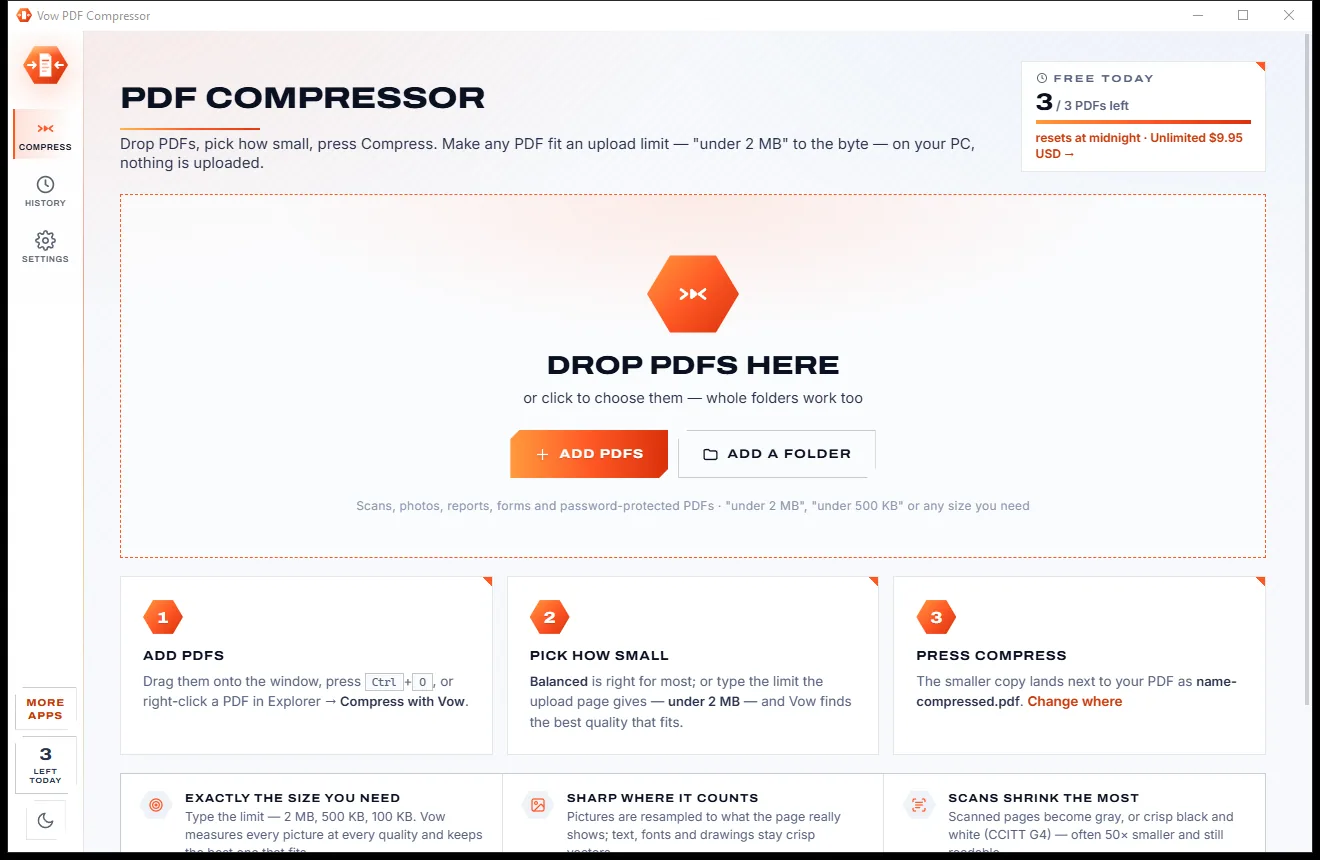
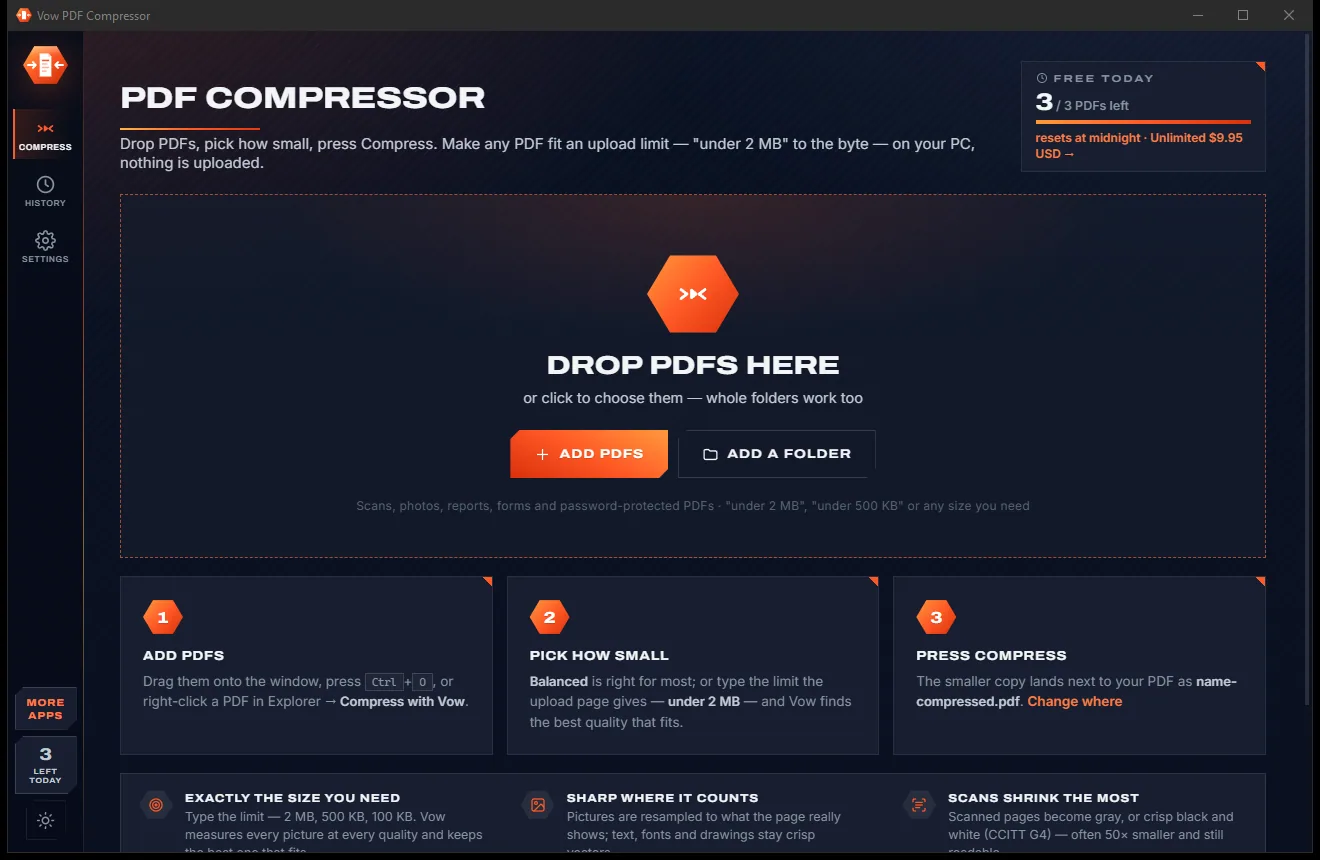
Shrink any PDF to the exact size an upload form asks for
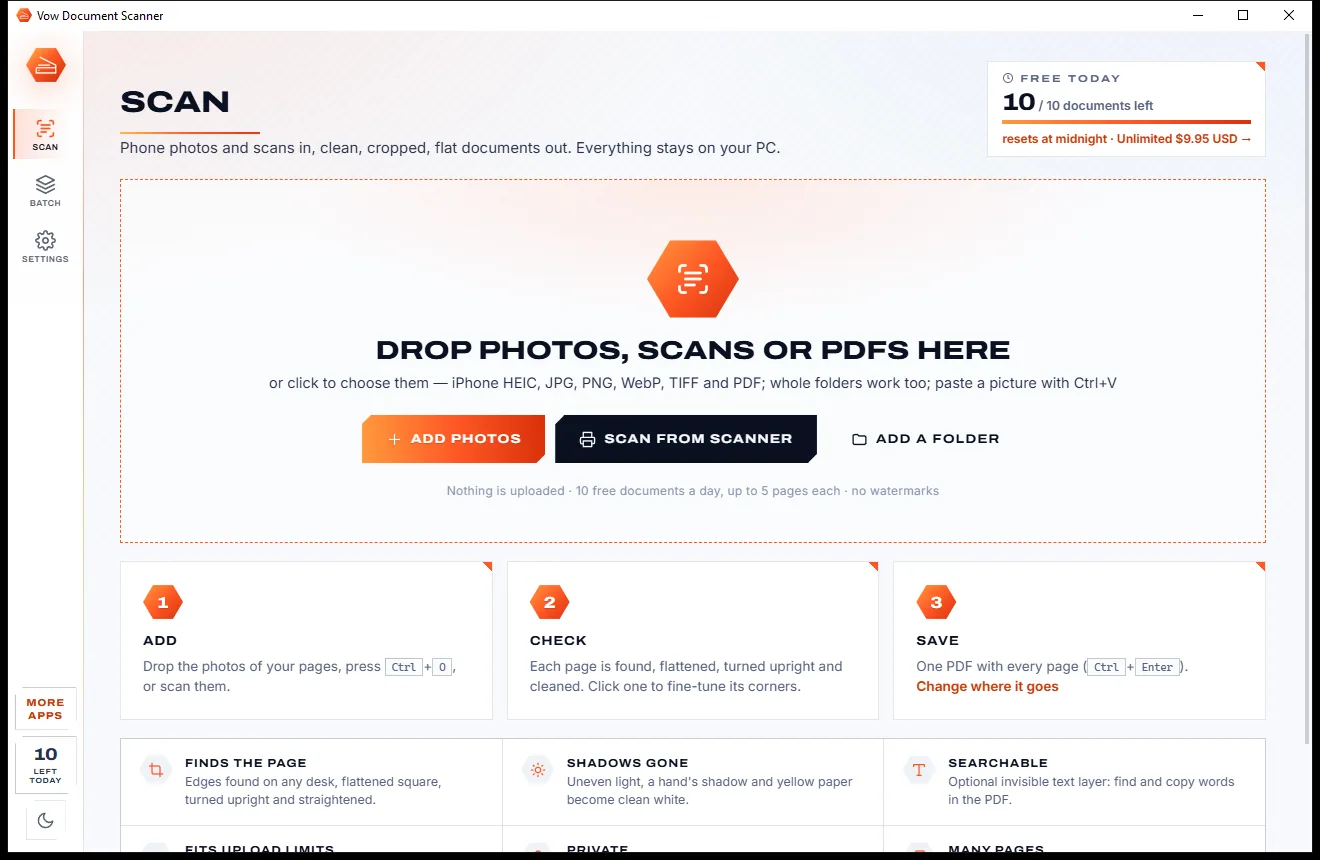
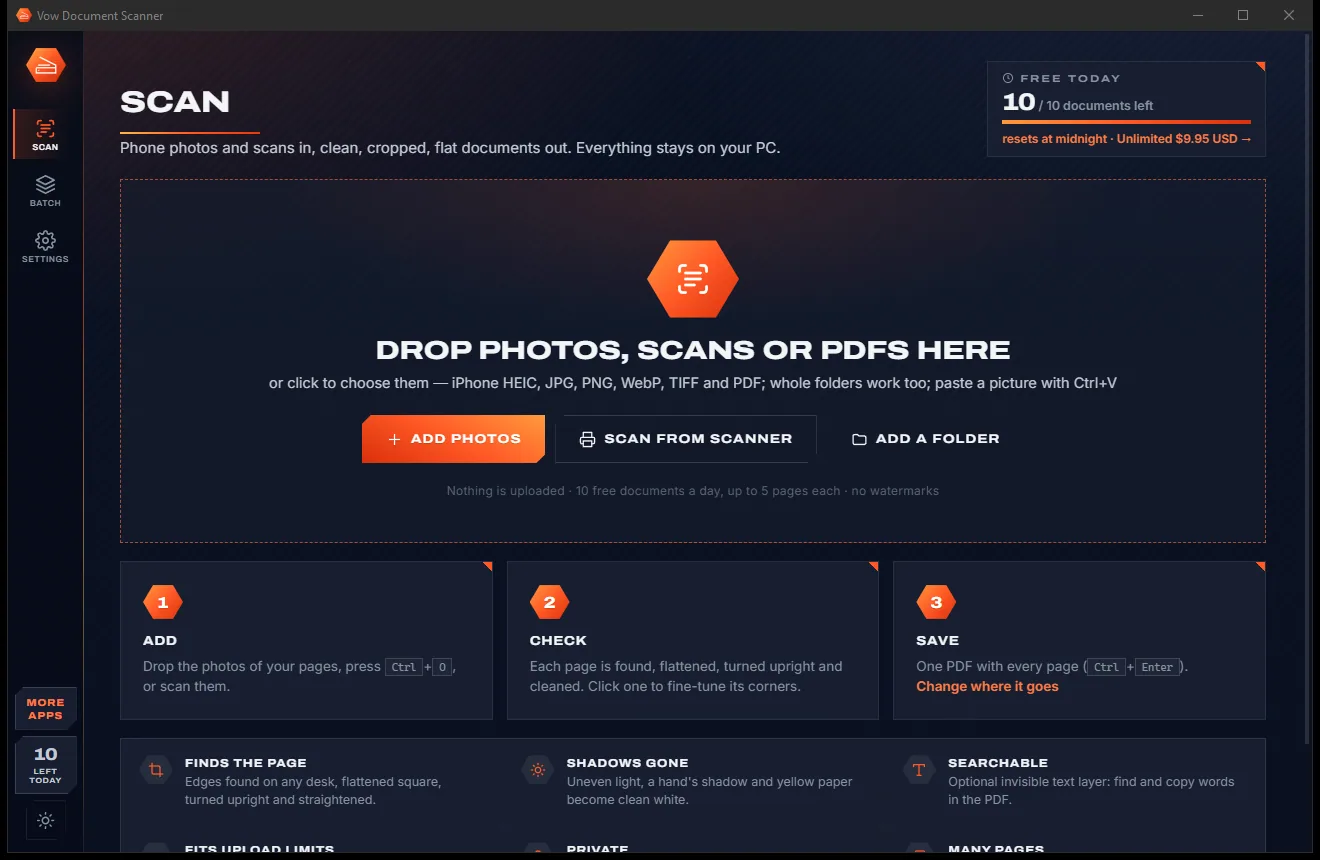
Turn phone photos of paper into clean, flat PDFs
Merge, split and reorder PDFs on your own PC. Free to use every day, $4.95 once if you ever want Unlimited.