

Video
Vow GIF & Meme Maker
Turn any video clip into a GIF or meme, with no watermark
- Free: 10 GIFs a day, up to 10 seconds at 480p, with meme text
- $4.95 once: Any length, HD up to the original size, MP4, WebP and APNG

One-click video stabilizer for Windows
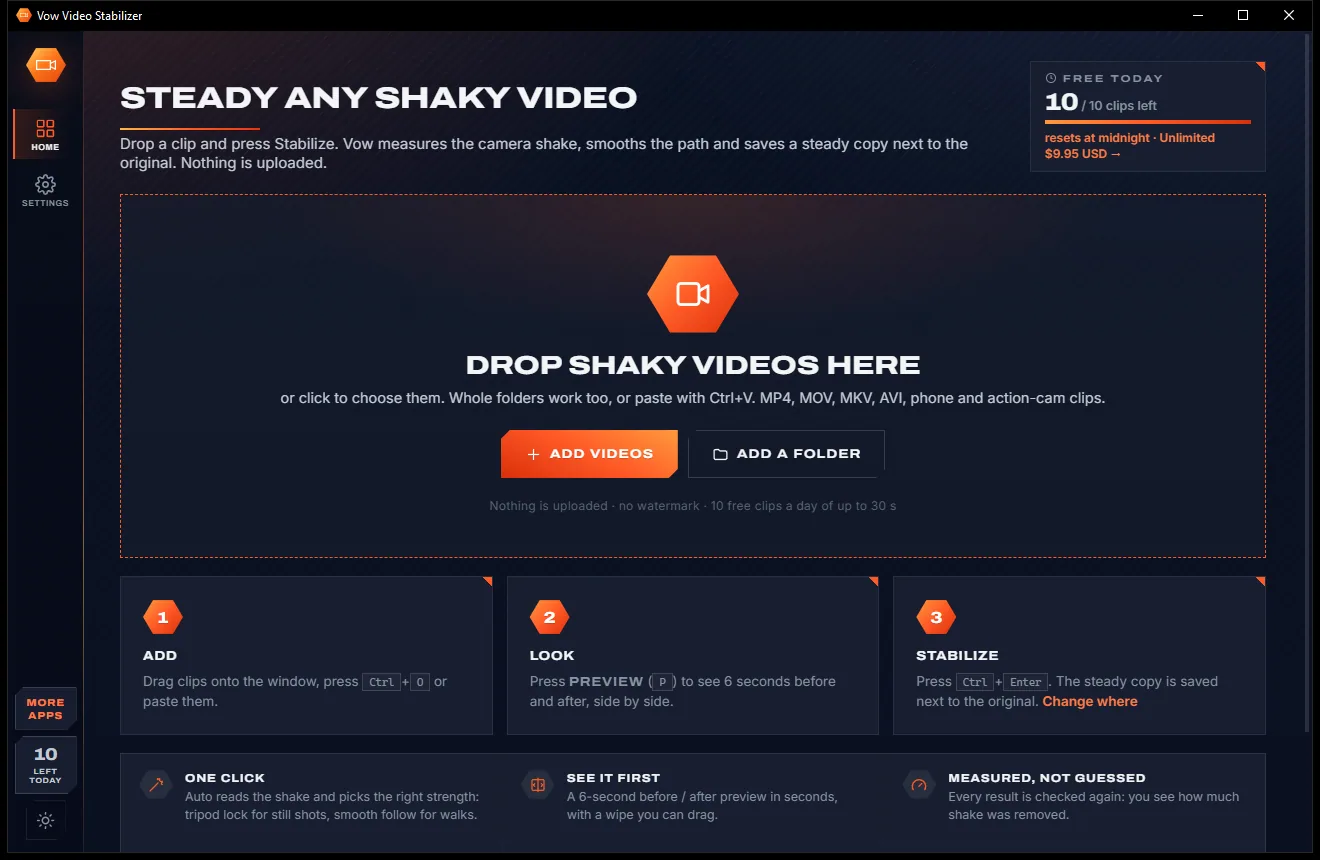
Drop a phone, action-cam or drone video and press Stabilize. Vow measures the camera shake frame by frame, smooths the path and saves a steady copy next to the original, then shows you how much shake it removed. Nothing leaves your PC.
The problem
The usual answers are a pro editing suite with a learning curve, an online tool that wants your footage, or a free app that stamps its logo on the result.
Free stabilizer apps and sites often brand the steadied clip with their watermark unless you pay up.
Online stabilizers want your footage on their servers first, often with file size or resolution caps on the free plan.
Pro suites hide stabilization behind timelines, effect panels and render settings you will never touch again.
Most tools make you render the whole clip before you can see whether the result is smooth or a warped mess.
Stabilization is often locked in a subscription that keeps renewing long after the holiday video is done.
Smoothness, crop, shakiness, accuracy: pick numbers, export, look, repeat, and still not know if it really improved.
Vow Video Stabilizer fixes all of it.
How it works
Auto reads the motion and picks the smoothing, so most clips need nothing more than one click.
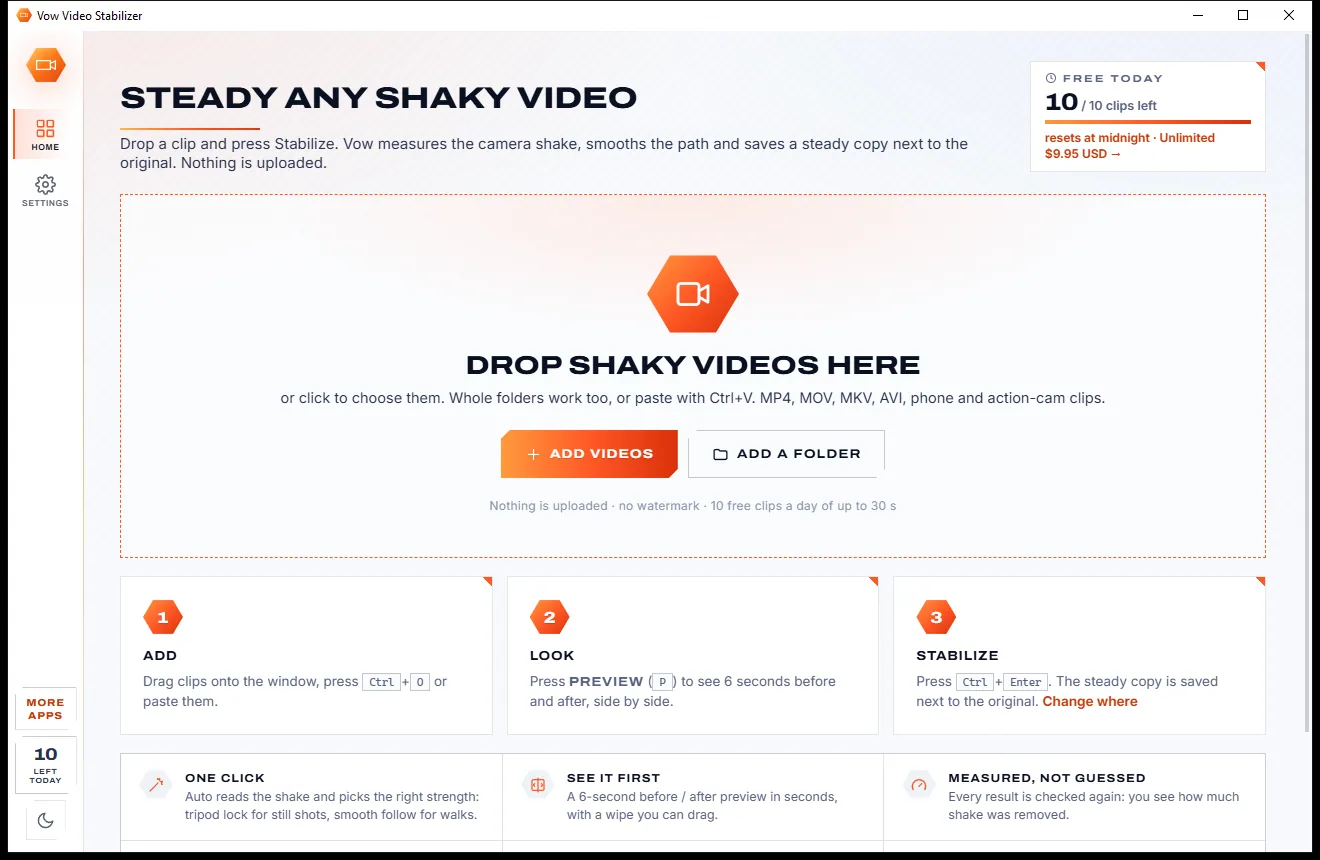
Drag in phone, action-cam or drone videos, or a whole folder. Each one shows its thumbnail, resolution, frame rate and length straight away.
Auto reads the camera motion and picks the smoothing. Press Preview to see 6 seconds before and after in a few seconds, with a line you can drag.
The steady copy is saved beside the original, then measured again, so you see how much shake was removed and a graph of before and after.
Features
For anyone who films on a phone, an action cam or a drone: one click for everyday clips, real control when you want it.
It measures the motion first: a hand-held still shot is locked down, while walks and pans are followed smoothly.
See 6 stabilized seconds beside the original with a wipe or side by side, in slow motion if you like. Previews are free.
Every result is analysed again, so you get a real "% less shake" figure and a before-and-after shake graph.
Locks a still shot completely, and the app suggests it when a clip looks like a still shot held by hand.
Auto zoom hides every moving edge. Unlimited adds adaptive zoom, full frame filled from earlier frames, black edges and extra zoom.
Same format and codec (an iPhone HEVC .MOV stays HEVC .MOV), plus the sound, date, location tags and HDR colour tags.
Encodes with NVIDIA, Intel or AMD graphics when available, and falls back to the processor by itself if needed.
Low-light and low-detail footage is re-analysed automatically with low-light tracking, so night clips still steady up.
Set a From and To time to stabilize only the moment that matters. It is faster, and the rest is left out of the copy.
Save a labelled side-by-side clip of the original and the steady copy, ready to share.
Light & dark theme
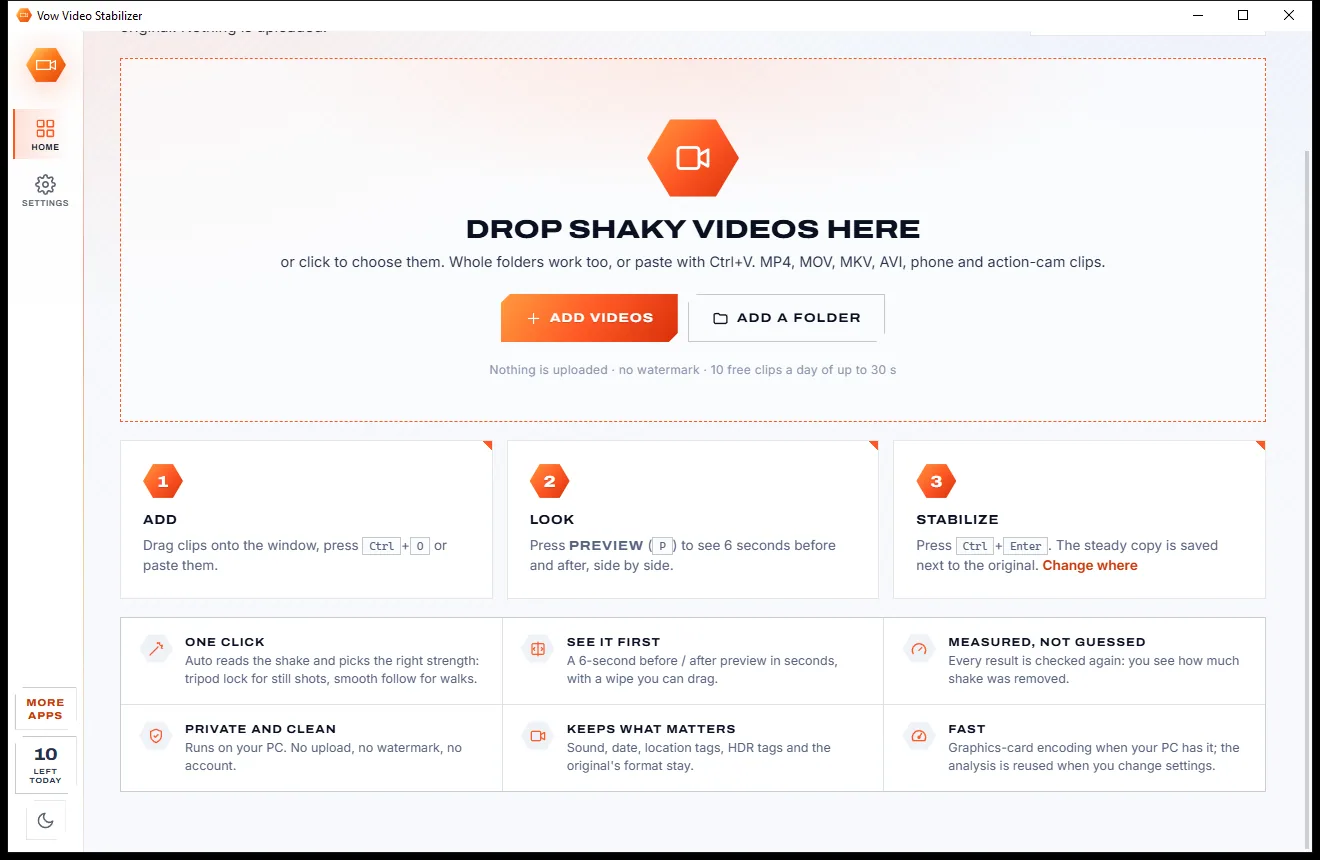
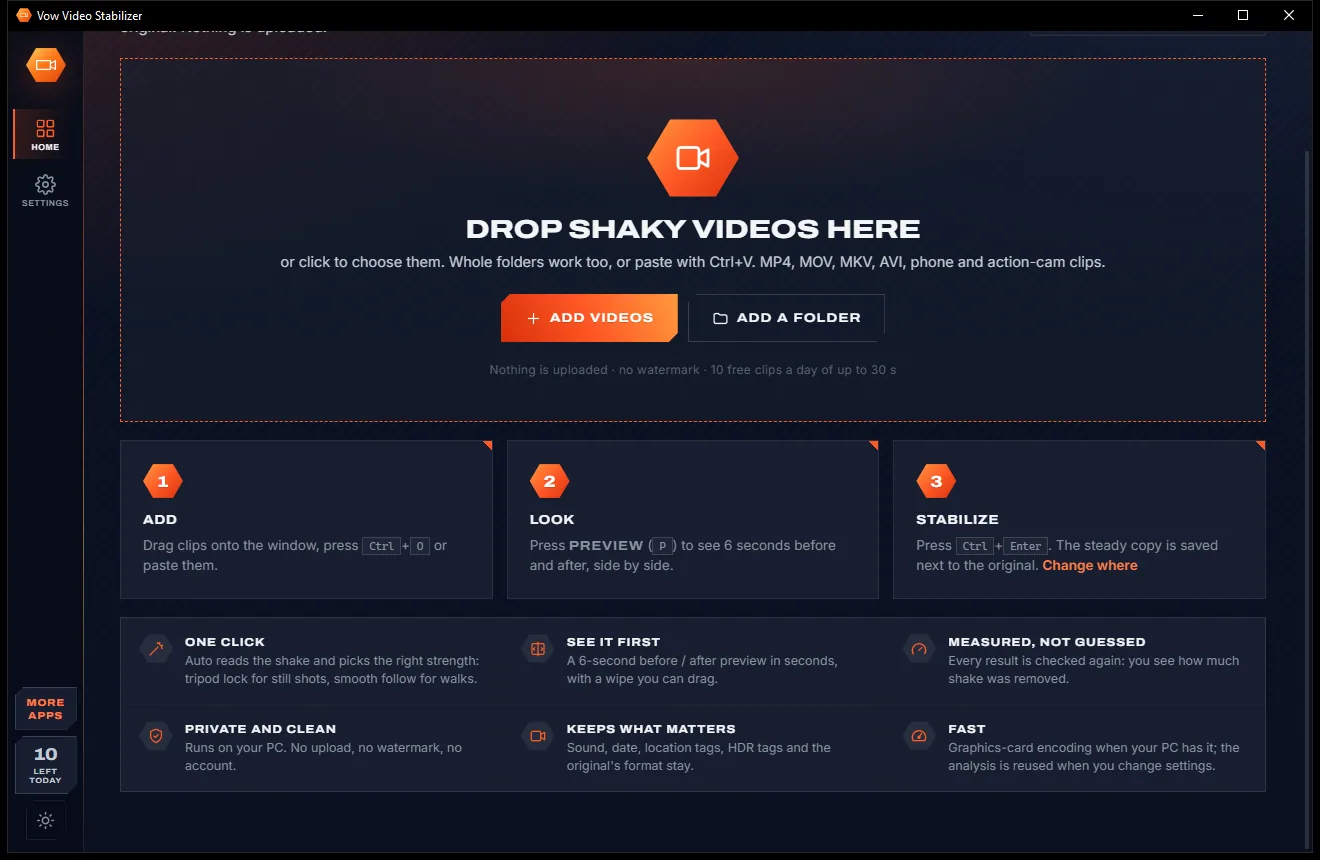
Video Stabilizer comes with a crisp light theme and a calm dark theme. Switch with one click, or let it follow your Windows setting by itself. It remembers your choice.
Screenshots
Real screenshots of the real app, in both of its themes: 4 light, 4 dark. Click any picture to see it full size.
Light theme
Dark theme
Who it's for
Birthdays, concerts and first steps filmed by hand, smoothed out without a second take.
Bike, board and helmet footage with the judder taken out and the motion kept.
Steady wind-buffeted flights and jittery pans before they go into the edit.
Walking tours, boat rides and car-window shots turned into footage worth watching again.
School sport, dance recitals and assemblies filmed at full zoom, finally watchable.
Property tours, shop fit-outs and site visits that look calm and professional.
Compare
Online stabilizers, free apps and full editors side by side with a tool built only for this job.
| Feature | Vow Video Stabilizer | Online stabilizers & editing apps |
|---|---|---|
| Price | Free every day, or $4.95 once | Subscriptions or a full editor licence |
| Watermark on the result | Never | Common on free apps and sites |
| Your video is uploaded | Never: 100% on your PC | Yes, for online stabilizers |
| See the result before exporting | 6-second preview in seconds | Usually render first, then look |
| Picks the strength for you | Auto, from the measured motion | Manual sliders, or one fixed setting |
| Shows how much shake was removed | Measured, with a graph | No |
| Tripod lock for still shots | Yes, and suggested for you | Only in some editors |
| Keeps codec, sound, date and HDR tags | Yes | Varies; often re-encoded to a preset |
| File size or resolution caps | None | Common on free online plans |
"Typical" describes what we found across the most-downloaded alternatives when we built Video Stabilizer. Your mileage with any one of them may vary; ours won't.
Pricing
That is not a typo. Software this powerful usually means a monthly subscription; Video Stabilizer is $4.95, once, for life: it's almost a giveaway. Use it free for as long as you like, and unlock Unlimited only if you need more.
10 clips a day up to 30 seconds, every strength, full quality.
Almost a giveaway. Less than a coffee for software this powerful: no subscription, no renewals, yours for life on 2 PCs.
Clips of any length, batch whole folders, crop and zoom control.
Payments by Stripe: we never see or store your card. Questions? Ask a real person.
Clean software
Most "free" Windows downloads pay for themselves with ads, bundled extras or your data. Vow Video Stabilizer doesn't need to: it's paid for honestly, once, by the people who find it useful.
Download Video Stabilizer freeStep-by-step guide
Turn a wobbly clip into a smooth one in a couple of minutes, with no timeline and no upload.
Step 1: get it freeDownload it from this page and run the installer. It needs no administrator rights and no account, and everything it uses, including the stabilizing engine, is inside.
Drag the video onto the window, press Ctrl+O, paste it with Ctrl+V, or right-click it in File Explorer and choose Open with. Whole folders work too.
Auto suits most clips. Pick Tripod to lock a still shot completely, Strong for walking, running or driving, or Gentle to keep natural motion.
Press Preview (P). In a few seconds you see 6 seconds before and after: drag the orange line, switch to side by side, or play it in slow motion.
Press Ctrl+Enter. The steady copy is saved as "name (stabilized).mp4" next to the original, the shake is measured again, and Play the result opens it.
Technical details
FAQ
Yes. You can stabilize 10 clips a day of up to 30 seconds each for free, with every strength, the before/after preview and the shake check, at full quality and with no watermark. Longer clips get their first 30 seconds, or any 30 seconds you choose. Unlimited, a one-time $4.95 USD payment, adds clips of any length, batches and crop and zoom control.
No. Analysis and rendering happen entirely on your own PC. There is no account and no cloud, so there are no file size limits and your footage stays private.
Phone, action-cam and drone clips in MP4, MOV, MKV and AVI. It keeps the original's format and codec by default, so an iPhone HEVC .MOV stays an HEVC .MOV, along with its sound, date, location tags and HDR colour tags.
It uses vid.stab, the proven two-pass stabilizer also used by Shotcut and Kdenlive, with its own motion reading on top. In the developer's tests on clips with a known synthetic camera shake, a full job removed 99.7% of the shake, and Tripod mode removed all of it on a hand-held still shot. Your own result is measured and shown after every job.
A little, by default: auto zoom crops just enough to hide the moving edges, and the preview shows an estimate of how much. With Unlimited you can choose adaptive zoom, full frame with the edges filled from earlier frames, black edges, or extra zoom.
It corrects shaking and rotation, not rolling-shutter "jello" or lens distortion, and it can't remove motion blur that is already in the footage. It does not need or use gyro data, so it works on ordinary clips from any camera.
There is no editor or timeline to learn: Auto picks the strength from the measured motion, a preview appears in seconds instead of after an export, and every result is measured so you know how much shake was removed. Nothing is uploaded, there are no size caps, and there is no subscription: Unlimited is $4.95 once.
Yes. It is made and published by XTO Pty Ltd, an Australian company. The installer has no ads, no toolbars and no bundled software, needs no administrator rights, and uninstalls cleanly from Windows Settings.
The Vow collection
Same design, same promises, a tiny one-time price. Learn one and you already know them all.
Turn any video clip into a GIF or meme, with no watermark

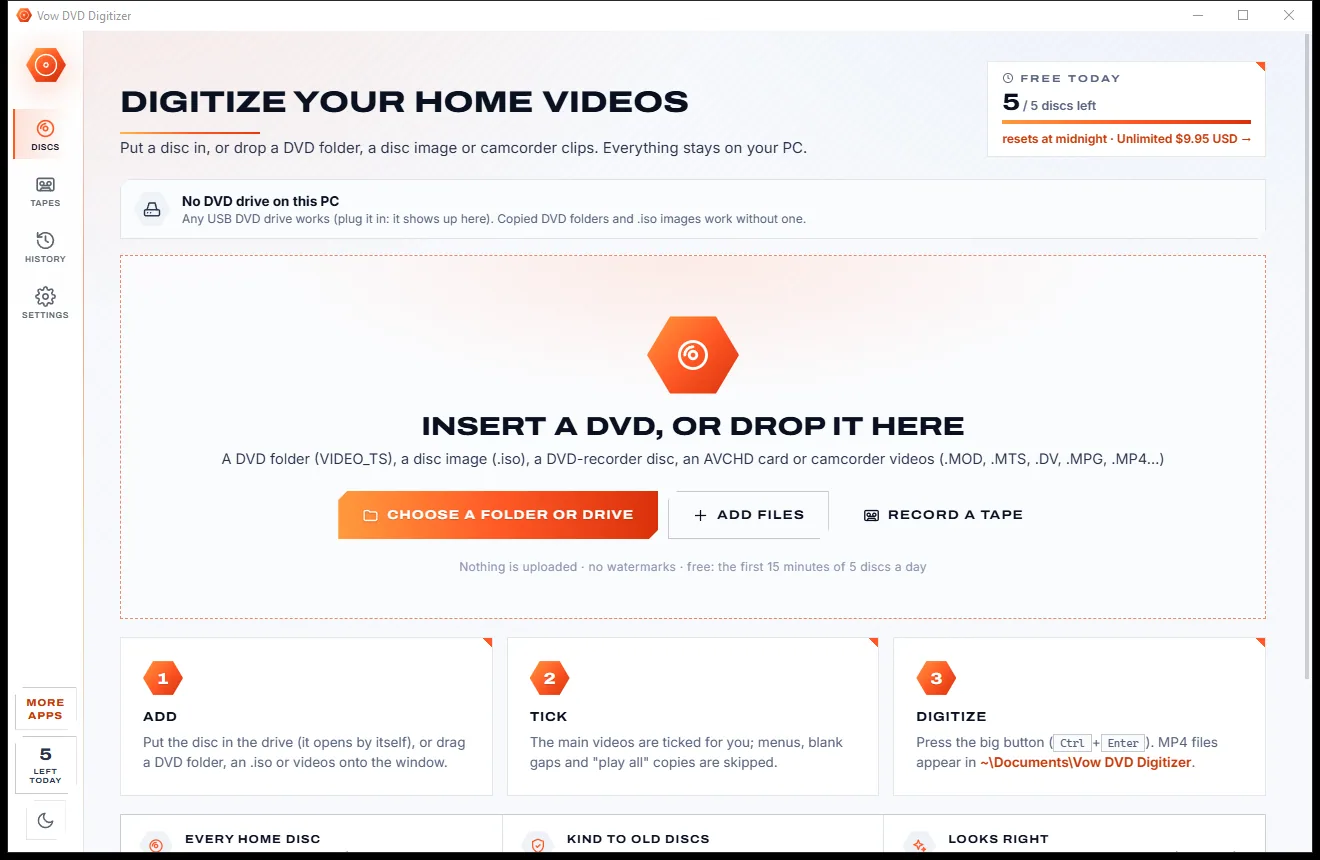
Turn home DVDs, camcorder clips and tapes into MP4s that play anywhere

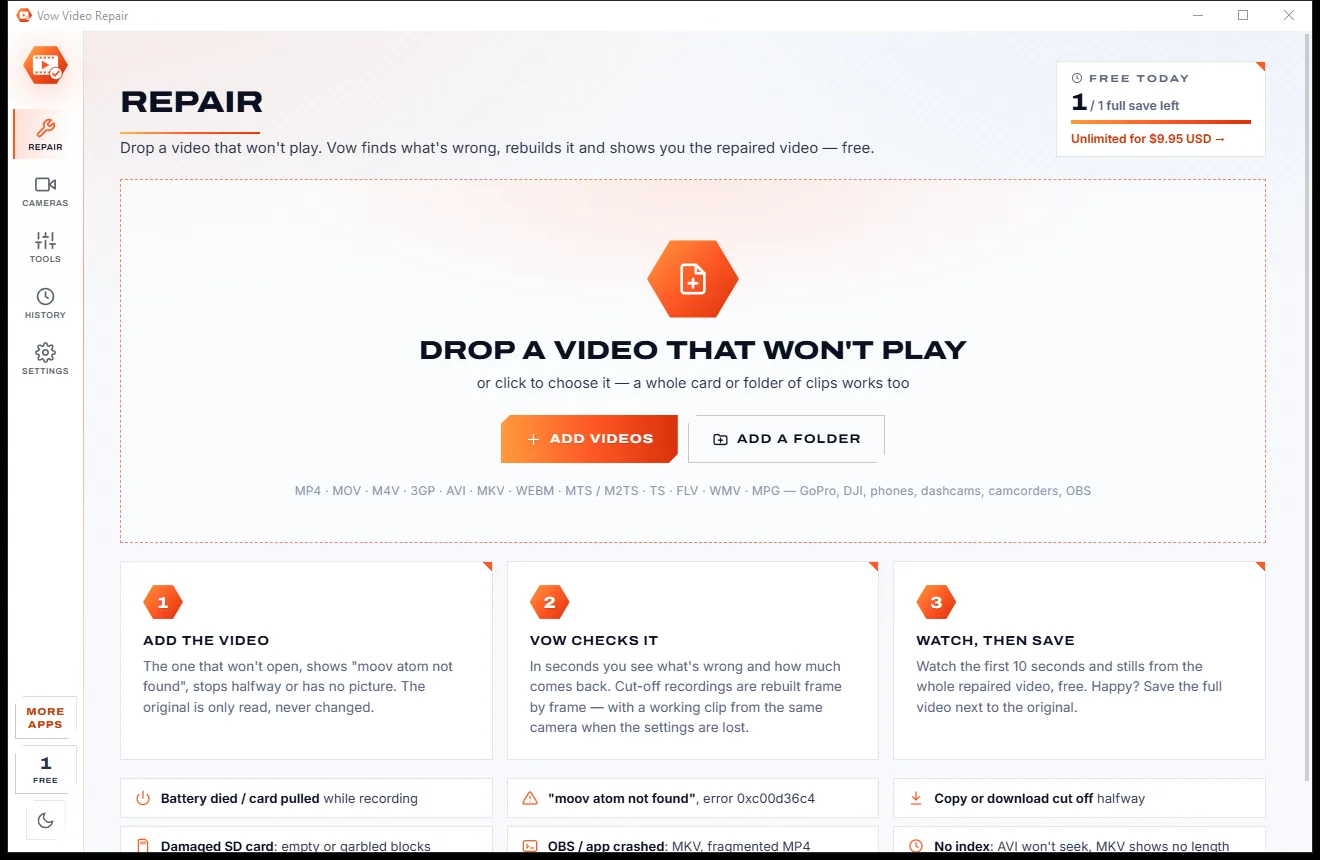
Fix videos that won't play, and see the repair before you pay
Steady any shaky video in one click, right on your PC. Free to use every day, $4.95 once if you ever want Unlimited.