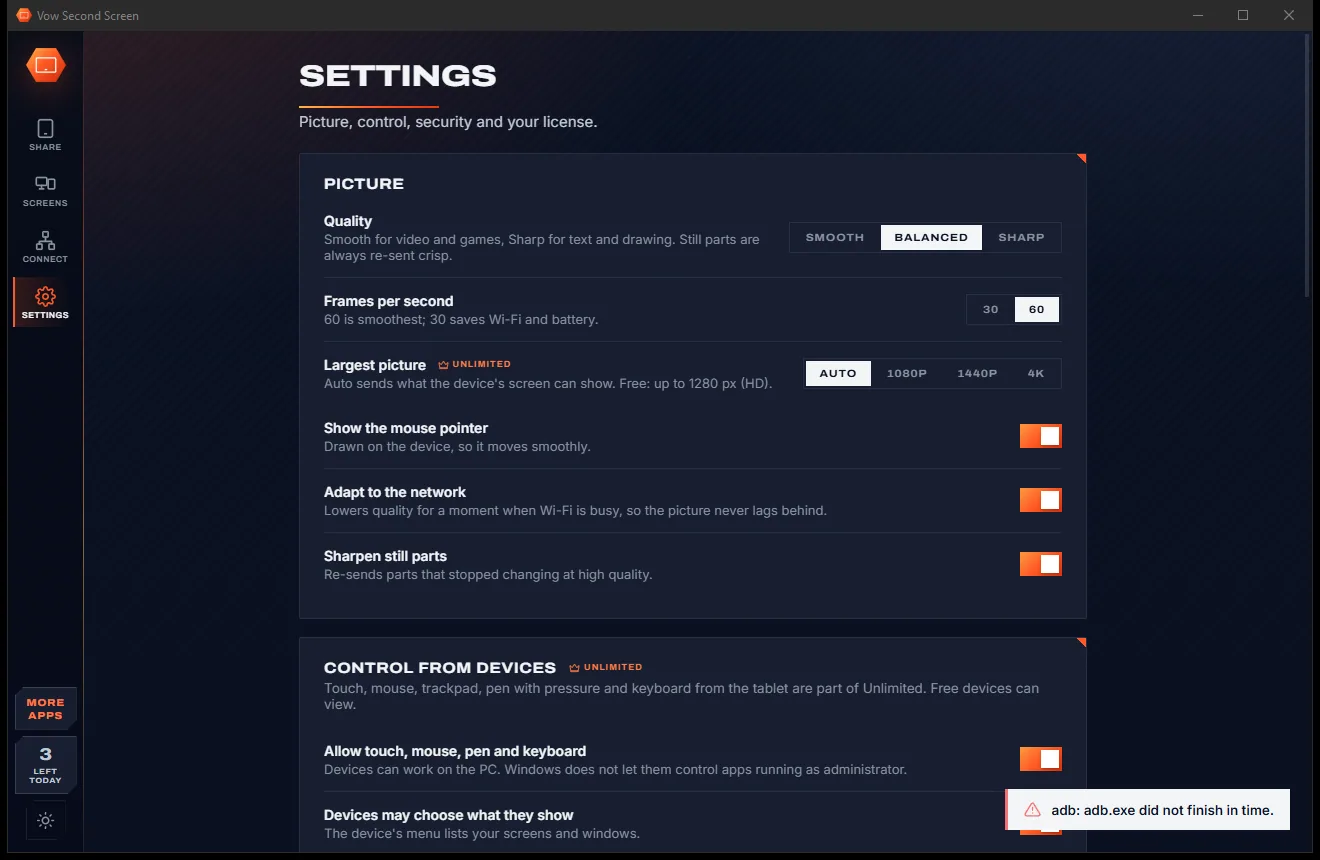
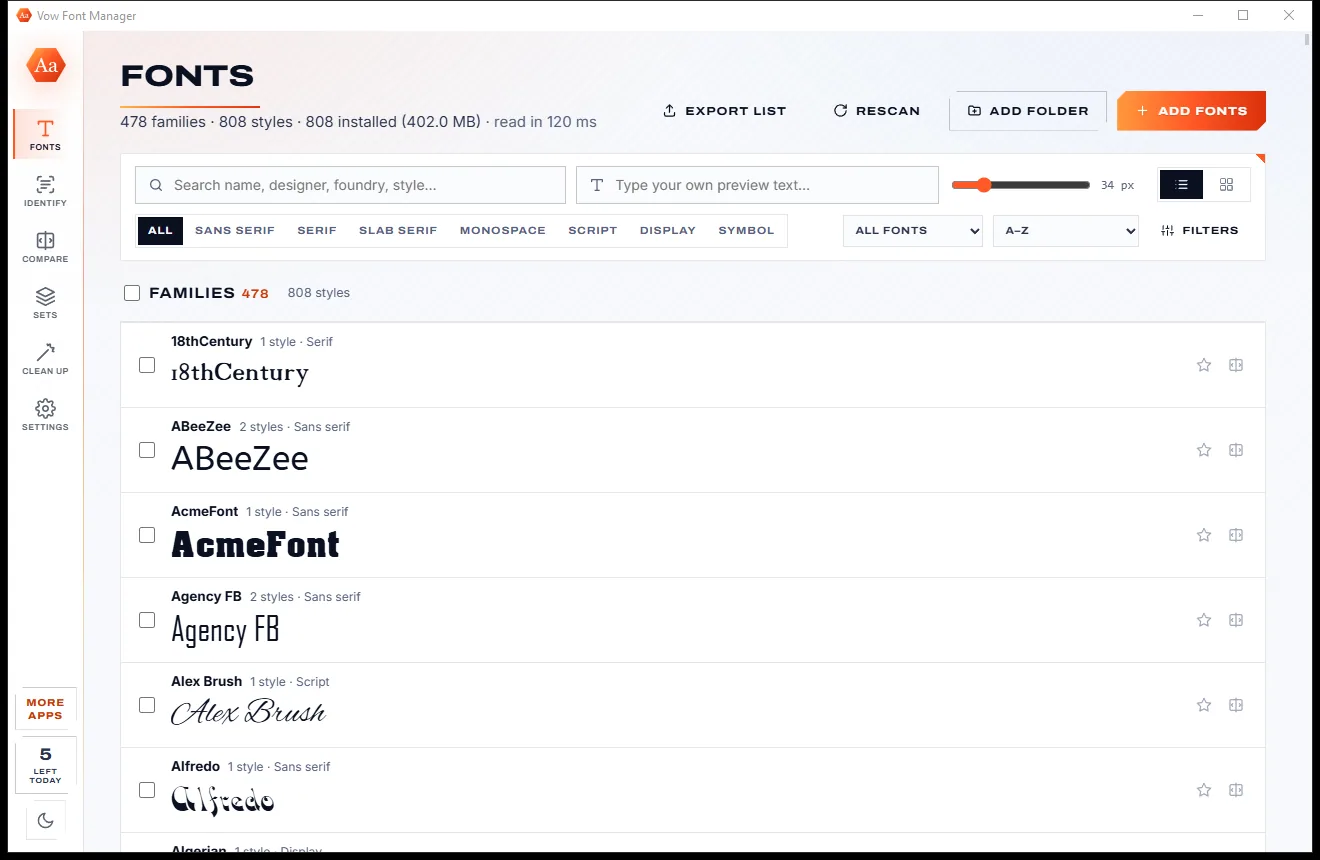
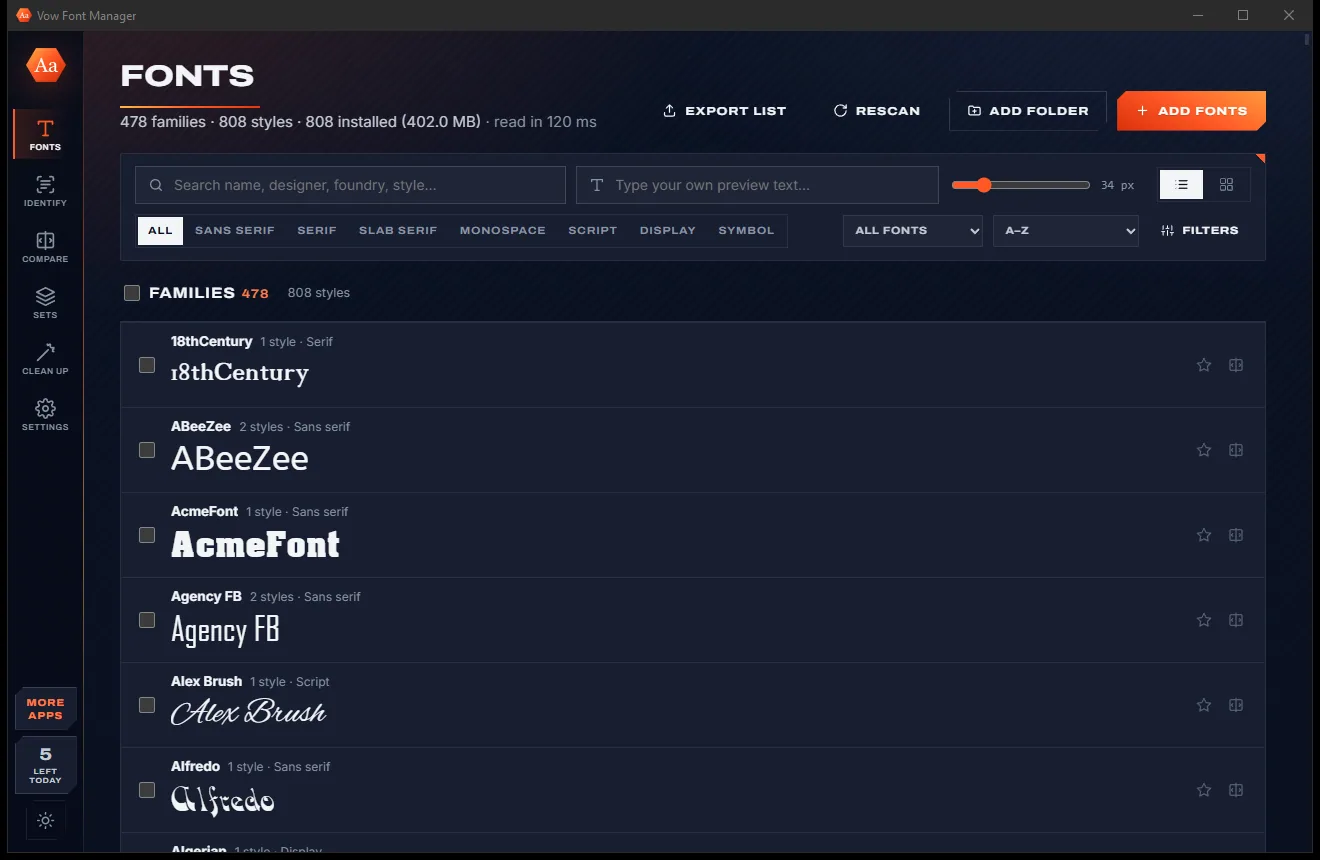

Vow Font Manager
Preview, organise and identify every font on your PC, offline
- Free: Full font management, plus 5 Pro uses a day (identify or switch a set on)
- $4.95 once: Identify fonts and switch sets on without limits, sets kept after restart
Second screen for Windows, in any browser
Start sharing on the PC, scan the QR code with your tablet's camera, and its browser shows your PC straight away. Extend your desktop onto it, mirror a monitor, or show a single window. No app on the tablet, no account, nothing through the internet.


The problem
A spare iPad or Android tablet is a perfectly good extra screen, until you meet the apps, accounts and subscriptions in the way.
Most second-screen tools need a companion app on the tablet, from the right store, kept updated on every device.
Some popular options charge every month or year just to keep using a tablet you already own as a monitor.
Create an account, verify your e-mail and log in on both devices before you see a single pixel.
Some tools let any device on the network connect to your screen without a key or a code.
Video-style streaming smears text, and a busy Wi-Fi lets delay build up until the pointer trails behind your hand.
Browser-based options are often view only: no touch, no pen and no keyboard on the tablet.
Vow Second Screen fixes all of it.
How it works
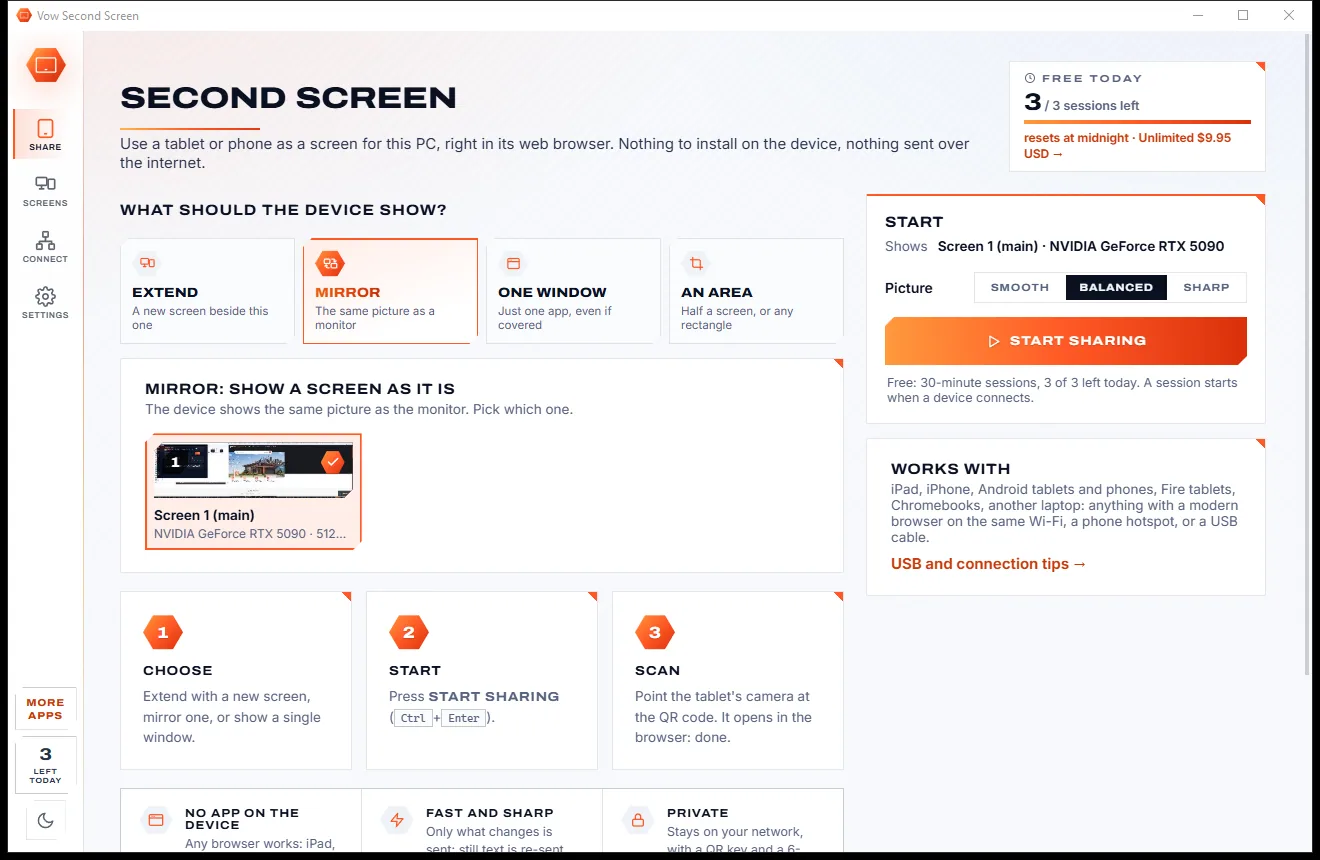
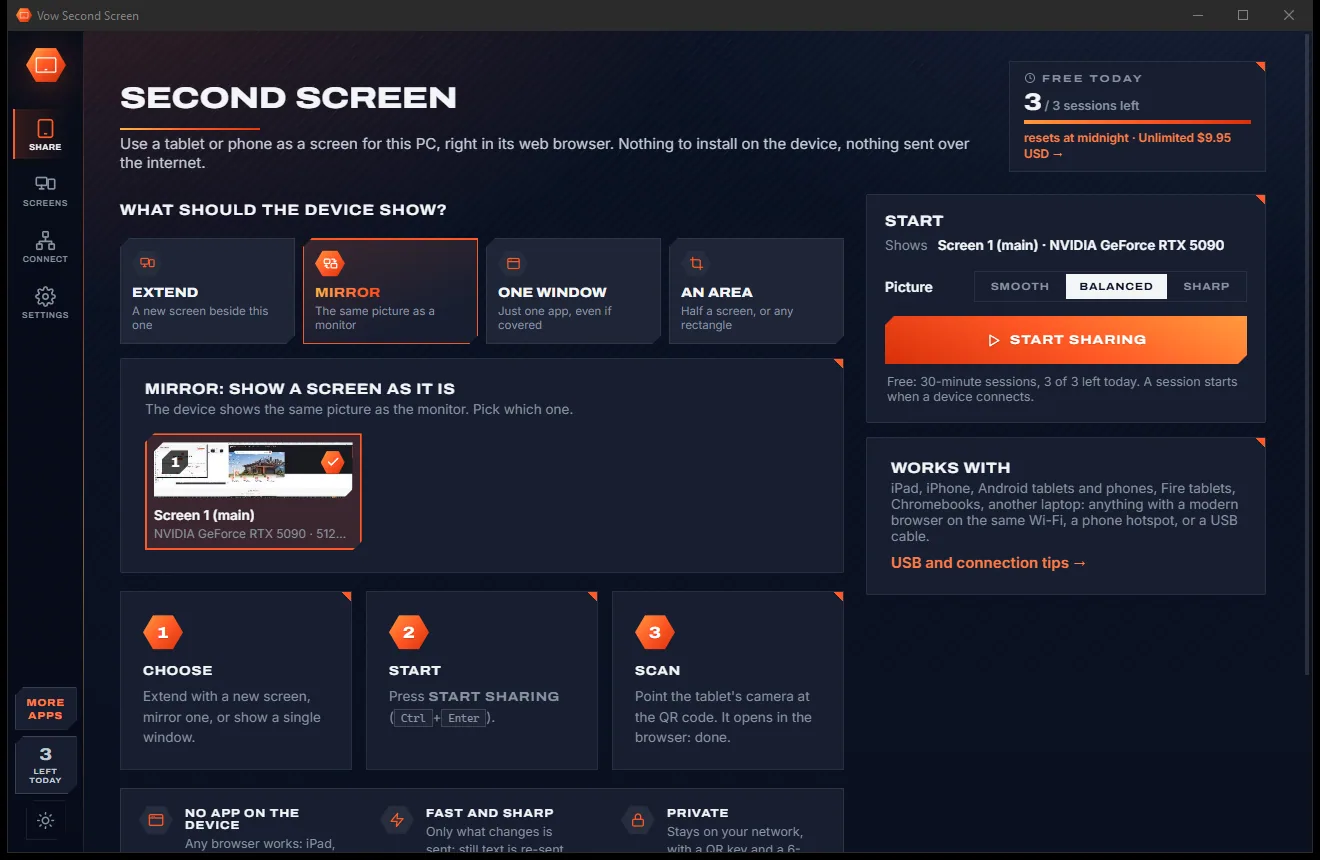
Pick what the tablet shows, press Start sharing and point its camera at the code. The picture appears in the browser at once.
Extend for a new screen beside yours, Mirror for a monitor as it is, One window for a single app, or An area of the screen.


Press Start sharing, then scan the QR code with the tablet's camera. Its browser opens and shows your PC at once.


Tap the menu on the device for touch, mouse, trackpad or view mode, the keyboard, shortcut keys, full screen and the list of screens.


Features
For laptops on the go, artists with a pen, presenters and anyone who wants one more screen.
Works in the browser of an iPad, iPhone, Android tablet or phone, Fire tablet, Chromebook or another laptop.
A real extra screen, a copy of a monitor, one app even when it's covered, or any part of the screen you draw.
The screen is split into small tiles and only the changed ones travel, so the picture keeps up with you.
Parts that stop changing are re-sent at high quality a moment later, with full colour detail for sharp ClearType text.
A busy device skips frames and gets the newest picture, and quality dips briefly when Wi-Fi is busy instead of lagging.
With Unlimited, real Windows multi-touch, a mouse mode and trackpad gestures straight from the tablet.
With Unlimited, pressure, tilt, the barrel button and eraser, with palm rejection for drawing and handwriting.
With Unlimited, an on-screen keyboard, copy, paste, undo, Alt+Tab and Win keys, and sticky Ctrl, Shift and Alt.
Connect over your Wi-Fi, a phone hotspot, or a USB cable for the lowest lag, with a connection check that explains problems.
A random key in the QR code or a 6-digit code, local addresses only, an optional ask-first prompt, and nothing over the internet.
Light & dark theme
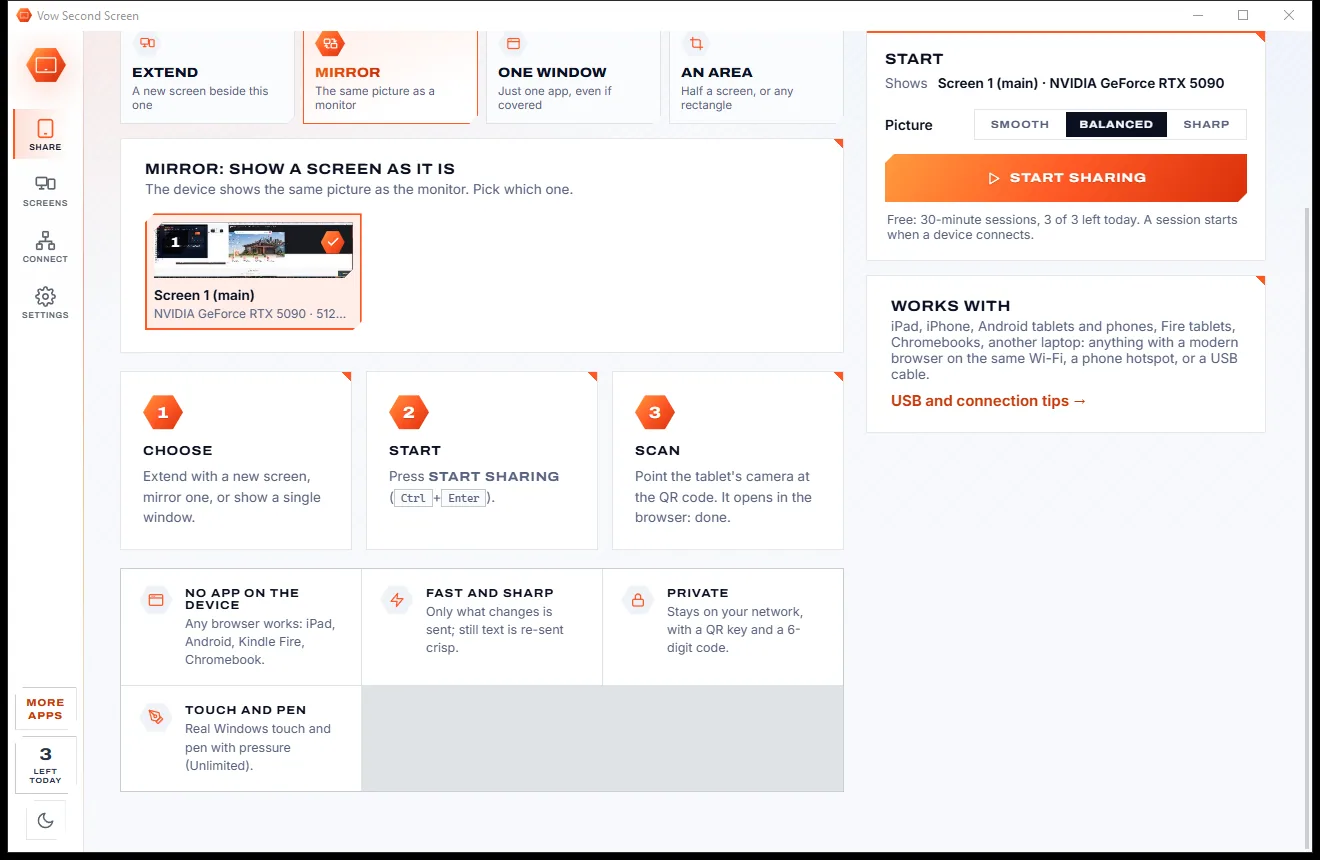
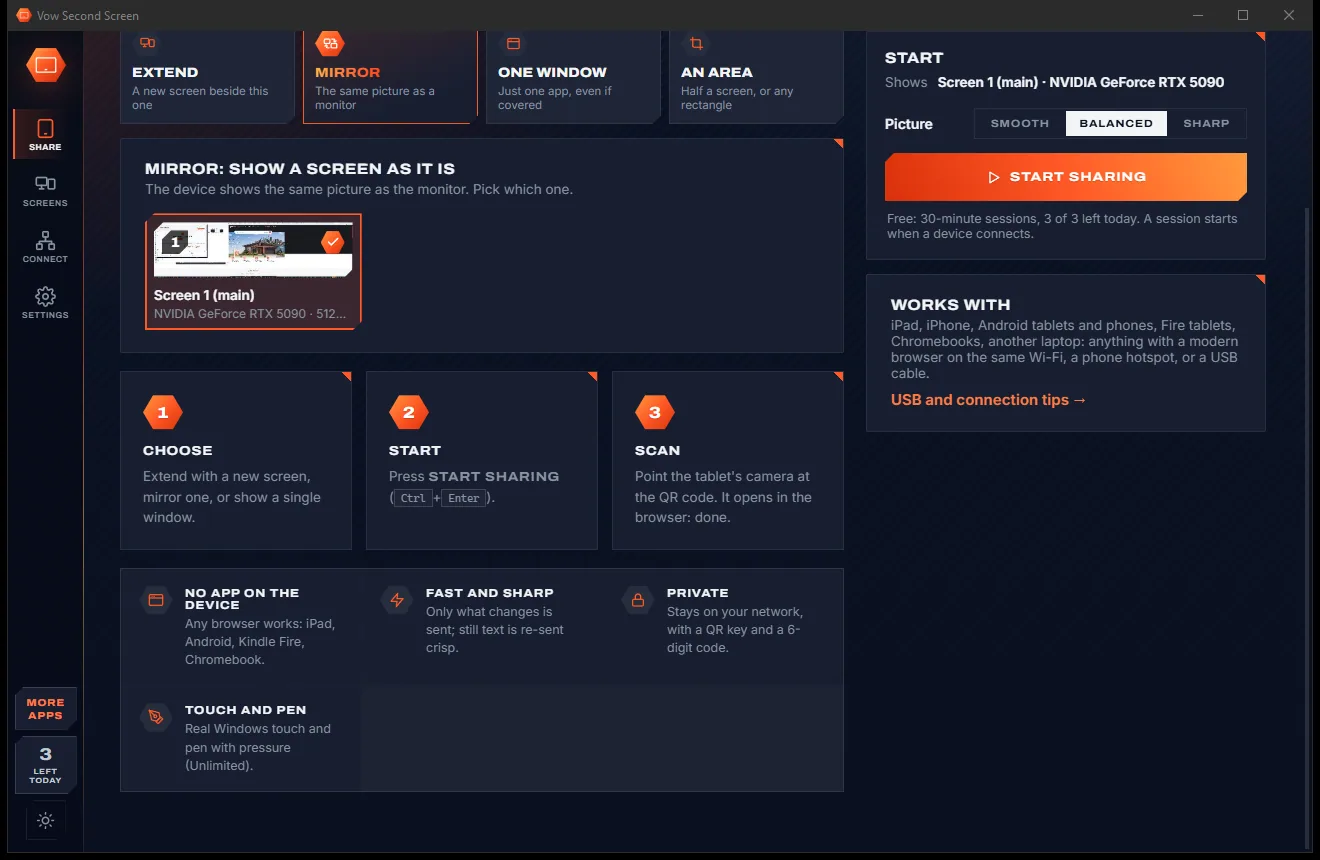
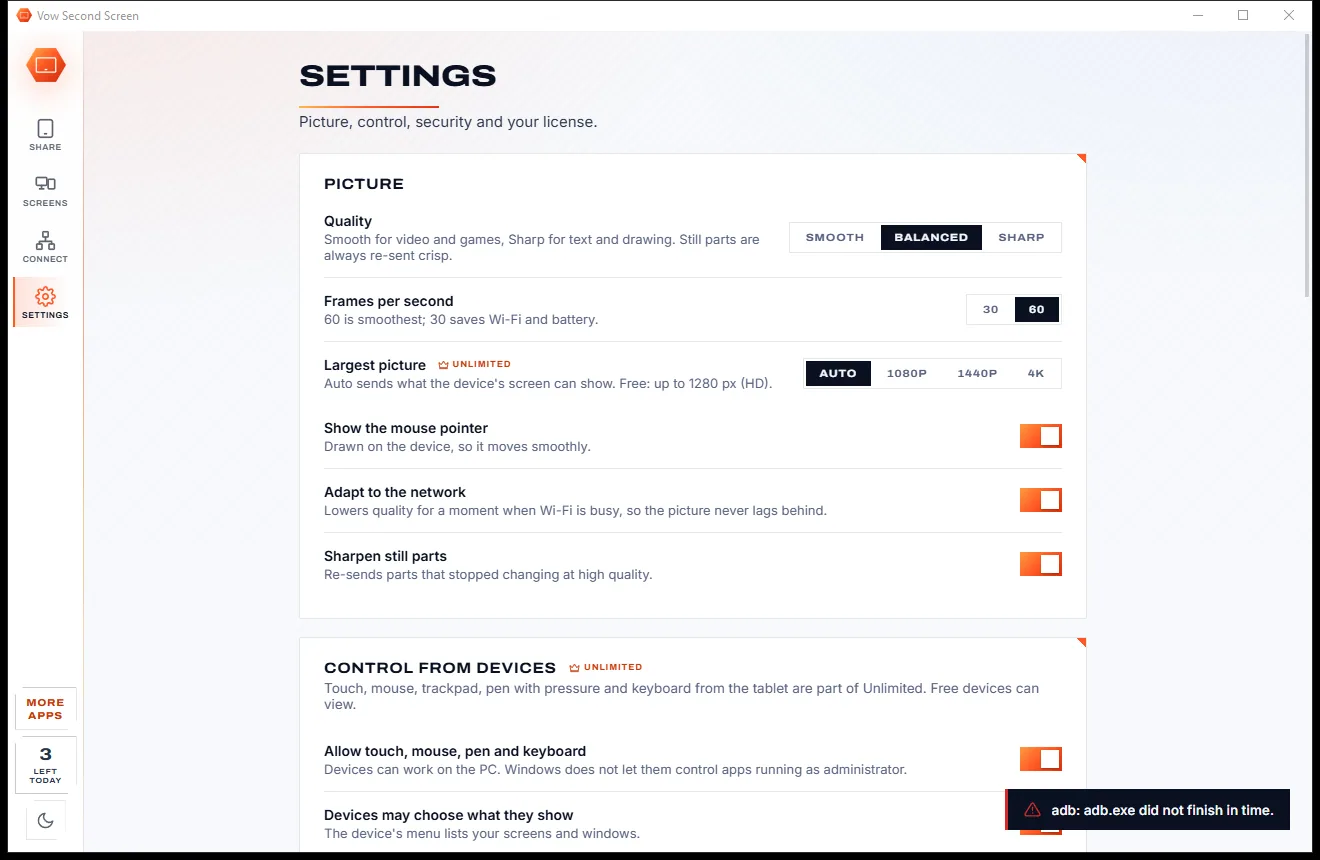
Second Screen comes with a crisp light theme and a calm dark theme. Switch with one click, or let it follow your Windows setting by itself. It remembers your choice.


Screenshots
Real screenshots of the real app, in both of its themes: 6 light, 6 dark. Click any picture to see it full size.
Light theme
Dark theme
Who it's for
Add a second screen in a coffee shop or hotel room with the tablet already in your bag.
Draw on the PC with a tablet pen, pressure included, or keep your tool palettes on the tablet.
Mirror your screen to a tablet in your hand and control the PC from across the room.
Keep messages, a music player or a video call on the tablet while you work on the main screen.
Show one window, a corner or half of an ultra-wide screen on a tablet stand next to you.
Mirror the PC to a tablet and use touch and the keyboard to run it from anywhere in the house.
Compare
What it usually takes to turn a tablet into an extra monitor, side by side.
| Feature | Typical second-screen apps | |
|---|---|---|
| App needed on the tablet | No: any web browser | Usually a companion app |
| Price | Free every day, or $4.95 once | Often a subscription |
| Account or sign-in | None | Sometimes required |
| Pairing security | QR key or 6-digit code | Not always |
| Touch and pen with pressure | Yes, with Unlimited | View only in browser-based tools |
| Wi-Fi and USB | Both, plus phone hotspot | Often one or the other |
| Goes through the internet | Never: local network only | Some use online services |
| Ads and watermarks | None | Common on free versions |
"Typical" describes what we found across the most-downloaded alternatives when we built Second Screen. Your mileage with any one of them may vary; ours won't.
Pricing
That is not a typo. Software this powerful usually means a monthly subscription; Second Screen is $4.95, once, for life: it's almost a giveaway. Use it free for as long as you like, and unlock Unlimited only if you need more.
3 sessions a day of 30 minutes, HD picture, view only, one device.
Almost a giveaway. Less than a coffee for software this powerful: no subscription, no renewals, yours for life on 2 PCs.
Any length, up to 4K, touch, pen and keyboard, up to 6 devices.
Payments by Stripe: we never see or store your card. Questions? Ask a real person.
Clean software
Most "free" Windows downloads pay for themselves with ads, bundled extras or your data. Vow Second Screen doesn't need to: it's paid for honestly, once, by the people who find it useful.
Download Second Screen freeStep-by-step guide
From a spare tablet to an extra monitor in about a minute, with nothing installed on the tablet.
Step 1: get it freeDownload it from this page and run the installer. It needs no administrator rights and no account. Nothing is installed on the tablet.
On the Share page pick Extend, Mirror, One window or An area. For Extend on a PC with one monitor, the Screens page sets up a free virtual screen once.
Press Start sharing or Ctrl+Enter. A QR code, the PC's address and a 6-digit code appear. If Windows Firewall would block the tablet, the app offers to allow it.
Point the tablet's camera at the code and tap the link, or type the address into any browser and enter the code. The tablet shows your PC straight away.
Tap the menu button for Touch, Mouse, Trackpad or View mode, the keyboard and shortcut keys, fit or fill, and full screen. Next time, just open the same address.
Technical details
FAQ
Yes. You can use 3 sessions a day of up to 30 minutes each, in HD, with one device viewing your screen. There are no ads and no watermarks. Unlimited, a one-time $4.95 USD payment, gives unlimited sessions of any length, full resolution up to 4K, touch, pen and keyboard control, and up to 6 devices at once.
No. The tablet uses its web browser. That works on iPad, iPhone, Android tablets and phones, Fire tablets, Chromebooks and other laptops. You can add it to the home screen for quick access.
Yes. Extend needs a screen Windows can put windows on. If your PC has only one, the Screens page sets up the free, open-source Virtual Display Driver once, using Windows' own package manager. A dummy HDMI plug works too.
Yes. Android devices can connect over USB debugging with one click, and iPhone, iPad or Android can share a network over the cable with Personal Hotspot or USB tethering. A USB cable gives the lowest lag.
No. The picture travels only over your own network, a phone hotspot or a USB cable. There is no account and no cloud, and only devices on your local network that have the key or code can connect.
Duet Display is a subscription; Vow is $4.95 once, or free every day. Unlike spacedesk, devices pair with a key in the QR code or a 6-digit code. Deskreen, also browser-based, is view only, while Unlimited here adds touch and a pen with pressure.
Windows does not let a normal app send input to apps running as administrator. Run that app normally, or run Vow Second Screen as administrator, to control it from the tablet. UAC prompts and the lock screen can't be shown on the device.
Yes. It is made and published by XTO Pty Ltd, an Australian company. The installer contains no ads, no toolbars and no bundled software, needs no administrator rights, and uninstalls cleanly from Windows Settings.
The Vow collection
Same design, same promises, a tiny one-time price. Learn one and you already know them all.
Preview, organise and identify every font on your PC, offline
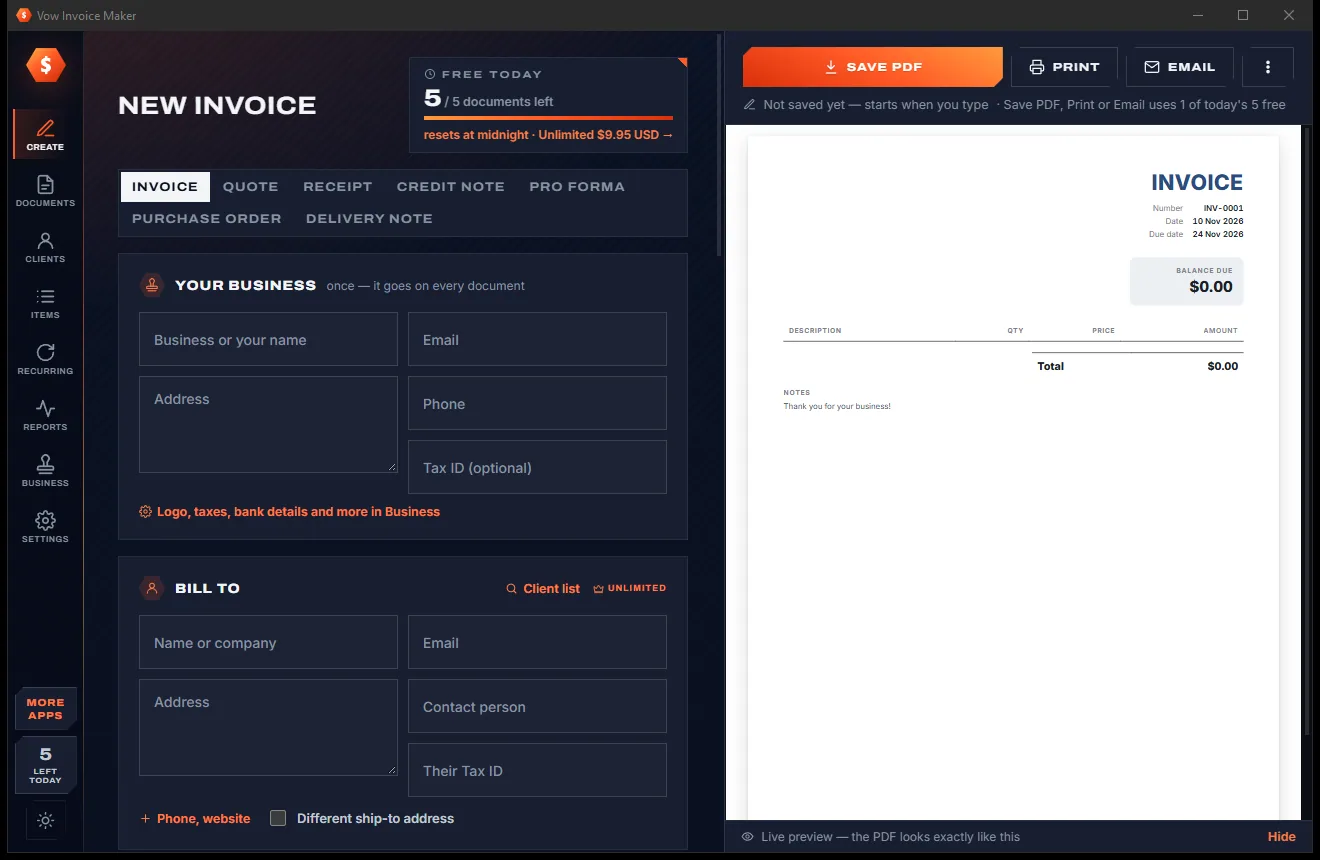
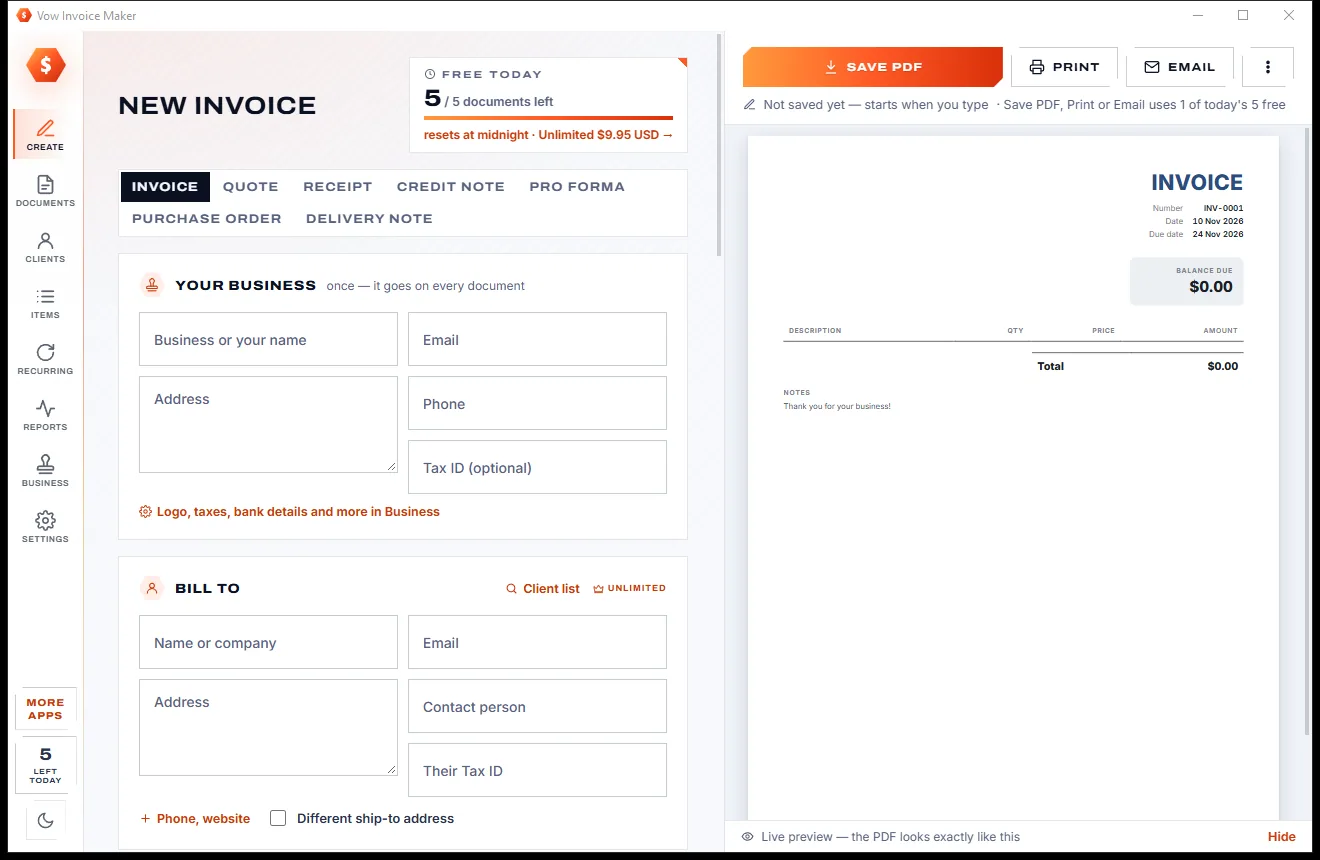
Professional invoices and quotes on Windows, without a subscription
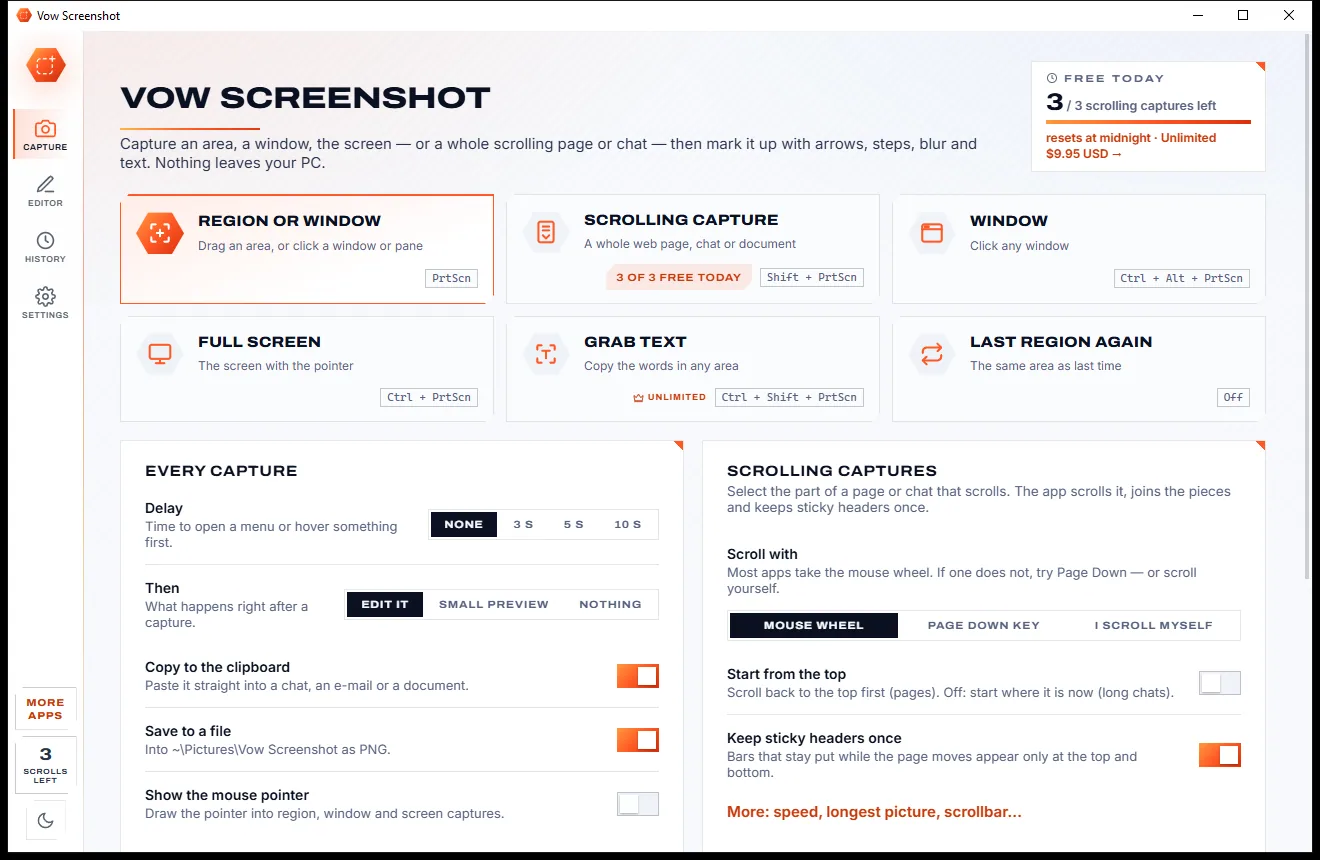
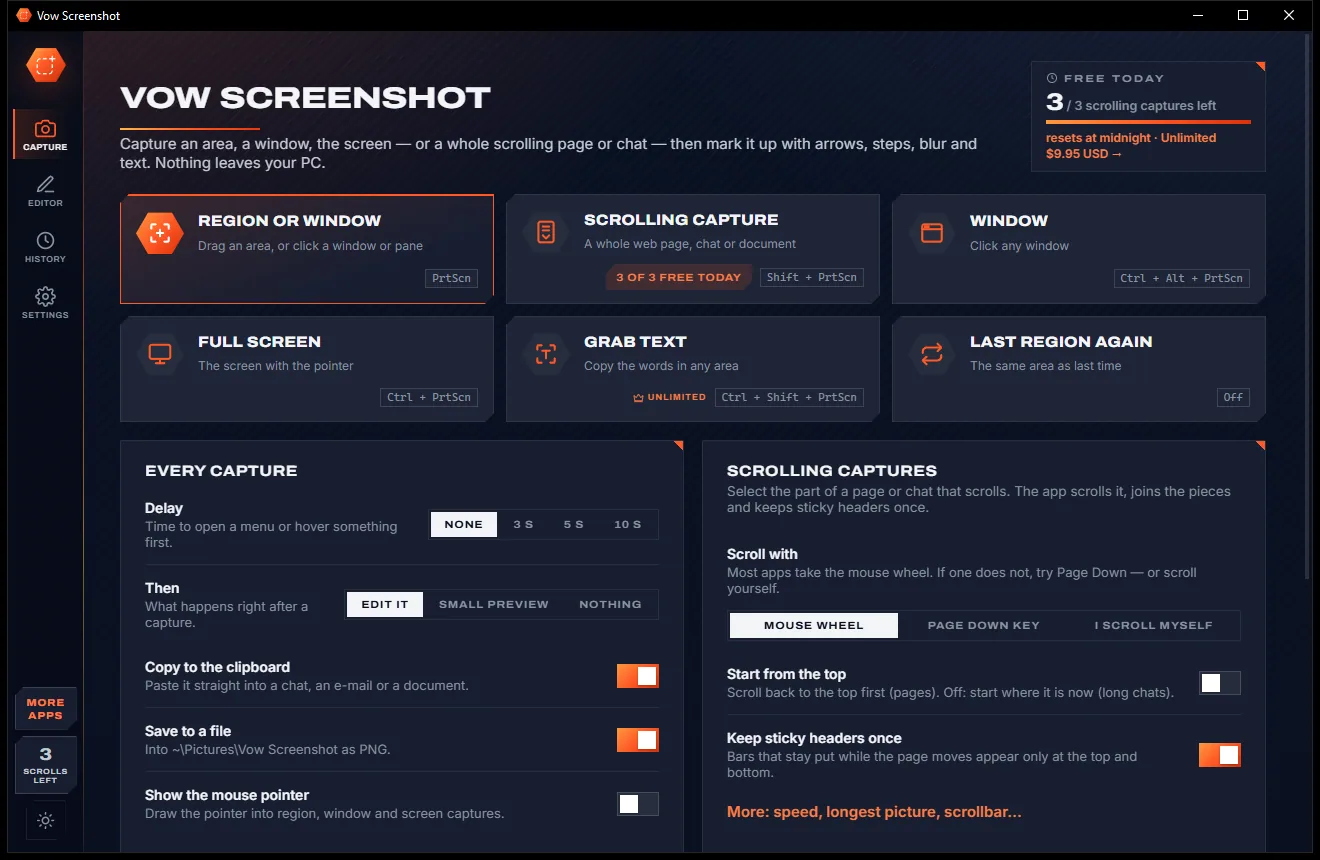
Screenshots and whole scrolling pages, marked up in seconds
Turn a tablet or phone into a second screen for your PC, in its browser. Free to use every day, $4.95 once if you ever want Unlimited.