
Video
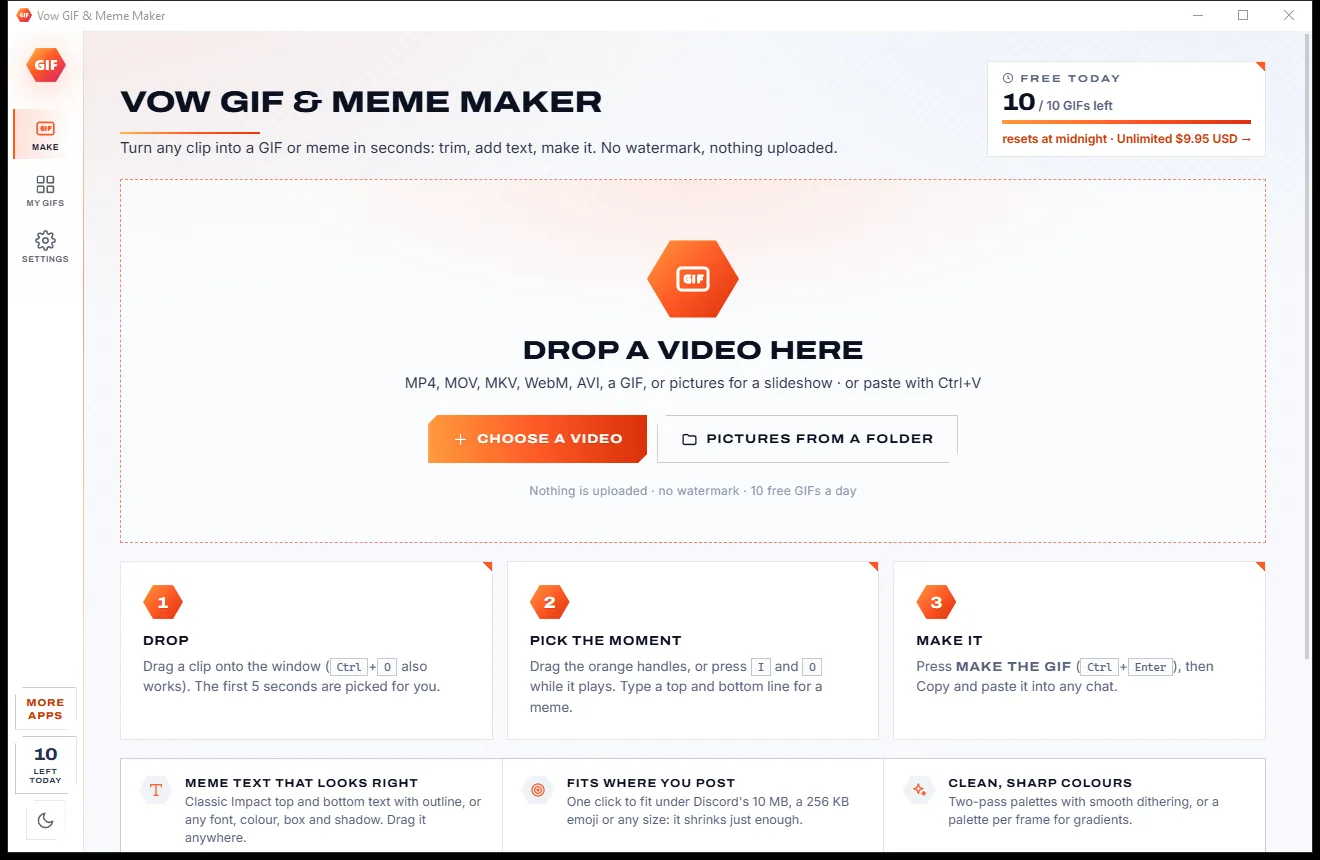
Vow GIF & Meme Maker
Turn any video clip into a GIF or meme, with no watermark
- Free: 10 GIFs a day, up to 10 seconds at 480p, with meme text
- $4.95 once: Any length, HD up to the original size, MP4, WebP and APNG

AI subtitle generator & translator for Windows
Drop a video, pick the languages, press Create. Every word is heard and timed by Whisper AI on your own graphics card, then translated offline, and the .srt files land right beside the video. No uploads, no per-minute credits, no subscription.
The problem
Look for an automatic subtitle tool and you mostly find upload queues, credit meters and watermarked exports.
Online caption sites want your whole video on their servers, then make you wait in a queue for the result.
Free minutes run out after one clip. A long lecture or a series of episodes quickly turns into a bill.
Translation, burned-in captions and longer videos are usually locked behind a subscription that renews every month.
Free tiers stamp a logo on the finished video, or cap the resolution, right when you need it to look professional.
Typing and syncing every line by hand takes far longer than the video itself, and one slip throws everything out.
Paste lines into a translator one by one, then fix the timing again. Doing three languages means doing it three times.
Vow Auto Subtitle Generator and Translator fixes all of it.
How it works
Three choices, one button, and timed subtitles appear beside your video, ready for any player.
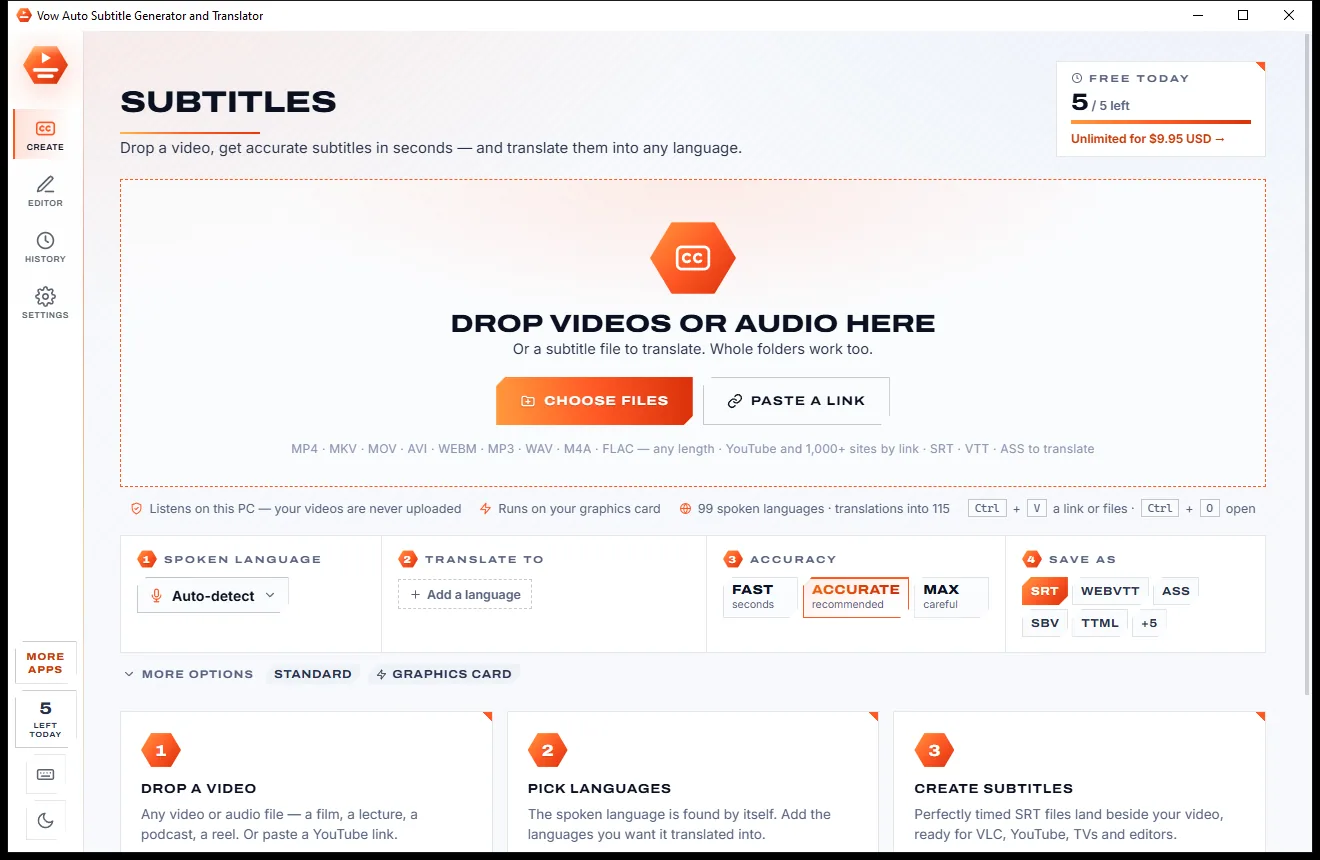
Drag in a video or audio file, a whole folder, or a subtitle file to translate. MP4, MKV, MOV, MP3, WAV and more, any length.
The spoken language is detected by itself. Add the languages you want it translated into, and choose SRT, WebVTT, ASS or more.
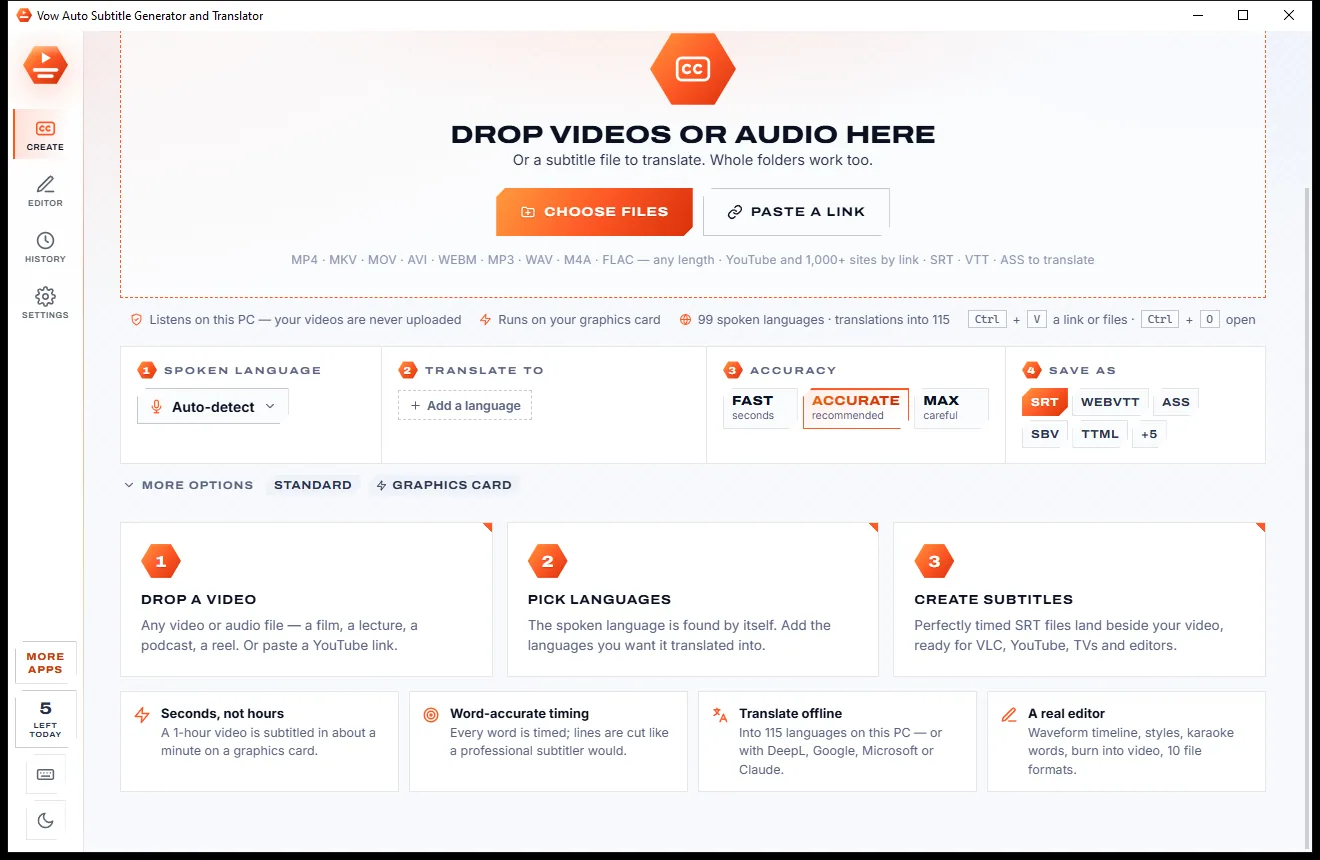
Press Create subtitles. Movie.en.srt and Movie.es.srt land beside the video, and the editor opens with the video, the lines and a timeline.
Features
For creators, teachers, translators and anyone who wants their videos understood, in their own language or someone else's.
Whisper speech recognition, Large v3 Turbo by default, hears 99 languages and detects the spoken one by itself.
Offline on your PC, keeping every subtitle's timing. Several languages at once, bilingual files, a glossary and formal or informal tone.
Every word gets its own time and lines are cut at natural pauses within reading rules, with presets for broadcast, short videos and word by word.
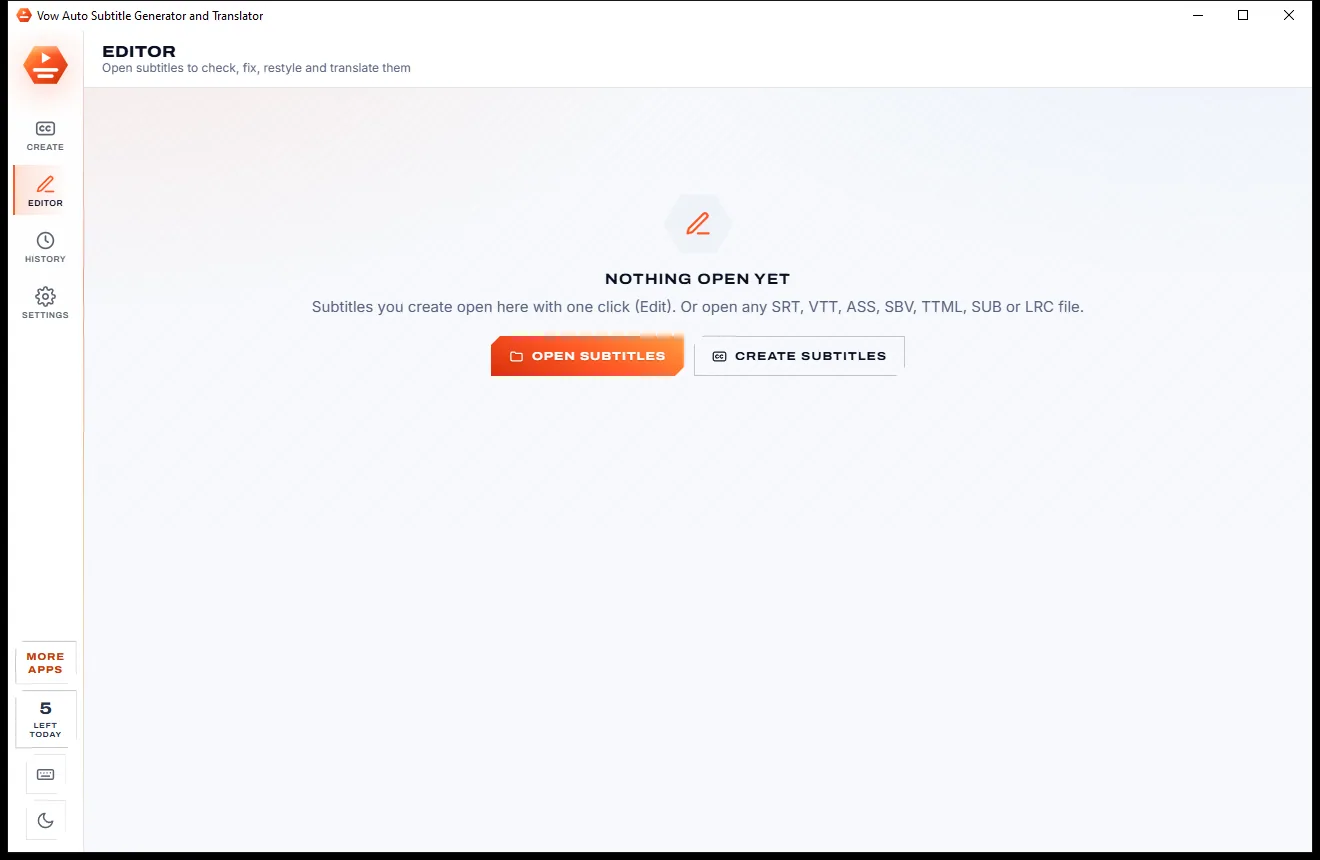
The video with the subtitle on it, the list beside its translation and a waveform timeline: drag to retime, split, merge, find and replace, undo.
Classic, Cinema, Boxed, Yellow, Social, Neon or Minimal, or your own font, colours and box, with karaoke-style word highlighting.
Burn subtitles into a copy of the video, encoded on your graphics card, or add switchable subtitle tracks to MP4 and MKV without re-encoding.
Saves SRT, WebVTT, ASS, SBV, TTML, MicroDVD, LRC, text, JSON and CSV, and opens all of them for translation or editing.
Runs on NVIDIA, AMD or Intel graphics through Vulkan, or on the processor. Voice detection skips silence and music so nothing is invented.
Listening and offline translation happen on your PC. Your videos are never uploaded, and online translators are only used if you choose one.
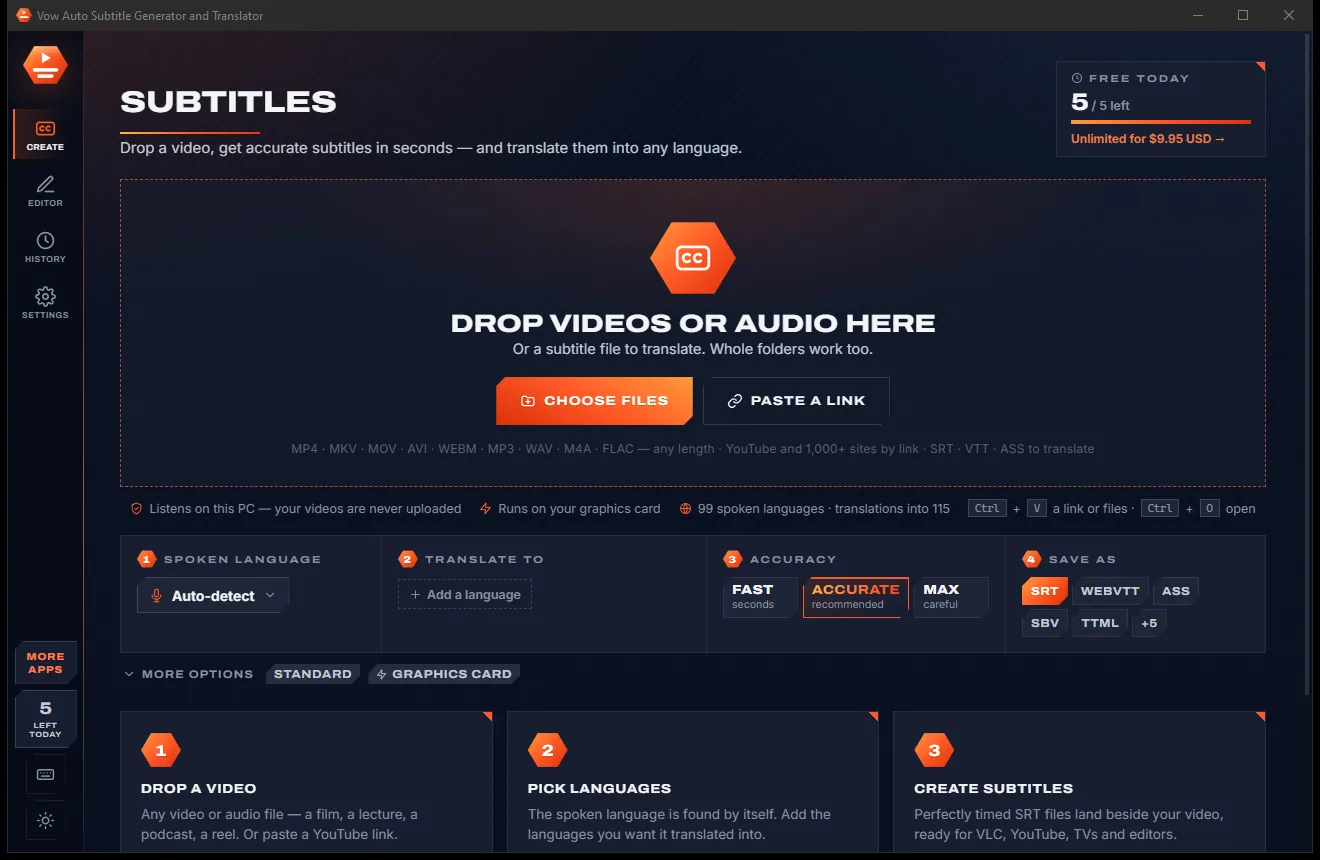
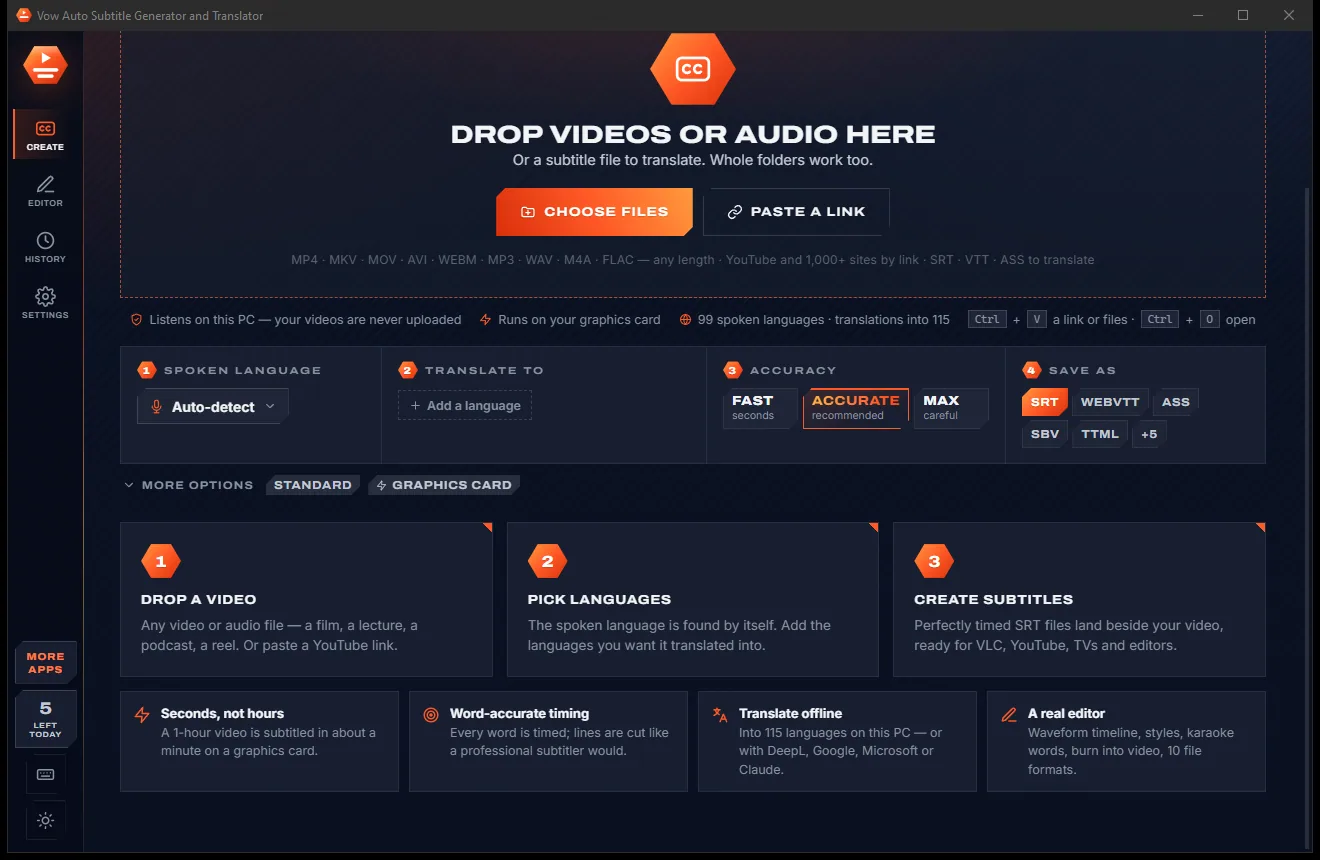
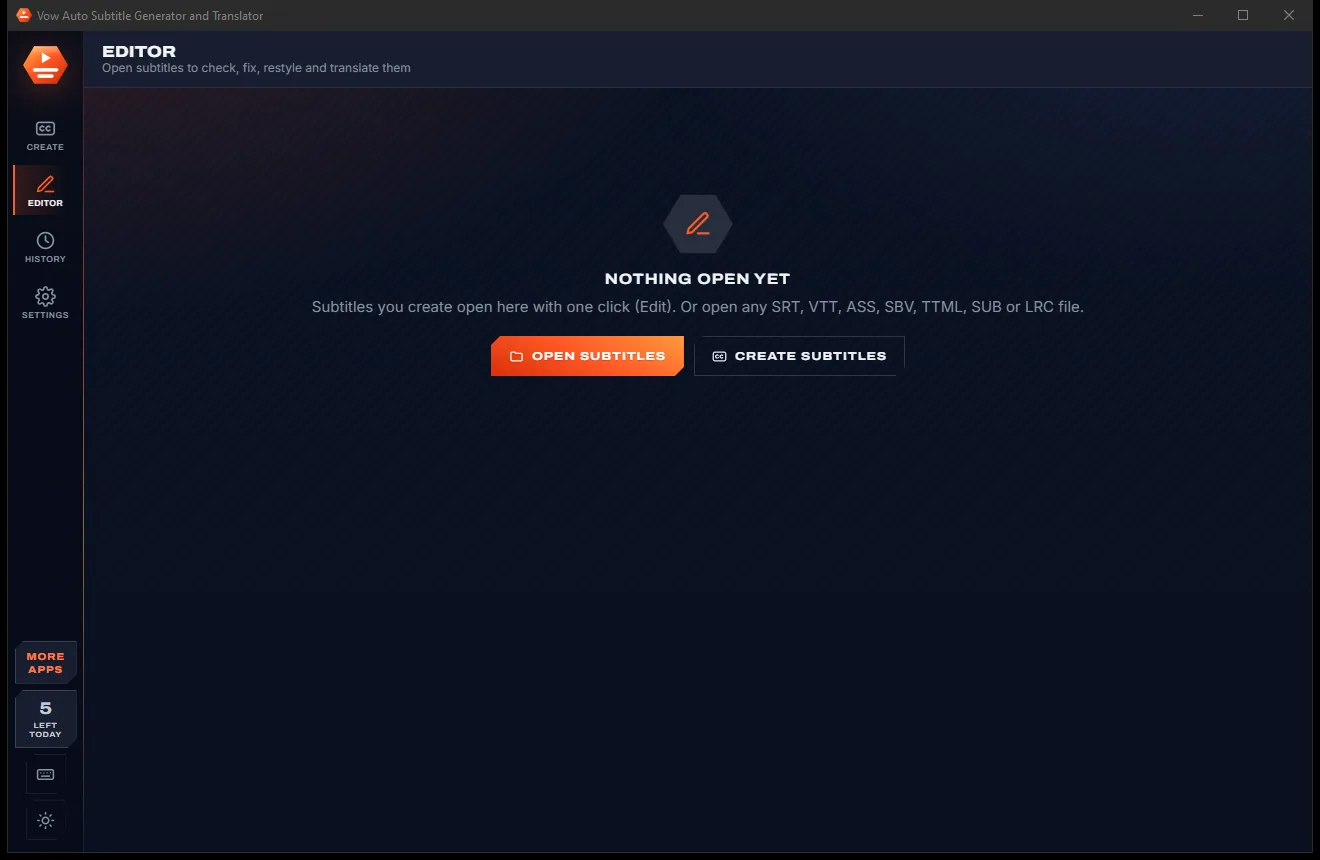
Switch between a bright paper look and a dark carbon look with one click in the sidebar, or let it follow Windows.
Light & dark theme
Subtitle Generator comes with a crisp light theme and a calm dark theme. Switch with one click, or let it follow your Windows setting by itself. It remembers your choice.
Screenshots
Real screenshots of the real app, in both of its themes: 6 light, 6 dark. Click any picture to see it full size.
Light theme
Dark theme
Who it's for
Captions for every upload, plus translated subtitle files that open your channel to new audiences.
Bold burned-in captions with words that light up as they are spoken, made for silent autoplay.
Subtitle lectures and training videos so every student can follow along, in their own language too.
Product videos, webinars and announcements subtitled and translated without a production agency.
Accurate captions for viewers who are deaf or hard of hearing, or who watch with the sound off.
Subtitles for family videos, interviews and foreign-language films you own, picked up by VLC and TVs.
Compare
What you actually get from typical online caption sites and subscription editors, side by side.
| Feature | Vow Auto Subtitle Generator and Translator | Online caption sites & subscription editors |
|---|---|---|
| Price | Free every day, or $9.95 once | Per-minute credits or a monthly plan |
| Your video is uploaded | Never: it is heard on your PC | Yes, to their servers |
| Watermarks on burned-in video | None | Common on free tiers |
| Translation into other languages | 115 languages, offline | Often a paid add-on |
| Word-level timing and reading rules | Yes, with presets | Varies |
| Full editor with waveform timeline | Yes | Basic text boxes on many sites |
| Subtitle formats | 10, from SRT to TTML and ASS | Usually SRT and VTT |
| Works without internet | Yes, after the one-time model download | No, for online tools |
| Ads and upsell pop-ups | None | Common |
"Typical" describes what we found across the most-downloaded alternatives when we built Subtitle Generator. Your mileage with any one of them may vary; ours won't.
Pricing
That is not a typo. Software this powerful usually means a monthly subscription; Subtitle Generator is $9.95, once, for life: it's almost a giveaway. Use it free for as long as you like, and unlock Unlimited only if you need more.
5 videos a day, every model, language and format, the full editor.
Almost a giveaway. Less than a takeaway lunch for software this powerful: no subscription, no renewals, yours for life on 2 PCs.
Unlimited videos and translations, whole folders and series at once.
Payments by Stripe: we never see or store your card. Questions? Ask a real person.
Clean software
Most "free" Windows downloads pay for themselves with ads, bundled extras or your data. Vow Auto Subtitle Generator and Translator doesn't need to: it's paid for honestly, once, by the people who find it useful.
Download Subtitle Generator freeStep-by-step guide
Automatic, translated subtitles in a few minutes, without uploading the video anywhere.
Step 1: get it freeDownload Vow Auto Subtitle Generator and Translator from this page and run the installer. It needs no administrator rights and no account. The speech model downloads once with your first video.
Drag in the video or audio file, press Ctrl+O, or right-click it in Explorer and choose Create subtitles with Vow. Whole folders work too.
Leave the spoken language on Auto-detect. Under Translate to, add any languages you want, for example Spanish and French, and keep SRT as the format.
Accurate is the recommended setting; Fast and Max are one click away. The subtitles are written beside the video as Movie.en.srt, Movie.es.srt and so on.
Press Edit to see the subtitles on the video, read the translation beside each line and drag blocks on the timeline to adjust. Then burn them into a copy, or just play the video in any player.
Technical details
FAQ
Yes. You can subtitle or translate 5 videos every day for free, with every speech model, every language and every format, the full editor, styles and videos with burned-in subtitles. There are no ads and no watermarks. Unlimited, a one-time $9.95 USD payment, removes the daily limit and lets you do whole folders and series in one go.
No. Speech recognition and offline translation run on your own PC, on the graphics card or the processor. The AI models download once on first use; after that subtitles work with no internet. Online translators such as DeepL or Google are only used if you choose them in Settings.
It recognises 99 spoken languages and detects which one is spoken by itself. It translates subtitles into 115 languages, several at once, keeping each subtitle's timing.
SRT, WebVTT, ASS, SBV, TTML / DFXP, MicroDVD SUB, LRC, plain text, JSON with every word, and CSV. It can also open all of them except plain text, to translate or edit existing subtitles.
Yes. Make a copy of the video with the subtitles burned in, in one of the ready styles or your own font, colours, outline and box, with optional word-by-word highlighting. Or add switchable subtitle tracks to MP4 and MKV without re-encoding.
On a fast graphics card it works many times faster than real time: the developer measured a 1-hour recording in about 50 seconds on an RTX 5090. It also runs on NVIDIA, AMD and Intel graphics or on the processor alone, more slowly.
Yes, for videos you own or have the right to download. Paste a YouTube or other video link and it fetches just the sound to subtitle, or the video too when you burn subtitles in.
Yes. It is made and published by XTO Pty Ltd, an Australian company. The installer contains no ads, no toolbars and no bundled software, needs no administrator rights, and uninstalls cleanly from Windows Settings.
The Vow collection
Same design, same promises, a tiny one-time price. Learn one and you already know them all.
Turn any video clip into a GIF or meme, with no watermark

Steady any shaky video in one click, right on your PC

Turn home DVDs, camcorder clips and tapes into MP4s that play anywhere
Accurate subtitles for any video, translated into any language, on your PC. Free to use every day, $9.95 once if you ever want Unlimited.