
Files
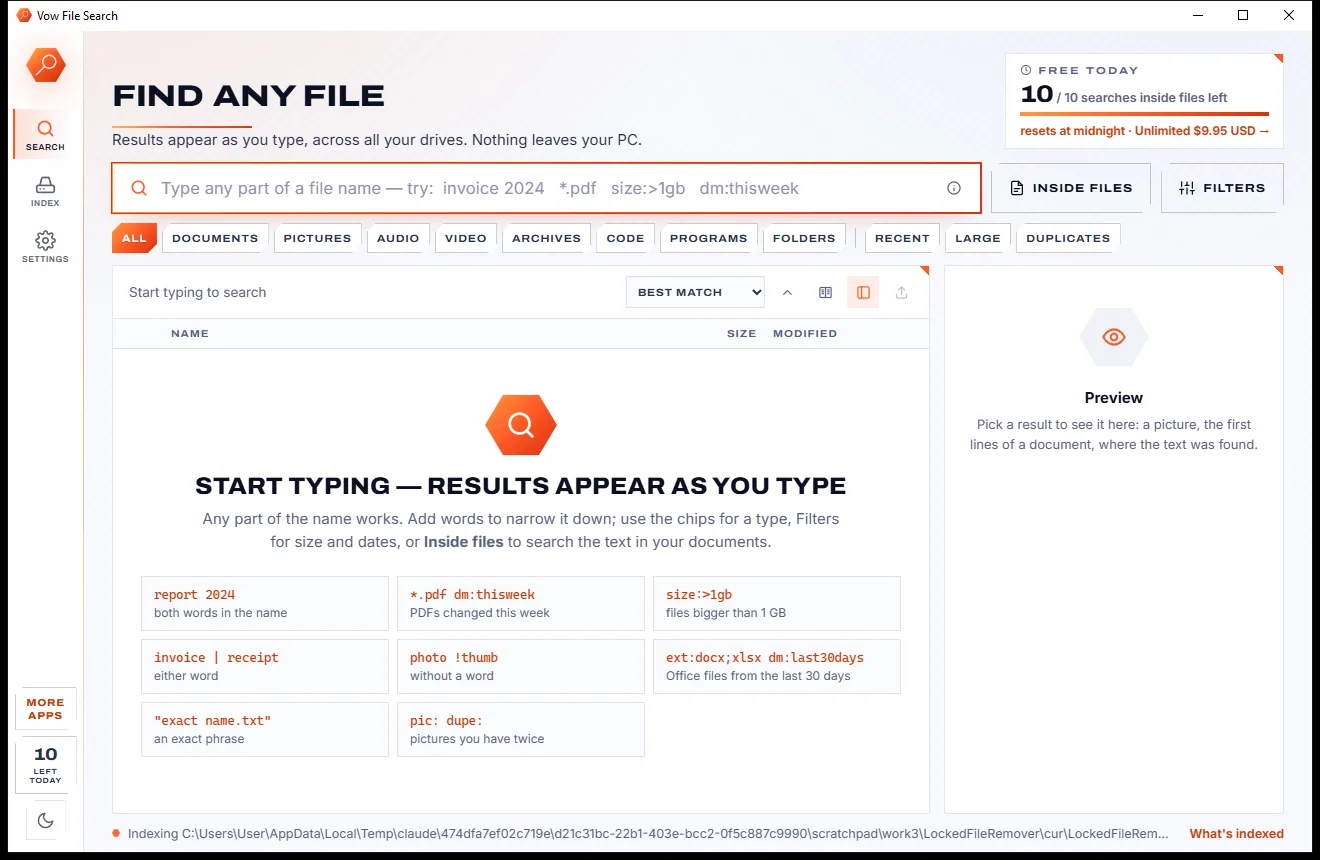
Vow File Search
Find any file as you type, across every drive
- Free: Unlimited file name search on every drive, 10 searches inside files a day
- $4.95 once: Unlimited searches inside files, network drives and NAS shares

Locked file remover for Windows
Drop the file or folder that won't delete. Vow Locked File Remover names every program holding it, releases the file while those programs keep running, and deletes, renames, moves or copies it in the same click. No ads, no sign-up, nothing uploaded.
The problem
Windows tells you a file is in use, but not by what. So you close windows at random, restart, or reach for a tool you aren't sure you can trust.
Windows says the file is open in another program but never says which one, so you close windows and hope.
Rebooting the whole PC to delete one stubborn file, only to find it locked again a minute later.
Unlockers that end programs straight away, so unsaved work disappears along with the lock.
Most force-delete tools skip the Recycle Bin, so a wrong file can't be brought back.
Free unlockers that arrive with toolbars, browser changes or extra programs tucked into the installer.
Files buried past 260 characters, or named CON or ending in a dot, that nothing seems able to delete.
Vow Locked File Remover fixes all of it.
How it works
The program holding your file named in well under a second, and the gentlest way to free it chosen for you.
Drag the file or folder that won't delete onto the window, press Ctrl+O, or paste it with Ctrl+V. It is checked straight away.
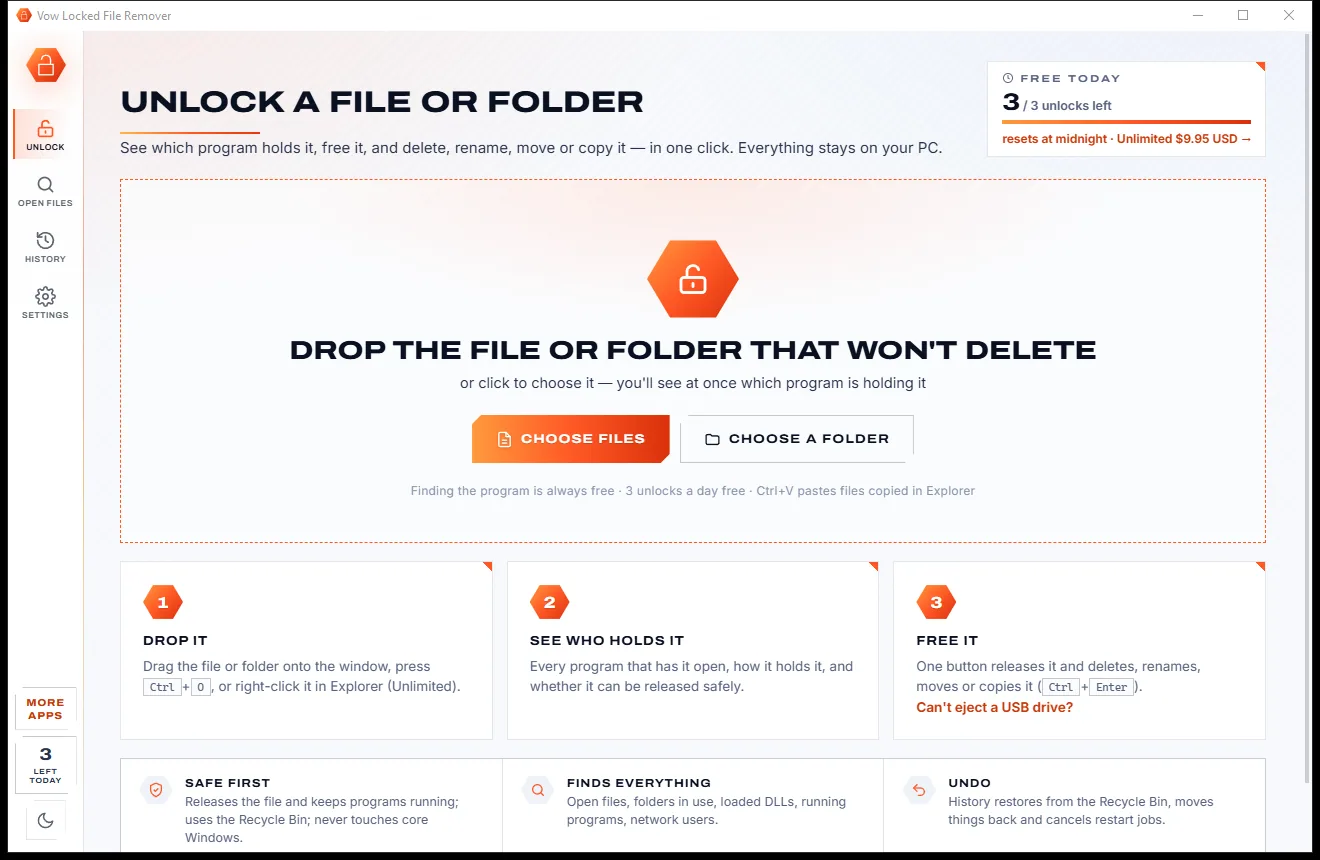
Every program holding it is listed with its icon, name and PID, and how it holds it: an open file, a folder in use, a loaded DLL or the running program itself.
Choose Delete, Just unlock, Rename, Move or Copy and press the button. The file is released inside the program, which keeps running.
Features
Built to be careful: release first, close politely second, and end a program only when you say so.
Four ways at once: the kernel's per-file process list, Restart Manager, a full handle scan and a module scan, so nothing is missed.
"Has it open", "is using the folder", a loaded DLL or the running program, with tags for Windows parts, background programs and services.
Closes the file's handles inside the programs while they keep running. Close politely and End are there when you need them.
csrss, winlogon, lsass, dwm, Defender and the rest are never touched, and every handle is checked again just before it is closed.
Deletes go to the Recycle Bin by default, and History restores items, moves renames back and cancels restart jobs.
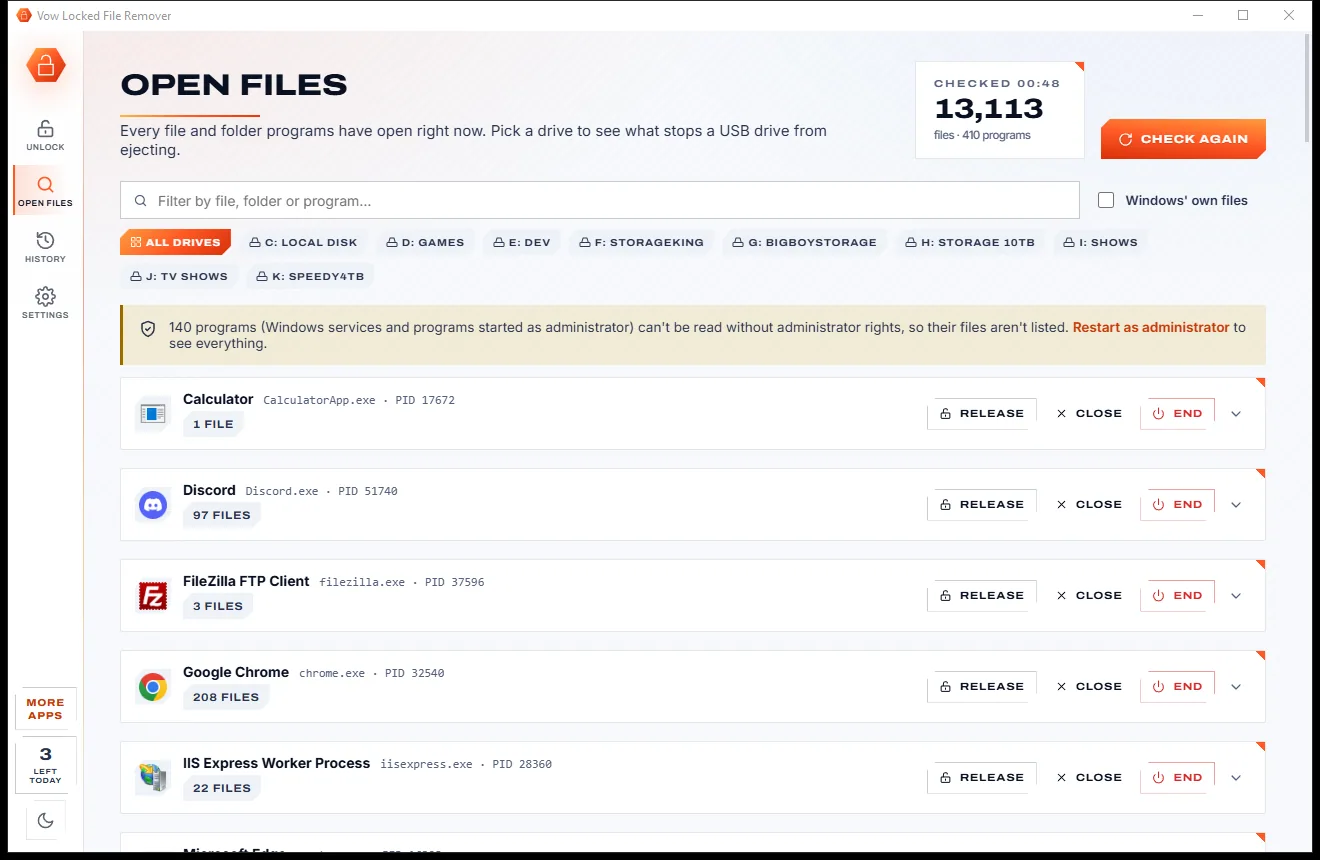
Click the drive to see what is using it, or release everything on it in one go.
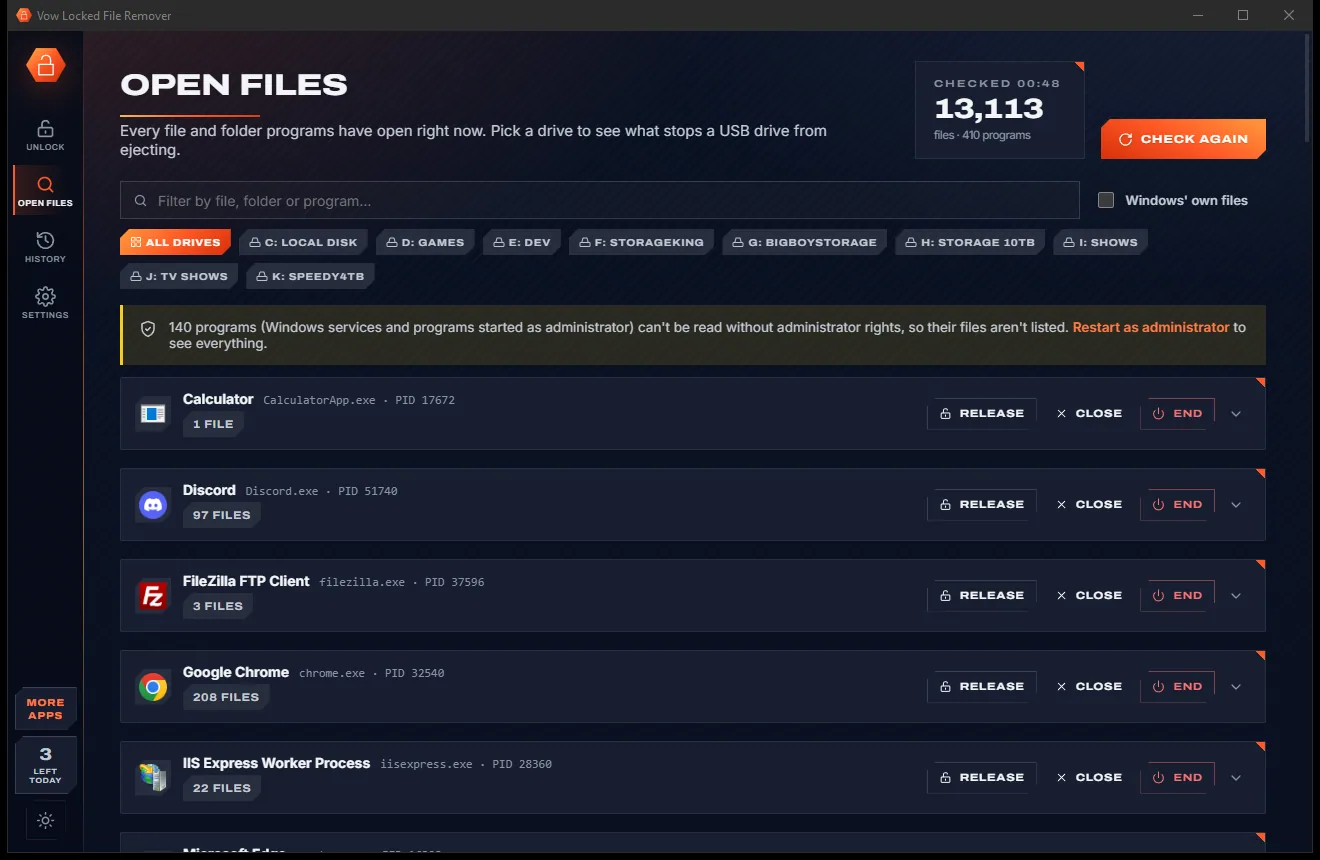
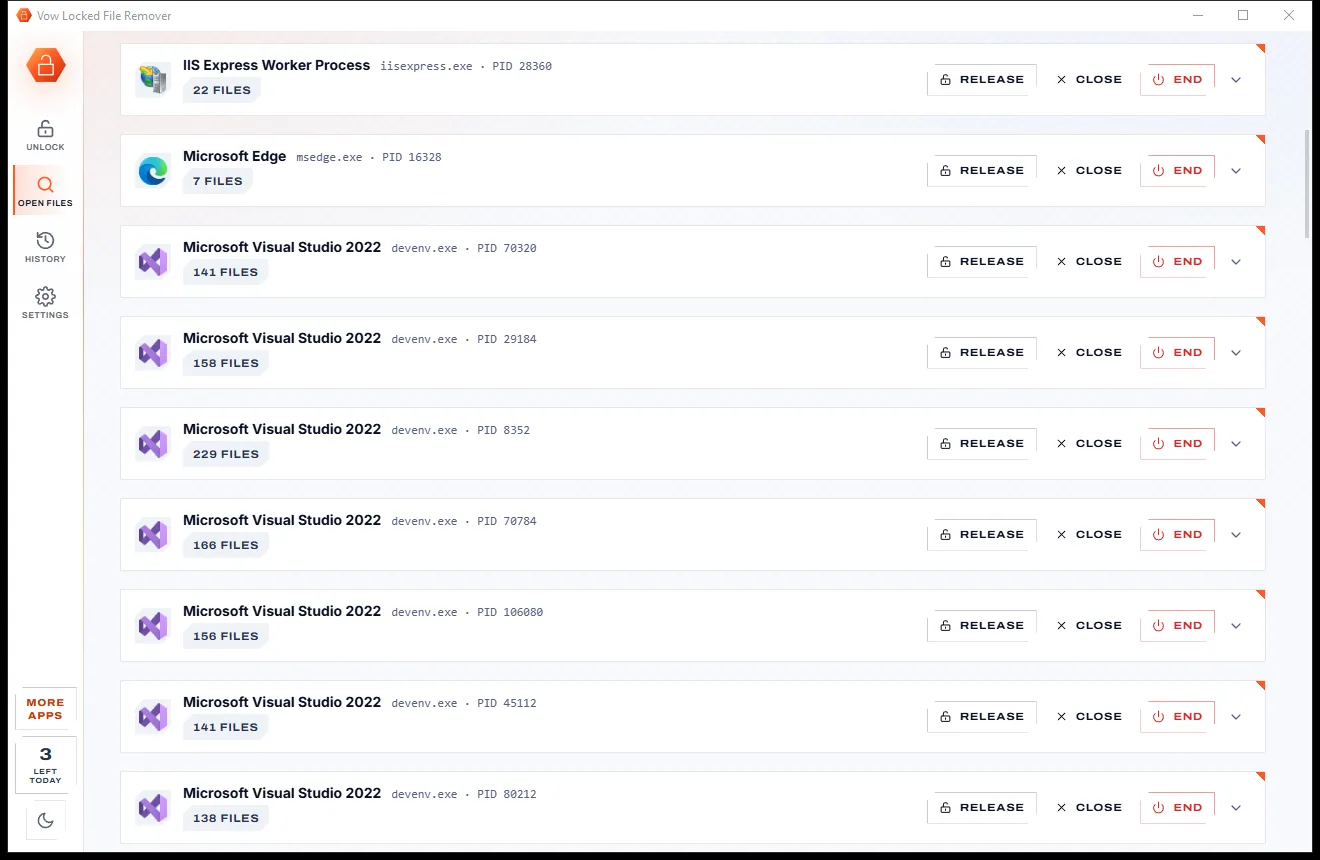
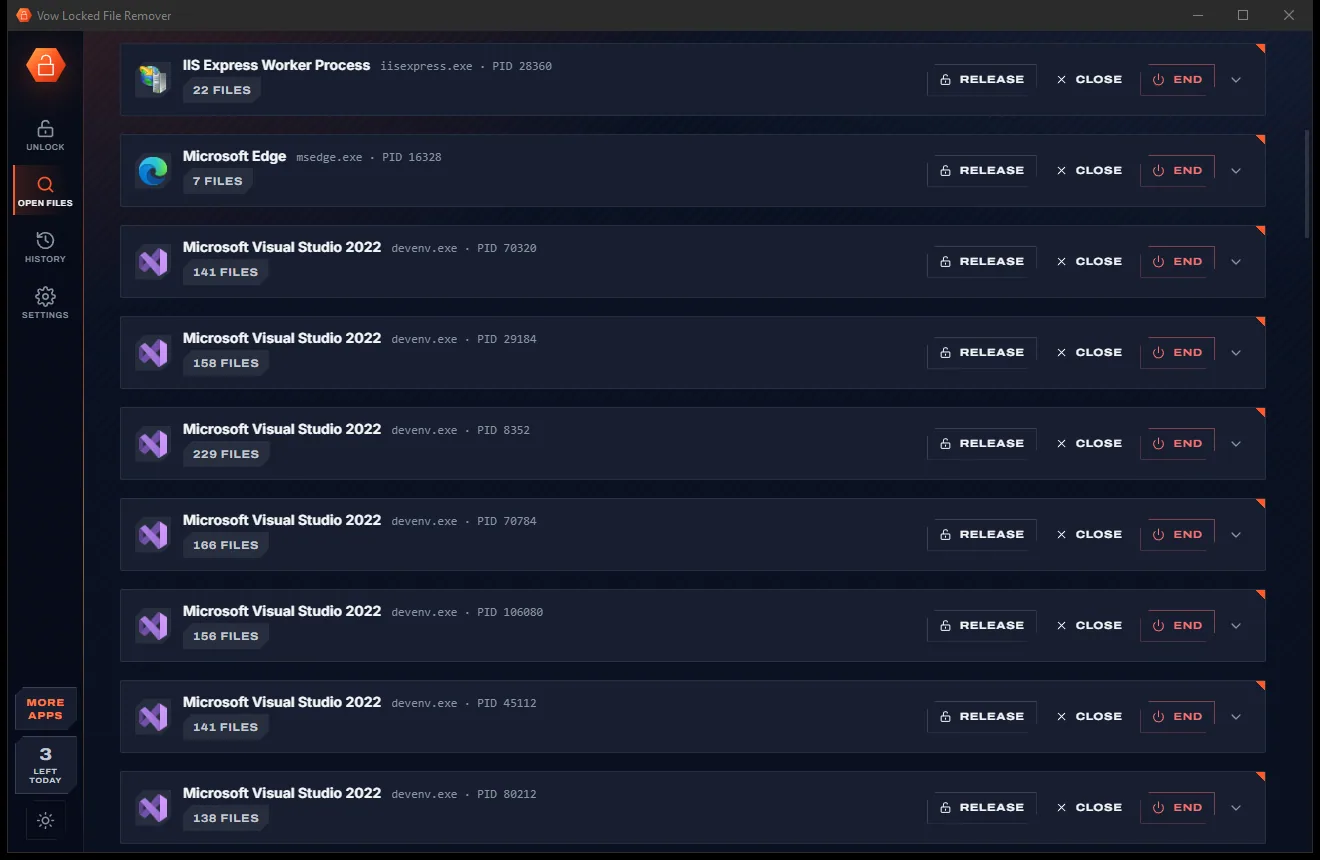
The Open files page lists every file and folder programs have open, grouped by program, with a filter box.
For files Windows itself holds, delete or move them at the next restart, with a way to cancel.
Paths over 260 characters, names ending in a dot or space, CON or NUL, and access-denied files: explained free, fixed with Unlimited.
who, unlock, delete and recycle from your scripts, with exit codes and a simulate option.
Light & dark theme
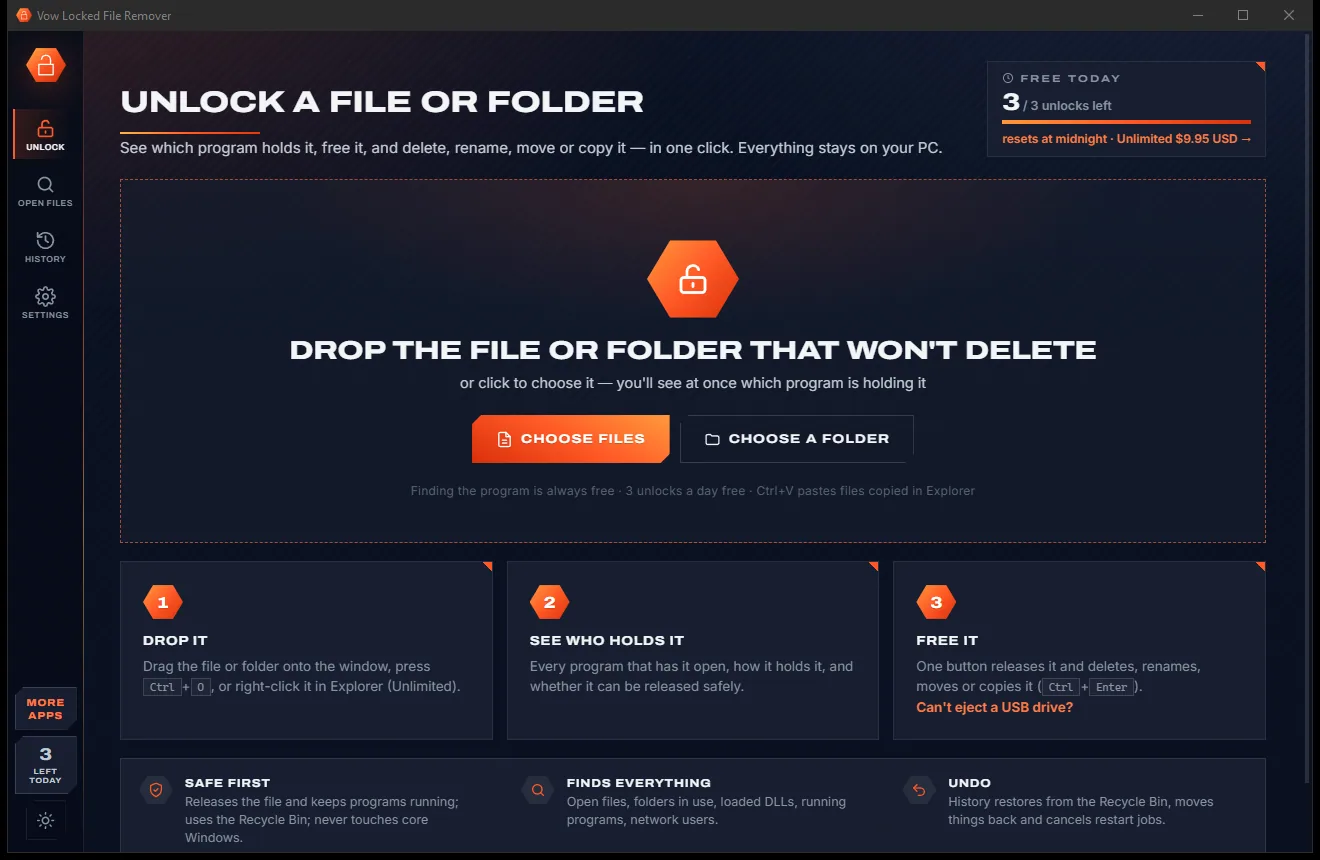
Locked File Remover comes with a crisp light theme and a calm dark theme. Switch with one click, or let it follow your Windows setting by itself. It remembers your choice.
Screenshots
Real screenshots of the real app, in both of its themes: 6 light, 6 dark. Click any picture to see it full size.
Light theme
Dark theme
Who it's for
Clear the download, video or document Windows insists is still open.
Find the program still using the drive and release it, then eject safely.
Find the command prompt or Explorer window sitting in that folder and let it go.
Find which process still holds a build output, DLL or log file, and release it.
Remove leftover files a program left locked, now or at the next restart.
See every open file on a PC, close network opens and script it all from the command line.
Compare
What you usually get when you search for a way to delete a file that's in use.
| Feature | Vow Locked File Remover | Typical file unlocker tools |
|---|---|---|
| Names the program holding the file | Yes, and how it holds it | Often just a process name |
| Keeps the program running | Releases the file first | Often ends the program |
| Ending programs | Only when you allow it, named first | Often without asking |
| Core Windows processes | Never touched | Not always protected |
| Deleted files go to | The Recycle Bin by default | Usually deleted for good |
| Undo | Restore, move back, cancel restart jobs | Rarely |
| Programs run as administrator | Detected without admin rights | Sometimes missed |
| USB eject helper | Yes | Rarely |
| Ads, bundleware, expiring trials | None | Common in free unlockers |
"Typical" describes what we found across the most-downloaded alternatives when we built Locked File Remover. Your mileage with any one of them may vary; ours won't.
Pricing
That is not a typo. Software this powerful usually means a monthly subscription; Locked File Remover is $4.95, once, for life: it's almost a giveaway. Use it free for as long as you like, and unlock Unlimited only if you need more.
Find which program locks any file, free and unlimited, plus 3 unlocks a day.
Almost a giveaway. Less than a coffee for software this powerful: no subscription, no renewals, yours for life on 2 PCs.
Unlimited unlocks, delete at restart, right-click menu, long-path fixes.
Payments by Stripe: we never see or store your card. Questions? Ask a real person.
Clean software
Most "free" Windows downloads pay for themselves with ads, bundled extras or your data. Vow Locked File Remover doesn't need to: it's paid for honestly, once, by the people who find it useful.
Download Locked File Remover freeStep-by-step guide
From "file in use" to gone, step by step, with the Recycle Bin as your safety net.
Step 1: get it freeDownload it from this page and run the installer. It needs no administrator rights and no sign-up.
Drag the file or folder that won't delete onto the window, or press Ctrl+O. It is checked straight away.
Each program is listed with its icon, exe and PID and how it holds the item. Notes also explain read-only files, permissions, long paths and odd names.
Pick Delete, Just unlock, Rename, Move or Copy, keep Send to the Recycle Bin ticked, and leave How to free it on Release.
Press Unlock & delete or Ctrl+Enter. The file is released and removed while the program keeps running, and History can bring it back.
Technical details
FAQ
Yes. Finding which program locks a file or folder is free with no limit, and so are the Open files and USB-drive views, History and Recycle Bin undo. You also get 3 unlocks a day, reset at midnight. Unlimited, a one-time $4.95 USD payment, adds unlimited unlocks, delete or move at restart, the Explorer right-click menu, the long-path and odd-name fixes and taking ownership.
A program still has the file open, is using the folder (a command prompt or Explorer window inside it), has it loaded as a DLL, or is running from it. Vow shows which of these it is and which program it is.
By default it only releases the file inside the program, which keeps running. If that isn't enough, it asks the program to close politely so it can offer to save. A program is ended only when you allow it, and the app names it first.
Yes. Deletes go to the Recycle Bin by default, and History restores them, moves renamed or moved items back, and cancels jobs waiting for the next restart.
It finds locks four ways and says how each program holds the file, not just its name. Like LockHunter it releases handles while programs keep running and uses the Recycle Bin by default, and it detects programs running as administrator without admin rights, which File Locksmith misses. No ads, no bundleware.
Not to find which program holds a file: detection works for every program. Admin rights are needed only to free a file from a program running as administrator, for restart-time jobs, taking ownership and network opens, and the app offers a one-click restart as administrator.
Open files, then click the drive. It either tells you nothing on the drive is in use, so you can eject it safely, or offers to release everything on it, which counts as one unlock.
Yes. It is made and published by XTO Pty Ltd, an Australian company. There are no ads, no bundled software and no sign-up, it installs without administrator rights, and it uninstalls cleanly from Windows Settings, right-click menu entries included.
The Vow collection
Same design, same promises, a tiny one-time price. Learn one and you already know them all.
Find any file as you type, across every drive
Open every archive, and fix the ones that won't open
See what's filling your drive, then win the space back safely
Delete the file that's "open in another program". Free to use every day, $4.95 once if you ever want Unlimited.