

Video
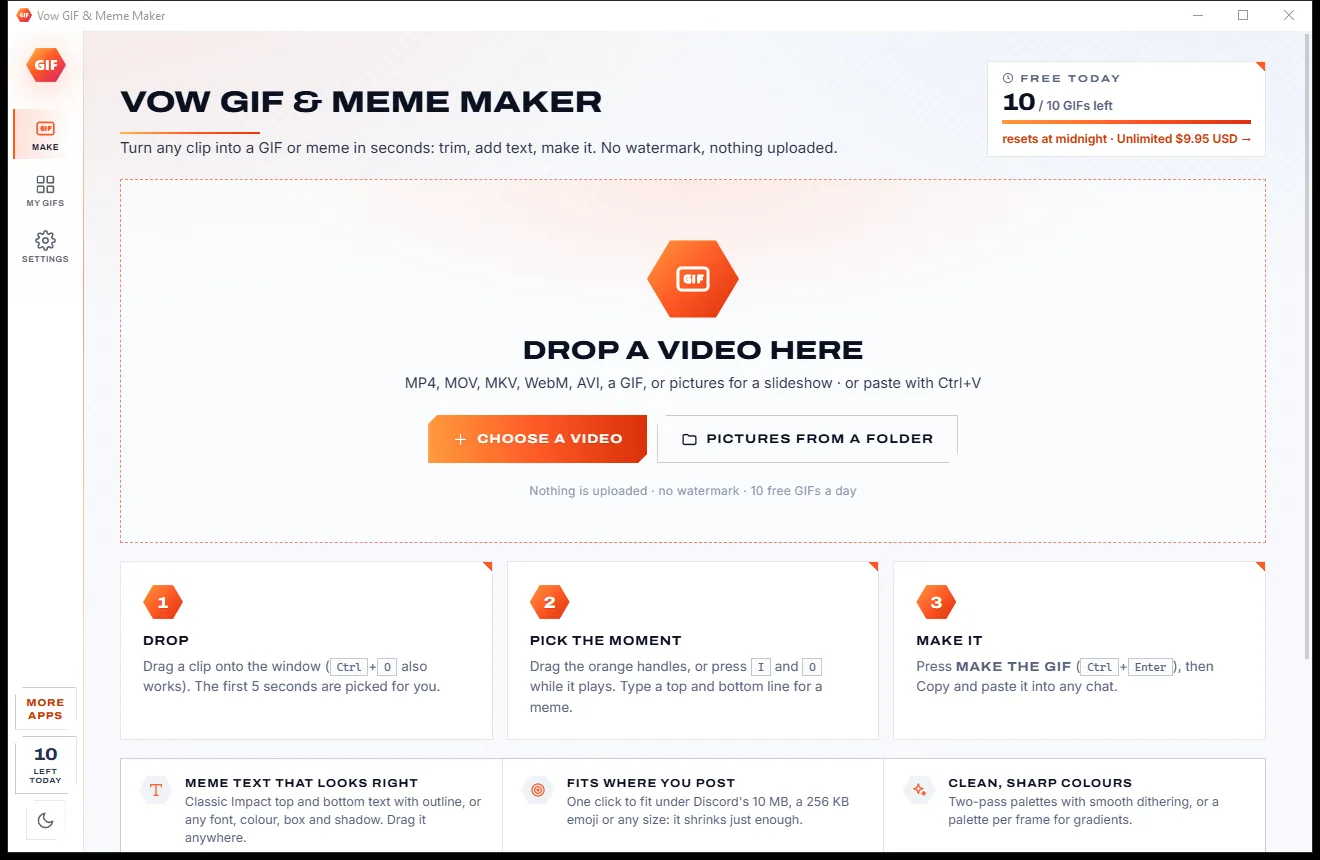
Vow GIF & Meme Maker
Turn any video clip into a GIF or meme, with no watermark
- Free: 10 GIFs a day, up to 10 seconds at 480p, with meme text
- $4.95 once: Any length, HD up to the original size, MP4, WebP and APNG

Video compressor for Windows
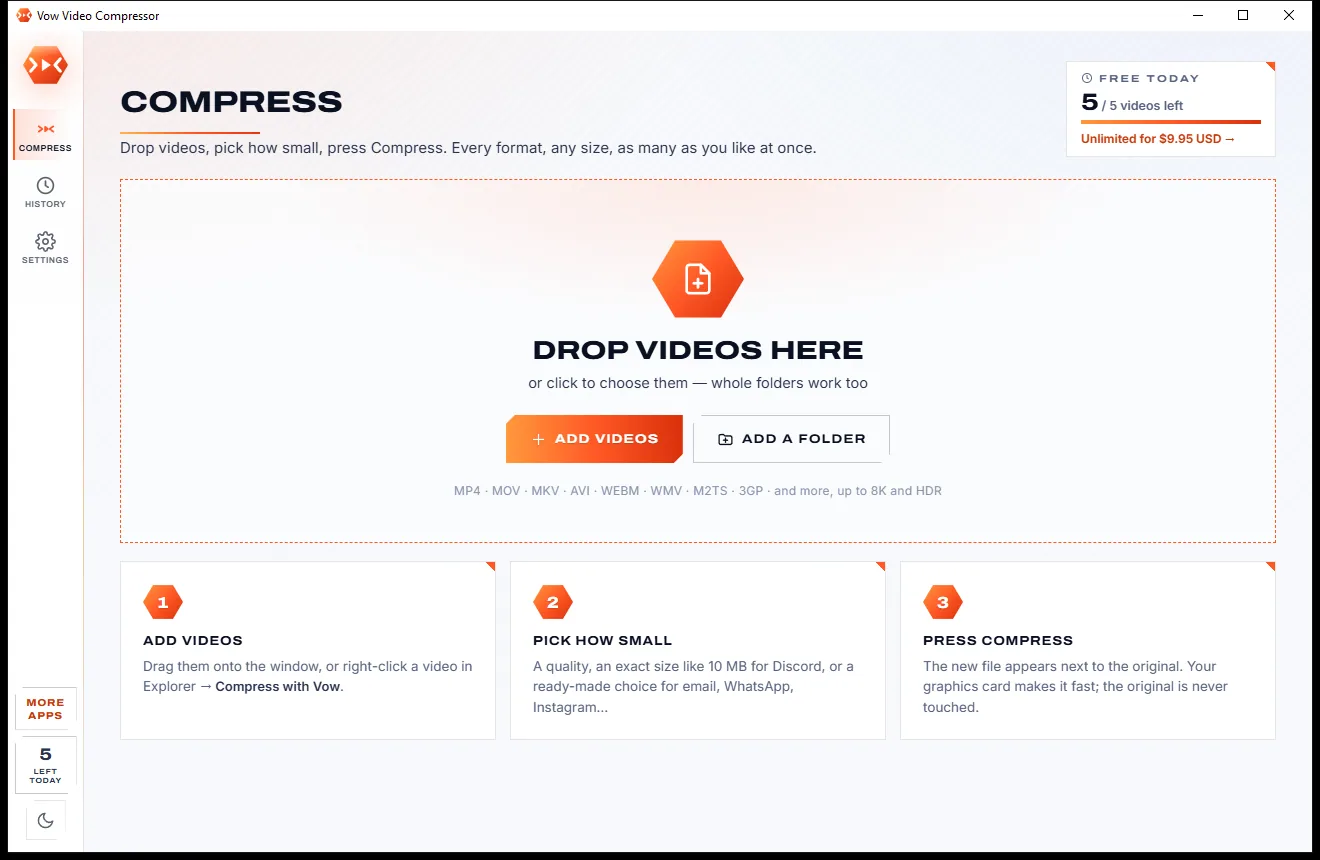
Drop your videos, choose a quality, an exact file size or where they are going (Discord, email, WhatsApp, Instagram) and press Compress. Your graphics card does the work, the original is never touched, and nothing ever leaves your PC.
The problem
Need a clip under a size limit? The usual choices upload it, watermark it, cap it or bury it under settings only an engineer could love.
Online compressors want the whole video on their servers first, then make you sit through the upload, the queue and the download.
Free tiers often stop at a few hundred megabytes or a few minutes, which is exactly when you needed the help.
Some free tools add their watermark to the result, so your holiday video ends up advertising somebody else.
A subscription to shrink a handful of videos a month, renewing whether you compress anything or not.
Pop-ups on every page, and free downloads whose installers sneak in toolbars and "special offers".
CRF, bitrate, two-pass, presets: get one number wrong and the file is still too big, or a blurry mess.
Vow Video Compressor fixes all of it.
How it works
From a huge phone video to a file that fits, in seconds, and your videos never leave your PC.
Drag in videos or whole folders, or right-click them in Explorer and choose Compress with Vow. MP4, MOV, MKV, AVI, WebM and more, up to 8K and HDR.
High, Balanced, Small or Tiny, an exact size like 10 MB, or what it's made for: Discord, email, WhatsApp, Instagram and more. Every video shows its new size first.
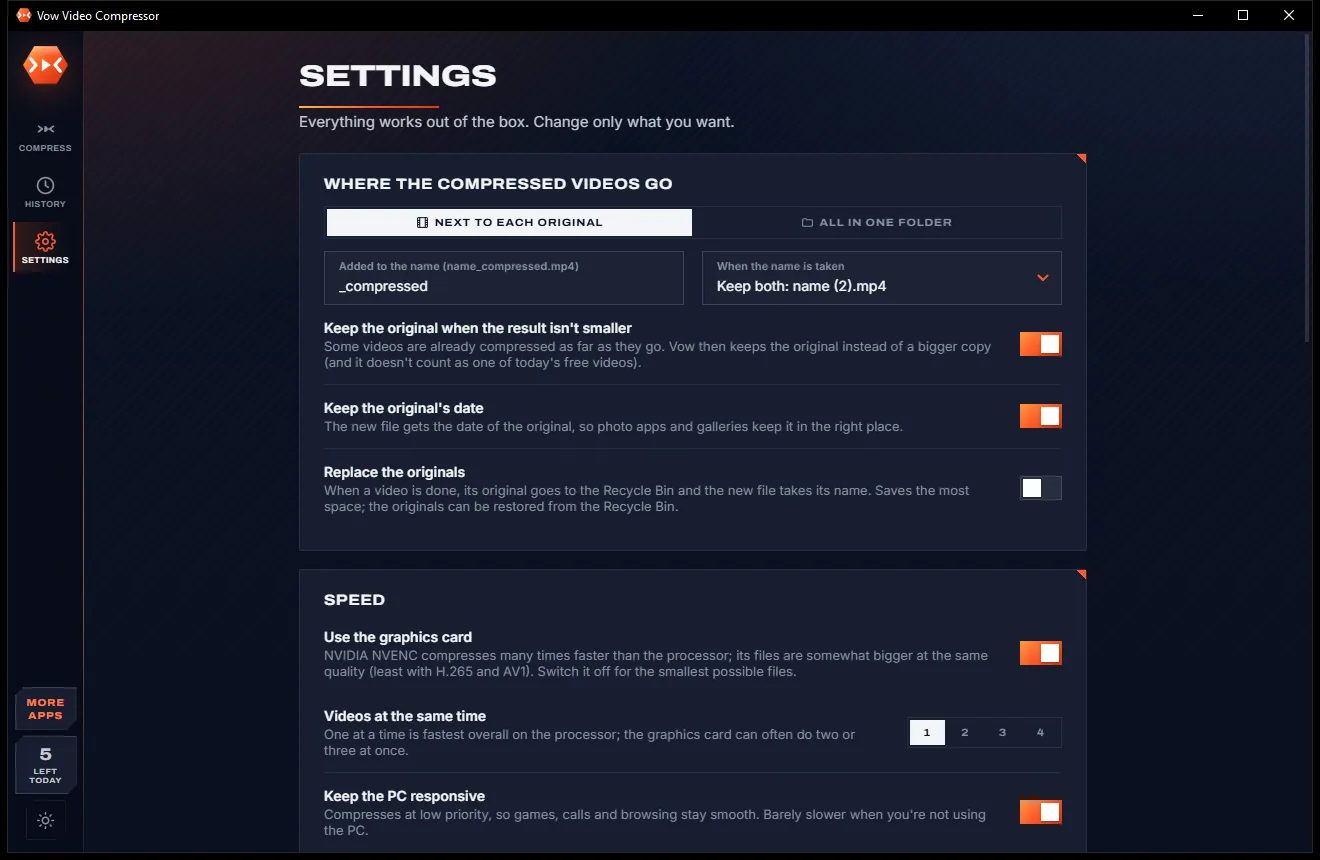
Your graphics card does the work. Each new file lands next to its original as name_compressed.mp4, ready to play, compare or paste into a chat.
Features
For anyone who sends, posts or stores video: one tile for the basics, every expert setting a click away.
Ask for under 10 MB and you get under 10 MB. A file that overshoots is redone automatically, and the resolution only drops when it must.
One click for Discord, email, WhatsApp, Instagram and TikTok, YouTube, X, a website, iPhone and Mac, an archive, a GIF or just the sound.
Compress a few seconds with your exact settings and compare them on a before and after slider at up to 4x zoom, with the real size and time.
Uses NVIDIA NVENC, Intel Quick Sync or AMD AMF for H.264, H.265 and AV1, falling back to the processor. Nothing is ever uploaded.
Reads anything FFmpeg reads, up to 8K, 10-bit and HDR. Saves H.264, H.265, AV1 or VP9 in MP4, MKV, WebM or MOV, plus GIF and MP3.
Trim each video, remove black bars, rotate, deinterlace, denoise, sharpen or change the speed, with the sound keeping its pitch.
AAC, Opus or MP3, mono or stereo, every track or none, even loudness (EBU R128), with subtitles and chapters kept.
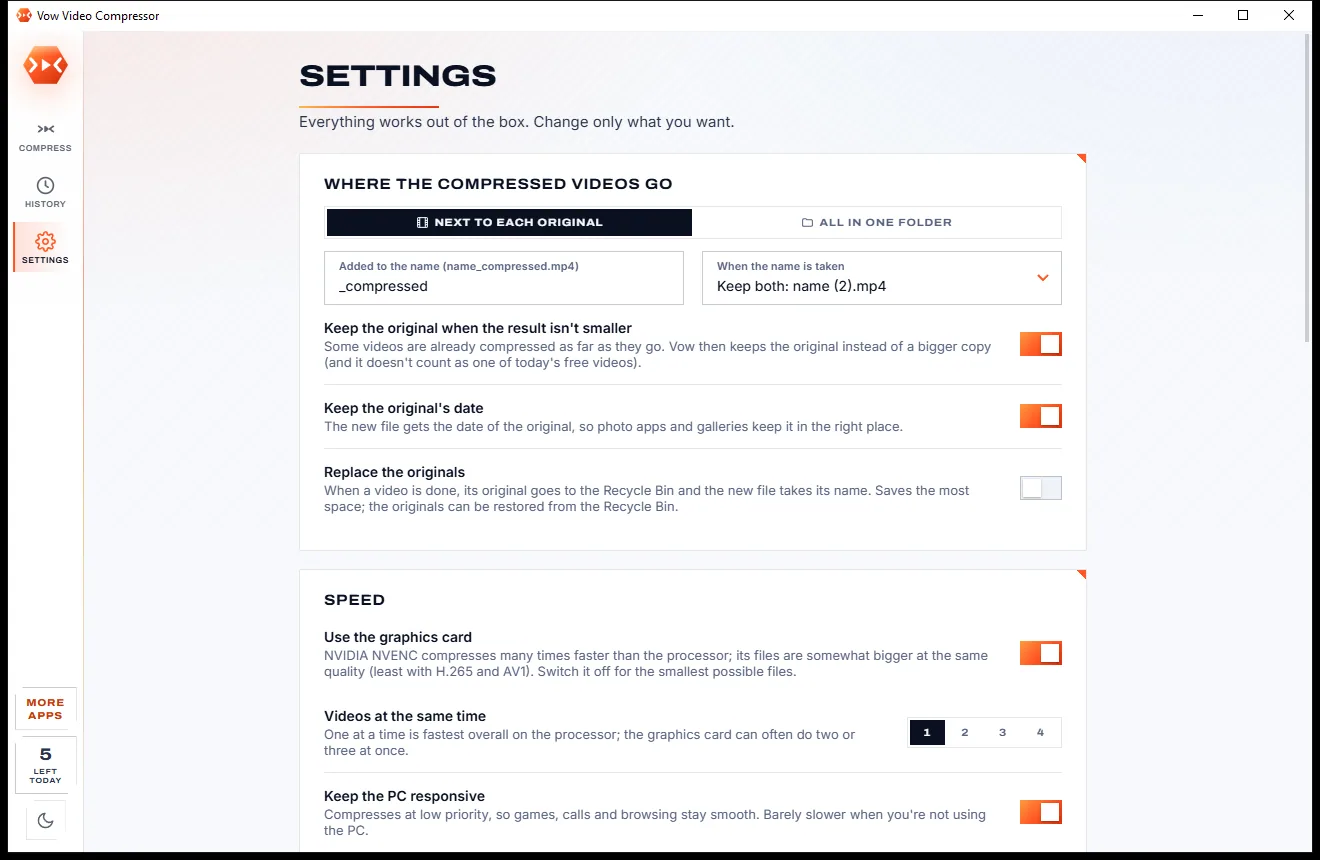
The original is never overwritten. If a result isn't smaller you keep the original and it doesn't count, and unfinished files are cleaned up.
Every video you compressed and the space you got back, with side-by-side comparisons and one click to recycle the originals when you're happy.
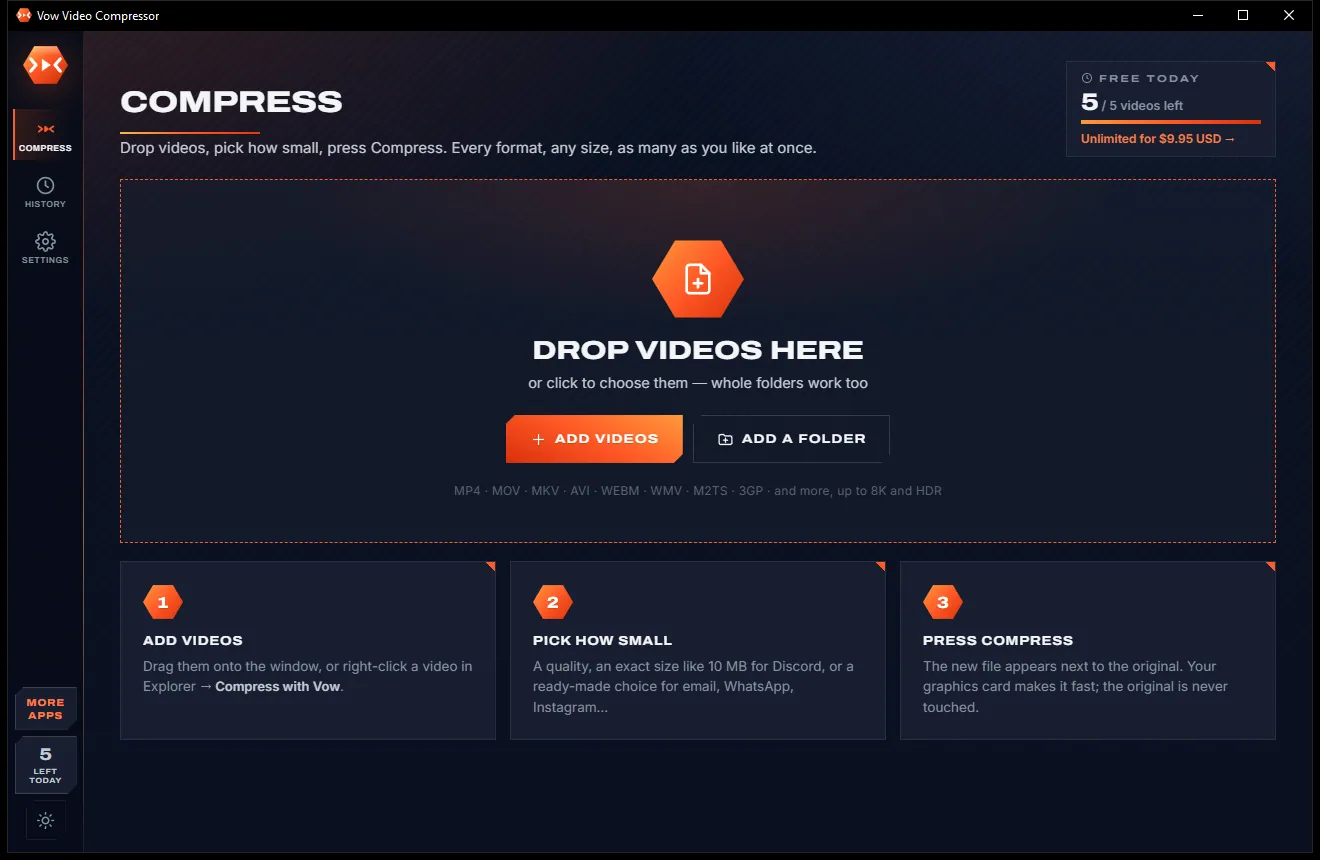
A crisp light theme and a dark one, switched with one click on the side bar, or set to follow Windows.
Light & dark theme
Video Compressor comes with a crisp light theme and a calm dark theme. Switch with one click, or let it follow your Windows setting by itself. It remembers your choice.
Screenshots
Real screenshots of the real app, in both of its themes: 4 light, 4 dark. Click any picture to see it full size.
Light theme
Dark theme
Who it's for
Get clips under Discord's 10 MB so they play right there in the chat.
Fit a video under the 20 MB that Gmail and Outlook will carry.
Shrink huge 4K phone recordings to a size that sends fast and still looks great.
Turn a folder of old recordings into a fraction of the space, then recycle the originals.
Upload-ready files for Instagram, TikTok, YouTube, X or your own site that start playing instantly.
Make lessons and screen recordings small enough for a learning portal or a shared drive.
Compare
What you really get when you look for a way to make a video smaller, side by side.
| Feature | Vow Video Compressor | Typical online compressors & free apps |
|---|---|---|
| Price | Free every day, or $4.95 once | Monthly plans or capped free tiers |
| Your video is uploaded | Never: 100% on your PC | Yes, for online compressors |
| Watermark on the result | Never | Common on free tiers |
| Ads, pop-ups, bundled extras | None, ever | Common on free sites and downloads |
| Exact target size | Kept under it, redone if it overshoots | Often a rough estimate |
| Before and after preview | Yes, with the real size and time | Rarely |
| Graphics card encoding | NVIDIA, Intel and AMD | Varies; online tools use their servers |
| One-click choices for apps | Discord, email, WhatsApp and 8 more | Sometimes, or manual settings |
| Works without internet | Yes | No, for online tools |
"Typical" describes what we found across the most-downloaded alternatives when we built Video Compressor. Your mileage with any one of them may vary; ours won't.
Pricing
That is not a typo. Software this powerful usually means a monthly subscription; Video Compressor is $4.95, once, for life: it's almost a giveaway. Use it free for as long as you like, and unlock Unlimited only if you need more.
5 videos a day with every quality, size and format.
Almost a giveaway. Less than a coffee for software this powerful: no subscription, no renewals, yours for life on 2 PCs.
Any number of videos, whole folders in one go.
Payments by Stripe: we never see or store your card. Questions? Ask a real person.
Clean software
Most "free" Windows downloads pay for themselves with ads, bundled extras or your data. Vow Video Compressor doesn't need to: it's paid for honestly, once, by the people who find it useful.
Download Video Compressor freeStep-by-step guide
Make a video small enough for Discord, email or WhatsApp in about a minute, without uploading it.
Step 1: get it freeGet Vow Video Compressor from this page and run the installer. It sets itself up for your user only, with no administrator rights and no account, and the video engine comes with it.
Drag them onto the window, click Add videos or Add a folder, or right-click videos in Explorer and choose Compress with Vow. Each one shows its estimated new size straight away.
For a chat or an email, open Made for and pick Discord, Email or WhatsApp. For everything else Balanced is a good start, and File size takes any exact number of MB.
Optional: press the eye on a video to compress a few seconds, then drag across the picture to compare. You also see the size of the whole video and how long it will take.
Press Compress or Ctrl+Enter. Each new file appears next to its original as name_compressed.mp4; press Play to watch it, or copy it and paste it straight into a chat.
Technical details
FAQ
Yes. You can compress 5 videos every day for free, with every quality, size, format and made-for choice, and previews are free and unlimited. A video that fails, is stopped or isn't made smaller doesn't count, and nothing is ever watermarked. Unlimited, a one-time $4.95 USD payment, removes the daily limit so whole folders go in one go.
No. Compressing runs entirely on your own PC with FFmpeg, which comes inside the installer, on your graphics card or processor. Your videos never leave your computer, there is no account, and it needs no internet connection to work.
Yes. Choose Made for and pick Discord (under 10 MB) or Email (under 20 MB for Gmail and Outlook), or type any exact size under File size. A result that overshoots is redone automatically, so under 10 MB really means under 10 MB, and when a size leaves too few bits for a sharp picture it lowers the resolution first.
Pick High quality for a file that looks the same at about half the size, or Balanced for a great picture about 75% smaller. Before you compress the whole video, the preview compresses a few seconds with your exact settings so you can compare before and after up close.
It opens anything FFmpeg can read, including MP4, MOV, MKV, AVI, WebM, WMV, M2TS and 3GP, up to 8K, 10-bit and HDR. It saves H.264, H.265 (tagged so it plays on Apple devices), AV1 or VP9 in MP4, MKV, WebM or MOV, as well as animated GIFs and MP3 or M4A sound.
Yes. It finds NVIDIA NVENC, Intel Quick Sync and AMD AMF by itself and uses them for H.264, H.265 and AV1, falling back to the processor whenever the card can't. It runs at low priority so the PC stays responsive, and keeps the PC awake until the list is done.
Never, unless you switch on the optional replace-originals mode. The new file is saved next to the original, keeps the original's date, and unfinished files are deleted. If the result isn't smaller than the original, you keep the original and it doesn't count toward your free videos.
Yes. It is made and published by XTO Pty Ltd, an Australian company. The installer contains no ads, no toolbars and no bundled software, needs no administrator rights, and uninstalls cleanly from Windows Settings.
The Vow collection
Same design, same promises, a tiny one-time price. Learn one and you already know them all.
Turn any video clip into a GIF or meme, with no watermark

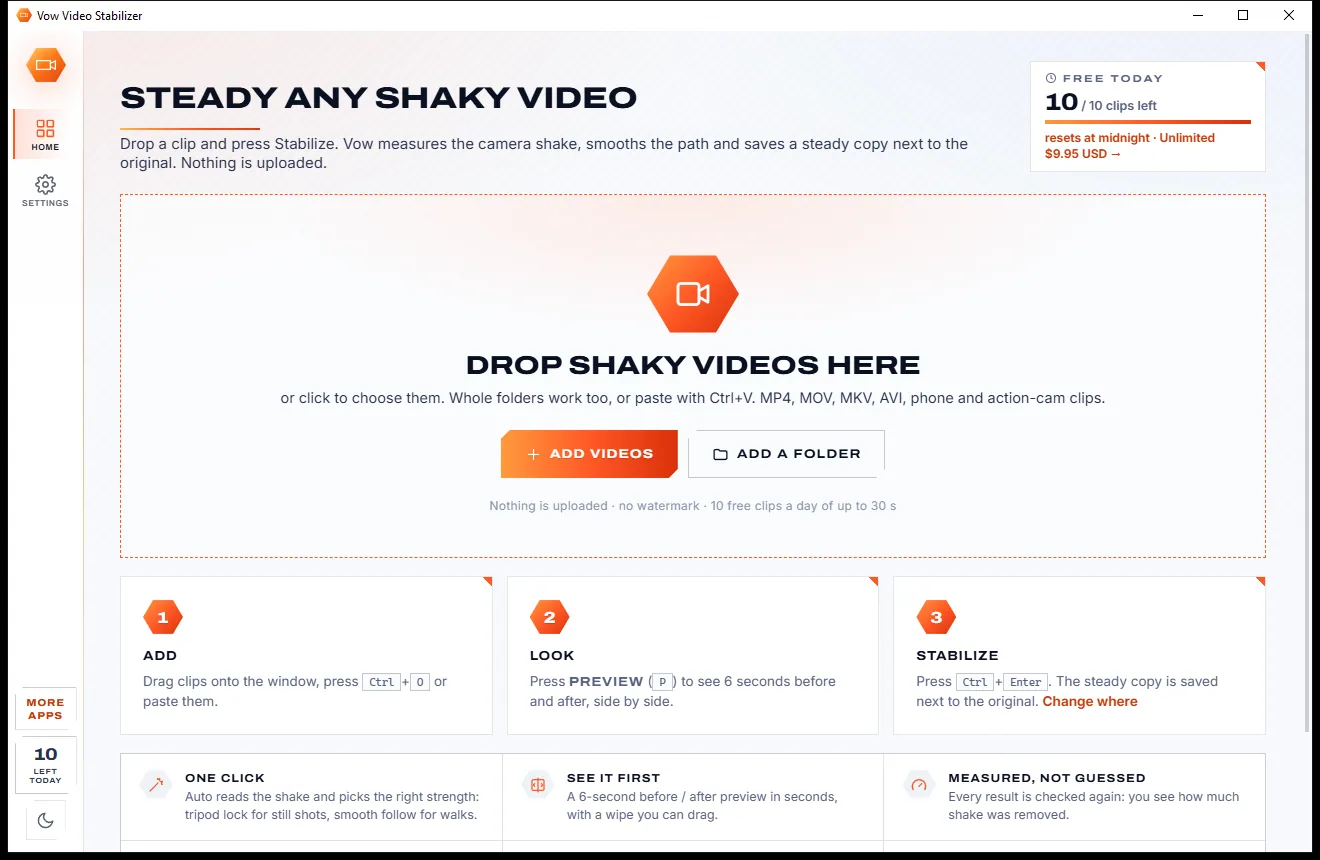
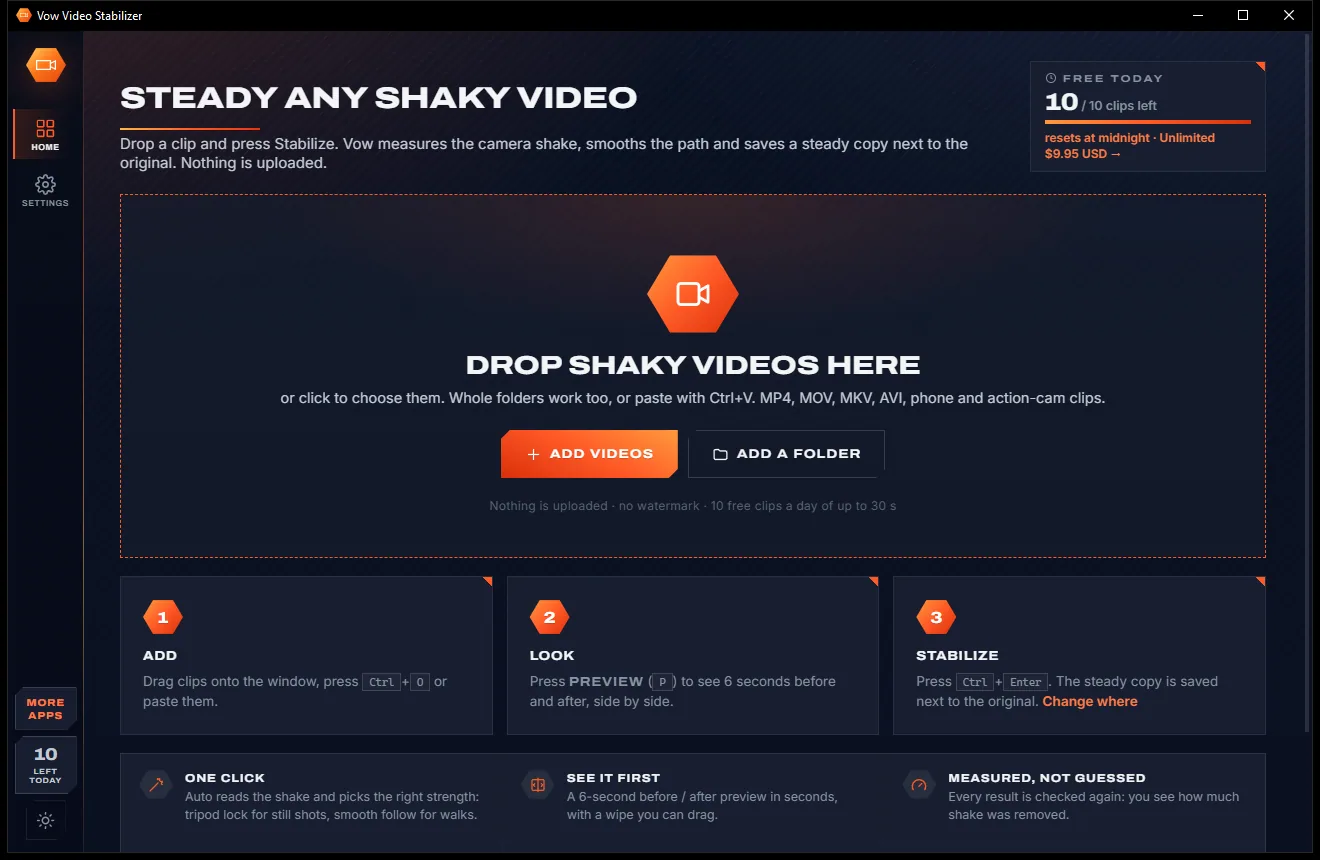
Steady any shaky video in one click, right on your PC

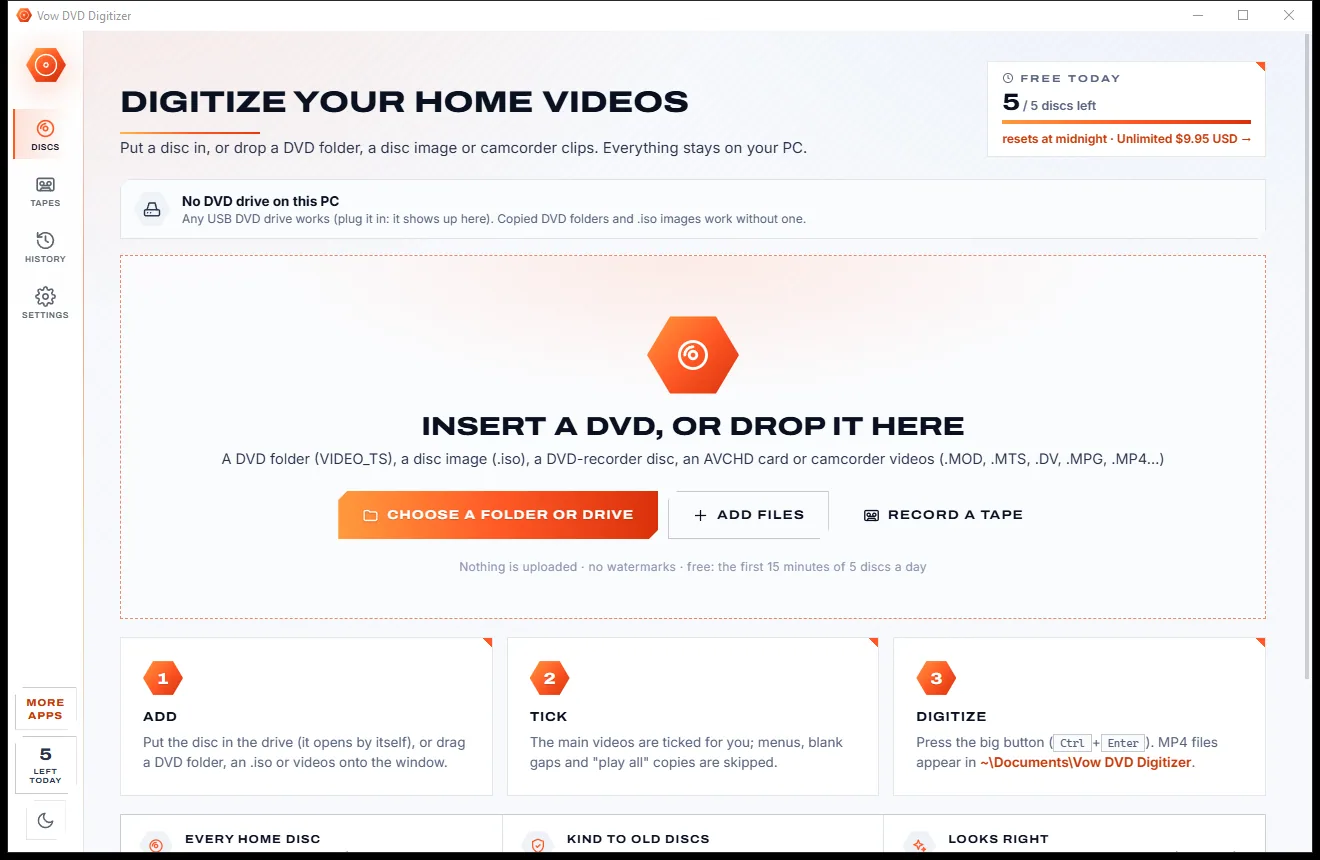
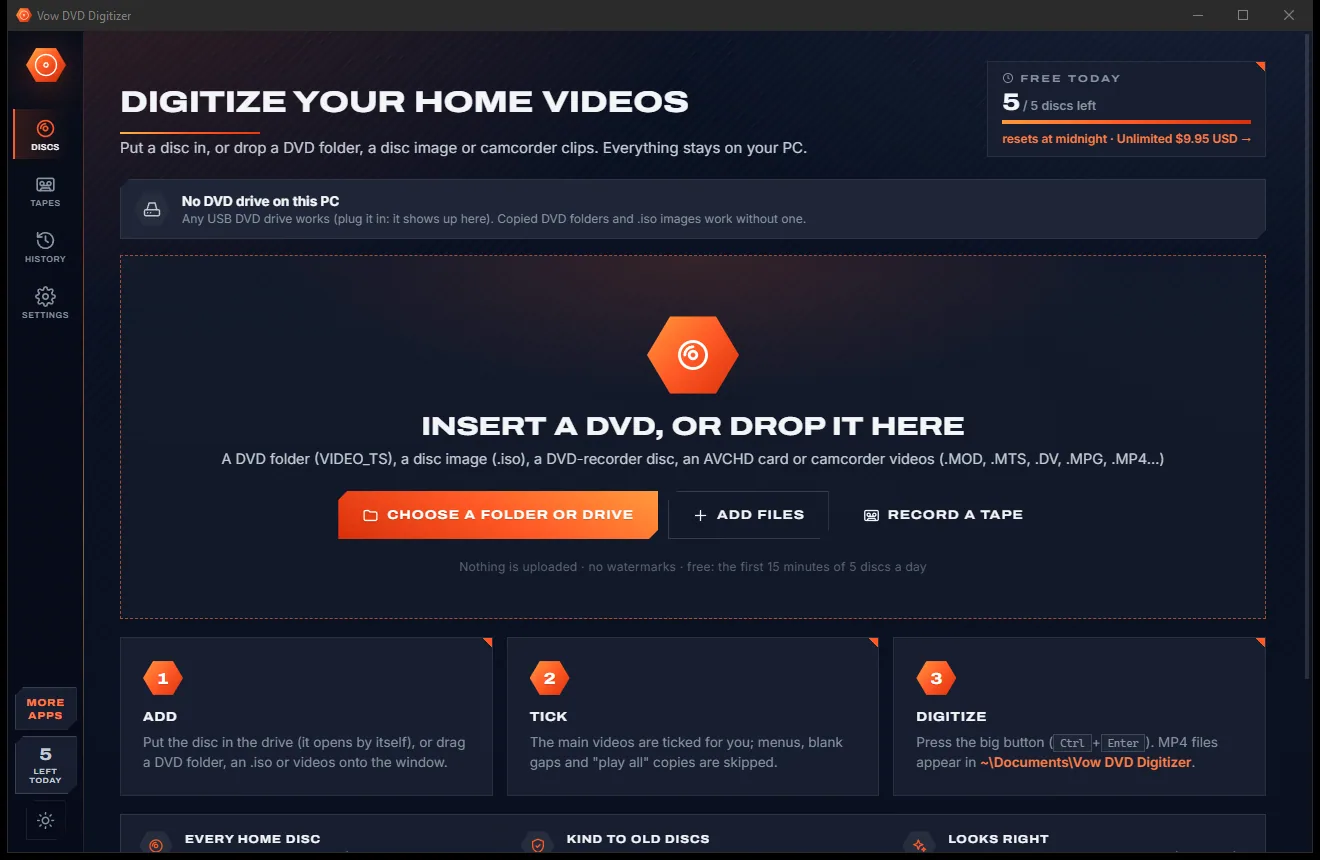
Turn home DVDs, camcorder clips and tapes into MP4s that play anywhere
Shrink any video to the size you need, with no watermark. Free to use every day, $4.95 once if you ever want Unlimited.