
Files
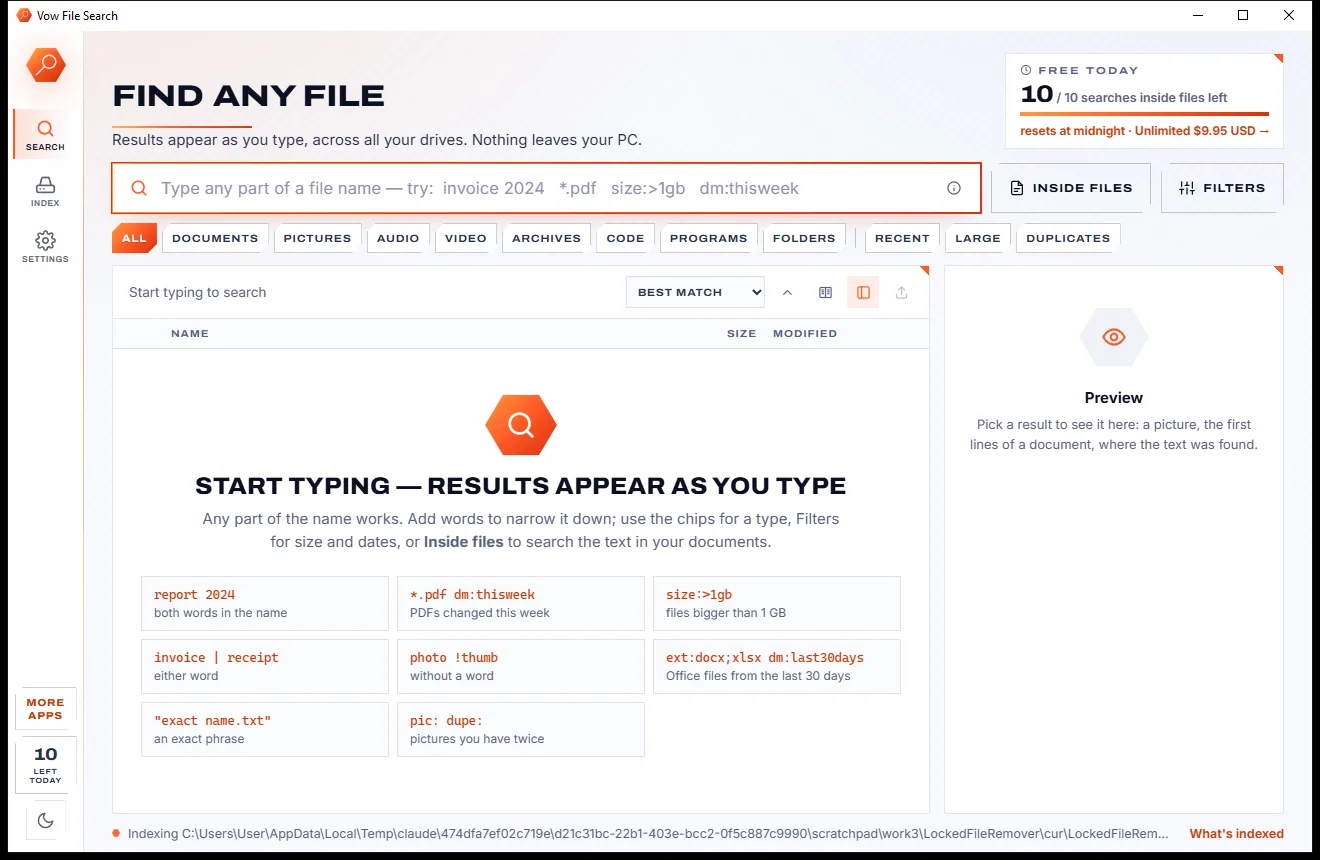
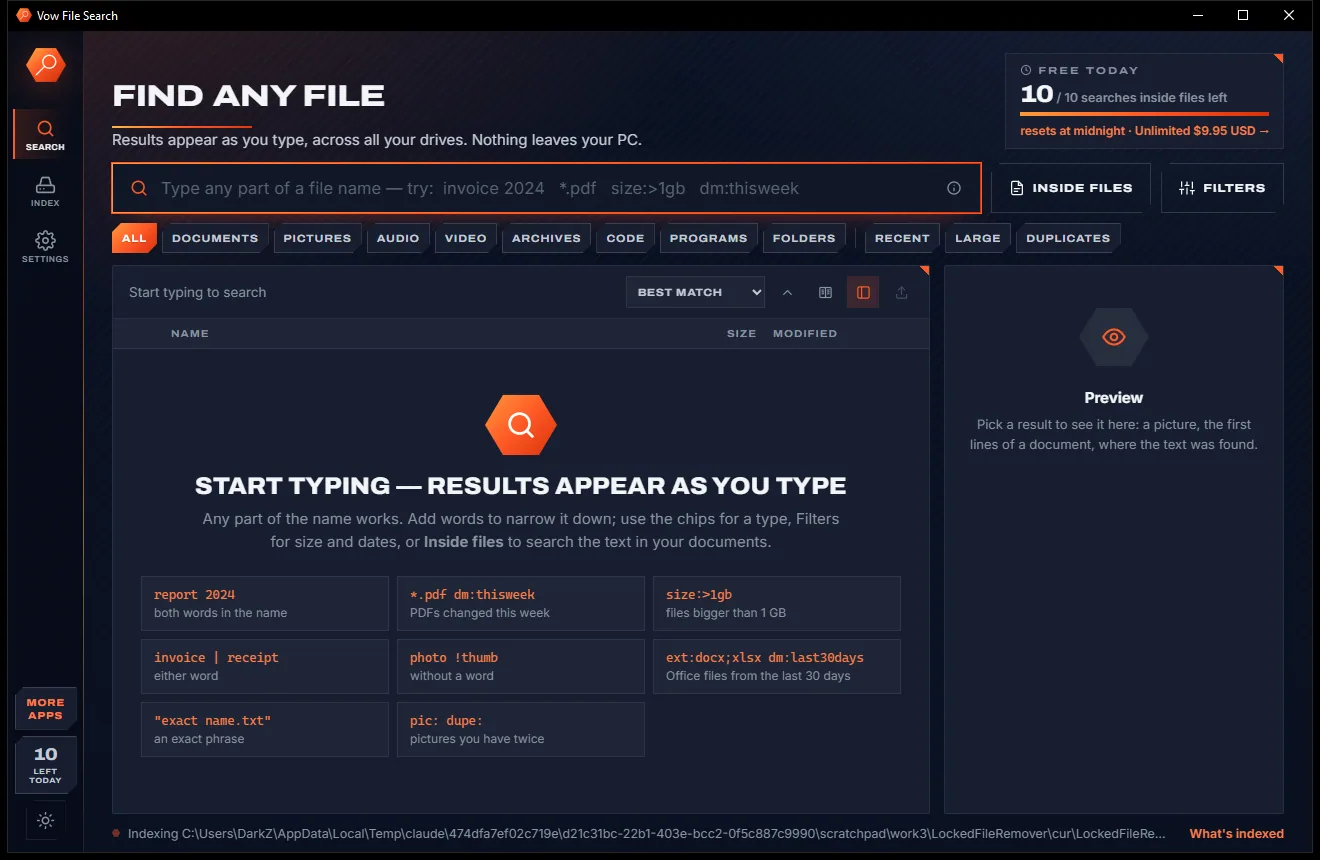
Vow File Search
Find any file as you type, across every drive
- Free: Unlimited file name search on every drive, 10 searches inside files a day
- $4.95 once: Unlimited searches inside files, network drives and NAS shares

Archive extractor & repair for Windows
ZIP, RAR, 7z, TAR, GZ, ISO and about 40 more formats in one click, split sets and passwords included. Damaged and cut-off downloads are repaired, a missing part is named, and every error is explained in plain English. No ads, no nag screens, nothing uploaded.
The problem
Windows opens the easy ones. The archives that matter, split across parts, locked with a password or cut off mid-download, are where everything falls over.
"Unexpected end of archive", "Data error", "Cannot open file". The usual tools tell you something broke, never what or how to fix it.
A 13-part download fails with a generic error and you start re-downloading everything, when only one part was ever the problem.
Windows 11 can open RAR and 7z now, but split archives, passwords and damaged ZIPs still stop it in its tracks.
Trial reminders that never end, sponsored offers in the installer and pop-ups every time you open a ZIP.
Separate repair programs, often priced per format, just to rescue one download that stopped early.
photos\photos\photos, and .tar.gz files that need two rounds of extracting before you see a single file.
Vow Archive Extractor fixes all of it.
How it works
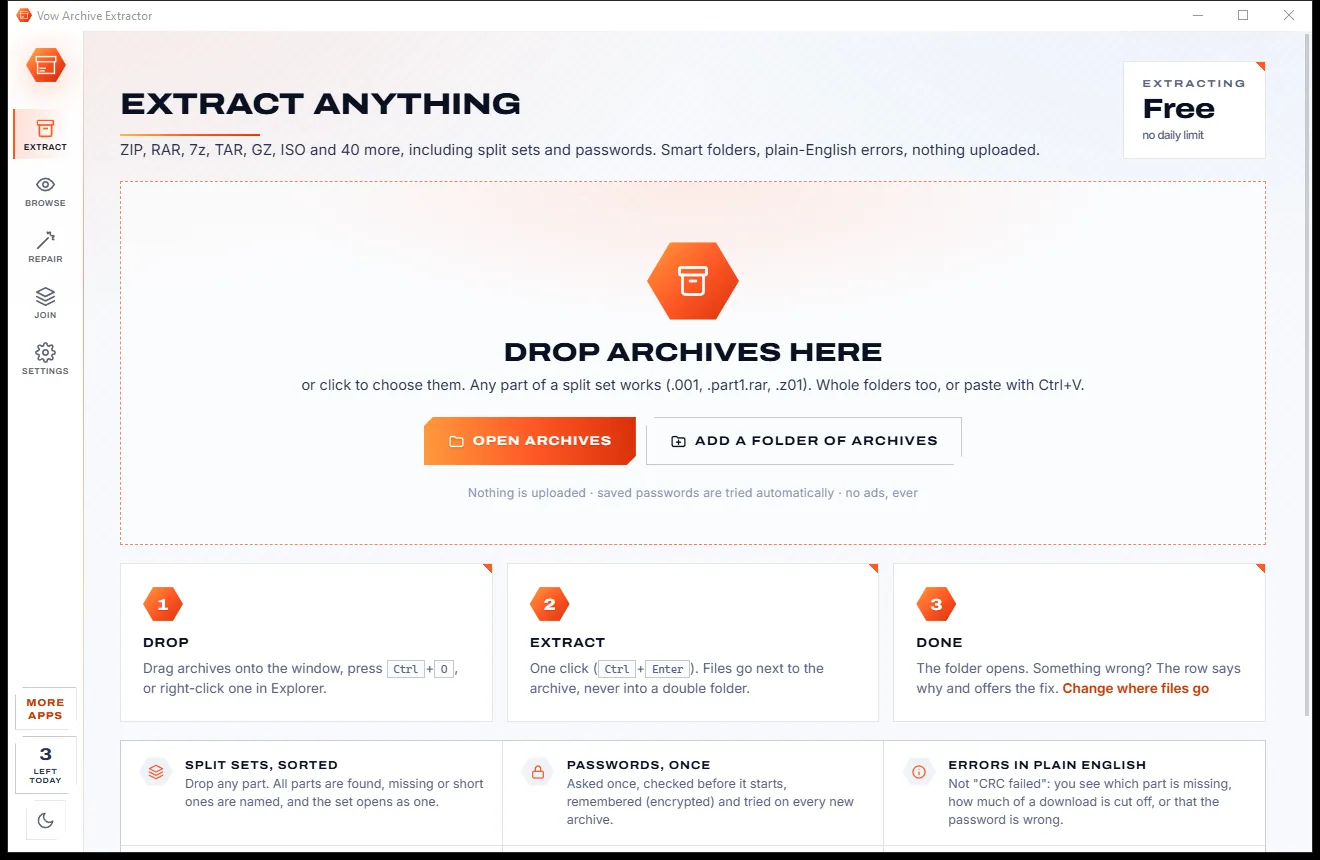
One click for every format, and when something is wrong, the reason and the fix right there on the row.
Drag them onto the window, any part of a split set works. Whole folders, Ctrl+V and the Explorer right-click menu work too.
Each archive is checked as soon as it is added: its real format, all its parts, whether it is locked and whether a saved password opens it. Then press Extract.
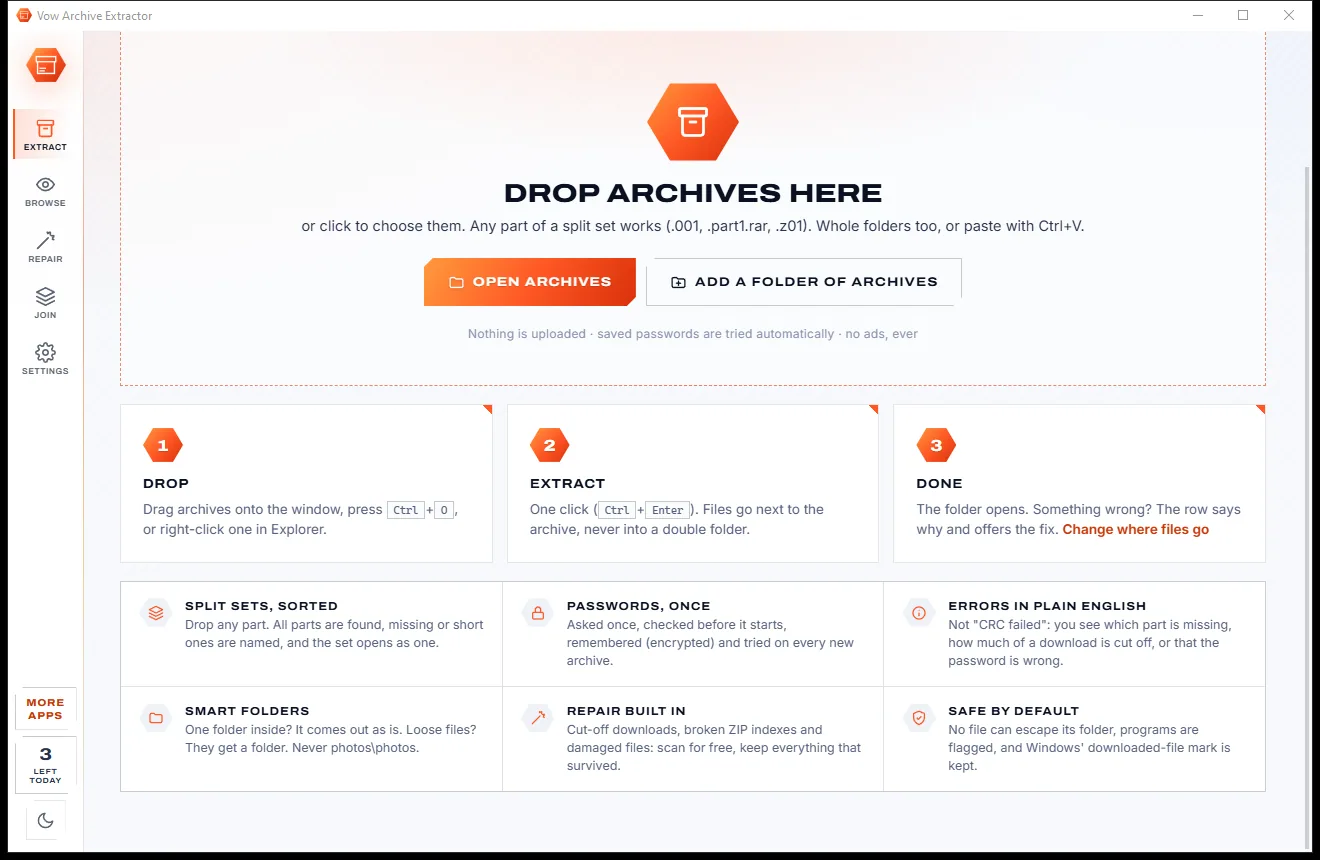
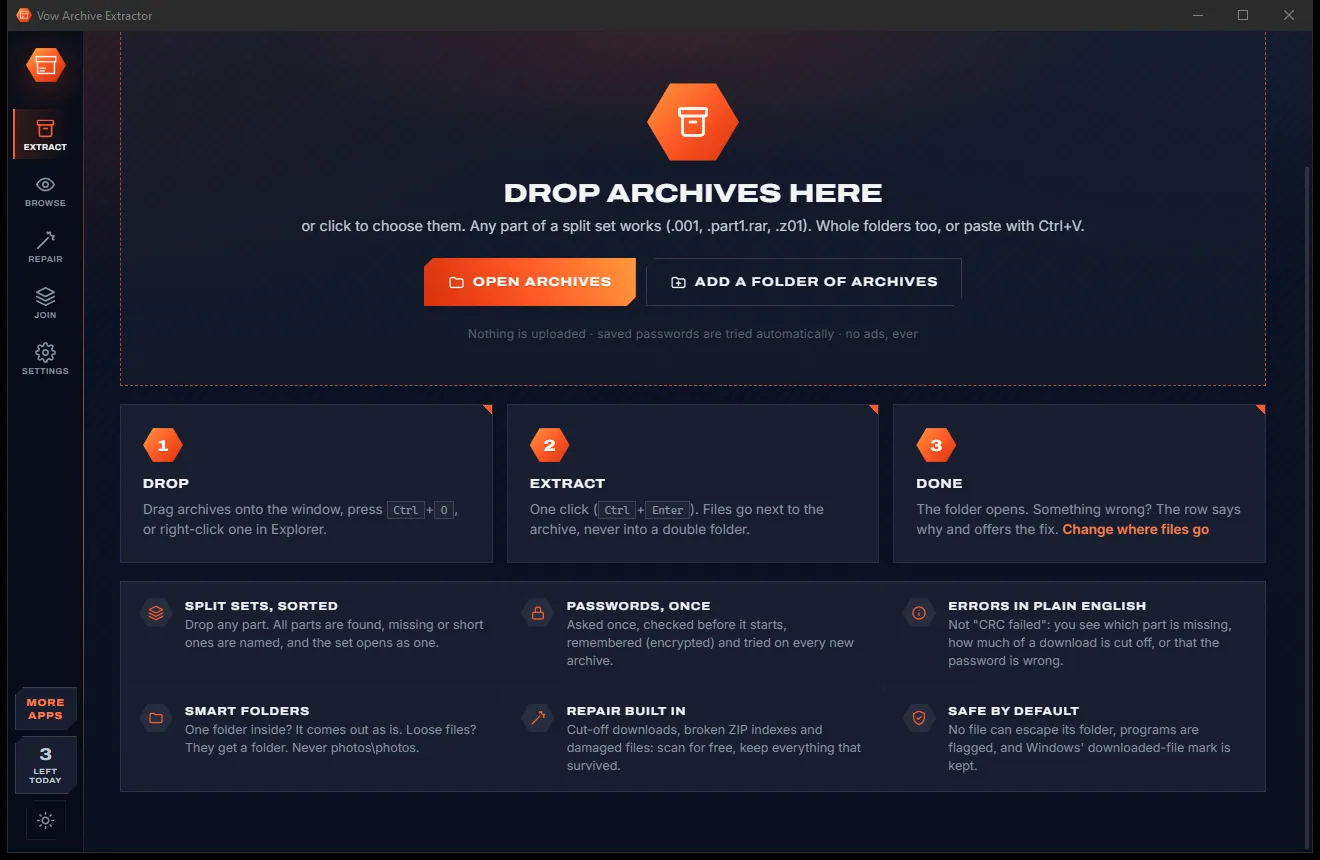
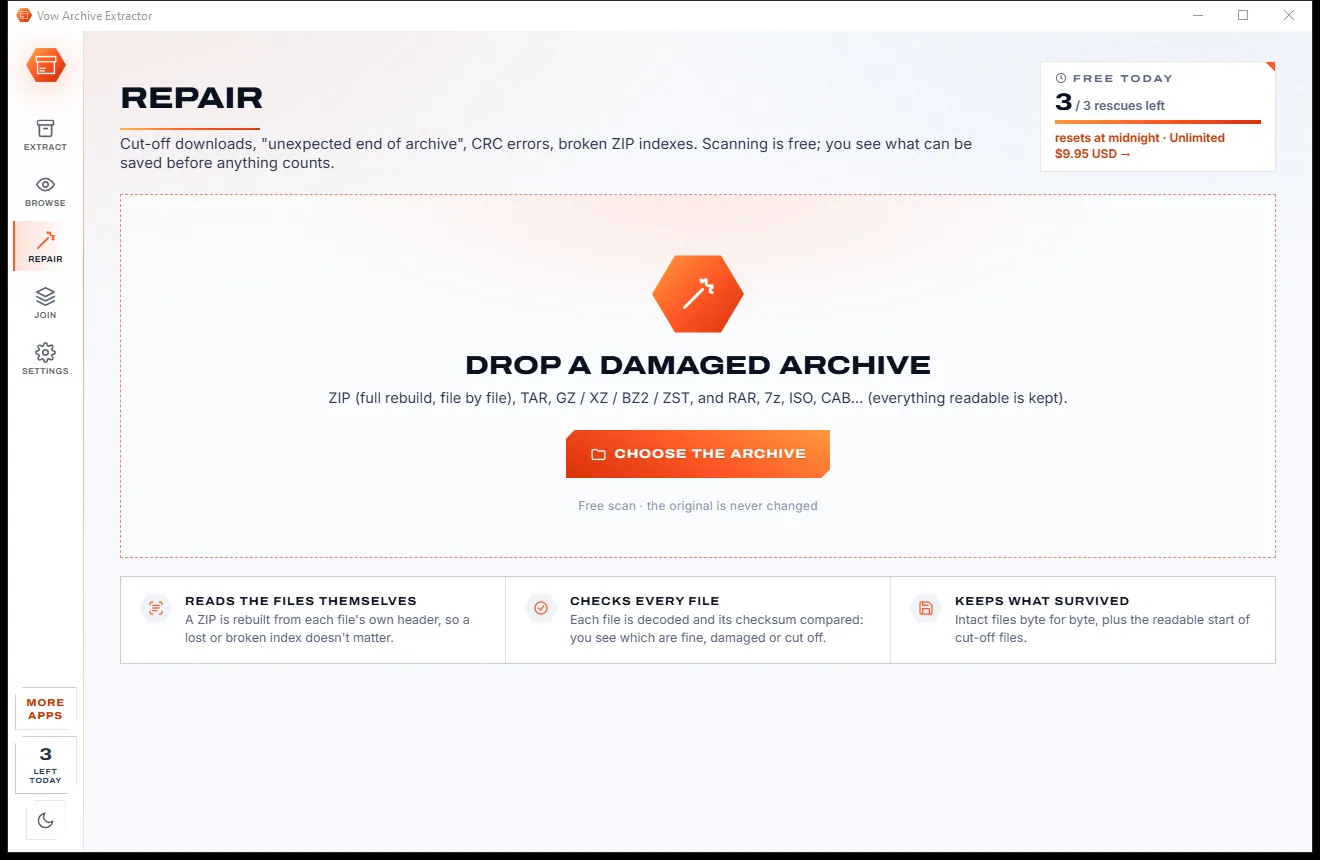
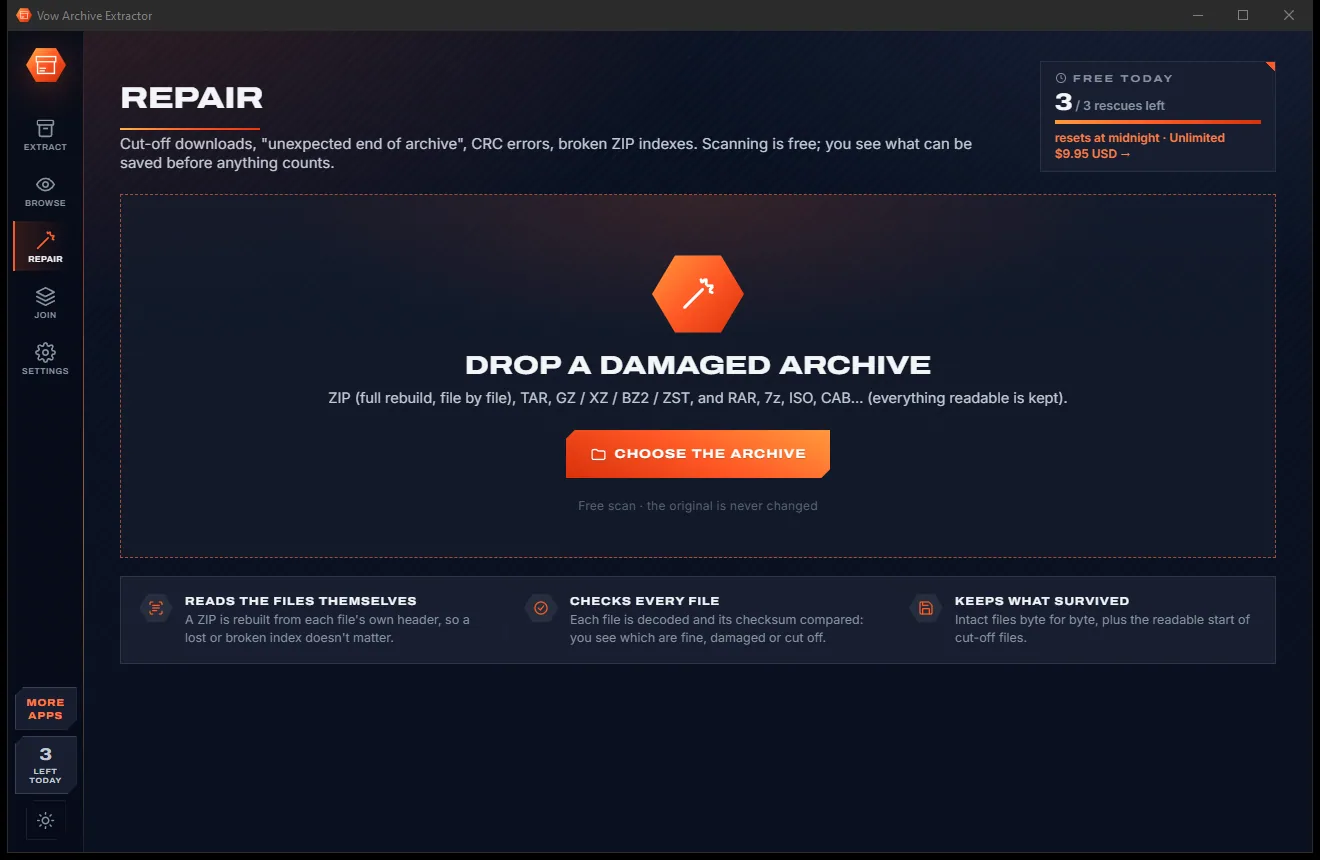
The folder opens. If something is wrong, the row says what and offers the fix: Password, Parts or Repair, with a free scan showing what can be saved.
Features
The 7-Zip engine for every format, plus our own repair tools and errors a person can actually read.
ZIP, RAR 1.5 to 5, 7z, TAR, GZ, BZ2, XZ, ZST, ISO, CAB, WIM, DMG, VHD and about 40 more, through the bundled 7-Zip 26.05 engine.
.001, .7z.001, .part1.rar, .r00 and .z01. Drop any part: the set is found, and missing or short parts are named.
ZIPs are rebuilt from each file's own header, TAR is re-synced, GZ, XZ, BZ2 and ZST are salvaged, and RAR and 7z give up every readable file.
Wrong password or real damage? "Part 6 of 13 is missing", "the download stopped early", or exactly which file is damaged.
Checked before extracting starts, remembered encrypted for your Windows account and tried automatically on every new archive.
One top folder comes out as it is, loose files get a folder named after the archive, and an existing folder is never mixed into.
A .rar that is really a ZIP opens anyway, and a "zip" that is really a web page from an expired link is explained.
No file can escape its folder, programs and scripts are flagged, the downloaded-from-internet mark is kept, and nothing is overwritten unless you say so.
Browse an archive like Explorer, search every file, preview pictures and text, and tick just the files you want.
Join a set into one file, turn a spanned .z01 set into one normal ZIP, or split a big file for email or a FAT32 USB stick.
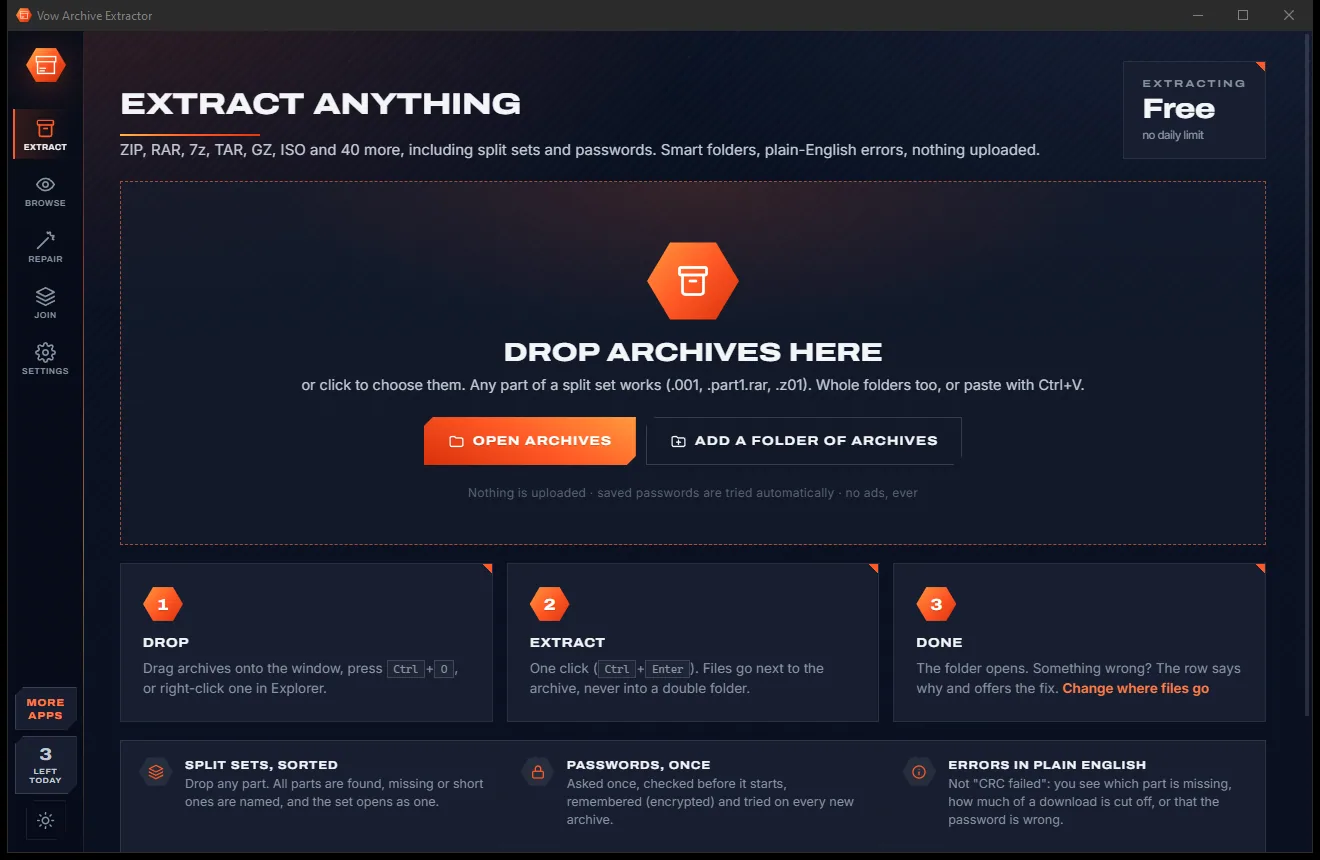
Light & dark theme
Archive Extractor comes with a crisp light theme and a calm dark theme. Switch with one click, or let it follow your Windows setting by itself. It remembers your choice.
Screenshots
Real screenshots of the real app, in both of its themes: 7 light, 7 dark. Click any picture to see it full size.
Light theme
Dark theme
Who it's for
See whether a download was cut off, how much is missing and what can still be saved from it.
Know exactly which part to download again before you waste an evening re-downloading the lot.
Open password-protected ZIPs from clients, or split a big file into 25 MB parts that email will accept.
Open ISO, WIM and VHD images, and fix garbled Japanese, Chinese or Cyrillic file names in old ZIPs.
.tar.gz, .tar.xz and .tar.zst in one step, DEB and RPM packages, a command line and an Explorer menu.
Drop it, press Extract, and the folder opens. No settings to learn, no double folders, no ads.
Compare
What happens when an archive is split, locked or damaged, side by side.
| Feature | Vow Archive Extractor | Typical archive tools & Windows' built-in extractor |
|---|---|---|
| Price | Free every day, or $4.95 once | Trial nags, or paid repair tools on top |
| Ads, nags, bundled offers | None, ever | Common in free downloads |
| Split sets (.001, .part1.rar, .z01) | Yes: drop any part | Windows' built-in extractor fails |
| Names the missing part | Yes, short and last parts too | Usually a generic error |
| Repairs damaged archives | ZIP, TAR, GZ, XZ, BZ2, ZST + RAR and 7z salvage | Separate paid tools, often one format |
| Errors explained in plain English | Yes, with the fix on the row | "CRC failed", "Unexpected end" |
| Passwords remembered and tried automatically | Yes, encrypted | Rarely |
| No double folders | Smart folders, never photos\photos | Double folders are common |
| .tar.gz in one step | Yes, no temporary .tar | Often two steps |
"Typical" describes what we found across the most-downloaded alternatives when we built Archive Extractor. Your mileage with any one of them may vary; ours won't.
Pricing
That is not a typo. Software this powerful usually means a monthly subscription; Archive Extractor is $4.95, once, for life: it's almost a giveaway. Use it free for as long as you like, and unlock Unlimited only if you need more.
Extract and browse every format with no limit, 3 repairs or joins a day.
Almost a giveaway. Less than a coffee for software this powerful: no subscription, no renewals, yours for life on 2 PCs.
Unlimited repairs and joins, batches of any size, a watch folder.
Payments by Stripe: we never see or store your card. Questions? Ask a real person.
Clean software
Most "free" Windows downloads pay for themselves with ads, bundled extras or your data. Vow Archive Extractor doesn't need to: it's paid for honestly, once, by the people who find it useful.
Download Archive Extractor freeStep-by-step guide
From a stubborn download to a tidy folder of files, step by step, even if the archive is damaged.
Step 1: get it freeGet Vow Archive Extractor from this page and run the installer. It needs no administrator rights and no account, and the optional Explorer menu never changes your file associations.
Drag in the archive, or any part of a split set, or right-click it in Explorer and choose Vow Archive Extractor, then Extract (smart folder).
Leave it on Smart for one tidy folder per archive, next to each archive, and press Extract or Ctrl+Enter. The folder opens when it is done.
The password is checked before anything starts. Tick Remember it and it will be tried automatically on the next locked archive.
Drop the archive on Repair for a free scan of what can be recovered, then Save a repaired ZIP or Extract the recovered files. The original is never changed.
Technical details
FAQ
Yes. Extracting, testing and browsing every format, split sets and passwords included, is free with no limit, and so are repair scans. You also get 3 repairs or split-set joins a day and batches of up to 5 archives. There are no ads. Unlimited, a one-time $4.95 USD payment, removes those limits and adds the watch folder.
Every format 7-Zip reads: ZIP and ZIPX, RAR 1.5 to 5 (solid, encrypted, multi-volume), 7z, TAR, GZ, BZ2, XZ, ZST, LZMA, CAB, ISO, WIM, ARJ, LZH, DEB, RPM, DMG, VHD and VHDX, VMDK, MSI, CHM, SquashFS and more, plus split sets in every naming scheme.
Usually, yes. A ZIP is rebuilt from each file's own header, which handles cut-off downloads, a missing index and junk in front, and every file is checked. TAR, GZ, XZ, BZ2 and ZST keep everything readable before the damage. RAR and 7z give up every readable file, but a cut-off 7z can't be opened because its index is at the end, and the app tells you so.
It names the missing part, including short parts from an interrupted download and missing last parts, so you only download that one again. You can still extract what's there for free, and a ZIP set with a missing part can have the files in the other parts recovered.
No. Everything runs on your own PC, and nothing is uploaded. Saved passwords are encrypted for your Windows account and never leave the computer.
It runs the 7-Zip engine itself, so it opens everything 7-Zip does, then adds repair of damaged archives, a split-set checker that names missing parts, plain-English errors, smart folders and remembered passwords. Windows 11 opens RAR and 7z but still fails on split archives, passwords and damaged ZIPs.
No. File associations and default apps are never changed. The Explorer right-click menu is optional and adds one Vow Archive Extractor entry with Extract, Browse and Repair.
Yes. It is made and published by XTO Pty Ltd, an Australian company. The installer contains no ads, no toolbars and no bundled software, needs no administrator rights, and uninstalls cleanly from Windows Settings.
The Vow collection
Same design, same promises, a tiny one-time price. Learn one and you already know them all.
Find any file as you type, across every drive
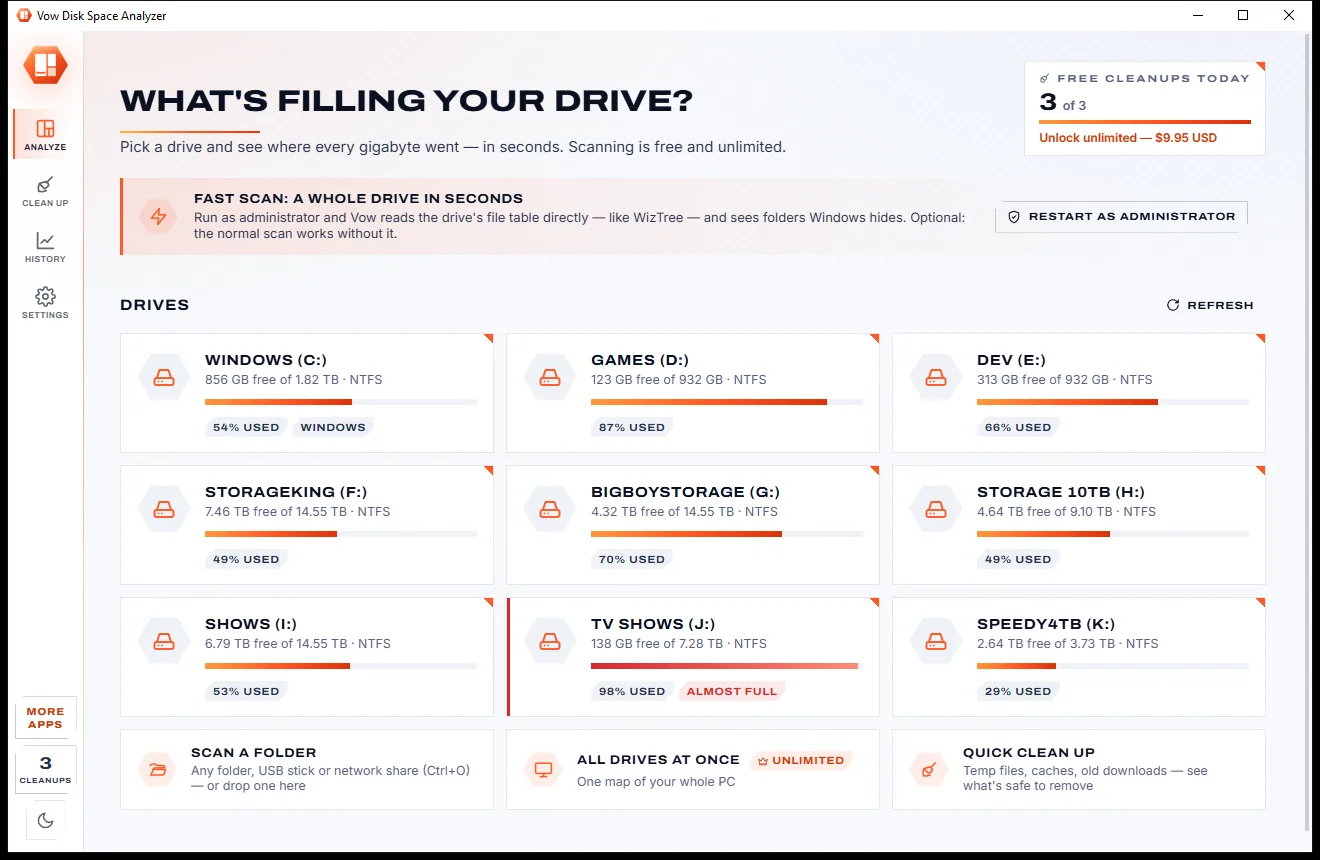
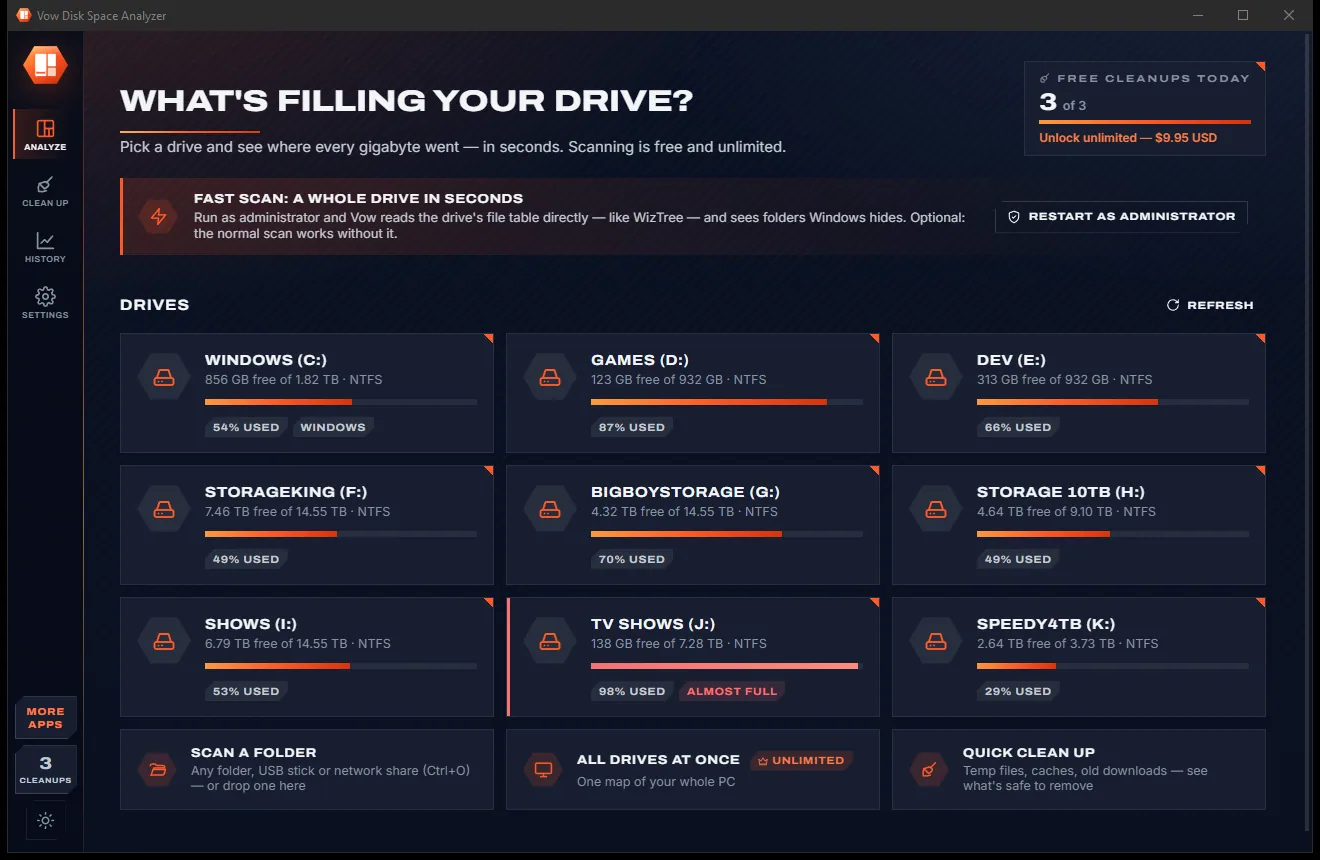
See what's filling your drive, then win the space back safely
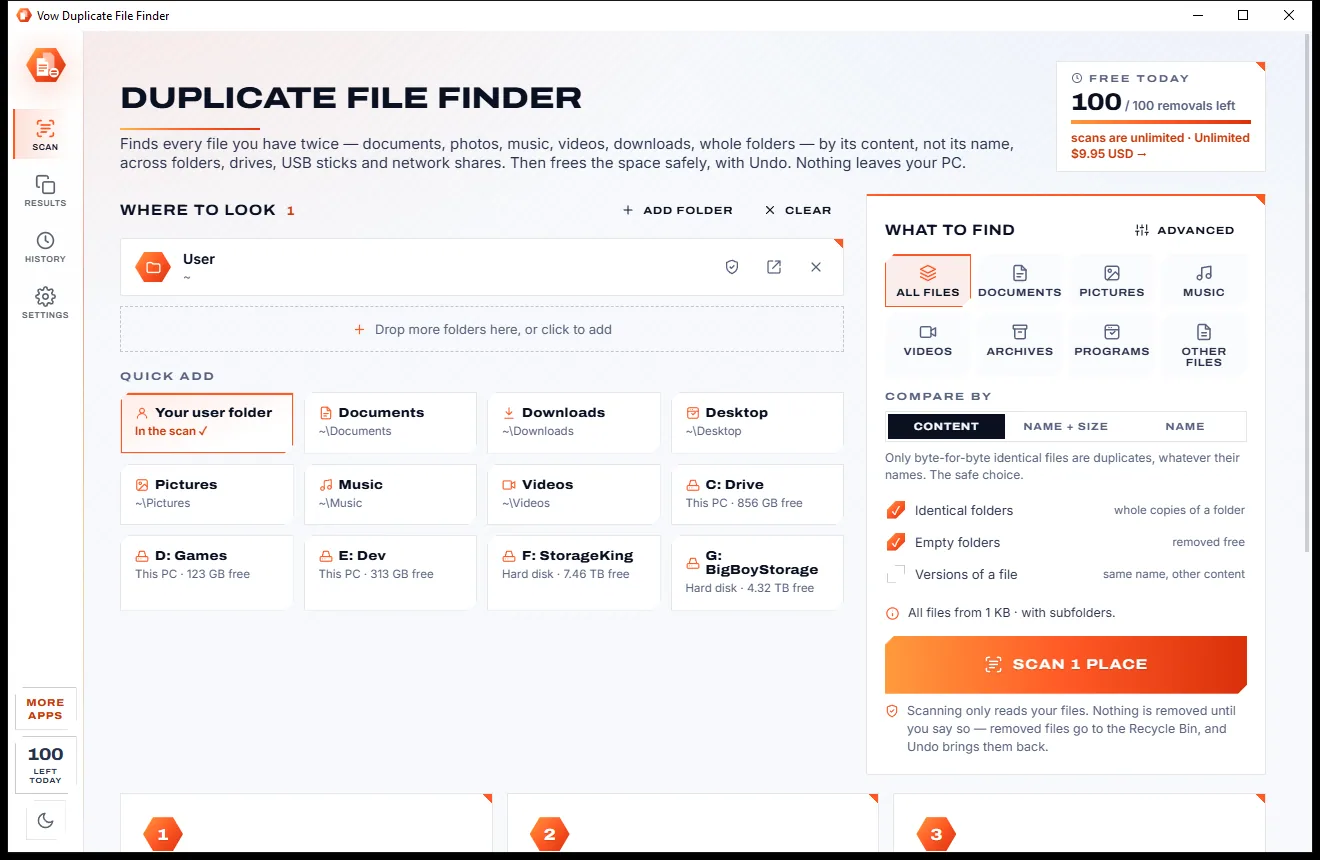
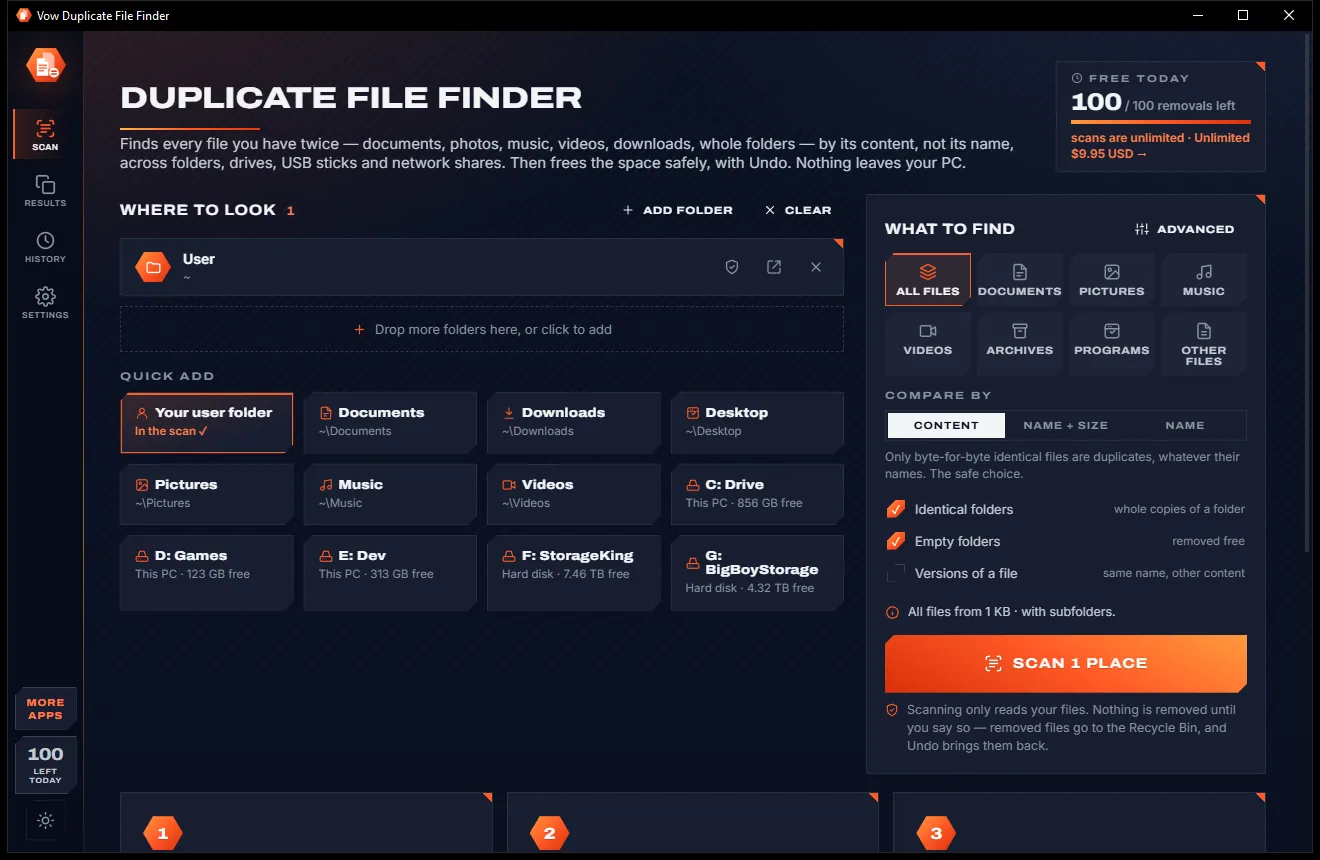
Find every file you have twice, and free the space with Undo
Open every archive, and fix the ones that won't open. Free to use every day, $4.95 once if you ever want Unlimited.