
Photos
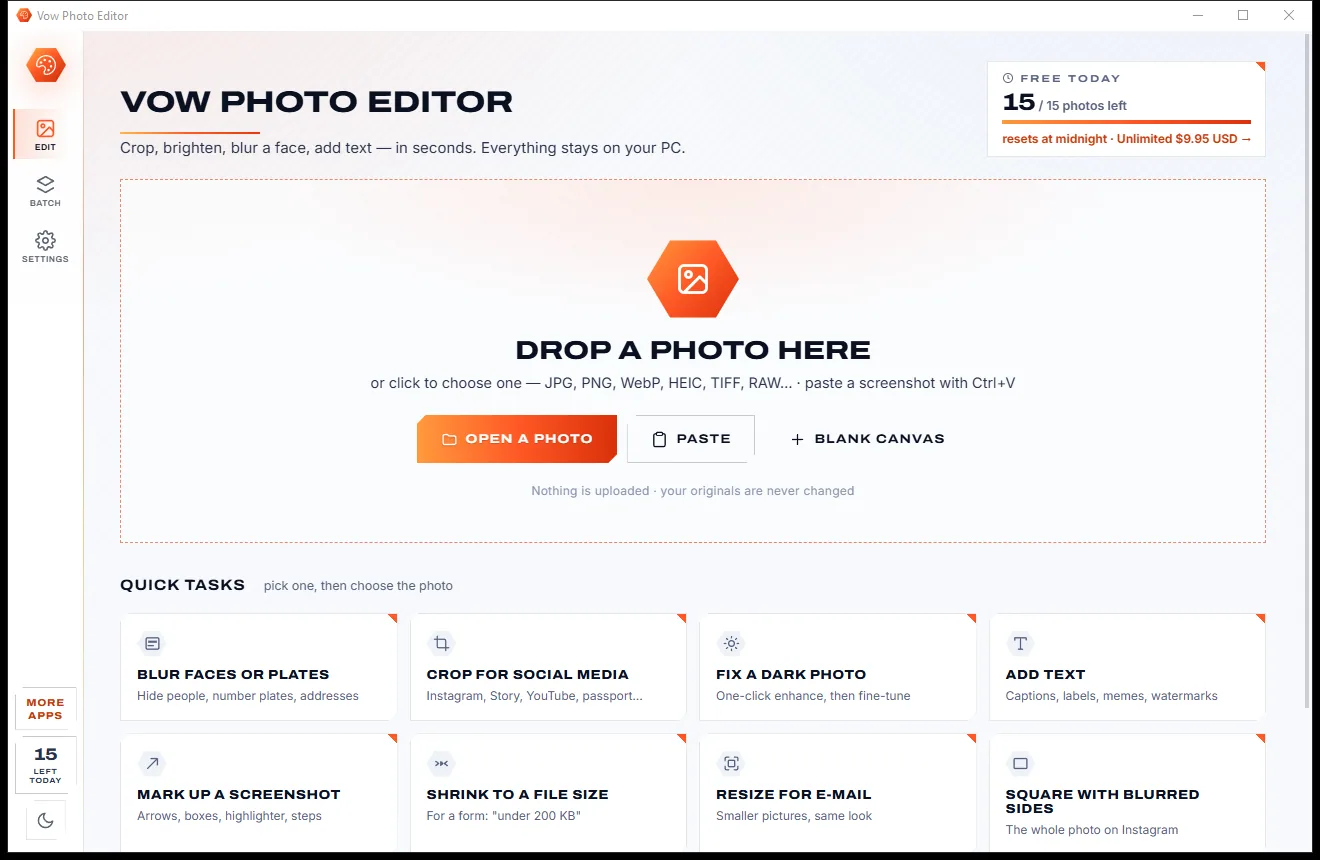
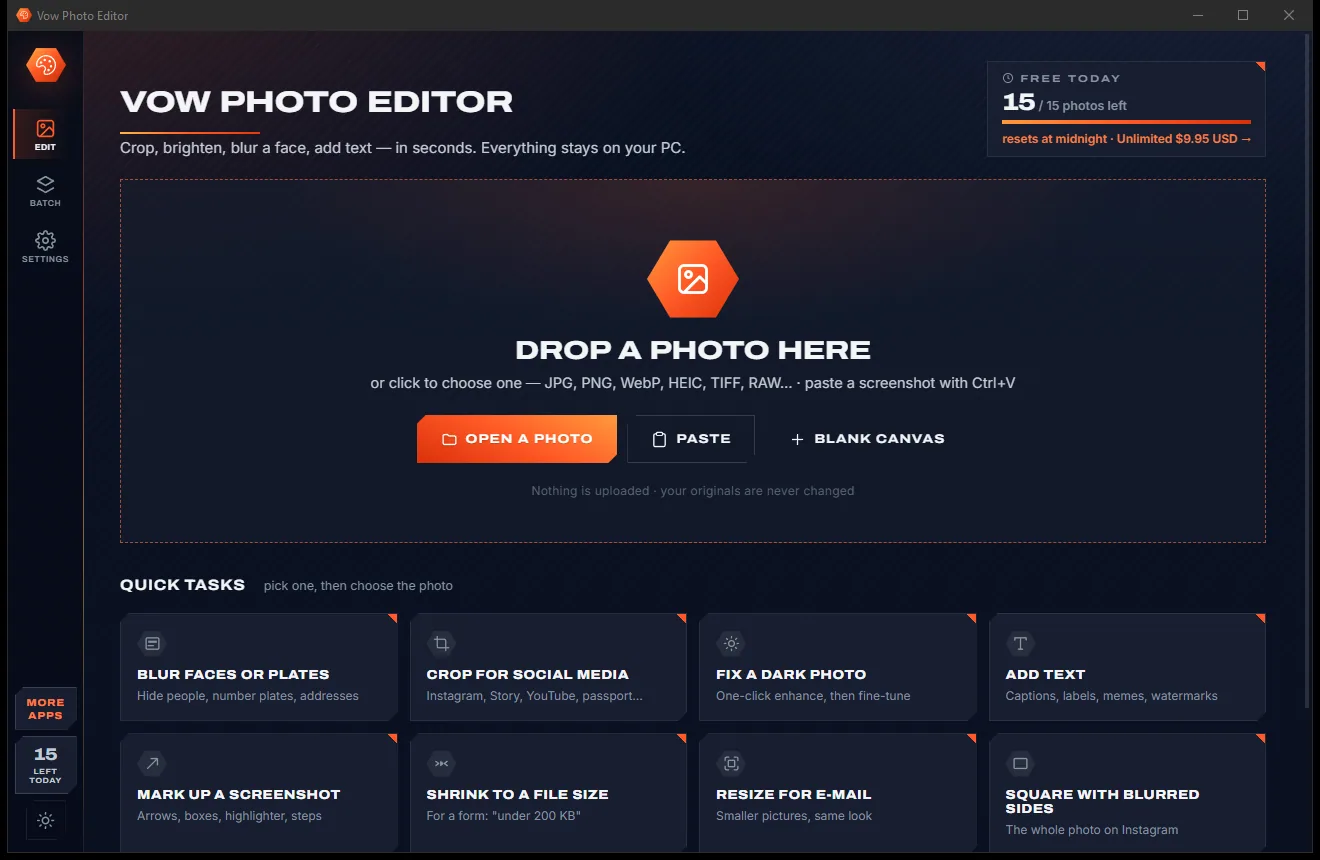
Vow Photo Editor
Crop, brighten, blur a face, add text, and save to an exact file size
- Free: Every basic edit, 15 saved photos a day, no watermarks
- $9.95 once: No daily limit, one-click face blur, layers, batch edits and presets

AI background remover for Windows
Vow Background Remover cuts out people, products and pets on your own PC, with clean edges around hair and fur. Put them on white for your shop, size an ID photo, or save a transparent PNG. No upload, no credits, no watermark.
The problem
Upload a photo, get a postage-stamp preview, then a price list in credits. And the dog's ears are still half missing.
Online removers need your photo on their servers, including unreleased products, ID photos and pictures of your kids.
The free result is often a small preview; the full-size file costs a credit, or arrives with a watermark.
Pay per image or per month, and watch unused credits expire at the end of the billing period.
Clumps of hair cut off, whiskers gone, and a coloured halo of the old background left around the edges.
Doing a whole folder of product shots at once is usually saved for the most expensive plan.
Online tools change their prices, limits and terms, or close, and your workflow goes with them.
Vow Background Remover fixes all of it.
How it works
The cut-out appears as soon as the photo lands, and your last look is remembered for the next one.
Drag in one photo or a whole folder, paste with Ctrl+V, or right-click an image in Explorer and choose Remove background with Vow.
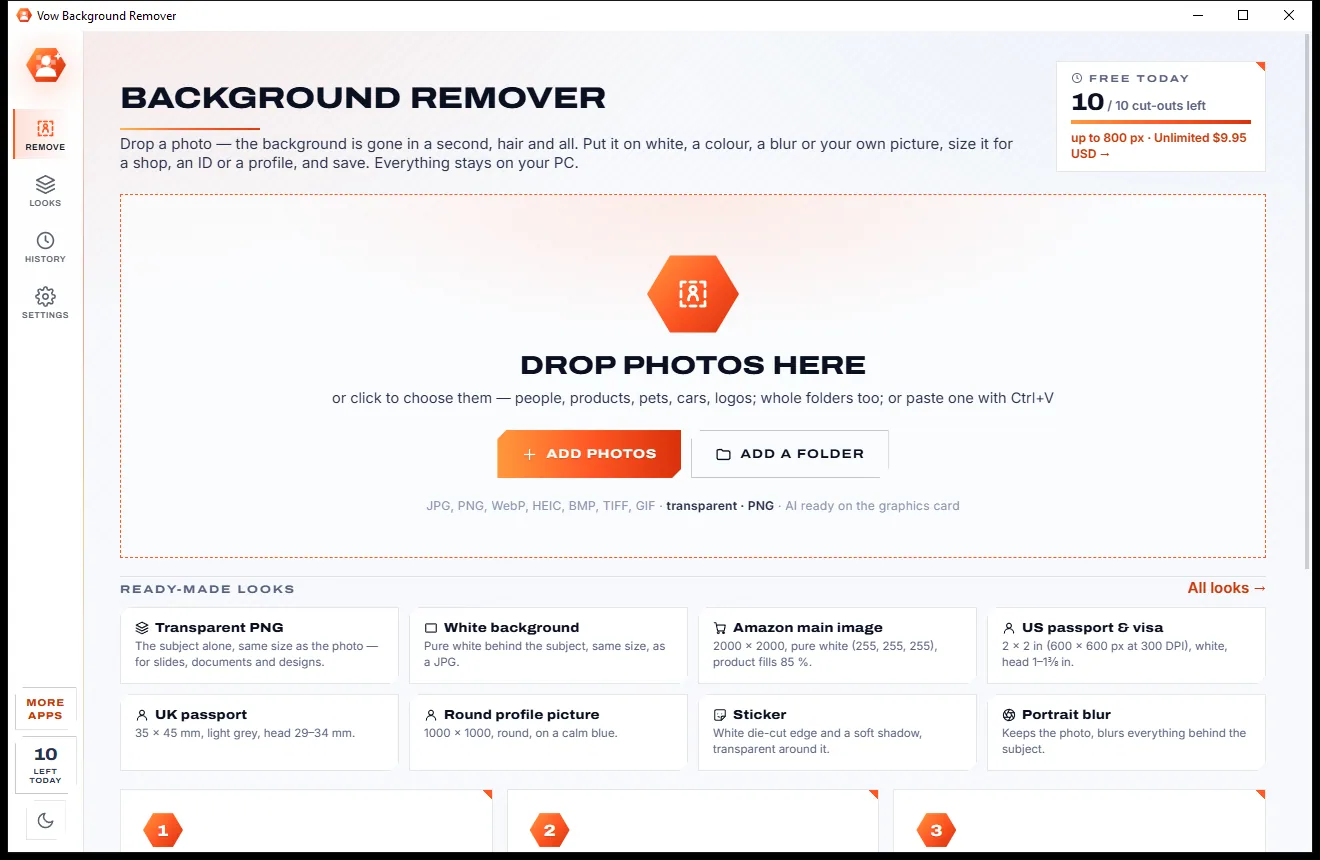
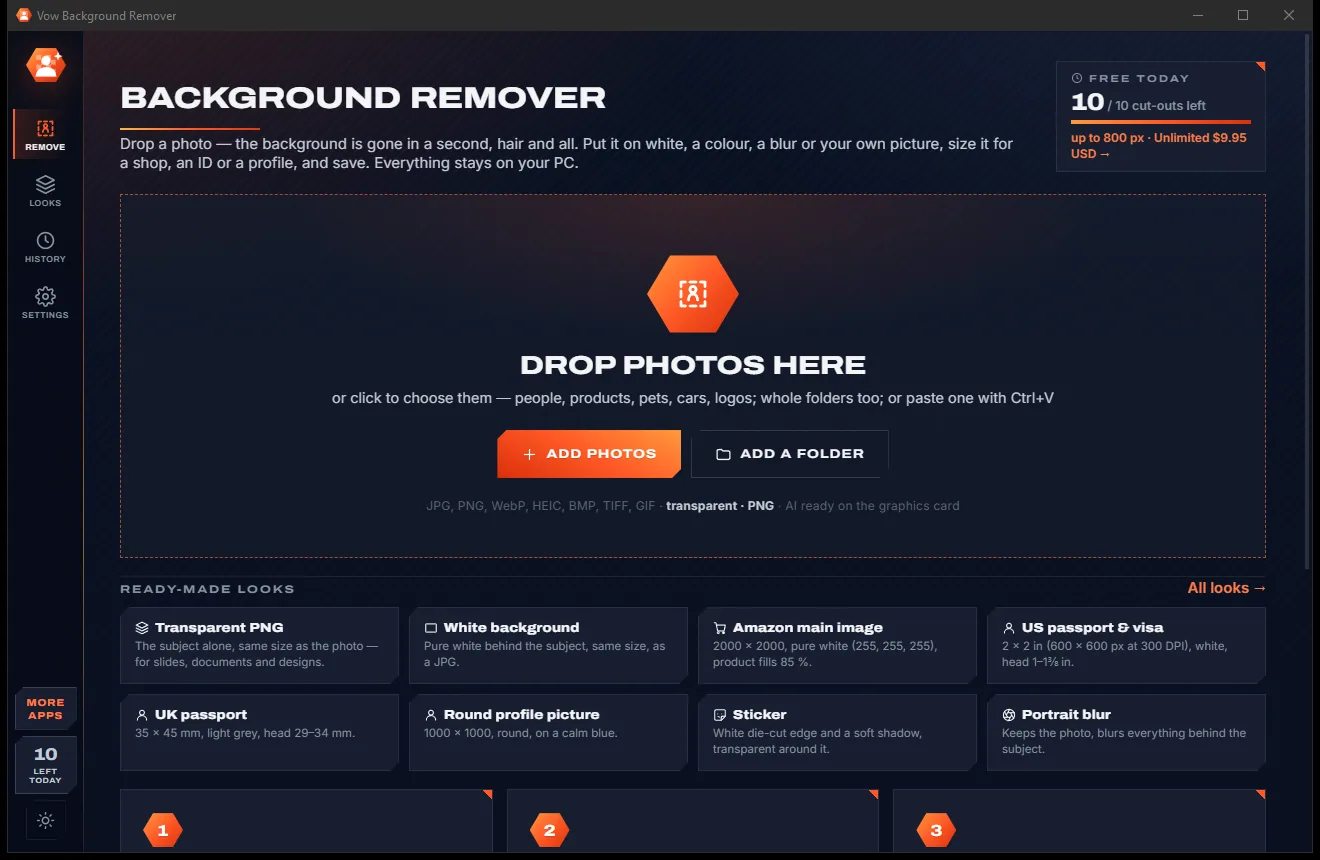
The cut-out appears on a checkerboard in about a second. Compare shows before and after, and the touch-up brushes fix any spot.
Keep it transparent or put it on white, a colour or a gradient, choose a ready-made look for a shop or passport, and press Save.
Features
Built for online sellers, ID photos, profile pictures and anyone who needs a clean transparent PNG.
An open, commercially usable model that runs on your graphics card through DirectML, or on the processor. Nothing leaves your PC.
Edges are snapped to the photo's real edges where the AI was unsure, and colour clean-up removes the old background's fringe.
Amazon main image (2000 x 2000, pure white), eBay, Etsy and Shopify sizes, product with shadow and grey studio.
US, UK, Schengen, India, Canada, China, Australia and any 35 x 45 mm, framed on the face to the head-size rule at 300 DPI.
Round profile pictures, LinkedIn and creator avatars, die-cut stickers, portrait blur, colour splash and poster looks.
Erase and restore with a smart edge-aware mode, adjustable size and hardness, and undo and redo.
Add a stack of photos or a folder: each is cut out in a list with its own settings, and Save all saves them in one go with Unlimited.
Transparent, any solid colour, linear or radial gradients, your own picture, a blurred copy of the photo or black and white.
Save next to the photo or in a folder, copy the result to the clipboard, or export the black-and-white mask for other editors.
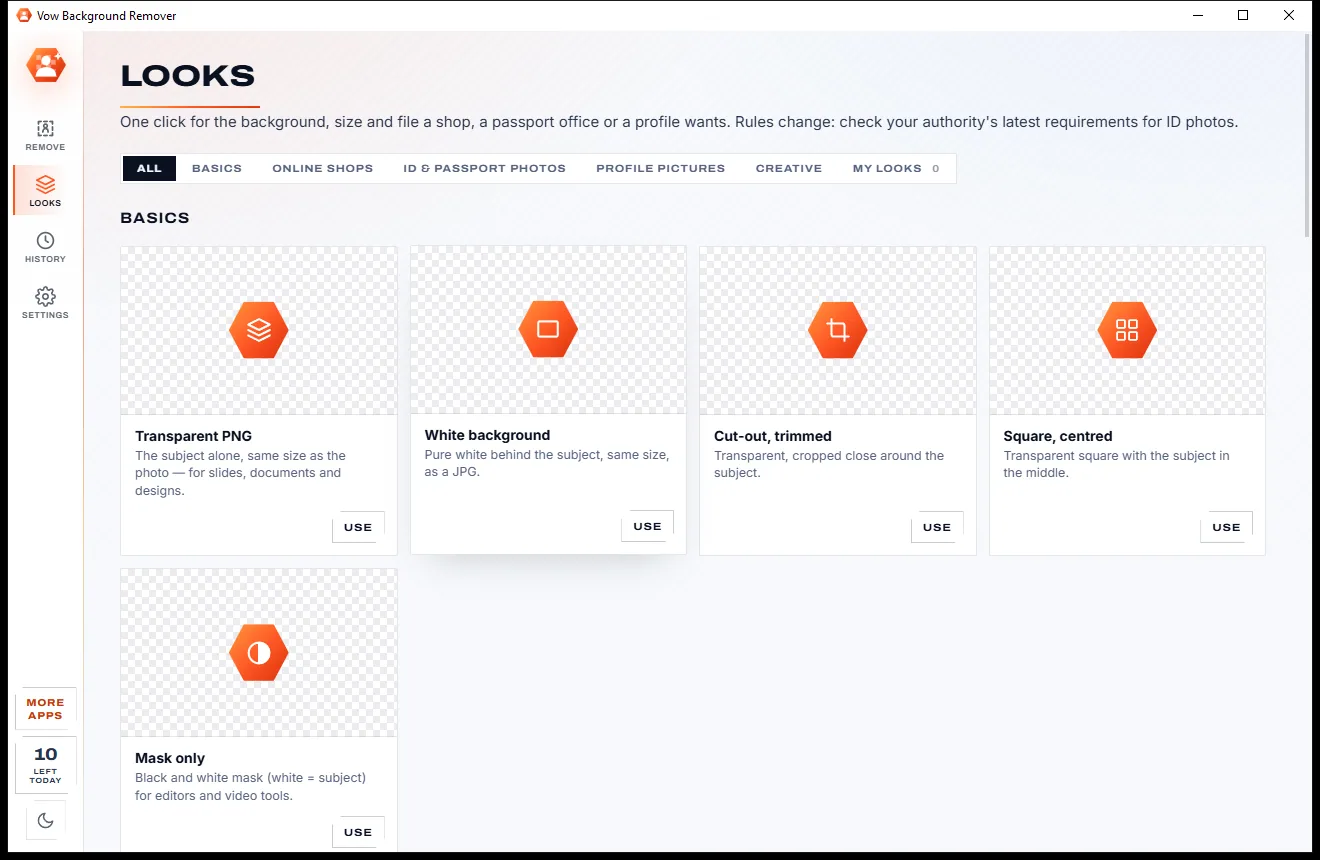
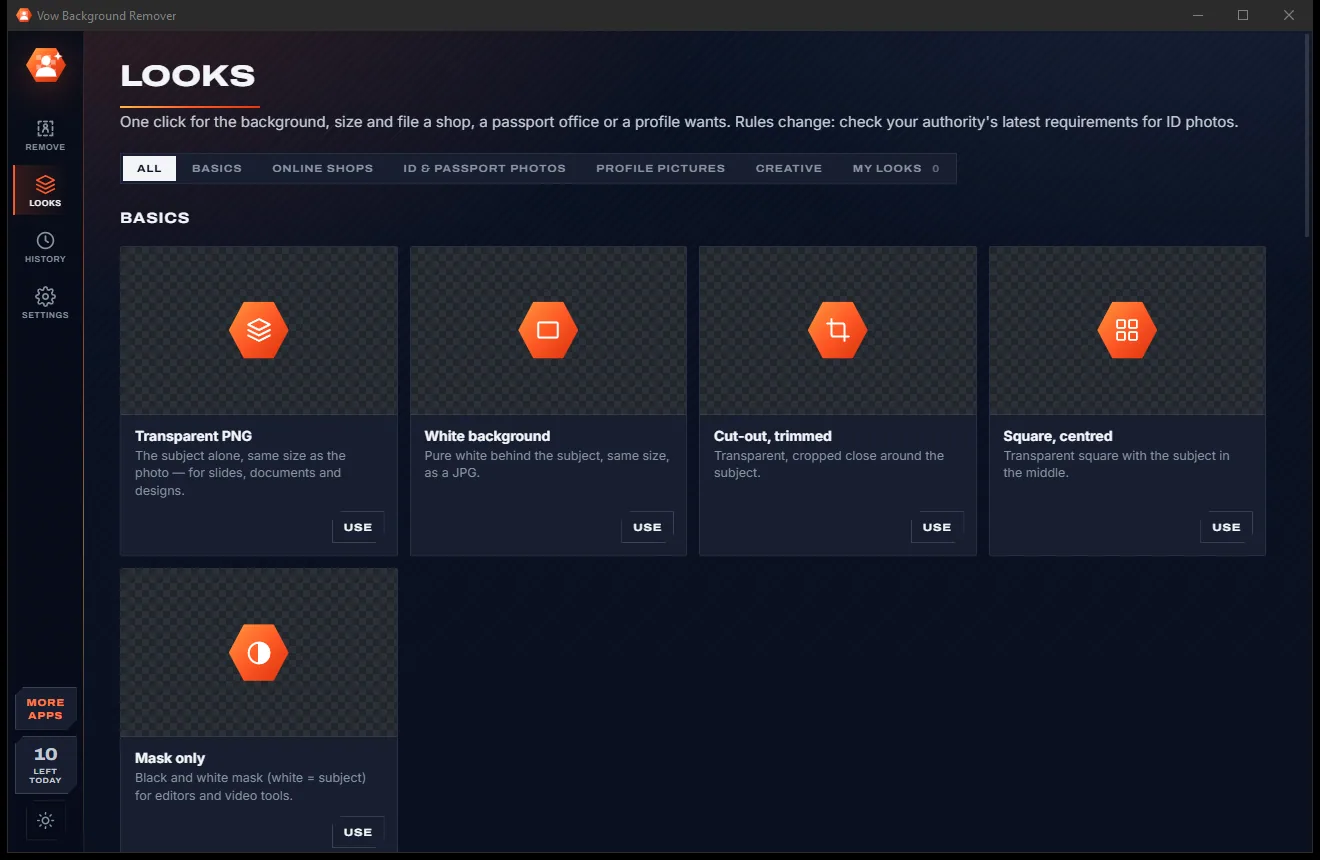
Switch between the light and dark look with one click on the Light / dark button, or let it follow your Windows setting.
Light & dark theme
Background Remover comes with a crisp light theme and a calm dark theme. Switch with one click, or let it follow your Windows setting by itself. It remembers your choice.
Screenshots
Real screenshots of the real app, in both of its themes: 7 light, 7 dark. Click any picture to see it full size.
Light theme
Dark theme
Who it's for
Pure-white Amazon and eBay main images and square Shopify shots from photos taken on the kitchen table.
Take the photo at home and get the right background colour, head size and print size for your country.
A clean round headshot for LinkedIn, work chat or your socials, on a calm colour.
Cut out your dog or cat, fur and whiskers included, for cards, stickers and keepsakes.
Stickers, posters, masks and cut-outs ready for flyers, thumbnails and print.
Transparent PNGs that sit cleanly on presentations, reports and newsletters.
Compare
What you get from the upload-and-pay sites, compared with cutting out on your own PC.
| Feature | Vow Background Remover | Typical online background removers |
|---|---|---|
| Your photos are uploaded | Never: 100% on your PC | Yes, to their servers |
| Free download | Up to 800 px, no watermark | Often a small preview or a watermark |
| Price | Free every day, or $9.95 once | Credits or monthly plans |
| Hair and fur edges | Edge snapping and colour clean-up | Varies; halos are common |
| Shop and passport presets | 25+ looks with a compliance check | Rare, or a few sizes |
| Whole folders at once | Yes | Usually the top plans |
| Works without internet | Yes | No, for online tools |
| Account needed | No | Usually |
"Typical" describes what we found across the most-downloaded alternatives when we built Background Remover. Your mileage with any one of them may vary; ours won't.
Pricing
That is not a typo. Software this powerful usually means a monthly subscription; Background Remover is $9.95, once, for life: it's almost a giveaway. Use it free for as long as you like, and unlock Unlimited only if you need more.
10 cut-outs a day up to 800 px, every look, model and brush.
Almost a giveaway. Less than a takeaway lunch for software this powerful: no subscription, no renewals, yours for life on 2 PCs.
Full resolution, batch saving, custom backgrounds and effects.
Payments by Stripe: we never see or store your card. Questions? Ask a real person.
Clean software
Most "free" Windows downloads pay for themselves with ads, bundled extras or your data. Vow Background Remover doesn't need to: it's paid for honestly, once, by the people who find it useful.
Download Background Remover freeStep-by-step guide
A clean cut-out on white, a colour or transparent in a few clicks, without uploading the photo.
Step 1: get it freeDownload it from this page and run the installer. It needs no administrator rights and no account, and the Standard AI model is already inside.
Drag the photo in, click the drop area, press Ctrl+O or paste with Ctrl+V. Whole folders work too.
The background is removed straight away. Use Compare to see before and after, Mask to see the matte, and Touch up to erase or restore any area.
Pick None, Colour, Gradient, Picture, Blur or B&W, or open Pick a ready-made look for Amazon, a UK passport, LinkedIn, a sticker and more.
Press Save or Ctrl+S. The file goes next to the photo as "name-nobg.png" by default, in PNG, WebP, JPG or as a mask.
Technical details
FAQ
Yes. You can save 10 cut-outs a day for free, up to 800 px, on transparent or any solid colour, with every layout, look, AI model and brush, and no watermark. Every paid background and effect can be previewed free. Unlimited, a one-time $9.95 USD payment, adds full resolution, no daily limit, batch saving, custom backgrounds, shadows and edge refinement.
No. The AI runs entirely on your own PC, on your graphics card or processor. Your photos never leave your computer, and there is no account.
It uses BiRefNet, a state-of-the-art open segmentation model, then snaps the edge to the photo's real edges where the AI was unsure and removes the colour fringe of the old background. For the finest hair, the optional Hair & fur model gives extra detail.
Yes. The Amazon look puts the product on pure white (255, 255, 255) at 2000 x 2000 with the product filling 85 % of the frame, and there are looks for eBay, Etsy and Shopify too, with a compliance check. Free saves are up to 800 px; full size needs Unlimited.
Yes. Looks for US, UK, Schengen, India, Canada, China, Australia and any 35 x 45 mm photo frame the face to the head-size rule on the right background at 300 DPI. Rules change, so check your authority's latest requirements.
No. It runs on any 64-bit Windows 10 or 11 PC, on a DirectX 12 graphics card when there is one and otherwise on the processor. The Standard model is included; the High detail and Hair & fur models are optional downloads of about 1 GB each.
Those run online and charge with credits or monthly plans. Vow runs on your PC with no upload and no account, saves free cut-outs up to 800 px with no watermark, and Unlimited is a single $9.95 payment.
Yes. It is made and published by XTO Pty Ltd, an Australian company. There are no ads, no bundled software and no account, it needs no administrator rights, and it uninstalls cleanly from Windows Settings without touching your photos.
The Vow collection
Same design, same promises, a tiny one-time price. Learn one and you already know them all.
Crop, brighten, blur a face, add text, and save to an exact file size

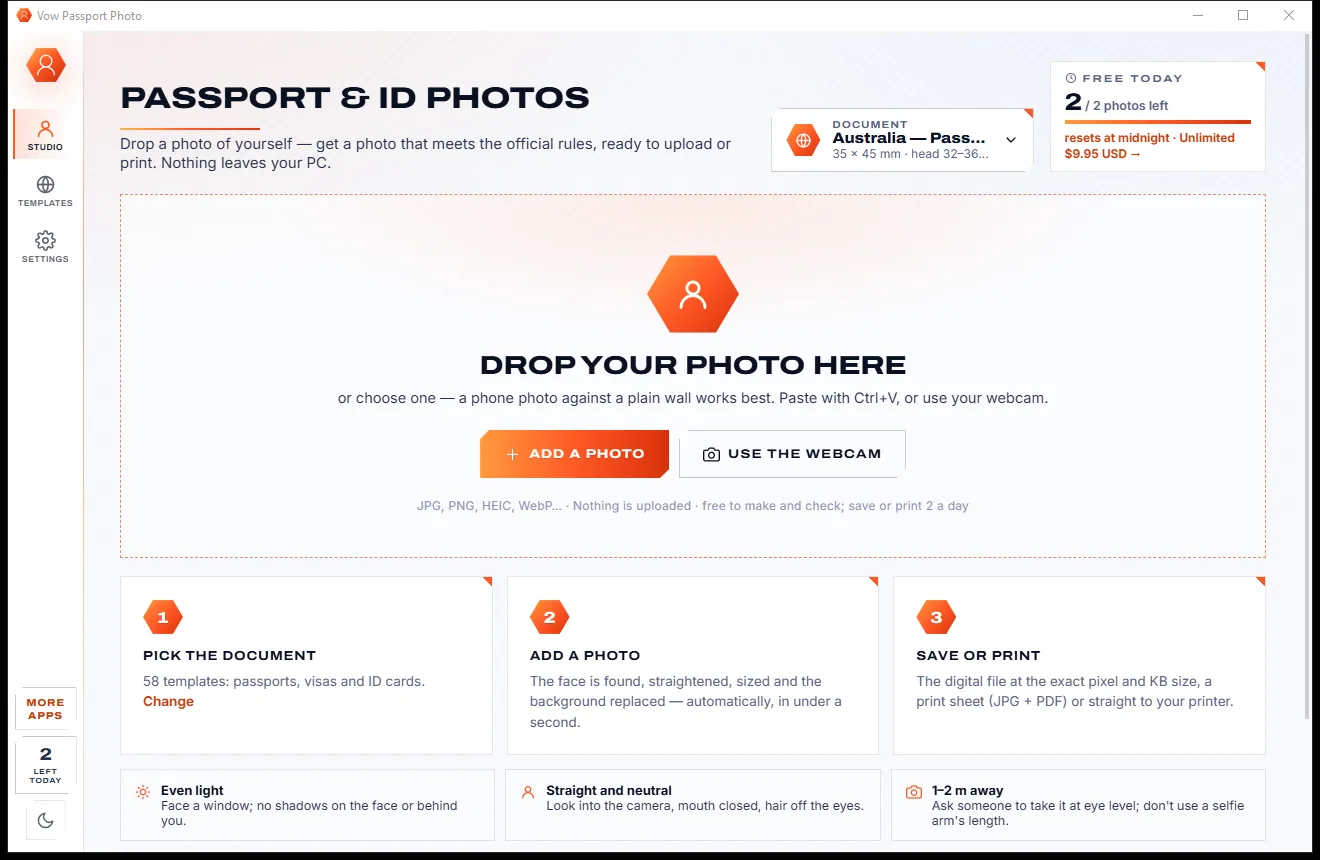
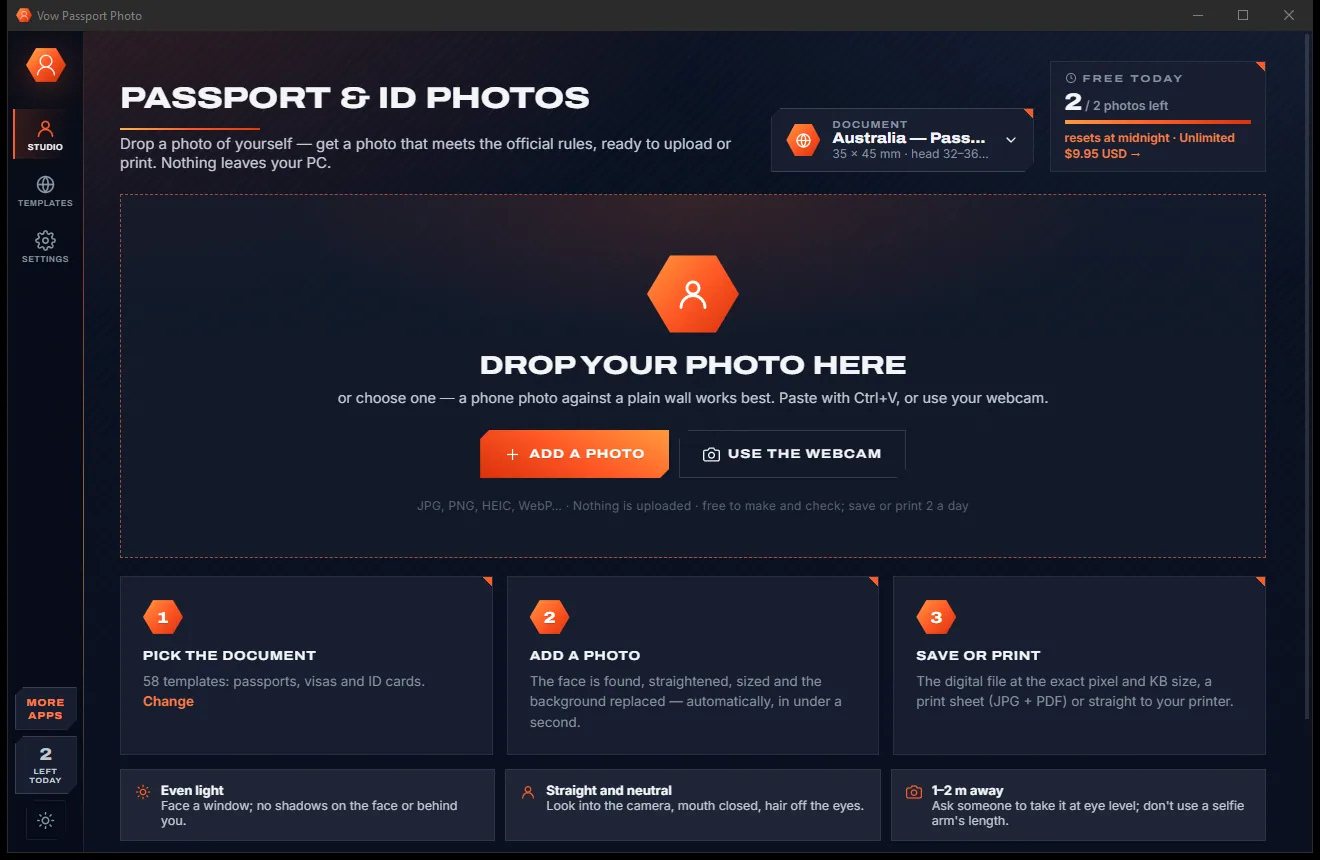
Passport, visa and ID photos at home, sized to each country's rules

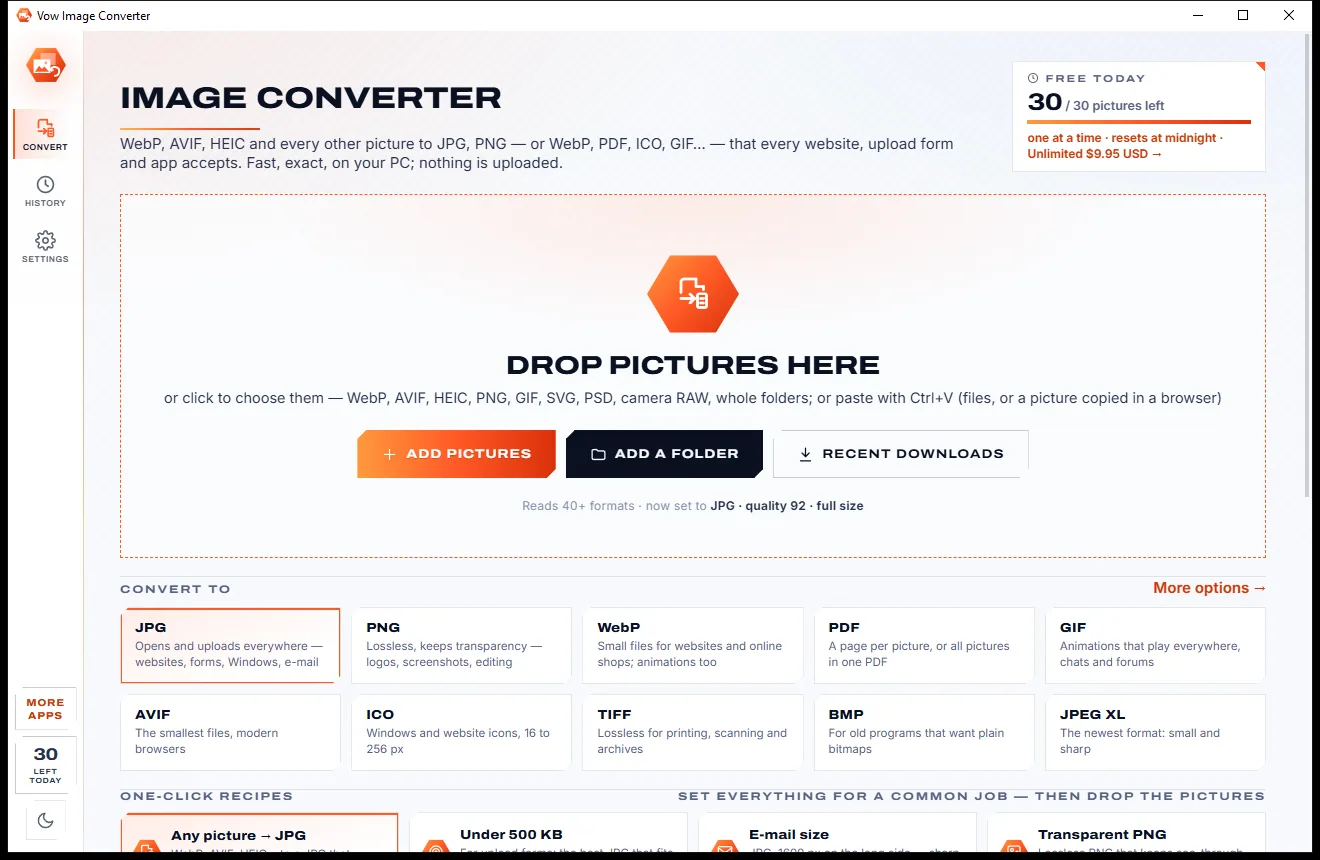
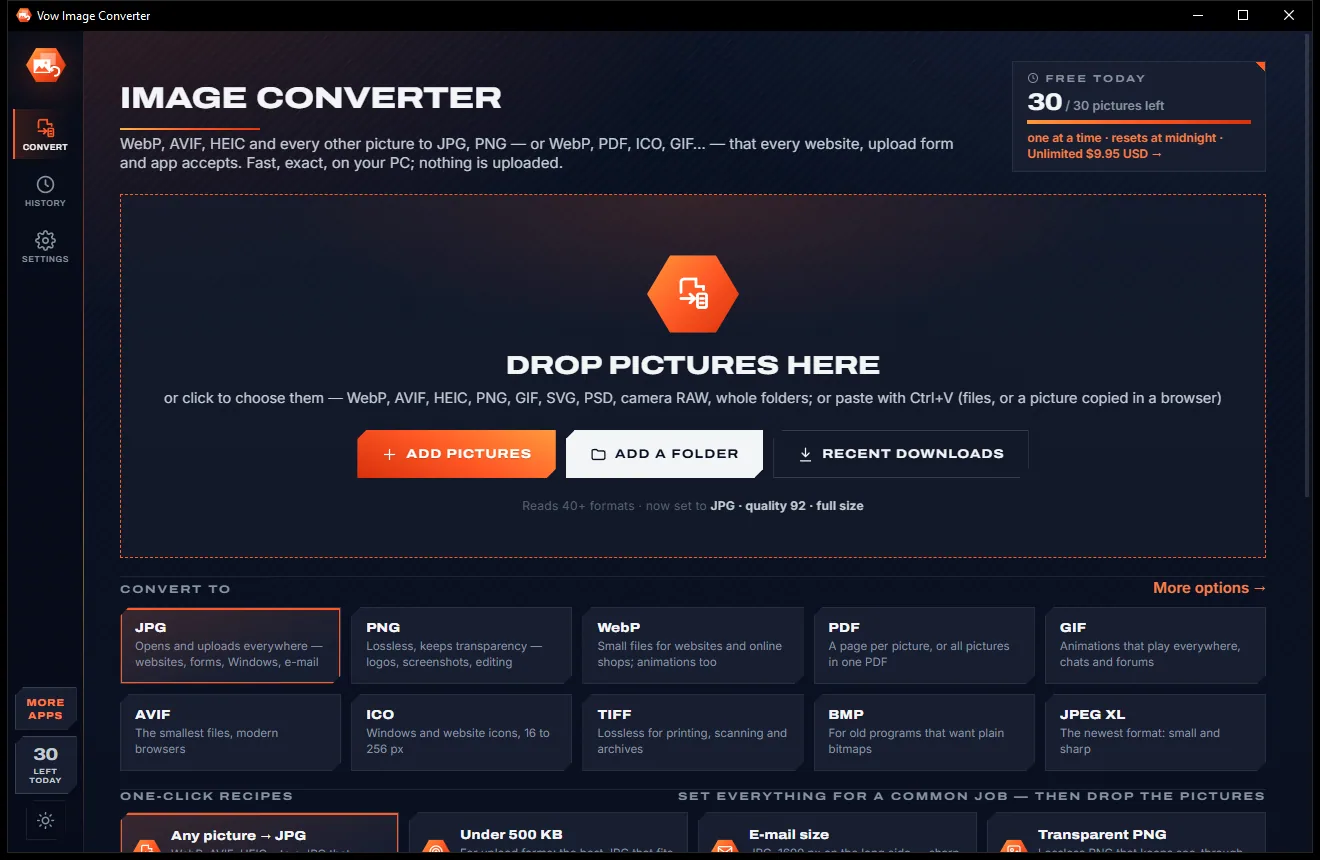
Turn WebP, AVIF, HEIC and 40+ formats into pictures that open everywhere
Remove the background from any photo, hair and fur included. Free to use every day, $9.95 once if you ever want Unlimited.