
Photos
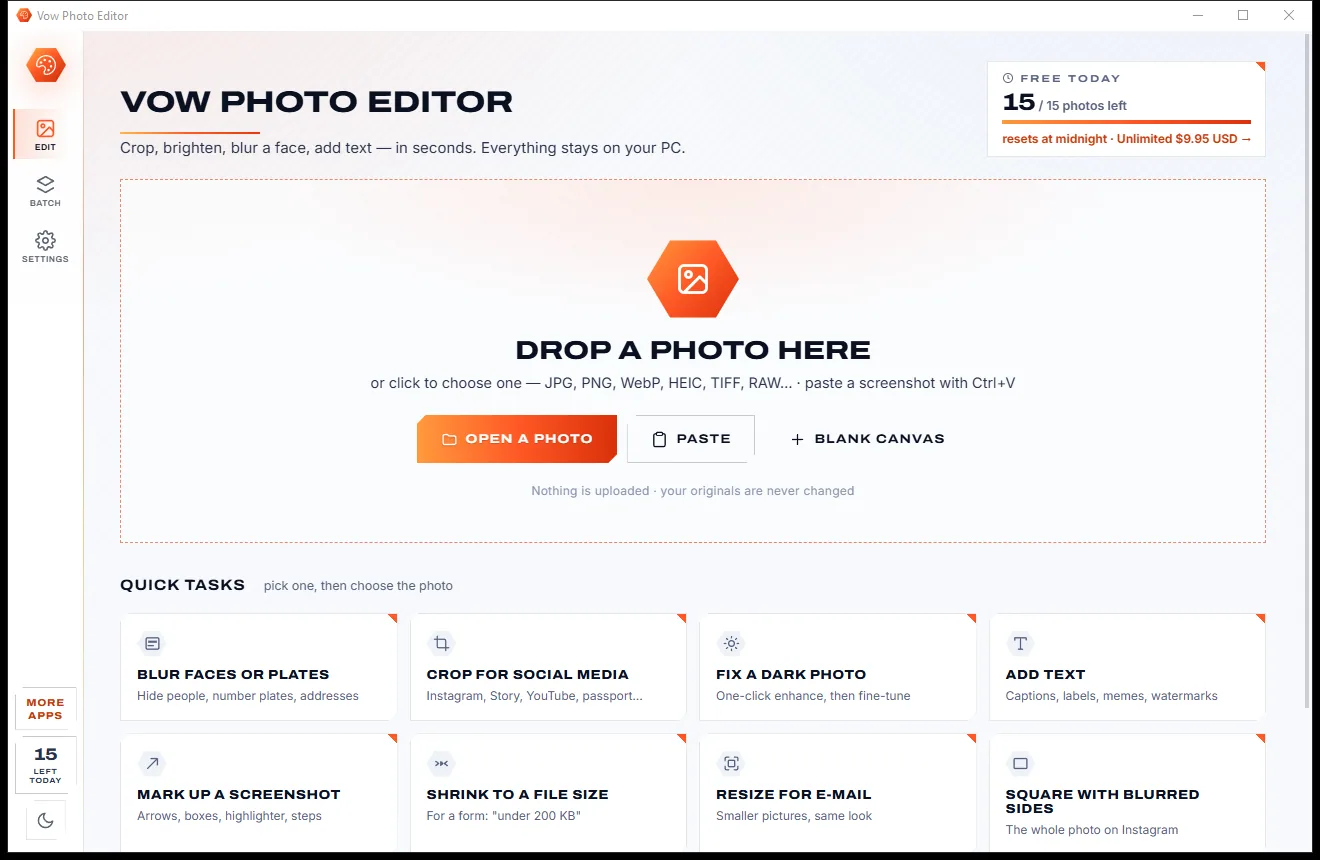
Vow Photo Editor
Crop, brighten, blur a face, add text, and save to an exact file size
- Free: Every basic edit, 15 saved photos a day, no watermarks
- $9.95 once: No daily limit, one-click face blur, layers, batch edits and presets

iPhone photo importer for Windows
Windows' own import freezes on big camera rolls, skips files without telling you, or brings everything in again as "IMG_1234 (2)". Vow reads your iPhone one file at a time, checks every file, carries on by itself after a disconnect and files it all into dated folders.
The problem
Plug it in, start the import, and later you find it frozen halfway, finished but missing files, or full of copies you already had.
Windows' import stalls on thousands of photos, and the progress bar just sits there with no way to know why.
The classic error that stops an import halfway, usually because the iPhone is converting photos while it sends them.
The import says it's finished, but some photos and videos never arrived, and nothing tells you which ones.
Import a second time and IMG_1234 (2) appears beside IMG_1234, doubling the folder instead of bringing only what's new.
The tools that promise to fix it often want a subscription, an Apple account or extra Apple software first.
Syncing through iCloud means paying for space and waiting for downloads, just to move photos across a desk.
Vow iPhone Photo Importer fixes all of it.
How it works
What's new is already picked, every file is checked, and a wobbly cable never means starting again.
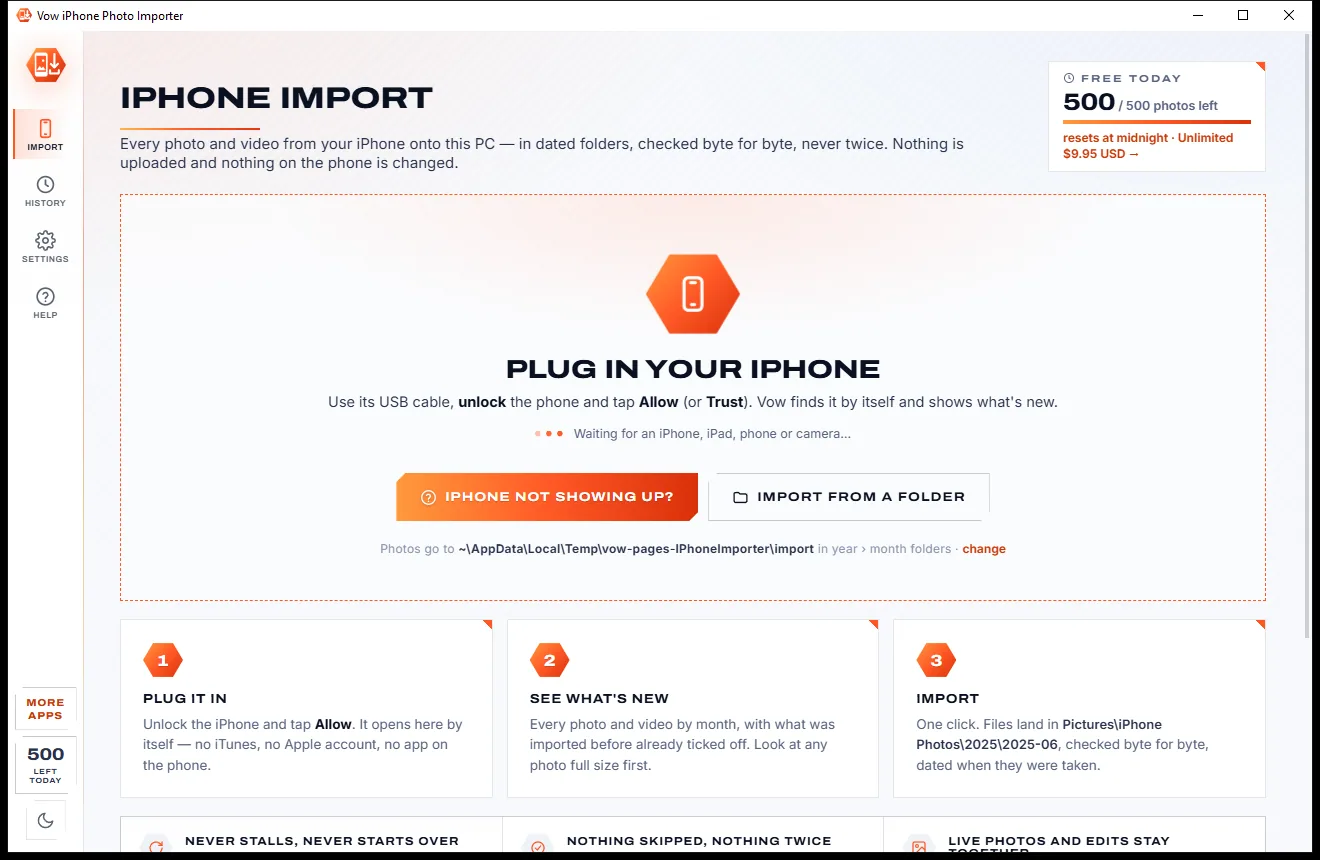
Unlock the iPhone and tap Allow or Trust. Vow sees it by itself: no iTunes, no Apple account and no app on the phone.
The camera roll appears by month with thumbnails, and everything not imported before is already picked. Look at any photo full size first.
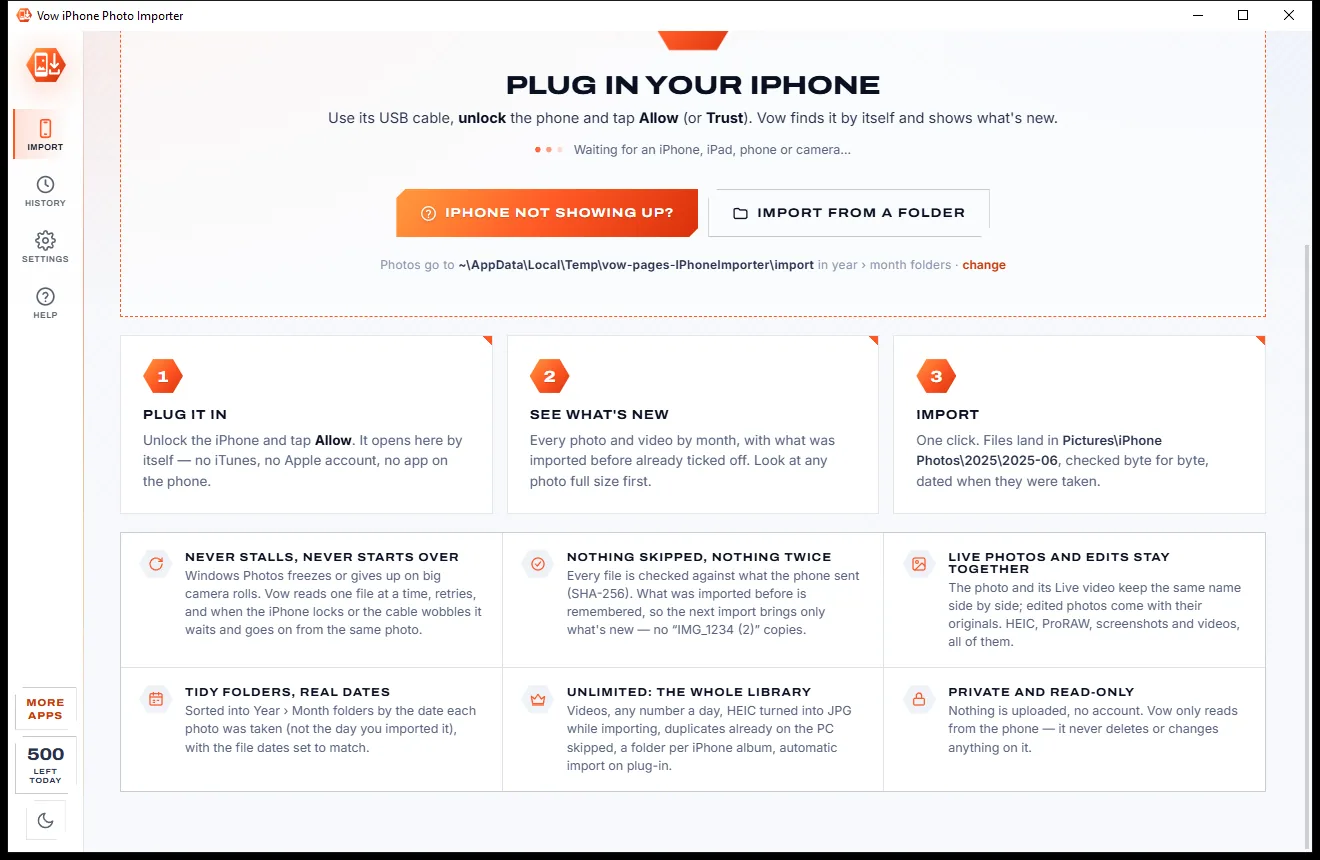
Files land in dated folders, each checked byte for byte. If the iPhone locks or disconnects, the import waits and goes on from the same file.
Features
For families with years of camera rolls, anyone clearing space on a full iPhone, and whoever sorts out everyone else's photos.
Every file is SHA-256-checked as it arrives and read back from the disk, under a temporary name until it's complete.
Screen lock, a loose cable or "device unreachable": the import waits and continues from the same file by itself.
Each iPhone's imports are remembered, so the next one brings only what's new, even when the phone renumbers its folders.
Year > Month, Year > Day, Month or one folder, or your own pattern, from the date taken stored in each file.
Each Live Photo's movie stays next to its photo, and edited photos come with or without their originals.
The whole camera roll by month, filters for Live, videos, screenshots, edited and favourites, and full-size previews.
Photos imported earlier by Windows Photos, iCloud or other tools are recognised by content, under any name (Unlimited).
HEIC photos saved as JPG, or JPG plus HEIC, while importing, upright with date, camera and GPS kept (Unlimited).
Your iPhone albums as folders made of hard links that take no extra disk space (Unlimited).
Vow can't delete, move or change anything on your iPhone, and nothing is uploaded anywhere.
Light & dark theme
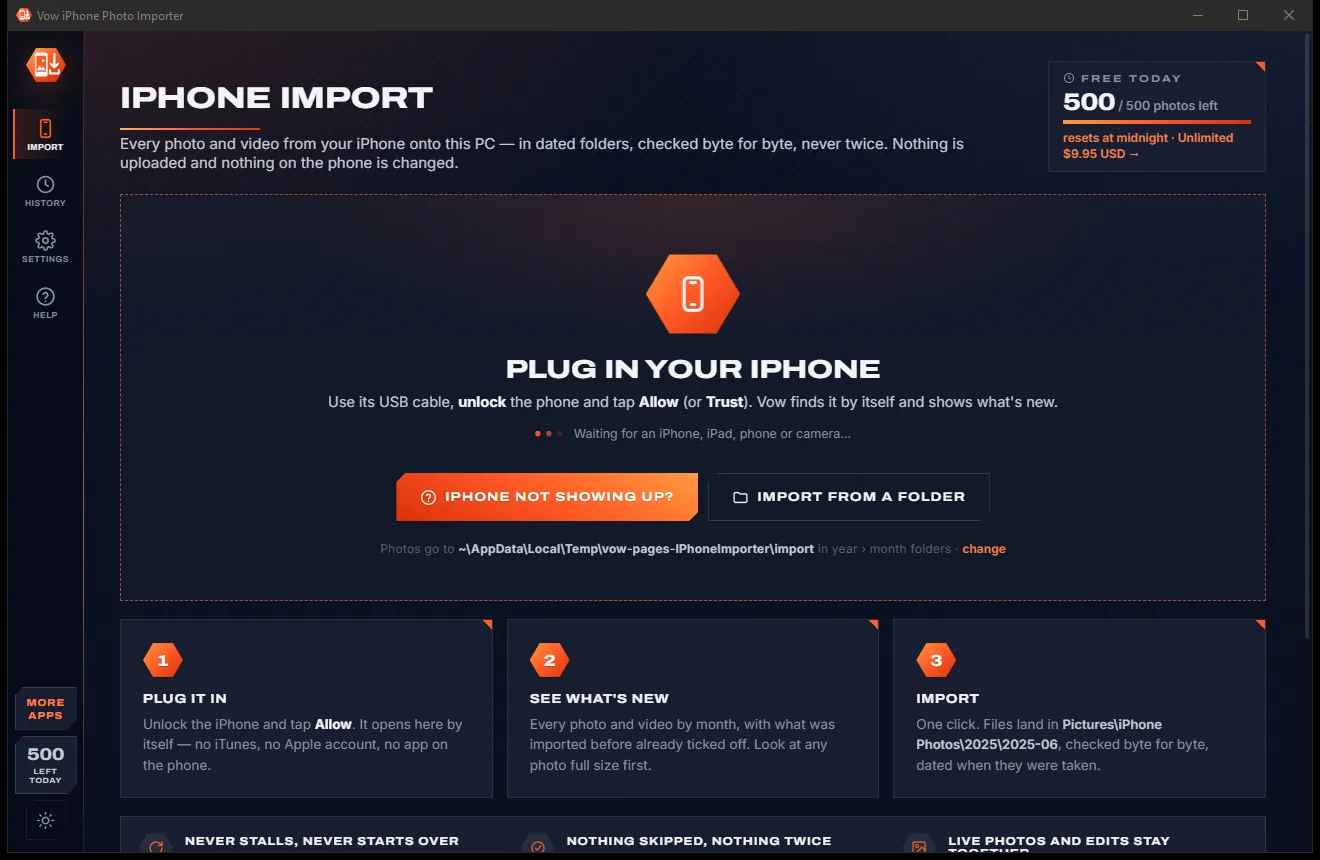
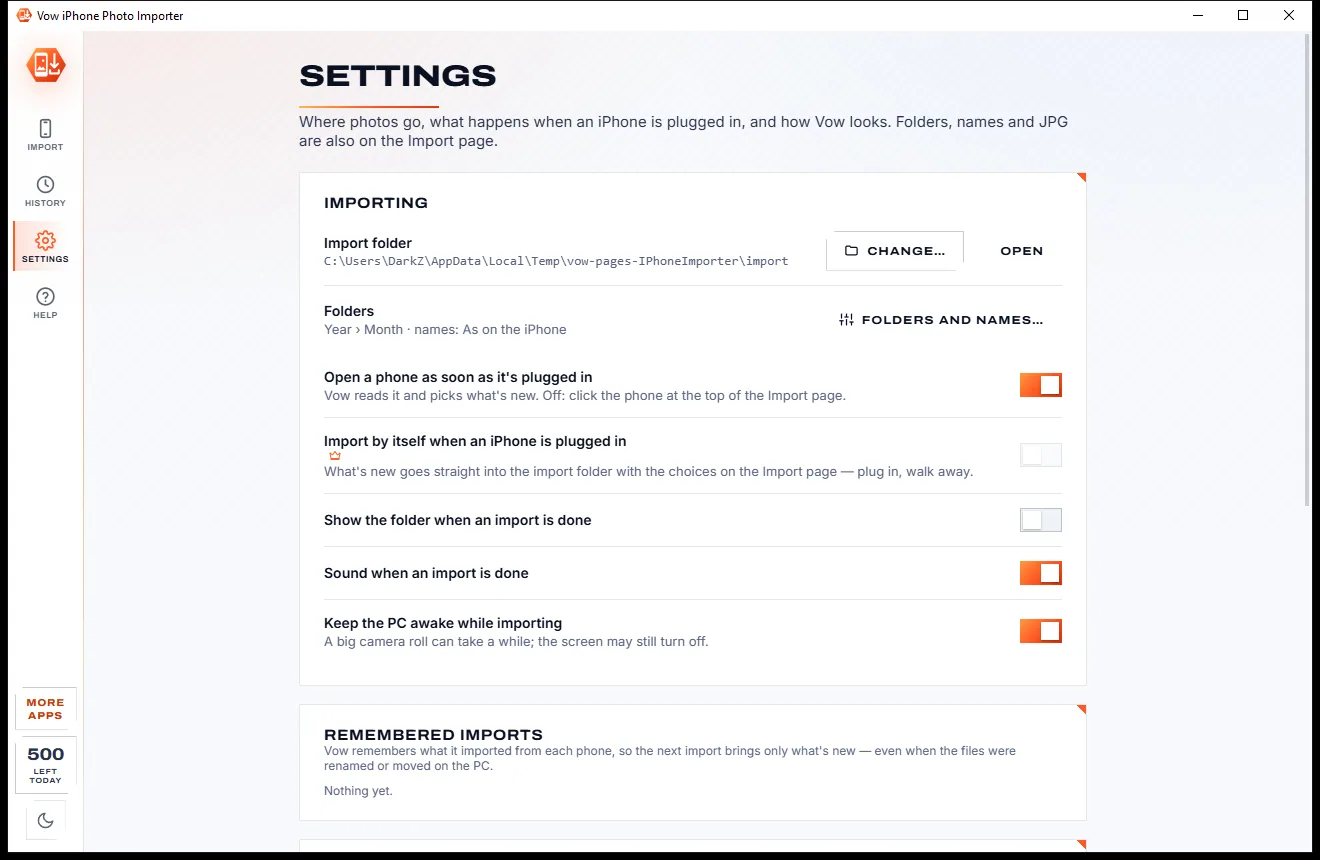
iPhone Photo Importer comes with a crisp light theme and a calm dark theme. Switch with one click, or let it follow your Windows setting by itself. It remembers your choice.
Screenshots
Real screenshots of the real app, in both of its themes: 7 light, 7 dark. Click any picture to see it full size.
Light theme
Dark theme
Who it's for
Copy everything off, checked, then delete from the phone knowing it's all safely on the PC.
Import several phones into one place, with a folder per iPhone if you like.
Plug in once a month and bring across only what's new, never a duplicate.
Get the old iPhone's whole camera roll onto the PC before you trade it in or reset it.
The same careful import works for iPads, Android phones, cameras, memory cards and copied DCIM folders.
Bring large MOV and MP4 videos across without failed transfers (Unlimited).
Compare
Windows' own import, iCloud and the paid phone managers, compared honestly.
| Feature | Vow iPhone Photo Importer | Windows' import & typical phone managers |
|---|---|---|
| Price | 500 a day free, or $4.95 once | Free but unreliable, or subscriptions |
| Every file verified | Byte for byte, SHA-256 | No |
| Carries on after a disconnect | By itself, from the same file | Usually stops with an error |
| Imports only what's new | Remembered per iPhone | Copies as "(2)" are common |
| Folders from the photo's own date | Yes, your layout | Partly |
| Skips photos already on the PC | By content (Unlimited) | Rarely |
| Needs iTunes, iCloud or an Apple account | No | Often |
| Your photos are uploaded | Never | Yes, through iCloud |
"Typical" describes what we found across the most-downloaded alternatives when we built iPhone Photo Importer. Your mileage with any one of them may vary; ours won't.
Pricing
That is not a typo. Software this powerful usually means a monthly subscription; iPhone Photo Importer is $4.95, once, for life: it's almost a giveaway. Use it free for as long as you like, and unlock Unlimited only if you need more.
500 photos a day, Live Photos and edits, checked, in dated folders.
Almost a giveaway. Less than a coffee for software this powerful: no subscription, no renewals, yours for life on 2 PCs.
The full library, videos, PC duplicates skipped, auto JPG, albums.
Payments by Stripe: we never see or store your card. Questions? Ask a real person.
Clean software
Most "free" Windows downloads pay for themselves with ads, bundled extras or your data. Vow iPhone Photo Importer doesn't need to: it's paid for honestly, once, by the people who find it useful.
Download iPhone Photo Importer freeStep-by-step guide
Move your whole camera roll onto your PC, safely and in order, without iTunes or iCloud.
Step 1: get it freeDownload it from this page and run the installer. It needs no administrator rights, no iTunes and no Apple account; Windows installs Apple's USB driver by itself through Windows Update.
Use a cable that carries data, unlock the phone and tap Allow or Trust. Not showing up? The built-in guide walks through the usual fixes, step by step.
Everything new is already ticked. Filter by Live Photos, screenshots or edited, untick a month, or double-click any photo to see it full size.
Pictures\iPhone Photos in Year > Month folders is the default. Change the folder, the layout or the file names in the panel on the right.
Watch the speed and time left. Pause and Stop are safe at any moment, and if the iPhone locks, the import waits and goes on by itself.
Technical details
FAQ
Yes. You can import 500 photos a day for free, Live Photos, edited photos and screenshots included, into dated folders with every file checked. Unlimited, a one-time $4.95 USD payment, imports the full library at once, adds videos, skips duplicates already on the PC, converts HEIC to JPG, makes album folders and imports by itself when the iPhone is plugged in.
No. Vow talks to the iPhone the way Windows itself does, through Apple's USB driver, which Windows Update installs. Apple's Mobile Device Service, from the Apple Devices app or iTunes, is only used if it's already there, to read album names.
The import shows "Waiting for the iPhone" and goes on from the same file once the phone answers again. Nothing is left half-written: files are written under a temporary name and renamed only when complete and checked.
No. It remembers what it imported from each iPhone, by name and size, even if the phone renumbers its folders, so the next import brings only what's new. With Unlimited it also skips photos already anywhere on the PC, by their content.
Usually because the iPhone is set to Automatic and converts photos while sending them. Vow copes with it, but on the iPhone choose Settings > Photos > Transfer to Mac or PC > Keep Originals for faster, more reliable imports.
No. It opens the phone read-only by design, so it can't delete, move or change anything. Once everything is safely on the PC, delete photos in the iPhone's Photos app; they stay in Recently Deleted for 30 days.
Yes. iPads, Android phones and cameras plugged in the same way work too, as do memory cards and copied DCIM folders through From a folder.
Yes. It is made and published by XTO Pty Ltd, an Australian company. The installer contains no ads, no toolbars and no bundled software, needs no administrator rights, and uninstalls cleanly from Windows Settings without touching your imported photos.
The Vow collection
Same design, same promises, a tiny one-time price. Learn one and you already know them all.
Crop, brighten, blur a face, add text, and save to an exact file size

Passport, visa and ID photos at home, sized to each country's rules

Turn WebP, AVIF, HEIC and 40+ formats into pictures that open everywhere
Get every photo off your iPhone and onto your PC, reliably. Free to use every day, $4.95 once if you ever want Unlimited.