
Photos
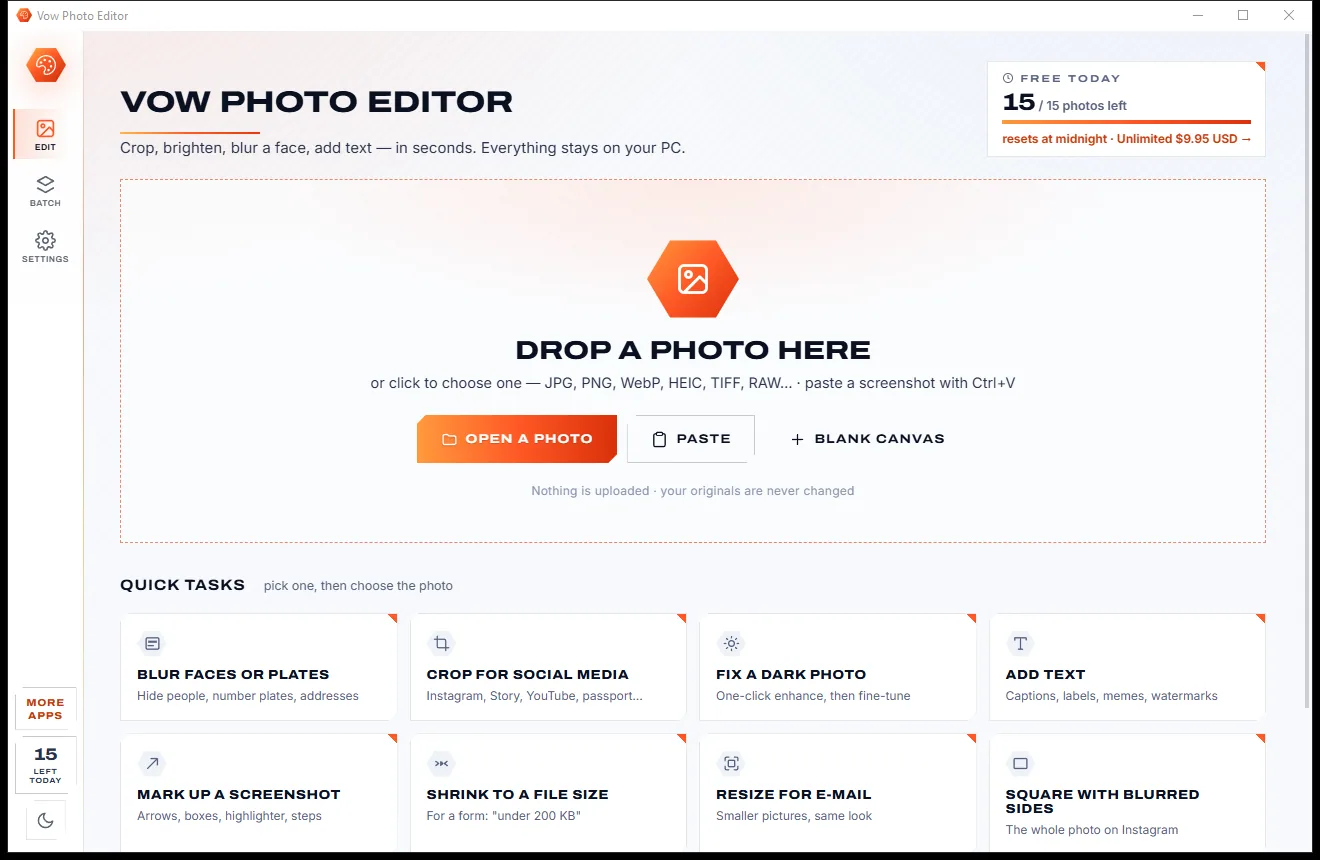
Vow Photo Editor
Crop, brighten, blur a face, add text, and save to an exact file size
- Free: Every basic edit, 15 saved photos a day, no watermarks
- $9.95 once: No daily limit, one-click face blur, layers, batch edits and presets

Duplicate photo finder for Windows
Vow compares every photo by what's in it, so it finds the copies, the resized versions, the turned ones and the bursts, and keeps the original. Removed photos go to the Recycle Bin, and Undo puts them back. Nothing leaves your PC.
The problem
Free until you click Delete, then a paywall. Or a cleanup that quietly bins the original and keeps the blurry copy.
Trial versions scan everything, then stop after a handful of deletions and ask for money before you can finish.
Two different photos of the same mountain marked as duplicates, and the wrong one sent to the bin.
A photo rotated 90 degrees or mirrored looks brand new to many finders, so the copy stays on your drive.
Auto-marking that keeps "IMG_1234 (1).jpg" from Downloads and deletes the original from your camera folder.
A large photo collection takes ages to scan, and every rescan reads the whole lot again from the start.
iPhone HEIC photos and camera RAW files skipped, so phone and camera backups are never properly cleaned.
Vow Duplicate Photo Finder fixes all of it.
How it works
The copies are already marked and the best photo of each group kept, with a reason you can read.
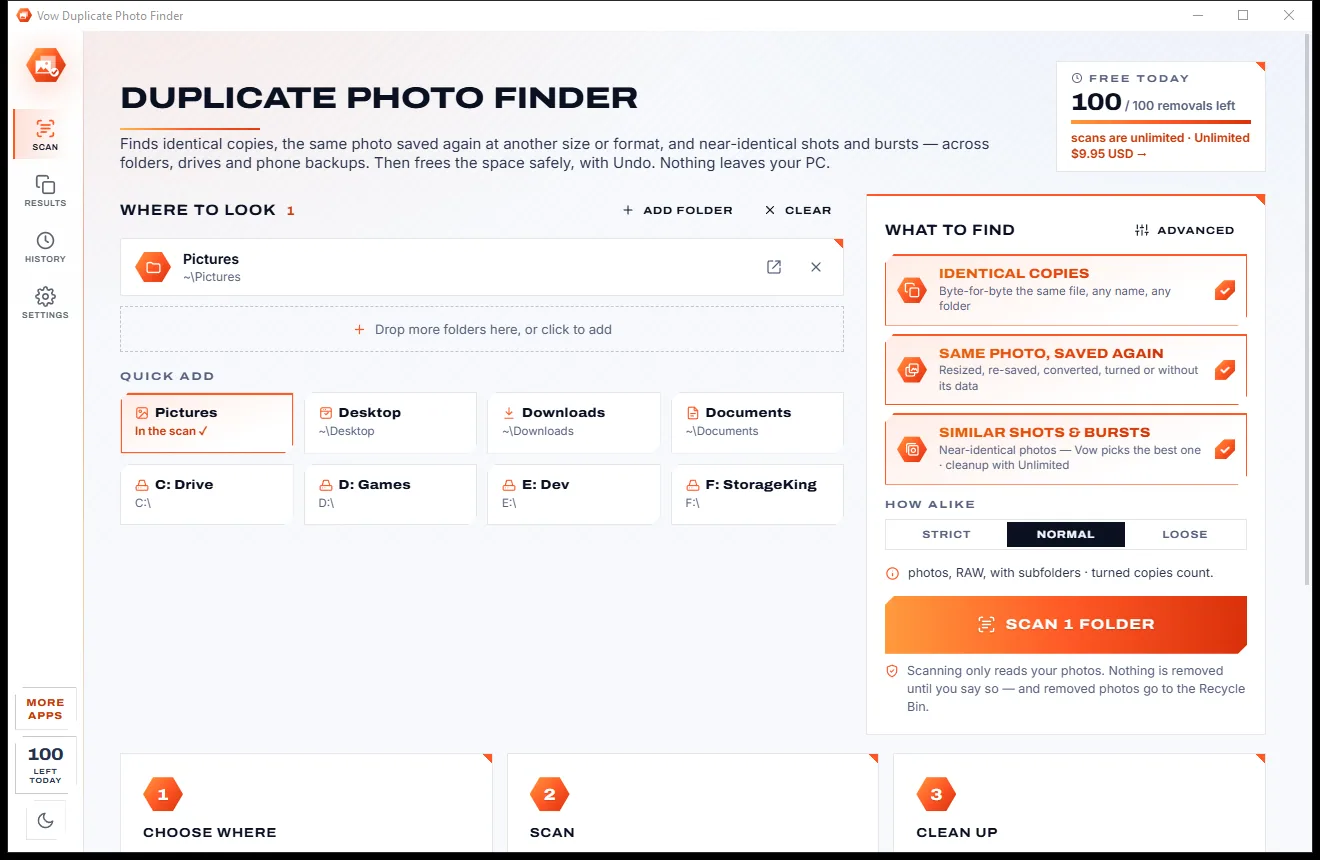
Your Pictures folder is already in. Add more folders or drives, or right-click a folder in Explorer and choose Find duplicate photos.
Every photo is compared by what's in it: identical files, the same photo resized, converted or turned and, if you like, similar shots and bursts.
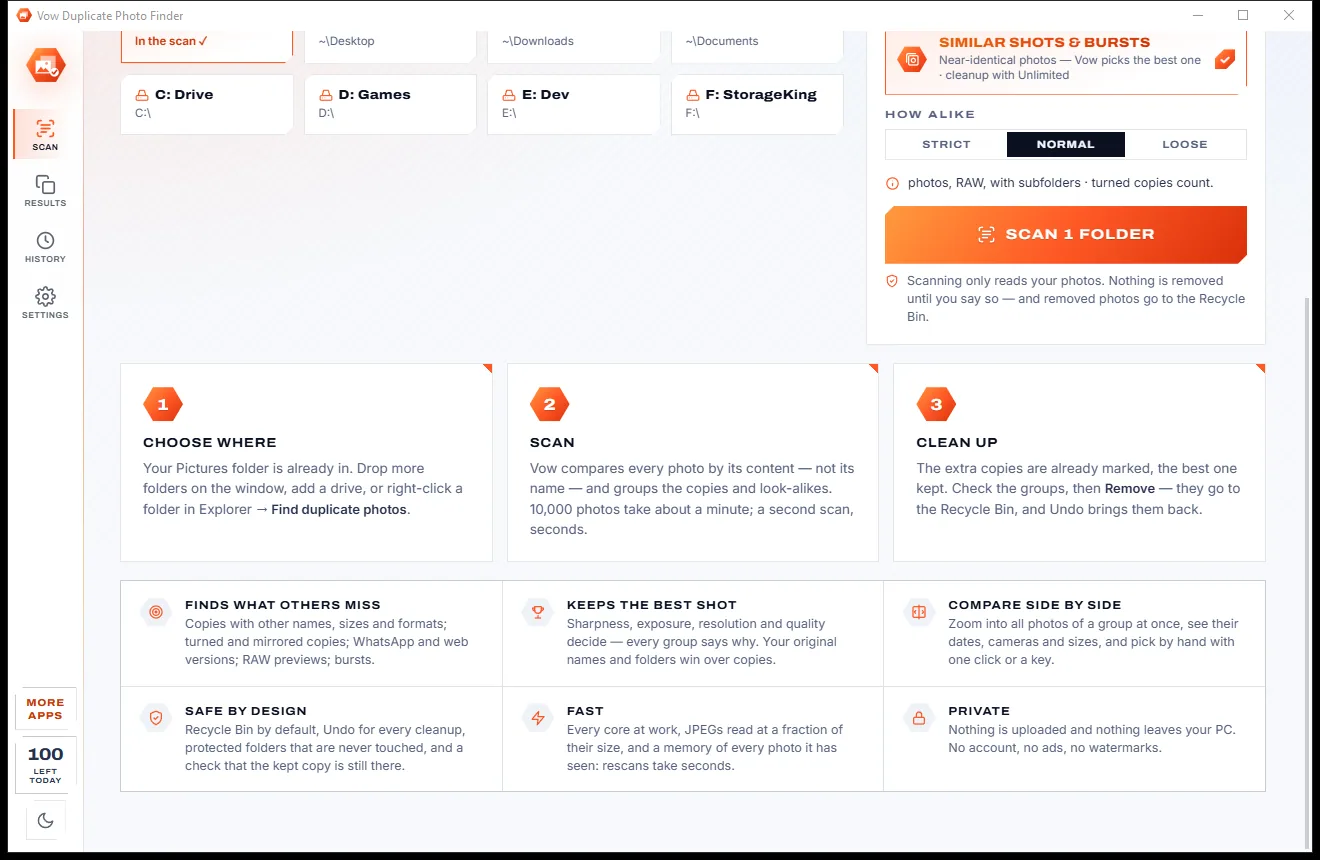

The extra copies are already marked and the best photo kept. Press Remove: they go to the Recycle Bin, and Undo puts them back.
Features
For years of phone backups, camera imports, downloads and "Copy of" folders: one click for most people, every rule for the rest.
Identical files by hash, plus a visual fingerprint for every photo, so renamed and re-saved copies are found.
All 8 orientations are checked from one fingerprint, so a photo turned 90 degrees or mirrored is still recognised.
Near-identical frames grouped at Strict, Normal or Loose, and kept apart from true copies.
Sharpness, exposure, resolution, compression, camera data and the original name decide, and every BEST badge says why.
Removed photos go to the Recycle Bin by default, and Undo, in the message or in History, puts every one back.
Each file must be unchanged since the scan, its kept copy still there, and never inside a protected folder.
All photos of a group shown large and zoomed together with the wheel, with a table that lights up the differences.
JPG, PNG, WebP, HEIC, TIFF and camera RAW compared by content; videos checked for identical copies too.
Every core is used, and a fingerprint cache means a second scan reads only new or changed photos.
Protect your sorted albums so they're never touched, and choose which folders' copies are the ones kept.
Light & dark theme
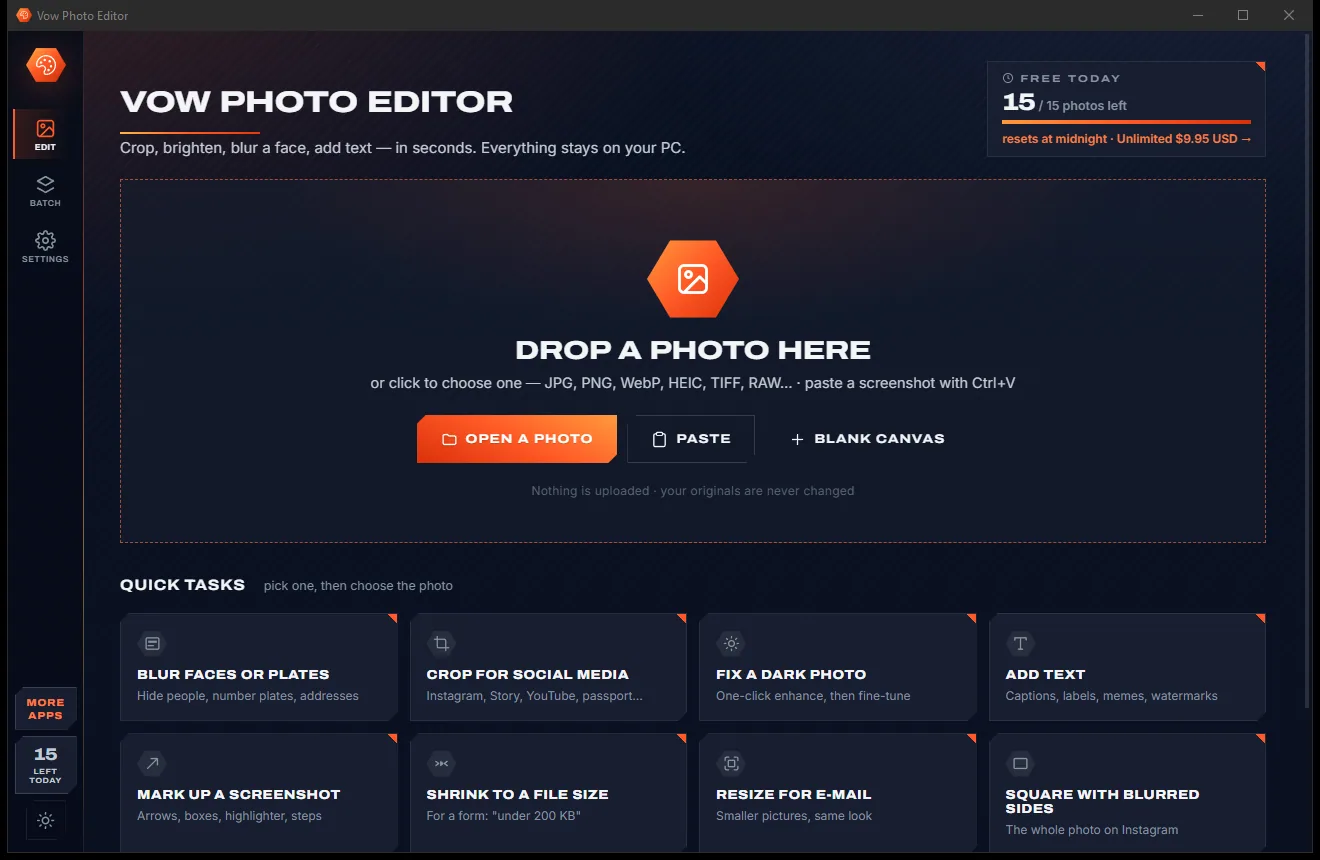
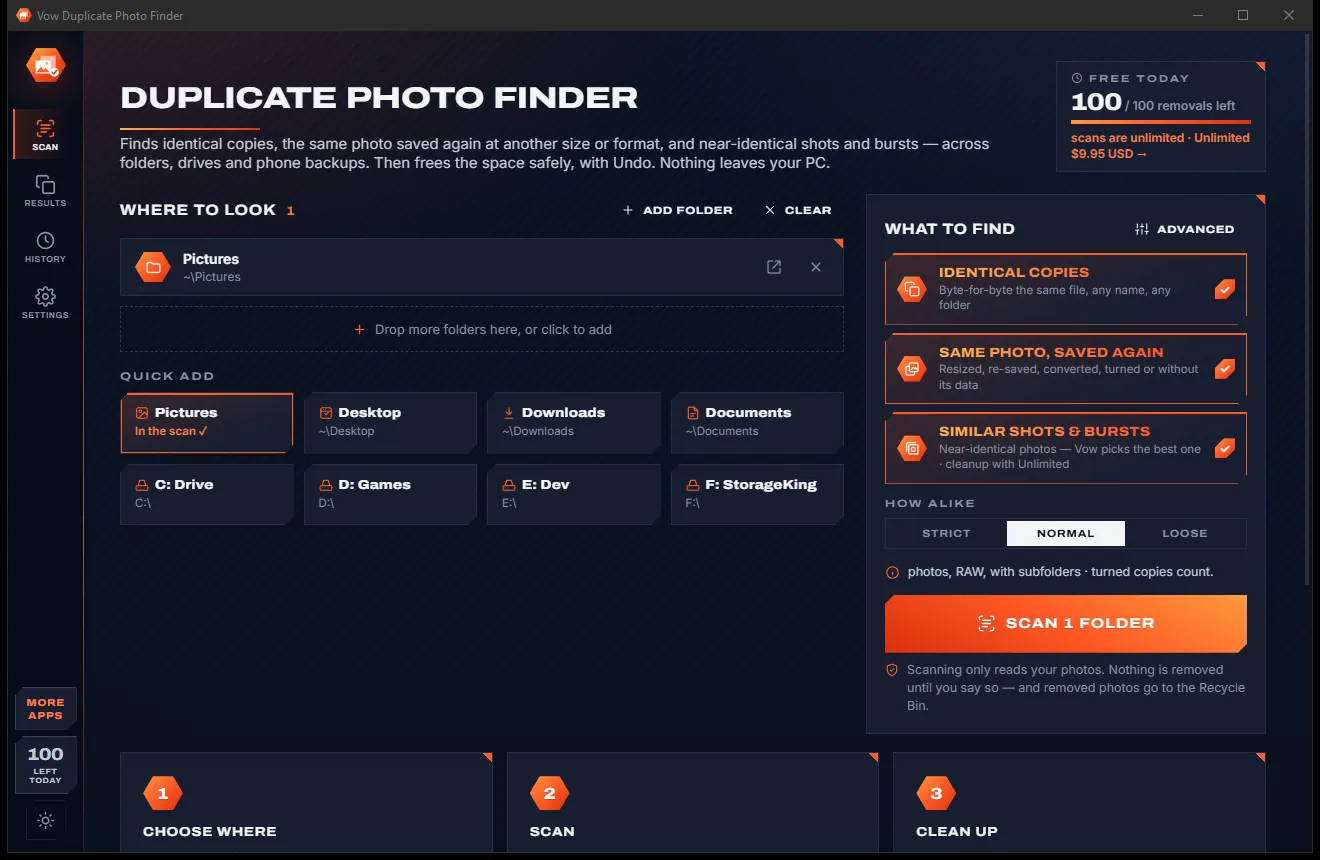
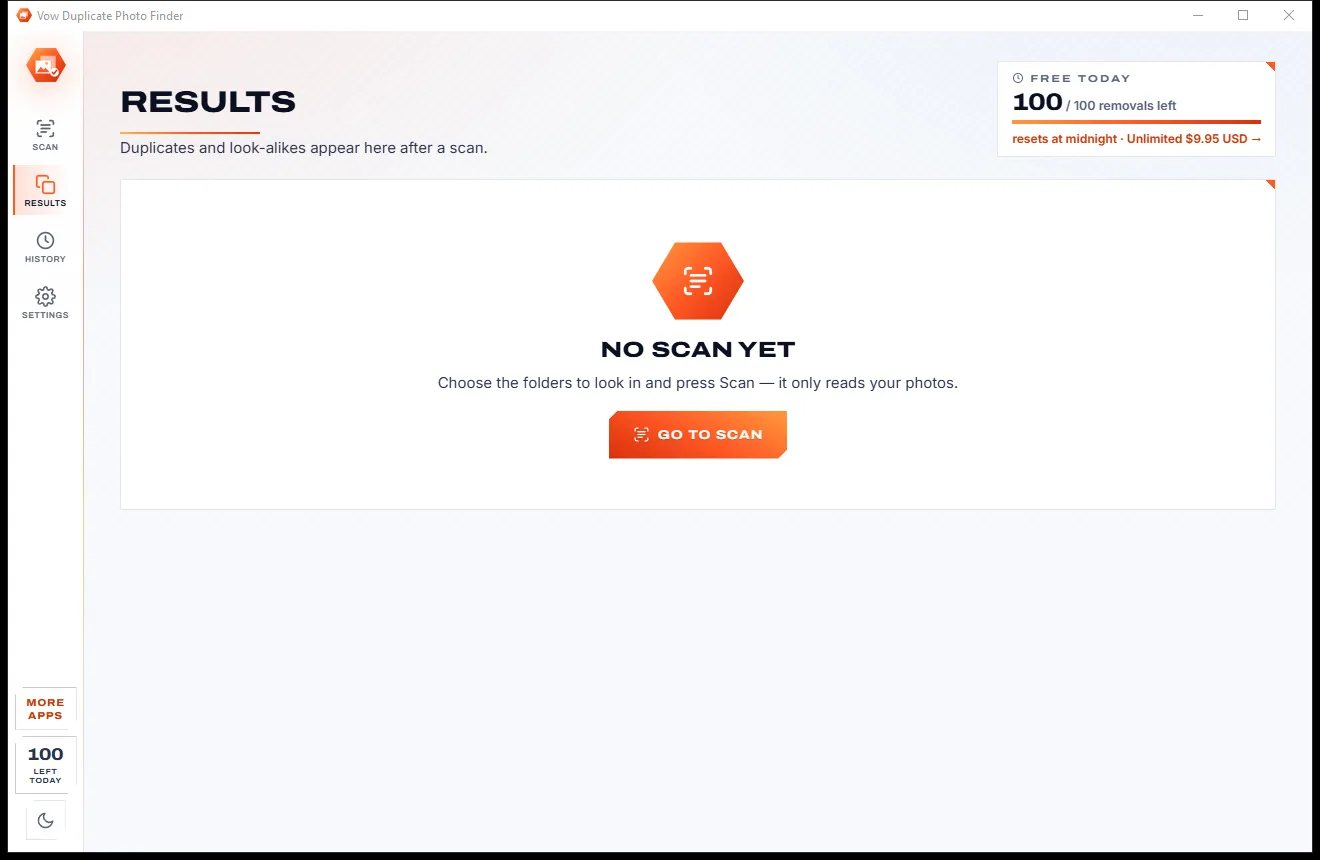
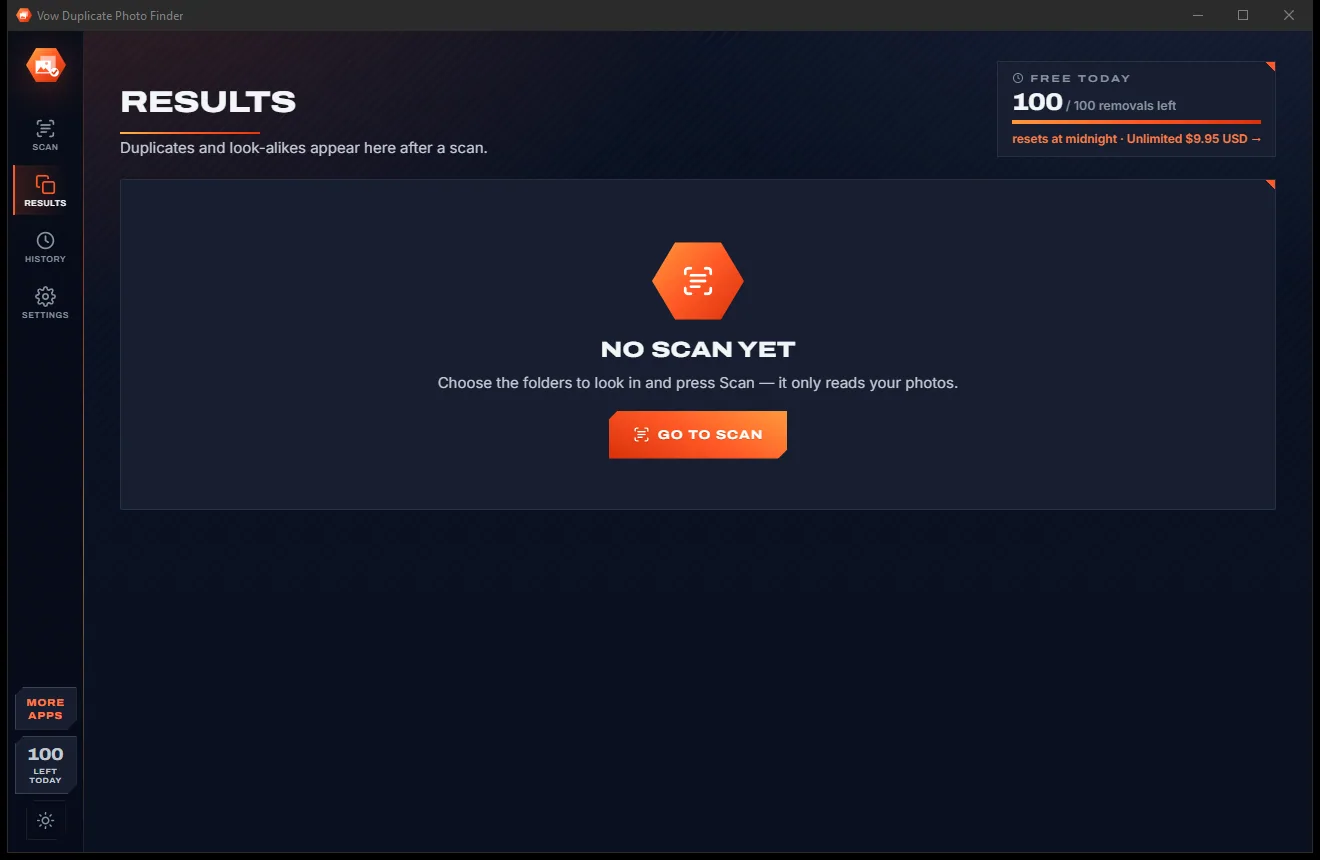
Duplicate Photo Finder comes with a crisp light theme and a calm dark theme. Switch with one click, or let it follow your Windows setting by itself. It remembers your choice.
Screenshots
Real screenshots of the real app, in both of its themes: 6 light, 6 dark. Click any picture to see it full size.
Light theme
Dark theme
Who it's for
Camera rolls copied to the PC more than once, through cables, cloud sync and old import tools.
Merge an old laptop, a USB drive and a backup folder, and keep one copy of each photo.
Pictures saved again and again from browsers and chats, under different names and sizes.
Keep the sharpest frame of each burst and clear the rest, with Unlimited.
Clear out "(1)", "- Copy" and "backup" duplicates without ever losing the original.
See how many MB your duplicates take up, then free it safely.
Compare
The usual complaints about duplicate photo tools, and what Vow does instead.
| Feature | Vow Duplicate Photo Finder | Typical duplicate photo finders |
|---|---|---|
| Price | 100 removals a day free, or $4.95 once | A short trial, then pay |
| Turned and mirrored copies | Found, at no extra scan time | Often missed |
| Different photos taken for copies | Matches verified, kept apart | Common false positives |
| Which copy is kept | The original, with a reason | Sometimes the wrong one |
| Undo after removing | Every cleanup | Rarely |
| HEIC and camera RAW | Yes | Often not |
| Side-by-side zoom | All photos zoomed together | Rarely |
| Rescanning the same folders | Seconds, thanks to a cache | Everything read again |
"Typical" describes what we found across the most-downloaded alternatives when we built Duplicate Photo Finder. Your mileage with any one of them may vary; ours won't.
Pricing
That is not a typo. Software this powerful usually means a monthly subscription; Duplicate Photo Finder is $4.95, once, for life: it's almost a giveaway. Use it free for as long as you like, and unlock Unlimited only if you need more.
Unlimited scans, every group shown, 100 removals a day.
Almost a giveaway. Less than a coffee for software this powerful: no subscription, no renewals, yours for life on 2 PCs.
Unlimited cleanup, similar shots and bursts, automatic best-shot pick.
Payments by Stripe: we never see or store your card. Questions? Ask a real person.
Clean software
Most "free" Windows downloads pay for themselves with ads, bundled extras or your data. Vow Duplicate Photo Finder doesn't need to: it's paid for honestly, once, by the people who find it useful.
Download Duplicate Photo Finder freeStep-by-step guide
Clean up a messy photo library in minutes, keep the best of every group, and undo it if you change your mind.
Step 1: get it freeDownload Vow Duplicate Photo Finder from this page and run the installer. No administrator rights and no account; Find duplicate photos is added to Explorer's folder menu.
Pictures is already in the list. Drop more folders on the window, click Desktop, Downloads, Documents or a drive, or press Ctrl+O.
Identical copies and the same photo saved again are on. Tick Similar shots and bursts too, and pick Strict, Normal or Loose.
Press Scan or Ctrl+Enter. The scan only reads your photos, can be paused or cancelled, and a second scan of the same folders takes seconds.
The extra copies are marked and the best photo of each group kept. Open Compare to check side by side, then press Remove: the photos go to the Recycle Bin, and Undo brings them back.
Technical details
FAQ
Yes. Scans are full and unlimited, every duplicate and similar group is shown with its best shot, and you can remove 100 duplicates a day for free (identical copies and the same photo saved again), every day. Unlimited, a one-time $4.95 USD payment, removes any number, cleans up similar shots and bursts and picks the best shot automatically.
No. The best photo of every group is kept, judged by pixels, camera data, name and folder, so "(1)", "- Copy" and Downloads copies go first. Protected folders are never touched, removed photos go to the Recycle Bin, and Undo puts them back.
Yes. It finds the same photo resized, re-compressed, converted to PNG, WebP or HEIC, turned 90, 180 or 270 degrees, mirrored or stripped of its metadata, as well as a RAW file's JPEG preview.
A pair only counts as the same photo when several fingerprints agree closely, so different photos taken in the same light stay apart. In testing, 16 black-and-white Ansel Adams landscapes were never mistaken for one another at any strictness.
Yes. RAW files such as CR2, CR3, NEF, ARW and DNG are compared through the preview stored inside them. HEIC photos are compared by look when Windows' HEIF and HEVC extensions are installed, and the app links to them if not; without them, HEIC photos are still checked for identical copies.
It uses every core and keeps a fingerprint cache, so a rescan only reads new or changed photos. A test library of 2,278 files (267 MB) was scanned and compared in 3.4 seconds without the cache.
There is no trial trap: 100 removals a day, every day. It finds turned and mirrored copies, keeps look-alike photos apart, keeps the original with a reason for every choice, reads HEIC, RAW and video, zooms photos side by side together, and every cleanup can be undone.
Yes. It is made and published by XTO Pty Ltd, an Australian company. The installer contains no ads, no toolbars and no bundled software, needs no administrator rights, and uninstalls cleanly from Windows Settings without touching your photos.
The Vow collection
Same design, same promises, a tiny one-time price. Learn one and you already know them all.
Crop, brighten, blur a face, add text, and save to an exact file size

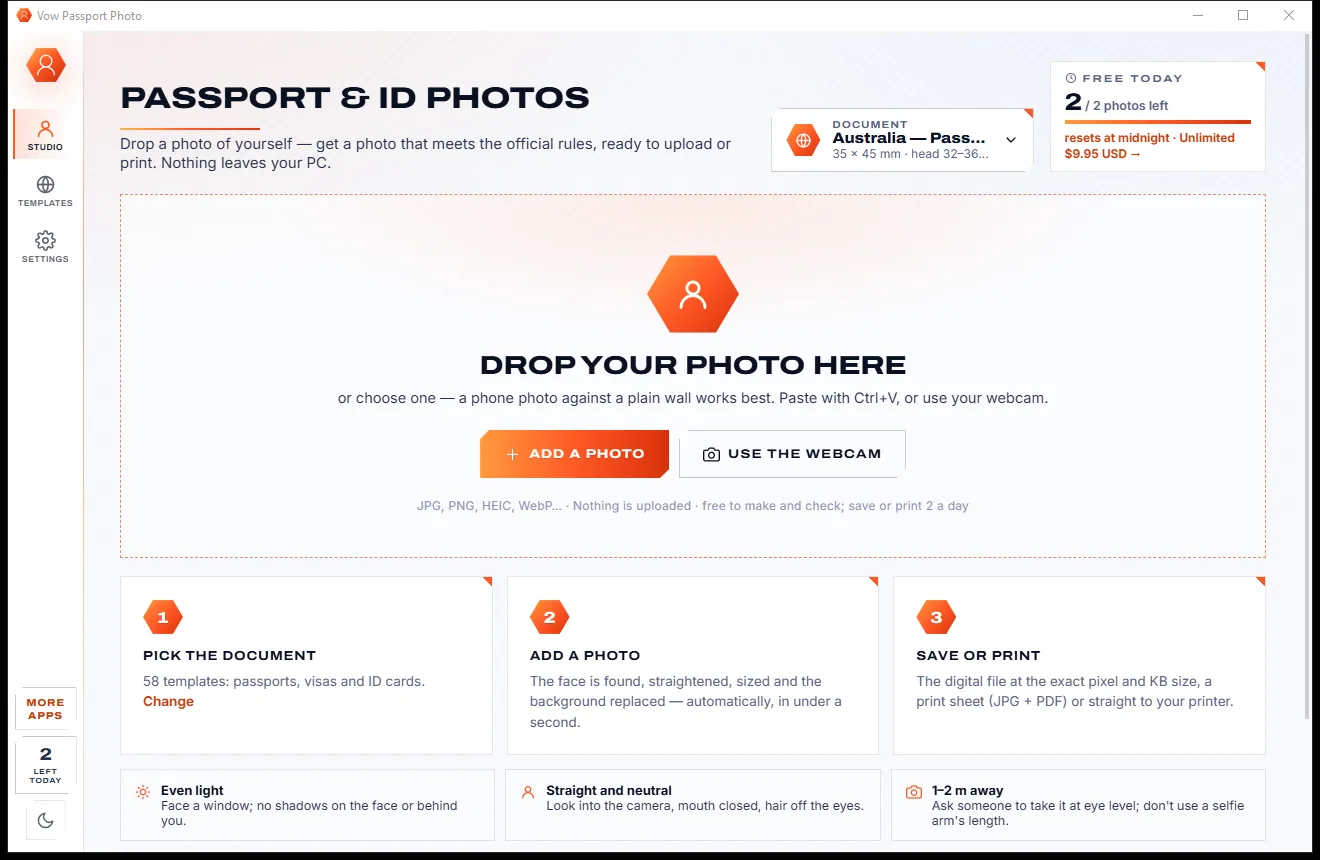
Passport, visa and ID photos at home, sized to each country's rules

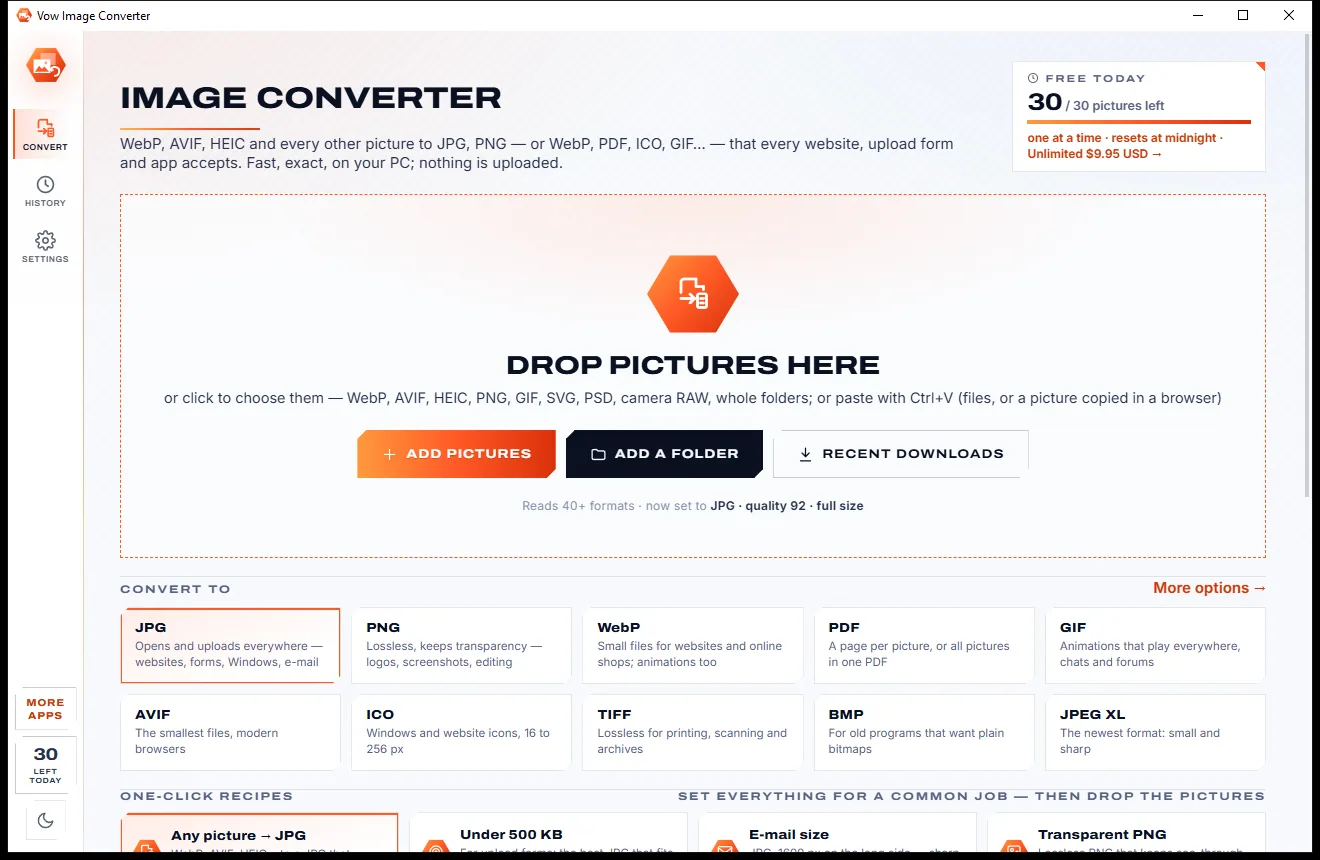
Turn WebP, AVIF, HEIC and 40+ formats into pictures that open everywhere
Find duplicate and look-alike photos, keep the best, free the space safely. Free to use every day, $4.95 once if you ever want Unlimited.