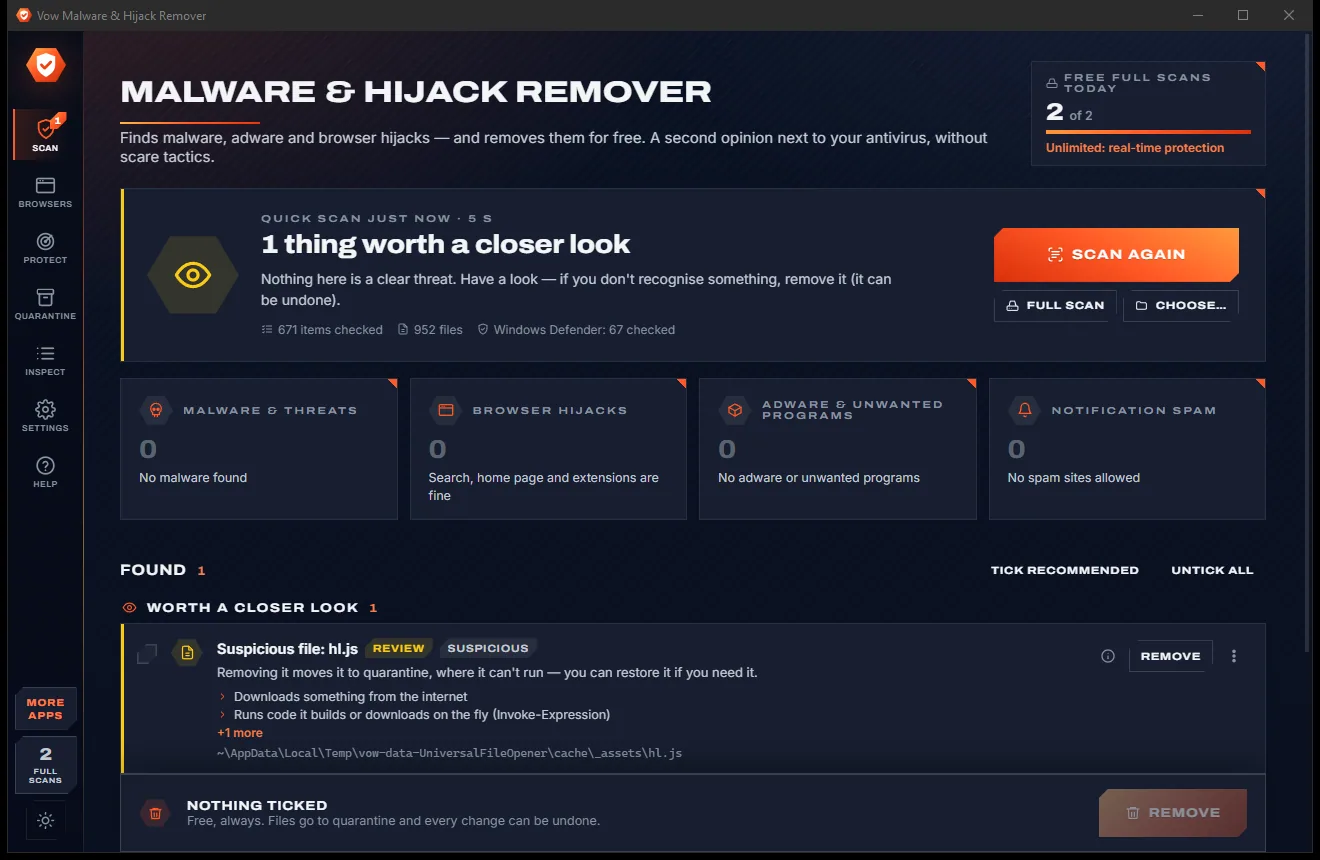
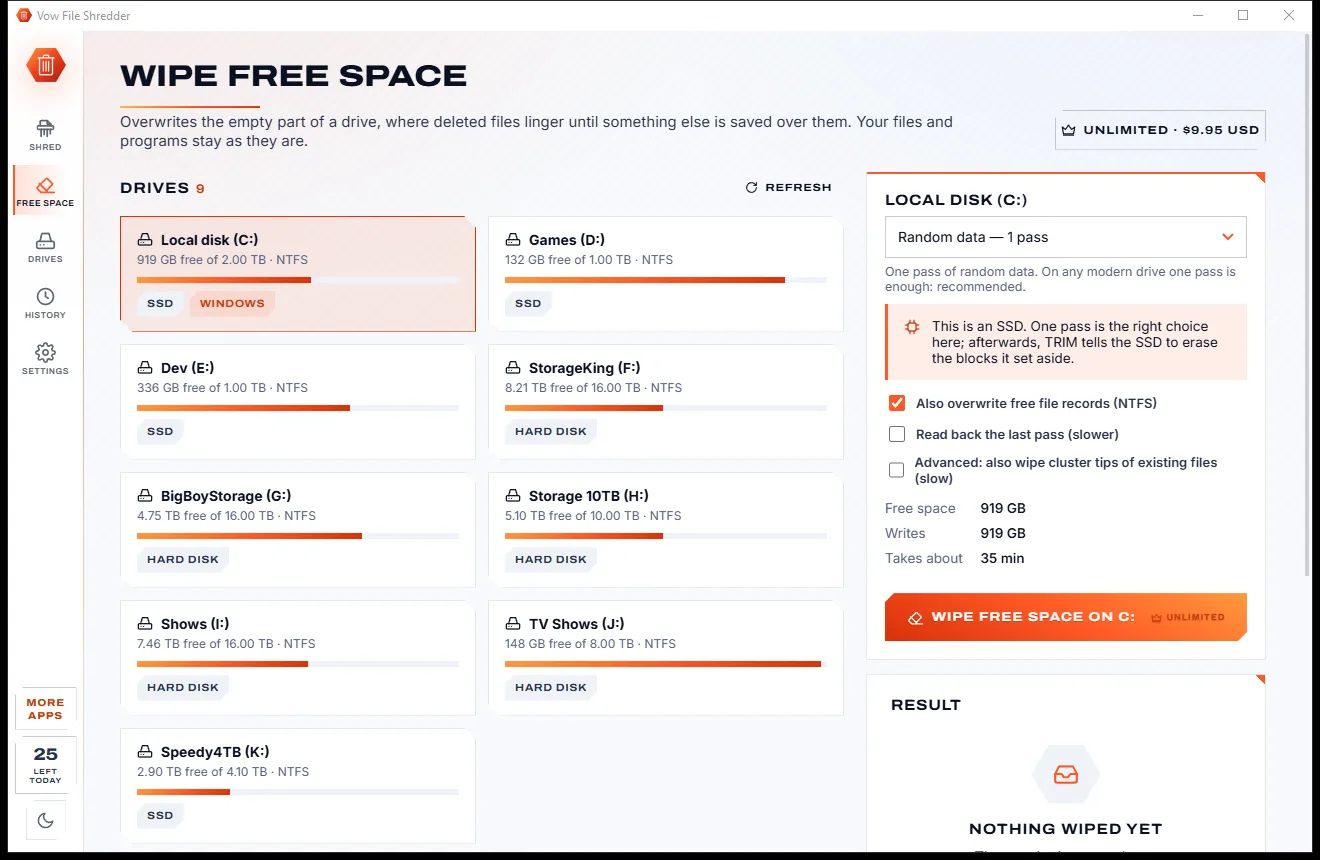
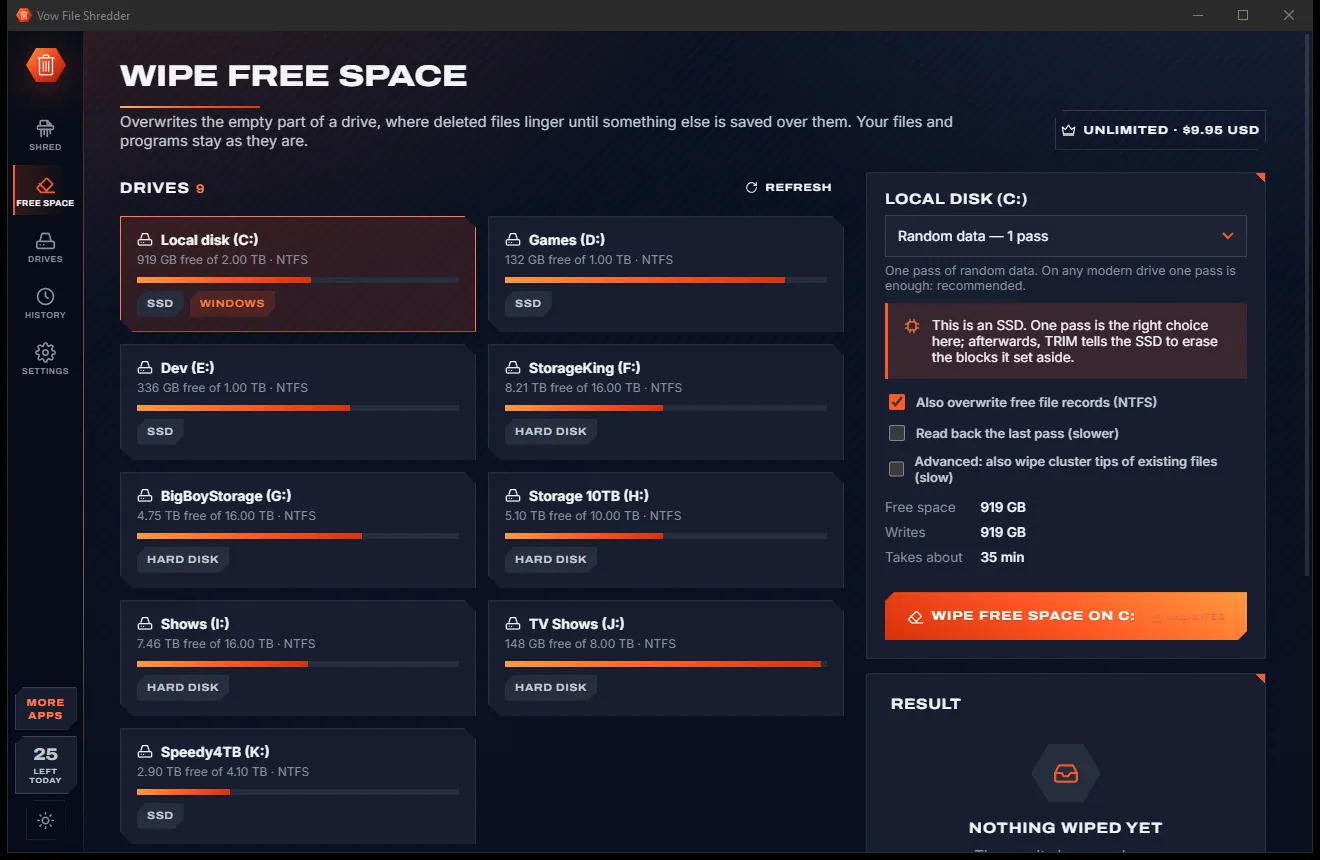
Vow Scam Checker icon
Vow Scam Checker Windows 10 & 11 · v1.0.0 · Free to use

Scam & phishing checker for Windows

Is this message a scam? Paste it. Know in a second.

Copy the suspicious text, e-mail or link and press Ctrl+V. Vow Scam Checker shows who it pretends to be, every warning sign it found (with the exact link or phrase), and the safe next step. Nothing you check is uploaded.

  • No ads
  • No malware
  • No account
  • Light & dark theme
  • 5 full checks a day, every warning sign explained
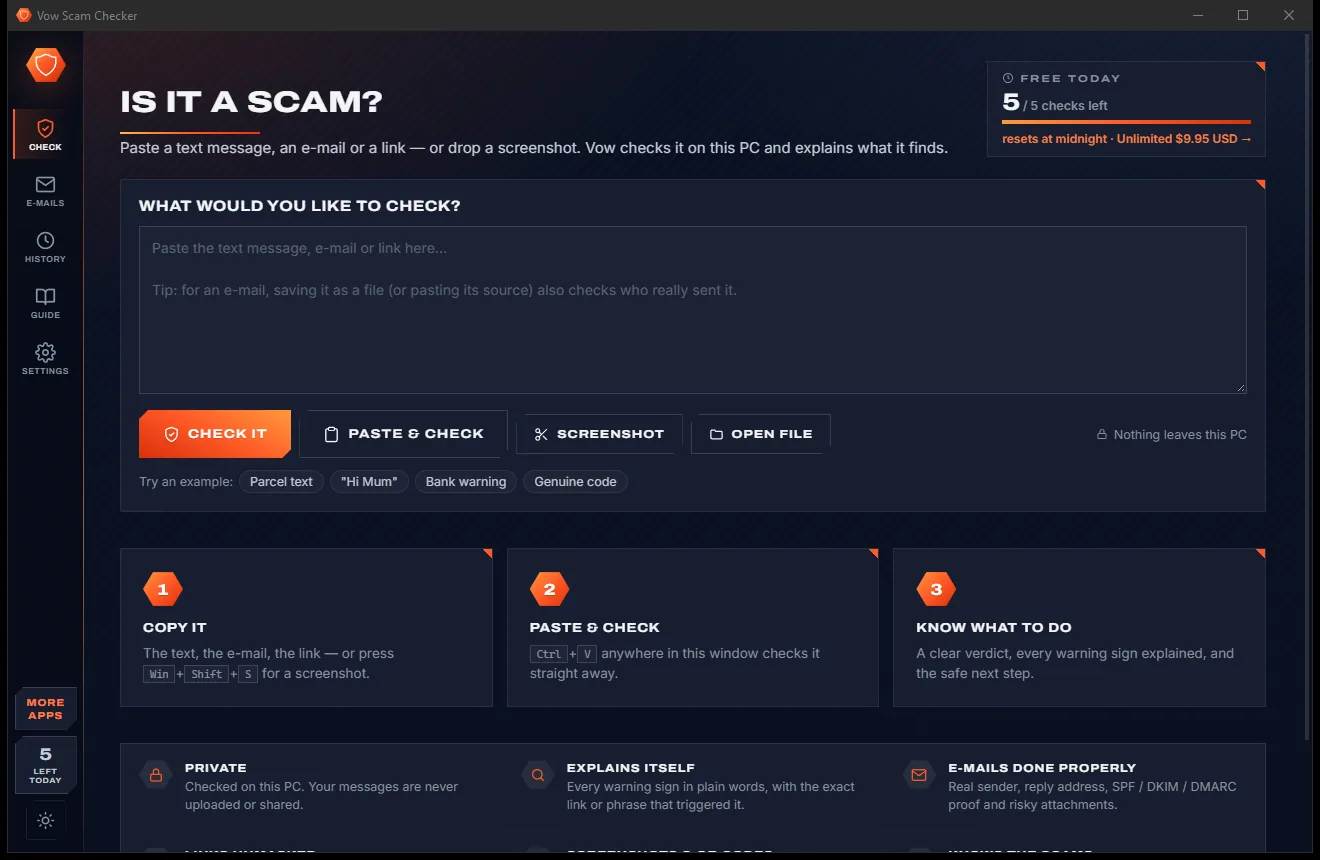
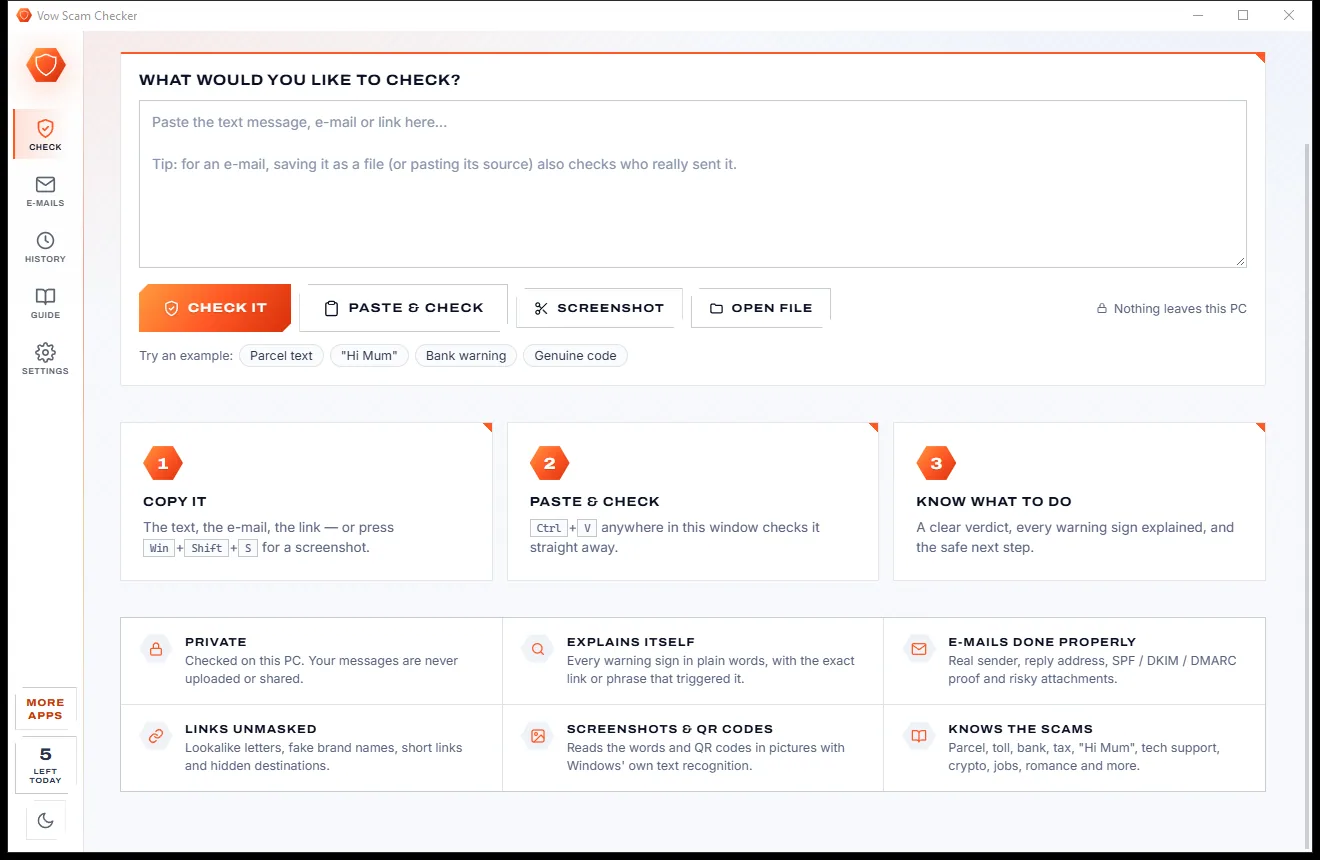
Is It a Scam page with a large text box, a Check It button, paste and screenshot buttons and example chips, light themeIs It a Scam page with a large text box, a Check It button, paste and screenshot buttons and example chips, dark theme
Light & dark theme Zero ads, zero junk
Paste a text, e-mail or link and find out if it is a scam.
No ads. Ever.No pop-ups, no banners, no "offers".
No malware or bundlewareThe installer installs one thing: this app.
No account, no uploadIt works on your PC, and your files stay there.
Free daily limits, just $4.95 unlimitedNo subscription. No trial that runs out.

The problem

Scams look more real every month

Perfect logos, real-looking links, a deadline in two hours. Telling a fake parcel text from a real one has become genuinely hard.

Texts that look official

"Your parcel is on hold." "Unpaid toll." "Your account is locked." Scam texts copy the brands you deal with every week.

Links that lie

auspost-redelivery-au.com sounds right, paypa1.com looks right. Neither belongs to the company it names.

Paste it into a website?

Online checkers want your message, with your name, number or account details in it, sent to their servers.

No time to think

Deadlines, threats and "act within 24 hours" are designed to make you click before you check.

A verdict with no reason

A red or green dot doesn't teach you anything, so the next scam is just as hard to spot.

Mum forwards every message

Someone in the family has to be the scam help desk. They can't always answer straight away.

Vow Scam Checker fixes all of it.

How it works

Copy. Paste. Know what to do.

A calm verdict in plain words, the reasons behind it, and the safe next step.

  1. 01

    Copy it

    Copy the text message, e-mail or link, or press Win+Shift+S to snip a screenshot. QR codes and saved e-mail files work too.

    Is It a Scam page with a large text box, a Check It button, paste and screenshot buttons and example chips, light themeIs It a Scam page with a large text box, a Check It button, paste and screenshot buttons and example chips, dark theme
    Paste a text, e-mail or link and find out if it is a scam.
  2. 02

    Paste & check

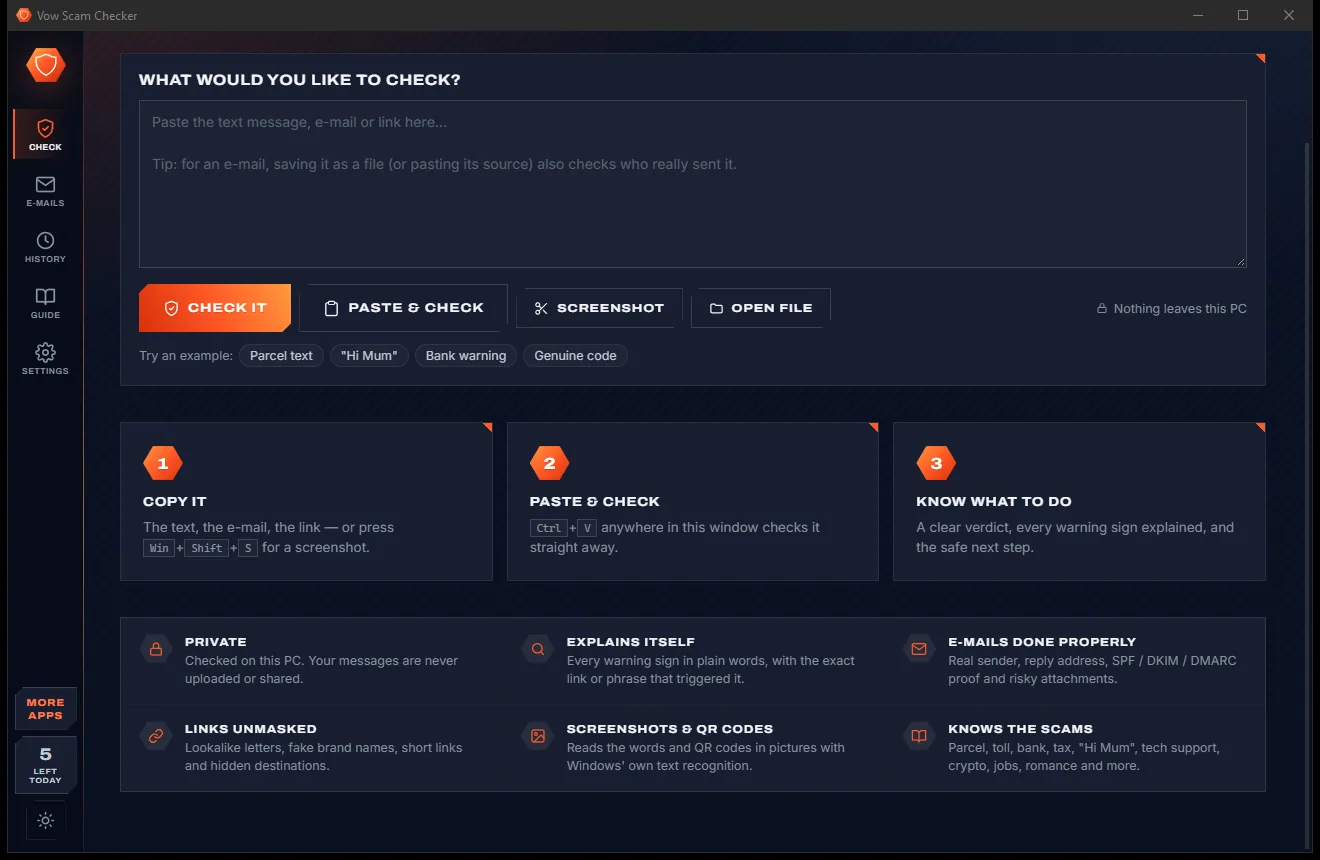
    Press Ctrl+V anywhere in the window. Text, links, screenshots and files are recognised and checked on your PC in a moment.

    Check page with the paste box and a three-step guide: copy it, paste and check, know what to do, light themeCheck page with the paste box and a three-step guide: copy it, paste and check, know what to do, dark theme
    ...and the copy, paste and know-what-to-do steps.
  3. 03

    Know what to do

    Read the verdict and the score, see every warning sign with the exact link or phrase, then follow the safe next step or report it.

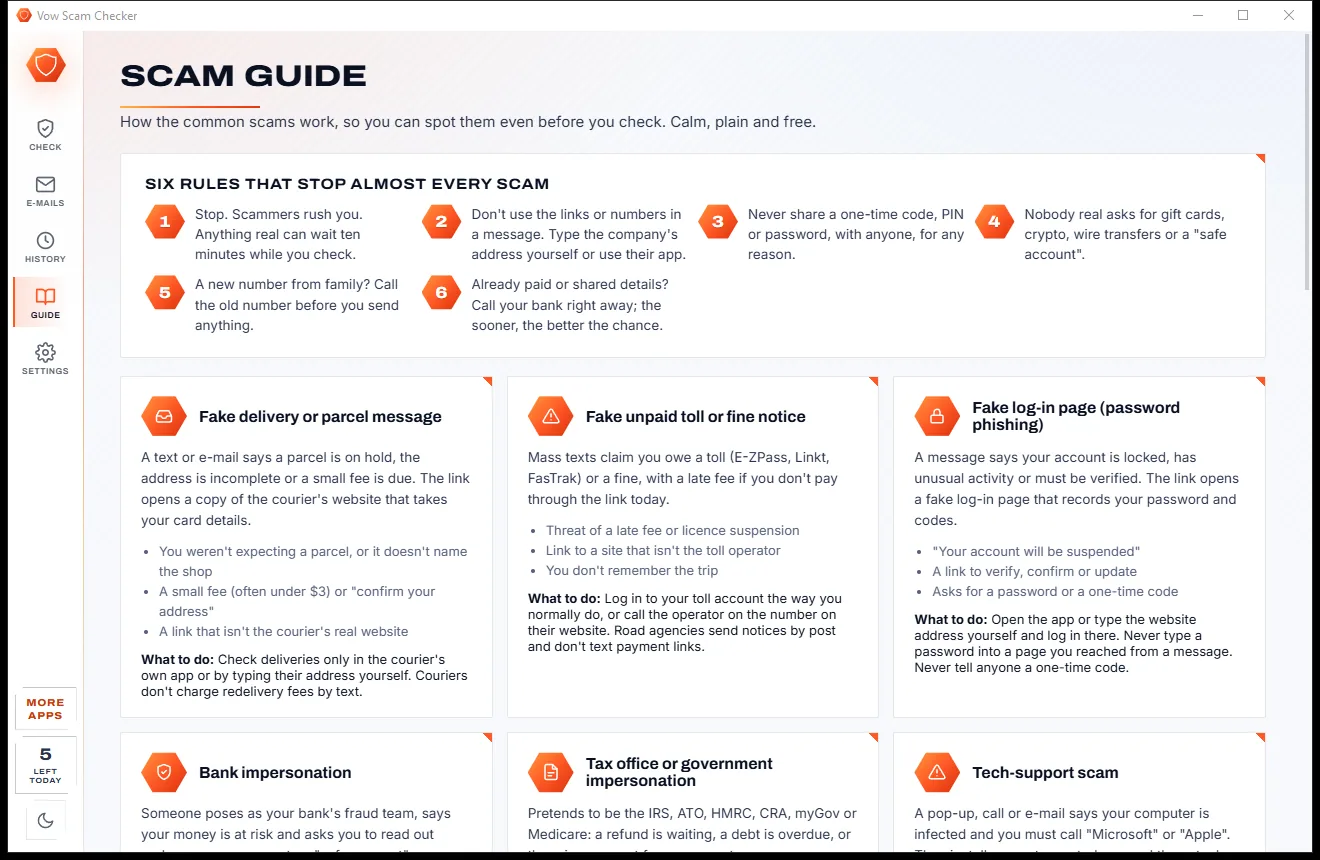
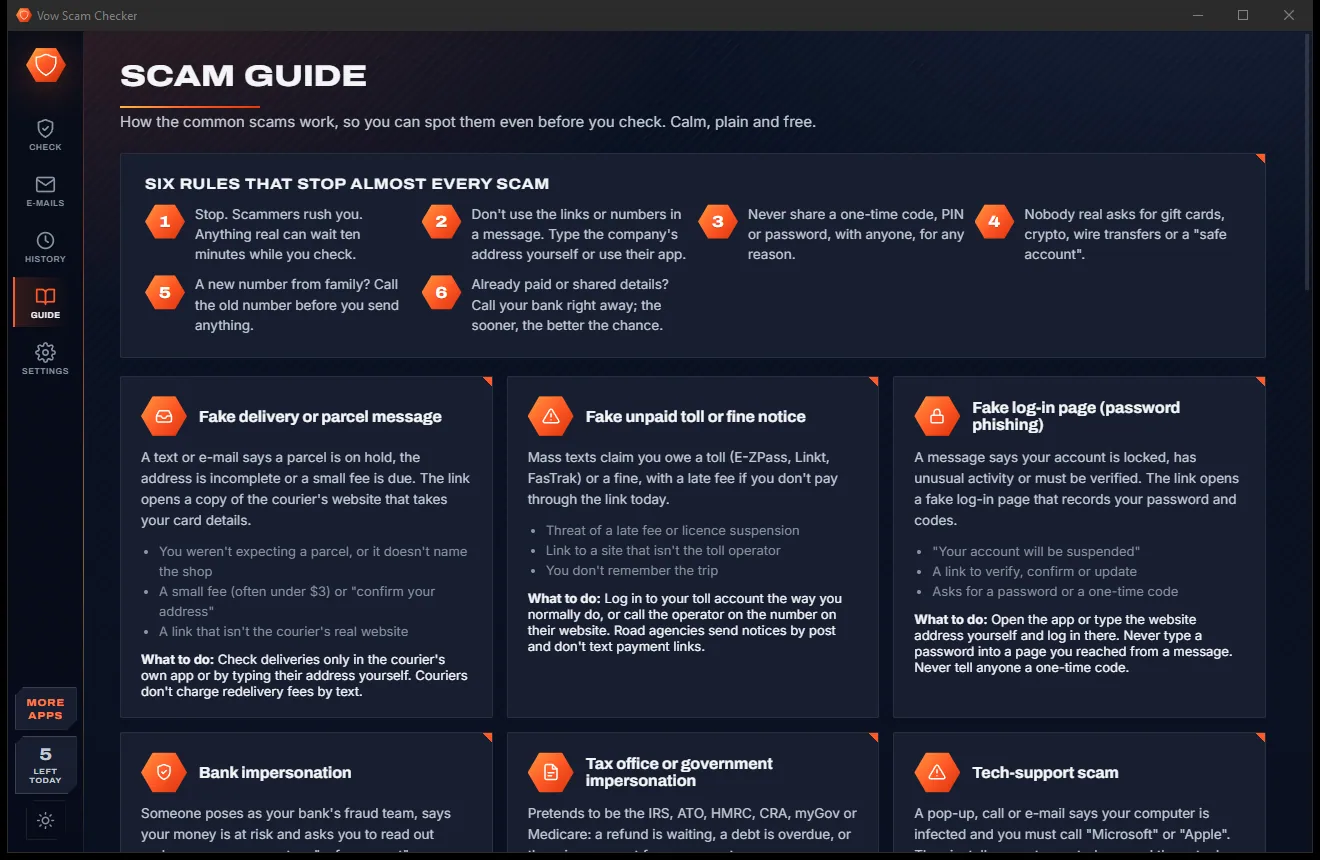
    Scam Guide page with six rules and cards for fake delivery, unpaid toll, fake log-in page and bank impersonation scams, light themeScam Guide page with six rules and cards for fake delivery, unpaid toll, fake log-in page and bank impersonation scams, dark theme
    Plain-English guide to common scams and what to do.

Features

Checks every link, sender and sentence

The tricks scammers use, caught and explained, so you learn to spot the next one yourself.

Every link unmasked

The real owner of each web address, checked against the official sites of about 150 banks, couriers, government agencies, toll roads and shops.

Lookalikes caught

Swapped letters (paypa1, rnicrosoft), foreign alphabets, typo-squats, brand names inside someone else's address and official names used as decoys.

E-mails checked properly

SPF, DKIM and DMARC proof, forged and lookalike senders, replies that go elsewhere, and risky attachments such as invoice.pdf.html.

Scam wording spotted

40+ rules based on FTC, ACCC Scamwatch, NCSC, Get Safe Online and CAFC guidance: pressure, gift cards, one-time codes, remote-control apps and more.

Screenshots and QR codes

The words in a screenshot or photo are read on your PC with Windows' own OCR, and QR codes in pictures are decoded and checked.

Every warning sign explained

Strong signs, warnings and good signs, each in plain words with the exact link or phrase that triggered it, highlighted in the message.

Where to report it

The right reporting site and number for Australia, the US, the UK, Canada, New Zealand and Ireland, one click away.

Ask someone

Send the report to a family member from your own e-mail program. Links in reports are made unclickable so nobody taps them by accident.

Whole mailboxes

Check saved .eml and .msg files, whole folders and .mbox mailboxes in one go, each e-mail with its own verdict.

Family mode

With Unlimited, a big, calm one-button screen for parents and grandparents, with an "Ask" button for the family helper.

Light & dark theme

Easy on the eyes, day or night.

Scam Checker comes with a crisp light theme and a calm dark theme. Switch with one click, or let it follow your Windows setting by itself. It remembers your choice.

  • LightClear and bright for daytime and busy offices
  • DarkGentle on tired eyes late at night
  • Follow WindowsChanges by itself when your PC does
Is It a Scam page with a large text box, a Check It button, paste and screenshot buttons and example chips, light theme
Light
Is It a Scam page with a large text box, a Check It button, paste and screenshot buttons and example chips, dark theme
Dark

Screenshots

See Vow Scam Checker in action

Real screenshots of the real app, in both of its themes: 8 light, 8 dark. Click any picture to see it full size.

Who it's for

Who checks before they click

Waiting on a parcel

Tell a real delivery text from a fake "redelivery fee" message before you tap anything.

Anyone with a bank account

Spot fake fraud alerts, "safe account" requests and log-in pages that copy your bank.

Parents and grandparents

Family mode gives a big, simple check screen and an easy way to ask for help.

Small business inboxes

Catch fake renewal invoices and "our bank details have changed" e-mails before money moves.

Online dating and marketplaces

Recognise romance openers, overpayment tricks and fake buyer links.

The family IT helper

Check forwarded messages in seconds and send back a clear report anyone can read.

Compare

Vow Scam Checker vs online scam checkers

Why a private checker on your own PC beats pasting your messages into a website.

Feature Vow Scam Checker Online scam checkers & link scanners
Your message is uploaded Never: checked on your PC Usually
Explains why Every warning sign, with the exact phrase Often just a score
Checks e-mail sender proof SPF, DKIM and DMARC Rarely
Reads screenshots and QR codes Yes, on your PC Not always
Tells you what to do next Tailored advice and where to report Sometimes
Works offline Yes No
Ads None Common on free sites
Price 5 free checks a day, or $4.95 once Free with ads, or a subscription

"Typical" describes what we found across the most-downloaded alternatives when we built Scam Checker. Your mileage with any one of them may vary; ours won't.

Pricing

Free every day. Just $4.95 once for the lot.

That is not a typo. Software this powerful usually means a monthly subscription; Scam Checker is $4.95, once, for life: it's almost a giveaway. Use it free for as long as you like, and unlock Unlimited only if you need more.

Free
$0forever

5 full checks a day, every warning sign explained.

  • 5 full checks a day (resets at midnight)
  • The same message again that day is free
  • Texts, e-mails, links, screenshots and QR codes
  • Every warning sign explained, plus what to do
  • Where to report it in your country
  • No ads, no sign-up, nothing uploaded
Download free
Best valueUnlimited
$4.95USD, once. Yours for life.

Almost a giveaway. Less than a coffee for software this powerful: no subscription, no renewals, yours for life on 2 PCs.

Unlimited checks, browser button, copied-link warnings, Family mode.

  • Any number of checks, every day
  • Browser button to check a page in one click
  • Automatic warnings on links you copy
  • Whole folders and mailbox files without a limit
  • Family mode for parents and grandparents
  • One payment, yours for life on 2 PCs
Get it, then unlock in the app

How unlocking works

  1. 1
    Use it free first Install Vow Scam Checker and use it on your own files. No card, no account, no time limit.
  2. 2
    Click "Unlimited" in the app Pay $4.95 USD once by card, securely through Stripe in your browser.
  3. 3
    It unlocks itself Within seconds, for life, on up to 2 of your PCs. Your license key is emailed to you, and every future update is included.

Payments by Stripe: we never see or store your card. Questions? Ask a real person.

Clean software

Safe to install. Nothing else comes with it.

Most "free" Windows downloads pay for themselves with ads, bundled extras or your data. Vow Scam Checker doesn't need to: it's paid for honestly, once, by the people who find it useful.

Download Scam Checker free
  • No ads, toolbars or "offers"The installer installs one thing: Vow Scam Checker. No pre-ticked boxes to watch out for.
  • No administrator rights neededIt installs just for you, in your own user folder, and leaves the rest of Windows alone.
  • Nothing running in the backgroundNo startup programs, no tray nags, no services. When you close it, it's closed.
  • Everything includedAll it needs is inside the installer, so you never have to fetch a "required component" from somewhere else.
  • Uninstalls cleanlyOne click in Windows Settings > Apps. Your own files are never touched.
  • A real company behind itMade, published and supported by XTO Pty Ltd, an Australian company, with real people answering every message.

Step-by-step guide

How to check if a text, e-mail or link is a scam

From "is this real?" to a clear answer and the right next step, without uploading your messages anywhere.

Step 1: get it free
  1. Install Vow Scam Checker free

    Download it from this page and run the installer. There is no account and no administrator rights needed, and nothing you check ever leaves your PC.

  2. Copy the suspicious message

    Select and copy the text message, e-mail or link. For a message on screen, press Win+Shift+S and snip it; for an e-mail, saving it as a file also checks who really sent it.

  3. Press Ctrl+V in the window

    The check runs straight away. You can also type into the big box and press Check it, drop a file on the window, or use the Screenshot button.

  4. Read the verdict and the reasons

    No warning signs, Be careful, Looks like a scam or Almost certainly a scam, with a 0-100 score, who it pretends to be, and every warning sign explained.

  5. Follow the safe next step

    Read What to do, copy or save the report, send it to a family member with Ask someone, or open the official reporting site for your country.

Technical details

Scam Checker at a glance

Works on
Windows 10 (1809+) and Windows 11, 64-bit
Checks
Texts, e-mails, links, web pages, screenshots, QR codes
E-mail files
.eml, Outlook .msg and .mbox mailboxes
Speed
About 5-50 ms a check; screenshots under a second
Reading pictures
Windows' built-in OCR, on your PC
Internet
Not needed: online checks are optional and off
Install
Per-user, no administrator rights, no account
Languages
English
Theme
Light, dark or follow Windows: one click to switch
Version
1.0.0, released 7 November 2026
Publisher
XTO Pty Ltd (Australia)

FAQ

Questions about Scam Checker

How do I check if a text message is a scam?

Copy the message, open Vow Scam Checker and press Ctrl+V. In a moment you get a verdict, a 0-100 risk score, who the message pretends to be, every warning sign with the exact phrase or link, and what to do next. A screenshot of the message works too.

Is Vow Scam Checker free?

Yes. You get 5 full checks a day with every analysis feature, and checking the same message again that day is free. Unlimited, a one-time $4.95 USD payment, removes the limit and adds the browser button, copied-link warnings, whole-mailbox checks and Family mode.

Does it upload my messages?

No. Messages, e-mails, pictures and links are analysed on your PC. The only optional online check, off by default, follows a short link on its shortening service and looks up a website's age, sending only the website's name.

Can it check e-mails, not just texts?

Yes. Paste the e-mail, its source, or open a saved .eml or Outlook .msg file to also check the sender's proof (SPF, DKIM, DMARC), the reply address and any attachments. Whole folders and .mbox mailboxes can be checked in one go.

Does "No warning signs" mean a message is safe?

It means none of the checks found a warning sign, and links that go to the brand's official website are shown as good signs. No checker can catch every scam, so if a message asks for money, codes or passwords, contact the company on a number or app you already trust.

Which countries' reporting services does it know?

Australia (Scamwatch, ReportCyber, 7226), the United States (FTC, IC3, 7726), the United Kingdom (Action Fraud, NCSC, 159), Canada (CAFC), New Zealand (NCSC NZ, 7726) and Ireland (Garda).

What is Family mode?

An Unlimited feature for parents and grandparents: a big, calm screen with one button that checks whatever they copied, a clear answer, and an "Ask" button that sends the result to the family member who helps them.

Is it safe to install?

Yes. It is made and published by XTO Pty Ltd, an Australian company. There are no ads, no bundled software and no account, it needs no administrator rights, and it uninstalls cleanly from Windows Settings.

The Vow collection

More apps you'll never have to go looking for

Same design, same promises, a tiny one-time price. Learn one and you already know them all.

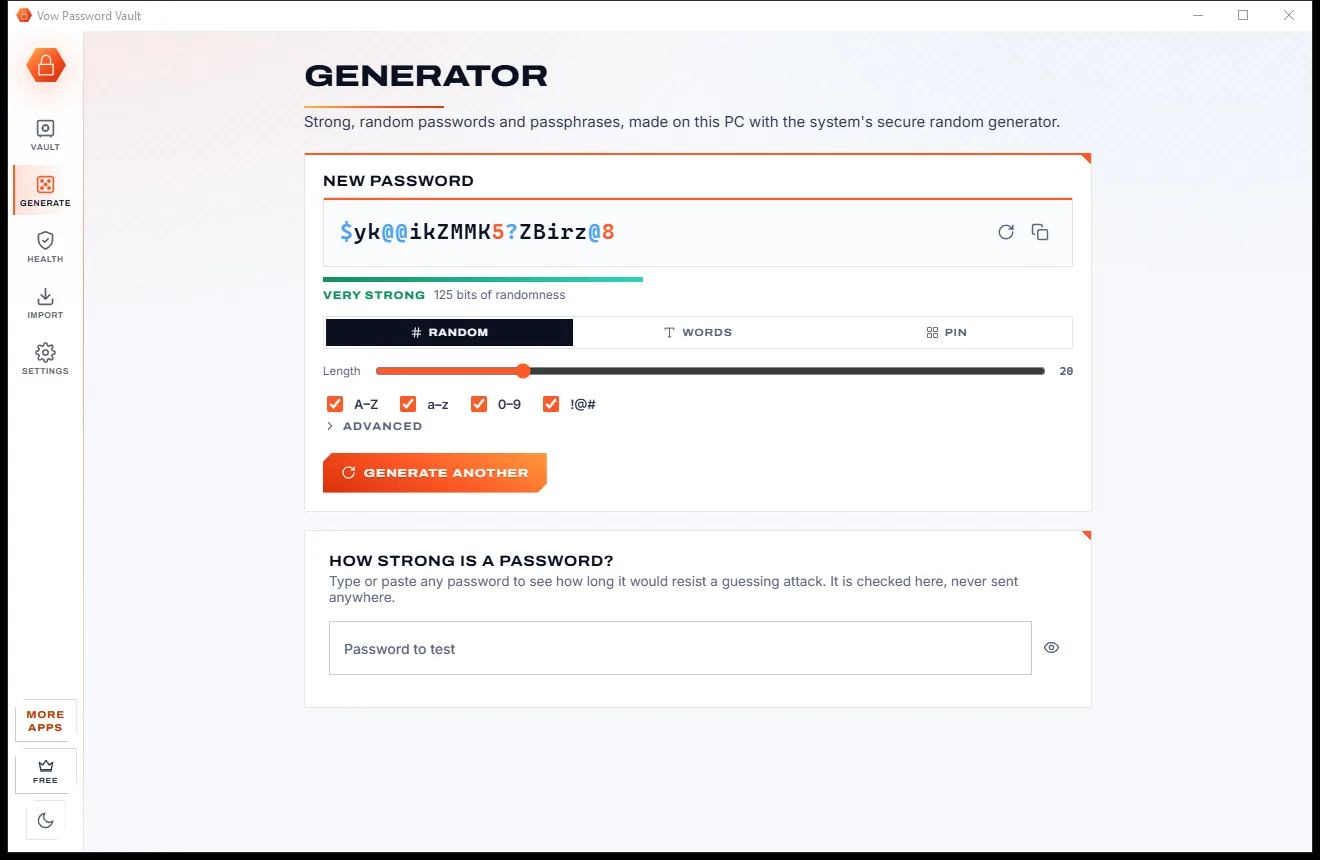
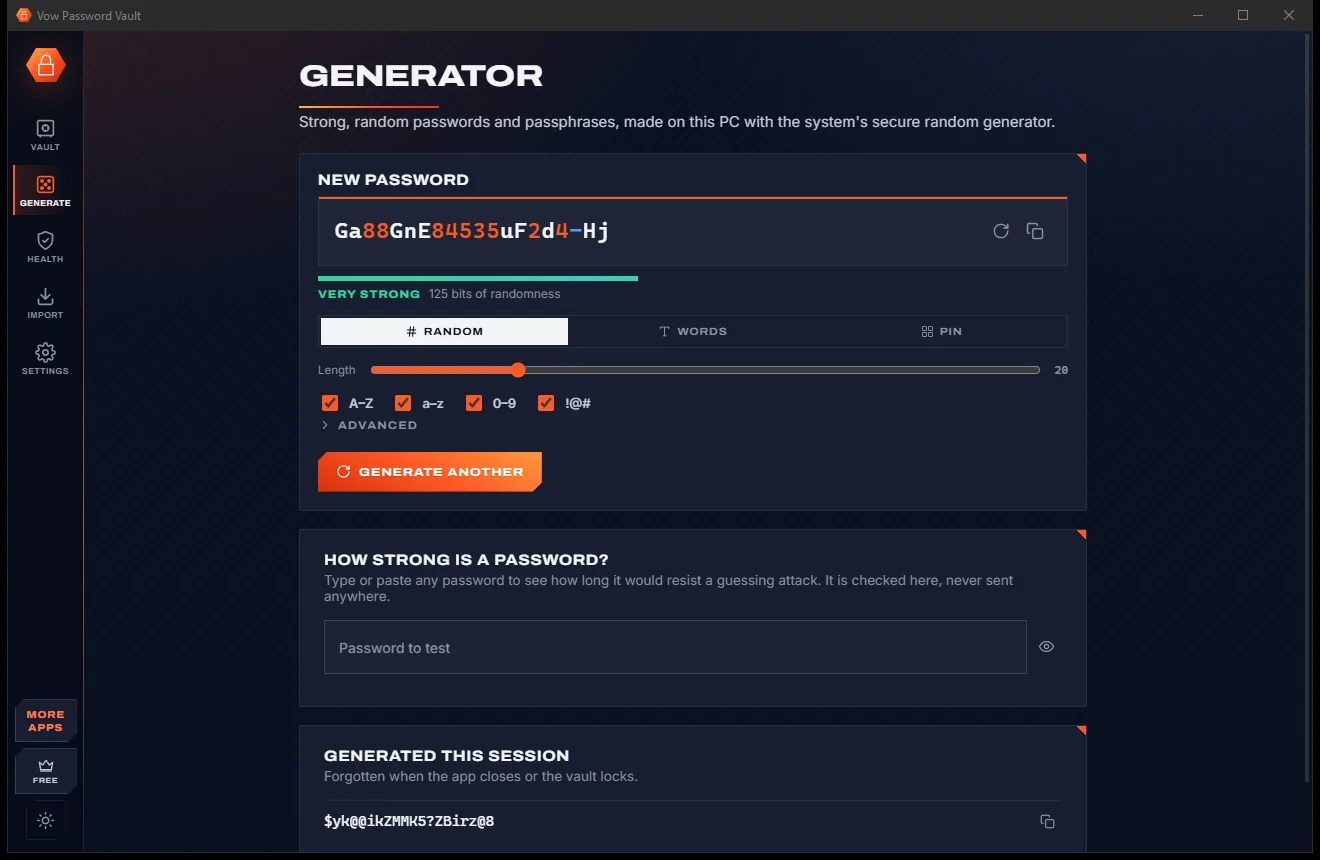
Your passwords in one encrypted file on your PC: no account, no cloud

  • Free: Up to 25 items, every security feature, 10 breach checks a day
  • $9.95 once: Unlimited items, auto-type, automatic encrypted backups, unlimited breach checks

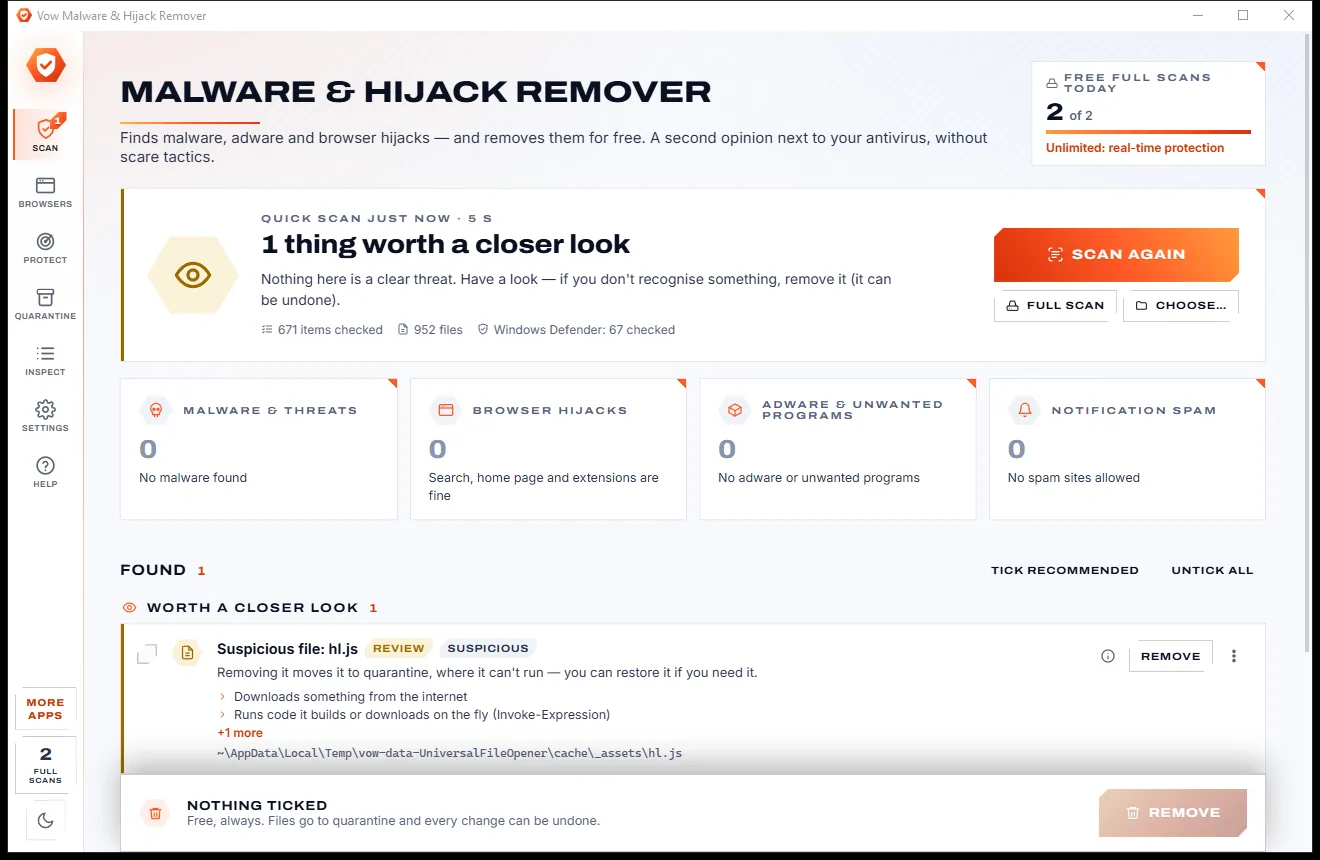
Find adware, malware and browser hijacks, and remove them free

  • Free: Unlimited quick scans and removals, 2 full scans a day
  • $9.95 once: Real-time hijack protection, scheduled scans, one-click browser reset

Shred files so no recovery tool can bring them back

  • Free: 25 items a day, all 14 erasure methods, read-back check
  • $4.95 once: Wipe free space and whole drives, erasure certificates, no limit

Done searching. Get Scam Checker.

Is this text, e-mail or link a scam? Paste it and find out, privately. Free to use every day, $4.95 once if you ever want Unlimited.

  • No ads
  • No malware
  • No account
  • No subscription
Scam CheckerFree · Windows 10 & 11 Download