
Productivity
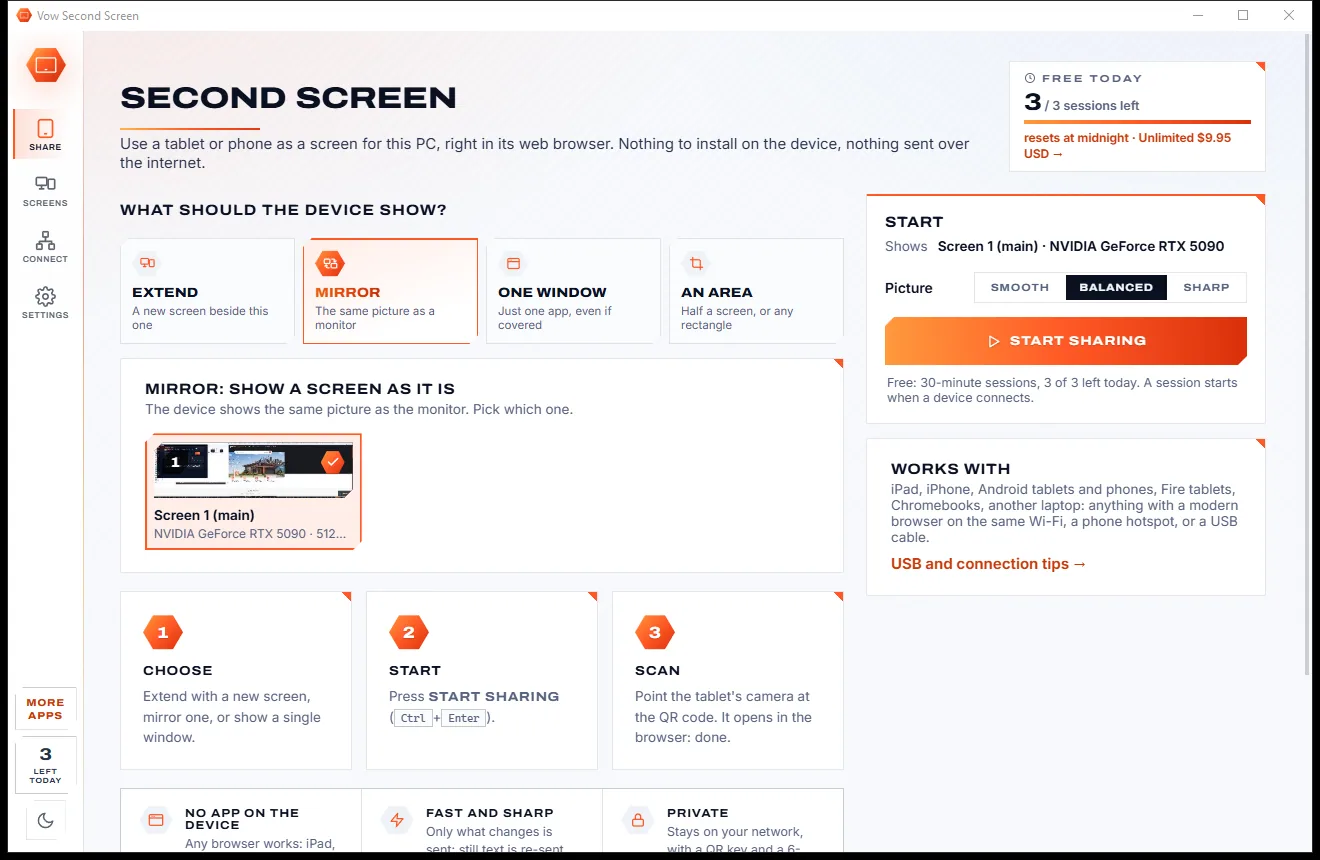
Vow Second Screen
Turn a tablet or phone into a second screen for your PC, in its browser
- Free: 3 sessions a day of 30 minutes, HD picture, view only, one device
- $4.95 once: Any length, up to 4K, touch, pen and keyboard, up to 6 devices

Text expander for Windows
Turn ;sig into your signature, ;addr into your address and ;ty into a polite reply that asks for the customer's name first. It works in Outlook, Word, Chrome, Teams, Slack and any web form. No account, no cloud, no subscription.
The problem
Signatures, addresses, "thanks for getting in touch". Every repeat costs a minute, and the tools that fix it often cost more.
Your address, your sign-off, the same three-paragraph answer: typed out by hand, dozens of times a week.
Rushed, repetitive typing is where the misspelt name and the wrong phone number creep in.
Some of the best-known text expanders charge every month, per person, for what is mostly a list of abbreviations.
Many want an account and keep your replies, addresses and notes on their servers.
The free alternatives often mean config files and scripts before your first shortcut works.
Outlook signatures and Word autotext stop at the edge of that program. Your browser and chat get nothing.
Vow Text Expander fixes all of it.
How it works
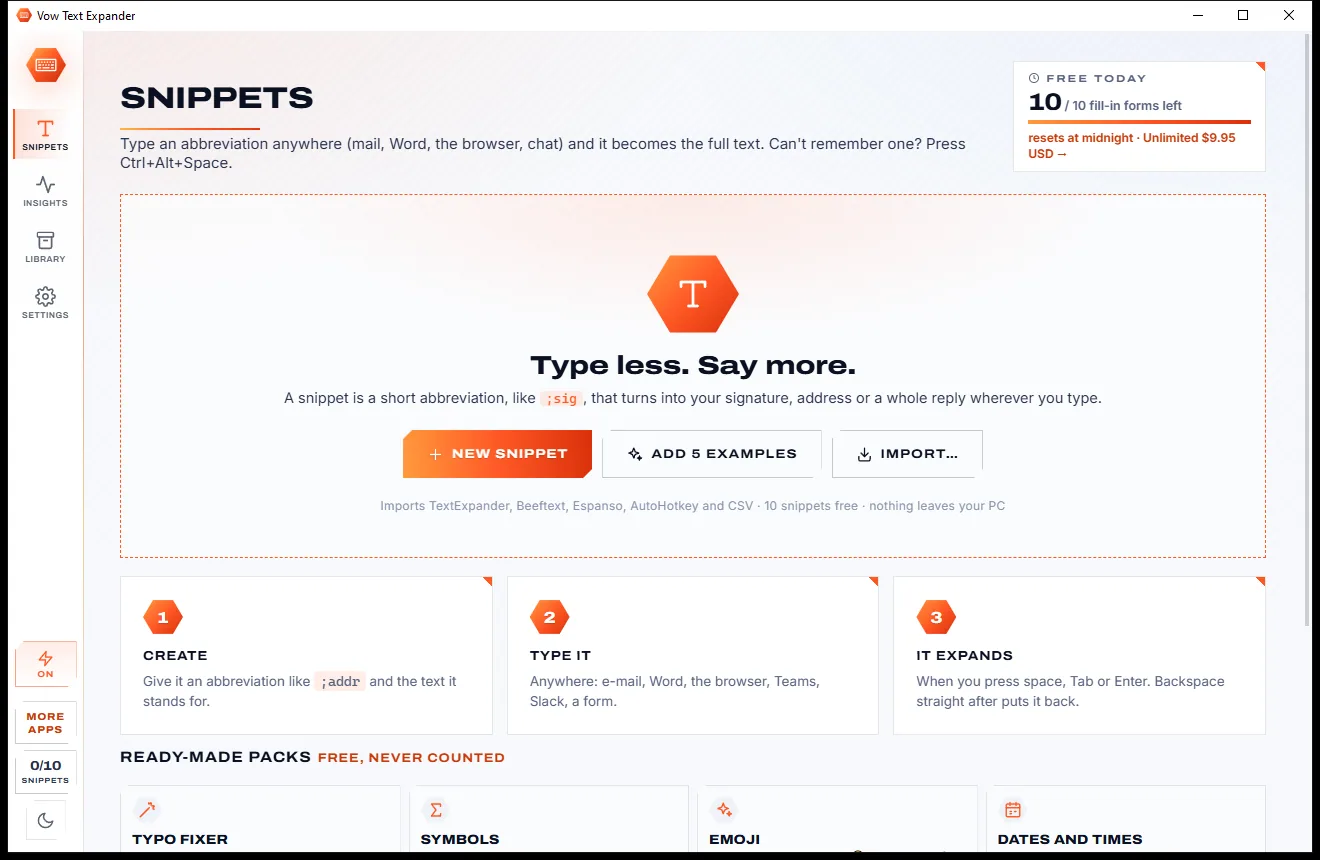
Give a snippet a short abbreviation once, and it turns into the full text wherever you type it.
Press Ctrl+N, give it an abbreviation such as ;sig and type its text. Add 5 examples in one click, or import a library from another text expander.
Type ;sig and a space in any app and it becomes the full text. Snippets with fill-ins ask for a name or a choice first.
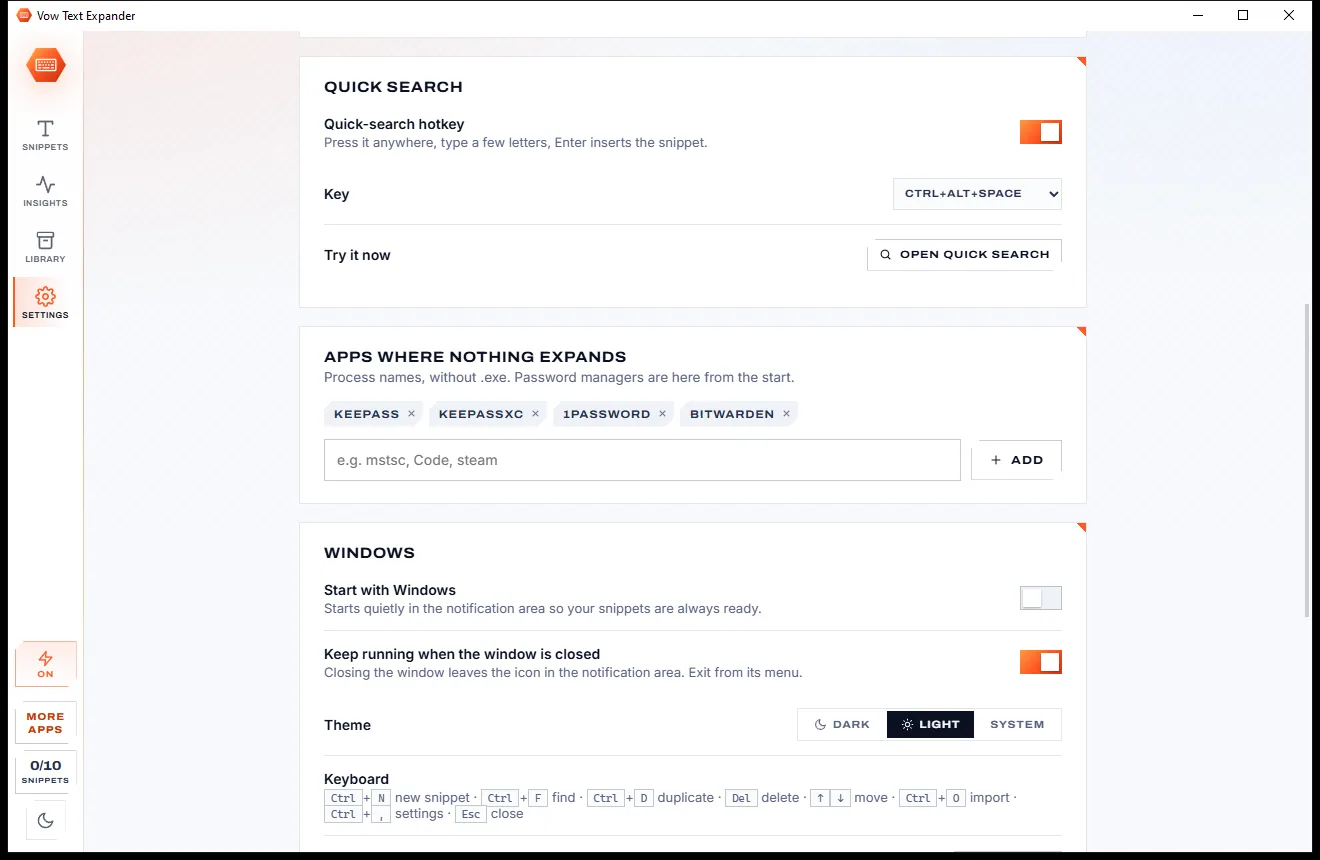
Press Ctrl+Alt+Space anywhere, type a few letters and press Enter. The snippet goes in where you were typing.
Features
For anyone who writes the same emails, notes and answers more than once a day.
Outlook, Word, Excel, Chrome, Edge, Teams, Slack, web forms and more: if you can type there, snippets expand there.
Ask for a name, pick from choices or switch an optional line on, with a live preview, then insert it in one go.
Today's date in any format, plus 3 days, minus a week, or 5 business days from now. Times too.
Drop in what you copied, put the cursor exactly where you want to keep typing, or press Tab between fields.
Expanded by mistake? Press Backspace straight away and your abbreviation comes back.
Btw becomes "By the way", BTW becomes "BY THE WAY". Or keep it exact, per snippet.
A typo fixer for 188 common misspellings, symbols, 65 emoji and dates and times. Free, and never counted.
Imports TextExpander, Beeftext, Espanso, AutoHotkey, PhraseExpress CSV and more, placeholders translated.
Expansions today, this week and in total, characters you did not type and the time saved.
Nothing expands in KeePass, KeePassXC, 1Password or Bitwarden by default, and your clipboard comes back after a paste.
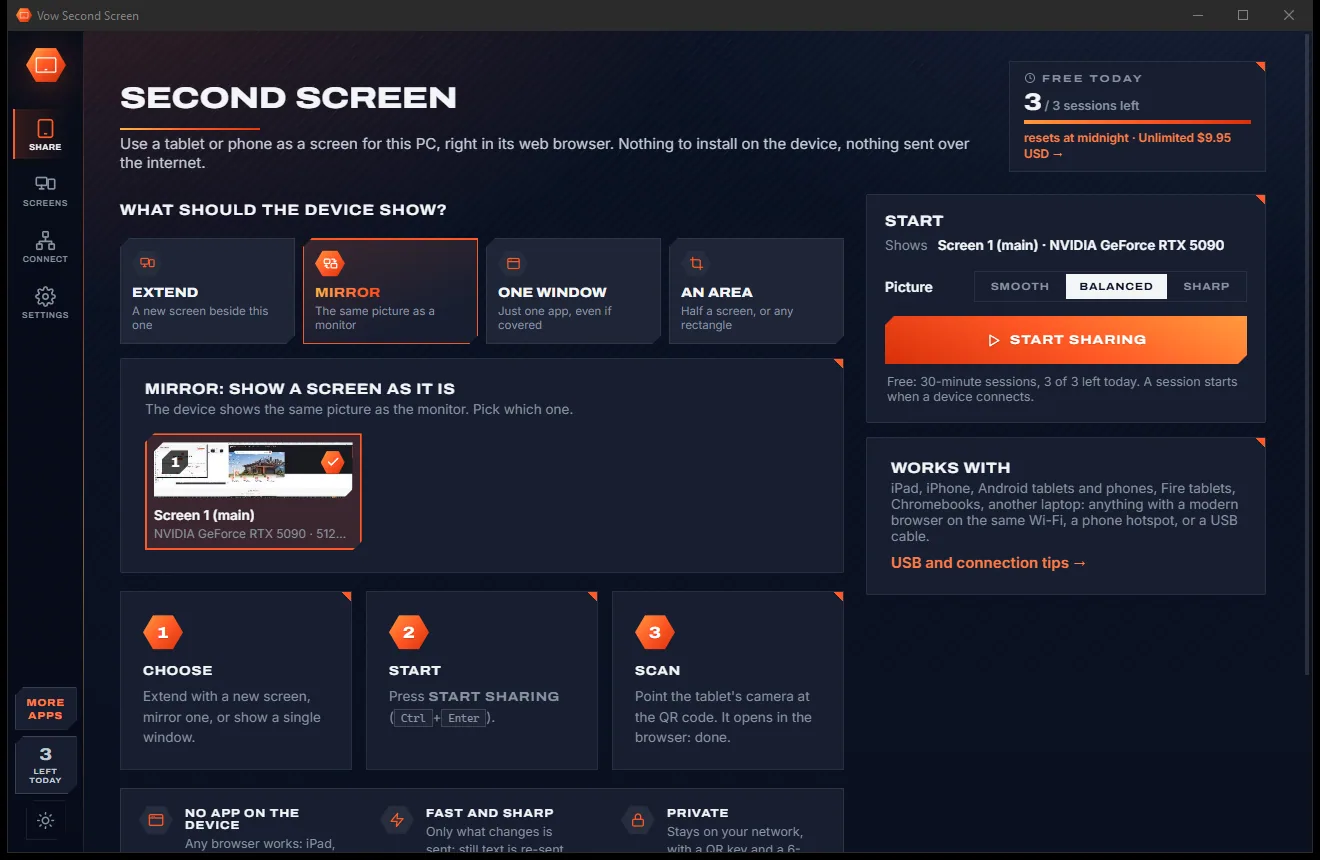
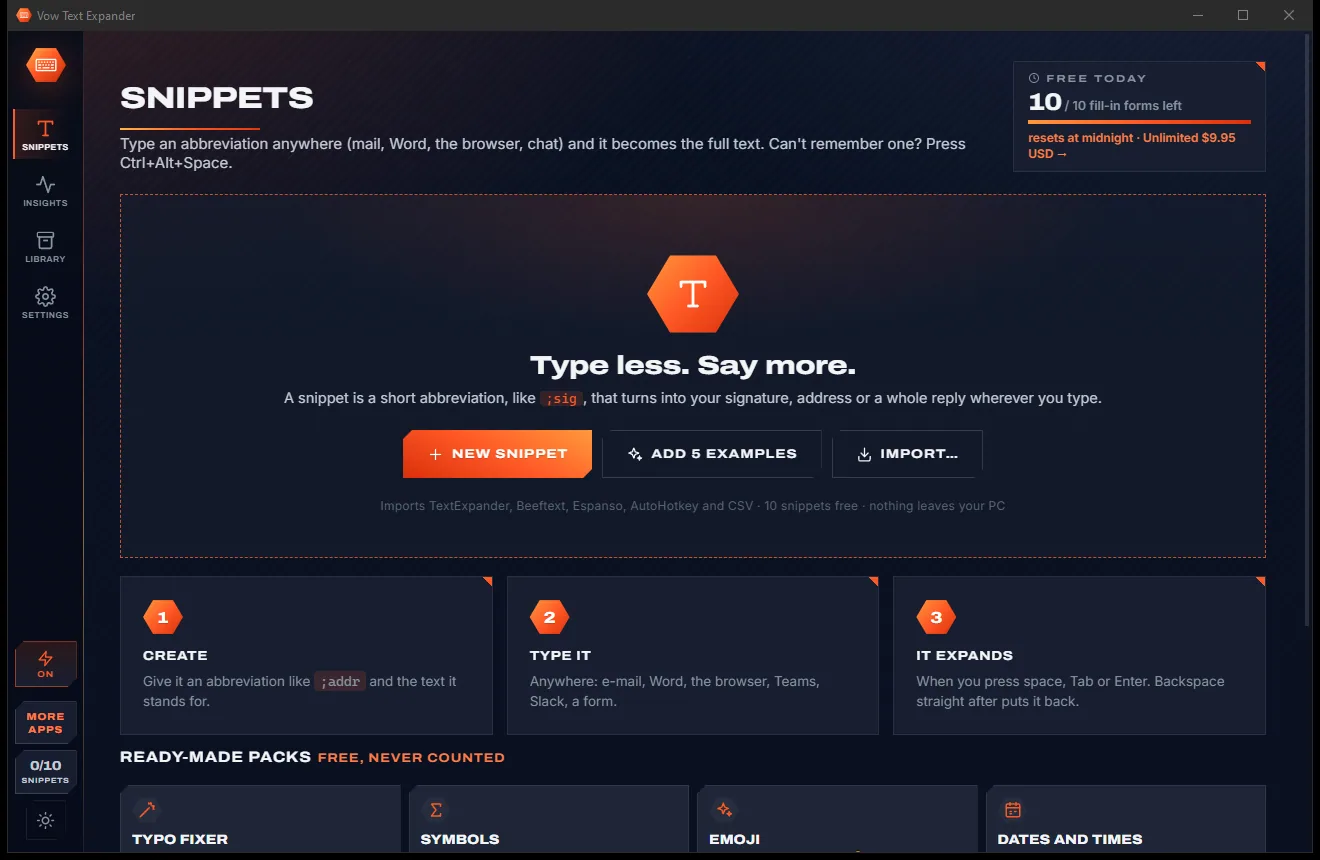
Light & dark theme
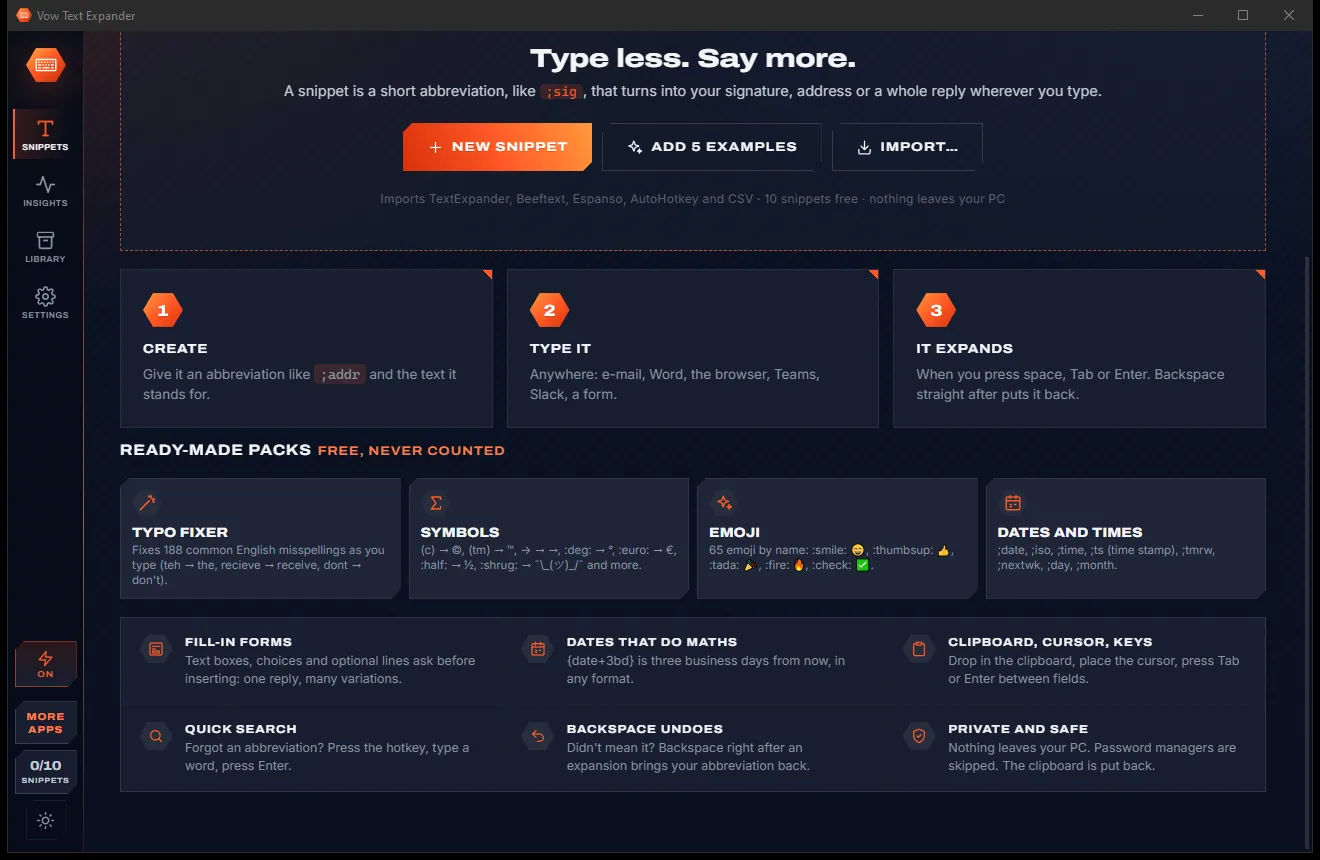
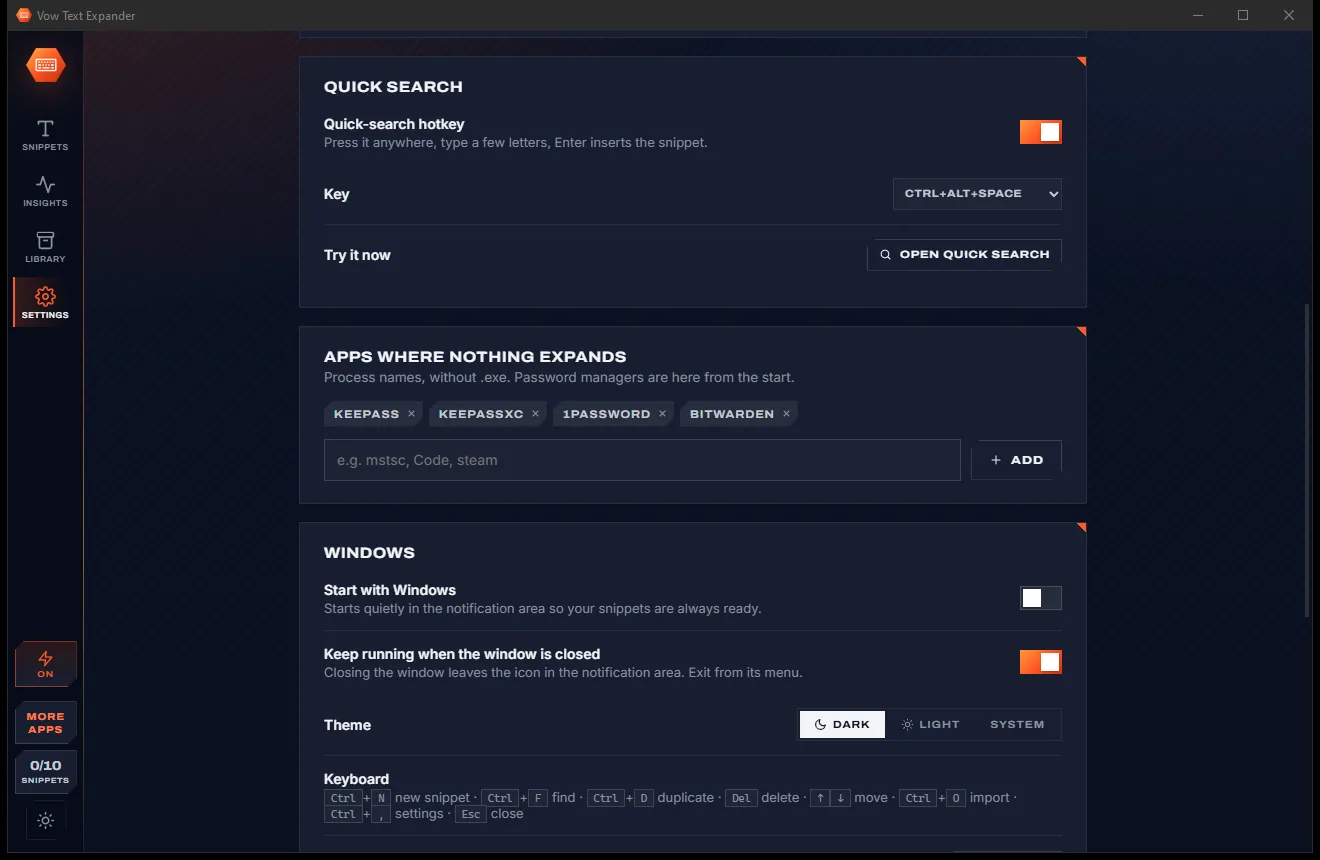
Text Expander comes with a crisp light theme and a calm dark theme. Switch with one click, or let it follow your Windows setting by itself. It remembers your choice.
Screenshots
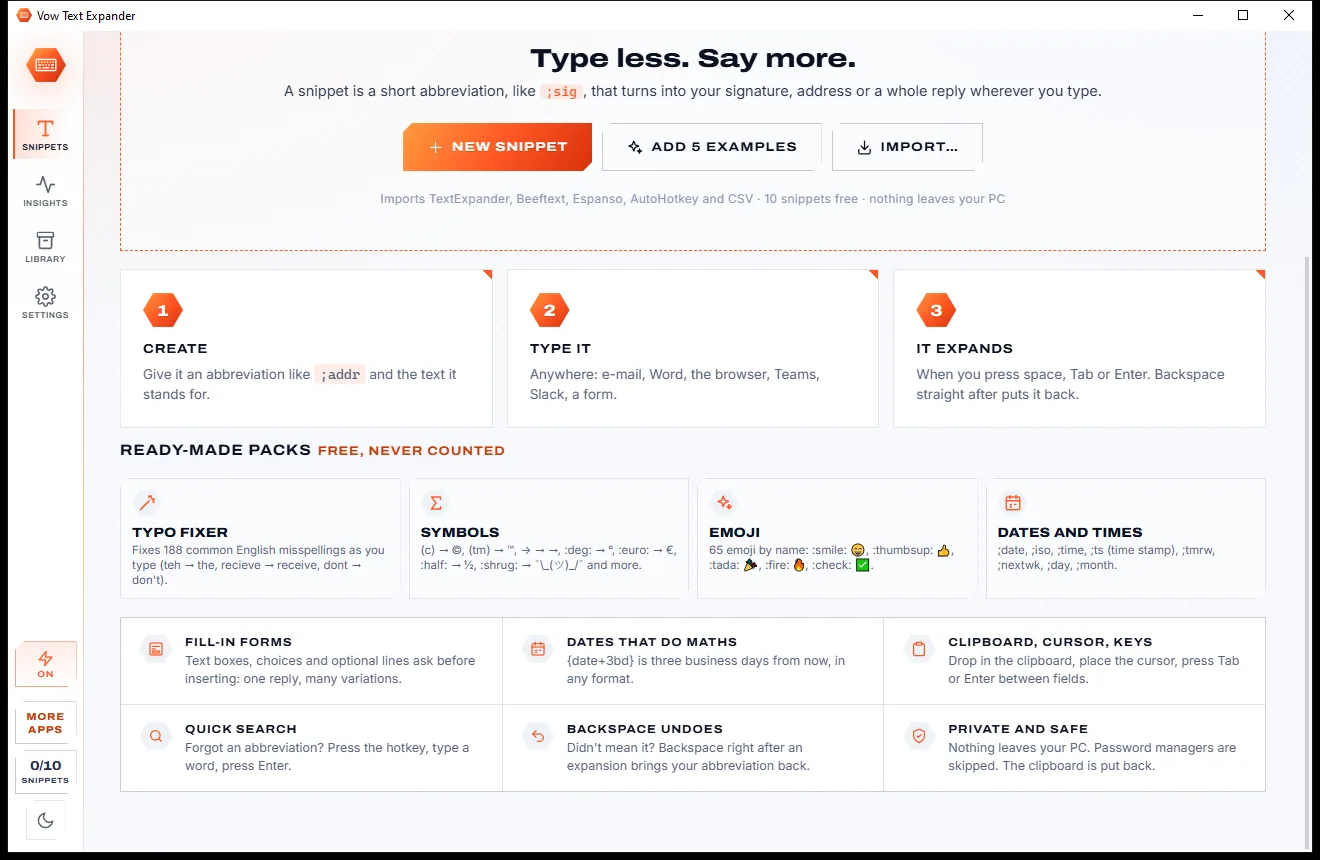
Real screenshots of the real app, in both of its themes: 7 light, 7 dark. Click any picture to see it full size.
Light theme
Dark theme
Who it's for
Answer common questions with personalised replies that ask for the customer's name before they go in.
Follow-ups, meeting invites with a date three business days out, and links you send all day.
Standard notes, instructions and letters typed in a few keystrokes, in any system you use.
Boilerplate, commands and ticket replies, with the cursor placed where the next detail goes.
Fix the typos you always make, insert symbols and dates, and reuse your standard phrases.
Your address, bank details, sign-off and quote wording, the same every time, in seconds.
Compare
Snippets should save you time and money, not lock them into a monthly plan.
| Feature | Vow Text Expander | Typical text expander apps |
|---|---|---|
| Price | Free every day, or $4.95 once | Subscriptions, or free but script-based |
| Account required | No | Often |
| Your snippets stored | On your PC only | Often in their cloud |
| Fill-in forms with live preview | Yes | Paid tiers, or scripting |
| Business-day date maths | Yes, e.g. {date+5bd} | Rarely |
| Set up without scripts | Yes, point and click | Free tools often need config files |
| Import from other expanders | 6 formats, placeholders translated | Limited |
| Ads and bundled extras | None, ever | Common in freeware downloads |
"Typical" describes what we found across the most-downloaded alternatives when we built Text Expander. Your mileage with any one of them may vary; ours won't.
Pricing
That is not a typo. Software this powerful usually means a monthly subscription; Text Expander is $4.95, once, for life: it's almost a giveaway. Use it free for as long as you like, and unlock Unlimited only if you need more.
10 of your own snippets, 10 fill-in forms a day, every pack.
Almost a giveaway. Less than a coffee for software this powerful: no subscription, no renewals, yours for life on 2 PCs.
Unlimited snippets and forms, daily backups, a sync folder.
Payments by Stripe: we never see or store your card. Questions? Ask a real person.
Clean software
Most "free" Windows downloads pay for themselves with ads, bundled extras or your data. Vow Text Expander doesn't need to: it's paid for honestly, once, by the people who find it useful.
Download Text Expander freeStep-by-step guide
Your first snippet takes about thirty seconds, and it works in every app straight away.
Step 1: get it freeDownload it from this page and run the installer. There is no account and no administrator prompt; it starts with Windows and waits in the notification area.
Press New (Ctrl+N). Type an abbreviation such as ;sig, then the full text in the box below. It saves by itself as you type.
Use the toolbar to drop in Date, Clipboard, Cursor or a Fill-in field. The preview shows exactly what will be typed.
Open Outlook, a browser or chat, type ;sig and press space, Tab or Enter. Press Backspace straight after if you want the abbreviation back.
Press Ctrl+Alt+Space, type part of the name or text, and press Enter to insert it. Ctrl+C copies it instead.
Technical details
FAQ
Yes. Ten snippets of your own expand as often as you like, with every placeholder, quick search, import and export, and the typo, symbol, emoji and date packs, which never count. Fill-in forms work 10 times a day. Unlimited, a one-time $4.95 USD payment, removes both limits and adds daily backups and a sync folder.
Practically any app you type in: Outlook, Word, Excel, Chrome, Edge, Firefox, Teams, Slack, web forms and terminals such as PuTTY. Each snippet can also be limited to, or kept out of, particular apps.
Yes. It imports TextExpander (CSV or .textexpander), Beeftext, Espanso, AutoHotkey hotstrings, PhraseExpress CSV, TSV and JSON, translates their placeholders, and shows you what comes in before anything changes. Export to JSON or CSV is always free.
A snippet can ask for details before it goes in: a name, a few lines of notes, a choice between options, or an optional line you switch on. You see a live preview, press Enter, and the finished text is inserted.
Short lines are typed as key presses and never touch the clipboard. Long or formatted text is pasted, flagged so clipboard history tools skip it, and your clipboard is put back a moment later.
No. Your library is a file on your own PC. With Unlimited you can point it at a folder you already sync, such as OneDrive or Dropbox, to use the same snippets on several PCs.
Press Backspace straight away and your abbreviation comes back. Abbreviations only fire at the start of a word unless you choose otherwise, and nothing expands in password managers by default.
Yes. It is made and published by XTO Pty Ltd, an Australian company. There are no ads, no bundled software and no account, it needs no administrator rights, and it uninstalls cleanly from Windows Settings.
The Vow collection
Same design, same promises, a tiny one-time price. Learn one and you already know them all.
Turn a tablet or phone into a second screen for your PC, in its browser

Preview, organise and identify every font on your PC, offline

Professional invoices and quotes on Windows, without a subscription
Type ;sig and get your whole signature, in every app. Free to use every day, $4.95 once if you ever want Unlimited.