
Productivity
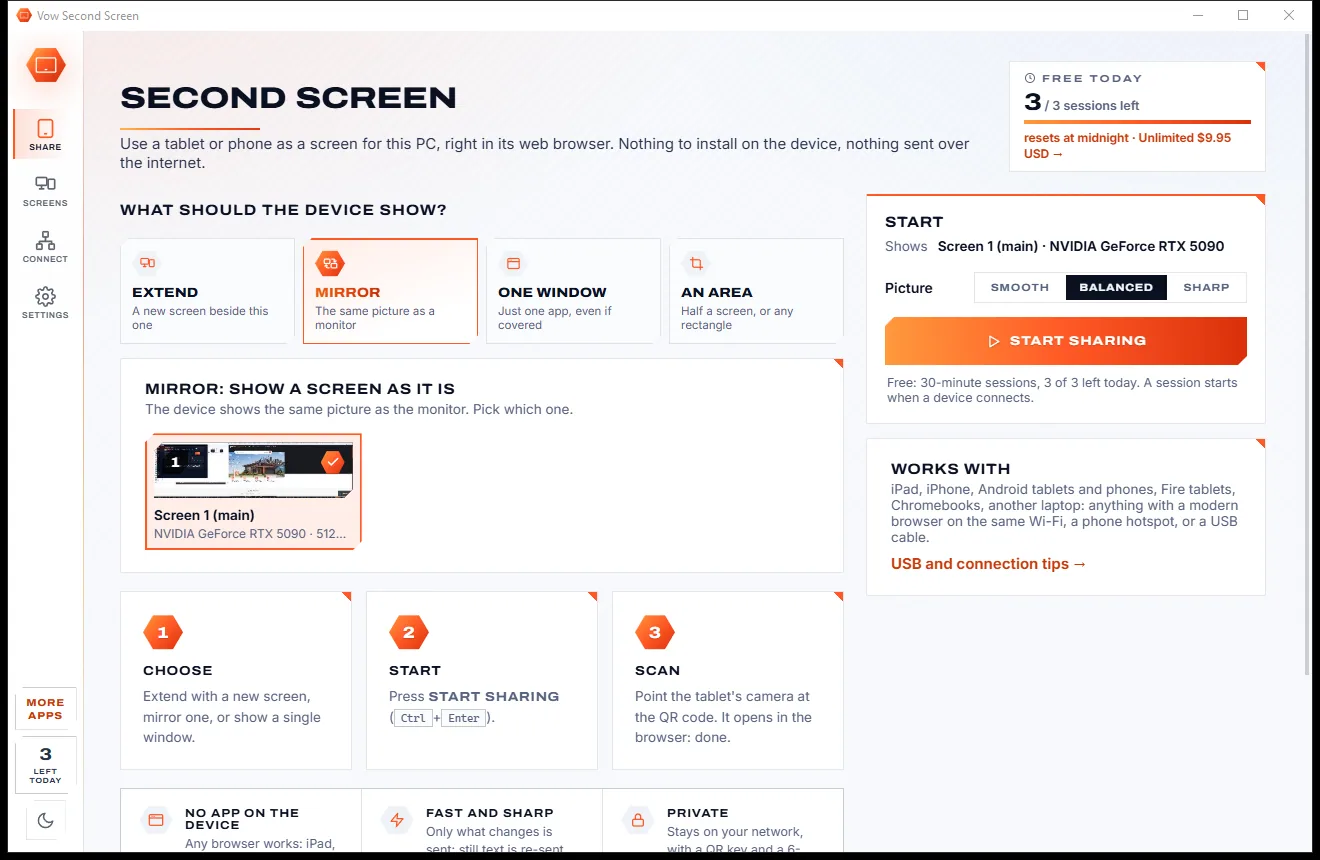
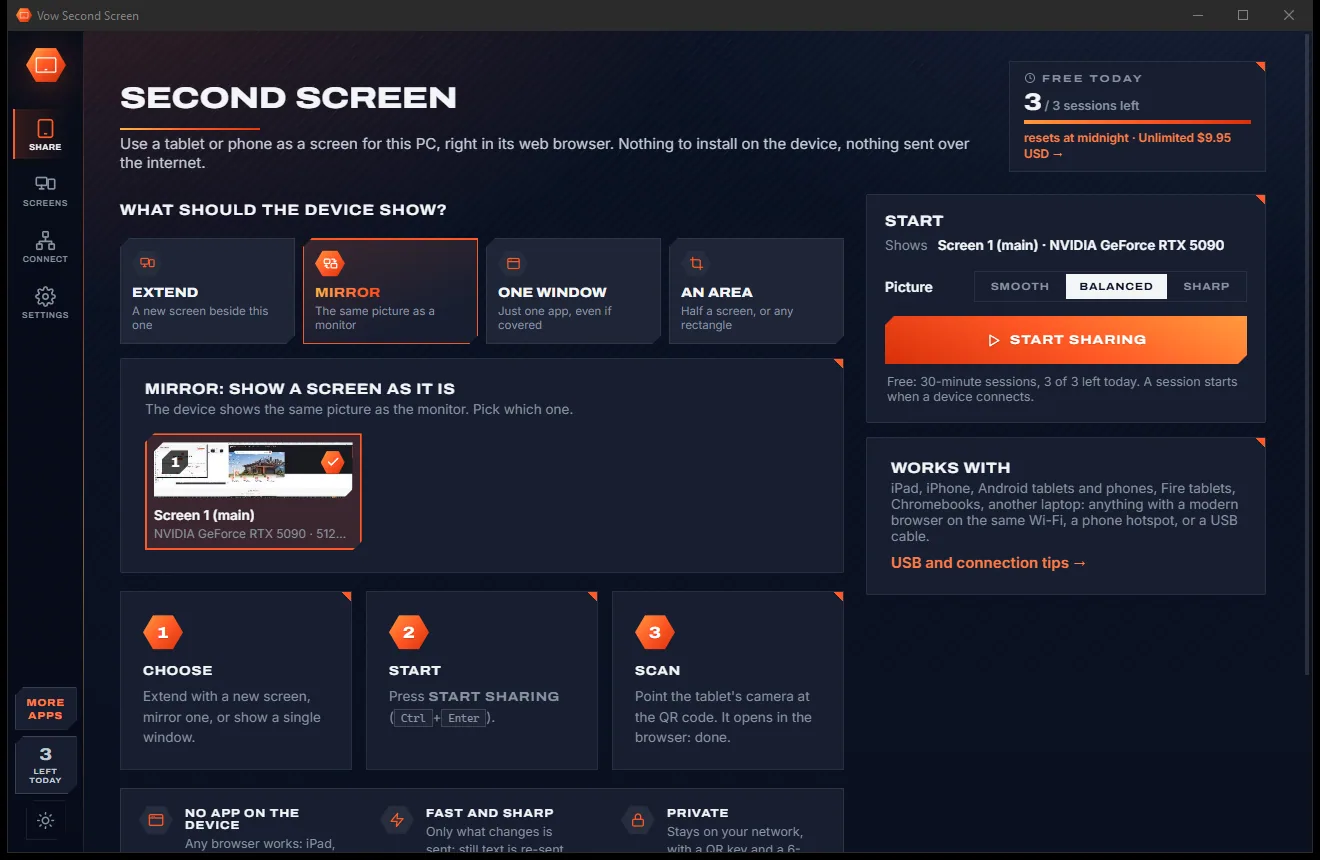
Vow Second Screen
Turn a tablet or phone into a second screen for your PC, in its browser
- Free: 3 sessions a day of 30 minutes, HD picture, view only, one device
- $4.95 once: Any length, up to 4K, touch, pen and keyboard, up to 6 devices

Website & app blocker for Windows
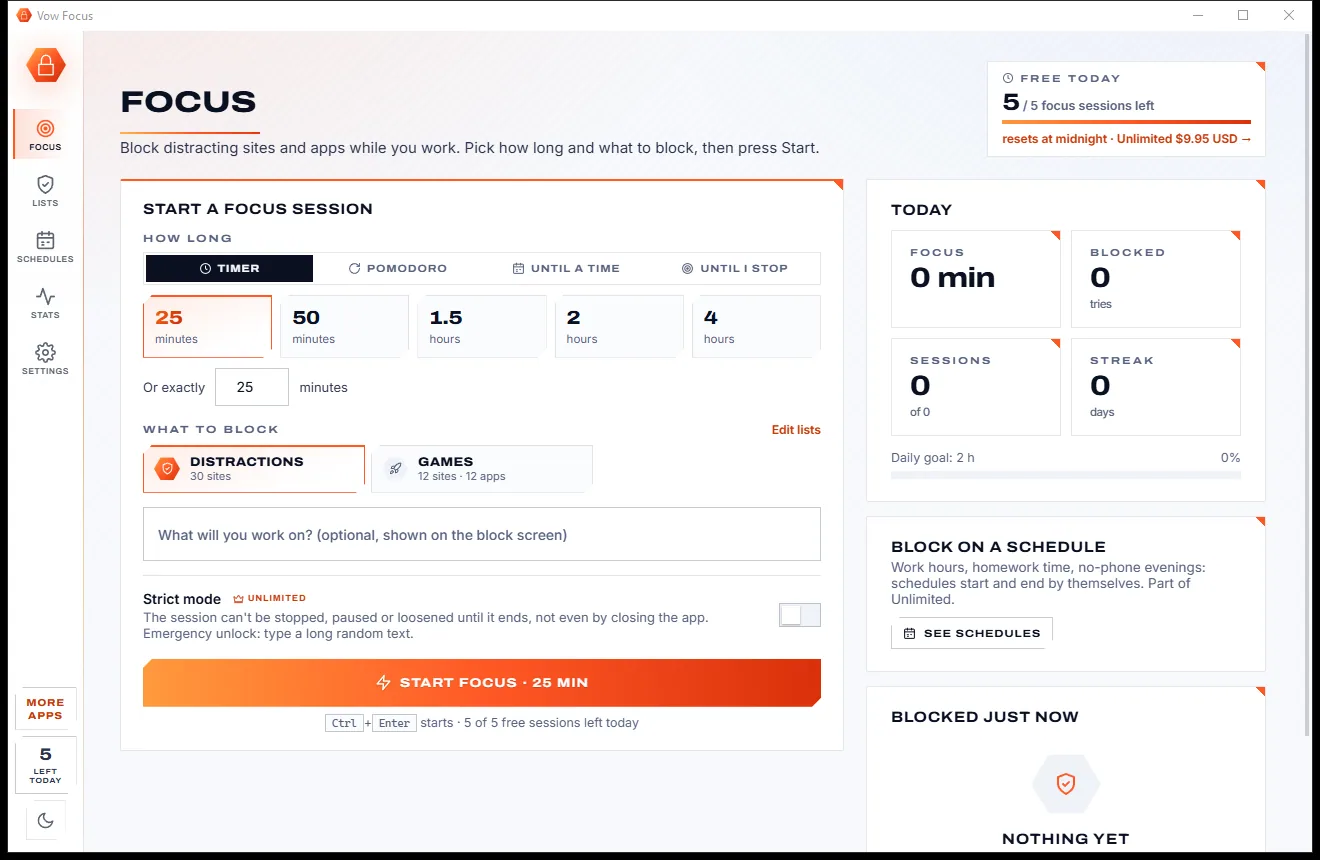
Pick 25 minutes, tick Distractions, press Start. Social media and video sites get a block screen, games and chat apps are closed, and a timer ring counts you down. No browser extension, no account, no subscription.
The problem
Willpower loses to infinite feeds. And many blockers are easy to switch off, hard to set up or billed every month.
You open a video site to check one thing, and the afternoon's best working time is gone.
Browser-extension blockers stop at that browser. Open another one, or disable the extension, and you're through.
Website blockers don't stop the game launcher, the chat app or the desktop client sitting right there.
Many focus apps are subscriptions, charging every month for the privilege of not using the internet.
Sign-ups, cloud dashboards and your browsing habits stored on someone else's servers.
Lists to build from scratch and settings to learn before you can block a single site.
Vow Focus fixes all of it.
How it works
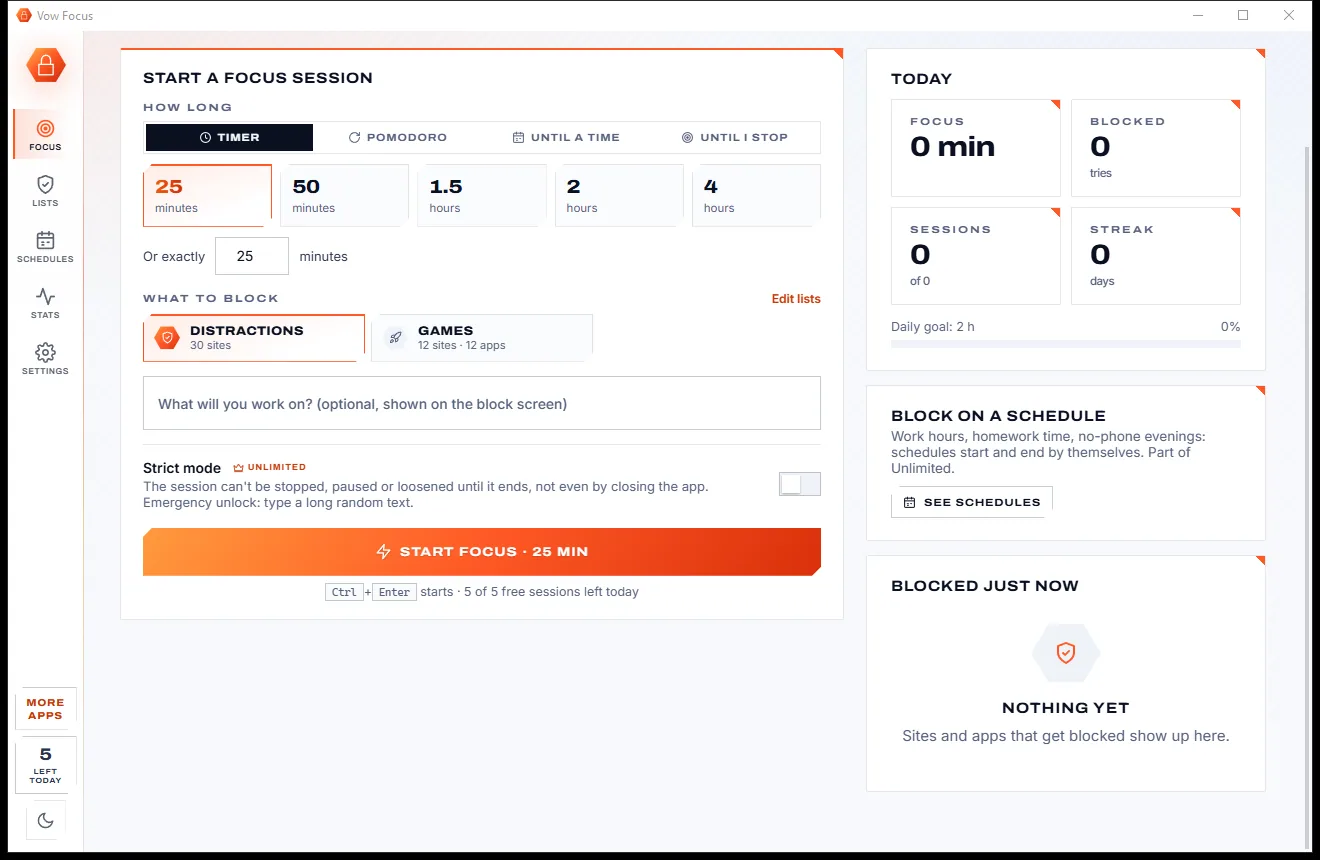
Choose how long and what to block, press Start, and the distractions are gone until the timer ends.
A 25-minute timer, 50 or 90 minutes, Pomodoro rounds with breaks, until a time like 17:00, or until you stop.
Tick a ready-made list such as Distractions, or build your own with sites, whole categories and programs.
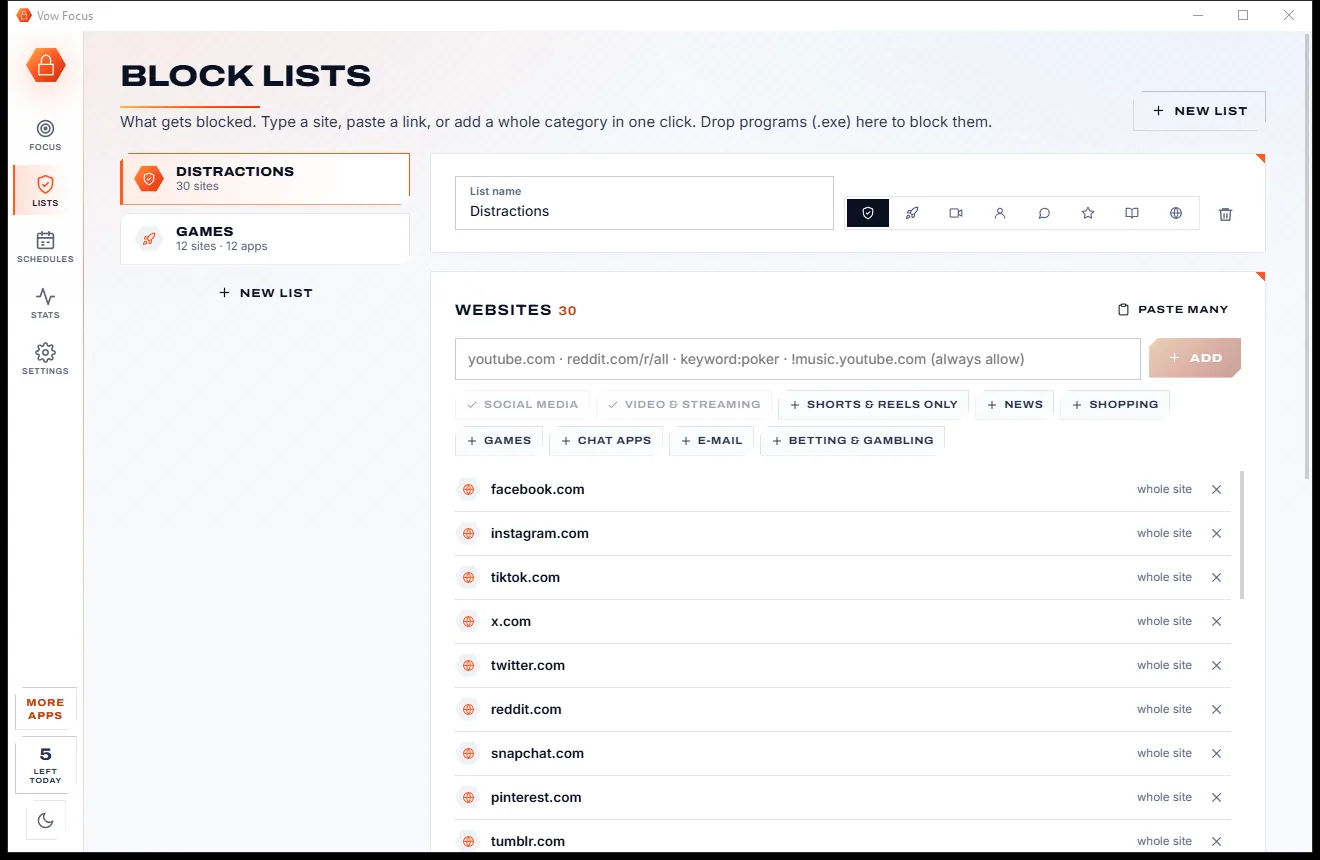
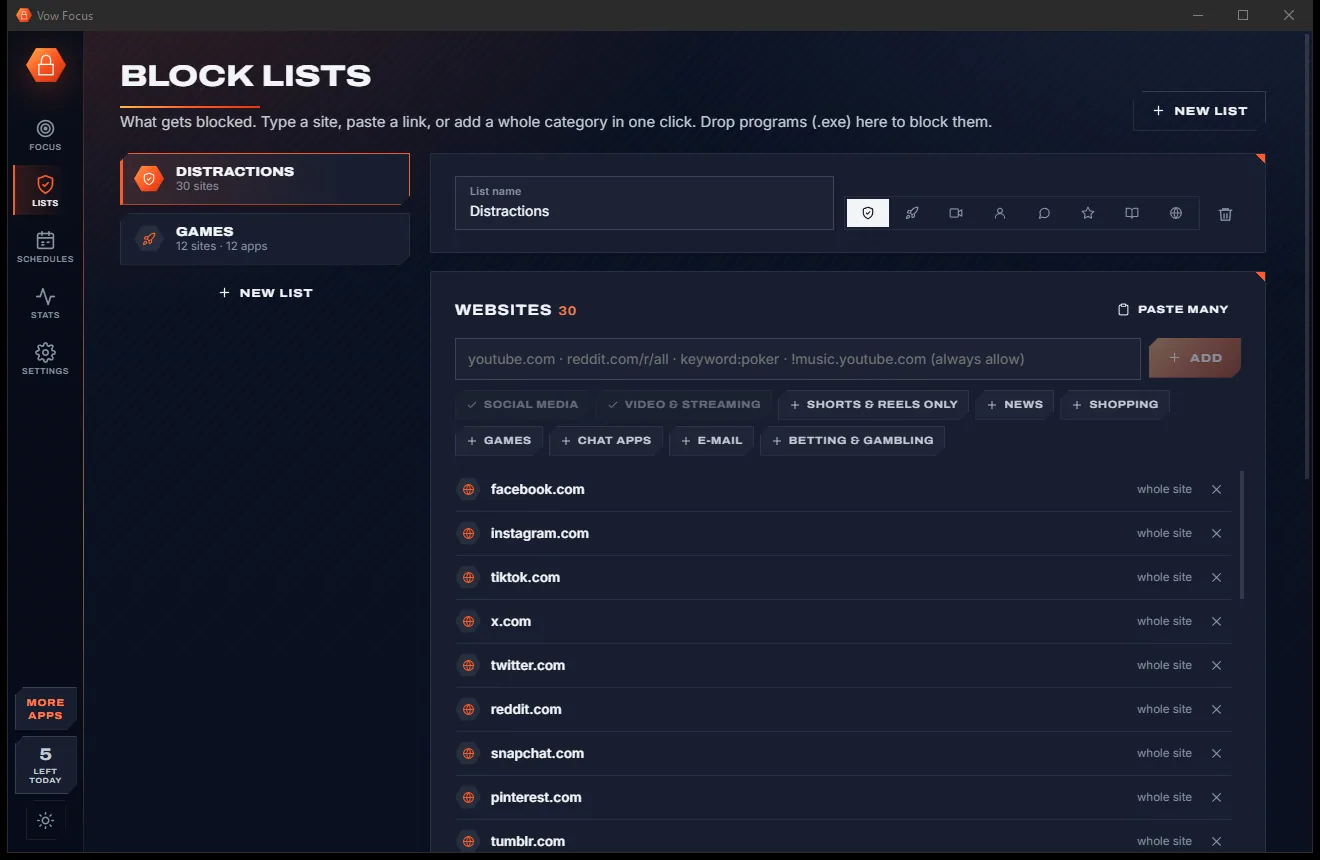
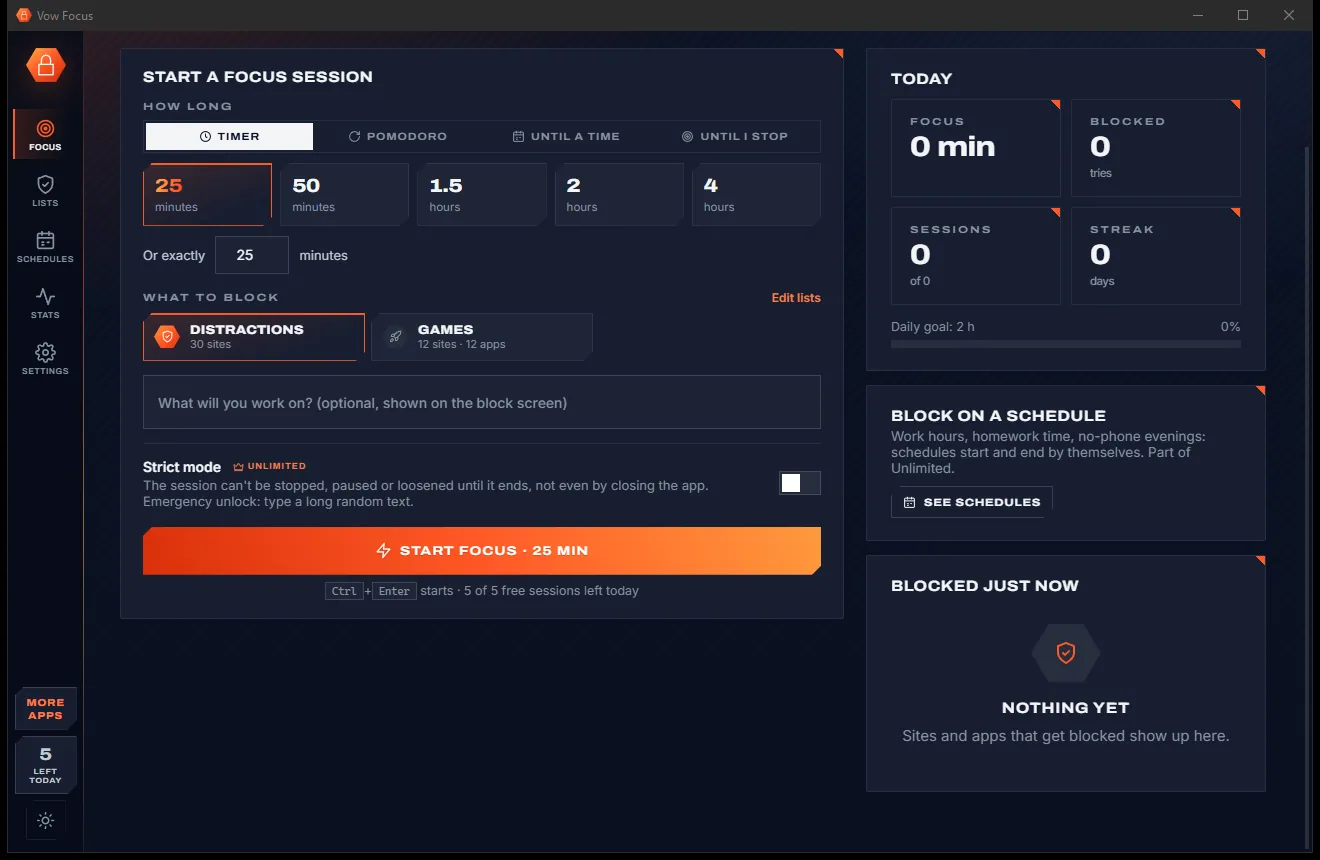
Blocked sites get a block screen, blocked apps are closed, and a timer ring counts down. Need one more site blocked? Add it on the spot.
Features
For students, remote workers, writers, and anyone whose phone-free hour keeps turning into a browser hour.
Chrome, Edge, Firefox, Brave, Opera, Vivaldi and more, read directly from the address bar. No extension to install.
Games, launchers, chat and mail apps are closed while you focus. Pick them from the running apps or drop an .exe.
25, 50 or 90 minutes, Pomodoro rounds with short and long breaks, until a set time, or until you stop.
Add Social media, Video, Shorts & reels only, News, Shopping, Games, Chat, E-mail or Betting in a click.
Block a whole site, just youtube.com/shorts, wildcards or keywords, and always allow exceptions like music.youtube.com.
With Unlimited, block work hours or homework time automatically, even after a restart.
With Unlimited, a session can't be stopped, paused or loosened until it ends. The only way out is typing a long random text.
With Unlimited, allow a list's sites and apps for N minutes a day, then they block by themselves until midnight.
Focus time, blocked attempts, sessions and streaks, plus time per app and site, counted only on your PC.
Optionally add blocked sites to the Windows hosts file too, so every browser and app is covered.
Light & dark theme
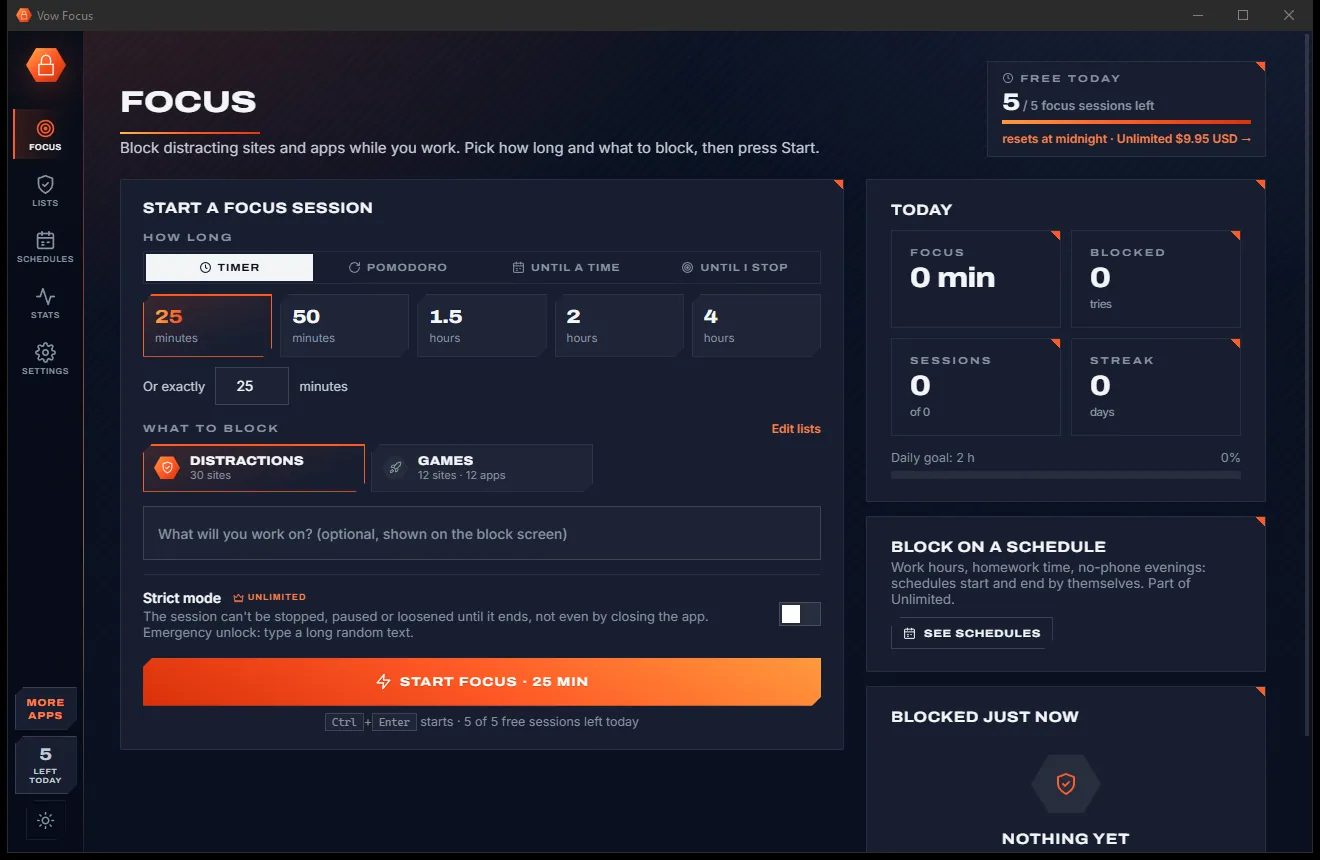
Focus comes with a crisp light theme and a calm dark theme. Switch with one click, or let it follow your Windows setting by itself. It remembers your choice.
Screenshots
Real screenshots of the real app, in both of its themes: 9 light, 9 dark. Click any picture to see it full size.
Light theme
Dark theme
Who it's for
Block social media and video sites for a study session, with Pomodoro breaks to keep you fresh.
Schedule distraction-free work hours that start and end by themselves every weekday.
Set a goal like "Chapter 3", shown on the block screen whenever you drift.
Protect deep-work blocks from news, chat and the endless scroll, with exceptions for the docs you need.
No-screens evenings and homework time, with game launchers closed until the work is done.
Strict mode and the Betting category for the sites you really want to stay away from.
Compare
Browser extensions, subscription apps and Vow Focus, side by side.
| Feature | Vow Focus | Typical blocker apps & extensions |
|---|---|---|
| Blocks desktop apps, not just sites | Yes | Extensions can't |
| Browser extension needed | No, works with common browsers | Usually |
| Strict sessions with restart protection | Yes (Unlimited) | Some, often a paid tier |
| Block part of a site (e.g. Shorts only) | Yes, plus wildcards and keywords | Sometimes |
| Test whether an address is blocked | Live, with the matching rule | Rarely |
| Account or sign-up | None | Often required |
| Your browsing data uploaded | Never: stats stay on your PC | Cloud dashboards are common |
| Price | Free every day, or $4.95 once | Often a monthly or yearly plan |
| Ads | None, ever | Common in free blockers |
"Typical" describes what we found across the most-downloaded alternatives when we built Focus. Your mileage with any one of them may vary; ours won't.
Pricing
That is not a typo. Software this powerful usually means a monthly subscription; Focus is $4.95, once, for life: it's almost a giveaway. Use it free for as long as you like, and unlock Unlimited only if you need more.
5 focus sessions a day, block lists, Pomodoro, block screen.
Almost a giveaway. Less than a coffee for software this powerful: no subscription, no renewals, yours for life on 2 PCs.
Unlimited sessions, schedules, strict mode, time limits, full stats.
Payments by Stripe: we never see or store your card. Questions? Ask a real person.
Clean software
Most "free" Windows downloads pay for themselves with ads, bundled extras or your data. Vow Focus doesn't need to: it's paid for honestly, once, by the people who find it useful.
Download Focus freeStep-by-step guide
From install to your first distraction-free session in under a minute.
Step 1: get it freeDownload it from this page and run the installer. It needs no administrator rights and no account, and the Distractions list is ready on first run.
On the Focus page pick Timer (25 minutes by default), Pomodoro, Until a time or Until I stop.
Tick one or more block lists. Use Edit lists to add a site, paste a link, add a whole category or drop in a program.
Press Start focus or Ctrl+Enter. Blocked sites show a block screen, blocked apps close, and you can close the window: it keeps blocking from the notification area.
Take a 5-minute break, add 10 minutes, or stop when you're done (unless it's a strict session). Your focus time and streak are on the right.
Technical details
FAQ
Yes. You get 5 focus sessions a day with unlimited block lists, site and app blocking, Pomodoro, the block screen and today's statistics, with no ads and no expiring trial. Unlimited, a one-time $4.95 USD payment, adds unlimited sessions, schedules, strict mode, daily time limits, allow-list mode and full statistics.
No. Vow Focus reads the address bar of Chrome, Edge, Firefox, Brave, Opera, Vivaldi and other common browsers itself, so there is nothing to add to each browser and nothing to switch off.
Yes. Add programs from the running apps, browse for an .exe, drop a shortcut, or add a category such as game launchers or chat apps. They are asked to close, then ended after 3 seconds if they don't. Windows' own processes are never touched.
With Unlimited, a strict session or schedule can't be stopped, paused or loosened until it ends, even by closing the app or restarting the PC. You can still add sites or time. For real emergencies you can end it by typing a 150-character random text, without copy and paste.
It covers their core (site and app blocking, keywords, exceptions, allow-lists, schedules, strict locks with a random-text unlock, Pomodoro) without a browser extension to install, and adds one-click presets, a live "test an address" box and a block screen that follows the browser window. Unlimited is $4.95 once, never a subscription.
Yes. youtube.com/shorts blocks just that part, the Shorts & reels only category adds the common ones, and an exception such as !music.youtube.com is never blocked.
No. Statistics are counted only on your PC, can be switched off, and nothing is uploaded. There is no account.
Yes. It is made and published by XTO Pty Ltd, an Australian company. There are no ads, no bundled software and no account, it needs no administrator rights, and it uninstalls cleanly from Windows Settings.
The Vow collection
Same design, same promises, a tiny one-time price. Learn one and you already know them all.
Turn a tablet or phone into a second screen for your PC, in its browser

Preview, organise and identify every font on your PC, offline

Professional invoices and quotes on Windows, without a subscription
Block distracting websites and apps while you work or study. Free to use every day, $4.95 once if you ever want Unlimited.