
Audio
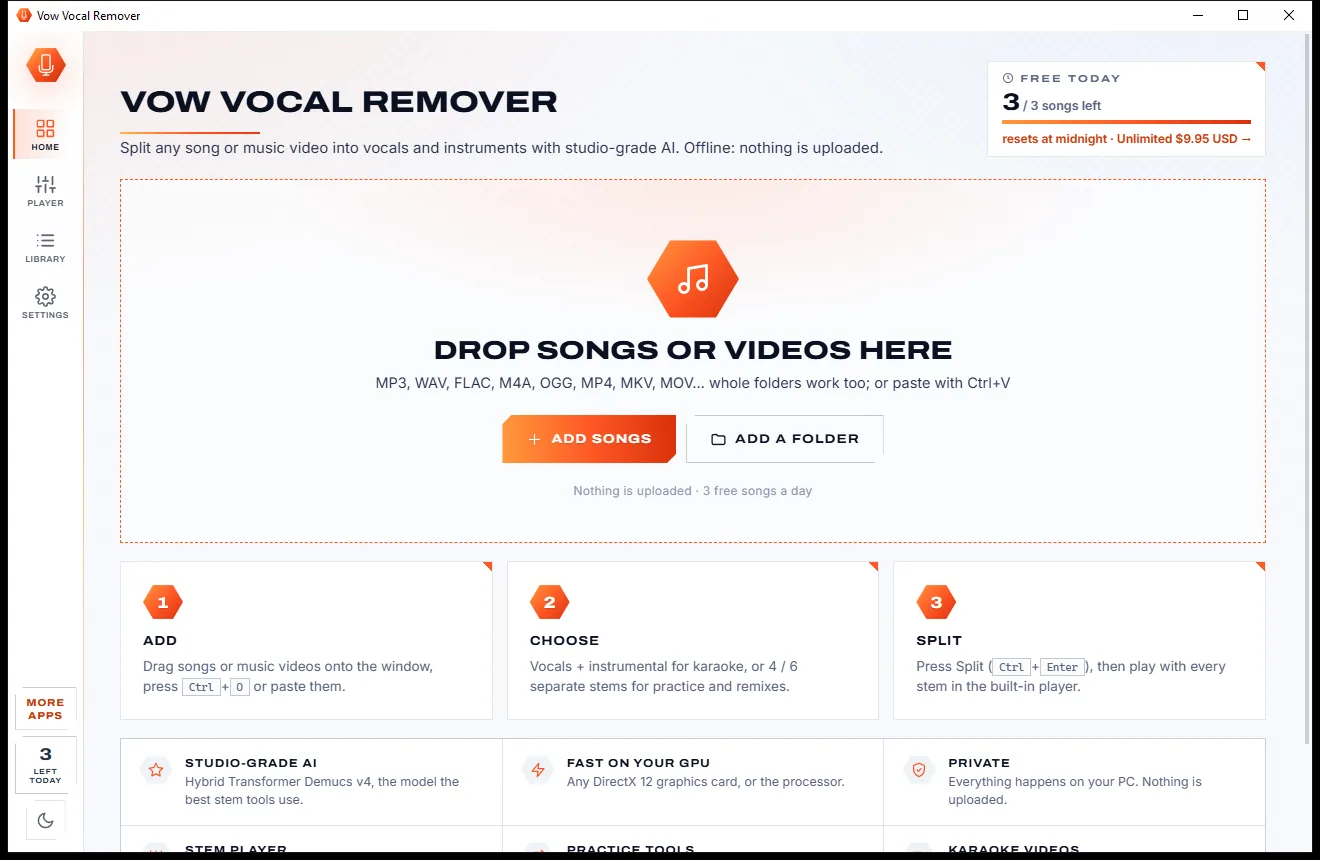
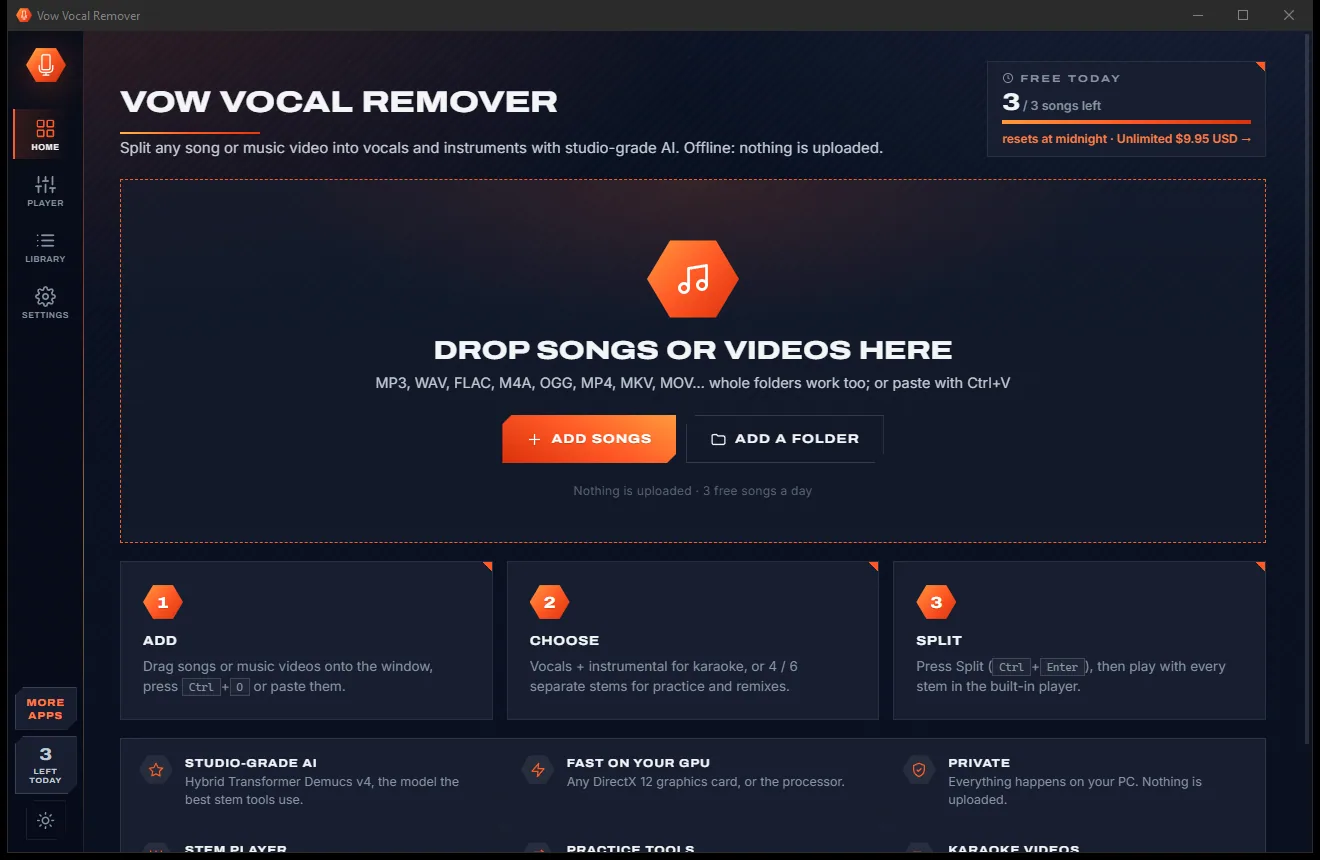
Vow Vocal Remover
Remove vocals from any song, offline, in two clicks
- Free: 3 songs a day, vocals + instrumental, the full stem player
- $9.95 once: Unlimited songs, 4 and 6 stems, lossless WAV and FLAC

AI background noise remover for Windows
Drop a podcast, interview, lecture or video and Vow Noise Remover hears what is wrong in a second or two, switches on the right fixes and cleans a preview straight away. Flip between Original, Cleaned and Removed, then save. The AI runs on your PC: no uploads, no time caps, no subscription.
The problem
The interview went well. Then you play it back and hear the fan, the traffic, the hum from a cable and a voice that sounds like it was recorded in a bathroom.
Online enhancers want your recording on their servers, including the private conversations and unreleased episodes.
A few minutes free per day, then a monthly plan for anything longer than a voice note.
Classic free tools make you select the noise, capture a profile and guess at settings until it sounds underwater.
Heavy-handed noise removal eats the voice along with the hiss, leaving warbles and a thin, metallic sound.
Simple noise filters do nothing for mains hum from a cable or the hollow sound of a bare room.
The professional repair software is superb, and costs and looks like it was made for a recording studio.
Vow Noise Remover fixes all of it.
How it works
Vow works out what is wrong and fixes exactly that, and you hear the difference before you save anything.
Audio or video, one file or a whole folder. In a second or two the check shows the noise, hum, room echo, wind, clicks, clipping and loudness it found.
Auto turns on just the fixes needed and a 30-second preview is cleaned at once. Switch Original, Cleaned and Removed instantly, in sync and level-matched.
Saved next to the original as name_clean, in the same format. A video keeps its picture untouched and gets the cleaned sound.
Features
Built for podcasters, journalists, teachers and video makers who need clean speech without learning audio engineering.
DeepFilterNet3, a neural voice model, removes hiss, fans, traffic and crowds while keeping the voice natural.
Noise level, mains hum to 0.05 Hz, the room's reverb time, wind, clicks, clipping and loudness, measured before anything changes.
Original, Cleaned and Removed switch instantly and in sync, at the same loudness, so you judge the result fairly.
50 or 60 Hz mains hum and every harmonic, measured precisely and notched out, from ground loops, lights and cables.
Takes the hollow, far-away sound of a big or bare room out of speech, based on the room's measured reverb.
Wind blasts and rumble, mouth clicks and pops, and clipped peaks repaired, all in the free version.
Broadcast EQ, a de-esser, a leveller and a compressor for clearer, fuller speech with even levels between speakers.
Podcast -16, YouTube -14, Audiobook -19 or Broadcast -23 LUFS, with a true-peak limiter.
Clean the sound of MP4, MOV, MKV, WEBM or AVI files; the picture is copied untouched.
See the noise vanish in a before/after spectrogram, and drag across a quiet part to teach it the noise.
Light & dark theme
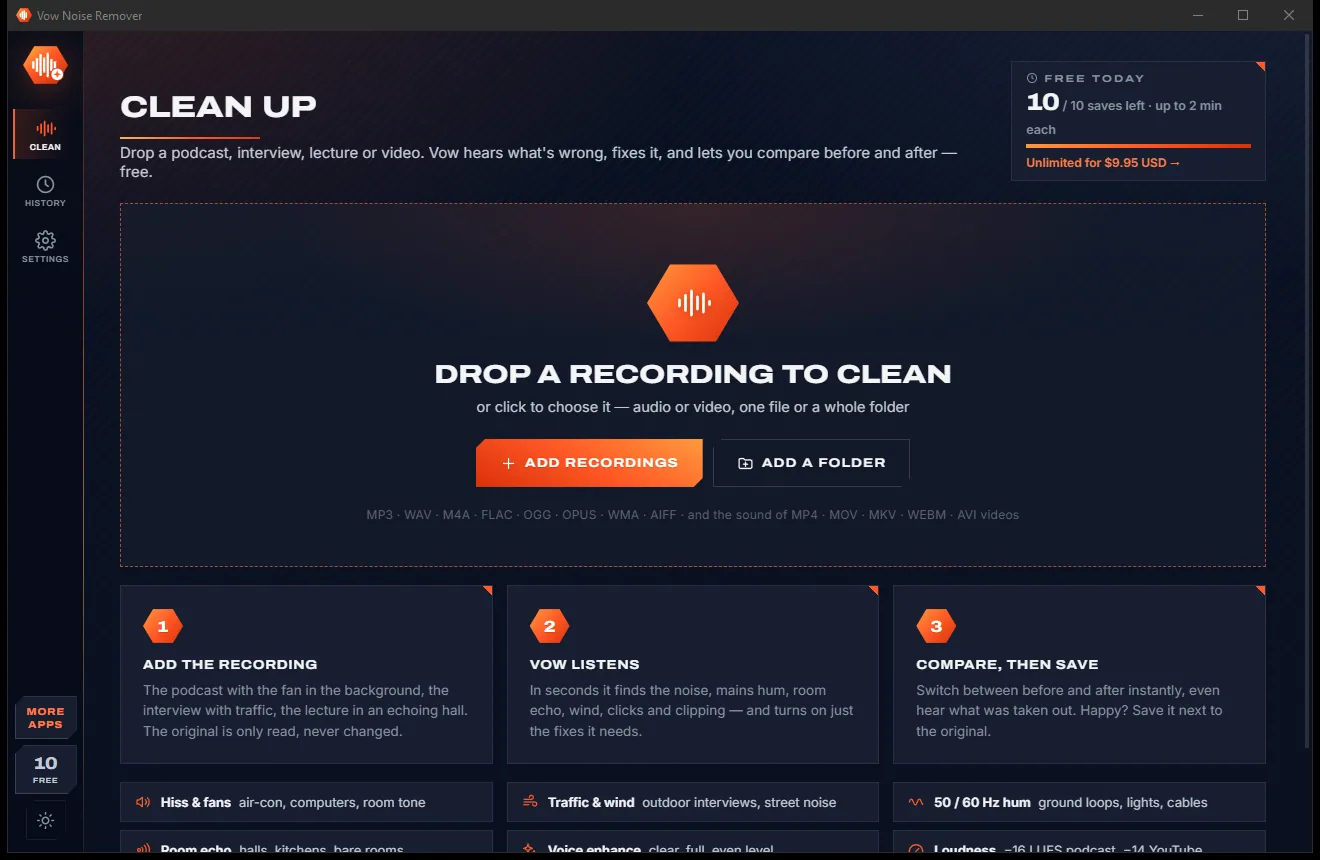
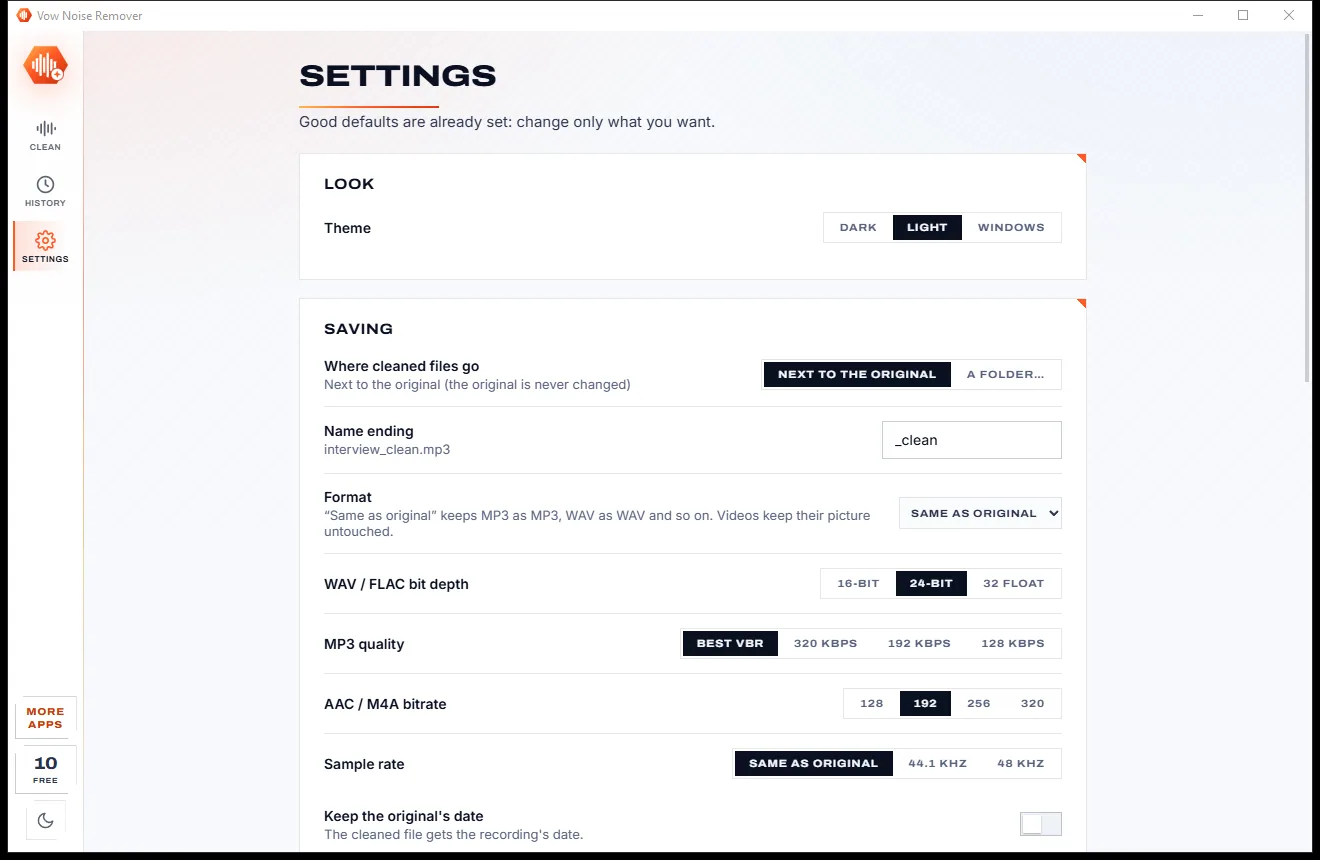
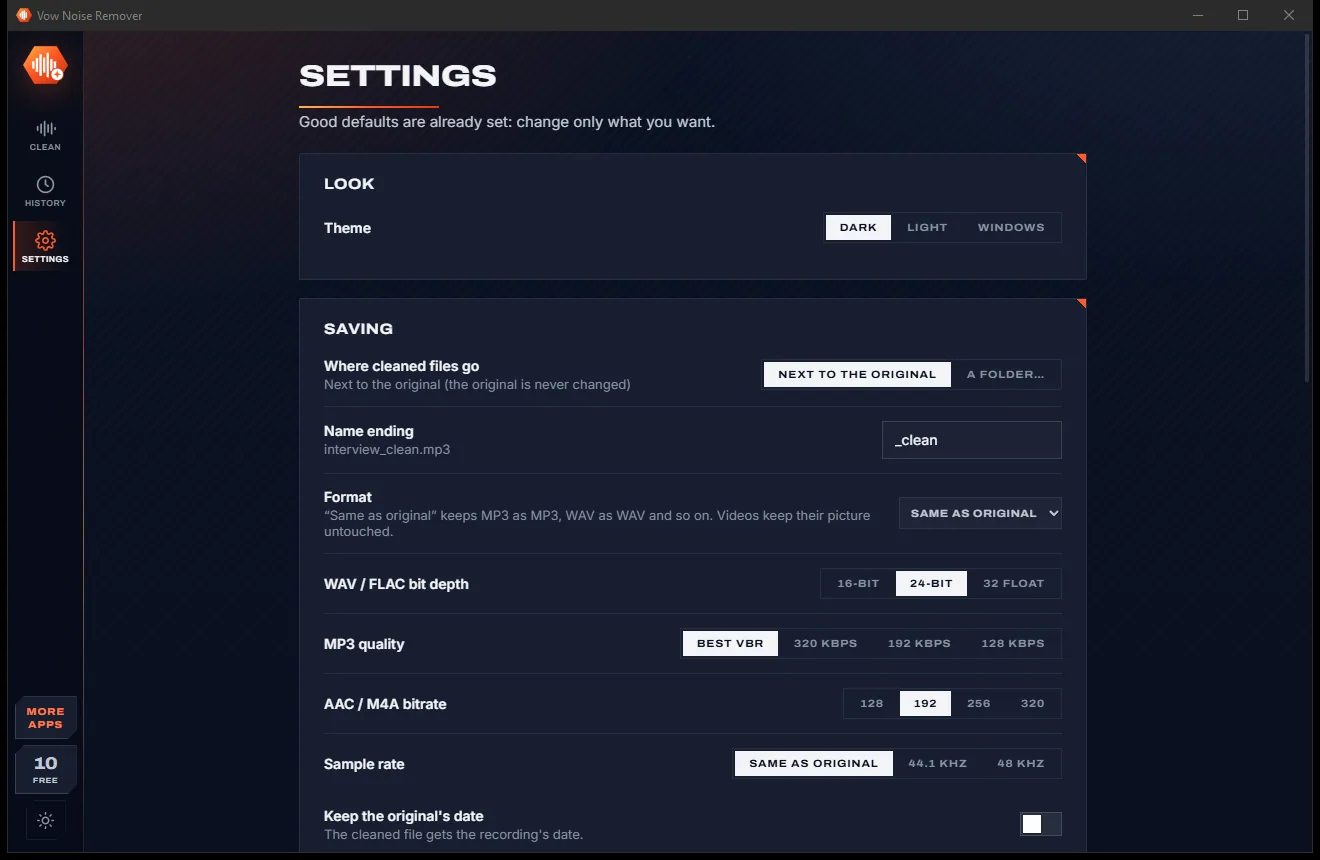
Noise Remover comes with a crisp light theme and a calm dark theme. Switch with one click, or let it follow your Windows setting by itself. It remembers your choice.
Screenshots
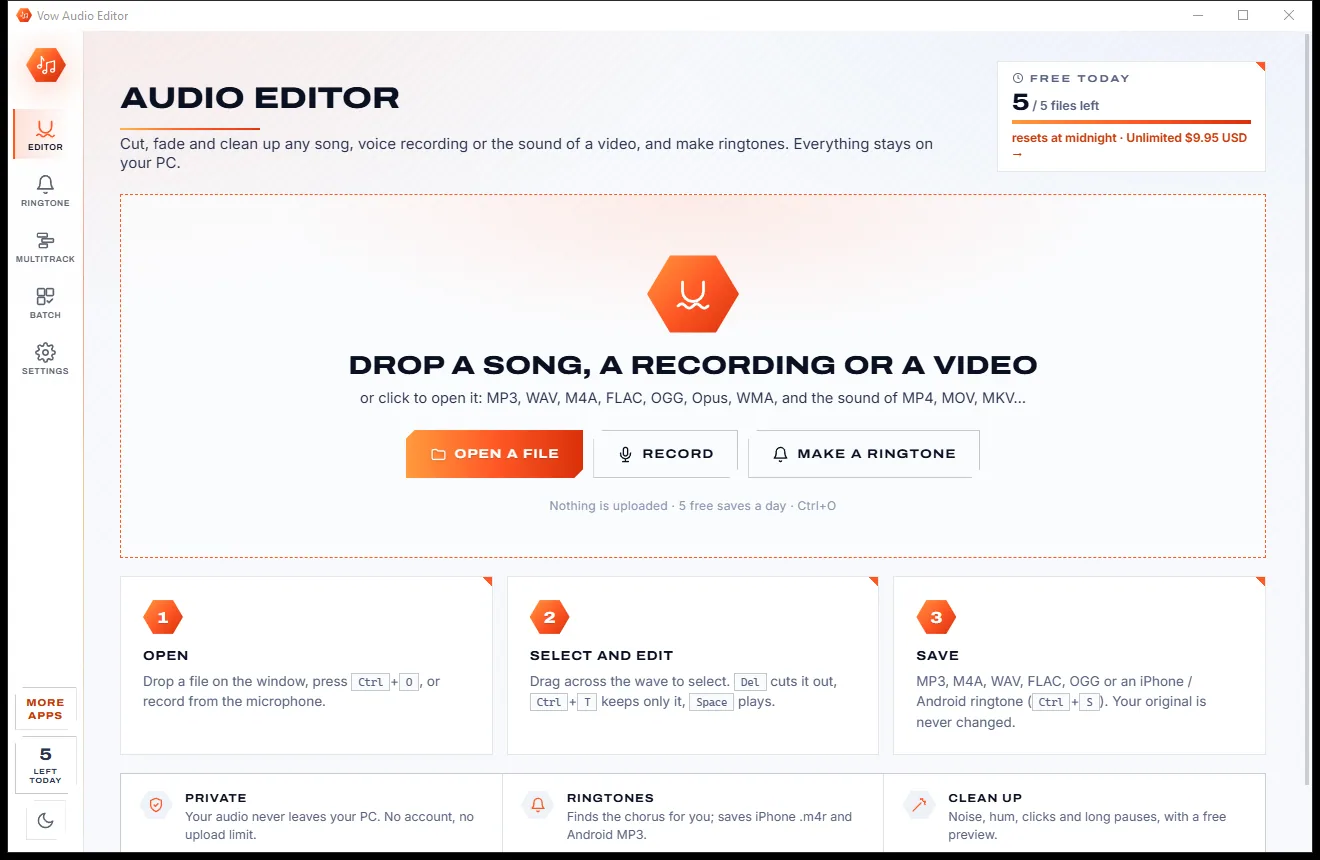
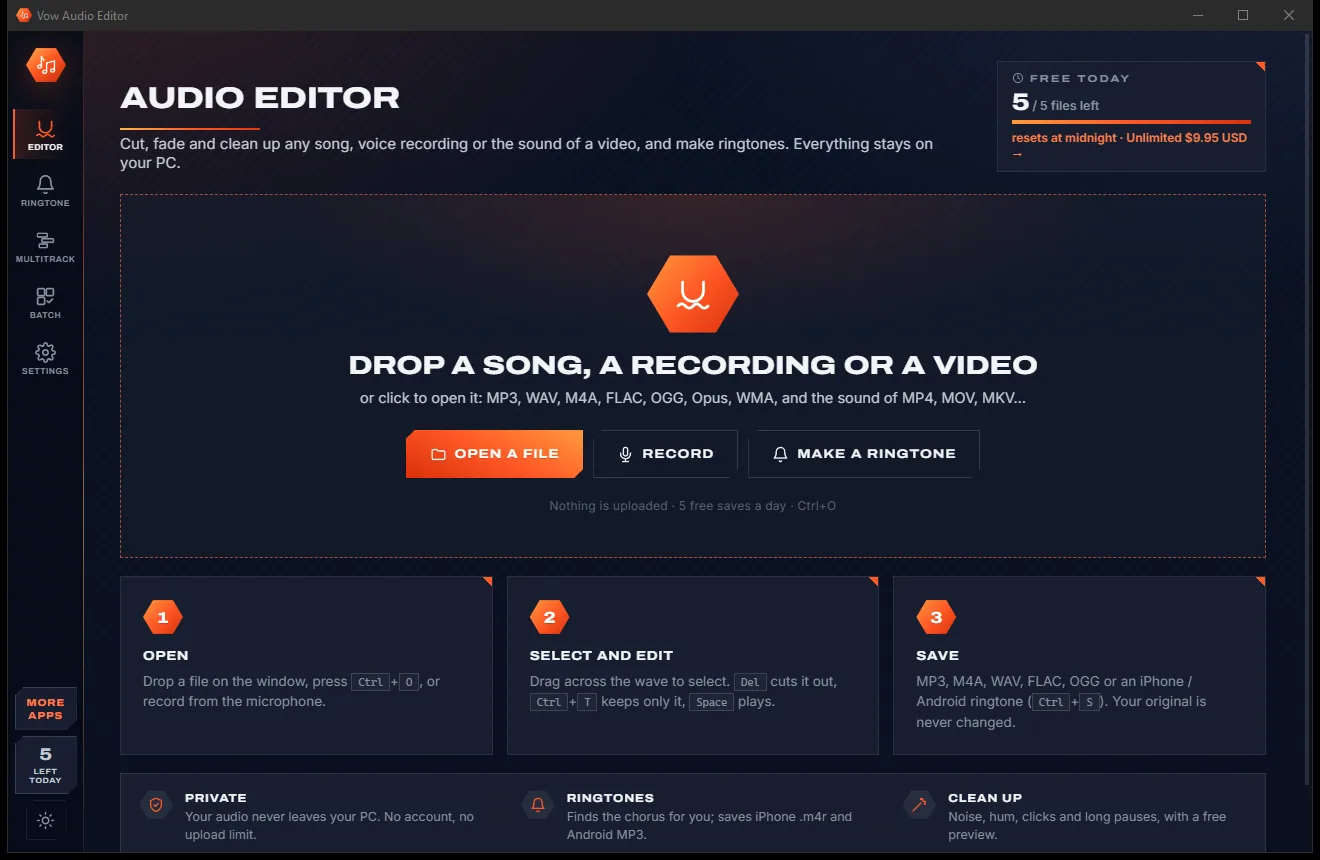
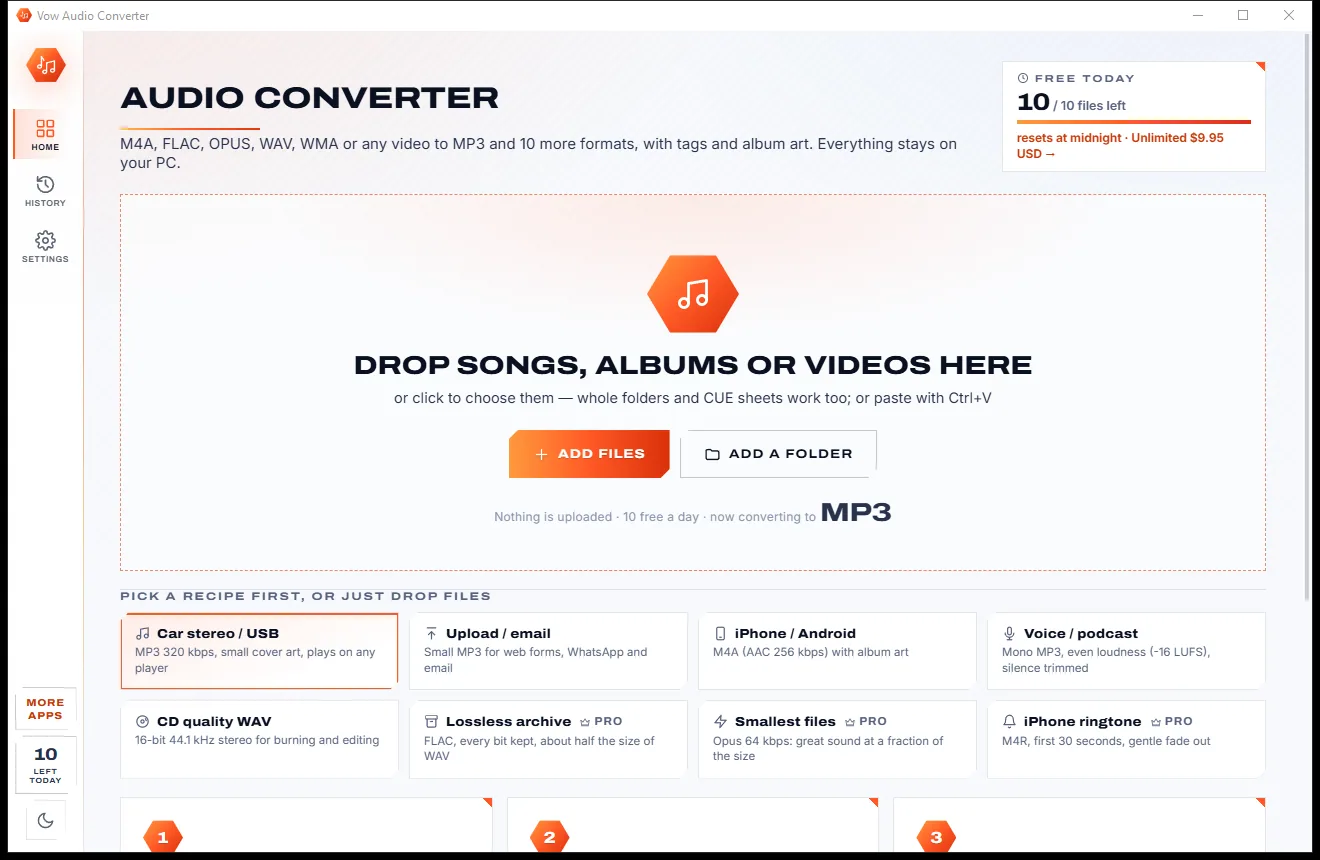
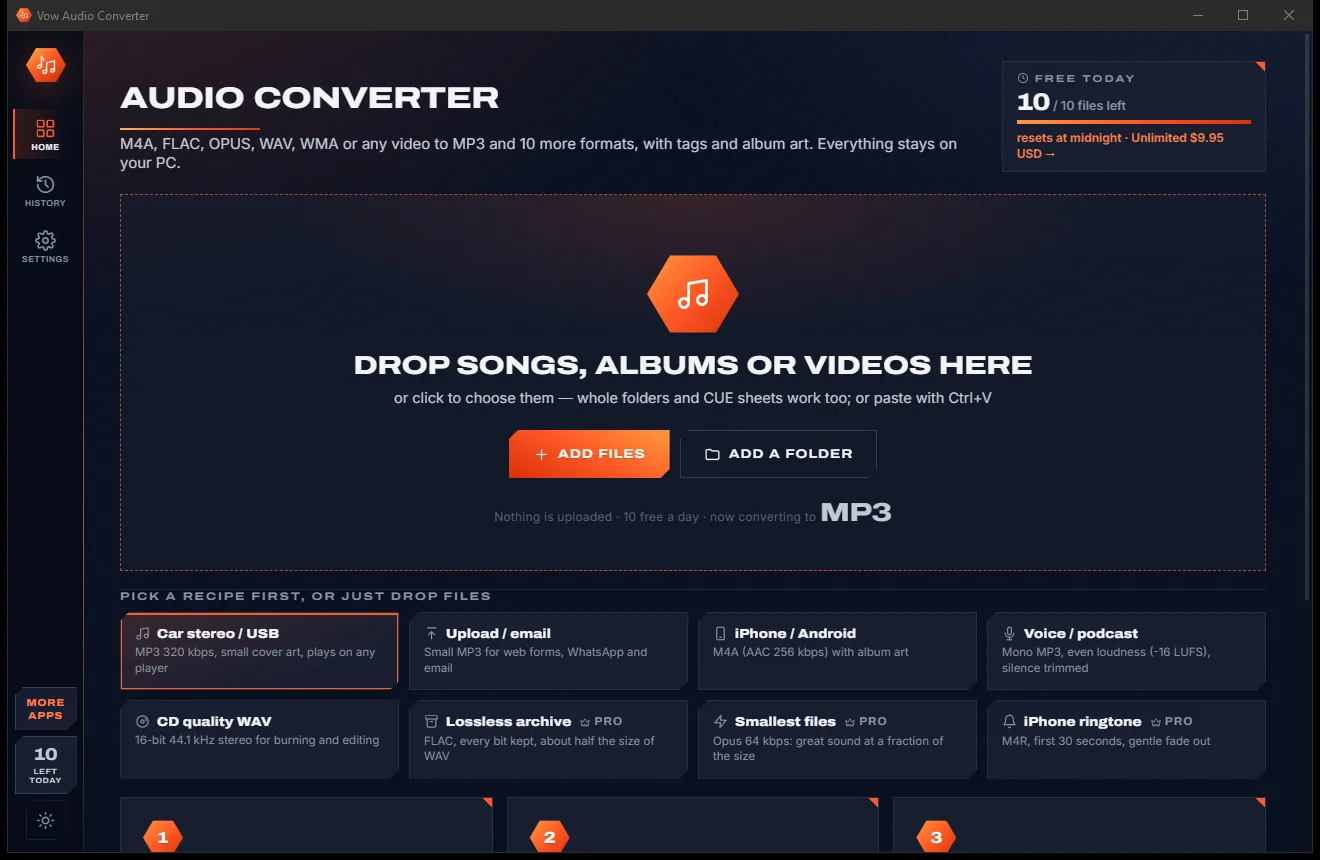
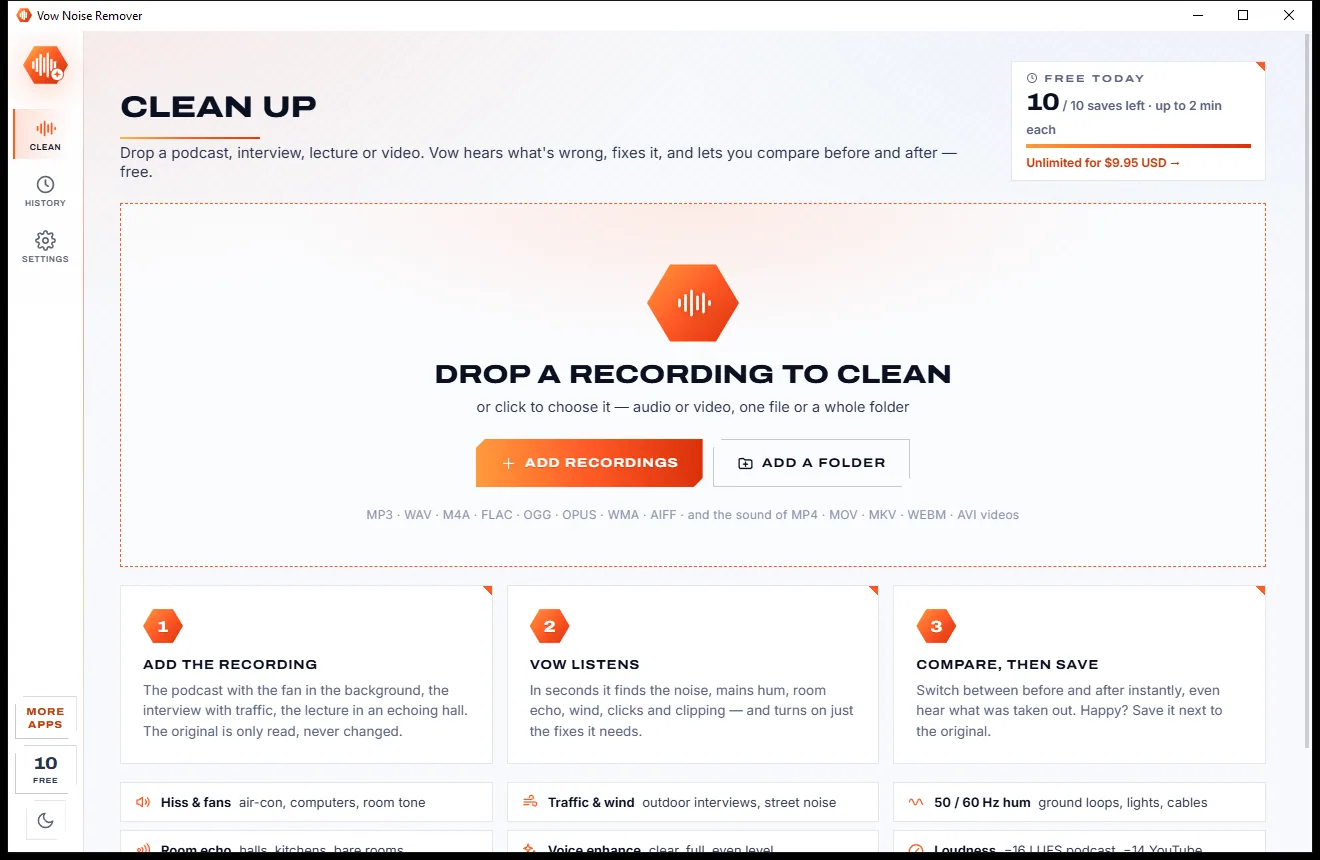
Real screenshots of the real app, in both of its themes: 4 light, 4 dark. Click any picture to see it full size.
Light theme
Dark theme
Who it's for
Remove the fan, the fridge and the traffic, then hit -16 LUFS for every episode.
Rescue interviews recorded in cafes, cars, offices and on the street.
Take the echo out of lectures recorded in halls and classrooms.
Clean up wind and background noise in clips while the picture stays untouched.
Tidy recordings made on laptop microphones with fans, keyboards and room noise.
Clean, even narration at -19 LUFS, ready for the audiobook platform.
Compare
What you get from a typical online enhancer or free noise-reduction tool, side by side.
| Feature | Vow Noise Remover | Typical online enhancers & free tools |
|---|---|---|
| Price | Free every day, or $9.95 once | Monthly plans or an expensive suite |
| Your recording is uploaded | Never: the AI runs on your PC | Yes, for online enhancers |
| Daily time cap | None on the preview; any length with Unlimited | Common on free tiers |
| Decides the fixes for you | Yes: noise, hum, echo, wind, clicks | Manual profiles and settings |
| Mains hum removal | Measured to 0.05 Hz, every harmonic | Often missing in simple tools |
| Room echo removal | Yes | Rare outside pro suites |
| Hear exactly what is removed | Yes, in sync and level-matched | Rarely |
| Video keeps its picture | Yes, copied untouched | Audio only, often |
| Works without internet | Yes | No, for online tools |
"Typical" describes what we found across the most-downloaded alternatives when we built Noise Remover. Your mileage with any one of them may vary; ours won't.
Pricing
That is not a typo. Software this powerful usually means a monthly subscription; Noise Remover is $9.95, once, for life: it's almost a giveaway. Use it free for as long as you like, and unlock Unlimited only if you need more.
Full before/after preview of anything, save up to 2 min, 10 a day.
Almost a giveaway. Less than a takeaway lunch for software this powerful: no subscription, no renewals, yours for life on 2 PCs.
Any length, batch folders, hum, echo and voice enhance in saves.
Payments by Stripe: we never see or store your card. Questions? Ask a real person.
Clean software
Most "free" Windows downloads pay for themselves with ads, bundled extras or your data. Vow Noise Remover doesn't need to: it's paid for honestly, once, by the people who find it useful.
Download Noise Remover freeStep-by-step guide
From a noisy recording to clean speech in a couple of minutes, with no audio know-how needed.
Step 1: get it freeGet Vow Noise Remover from this page and run the installer. It needs no administrator rights and no account; the AI model and every engine are included, so nothing is downloaded later.
Drag in an MP3, WAV, M4A or any other audio, or a video such as MP4 or MOV. Whole folders work too, or click Add recordings.
In a second or two it shows what it heard: background noise, mains hum, room echo, wind, clicks, clipping and loudness. Auto switches on just the fixes needed.
Press play and switch between Original, Cleaned and Removed (or press B). Change a fix's strength or pick a preset such as Podcast, Lecture or Outdoor and hear it in under a second.
Press Save. The clean copy goes next to the original as name_clean in the same format, or as WAV, FLAC, MP3, M4A, Opus or Ogg. Your original is never changed.
Technical details
FAQ
Yes. You can preview any recording of any length with every fix for free, and save recordings up to 2 minutes, 10 a day, with AI noise removal, wind and rumble, clicks, clipping and loudness. There are no ads and no watermarks. Unlimited, a one-time $9.95 USD payment, saves any length, adds batch folders, and includes hum, echo and voice enhance in what you save.
No. The AI model and every other fix run on your own PC. Your recordings never leave your computer, and the app works with no internet connection at all.
Hiss, fans, air-con, computer noise, traffic, crowds and room tone; 50 or 60 Hz mains hum and its harmonics; room echo; wind blasts and rumble; mouth clicks and pops; and clipped peaks.
It is designed not to. The AI voice model keeps speech natural, you set how strong each fix is, and the Removed button lets you hear exactly what is being taken out, so you can back off before any of the voice goes with it.
Yes. You can preview the whole recording with every fix, then save the first 2 minutes, or drag across any 2-minute part and keep only that. Saving the full length needs Unlimited.
Yes. Drop an MP4, MOV, MKV, WEBM or AVI and the cleaned sound is put back into the video with the picture copied untouched.
Unlike Adobe Podcast Enhance it works offline, with no upload and no daily time cap, and gives you control over each fix. Compared with iZotope RX, which is very capable but expensive and complex, it is a one-time $9.95 and decides the fixes for you. Unlike Audacity's noise reduction there is no manual noise profile to capture: the AI and the automatic check do it for you.
Yes. It is made and published by XTO Pty Ltd, an Australian company. The installer contains no ads, no toolbars and no bundled software, needs no administrator rights, never touches your original files, and uninstalls cleanly from Windows Settings.
The Vow collection
Same design, same promises, a tiny one-time price. Learn one and you already know them all.
Remove vocals from any song, offline, in two clicks

Cut, fade and clean up any audio, and make ringtones, on your own PC

Convert any audio to MP3, FLAC and 9 more formats, tags and all
Remove background noise, hum and echo from any recording, offline. Free to use every day, $9.95 once if you ever want Unlimited.