
Photos
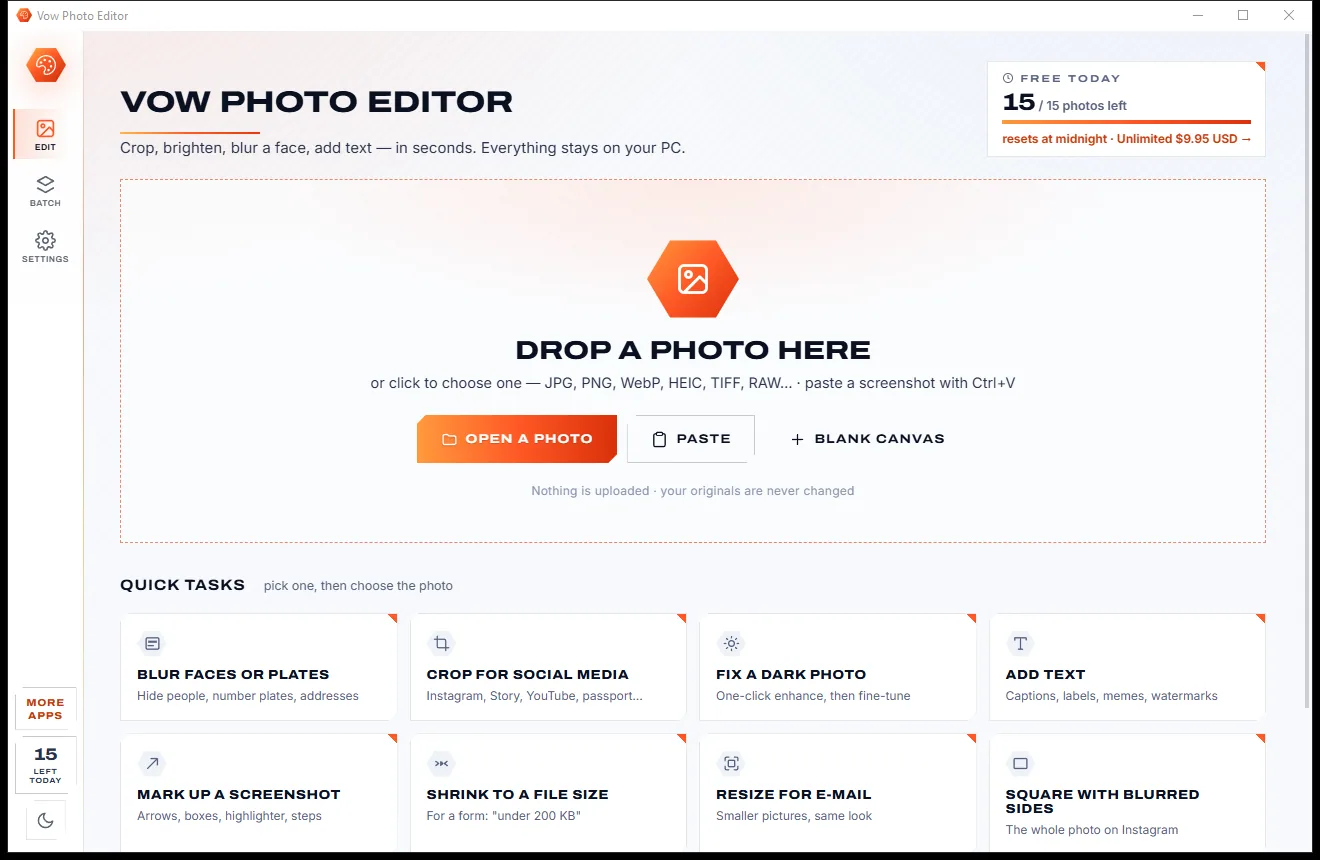
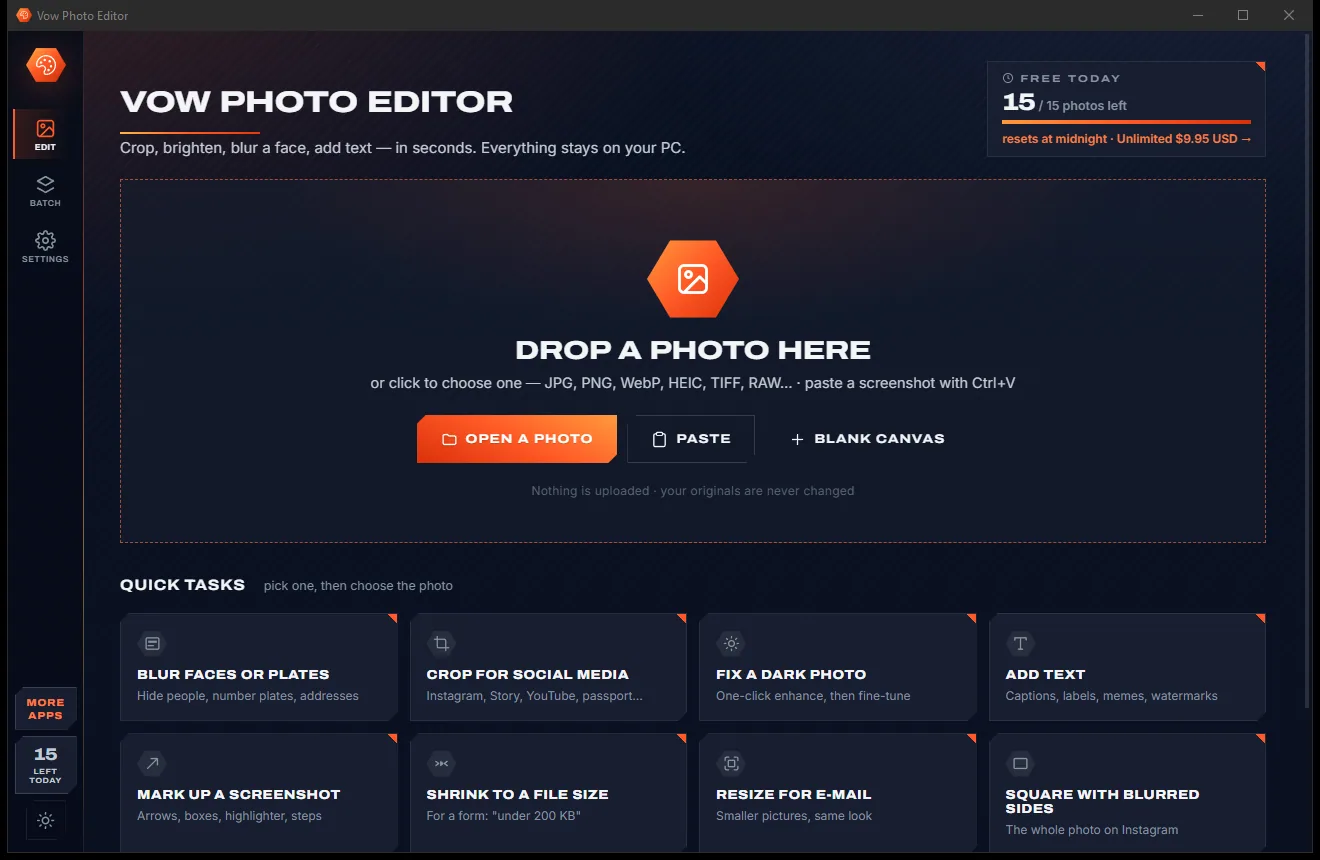
Vow Photo Editor
Crop, brighten, blur a face, add text, and save to an exact file size
- Free: Every basic edit, 15 saved photos a day, no watermarks
- $9.95 once: No daily limit, one-click face blur, layers, batch edits and presets

Photo organizer for Windows
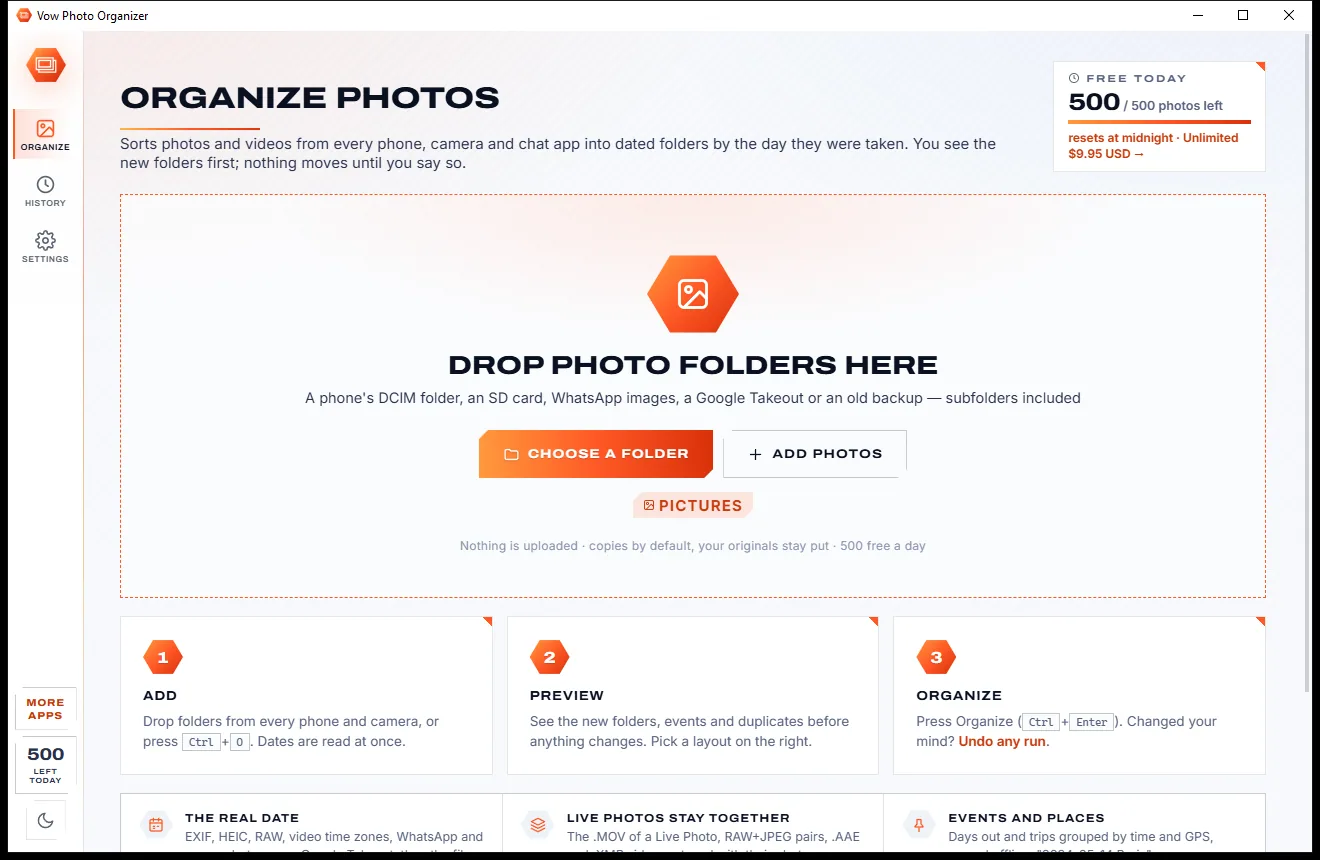
Drop in the folders from every phone, SD card and old backup, see the new dated folders with thumbnails, events and duplicates, then press one button. Copy is the default, any run can be undone, and your photos never leave your PC.
The problem
Camera rolls, WhatsApp folders, SD cards and half-finished backups pile up, and the tools that promise to sort them usually make it worse.
Chat apps and editors strip the date taken. Sorters fall back to the file date, so a 2019 holiday lands in today's folder.
The video half of a Live Photo, or the RAW of a RAW+JPEG pair, ends up in a different folder from its photo.
Thousands of files shuffled with no preview first, and an undo that disappears when you close the program, if there is one.
Cloud photo apps sort your pictures only once every one of them lives on their servers, then charge you for the storage.
Free sorters that stop after a trial or lock simple jobs behind a monthly plan, with installers that bring extras along.
Every phone backup adds the same photos again under new names, and the library quietly doubles in size.
Vow Photo Organizer fixes all of it.
How it works
A tidy library by date in two clicks, with every change shown before it happens and undoable after.
Drag in a phone's DCIM folder, an SD card, WhatsApp Images, a Google Takeout or an old backup. Dates are read at once, about 5,000 files a second.
The preview shows the new folder tree with thumbnails, every file's new place and where its date came from, plus events and duplicates.
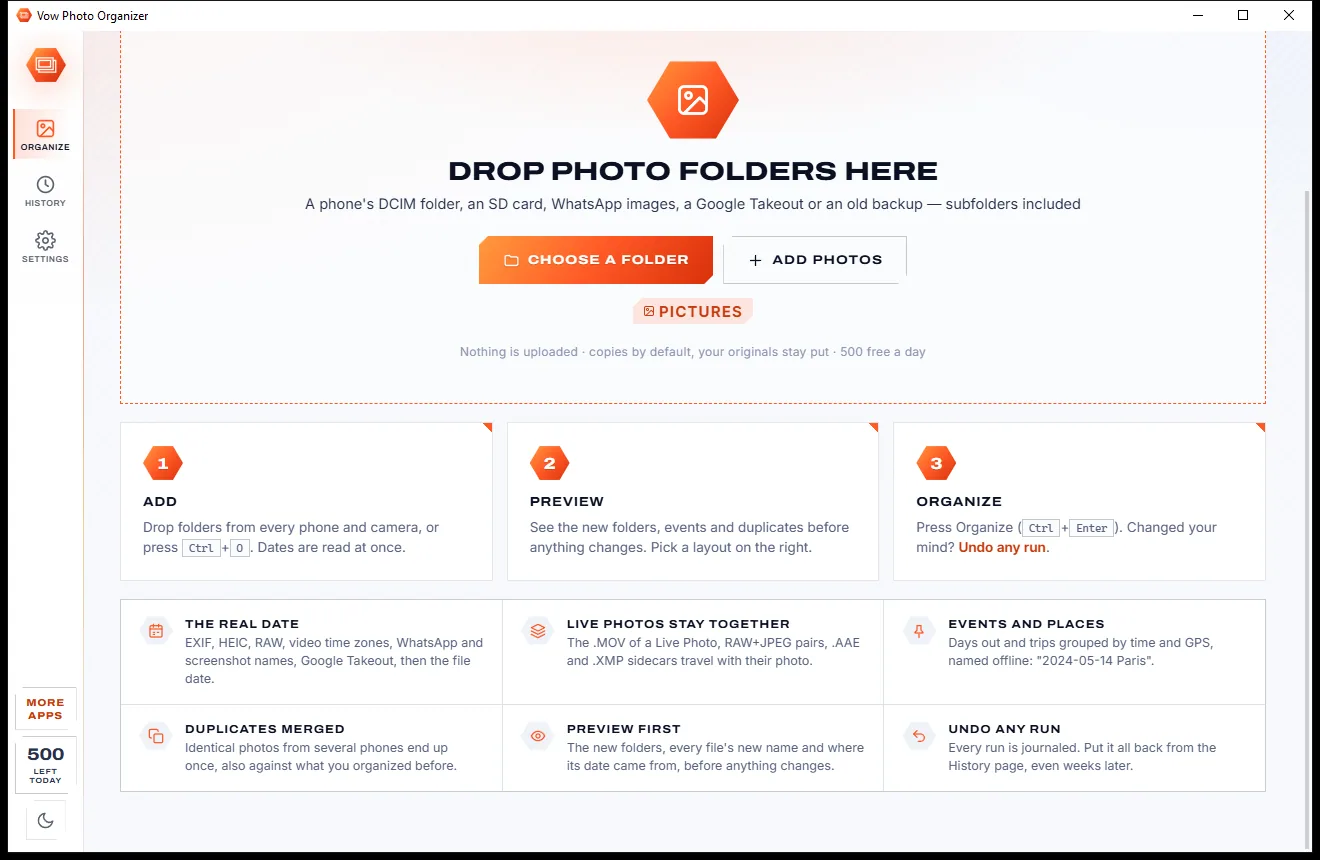
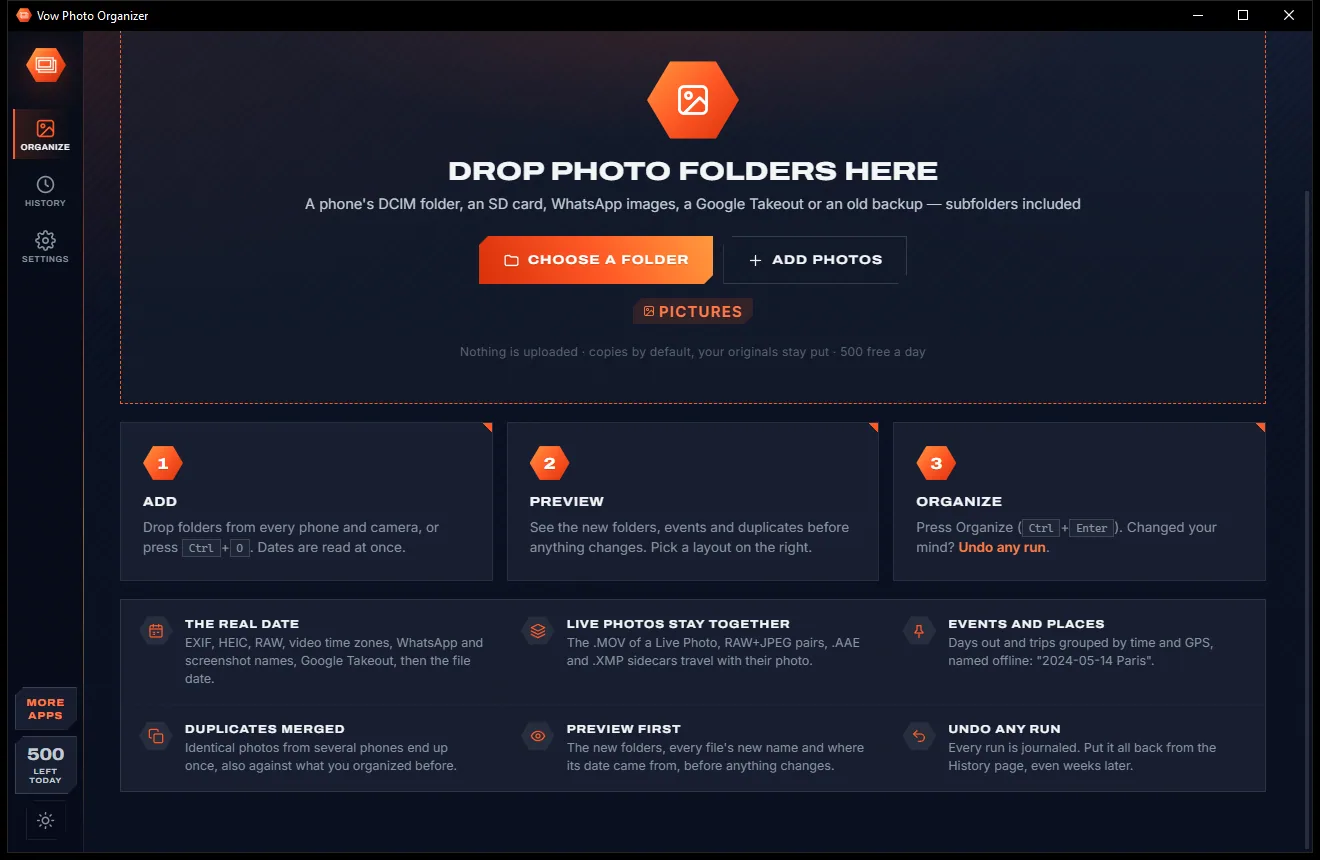
Pick a layout and press Copy. Your originals stay put by default, and any run can be undone from History, even weeks later.
Features
Built for families with several phones, photographers with full cards and anyone with a decade of backups.
EXIF, HEIC and RAW dates, video dates with their time zone, XMP, Google Takeout files and phone and WhatsApp file names, before the file date.
A Live Photo's .MOV, the RAW of a RAW+JPEG pair, .AAE, .XMP and GoPro files follow their photo and get the same new name.
Folder tree with thumbnails, a file table with CSV export, a timeline and a Check tab that explains every weak date and skipped file.
Days out and trips grouped by time and GPS and named offline from 31,000+ towns, like "2023-12-20 Ubud (7 days)". Rename any of them.
Byte-identical photos are found by hash, also against what is already in your library, and kept once with the best date.
Every run is journaled file by file. Moved files go back with their original dates; copies you have since edited are kept.
Year > Month, Year > Day, month names, camera folders, or your own pattern from tokens such as {YYYY}, {event} and {camera}.
Copy by default, never overwrites, partial copies renamed only when complete, and moves to another drive checked before the original goes.
Shift a whole trip into the right time zone, correct a camera with the wrong clock, or keep a 2 AM party photo with the evening before.
Files already in the destination are skipped, so next month's run copies only the new photos.
Light & dark theme
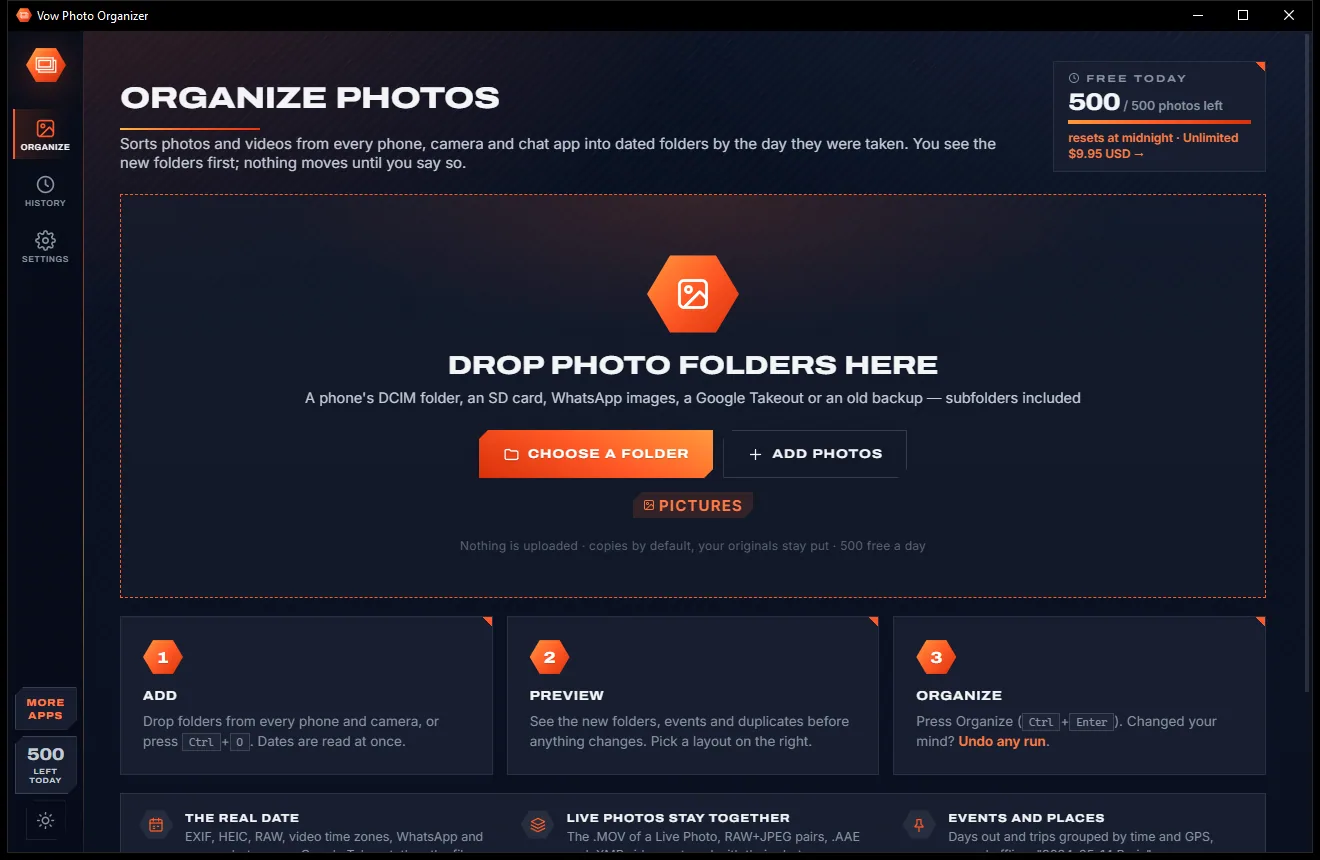
Photo Organizer comes with a crisp light theme and a calm dark theme. Switch with one click, or let it follow your Windows setting by itself. It remembers your choice.
Screenshots
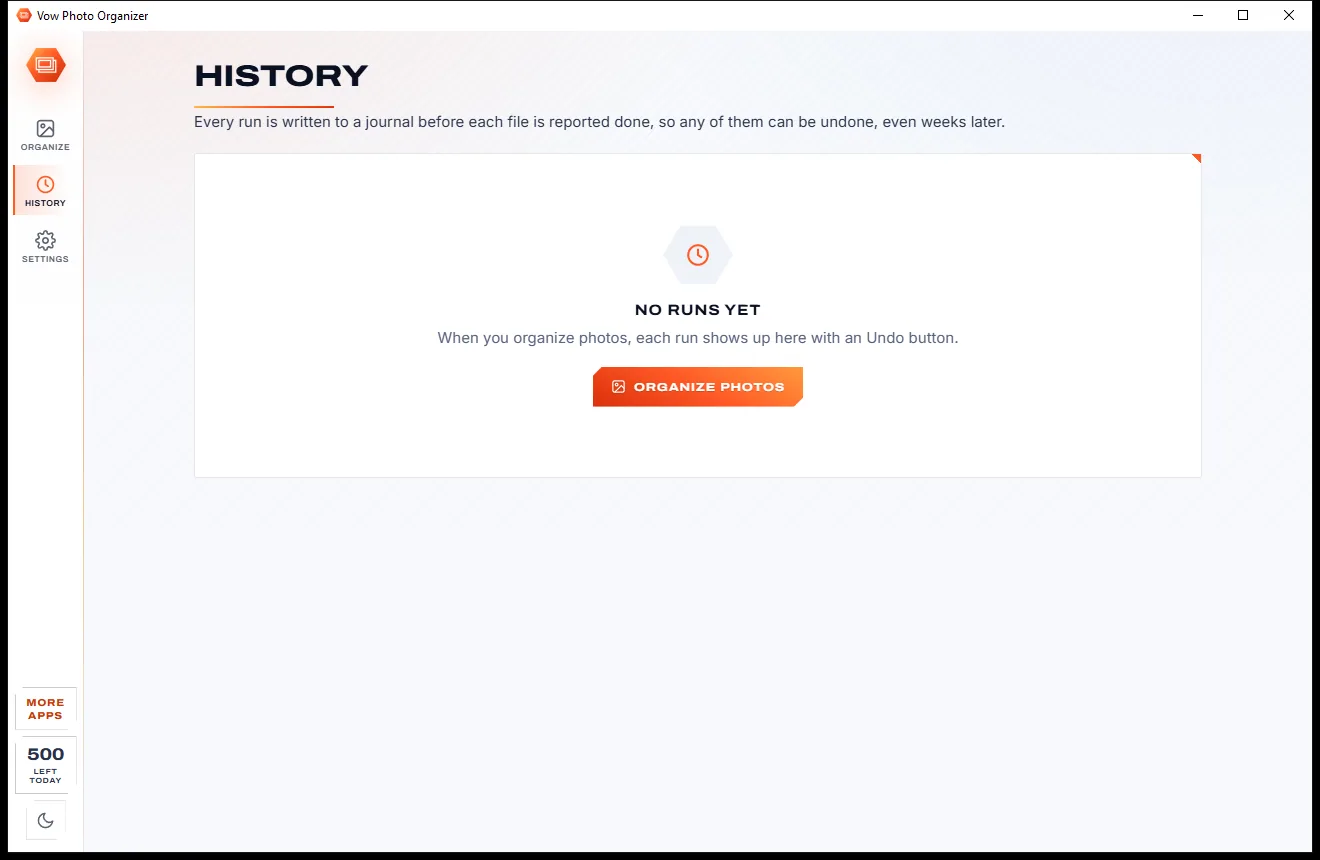
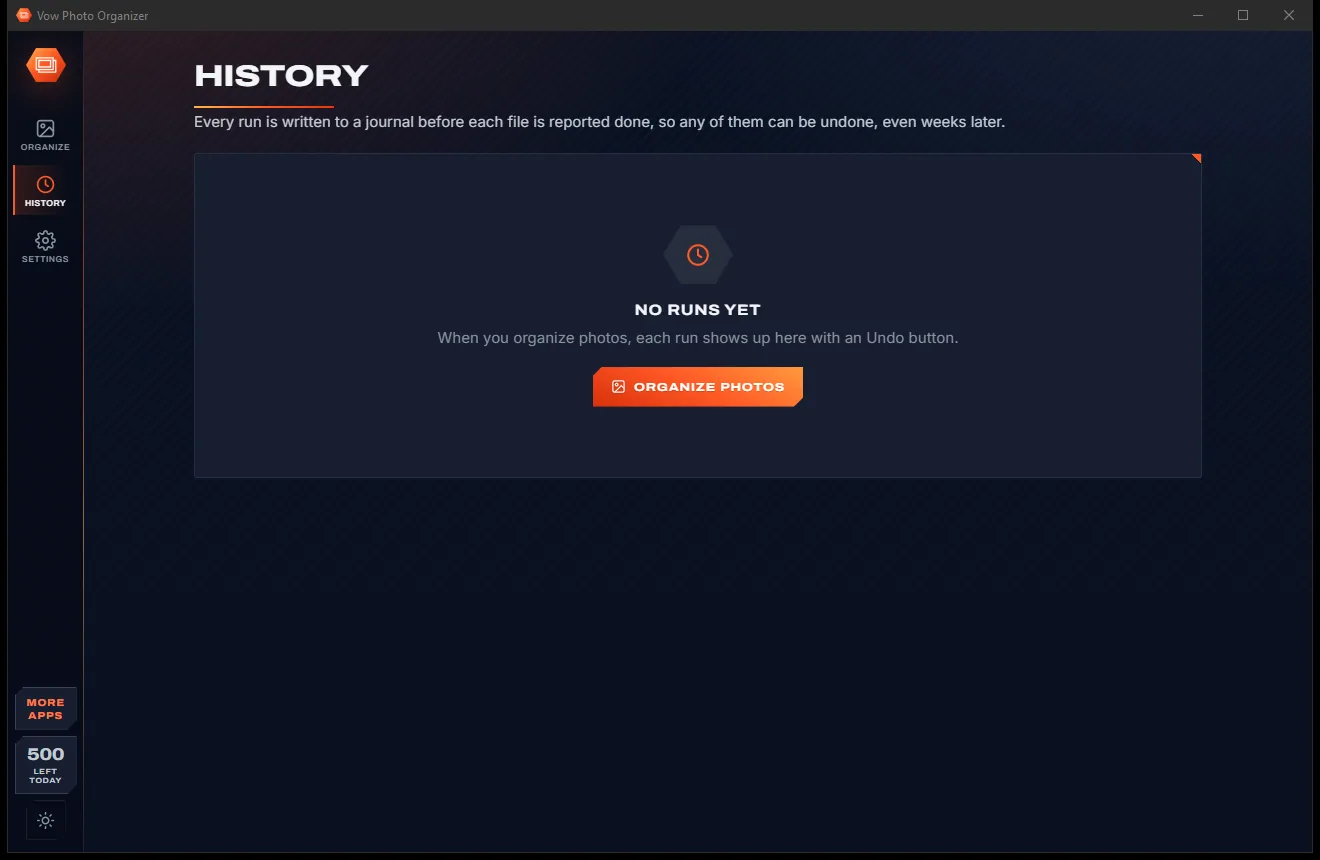
Real screenshots of the real app, in both of its themes: 5 light, 5 dark. Click any picture to see it full size.
Light theme
Dark theme
Who it's for
Merge two phones, a tablet and an old backup into one library sorted by the day each photo was taken.
Holiday photos from everyone's phones in one folder, named after the town you stayed in.
Received photos keep their real date from the file name instead of the day they were saved.
Untangle years of backup folders or a Google Takeout, with the duplicates kept only once.
Empty SD cards into dated folders with every RAW+JPEG pair and sidecar kept side by side.
Tidy the whole library before you copy it across, and check what had no date at all.
Compare
What you actually get from typical photo sorters and cloud photo apps, side by side.
| Feature | Vow Photo Organizer | Typical photo sorters & cloud apps |
|---|---|---|
| Price | Free every day, or $9.95 once | Trials, monthly plans or storage fees |
| Your photos are uploaded | Never: 100% on your PC | Cloud apps: every single one |
| Preview before anything moves | Folder tree with thumbnails | Rarely |
| Undo | Any run, even weeks later | Session only, if at all |
| Video and WhatsApp dates | Time zones, chat and Takeout names | Often wrong or missing |
| Live Photos and RAW+JPEG together | Always | Often split up |
| Event folders named by place | Yes, offline | Rare, or online only |
| Duplicates checked against your library | Yes, by content | Rarely |
| Ads, pop-ups, bundled extras | None, ever | Common on free downloads |
"Typical" describes what we found across the most-downloaded alternatives when we built Photo Organizer. Your mileage with any one of them may vary; ours won't.
Pricing
That is not a typo. Software this powerful usually means a monthly subscription; Photo Organizer is $9.95, once, for life: it's almost a giveaway. Use it free for as long as you like, and unlock Unlimited only if you need more.
500 photos a day from one source, unlimited previews and undo.
Almost a giveaway. Less than a takeaway lunch for software this powerful: no subscription, no renewals, yours for life on 2 PCs.
Any number of photos, all sources at once, duplicates and events.
Payments by Stripe: we never see or store your card. Questions? Ask a real person.
Clean software
Most "free" Windows downloads pay for themselves with ads, bundled extras or your data. Vow Photo Organizer doesn't need to: it's paid for honestly, once, by the people who find it useful.
Download Photo Organizer freeStep-by-step guide
From a pile of phone and camera folders to one dated library in a few minutes, with nothing moved until you say so.
Step 1: get it freeGet Vow Photo Organizer from this page and run the installer. It needs no administrator rights and no account, and everything it needs is inside.
Drag a phone's DCIM folder, an SD card, a WhatsApp Images folder or an old backup onto the window, or click Choose a folder. Cards and phones that show a DCIM folder appear as one-click chips.
The Folders tab shows the new tree with thumbnails. Files lists every photo's new place and where its date came from, and Check lists anything with a weak date or left out.
Year > Month is the default; click a tile for Year > Day or event folders, or open Advanced for your own pattern. Copy keeps your originals where they are.
Press the Copy button or Ctrl+Enter. The result card shows what was done, and History can undo the whole run at any time.
Technical details
FAQ
Yes. Previews are unlimited, and you can organise 500 photos or videos every day from one source per run, with every date source, Live Photo pairing, renaming and undo. Unlimited, a one-time $9.95 USD payment, removes the daily limit and adds several sources in one run, duplicate merging and event folders.
No. Everything happens on your own PC. Even the place names for events come from an offline list built into the app, so it works with no internet connection at all.
It reads the date taken from the photo itself (EXIF, HEIC and RAW), Apple's video creation date with its time zone, XMP, Google Takeout files and about 15 phone and chat file-name patterns such as WhatsApp's. Only then does it use the file's modified date, and the preview shows which source each file used.
Not unless you choose Move. Copy is the default, nothing is ever overwritten, copies are written to a temporary file first, and moves to another drive are checked before the original is removed. Any run can be undone from History.
Yes. Dates are read from HEIC, HEIF, AVIF and RAW files (DNG, CR2, CR3, NEF, ARW and more) and from MOV and MP4 videos without any extra codecs. Preview thumbnails come from Windows, so HEIC and RAW thumbnails need Windows' matching codec extensions.
Yes. Byte-identical photos are found by their content, also against what is already in your library under other names. The free version shows them; Unlimited files each one only once. Resized or re-saved copies of a photo are not treated as duplicates.
It shows the whole new folder structure before anything changes, reads video and chat-app dates that many sorters get wrong, keeps Live Photos and RAW+JPEG pairs together, and can undo any past run. There is no subscription and nothing to upload.
Yes. It is made and published by XTO Pty Ltd, an Australian company. The installer contains no ads, no toolbars and no bundled software, needs no administrator rights, and uninstalls cleanly from Windows Settings.
The Vow collection
Same design, same promises, a tiny one-time price. Learn one and you already know them all.
Crop, brighten, blur a face, add text, and save to an exact file size

Passport, visa and ID photos at home, sized to each country's rules

Turn WebP, AVIF, HEIC and 40+ formats into pictures that open everywhere
Sort every photo and video into dated folders by the day it was really taken. Free to use every day, $9.95 once if you ever want Unlimited.