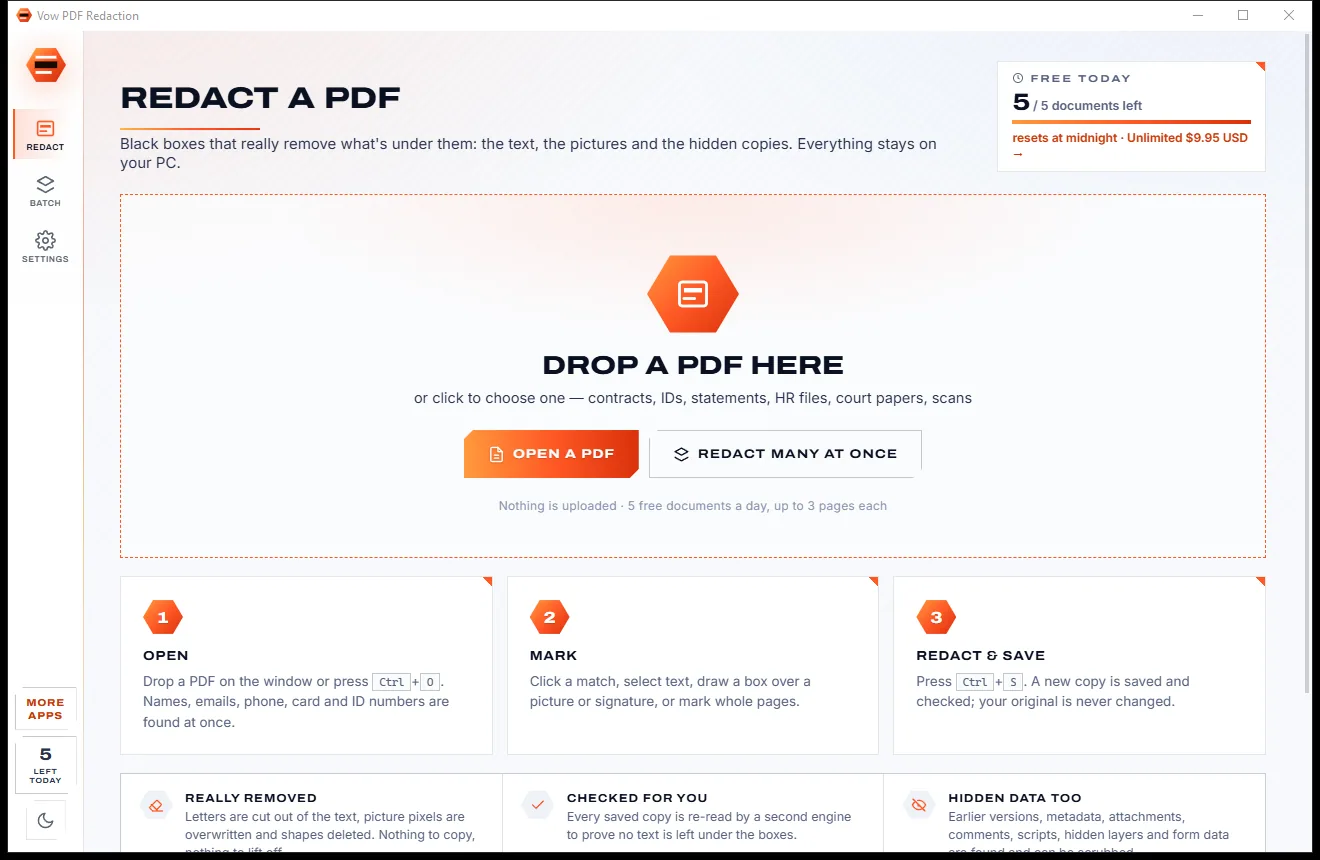
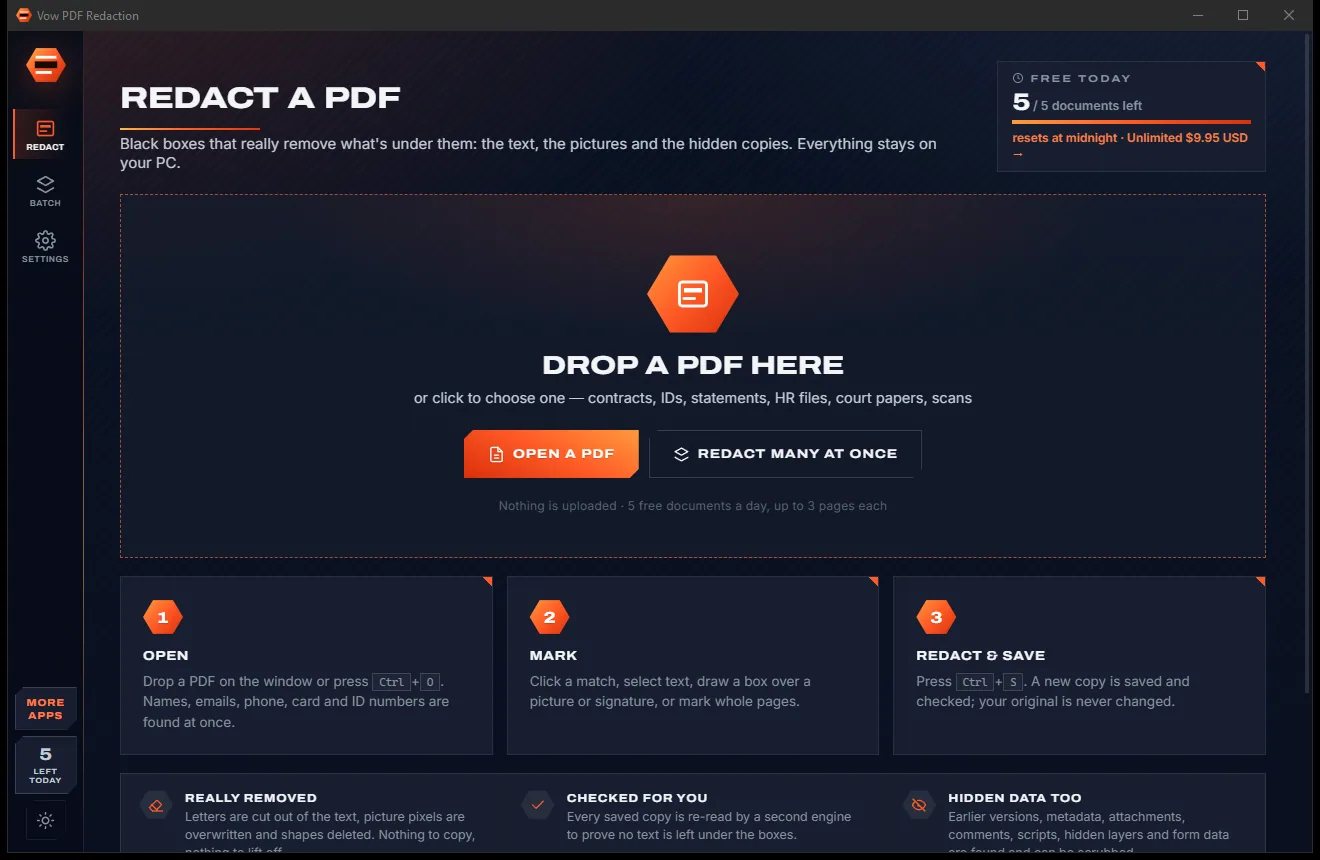

Redact PDFs for real: nothing left under the black boxes
- Free: 5 documents a day, up to 3 redacted pages each, true redaction
- $4.95 once: Any length, one-click redact-all, batch folders, scrub hidden data

PDF form filler & signer for Windows
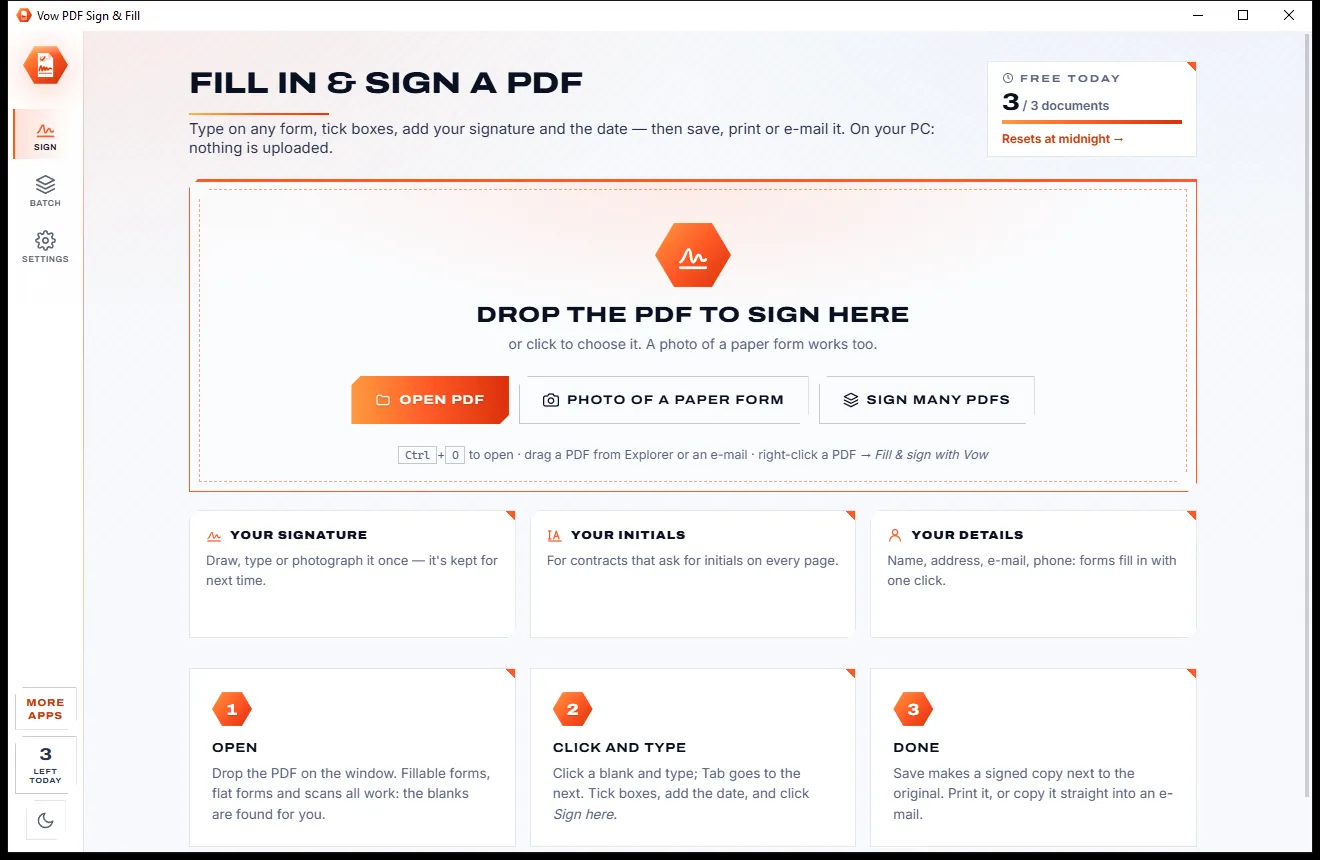
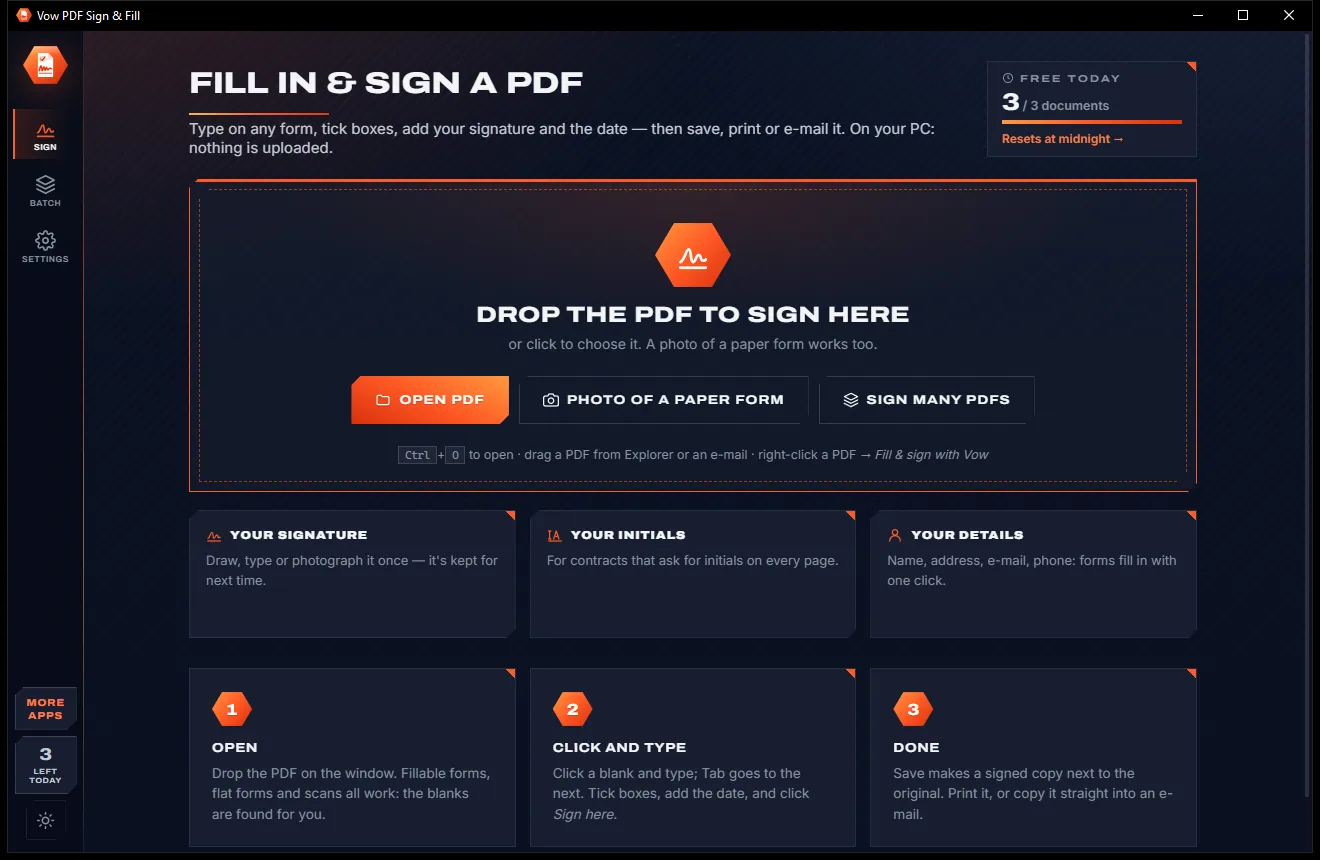
Vow PDF Sign & Fill finds the blank lines, boxes and check boxes on any form, even a scan, so your text sits neatly on the line. Add your signature and the date with one click, then save a signed copy. No printing, no scanning, no upload.
The problem
Most forms still arrive as PDFs you can't type into, and the quick online fixes want your personal details on their servers.
Print the form, fill it in by hand, sign it, scan it crooked, then email a blurry copy back.
Online sign tools want the whole form, with your address, date of birth and licence number, uploaded first.
On a flat form you get a floating text box, nudged by hand until it almost lines up with the blank.
Signing services are built for businesses sending contracts, and are priced by the month to match.
Create an account, confirm your email, then find the free plan ran out after one document.
Name, address, email, phone, date of birth: every form asks, and every time you type it all from scratch.
Vow PDF Sign & Fill fixes all of it.
How it works
The Fill tool is on when the form opens, the blanks are already found, and Sign here is one click.
Drop the PDF on the window or right-click it and choose Fill & sign with Vow. A photo of a paper form becomes a PDF.
Fillable fields, blank lines, boxes and table cells are found for you. Tab goes to the next one, and Fill my details does the name, address and phone in one click.
Click the orange Sign here tag, and the Date tag. Done saves a signed copy next to the original, ready to print or email.
Features
For tenants, parents, job seekers, contractors and offices that live on paperwork.
Blank lines, underscores, boxes, table cells, check boxes and letter boxes are found on flat forms and scans alike, and outlined.
Typed text snaps onto the line at the right size, fits its box, and goes one letter per box in postcode and date combs.
Text fields, check boxes, radio buttons, drop-downs and lists, with Tab order, required fields marked and read-only fields respected.
Keep your name, address, email, phone and date of birth once, and fill matching fields in one click by their names or printed labels.
Draw it with ink that thins as you write faster, type it in a handwriting font, or photograph it on paper and the paper is made transparent.
"Signature", "Sign here", "Initials" and "Date" labels get an orange tag that places your signature, initials or today's date in one click.
Certificate signatures (PKCS #7, SHA-256) with an ID from Windows, a .pfx file or a personal ID made in the app, with an optional time-stamp.
Every digital signature in an opened PDF is checked: unchanged or changed after signing, trusted or self-signed, who signed and when.
Fields, required fields and sign-here places are listed with progress, and Next to do jumps to whatever is still blank.
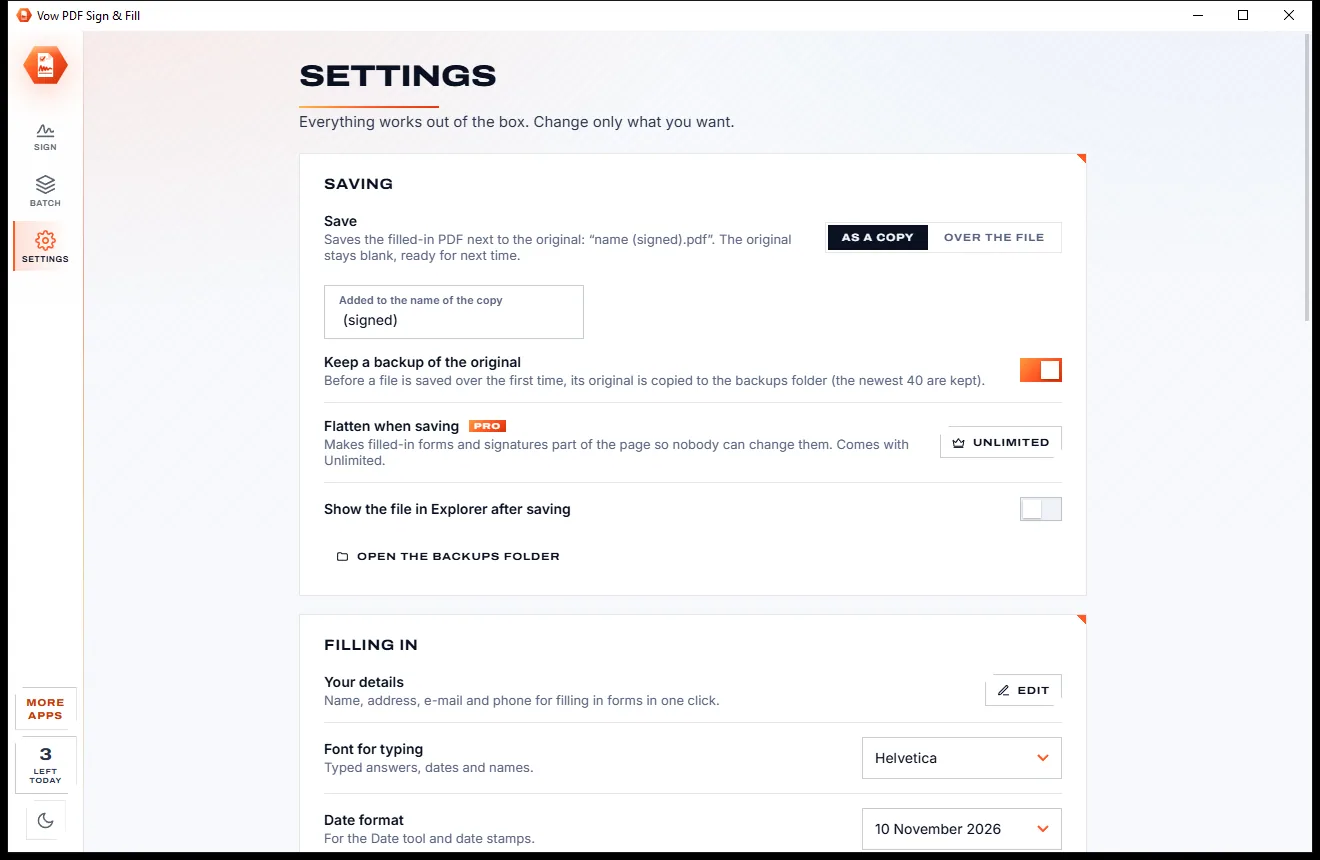
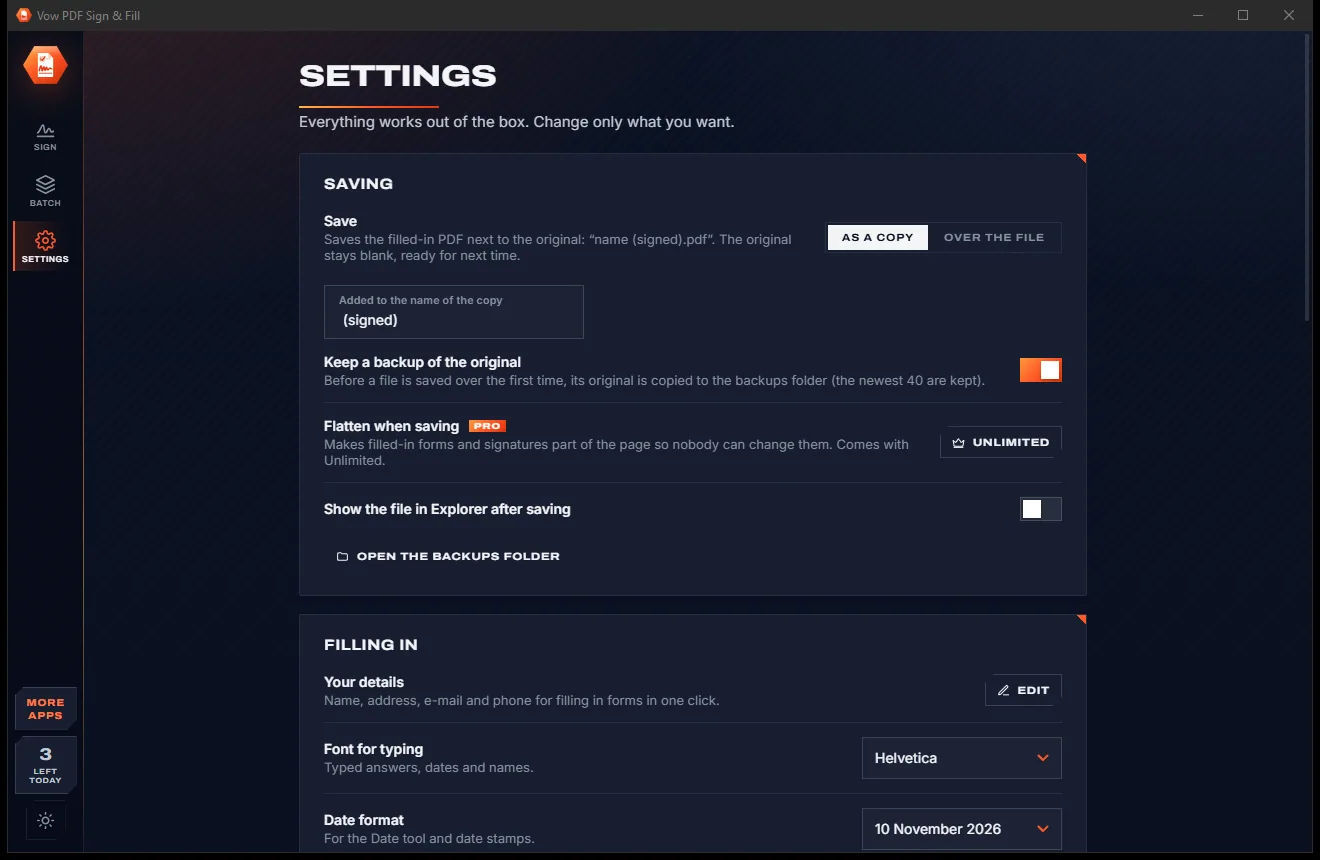
Switch between the light and dark look with one click on the Light / dark button, or let it follow your Windows setting.
Light & dark theme
PDF Sign & Fill comes with a crisp light theme and a calm dark theme. Switch with one click, or let it follow your Windows setting by itself. It remembers your choice.
Screenshots
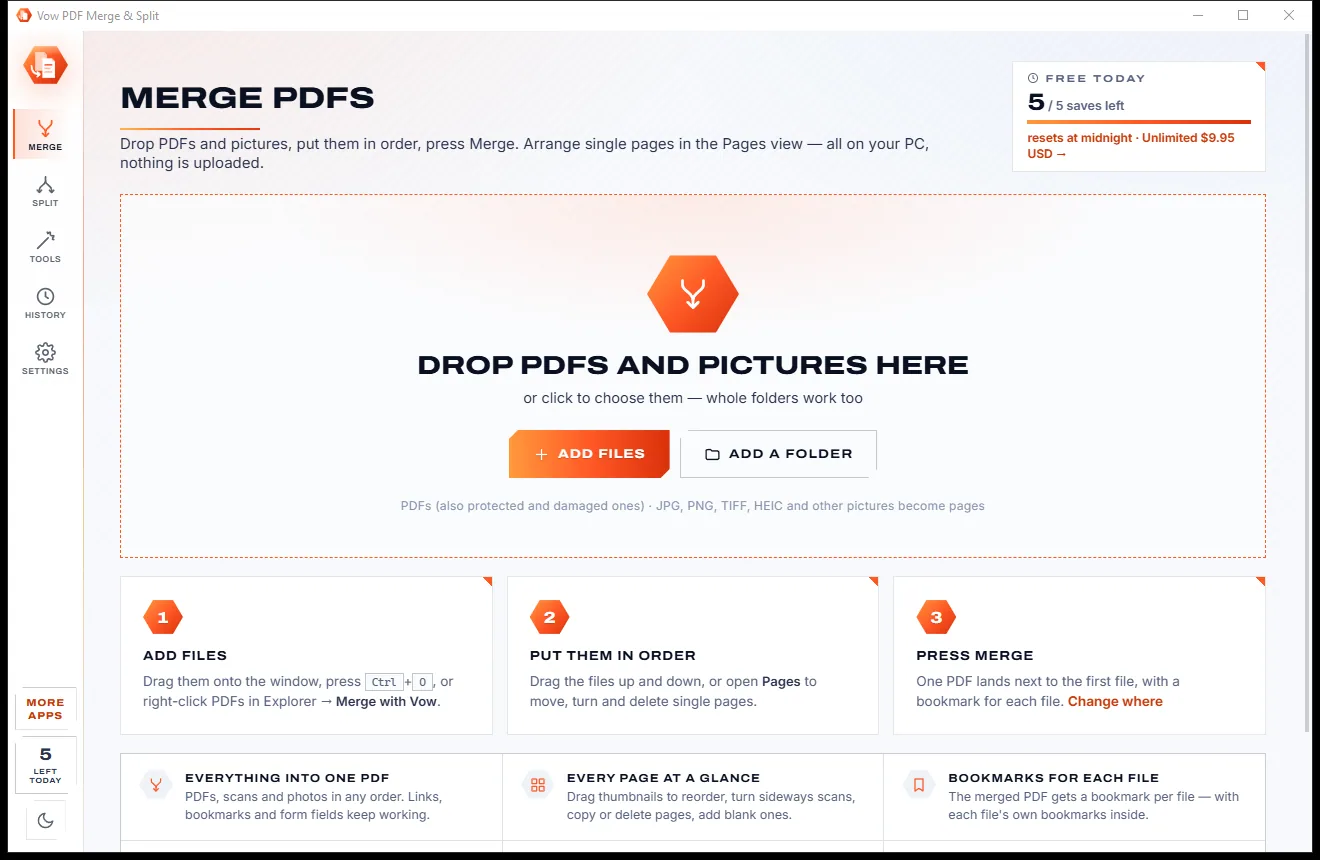
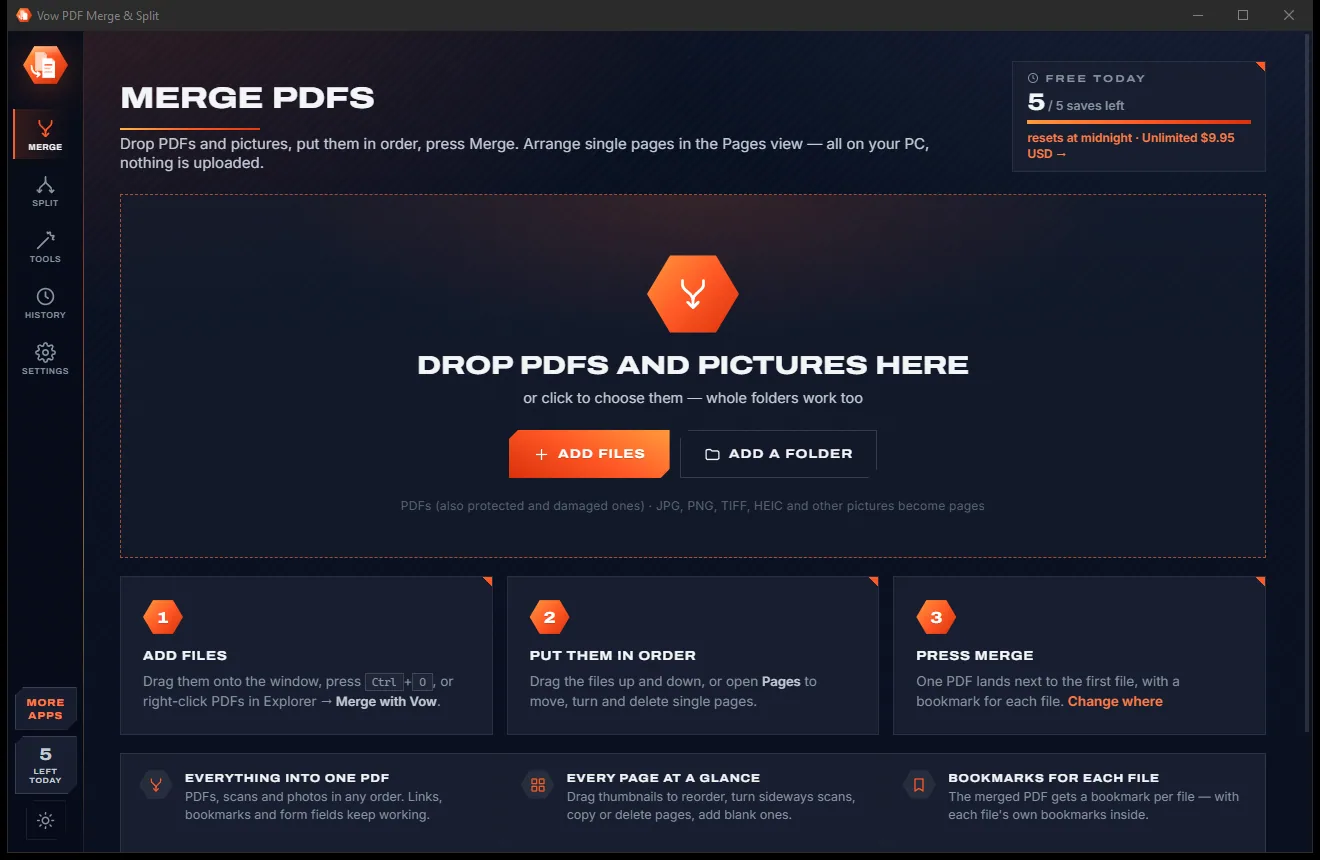
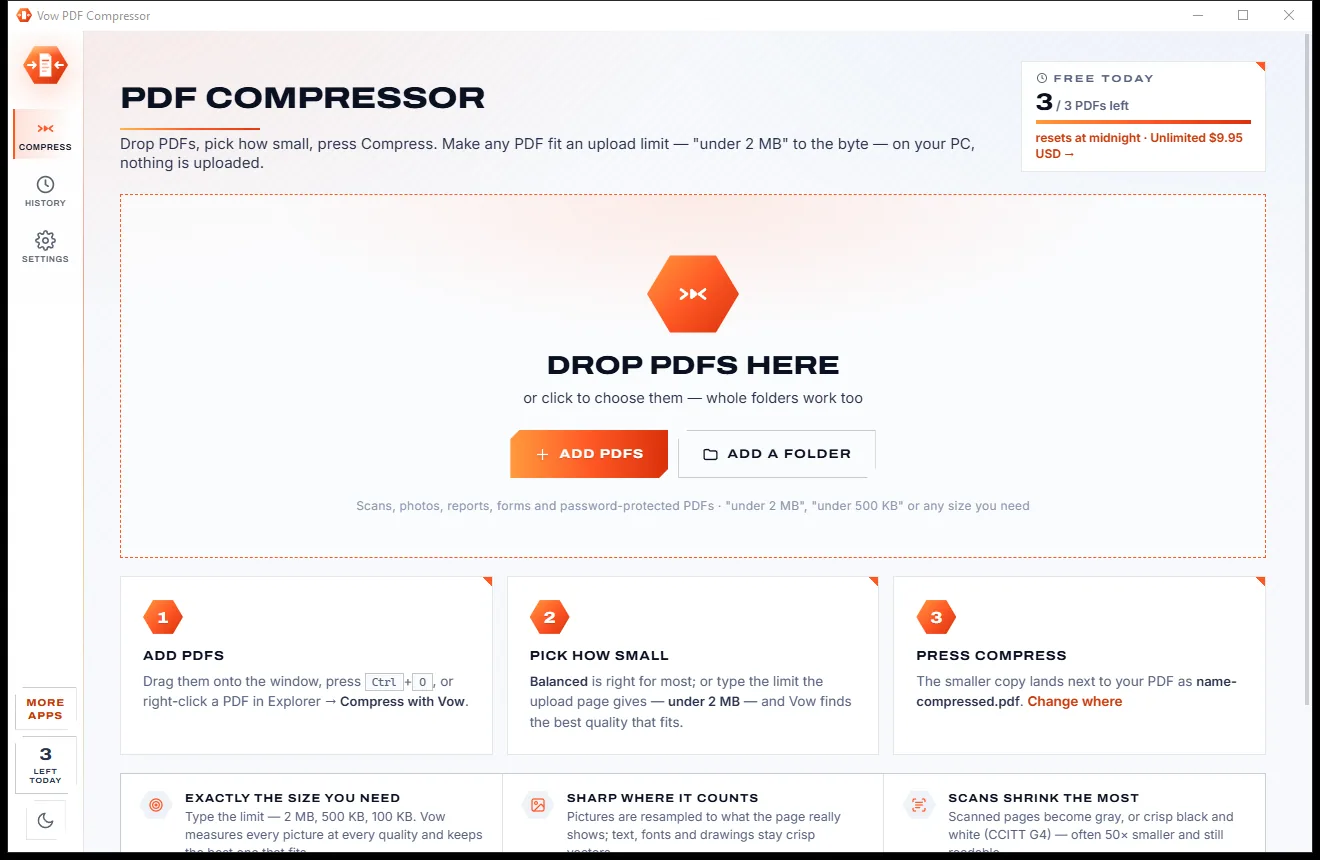
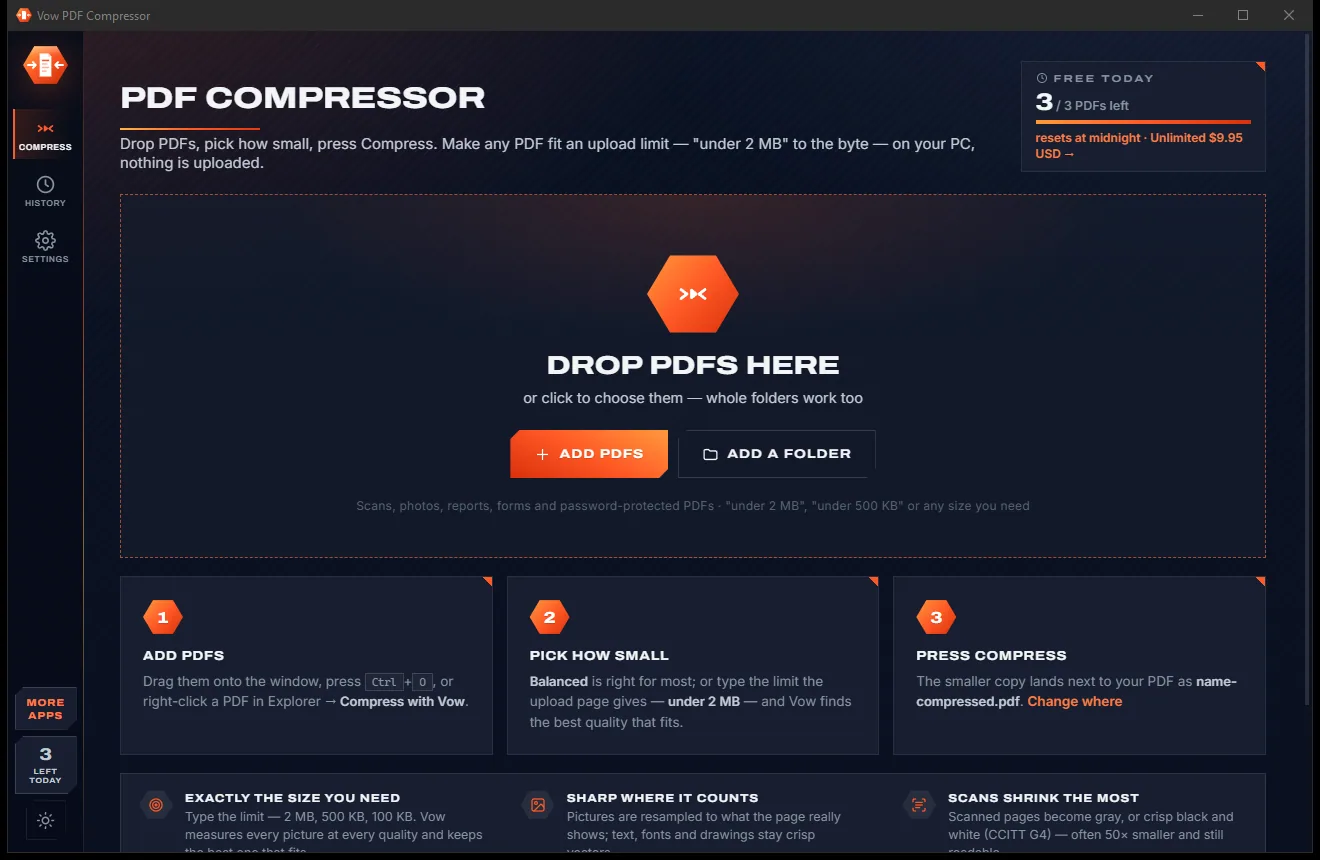
Real screenshots of the real app, in both of its themes: 4 light, 4 dark. Click any picture to see it full size.
Light theme
Dark theme
Who it's for
Tenancy applications, leases and condition reports, filled in neatly and signed in minutes.
School permission slips, enrolment forms and excursion notes, without hunting for a printer.
Tax declarations, super choice and onboarding forms with your details filled in for you.
Sign agreements and timesheets, initial every page, and send the signed copy straight back.
Stamp received documents, sign a stack of PDFs at once and flatten forms so they can't be changed.
Add a certificate signature with your own digital ID, and check the signatures already on the document.
Compare
Online signing sites, PDF readers and printing it out, compared with doing it properly on your PC.
| Feature | Vow PDF Sign & Fill | Online sign tools & PDF readers |
|---|---|---|
| Type on flat and scanned forms | Blanks found, text snaps to the line | A loose text box you line up yourself |
| Your form is uploaded | Never | Yes, for online sign tools |
| Price | Free for 3 a day, or $4.95 once | Daily caps or monthly plans |
| Fill in your details in one click | Yes | Rarely |
| Sign here places found for you | Yes, from the page's own words | Rarely |
| Certificate (digital ID) signatures | Included, with your own ID | Often a paid plan |
| Sign many PDFs at once | Yes, with Unlimited | Usually business plans |
| Watermarks or sign-up | None | Common on free tiers |
"Typical" describes what we found across the most-downloaded alternatives when we built PDF Sign & Fill. Your mileage with any one of them may vary; ours won't.
Pricing
That is not a typo. Software this powerful usually means a monthly subscription; PDF Sign & Fill is $4.95, once, for life: it's almost a giveaway. Use it free for as long as you like, and unlock Unlimited only if you need more.
3 documents a day, every fill and sign tool, one saved signature.
Almost a giveaway. Less than a coffee for software this powerful: no subscription, no renewals, yours for life on 2 PCs.
Unlimited documents, signature library, date stamps, flattening, batch.
Payments by Stripe: we never see or store your card. Questions? Ask a real person.
Clean software
Most "free" Windows downloads pay for themselves with ads, bundled extras or your data. Vow PDF Sign & Fill doesn't need to: it's paid for honestly, once, by the people who find it useful.
Download PDF Sign & Fill freeStep-by-step guide
From a blank form to a signed copy ready to email, in a few minutes and without a printer.
Step 1: get it freeDownload it from this page and run the installer. It needs no administrator rights and no account, and it never changes your default PDF app.
Drop the PDF on the window, press Ctrl+O, or right-click it in Explorer and choose Fill & sign with Vow. To fill a paper form, use Photo of a paper form.
Click a field or blank line and type; Tab moves to the next. Click Fill my details to fill your name, address, email and phone, and click a check box to tick it.
Make your signature once (draw, type or photo), then click the orange Sign here tag next to the signature line and the Date tag beside it.
A signed copy is saved next to the original as "name (signed).pdf" and the original stays blank. Print it, or use the email button to copy the file into a message.
Technical details
FAQ
Yes. Every fill and sign feature works on 3 documents a day, reset at midnight, with one saved signature and one set of initials. Opening and filling in are always free; only saving, printing or digitally signing a changed document counts. Unlimited, a one-time $4.95 USD payment, removes the limit and adds a signature library, date stamps, flattening and batch signing.
Yes. Blank lines, boxes, table cells, check boxes and letter boxes are found on the page, on PDFs from any program and on scans, so you click a blank and your text sits on the line at the right size.
No. Everything happens on your own PC. There is no account and no cloud. The only optional connection is a digital signature time-stamp, and only when you tick it.
Draw it with the mouse, a pen or your finger, type your name in a handwriting font, or take a photo of your signature on paper and the paper is made transparent. It's kept on your PC for next time.
A drawn or typed signature is a picture of your handwriting on the page. For a certificate-based digital signature, use Digital ID with an ID from Windows, a .pfx file or a personal ID made in the app. Vow also checks the digital signatures already in a PDF.
No. By default the signed copy is saved next to the original as "name (signed).pdf" and the original stays blank. You can also save over it, and a backup is kept.
Acrobat Reader's Fill & Sign is free for filling in and your own signature; Vow adds blanks found on flat and scanned forms, Sign here tags, one-click autofill and batch signing. DocuSign is a subscription for sending documents to others to sign; Vow is for filling and signing yourself, offline, for $4.95 once.
Yes. It is made and published by XTO Pty Ltd, an Australian company. There are no ads, no bundled software and no account, it needs no administrator rights, and it uninstalls cleanly from Windows Settings without touching your PDFs.
The Vow collection
Same design, same promises, a tiny one-time price. Learn one and you already know them all.
Redact PDFs for real: nothing left under the black boxes
Merge, split and reorder PDFs on your own PC
Shrink any PDF to the exact size an upload form asks for
Fill in and sign any PDF form, even a flat or scanned one. Free to use every day, $4.95 once if you ever want Unlimited.