
Video
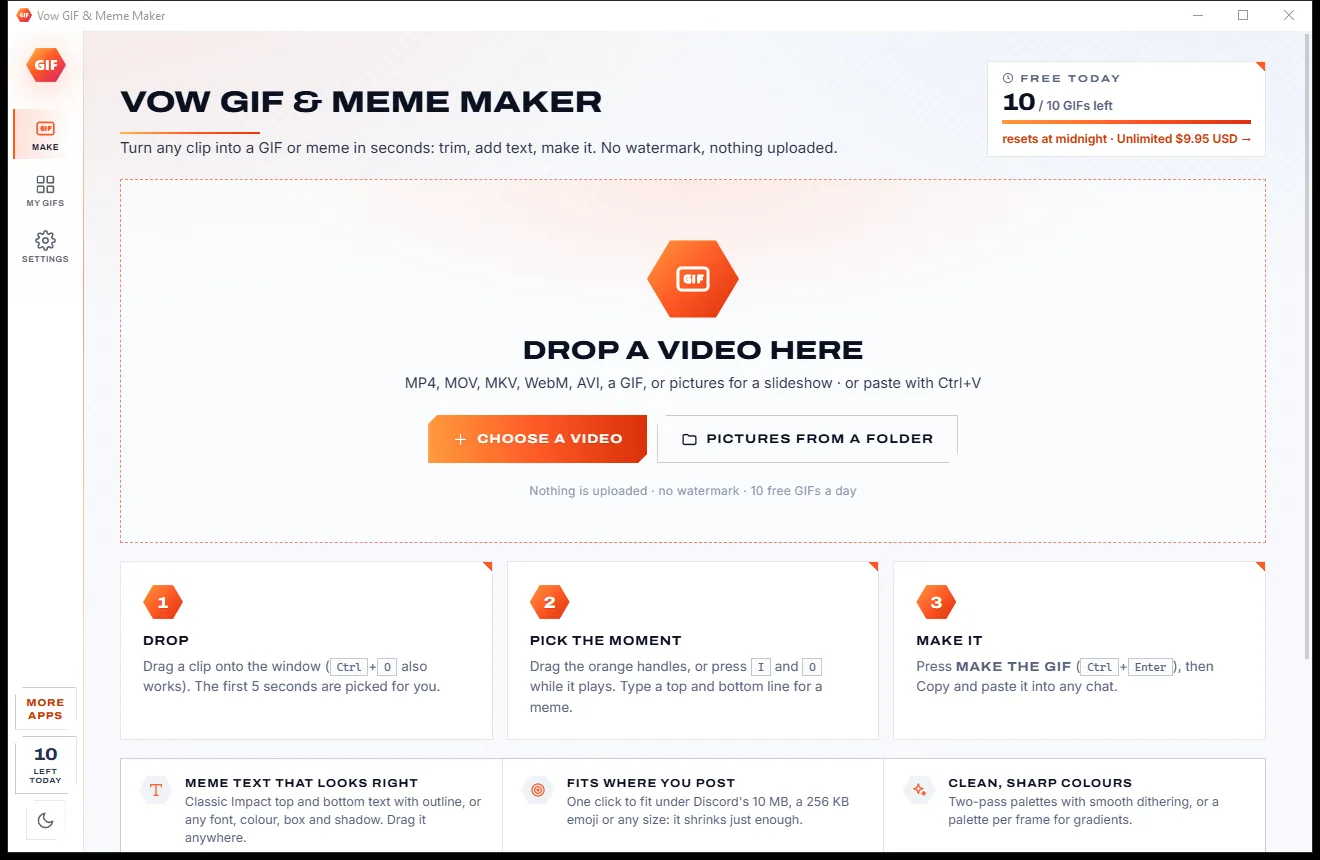
Vow GIF & Meme Maker
Turn any video clip into a GIF or meme, with no watermark
- Free: 10 GIFs a day, up to 10 seconds at 480p, with meme text
- $4.95 once: Any length, HD up to the original size, MP4, WebP and APNG

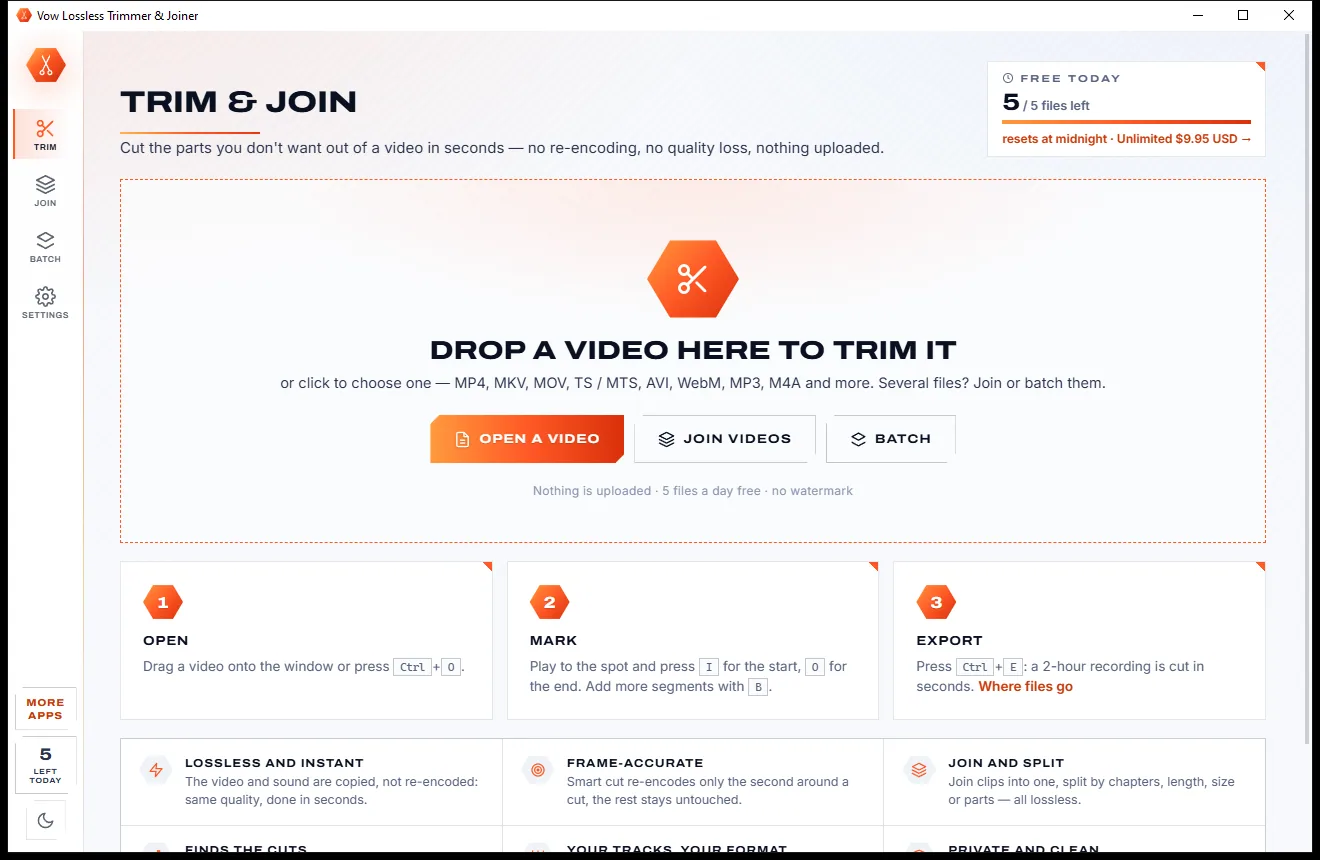
Lossless video trimmer & joiner for Windows
Mark the parts you want, press Export, and the new file is ready about as fast as copying it, because nothing is re-encoded. Join clips into one, trim whole folders and split long recordings. No watermark, no upload, no subscription.
The problem
Most video cutters decode and re-compress the whole file just to drop the first minute: slow, lossy and often watermarked.
Typical editors re-compress the entire video to remove one minute, which takes ages on a long recording.
Each re-encode throws away detail, so trimming the same clip twice makes it visibly worse.
Free trial cutters often stamp their logo on the result, or cap how long your video may be.
Online trimmers want your whole video on their servers first, and long recordings are often over their limit.
Some lossless cutters start a part early or late without saying why, and the first frames can come out broken.
Freeware cutters with pop-ups, offers and toolbars tucked into the installer.
Vow Lossless Trimmer & Joiner fixes all of it.
How it works
Stream copy keeps every frame exactly as it was, and your video never leaves your PC.
Drag it onto the window, press Ctrl+O, paste it with Ctrl+V or pick a recent file. MP4, MKV, MOV, TS and MTS, AVI, WebM, MP3, M4A and more.
Play to a spot and press I for the start and O for the end, S to split and B for another part. Or drag the edges on the timeline, or type exact times.
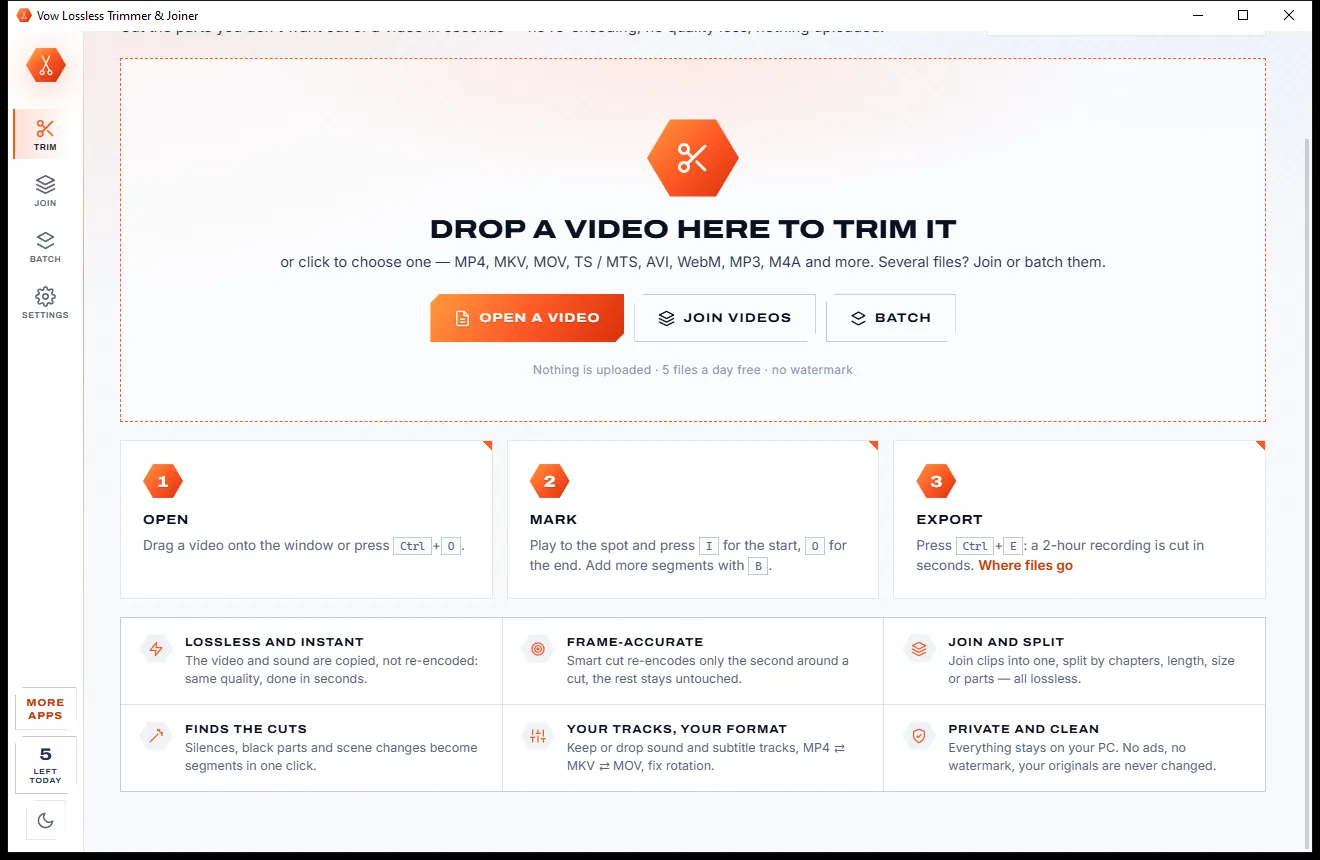
Press Ctrl+E. The new file appears next to the original in the Saved card, ready to play, copy or drag into another app. The original is never touched.
Features
For gamers, streamers, parents, teachers and anyone with long recordings: quick for one trim, deep enough for a whole folder.
Stream copy writes the parts you keep exactly as they were: the original quality, done about as fast as copying the file.
Before you export it tells you when a lossless cut has to start on a keyframe, and by how much. One click cuts on the exact frame instead.
With Unlimited, H.264 and H.265 cuts land on the exact frame: only the frames up to the next keyframe are re-encoded, the rest is copied.
Keep or cut out as many segments as you like, as one file or a file each, with names, undo and redo, and cuts remembered per file.
Join clips into one file without re-encoding, with a plain-language compatibility check, a free preview of the joins and a chapter per file.
Trim the start or end, keep a stretch, split, change the format or save the sound for every file in a folder at once.
Cut out silences or black parts, or make one segment per scene, in one click. Split by chapters, minutes, equal parts or megabytes.
Keep or drop each sound and subtitle track, save one on its own, or switch between MP4, MKV, MOV and TS without re-encoding.
Zoom down to single frames, with thumbnails, the sound waveform and keyframe marks, plus J, K and L, frame steps and keyframe jumps.
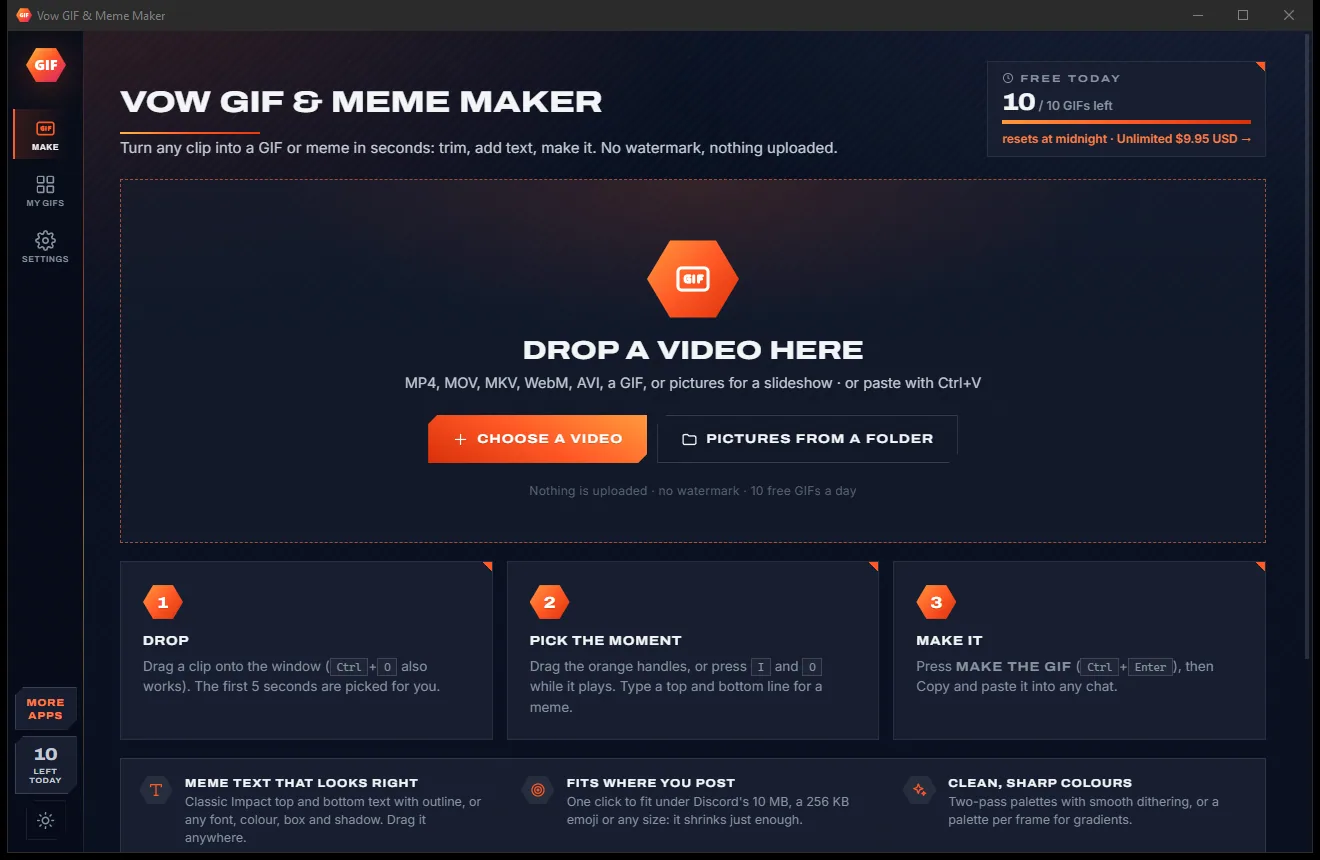
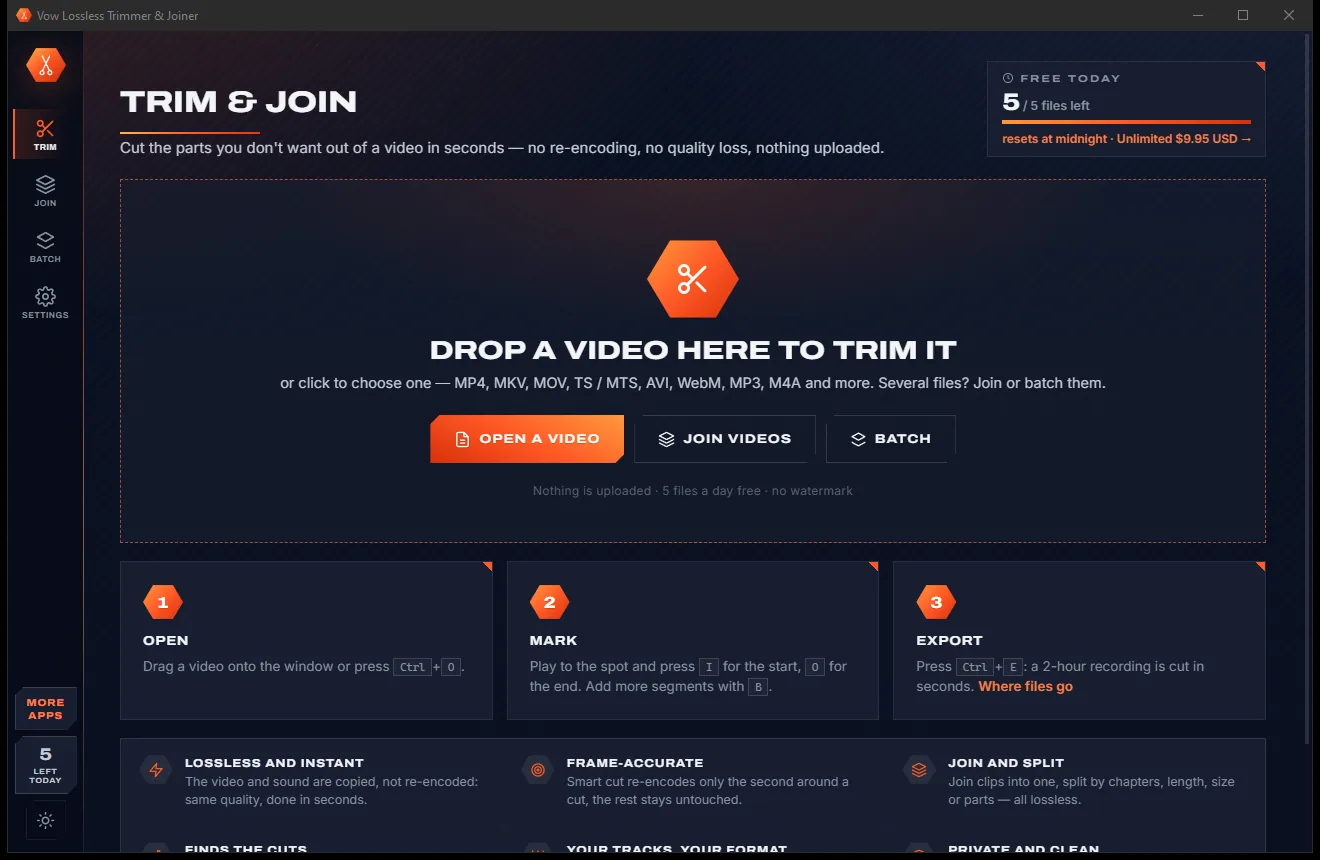
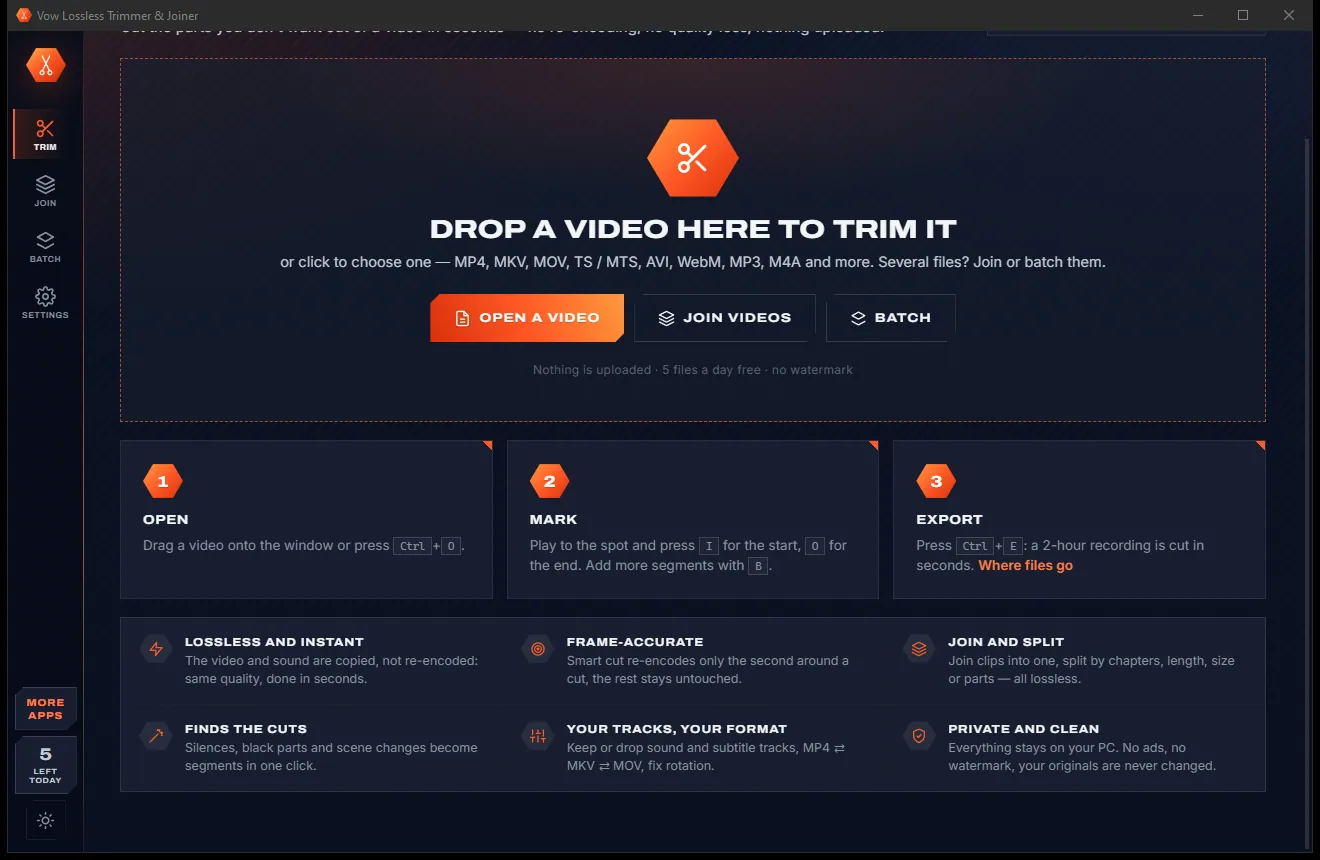
Work in the light theme or the dark one: a click on the sun or moon at the bottom of the side bar switches it.
Light & dark theme
Lossless Trimmer & Joiner comes with a crisp light theme and a calm dark theme. Switch with one click, or let it follow your Windows setting by itself. It remembers your choice.
Screenshots
Real screenshots of the real app, in both of its themes: 6 light, 6 dark. Click any picture to see it full size.
Light theme
Dark theme
Who it's for
Cut highlights out of hours of gameplay and stream recordings without waiting for a re-encode.
Drop the shaky start and the pocket shots from your clips, at full quality.
Take out breaks and intros, or split a long lecture into tidy parts.
Cut silences and false starts from recorded talks, or save the sound on its own.
Join digitised tapes and camera clips into one file per event, with a chapter for each.
Keep just the moments that matter; camera telemetry tracks are kept by default.
Compare
What you actually get when you look for a way to cut a video, side by side.
| Feature | Vow Lossless Trimmer & Joiner | Typical video cutters & online trimmers |
|---|---|---|
| Price | Free every day, or $4.95 once | Subscriptions, or capped free versions |
| Re-encoding to cut | Never, unless you choose it | Usually the whole file |
| Quality loss | None: the frames are copied | Some with every save |
| Watermark or length cap | Never | Common on free trials |
| Your video is uploaded | Never: 100% on your PC | Yes, for online trimmers |
| Keyframe honesty | Tells you before you export | Rarely explained |
| Frame-exact cut without a full re-encode | Smart cut (Unlimited) | Rare |
| Join check in plain words | Yes, with a free preview | Often fails without a reason |
| Batch whole folders | Yes (Unlimited) | Some tools |
"Typical" describes what we found across the most-downloaded alternatives when we built Lossless Trimmer & Joiner. Your mileage with any one of them may vary; ours won't.
Pricing
That is not a typo. Software this powerful usually means a monthly subscription; Lossless Trimmer & Joiner is $4.95, once, for life: it's almost a giveaway. Use it free for as long as you like, and unlock Unlimited only if you need more.
Lossless trims of single files, 5 files a day.
Almost a giveaway. Less than a coffee for software this powerful: no subscription, no renewals, yours for life on 2 PCs.
Joining, batch, frame-accurate cuts and splitting.
Payments by Stripe: we never see or store your card. Questions? Ask a real person.
Clean software
Most "free" Windows downloads pay for themselves with ads, bundled extras or your data. Vow Lossless Trimmer & Joiner doesn't need to: it's paid for honestly, once, by the people who find it useful.
Download Lossless Trimmer & Joiner freeStep-by-step guide
Cut the parts you don't want out of any video in under a minute, at the original quality.
Step 1: get it freeGet Vow Lossless Trimmer & Joiner from this page and run the installer. It installs per user without administrator rights, asks for no account and brings everything it needs, so nothing downloads on first run.
Drag it onto the window or press Ctrl+O. The player and a zoomable timeline with thumbnails, the sound waveform and the keyframe marks appear in a moment.
Play to where the part begins and press I, then to where it ends and press O. Press B to add another part, or type exact times such as 1:23.5 in the segment list.
If a lossless cut can't start exactly on your mark, the Export card says how much earlier it will start. That's normal for lossless cuts; with Unlimited, Cut exactly removes it.
Press Export or Ctrl+E. The new file is written next to the original in seconds and shows up under Saved, ready to play, show in Explorer or drag into another app.
Technical details
FAQ
Yes. You can trim 5 files a day for free, any length, with as many segments as you like, every track and format option, the silence, black and scene finders, snapshots and cut lists. Trimming the same file again the same day is free, and nothing is watermarked. Unlimited, a one-time $4.95 USD payment, adds joining, batch, frame-accurate smart cuts and splitting, and removes the daily limit.
The parts you keep are copied straight from the original (stream copy) instead of being decoded and compressed again. The picture and sound stay exactly as they were, and even a long recording is cut in seconds.
A video can only start cleanly on a keyframe, so a lossless cut begins on the keyframe before your mark. The app tells you before you export, for example "starts 1.3 s earlier, on a keyframe". With Unlimited, the frame-accurate smart cut starts on the exact frame by re-encoding only the frames up to the next keyframe, for H.264 and H.265.
Yes, with Unlimited, when the clips share the same format, as phone or camera clips usually do. The free join check explains in plain words which file doesn't match and why, Make it match converts only the odd ones, and the preview of the joins is free.
Like them it cuts without re-encoding. On top it adds a frame-accurate smart cut verified by tests, plain-language join checks with one-click matching, a true batch queue, and keyframe-exact copies that avoid starting a keyframe early on B-frame video. There is no watermark and no throttling, in a simpler window.
MP4, MKV, MOV, TS and MTS, AVI, WebM and sound files such as MP3 and M4A, and most other formats FFmpeg reads. Videos the player can't show directly, like H.265, MPEG-2 or VC-1, get a small preview copy automatically; the cut always uses the original.
Never. The new file is written next to the original, or in a folder you choose in Settings, and nothing is overwritten unless you ask for it. A stopped or failed export leaves no half file and gives the day's use back.
Yes. It is made and published by XTO Pty Ltd, an Australian company. The installer contains no ads, no toolbars and no bundled software, needs no administrator rights, and uninstalls cleanly from Windows Settings.
The Vow collection
Same design, same promises, a tiny one-time price. Learn one and you already know them all.
Turn any video clip into a GIF or meme, with no watermark

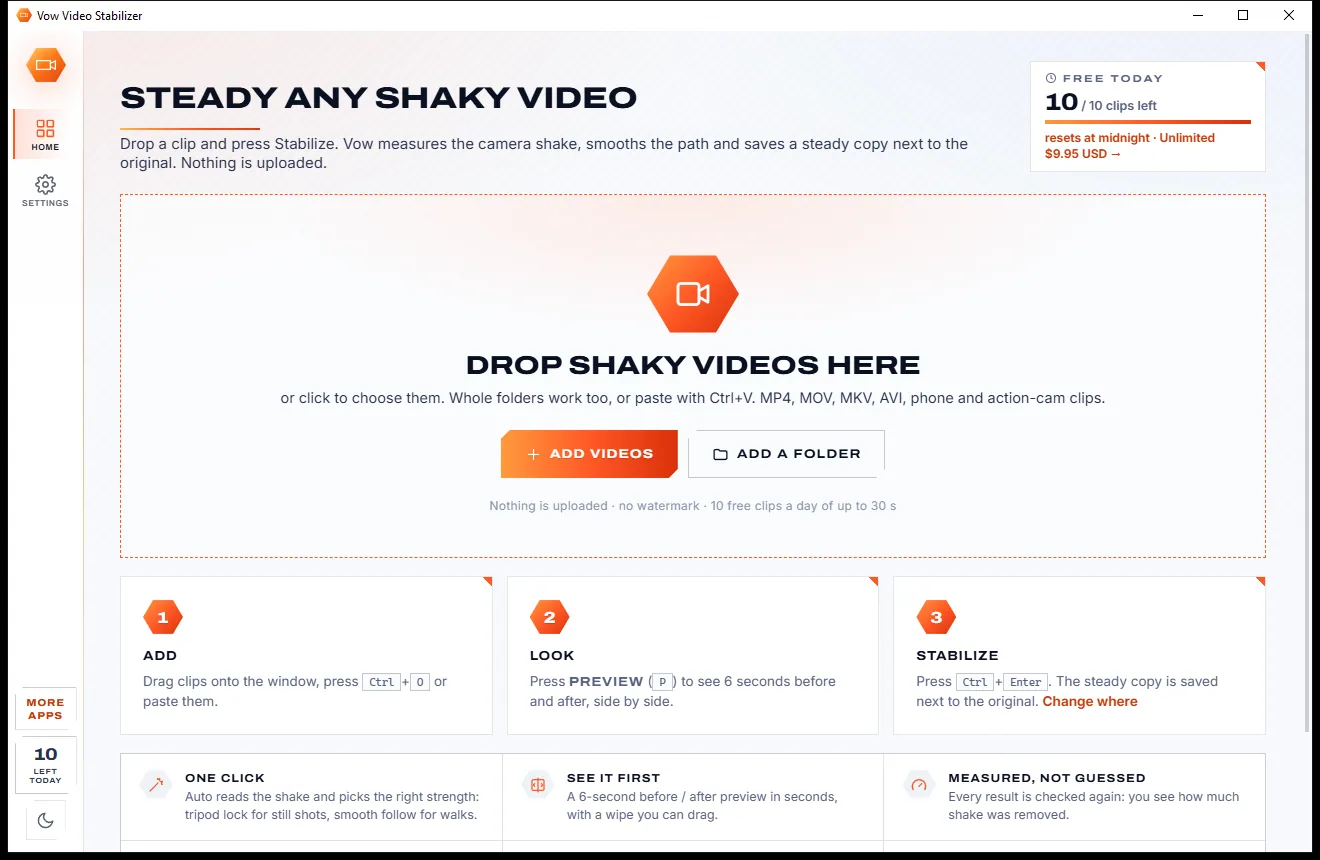
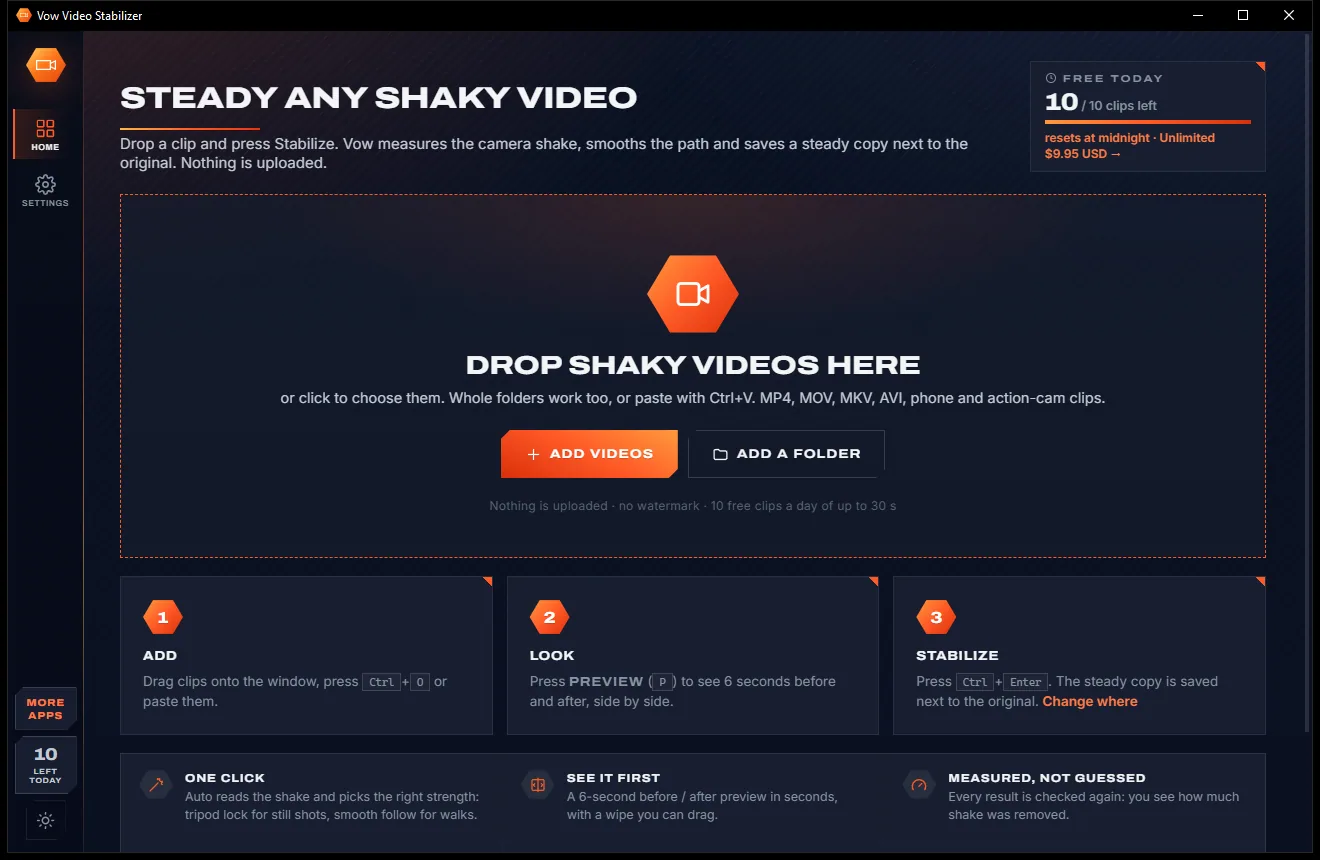
Steady any shaky video in one click, right on your PC

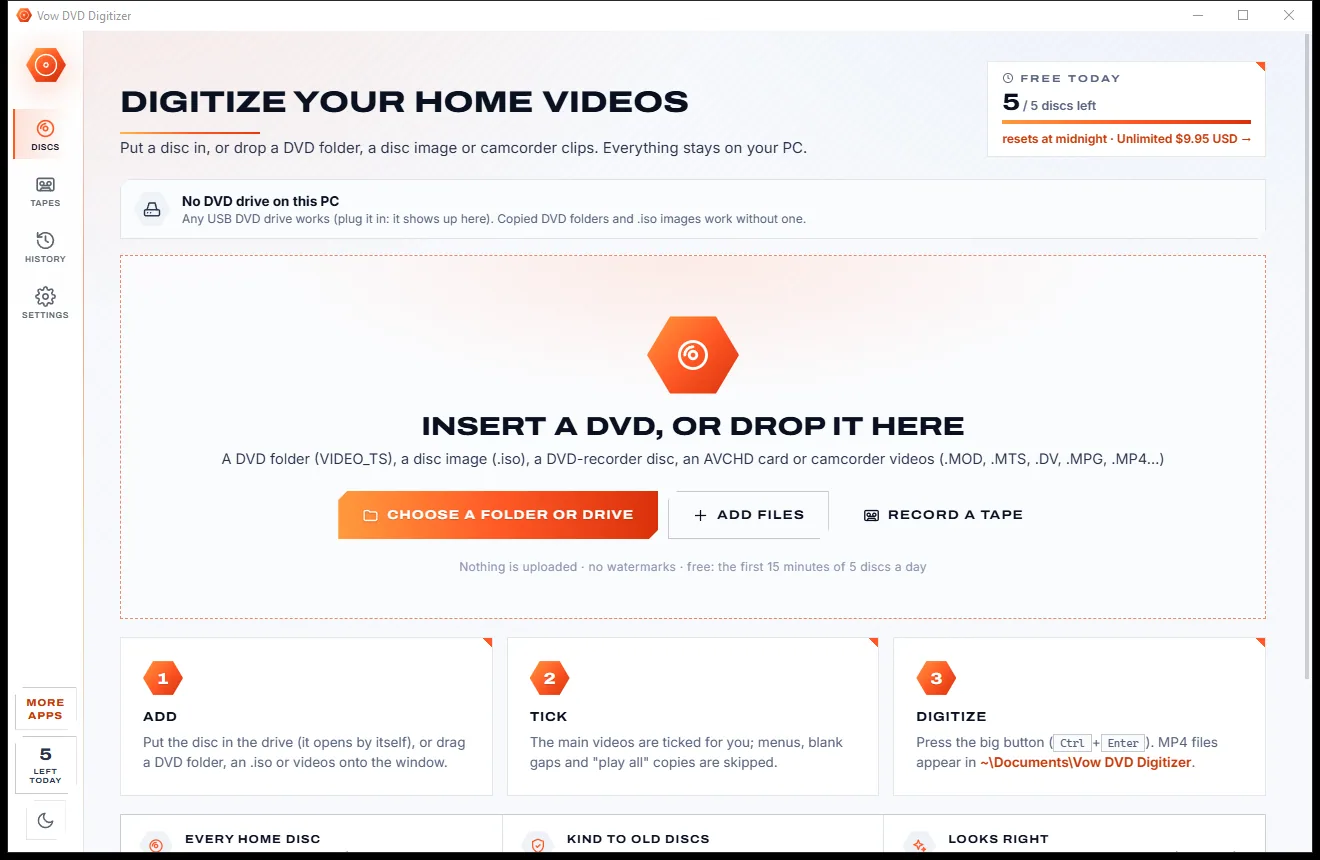
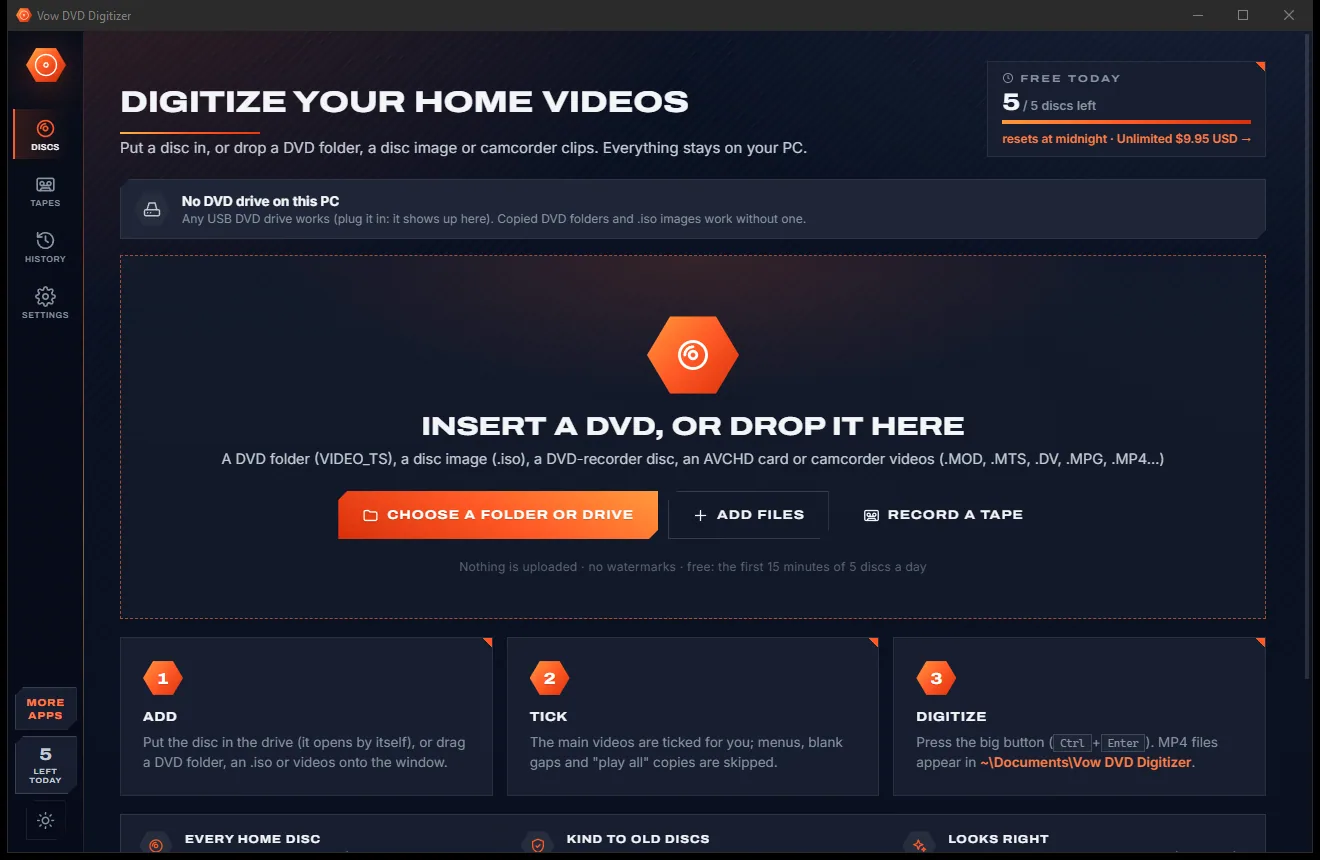
Turn home DVDs, camcorder clips and tapes into MP4s that play anywhere
Cut and join videos without re-encoding, in seconds. Free to use every day, $4.95 once if you ever want Unlimited.