
Photos
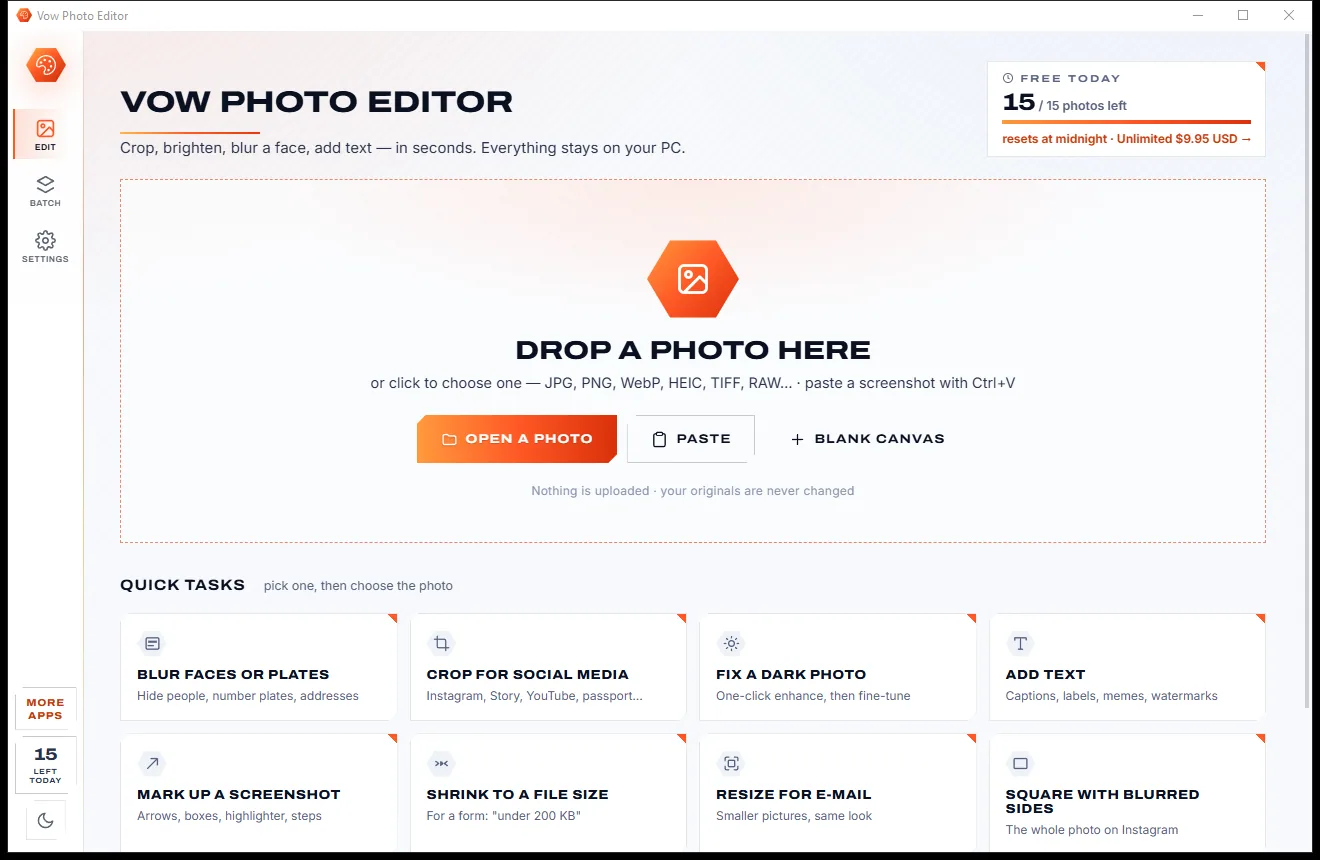
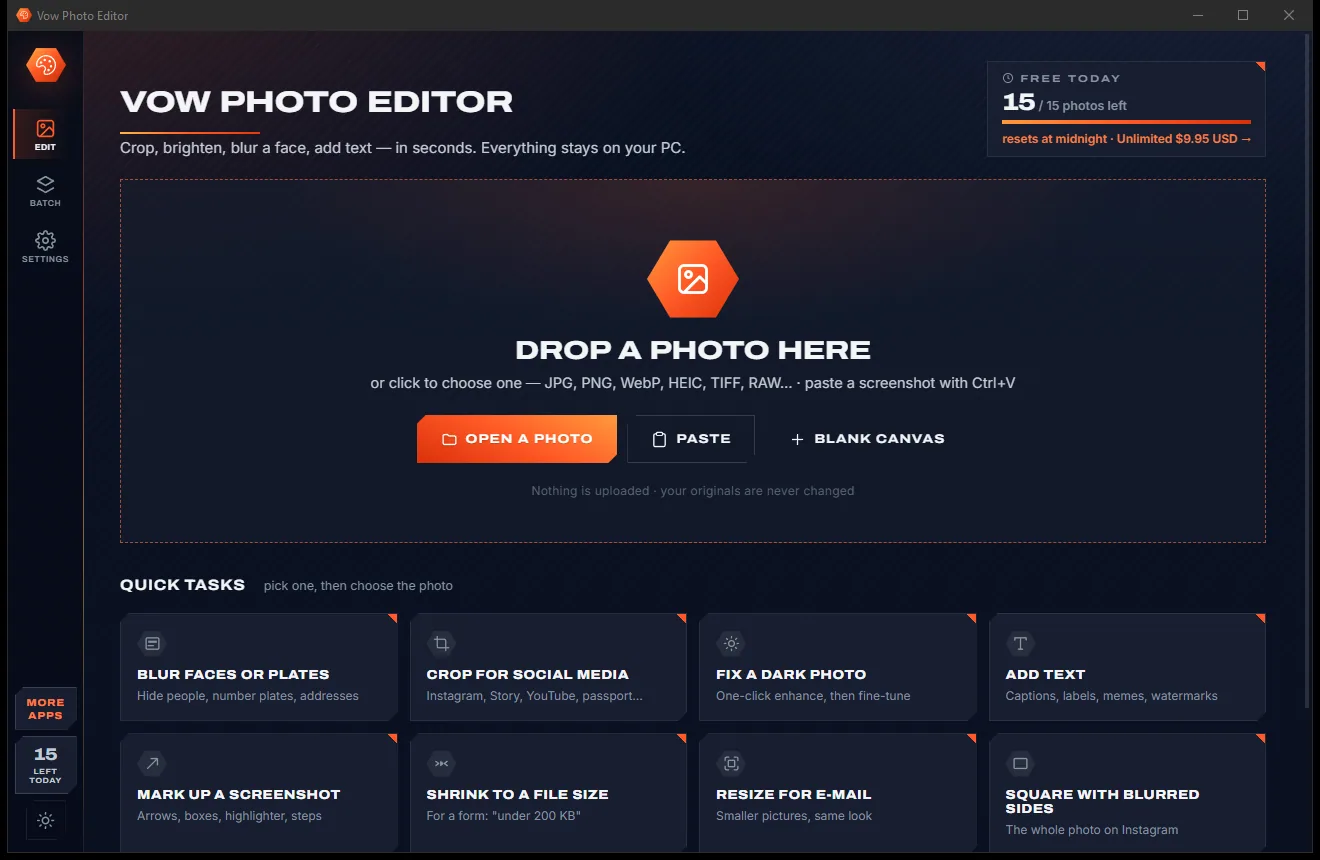
Vow Photo Editor
Crop, brighten, blur a face, add text, and save to an exact file size
- Free: Every basic edit, 15 saved photos a day, no watermarks
- $9.95 once: No daily limit, one-click face blur, layers, batch edits and presets

Image resizer to KB for Windows
Exam, visa and job portals reject a photo that is a few KB too big, or too small. Type the size the form asks for and Vow finds the best quality that fits, in KB and in pixels or cm, and shows the result before you save. Your ID photos never leave your PC.
The problem
The deadline is tonight, the portal keeps rejecting your photo, and every resizer you try comes back too big, too small or buried in adverts.
Online KB resizers take your face, signature and documents onto their servers just to make them smaller.
"Resize to 50 KB" comes back as 52 KB and the portal says no. Web tools often miss the target.
Portals set a minimum as well, and most resizers can't make a file bigger without wrecking the picture.
Resizer sites bury the download under banners and pop-ups while your application deadline ticks away.
Squeezing a big photo under 20 KB by quality alone leaves a blotchy face a portal may refuse.
A phone photo of your signature comes out grey with shadows, and plain resizers do nothing about it.
Vow Image Resizer to KB fixes all of it.
How it works
Enter the numbers from the notice, watch the result land on a size meter, and save a file that passes first time.
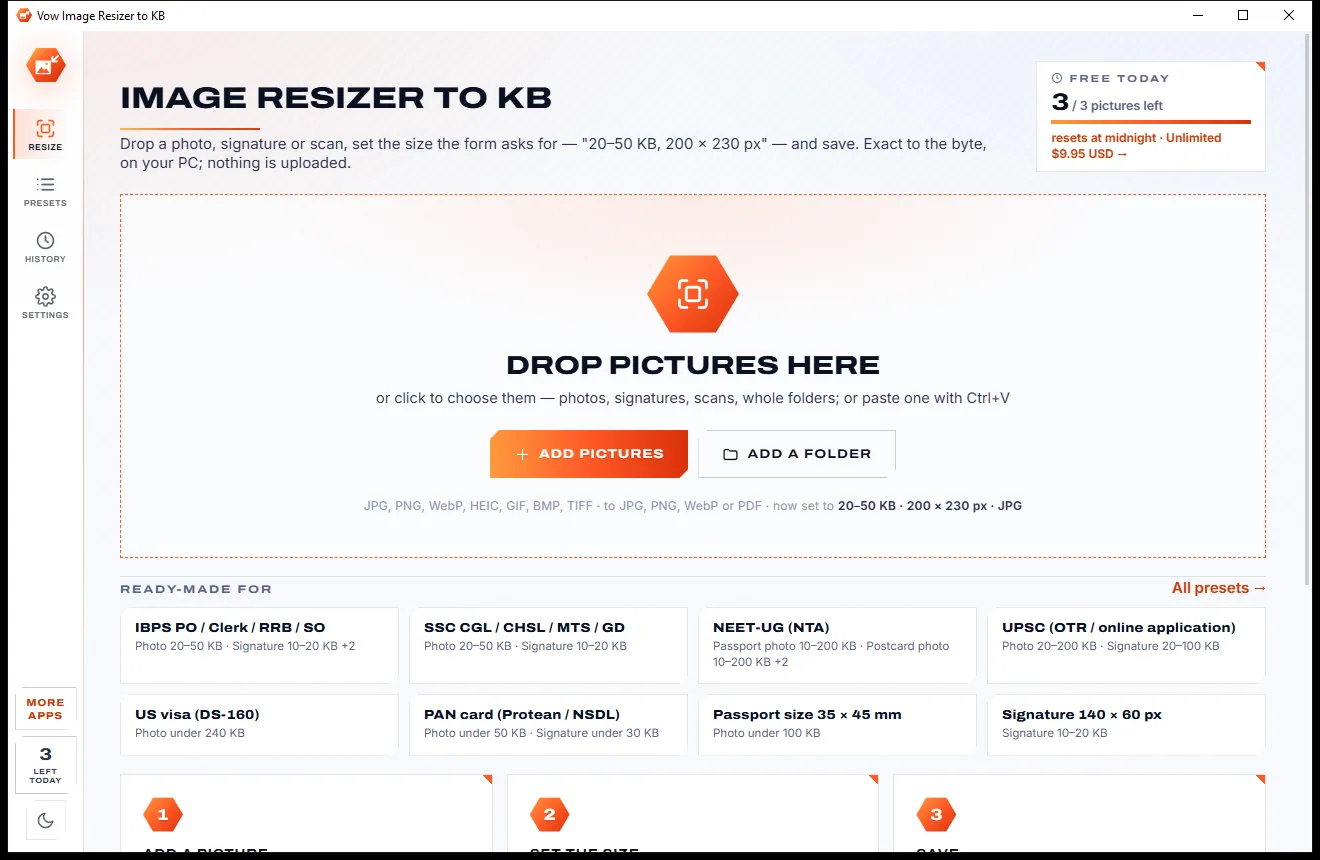
Drop a photo, signature or scan on the window, paste a screenshot with Ctrl+V, or right-click it in Explorer and choose Resize with Vow.
Click a KB tile or type At least and At most, then the width and height in px, cm, mm or inches. Or pick the portal from 34 presets.
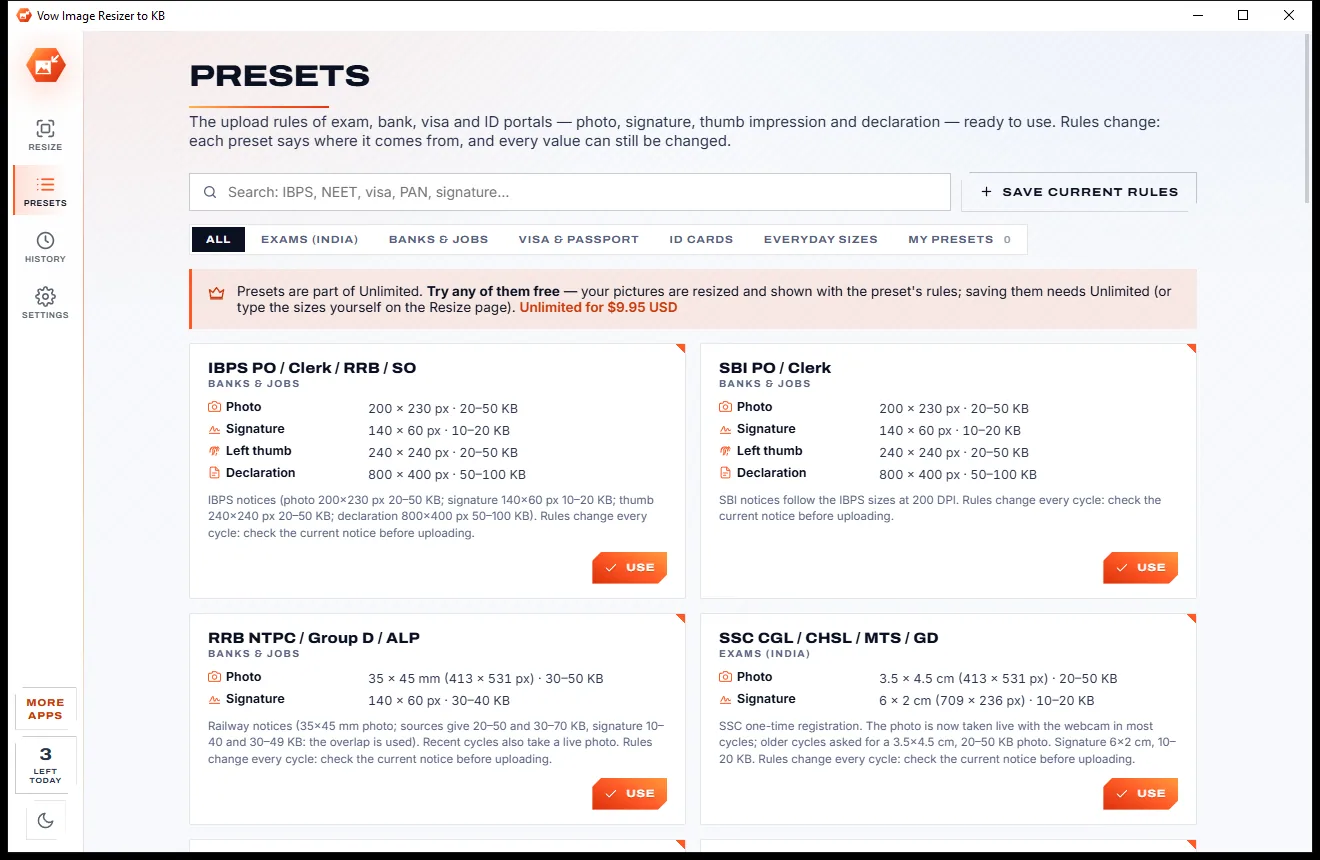
The result appears at once on a size meter with its quality and print size. Save, then copy the file or drag it straight into the upload page.
Features
For students, job seekers, visa applicants and anyone filling in an online form with a picture box.
A maximum, a minimum, a range or exactly N KB, landing just under the limit with the best quality that fits.
Pixels, cm, mm or inches at any DPI, or a percentage; crop to fill, pad on a colour, stretch or fit.
IBPS, SBI, SSC, UPSC, NEET, JEE, PAN, Passport Seva, US DS-160, UK, Canada, Australia and more, each with its source.
Windows' own face detector frames the photo like an ID picture, with room above the head; move the box by hand any time.
Shadows and grey paper become pure white and the ink solid, in its own colour or black or blue, cut to the ink (Unlimited).
Thumb impressions get crisp ridges on white paper, and handwritten declarations lose their shadows (Unlimited).
Too small even at the best quality? Invisible filler brings the file up to the minimum and the picture stays unchanged.
Every result gets a quality label from Excellent to Low, plus a before-and-after slider at real pixels.
A white strip with your name and the date, as NTA exams such as NEET, JEE and CUET ask (Unlimited).
Photo, signature and thumb in one list, each matched to the right part of a preset, then Save all (Unlimited).
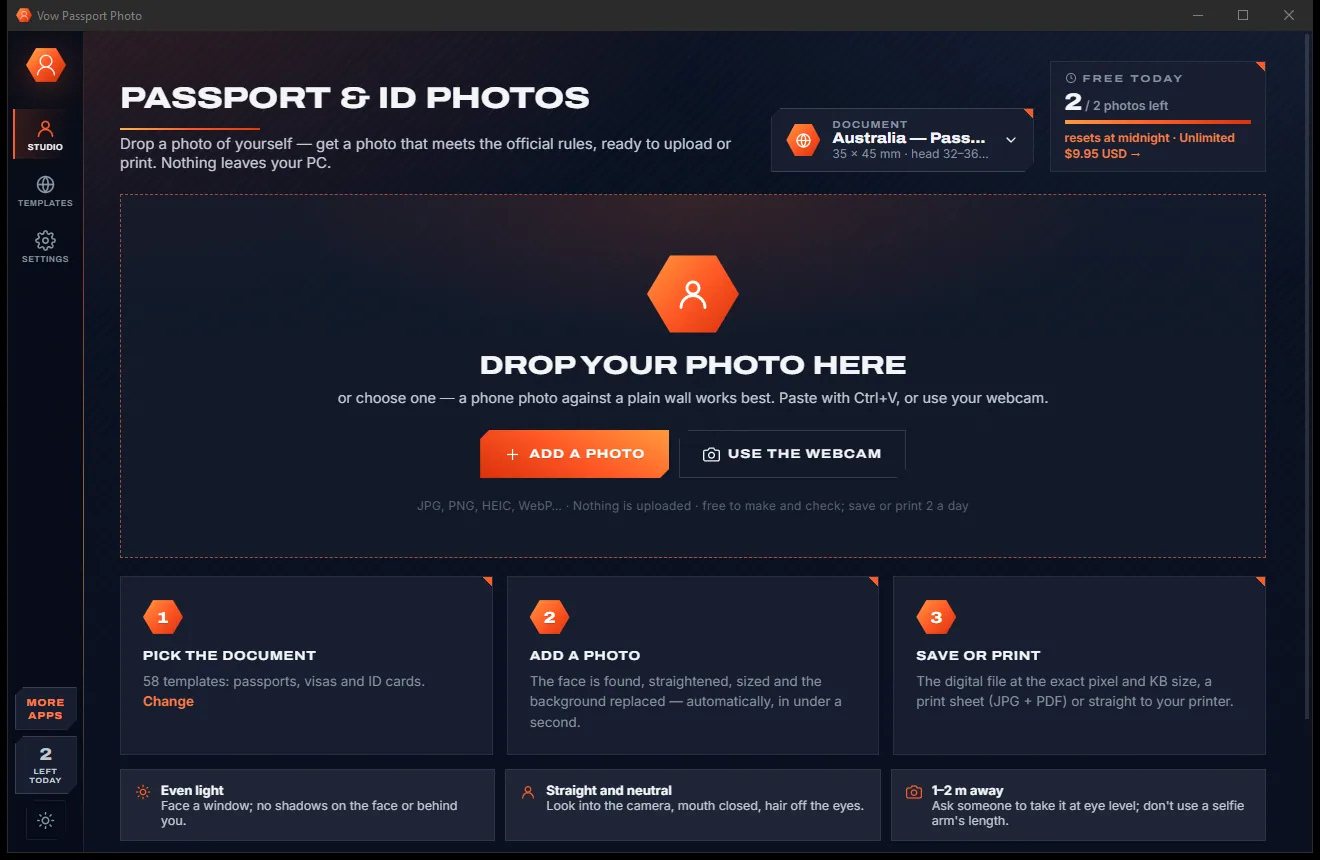
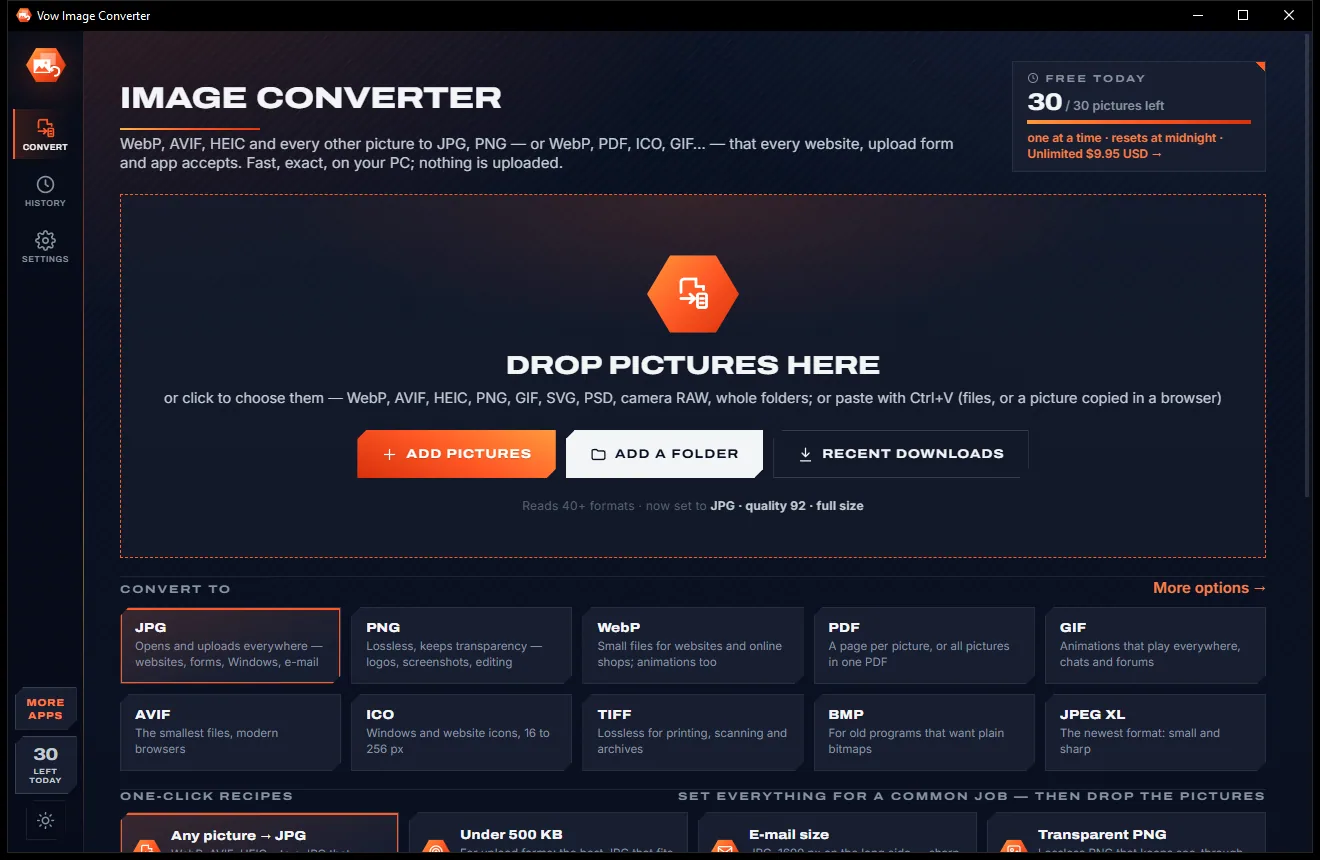
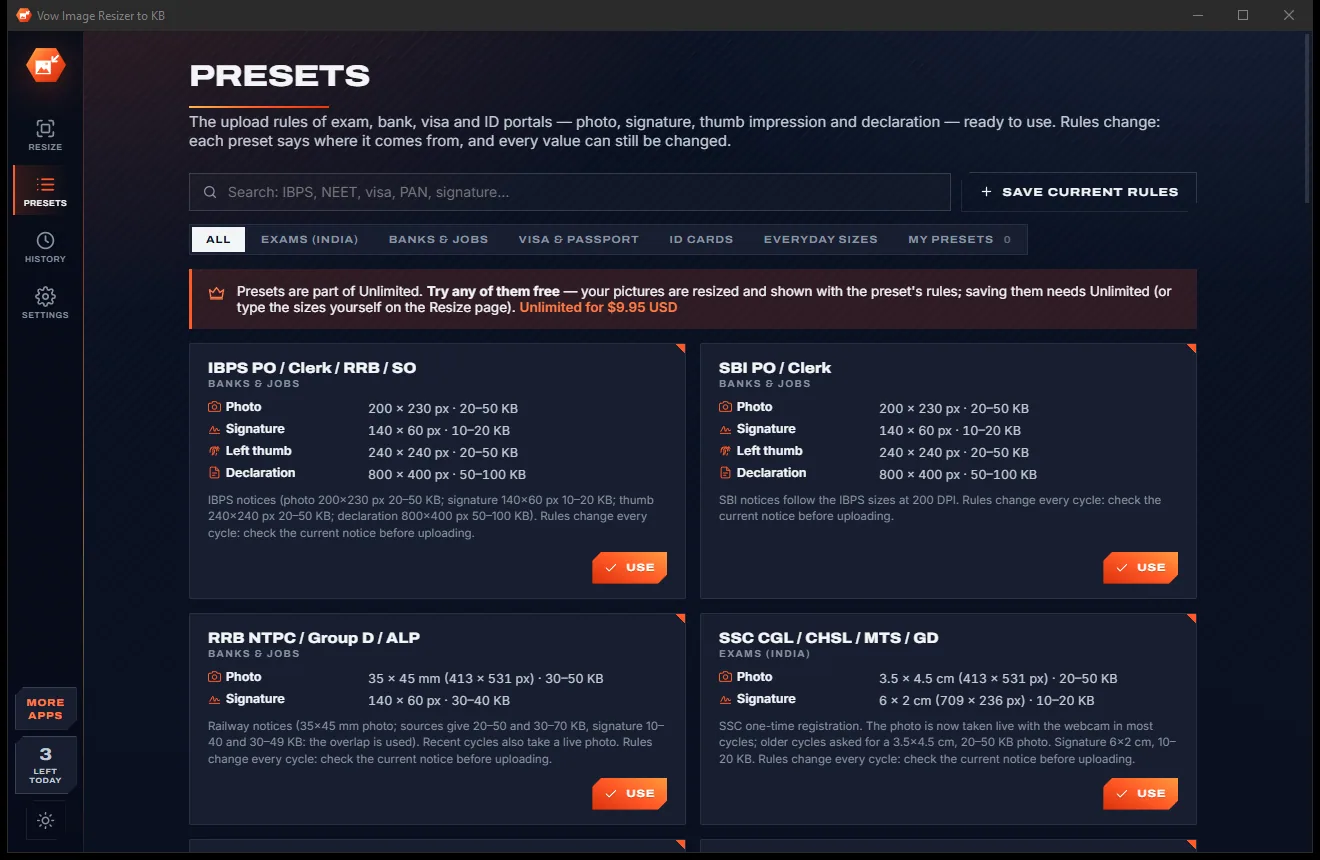
Light & dark theme
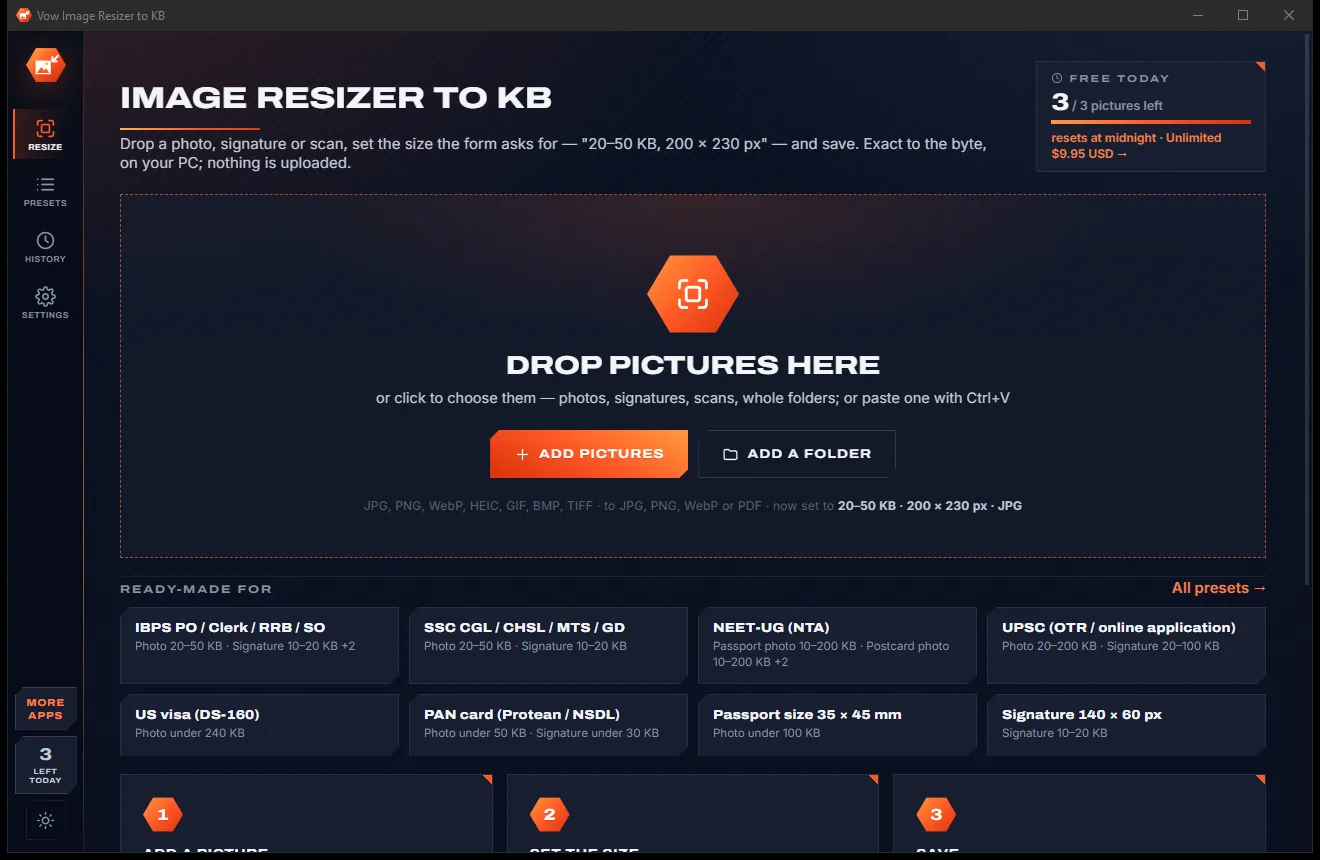
Image Resizer to KB comes with a crisp light theme and a calm dark theme. Switch with one click, or let it follow your Windows setting by itself. It remembers your choice.
Screenshots
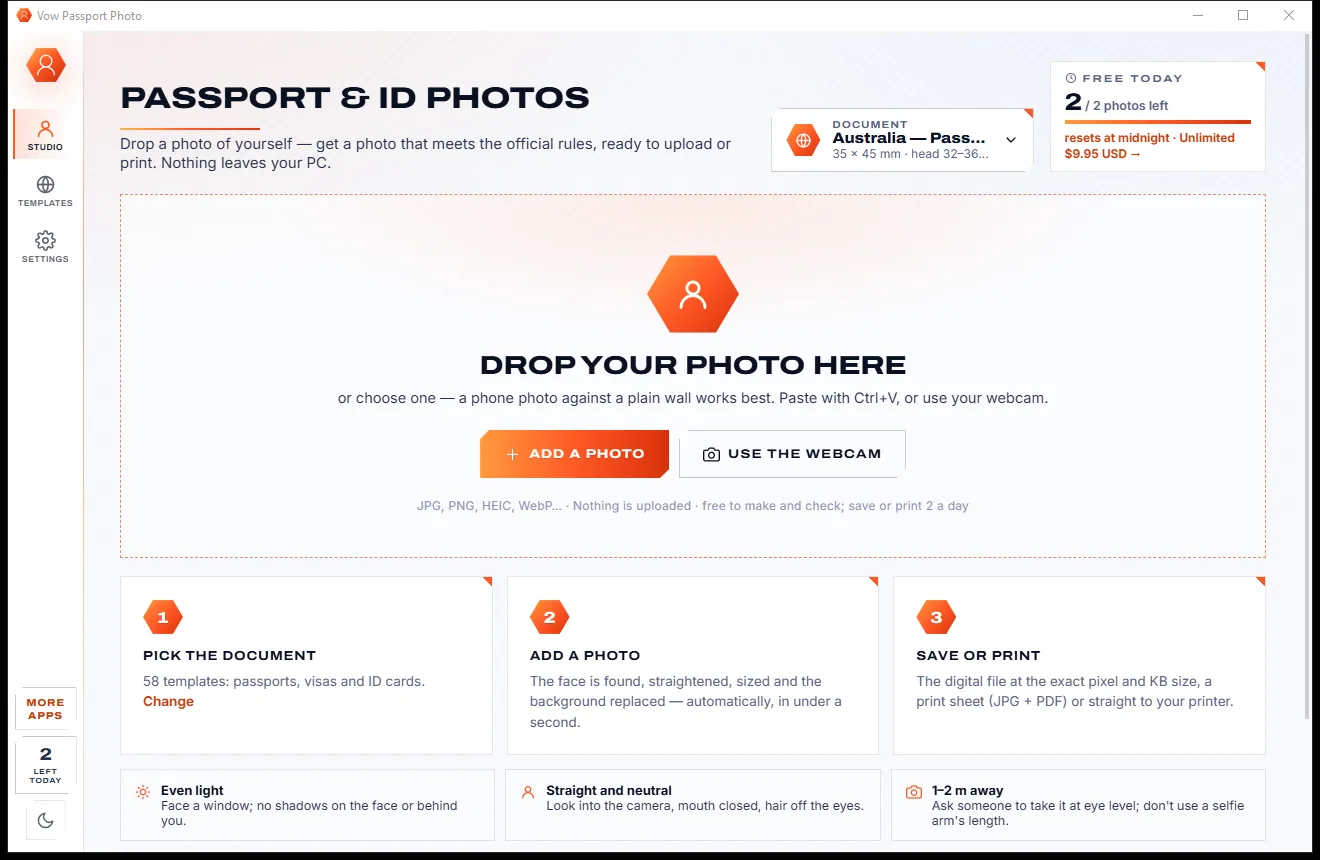
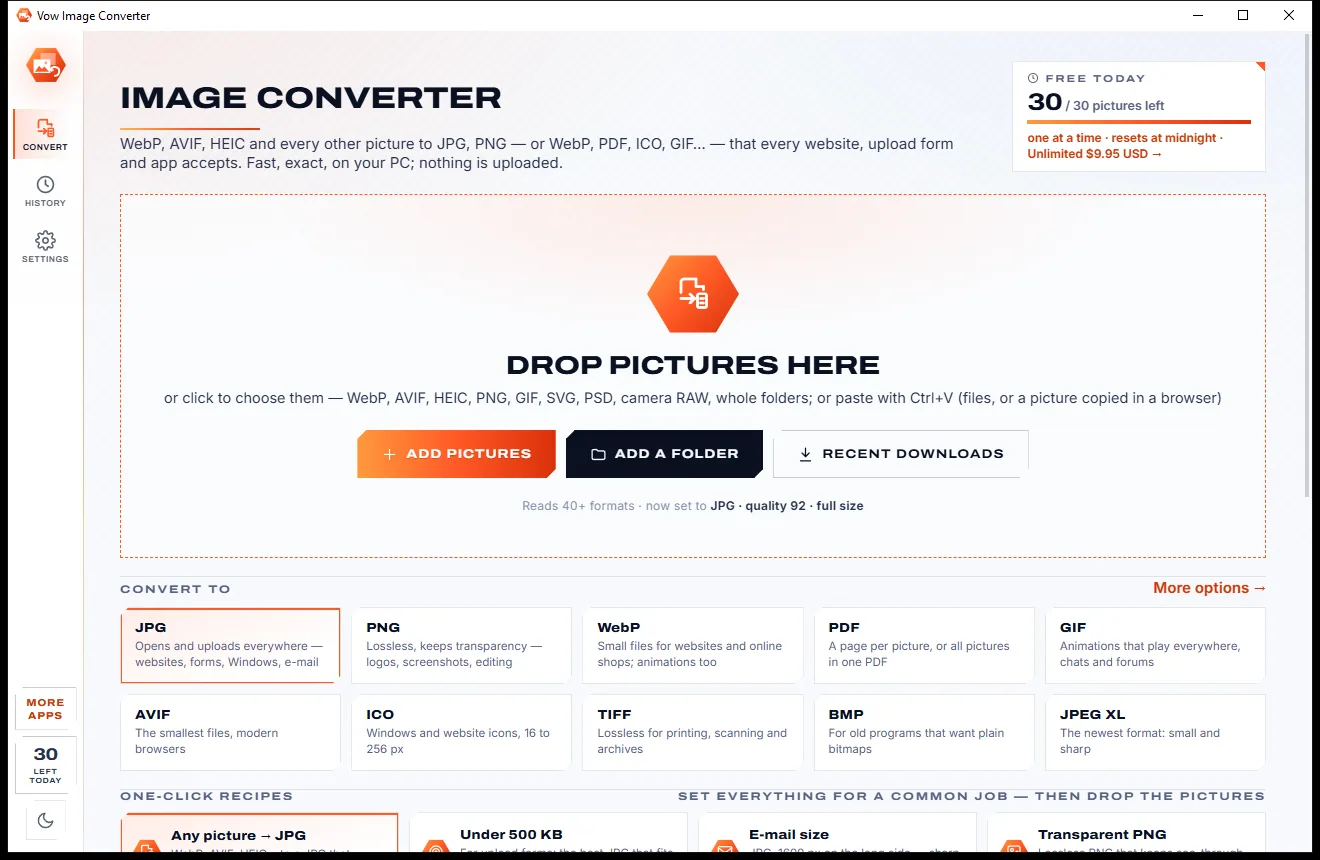
Real screenshots of the real app, in both of its themes: 7 light, 7 dark. Click any picture to see it full size.
Light theme
Dark theme
Who it's for
NEET, JEE, CUET, SSC, UPSC and GATE forms with their photo and signature rules ready to go.
IBPS, SBI and RRB photo, signature, left thumb and declaration prepared in one go.
US DS-160 and DV, UK, Canada, Australia, China, K-ETA and India e-Visa photo rules.
PAN, NADRA and other ID portals that want a photo under a strict KB limit.
Any form with a picture box: type its numbers and save a file that fits.
Prepare pictures for many applicants quickly with batches and your own saved presets.
Compare
What typical "resize to KB" websites and desktop resizers give you, side by side.
| Feature | Vow Image Resizer to KB | Typical online KB resizers & apps |
|---|---|---|
| Price | Free every day, or $4.95 once | Ad-funded, or a premium plan |
| Your photo is uploaded | Never | Yes, for web resizers |
| KB maximum and minimum together | Yes, plus exactly N KB | Usually a maximum only |
| KB and pixel size in one step | Yes | Often two separate tools |
| Lands just under the limit | Best quality that fits | Often misses the target |
| Portal presets with sources | 34 built in | Some sites, without sources |
| Signature and thumb clean-up | Yes | Rarely |
| Ads and watermarks | None | Common on free sites |
| Works without internet | Yes | No, for web tools |
"Typical" describes what we found across the most-downloaded alternatives when we built Image Resizer to KB. Your mileage with any one of them may vary; ours won't.
Pricing
That is not a typo. Software this powerful usually means a monthly subscription; Image Resizer to KB is $4.95, once, for life: it's almost a giveaway. Use it free for as long as you like, and unlock Unlimited only if you need more.
3 pictures a day at any exact KB and pixel size.
Almost a giveaway. Less than a coffee for software this powerful: no subscription, no renewals, yours for life on 2 PCs.
Any number, batches, portal presets, signature clean-up.
Payments by Stripe: we never see or store your card. Questions? Ask a real person.
Clean software
Most "free" Windows downloads pay for themselves with ads, bundled extras or your data. Vow Image Resizer to KB doesn't need to: it's paid for honestly, once, by the people who find it useful.
Download Image Resizer to KB freeStep-by-step guide
Make a photo or signature fit an exam, visa or job portal's KB and pixel rules in about a minute.
Step 1: get it freeDownload Vow Image Resizer to KB from this page and run the installer. It needs no administrator rights and no account, and adds Resize with Vow to Explorer's menu.
Drop it on the window or press Ctrl+O. Several pictures or a whole folder work too, and Ctrl+V pastes a screenshot or a copied picture.
Click a tile such as 50 KB, or type At least 20 and At most 50. The default Safe mode counts KB so the file passes whichever way the portal counts.
Type the width and height from the notice, for example 200 x 230 px or 3.5 x 4.5 cm. The face is centred in the crop for you.
Press Ctrl+S. The file is saved next to the original as photo-46kb.jpg; click Copy file and paste it into the portal's file box, or drag it there.
Technical details
FAQ
Yes. You can save 3 pictures a day for free at any exact KB and pixel size, with crop, turn, mirror and JPG, PNG, WebP or PDF, and no watermarks. Presets and clean-ups can be tried free with the result shown. Unlimited, a one-time $4.95 USD payment, adds any number of pictures, batches, the portal presets, signature and thumb clean-up and name and date on the photo.
It searches a continuous quality scale and lands just under your maximum, typically within 0.3%. For "exactly 40 KB" it fills the file to the byte. If even the best quality is under your minimum, invisible filler is added and the picture itself stays unchanged.
Portals differ, so the default Safe mode counts a maximum in 1,000s and a minimum in 1,024s, and the file passes either way. You can switch to plain 1,000 or 1,024 in Advanced.
34 presets in 5 groups, including IBPS, SBI, SSC, UPSC, NEET, JEE, CUET, GATE, RRB, PAN, Passport Seva, India e-Visa, US DS-160, DV and passport, UK passport and visa, Canada, Australia, China, K-ETA and NADRA. Rules change, so each preset shows its source and every value can be edited.
Yes. It turns the paper pure white, removes shadows and uneven light, makes the ink solid in its own colour or black or blue, crops to the ink and fits it into the size on white. You can try it free; saving clean-ups is part of Unlimited.
No. Everything happens on your own PC. Saved files carry no location or camera details by default, so nothing personal travels with your photo.
Yes, when Windows' HEIF and HEVC extensions from the Microsoft Store are installed; the app tells you which one is missing. JPEG, PNG, WebP, GIF, BMP, ICO and TIFF always open.
Yes. It is made and published by XTO Pty Ltd, an Australian company. The installer contains no ads, no toolbars and no bundled software, needs no administrator rights, never changes your default picture app, and uninstalls cleanly from Windows Settings.
The Vow collection
Same design, same promises, a tiny one-time price. Learn one and you already know them all.
Crop, brighten, blur a face, add text, and save to an exact file size

Passport, visa and ID photos at home, sized to each country's rules

Turn WebP, AVIF, HEIC and 40+ formats into pictures that open everywhere
Resize photos and signatures to the exact KB and pixels a form demands. Free to use every day, $4.95 once if you ever want Unlimited.